
Girder — Free Construction & General Contractor Website Template
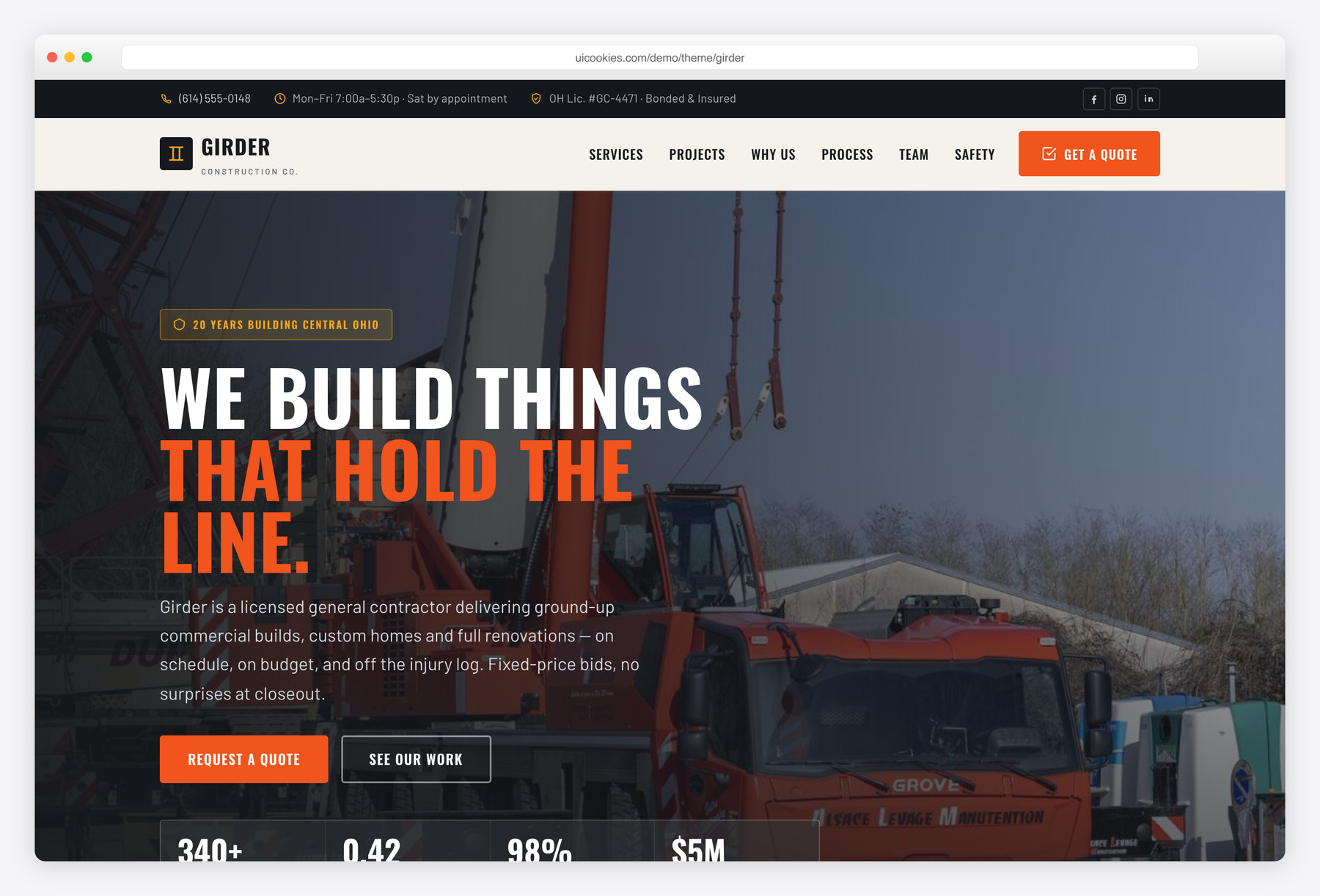
Girder is a free, single-page Bootstrap 5 website template for general contractors and construction companies who self-perform the work. It leads with fixed-price bids, a filterable project gallery, a five-stage build process and a real safety record — all built with zero jQuery and inline-SVG icons, wrapped in a poured-concrete palette with a hi-vis safety-orange accent.
Key features
- Filterable project gallery — Residential / Commercial / Renovation, vanilla JS
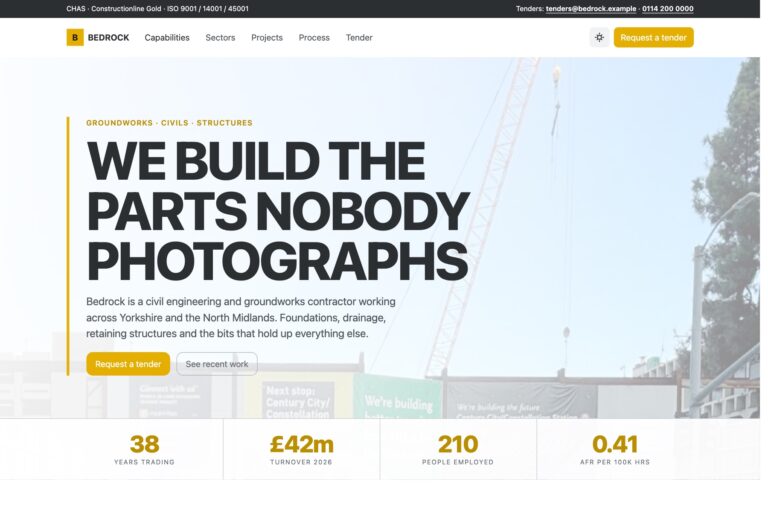
- Full-bleed industrial hero with a live-counting stats band
- Five-step build process on an engineering-blueprint grid
- Request-a-quote form with project-type/budget selectors and inline validation
- Sticky header, top utility bar (phone, hours, license) and persistent quote CTA
- Team, safety & certifications and client testimonial sections
- Animated stat counters and scroll reveals, all hand-written vanilla JS
- Hi-vis hazard-stripe dividers echoing construction signage
- Accessible and self-hosted: skip link, ARIA labels, focus states, reduced-motion
Best for
- General contractors who self-perform the work
- Construction and build companies
- Residential and commercial renovation firms
- Trades that bid fixed-price and want a project gallery
- Any contractor needing a one-page lead-gen site
At a glance
- Framework: Bootstrap 5
- License: Free for personal and commercial use
- Pages: 1
- Responsive: Yes
- Style: Industrial contractor — poured concrete, steel graphite and a sparing hi-vis safety orange

How to use it
Download the ZIP, unzip it, and open index.html — no build step, nothing to install. Edit the text and images, point any forms at your backend or a form service, and deploy the folder to any static host. Colours and fonts live in css/style.css; the interactions are in js/main.js.
Frequently asked questions
Is Girder really free for commercial projects?
Yes. Girder is free for both personal and commercial use, including live contractor and construction-company websites you build for paying clients. There is no purchase, no license fee and no attribution requirement — a link back to uiCookies is appreciated but not required.
Does it use jQuery or any icon fonts?
No. Every interaction — the mobile nav, project filter, animated counters, scroll reveals and form validation — is hand-written vanilla JavaScript, and every icon is inline SVG rather than an icon font. The only dependency is the self-hosted Bootstrap 5 bundle, so it deploys cleanly even on strict-CSP hosts.
Can I edit it without a build tool or knowing how to code?
Yes. Girder is a plain static front end — flat HTML, CSS and JavaScript with no build step, compiler or framework to install. Open the files in any editor, change the text and images, and upload. Basic HTML familiarity helps, but there is nothing to compile.
How do I change the colours and fonts?
All colours live as CSS custom properties at the top of css/style.css, so re-skinning the poured-concrete palette and hi-vis orange accent to your brand is a handful of hex edits. The Oswald and Barlow font pairing is set in the same stylesheet, so swapping type is a single change too.
Does the quote form actually send anything?
The front end fully validates the fields and shows a success state, but on its own it does not post anywhere — there is no backend included. Wire the #quoteForm submit handler in js/main.js to your email service, CRM or a form endpoint like Formspree or Netlify Forms to start receiving leads.
How do I swap in my own projects and photos?
Each project is an <article class="proj"> with a data-type attribute of residential, commercial or renovation that the filter reads automatically. Duplicate one block, drop in your own image and details, and it slots into the right filter category with no extra JavaScript. Replace the hero and section images the same way.
Is it responsive and does it work on phones?
Yes. Girder is fully responsive and built on Bootstrap 5's grid, so the layout, sticky header, hero stats band and project gallery all adapt cleanly from desktop down to mobile. The navigation collapses into a hand-coded mobile menu on small screens.
Which browsers does it support and is it accessible?
It works in all current versions of Chrome, Firefox, Safari and Edge. On accessibility it ships a skip link, semantic landmarks, ARIA labels on every icon button, visible focus states and full prefers-reduced-motion support, so the animated counters and scroll reveals respect a visitor's motion settings.