
Habitat — Free Interior Design & Furniture Studio Website Template
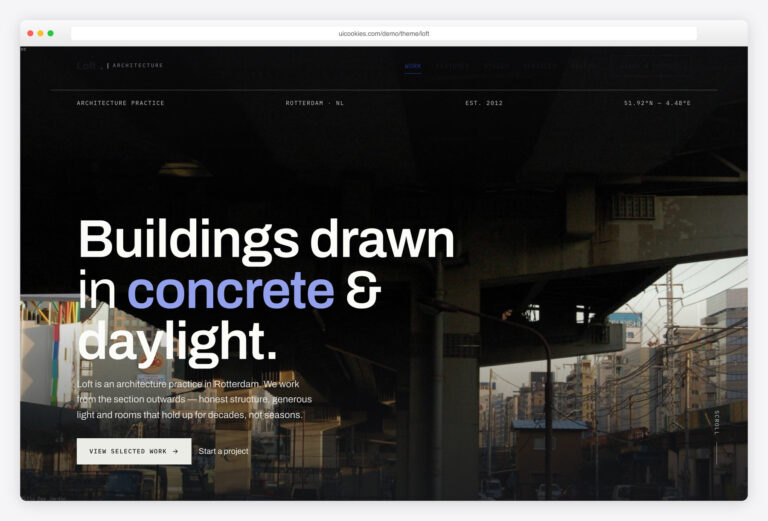
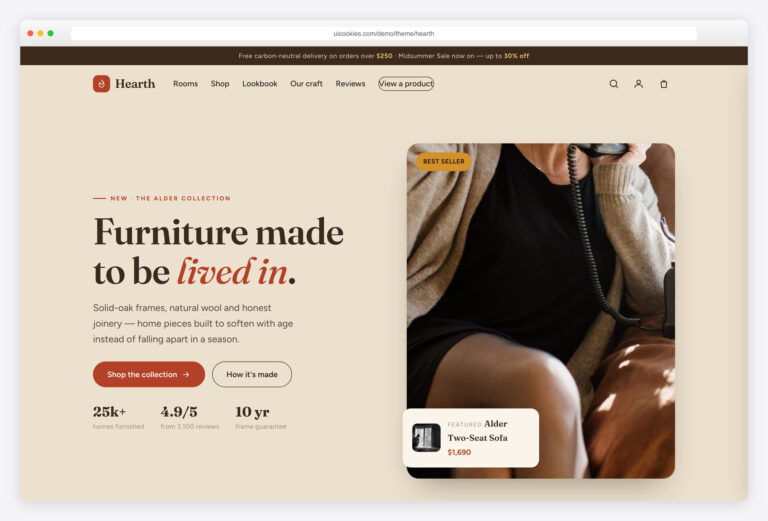
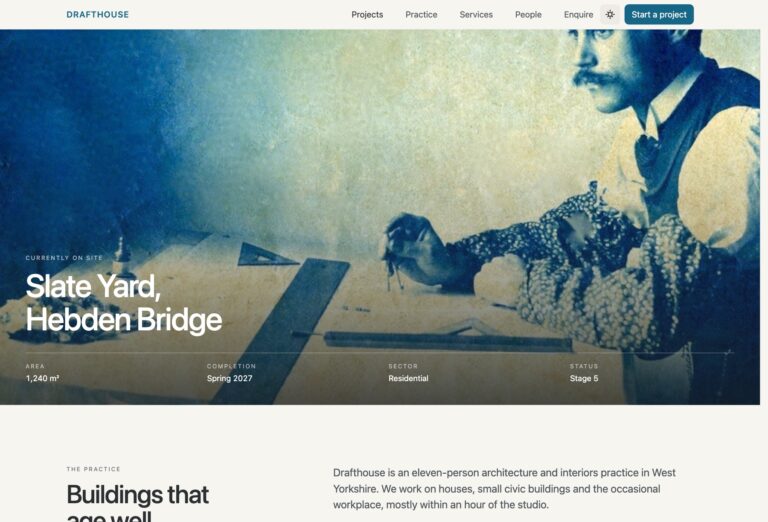
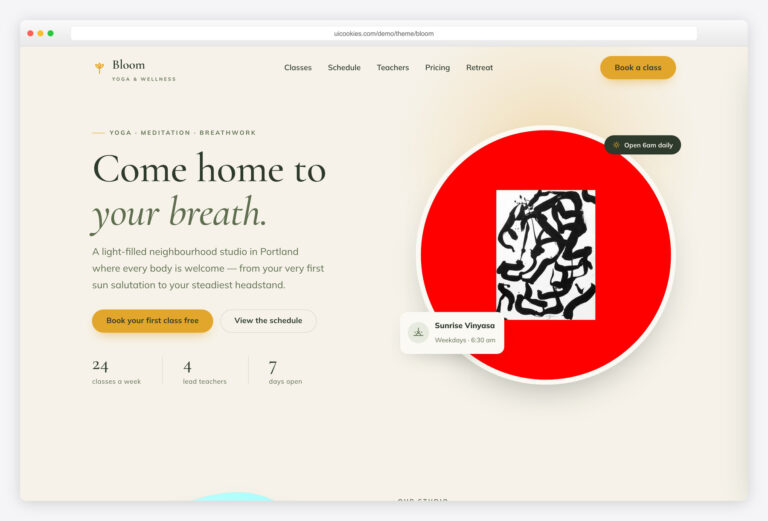
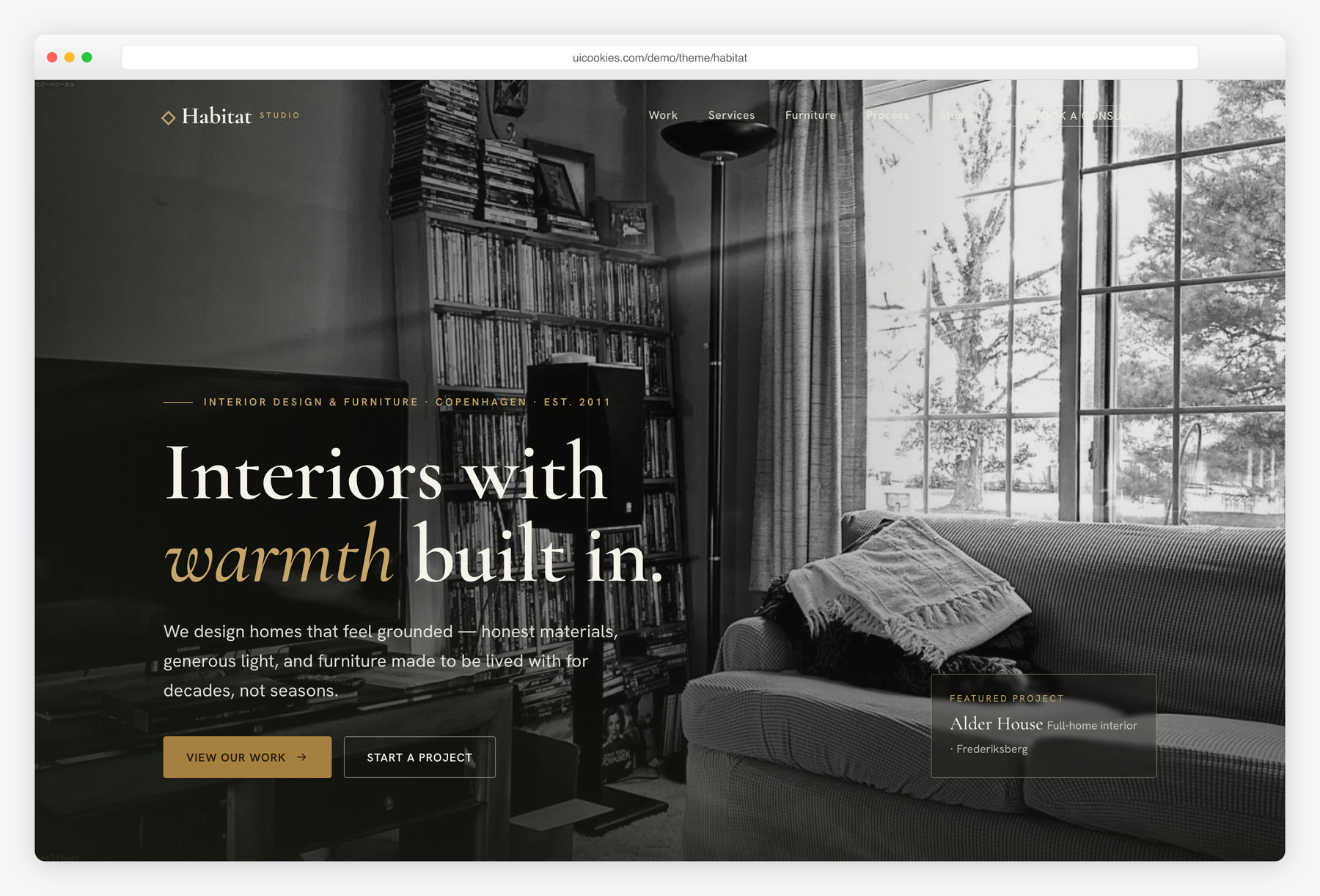
Habitat is a free single-page Bootstrap 5 website template for interior design and furniture studios. It trades the usual cream-and-terracotta look for a warmer architectural identity — deep loden green, brushed brass and putty in an editorial Cormorant Garamond / Hanken Grotesk pairing — wrapped around a room-filterable portfolio, a scroll-snap furniture collection and a working enquiry flow, all in hand-written vanilla JavaScript with zero jQuery.
Key features
- Room-filterable portfolio grid: Living, Kitchen, Bedroom, Bath, Workspace
- Horizontal scroll-snap furniture row with priced product cards and arrow controls
- Full-bleed hero with a transparent-to-solid sticky header on scroll
- Auto-rotating testimonial slider with dots, prev/next and hover-pause
- Front-end-validated enquiry form with project-type and budget selects
- Four-step process section plus a services grid with inline SVG icons
- Scroll-reveal animations via IntersectionObserver, reduced-motion gated
- Zero jQuery, all vanilla JS; inline SVG icons, no icon fonts
- Accessible by default: skip link, ARIA labels, focus-visible, alt text
Best for
- Interior design and furniture studios
- Made-to-order and bespoke furniture makers
- Freelance interior designers showing a portfolio
- Architecture and design practices wanting one page
- Studios that need a room-filterable project gallery
At a glance
- Framework: Bootstrap 5
- License: Free for personal and commercial use
- Pages: 1
- Responsive: Yes
- Style: Warm architectural — loden green, brass and putty with an editorial serif

How to use it
Download the ZIP, unzip it, and open index.html — no build step, nothing to install. Edit the text and images, point any forms at your backend or a form service, and deploy the folder to any static host. Colours and fonts live in css/style.css; the interactions are in js/main.js.
Frequently asked questions
Is Habitat really free to use, including for client work?
Yes. Habitat is free for both personal and commercial projects, including paid client work. An attribution link back to uiCookies is appreciated but not required. There's no sign-up or license fee to use it.
Can I customize it without a build tool or much coding?
Yes. Habitat is a static front-end — plain HTML, CSS and vanilla JavaScript with no build step, bundler or framework to install. Open the files in any editor, change the text and images, and refresh your browser to see the result. Basic HTML and CSS knowledge is enough for most edits.
How do I change the colours and fonts?
All colours live as CSS custom properties at the top of css/style.css — variables like –loden, –brass, –putty and –ink. Change that handful of values and the whole site re-tones, including buttons, accents, the dark sections and the footer. The editorial Cormorant Garamond / Hanken Grotesk pairing is declared in the same stylesheet, so you can swap it for your own fonts there too.
Is Habitat responsive and mobile-friendly?
Yes. It's built on Bootstrap 5's responsive grid and adapts from large desktops down to phones. The navigation collapses to a hand-written vanilla-JS mobile menu, and layout-heavy pieces like the portfolio grid and furniture scroller reflow for smaller screens. Every image includes alt text as well.
Which browsers does it support?
Habitat works in current versions of Chrome, Firefox, Safari and Edge. It relies on modern standards like CSS custom properties and IntersectionObserver, which all evergreen browsers support. In line with Bootstrap 5, Internet Explorer is not supported.
Does the enquiry form actually send messages?
The form is a static front-end with built-in JavaScript validation — it checks required fields, the project-type and budget selects, and shows inline field errors, but it does not send email or store submissions on its own. To make it live, point the form's action at your own backend, a form service, or an email handler. There is no payment processing or server-side code included.
How do I swap in my own projects and furniture?
Each portfolio item is an <article class="project"> with a data-category attribute that feeds the room filter — duplicate a card, drop in your image and set its category (Living, Kitchen, Bedroom, Bath or Workspace). The furniture cards work the same way inside the scroll-snap track, with a price and label you can edit. Replace the images in the /img folder with your own at similar aspect ratios so the grid and slider stay aligned.
Does it use jQuery or icon fonts, and is it lightweight?
No jQuery and no icon fonts. Every interaction — the mobile nav, portfolio filter, testimonial slider, furniture scroller and form validation — is hand-written vanilla JavaScript, and all icons are inline SVG. The only dependency is the self-hosted Bootstrap 5 bundle, which keeps the footprint small and lets it deploy cleanly on strict-CSP hosts. Just optimise your own images for the best page speed.