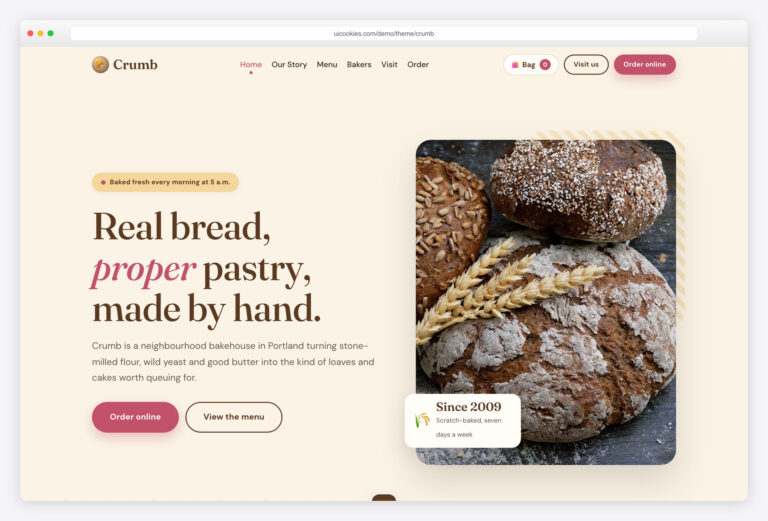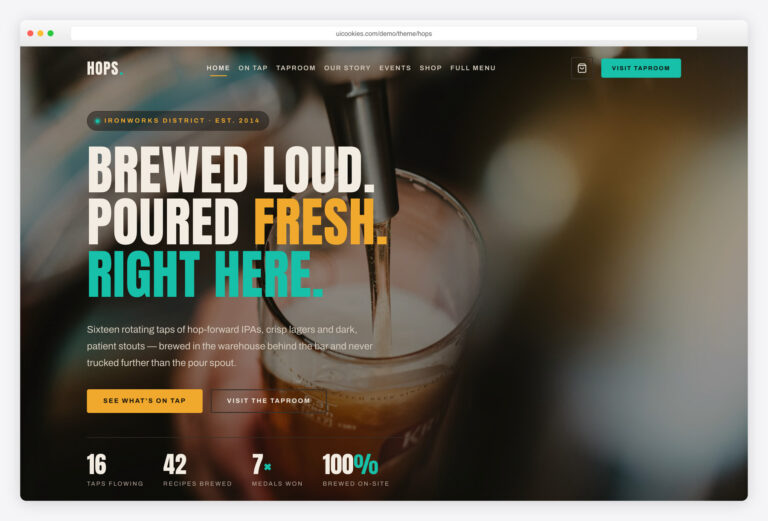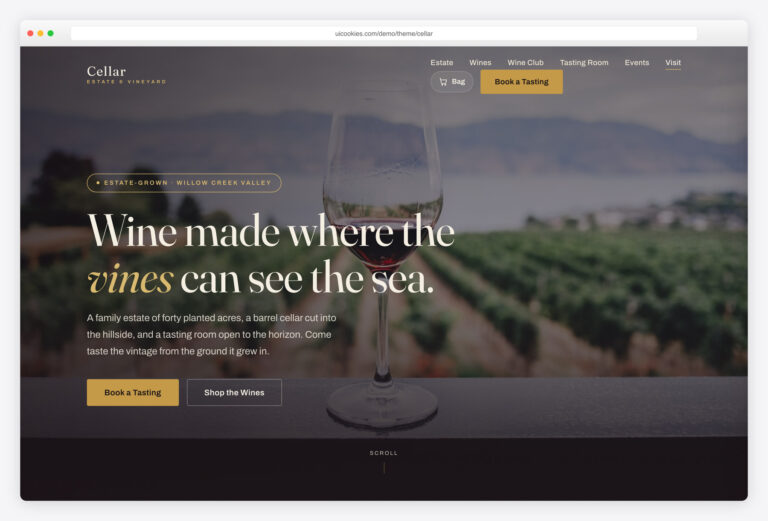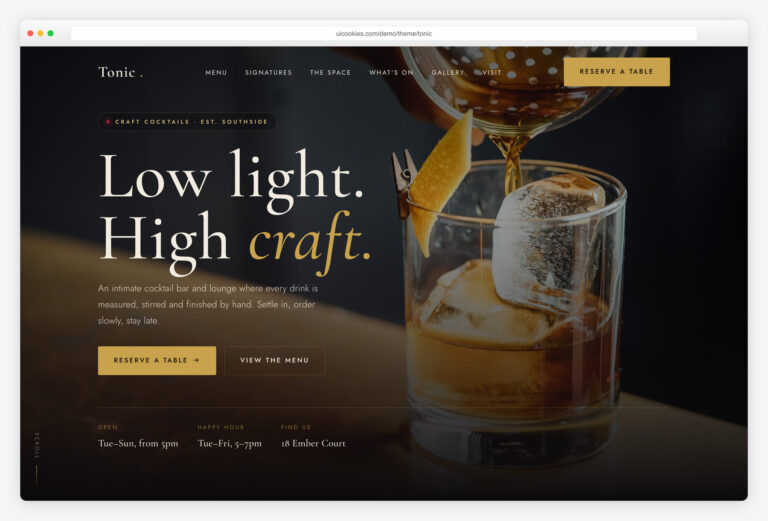

Roast — Free Coffee Shop & Roastery Website Template
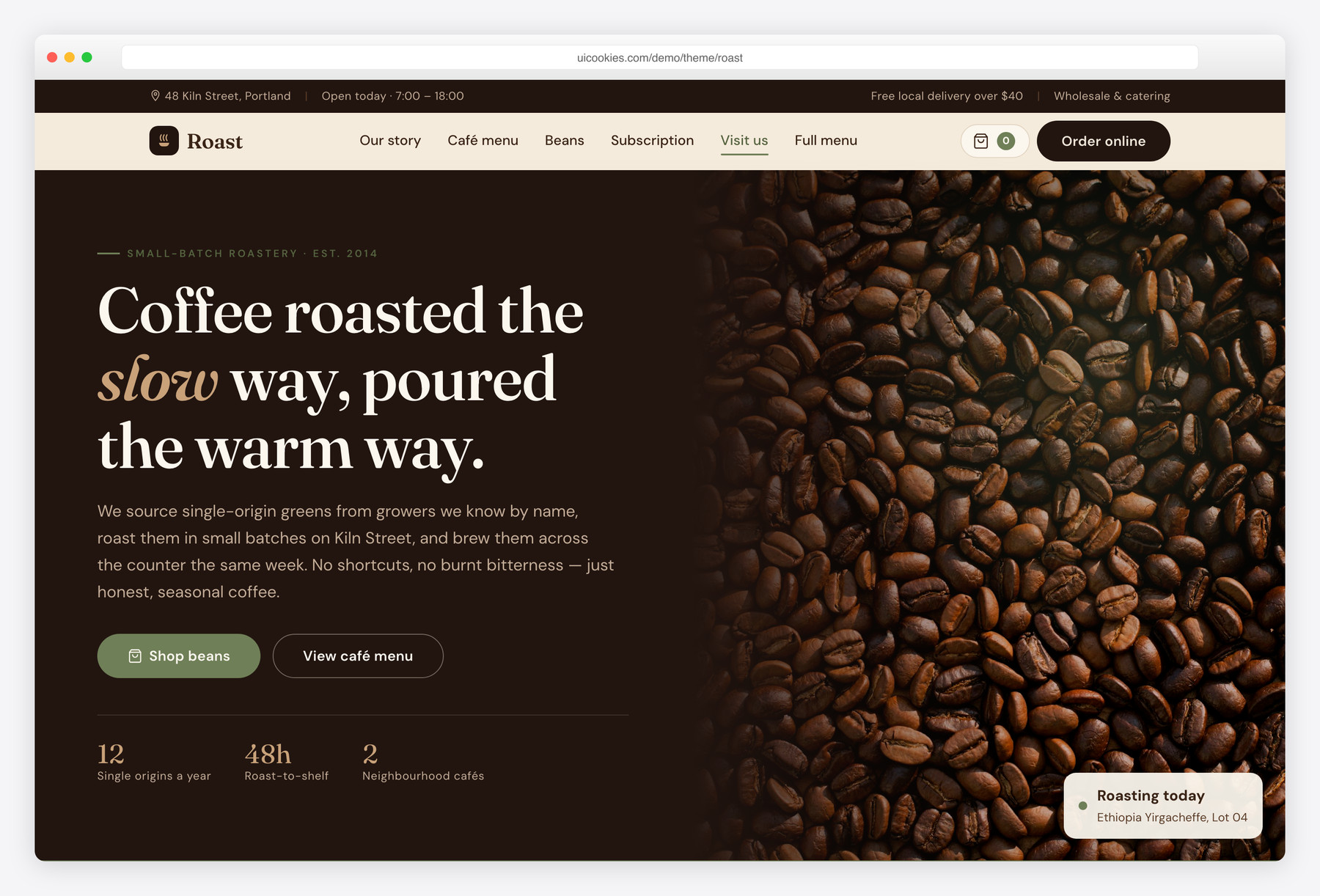
Roast is a free two-page Bootstrap 5 website template for specialty coffee shops and roasteries, built in-house by uiCookies. It ships a one-page home plus a full café menu and single-origin bean shop, with a working localStorage shopping bag, roast-level filtering, an accessible photo lightbox, and scroll animations — all in plain vanilla JavaScript with no jQuery or plugin dependencies. A warm espresso-and-oat palette with a muted sage accent and a Fraunces + DM Sans type pairing gives it a craft, cozy identity rather than a generic Bootstrap look.
Key features
- Sticky translucent navbar with a live shopping-bag counter and Order online / Visit us CTAs
- Split hero with count-up stats, a live "roasting today" tag, and shop-beans / view-menu buttons
- Café menu grouped into Espresso, Brews and Pastries with dotted-leader pricing, plus a tabbed full menu
- Single-origin bean cards with origin, roast-level meter, tasting notes, price and a working add-to-bag button
- localStorage shopping bag in a slide-out offcanvas with quantities, remove and running subtotal
- Roast-level filter (light / medium / dark / decaf) on the bean shop
- Three-tier monthly coffee subscription band with a highlighted popular plan
- Bean-to-cup process steps, two-location hours cards, and an Instagram-style gallery with a keyboard lightbox
- Testimonials, a validated newsletter form, and count-up statistics — all vanilla JavaScript
Best for
- Specialty coffee shops and cafés
- Small-batch coffee roasteries
- Bean subscription and online coffee stores
- Tea houses, bakeries and artisan food brands
- Any craft food or drink business wanting a warm one-page site
At a glance
- Bootstrap 5 with no jQuery and no plugin dependencies
- Vanilla JavaScript: localStorage shopping bag, roast filter, lightbox, count-up, scroll reveal, tabs, form validation
- Two pages: one-page home (index.html) + full menu & bean shop (menu.html)
- Progressive enhancement — content is visible without JavaScript; animations respect prefers-reduced-motion
- Accessible: semantic landmarks, ARIA on the bag/lightbox/tabs, visible focus, full keyboard support
- Warm custom design layer — espresso browns, oat paper, sage accent, Fraunces + DM Sans
- Self-hosted Bootstrap; Google Fonts via CDN; local demo images

How to use it
Download the ZIP, unzip it, and open index.html — no build step, nothing to install. Edit the text and images, point any forms at your backend or a form service, and deploy the folder to any static host. Colours and fonts live in css/style.css; the interactions are in js/main.js.
Frequently asked questions
Is Roast free to use for a real coffee business?
Yes. Roast is free under the standard uiCookies license, which covers both personal and commercial projects. You can use it for a real café, roastery, or online bean store — just replace the demo text, prices, hours, and photos with your own. Attribution is appreciated and the full terms are on the uiCookies license page.
Does the shopping bag actually work?
The interactive parts work fully in the browser. Add-to-bag buttons update a live counter, the slide-out bag shows each item with quantities and a running subtotal, and the contents persist across page loads using localStorage. Checkout itself is a front-end demo with no payment processing, so you would connect it to a store platform, Stripe, or your own backend to take real orders.
How many pages does Roast include?
Two. The home page (index.html) is a complete one-page site with hero, story, café menu preview, featured beans, subscription tiers, process, locations, gallery, testimonials, and newsletter. The second page (menu.html) holds the full tabbed café menu and the filterable single-origin bean shop. Both share the same navbar, bag, and footer so they feel like one connected site.
Will the content still show if JavaScript is turned off?
Yes. Roast is built with progressive enhancement, so all text, images, menu, and pricing are fully visible without JavaScript. A tiny inline script adds a .js class to the page, and only then are the scroll-reveal elements hidden before they animate in. JavaScript adds the shopping bag, filtering, lightbox, and animations, but it is never required to read the content.
Is Roast accessible and keyboard-friendly?
Accessibility is built in. The template uses semantic landmarks, a skip link, descriptive alt text on every image, and visible focus outlines. Custom widgets carry the right ARIA attributes, and the photo lightbox, tabs, shopping bag, and forms are all operable by keyboard — the lightbox supports Escape to close and arrow keys to browse. Animations also respect the prefers-reduced-motion setting.
How do I change the colours and fonts?
The whole palette is defined as CSS custom properties at the top of css/style.css — espresso browns, oat paper, crema tan, and the sage accent all live in one :root block, so you can rebrand by editing a handful of variables. Fonts are the Fraunces display serif and DM Sans body, loaded from Google Fonts in each page's head; swap those two links and the –display / –body variables to change the typography.
Does Roast use jQuery or any plugins?
No. Roast is completely jQuery-free and uses no third-party JavaScript plugins. Bootstrap 5 is self-hosted for the grid, offcanvas bag, and menu tabs, and every custom behaviour — the localStorage bag, roast filter, count-up numbers, lightbox, scroll reveal, and form validation — is written as small, single-purpose vanilla JavaScript functions in js/main.js.
What's included in the download, and what should I replace before launch?
You get both HTML pages, the custom css/style.css design layer, the vanilla js/main.js, a self-hosted copy of Bootstrap 5, and placeholder demo images. Before going live, replace the demo photos with your own optimized images, update the menu items, prices, tasting notes, opening hours, and contact details, and connect the newsletter and checkout to your own services. The images are placeholders, so swap in licensed photography for production use.