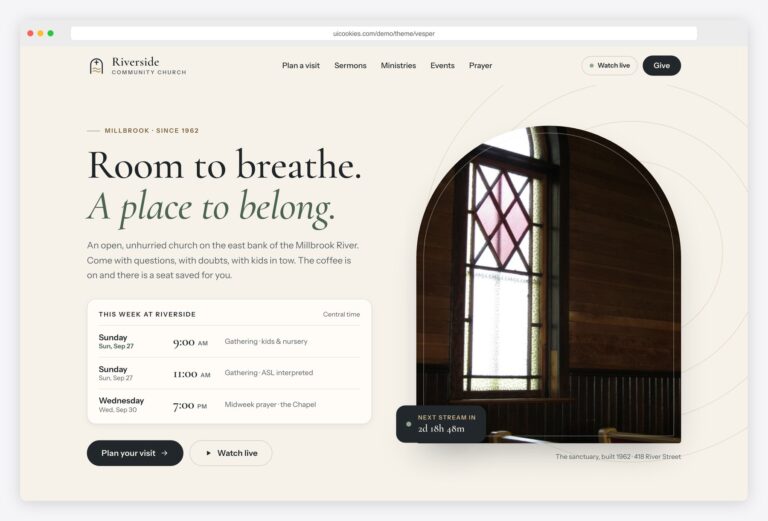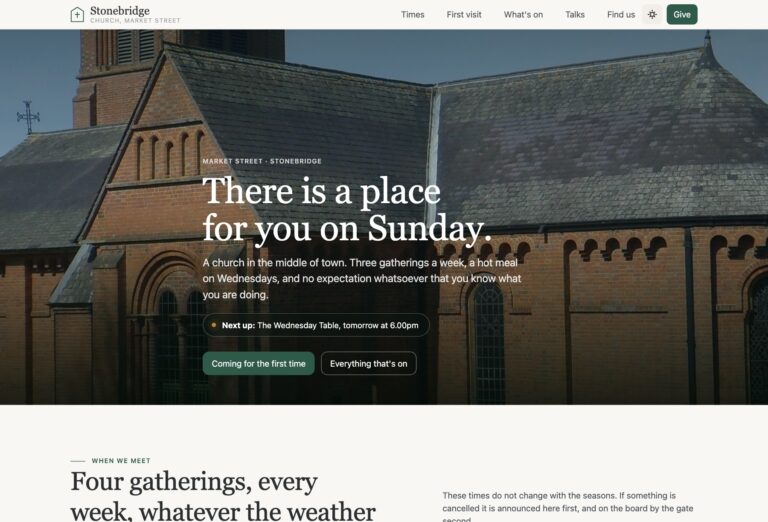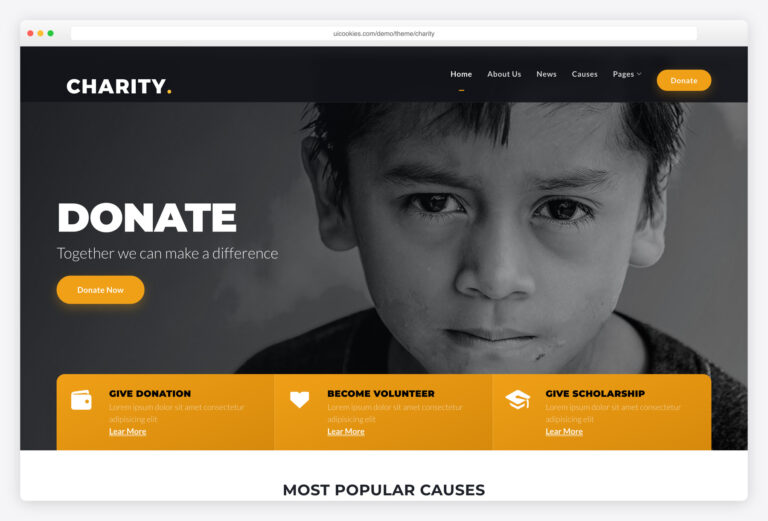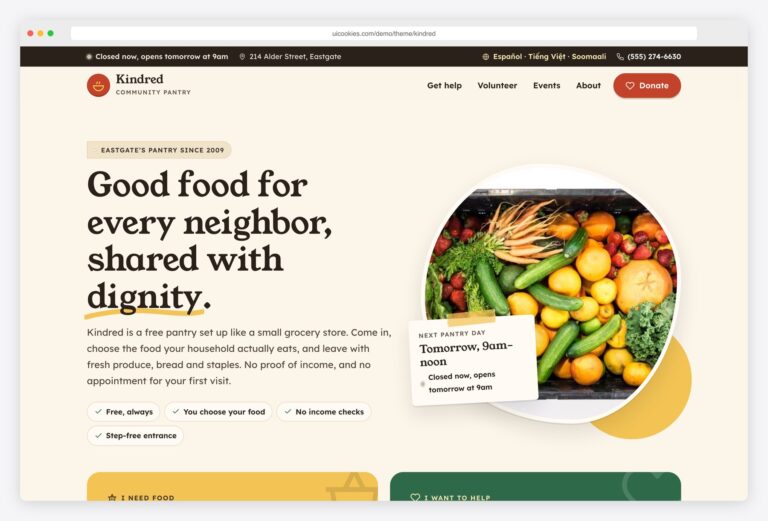

Sanctuary — Free Church Website Template
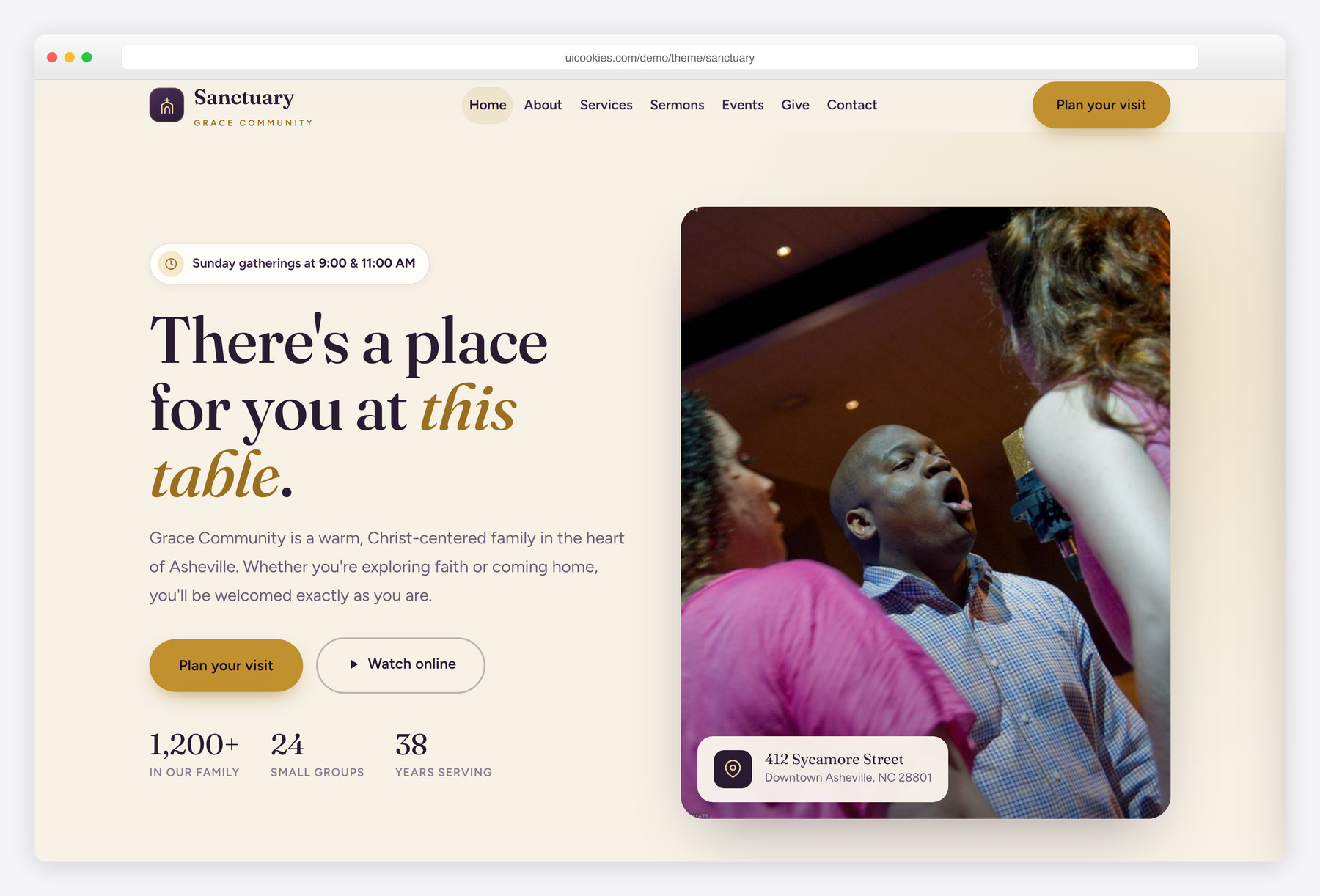
Sanctuary is a free, warm, and reverent Bootstrap 5 website template built for churches, ministries, and faith communities. It ships with two complete pages — a content-rich home page and a filterable, searchable sermon library — styled in a deep-plum-and-gold palette with a Fraunces and Figtree type pairing. Everything runs on self-hosted Bootstrap 5 and a single vanilla JavaScript file, with no jQuery and no build step.
Key features
- Two ready-to-edit pages: home plus a filterable sermon library
- Sticky blur navbar with a working vanilla off-canvas mobile menu
- Hero with service-times chip, dual CTAs, and animated count-up stats
- Service times, 'what to expect', ministries grid, and events list sections
- Sermon cards with series tags, speaker, date, and watch/listen actions
- Full-width give/donate band with an interactive amount selector
- Accessible photo gallery with a keyboard-navigable lightbox
- Client-side sermon filtering by series with live title and speaker search
- Self-hosted Bootstrap 5 and 100% vanilla JS — no jQuery, no build tools
Best for
- Churches and congregations
- Ministries and faith nonprofits
- Chapels, missions, and parishes
- Small groups and campus ministries
- Community and outreach organizations
At a glance
- Framework: Bootstrap 5 (self-hosted, no CDN)
- JavaScript: 100% vanilla — no jQuery, no build tools
- Pages: index.html + sermons.html
- Type: Fraunces (display serif) + Figtree (humanist sans) via Google Fonts
- Palette: deep plum ink, burnished gold accent, bone/cream neutrals
- Responsive: mobile-first, works from 320px up
- Accessibility: WCAG-minded landmarks, focus states, reduced-motion, keyboard widgets
- License: free for personal & commercial use

How to use it
Download the ZIP, unzip it, and open index.html — no build step, nothing to install. Edit the text and images, point any forms at your backend or a form service, and deploy the folder to any static host. Colours and fonts live in css/style.css; the interactions are in js/main.js.
Frequently asked questions
Is Sanctuary really free to use?
Yes. Sanctuary is free for both personal and commercial projects, including a real church or ministry website. You can edit the HTML, CSS, and JavaScript however you like, and you don't owe any attribution to use it live. It is a genuine template, not a locked demo.
Does it use Bootstrap, and do I need to know it?
Sanctuary is built on Bootstrap 5, which is bundled locally so there's no CDN dependency. It uses Bootstrap's grid and utility classes underneath, but the visual design lives in a separate custom stylesheet, so it doesn't look like a stock Bootstrap site. Basic HTML knowledge is enough to swap text and images; Bootstrap familiarity just makes bigger layout changes easier.
Does the template require jQuery or a build step?
No. All interactivity — the mobile menu, sermon filtering, search, lightbox, count-up stats, and reveal animations — is written in plain vanilla JavaScript in a single main.js file. There is no jQuery, no npm install, and no bundler to configure. Open the HTML files in a browser and they simply work.
How do I change service times, sermons, and events?
All content is real, editable HTML — there is no database or CMS. Service times live in the services section of index.html, sermons are individual cards you can duplicate, and events are simple rows with a date badge you can copy and update. Each sermon card on the sermons page carries data attributes for its series and a searchable title, so keep those in sync when you add new entries.
How does the sermon filtering and search work?
The sermon library page filters entirely on the client side. Series chips show or hide cards based on each card's data-series attribute, and the search box matches against a data-title attribute that holds the message title and speaker. When you add a new sermon, copy an existing card and update its data-series and data-title values so filtering and search keep working, and a friendly 'no results' message appears automatically when nothing matches.
Is Sanctuary accessible and mobile-friendly?
Accessibility was built in from the start. The template uses semantic landmarks, descriptive alt text on every image, ARIA attributes on interactive controls, visible keyboard focus outlines, and a skip link. Custom widgets like the lightbox and mobile menu are keyboard operable and trap focus appropriately, and all motion respects the prefers-reduced-motion setting. The layout is mobile-first and adapts cleanly from small phones up to large desktops.
Can I add more pages or reuse the sections elsewhere?
Absolutely. The sections are self-contained blocks of markup, so you can copy any of them — the give band, ministries grid, staff row, or gallery — into a new page. Just include the same head links to the fonts, Bootstrap CSS, and style.css, plus the two scripts before the closing body tag, and the styling and behavior carry over. The navbar and footer are easy to duplicate across new pages.
Where do the images come from and can I replace them?
The template references local placeholder image paths in the img folder, so you drop in your own photos by replacing those files or updating the src attributes. Every image already has width and height attributes and descriptive alt text to keep layout stable and accessible, and non-hero images use lazy loading for performance. Use your own congregation and event photos to make the site feel authentically yours.