
Amplify — Free Music Artist & Band Website Template
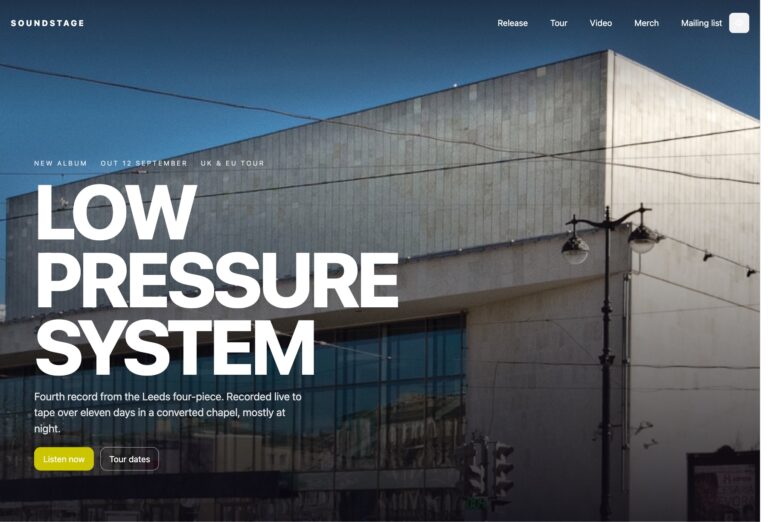
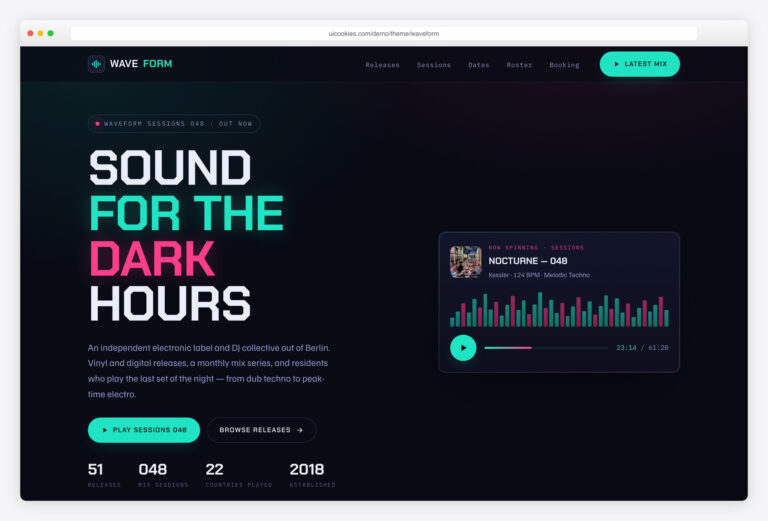
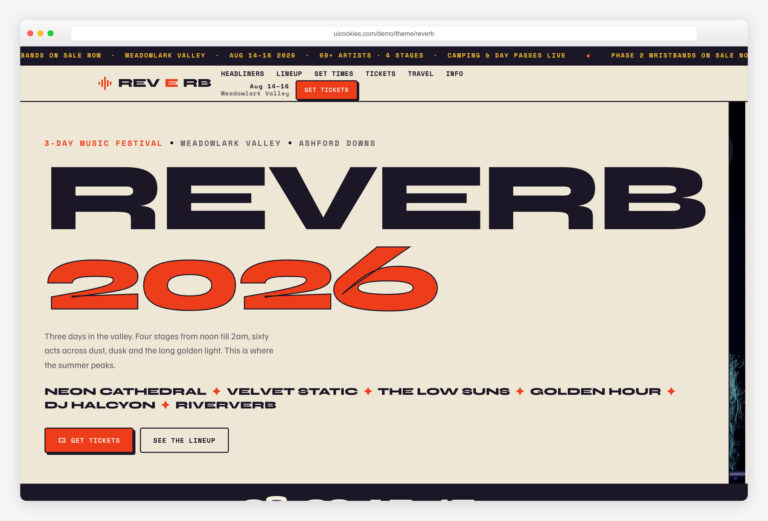
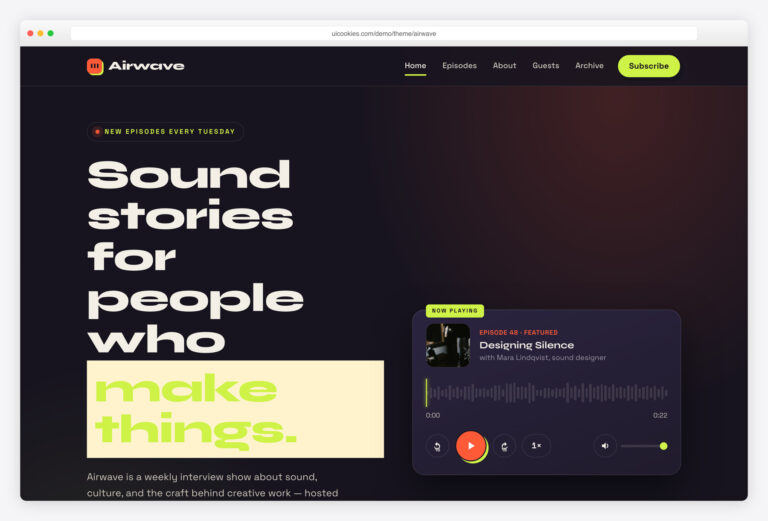
Amplify is a free, one-page Bootstrap 5 template for bands, solo artists and DJs launching a single or EP. Its standout is a release-ready front end — a streaming-linked hero, an interactive tracklist with animated playing states, and tour dates with live On sale / Sold out pills — all built with hand-written vanilla JavaScript and self-hosted assets, so nothing loads from a CDN.
Key features
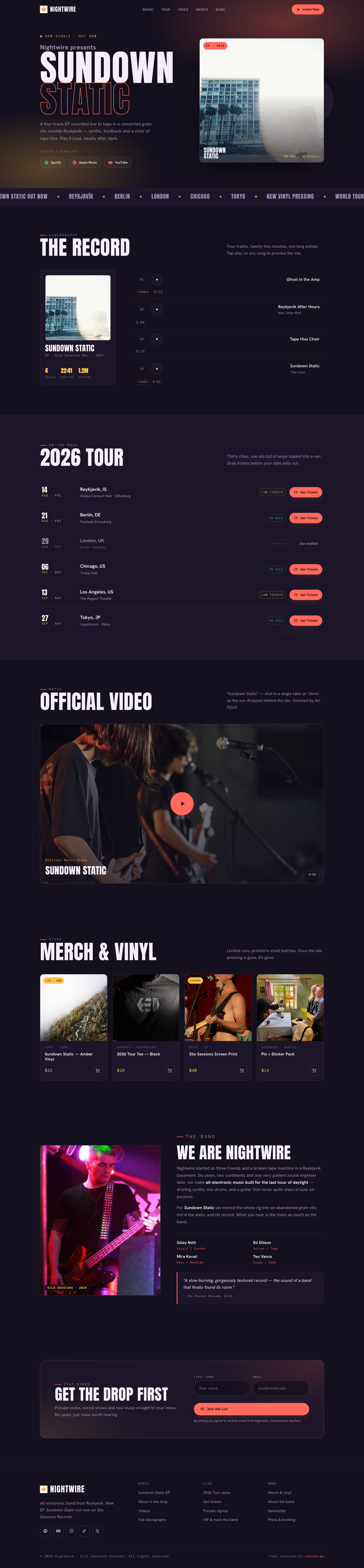
- Interactive tracklist — click a song for animated equalizer playing states
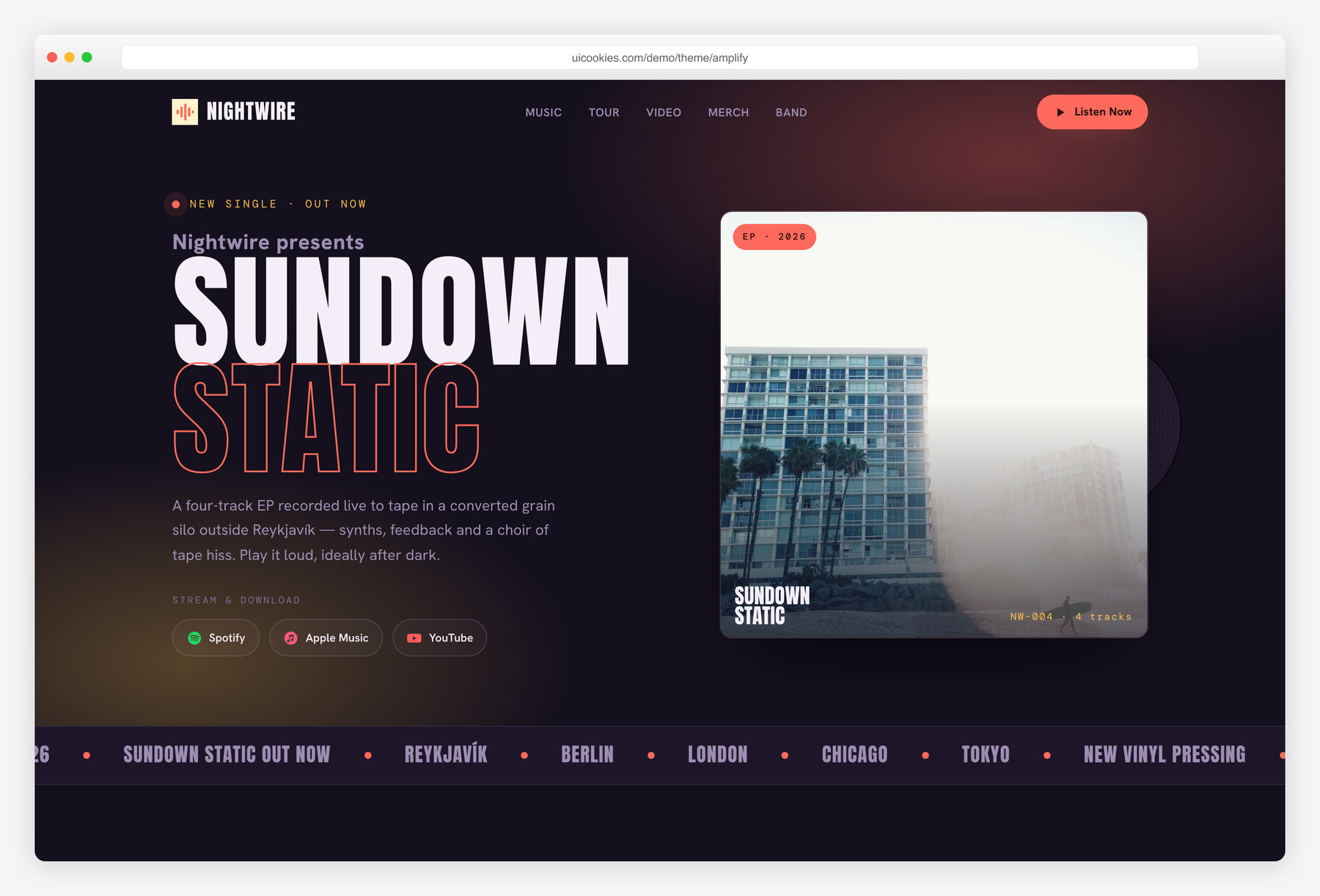
- Latest-release hero with spinning vinyl and Spotify / Apple / YouTube links
- Tour-date list with On sale / Low tickets / Sold out status pills
- Music-video feature with click-to-reveal ‘now playing’ player bar
- Limited-run merch grid with add-to-cart micro-feedback
- Newsletter signup with front-end name and email validation
- Band bio with member credits and a pull-quote review
- Sticky blur-on-scroll header, scrolling city marquee, and scroll reveals
- Vanilla JS, self-hosted Bootstrap, inline SVG icons — zero CDN calls
Best for
- Bands and solo artists launching a single or EP
- DJs and producers promoting a new release
- Record labels building an artist microsite
- A one-page tour, merch and streaming landing page
At a glance
- Framework: Bootstrap 5
- License: Free for personal and commercial use
- Pages: 1
- Responsive: Yes
- Style: Dark-stage "Sundown Static" — poster-condensed display type, warm coral + amber concert lighting on plum-black ink
How to use it
Download the ZIP, unzip it, and open index.html — no build step, nothing to install. Edit the text and images, point any forms at your backend or a form service, and deploy the folder to any static host. Colours and fonts live in css/style.css; the interactions are in js/main.js.
Frequently asked questions
Is Amplify really free to use commercially?
Yes. It's free for both personal and commercial projects, so you can use it for your own band, a client's release page or a label microsite. Attribution is appreciated but not required, and there's no paid tier or license to buy.
Do I need a build tool or to compile anything?
No. Open index.html in a browser and it works — there's no build step, no npm install and no page builder. Bootstrap and its JavaScript bundle are self-hosted in css/vendor/ and js/vendor/, and every icon is inline SVG, so nothing loads from a CDN. Edit the HTML and CSS directly in any text editor.
Does the music player actually stream audio?
Not on its own. The tracklist and video are front-end demonstrations — clicking a track toggles the visual playing state with animated equalizer bars, one song at a time. To make playback real, wire the play buttons to your own audio embed, a Spotify or Bandcamp iframe, or an HTML <audio> element.
How do I change the colours and fonts?
The ‘Sundown Static’ palette — warm coral and amber over plum-black — is defined as CSS custom properties near the top of the main stylesheet, so re-skinning is a matter of changing a few values. The poster-condensed display type is set in the same file; swap the font-family declarations to use your own. No preprocessor or rebuild is required.
Is it responsive and mobile-friendly?
Yes. It's built on Bootstrap 5's responsive grid and works from phones up to large desktops. The hero, tracklist, tour dates and merch grid all reflow for small screens, and the sticky header condenses as you scroll.
How do I make the newsletter form send emails?
The signup form validates the name and email on the front end and shows a success state, but it doesn't send mail by itself — it's a static front end with no backend. Point the form's action at Mailchimp, Buttondown, ConvertKit or your own endpoint, and the built-in validation still runs first. The same applies to the merch add-to-cart, which gives micro-feedback but does not process payments.
Which browsers does it support?
It works in all current versions of Chrome, Firefox, Safari and Edge. It uses standard Bootstrap 5 markup plus modern APIs like IntersectionObserver for the scroll reveals, and it respects prefers-reduced-motion so animations back off for anyone who asks for reduced motion.
Is it lightweight, and how are images handled?
Yes — it's a lean static front end with no jQuery, no page-builder bloat and no CDN calls, since Bootstrap is self-hosted and all icons are inline SVG. That means your own artwork is the main weight to manage. Swap in your release cover, video poster and merch photos, compress them (WebP or AVIF is ideal), and the page stays fast.