
Loft — Free Architecture Studio Website Template
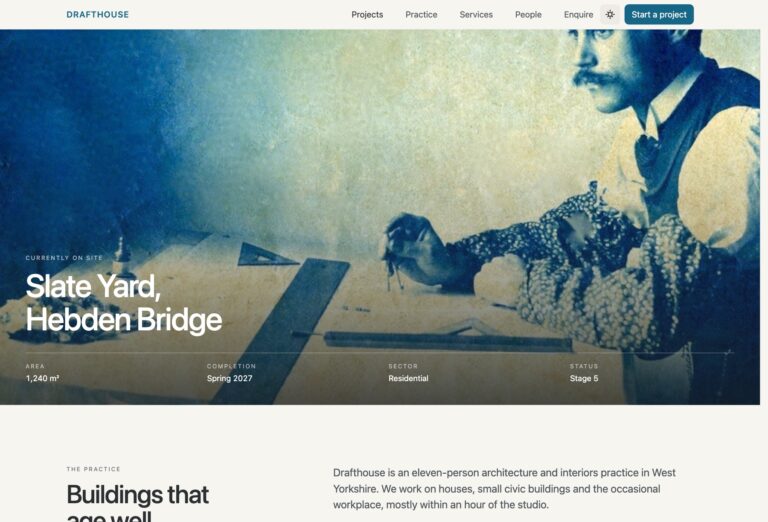
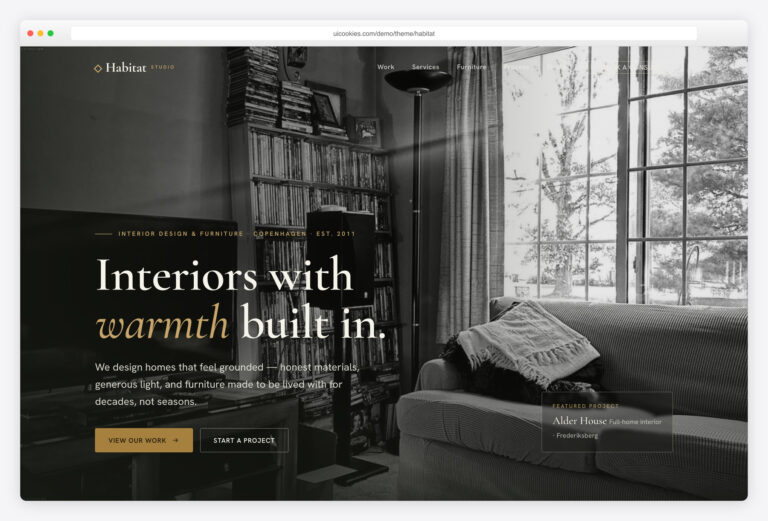
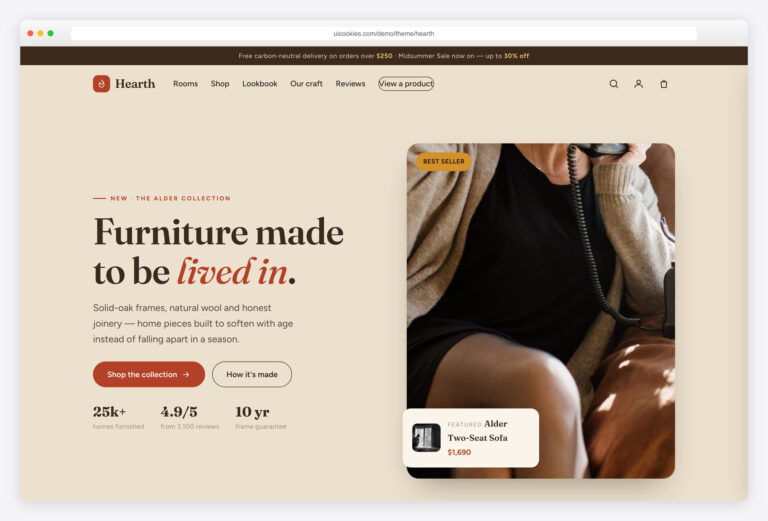
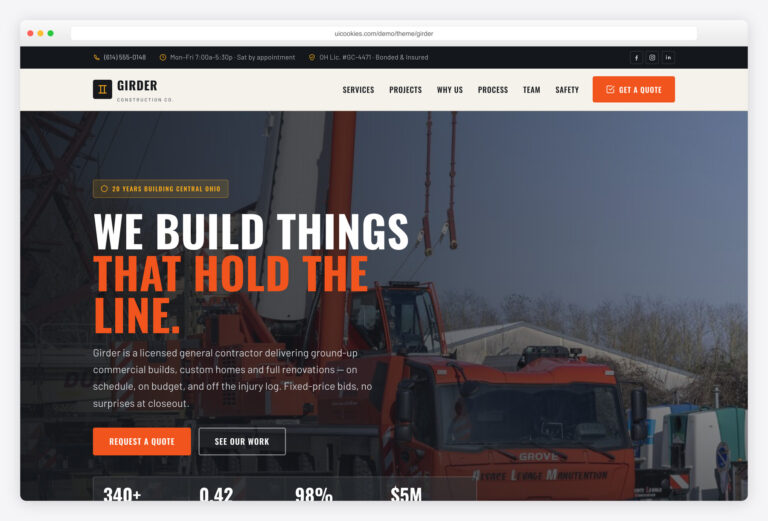
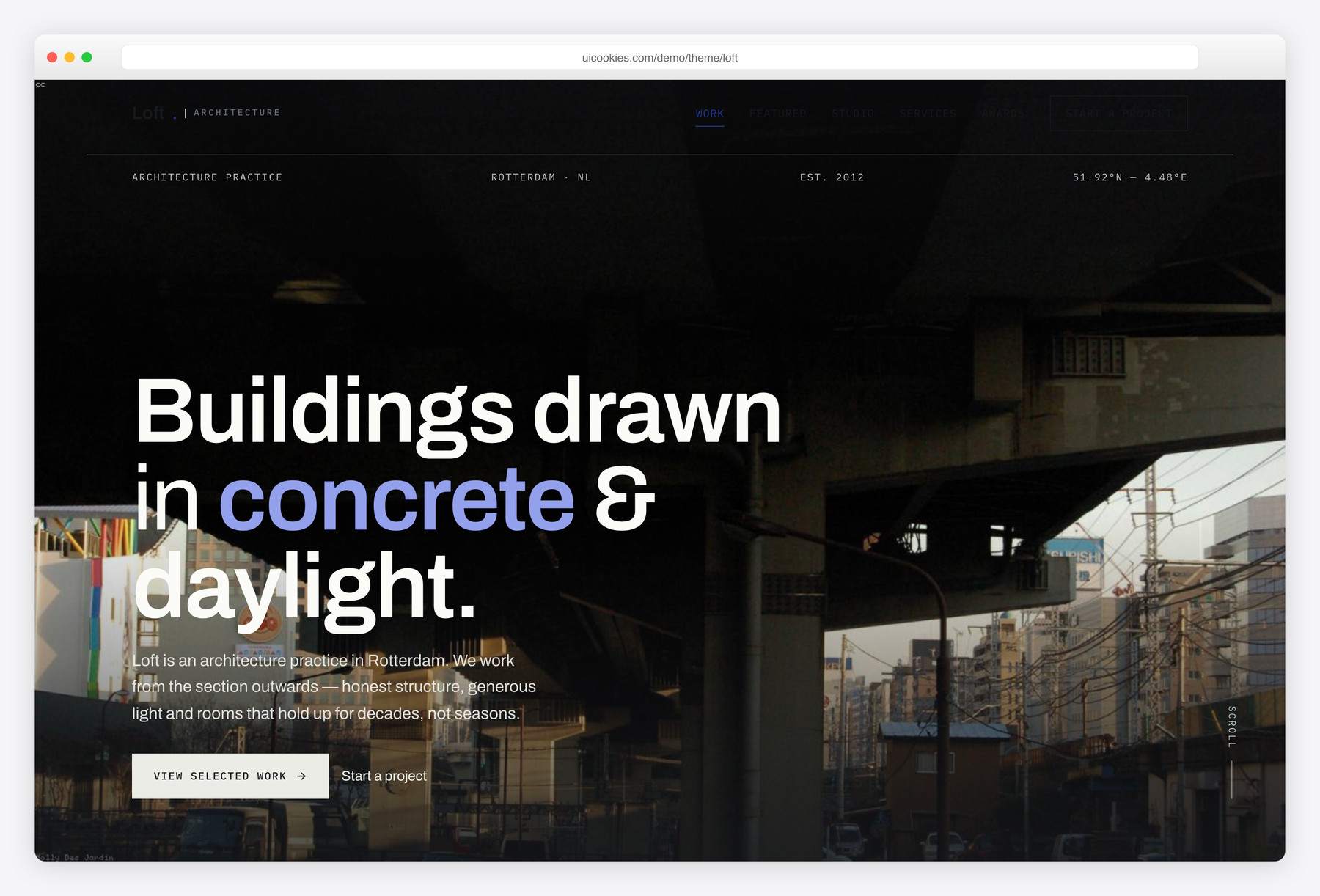
Loft is a free, single-page Bootstrap 5 template for architecture practices — cool concrete monochrome, a rigid grid and monospace blueprint annotations instead of the usual warm interiors look. It's built around a filterable projects grid and a full case-study block with a technical spec sheet, and every interaction is vanilla JavaScript with inline-SVG icons, so it deploys clean on strict-CSP hosts.
Key features
- Filterable "selected work" grid with live counts (residential / commercial / cultural)
- Featured case-study block with a technical spec sheet and detail-shot strip
- Full-bleed project hero with a drawing-style title block (location, coordinates, year)
- Dark contact section with a validated enquiry form (project-type + budget selectors)
- Studio section with a numbered methodology and a portrait team grid
- Tabular awards-and-press list plus a client/publication logo row
- Six-service grid built with inline SVG line icons, no icon fonts
- Scrollspy nav, condensing sticky header, reveal-on-scroll, full reduced-motion support
- Self-hosted Bootstrap 5 and one vanilla main.js — no jQuery
Best for
- Architecture studios and building practices
- Curated project portfolios with case studies
- Single-page studio sites, no build tool
- Strict-CSP or privacy-first hosting
At a glance
- Framework: Bootstrap 5
- License: Free for personal and commercial use
- Pages: 1
- Responsive: Yes
- Style: Cool concrete monochrome, architectural grid, mono blueprint annotations

How to use it
Download the ZIP, unzip it, and open index.html — no build step, nothing to install. Edit the text and images, point any forms at your backend or a form service, and deploy the folder to any static host. Colours and fonts live in css/style.css; the interactions are in js/main.js.
Frequently asked questions
Is Loft really free for commercial projects?
Yes. Loft is free for both personal and commercial work, including paid client sites, at no cost. The only limit is that you can't resell or redistribute the template itself as a template. There's no attribution requirement on the sites you build with it.
Do I need a build tool or framework to edit Loft?
No. It's a plain static front-end — HTML, CSS and one JavaScript file — with Bootstrap 5 and main.js self-hosted in the folder. Open index.html in any editor to change text and images, and open it directly in a browser to preview. There's no npm install, no compile step and no framework to learn.
How do I change the colours and fonts?
The concrete-monochrome palette is a small set of CSS variables near the top of the stylesheet, so recolouring the whole template is a few edits in one place. The type system pairs a grotesque sans with a monospace for the blueprint-style annotations, both linked in the page head — swap those references to change the fonts. No preprocessor or rebuild is needed.
Is Loft responsive and mobile-friendly?
Yes. It's built on the Bootstrap 5 grid and is fully responsive from phone to large desktop. The asymmetric 12-column work grid and case-study layout reflow down to single-column stacks on small screens, and the sticky header and filters remain usable on touch.
Which browsers does it support, and is it fast?
Loft runs in all current evergreen browsers — Chrome, Edge, Firefox and Safari — using standard Bootstrap 5 and vanilla JavaScript with no legacy IE support. It's lightweight by design: no jQuery, every icon is inline SVG, and all assets are self-hosted, so it makes no external icon-font or script requests and passes strict Content-Security-Policy hosts.
Can I wire up the enquiry form?
The dark contact form is front-end only, with built-in client-side validation on the project-type and budget selectors, but no backend or email sending is included. Point the form's action at your own handler or a hosted form service such as Formspree or Netlify Forms to start receiving submissions. There's no payment processing or CMS bundled — connecting one is up to you.
What's included, and is it a single page?
Loft is one page containing all the sections an architecture studio needs: hero, filterable selected-work grid, featured case study, studio/approach, team, awards and press, services, and contact. You supply your own project photography and logos; the template ships with the layout, styles and interactions rather than sample media licensed for reuse.
Can I add more projects or change the filters?
Yes, and it's the template's core feature. Each project is a single .proj block with a data-type attribute — duplicate one, set its type (residential, commercial or cultural), and update the count on the matching filter button. The filter logic reads those attributes automatically, so no JavaScript changes are required to add work or introduce a new category.