
Console — Free Admin Dashboard Website Template
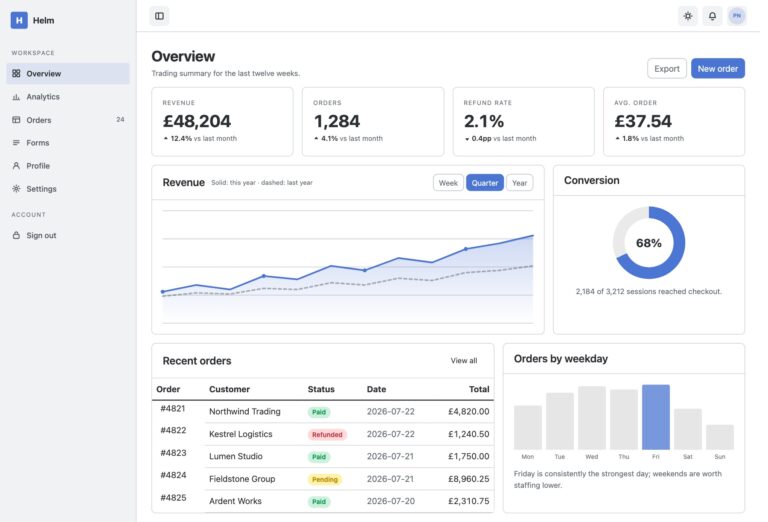
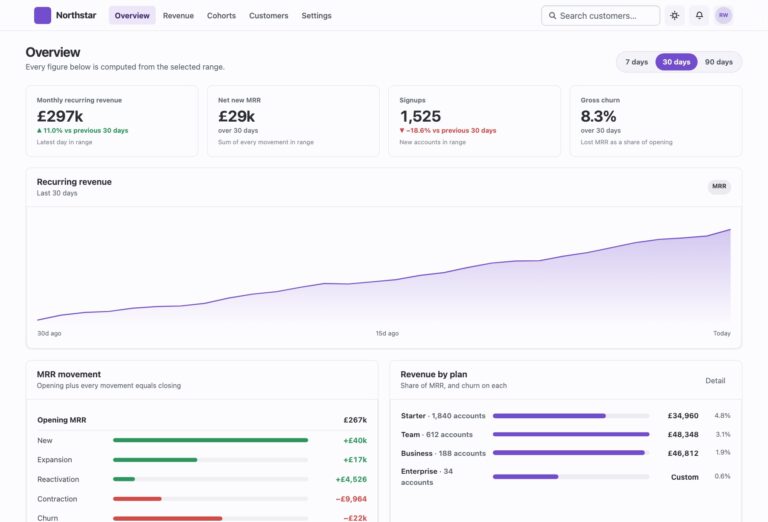
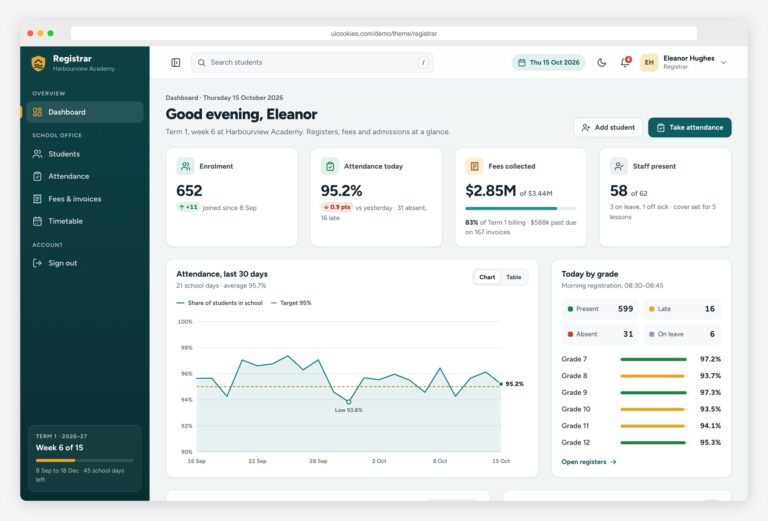
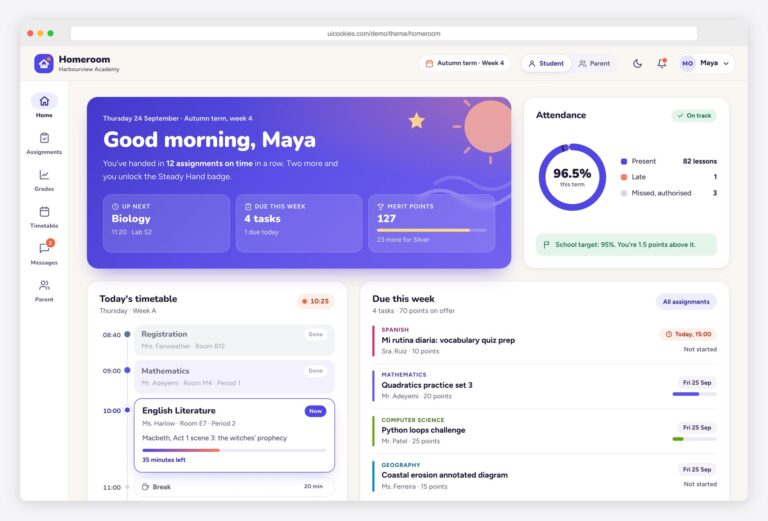
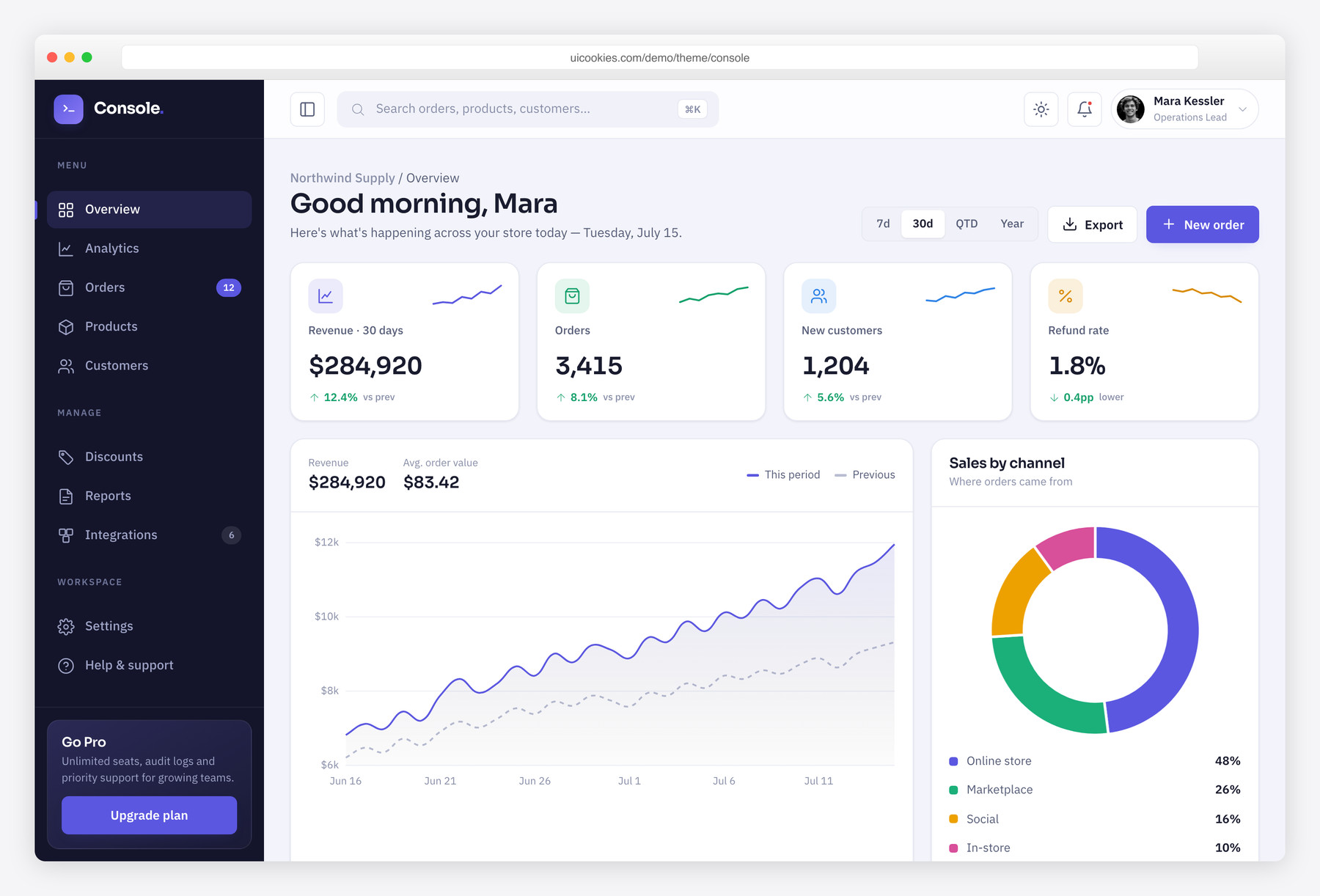
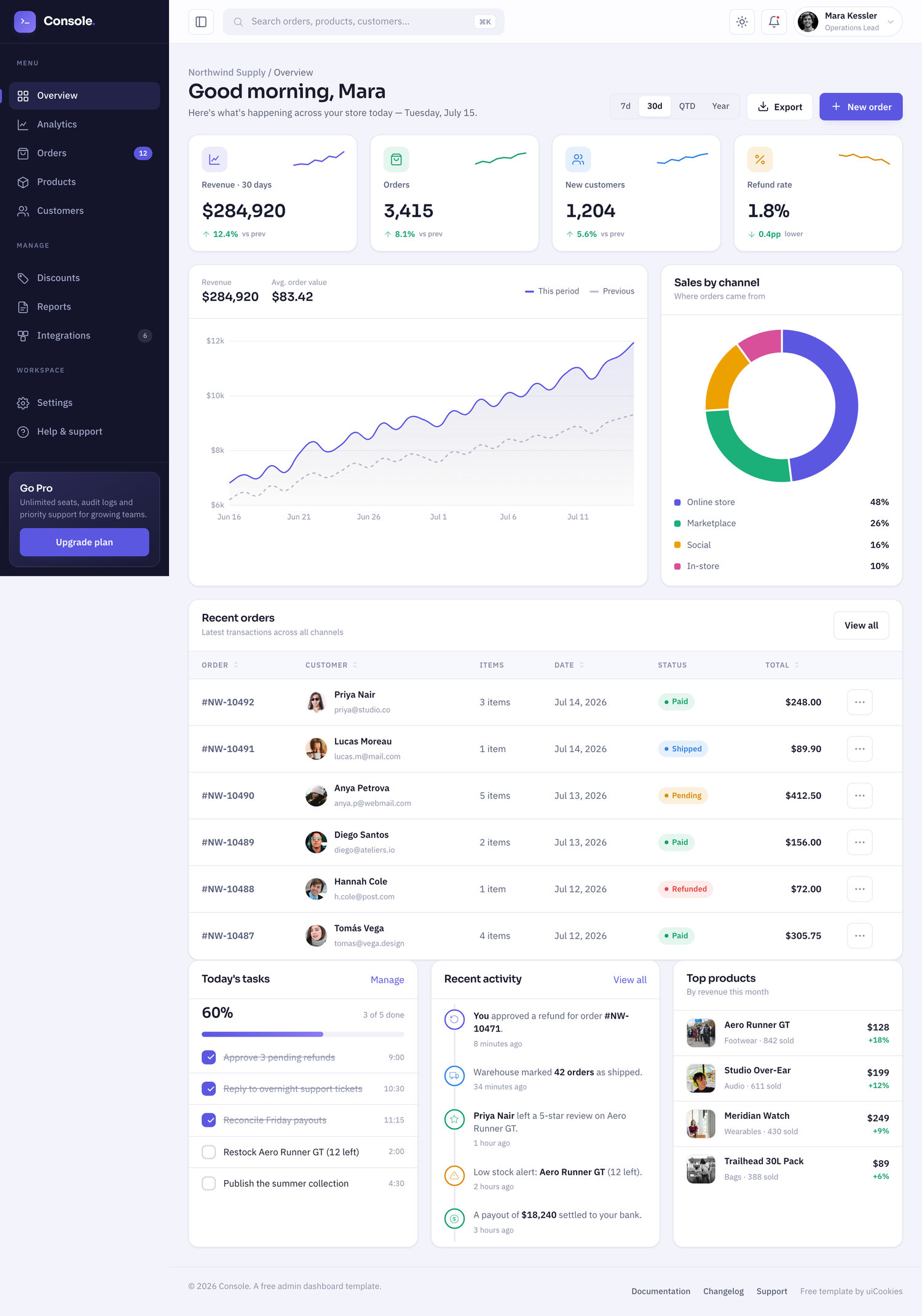
Console is a free Bootstrap 5 admin dashboard template built to look like an ops panel a modern SaaS would actually ship, not a recycled 2015 theme. It pairs a fixed collapsible sidebar and command-bar topbar with real data widgets — KPI stat cards with sparklines, two live Chart.js charts, a sortable orders table, an activity feed and a task tracker — plus a vanilla-JS light/dark theme that remembers your choice. Two self-hosted pages (dashboard + login) with no build step required.
Key features
- Vanilla-JS light/dark toggle persisted to localStorage via CSS variables
- Two live Chart.js charts: gradient revenue line + sales-by-channel donut
- Four KPI stat cards, each with an SVG sparkline and signed delta
- Fixed collapsible sidebar with inline-SVG icons; off-canvas drawer on mobile
- Command-style topbar with ⌘K search, notifications and user menu
- Sortable recent-orders table with customer avatars and status pills
- Recent-activity timeline plus interactive task list wired to a progress bar
- Split-screen login page with password reveal and SSO buttons
- Self-hosted Bootstrap 5 with relative paths — no build step or npm
Best for
- SaaS and internal-tool admin panels
- Client dashboards for agencies and freelancers
- Store and e-commerce operations dashboards
- Developers wanting a Bootstrap 5 starter with dark mode
- Static hosts — drop the folder and go
At a glance
- Framework: Bootstrap 5
- License: Free for personal and commercial use
- Pages: 2
- Responsive: Yes
- Style: Modern SaaS admin — deep navy-indigo shell, iris accent, semantic status colors
How to use it
Download the ZIP, unzip it, and open index.html — no build step, nothing to install. Edit the text and images, point any forms at your backend or a form service, and deploy the folder to any static host. Colours and fonts live in css/style.css; the interactions are in js/main.js.
Frequently asked questions
Is Console really free for commercial projects?
Yes. Console is free for both personal and commercial use with no license fee. You can use it to build client dashboards, internal tools or a SaaS admin panel, including in paid work. There is nothing to purchase and no attribution requirement to worry about.
Does it need a build step, npm or a framework?
No. Bootstrap 5 and the template's CSS and JavaScript are self-hosted with relative paths, so you can open index.html directly or drop the folder onto any static host. There is no compile step, bundler or package install. Chart.js is the only file loaded from a CDN, and the page degrades gracefully if it is blocked.
How do I change the colours and fonts?
Every colour is defined as a CSS variable, so you edit the palette in one place rather than hunting through rules. Light and dark are two curated variable sets keyed off a data-theme attribute, and typography is set in the same stylesheet. Swap the iris accent or the navy-indigo shell by changing a handful of variables and both themes update together.
How does the dark mode work?
A small vanilla-JS toggle flips a data-theme attribute on the root element, and because every colour is a CSS variable, light and dark are two hand-tuned palettes rather than an automatic inversion. Your choice is saved to localStorage and applied before first paint, so there is no flash of the wrong theme on reload. No framework or dark-mode library is involved.
Are the charts real, and how do I use my own data?
Yes, both charts are real Chart.js instances — a gradient revenue line comparing this period to the previous one, and a sales-by-channel donut. They render from sample data arrays defined in the template's JavaScript, so you point them at your own numbers by replacing those arrays or feeding them from your API. Chart.js loads from a CDN and everything else on the page still works if it is unavailable.
Is it responsive and mobile-friendly?
Yes. The layout is built on Bootstrap 5's grid and adapts from desktop down to phones. On smaller screens the fixed sidebar collapses into an off-canvas drawer, and the stat cards, charts and tables reflow to fit. It has been designed to stay usable on touch devices, not just to shrink.
Can I wire up the login form and connect a backend?
Console is a static front-end, so it does not ship with authentication, a database or any server code. The login page provides the markup, client-side password reveal and SSO buttons, but you connect it by pointing the form at your own endpoint or auth provider. Likewise the dashboard widgets are presentation-ready and expect you to feed them data from your own backend or CMS; there is no payment or account processing included.
What's included and which browsers does it support?
You get two pages — the main dashboard and a split-screen login — along with the sidebar, topbar, KPI cards, two charts, orders table, activity feed and task list. All icons are inline SVG, so there are no icon-font files to load and nothing breaks under strict content-security policies. It targets current versions of Chrome, Firefox, Safari and Edge.