
Technews – Free Bootstrap HTML5 Magazine Website Template For Technology News Portal
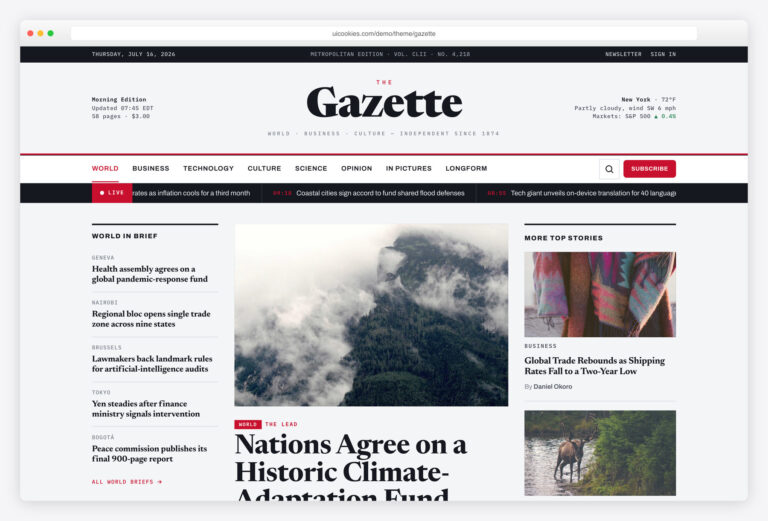
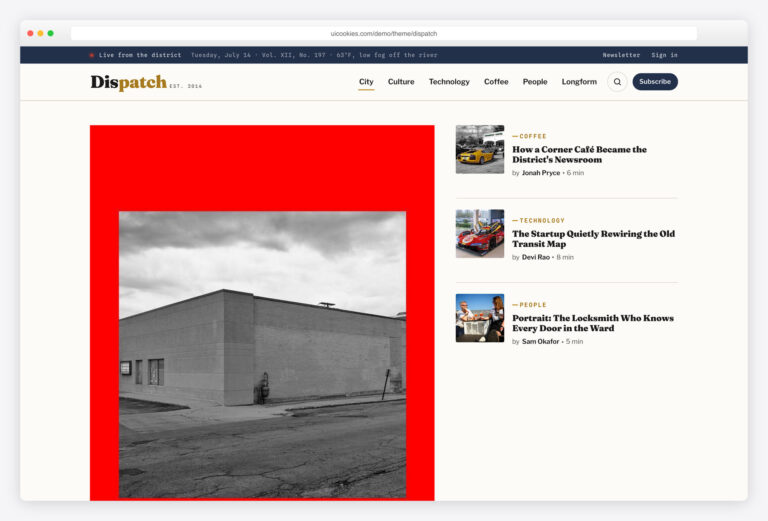
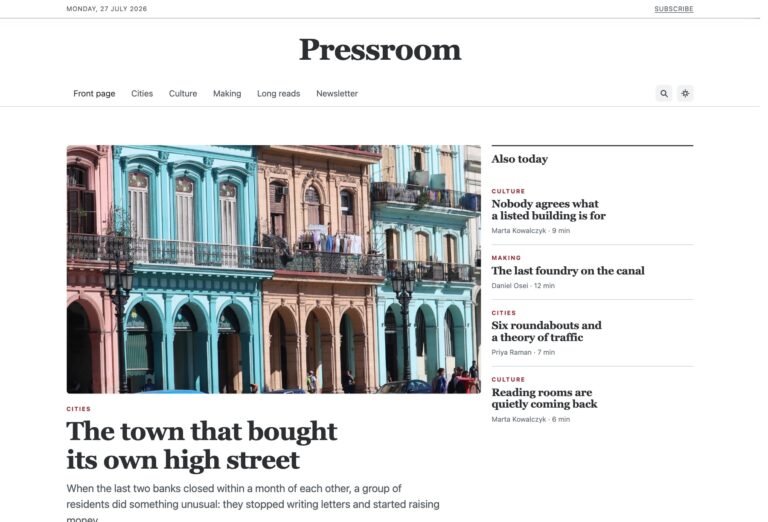
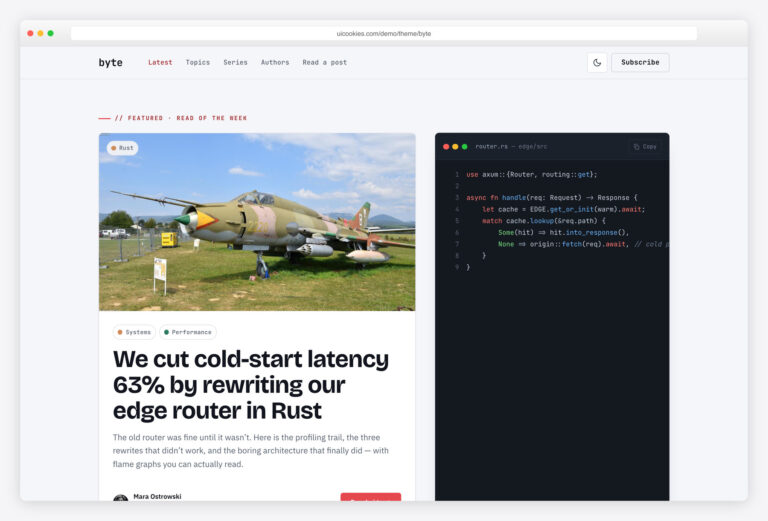
TechNews is a free technology news-magazine website template built on Bootstrap 5 by uiCookies, aimed at tech blogs, review sites, and online magazines. It ships completely jQuery-free: the dropdown navigation, sticky header, mobile menu, and back-to-top are all Bootstrap 5 components or plain vanilla JavaScript, with no Owl or off-canvas plugins anywhere.
Key features
- Built on Bootstrap 5 with zero plugin dependencies
- Completely jQuery-free — every interaction is vanilla JS
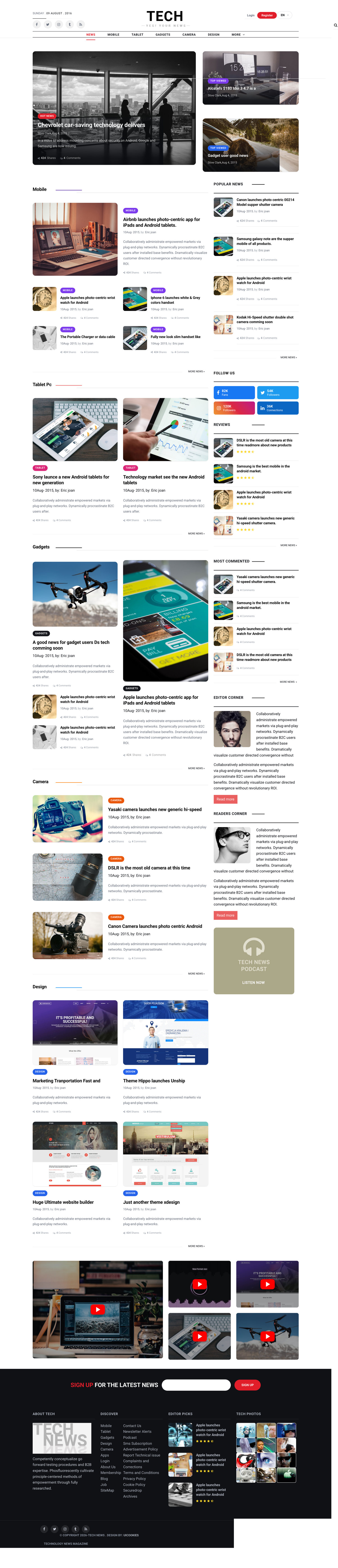
- Four HTML layouts: home, blog, category, and single article
- Category-rich navbar with Bootstrap 5 collapsible mobile menu
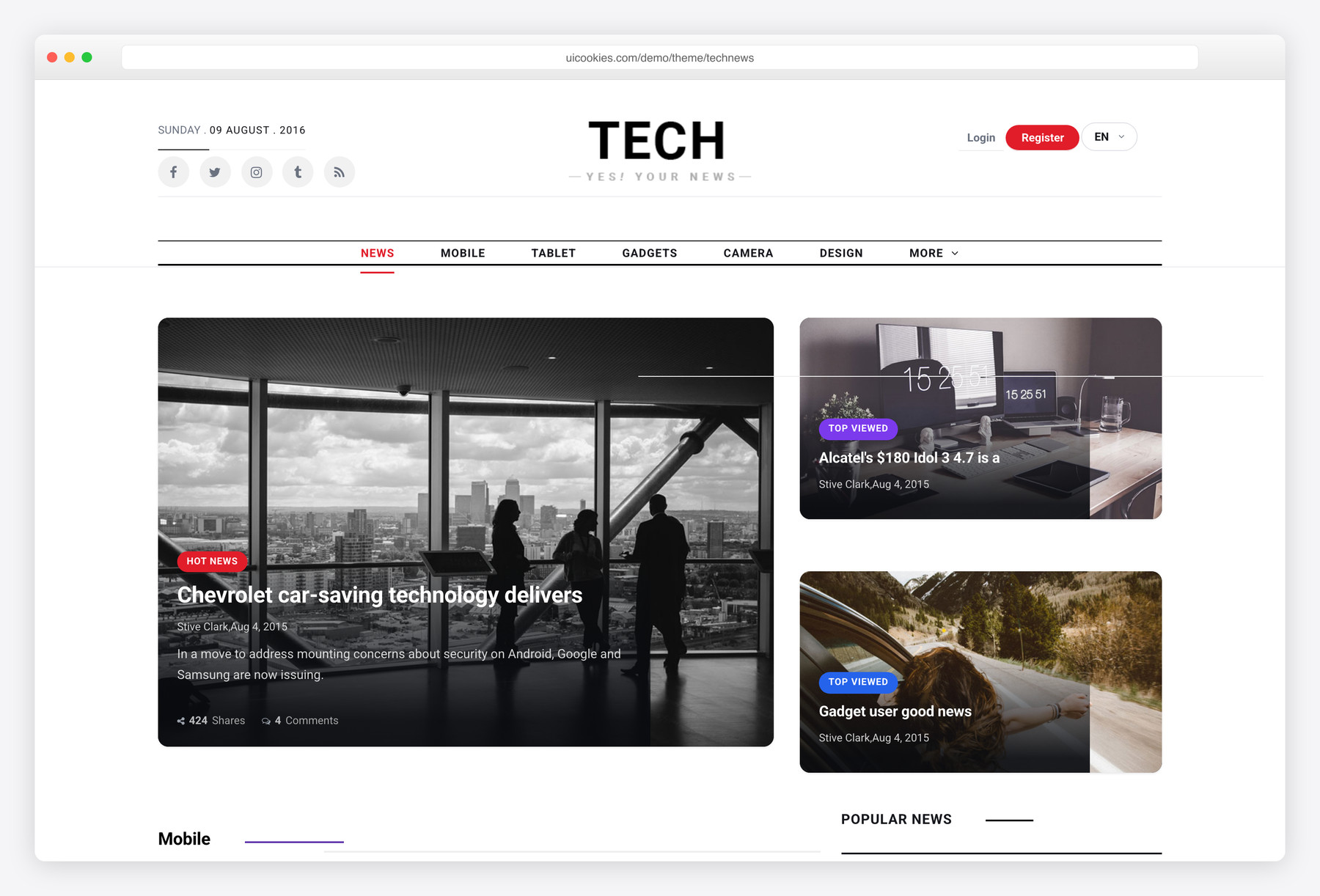
- Featured-story area plus "top viewed" highlights
- Full single-article layout with a sidebar
- Vanilla-JS sticky header and back-to-top button
- Accessible: aria-labelled controls and semantic article markup
- Font Awesome icons and demo images included
Best for
- Technology blogs and news sites
- Product and review magazines
- Online magazines and editorial sites
- Developers who want a jQuery-free Bootstrap 5 base
At a glance
- Bootstrap 5 with no jQuery and no plugin dependencies
- Bootstrap 5 collapsible navbar & dropdowns; vanilla sticky header and back-to-top
- Four HTML layouts (home, blog, category, single) sharing one design system
- Accessible: aria-labelled controls, semantic article markup
- Font Awesome icons and demo images included
How to use it
Download the ZIP, unzip it, and open index.html — no build step, nothing to install. Edit the text and images, point any forms at your backend or a form service, and deploy the folder to any static host. Colours and fonts live in css/style.css; the interactions are in js/main.js.
Frequently asked questions
Is TechNews free to use in commercial projects?
Yes. TechNews is free and follows the standard uiCookies license, which covers commercial use. Attribution is optional but always welcome, and the full terms are at uicookies.com/license. There are no purchase or subscription requirements to download and build with it.
Does TechNews require jQuery or any plugins?
No. The template is completely jQuery-free, and there are no Owl carousel or off-canvas menu plugins. Every interaction is either a native Bootstrap 5 component from its own bundle or a small piece of plain vanilla JavaScript. This keeps the dependency list short and the page lighter.
Can I edit it without a build tool or framework?
Yes. TechNews is a static front-end made of plain HTML, CSS, and JavaScript, so you can open the files in any editor and change the markup directly. There's no compile step, package install, or framework to learn. Just edit and refresh the browser to see your changes.
How do I change the colors and fonts?
Colors and typography are controlled through the template's CSS, so you edit them in one place rather than page by page. Because it's built on Bootstrap 5, you can also override Bootstrap variables or add your own utility classes. Swap the Font Awesome icons or web fonts in the same stylesheet to match your brand.
Is the template responsive on mobile?
Yes. TechNews uses Bootstrap 5's responsive grid, so the layouts reflow cleanly from desktop down to phones. The category navigation collapses into Bootstrap 5's own mobile menu, replacing the old heavy off-canvas plugin. The featured area, article lists, and sidebar all adapt to smaller screens.
What's included in the download?
You get four ready-made HTML layouts — home, blog, category, and single article — that share one design system. The package also includes the CSS and JavaScript, Font Awesome icons, and demo images so the pages look complete out of the box. You can duplicate the layouts to build out additional sections.
Can I connect it to a CMS or wire up the forms?
TechNews is a static front-end, so it does not include a backend, database, or working form submission on its own. You can hand the HTML to a CMS like WordPress or a headless setup, or wire any newsletter or contact forms to your own service or endpoint. The markup is clean and semantic, which makes that integration straightforward.
Which browsers does it support?
TechNews works in all modern browsers — recent versions of Chrome, Firefox, Safari, and Edge. Because it relies on Bootstrap 5 and standard vanilla JavaScript, there are no legacy plugin quirks to work around. The sticky header and back-to-top button use widely supported native browser APIs.