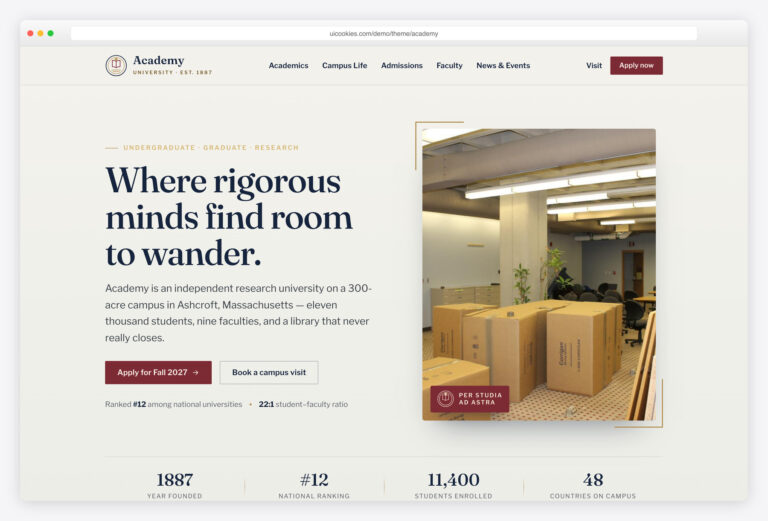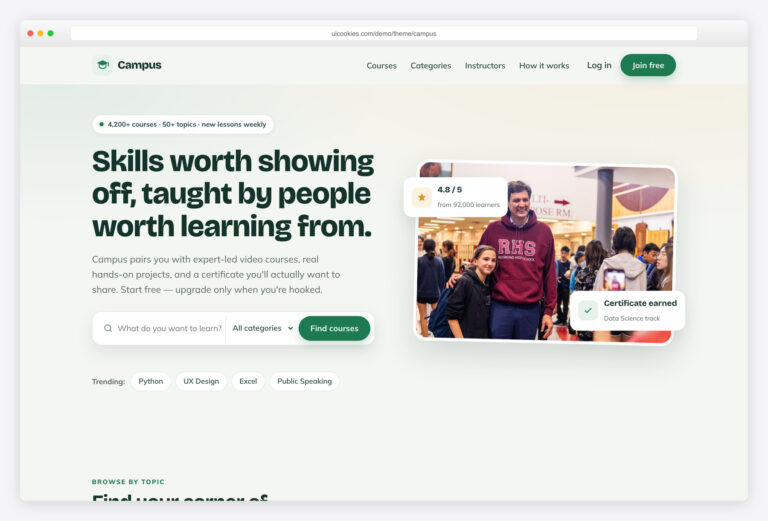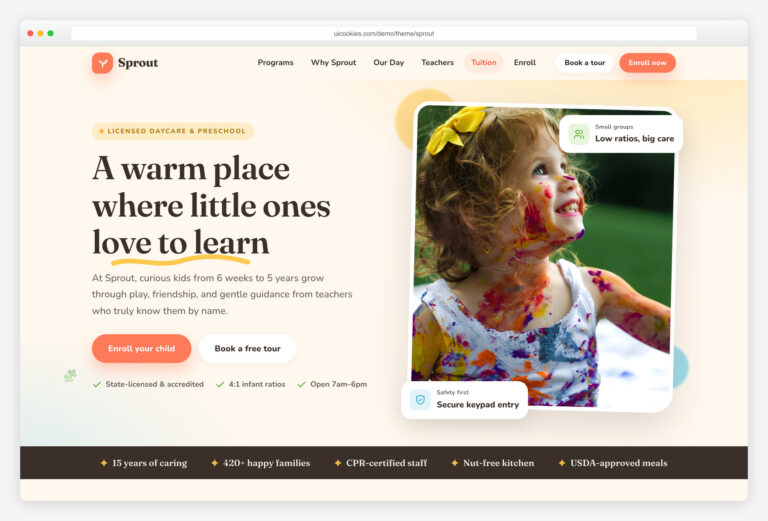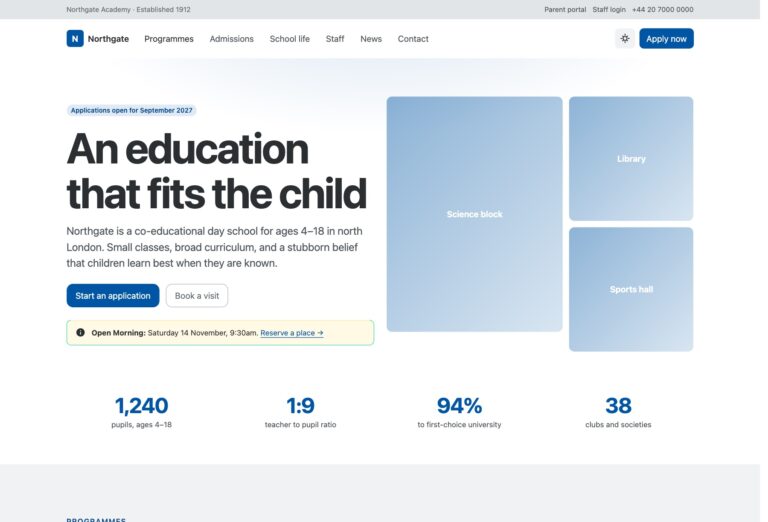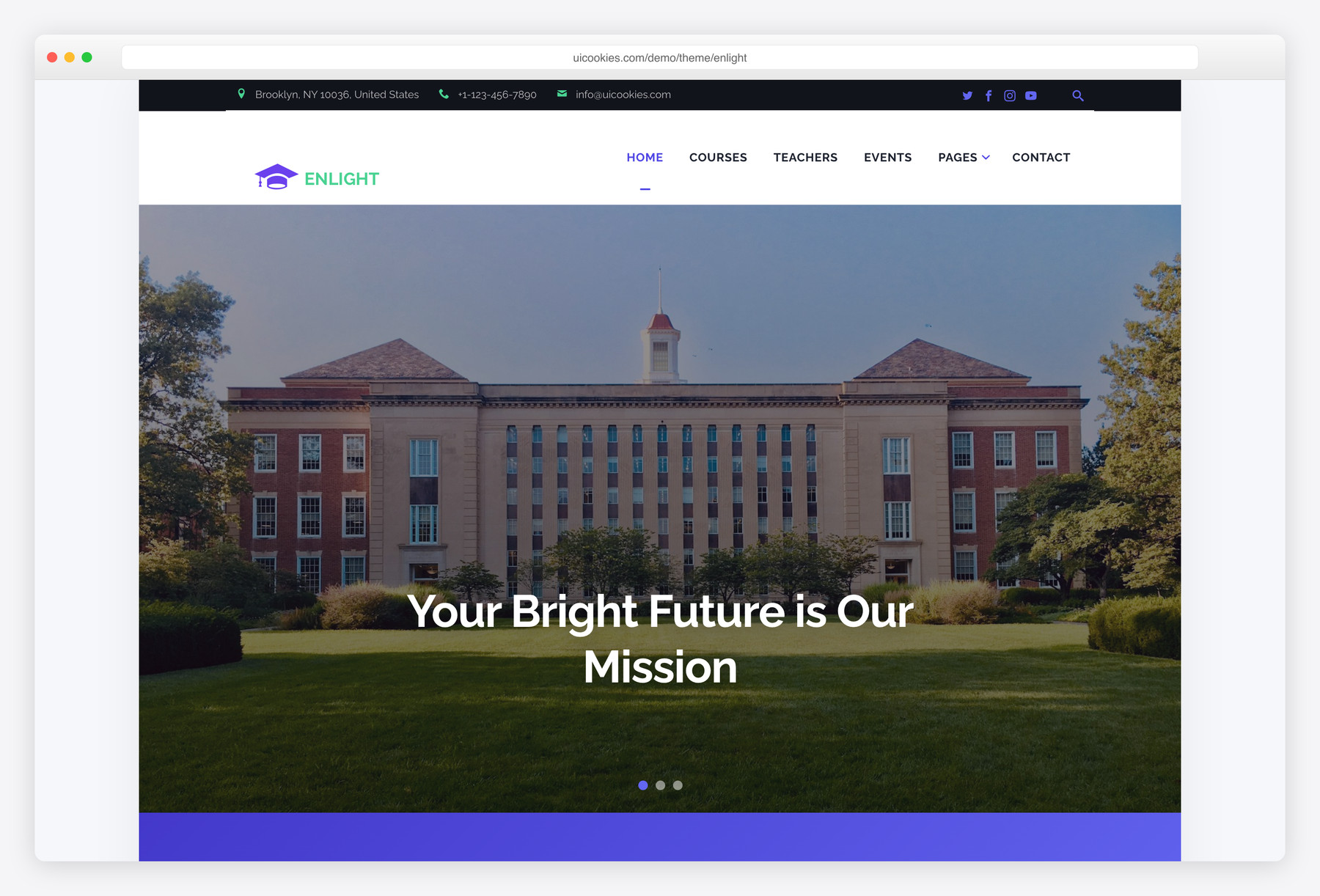

Enlight – Free Education Responsive Bootstrap Website Template
Enlight is a free education website template built on Bootstrap 5 and designed in-house by uiCookies. Nine pages cover a school or academy end to end, and the whole thing runs jQuery-free — the slider, carousels, search overlay, and gallery lightbox are all plain vanilla JavaScript with no plugins.
Key features
- Nine pages: home, courses, single-course, teachers, events, news, gallery, about, contact
- Built-in gallery lightbox with prev/next arrows and keyboard navigation
- Fully jQuery-free — no Owl, PhotoSwipe, or FlexSlider plugins
- Vanilla JS hero slider, testimonial rotator, and header search overlay
- Tabbed featured-news carousels in plain JavaScript
- Gallery masonry built with CSS columns
- Card carousels built with CSS scroll-snap
- IntersectionObserver scroll-reveal animations
- SCSS sources included; shared topbar, nav, and footer
Best for
- Schools, academies, and colleges
- Online course providers and training centers
- Tutoring services and education startups
- Anyone wanting a plugin-free Bootstrap 5 site
At a glance
- Bootstrap 5 — no jQuery, no carousel/lightbox/masonry plugins
- 9 HTML pages with shared topbar, navigation, and footer
- Vanilla JS: slider, rotator, search overlay, lightbox (Esc/arrow keys supported), IntersectionObserver animations
- Gallery masonry via CSS columns; card carousels via CSS scroll-snap
- SCSS sources included

How to use it
Download the ZIP, unzip it, and open index.html — no build step, nothing to install. Edit the text and images, point any forms at your backend or a form service, and deploy the folder to any static host. Colours and fonts live in css/style.css; the interactions are in js/main.js.
Frequently asked questions
Is Enlight free, and can I use it for a real school website?
Yes. Enlight is free and follows the standard uiCookies license, so you can use it for a live school, academy, or course site. Attribution is optional but always welcome — the full terms are at uicookies.com/license. There are no paywalled pages or hidden premium tiers.
Do I need a build tool, or can I edit the HTML directly?
You can open any of the nine HTML files and edit them directly — no build step or command line required to change text, images, or links. A build tool is only needed if you want to recompile the included SCSS sources into CSS. For everyday edits, plain HTML and CSS knowledge is enough.
How do I change the colours and fonts?
The template ships with SCSS sources, so colours, spacing, and typography are controlled from variables there and recompiled into the stylesheet. If you'd rather skip the build step, you can override the compiled CSS directly or adjust the Bootstrap 5 variables. Fonts are set in the same stylesheet and swapped by changing the font link and the CSS font-family.
Is Enlight responsive and mobile-friendly?
Yes. It's built on Bootstrap 5's responsive grid, so the layout adapts from desktop down to phones. The navigation, hero slider, card carousels, and gallery all reflow for smaller screens. Test on your own content, since long course titles or large images can affect spacing.
Which browsers does it support?
Enlight works in all current versions of Chrome, Firefox, Safari, and Edge. It relies on modern standards like CSS columns, scroll-snap, and IntersectionObserver, which are well supported across today's browsers. It is not built for legacy Internet Explorer.
How do I wire up the contact and event forms?
Enlight is a static front-end template, so the forms are styled markup without a backend attached. To make them send messages you'll need to connect them to your own mail handler, a form service, or a server-side script. The same applies to any dynamic content — hook it up to your CMS or backend of choice; the template does not include one.
How does the gallery lightbox work?
The lightbox is built in — there's no PhotoSwipe or other plugin to load. Click any gallery image to open a full-screen view with previous and next arrows to move between shots. It also supports keyboard control: arrow keys to navigate and Esc to close.
Why is it jQuery-free, and does that help performance?
The old Owl, PhotoSwipe, and FlexSlider plugins were removed and rebuilt in about a hundred lines of readable vanilla JavaScript, with the gallery masonry and card carousels handled by CSS columns and scroll-snap. That means fewer scripts to download and no jQuery dependency, which keeps pages lighter. As always, optimize and compress your own images to keep load times fast.