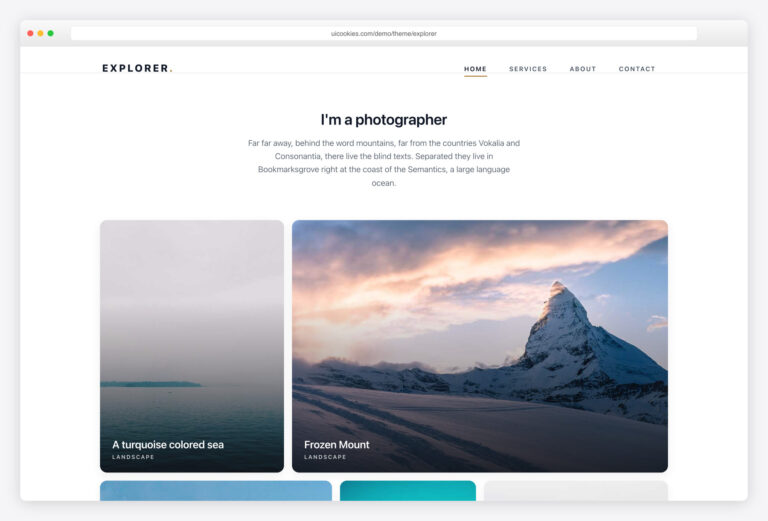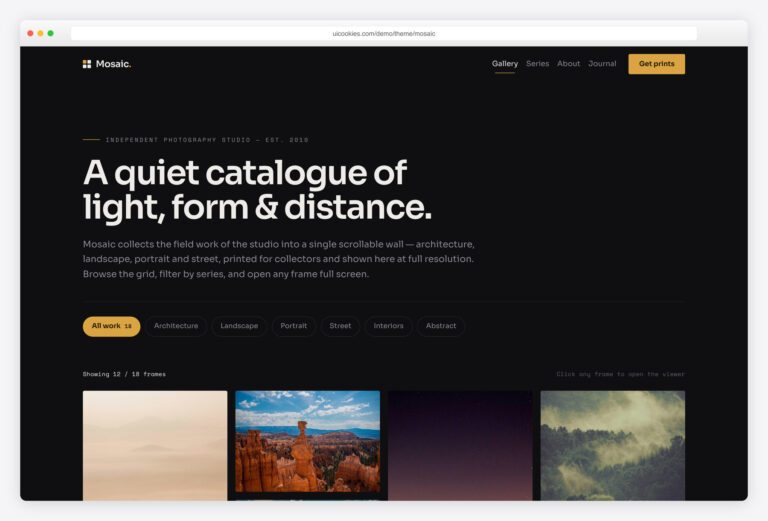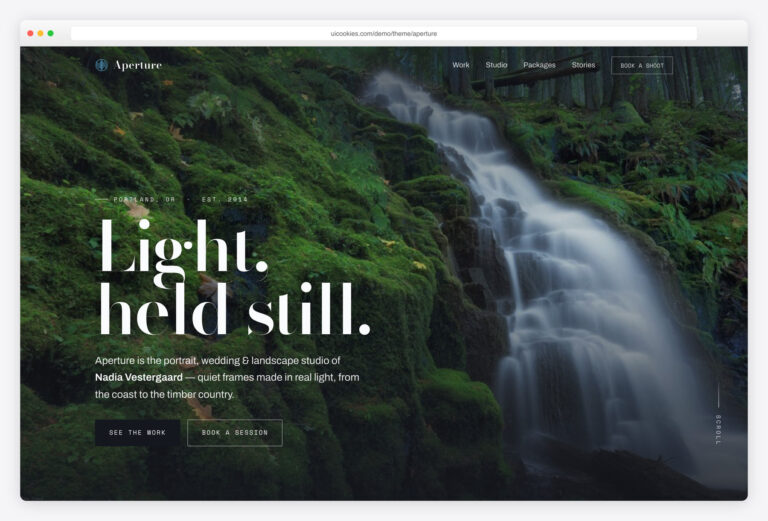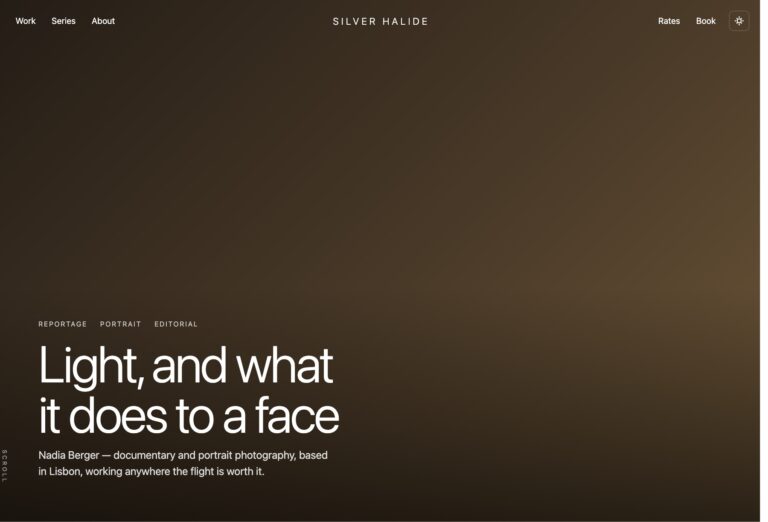

Aside – Free HTML5 Bootstrap Website Template for Photography
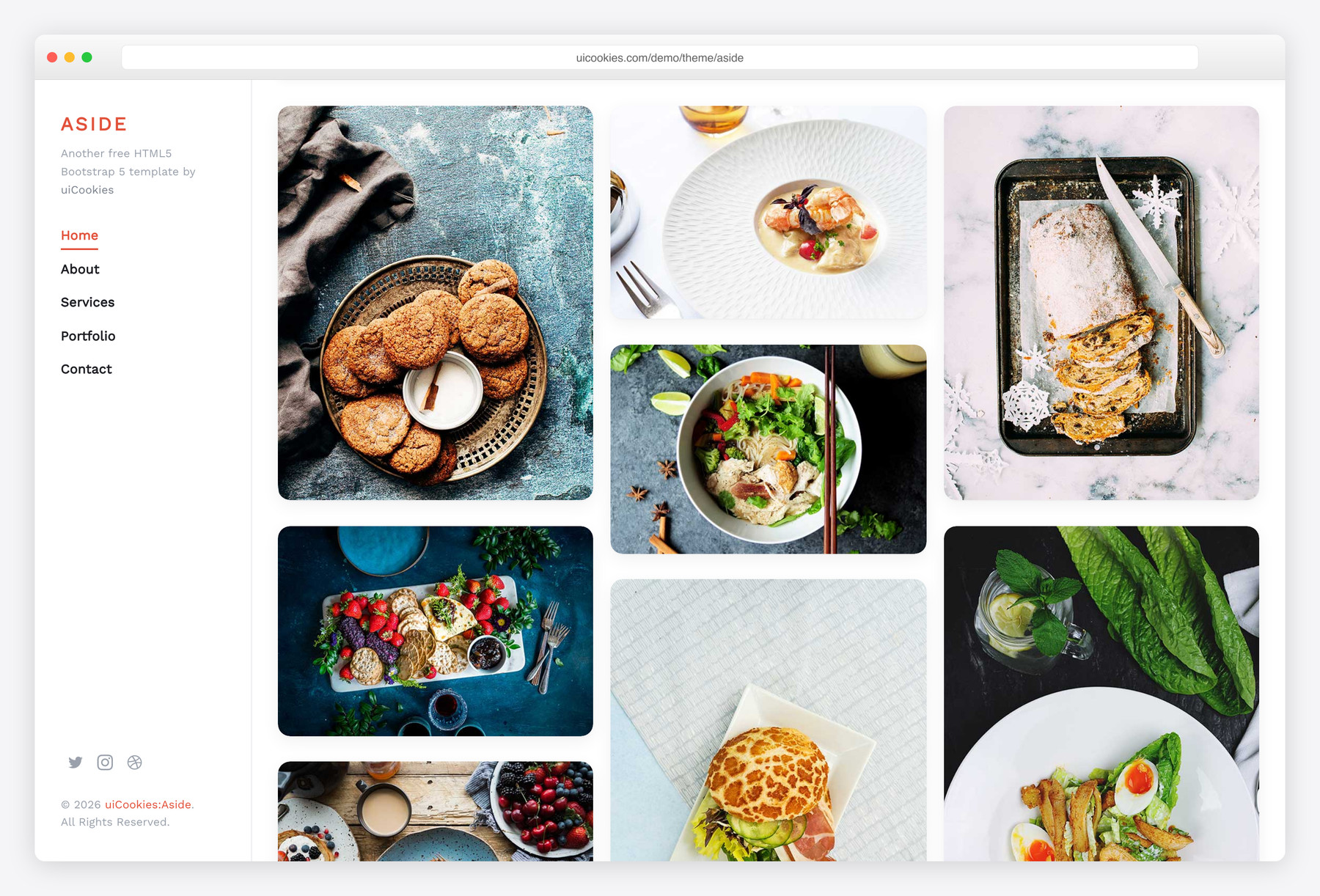
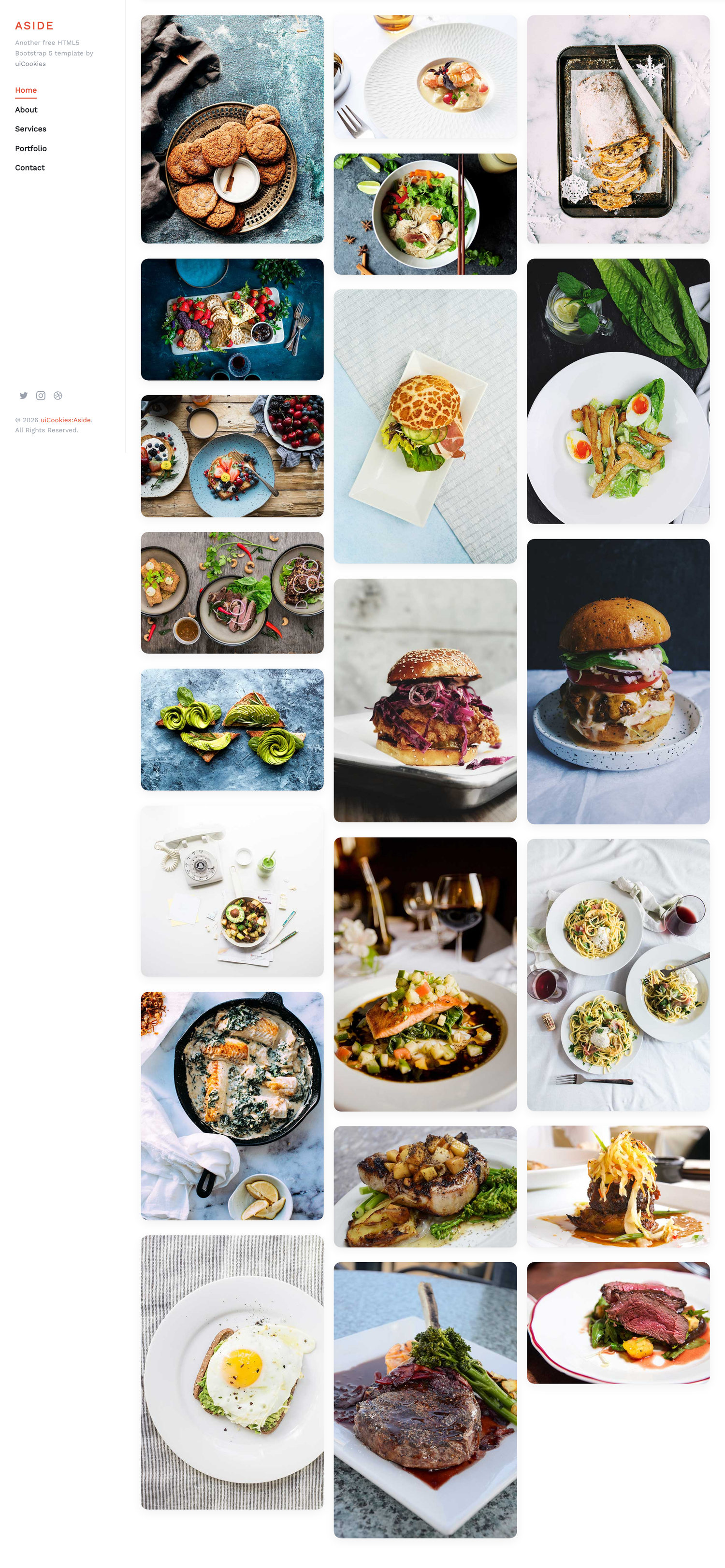
Aside is a free multi-page photography portfolio template built on Bootstrap 5 and maintained in-house by uiCookies. Its fixed side navigation stays pinned beside a full-bleed masonry gallery, so your images fill the screen while the menu stays one click away. It ships jQuery-free with no plugin dependencies — the collapsible sidebar, scroll reveals, and image fades are all plain vanilla JavaScript.
Key features
- Fixed side navigation pinned beside a full-bleed masonry gallery
- Masonry photo grid built with pure CSS columns, no plugins
- Vanilla-JavaScript sidebar, scroll reveals, and load-in image fades
- Six pages: home, about, services, portfolio, single project, contact
- Reveal animations on IntersectionObserver with reduced-motion support
- Static contact form with labelled name, email, and message fields
- jQuery-free and plugin-free, built on Bootstrap 5
- SCSS sources included with a teal accent and Work Sans type
- icomoon and Open Iconic icon fonts plus Unsplash demo photos
Best for
- Photographers who want their work to fill the screen
- Designers, illustrators, and other visual artists
- Small creative studios and agency portfolios
- A simple static personal portfolio, no CMS needed
At a glance
- Bootstrap 5 with no jQuery and no plugin dependencies
- Vanilla JavaScript: collapsible sidebar, IntersectionObserver reveals, load-in image fades
- Masonry gallery rebuilt with pure CSS columns (Bootstrap 5 dropped
card-columns) - Accessible: labelled form fields, aria-labelled controls, reduced-motion support
- Six HTML pages + SCSS sources included for deeper customization
- Icon font (icomoon) and demo images (Unsplash) included
How to use it
Download the ZIP, unzip it, and open index.html — no build step, nothing to install. Edit the text and images, point any forms at your backend or a form service, and deploy the folder to any static host. Colours and fonts live in css/style.css; the interactions are in js/main.js.
Frequently asked questions
Is Aside free to use, including for commercial projects?
Yes. Aside is completely free and follows the standard uiCookies license, which permits use in both personal and commercial projects; attribution is optional but always welcome, and the full terms are at uicookies.com/license. The download includes six HTML pages, the compiled CSS, the SCSS sources, the vanilla JavaScript, the icon fonts, and Unsplash demo photos so you can preview it exactly as shown.
Do I need to know how to code to edit Aside?
Only a little. Aside is a static HTML template, so you edit the .html files directly in any text editor — change the headings, paragraphs, and image filenames, then save. There is no framework, database, or build step required to publish a working site; you would only touch the SCSS if you want to recompile the styles from source.
How do I change the colours and fonts?
The colour scheme and typography live in the stylesheet. The single teal accent (#1FAD9F) is defined as the $primary variable in scss/style.scss, so recompiling the SCSS updates it everywhere, or you can override it in the compiled CSS. The body font is Work Sans, loaded from Google Fonts via a link in each page's head — swap that link and the font-family to use a different typeface.
Is Aside responsive and mobile friendly?
Yes. Aside is built on Bootstrap 5's responsive grid and is mobile-first. On larger screens the side navigation stays fixed next to the gallery; on phones and tablets it collapses behind a menu toggle that slides the panel in and out, so the layout stays usable at every screen width.
Which browsers does Aside support?
Aside targets modern evergreen browsers — current versions of Chrome, Firefox, Safari, and Edge — which is what Bootstrap 5 itself supports. Because the animations use IntersectionObserver and standard CSS, no polyfills are needed on up-to-date browsers. Internet Explorer is not supported.
Does the contact form actually send messages?
No — Aside is a static front-end, so the contact form is markup only and its action points to a placeholder (#). To make it send, connect it to your own backend script or a hosted form service such as Formspree and set the form's action to that endpoint. The template does not include a CMS, database, or any payment processing.
How does the masonry gallery work, and can I use my own photos?
The home and portfolio pages use a full-bleed masonry layout rebuilt with pure CSS columns, since Bootstrap 5 removed the old card-columns component. To show your own work, replace the demo image files in the images folder or update the src paths — each photo flows into the columns automatically and links through to the single-project page. There is no JavaScript masonry library to configure.
Will the animations slow the page down or cause motion issues?
No. Reveal animations are driven by IntersectionObserver, which animates elements only as they scroll into view rather than running constantly, and each photo fades in the moment it finishes loading so the grid never flashes empty. The template also respects the prefers-reduced-motion setting, disabling the movement for visitors who ask their system to minimise animation.