
Explorer – Free Photography Website Template Using Bootstrap
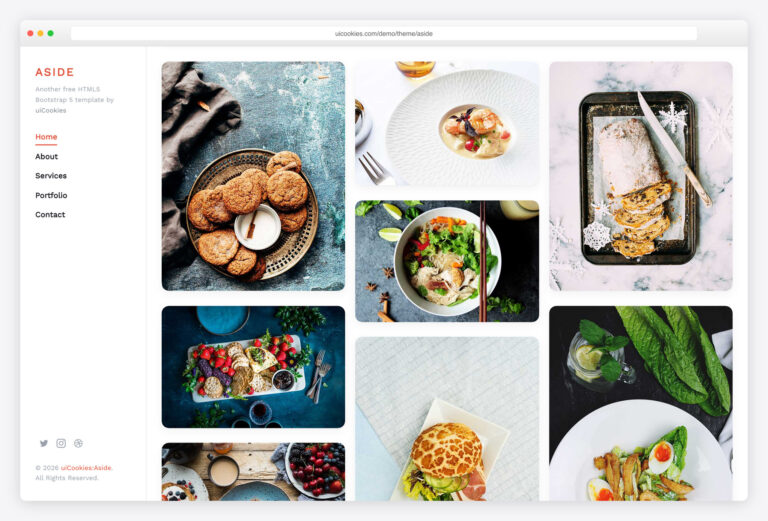
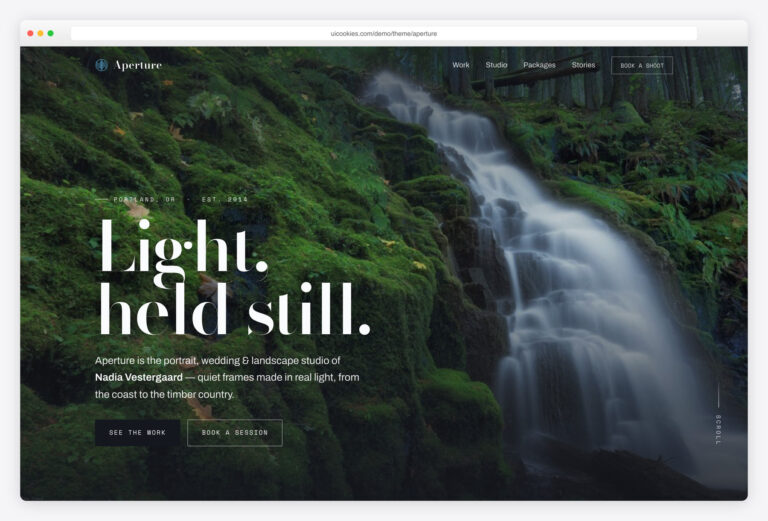
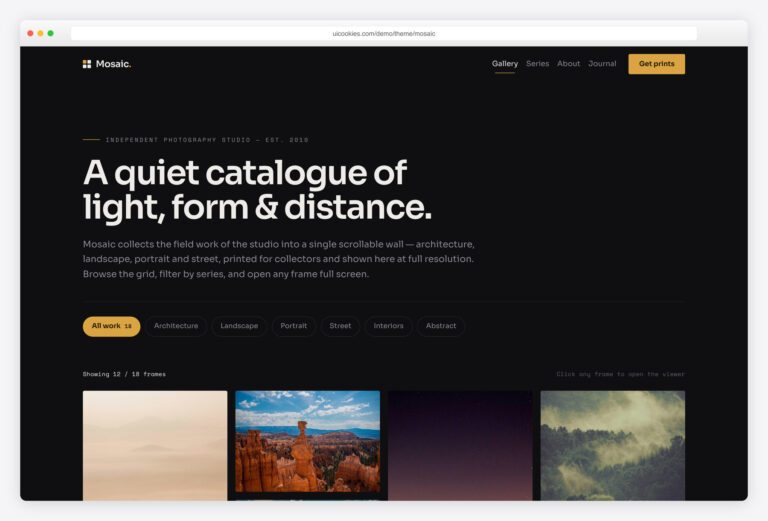
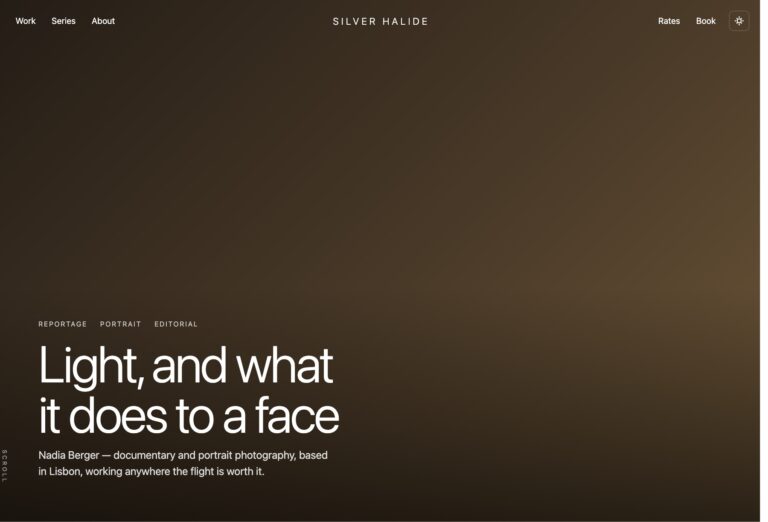
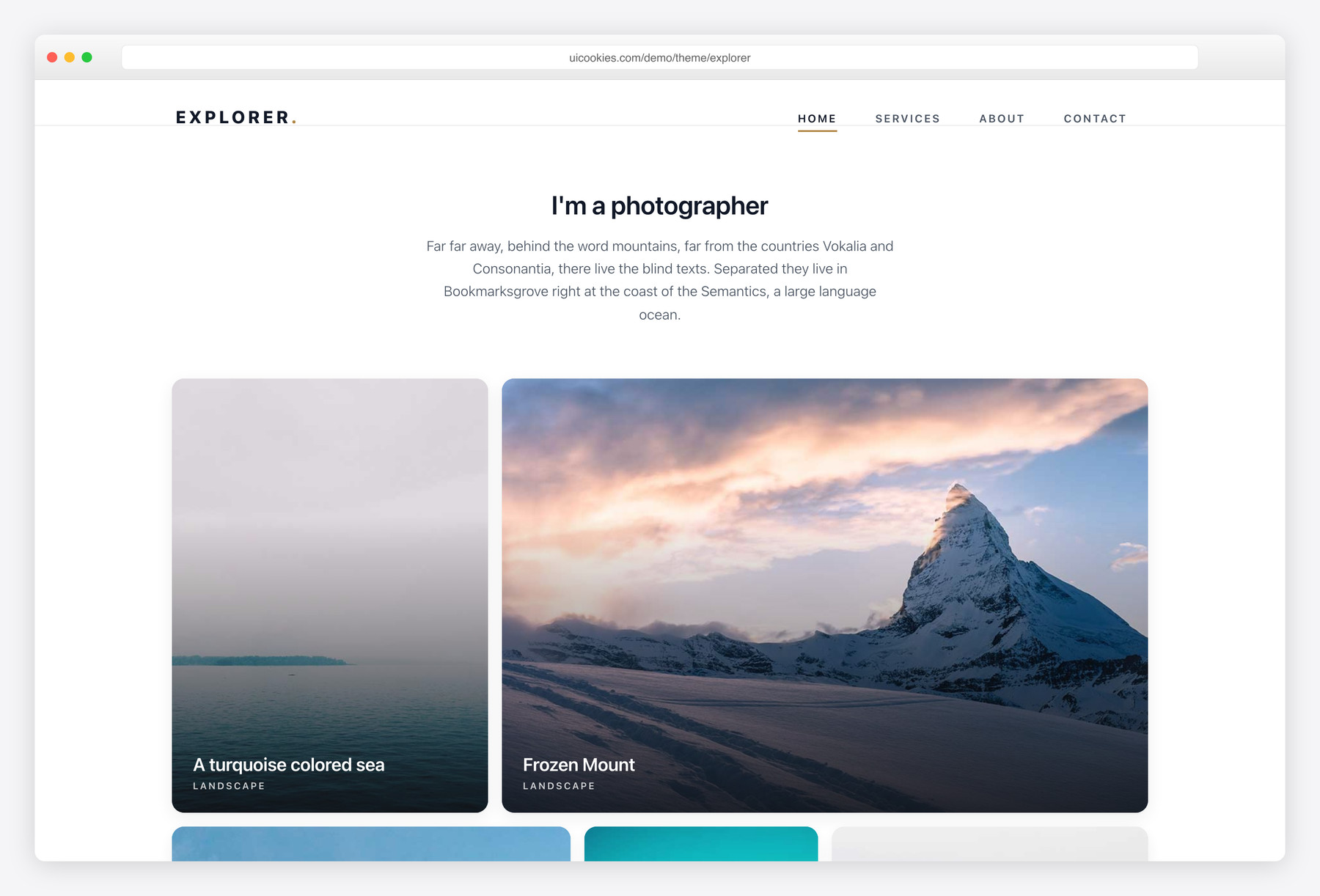
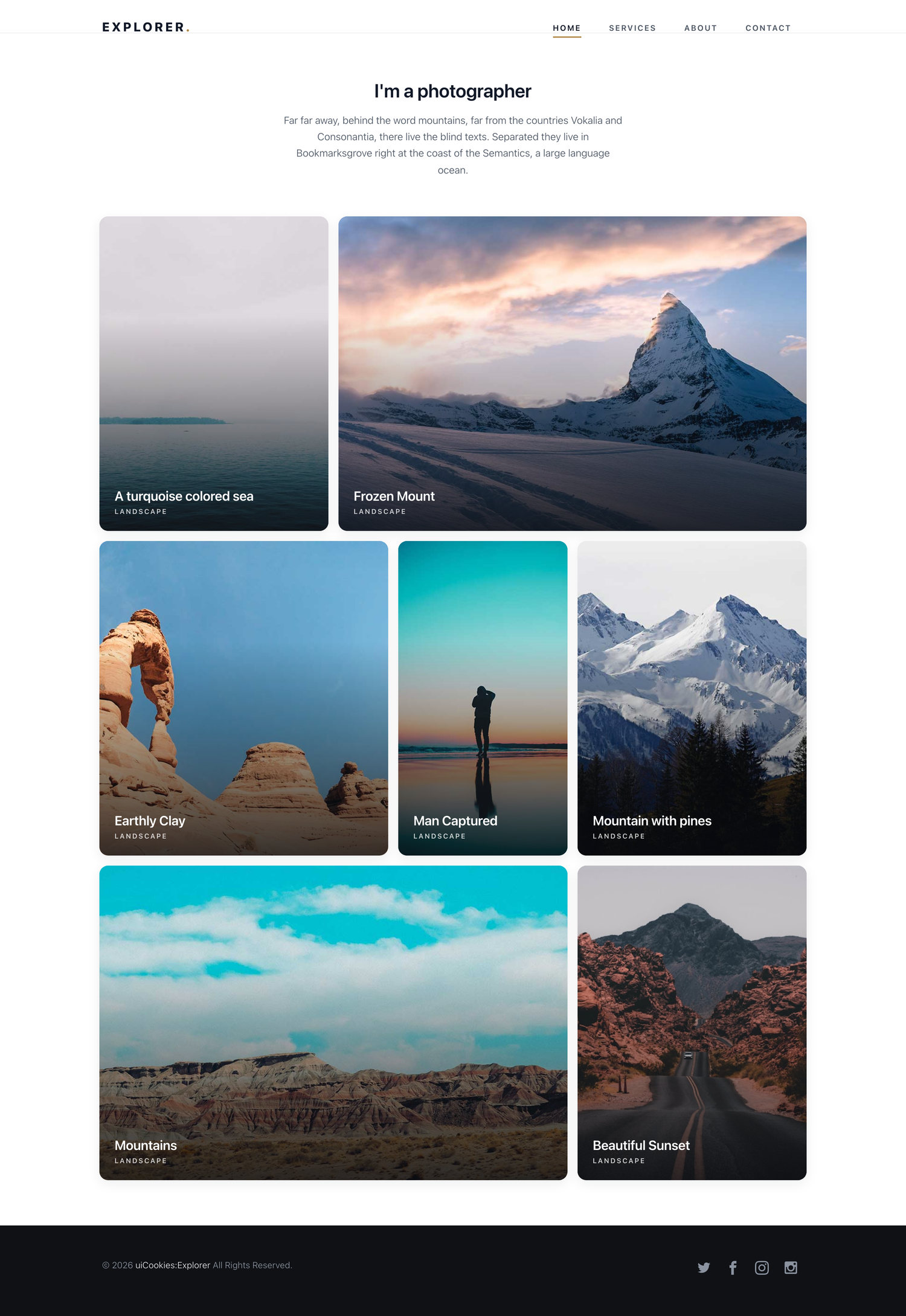
Explorer is a free, jQuery-free photography portfolio template built on Bootstrap 5, with five image-first pages: a home gallery, services, about, a project page, and contact. Its standout is a built-in vanilla-JavaScript lightbox — click any photo for a full-screen view with previous/next arrows and keyboard support, no plugin required.
Key features
- Built-in vanilla-JS lightbox with prev/next arrows and keyboard nav
- Five pages: home, services, about, project, and contact
- Image-led homepage grid with hover captions per photo
- jQuery-free — burger drawer, loader, and animations all vanilla JS
- Scroll-in fade animations powered by IntersectionObserver
- Project page with a stacked, click-to-enlarge photo gallery
- Static contact form with name, email, and message fields
- Icomoon icon set and the Abel typeface included
- Built on Bootstrap 5 and fully responsive
Best for
- Photographers building a portfolio
- Freelance creatives showing project work
- Small studios that need a simple gallery site
- Anyone wanting a plugin-free lightbox portfolio
At a glance
- Bootstrap 5 — no jQuery, no lightbox plugin (built-in vanilla lightbox)
- 5 pages, image-first layouts with generous whitespace
- Vanilla JS: burger drawer, loader, IntersectionObserver animations, keyboard-navigable lightbox
- SCSS sources included
How to use it
Download the ZIP, unzip it, and open index.html — no build step, nothing to install. Edit the text and images, point any forms at your backend or a form service, and deploy the folder to any static host. Colours and fonts live in css/style.css; the interactions are in js/main.js.
Frequently asked questions
Is Explorer really free, and can I use it for a client portfolio?
Yes. Explorer is free to download and use, including for a paid client portfolio, under the standard uiCookies license. Attribution is optional but always welcome, and the full terms are at uicookies.com/license. There's no premium upgrade or paywalled version — what you download is the complete template.
Can I edit it without a build tool or framework?
Yes. Explorer is a plain HTML, CSS, and JavaScript template — no Node, npm, or build step required. Open any of the five .html files in a code editor, change the text and swap the images, and refresh your browser to see the result. Upload the folder to any static host or web server and it runs as-is.
How do I change the colours and fonts?
The template uses a single typeface, Abel, loaded from Google Fonts via a link tag in the head of each page — swap that link and the font-family rule to change it. Colours, including the warm bronze accent, live in the CSS files inside the css/ folder (start with style.css); edit those values to restyle. The styles are plain CSS, so no preprocessor is needed.
Is the template responsive on mobile?
Yes. Explorer is built on Bootstrap 5's responsive grid, so layouts reflow cleanly from desktop down to phones. On small screens the desktop menu is replaced by a burger button that opens a slide-in drawer with your navigation and contact details. The photo grids and project gallery stack into a single column on narrow viewports.
Does the photo gallery need a plugin?
No. The project page's lightbox is built in with vanilla JavaScript — click any photo to open a full-screen view with previous and next arrows. It replaces heavier third-party libraries like PhotoSwipe, so there's nothing extra to install, load, or configure.
How does the lightbox keyboard navigation work?
Once a photo is open, the left and right arrow keys move between images and the Escape key closes the lightbox. On-screen prev/next controls do the same thing for mouse and touch users. It's all handled by the template's own JavaScript, with no external dependency.
Does the contact form send messages, and can I connect a CMS?
The contact form is front-end only — its name, email, and message fields are ready, but it doesn't send email on its own because Explorer is a static site with no backend or payment processing. To make it work, point the form's action at a form-handling service or your own server-side script. There's no CMS built in either; you can wire the pages into a CMS or static-site generator yourself if you want editable content.
Which browsers are supported, and what's included in the download?
Explorer works in all current versions of Chrome, Firefox, Safari, and Edge. The download includes five HTML pages (home, services, about, project, and contact), the CSS, the vanilla JavaScript, the Icomoon icon font, and sample photography so you can preview it immediately. Replace the files in the img/ folder with your own photos to make it yours.