
Mosaic — Free Photo Gallery Website Template
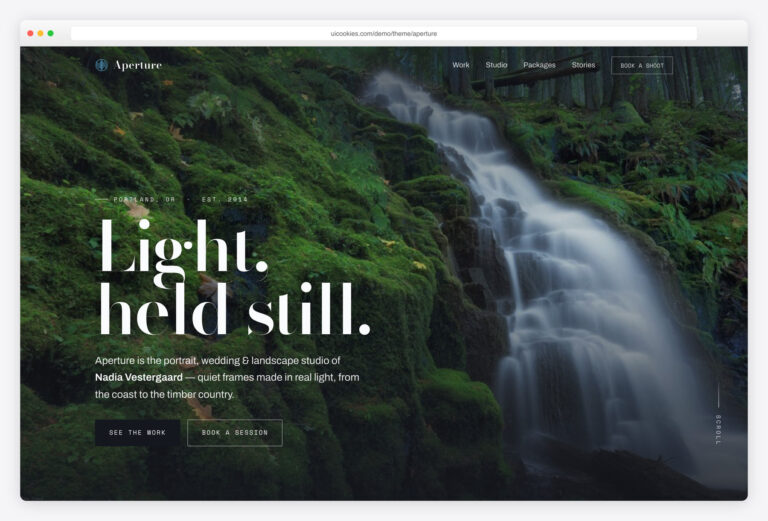
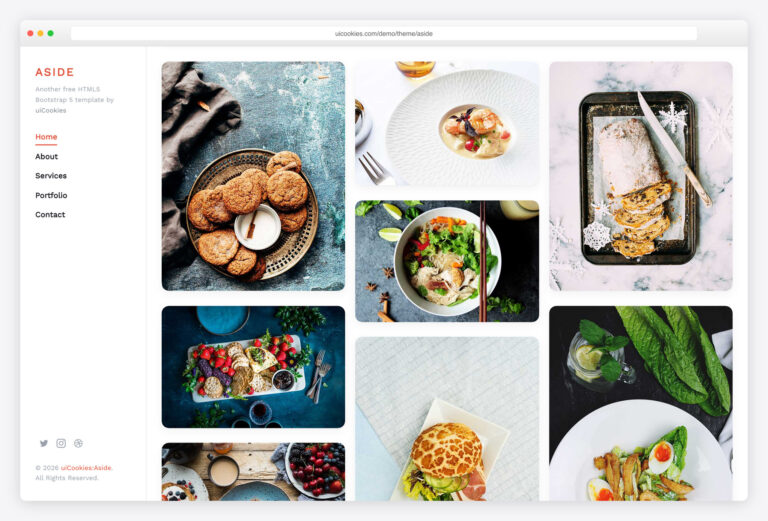
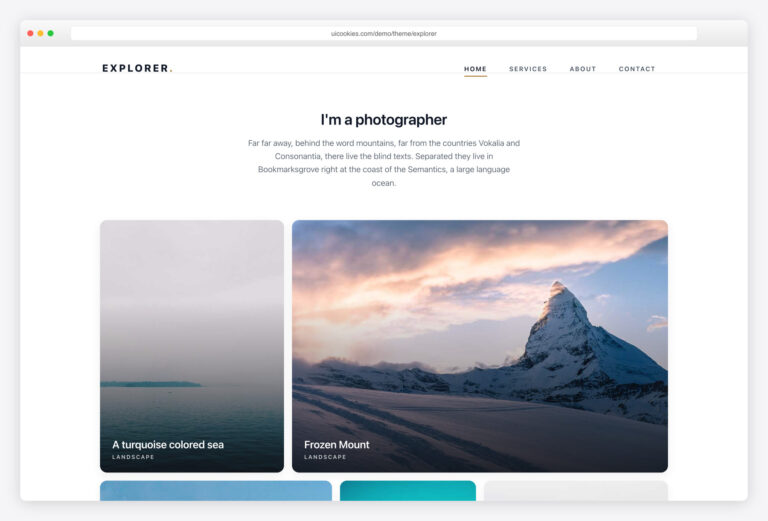
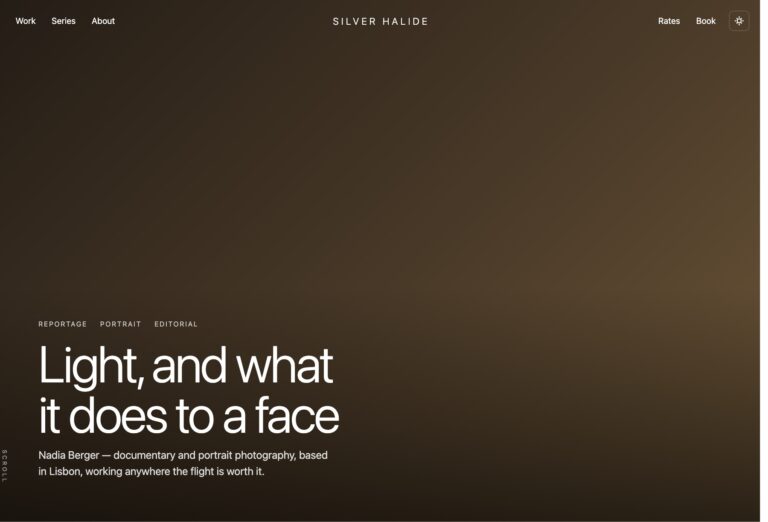
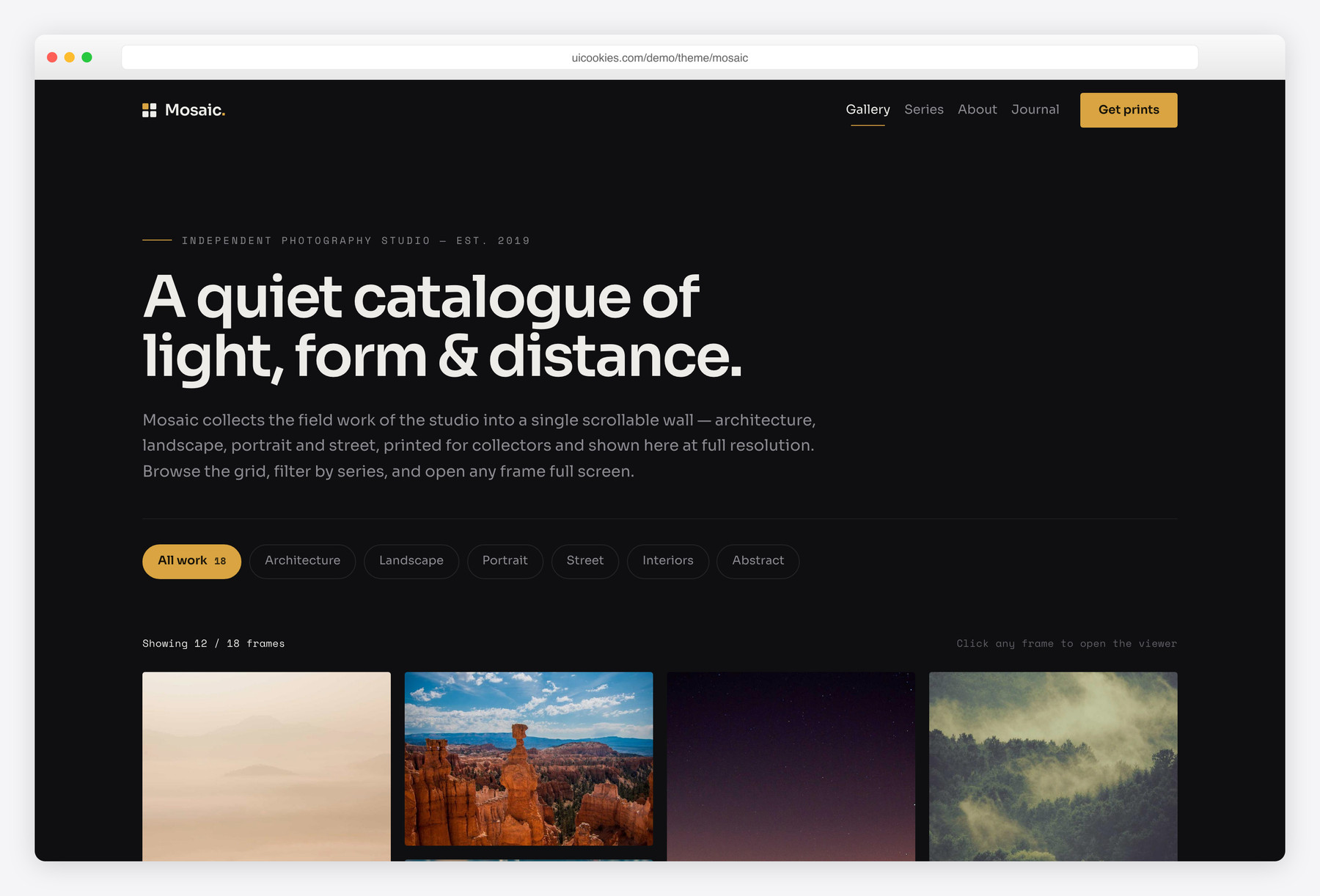
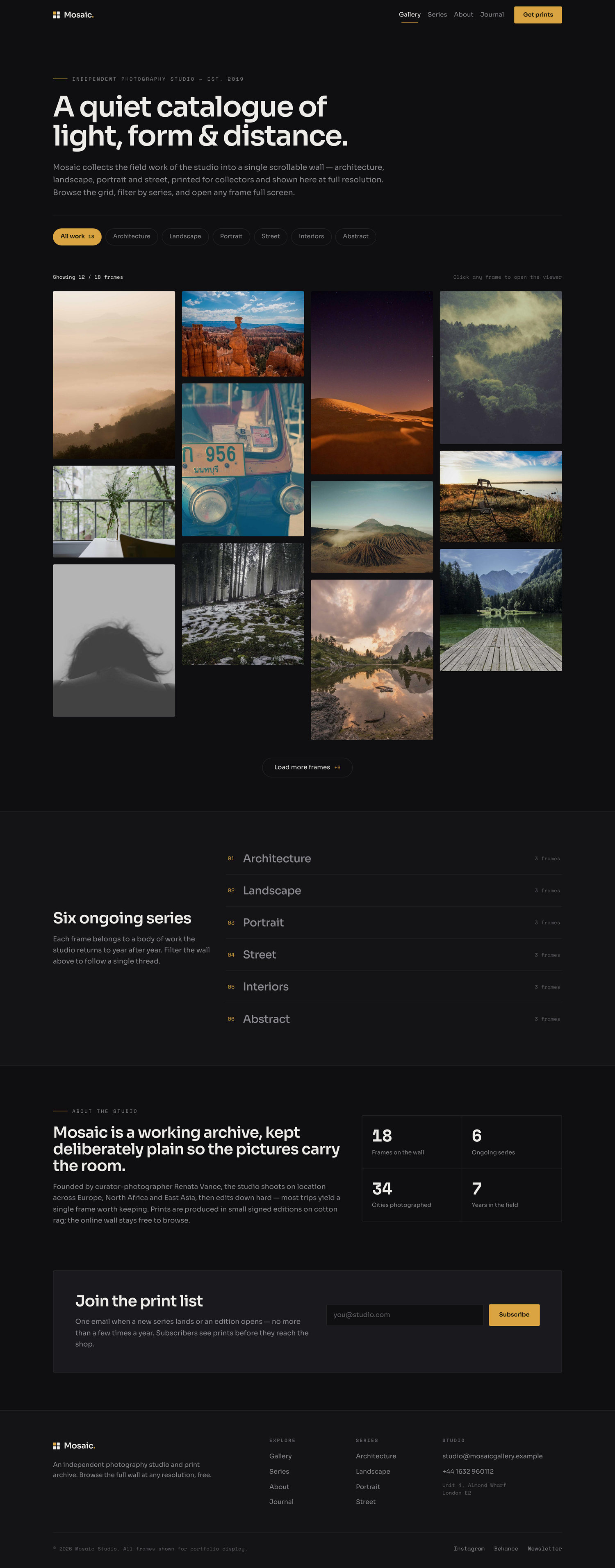
Mosaic is a free single-page photography gallery template built on Bootstrap 5 with no jQuery. It pairs a true CSS-columns masonry grid of 18 varied-height frames with instant category filtering, a 'load more' reveal, and a custom keyboard-friendly lightbox. The design is a near-black gallery canvas with a single restrained brass accent, so the images always lead.
Key features
- True masonry grid using CSS columns with varied image heights
- Instant vanilla-JS category filtering with no page reload
- Custom lightbox with prev/next, keyboard, backdrop close and focus trap
- Lightbox caption, image counter and touch-swipe support
- Load-more button that keeps the initial render light
- Per-frame hover overlay with series label, title and expand icon
- Sticky blurred navbar with a working collapsible mobile menu
- Count-up studio stats and scroll reveals via IntersectionObserver
- Newsletter form with inline email validation and status messaging
Best for
- Photographers and photo studios
- Illustrators and digital artists
- Design and architecture portfolios
- Print shops and gallery sites
- Any image-first landing page
At a glance
- Pages: index.html (single page)
- Framework: Bootstrap 5, self-hosted (no CDN)
- JavaScript: vanilla only, one function per feature, no jQuery
- Type: Sora (sans) + Space Mono (counters/captions)
- Palette: charcoal canvas, single brass accent, CSS custom properties at :root
- Accessibility: semantic landmarks, alt text on every image, ARIA on controls, visible focus, full keyboard support
- Images: 18 gallery frames, all local paths with width/height + lazy loading
- License: free for personal and commercial use
How to use it
Download the ZIP, unzip it, and open index.html — no build step, nothing to install. Edit the text and images, point any forms at your backend or a form service, and deploy the folder to any static host. Colours and fonts live in css/style.css; the interactions are in js/main.js.
Frequently asked questions
Is Mosaic really free to use?
Yes. Mosaic is free for both personal and commercial projects. You can use it for client work, your own portfolio, or a paid product without any licence fee. Attribution is appreciated but not required.
Does the template use jQuery?
No. Every interaction — the filtering, load-more, lightbox, mobile menu, count-up stats and form validation — is written in plain vanilla JavaScript. The only bundled library is Bootstrap 5's own JS, which powers the collapsible navbar. Dropping jQuery keeps the page fast and the code easy to read.
How does the masonry grid work?
The grid is built with native CSS multi-column layout, so images of different heights tile together without a JavaScript layout library like Masonry.js or Isotope. Column counts step down responsively from four on desktop to one on small phones. Because it is pure CSS, there is no layout jank on load and nothing to re-run on resize.
Is the lightbox accessible and keyboard-friendly?
Yes, that was a priority. The lightbox opens on click, traps focus inside the dialog, and supports Escape to close plus left/right arrow keys to navigate. It exposes a proper dialog role with aria-modal, restores focus to the frame you opened when it closes, and respects prefers-reduced-motion by skipping its open/close animation.
How do the category filters interact with the lightbox?
The filter pills and the series list both narrow the wall instantly to a single series. When you open the lightbox, its prev/next navigation only cycles through the frames currently visible, so filtering and browsing stay in sync. Switching back to 'All work' restores the paged view and the load-more button.
Can I add or remove gallery images?
Easily. Each frame is a self-contained figure block with data-category, data-title and data-caption attributes that feed both the hover overlay and the lightbox. Copy one block, point the img at your file, set its width and height attributes, and update the three data attributes — no JavaScript changes needed. Extra frames beyond the first twelve just get the is-extra class to sit behind the load-more button.
Is Bootstrap loaded from a CDN?
No. Both Bootstrap's CSS and its JavaScript bundle are self-hosted inside the template's css/vendor and js/vendor folders. That keeps the template working offline, avoids third-party requests, and sidesteps content-security-policy issues on locked-down hosts. Google Fonts is the only external request, and it can be self-hosted too if you prefer.
Is Mosaic responsive on mobile?
Yes, it is built mobile-first. The masonry columns collapse gracefully, the navbar folds into a working toggle menu, the lightbox controls resize for small screens and support swipe gestures, and every layout uses fluid clamp-based spacing. Images carry width and height attributes plus lazy loading to keep scrolling smooth on phones.