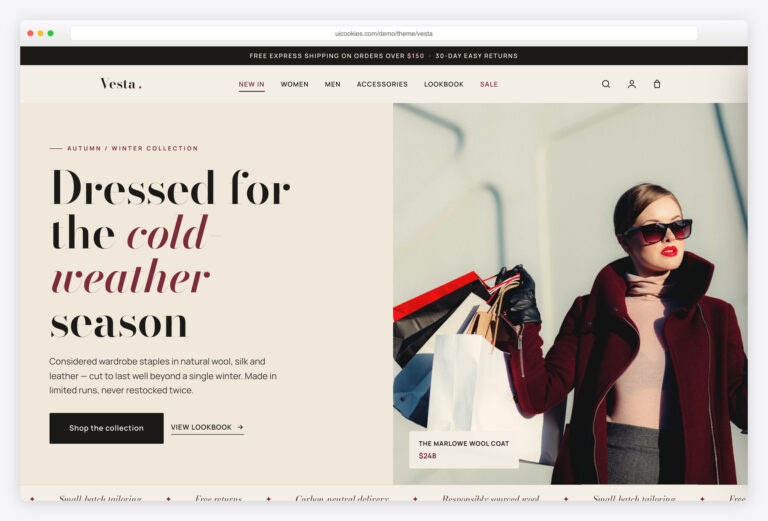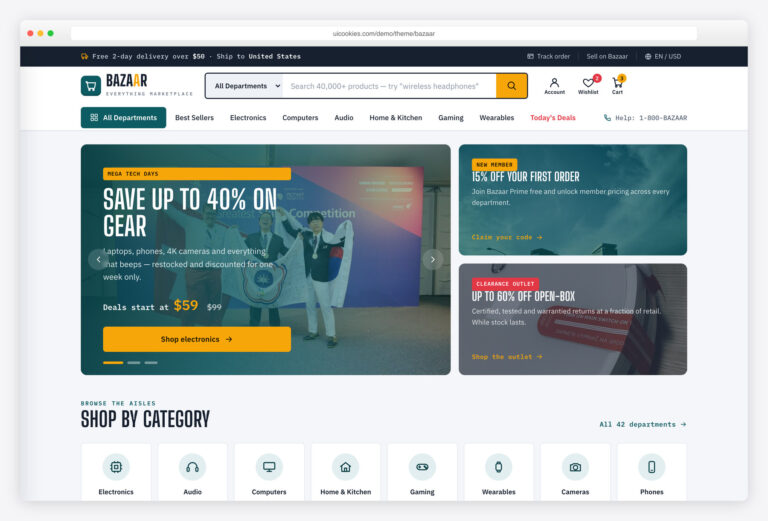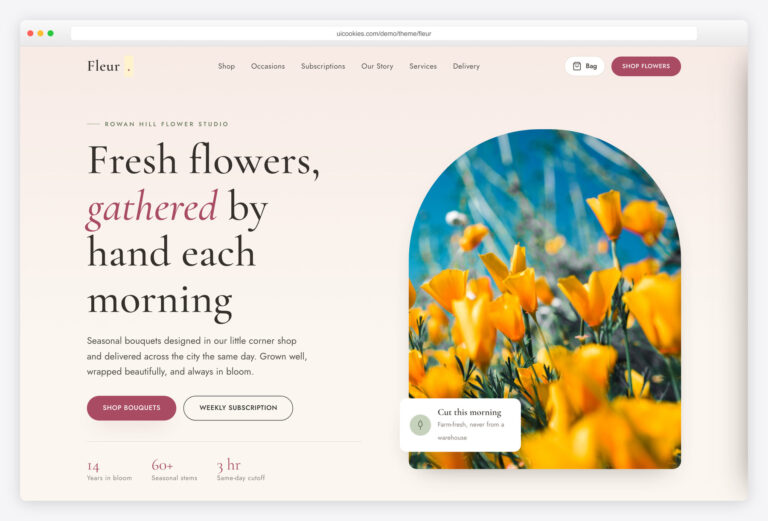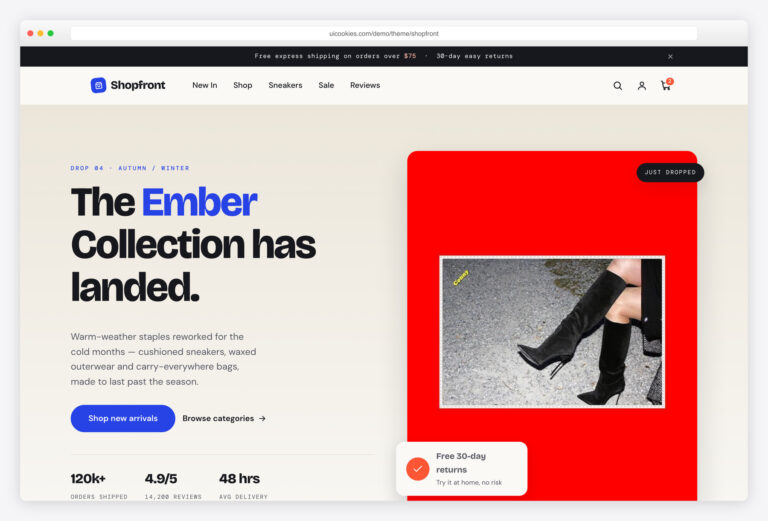

Emporium — Free E-commerce Website Template
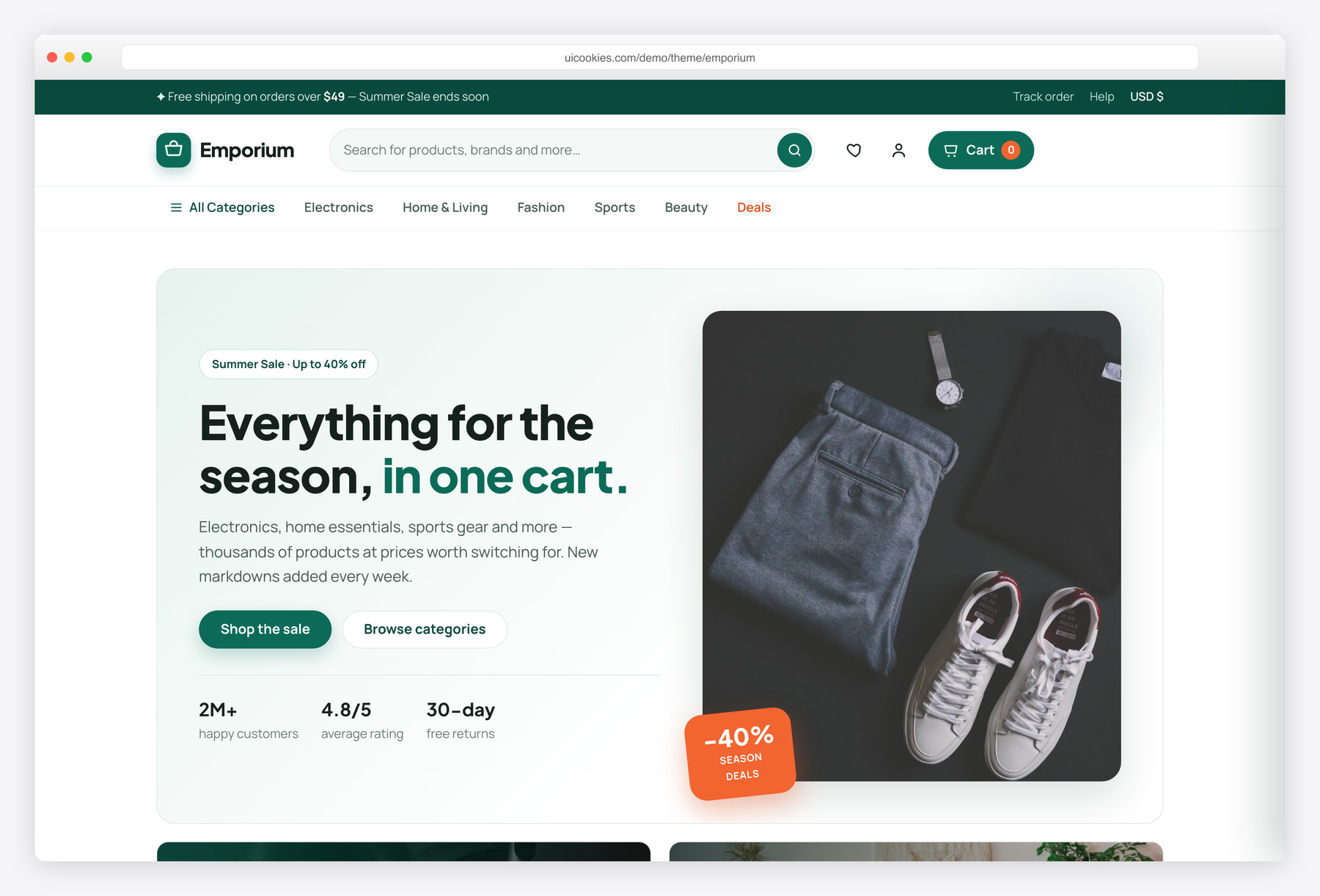
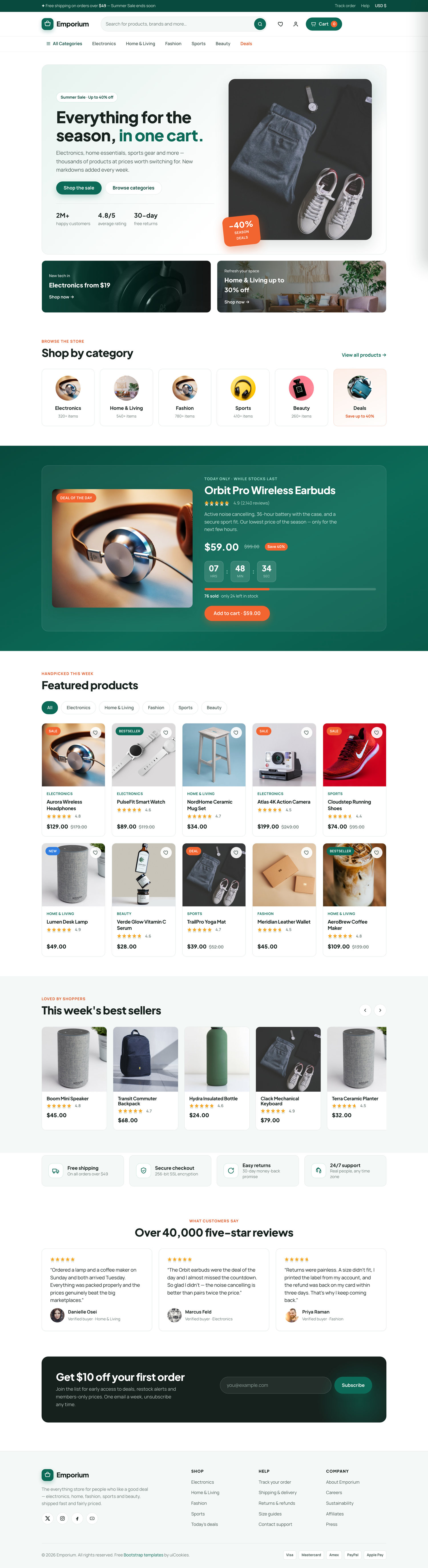
Emporium is a free, front-end e-commerce website template built on Bootstrap 5 with zero jQuery. It ships as a working two-page storefront — a multi-category home page and a full product detail page — connected by a real vanilla-JavaScript cart with category filtering, a countdown deal, a slide-in cart drawer with free-shipping progress, and keyboard-accessible product tabs and lightbox.
Key features
- Two cross-linked pages: multi-category storefront plus a full product detail page
- Slide-in cart drawer with add/remove, quantity controls, live subtotal and free-shipping progress bar
- Instant category filtering across a 10-product featured grid, no reload
- Deal of the day with a live vanilla countdown and stock-sold bar
- Product page with gallery thumbnail swap, colour and bundle variants, and a quantity stepper
- Keyboard-accessible Description / Specs / Reviews tabs with arrow-key navigation
- Zoom lightbox, best-sellers scroll-snap row, testimonials and a validated newsletter
- Progressive enhancement — content is fully visible without JavaScript and respects reduced-motion
- Self-hosted Bootstrap 5, ~450 lines of modular vanilla JS, no build step
Best for
- General and multi-category online stores
- Marketplace and department-store style shops
- Developers wanting a jQuery-free Bootstrap 5 storefront base
- Electronics, home, fashion, sports and beauty retailers
- Prototyping a shop front end before wiring a backend
At a glance
- Built on: Bootstrap 5 (self-hosted), no jQuery, no build step required
- JavaScript: ~450 lines of modular vanilla JS, one function per feature
- Pages: Home + Product detail
- Type: Plus Jakarta Sans (display) + Manrope (UI/body)
- Palette: Deep emerald brand · warm coral sale accent · crisp neutrals
- Accessibility: Semantic landmarks, ARIA on cart/tabs/lightbox/variants, visible focus, full keyboard support
- Licensing: Free for personal and commercial use
How to use it
Download the ZIP, unzip it, and open index.html — no build step, nothing to install. Edit the text and images, point any forms at your backend or a form service, and deploy the folder to any static host. Colours and fonts live in css/style.css; the interactions are in js/main.js.
Frequently asked questions
Is Emporium free to use for commercial projects?
Yes. Emporium is free for both personal and commercial projects under the standard uiCookies license. You can use it to build a real store front end, a client project, or a prototype. Attribution is optional but always welcome (the full terms are at uicookies.com/license), and there is no paid or locked tier — the download is the complete template.
Does the shopping cart actually work?
The cart is a fully functional front-end cart written in vanilla JavaScript. You can add products from any Quick-add button, the Deal of the Day, or the product page, then change quantities, remove items, and watch the subtotal and free-shipping progress bar update live in the slide-in drawer. It is client-side only, so cart contents reset on page reload — connecting it to a real backend, payment gateway, or persistent storage is the developer's next step.
How many pages does the template include?
Emporium ships with two pages: a rich storefront home page (index.html) and a complete product detail page (product.html). The home page covers the hero, category tiles, deal strip, filterable product grid, best sellers, trust bar, testimonials and newsletter, while the product page adds a gallery, variant pickers, tabs, reviews and related products. Both share one stylesheet and one JavaScript file, so adding more pages means reusing the same components.
Is Emporium built on Bootstrap 5, and does it use jQuery?
It is built on a self-hosted copy of Bootstrap 5 and uses no jQuery at all. Every interaction — filtering, the cart drawer, the countdown, tabs, the lightbox, the gallery swap, form validation and the mobile menu — is written in plain modular vanilla JavaScript, one function per feature. Only the Bootstrap bundle and a single main.js file load at the bottom of each page.
Will it work without JavaScript enabled?
Yes, the content is built with progressive enhancement. A small inline script adds a js class to the document, and the CSS only hides scroll-reveal elements when that class is present, so with JavaScript disabled every section, product and price is fully visible. Interactive extras like the cart and filtering naturally require JavaScript, but the page never leaves content stuck invisible.
Is the template responsive and accessible?
Emporium is mobile-first and responsive down to small phones, with the sticky header and category bar collapsing into a full-screen mobile menu. On accessibility it uses semantic landmarks, alt text on every image, ARIA roles and states on the cart drawer, product tabs, variant pickers and lightbox, visible focus outlines, focus trapping in the cart, and full keyboard support including arrow-key tab navigation. Animations respect the visitor's reduced-motion preference.
How do I change the colours and fonts?
All brand colours, neutrals, radii and shadows are defined as CSS custom properties in the :root block at the top of css/style.css, so you can restyle the whole template by editing a handful of variables. The type pairing is Plus Jakarta Sans for display headings and Manrope for body and UI, loaded from Google Fonts in each page head — swap those two lines and the --ff-display / --ff-body variables to change fonts.
Can I add my own products and images?
Yes. Products are plain HTML article cards, so you copy a .pcard block, change the image, title, category, rating and price, and set the data-id, data-name, data-price and data-img attributes on the add-to-cart button so the cart picks them up. Images are referenced by local paths in the img folder with width, height and descriptive alt text already in place, so you drop in your own files at the same dimensions.