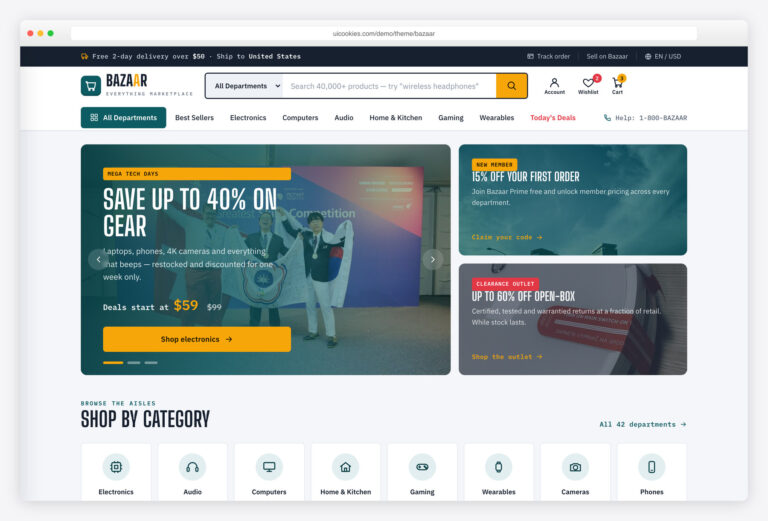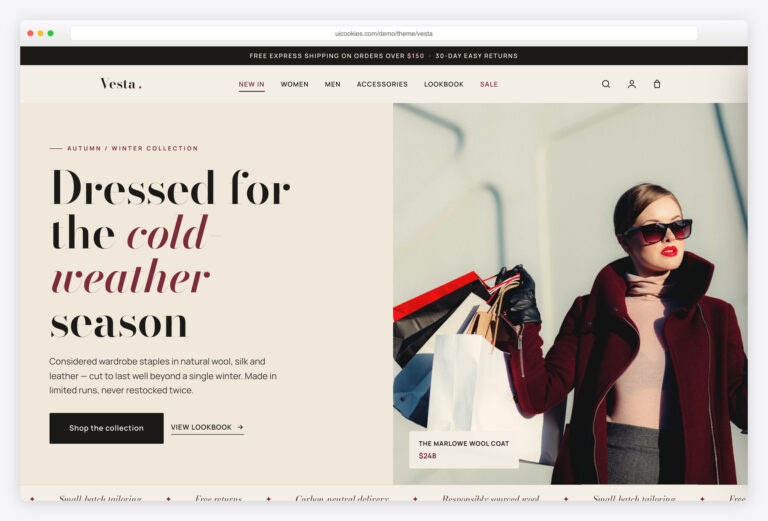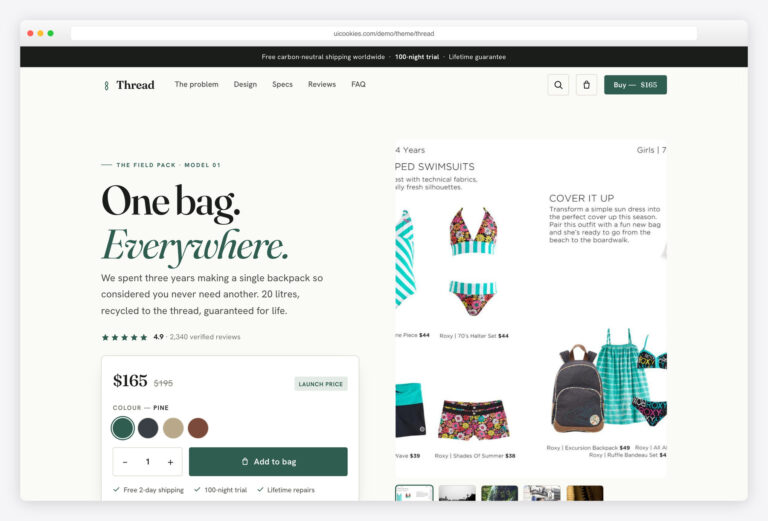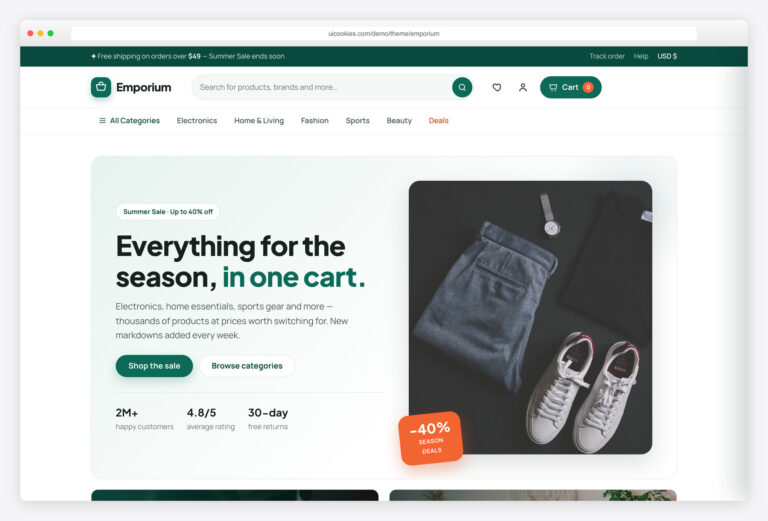

Shopfront — Free Bootstrap 5 E-commerce Website Template
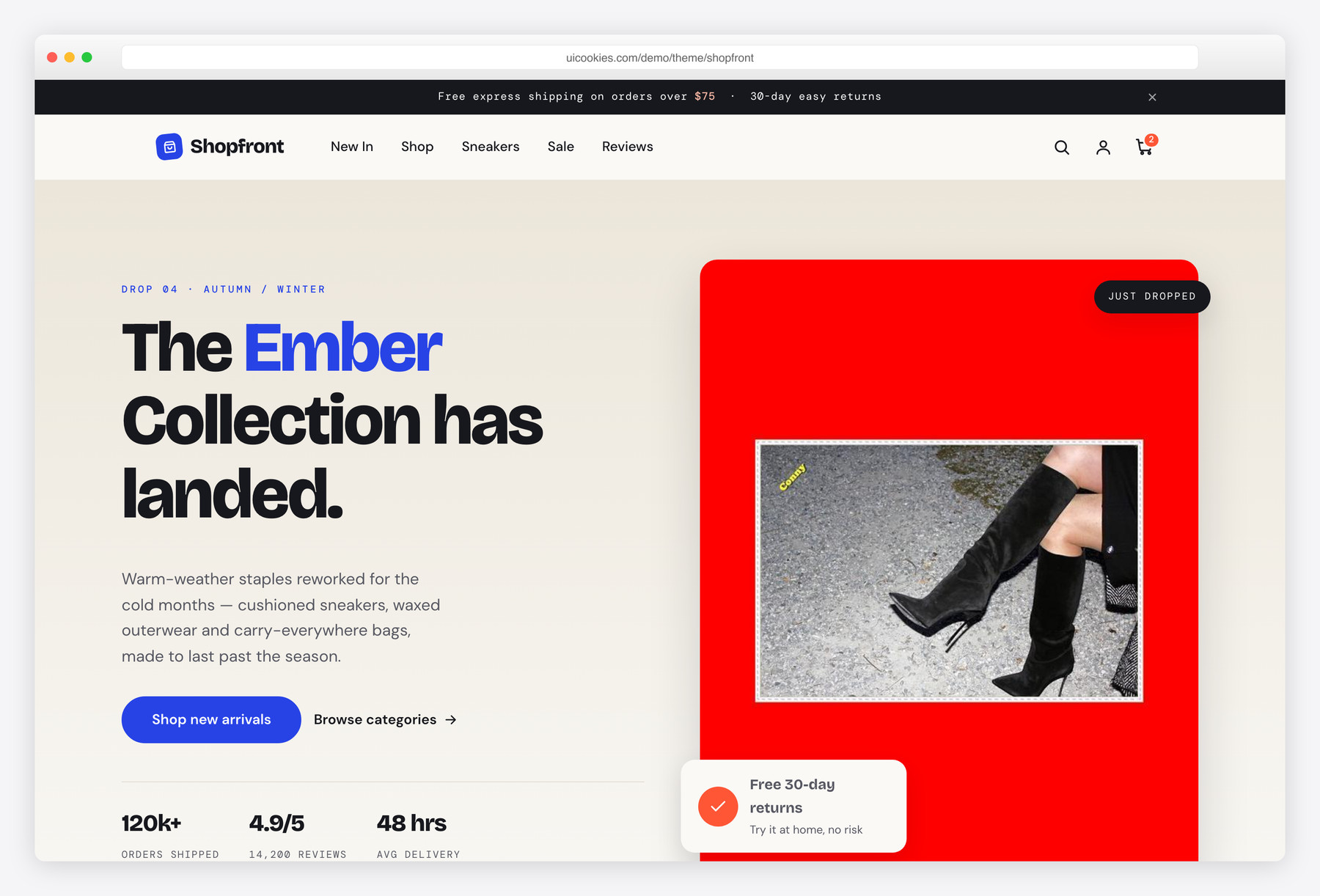
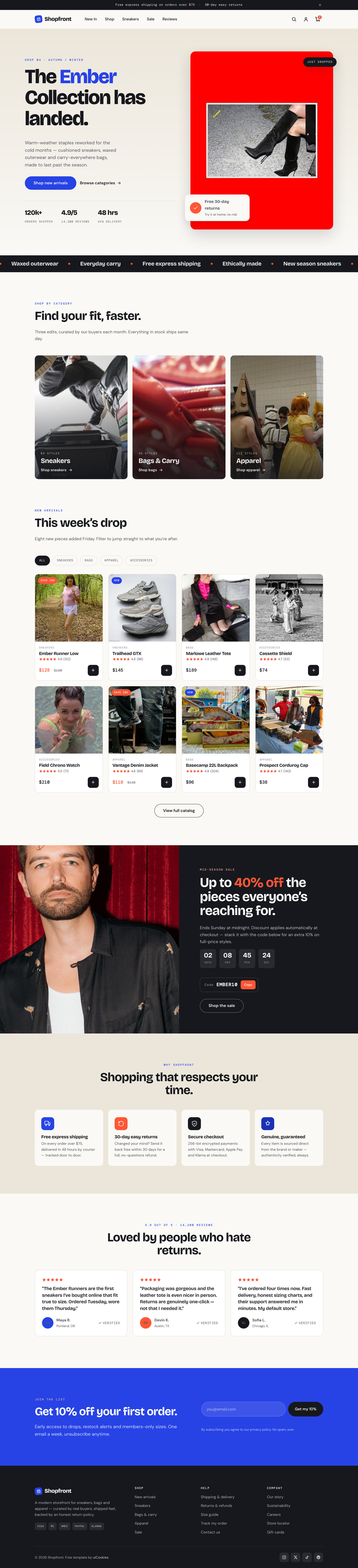
Shopfront is a free two-page Bootstrap 5 e-commerce template built with zero jQuery. What sets it apart is a real product-detail page — thumbnail gallery, colour and size selectors, a quantity stepper, and detail/review tabs, all wired in vanilla JavaScript — instead of just a landing mockup. It's styled like a cobalt-and-flame boutique fashion brand over warm bone neutrals.
Key features
- Full product page: gallery swap, colour swatches, size picker, quantity stepper
- 8-card product grid with instant category filtering, no page reload
- Sticky header with an animated live cart counter
- Vanilla-JS detail / specs / reviews tabs with deep-linked review jump
- Countdown sale banner with one-click copy-discount-code button
- Newsletter form with front-end email validation
- Hand-drawn inline SVG icons — no icon font, no external requests
- Scroll reveal, wishlist toggles, and toasts honour prefers-reduced-motion
- Zero jQuery; self-hosted Bootstrap 5, CSP-clean
Best for
- Sneaker, apparel, and fashion boutiques
- Small stores that need a real product page
- A single-collection or DTC brand launch
- Wiring a static front-end onto Shopify or WooCommerce
- Store demos on strict-CSP hosts
At a glance
- Framework: Bootstrap 5
- License: Free for personal and commercial use
- Pages: 2 (storefront + product detail)
- Responsive: Yes
- Style: Modern boutique e-commerce — cobalt & flame on bone, Bricolage Grotesque display
How to use it
Download the ZIP, unzip it, and open index.html — no build step, nothing to install. Edit the text and images, point any forms at your backend or a form service, and deploy the folder to any static host. Colours and fonts live in css/style.css; the interactions are in js/main.js.
Frequently asked questions
Is Shopfront really free, including for commercial projects?
Yes. Shopfront is free for both personal and commercial work, including paid client builds. There's no purchase, license key, or trial to worry about. A link back to uiCookies is appreciated but not required.
Can I edit it without knowing how to code or setting up a build tool?
Basic edits — swapping text, images, prices, and links — only need a text editor, since the pages are plain HTML. There's no build step, no npm install, and nothing to compile; open the files and go. Restyling or rewiring the interactions does call for some HTML, CSS, and JavaScript familiarity.
How do I change the colours and fonts?
The cobalt accent, flame-orange sale highlight, and bone/ink neutrals are set as CSS custom properties near the top of the stylesheet, so recolouring the whole storefront is a few edits in one place. The display typeface is Bricolage Grotesque; swap the font reference in the head and update the font variable to change it. No preprocessor or rebuild is required.
Is it responsive and mobile-friendly?
Yes. Shopfront is built on Bootstrap 5's responsive grid and adapts from large desktop screens down to phones. The product grid, sticky header, image gallery, and tabs all reflow cleanly for smaller viewports.
Which browsers does it support?
It works in all current versions of Chrome, Firefox, Safari, and Edge. The interactions rely on standard modern JavaScript APIs like IntersectionObserver, so an up-to-date evergreen browser is expected rather than legacy Internet Explorer.
Can I connect it to a real store like Shopify or WooCommerce?
Shopfront is a static front-end template, so the cart, add-to-cart counter, and checkout are front-end demos with no payment processing. The markup is clean and semantic, which makes it straightforward to wire into Shopify sections, WooCommerce, Snipcart, or a headless commerce API. You supply the backend, product data, and payment gateway yourself.
How do I add or edit products in the grid?
Copy one product card block in the storefront grid, then change its image, name, price, and data-category attribute. The category filter (Sneakers / Bags / Apparel / Accessories) picks up the new item automatically with no extra wiring. Product images live in the img/ folder and are referenced by relative path.
What makes the product page different from other free store templates?
Most free e-commerce templates stop at a landing page, while Shopfront ships a full product.html with a thumbnail gallery swap, colour swatches, a size picker with a sold-out state, a min/max quantity stepper, and detail/specs/reviews tabs. It also includes a deep-linked "Read reviews" jump and a countdown sale banner with a one-click copy-discount-code button. Everything is dependency-free vanilla JavaScript, so there's no jQuery or paid plugin to license.