
Vitals — Free Medical Clinic Website Template
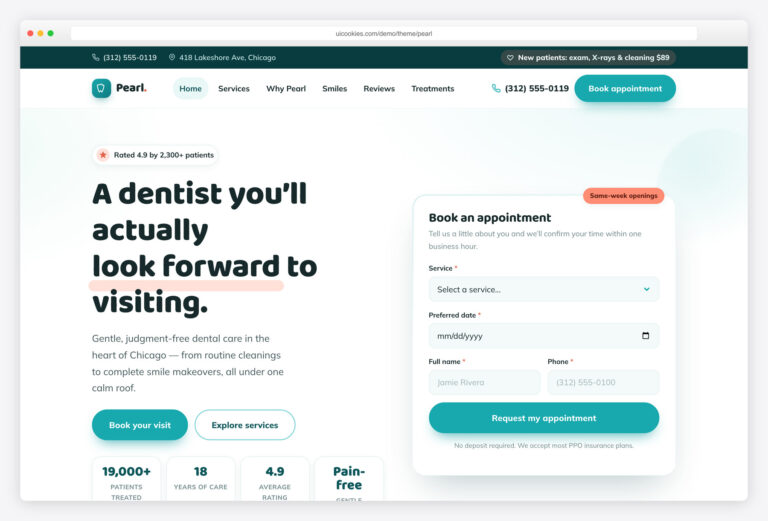
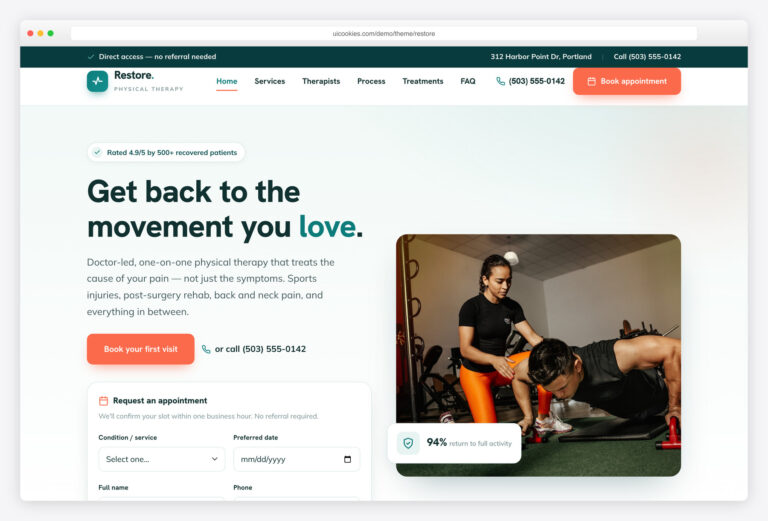
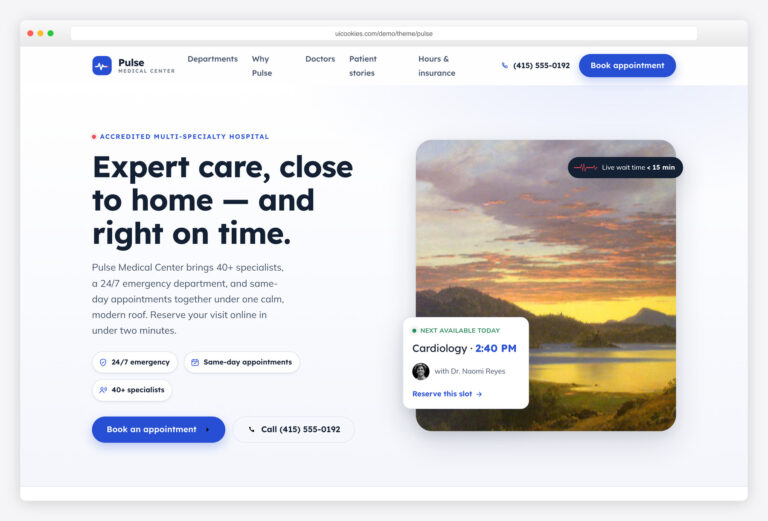
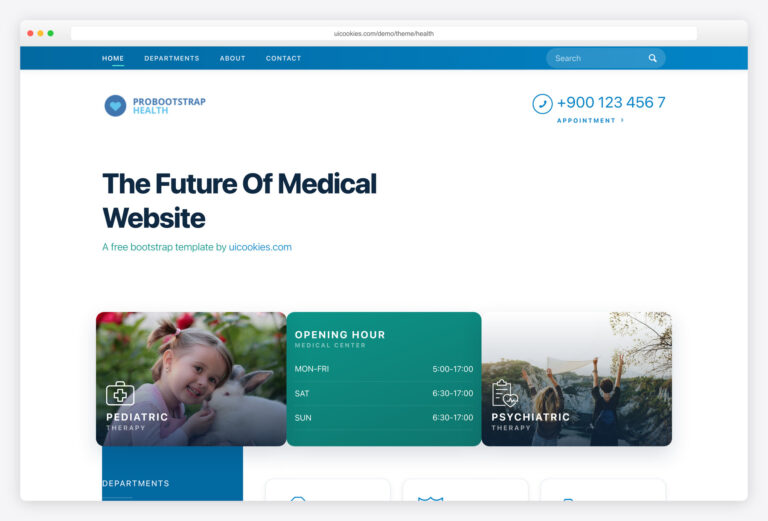
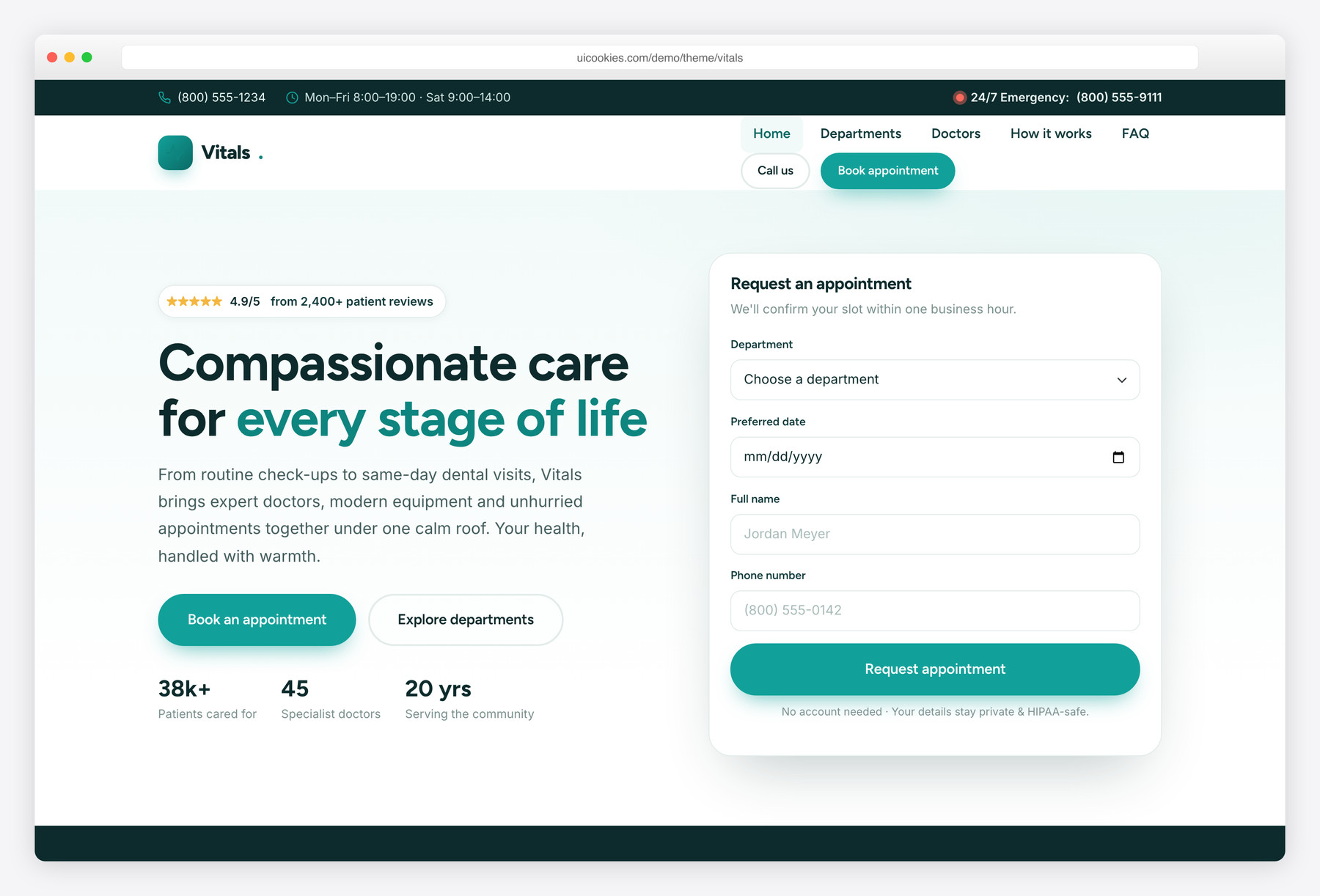
Vitals is a free Bootstrap 5 website template for medical clinics, doctors and dental practices, built with vanilla JavaScript and no jQuery. It ships with two pages — a conversion-focused homepage and a detailed Departments & Booking page — covering appointment forms, six specialist departments, a doctor line-up, testimonials and a FAQ. The design commits to a calming clinical teal-green identity with the Figtree and Inter typefaces so it reads as warm and reassuring rather than sterile.
Key features
- Homepage plus a dedicated Departments & Booking page
- Inline hero appointment mini-form with live validation
- Full booking form with department, doctor, date, time and reason fields
- Six niche department cards with visit times and pricing
- Meet-the-doctors grid and four-step booking timeline
- Keyboard-accessible testimonials slider and animated count-up stats
- Native details FAQ accordion and 24/7 emergency top bar
- Self-hosted Bootstrap 5, vanilla JS, no jQuery or CDN dependencies
- Progressive-enhancement reveal animations, reduced-motion aware
Best for
- Family medical clinics and doctor's offices
- Dental practices and cosmetic dentistry
- Multi-specialty and polyclinic websites
- Physiotherapy, pediatric and dermatology practices
- Any healthcare business that needs online appointment booking
At a glance
- Framework: Bootstrap 5 (self-hosted, no CDN)
- JavaScript: 100% vanilla, no jQuery, no dependencies
- Fonts: Figtree (headings) + Inter (body) via Google Fonts
- Pages: index.html, departments.html
- Palette: clinical teal-green (#12a19a) on deep teal-ink with soft mint backgrounds
- Accessibility: semantic landmarks, ARIA widgets, visible focus, keyboard support, reduced-motion aware
- Progressive enhancement: all content visible without JS; reveal animations gated behind
.js - License: free for personal & commercial use

How to use it
Download the ZIP, unzip it, and open index.html — no build step, nothing to install. Edit the text and images, point any forms at your backend or a form service, and deploy the folder to any static host. Colours and fonts live in css/style.css; the interactions are in js/main.js.
Frequently asked questions
Is the Vitals template really free to use?
Yes. Vitals is free for both personal and commercial projects, so you can use it for a real clinic, a client site or a portfolio piece at no cost. You are free to customize the colors, copy and imagery to match any practice. There is no paywall on the core files.
Does Vitals require jQuery or any build tools?
No. Every interaction — the mobile menu, testimonials slider, count-up stats, scrollspy and form validation — is written in dependency-free vanilla JavaScript. Bootstrap 5 and its bundle are self-hosted in the css/vendor and js/vendor folders, so there is no CDN, npm install or build step. Just open the HTML files in a browser.
How does the appointment booking work?
The template includes two booking forms: a compact mini-form in the homepage hero and a full form on the Departments page with department, preferred doctor, date, time and reason fields. Both run client-side validation and show a friendly success message. Because it is a static template, you connect the form to your own backend, form service or scheduling tool to receive real submissions.
Which pages and sections are included?
Vitals ships with two pages. The homepage covers a hero with an appointment form, trust stats, a departments grid, a why-choose-us section, doctors, a booking timeline, testimonials, insurance chips, health-tip teasers, an FAQ and a call-to-action band. The Departments page adds an in-page navigation, six detailed service rows with pricing, and a complete booking panel with a helpful sidebar.
Is the template accessible and mobile-friendly?
Accessibility was built in from the start. The markup uses semantic landmarks, every image has descriptive alt text, custom widgets carry ARIA attributes, focus states are clearly visible and the slider, accordion and menu all support keyboard use. The layout is mobile-first and the navbar collapses into a working slide-in drawer on small screens, and animations respect the prefers-reduced-motion setting.
Can I change the teal color scheme?
Easily. The entire palette is defined as CSS custom properties at the top of css/style.css, so changing a handful of variables like –v-teal and –v-ink recolors buttons, icons, cards and accents across both pages. You can shift to a medical blue, a green or your own brand color without hunting through the stylesheet.
Will the content still show if JavaScript is disabled?
Yes. Vitals uses progressive enhancement: all text and images are fully visible without JavaScript. The scroll-reveal animations only apply once a small script adds a 'js' class to the page, so visitors and search engines never see hidden or blank content. JavaScript only adds motion and interactivity on top of a complete baseline.
How do I replace the placeholder photos and details?
All images are referenced from the local img/ folder, so you drop your own doctor headshots, clinic photos and health-tip images in with the same file names or update the src paths. Practice details like the phone numbers, address, opening hours, department pricing and doctor names are plain HTML you can edit directly in index.html and departments.html.