


Checkboxes are there in our systems for a very long period. You might have seen them in forms, coupons, flyers, and many print materials. The checkboxes are also carried over to the digital format for yes-or-no functionality. Because checkboxes are binary, they are also used in control panels and settings menus. As modern web development has evolved from chunky to more natural, responsive design, you can add effects to elements. We have compiled a list of trendy CSS checkbox designs with intuitive animation effects.
As most CSS checkboxes are designed using CSS3 script, you can easily use them in your websites, forms, and app designs. If you are an app designer, use our MacBook and iPhone mockups to present your designs elegantly to your audience or showcase them in your portfolio.
Developer Friendly CSS Checkbox Examples
A collection of smart and interactive CSS checkbox designs and toggle buttons that you can use on your project. Both simple and animated CSS checkbox designs are in this list, so make sure you check them all.
Checkbox V04

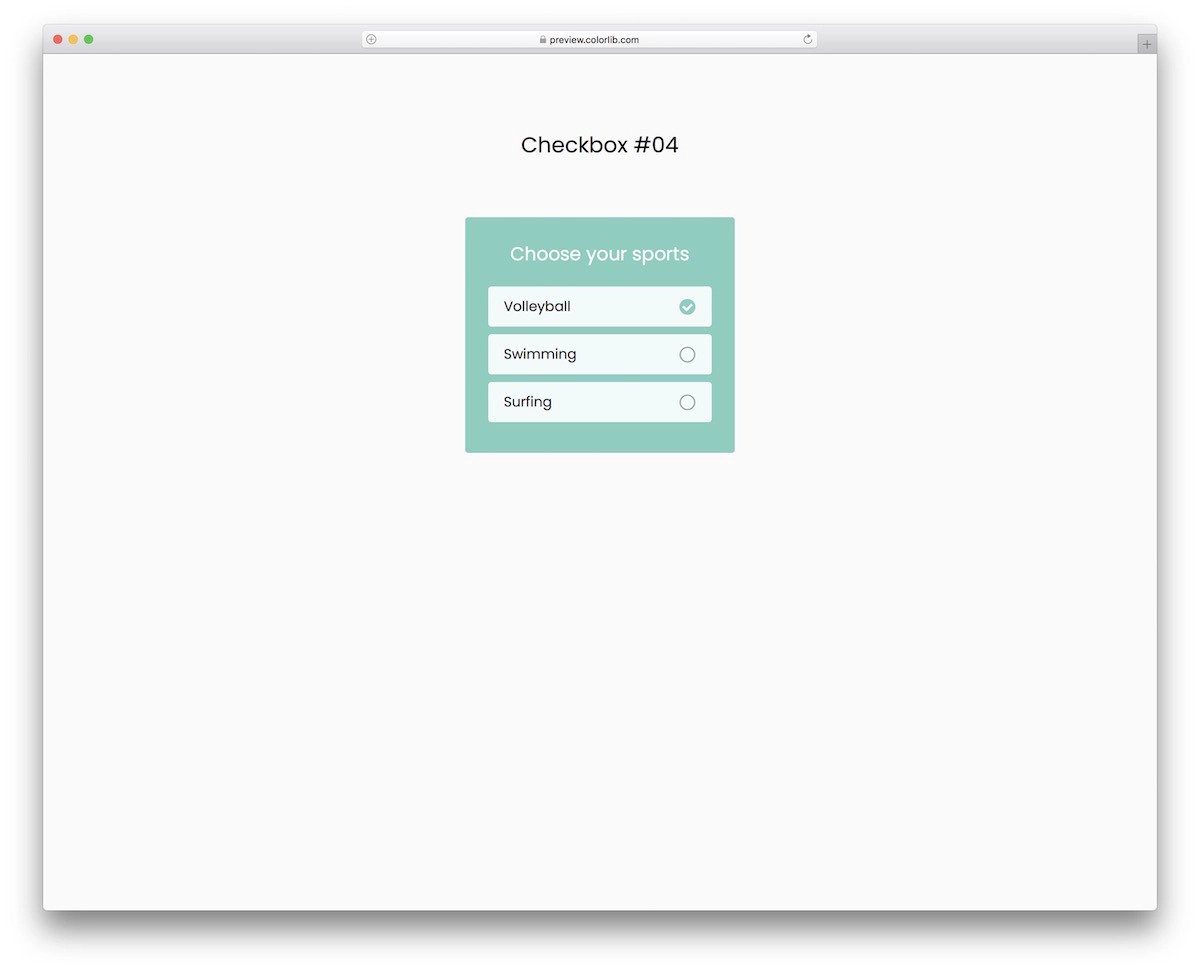
The V04 is a classy-looking CSS checkbox design.
Each checkbox entry is treated as a separate box, so you have more than enough space to add text and the checkbox. Another advantage of this template’s practical design is that users can interact with it easily on both small and large-screen devices. This one will be a good choice if you are looking for a responsive CSS checkbox example. The code files are given as downloadable files so you can use them comfortably on your project.
CSS Checkbox V05

This CSS checkbox example includes notification badges. If your checkbox shows the categories, you can use this notification badge to display the number of entries under each category.
Apart from the notification badges, this checkbox has a cool and colorful design. The checkbox tick mark rotates when you check a box, and the bright purple color will help the audience easily notice the option they chose. Since this template uses the latest CSS3, you can easily use the color scheme you want and give your element a personal touch.
Checkbox V03

This one will be a good choice for those looking for a button-style CSS checkbox design.
Two CSS checkboxes are given in this example. The creator has contained the animations well in this design. As all the animations happen within the button, you can place these checkbox buttons on any part of your website/form. As modern UI designs adopt mobile-first principles, this button-style checkbox will be useful for mobile app and website design.
Simple CSS Checkbox V15
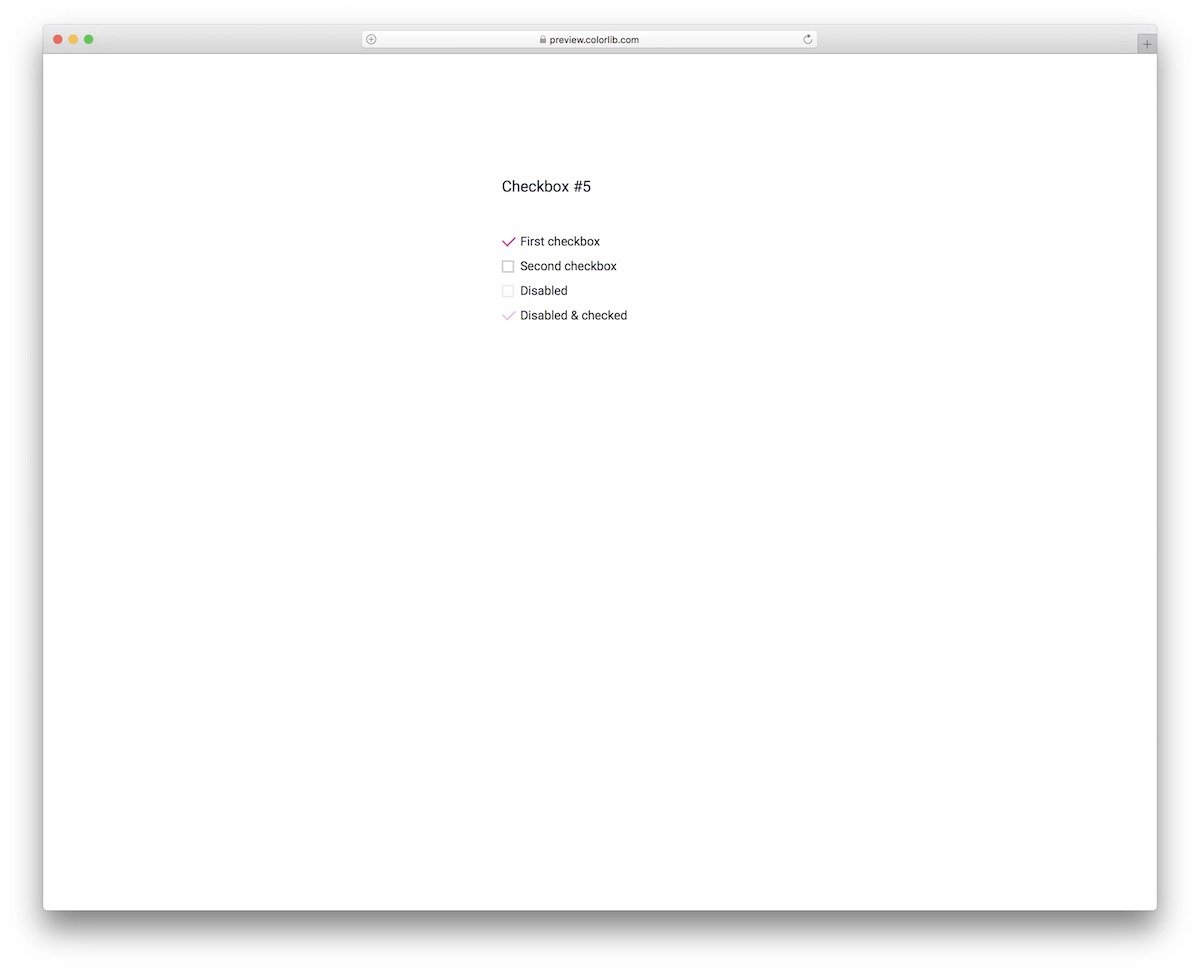
The V15 has an elegant-looking and straightforward CSS checkbox design.
What makes this CSS checkbox design appealing is its animation. The checkbox smoothly turns into a tick when the user clicks it. This template also includes a disabled checkbox and a disabled & checked checkbox, along with the regular checkboxes. The creator has kept the code as simple as possible so you can add your own features and custom actions to the checkbox per your design requirements.
Smash

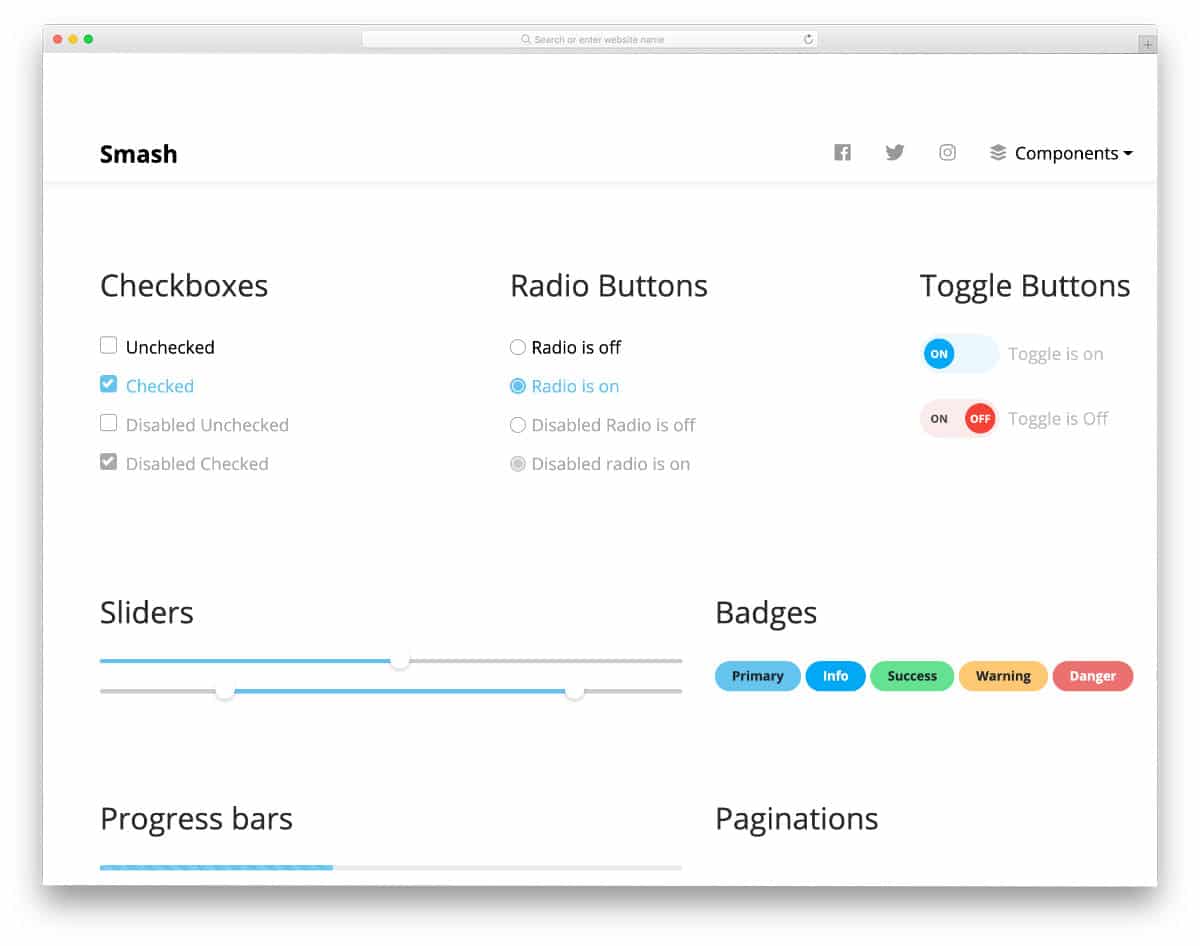
Smash is a fully functional UI kit. The creator has used the latest CSS3 and Bootstrap frameworks in this kit, so you can use this kit to create basic elements without spending much time. Right from the call-to-action buttons to the sliders, everything is given in this pack. Under the CSS checkbox category, you get four different checkbox designs. You get a normal check box design, a disabled unchecked box design, and a disabled checkbox design. Though it is a UI kit with plenty of pre-designed elements, the code structure is very simple; therefore, you can easily find the code of the elements you want and edit it according to your needs.
Neuomorphic Checkboxes
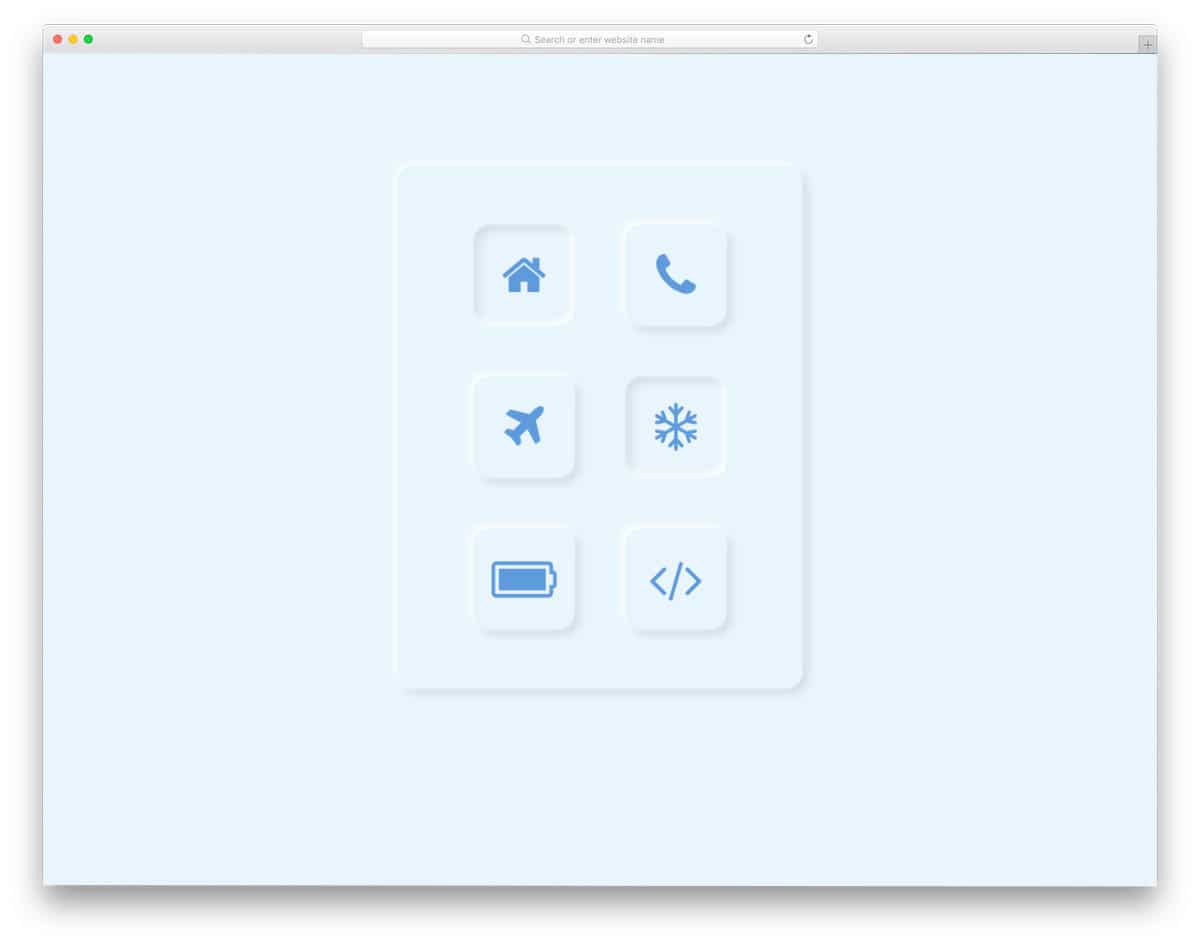
Neuomorphic Checkboxes design is a good example of effectively using depth and shadow effects in modern CSS. The creator has played with light and shadow to create an authentic button-clicking experience. Since the concept is based on the interface experience, you can use this checkbox button design anywhere on your website and applications. Using elements like this takes your web and app design to the next level and makes your website stand out from competitors’ sites.
CSS Checkbox Designs

This Checkboxes design example gives you a checkbox ticking and unticking animation concept. This pack includes two different concepts; both are simple and elegant. Based on your design requirements, you can choose either the light or dark version. The entire code script is shared with you on the CodePen editor. You can interchange the effects if you want, or add your own custom effects and visualize them on the CodePen editor itself.
Checkbox With mo.js


This example will impress you if you are looking for a simple and animated CSS checkbox design. As the name implies, the creator has used the mo.js script for the smooth animation effect. The bubble effect is smooth and real, so the user will enjoy using this checkbox. Bright colors are used effectively with the animation effect to clearly show that the user has selected the checkbox. As more users use smartphones nowadays, an animation effect like this will give them a reassuring feel. If you feel that the mo.js will make your page heavy, you can trim the code per your requirements. The entire code script is shared to help you easily use it in your design.
Custom Checkbox
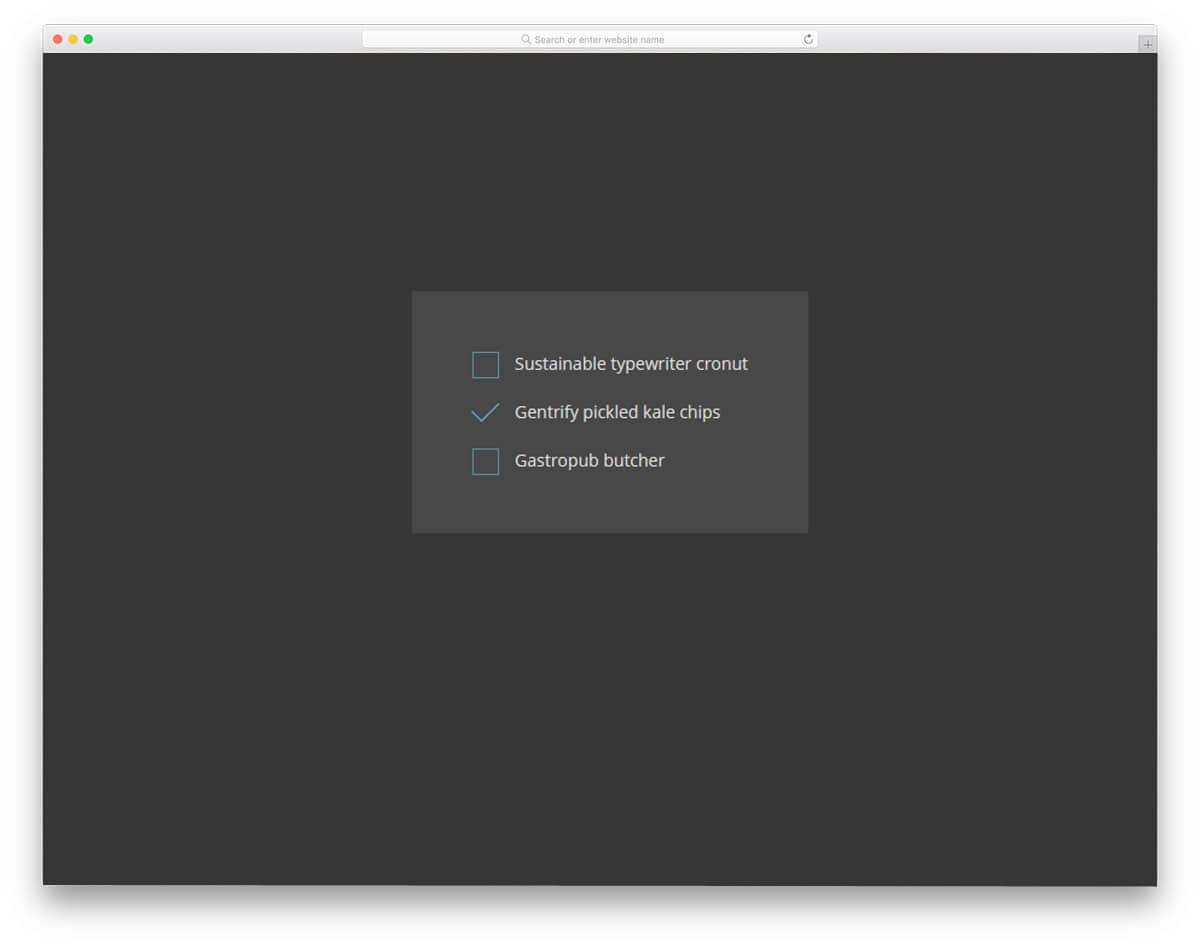
This one is a pure CSS checkbox design example. Using simple, lightweight code snippets will make your job much simpler. Just like the code, the design, and the animation effects of this checkbox, the design is kept simple. The animation effect is swift and smooth, so the users won’t notice the box-to-tick mark transformation. Because of this simple design, you can use this animated checkbox on any form, website, or landing page. Since it is a concept model, the creator hasn’t concentrated on the colors and fonts. But you can easily add the color scheme and the fonts you want. Since this example uses the latest CSS3, it supports all modern colors and fonts.
CSS-only Todo List Checkbox Animation

From the name alone, you can tell this is a to-do list checkbox design example. The creator has included both the tick and untick animation effects in this example. When you tick the box, you get the strike-through effect and a bling-bling effect for the tick mark to clearly show that the user has completed the task. To achieve this interactive animation effect, the creator used a few lines of JavaScript alongside CSS3. The code snippet is shared with you on the CodePen editor. You can see that the user has added notes in the code to help you easily understand it. If you are a beginner, this CSS checkbox code snippet will help you understand the design easily.
Animated SVG Checkboxes
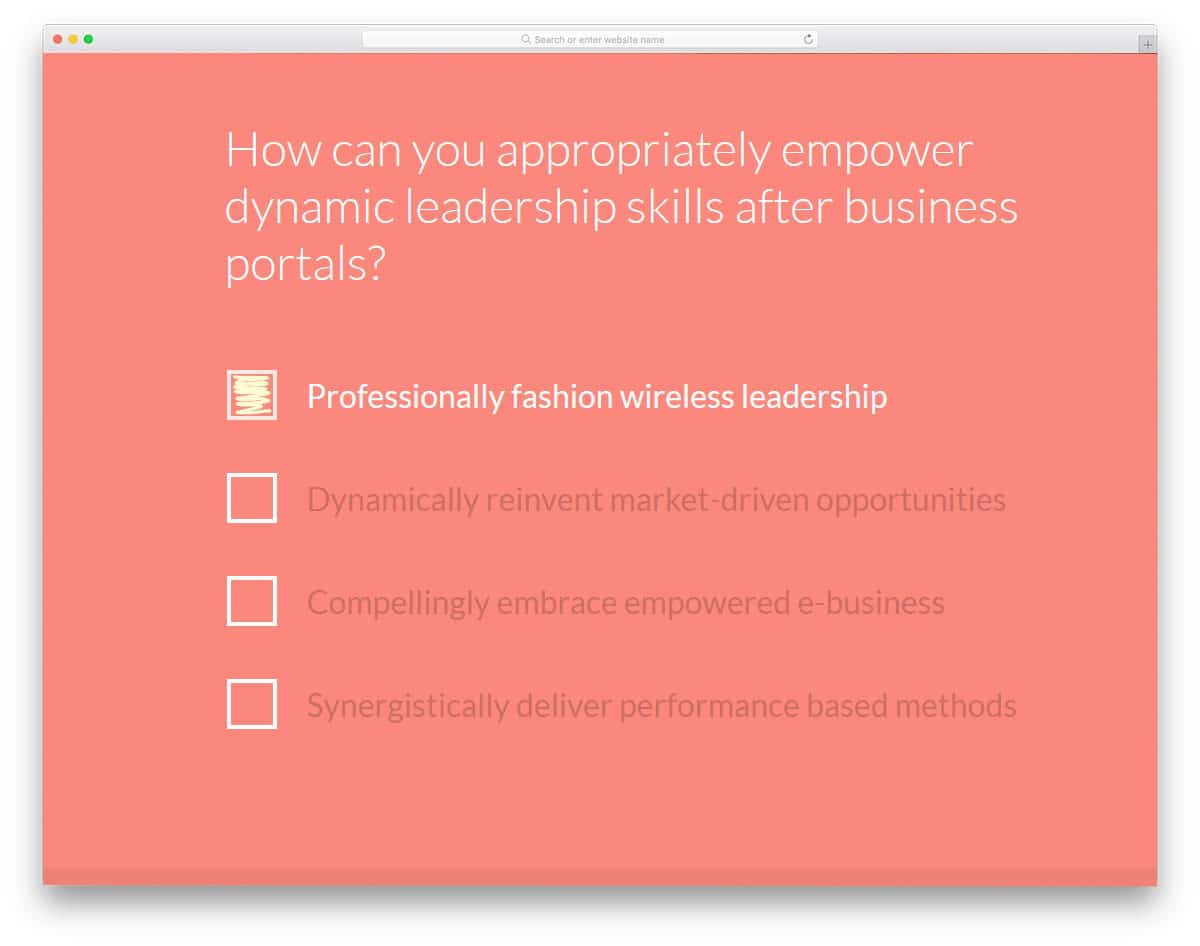
If you want a real human interaction feel when the user uses the checkbox, this CSS checkbox design will impress you. The creator has used hand-shading, circling, and strikethrough effects for the checkbox. Along with the checkbox design, you also get the radio button design. As mentioned, the creator has given you different animation effects for the checkbox. Pick the one you like and start working on it to fit it into your design. In the download file, you’ll find code snippets for all design types. The creator has organized the files and the code snippet properly to help you easily find your desired design.
Checkbox Challenge

A simple checkbox with neat animation is given in this example. Because of its simple design, you can easily place this checkbox anywhere on the website/application. A short ripple effect is used when the user checks the box. Just like the design, the code script is also very simple. Mostly, the CSS script is used to make this design; hence, you can easily edit and use the code on your project. Another advantage of this lightweight code is that you can easily incorporate it into existing websites and forms.
CSS Ripple/Wave Checkbox
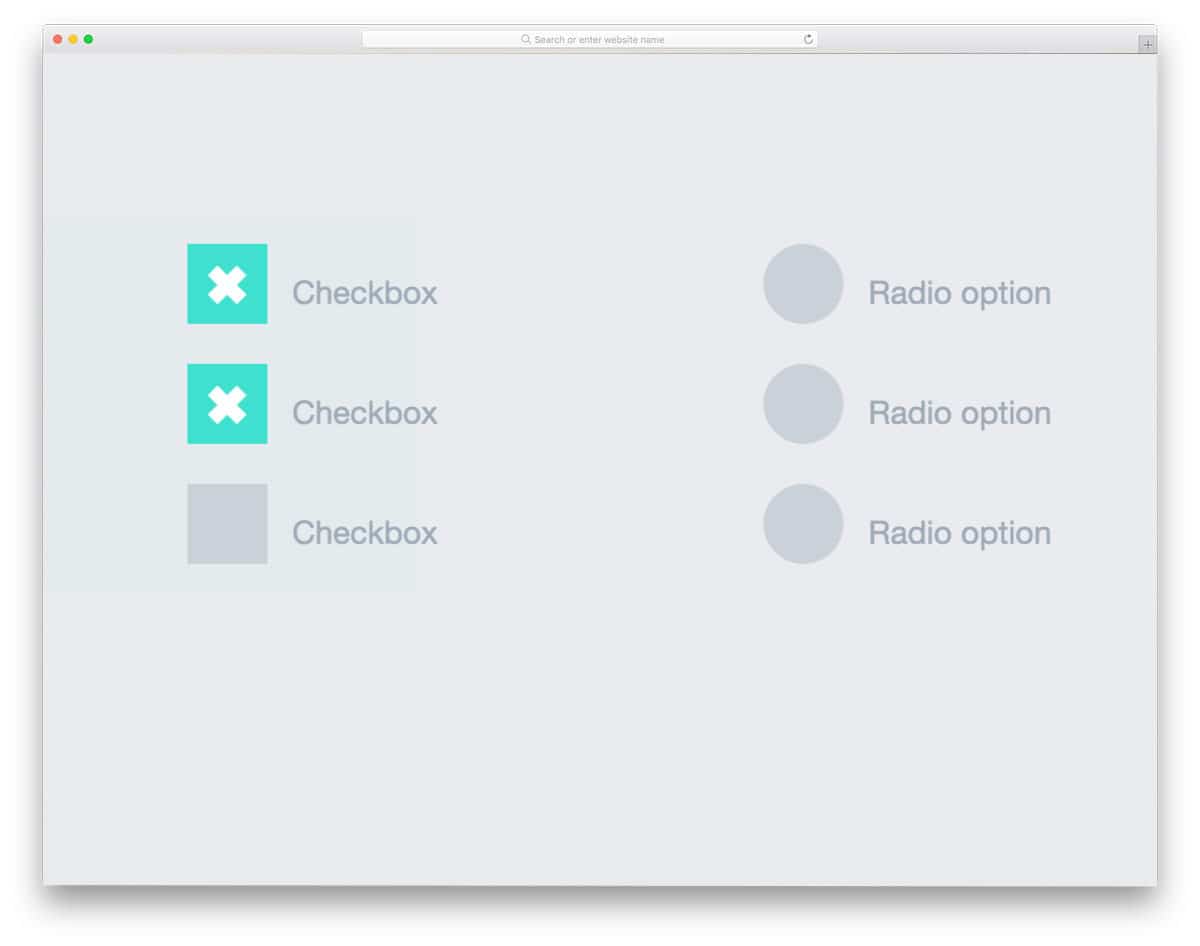
This one also uses a ripple effect for the checkboxes, but its ripple is slightly longer and feels more pronounced. The creator has given both checkbox and radio button designs in this pack — both have a simple design. A simple cross mark is used for the checkbox. If you want, you can replace the cross mark with the symbol you prefer. Like most other CSS checkbox designs in this list, this one is made using the latest CSS script. Hence, you can use any modern colors and effects without any hesitation.
Pure CSS Fancy Checkbox/Radio

This design might interest you if you are bored by the same ripples and bounces. When you check a box, the entire text is wrapped around the checkbox, clearly showing the selected options. Designs like this will be useful when you have less space and want to make the elements interactive. In this example, you also get both checkbox and radio button designs. The code is kept as simple as possible so developers can understand it in a few minutes of reading.
Simple Checkbox

For those who want everything to be dead simple and don’t care about fancy animations, this design will impress you. This design might look like a mix of a checkbox and a radio button because of its circular shape. If you like the design, you can use it for checkboxes and radio buttons. Like a few other CSS checkbox designs in this list, this one has animations for selecting and unselecting actions. The entire code script is available in the CodePen editor so you can quickly edit and preview it before incorporating it into your project.
Checkbox Trickery: To-Do List
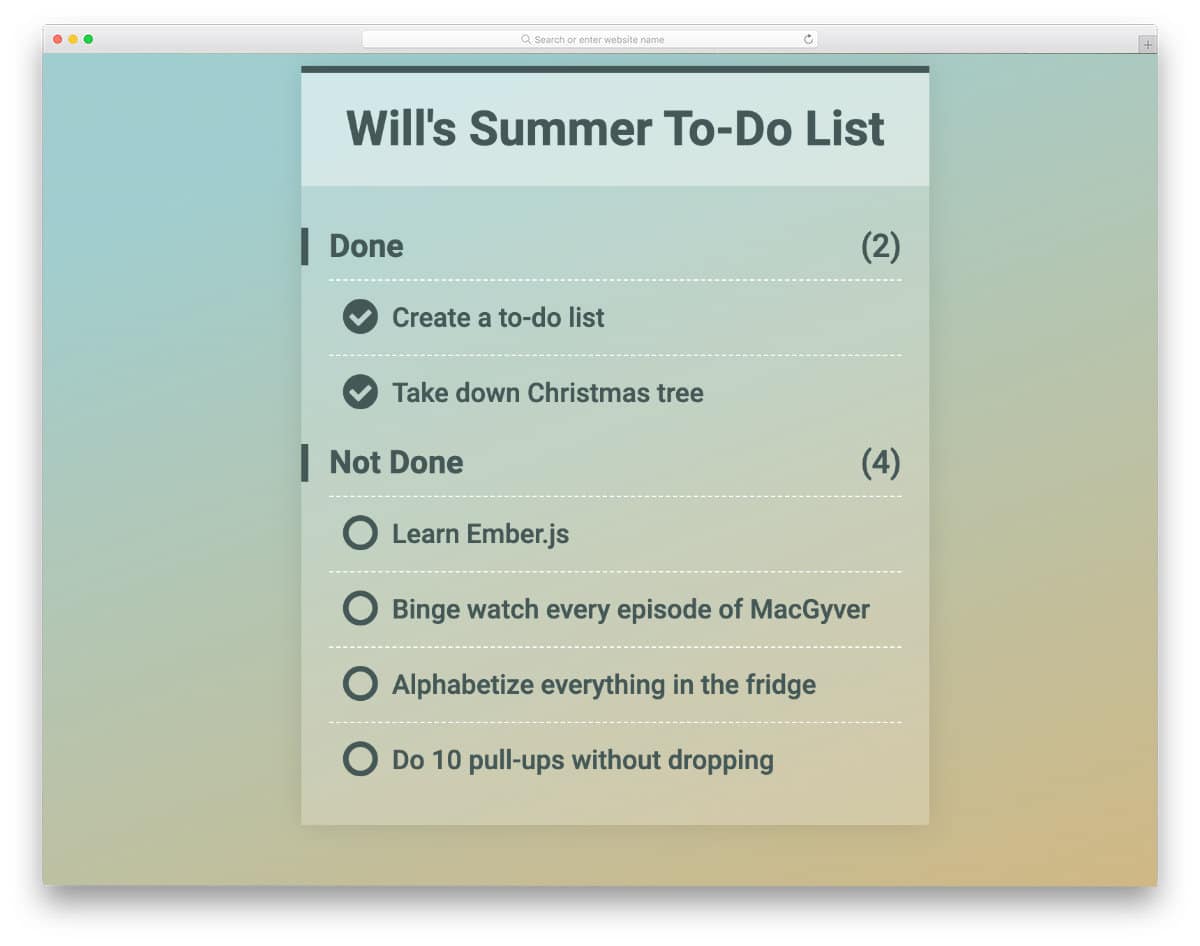
This is another to-do list-based CSS checkbox design. The whole-to-do-list concept works smoothly in this example. Once you mark the action as completed, it neatly moves to the completed list section. Everything works perfectly on the front-end in this example. You can use the code snippet immediately in your application/website. If you are a professional app developer, check out our UI kits collection for more interactive designs that will simplify your job.
Jelly Checkbox

This is another simple and elegant looking animated checkbox design example. As the name implies, the creator has used a jelly-like bouncing effect when you click the checkbox. This example is one of the few CSS Checkboxes that use CSS to create the design. Since it is a concept model, the creator has kept the design small and simple. You can easily scale the checkbox to the size you want. Since the creator mostly used CSS3 to create this design, developers can easily work with this code snippet.
Shift & Check Boxes

This checkbox is similar to the to-do list and notes apps on your iPhone. Proper spacing and borders make it easier to read the content. Since it is a concept demo, the developer didn’t include an option to edit the text. But you can still edit the code to make it a properly functioning front-end concept. You get the entire text stricken out when you check the box, just like in the Google Keep application. If you plan to include a checklist tool in your application or admin dashboards, this design will give you some basic ideas.
Box/Button Hovers

Box/Button Hovers is a conceptual design for interactive animation. The creator of this checkbox has given you a basic idea; from here, you have to take it from there. Rather than simply putting static boxes, you can add a little animation to spice things up. The developer of this checkbox has provided three hover effects, one of which includes a checkbox. You can combine other effects with the checkbox as needed. In the default demo, the checkbox given is not clickable. Only the animation effect is shared with you; the rest of the work you have to do manually.
CSS3 Checkbox Styles
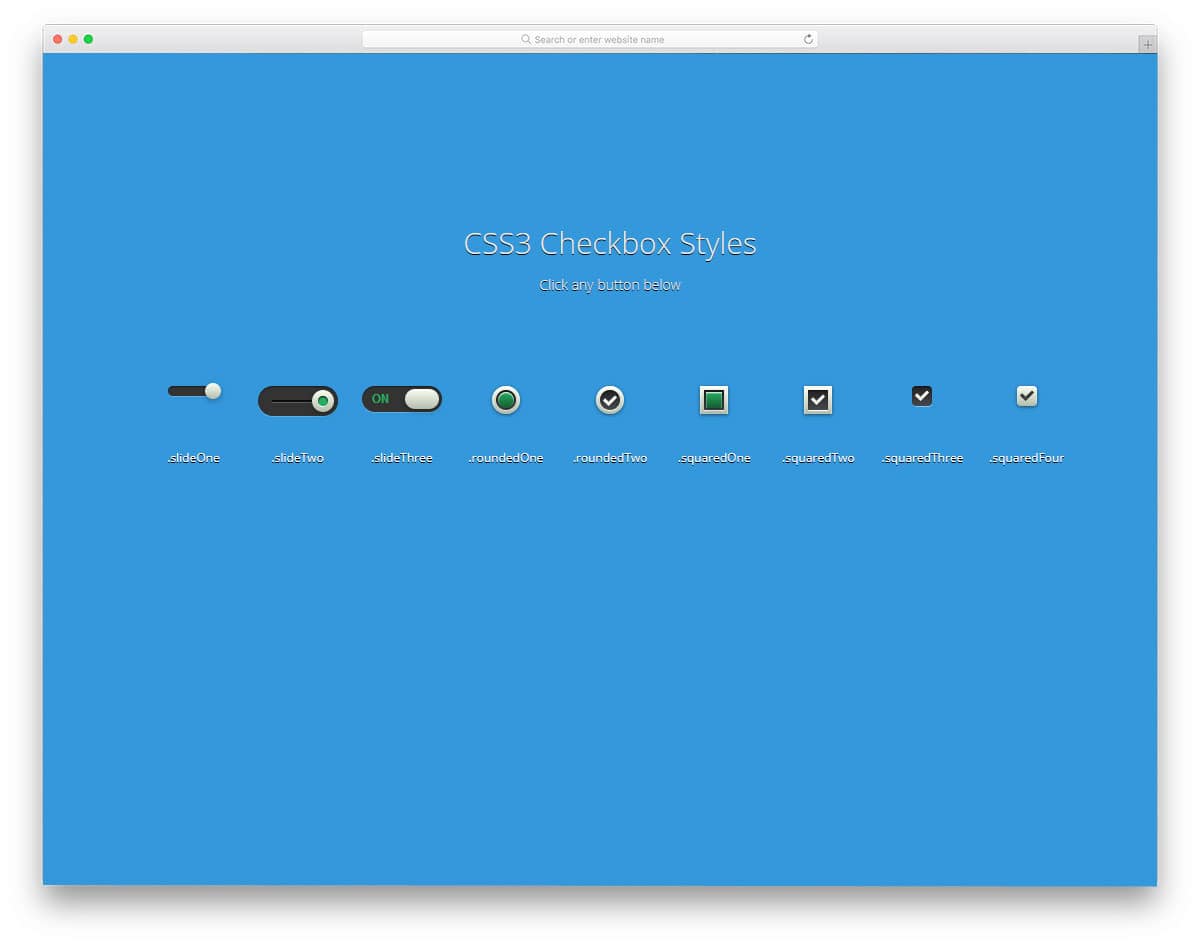
In this example, the developer has provided a set of 9 checkbox designs. All nine checkbox designs are bold and chunky to stand out from the rest of the elements on the form and web pages. The creator has also provided you with sliding buttons for web and mobile applications, along with checkboxes. Since the designs use the CSS3 script, you can add modern colors and border style to the buttons. To help you easily utilize the code snippet, the developer has neatly segmented the code and used comments to let you know which button you are working.
Pure CSS Option
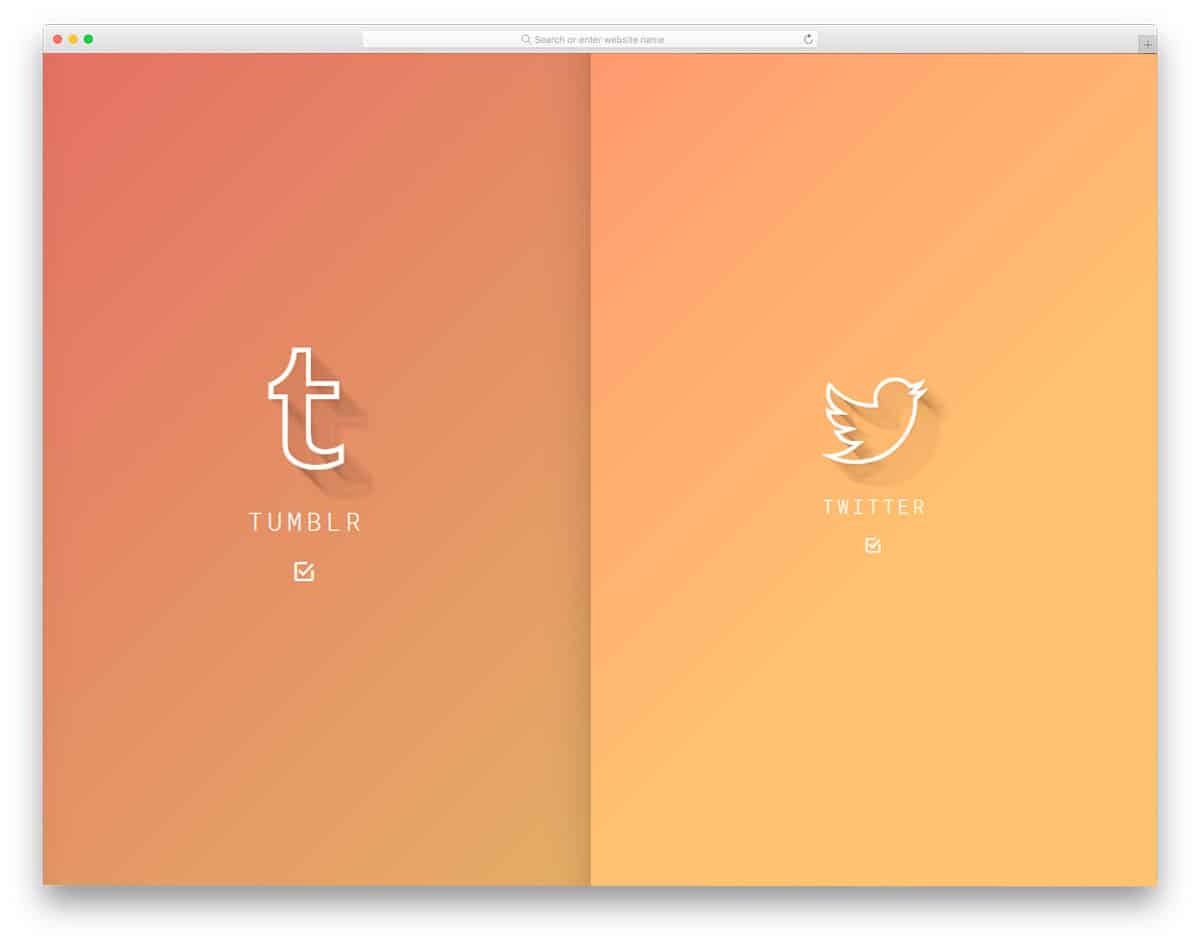
The developer has given us both radio buttons and checkboxes in this design. But this one is not regular checkboxes and radio buttons we usually use on our websites and forms. This creative design uses a tile-like layout. This design will fit perfectly if you use a full-screen layout for your wizard. In the default design, you can show or hide the confirmation message. Because of the unusual design of this example, showing a confirmation message will help first-time users to know what option they are selecting. You can use this design on your website or application by making a few modifications to the original.
Ripple Animation
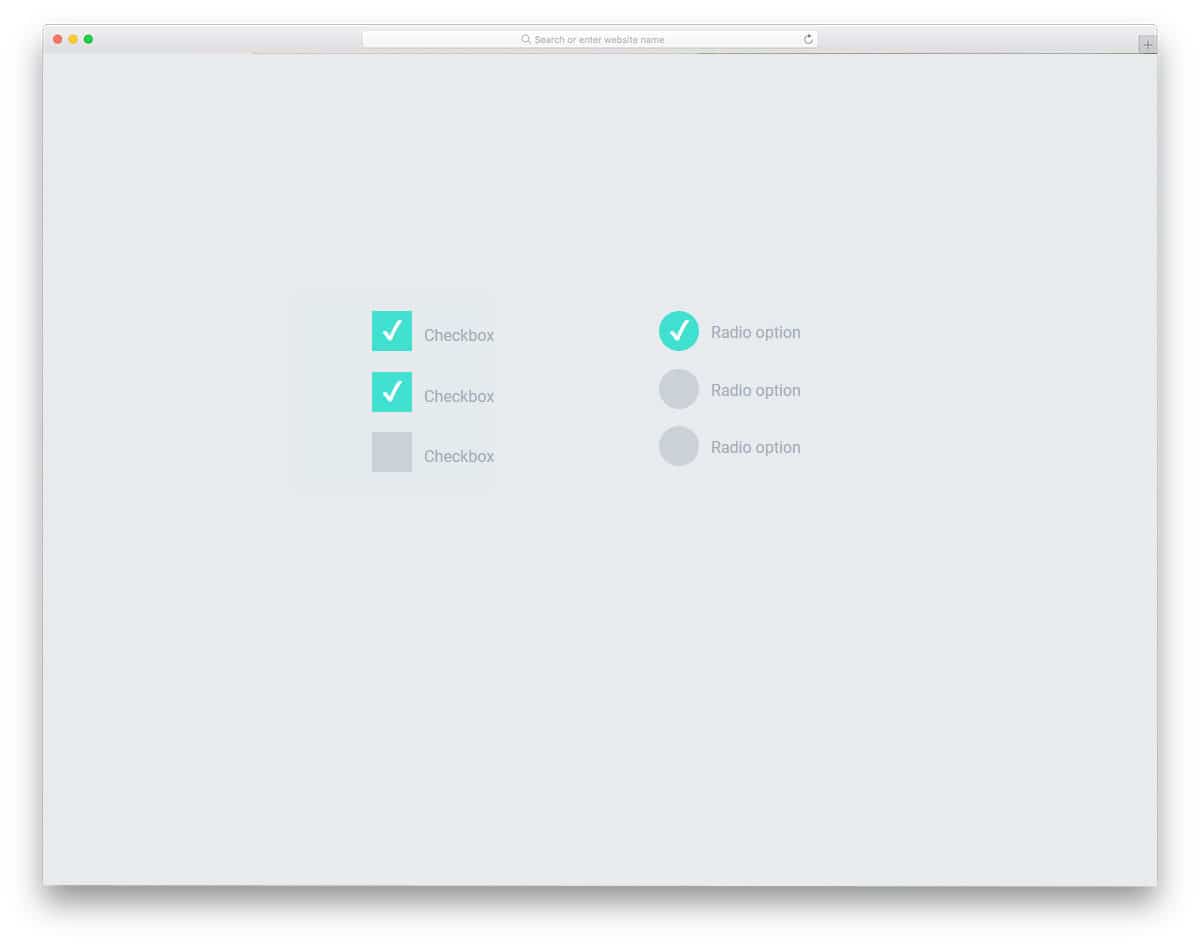
The developer has used animation effects to make this checkbox design unique. As the name implies, this one uses ripple animation to select a checkbox and a radio button. Since the effect is simple, you can easily use this effect on any website, application, or form. The effect is evident, so the user can easily see which option they are selecting. This simple checkbox and radio button design is built entirely with HTML5 and CSS3. Hence, you can easily use this code on your existing website or application.
Dropdown With Multiple Checkbox
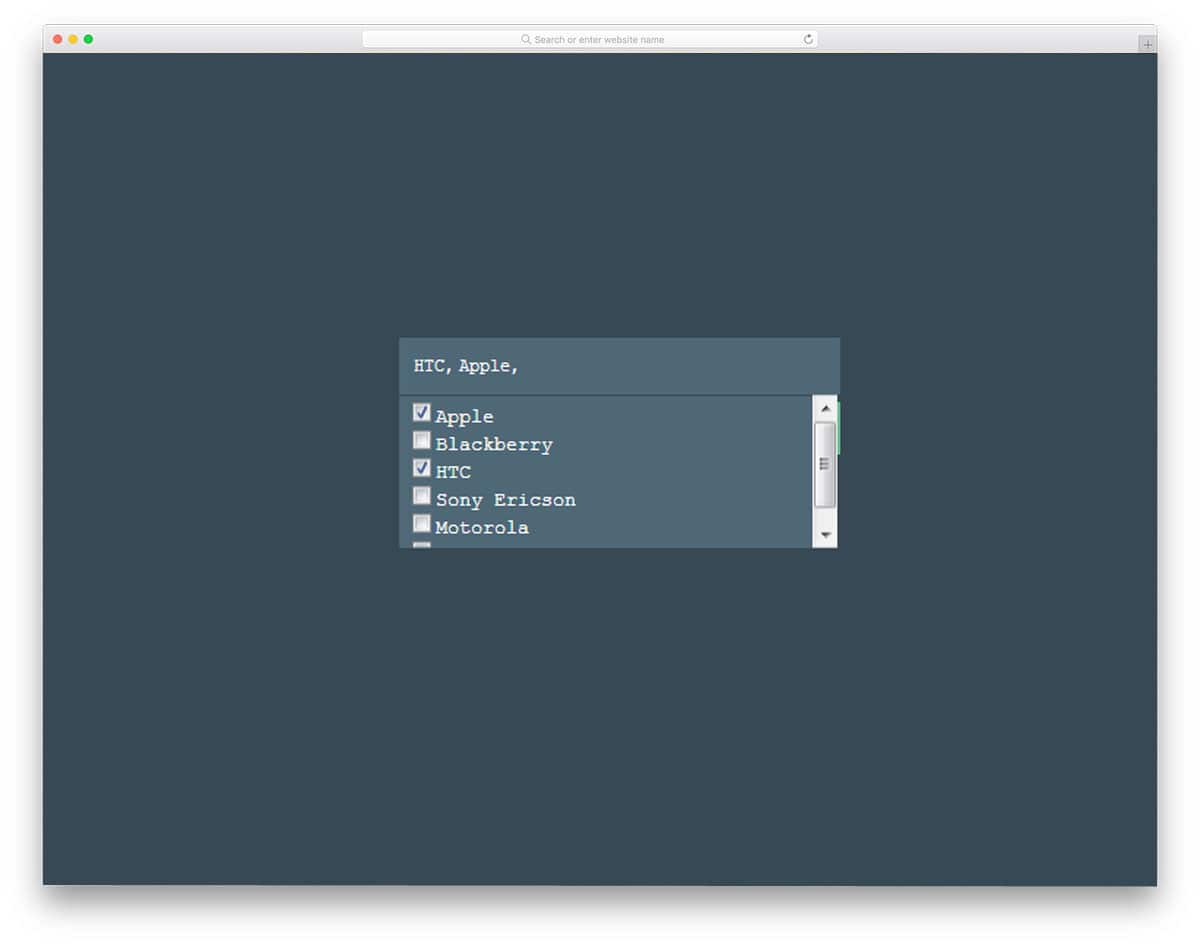
This checkbox design will come in handy for designing application forms. As the name implies, the checkbox appears in the dropdown options. This design will fit perfectly for directory websites where users can easily filter the options they are interested in. The developer has used HTML5, CSS3, and JavaScript to make this dynamic dropdown checkbox. The simple code structure will make customizations simpler and let you add new features easily.
Styling Checkboxes and Radio Buttons
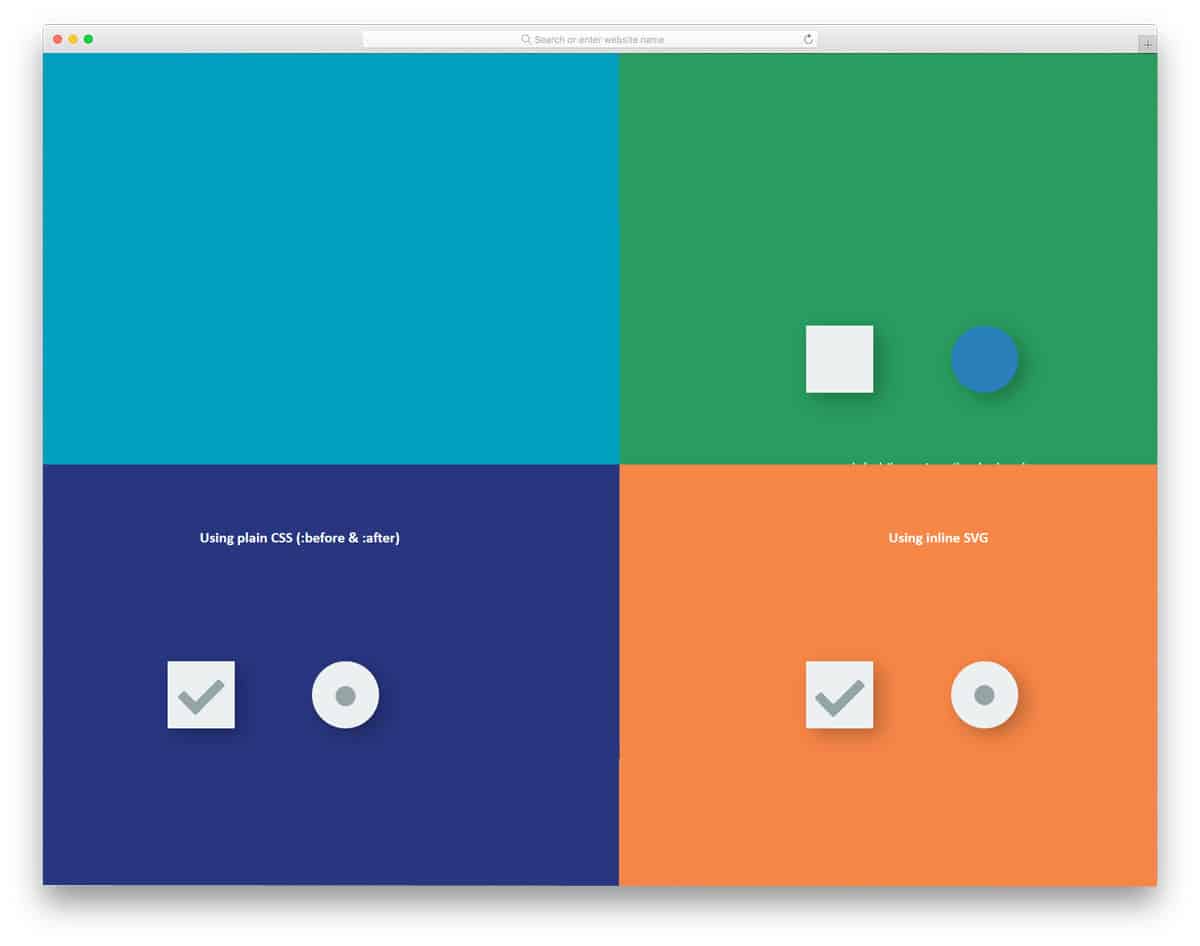
If you wish to change only the look of the checkboxes without hindering its basic functionalities, this styling code snippet will help you. The developer has used the CSS3 script effectively to create colorful, lively checkbox and radio button designs. In this set, you get four design variations. Based on your design needs, pick one and start editing it. The entire code structure is shared with you directly so you can easily work with this code snippet and use it on your website or application.
Materialize Dash
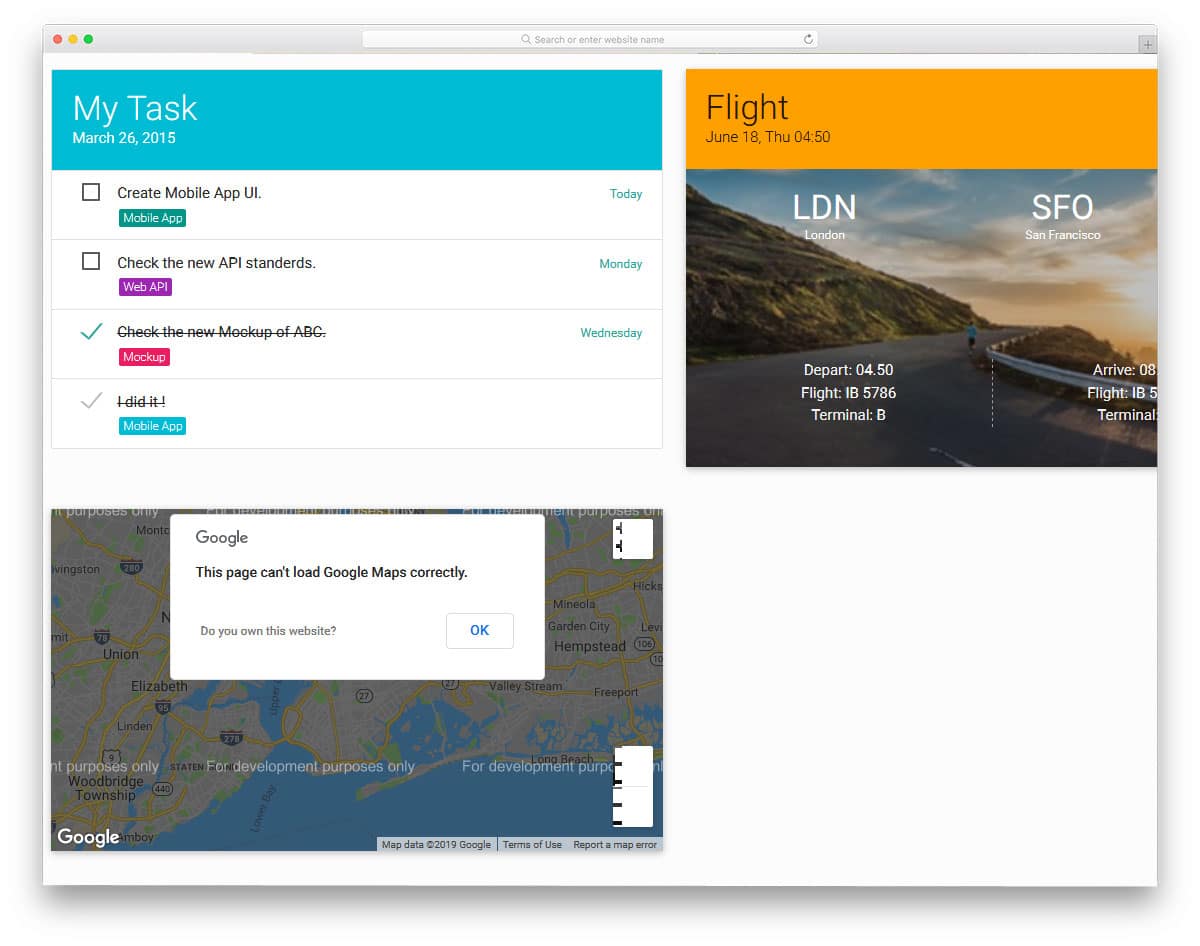
As the name implies, this is a dashboard design. In this dashboard, the checkbox element is one of the features. In the Shift & Check Boxes design, you have to incorporate the checkbox into an application. But in this one, the designer has given you a complete dashboard design to give a clear idea. In this checkbox tool, you not only have space to add text but also to add time and date. Color tags are also given in this checkbox tool to keep your entries organized. If you provide calendar options in your dashboard, you can integrate the checkbox entries with a calendar for better access.
Styled Checkbox
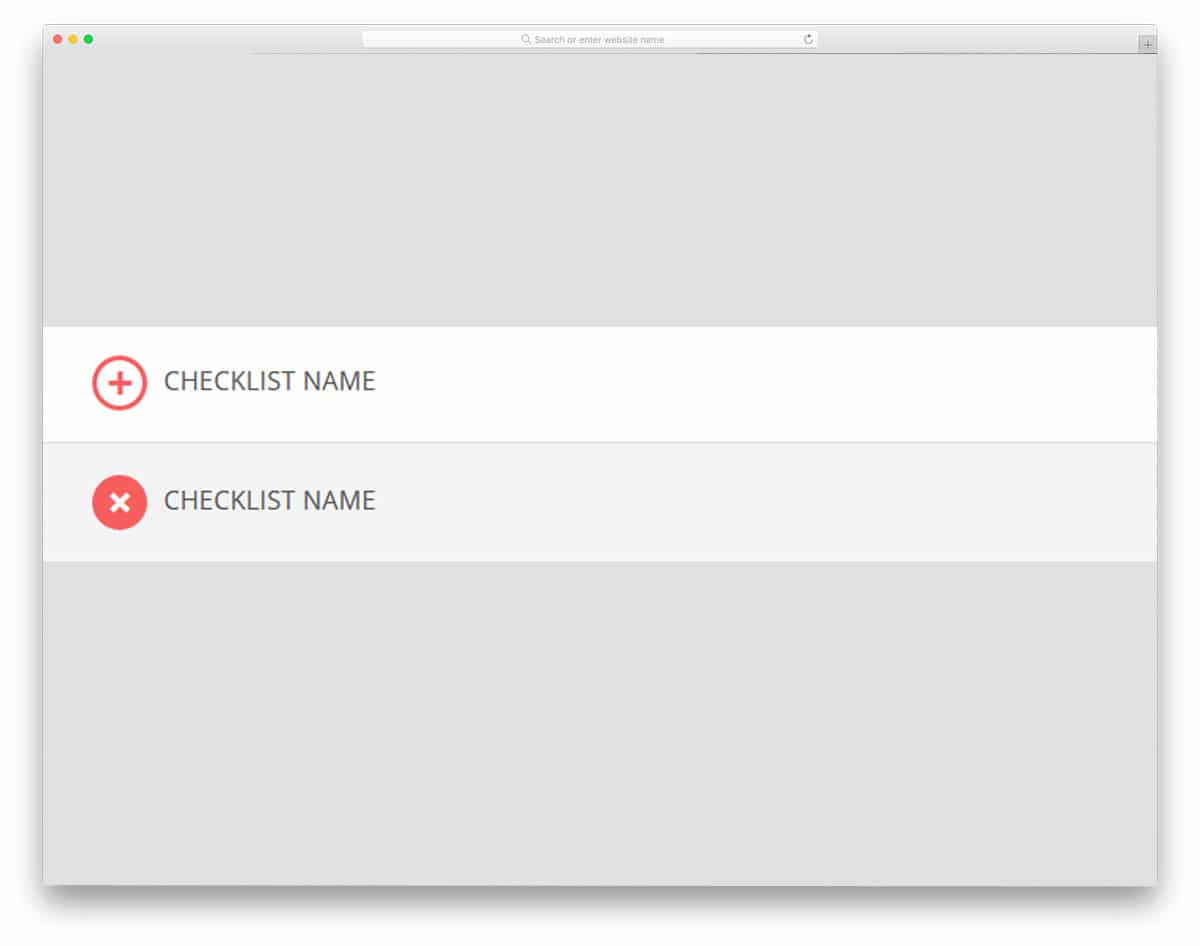
Styled Checkbox is a simple and minimal design. The creator of this checkbox has used checkbox effects effectively to provide a better interactive user experience. This effect has a pretty heavy script for a minimal design; the creator has used both CSS and JavaScript. But still, you can edit the code and optimize it to load faster on your website. The entire code structure is shared directly to give you a better hands-on experience. By taking this as inspiration, you can create your custom effect for your existing project or website.
Toggle

Toggle switches can also be used instead of the vintage square checkboxes. Another advantage of toggle switches is that they let users feel they are switching on an option. On Apple devices, the best haptic feedback gives users a real sense of toggling options. To improve the visual experience, the creator of this effect has added a face as a switch. The face changes when the user toggles the switch, and the color scheme gives more life to the design. Unlike the above checkbox, this one is done purely using the CSS3 framework. So you can easily integrate it into your website application.
Material Design Checkbox
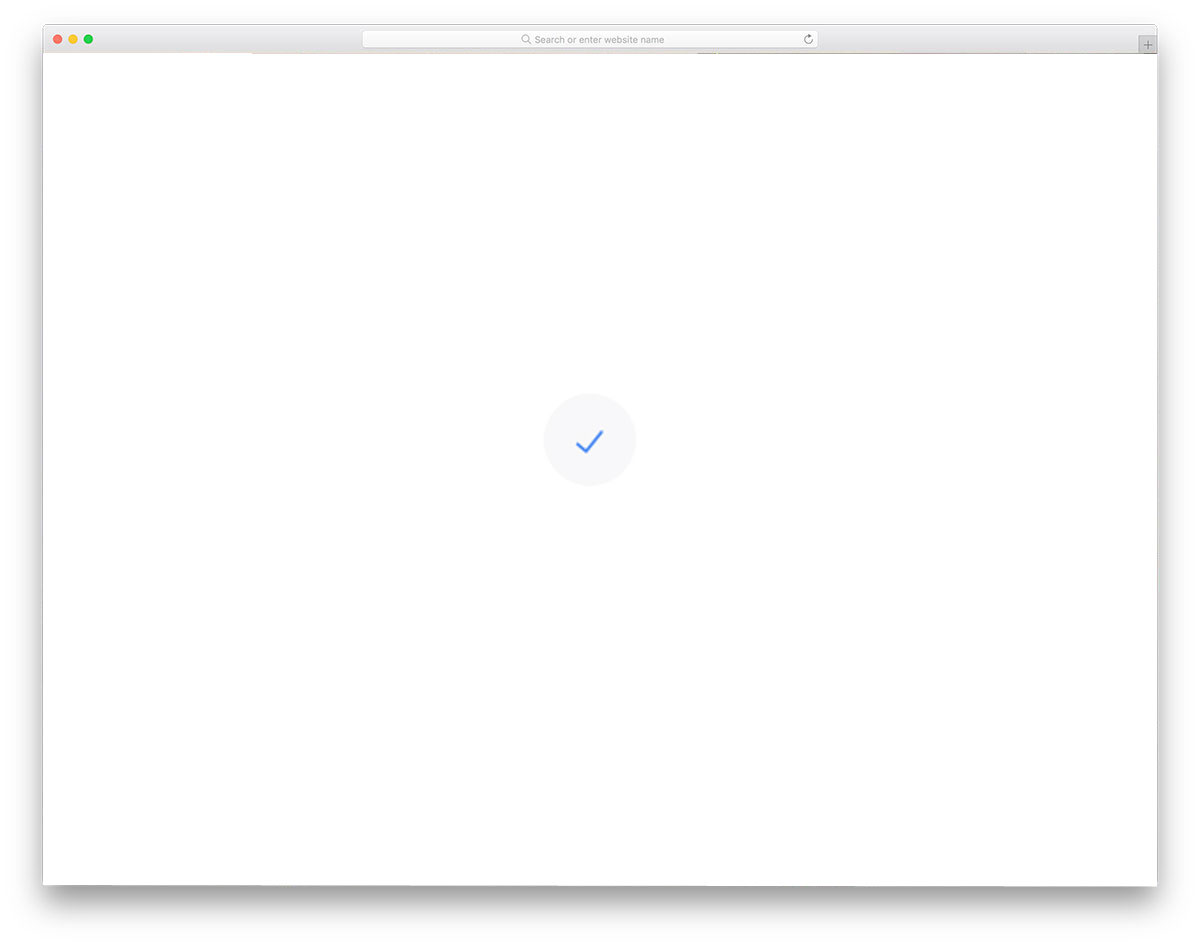
The Material Design Checkbox is similar to all the Material Design templates you have seen. Lively colors and minimal animation effects make the elements load faster across all devices. You can use this small element on your website, forms, and applications. As this is a pure CSS checkbox, you can easily incorporate it into your product design. A shaded area shows the boundary when the user hovers over it. Since a white background is used in the demo, a grey shade is used for highlighting. As usual, you can add your color scheme.
Happy Little Checkboxes

Happy little checkboxes is a lively checkbox design. The creator of these checkboxes has used the latest HTML5 and CSS3 frameworks to create them. As a result, you get a subtle eyebrow-raising effect. Since this design uses the latest web design frameworks, you get a well-optimized, clean effect. The developer has given you both the check-in and cancel effects. The squashy effects on the boxes are fluid and lag-free. The code used to create this checkbox is shared with you, so you can modify it to your needs and use it in your project or design.
Style Checkboxes

This collection will inspire you if you are looking for a pack of custom checkboxes and other web elements. The creator of this package has used various CSS framework properties to create unique boxes. Each checkbox has a different animation effect that follows material design. Since it is a material design-based effect, you can use it easily in both the mobile application and website design. The transition effects in all the checkbox designs are simple and clean, making it a perfect option for professional and business use. All you have to do is pick the effect you like and work with it to fit it into your design.
CSS Checkmark Animation
The simpler the effect and the design, the better the design’s usability. But keeping things simple with all the options is the most difficult. As the name implies, this design includes a CSS checkmark animation. The developer has followed a basic, simple animation effect. You would have seen many websites and applications. Incorporating a design that is already functional and user-adapted keeps the user experience on the safer side. If you want a subtle, clean animation effect for your checkbox, this one will do the trick. The creator of this checkbox has used Font Awesome icons, so you have plenty of other formats to use.
Cool Checkbox With SVG

Cool Checkbox with SVG is another simple and practically applicable design. The effect is used appropriately and only in the required space. Hence, you get a properly functioning checkbox effect without consuming much space or increasing load time. Since it is a concept demo, there are some unsynchronized movements, which you can easily fix in no time. The developer has used basic HTML and CSS3 scripts, so beginners can work on this checkbox effect. The code structure is shared with you in the Codepen editor so you can visualize the changes as you make them.
Material Inspired Checkboxes And Radio Groups
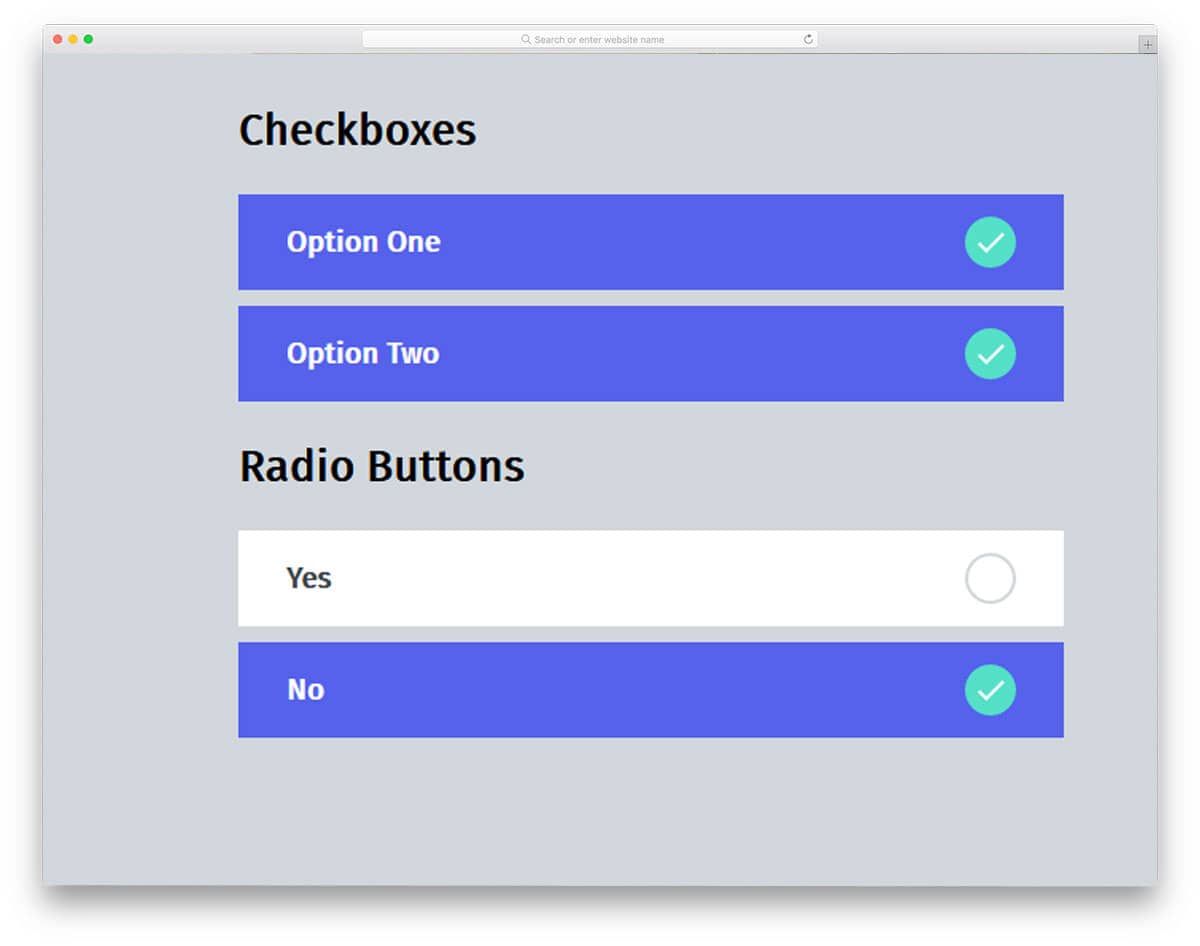
This is another material design-based checkbox design. The creator has given you both checkboxes and radio buttons in this set. Trendy, vibrant colors are used in the default color design. Giving users big boxes will let them easily interact with your forms. You can use this design in your digital survey and contact forms. Speaking of the survey, an email list will help you get better results than any other medium. Check out our free email template collection, which features an easy-to-edit structure. You can even custom elements like this checkbox and create impressive emails quickly.
Dumb Toggles

As mentioned before, a toggle is a conventional checkbox-like control in applications that alters settings or enables or disables actions. In most applications, the checkbox turns into grey and inaccessible until the process is complete. This grey-out effect lets the user wonder till the application shows a message. Instead of a greyed-out freezing effect, you can use a loading effect as shown in this design. The first design in this one is more practical and can be used in all types of applications. The second one takes up more space and needs to be optimized before use in a website or application design.
Pure CSS Animated Checkbox
When you have less space to spare on your web page, using animation effects properly is the smart way to give a better user experience. Making elements and the interface self-explanatory is a must. If your application will be used on both mobile and desktop, effects like suits are best suited to both devices. As the name implies, this is a pure CSS animated effect. No heavy code is used in this effect, which makes it load faster. You can easily add them to your website or application with minimal customization. A small animation also lets the user know that they have clicked a button.
Switchy Checkbox
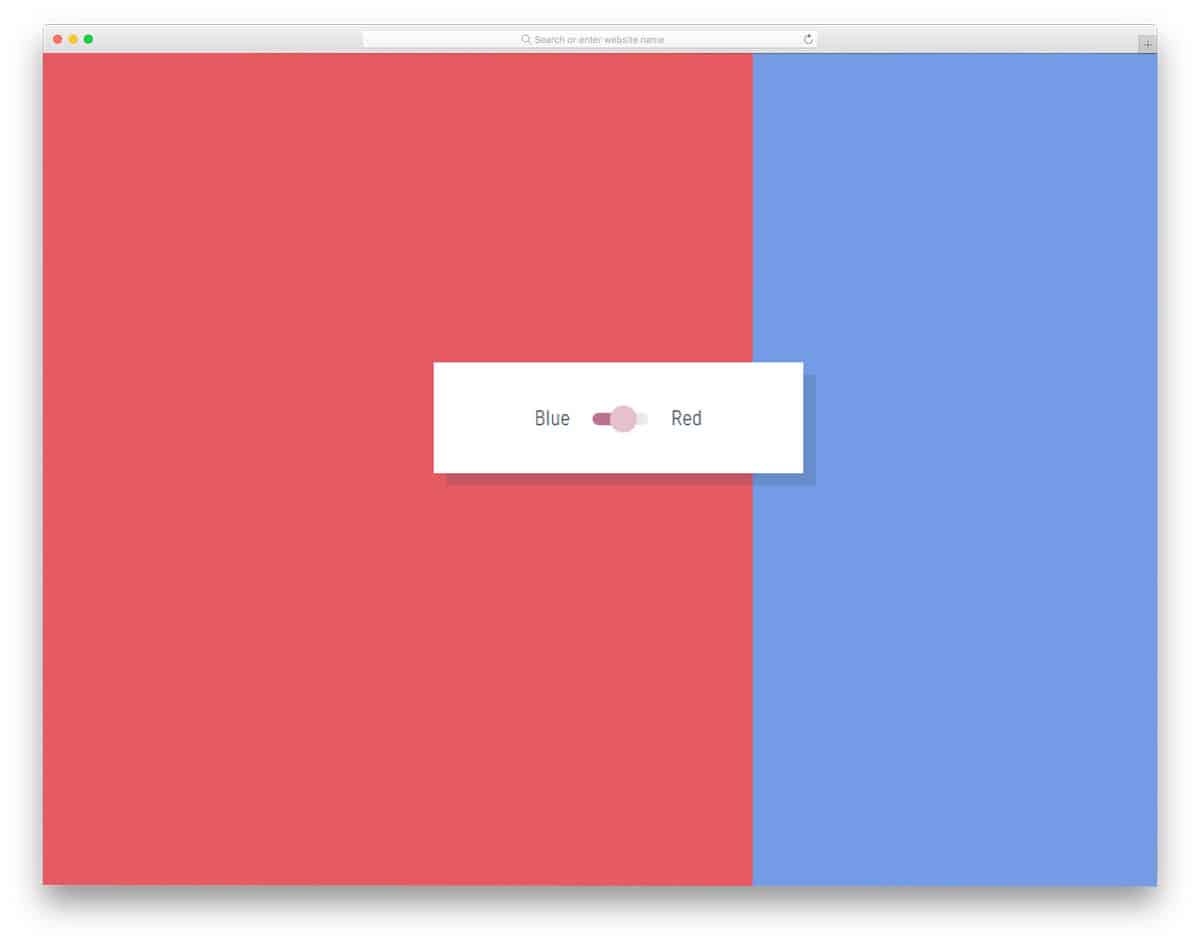
The previous checkbox effect shows how animation can be used smartly. The developer of this checkbox design has used the colors in her favor. In recent Apple iMac magic accessories, you might have seen green and orange colors used to indicate the on/off switch. The designer of this checkbox has used the same concept. Since it is a concept demo, the color switch changes the entire page color. You can easily limit the color-changing area per your design needs, coz the developer has shared the code script used for this design.
Custom Checkbox / Toggle Switch
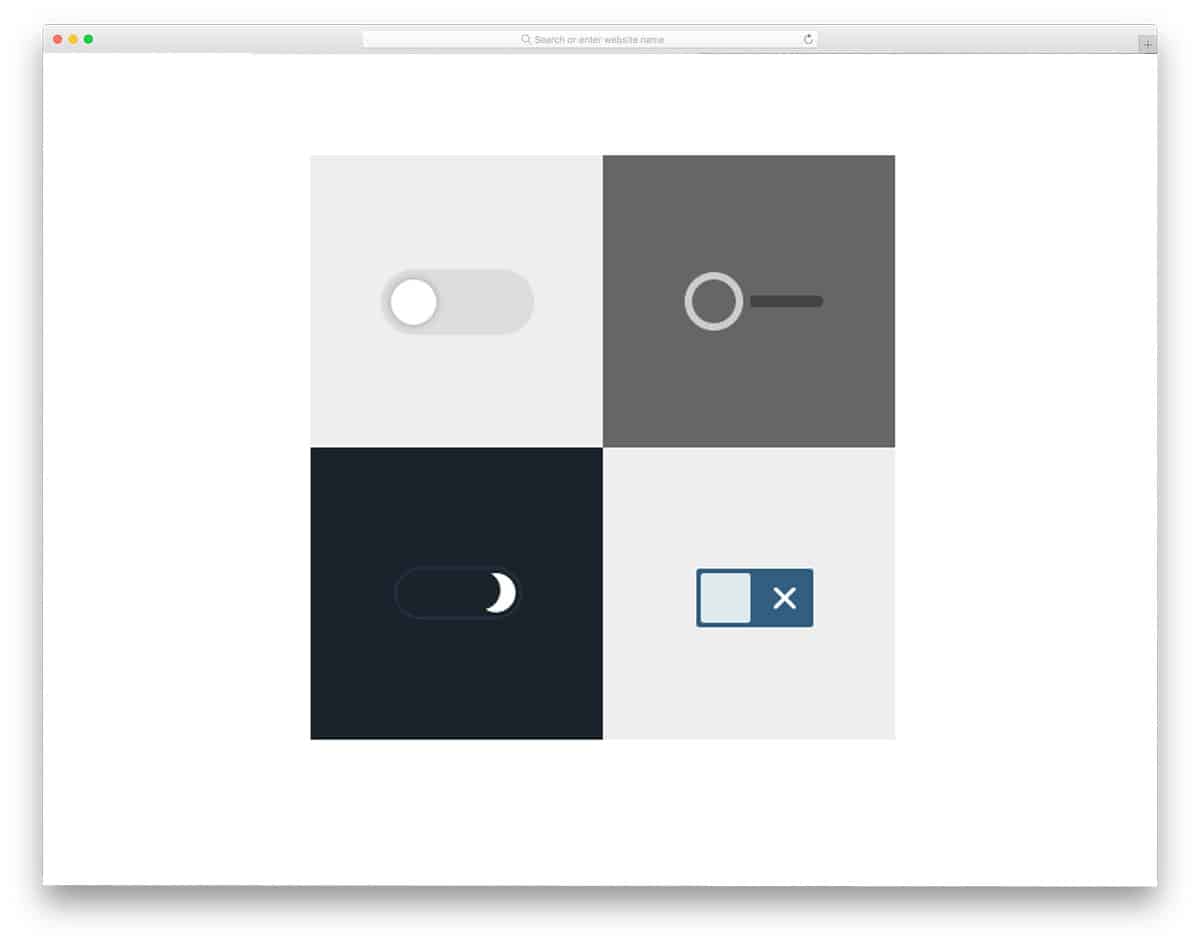
If you are looking for a bunch of CSS checkbox designs with different effects, this checkbox set may end your search. Well, all the checkbox effects are like toggling the switches. The creator has shown a difference in the elements used in the toggle switches. Both minimal designs and colorful designs are given in this set. Based on your need, you can pick one and start editing it. The best part about these checkboxes is that all of them are made purely using CSS script. All the effects are sleek and quick and wouldn’t take much of the user’s time on loading.
Full CSS Checkbox

One of the biggest advantages of the latest HTML5 and CSS3 frameworks is that you can bring any shape and color to life. Based on your product, you can use a shape for the elements that reminds you of your product. For example, if you are running a footwear store, you can use the shape of a foot or a shoe for the toggle switches. The checkbox/toggle switch used in this design is almost similar to the footwear. Clear rolling effect and color switches let the user see the changes. Like most other CSS checkboxes on this list, this one is made purely with CSS.
Pure CSS Toggle Buttons

From the name itself, you can infer that this set has plenty of effects in it. From iOS to the latest flat design, all toggle buttons are included in this set. Five different effects are provided in this set, all created entirely with the CSS3 framework. You get optimal performance anda natural effect since it is made using the latest CSS3 code. The skewed and the flip effects are the best among the other effects in this package. All the effects are sleek and smooth, so the users won’t find any lag while interacting with them.
Custom CSS Checkbox
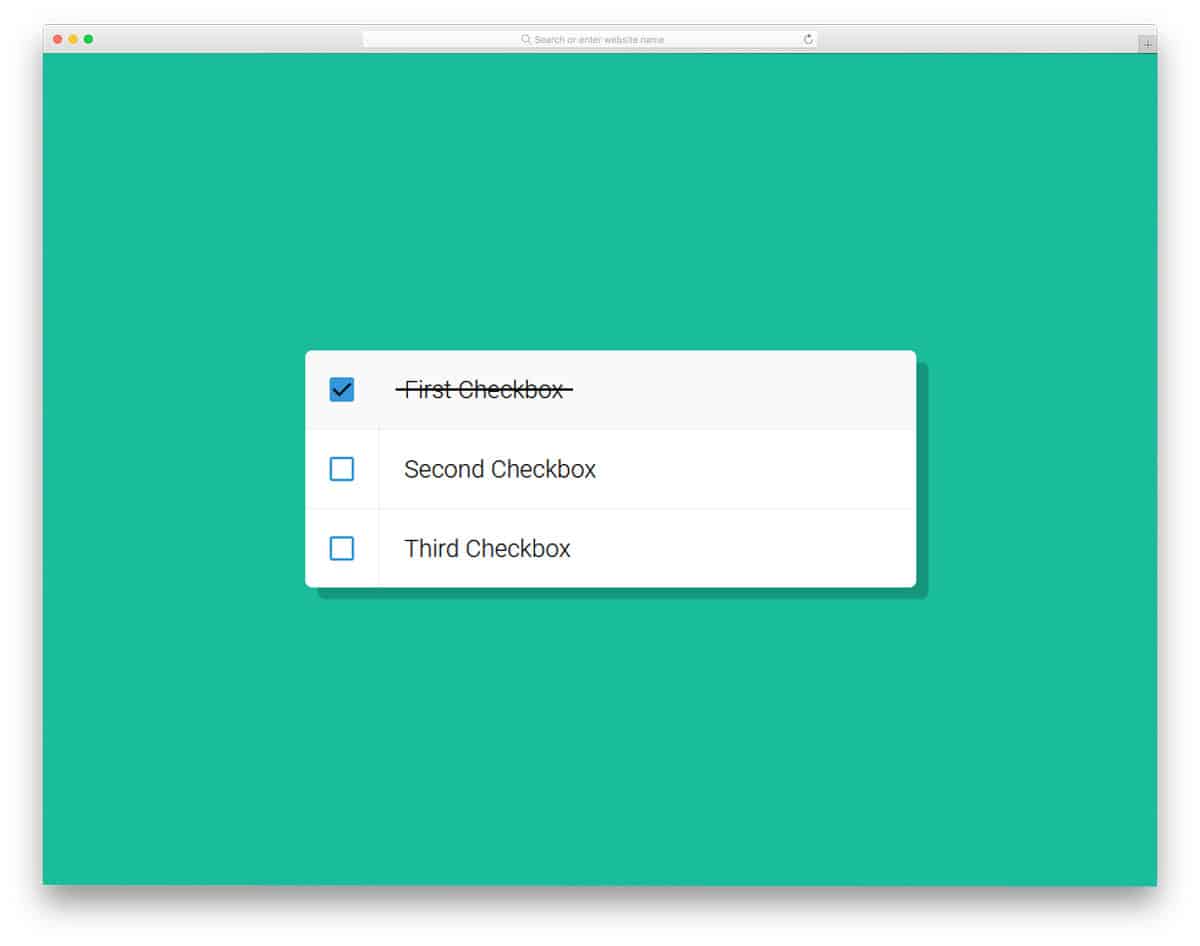
Custom CSS Checkbox is almost the same as the Shift & Check Boxes mentioned above. This one also strikes out the text when you check the box. While the Shift & Check Boxes used JavaScript, this made the effect a little heavy. While this one is done purely with HTML and CSS. You can expect better fluidity and snappier performance with this code. This one also doesn’t allow you to enter text, but you can still customize the code and add the features you want. The simple code structure makes it easy, even for beginners, to work with this checkbox.
Radio and Checkbox Styles
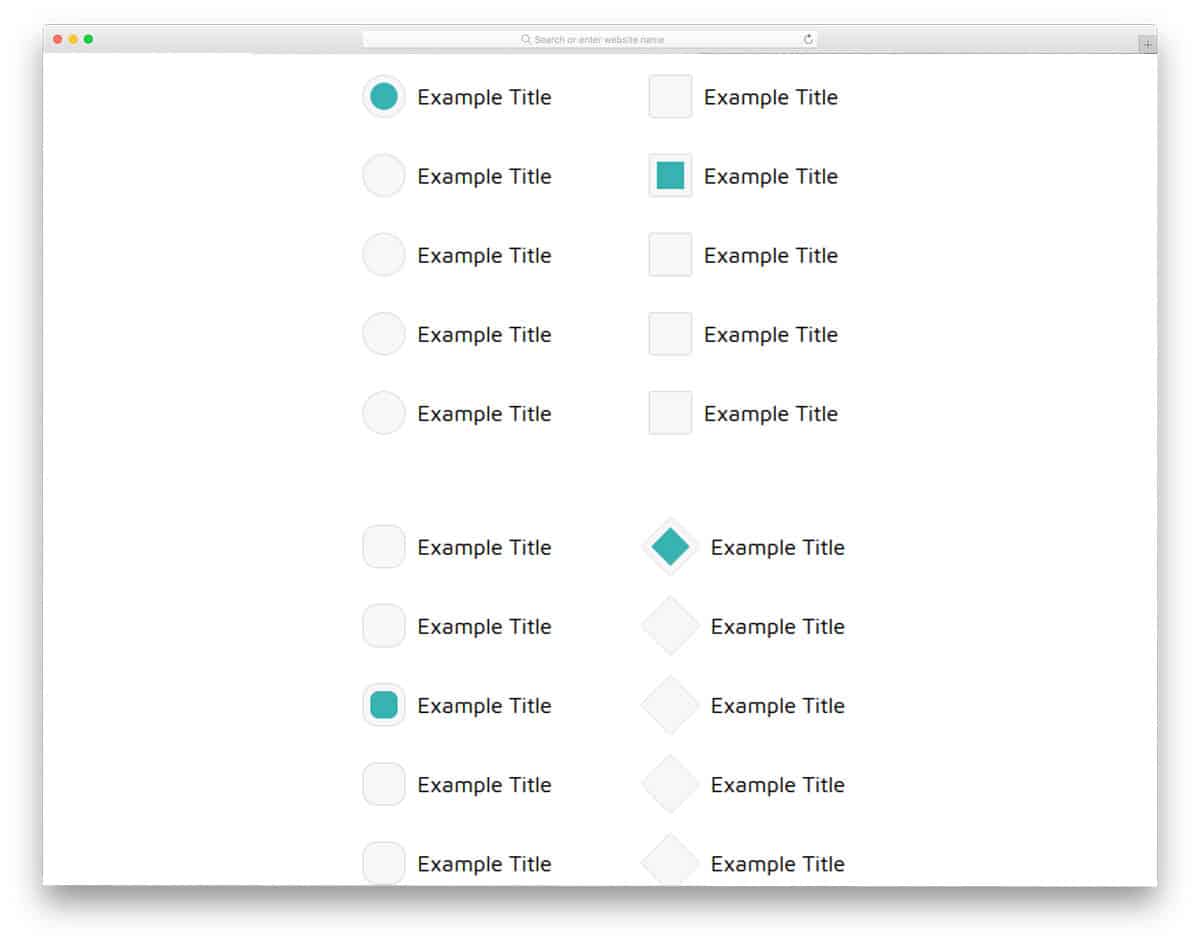
Radio and Checkbox Styles provide two variations in this package. One with a regular circular shape and the other with a diamond shape. In both buttons, a fade-in animation effect is used. Other than the shapes, this is a basic radio and checkbox design. You can easily incorporate this form in your website, applications, and forms. Speaking of the forms, check out the free login form with a trendy design you can use for both websites and mobile applications. By making a few customizations, you can easily use this checkbox element in your design.
Realistic Radio Buttons
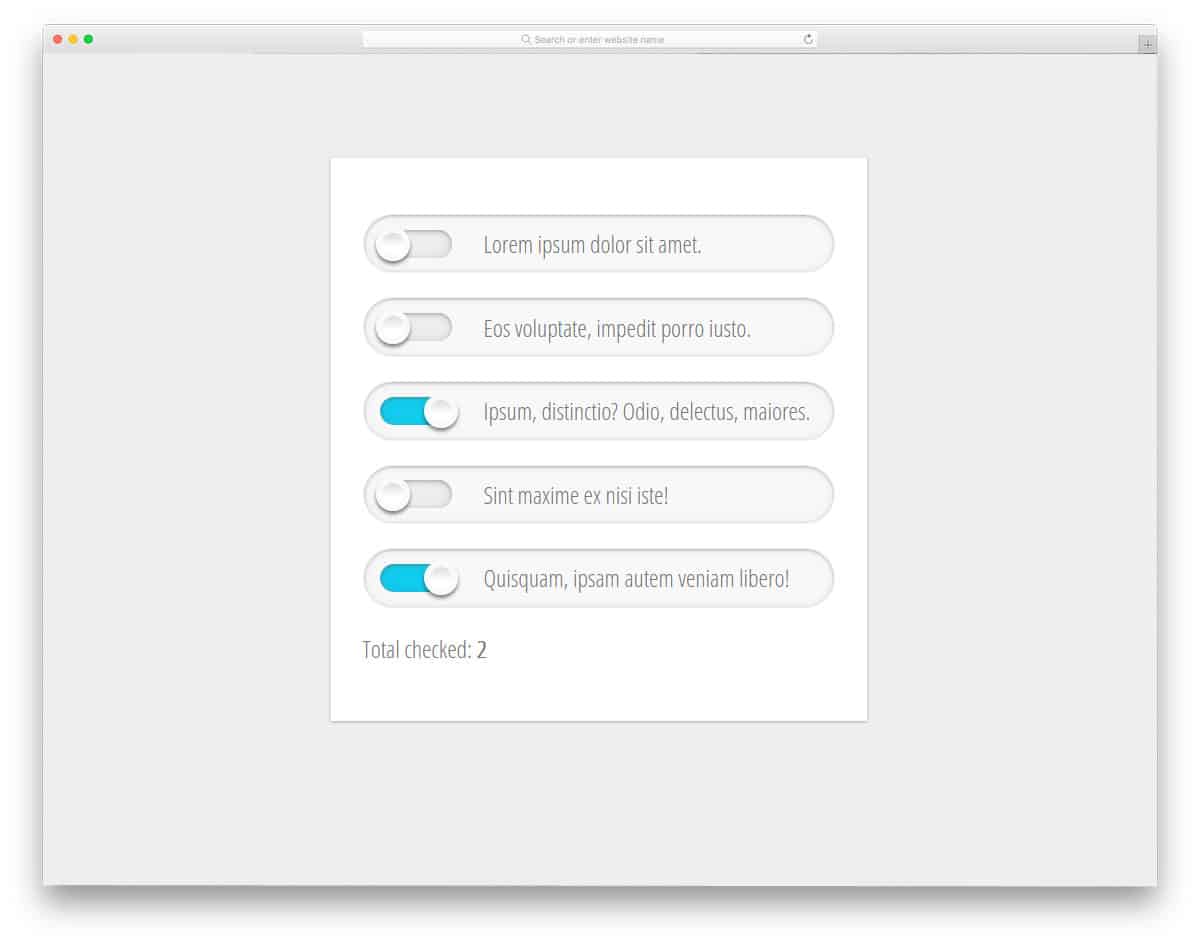
Realistic Radio Buttons is a set of toggle buttons similar to those you saw in early versions of iOS. Shadow and depth effects are used to show the selected row. If you are about to give a list of options for the users to select, a design like this will keep things simple. For example, you can use these in-game control settings to let the user switch on the captions and music. Though it is made using the latest HTML5 and CSS3 framework, like most other CSS checkbox designs in this list, it doesn’t have a perfect finish. But it is not a tough job. By making a few customizations, this can be used in your design.