

Anime.js is a lightweight JavaScript animation library with a multi-target, simple, and powerful API. It works with almost anything, including CSS properties, SVG or DOM properties, and other JS objects. It is similar to jQuery or any other familiar JS library you might have worked with previously. In simple terms, it makes it easy to develop complex follow-through and animations. If you are looking for a library that is small in size yet works with even the simplest timeline sequences and other web elements, this is surely the ideal place to get started. Thus, the implementation of anime.js has surged over the past years. Since its first release in 2016, it has had a huge impact on designers and developers worldwide.
So today at uiCookies, we wanted to look into anime.js and its usage even further. From simple animated texts to sliders, loaders, spinners, and even design elements, we have made a list of the best anime.js examples that you can look closely at. These examples include a preview and a link to their coding snippet. So why start from scratch when you can get a head start with all these fantastic online options? And if you still decide to get started on a blank slate, these can provide some ideas and structures that might be useful.
If you are looking for more creative elements to add to your site, we also have previous blog posts on CSS cards, buttons, hover effects, and more, you can check out! Now, without further ado, let’s get right onto the listing.

Path Slider Basic Demo

Now, the first sample we have here of the classic anime.js implemented in a creative manner is this animated path slider. The name pretty much sums up the overall action it features. It is a creative slider featuring various icons that can be linked to useful pages or sites. You can use this as a navigation slider, easy access to other pages, or more. Multipurpose with the overall concept, every little detail takes this to the next level. The icons are also animated to trigger a hover effect and, when clicked, switch to the top while the others slide to accommodate the selection. While it is a pretty sophisticated element to replicate, don’t worry, you get access to the full code structure through the link below.
Animated Boxes

This is a simple yet creative way to implement anime.js component on your site. It features plenty of cubic elements designed to execute almost flawless animation and behavior that is super engaging, to say the least. All the rectangular cubes are placed to form a perfect square. And with each flow of movement, these combined create a wave-like effect. The creator here has used linear ease-in and ease-out to achieve different results for the variations. All in all, it is a great way to learn the simplest mechanisms in depth; we recommend you look at the code structure via the link below.
Anime.js Sample

You can add a vibrant, colorful, super-dramatic component to the site for that creative flair. This is another great anime.js sample you can try out. It is a simple transition of shapes and color schemes to achieve a super-engaging result. From simple colored dots transitioning to a full circle and then a square, while maintaining the circling movement, every little detail here is carefully crafted. Even the color schemes are selected with a vibrant touch to perfectly complement the overall visuals.
Line Drawing
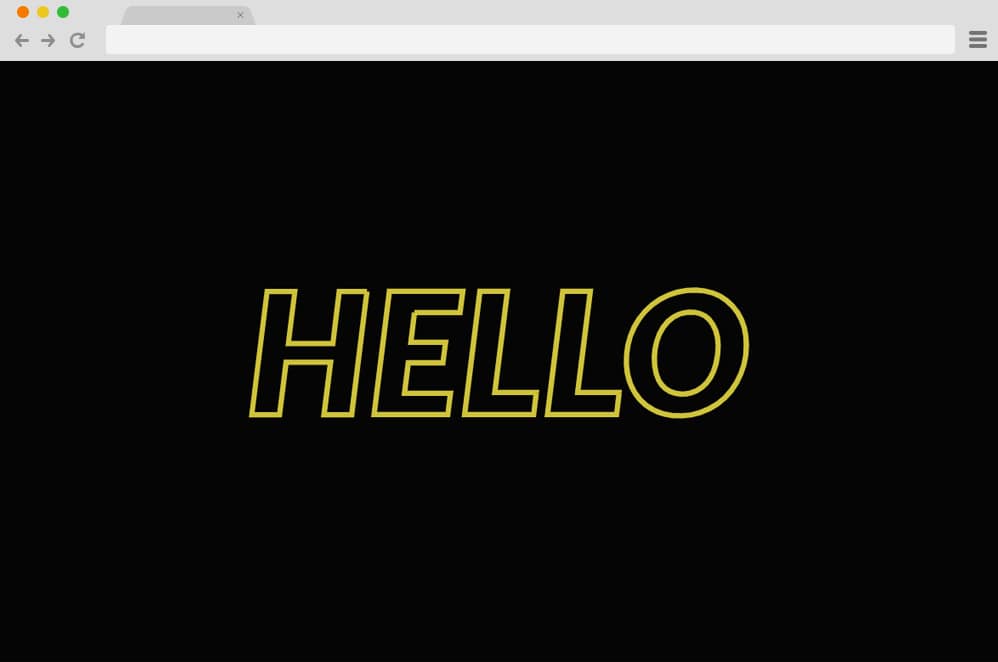
To start off the list, this is a classic text animation that you can use for the logo, loader, or anything. The neon hollow texts on a plain black background are soothing enough. But using anime.js’s “Dashoffs” and “Ease In Out Sine” effects for the transition makes the animation super smooth. Following the path created using HTML, minimal CSS is used. Follow the link below to get a better view of their coding structure. While the texts, their color, fonts, and style are pre-defined, you can take inspiration and create you own custom animated texts.
SVG Morphing with Anime.JS

This is a page transition effect created using SVG, anime.js, and CSS, complete with animated buttons. Starting with a simple background and a button, it features a simple fold-in effect that reveals the rest of the content, along with a button to return to the previous page. The creator used HTML and CSS for the basics and added anime.js for extra-smooth transitions. Even the buttons execute a smooth hover effect and change placement as the background changes.
Hand Written SVG text animation

Now this anime.js example experiments with the handwritten text effect. The creator, using HTML, CSS, and JS, has created this fantastic result. With a neutral color scheme for the background and the font, the result is mesmerizing. The creative font adds an extra touch of flair. Users can easily set the style, color, animation path, and other minor details when implementing on their site. The great thing is that this animation loops, but you can easily end it at a static position if you prefer. Follow the link below to view the full snippet of the coding structure used.
Card Flip

Now, this is a more advanced anime.js example that uses various elements to get the 3D flip effect. This is the perfect addition to any site, ideal as a content-reveal element. Or, if you want, this can be the start of your next creation with a head start, no matter what you aim for. The creator has used HTML cards to add extra detail and animation, taking it to the next level. For starters, CSS defines each character’s color scheme, font style, width, and margins. But the stunning transition is what takes the cake! Using anime.js effects, the card flips in a full 3D 180 flip, revealing the content behind it.
Click on the card again, and it returns to its original position. The great thing about the structure’s simplicity is that it is highly adaptable and flexible, allowing users to make changes later.
Modern Retro IBM Think

Aiming for a more retro and modern appeal with the looks and the final result, the creator of this anime.js example has given us more than enough to better understand the structure. It starts with simple, colorful, animated dots that change their positions and lengths to form the word ‘think’. While this is a great way to reveal any professional logos, it might be a bit complex. The word think is just an example, as you can replace it with anything you want, as all the changes you make are valid.
Animation with Anime JS

A simple, clean animated spinner and text; this anime.js experiment combines multiple ailments into one. It starts with a CSS spinner or loader, which then transforms into the animated text. The text showcases only a snippet view but expands to a full view when hovered over. Another interesting element is the animated arrow icon. While everything else is static, the arrow follows a constant animated flow. Now, when you click the screen, a sidebar appears on the right that contains details and links to social profiles. This is a simple and effective example of an anime.js profile card that you can implement with basic coding knowledge. The peachy, elegant color schemes also add to the overall outlook.
Preloader with Anime Js

Now, talking about creative and innovative additions to any website, this is an anime.js example of a stunning pre-loader. It is simple in both its movement and the icons used. To keep things interesting, each icon uses a different color. However, the background is kept simple, focusing mainly on the icons themselves. All the icons start on a single line and transform into a square when changing placement. Thanks to the anime.js library, the whole animation is quite simple and clean. Follow the link below to get the full preview of the codes used.
Floating Draggable Menu
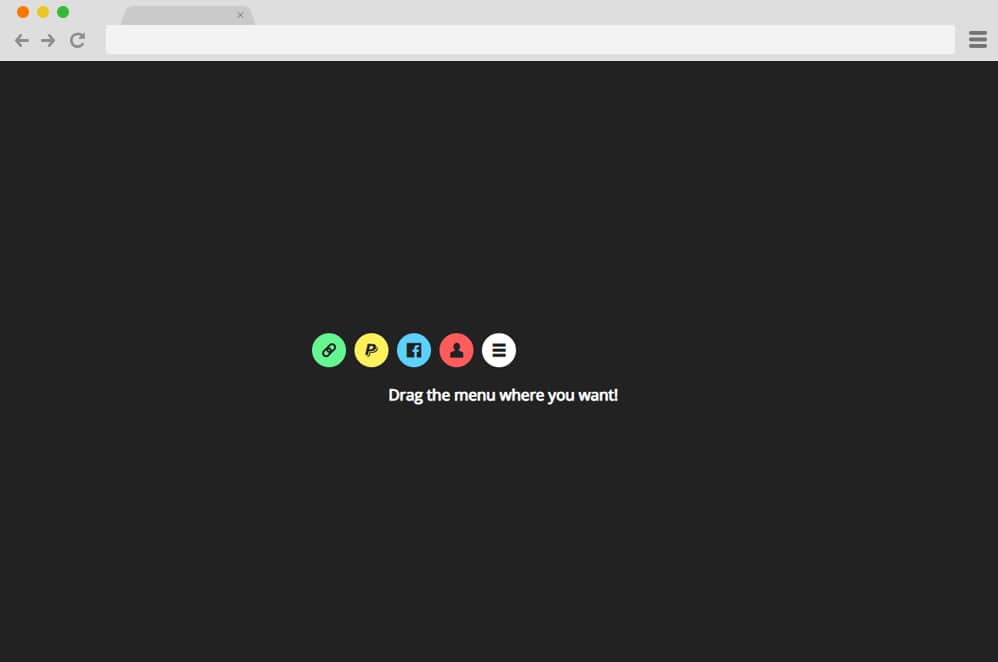
Now, this is yet another great use of anime.js on a site, as the creator has created an amazing floating menu. Resembling the style and design structure of a floating menu on iPhones and Android, this menu is pretty advanced. The simple menu icon in a circle serves as a key element, while the other components appear only when clicked. Various-colored spheres are used for different actions to differentiate them. Another stunning feature added with anime.js is the draggable option.
The viewers can easily drag the icon wherever they want on the screen. The rest of the icons follow the main menu icon, all differing in speed, creating an almost rainbow effect with the various colors. Perfect for adding that creative element on any site, app, or more, get the full view of the code through the link below.
Logo Animation

This creative, unique, and pretty colorful logo animation is another amazing addition to our list of anime.js collections. Using all the color gradients to achieve mesmerizing typography, the creator has taken it a step further with animation. Starting with a simple circle bouncing and revealing the whole font/logo, it cannot improve! Another cool feature is the click effect it executes. When clicked anywhere on the screen, it displays a colorful burst of colors resembling a firework. This can be a great addition to your site, whether you use it as an animated logo or a loader. However, you might consider making a few changes here and there to add that custom feel.
Color Changing

Talking about creative click effects, this is another great variation of anime.js examples you can easily implement on your site. While the ones we mentioned above might use various elements and components to get an amazing end result, the creator here has managed to keep things minimal. You can use it as a page transition or simply add the click effect for users to enjoy. Whatever the case, anime.js is used to add that extra appealing color-changing effect on the background. Using the classic Splice and Page Fill effects and experimenting with various colors, this is yet another great way to add a touch of creativity to your site or next project. And because this example is simple to understand and replicate, it can be a great starting point for learning anime.js.
SVG Sphere with Anime JS

A soothing, visually pleasing example, this is yet another smooth and clean anime.js example we have in line for you. The creator has used a simple sphere as a base, adding an animated linear gradient to keep things interesting. Playing with shadows, light, and shading, the sphere depicts an almost realistic effect. Each section depicts a smooth transition, all following the predefined path. The contrasting reddish hue with the linear animation makes it even more appealing to the viewers.
Snake Highlight

A simple contact form or a login page, can be more than just that. And this anime.js example showcases exactly that. Here, the users have created a material design card-based login form. Three cards are stacked on top of one another to create that 3D feel. However, this design highlights the gradient neon line when users click on the specific form field. The line depicts the movement of a snake as it changes placement from one section to the other, hence the name. All of these elements, including the cards, fonts, details, and color schemes, are flexible and can be adjusted according to the user’s needs.
Anime JS Submit Button

Now, for a more innovative idea to implement on any website, whether personal or professional, this is a great anime.js example. If you have added submit or action buttons anywhere on your site, why not take it a notch further? The creator has creatively used various ailments to achieve that purpose-focused design. Simple and creative, the button transforms into a loading bar before finally changing to a circle with a checkmark. It showcases the entire process from start to finish. Using anime.js, the creators have added all the animation features, including slide-in, stroke, and smooth transitions.
Morphing Loader Spinner

Combining HTML, CSS, and anime.js, this is yet another great example of an animated preloader or spinner. Morphing from various shapes while rotating in a loop, this is a perfect engaging element you can add to your site. From a sphere to a square to a triangle to some random-edged shapes, several color palettes are used to add that extra appeal. A shadow is added under the shapes to give it a more interesting touch. Even the shadows are animated to follow the shape above it. The color changes with the shapes are extra smooth.
Scramble Text Animation JS

Modern, advanced, and digital in every way, this anime.js example is a stunning way to introduce text-based content to users. This is the perfect option for quotes, slogans, and any other text format. Using a plain and simple background color, the highlight of it all is the animated text.
Simple Slider using Anime JS

This slider version of anime.js examples makes this a fabulous result. Using a simple slide-in and out effect, the slider navigates. However, the standout here is the color transition on each slide. The images are placed horizontally, adding a creative text design to further stylize the slider. Complete with HTML, CSS, and Anime.js, this is a great way to use Anime.js effects and animations.
Charming JS

Another one in the logo generation and reveal niche, this is a great way to add that extra touch of finesse to any site. Whether you add your logo, use it as a loader, or more, this design is animated in a way that makes it extremely versatile. And the creative use of animation and hover effects is super engaging for anyone who lands on the site. Although the coding style is a bit complex, once you get the hang of it, there is no going back. The characters are coded to display a mesmerizing hover effect using the charming.js. Enjoy the full snippet of the code following the link below. Colorful, super engaging, and certainly charming, the codes used here can do wonders for your site.
Typing Animation JS

Just as the name would have it, this typing animation JS is another simple yet effective way to implement anime.js animations. It replicates the effect of typing out anything on a screen. A minimal, monochrome color palette is aesthetically pleasing. The code used is all clean and well commented, resulting in immediate effectiveness. Because the design is so simple, it fits every site. And to make it even more custom and further edit it, a few tweaks are more than enough. Who said it always gotta be complex to be engaging?
Click and Drag Counter
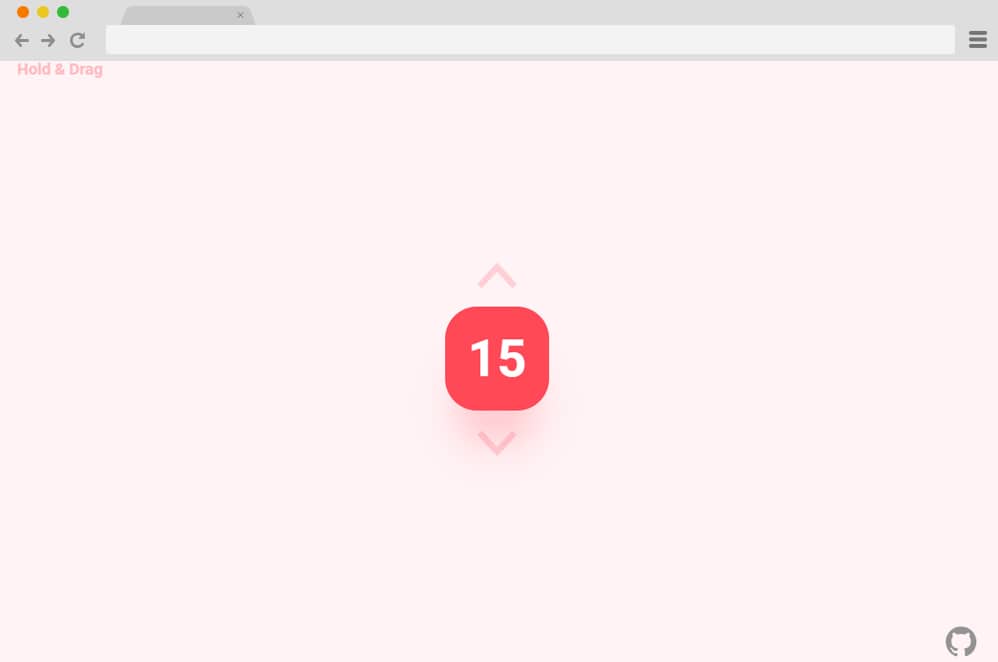
Now, for those looking to add purposeful design and elements, this amazing use of anime.js is a great place to start. The creator here has used different ideas and styles to create this draggable counter. With a simple click, users can easily move the element anywhere on the screen. Like any counter, the high and low values are predefined. Two navigational icons on and under the counter make it easier for the users to define the number. Using a clean, elegant color palette of pink and peachy hues, the result is pleasing to the eye.
Animated Hexagon Circle Logo

Now, this is an anime.js example designed to serve as a logo or loader for any website out there. It starts as a plain white background, where the shapes, the hexagon and circle, are aimed to slide down while revealing the rest of the text logo. The button below the animated logo features a restart effect when clicked. Using JS, HTML, and CSS, the creator has ensured a smooth-running result. An awesome way to integrate anime.js onto your site, why not try this out today?
SVG Illustration

This variation can be used as an engaging component on your site to keep things interesting. It features an animated SVG card that loops continuously. The anime.js here creates a screen scroll effect with creative icons and a colorful palette. Visually pleasing, you can use this as a loader, creative element, or anything you please. While the structure is sophisticated, you can follow the link below to get a closer look.
Anime.Js Playstation Loader

When talking about creative loaders, this example is another great way to integrate anime.js into your site. Here, various icons depicting the PlayStation game button are animated creatively. The icons feature a unique set of movements in a continuous loop, similar to a traditional loader. It alternates between a square and a vertical line. Using anime.js alongside the CSS and HTML yields a stunning result. It is fully responsive, meaning the entire structure adjusts to the screen size.
Text Transition

Another great way to introduce your content while keeping your users engaged is this text transition. Using simple HTML, CSS, and JS, the creator has created this amazingly mesmerizing result. The texts seem to slide down and dissolve into the background. When they appear again, these texts repeat the effect but in the opposite manner. Overall, a great way to keep your users hooked onto your site, we sure think this anime.js example is worth a try here.
Diagonal Slideshow

This is an ideal design for portfolios and gallery-based websites. To achieve that unique style, the creators have used anime.js to deliver this stunning result. It is completely responsive and visually engaging. Implemented with HTML, CSS, and anime.js, the whole design runs smoothly, to say the least. It starts with a simple, diagonal-placed thumbnail gallery alongside the title. When the next and previous buttons are clicked, they animate to appear on the screen. Another subtle addition here is the Explore button, which offers a simple hover-and-click effect.
Timeline Seek Anime.js Example

This scroll effect is another creative way to add anime.js in a simple, subtle, yet effective manner. A great way to keep things engaging while your users scroll through your site, this design is also completely responsive. The overall interface is designed with HTML and CSS, with animations powered by anime.js. It starts as a simple screen with elements placed strategically, then changes to a different color scheme and design. Look at the whole code snippet and get a head start with your next project.
