

The great thing about modern technology is that there is no need for grueling effort or time-consuming processes, no matter the task. Emphasis on making life easier has led us to develop simpler alternatives and options that give us a head start on everything. And as developers, your version of a solution or a head-start framework. Instead of spending a huge amount of time and effort coming up with a creative and unique set of CSS frameworks, you can instead focus on the important details for a better, faster, and more efficient way to get started with a functional website.
For better understanding, consider the frameworks as a base or foundation for developers to build their websites. This includes implementing grids, buttons, UI patterns, form elements, advanced typography, and all the basics one requires. If you are more or less a beginner, these come in super handy for creating a useful product. It is also the fastest and easiest way to create prototypes for presentation if your deadline is tight.
But there is still the question of which framework is the best for you. So today, we will take a look at the best contenders or front-runners in CSS frameworks. We have compiled the list by comparing the pros and cons of each, so you can get a better idea of what best suits your preferences. Without further ado, let’s get right to it.

Bootstrap

One of the most popular and widely used frameworks, Bootstrap was the first to introduce and popularize mobile-first and responsive design. An initiative by Twitter, it was first released as Twitter Blueprint in 2011. However, it has come a long way since then, and several other versions have been released; the latest is Bootstrap. Another release is due soon, and the framework has announced major changes that you can find here.
Pros Of Using Bootstrap:
- Responsive Layout: As mentioned above, this framework supports responsive design through its grid system. This ensures that your site looks flawless, no matter what browser or device your users use. It is user-friendly, and the graphics and resolutions adjust according to the devices.
- Large Built-In Library: The best part about using this framework is that, compared to other front-end frameworks, it offers the largest built-in library of resources. This includes variations for website layouts, templates, admin panels, etc.
- Easy & Fast Prototyping: Bootstrap also lets users set up a functional site, prototype, or mockup in minutes. All you need to do is write the HTML while using the pre-built CSS classes and components to your preference, and you are done.
- LESS & SASS Support: Another unique aspect of using Bootstrap as your CSS framework is its support for both LESS and SASS. This was brought to light with the latest version of Bootstrap, which replaced LESS with SASS. While most developers prefer SASS, there are plenty of projects built with LESS, making this framework a great choice.
Cons Of Using Bootstrap:
- Monotonous Outlook Approach: The downside of using Bootstrap is that, because of the huge range of built-in options, the websites tend to look too similar. Another woe is the difficulty of overriding the default settings or the styling it offers. Basically, what we mean is that this framework is opinionated, and if you wish to change any of its aspects, make it behave, or present itself a little differently, you can expect a lot of work there. This applies to almost all components in this framework.
Foundation

Another more widely used framework we would like to mention is Foundation. While it is pretty easy to work with, customize, and flexible, it is, however, more sophisticated. It is great for creating sites and web apps, and a few of those that rely on it are Facebook, Mozilla, Cisco, and even Disney! As their home page itself claims, Foundation is “The most advanced responsive front-end framework in the world”. And today, we are discussing how reliable this claim actually is.
Basically, this was developed to go hand in hand with the Rails framework and similar guidelines. This makes the framework an intuitive, easier approach for developers to work with and memorize, significantly reducing time and effort. Compared to Bootstrap, this framework is less popular but sure to be the next in line, being the expert’s choice.
Pros Of Using Foundation:
- Easy to Customize with Full Tooling: As we mentioned above, Foundation is a much more efficient way to create and customize code. It offers developers full control over the UI and is designed as a large, modular collection of amazing tools to help you with this. There are different frameworks for websites and emails, including the CLI (command-line interface).
- Online Training: This is a pretty flexible framework, offering access to more options than others, so it might be challenging for beginners to work with, especially if they are trying to reach the advanced level. However, ZURB, the founding company, offers a solution to this. It offers training courses, webinars, and consulting to large customers willing to pay for the skills and knowledge.
- UI Components & More: While this framework offers the basics and standard UI elements, it goes a step further. Users will also get access to an advanced imaging system, pricing table components, form validation, vertical timeline layout, RTL support, responsive embeds, and so much more.
Cons Of Using Foundation:
- Comparatively Smaller Community & Contributors: Unlike Bootstrap, Foundation has fewer contributors. This applies to the resources available, whether you want help, are starting a project, or are considering relevant options. While it might be possible to get basic tasks and orders done, it might be a hassle if you are stuck when trying to get something unique and exotic out there.
- Sophistication: It might be a breeze to use and work with once you get the hang of it; however, that might take a while. And especially if you are used to simpler frameworks like Bootstrap that come with everything pre-built, this will be a huge puzzle piece when you get started. While this option sure has its pros, the ease of customization comes with the con of being super complex in itself.
Bulma

Although it has been around for a relatively short time, Bulma has certainly managed to gain popularity. The unique thing about this particular framework is that it offers a CSS-only approach, unlike the ones competing against on our list. It is responsive, lightweight, and mobile-first, making it another widely used framework alongside Bootstrap and Foundation. Most of the momentum it has comes from the Laravel community, and this framework is great for designers looking for a fresh, unique approach to their websites (unlike Bootstrap, which, as we mentioned before, produces pretty similar-looking results).
Pros Of Using Bulma:
- CSS-Based Structure: Bulma is built with Pure CSS, so no JavaScript is required. Basically, all a developer needs to modify and personalize the components is a .css file. Thus, adding custom looks via classes and variables is pretty easy. Not only this, but as it is a purely CSS-based structure, it provides users with readable, ready-to-use components that enable a mobile-friendly interface. Each class name is logically named for easier reading.
- Large Community: Unlike the Foundation, this framework has a large user base and a community that contributes to it. Users can easily communicate, ask questions, and solve their queries when required.
- Easy to Learn: All you need is a basic background in CSS, and you will have a good idea of how it works. It is designed to be modular and, quite frankly, aimed at solving everyday problems developers encounter.
- Modular: Bulma is a CSS framework built on SASS. You can design the overall interface step by step, adding or removing features as needed. It comes with a wide range of components, including vertical alignment solutions, layouts, and media objects, that you can use to your advantage.
Cons Of Using Bulma
- Early Development Phase: All that said, Bulma is still in its development phase, meaning there are many improvements yet to be made. The final version is yet to come, and we are sure it will be an upgrade over the current version.
- Slow in Web Browsers: Another downside to using Bulma is that this front-end CSS framework runs slowly in older browsers. It basically uses auto prefixes to make it compatible with earlier browser versions. It is compatible with other browsers like Chrome, Edge, Firefox, Opera, and Safari.
UIKit

UIKit is a powerful yet minimal front-end CSS framework that offers a variety of features enabling users to create amazing web interfaces. To sum up, this is a lightweight, minimal, and elegant design-based framework that offers most of the features of competing frameworks. A whole package including UI components like SVG icons, progress bars, image maker and more, this sure is one great way to get started. Additionally, it allows you to design complex flexbox layouts in HTML if you prefer.
Pros Of Using UIKit:
- Minimal But Powerful Structure: The design here is simple yet impactful at first glance. This gives the site a professional feel while remaining content-oriented and elegant. It is also responsive, which adds to its flexibility across various device screen sizes.
- Large Component Collection: As we mentioned before, UIKit pretty much covers all the features one might require. Backed with a huge range of components like Accordion, Drop, Animations, Paddings, Buttons, Patterns, Progress bars, and more, it covers pretty much all your needs.
- LESS & SASS Support: Like Bootstrap, this framework supports the latest versions of LESS and SASS. This ensures that no matter what your project is based on, it is compatible with it.
Cons of Using UIKit:
- Opinionated System: Because this CSS framework comes with its own system, modifying certain elements to your preferences isn’t easy. It takes considerable effort and knowledge to make a component behave or present differently.
- JavaScript: Another downside is that this framework works with JavaScript. While you can rely on DOM manipulation with jQuery, it makes using DOM frameworks like React almost impossible.
Pure
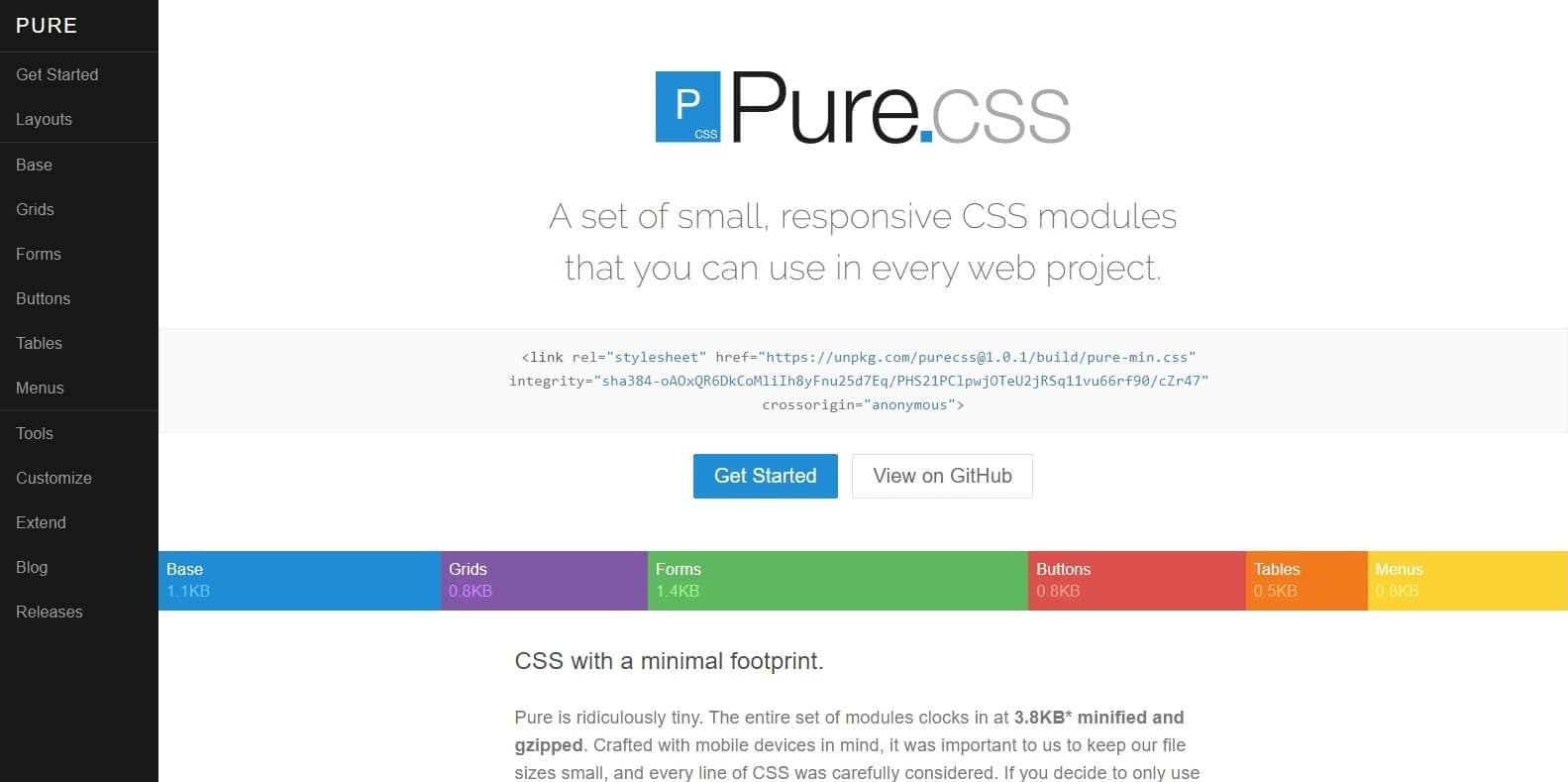
Another CSS framework based purely on CSS is Pure, as the name suggests. It is a lightweight and responsive framework created by Yahoo and released in 2014. Using Normalize.css allows users to create responsive layouts with grids and menus. It consists of various CSS modules that you can import and use as needed. However, unlike Bootstrap, this framework is not responsive by default. While it is mentioned less than the other competitors, we definitely think this was worth mentioning here.
Pros of Using Pure:
- Mobile Friendly: The framework features a more applicable design and is easy for mobile users to access. Thus, this ticks the box if you are looking into that for your next project.
- Easy to Learn: Like Bulma, this CSS framework relies solely on CSS. It is highly customizable, easy to read, and easy to work with. Not to mention that just a basic knowledge of CSS is all you need to get started.
- Flexibility: The grid and column system offers variations, such as 5 points, 2 points, 24 points, etc. This allows for a more flexible interface, which you can work on to avoid unnecessary problems in the UI.
Cons of Using Pure:
- Simple Interface: Compared to the other frameworks, the default layout is pretty plain and not very visually impressive. However, if you are looking for a straightforward way to get started, then this is it.
Tailwind CSS

Tailwind is a highly flexible, highly modifiable, and versatile CSS framework that is more suitable for low-level professionals getting started. It is written using PostCSS and configured with JavaScript, which means you have full control of how the site ends up. You can pretty much personalize every aspect, giving you the kind of custom feel that frameworks like Bootstrap and UIKit don’t allow.
Pros Of Using Tailwind CSS:
- Easy to Personalize: As we mentioned, this framework gives users access to configure each aspect of the UI. This includes options for colors, border sizes and widths, breakpoints, shadows, and other site properties.
- Utility Classes: While this framework is component-friendly, it focuses on utility classes. These classes enable users to create custom widgets, making them a truly unique way to add that custom touch.
Cons Of Using Tailwind CSS:
- Experience Needed: While we have mentioned the utility classes as a pro; you do need experience with utility classes. Without the basics covering Atomic CSS, this framework is pretty confusing to start with.
Materialize

Materialize is a CSS framework that is based on Google’s Material Design, as the name implies. It was released in 2014 and is a great solution for those looking to design websites and Android apps. The best thing about this framework is that it has only a few components and classes to learn. Thus, it tends to achieve the end result faster and effortlessly. You can start your project using it’s pre-built starter templates for a head start as well.
Pros Of Using Materialize:
- Material Design: For lovers of the material design approach, this framework is essential. Whether you are a beginner or an admirer of its simple, straightforward design, it is surely one of the essential Google Products. We are sure you will love this.
- Bootstrap Grid: This framework also uses the Bootstrap 12-column grid, allowing users to easily create responsive layouts. If you are familiar with the Bootstrap interface, this will make working with it much easier.
Cons Of Using Materialize:
- Limited Components: While the pro is that a handful of components will reduce the stress of removing unnecessary clutter from your UI, it might still miss out on the components you might find necessary. This framework backfires on this; limiting access to add elements to your requirements.
- Similar Interfaces: Like Bootstrap, Materialize emphasizes a similar design. This also limits the possibilities one can come up with when facing a similar all-websites-look-alike problem.
Semantic UI

Another CSS framework competitor we would like to mention here is Semantic UI. A responsive HTML, responsive framework that allows you to create bold, beautiful, and unique websites each time. It has many custom components, including over 3000 theming variables and over 50 UI components. This pretty much broadens the horizon of the outcomes one can produce. Another great thing here is that it features third-party libraries like React, Meteor, Ember, React and more. However, Bootstrap pretty much covers all of these, leaving only a few features as standalone, unique to Semantic UI.
Pros Of Using Semantic UI:
- Friendly Classes: One significant pro of using Semantic UI is that it features human-friendly HTML. This means one can code in natural languages, making it easier to read and work with.
- Visually Appealing Layouts: As we mentioned before, Bootstrap pretty much covers the basics and offers many features. But what stands out are the layout options that are more visually appealing than those Bootstrap offers. However, that might just be our opinion, so try it out for yourself.
Cons Of Using Semantic UI:
- Lack of Unique Concept: I’ll mention this again: There are other frameworks, like Bootstrap, that pretty much cover all the features this offers. While the human-friendly, concise HTML is a standout, it does require some understanding and experience to get started right away.
Milligram

The last on our list today is Milligram, the lightest of CSS frameworks you can find. Its design executes effortless speed and productivity, and limits the size to just 2KB. However, it is quite flexible, given its features, complete with web development tools to meet your requirements. It is a fun take on a CSS framework, allowing users to create simple, clean websites. One can also extend this with a few lines of custom CSS if you prefer. Using the CSS3 specification for Milligrapm, one can add additional powers if needed.
Pros & Cons Of Using Milligram:
- Lightweight Framework: Pretty much a pro and a con, the size itself is the biggest concern here. Whether you are looking to limit or extend the feature, the included codes and elements work for both.
Conclusion:
So, what is the best CSS framework you can work with to get that perfect result you are looking for? Well, that is a question that you will need to ask yourself. I know, I know, the age-old answer to every question like this. But we have a reason! It all depends on what you want to achieve and what project you are working on. Thus, we have leveraged the opportunity to answer what these CSS frameworks aim to do, their advantages and disadvantages, so the decision is yours! Hope this article helped you in one way or another!
But before we end this, we wanted to mention a few of our honorable picks that didn’t quite make the list. You never know; these might offer what you are looking for.
- Susy is a little-known pure layout framework. It is highly modular and lets users compose as they go, resulting in unique results each time.
- Spectre: A simple, lightweight CSS framework offering an elegant UI based on the flexbox layout. All of the components here are also purely CSS and modified with SASS.
- Base: Mobile-first design makes this simple, clean CSS framework a great way to create solid websites with strong foundations.
- Mustard UI is a creative option for beginners and novices looking for a front-end framework. It is easy to work with and learn, and it comes with the essential building blocks.

Great list! I have been playing with Tailwind and Cirrus CSS lately, both seem very promising.