


Tables are among the most common elements on almost all websites. But it is also one of the most commonly overlooked elements when developing a website. Until a necessity comes, we won’t remember adding a table. On this list, we have collected some of the best CSS table templates you can easily customize and use in your existing website or ongoing projects.
CSS table is a broad category. The tables are used for different purposes. Its primary purpose is to display a list of data. If you are creating a table template for a stats-rich website, ensure it includes horizontal and vertical highlighting options. We have included templates with highlighting and scrolling options in this list of CSS table templates. Another table template is widely used for pricing tables. We have also included templates for pricing tables in this list. All these CSS table templates use the latest CSS3 version, so you get more natural colors and responsive animation effects.
Here are the simple and stylish CSS table templates you can use on your website and application.
Stylish CSS Table V04

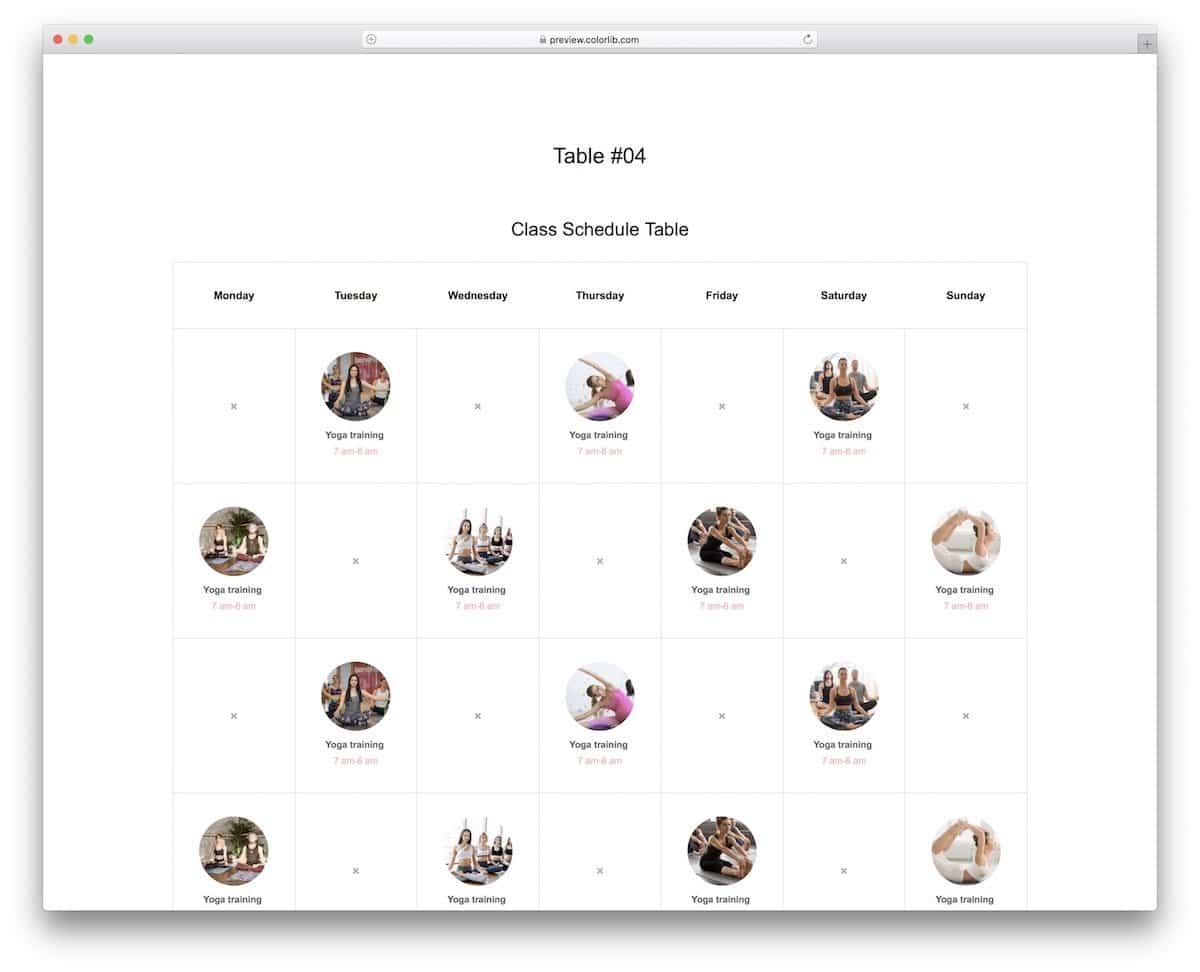
As the name implies, this is a stylish CSS table design for weekly schedules.
If you are looking for a clean CSS table to show your weekly schedule, such as yoga classes, online courses, or anything similar, this calendar-style CSS table will be a good choice. The creator has used images and bold text to clearly show the entries for each day of the week. You have navigation arrows at the bottom of the table to jump to the next and previous months.
HTML & CSS Table Style V06

In the V06 CSS table template, you get a clean and interactive table design for an eCommerce cart.
This table’s borderless design gives a tidier look; the user can also quickly see the entries without any issues. Checkboxes and text boxes are also given in this template to make the interactions easier. The developer takes care of basic functionalities; therefore, you can concentrate on the custom features and optimizations to make this table fit your needs.
CSS Table Templates V09
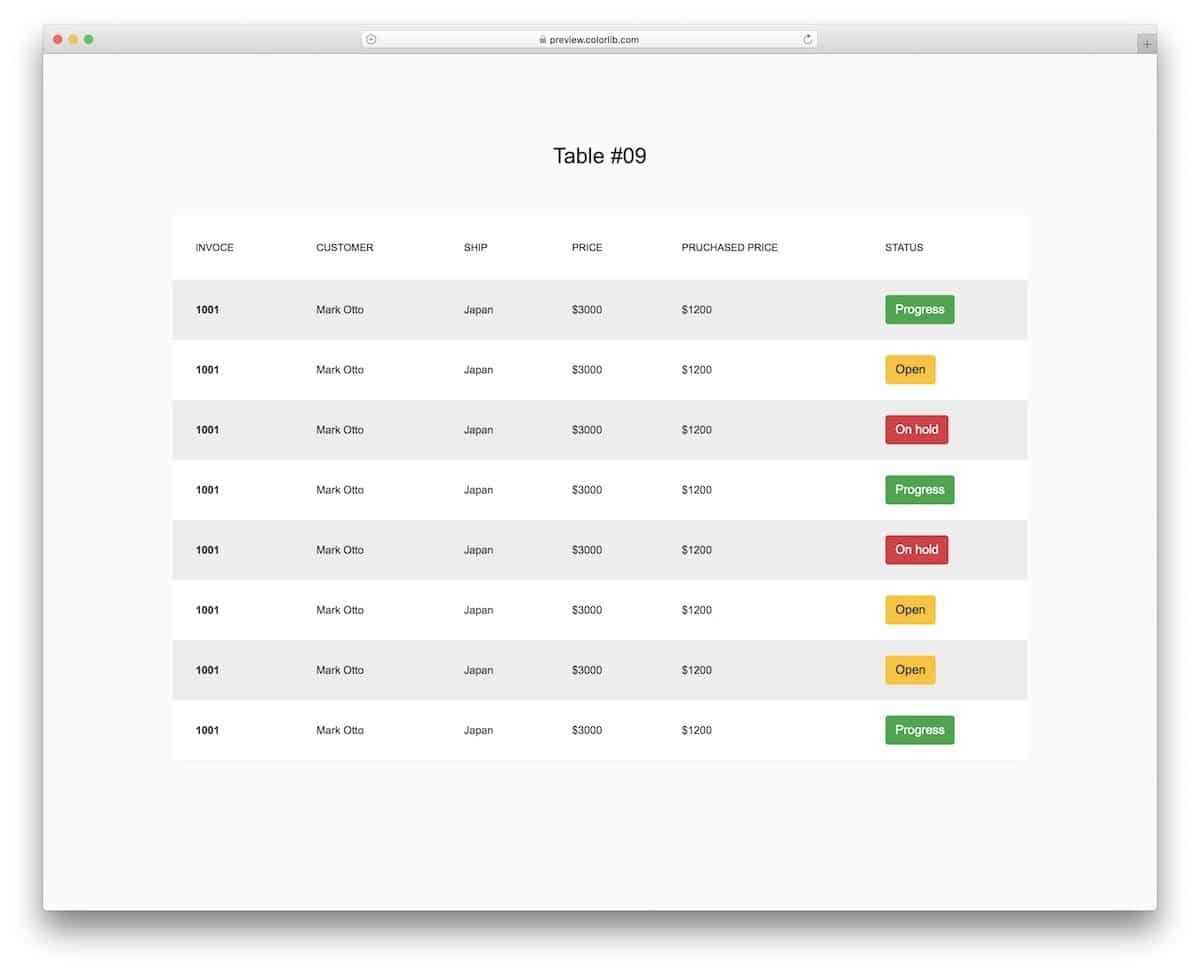
The V09 CSS table template will be a perfect fit for admin-related work. Admins can quickly organize entries thanks to this template’s clean layout and colorful buttons. The creator has given us a concept model, so the buttons don’t have any functionality in the default design. But the simple code structure gives you enough room to add your custom elements and features without much effort.
CSS Table V10
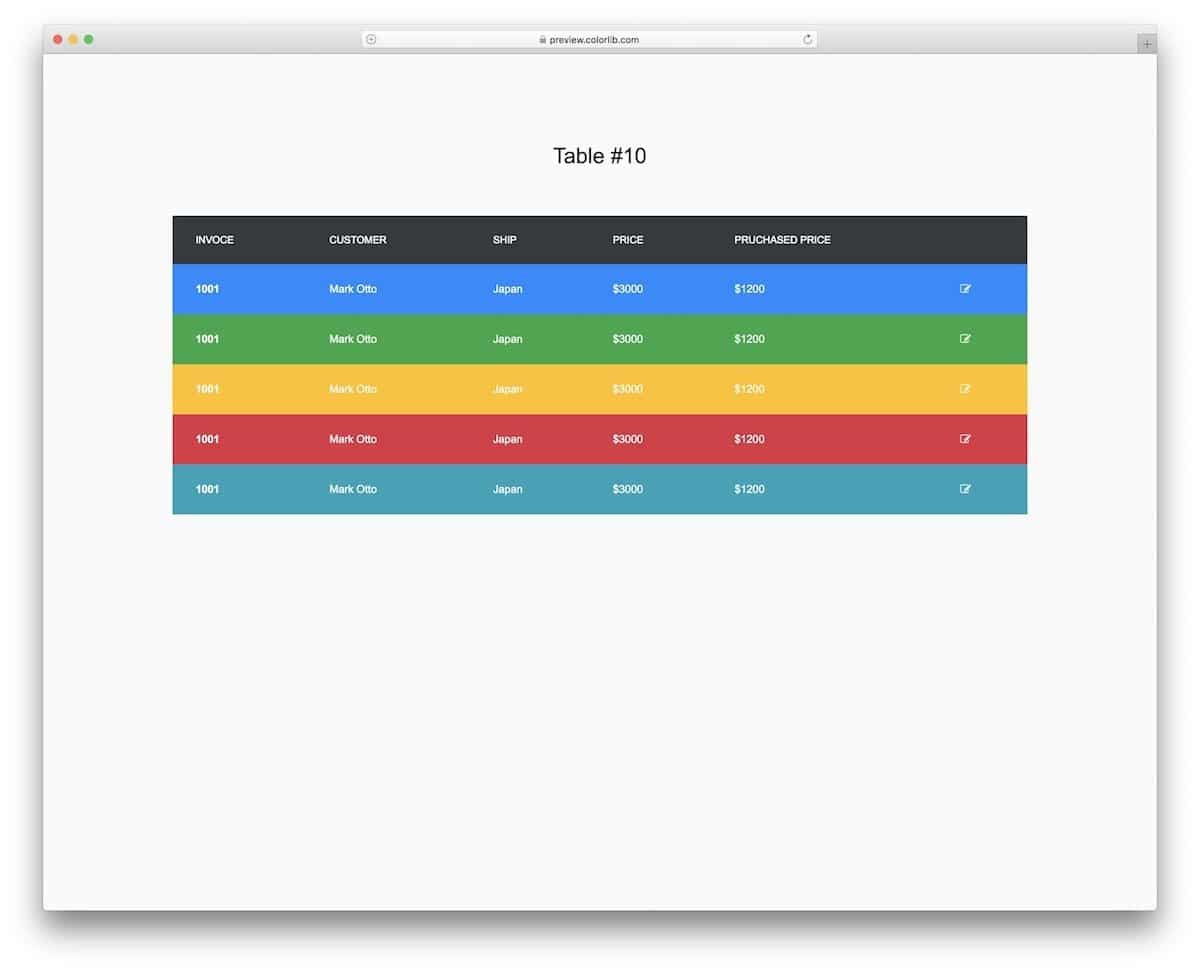
The V10 is also similar to the V09 template mentioned above. This template uses different colors for each row to make the information easier to read. None of the elements is clickable in the default design. You can add sorting functions and options to edit entries to make the table friendlier for the audience/table users. The V10 is a mobile-responsive CSS table, which might be an advantage for developers making apps compatible with both small- and large-screen devices.
Fixed Column Table
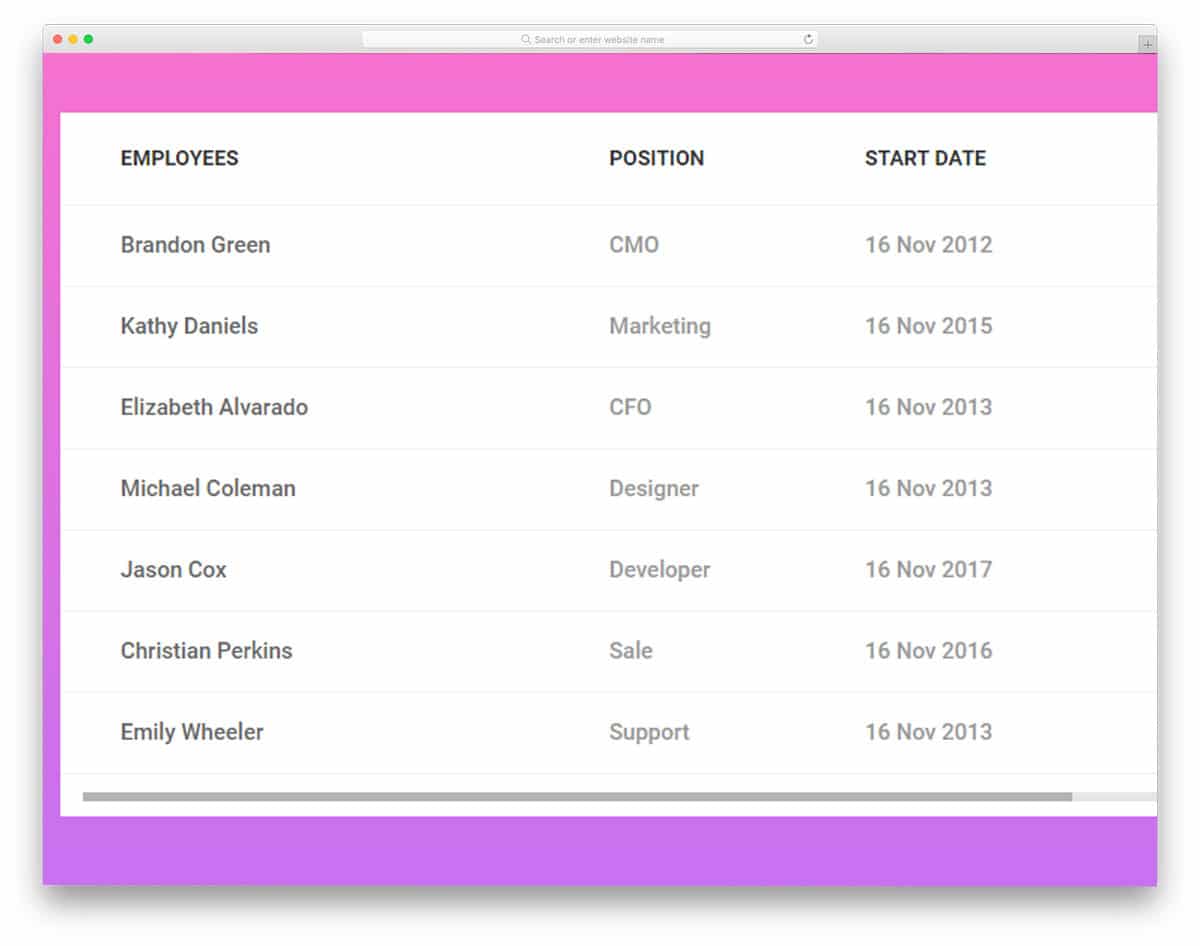
Showing all the data and stats in a single table is not always possible. We need to provide scrolling options to help users view the entire record. This CSS table template gives you that option out of the box. As the name implies, it has a fixed main column, and all other related fields can be scrolled horizontally. The developer has given you ample space in the column to add even longer content without trouble. Since this template uses HTML5 and CSS3 frameworks, you get more natural colors and a responsive mobile table. If you need to add more rows, you can add them easily. This table template can handle it.
Fixed Header Table
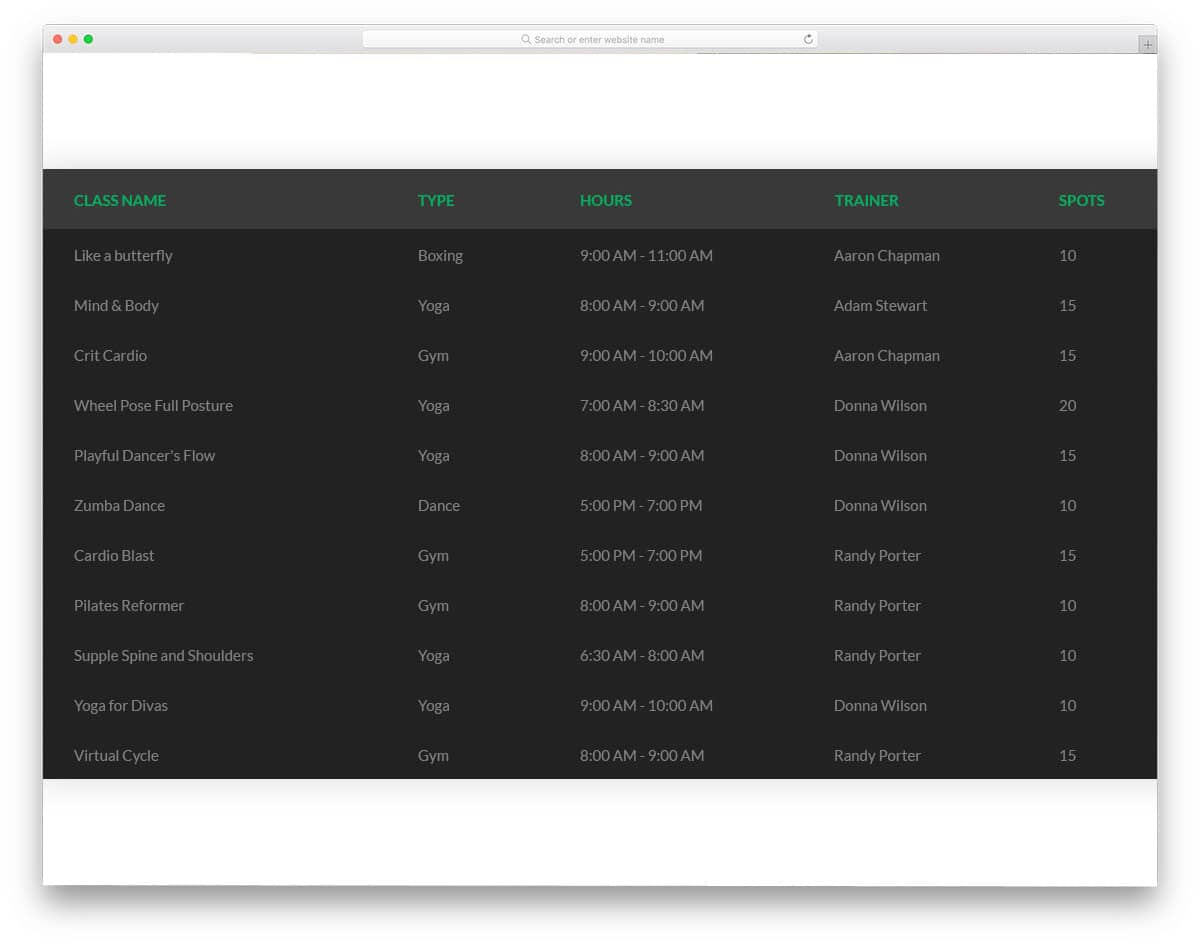
Fixed Header Table is a package of five CSS table templates. This package offers different color options and style options, making this table package unique. All five variants have a fixed header, and you get a vertical scrolling option. Another fun part of this table package is you get a dark-themed table to satisfy black color enthusiasts. None of the templates have a column border, so you get plenty of space to add longer content. At the same time, the columns adjust themselves so you won’t have a clumsy look with this table template.
Table With Vertical & Horizontal Highlight
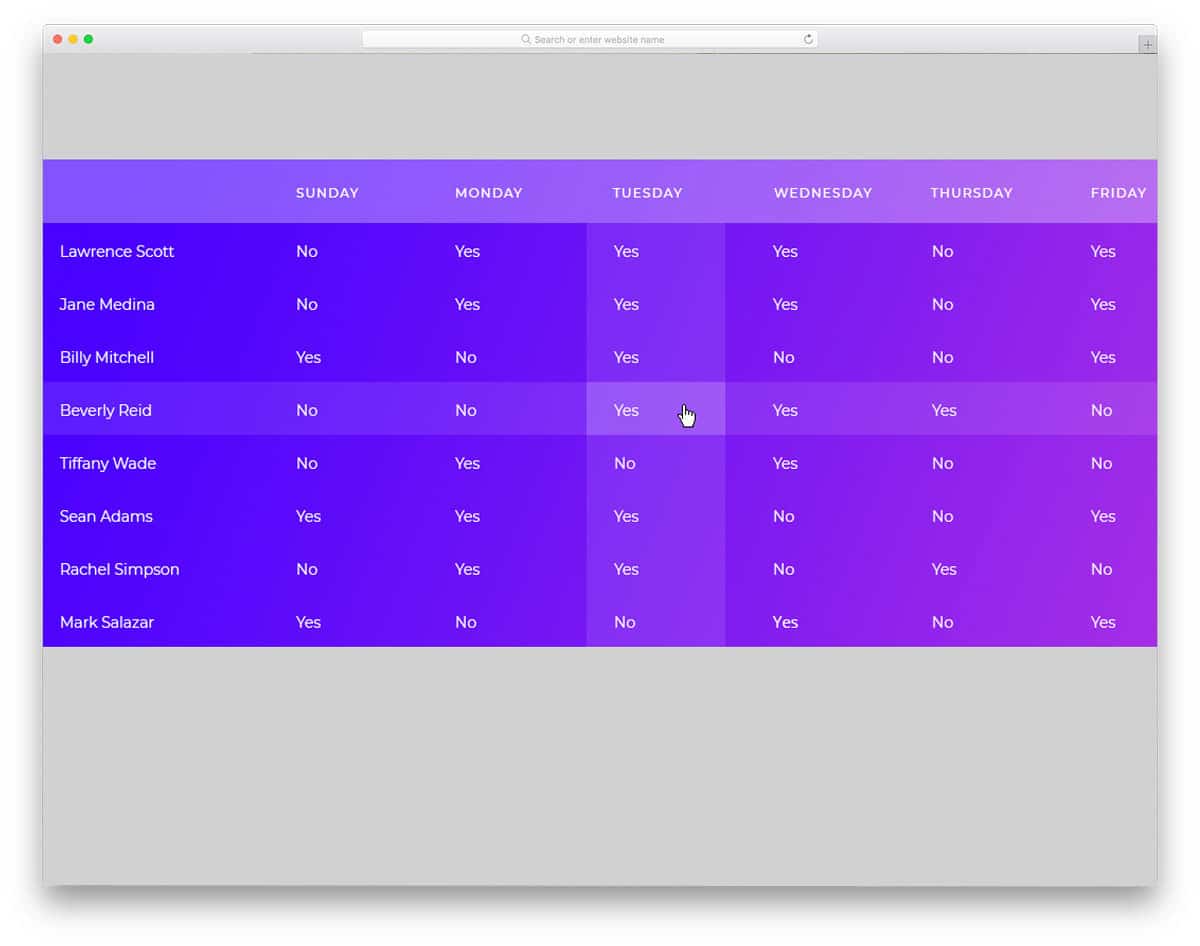
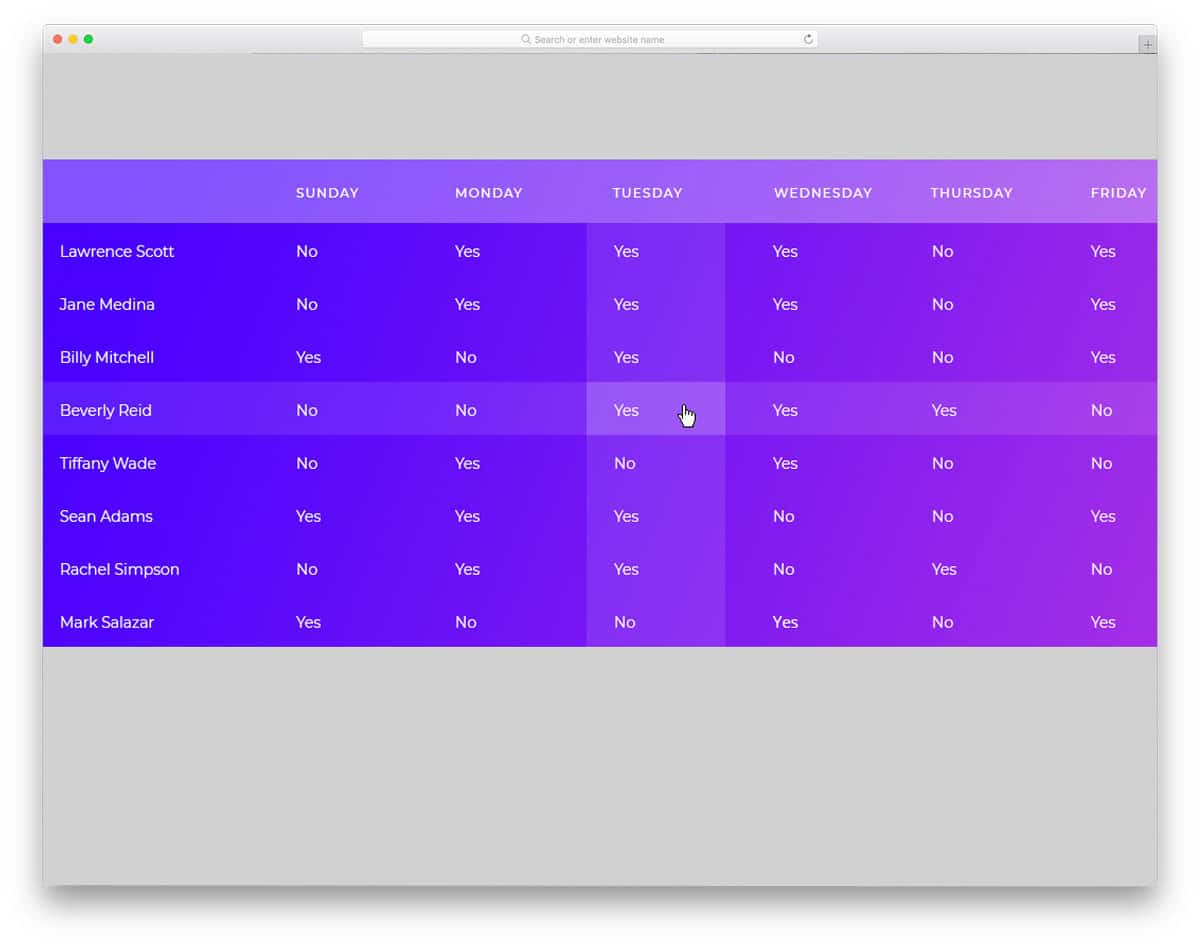
When there is a data cluster, it is always difficult to pinpoint a value. If you are a data analyst who spends most of your time in excel sheets, you will know the difficulty of finding a value, you have to recheck the rows and columns quite often. The developer of this table template provided a solution to this issue using the interface design. This template highlights the column and the row you are hovering over so you can easily cross-check the value you want. It is a minor thing, but when you do lots of Excel work, this highlighting option will save you time.
As a package, the developer gives you six table templates, all of which have different designs. Since this template uses the latest HTML5 and CSS3 frameworks, you get more modern-looking templates, even if you get a table template with a gradient color scheme in this package.
Responsive Table V1
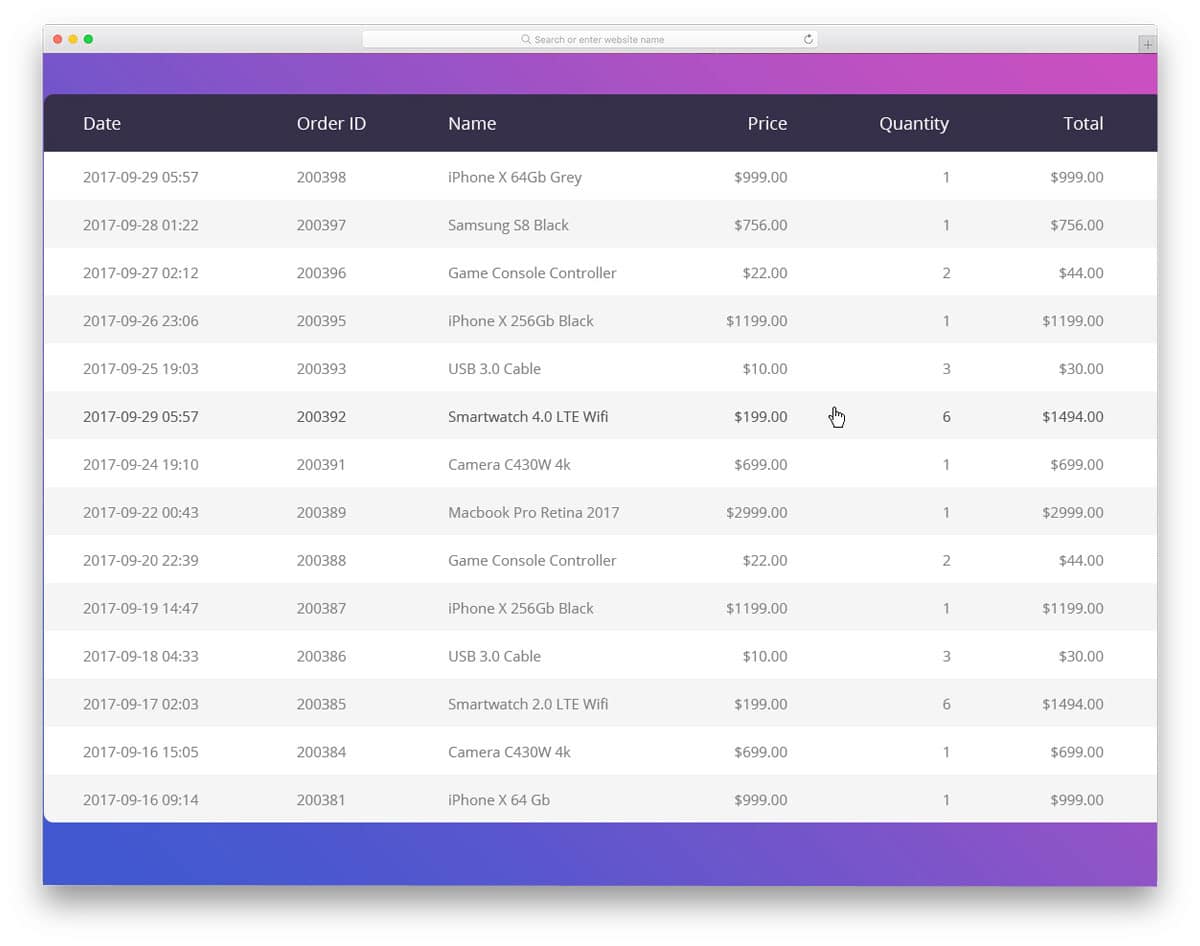
Responsive Table V1 is a simple table template. As the name implies, it is a responsive table template. So you can add any number of tables and columns, and the table will adjust automatically. A white-and-grey pattern is used to differentiate each row. This template uses HTML5 and CSS3 frameworks; developers will find it easy to edit and work with. This template does not support scrolling options. You can use the CSS table templates with the scrolling options mentioned above if needed. For the demo purpose, a gradient color background is used, based on your design need you can customize or use the table alone on your website.
Responsive Table V2
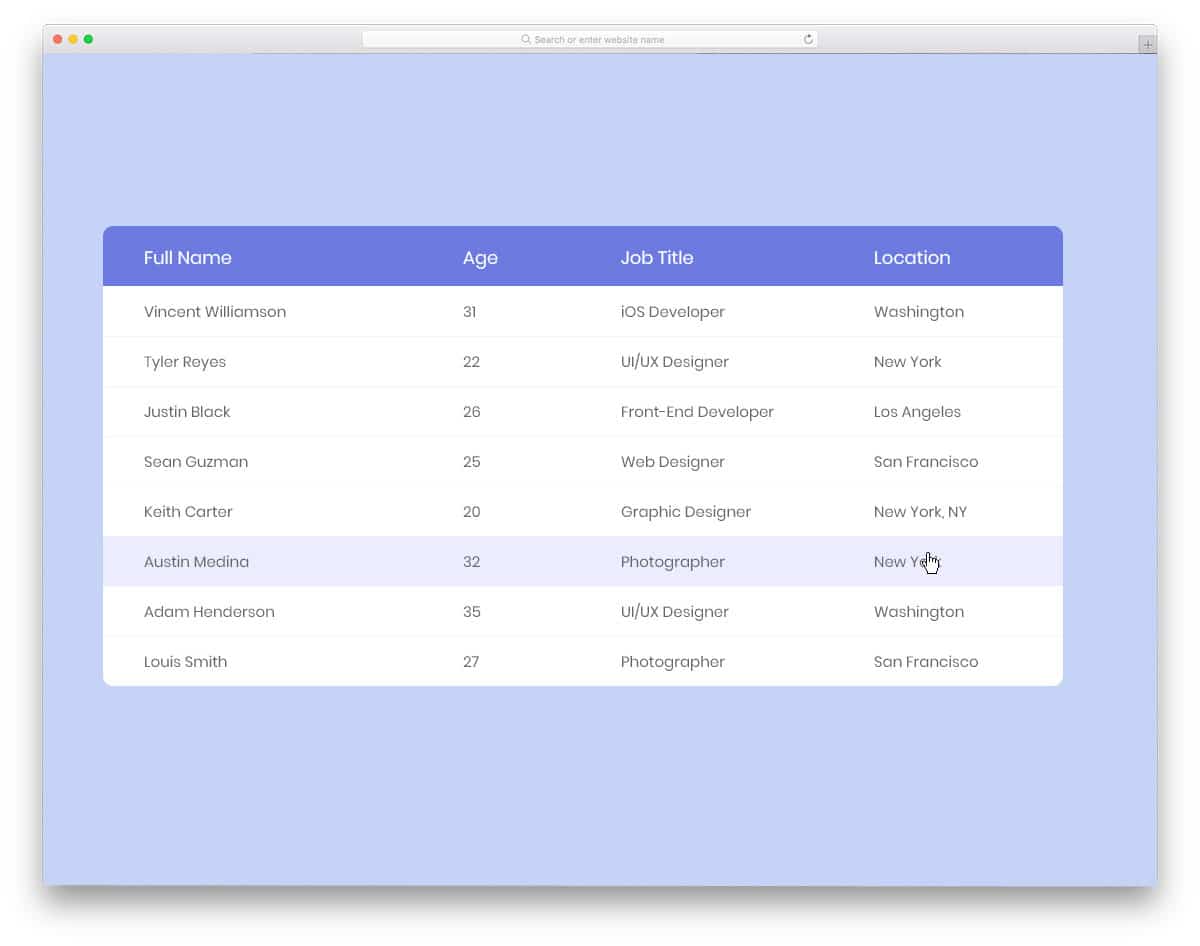
Responsive Table V2, as the name implies, is another version of the responsive table template mentioned above. This template is also from the same creators of the version one template mentioned above. The version two template is simple and clean-looking; on the neat white background, the text is legible and easy to read. Hover effects help you identify which field you are currently viewing. Like most of the free CSS table templates mentioned above, this one also uses a borderless column design. Since the fields adjust smartly, you needn’t worry about the overlapping of texts and misalignment. Overall, the version two template is a clean, easy-to-use table template that fits well with any type of website.
Pure CSS Table Highlight
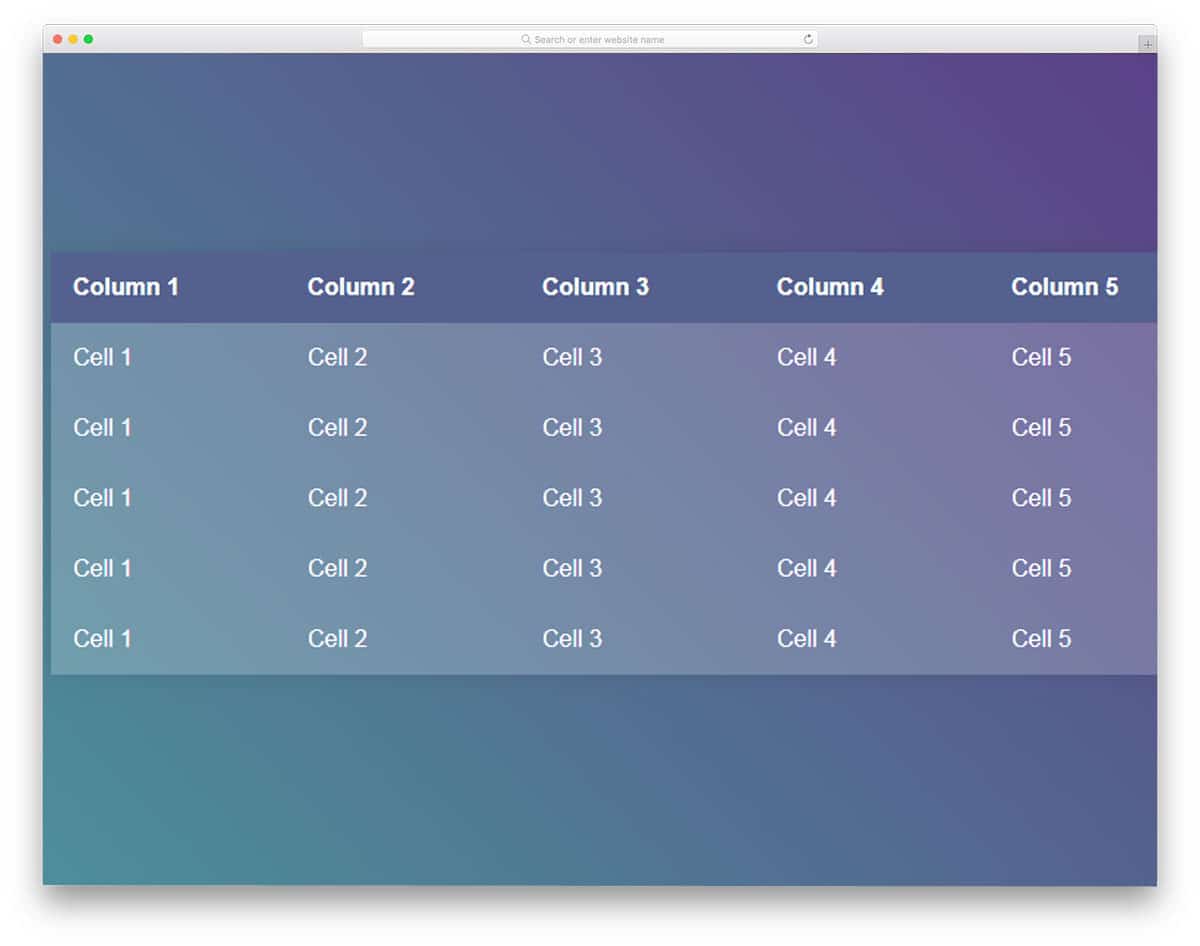
Pure CSS table highlight is another vertical and horizontal highlight table template. But with this template, you get only one template. The creator shares the code used to create this awesome-looking table with you directly. Since the developer used the CodePen interface, you can see a live preview while editing the template. The developer created a 5×5 table for the demo, but you can add as many rows and columns as possible.
To differentiate the heading section from the rest of the cells, a dark highlighter is used, based on the color scheme you can easily customize the skin of this table template. Unfortunately, this template is not a scrollable table template. If you need one, you need to make it scrollable manually. If you just need a static table template, you can use this table template without any changes.
Bootstrap Table Template
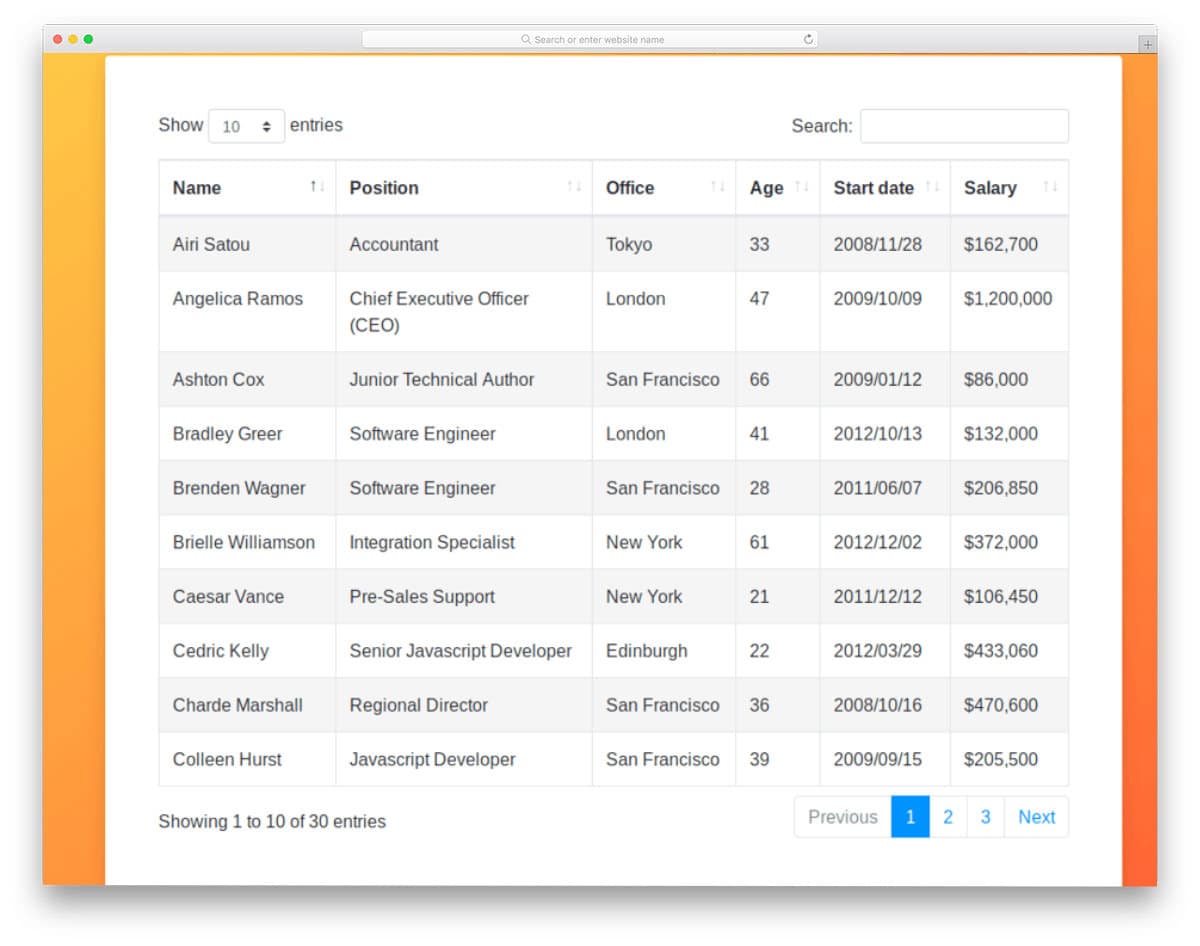
Bootstrap DataTable template has a colorful and functional table design. Using light and dark colors alternatively makes the interaction easier for the user. All basic elements are in this template and placed at appropriate places; hence, users can easily navigate through the table. The entire code script is shared with you on the JSFiddle editor; you can edit and visualize the results on the code editor itself.
Add Rows to Table
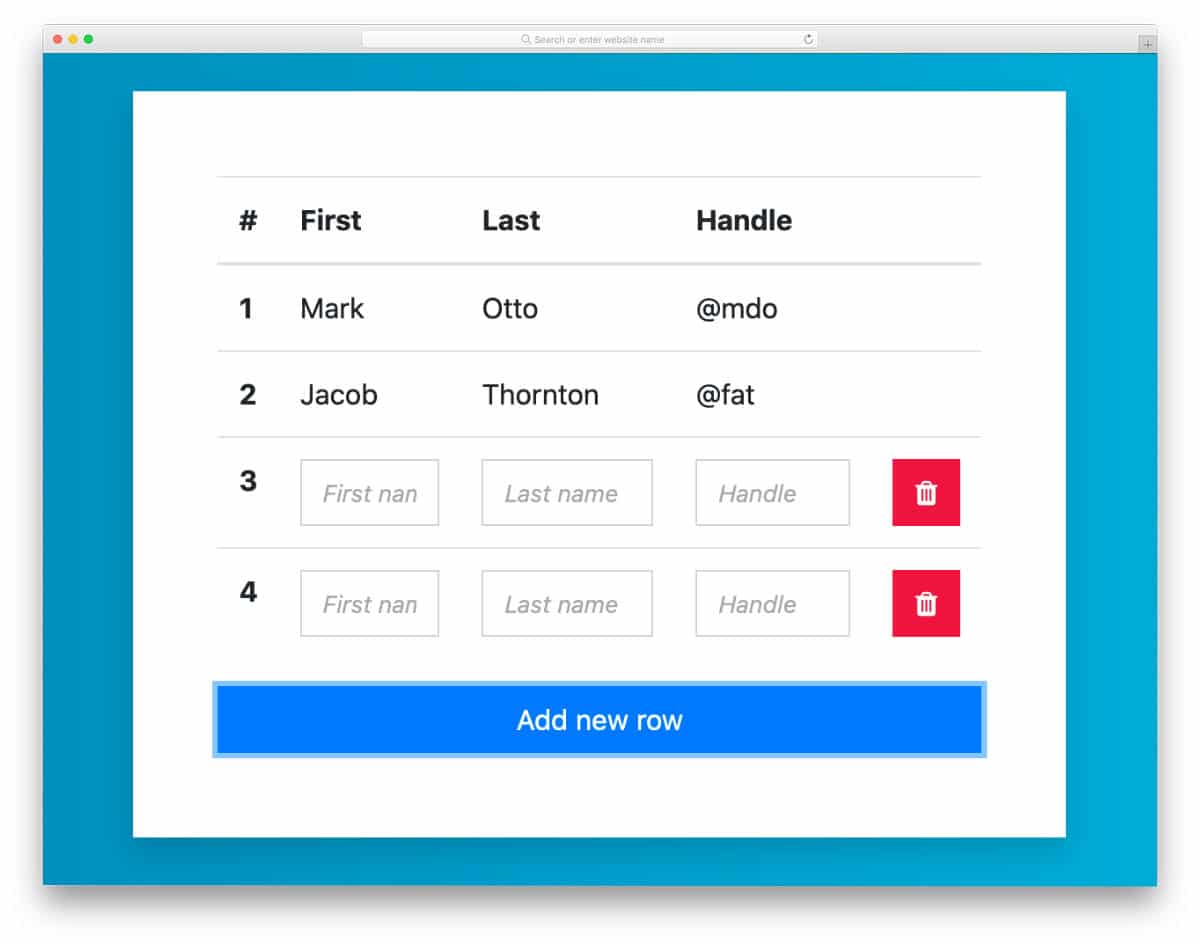
If you want a table with easy row addition and deletion, this CSS table template might be useful. With just a click of a button, you can quickly add and delete a row. The creator has kept the row adding and deleting action as simple as possible so the users will find the table easy to operate. The only thing you must remember in this template is that the default two rows can’t be deleted; you can change this by adjusting the code a bit.
Responsive Table CSS
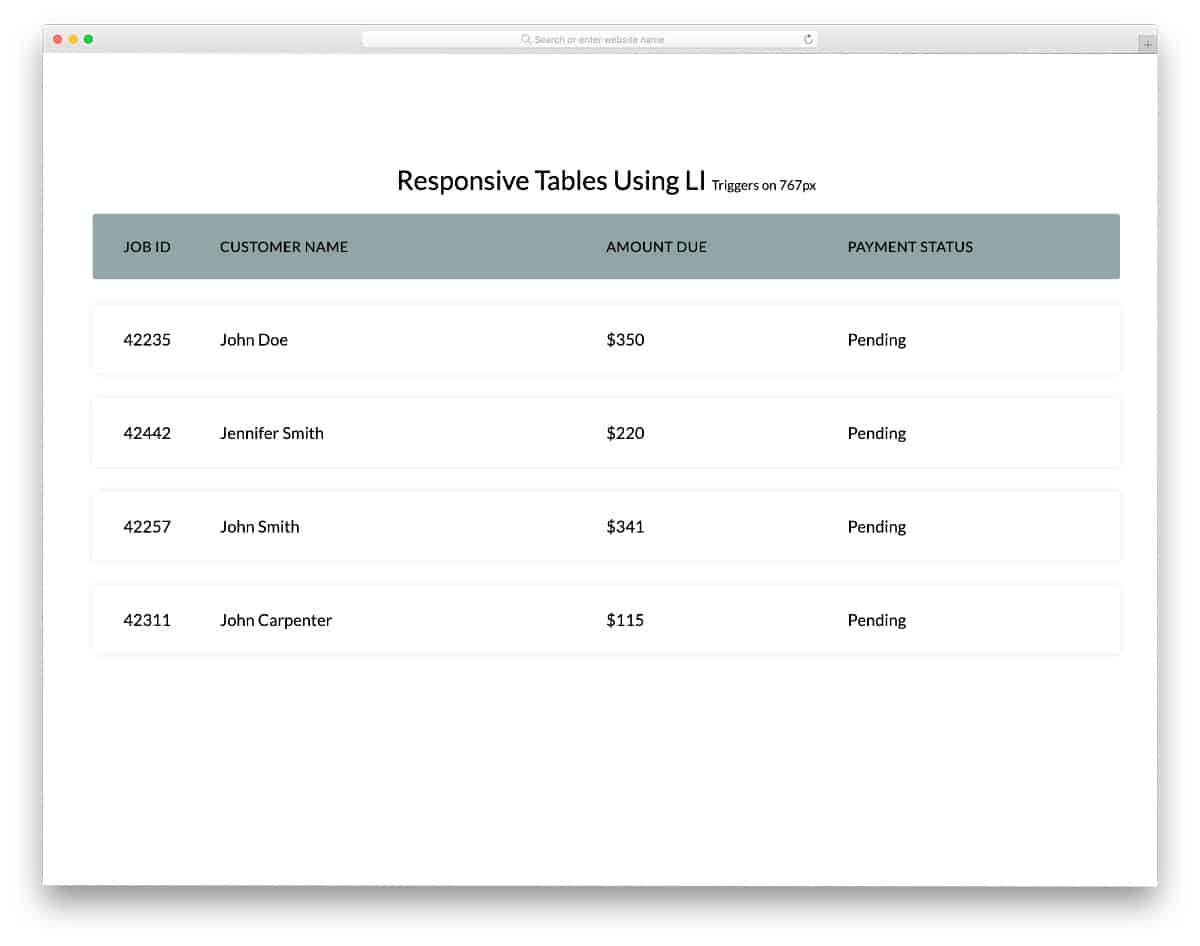
As the name implies, responsiveness is the key feature of this CSS table template’s code. Design-wise, the creator has kept the design very simple and neat. The use of shadow effects to highlight the rows is a thoughtful touch. Users can easily read and interact with the table entries. Since it is a responsive table CSS design, accessing the table on small-screen devices will be an easy job. This template’s code is clean and simple, just like its design; therefore, using it will be easy for developers.
Fixed Table Header
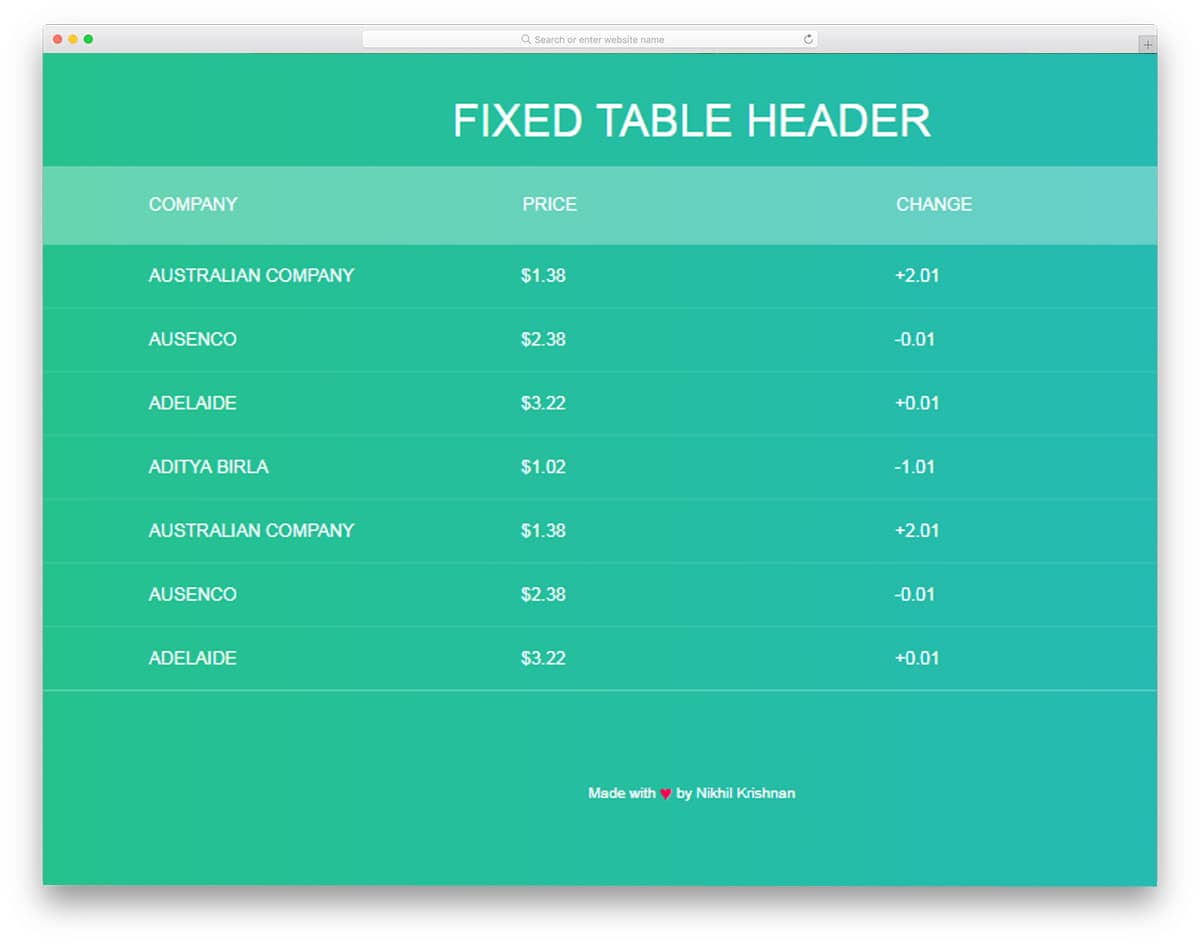
As the name implies, the Fixed Table Header is a vertical-scrolling template. This table matches the trendy website design practice with the fresh gradient color scheme. The latest CSS3 framework makes the colors look more natural and the animations sleek. The only small bummer with this template is it doesn’t support the hover effect out of the box. Font selection is also done neatly on this template. The texts are light and easy to read. It might be difficult to identify on which field you were last viewing. The Fixed table header is a fully functional CSS table template from the front end. By keeping this template as a base you can create your custom tables in no time.
David Kern HTML5 Table
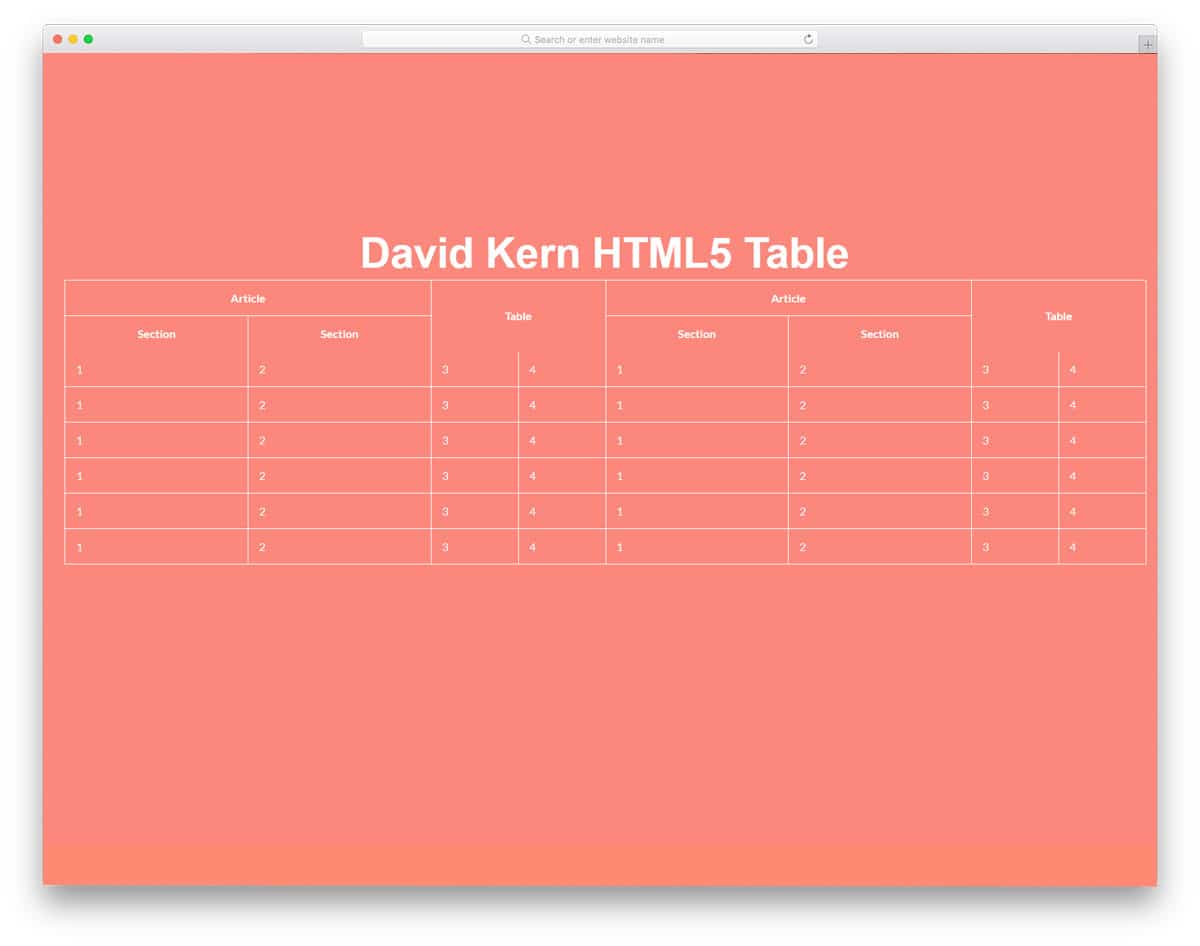
Just like the design, the code structure of this table design is also simple and clean. Not all tables have the same sections and rows. Sometimes we have to make subdivisions under the main section. If you have any special table design like that, CSS table templates will be handy. This table template has no interactive elements or hover effects besides the unique sectioning. Since this design only uses HTML5 and CSS3 scripts, you can easily work with this template and add the functions you want.
Simple Table Concept
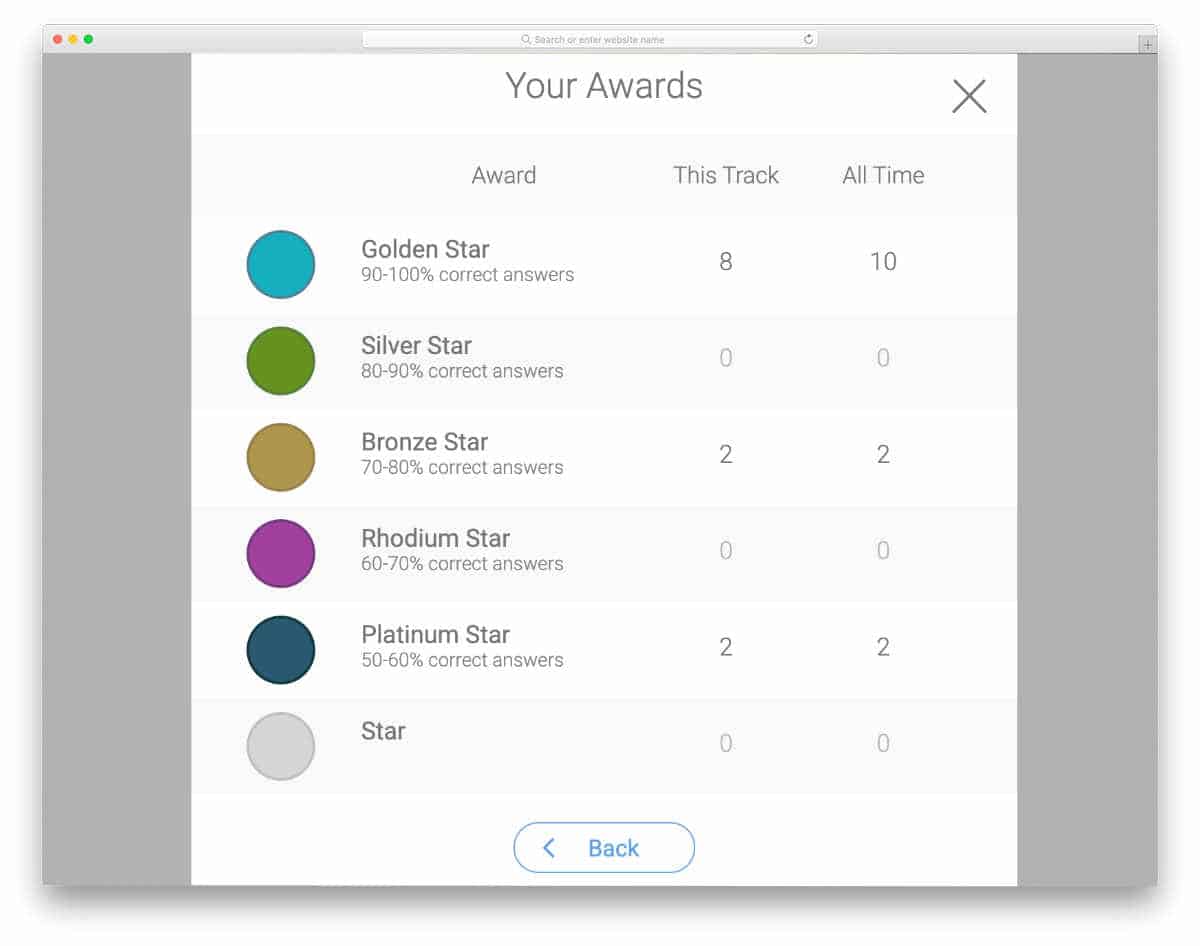
The developer Sdhnik has given a simple table design in this example. The clean design of this table makes it a good option for mobile application table screens. Alternate light and dark row colors clearly distinguish each row entry. Plus, it avoids table grids and makes it look less bulky on small screen devices. A call to action button and a dismiss button is given in the default design. Since it is a front-end concept, the creator hasn’t concentrated on the functionalities. Keeping this design as a base allows you to create your custom table quickly.
Dynamic Background Tiles

CSS table templates like this will be a good option if you need to handle large amounts of data and want users to easily understand the categories. In this example, the creator has used gradient color schemes and given a key at the bottom, indicating the allotted percentile for each color. Hence, users can easily understand the category from the cell’s color. The creator has not given any options to change the colors or enter any value. So you must work on your own to make it a truly dynamic table.
Flat University Timetable
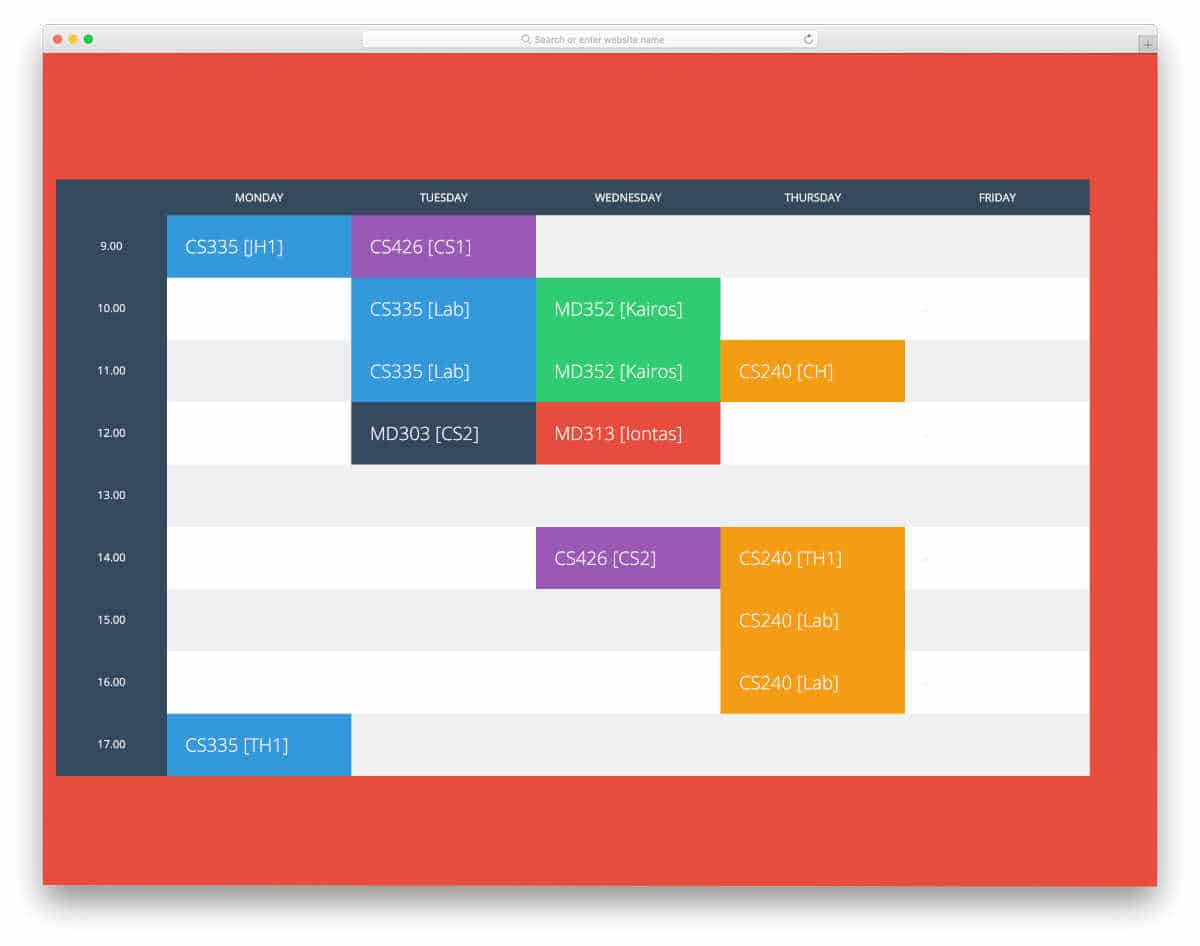
As the name implies, it is a flat-style table template. The creator has used a classy design effectively to make a user-friendly table. Hover effects are used smartly to give tooltips and short notifications. If you want to make the tooltip animations even more engaging, check out our tooltips CSS design collection. Since it is a timetable concept, different colors are used effectively to organize related content. If your requirements are fewer or you have a fixed schedule for all weeks in the month, tables like this will be a good choice.
Responsive Table
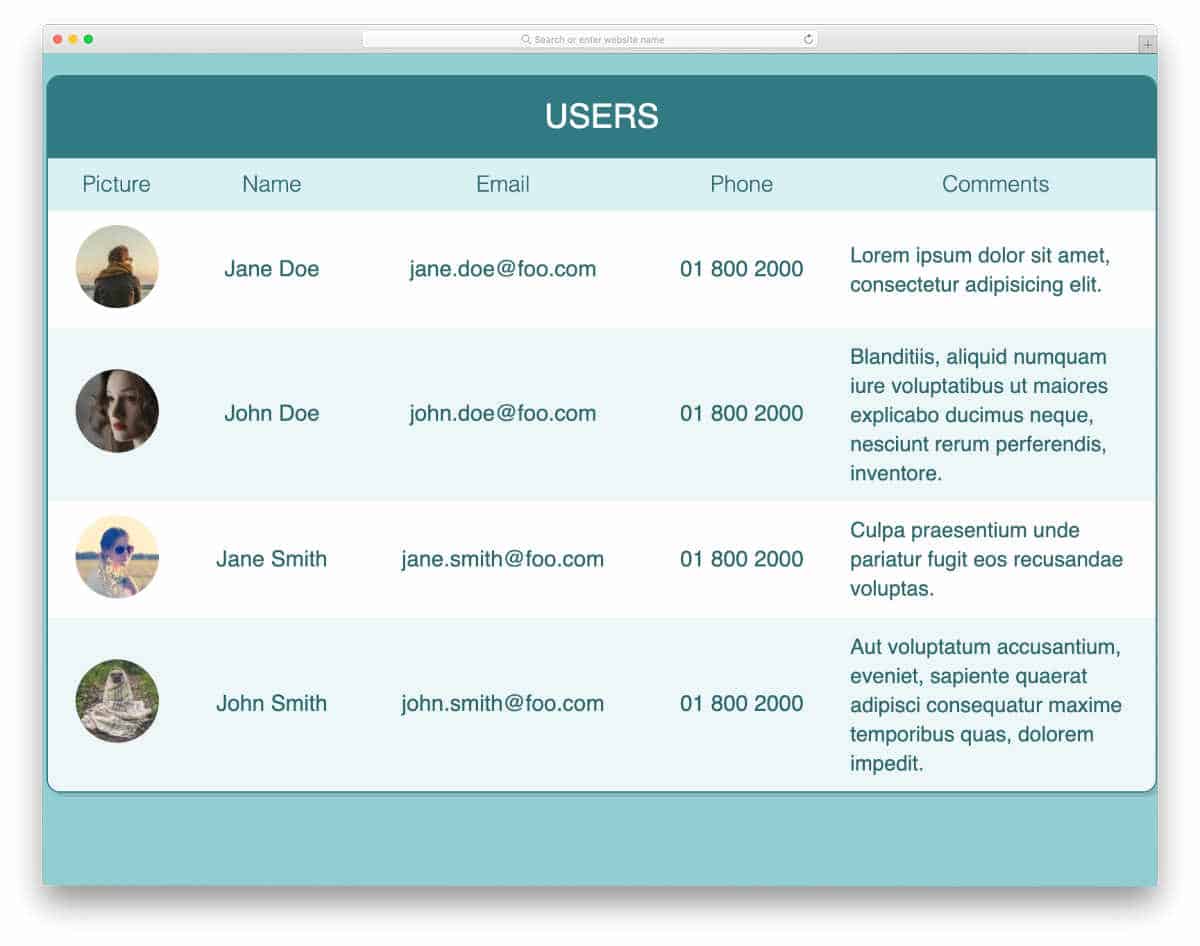
The Responsive Table has given you a neat, modern-looking table. Colors and neat typography effectively present the content to the user. Since this table is designed to manage user data, you can add the user’s profile picture to a column. All elements in this template are purely made for design purposes, so you can’t interact with them. You can use the front-end code as a base to create your own custom table. Since it is a responsive table, this template will make it easier to build a mobile-responsive design.
Angular Material Table

You can understand from the name that this is a material design-based table. The creator of this template has added useful features such as sorting and search options. An ample space is given between each column, so you don’t need to worry about long texts. But it is better to add an auto-adjust character to the table. The developer has shared the entire code used to make this material design table. Hence, you can easily work with this design and tune it per your needs. Apart from sorting and search options, this table also includes pagination to easily navigate between pages. If you like to add your unique touch, take a look at our free pagination design collection. Overall, the Angular Material Table is one of the best Material Design CSS table templates.
Angular JS Filter Table
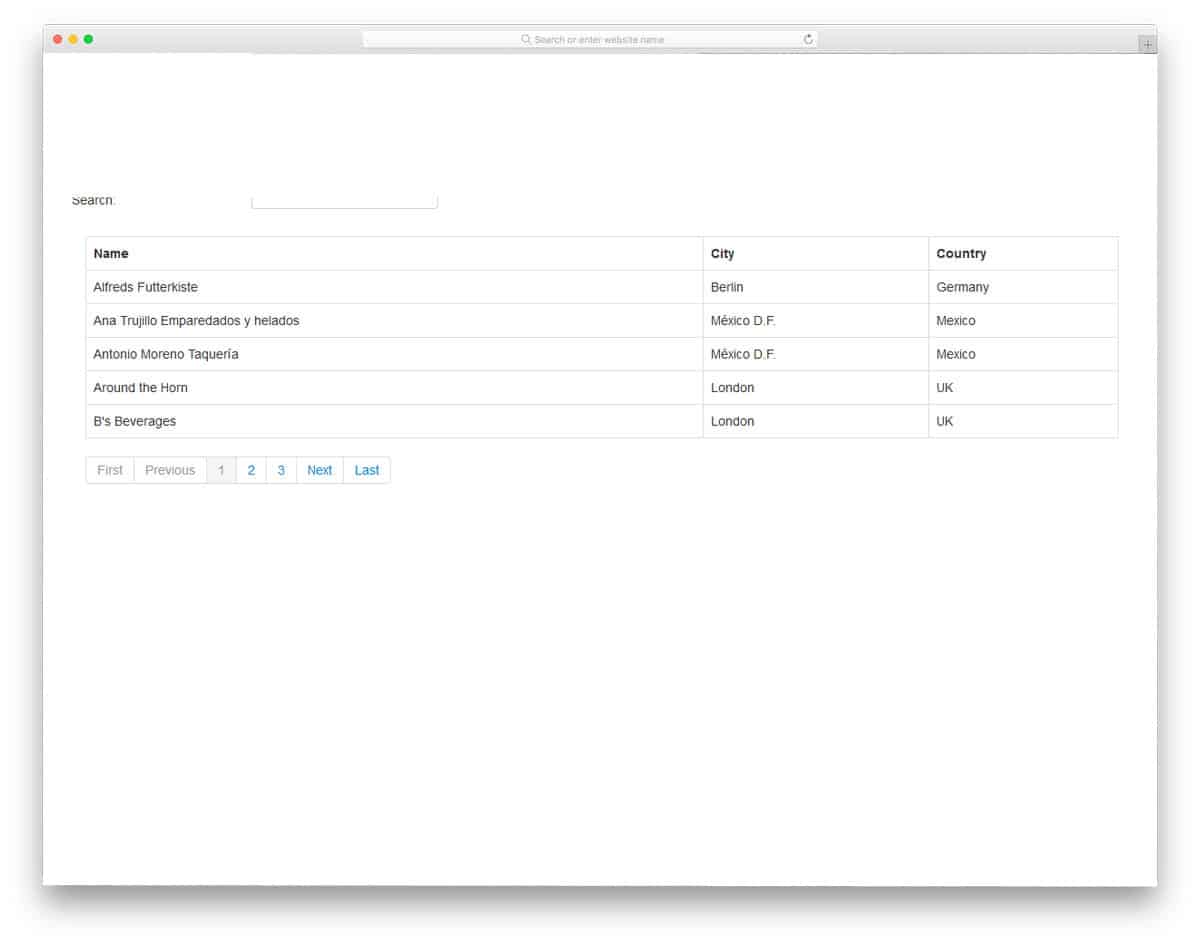
This table design is similar to the Angular Material design template mentioned above. But this one is very simple and doesn’t have the vibrant colors of Material Design. All the basics are handled properly in this template, so you can focus on the other features you need for your table. In this template, you also get an active search bar that shows relevant content rapidly as you type in words. For more search bar designs, look at our Bootstrap search box design collection. The entire code structure used to create this design is available in the CodePen editor. Hence you can customize and see your work in the editor before implementing it on your website.
Slick Tables
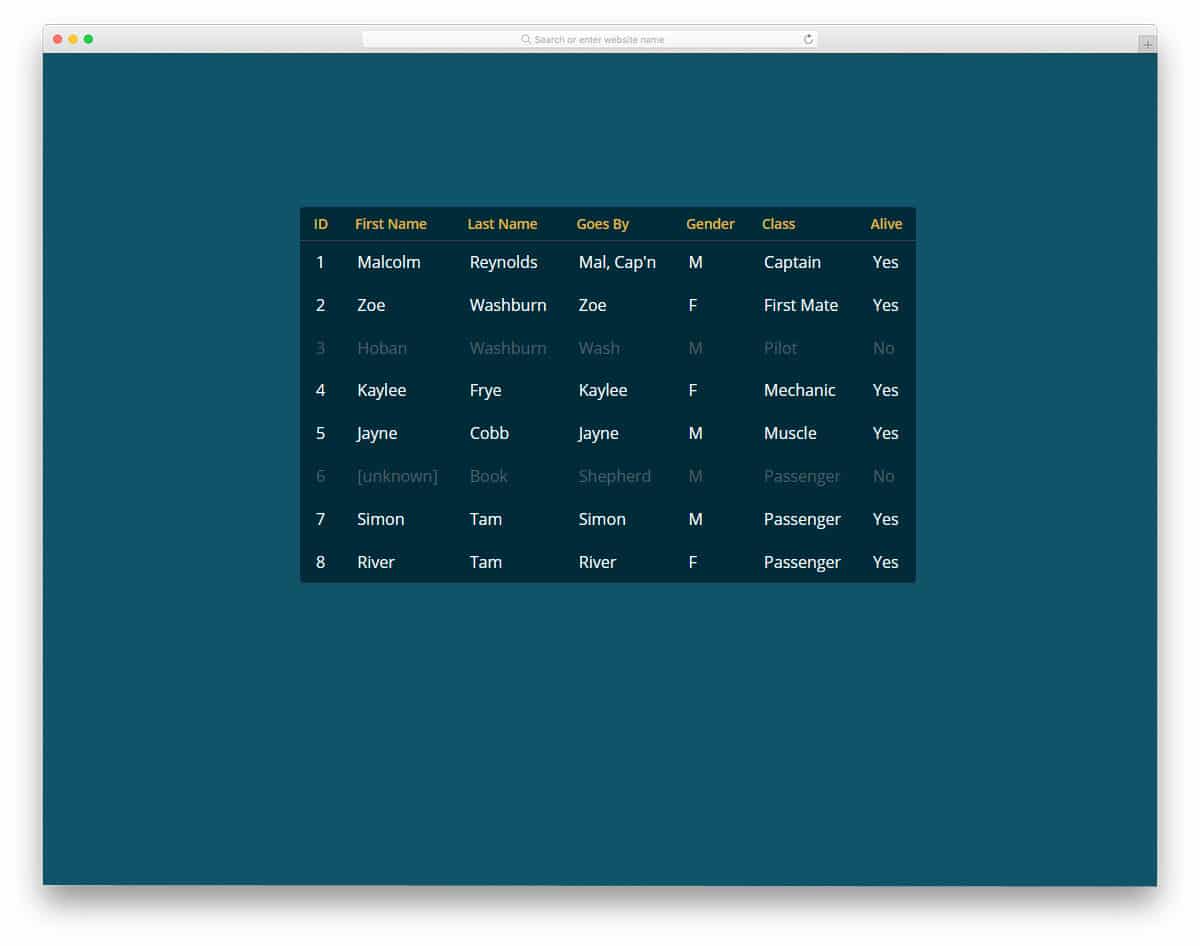
Slick Tables has a neat colorful table design, but it doesn’t have useful options that you have seen in the Angular tables mentioned above. It has basic options like a hover highlighter and neat segmentations. Even you have the option to dim down the data that are expired. If you are making a table that shows real-world data, CSS table templates like this will be useful. For handling dynamic contents and managing data easily, we have made a separate post for the Bootstrap Data table. Look at it to find tables with useful options, as well as chart designs to visualize the data.
Comparison Table
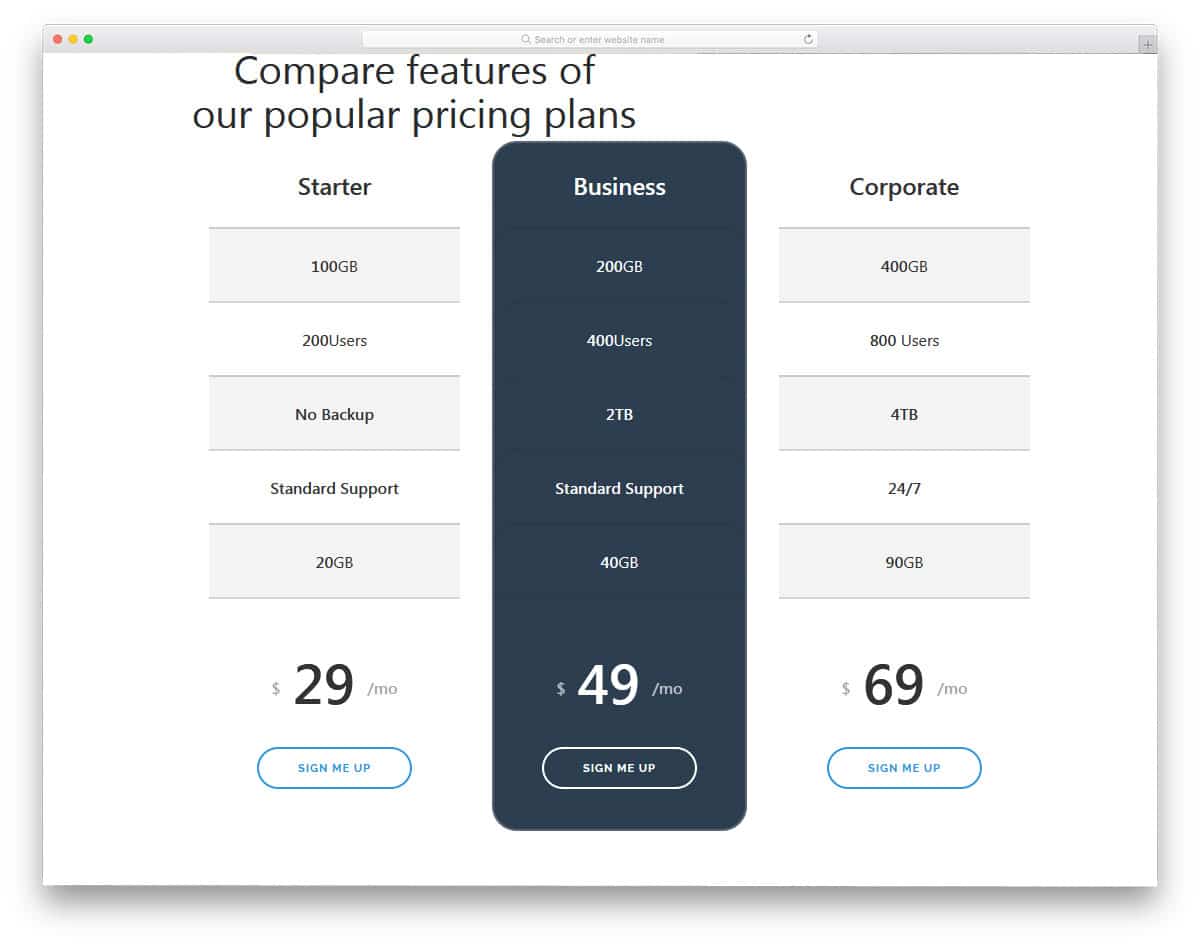
This one is a pricing table comparison design. The long table design lets you add all the important options so users can easily compare plans before choosing one. This template lets you easily highlight the best plan for the user. If you want to make the special plan even more appealing to users’ eyes, take a look at our CSS Ribbon design collection. In the default design, the letters are made larger and bolder so the user can easily read the table contents.
CSS Table

CSS tables are intuitively designed table templates. The developer used the given space elegantly with modern CSS animation effects. In some reports, you have to be more elaborate about the stats you shared in the table; the rows in this table template expand automatically to help you add a small note about that particular row. To help you organize the related content effectively, color codes are used. The vertical color label at the end helps you to group the data for later reference. In the demo version, this template does not support filter options, when you add filter option this color grouping will give a nice visual appearance and easy for the users to find the dataset easily.
Pricing Table UI
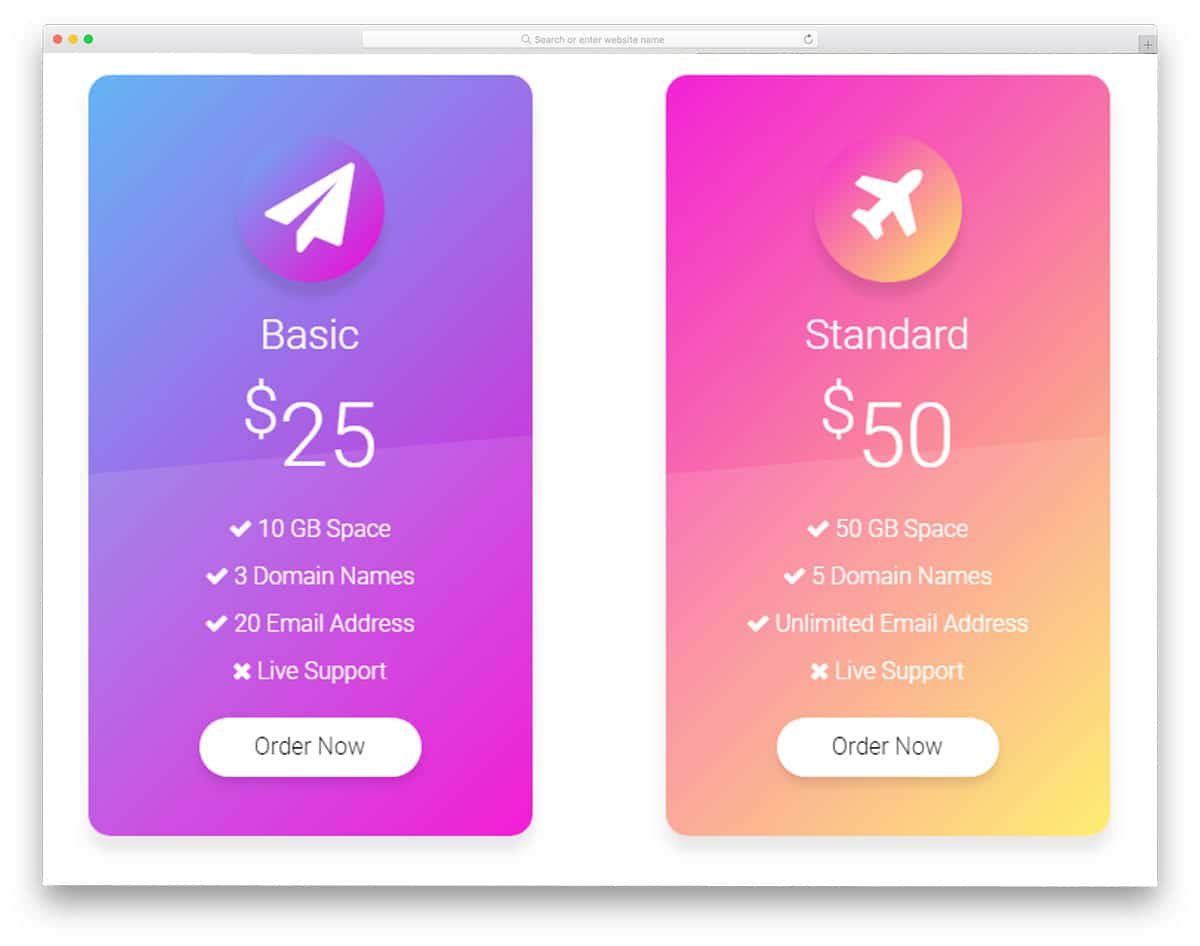
As the name implies, this template is designed for the pricing table. Instead of following a traditional grid layout, the creators of this template choose a card design approach. With trendy gradient colors and icons, this table fits well with many modern website templates for travel agencies, startups, and other online service-providing websites. The developer used the latest HTML5 and CSS3 framework to create a visually attractive table template. The colors and animation effects in this table template are more natural and better meet modern user expectations. Overall, the Pricing table UI is a fully functional template on the front end. If you are an app developer and constantly seek modern UI elements, check out our UI kit collection.
Codrops Pricing Tables
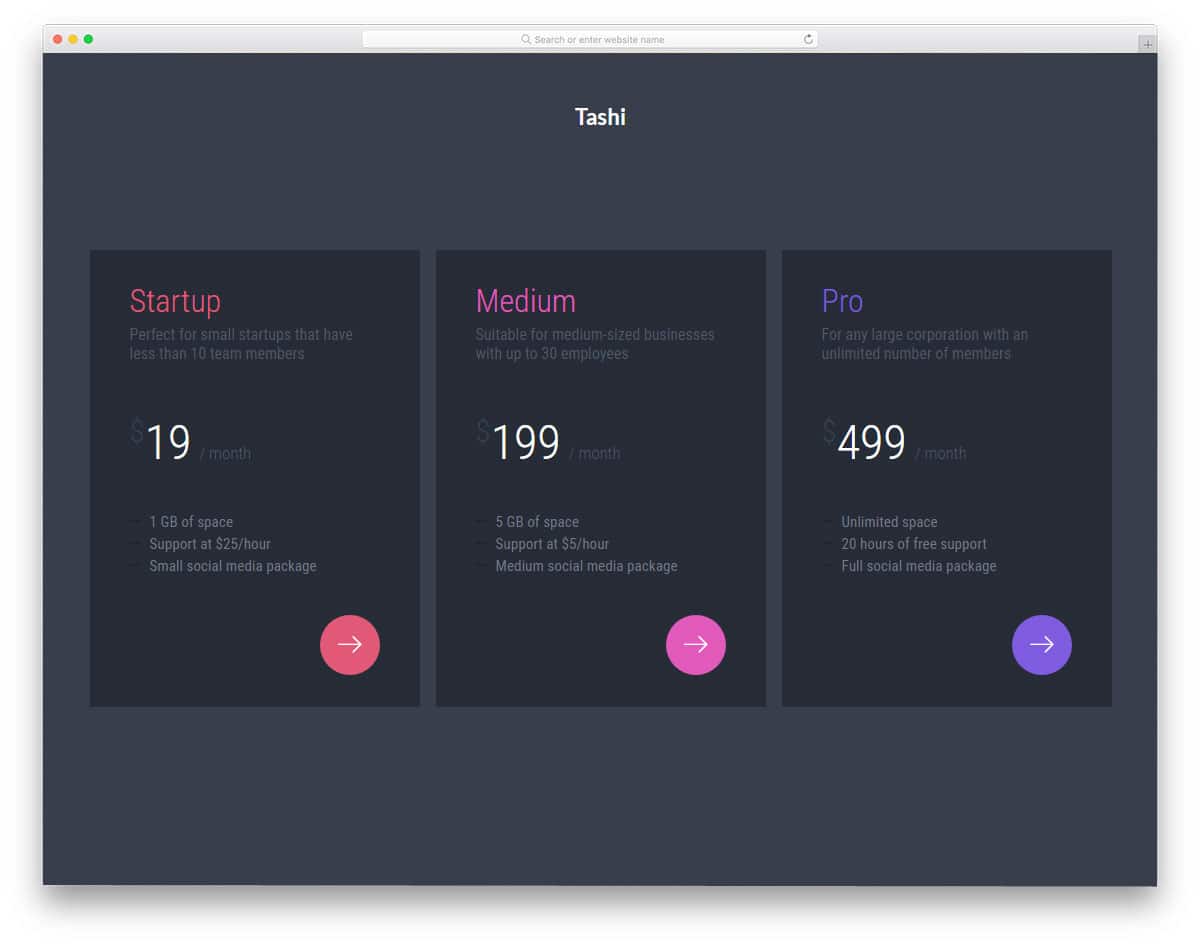
The creators at Codrops have given you a set of pricing tables with innovative designs. As a package, this kit has twelve pre-made pricing tables. Each table has its own unique design and elements. Some of the pricing tables use cool effects, while others have a clean design. Based on your needs, you can choose the one that fits you. The core file used to create all these beautiful pricing tables is also shared with you so you can easily customize or integrate them into your project. The animation effects are very subtle yet captivating; in other words, they are simply elegant.
Codyhouse Tables
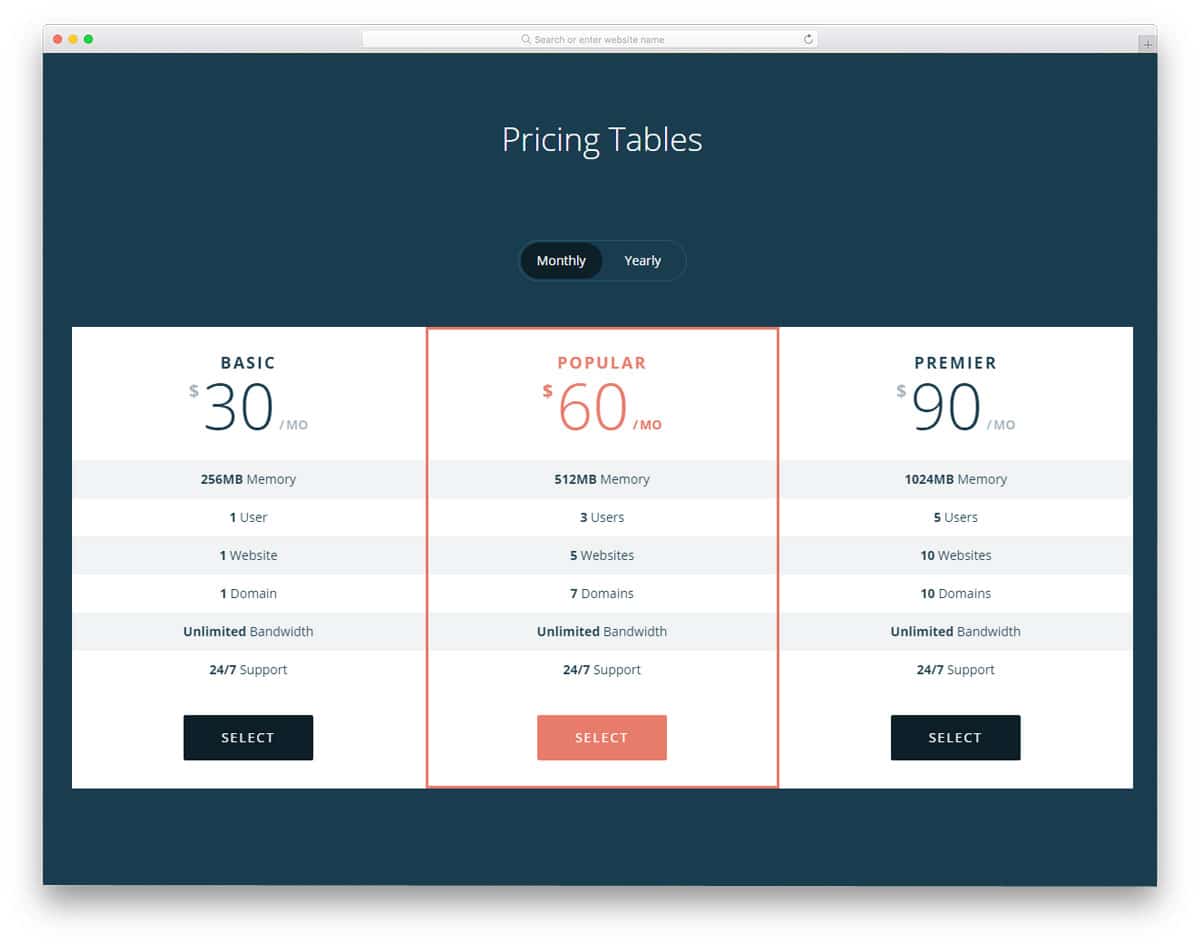
Subscription plans are becoming popular among many service providers and SAAS companies. Many subscription models are available for users to choose the one that suits them best. The most common models are monthly, yearly, and lifetime access. The discounted price is the biggest difference the users can see in the yearly package. The Codyhouse Tables has three pricing tables with the option to switch between monthly and yearly subscriptions. Card flipping animation and switching effects are clean and smooth. You only need to add to this template to show the people how much they save in the yearly plan. You can show the discounted price by striking the original price or by showing ‘2 months free’; the choice is yours.
Flip Pricing Table
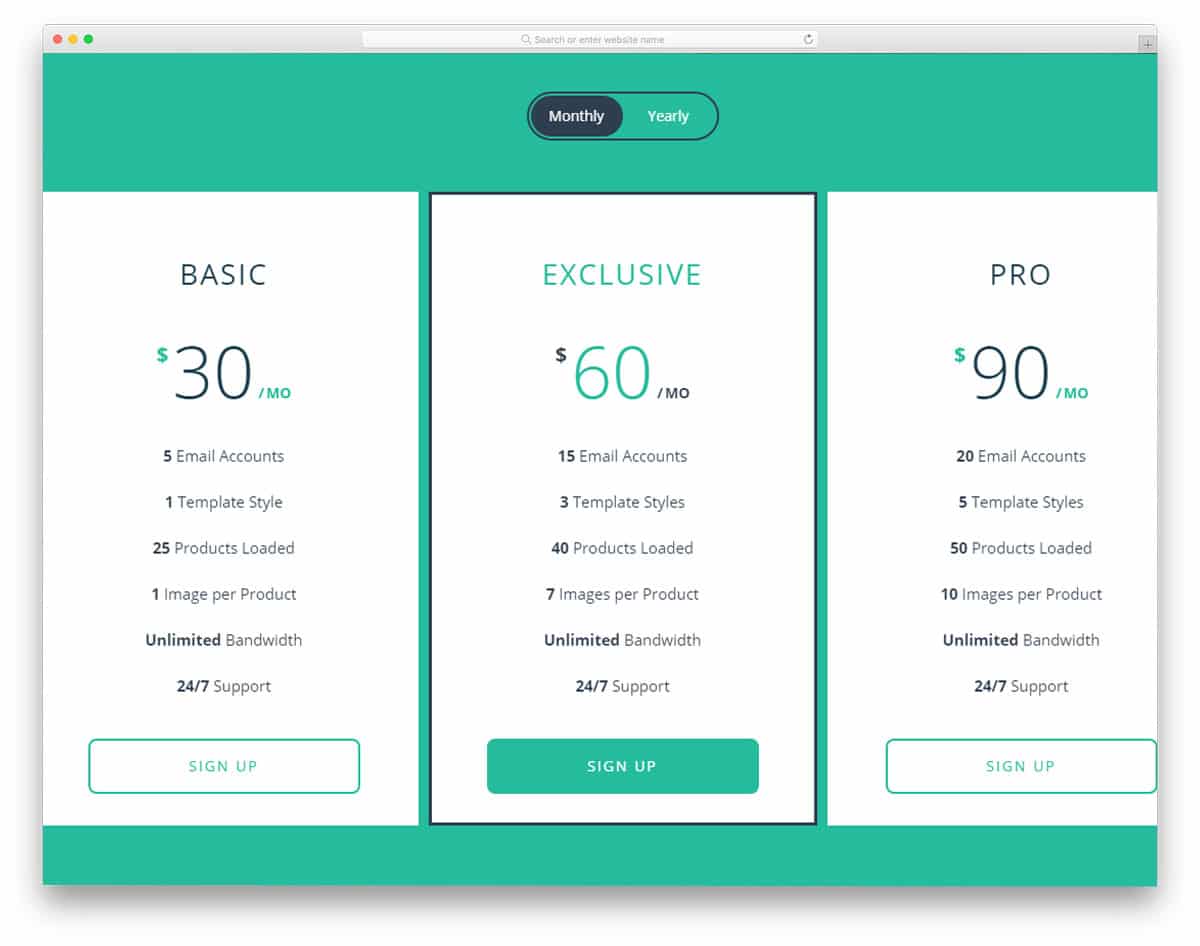
This table is almost identical to the Codyhouse template mentioned above, but this one is a simpler version. It has only one table variation in its design. Visual effects and transition effects are almost similar to those of Codyhouse. This kit will be more useful for beginners and small projects. If you are a beginner, check out our free, simple CSS website template collection for easier customization. The designer of this pricing table has used the latest HTML5 and CSS3, along with a few lines of JavaScript. The whole code is shared with you directly, you can change it in the editor and visualize the results directly.
Responsive Table Design

Responsive Table Design is a clean-looking pricing table, which can be used for websites and mobile applications. If you are a mobile app developer, check out our free UI kit list for high-quality mobile and web app kits. In this pricing table, the design is kept very simple to incorporate into any website or application. Most modern web designers indirectly promote elements to the user. In this table, the pricing table is differentiated by a shadow effect. You can use this design to promote the best plan for your services. The CSS file used in this template is given directly to you. You can customize the color scheme based on your design needs.
Pricing Table
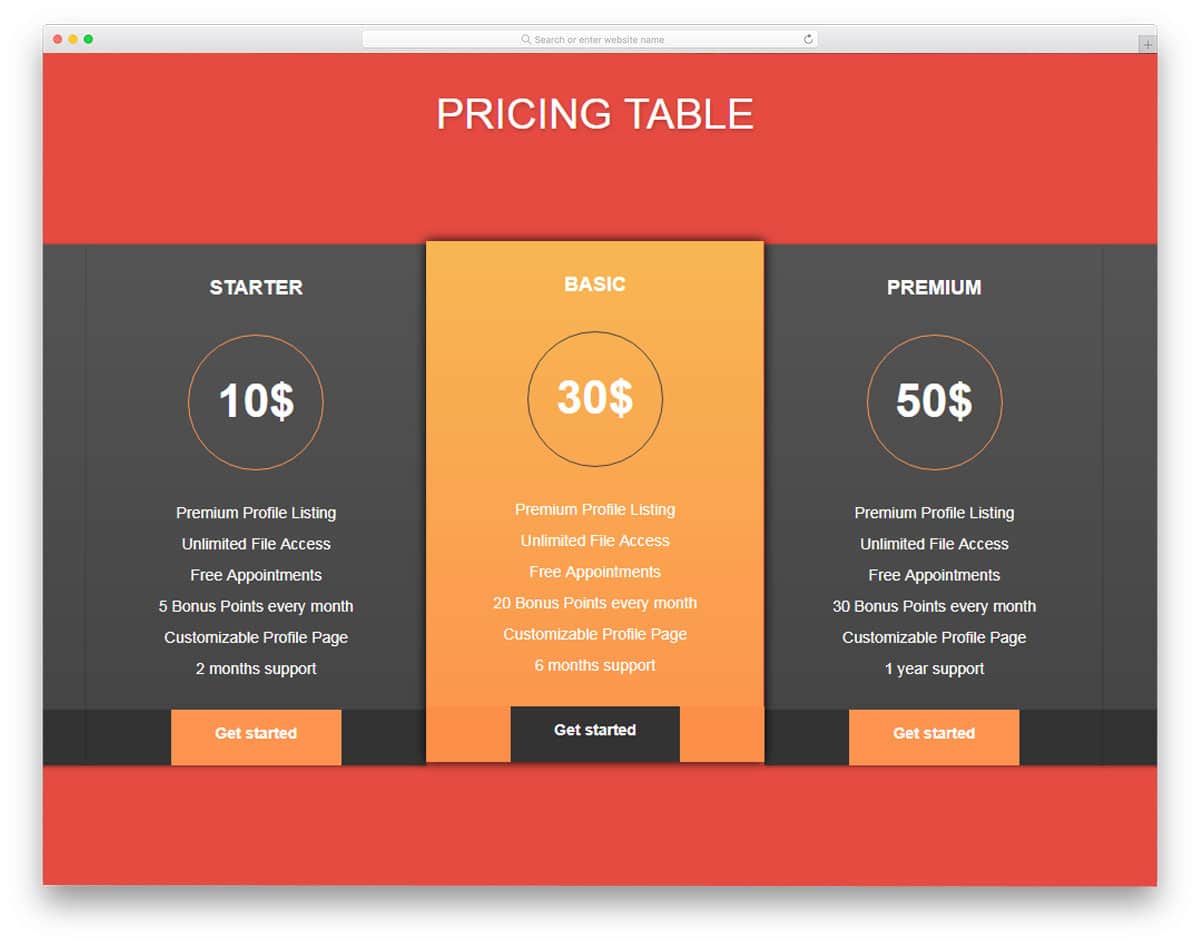
The pricing table is a colorful CSS table template. The designer of this template has kept it simple with almost zero visual effects. Since this template uses the latest HTML5 and CSS3 framework, you can add the desired effects. All the tables are arranged side by side so users can easily compare the features. Ample space is provided between text lines, allowing the user to easily read and interact with the tables. Call-to-action buttons are placed at the footer, to make it look different from the other flat elements, and hover effects are used.
Simple Pricing Table

Simple Pricing Table is a clean looking table template. The creator of this template follows a more artistic approach. The pricing table you have seen above is full of colors, this pricing table has a simple design with neat white background and line vectors. The line vectors are customized to align with the overall design of this template. On the clean white background, the template’s light blue color scheme looks professional and makes readability easier. Lines separate each row in the table with light stroke weight. Bold text is used to highlight important points.
Bootstrap Pricing Table
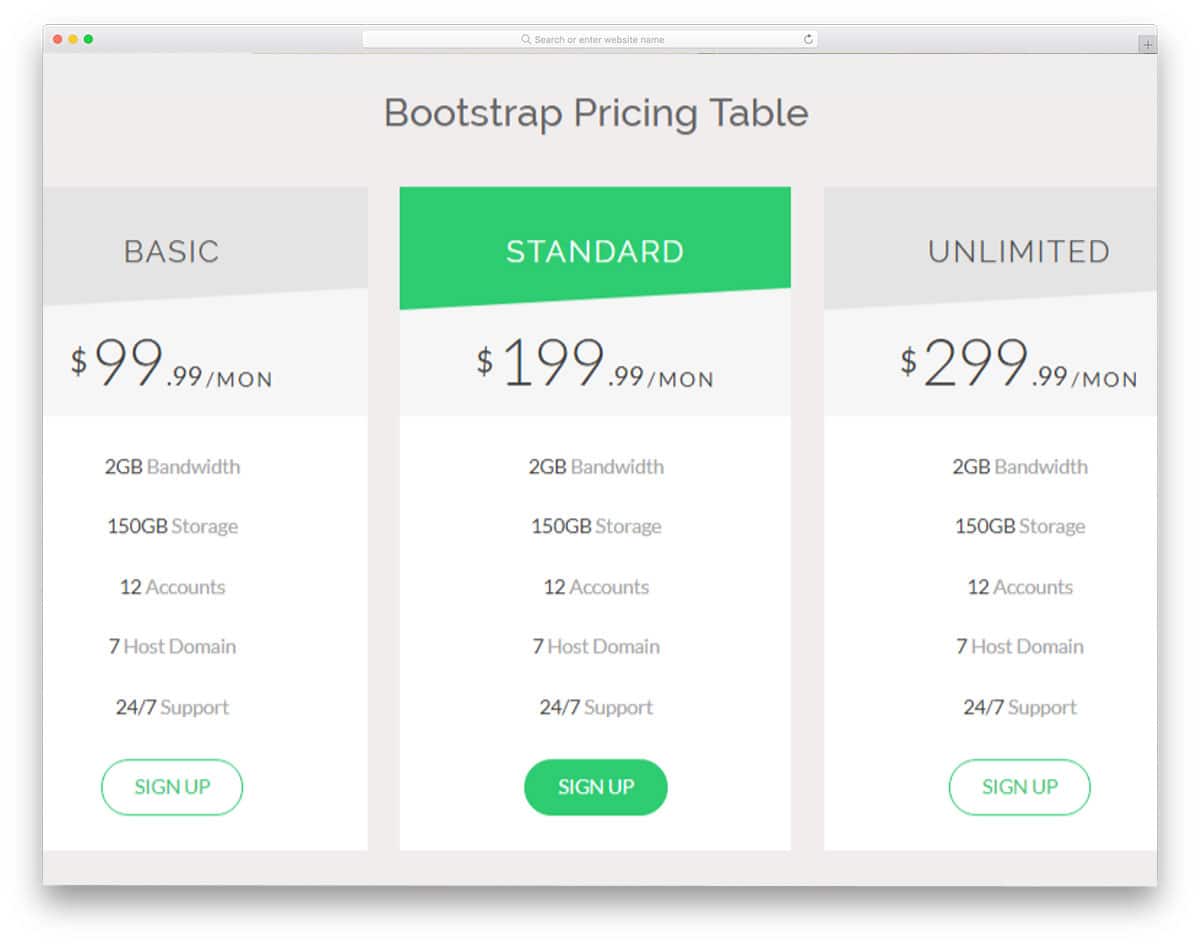
Bootstrap pricing table is a business class pricing table template. There are chances you might have seen similar pricing table design in many business website templates. Most online service-providing sites have a highlighted pricing table to promote the best-selling package. With this pricing table template, you get a highlighted pricing table out of the box, where you can place it however you like. Most sites place the featured pricing model a the center, while some premium customer-focused sites prefer placing the features pricing table at the corners. Do an A/B test on your site to determine which model works better. With neat, bold text, you can highlight the best features of each pricing model.
Adaptive Pricing Table
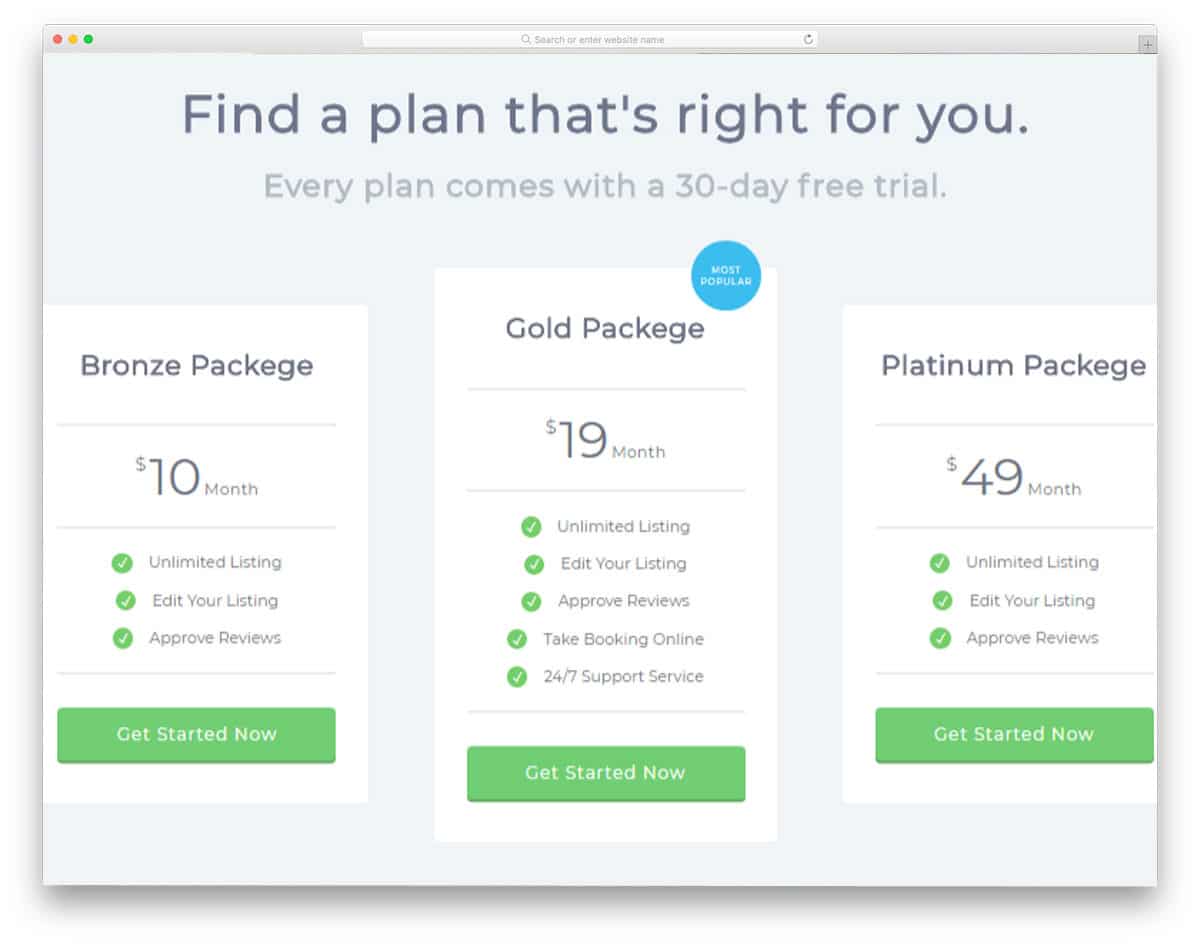
Adaptive pricing table is an animation-rich pricing table. Visual effects are another tool that developers use to get user attention on the required elements and sections. Design-wise this template follows a usual simple design. With a neat white background, the text is easy to read, and the colorful elements, such as call-to-action buttons and badges, look attractive. Visual effects are where this template stands out from the crowd. The developer had made use of the latest CSS3 framework to give you a lightweight animation-rich pricing table template. This is the best option if you are looking for a pricing table for an interactive website template.
Hosting Pricing Table
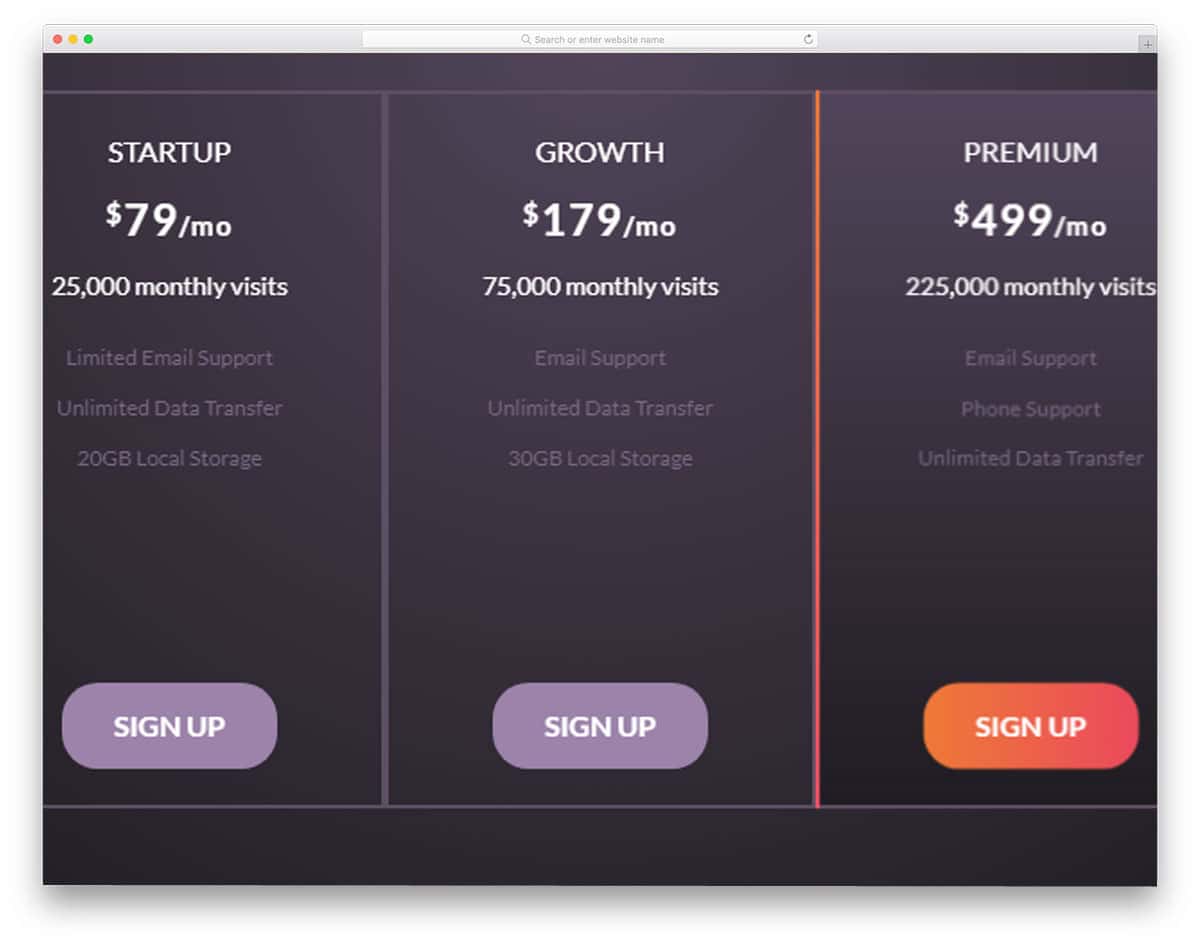
If you have more than one plan, this is the table template for you. When you offer more packages, the table design should make it easier to compare pricing. Even if you give a separate compare option, the pricing table should help the user to understand the fundamental difference between each plan. This pricing table is neatly designed so users can get an overview of the plans at a glance. Gradient colors are used for hover effects, if your website uses different color scheme you can customize it easily. This template uses the latest HTML5 and CSS3 frameworks, so editing and integrating it into the existing website will be easy.
Tab Pricing
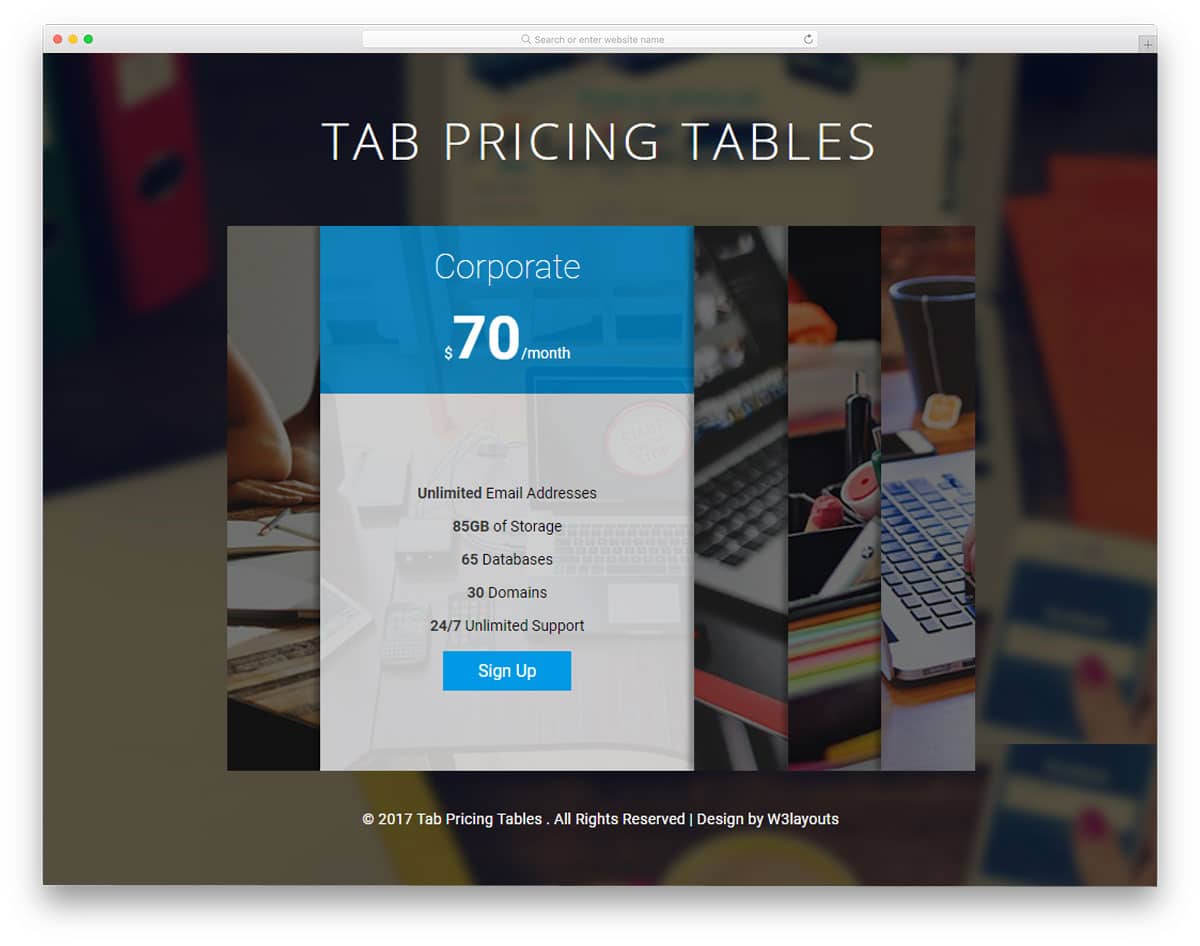
Tab Pricing is a unique table template in this list. Instead of following traditional design and interface conventions, this developer took a different approach. A card-like, tabbed interface is used in this template, and images indicate the category. To improve the readability of the image background, a white color overlay is used. Even though this template is designed for pricing tables, it can be used for other table purposes where you need to arrange many tables by category. This creative table template can’t be used on all sites, but if you are looking for something creative, this Tab pricing table template will impress you.
Fitness Pricing
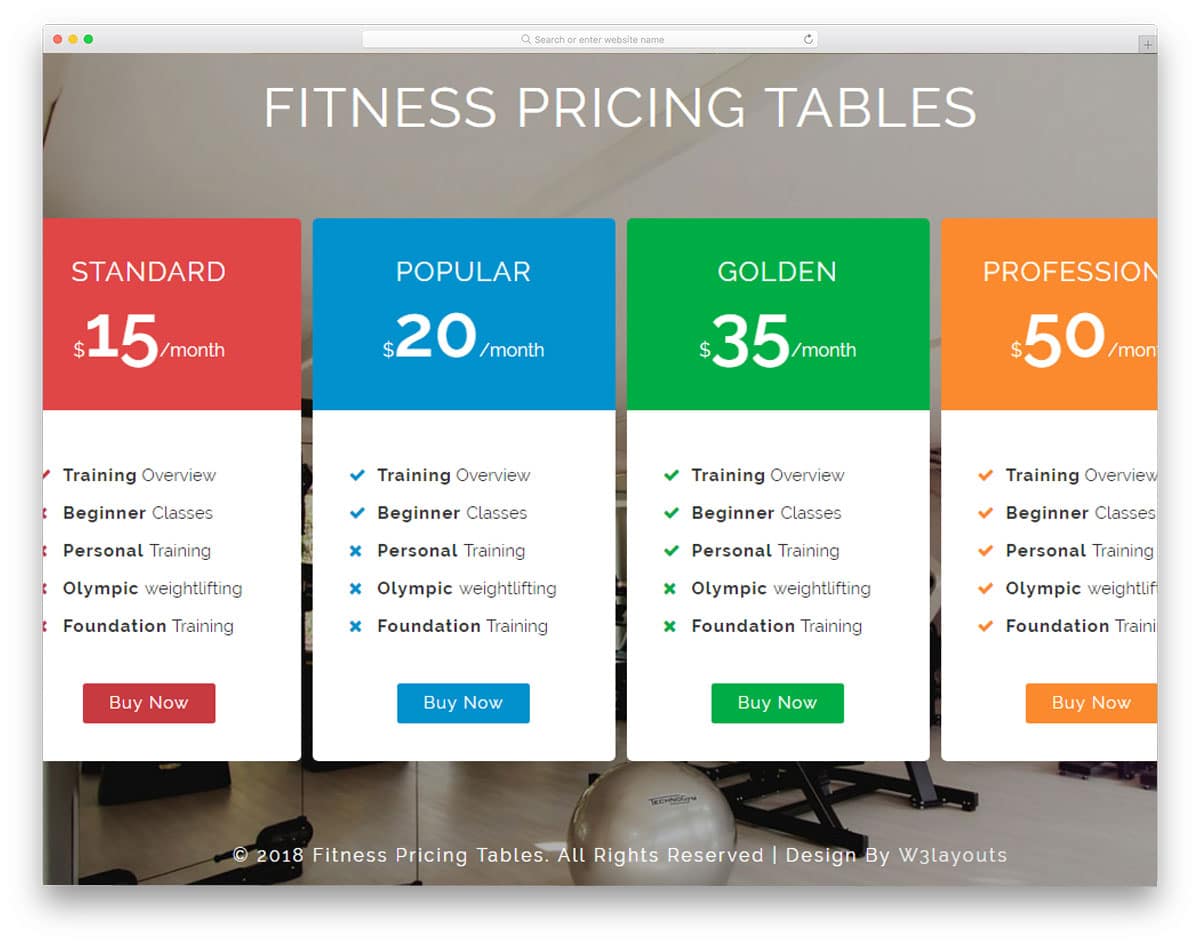
Fitness pricing, as the name implies, is a CSS table designed specifically for fitness websites. Health and fitness websites are the second-most-successful businesses to implement a membership system. The subscription model varies from a per-month fee to lifetime access. Explain all these pricing models to users is quite difficult. But with this pricing table template, you can highlight each plan’s benefits and unique features to the users.
Another advantage of this template is that it is mobile-responsive out of the box. The table is large enough to easily add it to the website sections. Animation effects are simple and clean. If you need something more interactive, you can customize it yourself. Since this template uses the latest CSS3 framework, customizing it will be easy. If running an online membership site, look at our dashboard template collection to manage users easily.
Pink Pricing Table
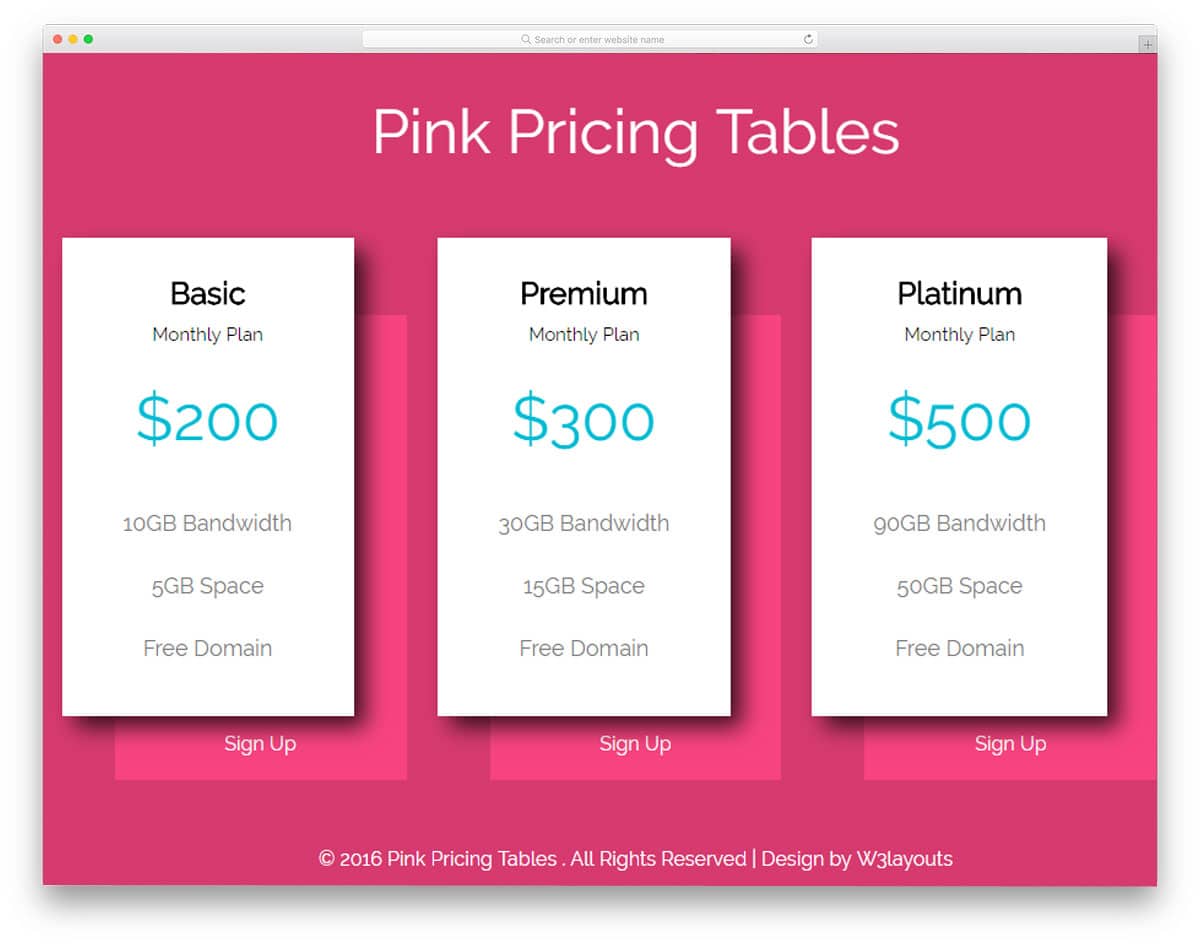
The pink Pricing table is another simple-looking CSS pricing table template. This is a very basic template that provides only the framework, or outer skeleton, of your design. You must develop your custom table by keeping this template as a base. As the name implies, this template uses pink as its default color scheme, giving it a pretty look. Shadow effects highlight and show the pricing table from the background andthe rest of the design. Below the pricing table the call to action text is just a text link, if you are about to use this template for professional sites, you might need to work on this text link alone. It is also properly developed and has a complete HTML and CSS table outline.
Diamond Pricing Table
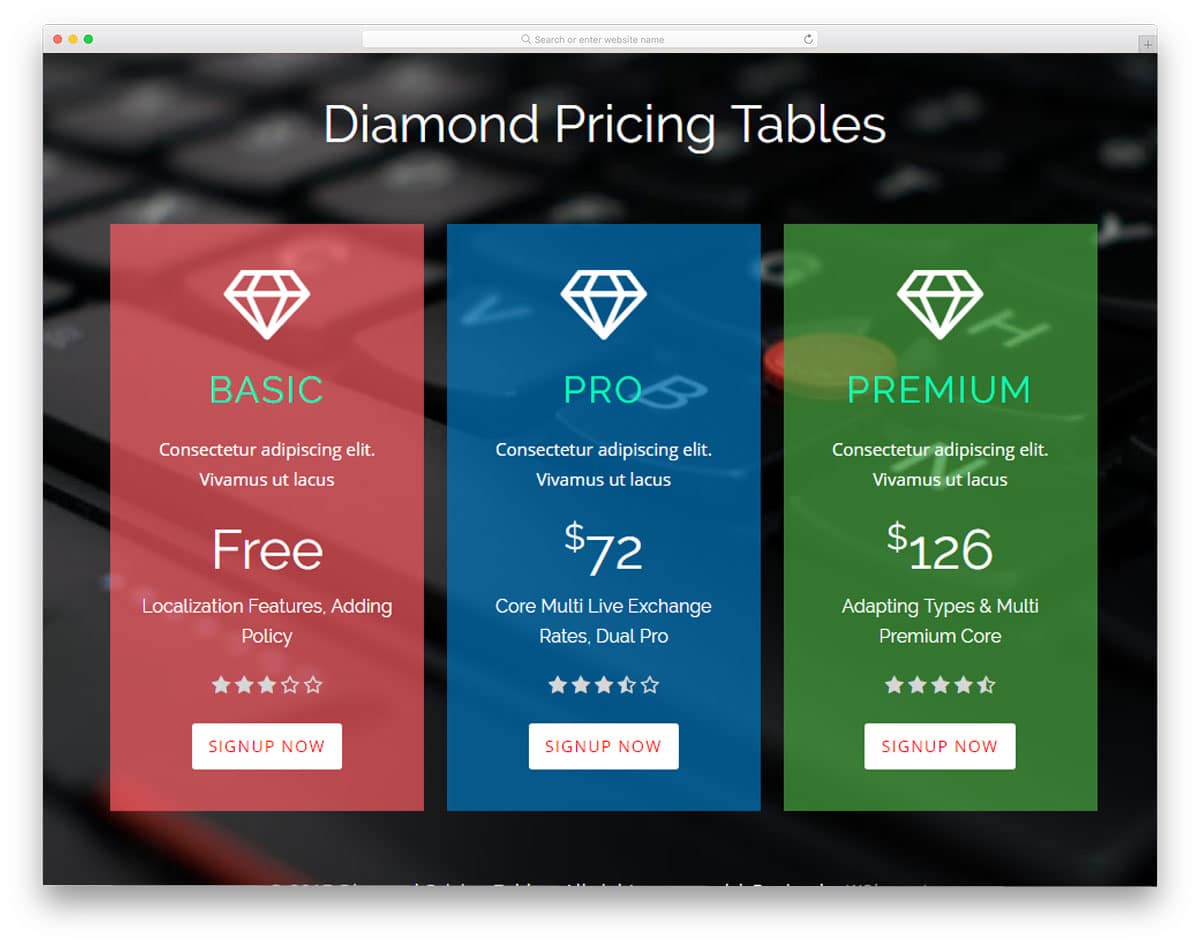
Diamond is a perfect table template for startups and modern websites. With neat, transparent content blocks, this template improves text readability without compromising the design’s visual aesthetics. Another unique feature of this pricing table is that it includes a star rating for each pricing tier. Ratings and reviews will help the user choose the better plan. If you run a restaurant website, you must know how online reviews can boost your business. Bold text highlights important points, and call-to-action buttons are provided at the end of each table to easily take users to the checkout page.
Slide Pricing Tables
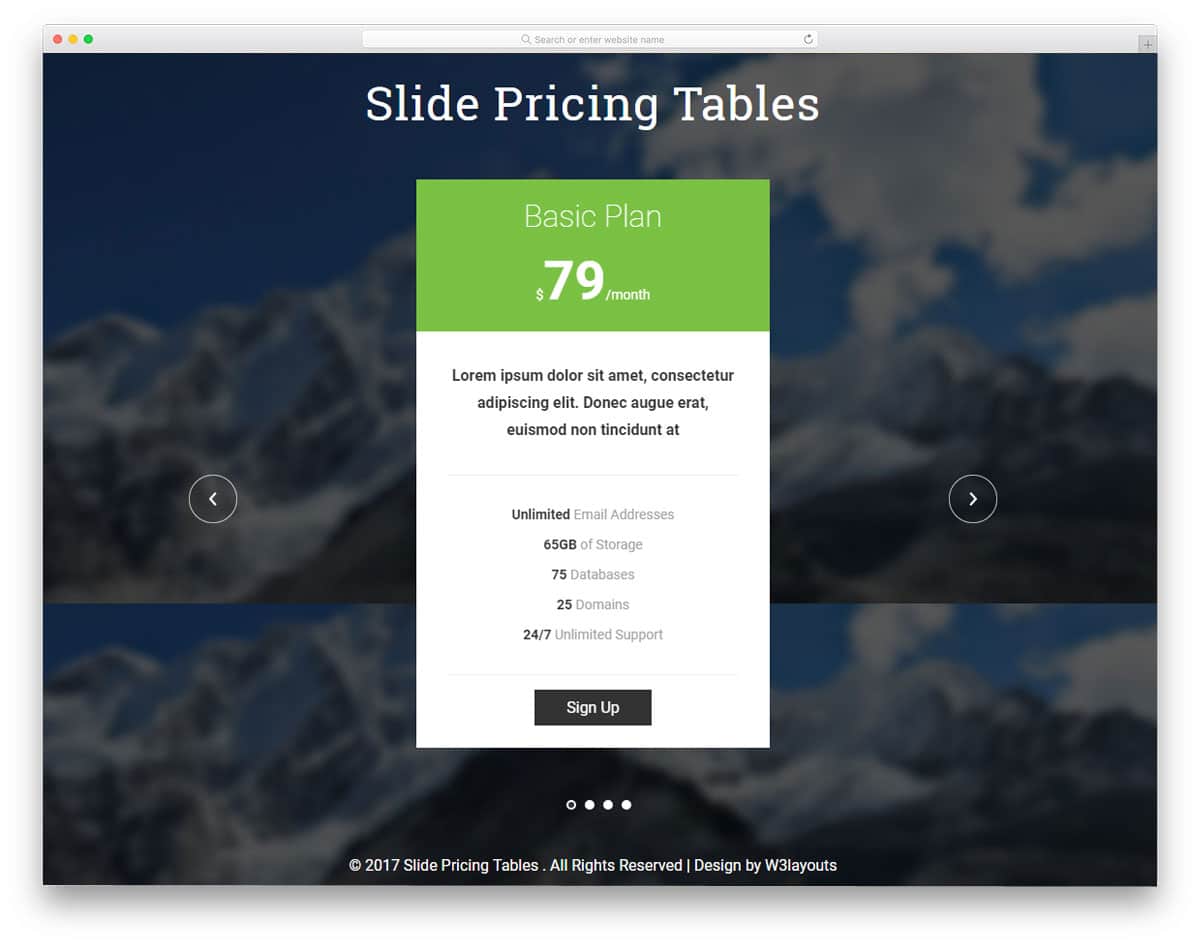
Slide pricing table is a multipurpose CSS table template. The default design of this pricing table fits well with both the website and mobile application design. This one is also an animation pricing table template. Since this template uses automatic transitions, a slide indicator is given below to help the user switch between tabs easily. A long pricing table gives you ample space to list features and include a short intro to the plan. A call-to-action button is provided at the bottom of the pricing table to take the user directly to the payment gateway.
Dark Sliding Tables
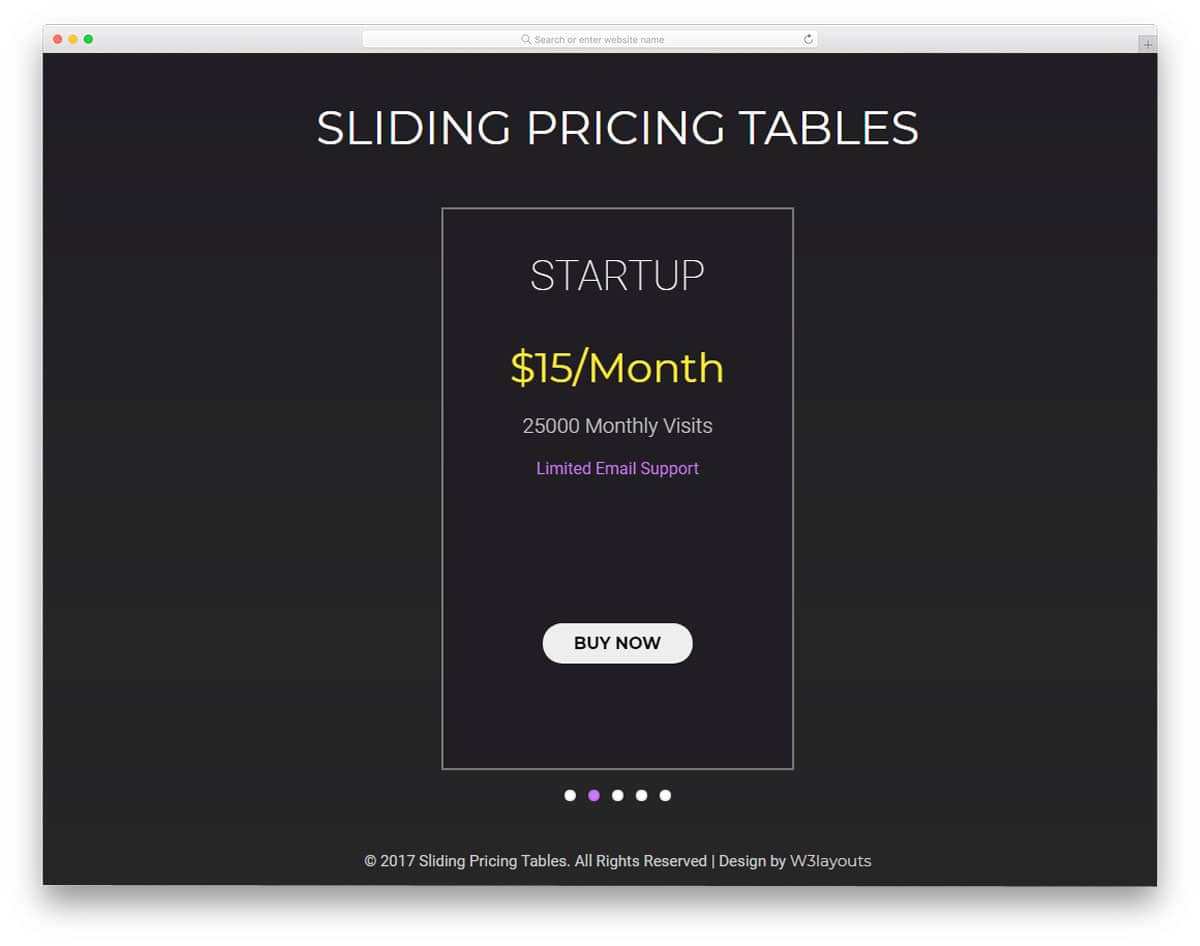
The dark sliding tables are another version of the sliding pricing table mentioned above. However, this template uses different visual animation effects and layout designs. As the name implies, this template uses a dark theme. Instead of providing a separate table layout, this template uses a static layout, and the table changes within the design. The transition effects are sleek and quick. Different-colored text is used to highlight important points. The fonts are neat and match the template’s dark theme. The small animation effect detailing makes this template unique among CSS table templates.
Spa Pricing Table
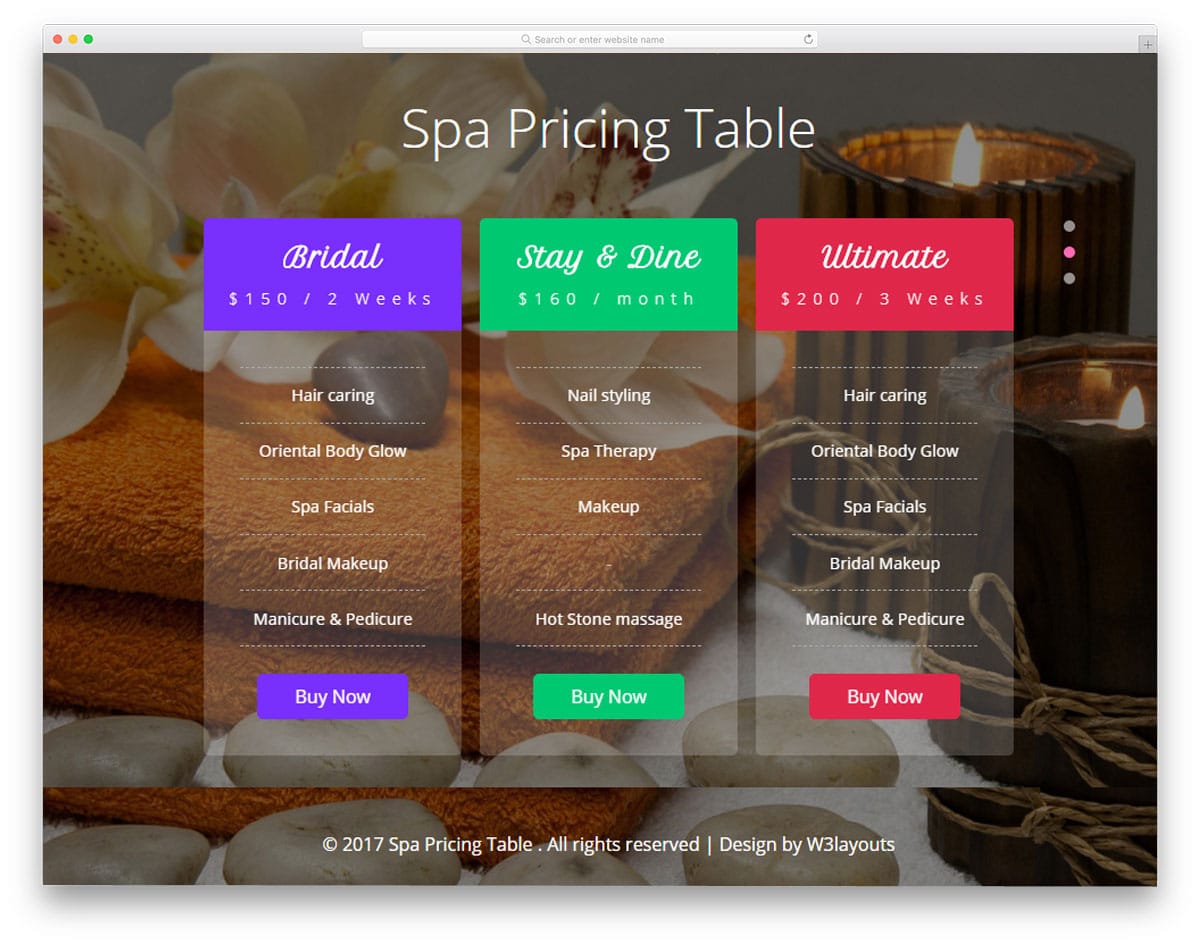
Spa pricing table is an elegant-looking CSS table template. With neat, transparent tables, this template delivers a visually appealing design. The automatic transition is used in the demo version, like in the carousel section. If needed, you can customize it to match the overall design of your website template. This template also uses the latest HTML5 and CSS3 frameworks, like most other CSS table templates mentioned in this list. Out of the box this template is also made mobile responsive, so you can add this template to your mobile responsive website without any issues.
Responsive Table
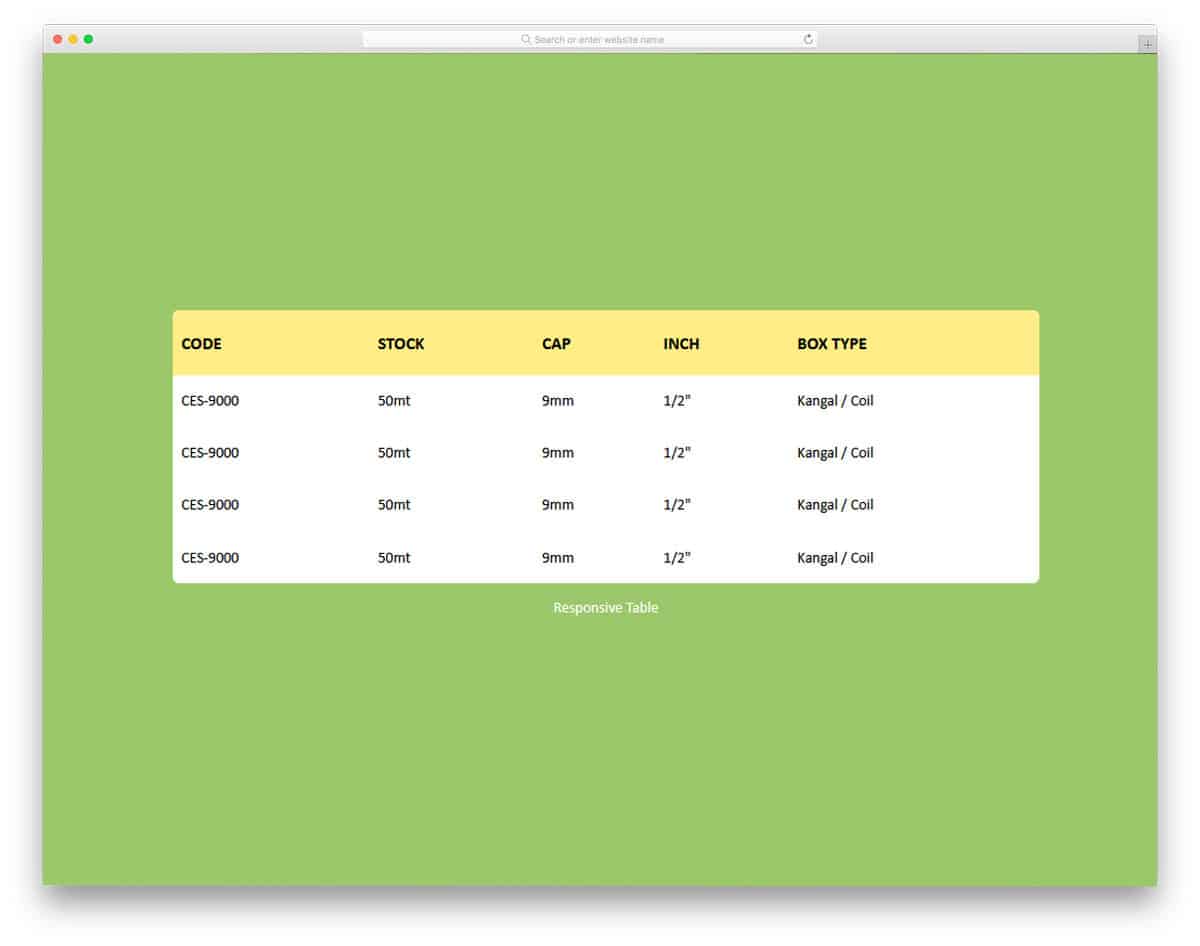
Responsive Table is a simple, colorful CSS table. The creator of this table used modern colors to make it attractive. An ample amount of space is given between each column and cell. The user can easily read and interact with the table’s contents. As the name implies, this responsive table easily fits all screen sizes. Plus, you can use this design on your responsive web design. The developer has used only HTML and CSS, so you can easily work with this table design. If you want a modern, colorful, easy-to-work table design, CSS templates like this will simplify your job.