
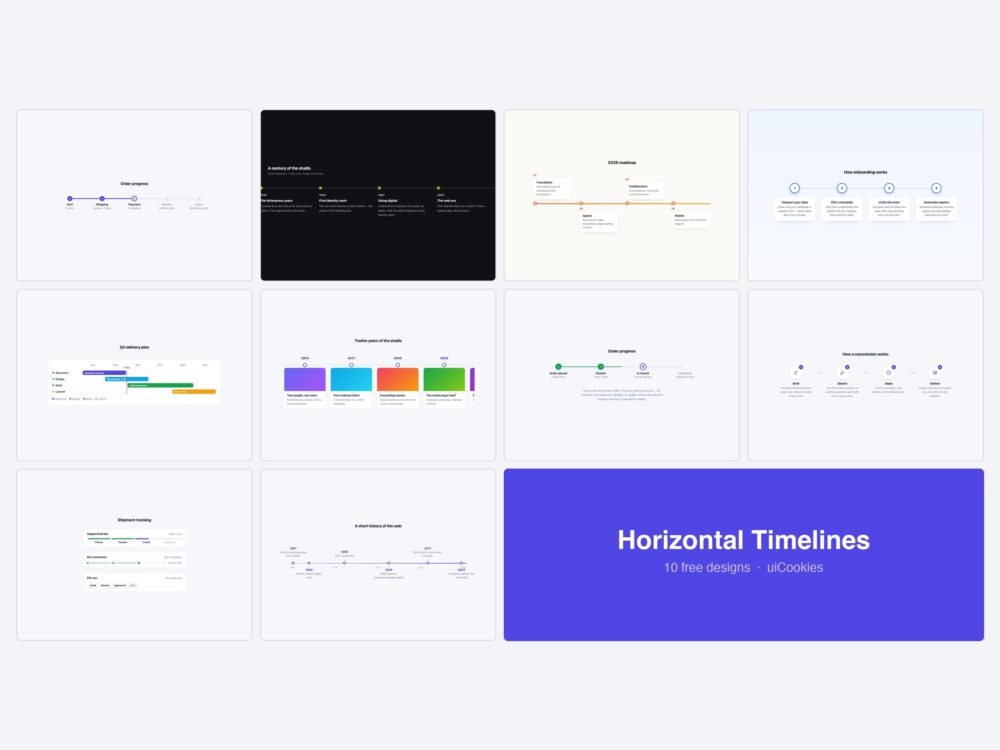
Ten horizontal timeline templates in plain HTML and CSS — progress steps, a scroll-snapping history track, a quarterly roadmap, milestone cards, a Gantt chart, a media track, an icon process strip, three compact inline trackers, a proportional decade axis, and one built to demonstrate the flip from horizontal to vertical.
All designed and coded in-house by uiCookies, each a single self-contained file, and none of them uses JavaScript. They ship in the same free download as twelve vertical designs.
Download the pack (free) Browse live demos
The ten horizontal designs
1. Horizontal Progress Steps
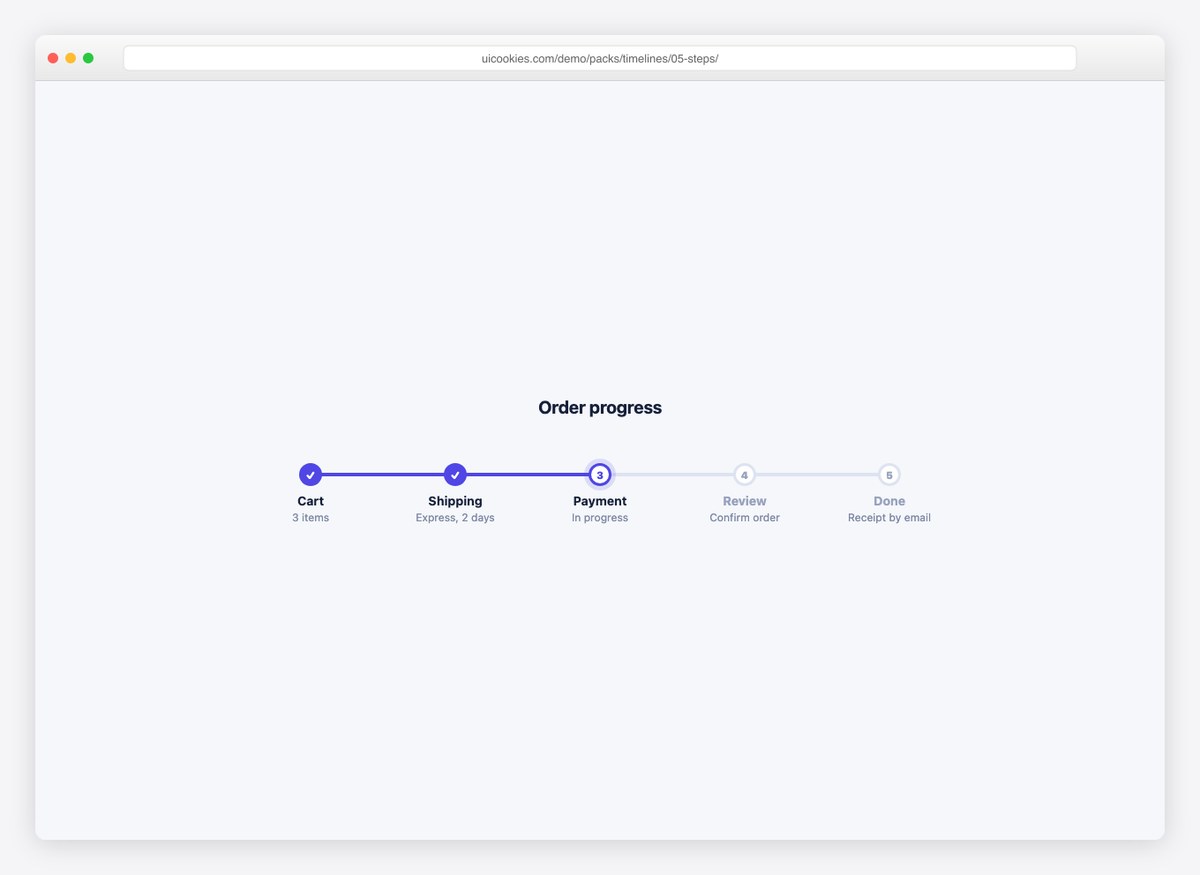
Checkout-style steps with done, current, and upcoming states on a horizontal connector. Below 640px it rotates into a vertical stepper automatically.
Live Demo CSS, Bootstrap & Tailwind code
2. Horizontal Scroll History
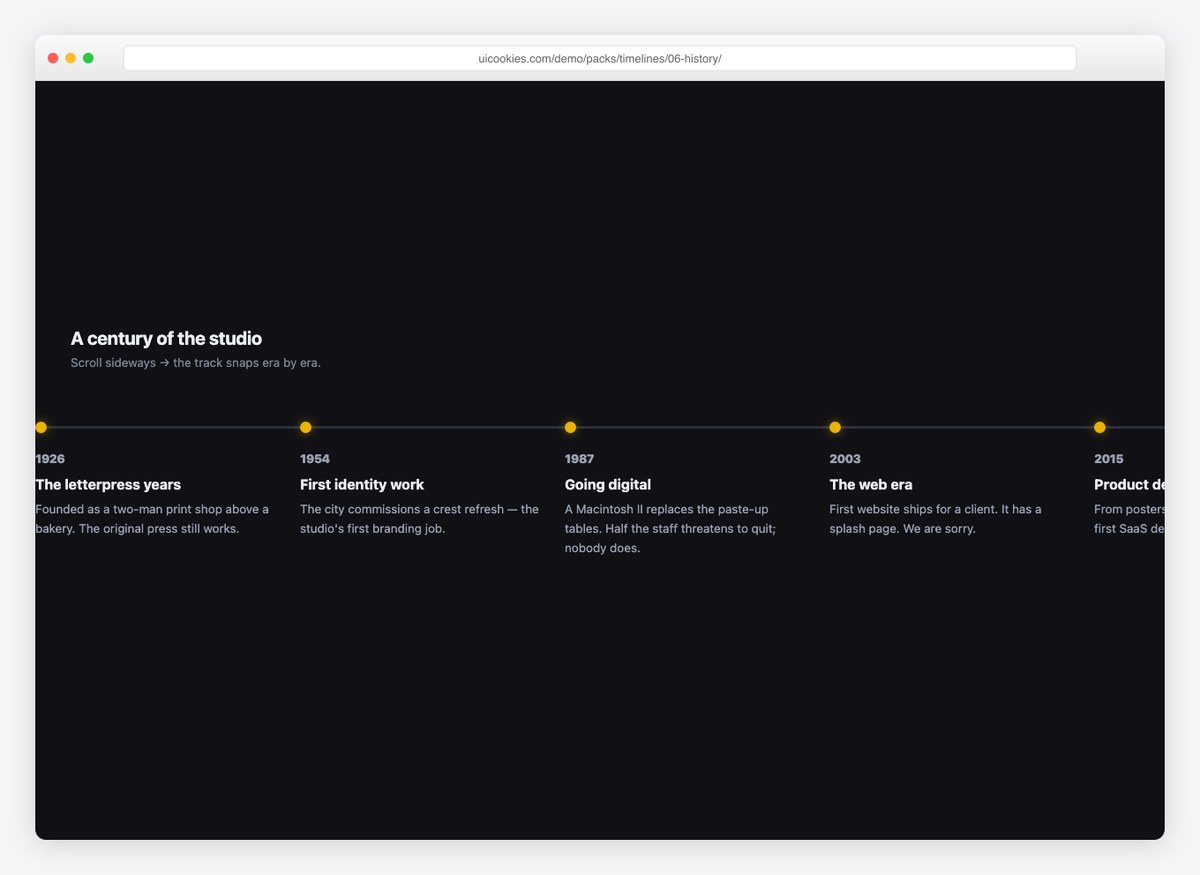
A sideways-scrolling company history with CSS scroll-snap — each era snaps into place as you scroll. No JavaScript, just overflow and snap points.
Live Demo CSS, Bootstrap & Tailwind code
3. Horizontal Roadmap by Quarters
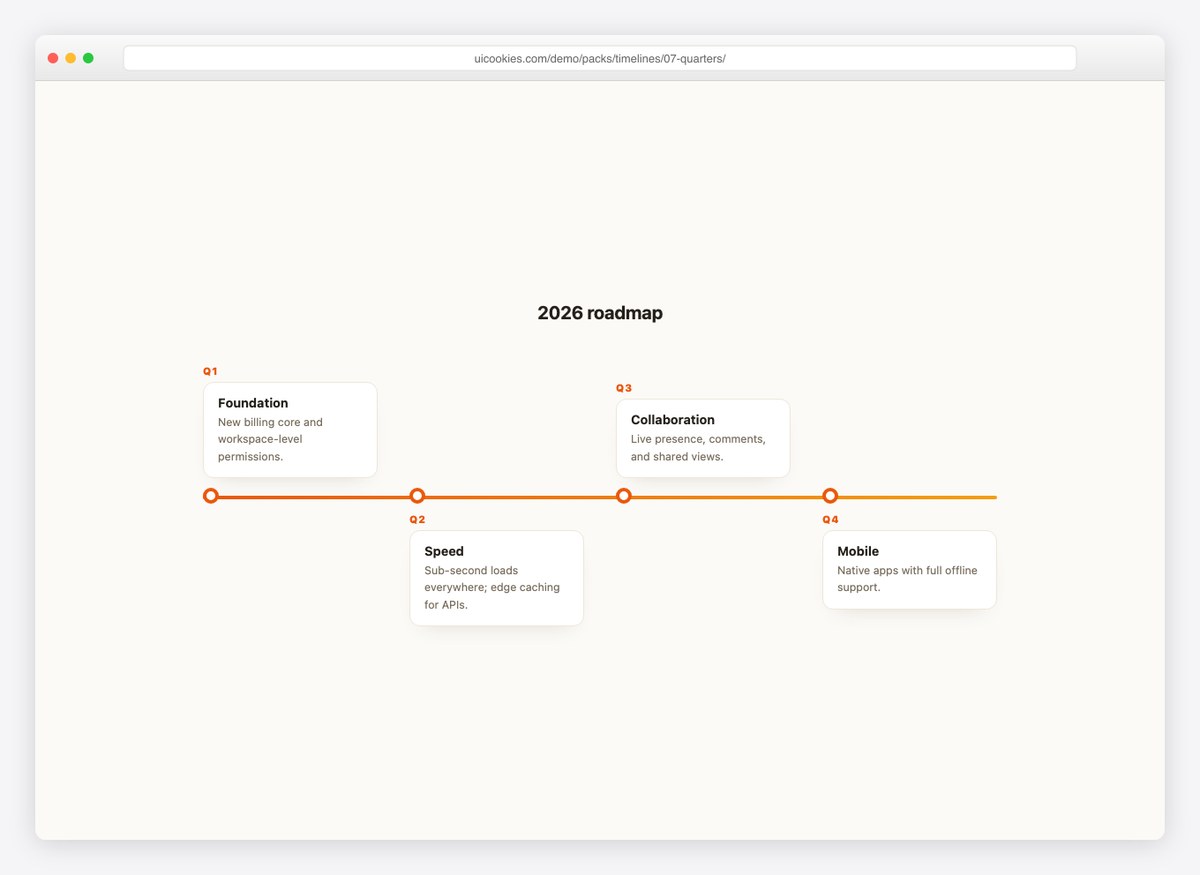
Quarter markers along a gradient line with cards alternating above and below it. The classic conference-slide roadmap, as responsive HTML.
Live Demo CSS, Bootstrap & Tailwind code
4. Horizontal Milestone Cards
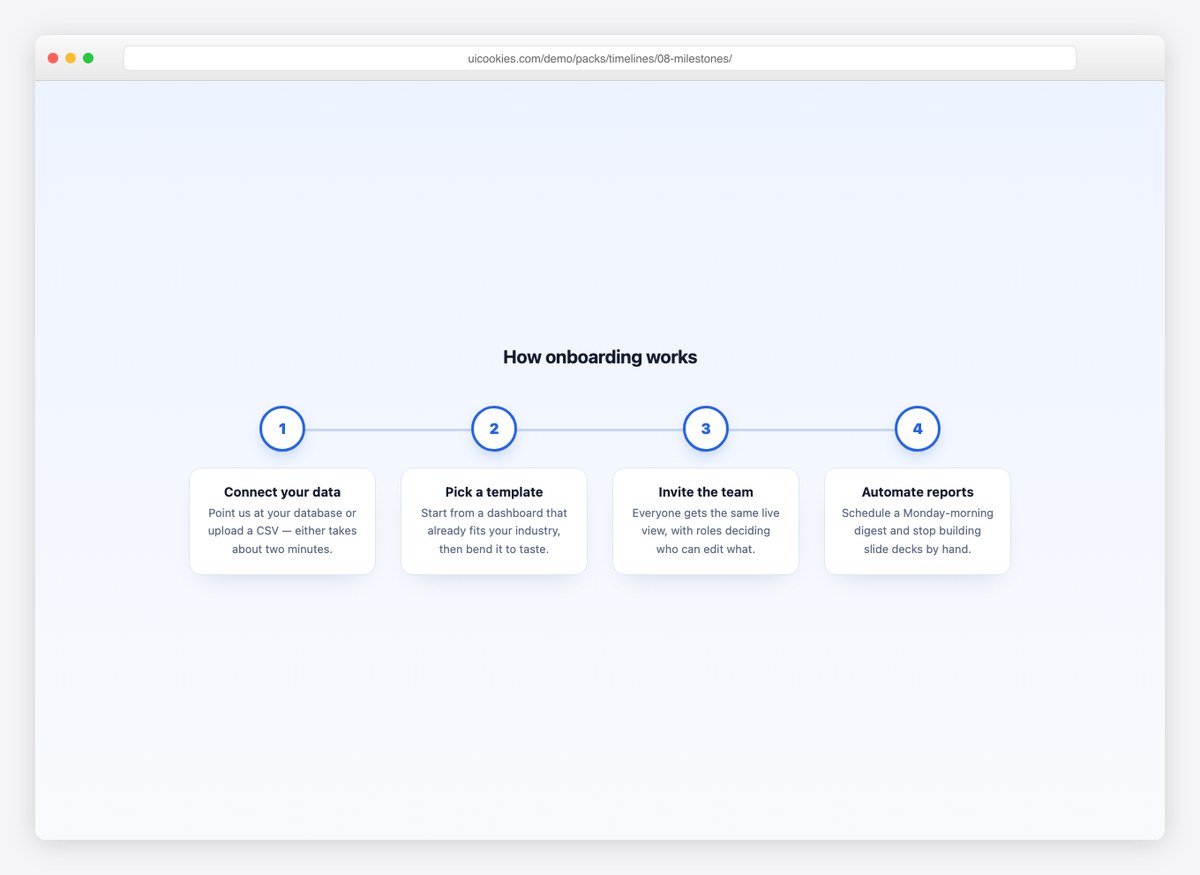
Numbered circles on a connector line with equal-height cards beneath — the “how it works” section every landing page eventually needs.
Live Demo CSS, Bootstrap & Tailwind code
5. Gantt Chart Timeline
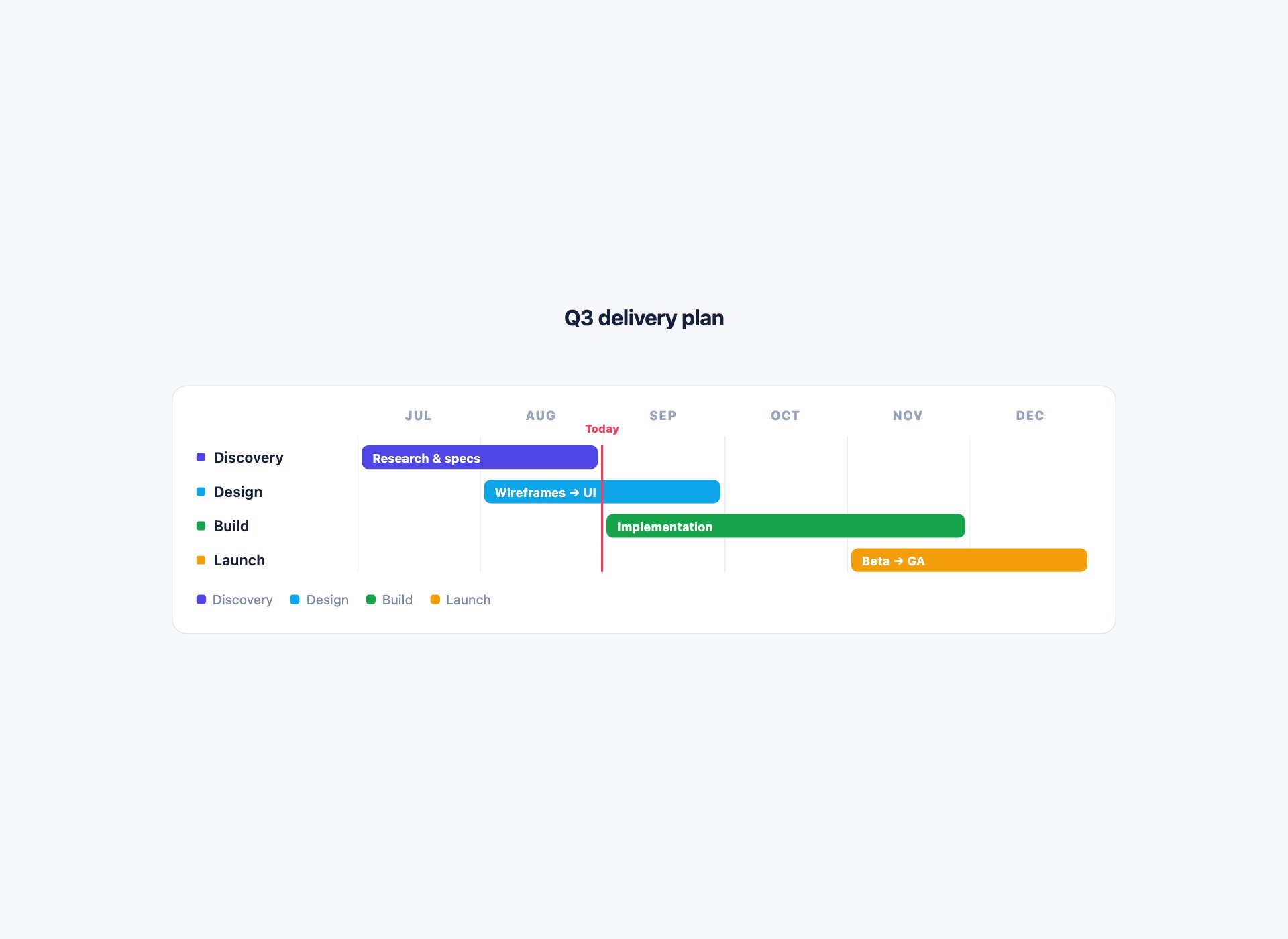
A Gantt view — task rows against a month axis. Every bar is placed by explicit grid row and column rather than by percentage maths, so adding a month is one value change, and the month gridlines are a repeating gradient rather than a screenful of empty cells.
Live Demo CSS, Bootstrap & Tailwind code
6. Horizontal Media Timeline
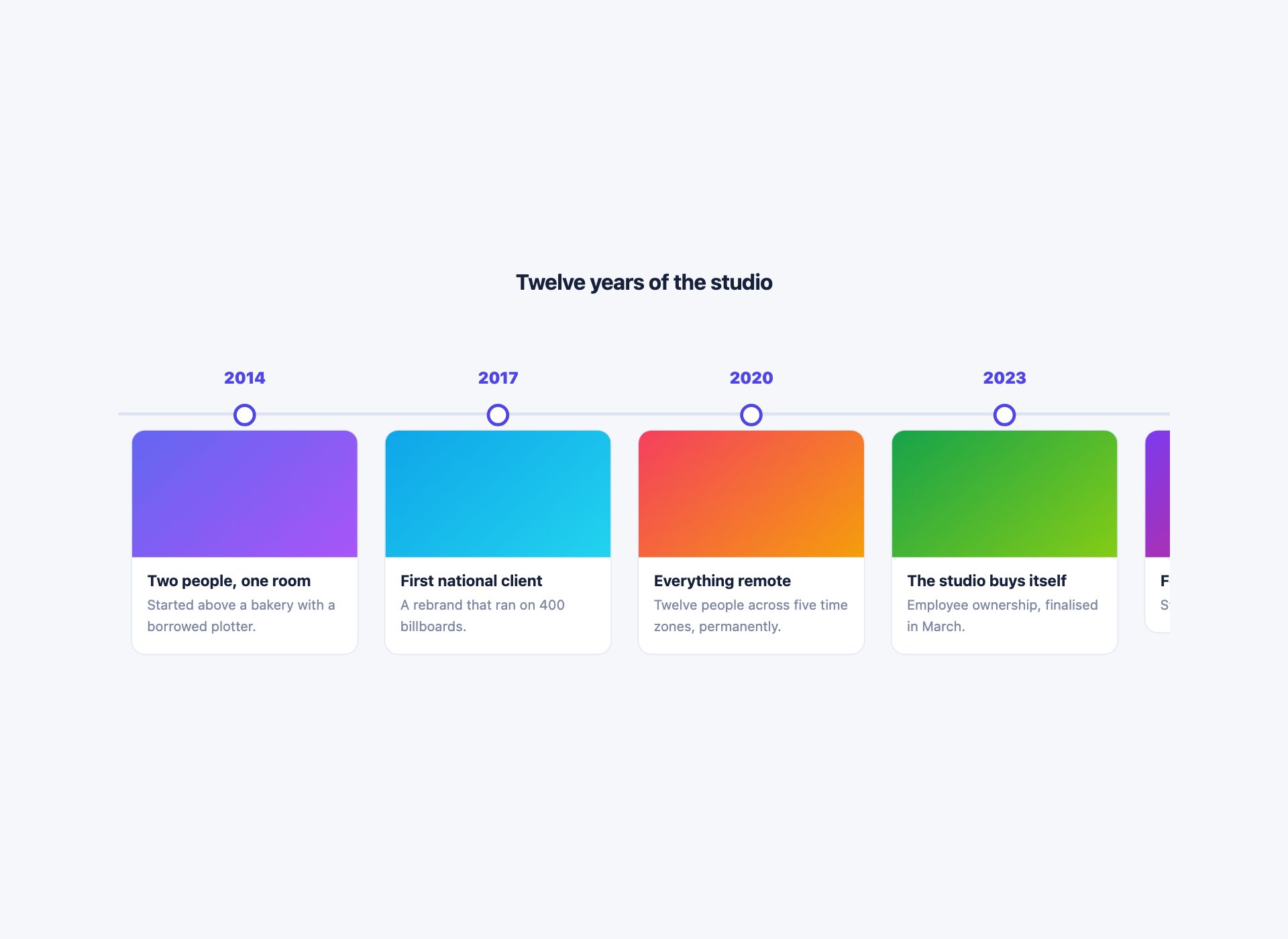
A scroll-snapping track of image cards with years on the rail above — for a company history or a photo retrospective. The media areas are CSS gradients, so the file stays self-contained, and the scrollbar is styled rather than hidden.
Live Demo CSS, Bootstrap & Tailwind code
7. Horizontal That Becomes Vertical
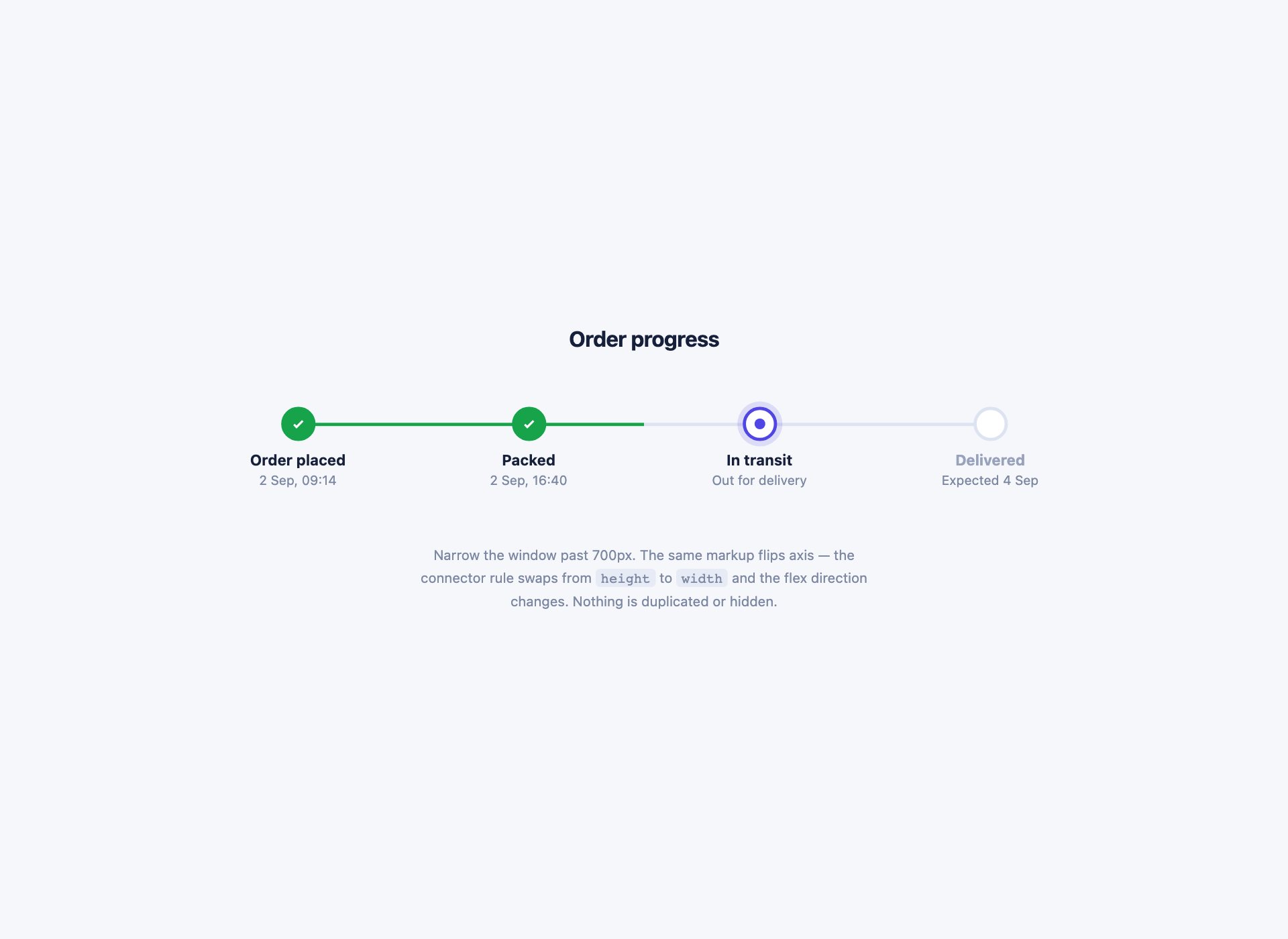
The technique every other horizontal timeline needs: one markup that runs horizontally on a wide screen and flips to vertical below 700px. The whole switch is a flex-direction change and two connector rules — no duplicated markup and no second component to keep in sync.
Live Demo CSS, Bootstrap & Tailwind code
8. Horizontal Icon Process
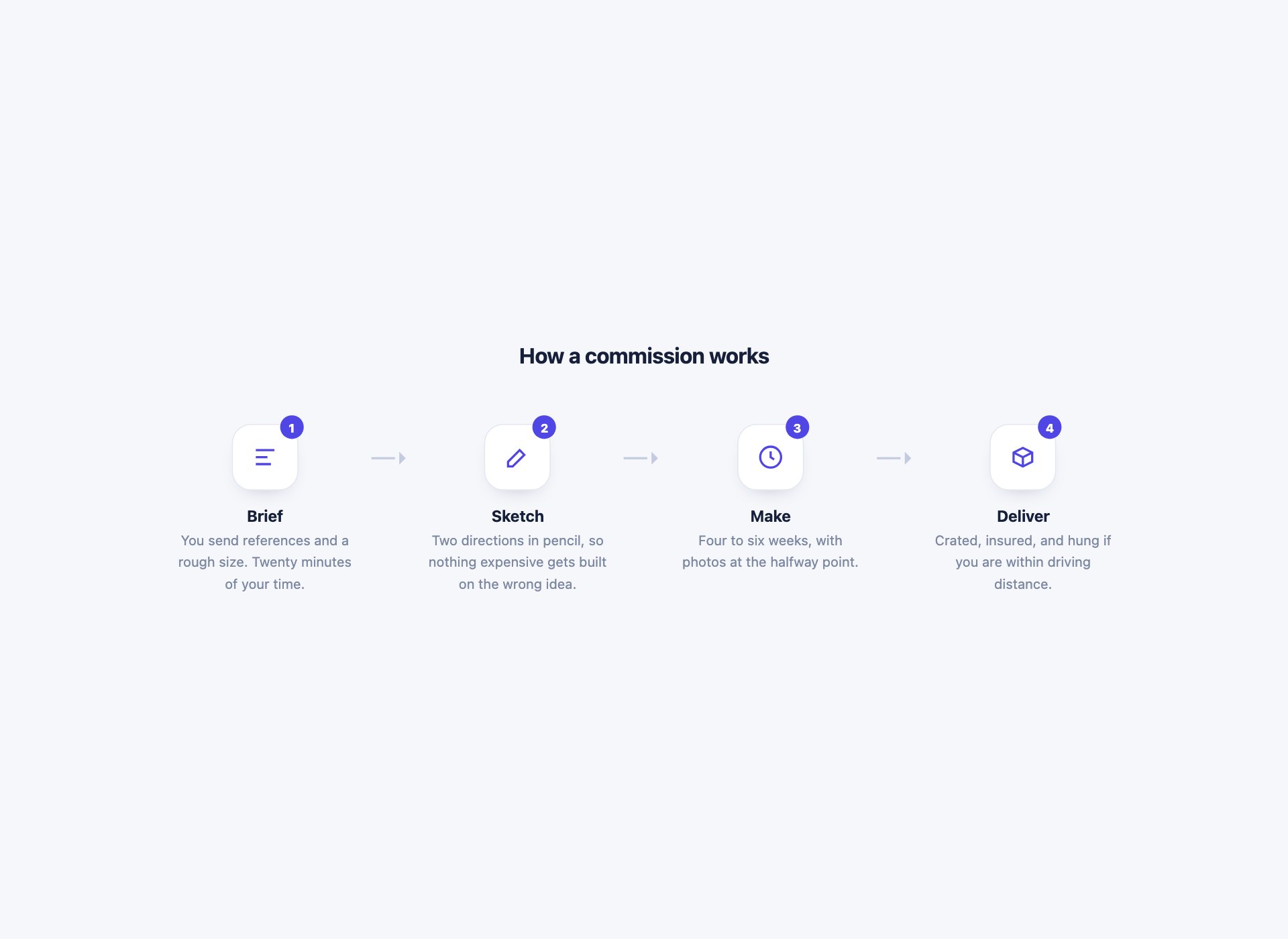
An icon-led process strip with connector arrows between stages — for a how-it-works section rather than a progress indicator. The arrows are CSS borders, so there is nothing to align by hand and no images to ship.
Live Demo CSS, Bootstrap & Tailwind code
9. Compact Inline Timeline
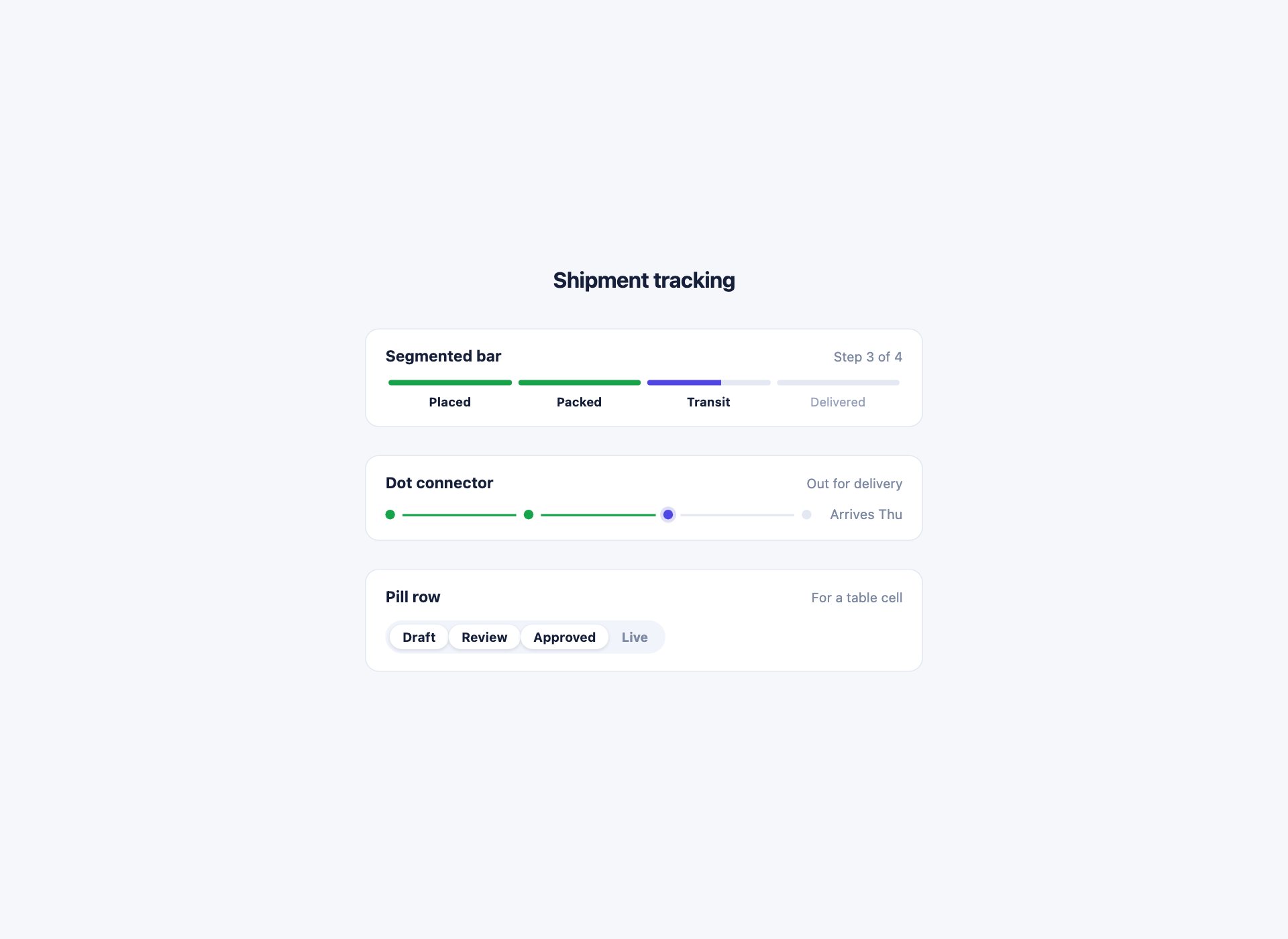
The small horizontal tracker that fits inside a card or a table row, in three variants: a segmented bar, a dot connector and a pill row. Each is a single flex row, so none of them needs a media query of its own.
Live Demo CSS, Bootstrap & Tailwind code
10. Decade Axis Timeline
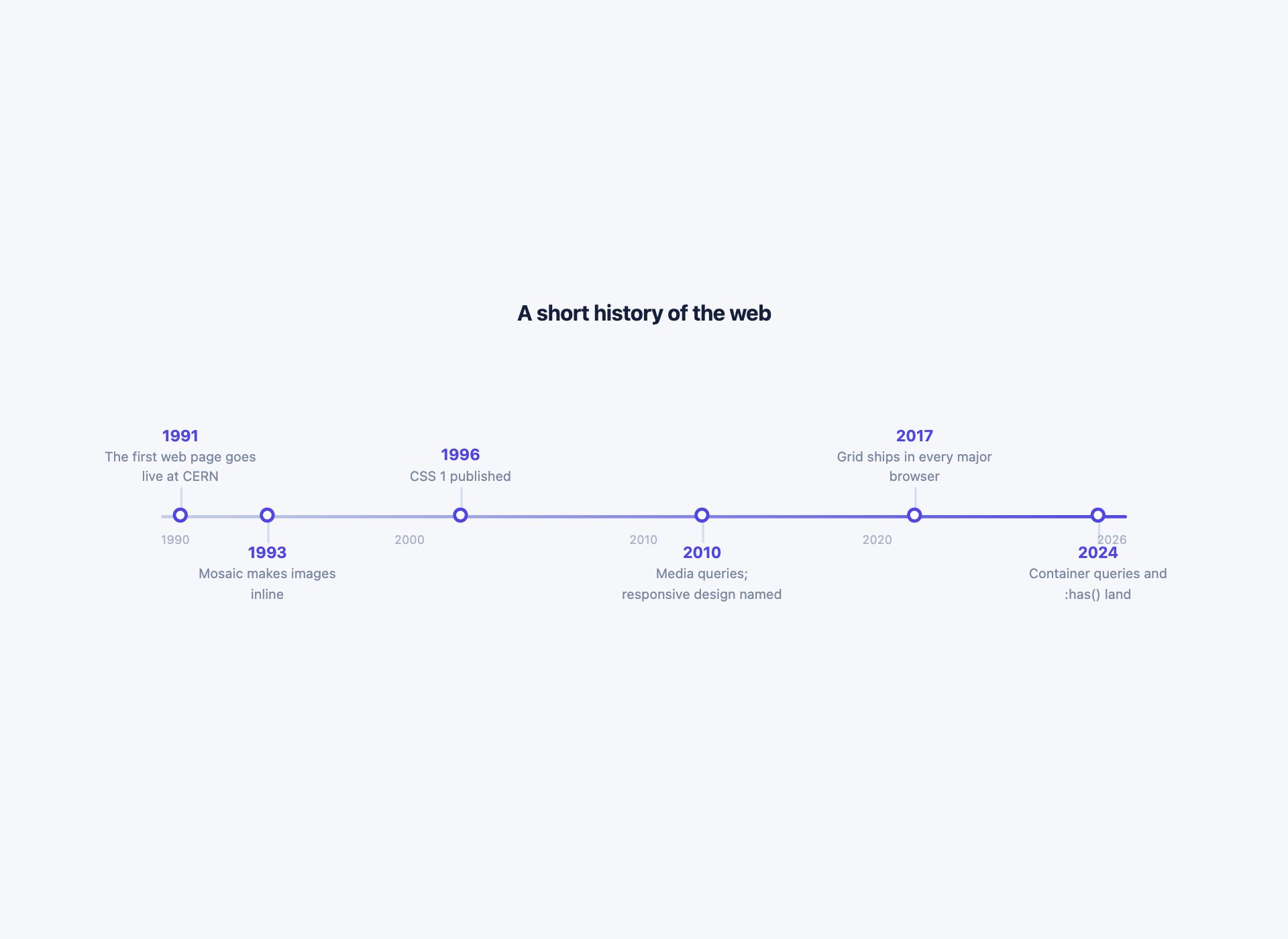
A dated axis where markers sit at true positions along the line rather than at even intervals — one percentage per event, so 1991 and 1993 stay close together the way they should. Labels alternate above and below to avoid collisions.
Live Demo CSS, Bootstrap & Tailwind code
How a horizontal timeline is built
A flex row where each step is a flex item, and the connector is a pseudo-element on the step rather than an element of its own — that way the line always spans exactly the gap between two nodes, whatever the step width turns out to be.
.step { flex: 1; position: relative; text-align: center; }
.step::before {
  content: "";
  position: absolute;
  top: 15px; left: 0; right: 0;
  height: 3px;
  background: #dde3f0;
}
.step:first-child::before { left: 50%; }
.step:last-child::before { right: 50%; }
Those last two lines are the ones people miss. Without them the track sticks out past the first and last dots, which is the single most common giveaway of a hand-built horizontal timeline.
The mobile problem, and the three honest answers
A row of five dated steps cannot fit a 360px screen and stay readable. Shrinking the type until it fits is not a solution — it fits and nobody can read it. There are three real options, and each of these designs states which one it takes:
- Rotate to vertical. The same markup, flipped by a flex-direction change and two connector rules. Design 7 does exactly this and exists to show the technique.
- Scroll horizontally. Keep the axis and let it overflow with
scroll-snap-type: x mandatory, so each card lands cleanly. Right when the entries are visual — the history track and the media timeline both do it. - Restack into a list. Drop the axis entirely below the breakpoint and render the entries as a bordered list. The decade axis takes this route, because a proportional axis means nothing at 360px.
When not to use one
Horizontal timelines are fixed-width by nature. If the number of entries is unbounded, or each entry needs more than about fifteen words, the horizontal form is working against you — use a vertical timeline instead and give the content room.
The reliable test: horizontal suits progress through a known, small number of stages — a checkout, a delivery, a setup wizard. Vertical suits history, where entries keep arriving and nobody knows how many there will be.
Also in the pack: twelve vertical timelines
The same free download includes twelve vertical designs — classic alternating cards, a minimal release-notes list, a dark roadmap, an activity feed, a gradient spine, a CV layout, a grouped changelog, a scroll-filled spine, delivery tracking, a discussion thread, alternating icon cards and a dense audit log. They are all covered on the CSS timeline templates page.
Frequently asked questions
How do I make a horizontal timeline in HTML and CSS?
A flex row where each step is a flex item, and the connector is a pseudo-element on the step rather than a separate element — that way the line always spans exactly the gap between two nodes. Trim the first and last connectors to left: 50% and right: 50% so the track does not stick out past the end dots.
How do horizontal timelines work on mobile?
They do not, unmodified — a row of five dated steps cannot fit 360px without becoming unreadable. There are only three honest answers: rotate to vertical (design 13 does this in one markup), scroll horizontally with scroll-snap (designs 6 and 12), or restack into a list (design 16). Shrinking the type until it fits is not one of them.
When is a horizontal timeline the wrong choice?
When the number of entries is unbounded, or the text per entry is longer than about fifteen words. Horizontal timelines are fixed-width by nature: five steps work, twenty do not. If you are describing each milestone in a paragraph, use a vertical timeline and give it the room.
Do these work with Bootstrap or React?
Yes. They are plain HTML and CSS on their own class names, with no JavaScript to port and nothing that collides with a framework you already load.
Is there a Gantt chart version?
Yes — design 11. Bars are placed with explicit grid columns rather than percentage widths, so a task spanning August to October is grid-column: 3 / 5 and adding a month does not require recalculating every bar.
Are the horizontal timelines free?
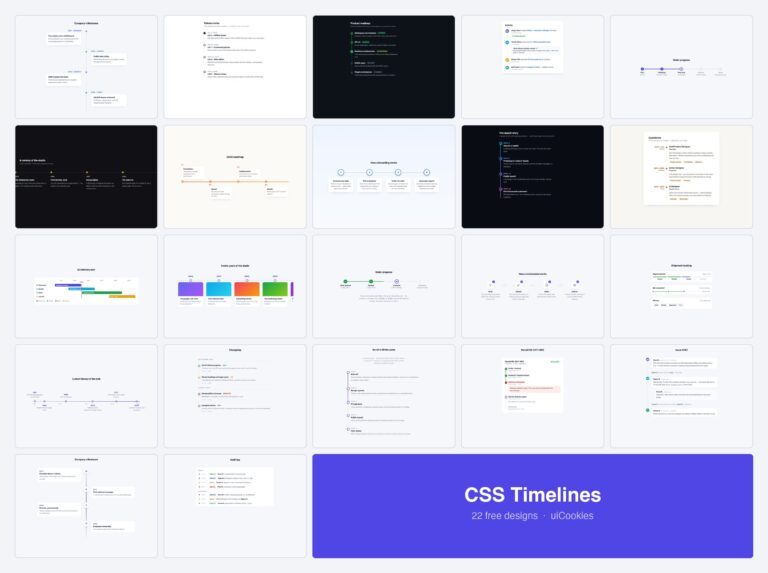
Yes, and they come in the same download as the twelve vertical ones — 22 designs, free for personal and commercial use including client work.
Download all 22 timeline templates (free) Browse live demos

Great selection of various templates for timeline/roadmap widget, I will try a few! Thank you