


Forms serve as the crucial bridge between users and digital platforms, acting as the primary data collection and validation interface. In our increasingly connected world, we encounter numerous forms daily – from simple login screens to complex registration workflows. The success of these interactions often depends on thoughtful form design that prioritizes user experience, accessibility, and visual appeal. This comprehensive collection showcases 35 exceptional Bootstrap form templates that demonstrate modern design principles and responsive functionality.

Best FREE Bootstrap Form Templates
To maximize the utility of this resource, we’ve curated a diverse selection of Bootstrap form templates covering essential use cases: contact forms, authentication interfaces, registration workflows, and advanced search functionality. Each template adheres to contemporary design standards and delivers responsive performance across all devices. Whether you’re building a sleek startup landing page or a comprehensive enterprise application, these professionally crafted templates provide the foundation for exceptional user experiences.
Bootstrap Contact Form V06
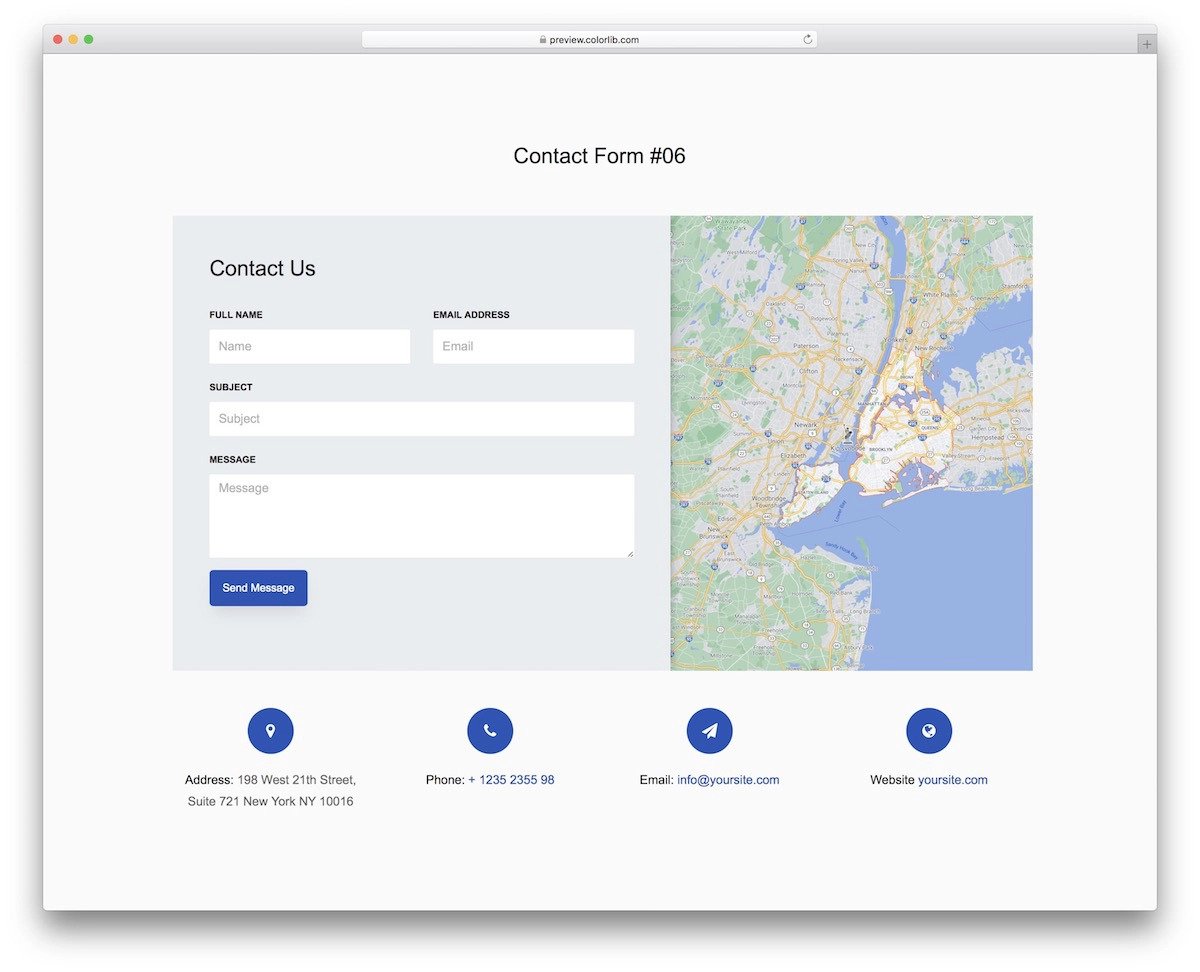
This sophisticated Bootstrap contact form delivers a professional, business-focused design that instills confidence in potential clients and customers. The template features an integrated map widget positioned strategically alongside the contact form, creating a comprehensive contact solution that enhances user trust and accessibility.
Beyond the core contact form, this template provides dedicated sections for essential business information including email addresses, phone numbers, physical addresses, and operating hours. This holistic approach transforms a simple contact form into a complete communication hub. The developer has maintained clean, semantic code structure that facilitates easy customization and integration into existing websites or mobile applications without compromising performance or functionality.
Contact Form V05

The V05 Bootstrap contact form exemplifies thoughtful design with its warm, welcoming aesthetic that perfectly complements creative and design-focused businesses. This template demonstrates exceptional attention to color psychology and typography choices, creating an inviting atmosphere that encourages user engagement.
Particularly well-suited for interior design firms, architecture studios, or creative agencies, this contact form eschews icon-heavy interfaces in favor of clear, accessible text labels. This design decision significantly improves accessibility ratings and ensures seamless interaction across diverse user groups and assistive technologies. The template’s contemporary styling balances professionalism with approachability, making it ideal for businesses that want to appear both competent and welcoming to potential clients.
Login Form V15

This elegantly crafted Bootstrap login form represents the perfect balance between aesthetic appeal and functional efficiency, making it an excellent choice for modern mobile applications and contemporary websites that prioritize user experience.
The template showcases intelligent space utilization, incorporating essential login elements within a compact, visually appealing layout. Social media authentication options are strategically positioned in the upper right corner, while registration links occupy the bottom right, creating an intuitive user flow. The thoughtful use of contrasting colors helps users quickly identify interactive elements, reducing cognitive load and improving conversion rates. Built on Bootstrap and CSS3 foundations, this template supports extensive customization with modern color schemes and styling approaches without compromising performance or compatibility.
Login Form V17
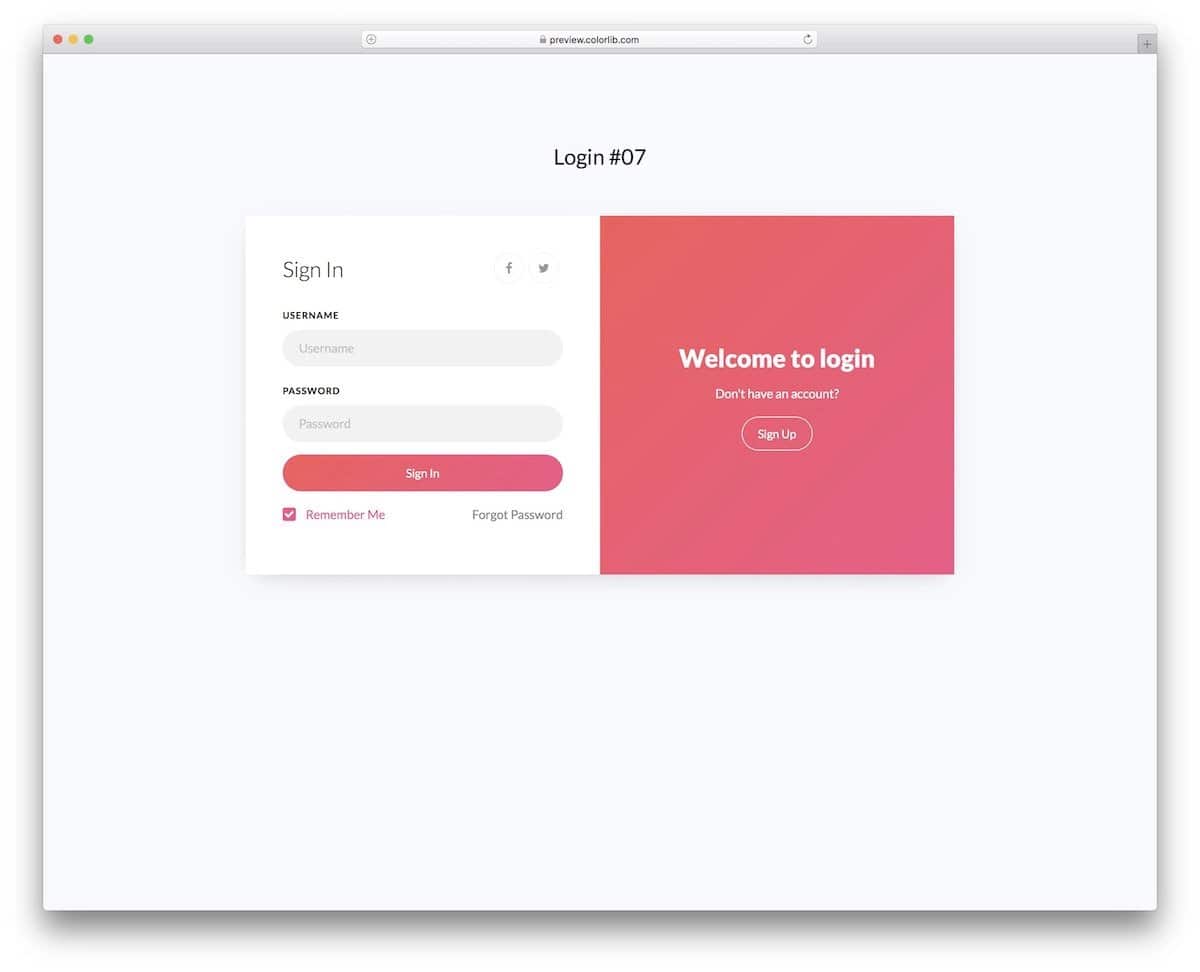
Bootstrap Login Form V17 embraces the popular split-screen design pattern that has become synonymous with modern web applications, offering a familiar yet sophisticated approach to user authentication interfaces.
The template features a clean login form on the left panel while dedicating the right side to compelling call-to-action messaging for new user registration. While the base template focuses on solid functionality over animated flourishes, its well-structured codebase provides an excellent foundation for developers who wish to implement custom animations or interactive elements. The modular design approach makes it particularly suitable for progressive enhancement, allowing teams to add sophisticated features like animated transitions or dynamic content without restructuring the core layout.
Bootstrap Contact Form v1

Contact forms remain the cornerstone of digital communication, appearing on virtually every website and application across the web. This Bootstrap Contact Form V1 elevates the standard contact form experience through thoughtful interactive elements that engage users without sacrificing performance or loading speed.
The template demonstrates masterful use of whitespace to create visual hierarchy and improve usability across all device types, particularly on smaller screens where touch interactions require careful consideration. Built with mobile-first responsive design principles, this form seamlessly adapts to various screen sizes and input methods. The developer has optimized the code structure for easy integration with existing responsive website templates, ensuring consistent performance and visual harmony regardless of the host environment.
Bootstrap Contact Form Design v3
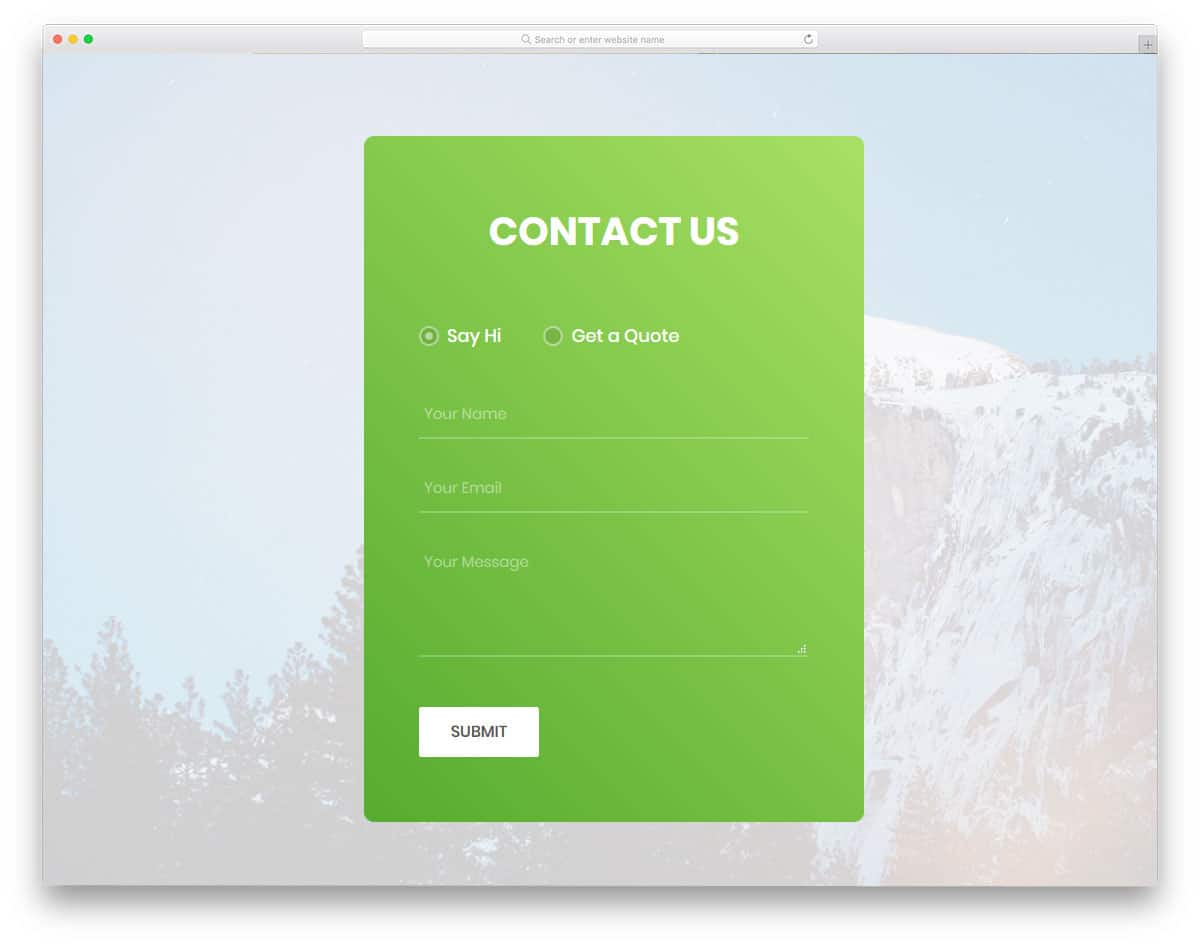
Business websites often require versatile contact solutions that can handle diverse customer inquiries and lead qualification processes. This intelligent contact form template addresses these complex requirements through an innovative dual-mode approach that streamlines customer communication workflows.
The template features an intuitive radio button interface that allows users to seamlessly switch between a standard contact form and a specialized quote request form. This dynamic functionality automatically adjusts the available form fields based on the selected mode, ensuring users only see relevant input options for their specific inquiry type. The form incorporates generous field sizing for comfortable data entry and includes sophisticated dropdown menus for categorizing requests. This level of customization makes it particularly valuable for service-based businesses, consulting firms, and any organization that needs to efficiently process different types of customer inquiries.
Bootstrap Registration Form v21
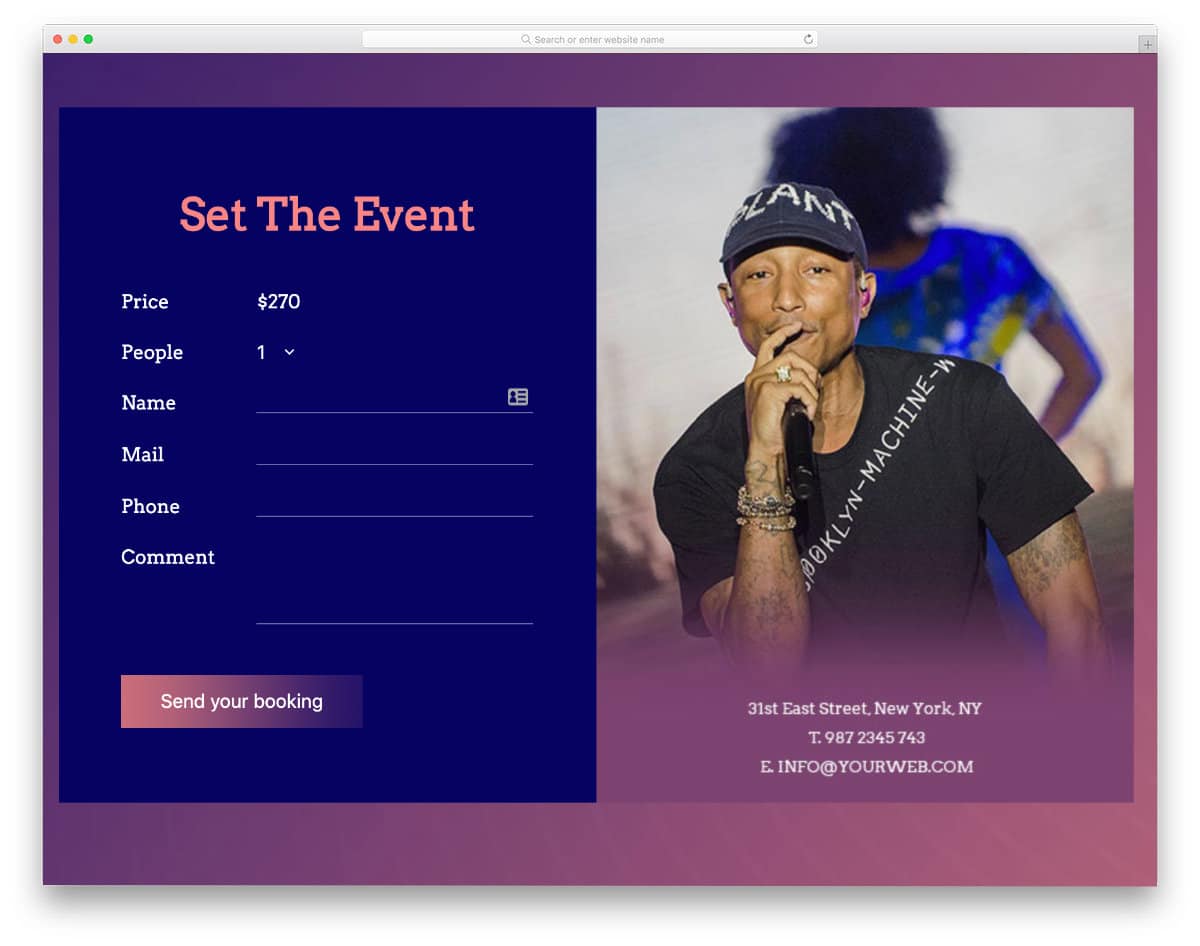
This specialized Bootstrap registration form targets the events industry with a sophisticated ticket booking interface that prioritizes price transparency and user-friendly selection processes. The template’s straightforward design philosophy ensures that pricing information is prominently displayed, reducing friction in the decision-making process.
The form excels in its intuitive approach to group bookings, featuring clear quantity selection controls and dynamic pricing calculations. While this template provides a robust frontend experience with smooth dropdown interactions and hover effects, developers will need to implement custom backend functionality to handle payment processing and booking confirmations. The strategic use of image space allows for effective venue information display, including addresses and key event details. The clean code architecture ensures that developers can focus on building complex backend integrations without worrying about frontend compatibility issues.
Bootstrap Login Form Example V17
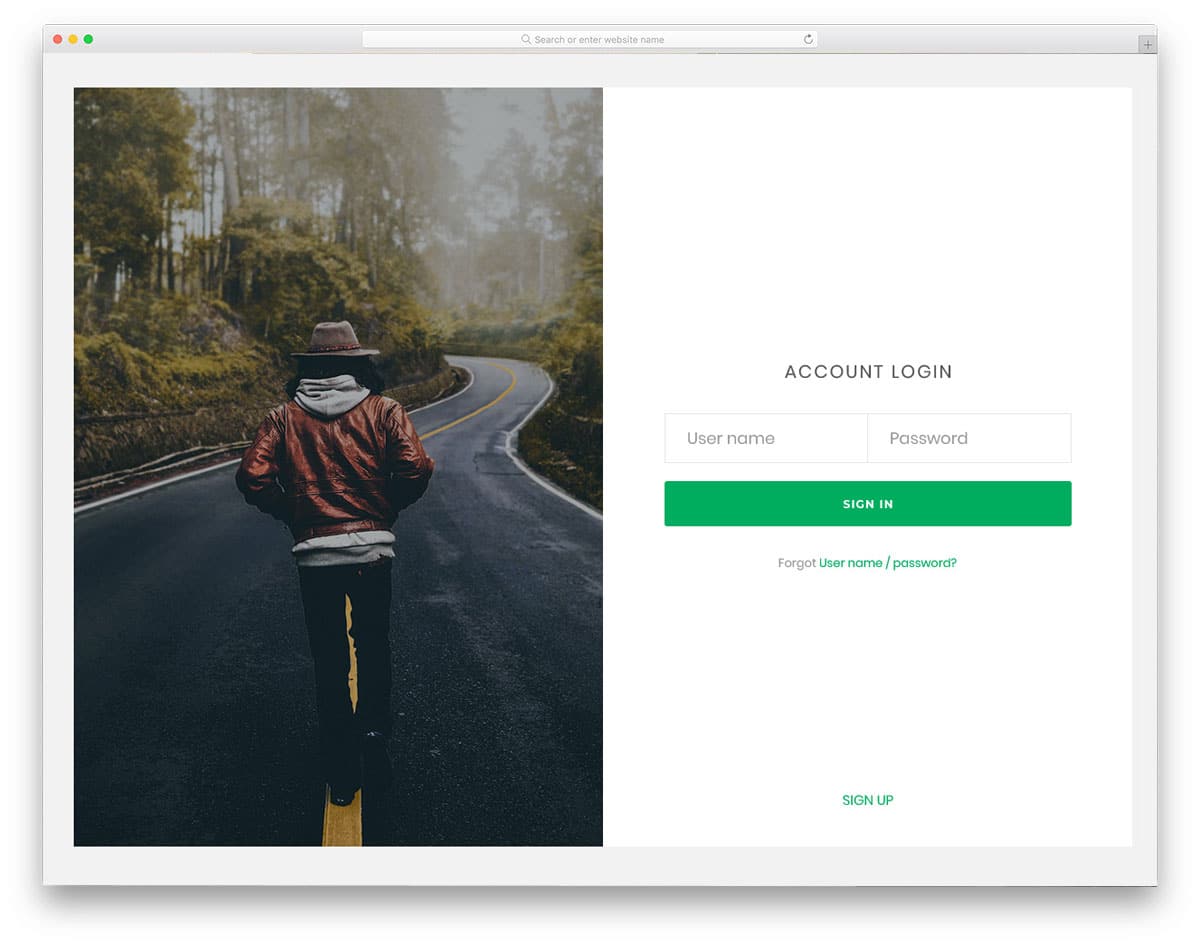
This split-screen login form template maximizes visual real estate while maintaining clean, functional design principles. The generous left-hand panel provides ample space for implementing multiple authentication methods and supplementary user interface elements.
The template’s flexible layout accommodates modern authentication trends including social media logins, single sign-on integrations, and multi-factor authentication prompts without cluttering the primary login interface. The spacious design philosophy extends to the code structure itself, which has been deliberately simplified to facilitate rapid customization and feature expansion. This makes it an excellent choice for applications requiring complex authentication workflows or businesses that want to experiment with different login methodologies while maintaining a professional appearance.
Bootstrap Search Form v15
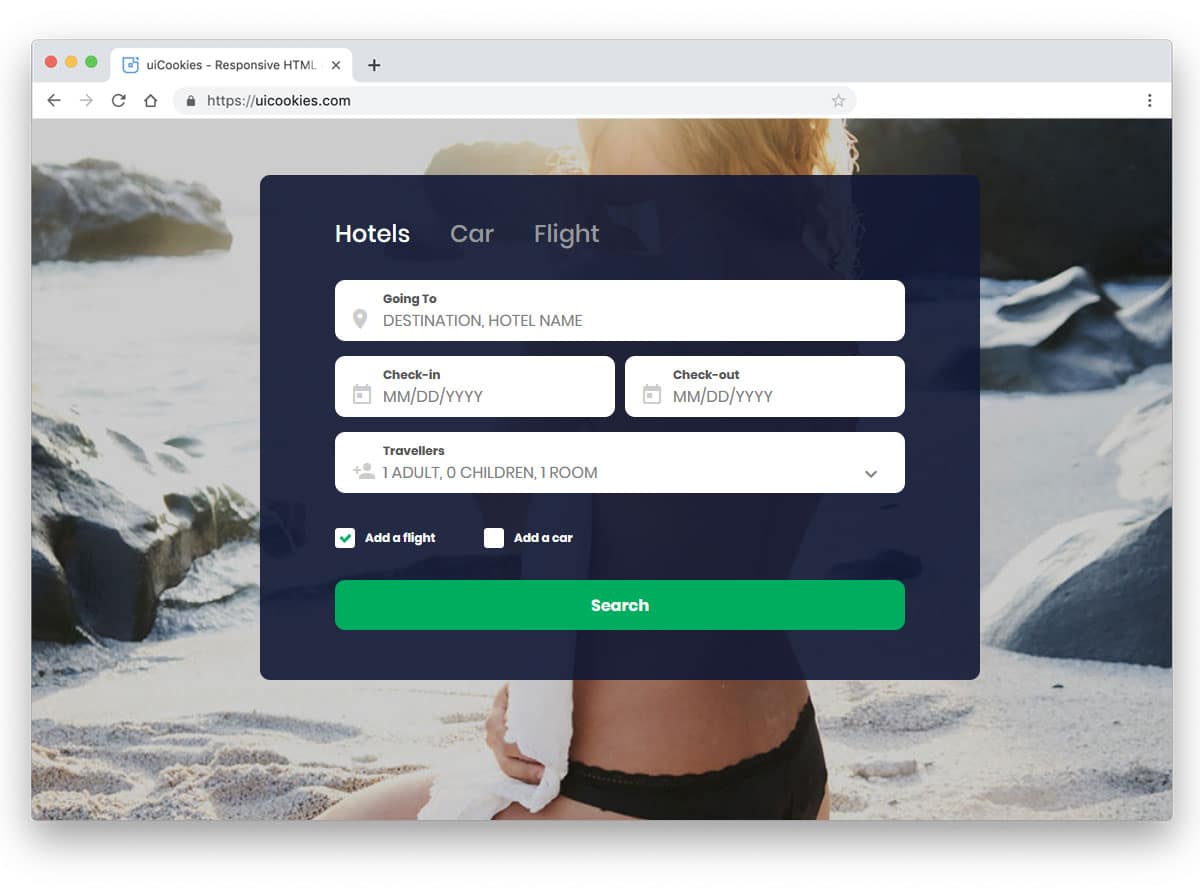
The compact design of Bootstrap Search Form v15 makes it an ideal sidebar component, offering powerful search functionality without overwhelming the main content area. The template leverages Bootstrap tab components to create an intuitive navigation system that allows users to quickly switch between different search categories and services.
Sidebars represent prime real estate for secondary but important functionality, and this search form template capitalizes on that opportunity by providing comprehensive filtering options within a space-efficient design. The integrated calendar functionality offers full date selection capabilities, requiring only backend integration to become fully operational. The developer has prioritized clean code architecture and straightforward integration processes, making this template suitable for content management systems, e-commerce platforms, or any website requiring sophisticated search capabilities in a compact format.
Reg Form v25
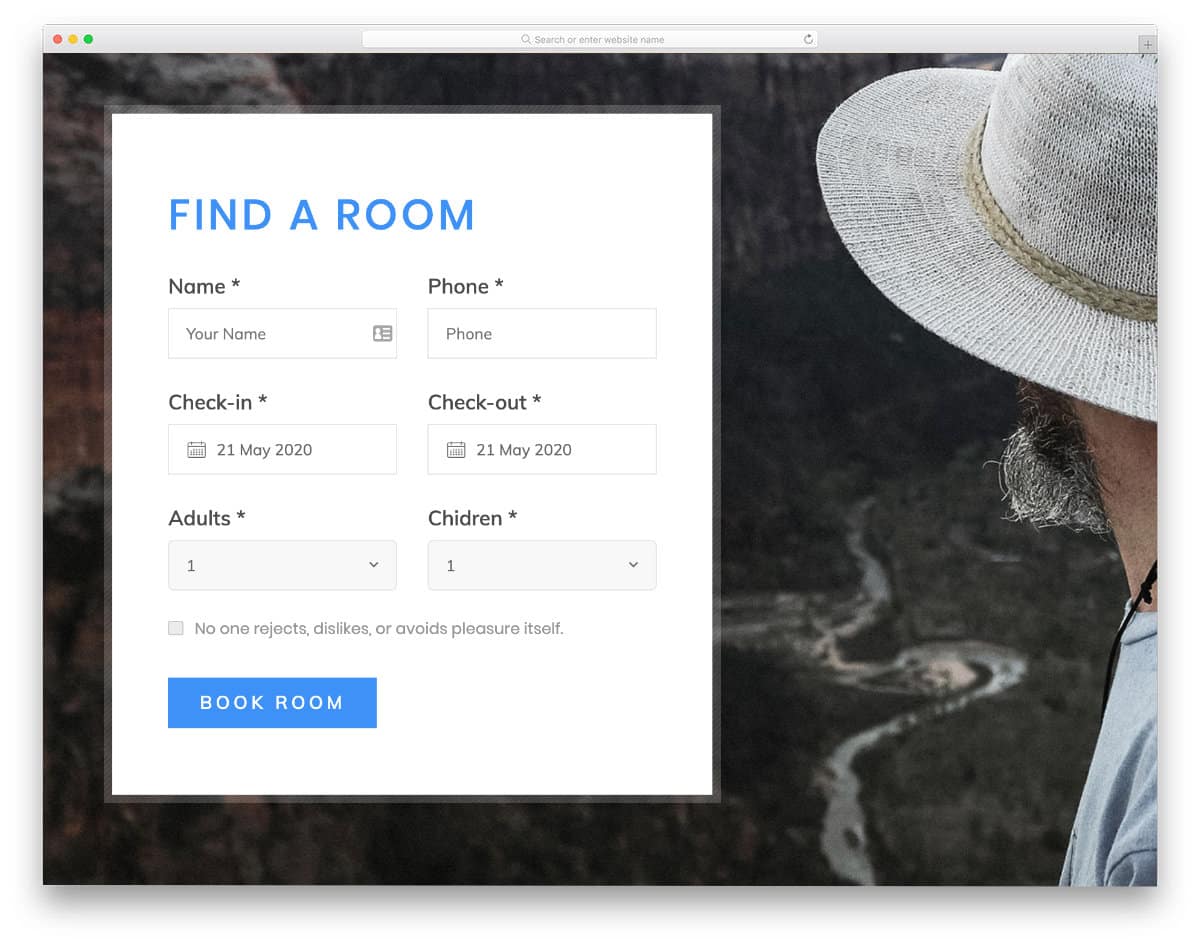
This registration form’s compact design philosophy ensures seamless integration into existing websites without disrupting layout integrity or visual hierarchy. The template includes comprehensive form fields specifically tailored for complex booking scenarios, making it particularly valuable for hospitality and reservation-based businesses.
Designed with hotel room reservations in mind, the form features sophisticated calendar integration that simplifies date selection for both check-in and check-out scenarios. The template utilizes a striking background image in the demo version, but the modular design allows for easy removal or replacement based on specific branding requirements. The flexible visual approach means businesses can adapt the form to match their existing design language while maintaining the functional integrity of the booking process. This adaptability makes it suitable for various reservation-based industries beyond hospitality, including car rentals, equipment booking, and service appointments.
Reg Form v29
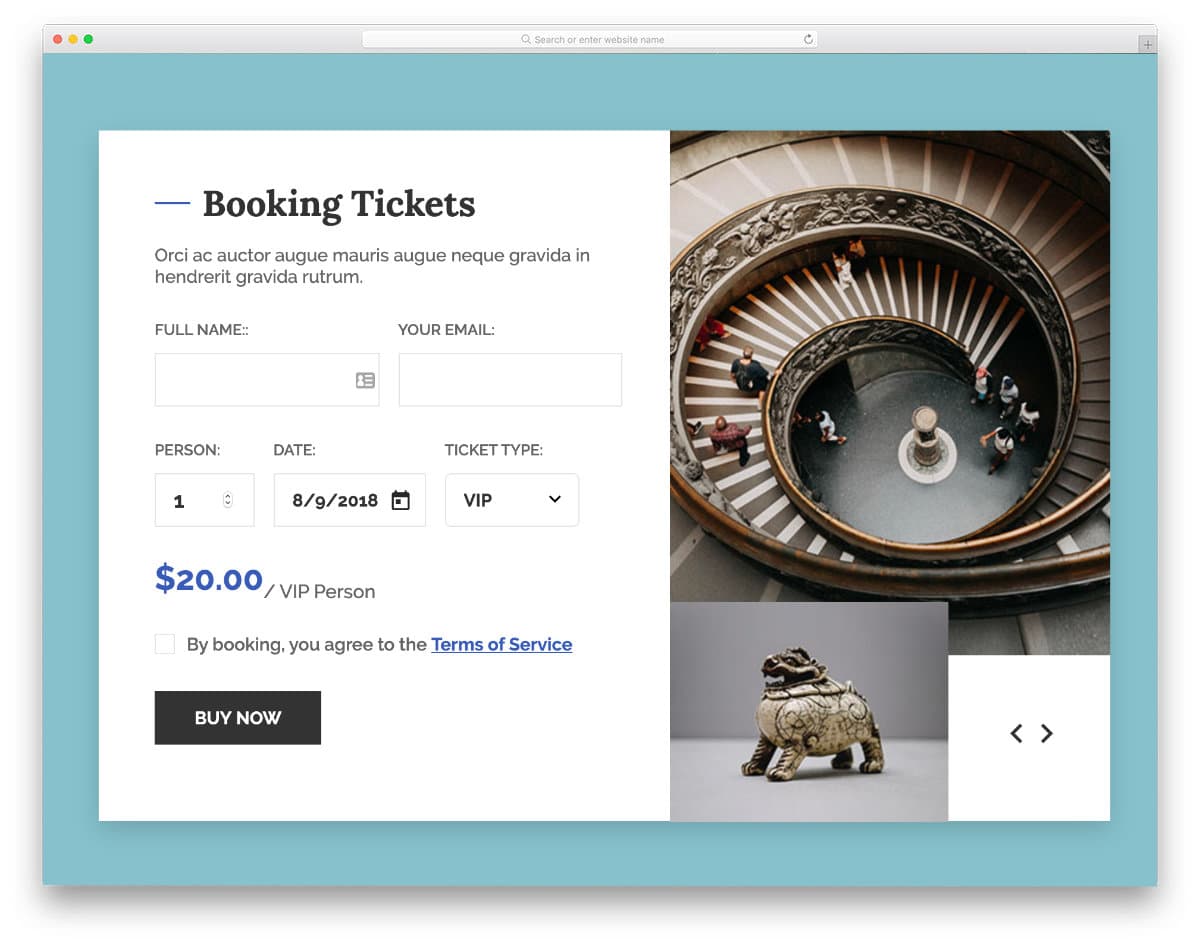
This sophisticated ticket booking and reservation form template introduces tiered service selection, allowing businesses to offer multiple product or service levels through a single, streamlined interface. The template provides an excellent foundation for businesses implementing value-based pricing strategies.
While the template includes ticket category selection functionality (VIP versus basic tickets), the default implementation focuses on the selection interface rather than dynamic pricing updates. This design decision provides flexibility for developers to implement custom pricing logic, real-time availability checking, or complex fee calculations based on specific business requirements. The clean, maintainable code structure facilitates rapid development of advanced features while ensuring the user interface remains intuitive and responsive across all device types.
Contact Form v13
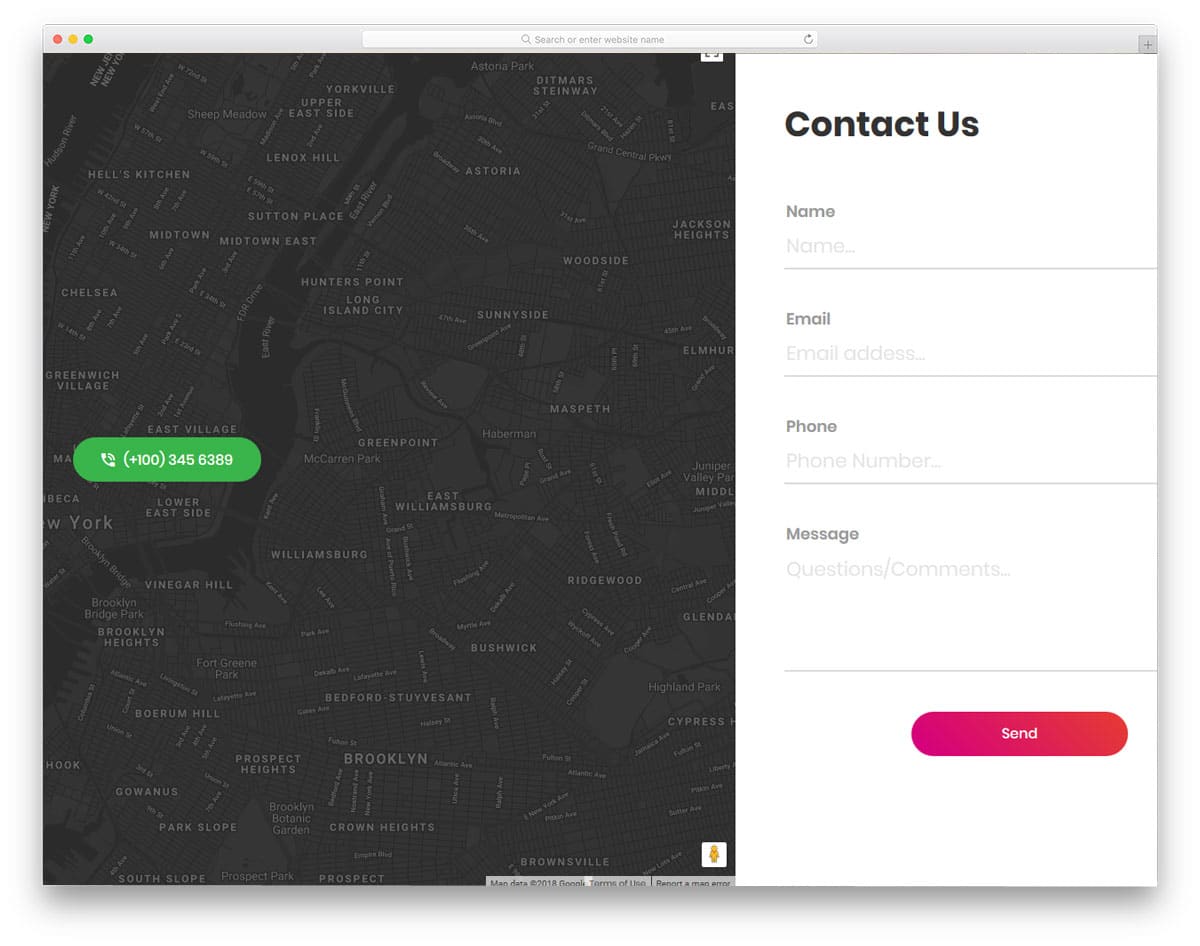
Version 13 represents a significant evolution in contact form design, featuring a fully functional map widget that caters to the mobile-first, location-aware expectations of modern users. This template particularly excels for businesses that rely heavily on local customer engagement and foot traffic.
The integrated mapping functionality leverages smartphone GPS capabilities and modern web location services to provide enhanced customer convenience. Despite its advanced features, the template maintains excellent performance characteristics and loads quickly across all connection speeds. The generous spacing allocated to each form field enhances usability and reduces input errors, while the mobile-responsive design ensures optimal interaction patterns regardless of device type. The frontend implementation is complete and fully functional, requiring only backend integration to handle form submissions and customer communications.
Contact Form v17
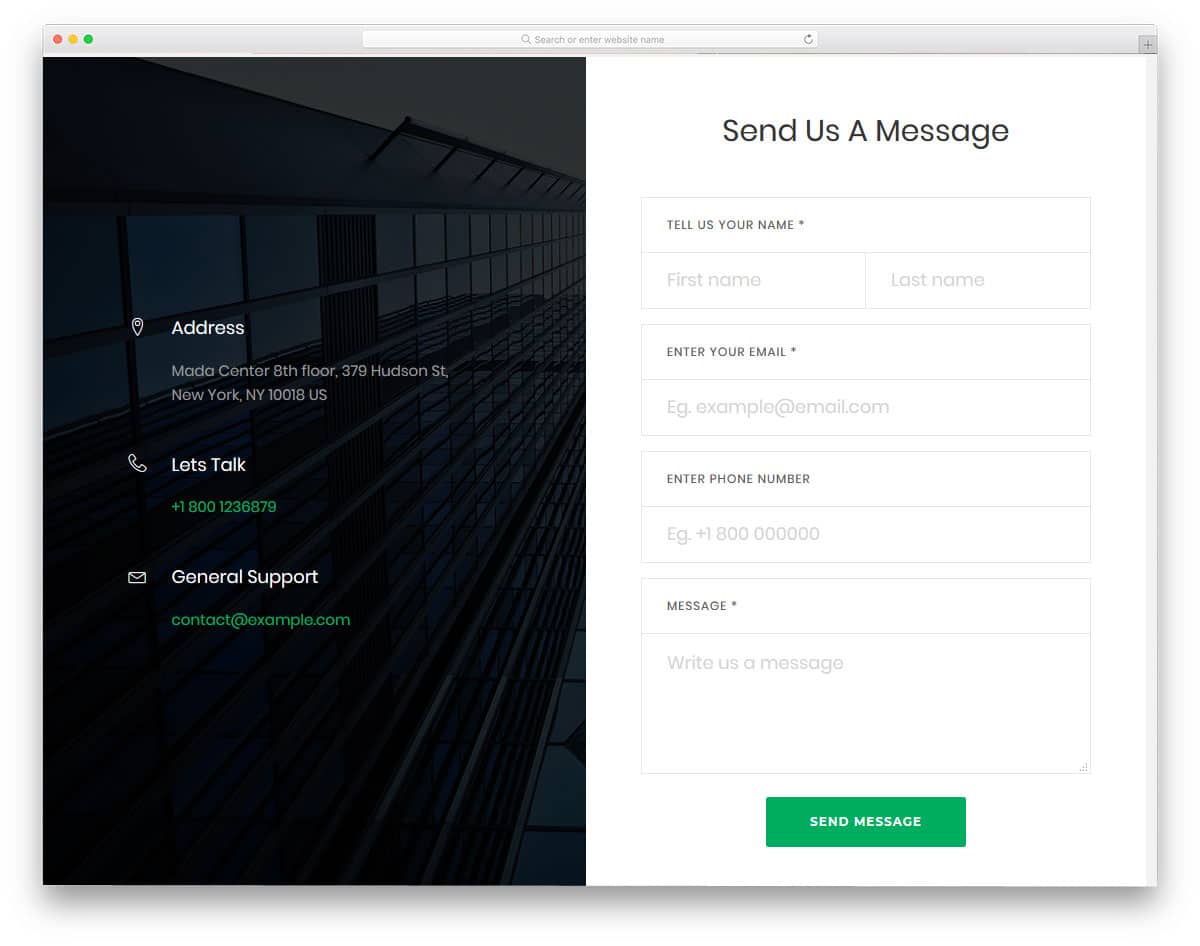
Version 17 delivers a sophisticated business-oriented contact form that demonstrates expert-level information architecture through its strategic use of split-screen layouts and organized content sections. The template prioritizes user experience by consolidating all contact information in a single, easily accessible location.
The thoughtful organization eliminates common user frustrations associated with hunting for contact details across multiple pages or sections. By presenting email addresses, phone numbers, and other essential contact information alongside the form itself, the template reduces abandonment rates and improves overall user satisfaction. The clean, semantic code structure mirrors the visual organization, making it exceptionally easy for developers to implement and maintain while ensuring consistent performance across different hosting environments and content management systems.
Colorlib Reg Form v12
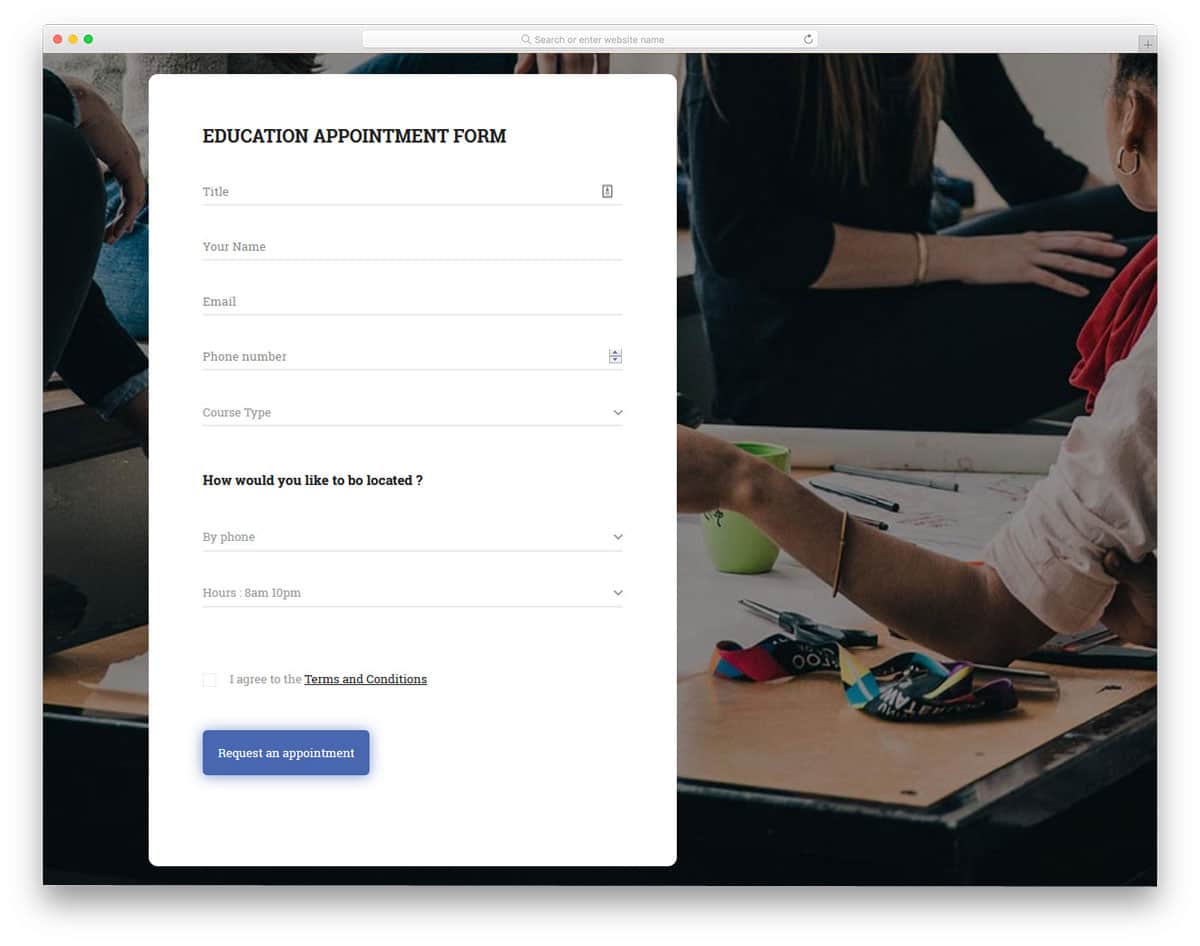
This comprehensive Bootstrap form template addresses complex registration requirements through an extensive field collection that can accommodate detailed user profiles and comprehensive data collection scenarios. The template’s generous spacing approach enhances usability and reduces user errors during the registration process.
The developer has implemented sophisticated typography hierarchy that helps users understand the relationships between different form sections and data categories. The template features an eye-catching glow effect on call-to-action buttons that draws user attention without being overly aggressive or distracting. Built on modern HTML5 and CSS3 foundations, the template supports contemporary design elements and animation effects, making it suitable for brands that want to incorporate advanced visual features while maintaining optimal performance and cross-browser compatibility.
Colorlib Reg Form v10
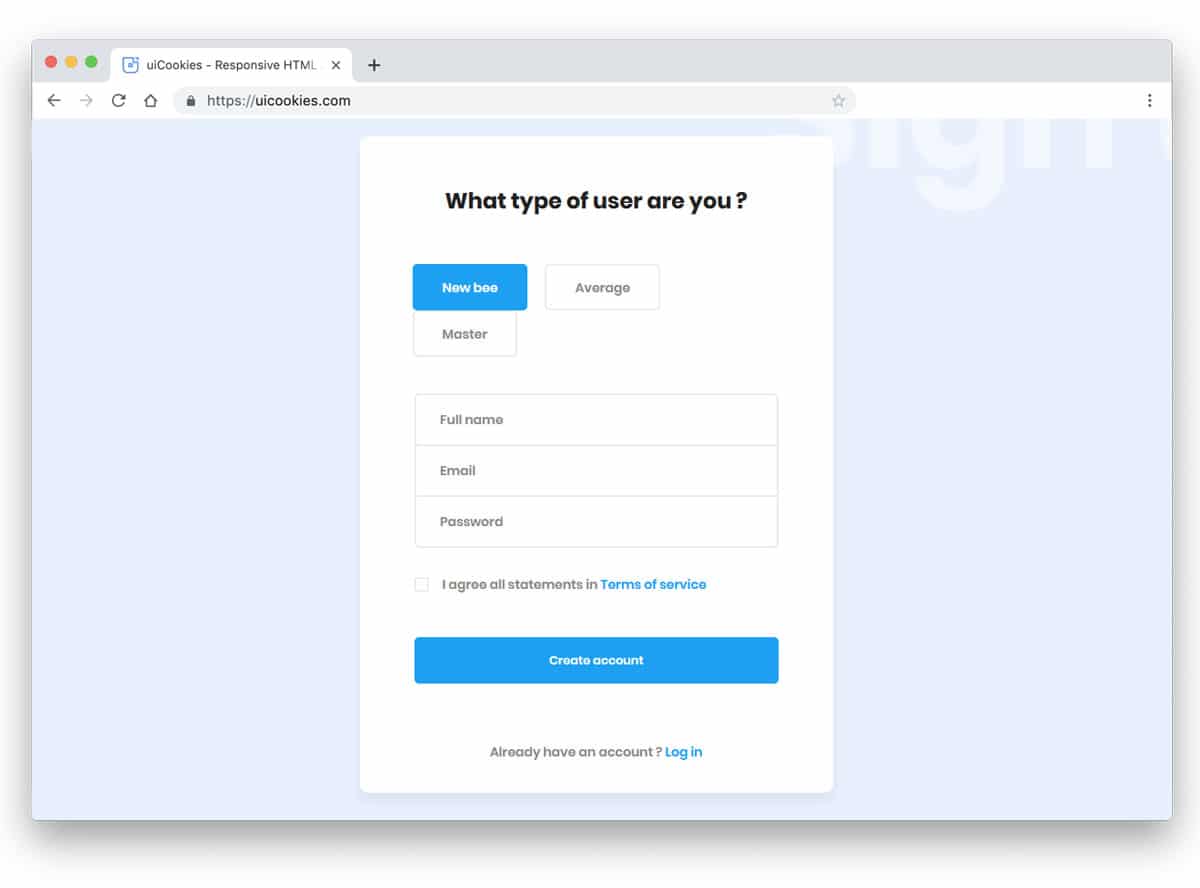
This versatile registration form template serves corporate websites, gaming platforms, and online service providers through its innovative user categorization system. The template goes beyond standard demographic collection by allowing users to self-identify their experience level or engagement category during the registration process.
The default implementation includes three user categories (newbie, average, and master), which can be easily customized to match specific business needs. This categorization approach proves particularly valuable for educational platforms, fitness coaching services, or skill-based communities where personalized content delivery depends on user experience levels. The clean, minimalist design aesthetic ensures the form remains professional and unintimidating, while the simple code structure makes it equally suitable for web applications and mobile app integration scenarios.
Colorlib Reg Form v4
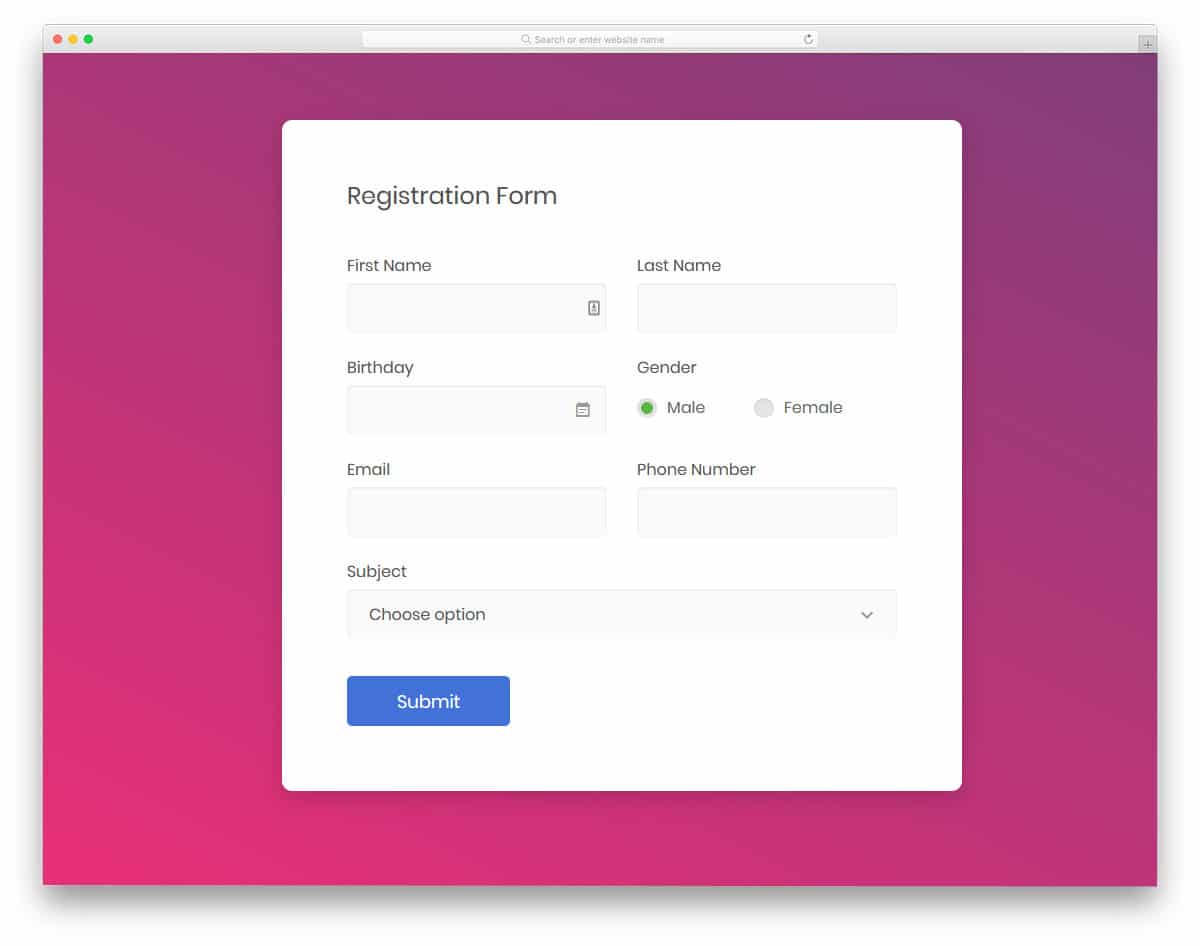
The V4 registration form template provides a comprehensive suite of essential form elements that streamline the development process by including commonly required input types such as calendar date pickers, dropdown selectors, and radio button groups. This inclusive approach saves significant development time and ensures consistency across form interactions.
By leveraging this template, development teams can concentrate on backend functionality and business logic rather than spending time on frontend form element implementation. All interactive components function properly on the client side, providing immediate user feedback and validation cues that improve the overall user experience. The template’s mobile-responsive architecture ensures optimal performance across all device categories without requiring additional optimization work. The maintainable code structure facilitates easy customization and feature additions while preserving the integrity of the existing functionality.
Login Form 19

Login Form 19 embodies elegance through simplicity, featuring a clean, spacious design that prioritizes user comfort and input accuracy. The template’s generous proportions ensure that users can easily enter credentials without struggling with cramped input fields or unclear visual feedback.
The template incorporates subtle animation effects that provide clear visual feedback about which field is currently active, enhancing the user experience without creating distracting or performance-impacting visual elements. While the base template provides excellent functionality, developers can easily extend it with features like password visibility toggles or remember-me options to further improve user convenience. The robust frontend implementation handles all user interactions smoothly, allowing developers to focus their attention on backend authentication systems and security implementations.
Contact Form v8

This thoughtfully designed contact form template excels in providing comprehensive location-based customer support, making it particularly valuable for restaurants, healthcare facilities, and other businesses where physical location plays a crucial role in customer relationships.
The template features a full-screen Google Maps integration that serves dual purposes: it helps customers navigate to business locations while providing an visually appealing backdrop that doesn’t compete with the contact form for user attention. The mobile-responsive design ensures that map functionality remains accessible and useful across all device types, allowing customers to access navigation features directly from their smartphones. The modern HTML5 and CSS3 implementation facilitates easy integration with existing websites while providing developers with a solid foundation for implementing additional location-based features or customizations.
Contact Form v10

This template represents the evolution of traditional contact forms, incorporating contemporary design elements like subtle animations and rounded form field edges that create a fresh, approachable aesthetic while maintaining professional functionality.
The straightforward design philosophy ensures seamless integration with virtually any website design, whether implemented as a standalone contact page or embedded as a component within larger page layouts. The template achieves full frontend functionality out of the box, requiring only backend integration to handle form processing and customer communication workflows. While the default typography provides excellent readability and professional appearance, the CSS3 foundation supports custom font implementations and advanced animation effects for brands that want to create more distinctive visual experiences without compromising performance or accessibility.
Contact Form v4

Gradient design elements are experiencing a renaissance in modern web and mobile application interfaces, driven by major brands incorporating sophisticated color transitions in their marketing materials and digital platforms. This contact form template capitalizes on this trend through strategic gradient implementation.
The template employs gradients both as subtle background elements and as interactive button treatments, creating visual depth without overwhelming the core functionality. The form’s generous vertical layout accommodates multiple form fields while maintaining readability and user engagement. The clean white background provides an excellent contrast foundation that makes the gradient elements pop without creating visual competition between different interface components. The sophisticated color-shifting hover effects on buttons provide natural, intuitive feedback that enhances the overall user experience and reinforces the modern, professional aesthetic.
Reg Form v2
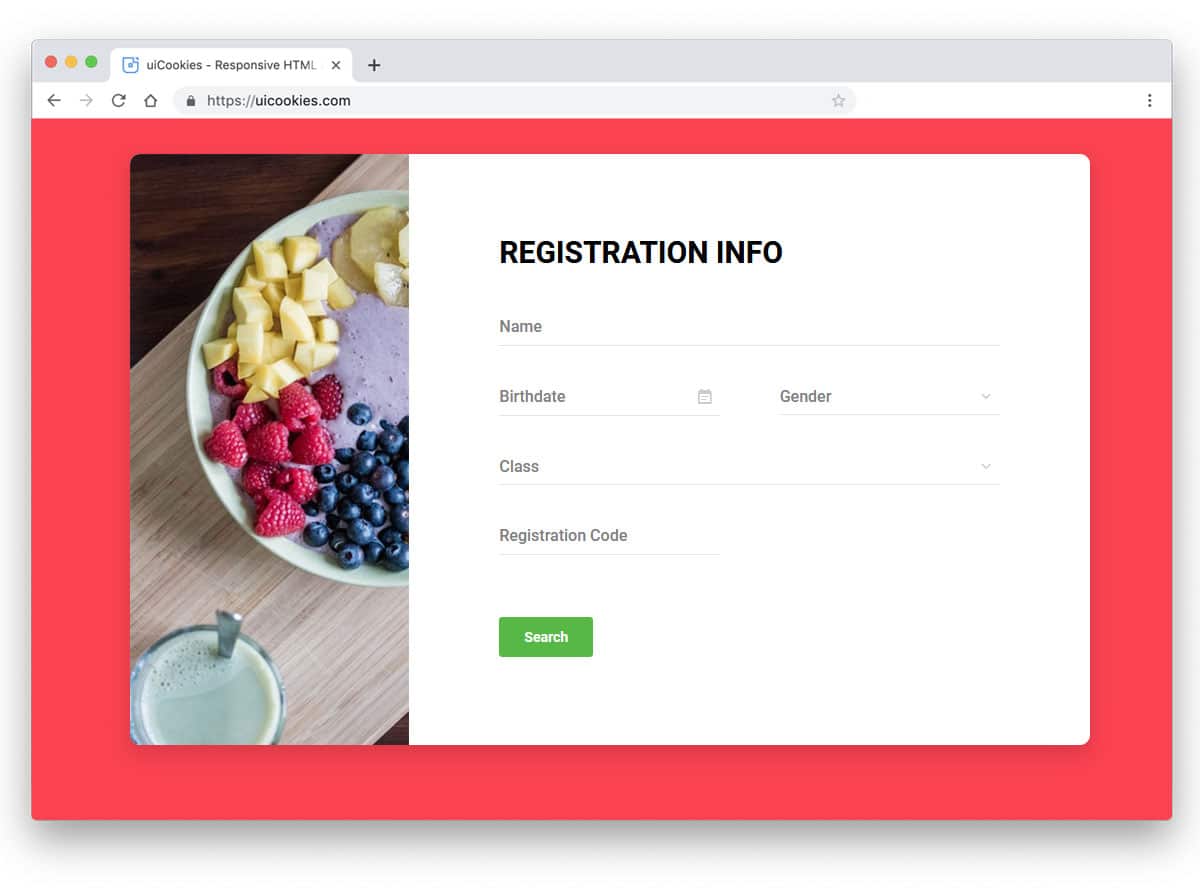
Registration forms have become increasingly important as digital services and online businesses continue to expand across all industry sectors. Companies must balance comprehensive data collection needs with user experience considerations, often using intelligent design to express brand identity while simplifying complex processes.
This versatile Bootstrap registration form template demonstrates exceptional adaptability through its modular image integration system. While the demo showcases a food-related image that might suggest restaurant table booking functionality, the template’s true strength lies in its universal applicability across diverse business types and industries. The image placeholder can be easily replaced to match any brand or service category, from technology startups to healthcare providers to e-commerce platforms. This flexibility, combined with comprehensive form field options and clean code structure, makes it an excellent foundation for businesses that need sophisticated registration workflows without extensive custom development.
Reg Form v6

Registration Form v6 addresses the specialized requirements of job application processes through a carefully curated collection of form fields and input types that capture comprehensive candidate information. Job application forms differ significantly from standard registration forms, requiring more nuanced data collection approaches.
This template provides all necessary components for creating effective job application workflows, from basic contact information to detailed professional background sections. The minimal animation approach ensures professional presentation without distracting from the serious nature of job applications. The generous form width accommodates detailed responses and lengthy content entries that are common in job application scenarios. The typography choices prioritize readability across all devices, ensuring that candidates using mobile devices can comfortably complete applications without struggling with small text or cramped input fields.
Reg Form v5
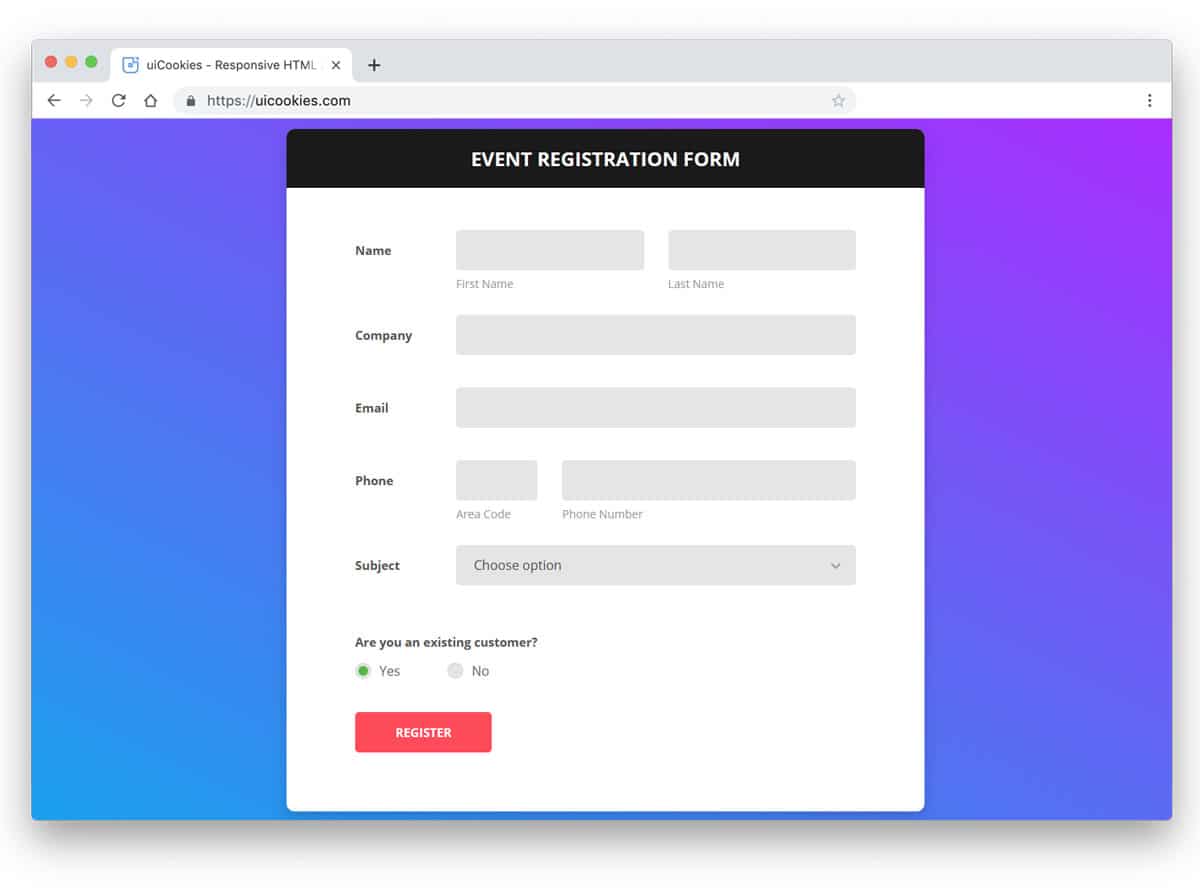
This Bootstrap form template specifically targets event registration scenarios, featuring a developer-friendly code structure that prioritizes future customization and seamless backend integration. The template’s practical approach ensures that businesses can implement functional event registration without extensive frontend development work.
The comprehensive form field collection includes all standard event registration elements while providing flexibility for additional custom fields based on specific event requirements. The template incorporates essential interactive components including dropdown selectors and radio button groups that handle complex registration scenarios like ticket type selection, meal preferences, or session choices. The clean, pragmatic design approach makes this template suitable for professional conferences, educational workshops, networking events, and community gatherings while maintaining the flexibility to adapt to unique event registration requirements.
Reg Form v7
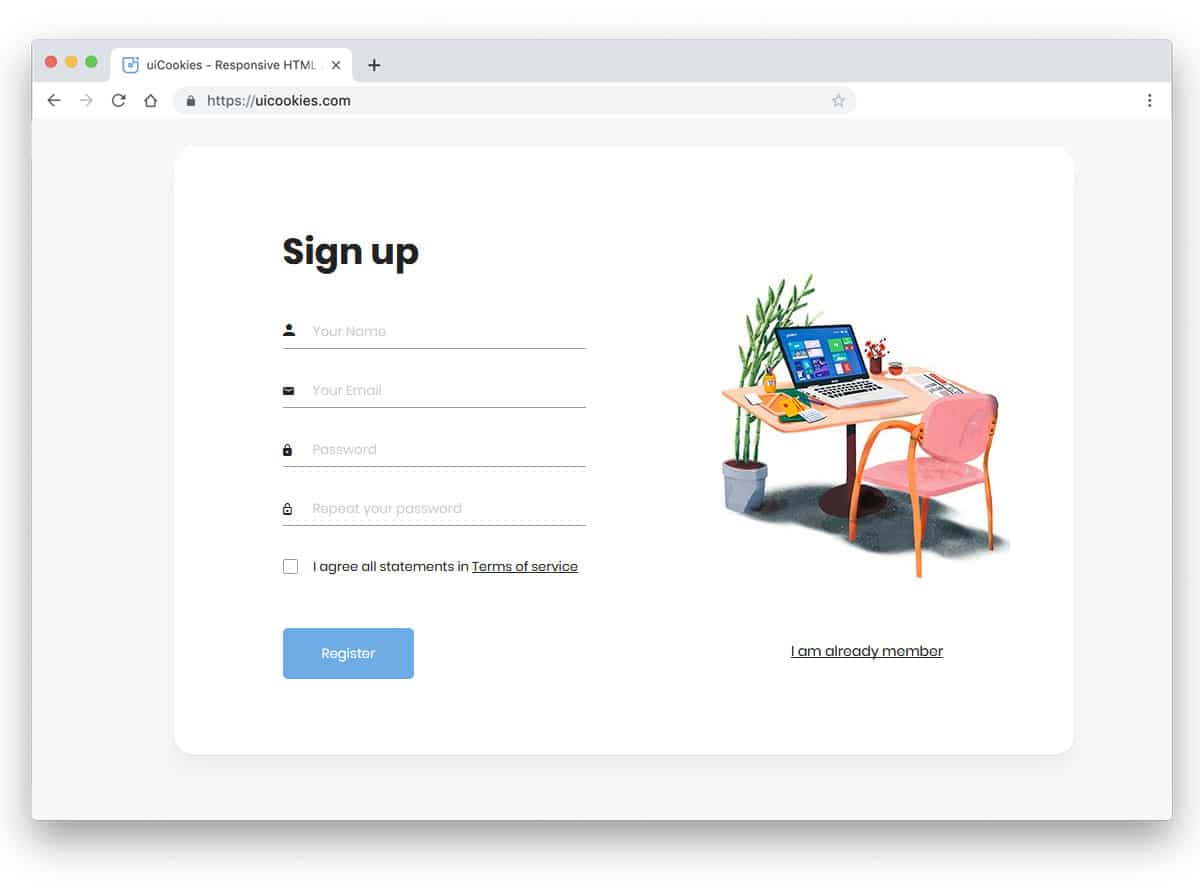
This streamlined registration form embraces the progressive disclosure approach that many modern companies use to reduce user abandonment during the signup process. By focusing on essential information collection in the initial step, businesses can establish user relationships without overwhelming potential customers with lengthy forms.
The template collects fundamental contact information (name and email address) that enables ongoing communication while leaving more detailed profile building for subsequent interactions. This strategy significantly improves conversion rates by reducing the perceived effort required for initial engagement. The ultra-clean, modern aesthetic incorporates an attractive vector-style illustration that can be easily customized to match specific brand requirements or industry contexts. The modular design approach allows businesses to implement this as the first step in multi-stage registration processes, gradually building comprehensive user profiles over time rather than demanding all information upfront.
Reg Form v15
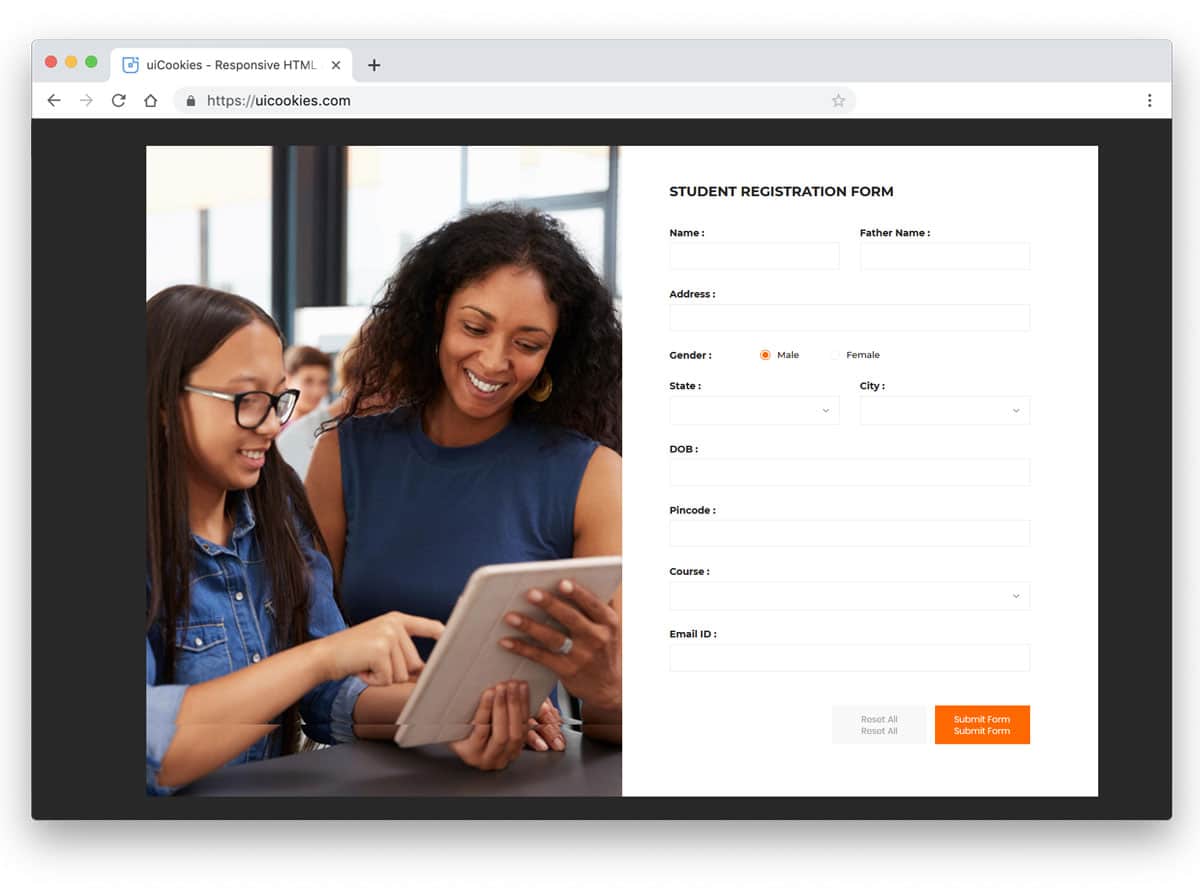
Registration Form v15 acknowledges that certain industries and use cases require comprehensive data collection that cannot be simplified or shortened without compromising functionality. Educational institutions, healthcare providers, and government services often must collect extensive information regardless of user preferences.
Rather than fighting against this reality, this template optimizes the long-form experience through strategic spacing, typography hierarchy, and visual organization that makes extensive forms feel manageable and professional. The generous spacing between form fields reduces visual clutter and cognitive load, while larger input text ensures readability across all devices. The template demonstrates that length doesn’t have to mean poor user experience when proper design principles are applied. This approach makes it particularly valuable for academic enrollment processes, detailed membership applications, or comprehensive service registrations where thorough information collection is non-negotiable.
Login Form 18

Login forms represent one of the most frequently encountered interface elements in our daily digital interactions, from smartphone apps to business software platforms. Each design team faces the challenge of creating login experiences that feel familiar yet distinctive, maintaining usability while reflecting brand personality.
Login Form 18 achieves this balance through its sophisticated professional presentation and strategic use of split-screen real estate for brand expression. The generous image space provides opportunities for companies to communicate brand values, showcase products, or create emotional connections with users during the authentication process. This template particularly excels for businesses that want to use login pages as brand touchpoints rather than purely functional barriers. The clean code structure and responsive design ensure consistent performance across desktop and mobile environments while providing extensive customization opportunities.
Login Form 16

As responsive design requirements continue to evolve, designers increasingly focus on creating versatile interfaces that perform excellently across the full spectrum of devices and screen sizes. Login Form 16 exemplifies this approach through its carefully balanced proportions and adaptable design elements.
The template achieves optimal sizing that avoids common pitfalls: it’s neither so large that it overwhelms mobile screens nor so compact that desktop users struggle with visibility and interaction. The thoughtfully implemented input field animations provide clear feedback without creating performance issues or distraction. The simplified code architecture facilitates easy integration into existing websites or applications, making it particularly valuable for businesses that need to implement authentication quickly without compromising quality. This versatility extends to visual customization, where the neutral design foundation can accommodate diverse brand requirements and color schemes.
Login Form 9
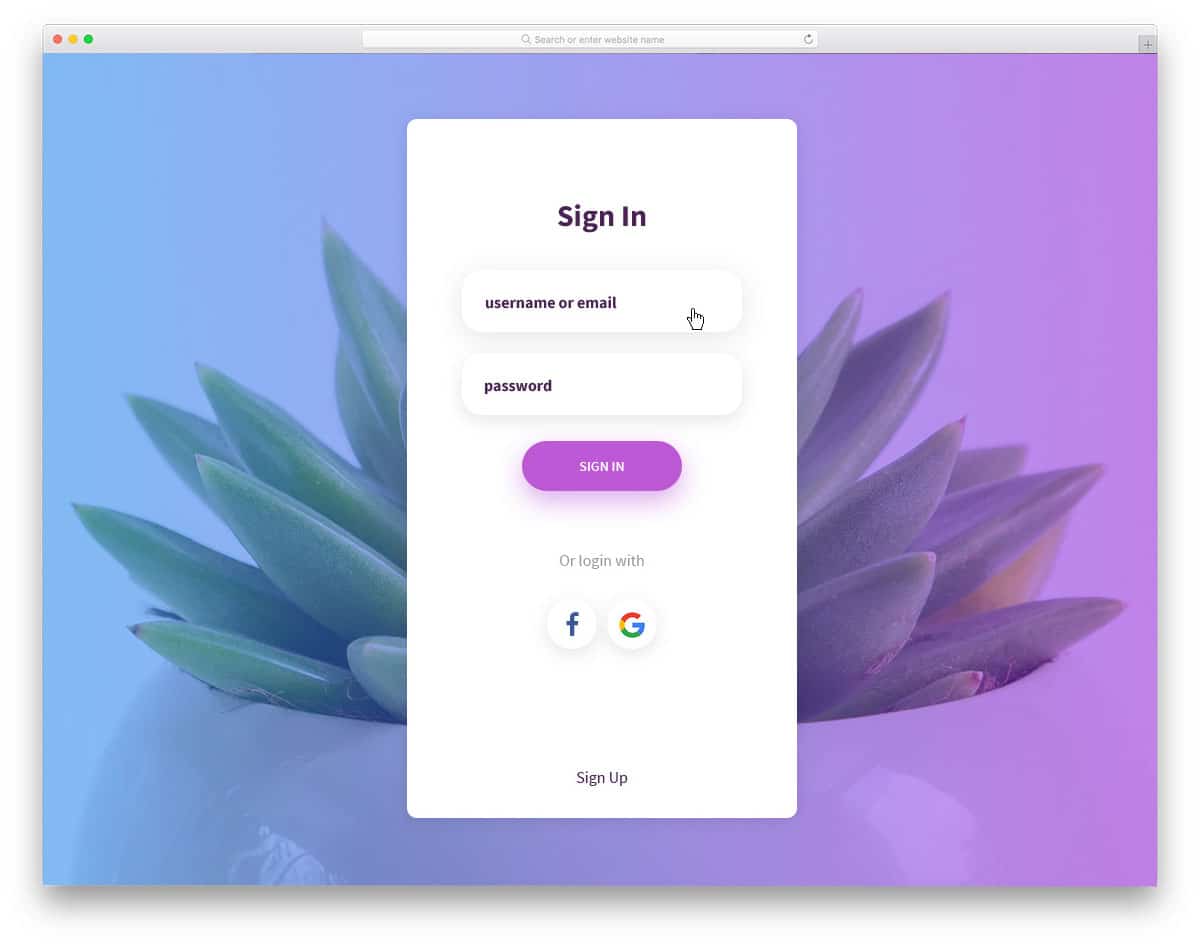
The evolution of display technology and screen resolution capabilities has enabled designers to implement sophisticated visual effects that enhance user interfaces without compromising readability or functionality. This login form template leverages these advances through strategic shadow implementation.
The shadow effects create visual depth that helps distinguish form elements from background elements, resulting in an elegant embossed appearance that improves usability while adding visual interest. Beyond traditional email authentication, the template includes comprehensive social media login integration, reflecting modern user expectations for flexible authentication options. The thoughtful balance between visual sophistication and practical functionality makes this template suitable for both website implementations and mobile application interfaces, providing businesses with a login solution that feels contemporary and professional.
Login Form 15

Login Form 15 represents the practical, versatile approach to authentication interface design that adapts seamlessly to diverse website contexts and implementation requirements. The familiar aesthetic ensures user comfort while maintaining sufficient flexibility for various integration scenarios.
The template’s wider proportions provide excellent accommodation for users with longer email addresses, eliminating the common frustration of having to scroll within input fields to verify entered information. The strategic inclusion of a “remember me” checkbox above the primary action button gives users control over their authentication preferences on trusted devices. However, businesses implementing this template for sensitive applications (financial services, healthcare platforms, or other high-security environments) should carefully consider whether persistent login options align with their security requirements and user protection policies.
Login Form 12
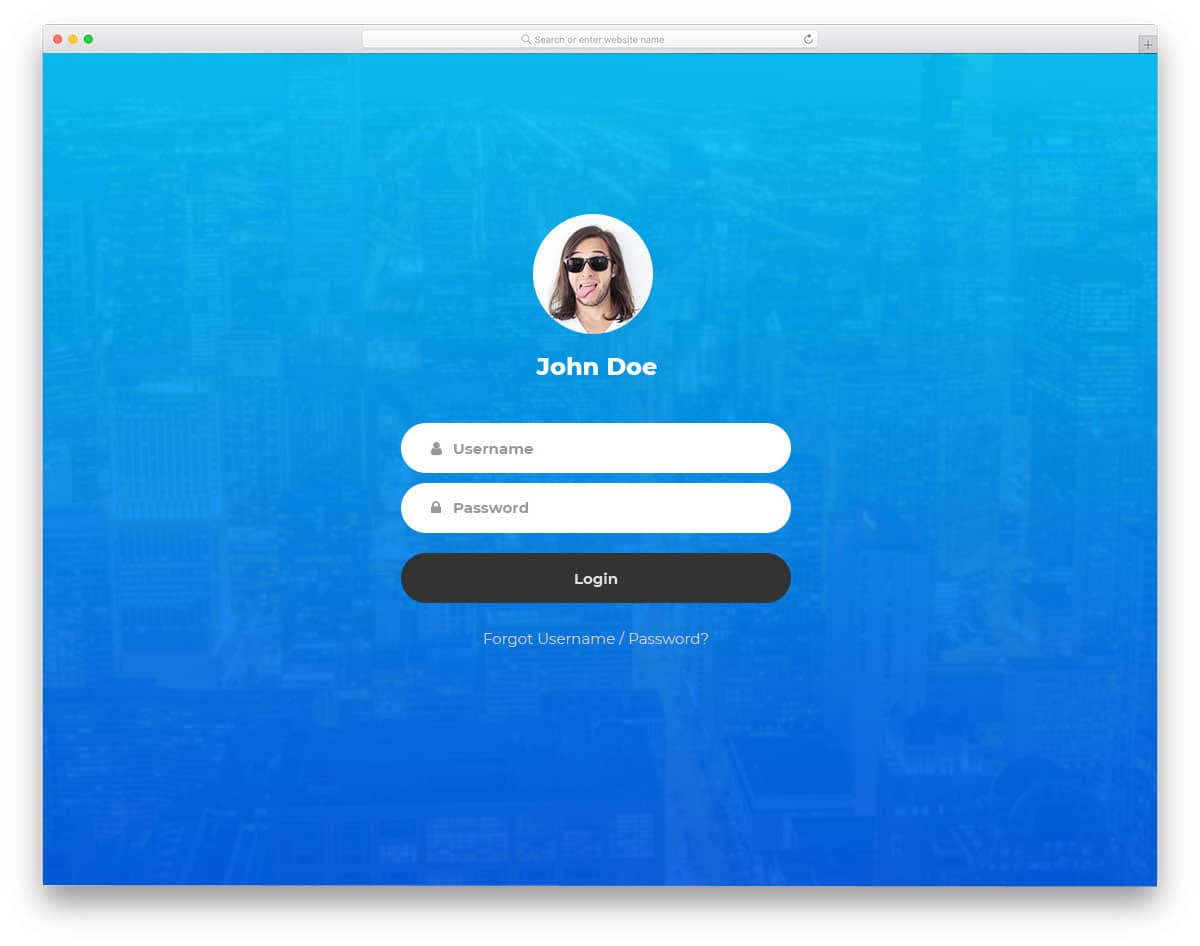
This Bootstrap login form template introduces an innovative user verification approach through prominent profile image display, making it particularly well-suited for admin dashboard implementations and personalized application interfaces.
The profile image integration serves multiple purposes: it provides visual confirmation of account identity, creates a more personalized login experience, and helps users avoid accidental logins to incorrect accounts in shared or multi-user environments. This feature proves especially valuable in administrative contexts where users may manage multiple accounts or access different permission levels within the same application. The template design accommodates various profile image dimensions while maintaining visual consistency, and the overall layout works effectively across different device types and screen orientations.
Search Form v7
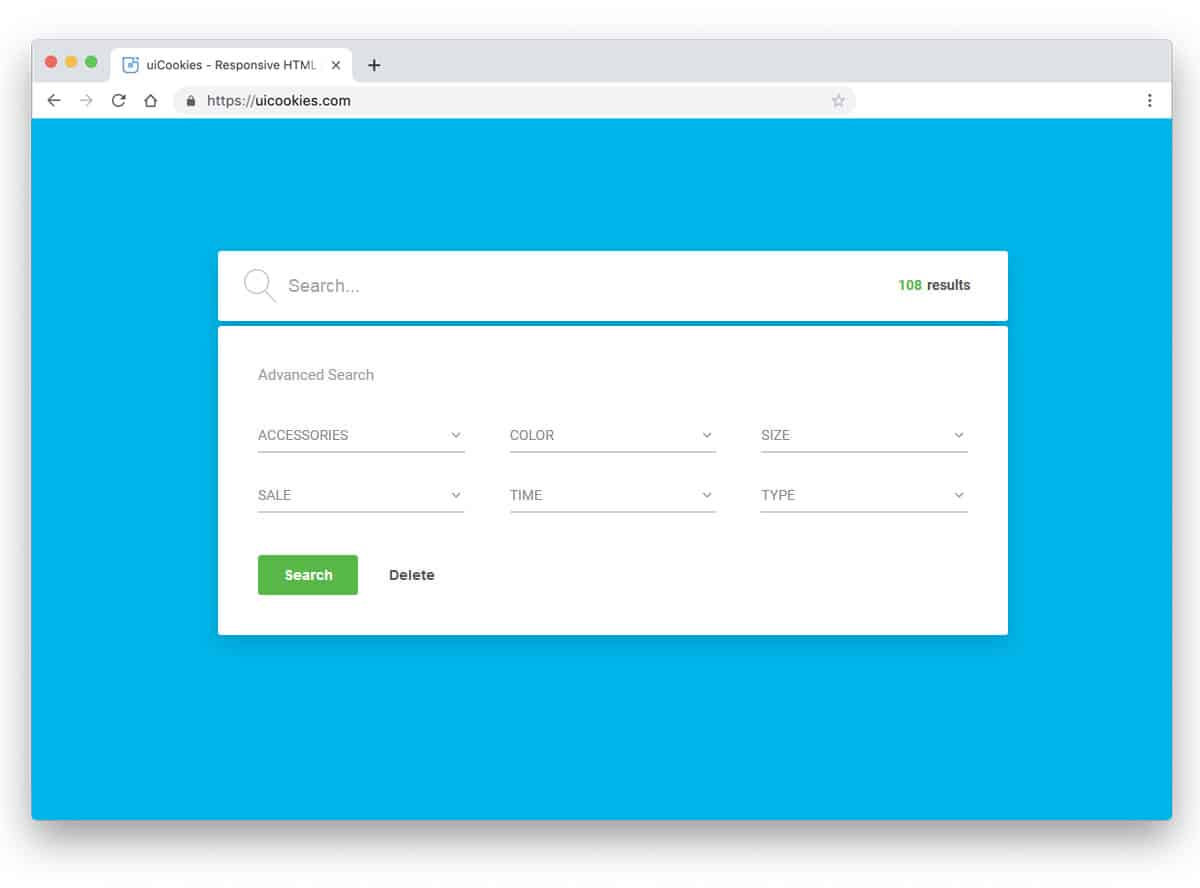
Search functionality has evolved far beyond simple text input boxes, particularly in scenarios where users need sophisticated filtering capabilities to narrow down large datasets or complex product catalogs. Search Form v7 addresses these advanced requirements through comprehensive filter integration.
The template provides approximately six distinct filter options, all implemented as dropdown interfaces that maintain clean visual organization while offering powerful search refinement capabilities. The inclusion of result count display represents a thoughtful user experience enhancement that helps users understand the scope of their search results and make informed decisions about further filtering. The generous whitespace utilization prevents visual overwhelm despite the multiple filter options, creating an interface that feels powerful yet approachable for users across different technical comfort levels.
Search Form v11

Travel and hospitality websites face unique search interface challenges due to the critical importance of date-based filtering and complex booking scenarios that require multiple interconnected search parameters. Search Form v11 specifically addresses these industry requirements.
The template employs tabbed organization to group related search filters logically, reducing cognitive load while providing access to comprehensive filtering options. The integrated calendar functionality recognizes that date-based searches represent the primary use case for travel-related platforms, where users typically start with travel dates and then refine by location, accommodation type, or price range. The tab system creates intuitive information architecture that guides users through complex search processes without overwhelming them with simultaneous choices, making it valuable for hotel booking platforms, vacation rental sites, and comprehensive travel planning applications.
Search Form v6

Search Form v6 addresses the sophisticated search requirements of modern e-commerce and directory platforms through its elegant, understated design that prioritizes functionality over visual complexity. The clean aesthetic makes it an excellent replacement for standard product search interfaces.
The template’s tag-based search approach recognizes that users often understand product characteristics and desired features better than specific product names or model numbers. This search methodology proves particularly effective for fashion retail, electronics catalogs, and business directories where users may search based on attributes, use cases, or descriptive terms rather than exact matches. The flexible filter system allows for both predefined search categories and user-generated search terms, accommodating diverse search behaviors while maintaining clean, professional presentation across different implementation contexts.
Search Form v3
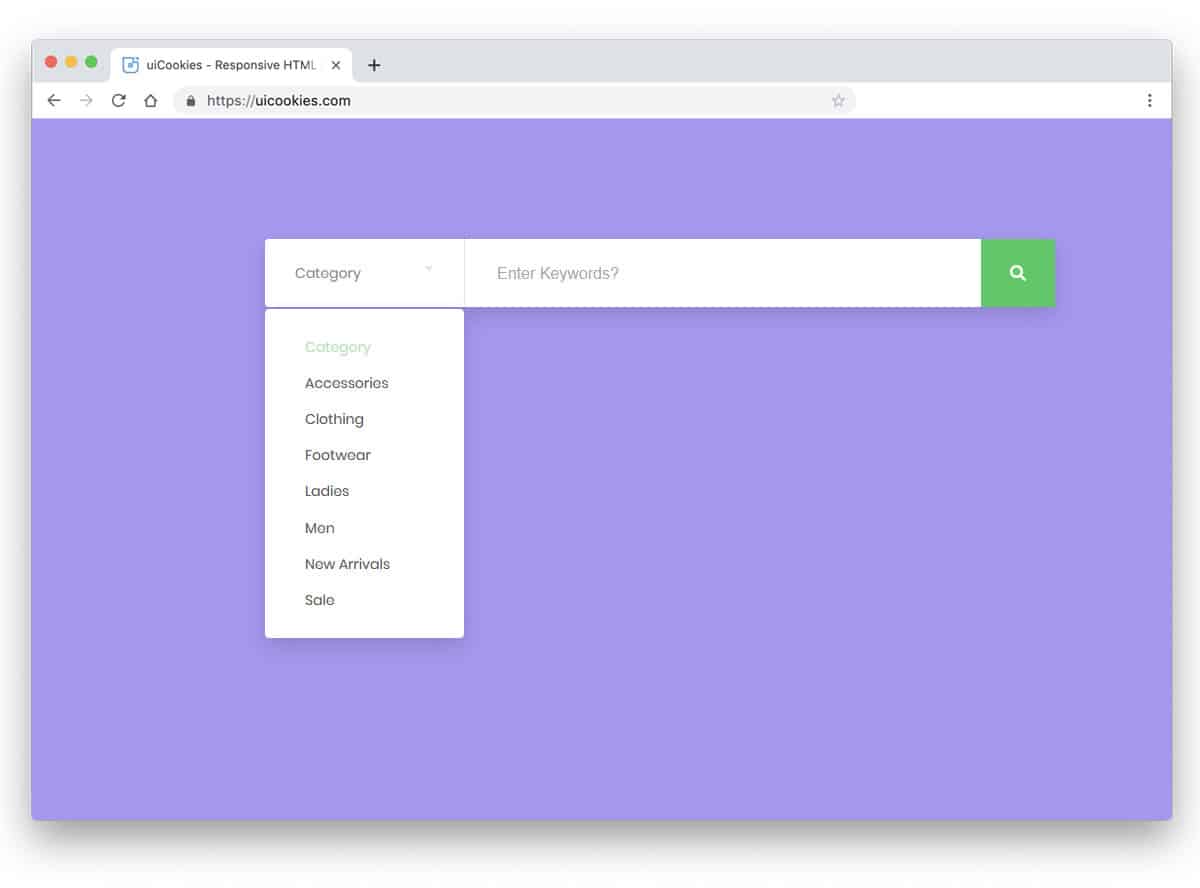
Search Form v3 demonstrates efficient space utilization while delivering comprehensive search functionality through its streamlined, traditional design approach. The template effectively addresses common search refinement challenges through integrated category filtering.
The category selection feature proves particularly valuable in large product catalogs where search terms might return results across multiple product types or categories. For example, searching for “MacBook” could return laptop computers, protective cases, stands, and various accessories. By providing category filtering, users can focus their search results on specific product types, improving search efficiency and user satisfaction. This focused approach reduces cognitive load and helps users find relevant results more quickly, making the template especially suitable for e-commerce platforms, digital marketplaces, and comprehensive product directories.
Colorlib Contact Form

Let’s start with something plain and simple, a CSS contact form by colorlib. Simple, efficient, and professional-looking, this template can be used for any website niche. With spaces for all your users’ contact information, this template is sure to get all the details in order for you. Based on the efficient CSS3 and HTML7 code, the standout here is the striking color it features by default. However, with a few changes here and there can make this as custom as you prefer. The submit button at the bottom also triggers a smooth, subtle hover effect.
Contact Form V1

Moving on to a more creative option, another Colorlib contact form is also a stunner. The design is kept to a minimum, though it is quite attractive to users. The background is a striking, vibrant color, while the contact form is kept clean and simple in white. Contact information can be provided in the sections on the right. The opposite space is used to add a creative icon; you can also add your own custom logo. Pretty responsive and fully functional and ready to use, get everything ready to use at your disposal with this one. A submit button is also placed below, which triggers a smooth color change on hover.
Talking about the simple effects added, each element provides a simple yet effective hover and click effect. The form itself reflects a simple ripple effect on click. The icon zooms in and out on hover and performs pretty smoothly overall. Sure to get a kick out of your audience’s interest, this template is a great way to add that missing element.
Contact Form V2
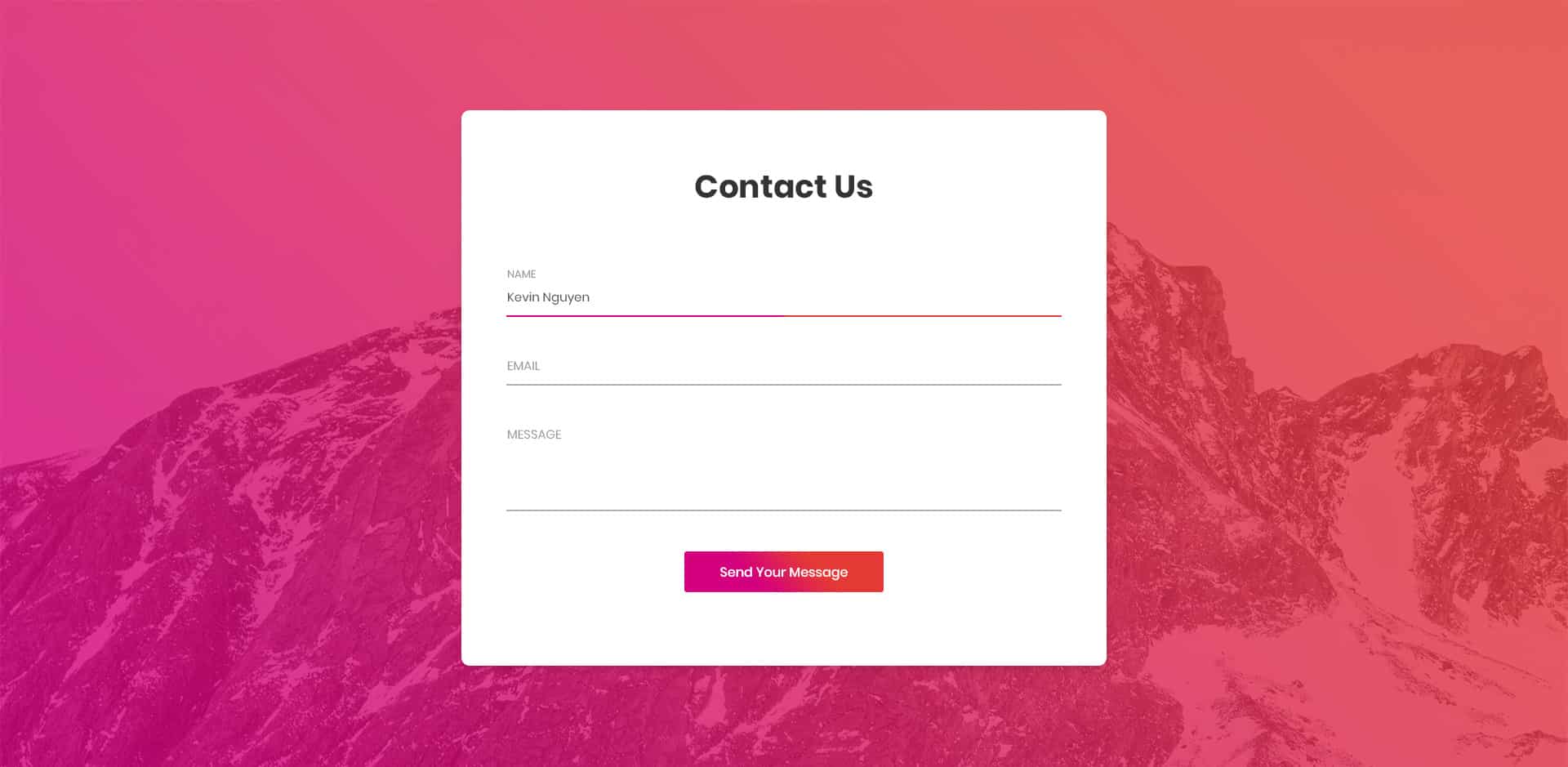
Yet another one by Colorlib: another take on the Bootstrap form templates. Featuring a gradient background and the contact form atop, this definitely stands out. The overall visual is stunning and fully responsive. Created with careful attention to the details, everything about this is pretty awesome. The round-edged form includes options for users to add their name, email, and message. An animated submit button is also placed below to make it easier for your users. Overall, since it relies on professional CSS and HTML code, it is pretty secure and reliable.
Not to mention, easy to customize. The text on the forms also slides up when clicked to make space for users to type. Matching the background, the submit button also uses a similar color pattern that changes when hovered over. Another detail the creator remembered is that the alignment line changes the gradient’s color when users click. Pretty easy to work with, avoid wasting both your time and effort to start from scratch with this awesome template.
Contact Form v3

This option is for those who want to add more than one way to contact the site owner and send a message. Depending on the purpose of the message and the contact information, this particular bootstrap form template option includes two versions of the awesonme-looking CSS contact form. That’s right. And with a simple toggle or radio button on top, you can switch between the two. You can easily personalize both the forms and the recipient details to your preferences. The vibrant contact form lies atop a beautiful scenery background, which is also customizable. The form itself is pretty clean and straightforward, with options to add your name, email, message, and more if you want.
The layout is also pretty responsive, adjusting according to the device screen size and also the form size when switching. The great thing about this is that it even supports multiple-choice options. And the creators have ensured it stays interesting by adding a simple color-change hover effect to the available options. Even the submit button below showcases a similar effect. The selected area is also highlighted with an underline, with its opacity changing when clicked. Multipurpose and efficient, you can pretty much use this template for every website niche out there.
Contact Form V5

If you are looking for a pretty minimal and clean-designed Bootstrap form template, this is another great variation. With a professional outlook, this is ideal for every personal or professional website niche. There are plenty of components that still stand out and make it unique. The form itself looks pretty awesome and comes with every feature one needs. From options to add in all of the details or some with multiple choices and even a fully functional slider, you get it all. Everything about this is ideal for both professional and personal use.
The great thing here is that users can also define the required sections. This basically means the form cannot be submitted unless the required fields are filled in. A simple color palette with black, white, gray, and green is the focus here. And the touch of color upon hover on the submit button, as well as the multiple choices, adds that creative flair. There is even the simple arrow icon, which, as you would guess, slides right when hovered on. Overall, a pretty straightforward design, this template works great for everything.
Contact Form V6

In the creative, efficient CSS contact form designs, there is this Colorlib Contact Form variation. A great way to engage your users, this takes a simple form to a whole new level. With Google Maps integrated and the location map as the background, it starts simply with a glowing email icon. Just that is enough to capture anyone’s attention instantly. However, the icon expands on click to reveal the overall contact form. The contact form includes all the sections required to collect the necessary data. It is delivered with simple features and a clean black-and-white color palette, except for a few exceptions.
It is fully responsive, which means the entire structure looks great on any device. The vibrant pink submit button is the focal point, and the overall animated components follow the same pattern. When hovered over, the button changes to a dark black with the arrow sliding right. To exit, there is also a cross button above to close the form and return to the initial state. Pretty unique concept for any site out there; this surely deserves a mention on our list today.
Contact Form V7

This variation is a simpler option you can choose. Responsive and fully functional, it lets you get started immediately and saves you time and effort to create one yourself. A simple box is provided for users to fill in the details. And there are spaces for all the basics, including name, email, phone, and messages. Simple icons to represent each section, along with the text, are also included for easier understanding. The submit button is the only animated component here, as the creators have aimed to keep it simple. When hovered over, it features a simple CSS gradient transition.
Contact Form V9

This is a more creative or colorful version of a CSS contact form, sure to engage your users instantly. Using a vibrant color palette and smooth effects integrated across all components, the result is, as you can see, pretty eye-catching. This also works as both a Google Maps and a Contact form, with a toggle switch to reveal the option you’re looking for. The form is pretty basic, with the structure created with Material Design boxes. Users get sections for all their details, which the site owners can customize according to their preferences. The fields that are required and enabled showcase a transition to red when left blank. Additionally, the predefined text appears with a cross to cancel the message.
This also offers Google Maps integration, allowing users to view and pinpoint locations in the background. The form can be switched to full map view using the toggle switch above. Another addition is the animated submit button, which uses the classic color change hover effect. All in all, a pretty versatile form template; you can use it for any type of site you prefer. Click on the link below to get a closer look at the structure and description.
Student Login

A unique and creatively designed Student login form, this Bootstrap based form template is an amazingly useful option for you. As the name suggests, this template is designed for educational and school sites. However, because it is flexible and versatile, you can use it for almost any type of website you wish. The appealing look is the first thing your users notice. With a fully responsive build and an eye-catching grid-based layout, it is also built on the powerful Bootstrap framework. This smartly designed form uses the simple approach of adding two pieces of information in the same field for first and last name, making it easier for users.
It features a gradient color effect in addition to the responsive design. The HTML and CSS used by the form are clean and extremely well commented. It is also compatible with all the major internet browsers, making it easy to load. The form includes a PNG image field on the left side and a form field on the right. Whether you want to use it for your educational, corporate or personal sites, it is completely up to you. And the best part is that this Bootstrap form template is completely free.
Shipping form

If you own a manufacturer or company that sells products and want to make the registration process easier, the Shipping form template is the perfect solution. The template is suitable for almost every business niche, including trucking, shipping, logistics, and delivery. It includes all the necessary fields, in addition to the advanced fields. You can use it to collect your users’ details safely and conveniently. What’s great about this is that it is completely responsive and mobile-friendly. The form template loads quickly and adapts to any device screen size. Another plus point is that it is also completely cross-browser compatible.
Built with the professional, advanced Bootstrap framework, it is visually stunning. It is useful and effective to collect and store each user’s data in a convenient manner. The fields included are especially for shipping services in mind. And the overall professional design automatically suits any website design. The simple, elegant design is effective and useful. The template package includes Google Fonts, Images, CSS style sheets, and more. Get the best out of your business with this amazing shipping form template.
Modish Subscribe Form

Built and designed to help users grow their business and audience, Modish Subscribe Form is a creative Bootstrap form template. It is best suited for marketing, promoting, and newsletter subscriptions. Encourage your users to subscribe, join, or sign in. You can even use this template to update users about discounts, promotional notices, latest events, or more. The design is extremely eye-catching and elegant. It is based on the powerful Bootstrap framework, so you get the flexibility you are looking for. In addition, you can enhance the template’s appeal by customizing its elements. It is created to be fully responsive and mobile-ready. This ensures that no matter which device your users are on, the template looks retina-ready. The design itself is simply flawless.
It features amazing call-to-action buttons that will capture your visitor’s attention. In addition, it is integrated with social media networks such as Facebook, Twitter, LinkedIn, and Google+. This gives the user an easy option for social sharing. Extremely effective at promoting you and your business, this attractive form template is surely the best way to start. It is also compatible with all the major internet browsers. Get an amazing range of Google Fonts for you to choose from. In addition, the HTML- and CSS-coded elements enhance the template’s effectiveness. The code used is clean and well commented. The best part is, the template is extremely user-friendly. This means even novices and beginners can use this awesome template without any problems.
Video Login Form

Are you a vlogger? Or do you want to embed video files on your site in an appealing, attractive way? Video Login Form Template is the perfect choice for you. This template, although free, comes loaded with tons of amazing features! But that’s not all, the powerful layout structure, in addition to the creative background, is sure to grab your viewers’ attention. The form template is compatible with video background to keep your users engaged and intrigued.. The elegant, professional outlook it delivers is nothing short of stunning. Adding to all the appeal, the form template is also extremely flexible and adaptable. This means you can use it for almost every website niche. It is also built to be user-friendly and easy to work with.
However, that is not all! This template is also fully responsive and retina-ready! With a retina-ready display, it ensures that no matter when or on which device your users log in, your site always looks flawless. You also get a range of Google Fonts and source files that you can work with. In addition, the login field includes an attractive call to action and an advanced option to remember details. It is also easy to share the form using the enabled social sharing options. In addition, you get an easy login so users can log in with their existing social media accounts. Perfect for all types of websites, boost your profits and expand your business only with this amazing Bootstrap-based form template!
Room Booking Form
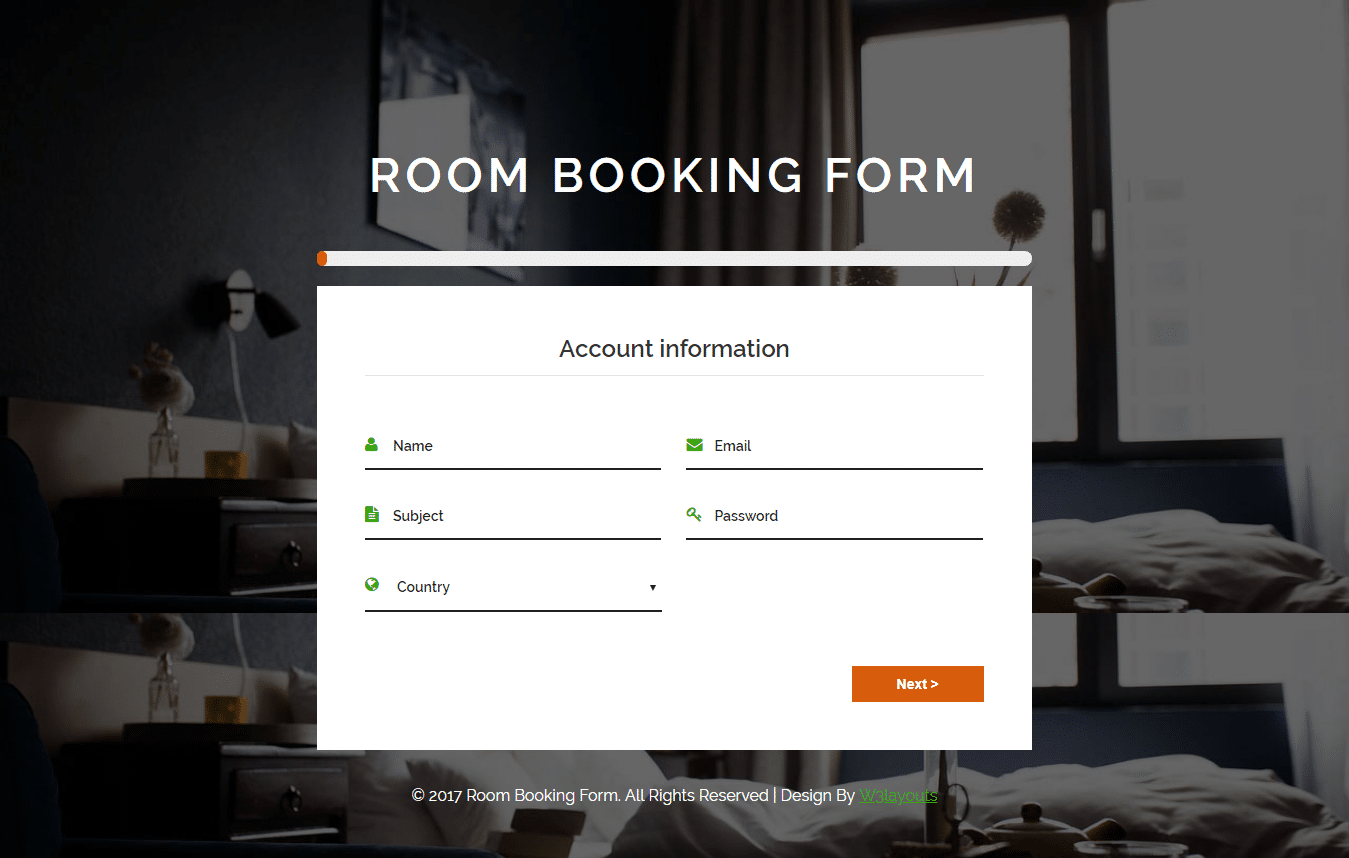
The Room Booking form, as the name suggests, is a template designed specifically for hotels, restaurants, home-stays, inns, and more. Built and created for the owners of such businesses to make registering and booking easy, this template is extremely flexible. You can add this template to sign-up, registration, or booking forms. It is completely up to you. The design is creative, stylish, and professional-looking. Built with the powerful Bootstrap framework, it delivers the standard they are searching for. Promote your business and effectively grow your audience with this free-form template. It includes all the basic fields you might need. In addition, the template is fully responsive and retina-ready. Thus, no matter which device your users prefer, the template automatically adjusts to their device screen.
You also get a range of stunning Google Fonts. The form also displays an attractive background image that complements the look of the room booking websites. The easy-to-use form template is also easy to set up. It is also completely cross-browser friendly. In addition, the HTML and CSS used to add elements are clean and commented. This ensures that you can easily edit any elements in the form. What’s more, the advanced template package includes a progress bar that automatically slides to show how far the form has come!
Emporium Registration Form

With a creative and unique design, Emporium Registration Form is one of the perfect Bootstrap form template for you. Your customers can easily log in to your website with this widget template. It is best suitable for eCommerce websites. You can display pop-ups for the registration and login forms using this widget template. This widget template also includes social icons that let your customers log in or register a new account using their social media accounts. You can also change the background of the login page based on the type of website you have.
You can add a lot of elements and features to your website with the help of the Emporium Registration Form. It has been based on HTML5 and CSS3. So it has a very responsive design compatible with all screen sizes on any device. This is always a convenient feature for your customers on your website. It is also cross-browser compatible. So, you can use it on any type of web browser of your choice, too. To make the text of this widget template more attractive, you can use a wide variety of Google Fonts, too. This is a form widget template that can be used for any type of website you want.
Hashrey Coming Soon

A widget template with a clean, elegant design, Hashrey Coming Soon is perfect for creative ideas, agencies, eCommerce, photography, and more. The main purpose of this widget template is to be used as a maintenance page. But you can also use it as a form template. It has several great features and elements you’ll want for your website’s forms. First, it has a beautifully crafted countdown timer for your maintenance page. Along with it, there is a subscription form where your website viewers can submit their email addresses. They can then be notified of the launch via email as soon as it is available.
Hashrey Coming Soon is also a fully responsive Bootstrap form template. It can be used on any handheld device, like mobile phones and tablets of any size. It is highly adaptable and flexible, too. You can use it with any of your favourite web browsers without affecting the website’s performance. It is entirely built with HTML5, CSS3, and jQuery. It is also social media-friendly. If your audience likes your website, which they definitely will with this template, then they can share it through their social media. This is a great package that you should check out, especially if you are looking for a form widget template.
Matrimony Login Form

Are you a marriage counselor or a wedding planner? And are you looking for a Bootstrap form template for your matrimonial website? If yes, then the Matrimony Login Form is the best widget template for you. It is especially designed for matrimonial websites. So this template has all the features you’ll ever need for your matrimonial website. You can also use its login form for any type of website. Starting with the appearance, it has a beautiful default background of a married couple. The background itself is very attractive to look at. So it will catch the attention of many clients on your website.
The login form for username and password in this template is also well designed, which maintains transparency for the background image. This also makes your website look very beautiful. It is developed primarily with elegant design and maximum functionality in mind for your website. It is developed extensively using HTML5 and CSS3. By using this Bootstrap form template, the success of your website, agency, or business is guaranteed to be boosted. On top of that, it also has a responsive design. So, you can use it without any problems whatsoever on any device, of any size, and in any web browser.
