


One of the most common things you see on a website is its buttons. Buttons are primarily used to perform specific tasks, such as sign-ups and logins. They are also used to redirect the button to other pages or to different sections of the same page when clicked. They are mostly developed with CSS. As we’ve already mentioned, these CSS buttons are also quite useful. They are one of those small details that can make a big difference on your website.
The CSS buttons have important tasks: redirecting users to another page or staying on the same page. So, you must ensure your CSS button has beautiful details. A small touch of animation on the button can greatly help your website. These CSS button animations can be eye-catching for your users. You can also attract a lot of users with these buttons. So, we have listed several of your website’s best CSS button animations. All you need to do is find the correct location on your website files and add them. So today, here at uiCookies, we have collected quite a list of creative CSS button animations for you to try out and implement! Check it out for yourselves!

Download Button Animation
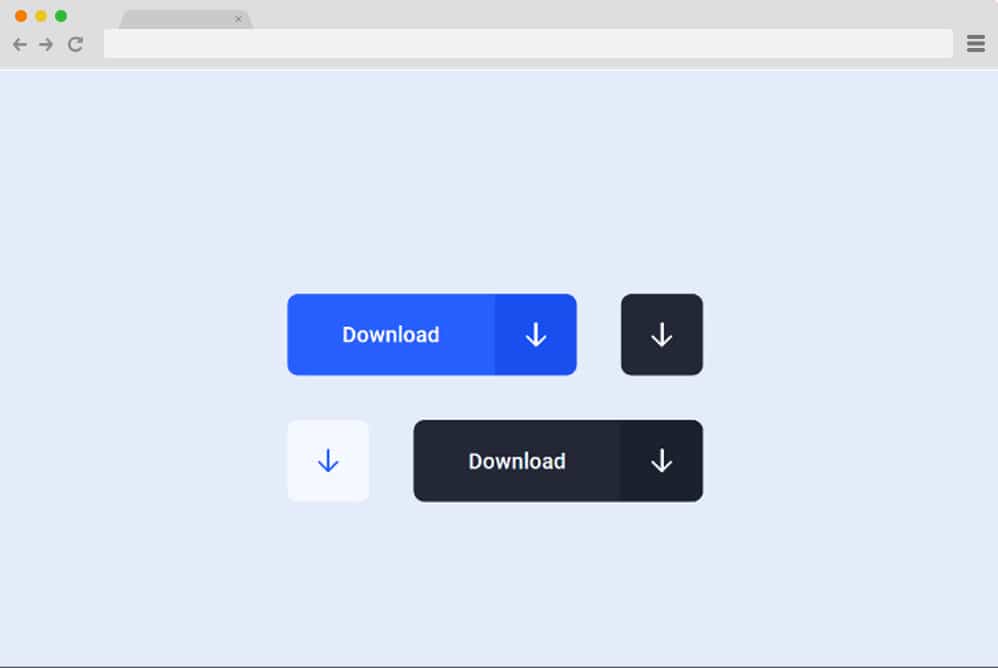
On top of our collection of the best button animations is this amazing example by Aaron Iker. Based on advanced CSS, HTML, and JS, here is a collection of creative, style-based animations to keep your users engaged. There are 4 different styles and 2 unique depictions to try out. You will find options for buttons, including animated icons, and two that also feature animated texts. When a user clicks the button, it is animated in a very innovative way to show the download progress and let users know when it is complete. Even the color schemes animate smoothly as the download completes. And if you are looking for the exact effect on your site, why not take a closer look at the overall code structure via the link below?
Download Button Animation

Another one, professionally crafted and engaging to the eyes, is this download animation button by Denis Pasko. Clear with the intent, this can be used for any download button you implement on your site. Not everyone is entertained while waiting for their file to download. Thus, this creative addition to a download button is definitely the way to go. While it runs pretty smoothly, it offers a sophisticated animation to denote the ongoing download.
When your users click the button, it basically showcases the entire process of downloading from start to finish in an interesting way. The creator has used a variety of effects and animations to create even color and gradient changes in a creative way. Thus, the end result definitely stands out.
Trash Button Animation

Another purpose-oriented CSS button animation is the trash button animation by Aarok Iker. Here, using simple gestures and symbols, the creator has made the message clear about what it denotes. It starts as a simple delete-item button that, when clicked, shows a file being shredded and trashed. After completion, the button reverts to its original form. Visually smooth running and to the point, the smallest details with the symbol and movement, and even the shadows and hover effect, are what stand out. Ideal for all kinds of sites, this template is a great way to add that creative touch.
Submit Button Animation

We have the download button, trash button, and simple button, so next in line, we obviously have the submit now button. This is a great way to drive engagement on your site through submissions, whether for newsletter subscriptions, contact forms, or more. Apart from the vibrant, eye-catching color scheme of the button, the animated section is definitely another standout. This CSS button animation is pretty smooth and showcases the motion of sending or submitting something in a quite interesting way. When clicked, the paper plane icon revolves around the button, morphing into a tick to indicate completion. Pretty simple yet sophisticated, why not take a closer look at the code snippet and live animation yourself?
Activate Button Animation
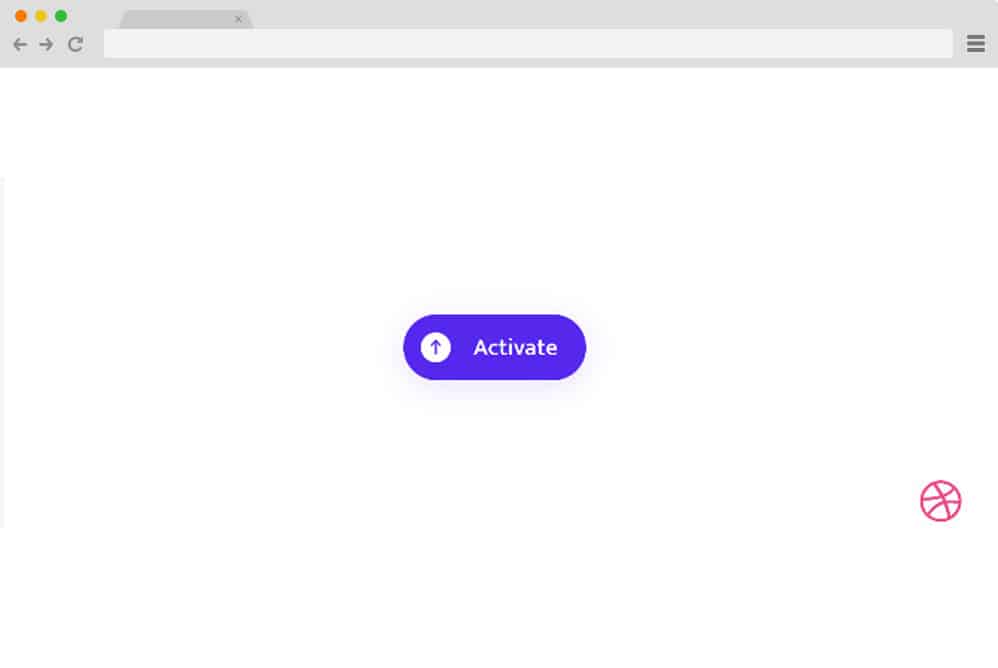
Another advanced animated button animation we have in line for you is equally smooth-running and visually impressive. As the name pretty much implies, this button is intended to be used as an activation button. However, with just a change in the text, you can pretty much use it for other actions like downloading, deactivating, or any other action. The creator here has used a simple, round-edged button, but the animations, powered by JS and CSS, take it to the next level. You can see the motion progress when clicking on the icons and animated loader, as well as the text change. Each layer of code is pretty clean and well-organized, and you can view it in depth at the link below.
Great Button Animation

This is a simpler version of the button animation and is based on the action of hover. And it is also a pure CSS example, which means there is no extra dependency on JS. Simple, minimal yet creative, it features a 2D based animation that is super appealing to the eyes. Great for someone starting with the codes and wants to try something simple yet creative!
Pure CSS Button Animation
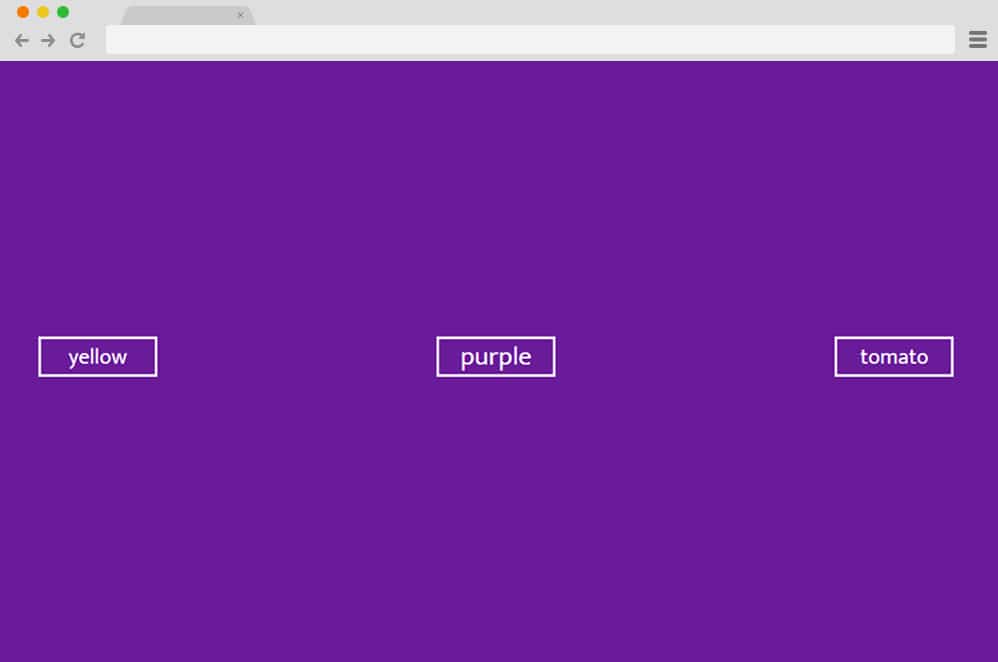
Pure CSS Button Animation is a CSS button animation made by Charlie Marchotte. It has a beautiful animation that plays when you hover your mouse over the button. A faint animation is visible just outside the buttons’ outlines. This way, your users can identify the buttons once they hover over them while navigating your website. In the demo given, you can closely observe this. When the button is pressed, text randomization can also be seen, which can increase users’ curiosity while using your website.
CSS Button Animation by TomMcPadden
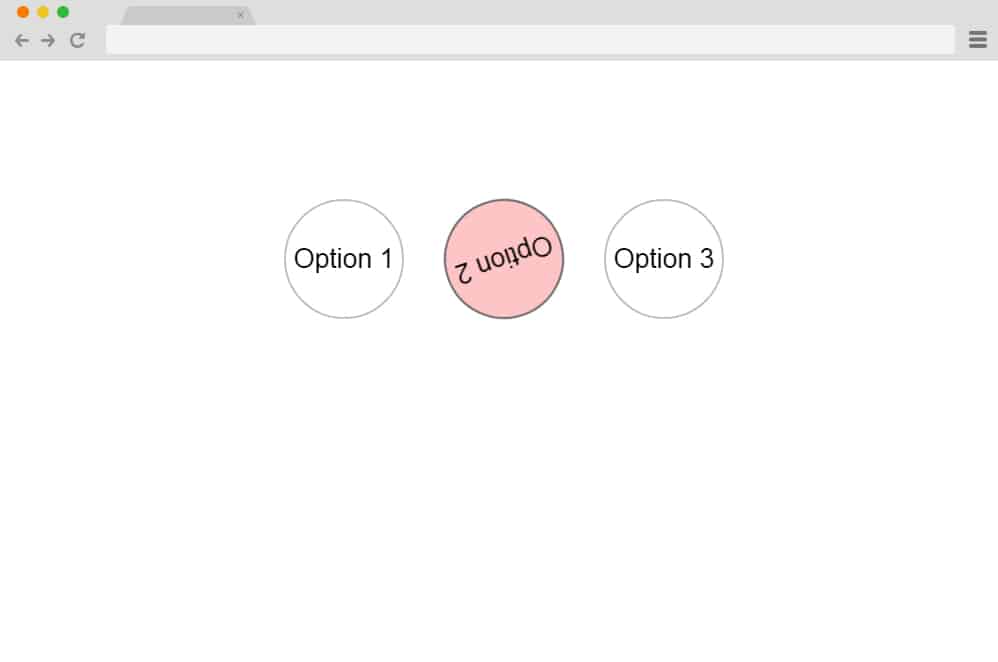
CSS Button Animation is a CSS button with animation made by TomMcPadden. It uses rotation or spinning animations on the buttons. When you hover your mouse over the button, the button text starts spinning. This gesture or animation is very intuitive, and your users will surely recognize it as a button once the mouse pointer moves over it. You can also include multiple buttons on your website with different color schemes. This can add some more noticeable elements to your CSS button.
A fancy button
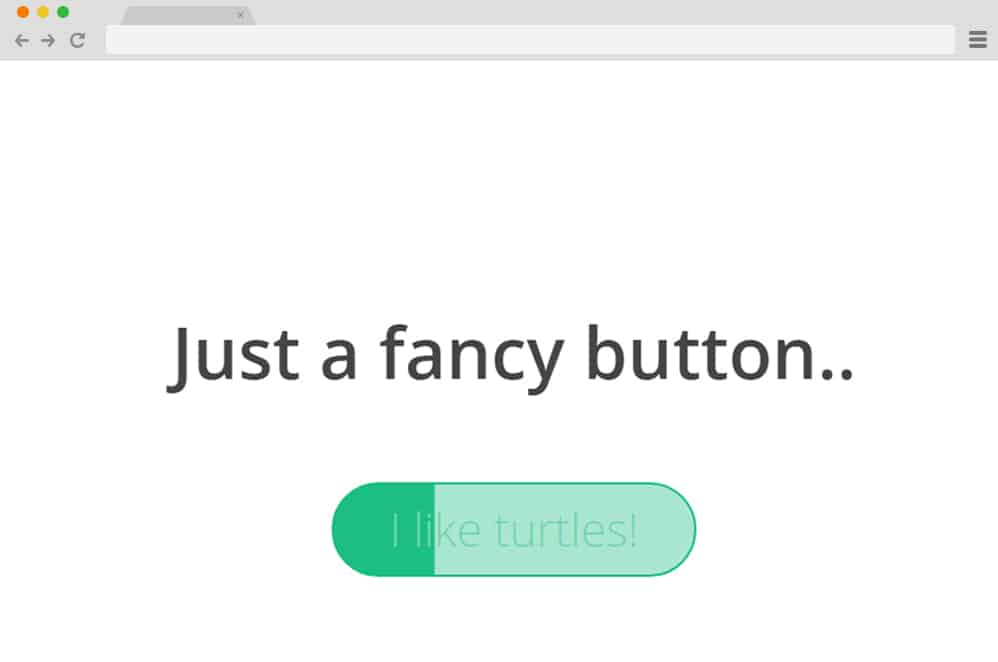
As the name implies, A fancy button is a CSS button animation to give your CSS buttons a fancy look on your website. It has a very simple design, yet it will be visually striking for most of the users of your website. You can see the animation by hovering the mouse pointer over the button. A smooth, simple slide animation of a color change in the button can be observed. It happens when the color suddenly slides across the button. It’s nothing that complicated. But it can make a huge difference in catching your website users’ attention.
CSS Button Animations by Alex Loomer

This CSS button is developed by Alex Loomer with many customization options for your CSS buttons. You can select your CSS button from 7 different animation styles. All these CSS button animations are specifically designed to give you the best smooth and well-functioning animation for your CSS button as possible. The first one includes a button with a paper plane animation. Once the mouse pointer is placed over the button, a paper plane animation appears. Similarly, there are other buttons with different animations, such as sliding from the left and diagonally. You can also use the button animations with a fast-forward icon in this CSS Button animation.
CSS Button Animation by Sasha
This CSS button animation, created by Sasha, adds a really nice-looking flavor to your website. It is a pink button with a white background, which can look really attractive on feminine websites. You can get a lot of attractions on websites like these with the help of this button. However, it can look really good on other websites as well. There are no animations when you hover over this button. But once you click it, you can see that the whole upcoming page will appear with a zoom-in animation. This can be a potential attention grabber for website visitors, helping them get hooked on the next page as well.
CSS button animation by Surendra
If you want a button on your website to notify someone of applying to something, this CSS button animation can be perfect for you. It is a button made by Surendra for this specific purpose. It has an apply button that, when clicked, changes to a smaller button. Here, you can also display text with the title applied. In this way, your users can also know that the processing is done for whatever they have applied for. Although it is specifically designed for application, it can be easily customized for other uses. O, it can be used for any of your websites, depending on your needs.
CSS Button Animation Using Native Custom Properties
Using the native custom properties, this CSS button animation has been developed to create an awesome animation for your website button. It features a sleek animation on the button that automatically expands it into a larger, elongated button. This animation plays when the mouse pointer hovers over the button. The button at the initial stage is circular. But once it comes into contact with the mouse pointer, the button elongates into a rounded rectangle or oval. The button’s color also changes when its shape is transformed during the animation.
CSS + SVG Button Animation

This CSS button is developed by combining it with the SVG. So, it can provide you with many benefits by adding an additional SVG in CSS. This is a button created by Clement that changes its animation using three different transitions. Initially, the button is white. It then closes the button area, leaving the whole area uncovered for the particular. Finally, an outline of the button is observed, starting from the bottom and the top. Both outlines of the button then meet together from the top and bottom to complete the button with a different fill color.
SVG CSS Button Animated Stroke
Here is another CSS animation button that can be used with SVG, making the buttons on your website more attractive. This rectangular button uses animations for its outlines. You can easily view the animation once you hover over the button with your mouse pointer. The animation starts with an anticlockwise rotation of the outline. It starts with the bottom portion of the button. It then continues with a round of anticlockwise spin. And finally, the bottom portion of the outline is then observed in its original position. With the help of this button, you can easily add a fancy yet simple animation to the button on your website.
CSS Button Hover Effect
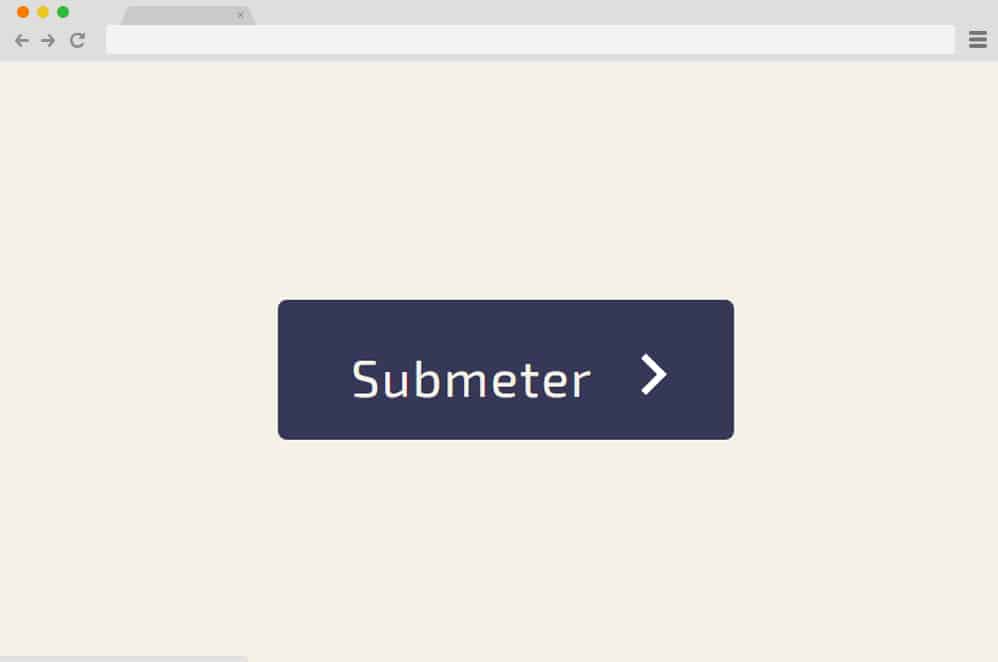
CSS Button Hover Effect is a CSS animation that lets you easily add a button animation to your website. It uses three different animation transitions for your website button. When you hover your mouse pointer over the button, the text initially slides a bit to the side. The button’s color also changes from light to dark. At last, a closing angular bracket is observed immediately after the button text. This bracket closes and serves as an arrow indicating the direction the user must follow. A perfect example of it can be the next button or continue button.
Pure CSS Button Animate

If you want multiple animation variations on your website, Pure CSS Button Animate can be perfect for you. It is a CSS button animation where you can find four different animations for each individual buttons. There is a button animation that lets you fill the button with a specific color. The new color appears from bottom to top on the original button color, as if a liquid is being poured into a container. The text color is also inverted, the opposite of the button colors. In the next button animation, the text on the button rolls downward, then reappears from the top to its original position.
The third button animation consists of zooming out of the button and disappearing. It keeps zooming out until only the text is left on the button. Finally, the last animation transition is the simplest of them all. The button background color changes completely to a new color once you hover the mouse pointer over the button on your website.
Pure CSS button animated by Victor
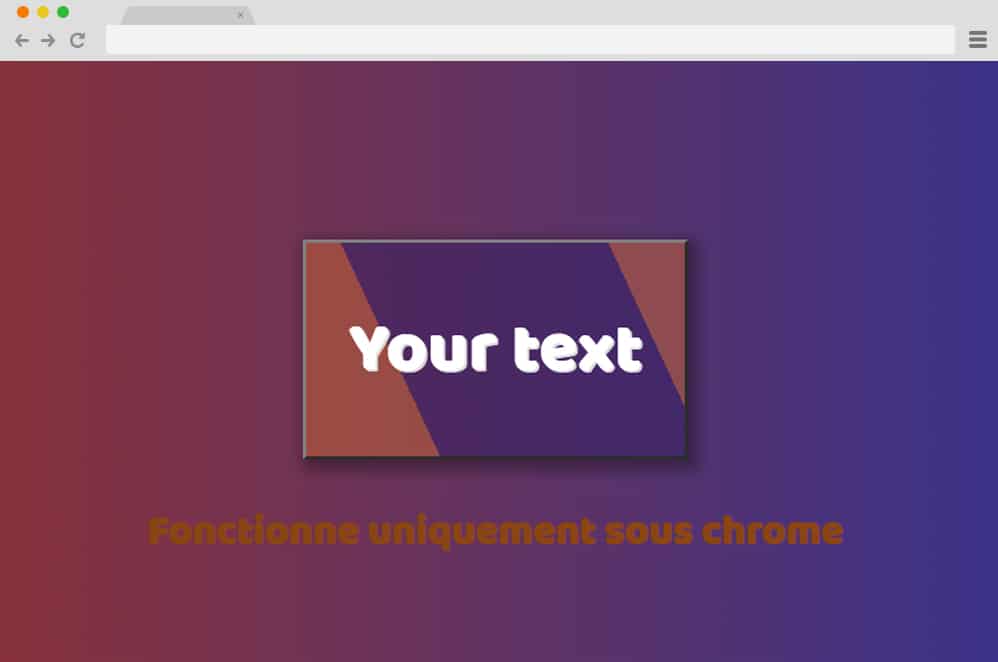
This CSS button animation is among the most distinctive. It has a very large button and an intuitive animation that will definitely catch the attention of a lot of you. website visitors. Once you hover the mouse pointer over the button, the text color changes first. Then the button’s color gradually changes to another color, starting from each opposite corner. This continues until the button’s color is completely filled with the new color. This is a large CSS animation button in comparison to other buttons. So, this button is guaranteed to be noticed by many website viewers.
Pure CSS Button Animation by Bonnie
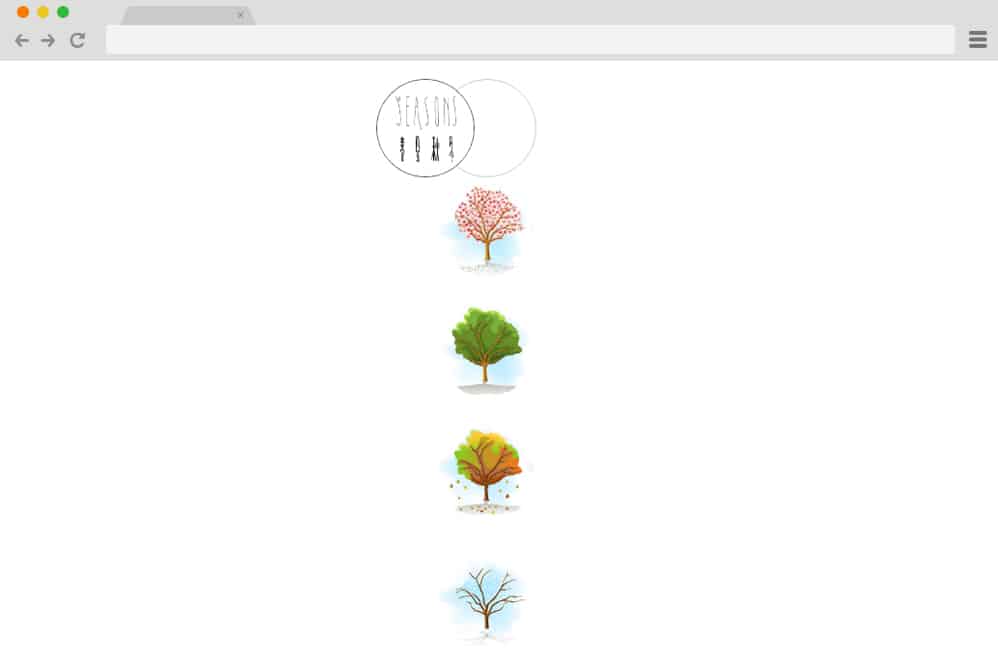
This CSS button animation, created by Bonnie, is unique and amazing. You can easily highlight the button on your website with ease. Furthermore, it is sure to be noticed by a lot of your audience as well. In the example given of the demo, it is shown with the resemblance of seasons. Here, the buttons for the different seasons are displayed when you hover over them. The Pure CSS Button Animation helps you showcase your buttons for seasons with a vertical animation. Here, the buttons are presented gradually from top to bottom with a fade-in animation. Similarly, you can use this button animation for any purpose that has a specific category for a specific title.
The button is clearly designed to give your website a very attractive, smooth-navigating design.
CSS button animation by Deepak K Vijyan
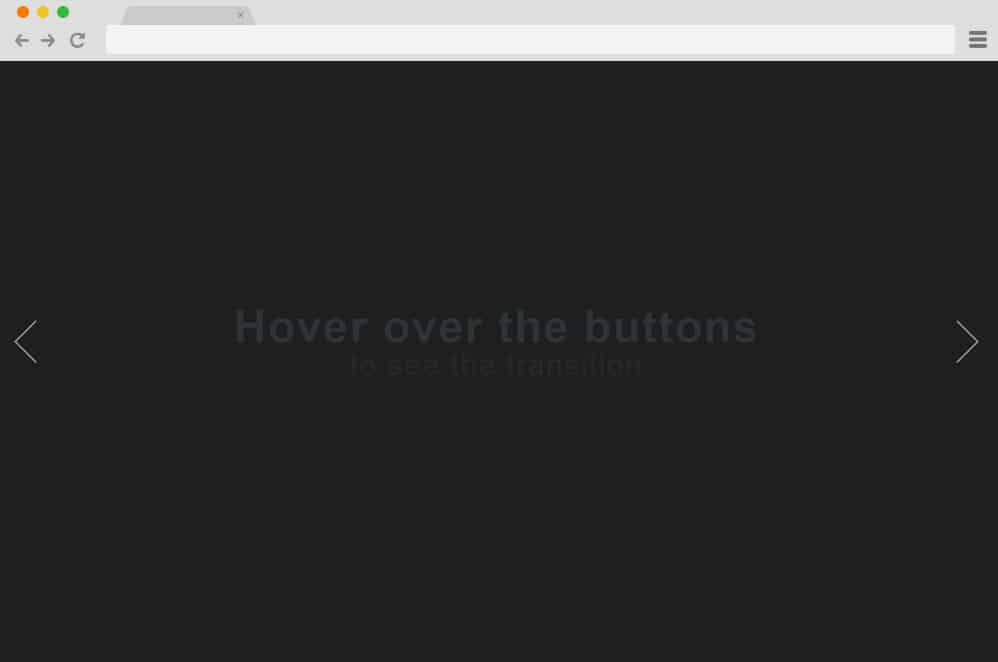
CSS button animation by Deepak K Vijyan is a CSS button animation that can be used for your website button for almost any purpose. But, it can be most suitable for header content or header slide shows. You can view the animation transitions using the arrow buttons at the ends of the window. Once you hover over them, they elongate slightly, giving your button a fairly raised appearance. You can easily change the slides on your website using this button. These CSS animation buttons can be used to change the slides on your header slideshow.
Pure CSS Button (animation with clip-path)
Here is another CSS button animation that highlights the important buttons on your website. This button can be used to provide your website readers and visitors with additional information on any content. This content includes the ones that are quite large and long for the website. Sometimes, you might need to hide the content on your website to improve load speed or save space on a particular page. You can add the Pure CSS Button (animation with clip-path) button anywhere on the website you need for this purpose.
This CSS button animation has a very simple design. You have a text in which it is written: “Learn more”. Besides that, there is a small circle. Then, right after that, there is an arrow at the end. Both the text and the arrow are linked inside the single circle. It has a very simple yet intuitive animation for your website button. When you hover the mouse over the circle, the circle moves automatically towards the end of the arrow. Once the circle reaches the end of the arrow, the head of the arrow is changed into a dot of a similar size. The dot is then covered with the circle.
CSS HoverOver Slide-in Transition
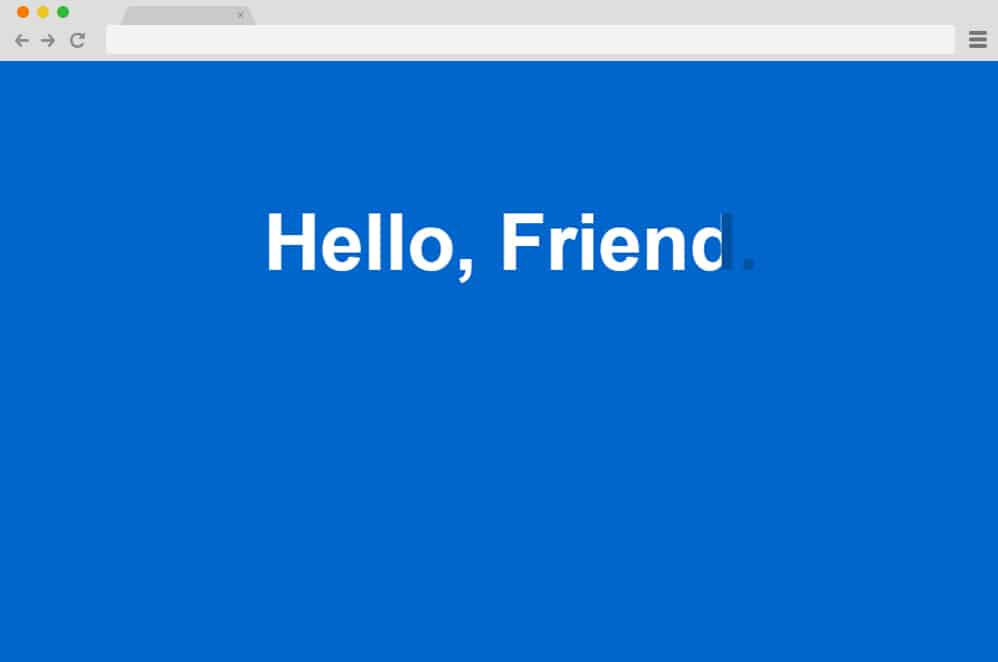
Here is another CSS button animation with a unique, simple animation applied to the text itself. It is unique than other buttons because there is no separate boundary allocated for the button. The CSS HoverOver Slide-in transition uses the text as the entire button for your website. However, it is no slouch when it comes to eye-catching appearance, with some of the simplest and most amazing text animations. When you hover the mouse over the button on your website, the color of the entire text changes.
Initially, the button consists solely of text, with no boundaries or specific color. But the animation on the button consists of the color change. This color change appears with an animation transition from left to right. The color change cursor is moved vertically along a line from which the color of the button text starts to change.
Pure CSS Button Animation by Alison Yoon
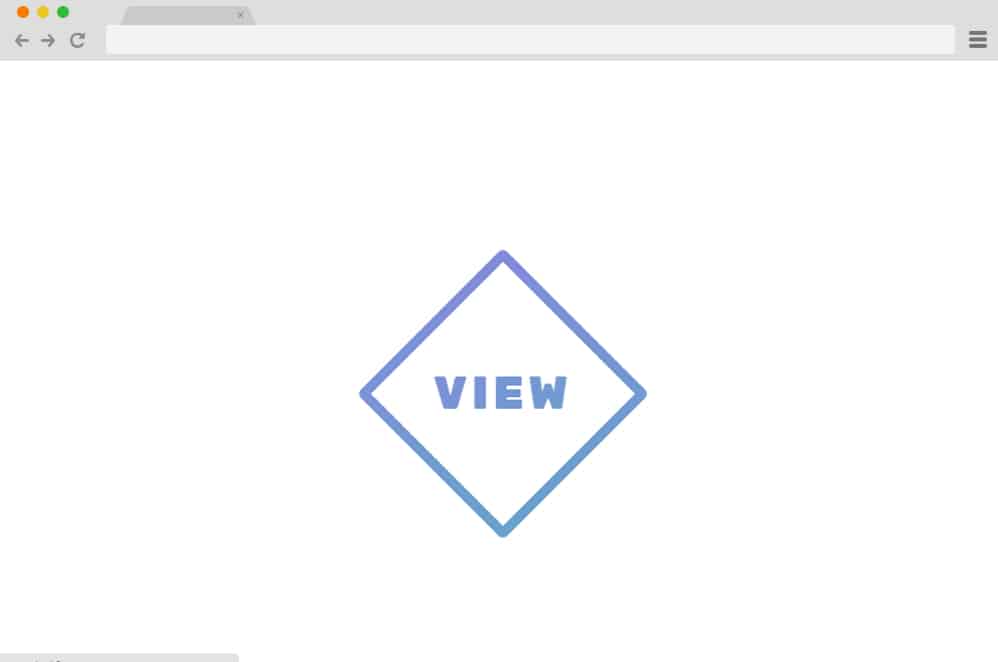
This CSS button animation, created by Alison Yoon, is suitable for any purpose on your website. It is a square-shaped button to add the texts in the center. The outline of the button consists of a very trendy color. The text color is also the same. A tiny detail can bring a very large light on your website.
Similarly, this can add a very good, visually compelling design to your website. Even though it’s just a button, it can affect the appearance of your website by a huge margin. But adding this button can surely attract a lot of audience.
In this CSS button animation, the square is rotated to about 45 degrees when the mouse pointer hovers over the button. The button can be displayed as a diamond rather than the original square shape. However, the button text remains unchanged.
Animation with cubic Bezier

This is a CSS button animation that can be easily classified as one of the classiest. The animation using cubic Bezier curves is certainly one of the most phenomenal animations of all time. The outline shape of the button is a rectangle. Inside the rectangular shaped button, you can add the text that can describe what the button does. The outline of the button is very thin compared to its text. But this is one of the elements that makes the button so unique and eye-catching. You can link the most important service or purpose of your website with the help of this button. Your website visitors will surely notice this button and click on it.
The animation of this CSS button is very well-made and smooth. It has two different animations occurring simultaneously. One is for the text and the other is for the button outline. When you hover over the button, an outline disappears with a zoom-in transition. The outline slowly fades out as it keeps enlarging. Once it is completely faded out, the button outline seems to be no longer visible. But this transition doesn’t affect the text at all. For the text animation, only the text color is changed, gradually blending into a range of colors.
Add to Cart CSS Button Animation
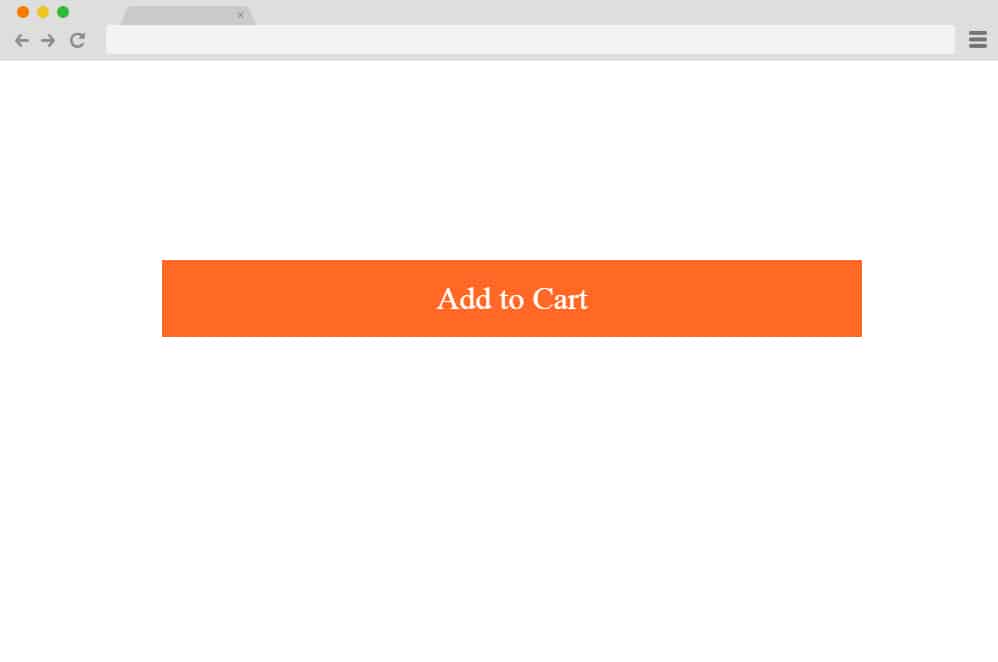
As the name suggests, the Add to Cart button animation can be a perfect fit for your e-commerce website. You can easily add the button to your add-to-cart section. Most add-to-cart buttons consist only of text and do the job when clicked. But this CSS button animation is quite different. It has an animation to start with, which most add-to-cart buttons don’t. They are very simple and lack the element to attract the attention of the website visitors. But with the help of this button’s animation, they will be assured that you have an online store of good quality.
When you hover the mouse over the button, the button gets darker from left to right, with a vertical cursor. However, the text is not affected by this animation at all.
Button transition
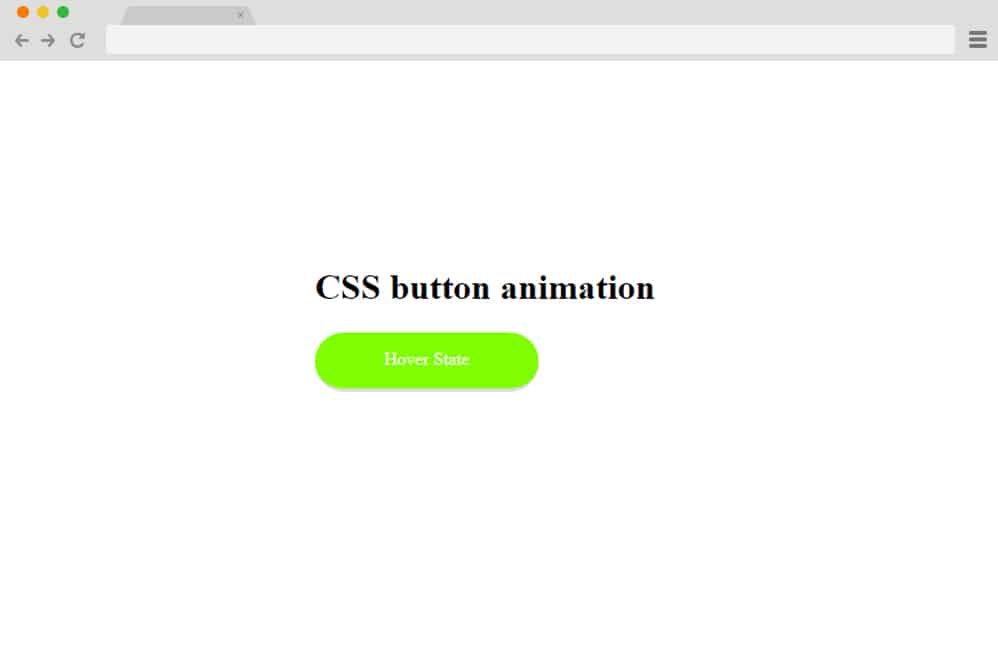
Button transition is one of the simplest CSS animation buttons available for your website. But you should not get fooled by its simplicity. Its animation packs a very big punch that can be very satisfying to your website visitors. It has two states of animation. One is the initial state. The other is the hover state. There are no animations in the initial state. Once you hover the mouse pointer on the button, it enters the hover state. The animation is seen in this state. The button’s color gradually changes to another. The text also changed. The original text is pushed outside the button upwards, and the new text is pulled in from the bottom.
Flush Button
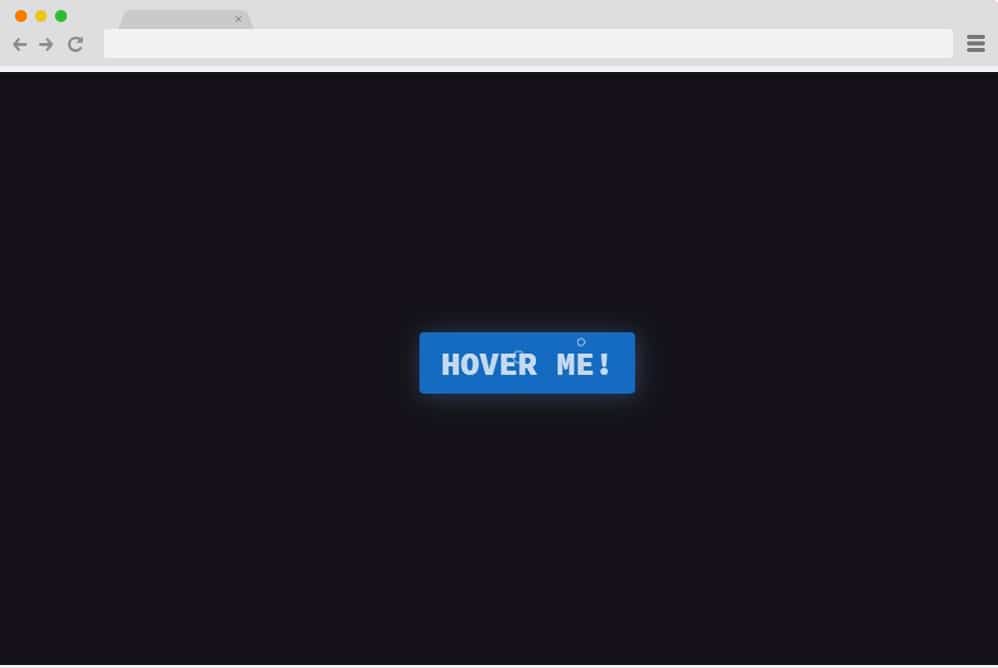
This elegant CSS button animation features a unique-looking button that is sure to keep your users engaged. It starts out as a blue colored button with animated bubbles in the background with text inside. When hovered over, the inside transitions to replicate a tank flushing out halfway. This is probably what inspired the design and the name itself. The whole design is based on an HTML and CSS structure that’s pretty straightforward. Use of a plain background also makes the button stand out. It is also responsive, which means it adjusts its size to the device’s screen.
Animated Add Remove
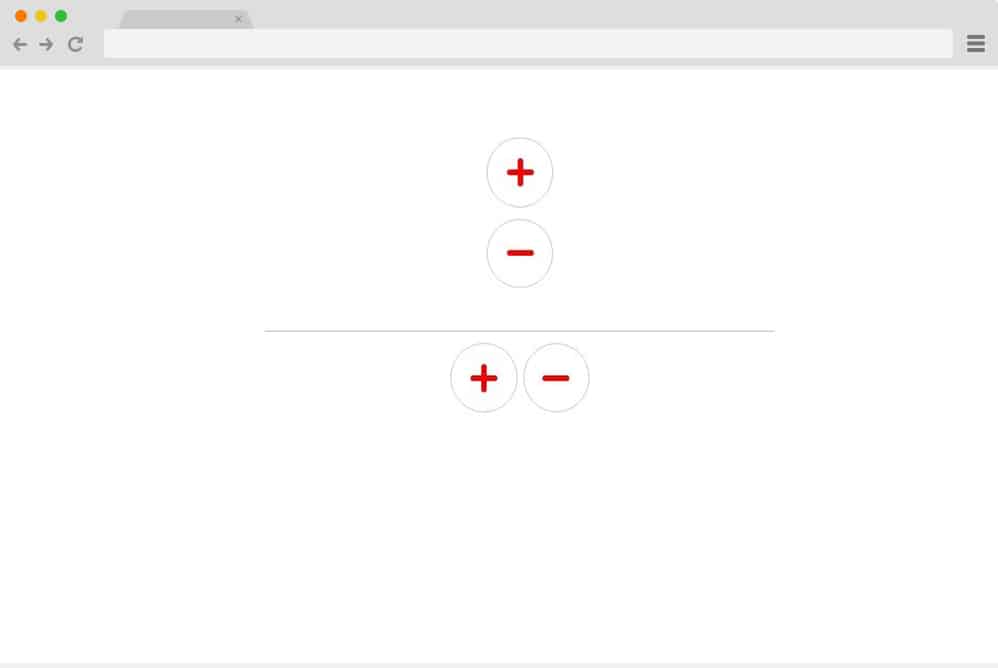
In this particular design, the creator has used simple and minimal aspects with the styling and animation as well. Using just CSS and HTML, this design is as professional and simple as possible. There are various animated element here that makes it super engaging. It starts out as a simple button, each with a plus and a minus sign. When hovered over, the circle expands to a box to reveal the text inside. Even the color pattern is minimal, with just red and white. This is also fully responsive, meaning it adjusts to the device’s screen size. All code snippets are available with the demo; just follow the link below.
Hover Me Pill
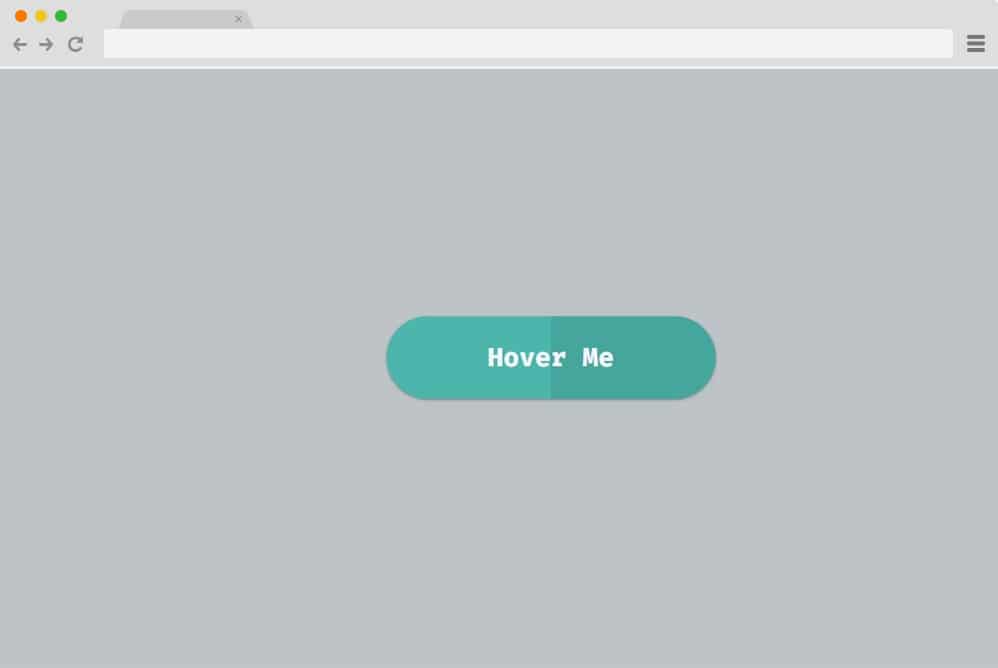
This is a more sophisticated CSS button animation, creative and versatile. It features a simple pill-like button that features a split color palette and text inside. When hovered over, the button changes color completely and reveals various social icons in place of the text. Furthermore, the icons use zoom and bounce hover effects when the cursor hovers over them. The fonts used are also unique and add to the appeal. As it relies on just CSS and an HTML framework, it is also easy to work with and understand. Pretty creative and visually amazing, this sure deserves a mention here on our list today.
Fancy Hover Animation
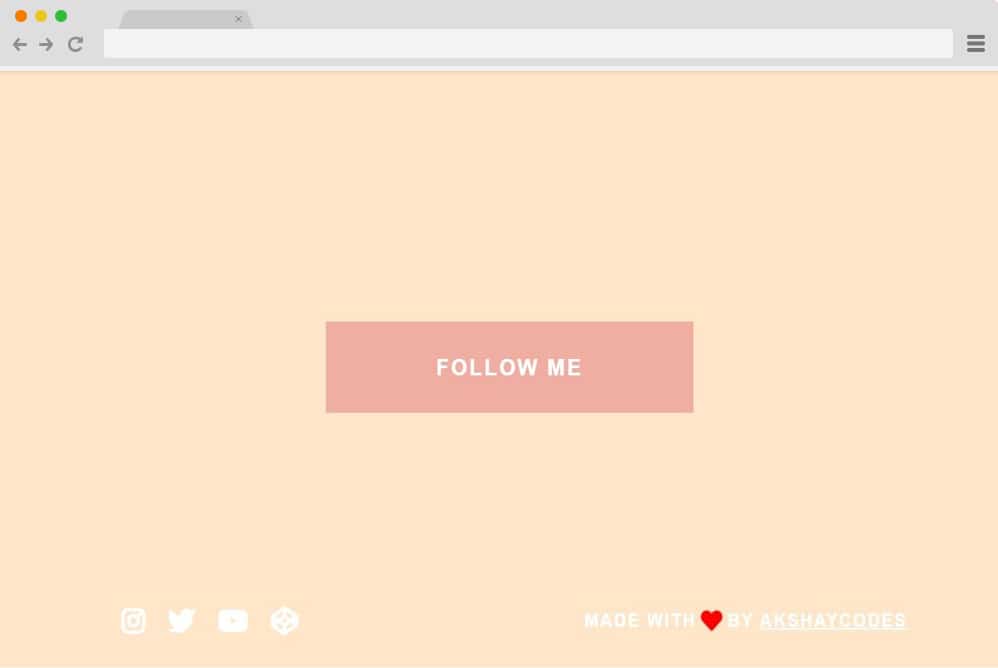
This is another variation of the design mentioned above. It, too, starts as a simple rectangular button with text inside. When hovered over, it transitions to a lighter shade and reveals various social icons. These icons are also designed to trigger a hover effect when the cursor hovers over them. It changes the color from milk white to purple to highlight the selection. Overall, pretty straightforward, you can pretty much use this for any type of website out there. It is also responsive and fits every device screen size effortlessly. Simply follow the link below to get a full view of the code structure.
Button Love
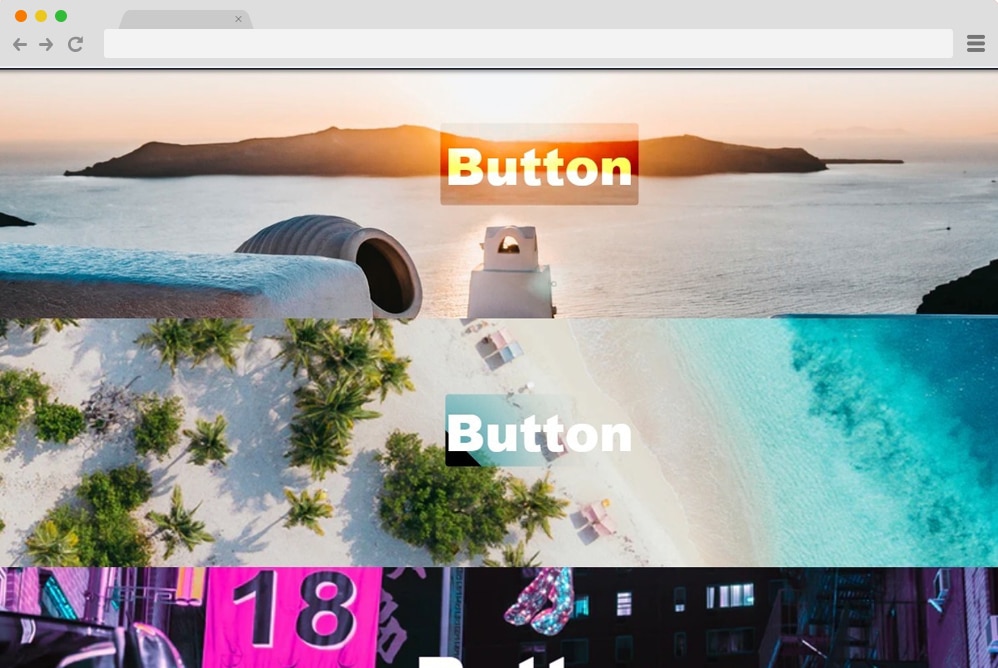
Punit Chawla presents another great example of CSS button animation with his take on the effects. He has showcased three variations here, each differing vastly in the button and hover effects and even the overall approach. The striking background is what stands out. And to add a more creative touch, the buttons are super stylish too. The first button expands the border while the inside lights up. Pretty interesting to see. The second one features a more sophisticated shape transition, which is amazingly smooth. The last one is the most creative of all, with the button rotating and flipping engagingly.
Button 2
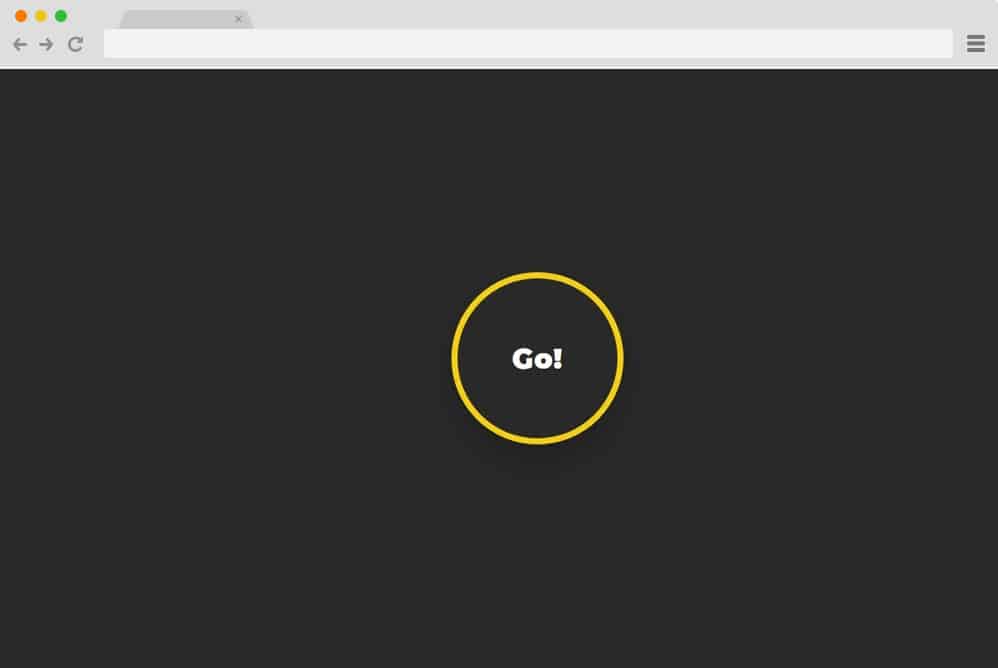
Last but not least, we have these simple CSS button animations for you. Fully relying on HTML and CSS, it is easy to replicate and personalize to your preferences. It features a simple circle that animates to shrink when hovered over. To make it a bit more interesting, various other animated elements are also added to reveal when hovered over. The text, however, stays intact. Simple, minimal, and professional-looking, this sure is another awesome way to get started right away.
