

With the addition of new and creative elements on a website daily, tons of innovative and unique concepts are implemented. And adding stylish hover effects onto buttons using CSS is one of them. Most websites have now adopted not only stylish buttons but also hover or click effects. Thus, it is now considered a staple or essential interactive element on a site. And who doesn’t love the extra touch that elevates the experience for visitors?
But it is not so easy to develop a concept on your own, even if you are a professional. So, for those looking for examples and references to get inspired, you are in the right place. Today at uiCookies we aim to make a collection of amazing CSS button hover effects for our users to enjoy.

Button Hover Effects By Ritchie Jacobs
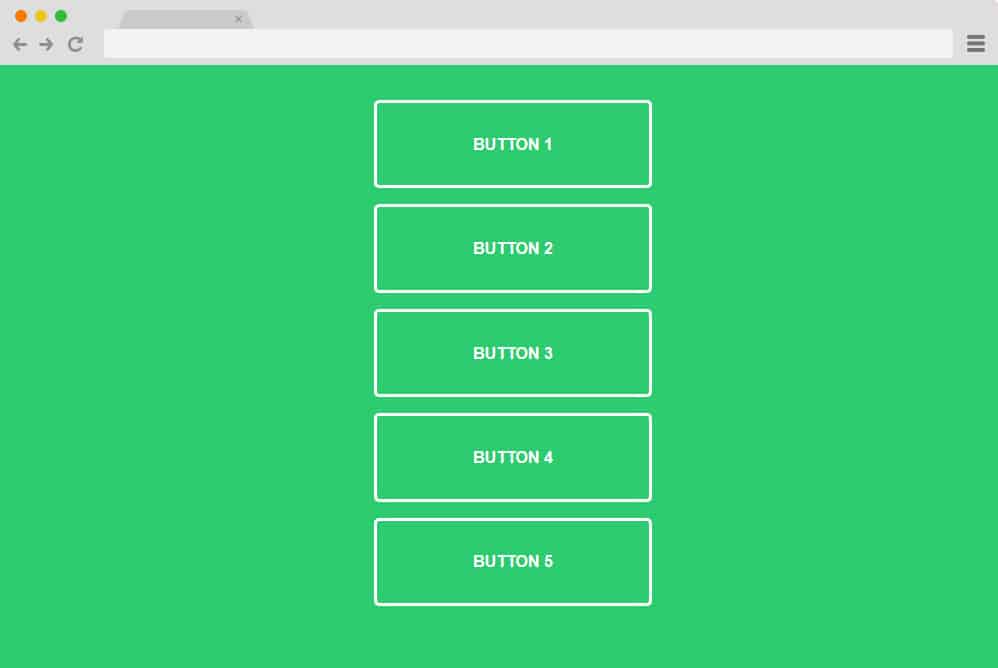
On the top of our list of the best inspirations for CSS button hover is this example by Ritchie Jacobs. For someone who wants to learn the basics and deepen their understanding of the code, this is a perfect start. Here, you have not one but 5 different animated hover effects with simple animations. Each of these is the basics and uses just CSS and HTML codes to achieve the results. Depicting the selection with the color fill, all of these vary in the direction and motion they feature. Overall a pretty great way to either learn or replicate or get a head start on your projects, you can find the full code structure following the link down below.
Button Hover

This one falls under a more creative sense of button hover if you want to stand out. Pretty engaging to see; the creator here has used a simple icon and text that animate to highlight the selection when hovered over. The circle and the arrow icon are movable and expand towards the text to reveal the button. While it may sound fancy and complex, you will be relieved to know that even this relies solely on CSS and HTML. This ensures that when you are trying to learn or replicate this on your site, it is a piece of cake as well.
Hidden Door Twitter Button
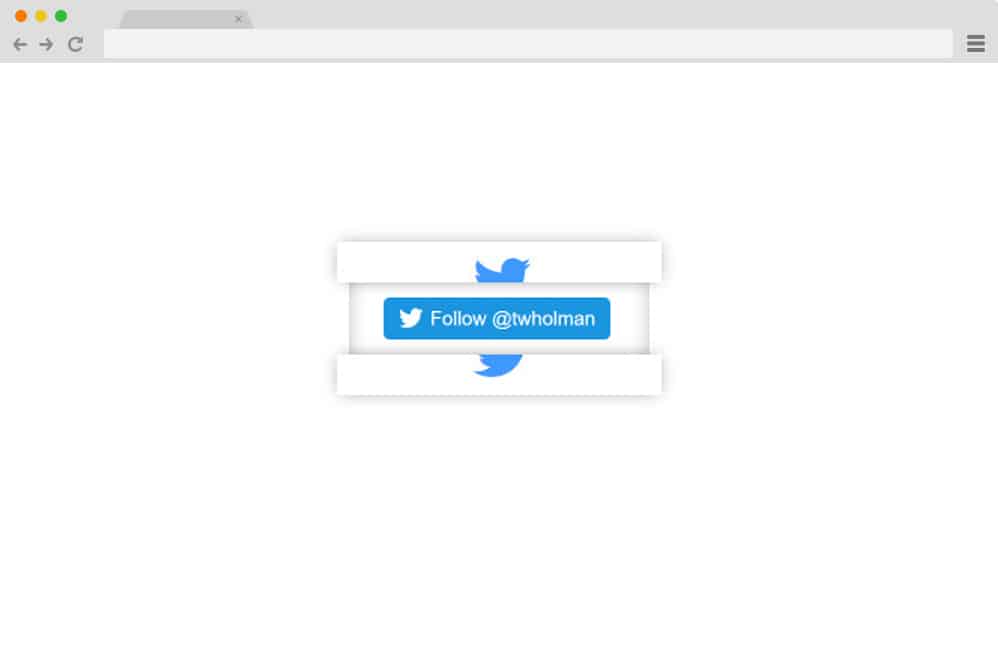
Yet another innovative design for those who are looking to get creative is a perfect way to get involved. This is perfect for adding an extra engaging element for your users to enjoy. It features the classic Twitter icon at first glance. However, when hovered over, it reveals a hidden door-like structure that holds an action button. Great for promotional or site engagement purposes, it surely leaves a lasting impression. While simple with the color schemes and the design, it sure is sophisticated in the animation. And the best part here, too, is that it relies solely on the CSS and HTML codes. So why not take a closer look at the code to better understand its structure and design elements? Click on the link below.
Animated Button With Rainbow Hover

Just as the name would suggest, the first on our line is this creatively animated CSS button hover effect. It features various buttons that apply a rainbow hue when clicked or hovered. Simple CSS and HTML coding are used to display the effect. Various examples show different shades and animations of the color palette. Simple yet engaging, use these to maintain the site’s interest.
Click Me
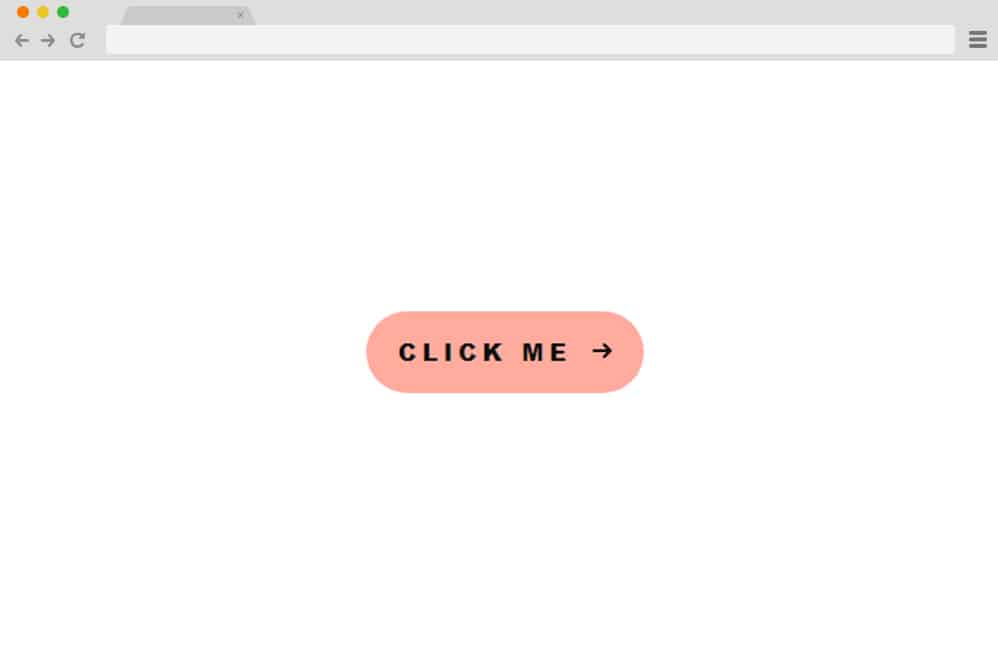
Another simple example of using only CSS and HTML is this smooth CSS button hover effect. A simple call-to-action icon or text is displayed with an almost transparent sphere on the left-hand side. The animated sphere, when hovered over or clicked, slides to cover the entire button or icon, providing a smooth transition. Use it for a minimalist, simple approach on the site.
Buttons + SVG Trianglify

This is another unique way to add a CSS button hover on your site that you might enjoy. The buttons use colourful animated SVG images that scroll when hovered over. It cleverly uses both CSS and JavaScript, in addition to HTML, to achieve a smooth transition. The images used basically follow the cursor as it hovers over the button, whether the user goes right, left, up, or down. Thanks to the SVG scaling, it is super easy. It even has various options, whether you want to use the same for every button or mix it up!
Stylized Button
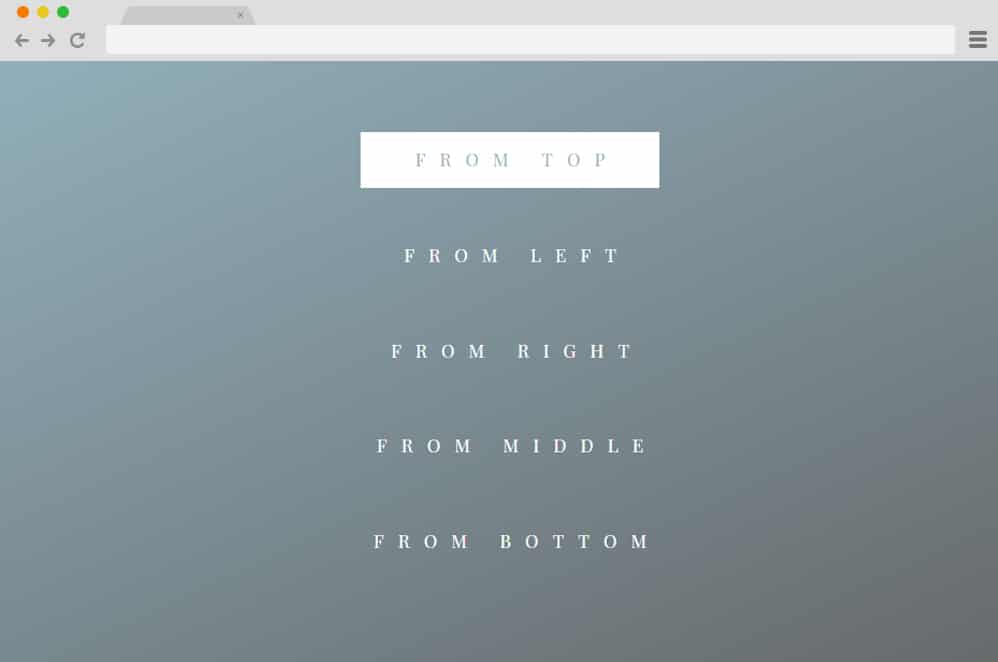
The stylized button displays various basic CSS effects, skillfully applied to achieve a flawless button hover. Two animated lines appear from the direction you choose to outline a path. Following the path, a rectangle slides along to highlight the options. And there are also variations that you can use to craft the path, whether you want it to slide left, right, up, down, or from the middle. Not only attractive visually, but it keeps anyone engaged with the right set of buttons throughout a page.
Simple CSS Button Hover
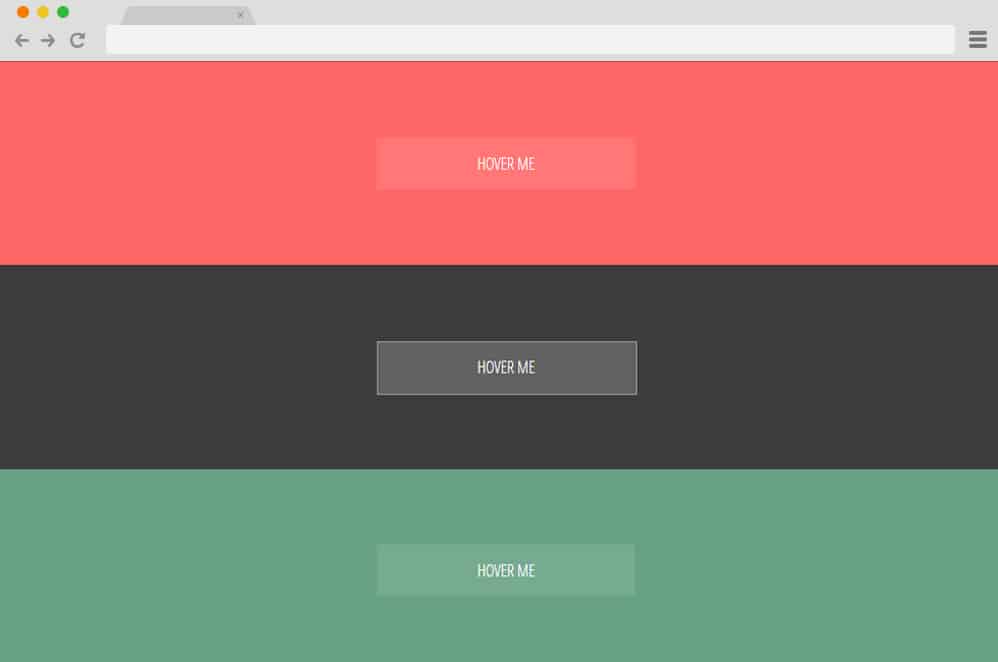
Different stylized buttons created using simple HTML and CSS is packed with this simple CSS button hover example. You can choose from three different variations. The first one uses the classic Shutter In Horizontal effect with the border. Even the text is animated to expand its spacing as the cursor hovers over the option. The second option uses the grow-rotate effect, but with a twist. The border expands into a creative cross-like shape, and the fill becomes completely transparent when hovered over. Using another simple effect of the Rectangle in CSS, the third hover effect is also as appealing as the two mentioned above.
Custom Icon CSS Button Hover

A simple 3D button animated using CSS and HTML coding is perfect for any type of call-to-action or menus throughout the site. The button includes an editable text section. When hovered over with a pointer, the text slides to the left, making space for an icon to appear. As an example, an arrow icon is used; however, you can easily replace it with any other icon of your choice.
Clear Transparent Button

This example is a CSS button hover effect that starts with a simple transparent button with borders and a customizable text section. When hovered over, the button becomes opaque, and the text color is adjusted to improve visibility.
Stretchable Button Hover Effect
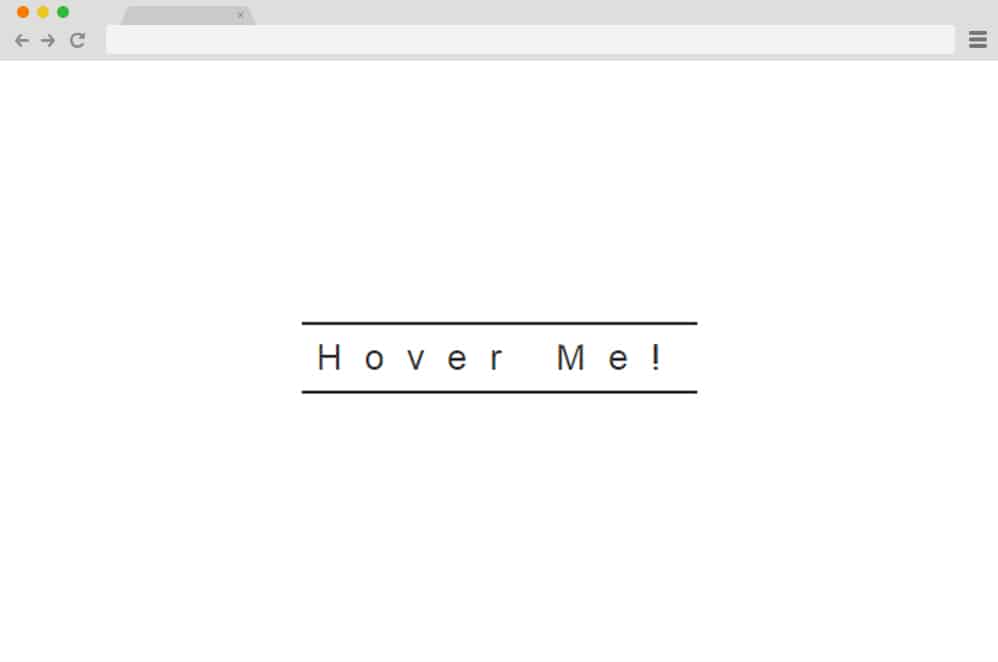
This is yet another minimal and clean way to add a hint of creativity on your site. Just as you can guess from the name, it uses the expansion or stretch-out effect when hovered over. There are two animated lines up and down a text section. These sections also expand on a certain scale to match the stretched-out effect. The font size, colors, and style can also be easily customized through the CSS.
Background Change
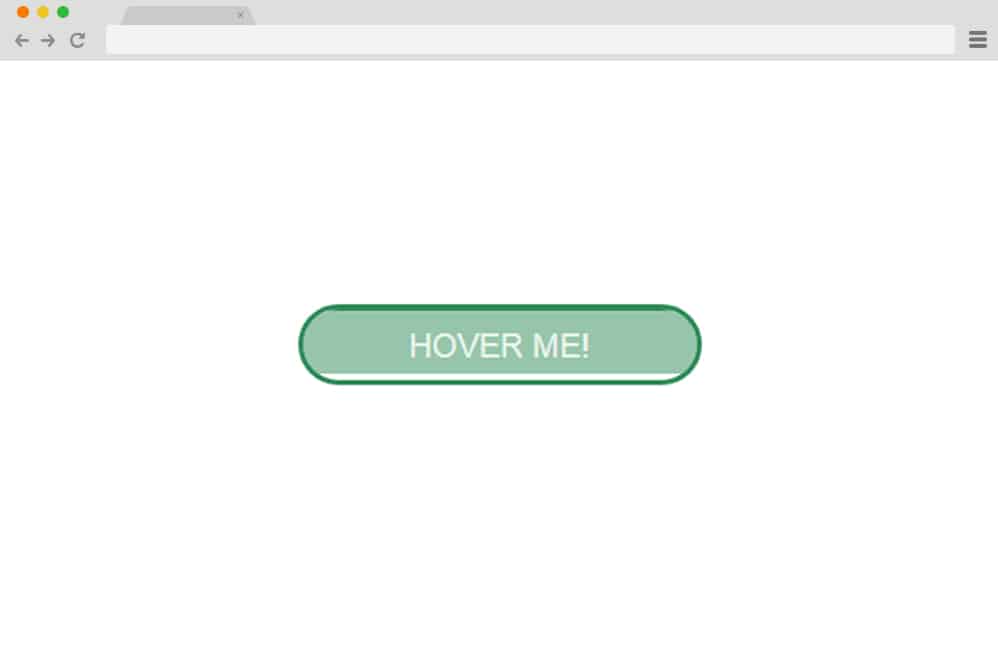
Now, this is another creative way to add a hover effect to the buttons on your site. The button you start with displays one solid color bordered by another. Basically, when hovered over, the background changes to match the border color. Using the classic slide-down effect, you can choose a different-colored background to land on before finally matching the border. Adding another creative touch, the text also changes its color to maintain its visibility.
Glow Effect CSS Button
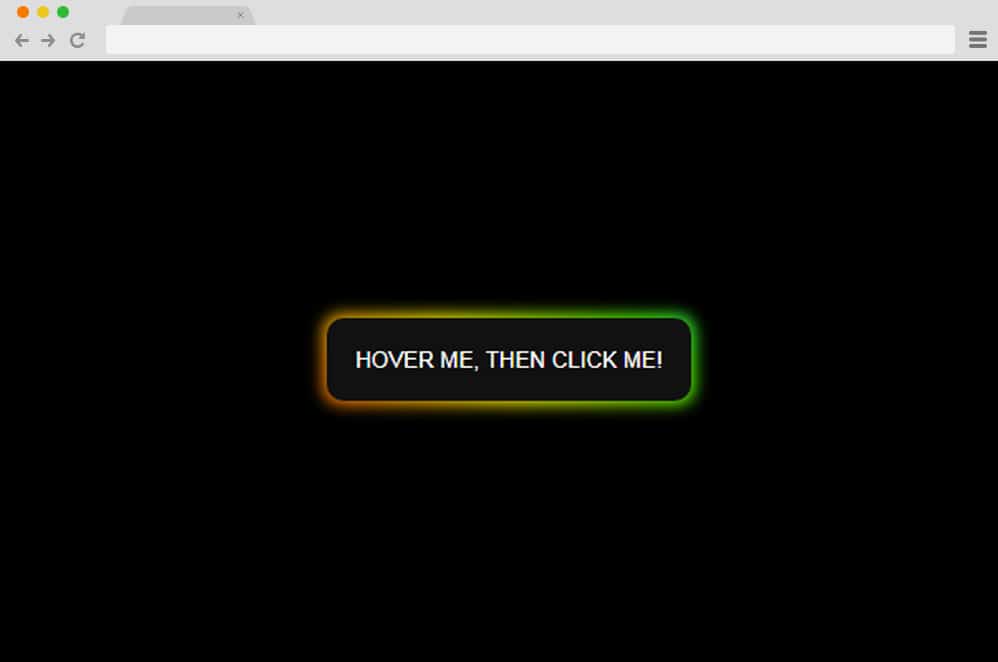
This is a fancier option for those looking for one. A simple button is elevated using CSS and HTML, adding an attractive glow effect. When hovered over, the button displays a 3D shadow-like glow that disperses a rainbow hue. The colors then add another creative touch as their gradients change, creating an almost soothing rhythm. When clicked on, the whole button lights up with the same color palette, following the same rhythm as the shadow.
Vanilla CSS Hover Effect
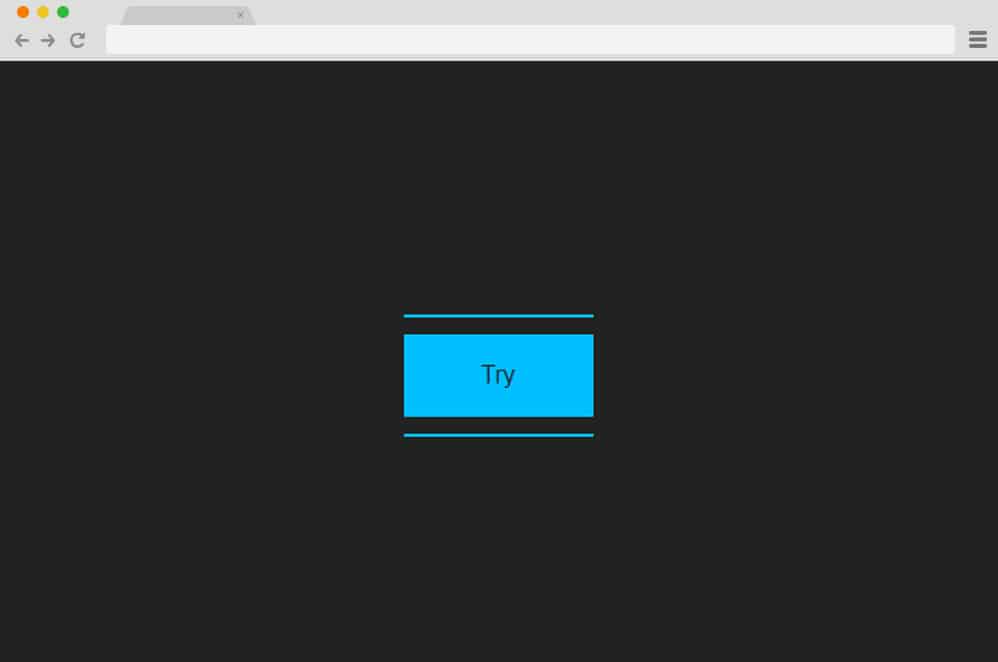
Based on the simple extensible Vanilla framework, this is yet another stunning-looking CSS button hover effect. The simple button expands its top and bottom sections when hovered over to highlight the selected option. The remaining section also changes the transparency, forming a full shape.
Button Hover Effect

Perfect for any website to add an engaging element as your users browse. This button uses a simple gesture: strategically placed shapes that come to a static position when hovered. For a more appealing feel, the shapes and texts use different color schemes. Since this hover effect is based purely on CSS, you will get the same results by simply customizing the code. And you can even use it on your existing sites with ease.
Border Button
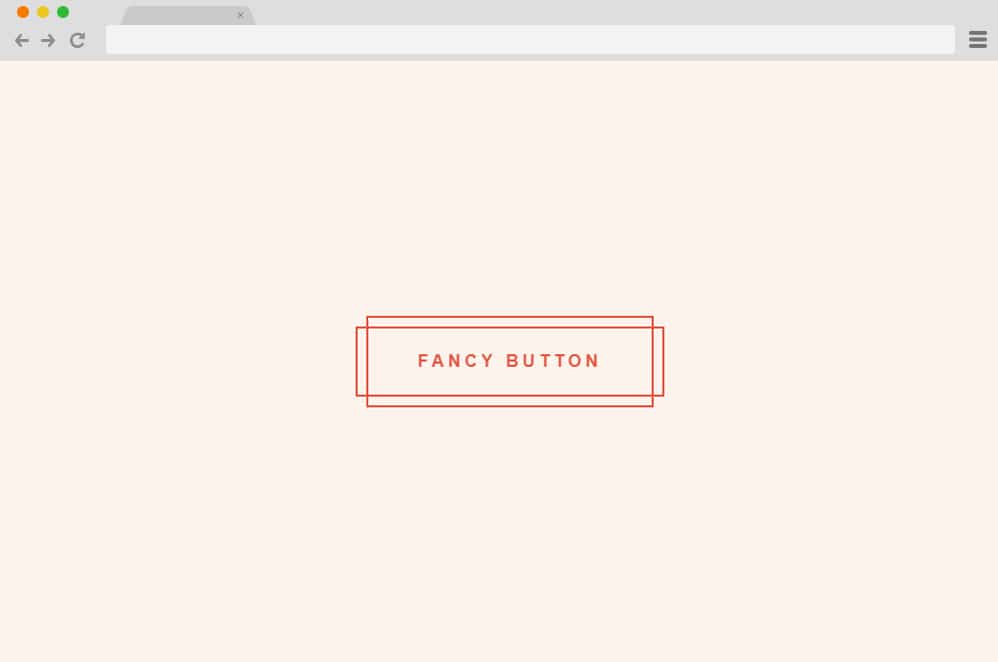
We have consistently focused on the importance of simplicity in creating and styling. And this amazing Border Button CSS hover effect is the perfect example. This is perfect for any type of website, whether you deal with a creative or professional niche, and keeps your users engaged for sure. A simple geometric pattern used as the animated element adds that touch of minimalism. It can be implemented purely with CSS and is also extremely easy to add to your existing site.
Bouncy Text
While most examples use various shapes and the button itself as the animated element, this is unique in that regard. Instead of fancy transitions and effects, this uses animated text to achieve results. When hovered over, the animated texts slide down before fading to reveal another message. Simple, effective, and highly customizable, you can add any relevant or creative text for your users to enjoy. Based on simple CSS and HTML, embedding this code on your site is also extremely easy.
Gooey Button
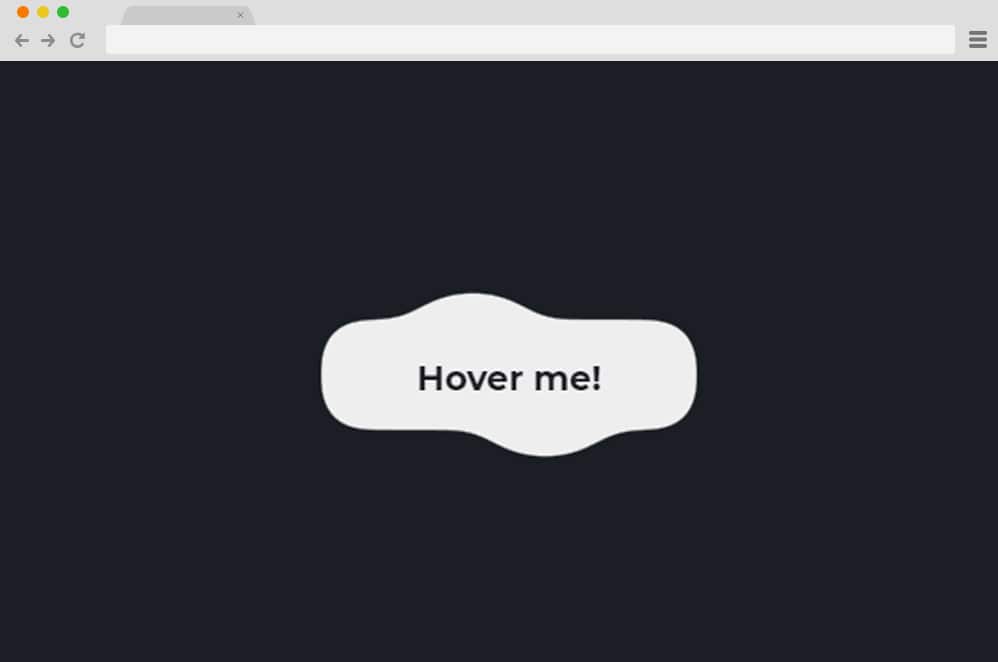
You heard it right! This effect resembles the feel of anything gooey. Well, almost, that is! But it is simple, creative, and will keep things interesting than the boring old non-animated button. When hovered over, it simply expands to a preset path, adding extra appeal. Quirky and fun, you can easily add this element of engagement to your site with extreme ease.
Button
Another classic way to add a creative hover effect is a simple color transition. And this button does exactly that with pure CSS. Adding a hint of creativity with the split horizontal and slide effect, the button changes the color schemes entirely. Compatible with all major internet browsers, this in no way affects the compatibility of your website either. Simple, effective, and attractive in all ways.
Cool Beans Button

Using HTML Pug and CSS SASS, this mesmerizing CSS button hover effect is amazing, to say the least. It catches anyone’s attention with ease and is so simple to mimic. A rounded-edge button is displayed with a contrasting color to keep things interesting. When hovered over, the whole button and the text inside switches the color used. Who could have thought that the simple gesture of playing around with the opacity/transparency and the color would get you this stunning result?
Pokemon

What better way to implement your brand than by animating button hover effects to match the site niche? Now, this is a creative example of what you can do to exhibit your company’s purpose. The button resembles the classic colors of a Pokeball and the slogan Pokemon Go! However playing around, you can be as creative as you wish. Why not add your own custom twist and give your users an interactive hover button to make a great impression?
MineCraft

Talking about branding, this is yet another great example! Everyone knows the game MineCraft right? This is a hover effect that uses a simple button to achieve a similar Minecraft feel through the color pattern it transitions to. Even the color schemes used go hand in hand. However, this is just an example to give you an idea! Unleash your own creativity and make your brand renowned.
Ocean
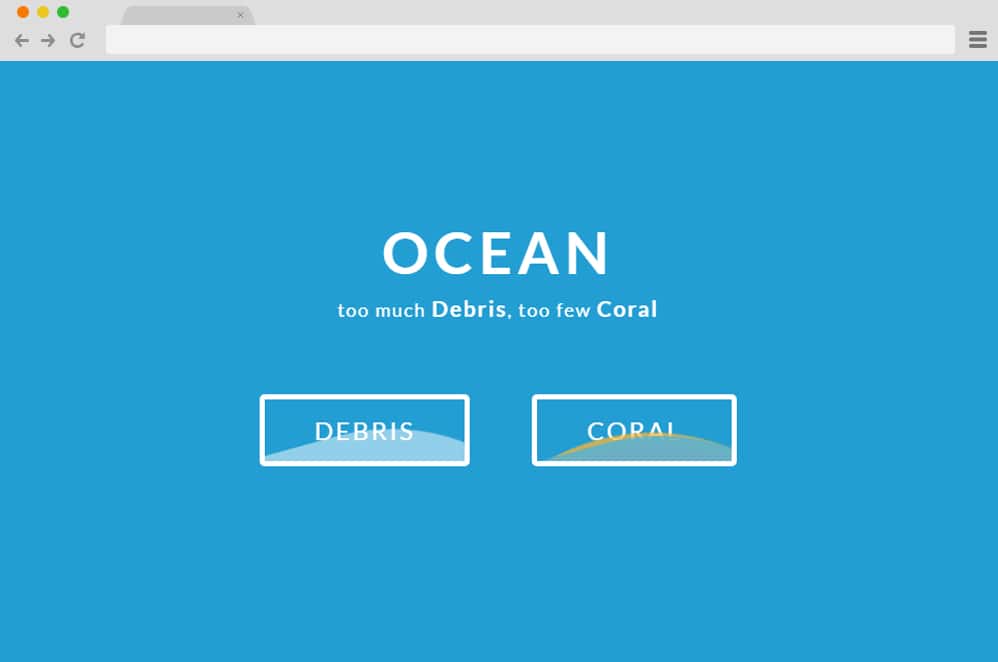
Perfect for anything aquatic, whether you own a fishery, an aquarium, or a water-sports website, this button is the ideal choice. Resembling ocean waves, the buttons display animated shapes following a mesmerizing rhythmic pattern. Engaging and, surely, too stunning to ignore, it makes a lasting impression on anyone who lands on the site.
Button Explore
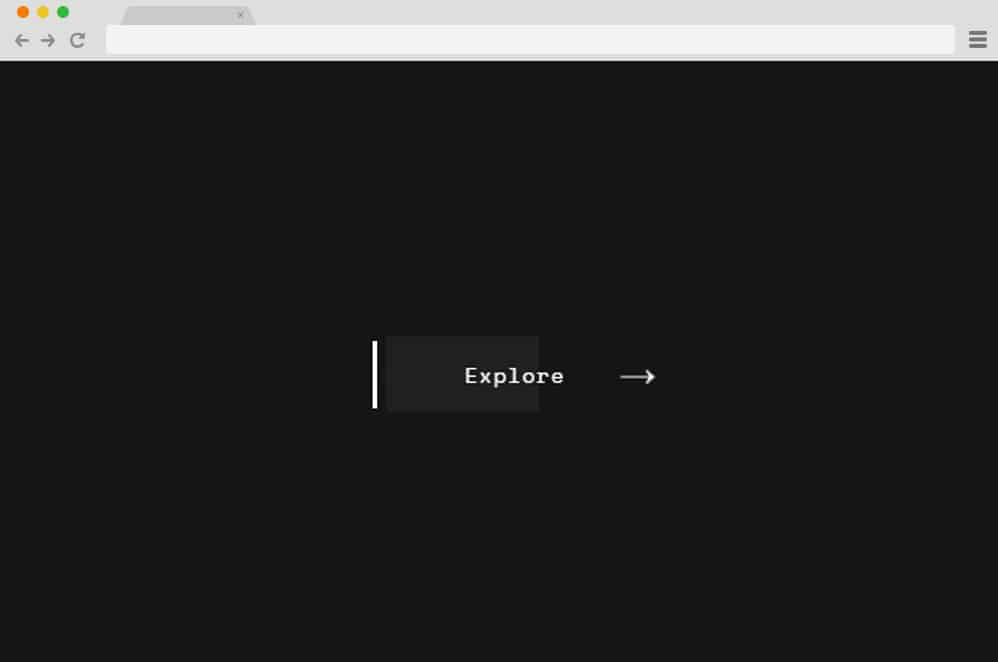
Ever watched the lights of the passing traffic leave a light on your window? Well, this is what this button executes. Using HTML and CSS codes, a simple transition of colored blocks slides left and right. And to add a hint of complexity, the texts and the arrow icon are also animated, changing their transparency and placement. It is Professional and easy to implement, and it also supports cross-browser compatibility.
Hover Buttons

A simple animated button can go a long way. And this variation of the CSS radio button is a charming addition to any site. Creators have used purely CSS alongside the HTML framework to keep things simple and clean. There are also two variations, with one using a simple toggle switch and the other an animated button. Find the link down below to get full access to all of the coding structure to either replicate or get a head start with your next project. The whole thing is also optimized and organized so users get a smooth experience.
Stripped Buttons

A collection of minimal design CSS radio button, this example is a great choice for those looking to keep things simple and clean. The buttons execute a flawless hover & click effect, adding an appealing aspect. Each of the stylized elements also varies in design, style, and even length and effects. Since the aesthetic is simple, clean, and minimal, you can easily implement it on any site.
Mask Button Hover Animation

Now, making use of the classic mask and slide in effect, this is yet another variation for the CSS hover effect. The creators have made the simplistic style stand out by experimenting with the HTML and CSS effects to get this fantastic result. Each of the buttons included for demo purposes executes a different approach with the hover effect. The buttons are minimal in design, and the fonts are also animated to change the color scheme. Follow the link below to get full access to the whole structure.
Bubble coloring on button
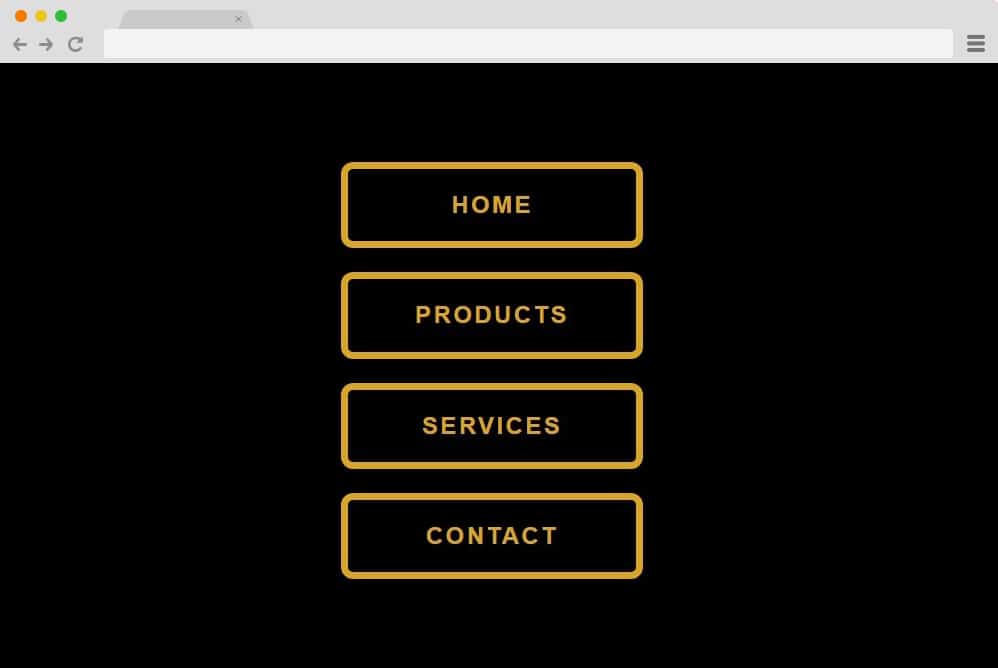
This is a more creative take on a classic CSS effect with the button hover and click. Featuring a simple layout with multiple options as choices for users to choose from. It is fully responsive adjusting accordingly to the device screen size. And because it relies on the professional CSS and HTML structure solely, it is pretty easy to work with and replicate. The color pattern here is black and yellow, which is the major focus throughout the animation. When hovered over each selection, it showcases a unique effect: the border color spreads inward in an almost cloud-like structure. Visually speaking, it looks pretty awesome. Returning to the initial stage reveals the original structure while showing the same effect in the opposite direction.
Button hover effect

A simple yet efficient way to add an interesting CSS button hover effect. This is plain and straightforward. The creators have kept it minimal, both in the button design and the effect used. When hovering over the button, the text inside slides down to reveal another text, which slides down to take its place. Pretty responsive, this design also relies fully on CSS and HTML, making it easy to personalize. And if you are just starting out, this is the perfect way to add that creative touch to any of your websites. The great thing is that every aspect of this is customizable, including the font family, sizes, color pattern, and more. All in all a pretty decent button hover effect, we definitely think it deserves a mention here.
Button Effects

This is an example by Emanuel Goncalves that demonstrates not one but 4 distinct effects you can use. Clean, professional-looking, and definitely impressive, each of these options uses different shapes and lines to achieve an appealing button hover effect. The first one starts with two different angles on either side of the text, which extends and ends up as a square on hover. The second example uses the underline as the focus, which replicates to move atop the text, revealing a sort of border. The third example is an additional twist on the first. It starts out the same, but here, instead of these shapes forming a single square, they turn into two separate squares surrounding the text, creating almost a 3D design. The last one is surely unique. When hovered over, it reveals a line under the text that extends only halfway.
All in all, get not one but four awesome ways to add a similar design of hover effect you can place throughout the site, thanks to the creator here. Get the whole idea and the structure for getting the same result by following the link below.
SASS Button Border Hover Effect Mixing
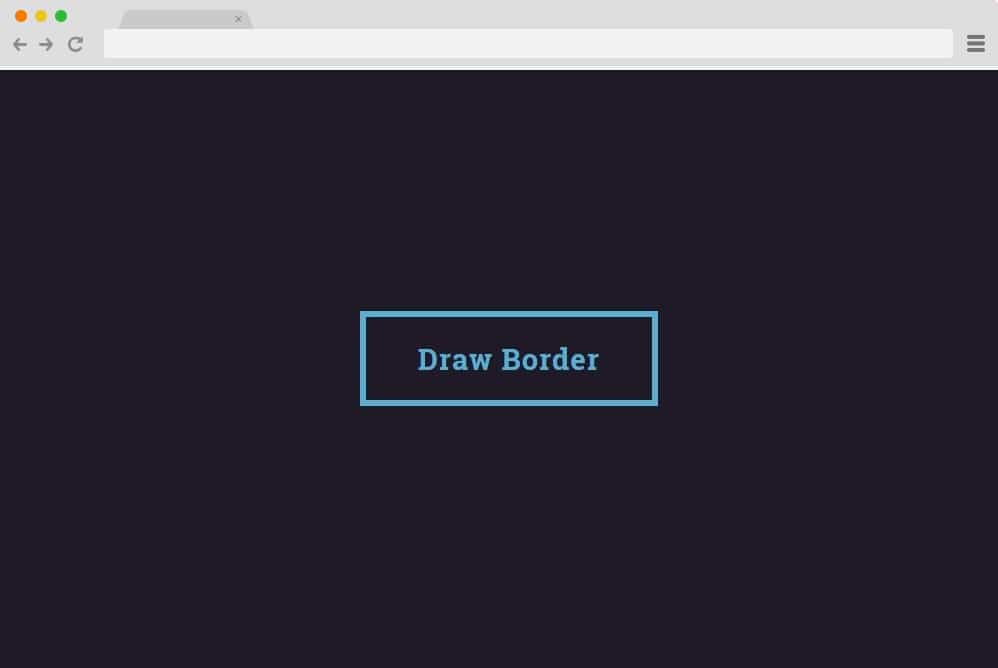
This is more dependent on CSS than on HTML, resulting in a more sophisticated, smoother end result. It starts out as a simple button with text inside, with a solid color. But when hovered over, it changes the color scheme entirely. Sliding in from bottom left to top right, the whole structure, including the text inside, follows the pattern. The creators have used transition and opacity to get the initial result. And overall, this too is a pretty responsive, simple, clean, and easy-to-achieve option for you. They have used plain blue and orange as the base color, but that is also easy to change to your preference.
Gradient Hover Animated Button
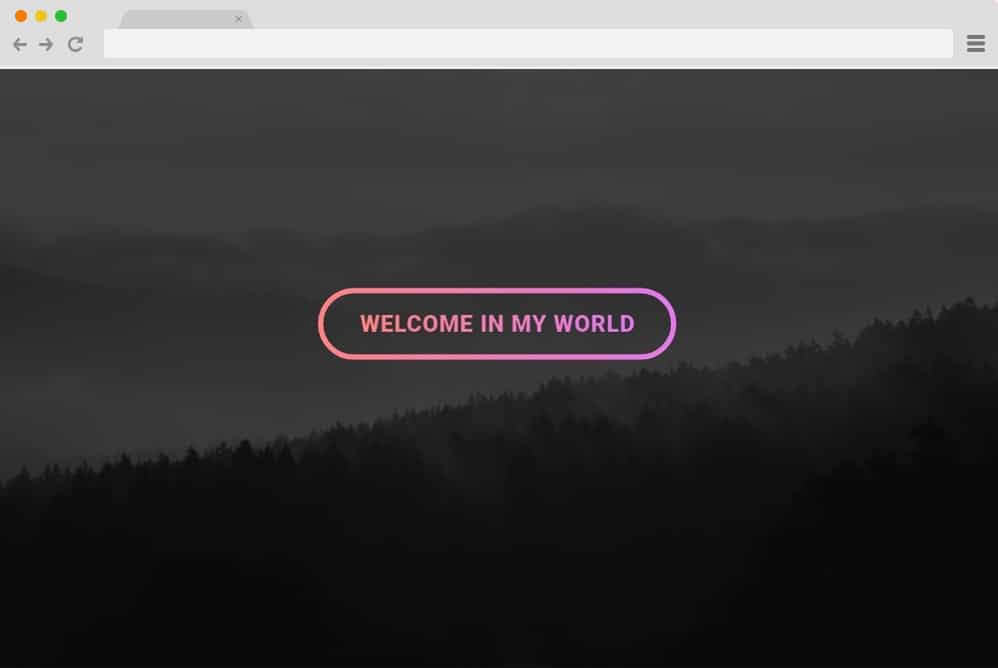
The last one we have in line for you is this pretty engaging and appealing button hover effect using both CSS and HTML. It starts as a simple image background and a creative button design. It has a gradient pink color pattern and stands out on the plain black and grey background. When hovered over, the button outline around the text transforms into a single line. The creator here have made use of the background blend mode along with the luminosity of the text and the button. Once the cursor is removed from the button, the line returns to its initial state. A pretty easy yet professional looking button hover effect, this surely deserves a mention here.
