

Input boxes are the fundamental building blocks of modern web interfaces. Whether you’re designing a search function, user registration form, or interactive dashboard, the right input box design can dramatically improve user experience and engagement. From simple text fields to sophisticated animated interfaces, CSS input boxes have evolved to become powerful tools that combine functionality with aesthetic appeal.
Modern input boxes need to be more than just functional—they must be intuitive, responsive, and visually engaging. Today’s users expect smooth animations, clear feedback, and accessible design patterns that work seamlessly across all devices. The CSS input box designs in this collection utilize cutting-edge web technologies like CSS3, HTML5, and modern JavaScript to deliver exceptional user experiences that meet contemporary design standards.

CSS Wizard Input Box Design Example
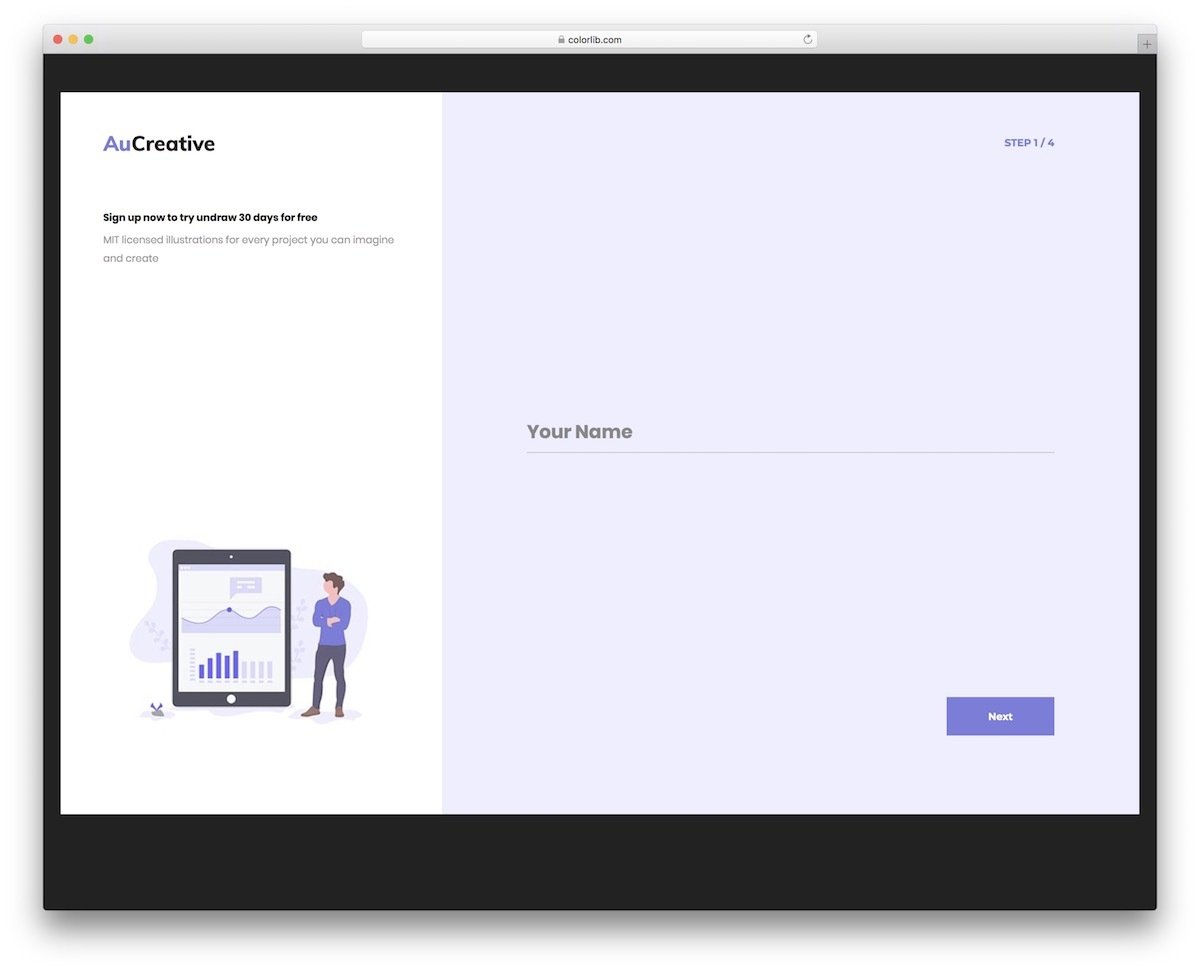
Multi-step wizards require input boxes that maintain user engagement throughout the entire process. This Bootstrap wizard input box design features clean, spacious text fields that provide excellent readability and accommodate longer text entries. The design includes intelligent validation feedback, highlighting incomplete fields with subtle red indicators to guide users through the completion process.
The responsive design ensures consistent performance across desktop and mobile devices, while the minimalist aesthetic keeps users focused on the task at hand. Built with modern web standards, this template provides a solid foundation for multi-step forms, registration processes, and data collection workflows.
Multiselect CSS Input Box V15

Multi-select functionality is essential for modern web applications that need to handle complex user preferences and categorical data. This sophisticated multi-select input box design provides an extensive list of options with an intuitive selection interface. Perfect for music streaming platforms, e-commerce filtering systems, or any application requiring multiple choice selections.
The clean code structure ensures easy integration and customization, while the responsive design adapts beautifully to different screen sizes. The organized dropdown interface makes it simple for users to browse and select multiple options without overwhelming the interface or compromising usability.
CSS Input for Search Bar V19

Search functionality is the cornerstone of user-friendly websites, and this elegant search bar input design delivers both simplicity and sophistication. The design features subtle animations that provide visual feedback without disrupting the search experience. The accompanying dropdown filter option helps users narrow down results efficiently, making it ideal for content-rich websites and e-commerce platforms.
The balanced approach between functionality and aesthetics makes this search bar suitable for both creative and professional websites. The clean typography and well-proportioned elements ensure excellent readability and accessibility across all devices and user demographics.
Dropdown CSS Input Box V14

Innovative dropdown animations can transform standard form interactions into engaging user experiences. This design replaces traditional dropdown mechanics with a smooth unfolding animation that feels natural and intuitive. The blue highlighting system provides clear visual feedback, helping users understand their selections while maintaining focus on the current choice.
The hover animations are carefully calibrated to respond quickly without feeling rushed, creating a pleasant interaction flow. The modular code structure makes it easy to integrate with existing design systems while allowing for extensive customization to match your brand’s visual identity.
Login Form 20

Space-efficient design meets modern functionality in this streamlined login form that maximizes usability within minimal screen real estate. The single-line input fields utilize fluid animations to manage space effectively while providing clear visual feedback. This approach is particularly valuable for mobile-first designs and compact interface layouts.
Built-in form validation ensures data integrity, while the gradient color scheme on the call-to-action button adds visual appeal without overwhelming the clean design aesthetic. The CSS3 implementation provides extensive customization options, making it adaptable to various brand styles and design requirements.
Login Form 18

Mobile-optimized input design takes center stage in this form that prioritizes touch-friendly interactions and visual clarity. The color-flashing animation system provides immediate feedback when fields are selected, which is especially effective on mobile devices where tactile feedback is limited. This bold visual approach ensures users always know which field they’re currently editing.
The smooth tag transition effects and comprehensive error messaging system guide users through the form completion process with helpful, contextual information. The mobile-first approach ensures consistent performance across all device types while maintaining accessibility standards for diverse user needs.
Colorlib Reg Form v4

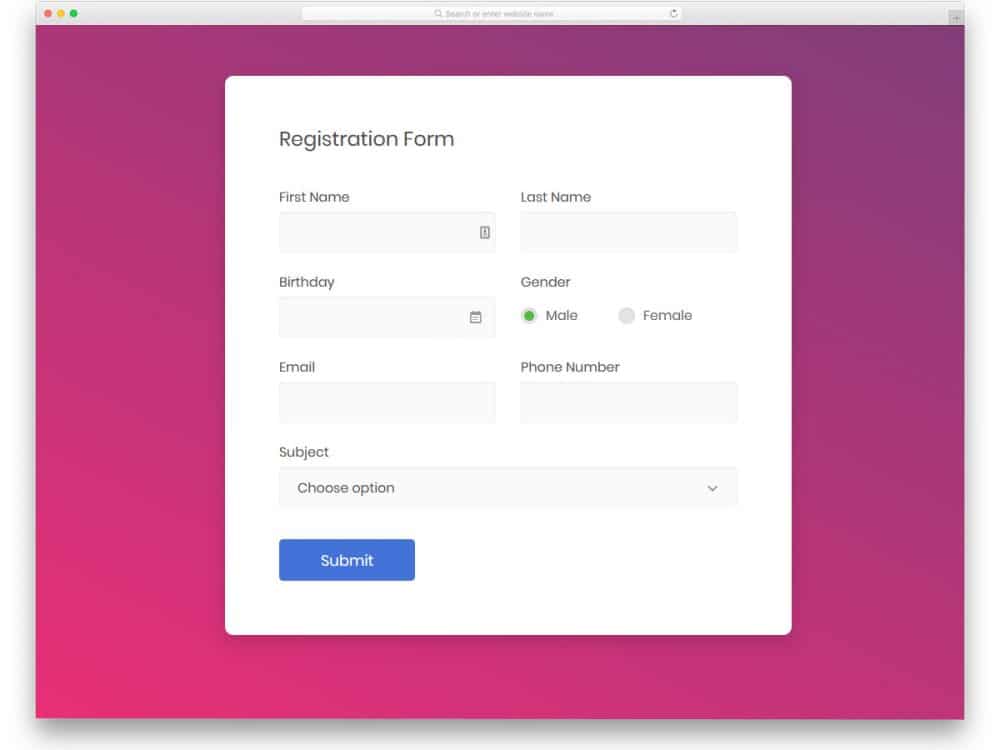
Comprehensive registration forms require diverse input types, and this template delivers a complete suite of form elements including dropdowns, text fields, calendar inputs, and radio buttons. Built with the latest HTML5, CSS3, and Bootstrap frameworks, this design ensures modern functionality and cross-browser compatibility.
The integrated calendar input provides a clean, user-friendly date selection experience, while the modular design allows developers to easily customize and adapt individual components. The organized code structure and modern framework foundation make this an excellent choice for complex registration processes and data collection forms.
Colorlib Reg Form v6

Professional applications demand sophisticated yet understated design approaches, and this registration form exemplifies that balance perfectly. Designed specifically for job application scenarios, it features subtle floating effects and smart shadow implementations that create depth without distraction. The professional aesthetic maintains credibility while still providing engaging interactive elements.
The refined animation effects enhance usability without compromising the serious, professional tone required for business applications. This design demonstrates how interactive elements can improve user experience while respecting the formal context of professional form submissions.
Login Form 13

Full-featured professional registration forms require robust functionality combined with polished visual design. This template supports both standard text inputs and secure password fields with sophisticated line-based animations that indicate field selection. The cohesive pink color scheme can be easily customized to match any brand identity.
Built with cutting-edge HTML5 and CSS3 technologies, this form includes comprehensive front-end functionality that’s ready for immediate implementation. The modern animation effects and color support make it adaptable to contemporary design trends while maintaining excellent usability standards.
Login Form 11

Mobile application design principles shine in this compact login form that optimizes every pixel for touch-based interactions. Clean icons and intuitive text labels provide clear guidance about required information without cluttering the interface. The flat design aesthetic ensures fast loading and smooth performance across all mobile devices.
The space-efficient layout and streamlined animations are specifically calibrated for mobile screens, providing an excellent foundation for mobile-first applications. The protected password field maintains security standards while the overall design prioritizes usability and accessibility.
Login Form 7

Password visibility toggles have become essential UX features, allowing users to verify their input before submission. This login form implements an elegant toggle system that lets users reveal password characters when needed, reducing login errors and improving user confidence. The feature is particularly valuable for systems with limited login attempts.
The rounded-edge design aesthetic creates a friendly, approachable feel while maintaining security best practices. Subtle animations and hover effects provide interactive feedback without overwhelming the clean interface, making this an excellent choice for user-facing authentication systems.
Contact Form v18

Strategic dropdown integration transforms simple contact forms into powerful organizational tools. This design combines traditional text inputs with smart dropdown menus that help categorize inquiries and streamline response processes. Perfect for medical websites, service providers, or any business that needs to route inquiries to specific departments.
The fully functional front-end design is ready for immediate deployment, requiring only backend integration to become fully operational. Built with modern frameworks, it integrates seamlessly with contemporary web development tools and content management systems, making implementation straightforward for development teams.
Contact Form v17

Split-screen layouts maximize screen real estate while creating visually balanced designs that work beautifully for professional business websites. This contact form utilizes the dual-panel approach to accommodate comprehensive form elements alongside contact information. Strategic use of asterisk indicators highlights required fields without cluttering the interface.
The thoughtful label system and subtle animation effects create an intuitive user experience that guides visitors through the contact process. The organized file structure and clean code make this template developer-friendly while ensuring easy maintenance and customization for various business needs.
Contact Form v16

Popup input designs are invaluable for single-page websites and landing pages where screen space is at a premium. This modal contact form maximizes the available area for primary content while providing comprehensive form functionality when needed. The built-in validation system uses clear visual indicators to highlight missing or incorrect information.
Vector icons provide intuitive visual cues about required information types, while the popup mechanism keeps the main page content prominent. This approach is particularly effective for conversion-focused landing pages where maintaining focus on the primary call-to-action is crucial.
Contact Form v4
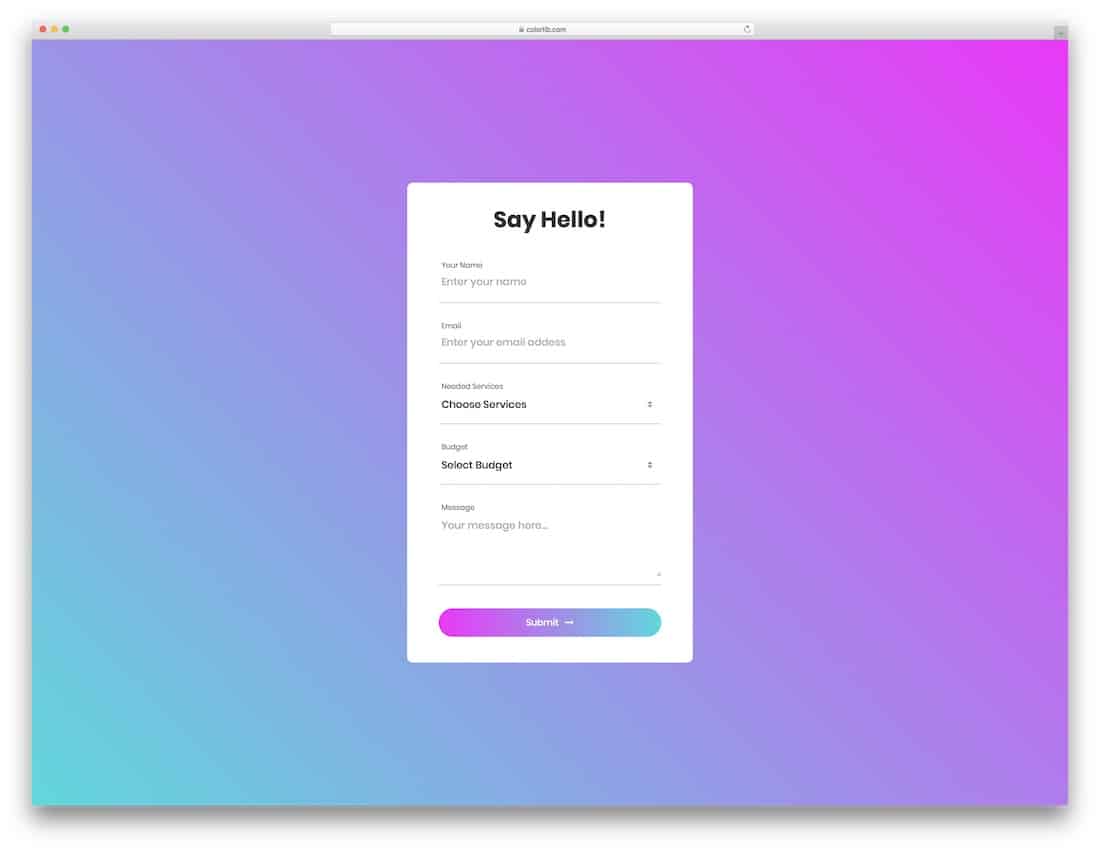
Modern gradient color schemes bring vibrancy and energy to form designs, making them particularly effective for contemporary websites and mobile applications. This colorful contact form leverages CSS3’s advanced color capabilities to create natural, appealing gradients throughout the interface. The dropdown highlighting system maintains the gradient theme for consistent visual cohesion.
The attractive color-shifting hover effect on the call-to-action button adds an extra layer of interactivity that engages users and encourages form completion. The flexible color system allows easy adaptation to match any brand palette while maintaining the modern, energetic aesthetic.
Contact Form v10

Animated input boxes can significantly enhance user engagement when implemented thoughtfully. This contact form features gentle expansion animations that provide clear visual feedback about field selection while maintaining a professional appearance. The subtle approach ensures animations enhance rather than distract from the user experience.
The minimalist design philosophy and enlarged, bold typography improve readability across all devices and user demographics. The industry-standard code structure ensures easy customization and integration, making this an excellent choice for businesses seeking to add interactive elements without compromising professionalism.
Notify Me
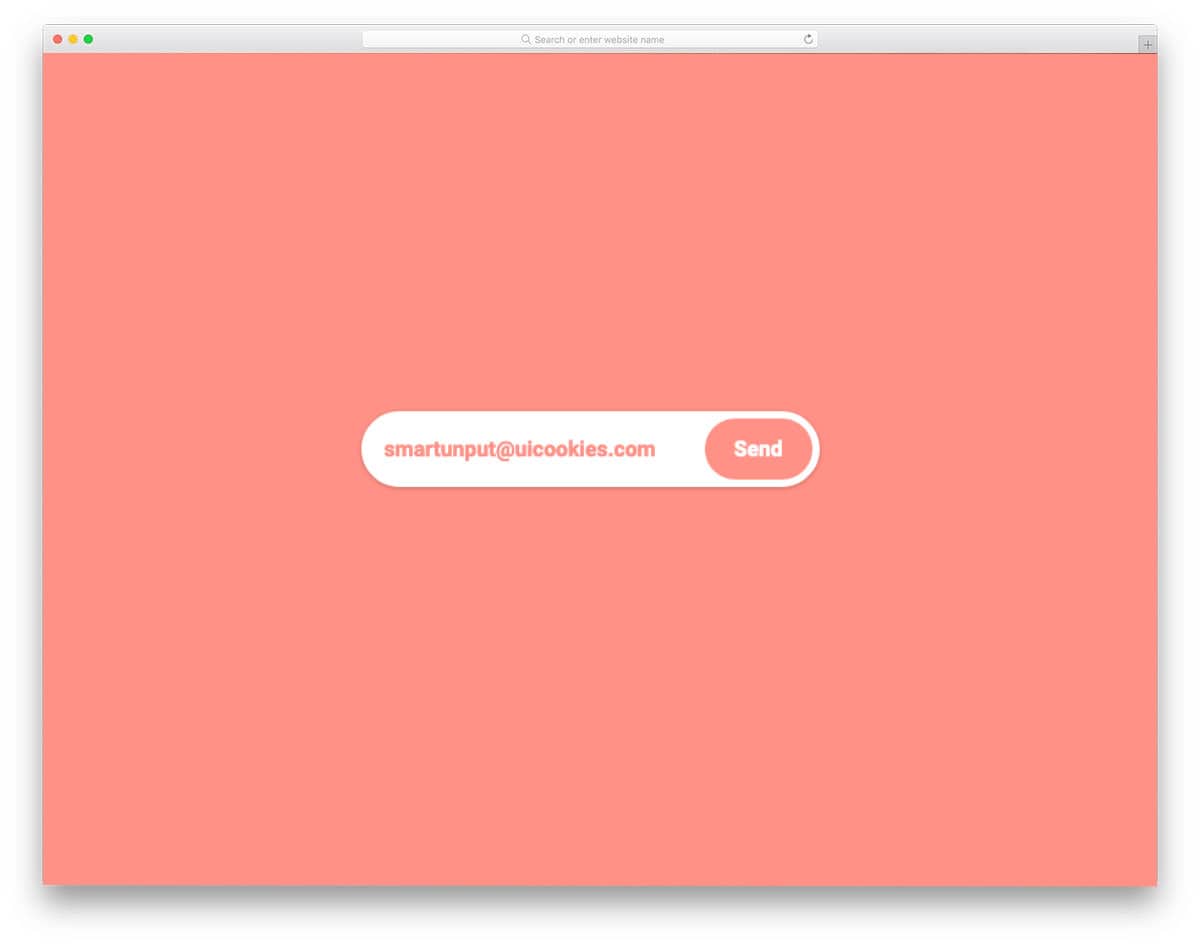
Expanding input animations create engaging micro-interactions that can transform simple newsletter signups into memorable user experiences. This notification input design features a smooth expansion animation triggered by user interaction, revealing adequate space for email entry. The built-in validation ensures proper email formatting with real-time feedback.
Despite its sophisticated functionality, the entire design is implemented using pure CSS, making it lightweight and easy to integrate into existing projects. The email validation system checks for proper formatting including the essential @ symbol and top-level domain, ensuring data quality for email marketing campaigns.
Input Field With Underline

Character-level visual feedback is particularly valuable for password and verification code inputs where accuracy is critical. This unique design provides underlines beneath each character, giving users clear visibility into their input and making it easy to identify and correct mistakes. The approach is especially helpful for complex passwords and multi-factor authentication codes.
The clean implementation relies primarily on CSS, providing ample room for customization and integration. The simple code structure makes it easy to adapt for various input types while maintaining the distinctive visual feedback that improves user confidence and reduces input errors.
Email Input Field

Sometimes the most effective designs are those that prioritize clarity and functionality over complex animations. This streamlined email input field demonstrates how subtle visual effects can enhance usability without overwhelming the interface. The smart use of shadow effects helps distinguish the call-to-action button while maintaining visual hierarchy.
The professional yet approachable design makes it suitable for business applications that need to balance credibility with user engagement. The lightweight animation approach ensures fast loading and smooth performance across all devices, making it an excellent choice for high-traffic websites.
Nice Compliant CSS Input Box
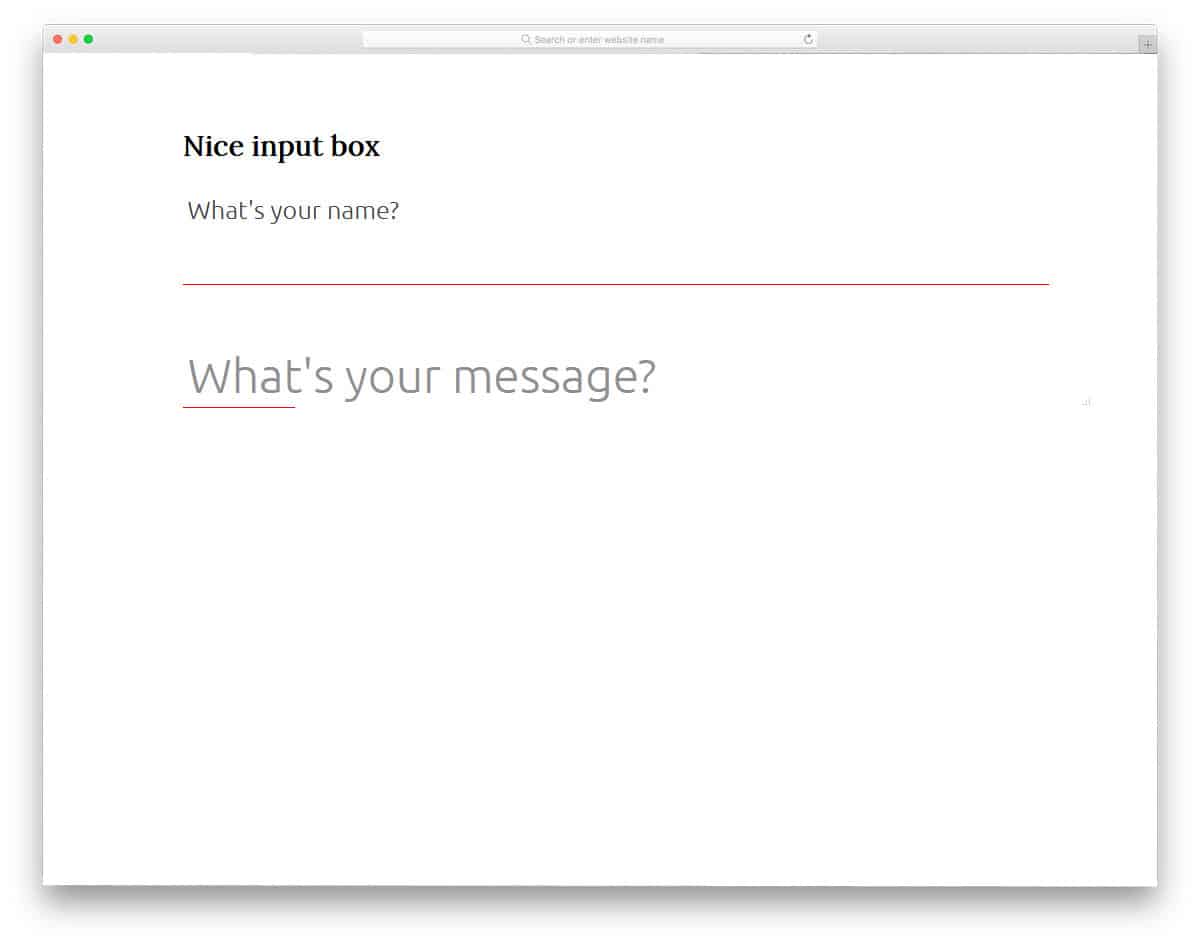
Pure CSS implementations offer maximum compatibility and performance benefits, making them ideal for projects with strict technical requirements. This animated input box design achieves sophisticated zoom effects using only CSS3 and HTML5, ensuring broad browser support and fast loading times. The smooth transitions provide engaging feedback without causing delays in user workflows.
The larger, more readable typography and flexible font support make this design accessible to users with varying visual needs while maintaining modern aesthetic standards. The clean code structure facilitates easy integration into existing websites and design systems.
Google Material Design CSS Input Box
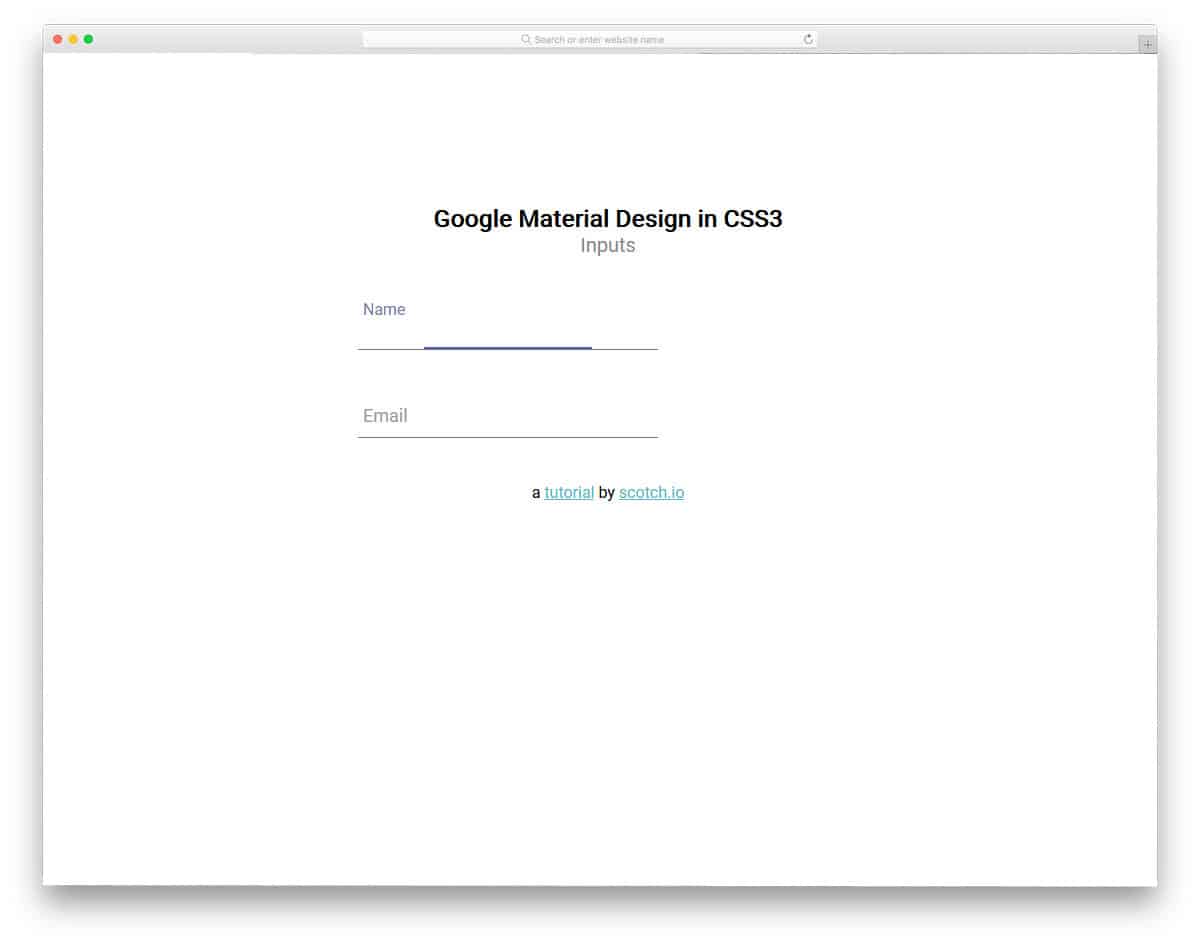
Google’s Material Design principles have set the standard for modern interface design, emphasizing clarity, functionality, and intuitive interactions. This input box implementation captures the essence of Material Design with smooth label transitions that provide clear context about required information. The polished animations work seamlessly across desktop and mobile devices.
The universal design language makes this input box immediately familiar to users, reducing cognitive load and improving form completion rates. The CodePen implementation allows developers to experiment with the code in real-time, making customization and testing more efficient.
Input Field Gradient Border Focus Fun

Border animations provide an elegant way to indicate field focus without disrupting content visibility or user concentration. This design features a sophisticated glow effect that highlights the active input field through animated border treatments. The animation is contained to the border area, ensuring the content remains clearly visible during data entry.
Built primarily with CSS3, the design offers excellent performance and easy customization options. The focused approach to border animation makes this suitable for forms where content visibility is paramount, such as lengthy registration processes or detailed data entry applications.
Placeholder Typing Text
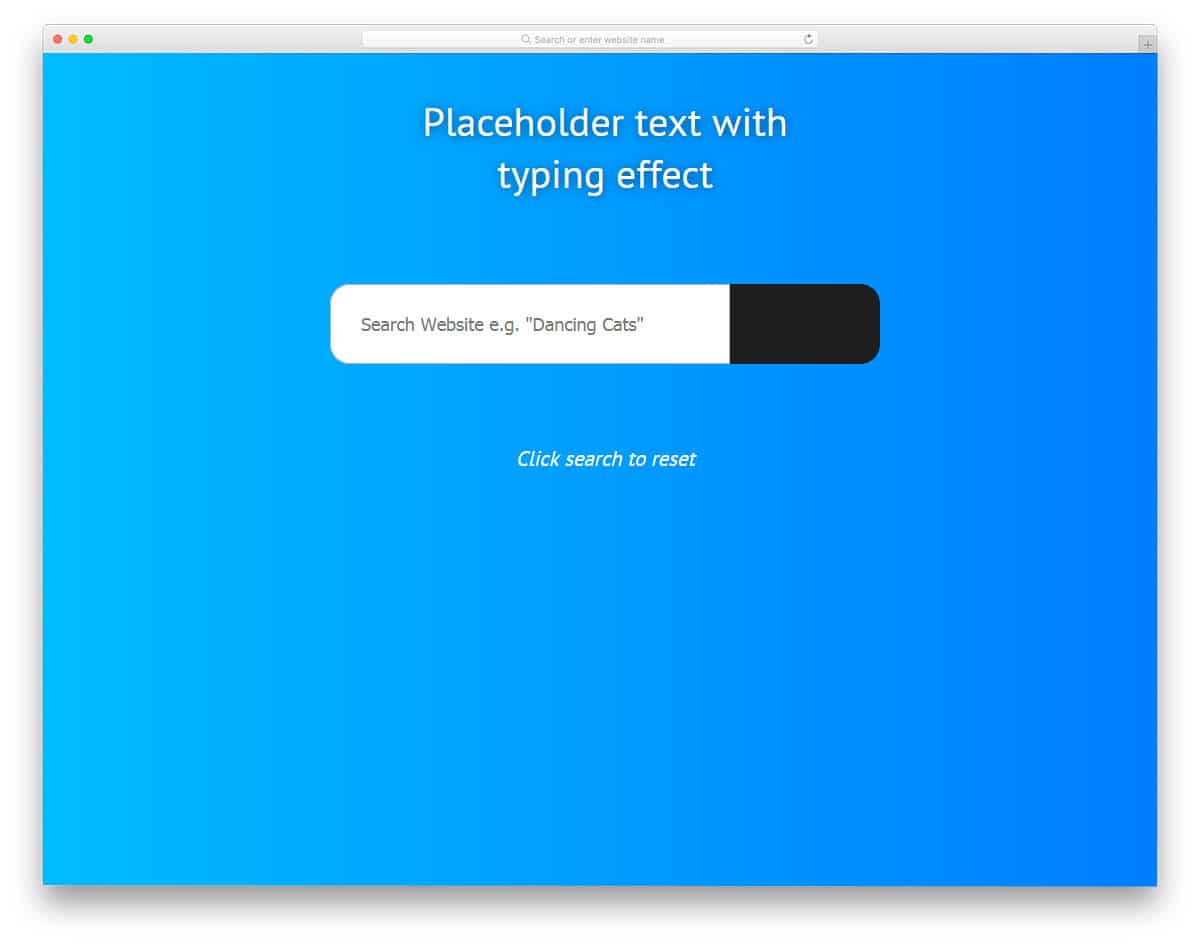
Dynamic placeholder animations can transform standard input fields into engaging interface elements that capture user attention and provide contextual guidance. This design features a realistic typing animation that demonstrates expected input types while maintaining the functional aspects of a traditional search box. The rounded edges ensure visual compatibility with various design styles.
The combination of CSS3 and JavaScript creates smooth, realistic animations that can be adapted for various input types beyond search functionality. The modular code structure allows developers to easily modify the typing content and timing to match specific use cases and brand personalities.
Suggested Query
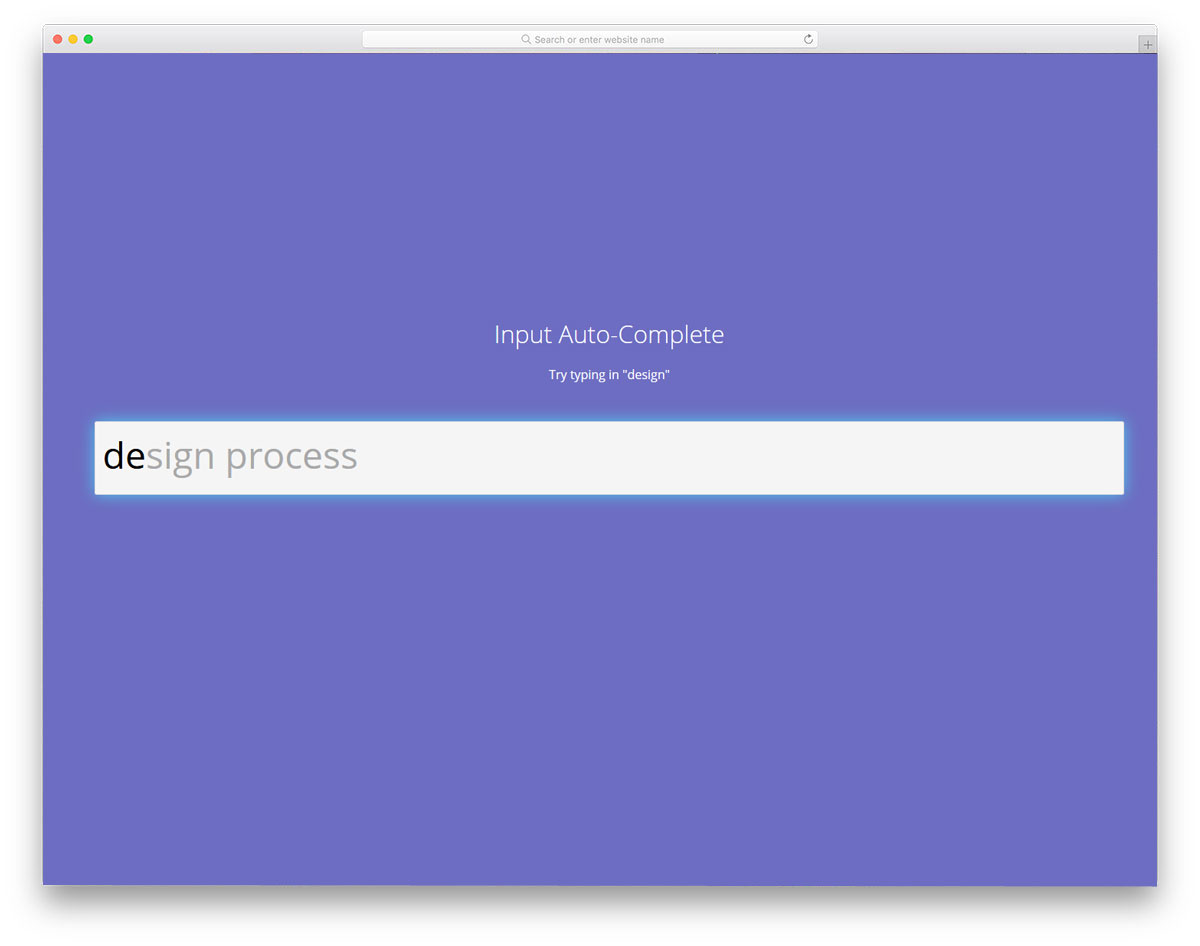
Intelligent search suggestion systems can dramatically improve user experience by predicting and offering relevant query completions. This design provides a foundation for implementing predictive text functionality, currently supporting single-word suggestions that can be expanded for more complex search scenarios. For advanced implementations, artificial intelligence can enhance suggestion accuracy based on user behavior patterns.
While the demo version supports limited functionality, the code structure provides an excellent starting point for developers who want to implement sophisticated search features. The design can be enhanced with backend integration to provide dynamic, context-aware suggestions similar to modern search engines.
Fuzzy Search Example

Fuzzy search functionality becomes essential for websites with extensive content libraries, providing organized and relevant results even when users enter partial or approximate search terms. This implementation offers a more structured approach to search suggestions, making it particularly valuable for directory websites and e-commerce platforms with large product catalogs.
The organized result presentation helps users quickly identify relevant options, while the extensible architecture allows for custom suggestion algorithms. Although the demo includes limited preset options, the framework can be extended to support dynamic content matching and sophisticated search algorithms.
Search Interaction / Border Animation
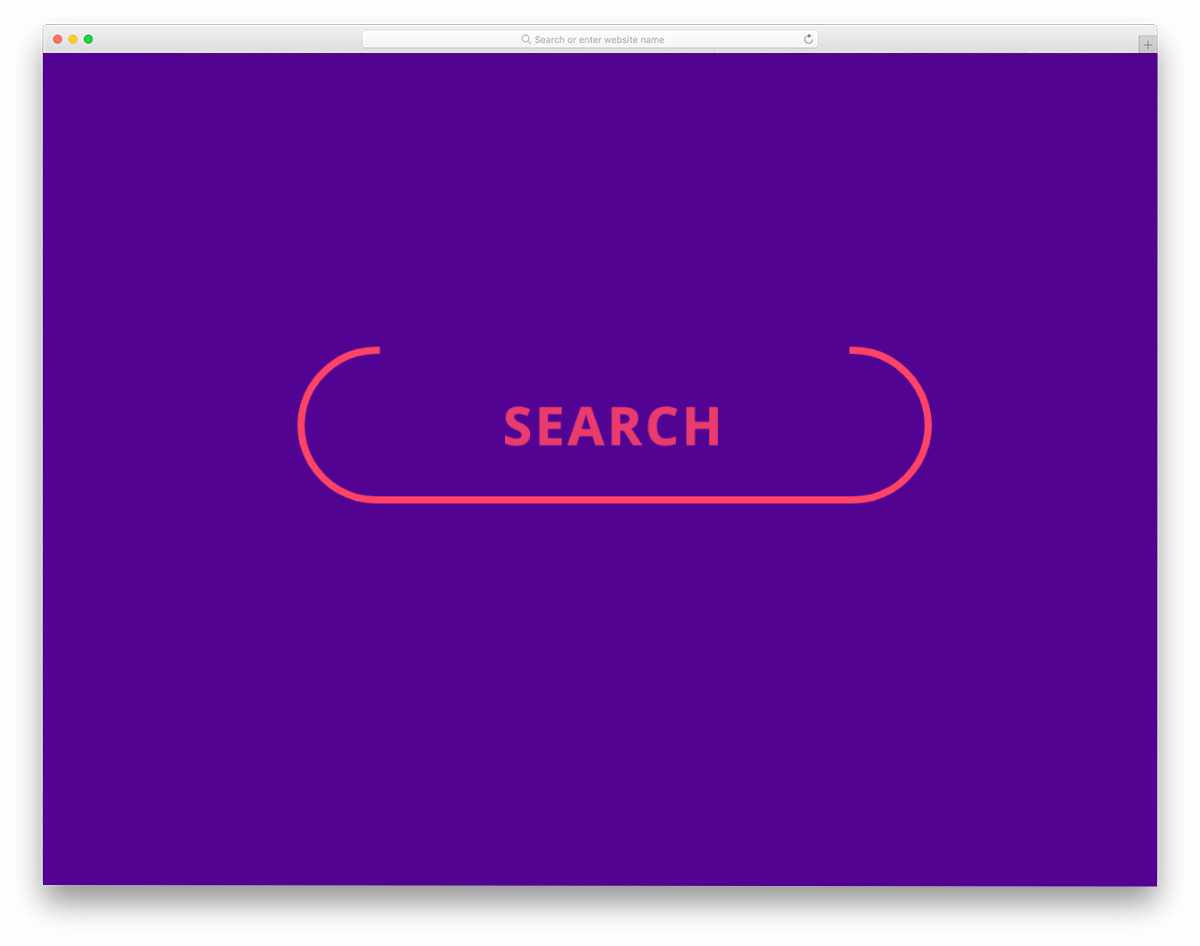
Interactive search boxes require careful balance between visual engagement and functional efficiency. This design achieves that balance through thoughtful border animations that provide clear feedback without consuming excessive screen space. The compact design makes it suitable for headers, sidebars, or any location where space efficiency is important.
The versatile design can be adapted for various input types beyond search functionality, making it a valuable addition to any developer’s component library. The CodePen integration facilitates easy experimentation and customization, allowing developers to fine-tune the animations for specific use cases.
Input Text Interaction Animation
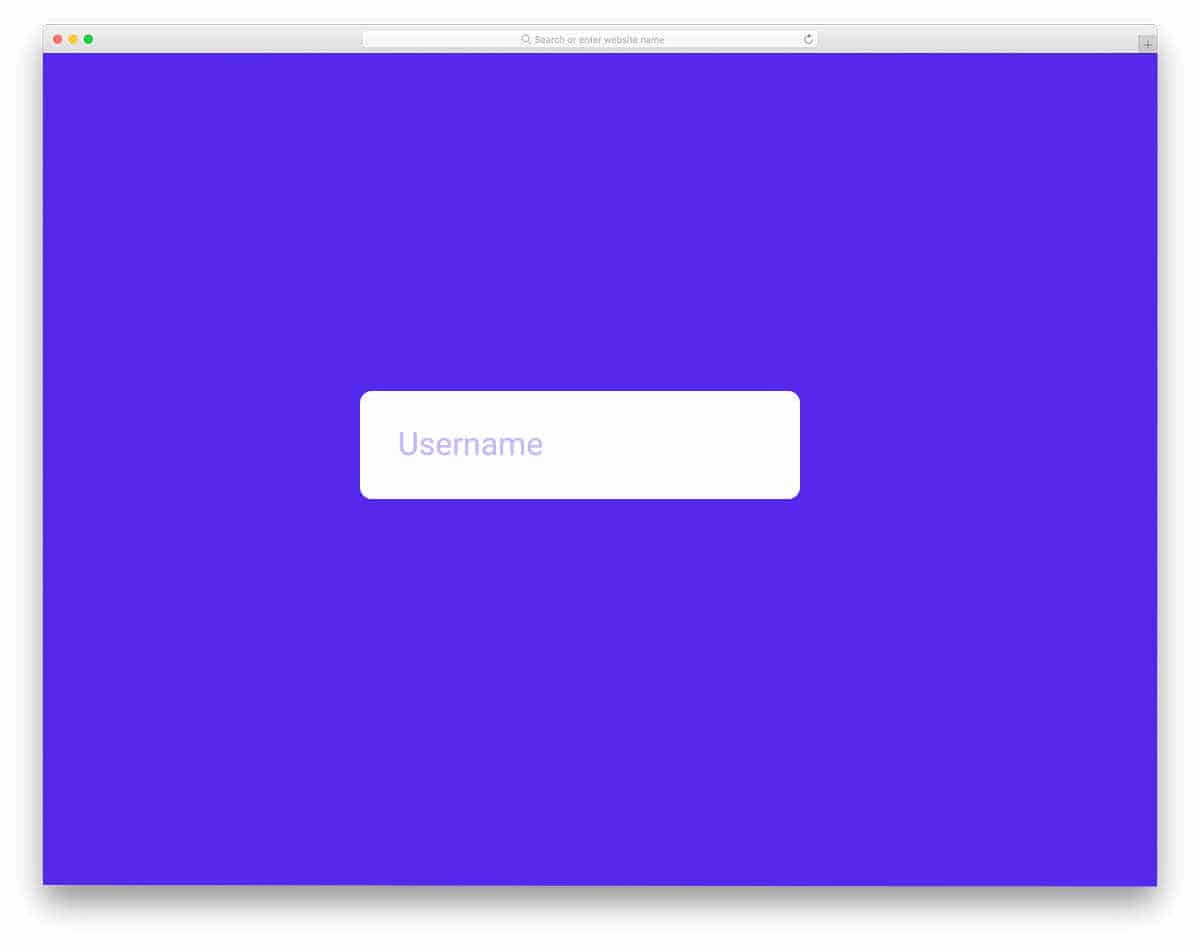
Modern animated input designs must strike the perfect balance between visual appeal and functional performance. This Material Design-inspired input field features carefully calibrated animations that enhance the user experience without causing delays or distractions. The timing and easing of all animations have been optimized for both desktop and mobile interactions.
The sophisticated use of SCSS combined with strategic JavaScript implementation creates buttery-smooth animations that feel natural and responsive. The design system approach makes this component easily adaptable to various design contexts while maintaining consistent behavior and visual quality.
Border Animation Text Box

User attention management is crucial in form design, and subtle border animations provide an effective solution for indicating field focus without overwhelming the interface. This design demonstrates how minimal visual cues can significantly improve user experience by providing clear feedback about the current input location.
The swift, attention-grabbing border animation maintains user engagement while avoiding the annoyance factor that can come with overly dramatic effects. Built with modern CSS capabilities, the design supports contemporary color schemes and gradient effects, making it adaptable to diverse brand aesthetics and design requirements.
Input Text Eater

Experimental interface concepts push the boundaries of traditional form design, exploring new ways to engage users and create memorable experiences. This creative input concept features an imaginative animation where text characters fly to a retro floppy disk upon submission, creating a unique and playful interaction that could work well for creative agencies or entertainment websites.
While the concept requires refinement for production use—particularly for longer text inputs—it demonstrates innovative thinking about how form submissions can be more than functional transactions. The playful approach could inspire developers to create more engaging and brand-appropriate form interactions for specific contexts.
Payment Card Interactive UI

Credit card form design represents one of the most critical user experience challenges in e-commerce, where user confidence directly impacts conversion rates. This innovative design creates a visual representation of a credit card that updates in real-time as users enter their information, helping them verify data accuracy and building trust through transparency.
The dynamic functionality requires a sophisticated combination of HTML5, CSS3, and JavaScript to create seamless real-time updates. This approach helps users feel more confident about their payment information while providing an engaging interface that can reduce form abandonment rates in checkout processes.
Payment Form

Streamlined payment forms focus on functionality and security while maintaining visual appeal and user confidence. This design provides all essential payment input fields without the animated card visualization, making it suitable for contexts where simplicity and processing speed are priorities. The clean layout ensures easy integration into existing e-commerce systems.
Built with modern web technologies, this payment form template provides a solid foundation for secure transaction interfaces. The straightforward approach makes it particularly valuable for service providers and product sellers who need reliable, professional payment processing interfaces that inspire customer confidence.
Add Dynamic Input Box
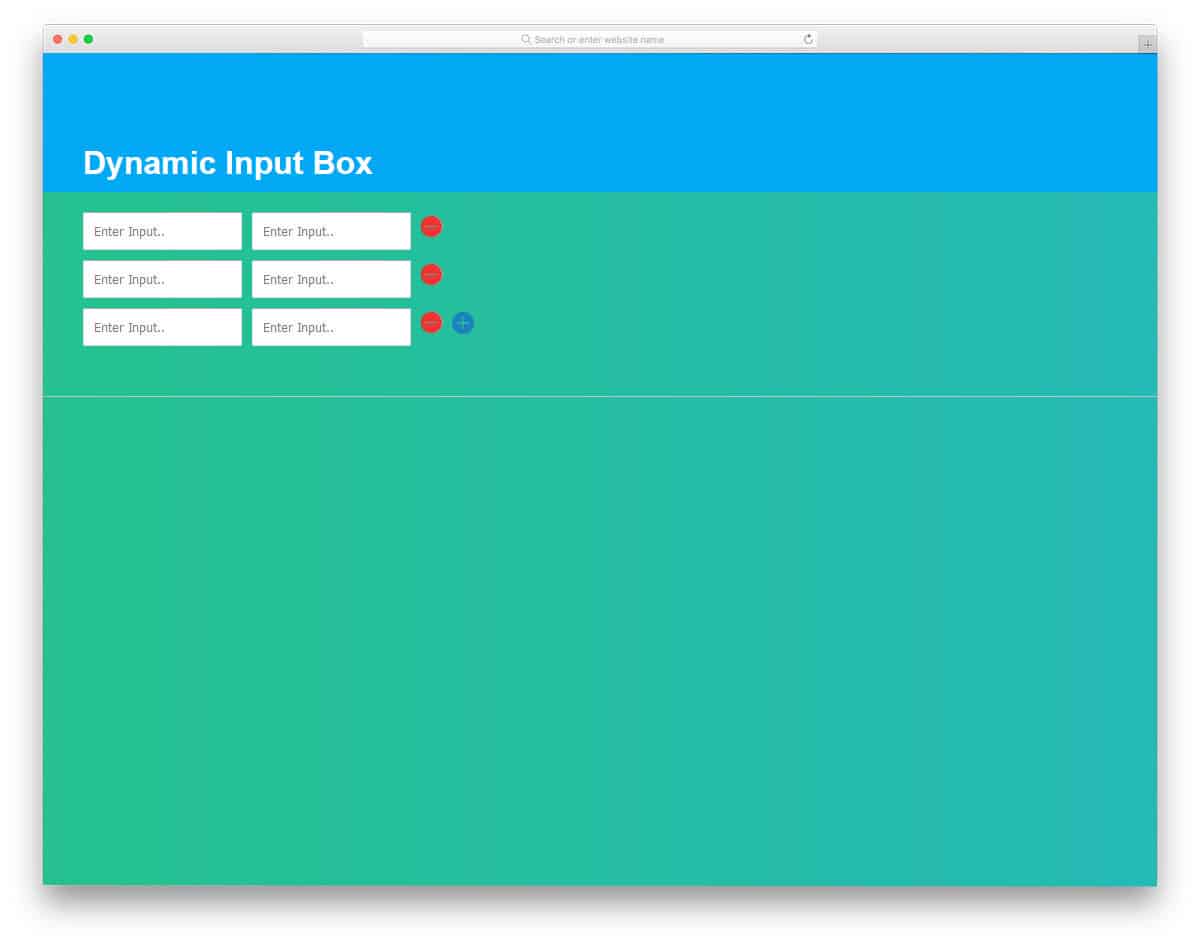
Dynamic form fields that allow users to add additional input rows provide flexibility for variable data collection needs. This design enables users to add new input pairs with a simple click, making it perfect for order forms, request submissions, or note-taking applications where the amount of required information varies by user.
The clean two-column layout maximizes screen utilization while the expandable architecture accommodates varying content needs. The HTML, CSS, and JavaScript implementation provides a solid foundation that developers can extend with additional features like field validation, different input types, or integration with backend systems.
Animated Search Bar

Space-saving search solutions become essential for mobile interfaces and compact layouts where every pixel matters. This animated search bar cleverly conceals the input field until needed, expanding smoothly when the search icon is clicked. The pure CSS3 and HTML implementation ensures broad compatibility and fast performance across all devices.
The expandable design philosophy can be combined with other advanced search features like query suggestions or filtering options to create comprehensive search experiences. The simple code structure makes it easy to integrate into existing projects while providing a foundation for more complex search functionality.
Popup Message Form

Modal form designs offer excellent solutions for maintaining page focus while providing comprehensive input functionality. This popup message form emerges smoothly when activated, featuring subtle label animations and fluid transition effects that create a premium user experience. The design is particularly effective for landing pages where maintaining visitor attention on primary content is crucial.
The ergonomic design ensures excellent usability across device types, with optimizations that can be enhanced for mobile interactions. The complete code structure provides developers with a ready-to-implement solution that demonstrates best practices for modal form design and animation timing.
Input Interactions

Material Design principles provide a foundation for creating universally intuitive form interfaces that users immediately understand. This input interaction design demonstrates how consistent visual language can improve form completion rates through familiar interaction patterns. The shadow and depth effects create clear visual hierarchy while maintaining the clean aesthetic that defines Material Design.
The combination of JavaScript and CSS3 creates responsive, engaging interactions that feel natural and provide appropriate feedback. The modular approach allows developers to easily adapt the color scheme and styling to match their brand requirements while maintaining the proven usability benefits of Material Design principles.
