These eight free countdown timers cover deadline windows, event agendas, time-zone displays, announcement banners and reusable duration timers. Every entry has a working preview and copyable code in plain CSS, Bootstrap 5 and Tailwind CSS 4.
Copy an individual example without email, or confirm your email for the complete ZIP. Newsletter signup is optional. Dates and organisations are illustrative. A browser countdown does not enforce a real registration deadline or provide a background alarm service.
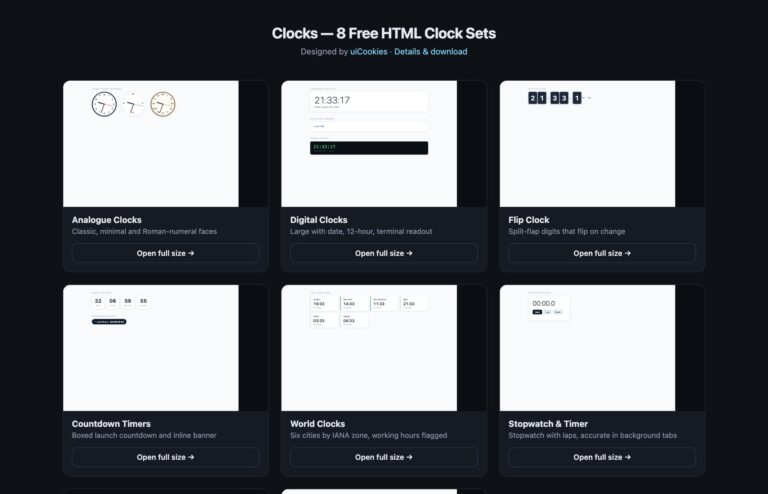
For a simple four-tile or inline counter, see the existing Countdown Timers example from the Clocks pack. The entries below add different behaviours and use cases.
Choose a countdown example
- Deadline Window & Progress
- Multi-event Countdown Agenda
- UTC Deadline & Time-zone Preview
- Dismissible Deadline Banner
- Registration Cutoff Form
- Pausable Focus Countdown
- Independent Kitchen Timers
- Upcoming & Expired Countdown States
Deadline Window & Progress
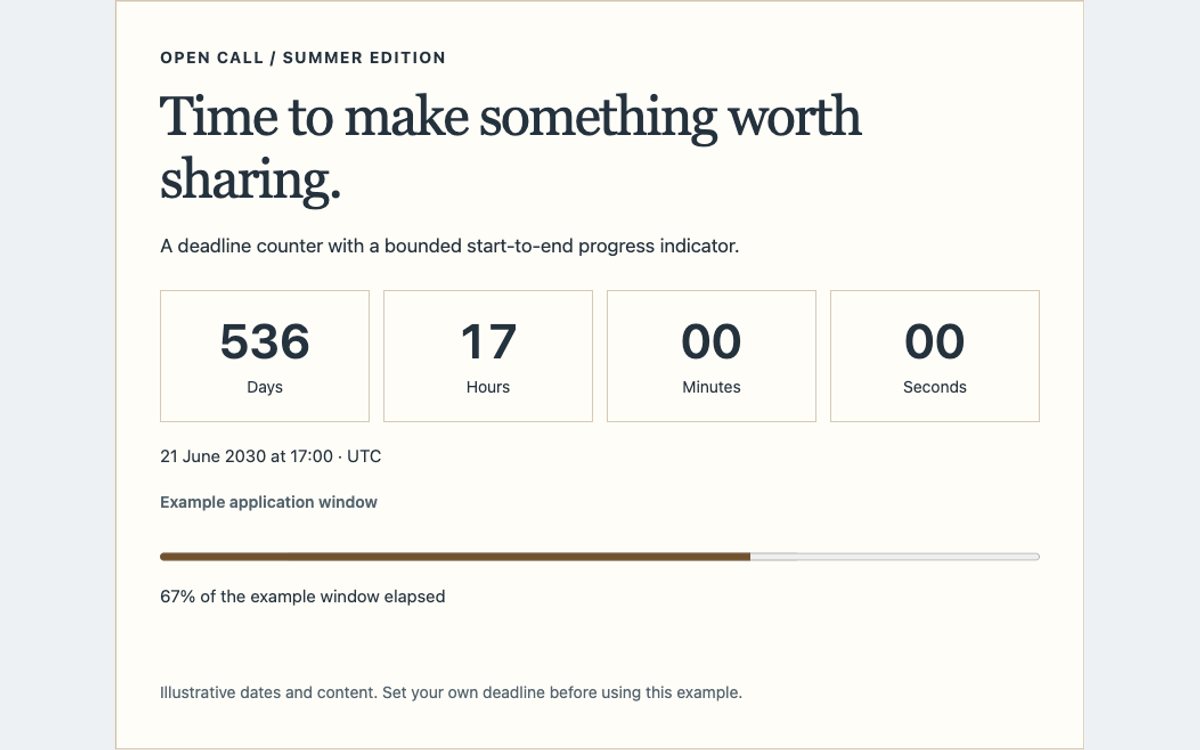
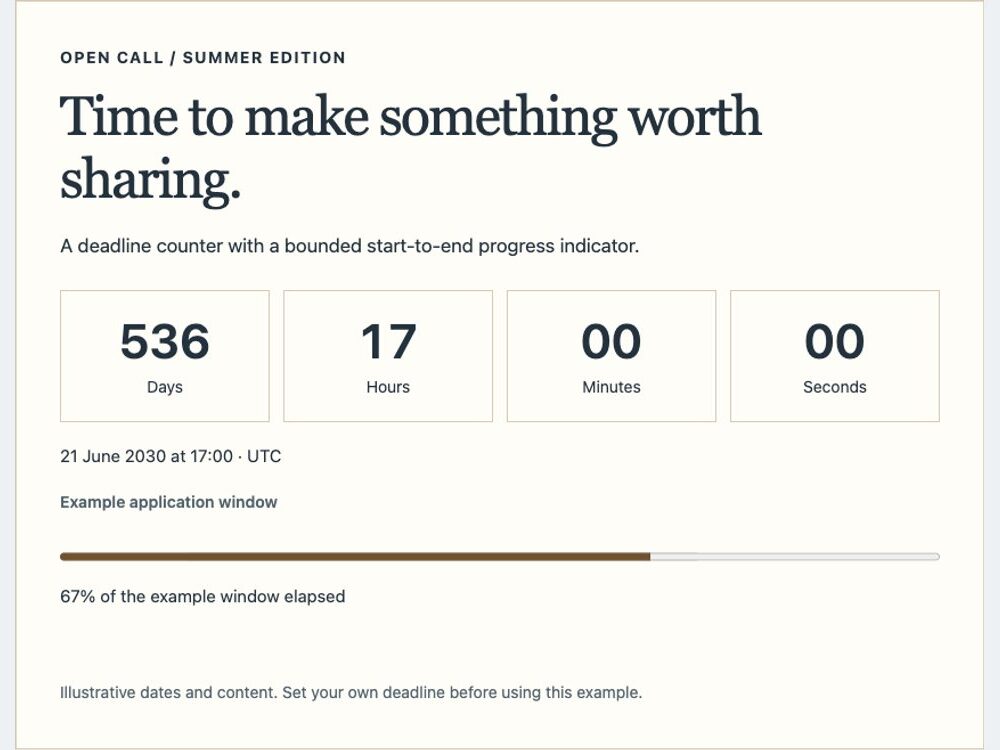
A fixed ISO deadline paired with a progress bar calculated from an explicit start and end. Progress clamps to zero before the window and 100% at expiry; remaining time never becomes negative.
Multi-event Countdown Agenda
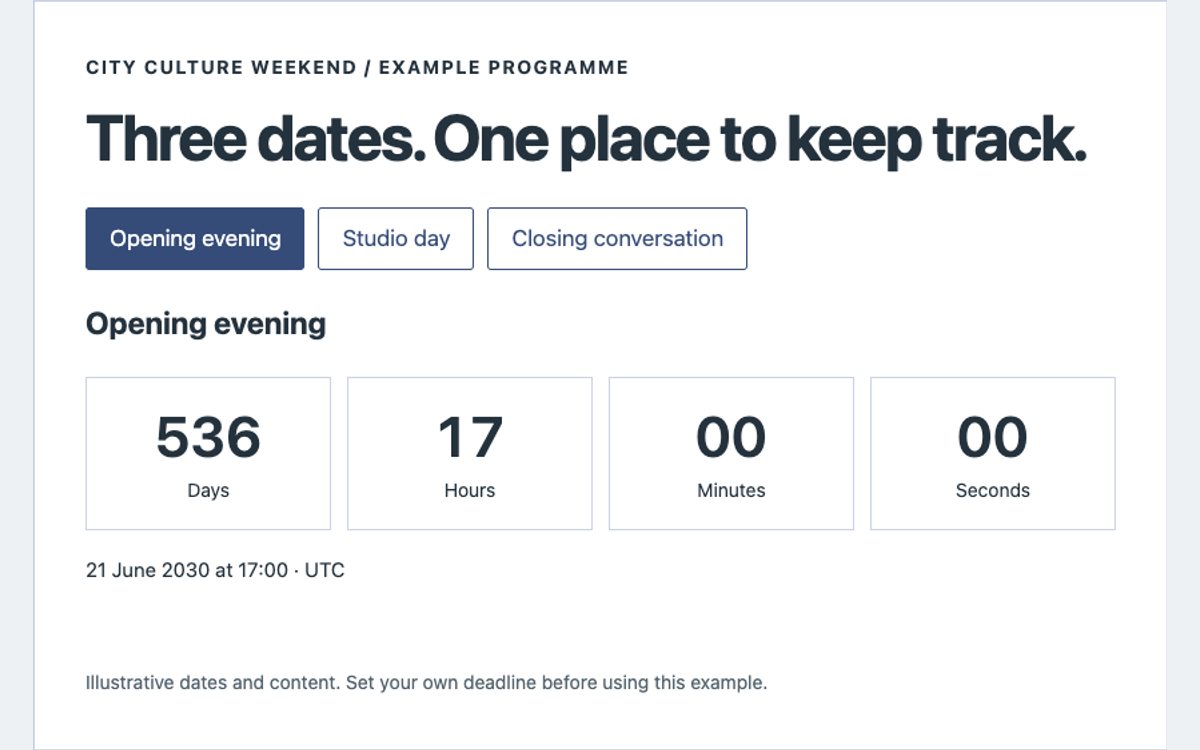
An event selector updates one shared countdown, date and accessible selected state. All three dates are explicit UTC instants; selecting a later event does not restart a fictional rolling deadline.
UTC Deadline & Time-zone Preview
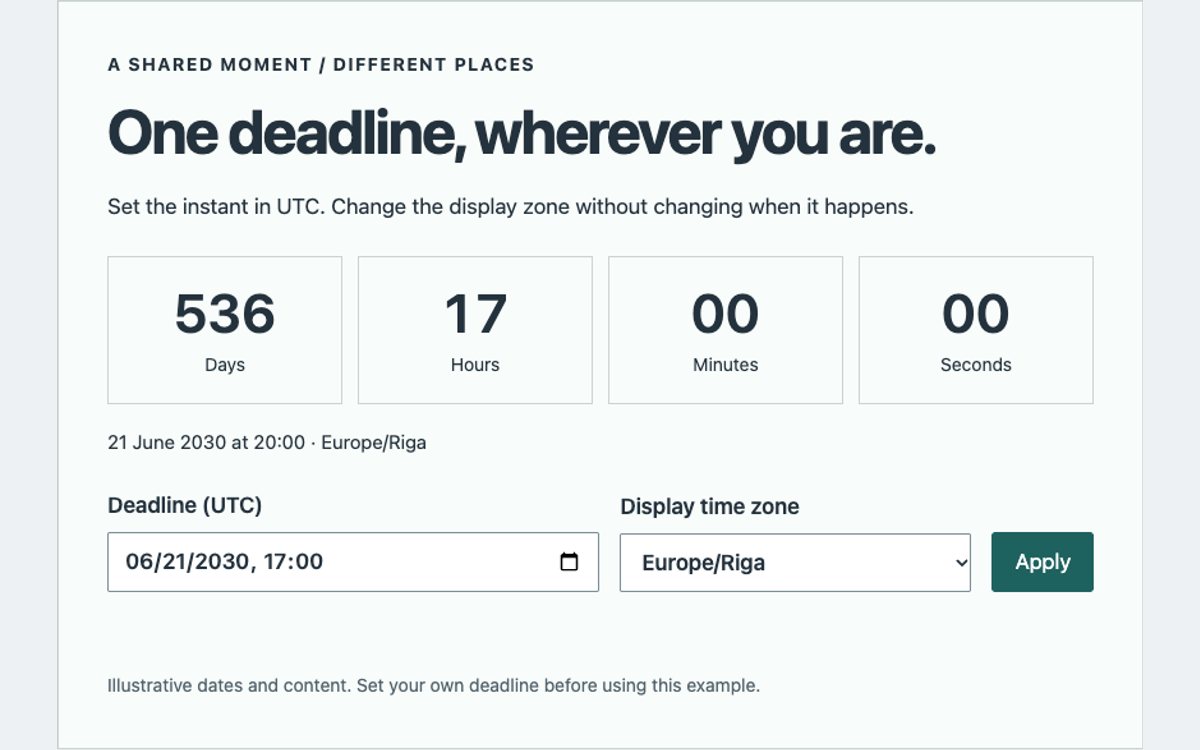
A UTC date editor and IANA time-zone selector make the distinction between a deadline instant and its local display explicit. Intl.DateTimeFormat handles local formatting and daylight-saving offsets.
Dismissible Deadline Banner
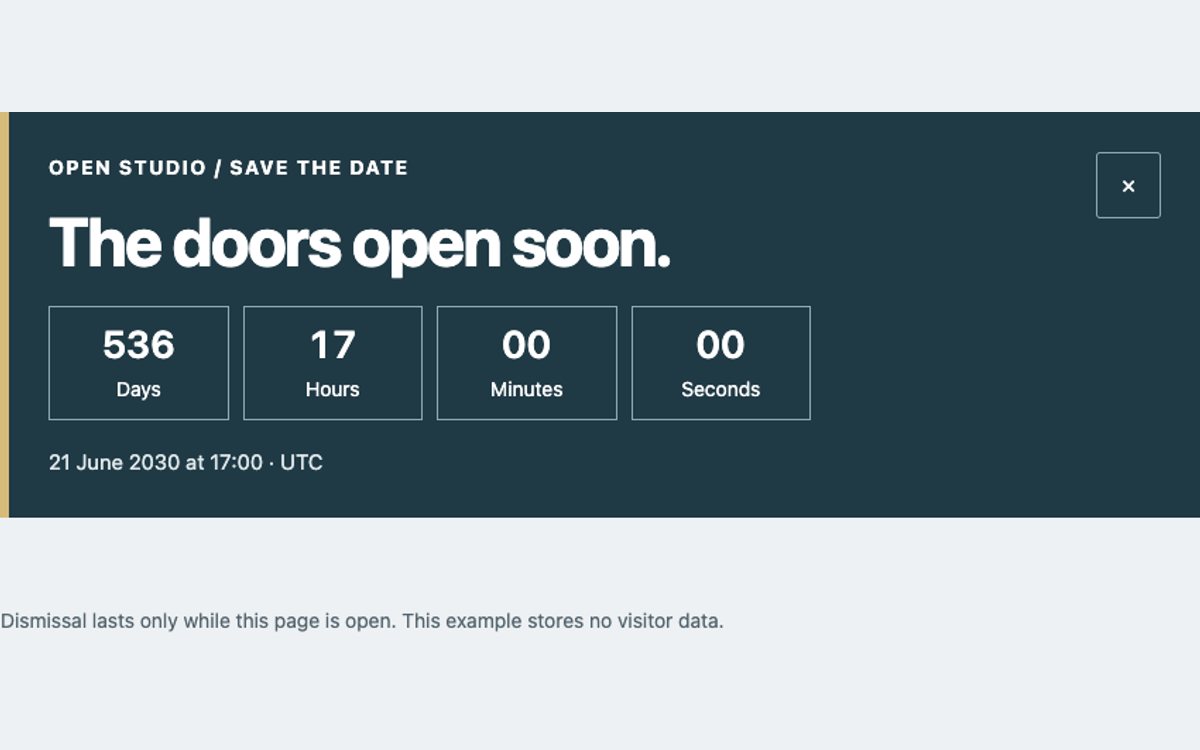
A compact announcement counter with a keyboard-accessible dismiss button and a restore action that returns focus. Dismissal is in memory, with no cookies or local-storage identifier.
Registration Cutoff Form
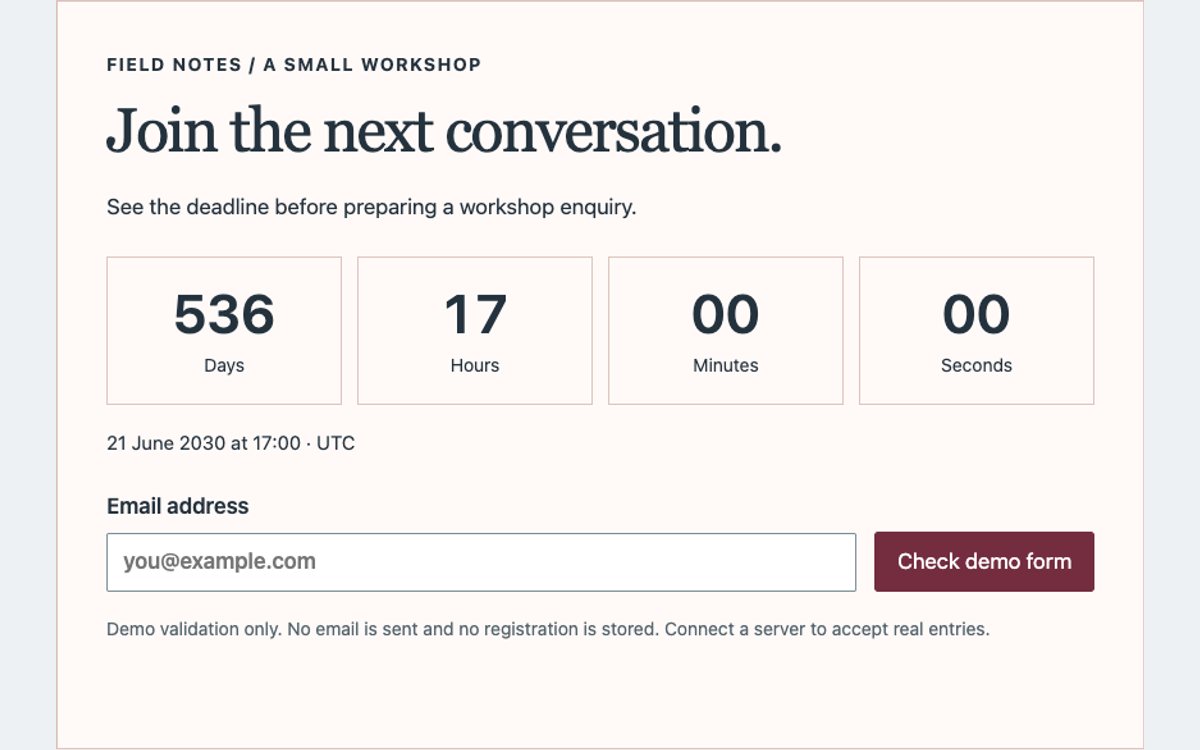
The registration controls close when the deadline passes, including a final check during submission. Native email validation remains active. The demonstration sends and stores nothing; a server must enforce real cutoffs.
Pausable Focus Countdown
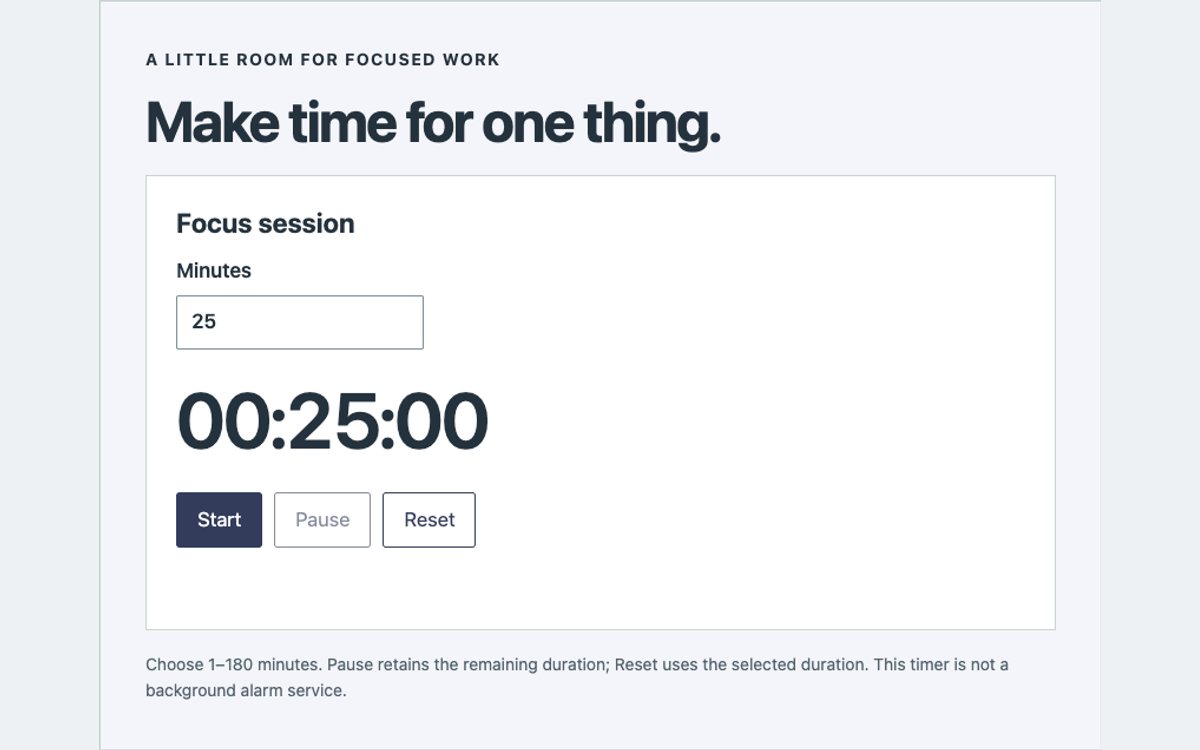
A duration-based focus timer with start, pause, resume and reset. Remaining time is derived from an absolute clock deadline while running, rather than subtracting interval ticks. Invalid durations cannot start.
Independent Kitchen Timers
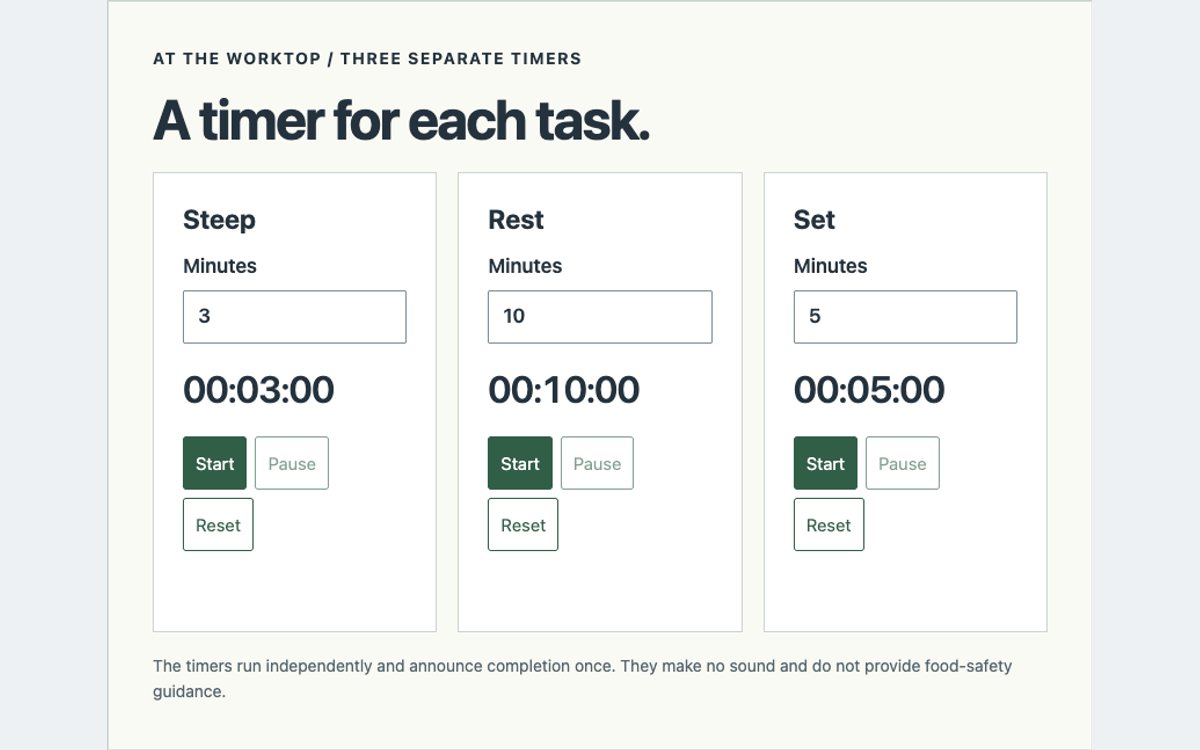
Three independent duration timers share a small reusable controller. Each has its own remaining time, controls and completion message; pausing or resetting one does not change the others.
Upcoming & Expired Countdown States
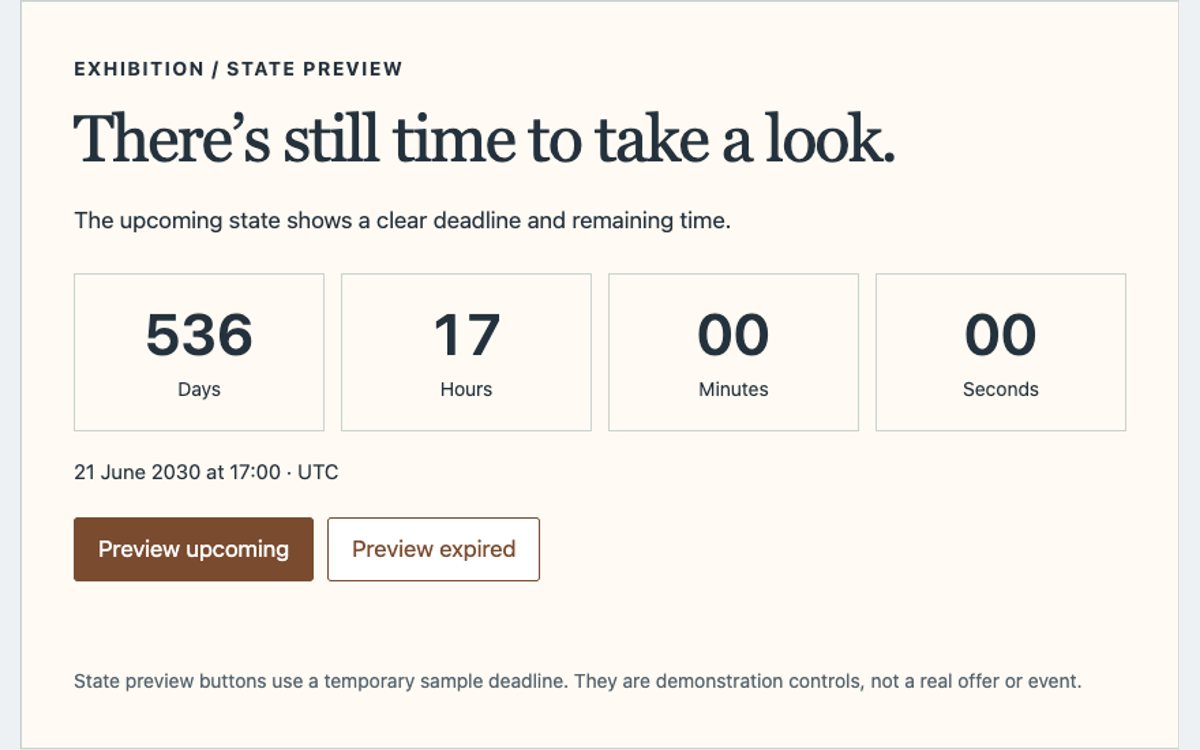
An event card with explicit upcoming and expired content. Preview controls exercise both states without changing the wall clock. Expiry is clamped at zero and gives the visitor a next step instead of a negative counter.
How to use the timers
- Choose a deadline timer for a fixed moment, or a duration timer for start/pause/resume controls.
- Copy the HTML, scoped CSS and JavaScript from the individual code page. The Bootstrap and Tailwind versions use their listed framework plus shared scoped styles.
- Use an ISO 8601 date with Z or an explicit UTC offset. A time-zone selector changes the display, not the deadline instant.
- Test before, at and after expiry; check invalid inputs, mobile layout and keyboard controls.
- Connect a backend for real signups or server-enforced cutoffs. These demos do not send emails, store registrations or process payments.
Download the complete pack
Get all eight countdown examples in one ZIP. Plain CSS examples are self-contained; Bootstrap and Tailwind examples load their listed framework from jsDelivr. Original code is free for personal and commercial projects, attribution optional; see the uiCookies license.
Frequently asked questions
Do the counters drift when a tab is in the background?
The remaining time is recalculated from the target and current clock, rather than subtracting ticks. Hidden tabs can pause execution; the display refreshes when the tab becomes visible. A discarded or closed page cannot run an alarm.
Will a countdown enforce an actual deadline?
No. The server must validate a real deadline or availability when accepting a request. The registration example performs a frontend expiry check and does not submit data.
Are screen readers interrupted every second?
The ticking values are not live-announced. Status messages announce user actions and completion, with labels and visible keyboard focus included.
Related resources: HTML clocks, coming-soon pages and calendar examples.