
Every template on this page was drawn, built and maintained in-house at uiCookies — none of it is a repackaged theme from somewhere else. We keep designing blog and online-magazine layouts because they're deceptively hard: a good one has to do two very different jobs well, guiding readers across a busy front page and then getting out of the way once they've settled into a single article.
That's the lens we design for. A strong blog site keeps body text at a comfortable reading measure, draws a clear line between the discovery layer — the home and category pages — and the reading layer of the article itself, and stays quick and stable, with text that's legible before the hero image lands and no jarring reflow as media loads in.
Every one is free to download, built on Bootstrap 5 (Pressroom on the Bootstrap 6 alpha) with no jQuery and no build step required to publish. Each ships a complete front page and a real single-article layout — not just a hero over a card grid — with a live demo and a direct download, so you can judge the reading experience before you commit.
The templates
Pressroom
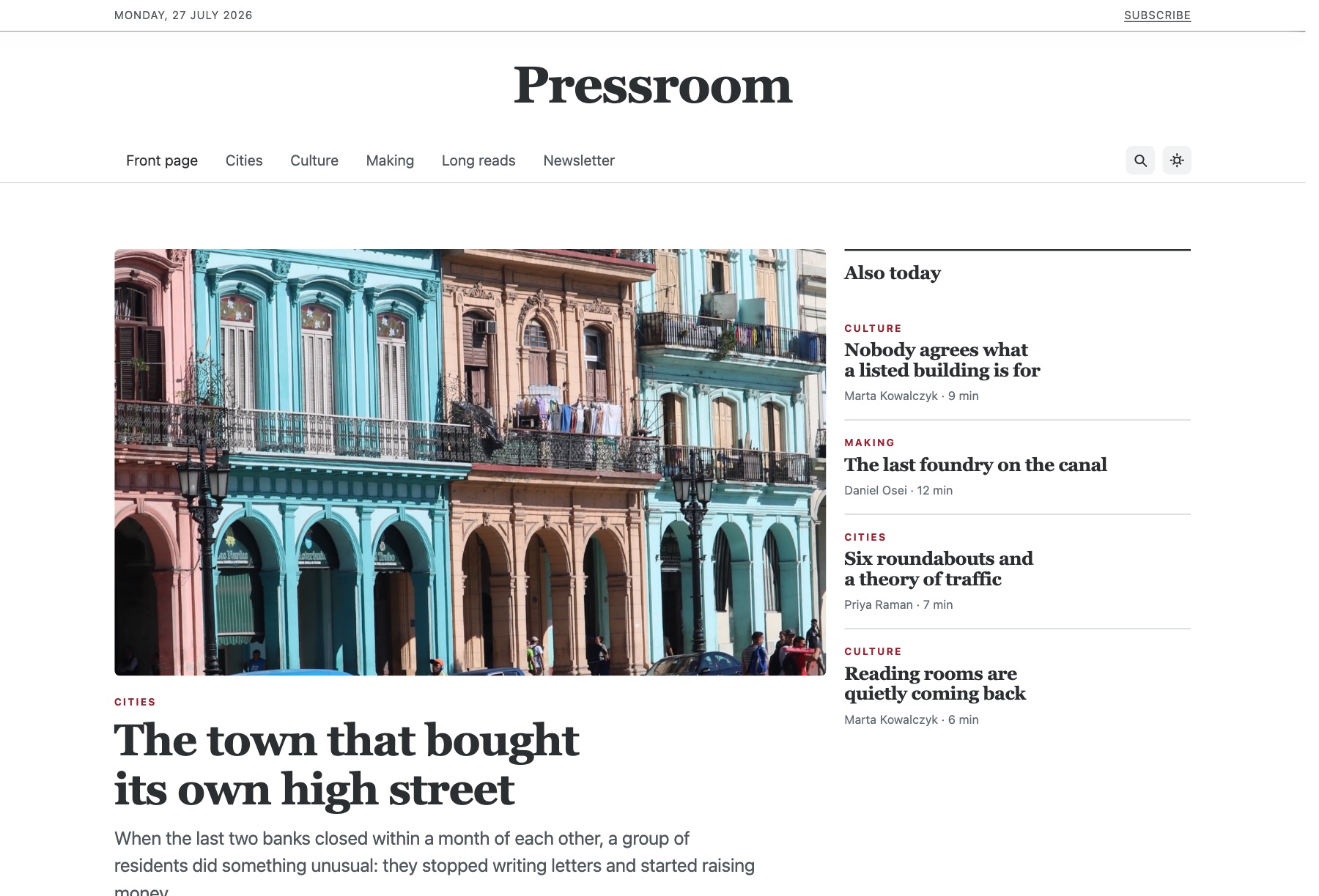
Pressroom organizes a magazine or editorial blog by section. The front page leads with one featured story and a secondary rail beside it, then breaks into category blocks (the demo's sections are Cities, Culture, Making and Long reads), a most-read list, a writers section and a newsletter signup. The article page is set up for long reads, with an author byline and avatar, a share row, related posts from the same section, and a table of contents that stays pinned while you scroll. Real CC0 photos ship as placeholders, with their sources recorded in CREDITS.txt.
The pinned contents list is driven by Bootstrap 6's rebuilt IntersectionObserver ScrollSpy, article bodies take their styling from the .prose scope, and categories filter through Bootstrap 6's Combobox and Chip input. One –brand token rethemes everything, and dark mode is remembered. The newsletter form validates in the browser but sends nothing until connected. Bootstrap 6 alpha, ESM-only vanilla JavaScript and no build step.
Dispatch
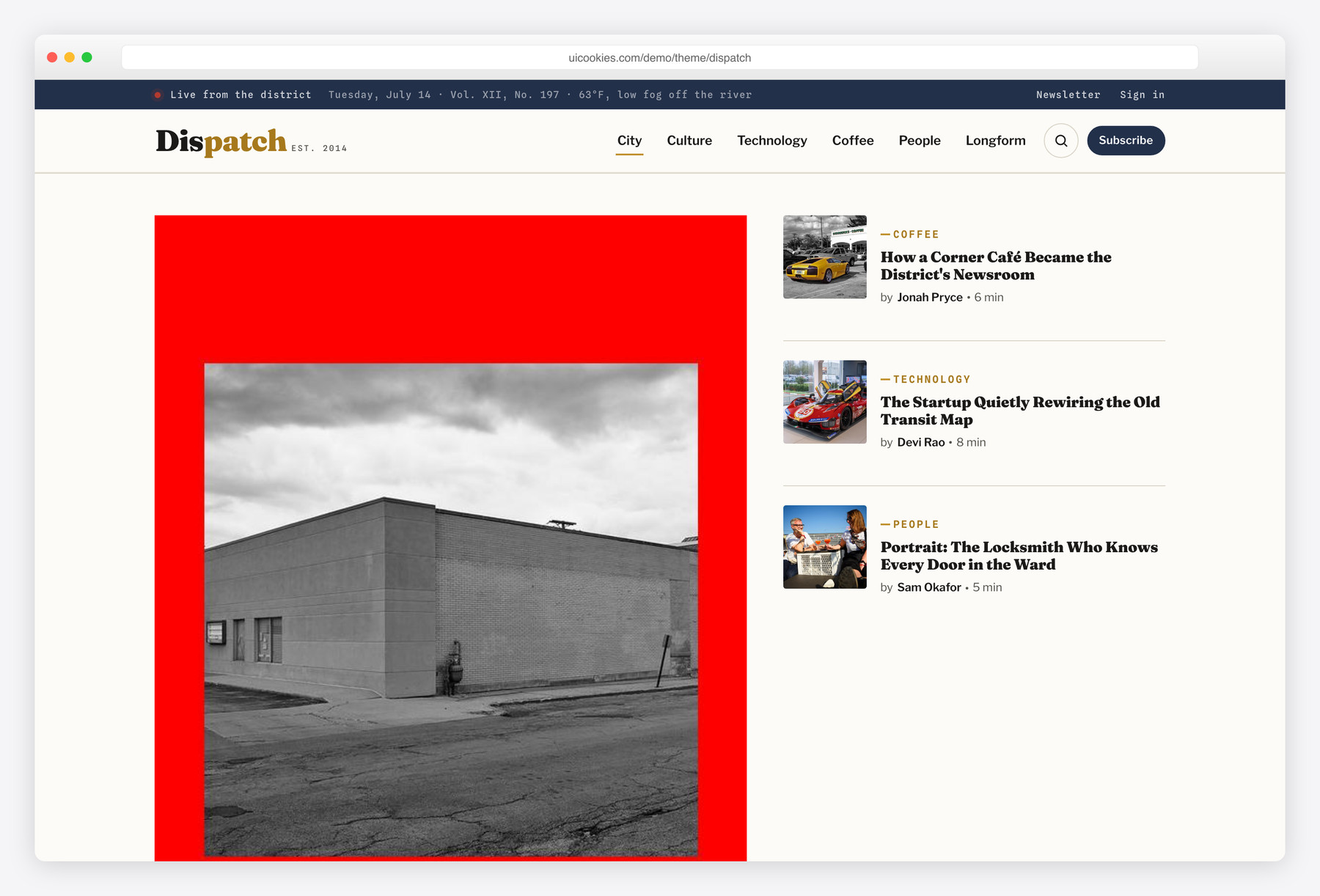
Dispatch runs the home page like an edited front page instead of a reverse-chronological feed: a weighted lead story anchors the top, a filterable Latest grid absorbs volume, and a Most-Read column surfaces what's working. It's the pick for multi-author publications and online magazines that publish often and need real hierarchy between stories. The bundled article page carries that through with a reading-progress bar and a sticky share rail, dressed in espresso ink on warm newsprint under a slate-navy masthead.
Quill
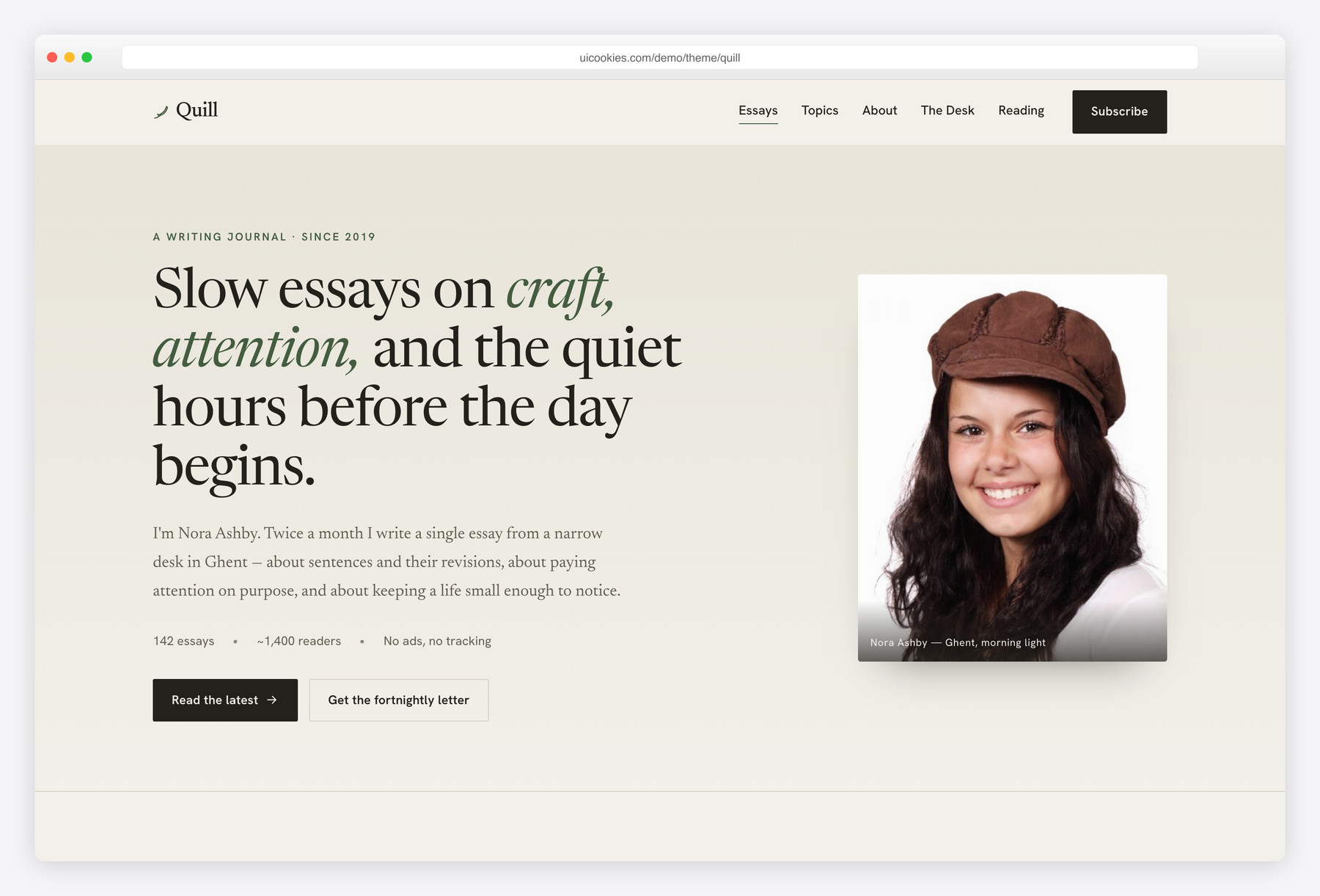
Quill puts the writing first and the machinery out of sight — the home page reads like the contents page of a well-set book, with folio numbers, hairline rules and leader dots in place of thumbnails and metadata clutter. It's built for essayists, columnists and personal blogs where a single long piece is the whole point. Its article layout is the centerpiece: a drop cap, a generous reading measure, pull quotes and genuine numbered footnotes.
Byte
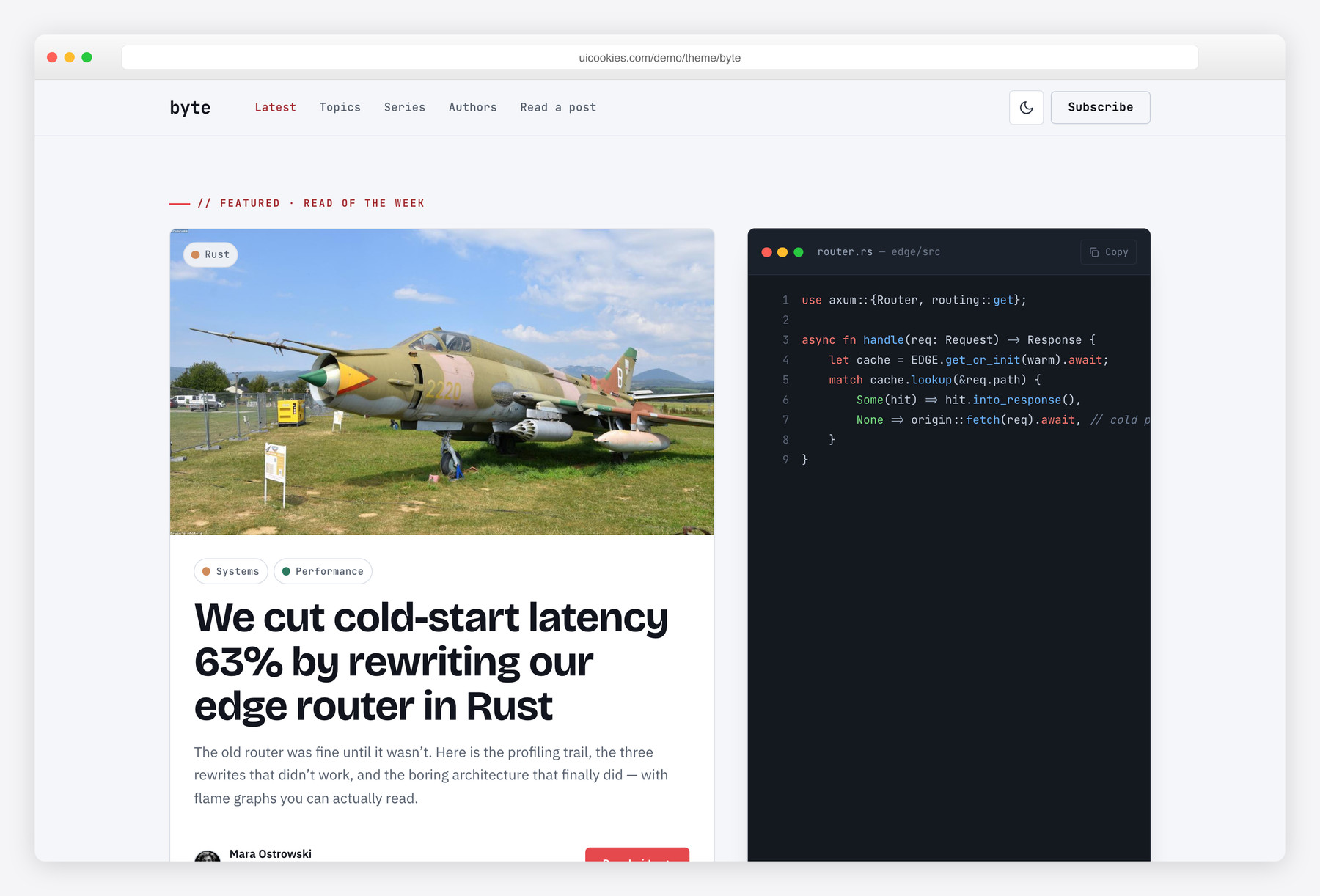
Byte is built around code the way engineers actually read it: syntax-highlighted blocks with a filename bar, line numbers and one-click copy, so tutorials stay legible instead of collapsing into a wall of monospace. It's aimed at developer blogs and engineering teams that publish technical posts. A persisted dark-mode toggle remembers the reader's choice and never flashes light on load, and the whole thing stays a fast static Bootstrap 5 site with inline-SVG icons and no jQuery.
Compare at a glance
| Template | Best for | Layout | Standout feature |
|---|---|---|---|
| Pressroom | Magazines & editorial blogs organized by section | Front page: lead story, secondary rail, section blocks, most-read list | Pinned ScrollSpy table of contents on the article page |
| Dispatch | Busy multi-author publications & magazines | Edited front page: lead story, filterable grid, Most-Read rail | Reading-progress bar + sticky share rail |
| Quill | Essayists & long-form personal blogs | Book-style contents page + wide single-article read | Drop cap, pull quotes & real numbered footnotes |
| Byte | Developer & engineering blogs | Clean feed + code-centric article page | Copy-ready code blocks + no-flash dark mode |
How to choose
Start with how you publish, because that decides the whole shape of the front page. If you ship several stories a day across multiple authors, you want an edited layout that ranks stories for you — a lead slot, a scannable grid, a most-read rail — so the newest post doesn't automatically become the most prominent one; that's Dispatch's model. If you publish a handful of considered pieces and want each to feel like an event, a quiet single-column contents page serves you far better than a busy grid. Match the density to your cadence rather than picking the busiest-looking demo.
Judge the single-article page as hard as the home page — it's where readers actually spend their time, and it's the part cheap themes neglect. Check that body text sits at a comfortable measure of roughly 60 to 75 characters a line, that headings, block quotes, figures and captions are genuinely styled, and that the elements your niche leans on are first-class: footnotes and pull quotes for essays, syntax-highlighted and copy-able code blocks for technical writing. A stunning hero over an unstyled wall of text is a bad trade, because every post you ever write will live inside that body layout.
Then think about performance and plumbing, which is where blogs usually fall down. Images are the main culprit: reserve space for them with fixed dimensions or aspect-ratio boxes so the page doesn't reflow as they load, lazy-load anything below the fold, and export modern formats like WebP or AVIF. Because these templates are plain static Bootstrap 5 with no build step, you can edit the HTML directly or paste the markup into a CMS template — WordPress, Ghost, Hugo, Eleventy or Astro — without unpicking a toolchain. Decide up front whether you need comments, search, RSS or a newsletter signup, since those are best wired to a dedicated service and dropped in rather than expected to ship inside a front-end template.
Pressroom and Dispatch both run an edited front page, so choose between them on structure. Dispatch suits a high-volume feed with a filterable Latest grid; Pressroom groups stories into named sections and gives long articles a pinned table of contents. Quill and Byte remain the picks for essays and code-heavy posts. Pressroom runs on the Bootstrap 6 alpha and targets only recent browsers (Safari 16.4+, Chrome 111+, Firefox 113+), so Dispatch is the steadier choice for a site you need to maintain today.
Frequently asked questions
Are these templates really free, and can I use them commercially?
Yes. All of them are free for both personal and commercial projects, including sites you build for clients. Because we design and maintain them in-house at uiCookies the license is straightforward — attribution is optional but always welcome, and the full terms are at uicookies.com/license.
Are they responsive on phones and tablets?
Yes — they're built mobile-first on the Bootstrap 5 grid and tested down to small phones. On a reading site that matters most inside the article body, so line length, font sizes and tap targets are tuned for one-handed reading rather than just shrunk to fit.
Can I edit them without a build step or knowing a framework?
Yes. Each template is static HTML, CSS and vanilla JavaScript with no build tools, no jQuery and no framework to learn — open the files in any editor, change the text and images, and upload. If you'd rather work in a CMS, the markup drops cleanly into a theme template.
Can I connect one to WordPress, Ghost or a static-site generator?
They're front-end templates, so there's no backend wired in, but the markup is clean and framework-agnostic and is meant to be ported. People commonly rebuild them as a WordPress or Ghost theme, or as templates for Hugo, Eleventy or Astro; the standard Bootstrap 5 class structure keeps that port simple.
How do they perform on Core Web Vitals?
Dropping jQuery and keeping the JavaScript minimal already removes a lot of weight, and the styling is standard Bootstrap. The main variable left in your hands is images: size them, lazy-load below-the-fold media and serve WebP or AVIF, and a blog built on these will score well.
Do they include comments, search or an RSS feed?
The front-end pieces — layouts for a comment thread, a search field, category filters — are designed in, but there's no server behind them. Wire comments to a hosted service, point search at your CMS or a tool like Algolia, and generate RSS from whatever backend you publish with.
Related templates
Free Movie & Streaming Website Templates · Free Music Website Templates · All free HTML website templates · Free Personal Website Templates

Wow, Really amazing collection. Here are all Blog Templates that are awesome. Thanks for sharing this list.