

Typically, you can find timelines in various history books and lessons, which explain specific events and why and when they happened. Based on similar strategies, multiple sectors and niches of business and professionals use it to keep things organized and sequential. This provides a better understanding of the content and helps you stay on track. The best and most popular use of timelines can be seen on social media like Facebook and Twitter. All of your posts, tweets, uploaded images, and every piece of data shared or saved is presented in a timeline from when you were born and joined. Timelines provide users with a helpful framework, making a wide range of data more accessible and approachable.
Today, we list fantastic timeline examples you can use on your site. Since there are so many timelines to choose from —like animated ones, sliders, cards, progress bars, and more —we decided to make it more interesting! We have divided the timelines into two categories: vertical and horizontal. Thus, here is a list of all the creative horizontal timelines, and you can find the list of all the vertical timelines on our other post! These examples also include links to the code snippets and an image to showcase the demo. Enjoy!

Horizontal Timeline
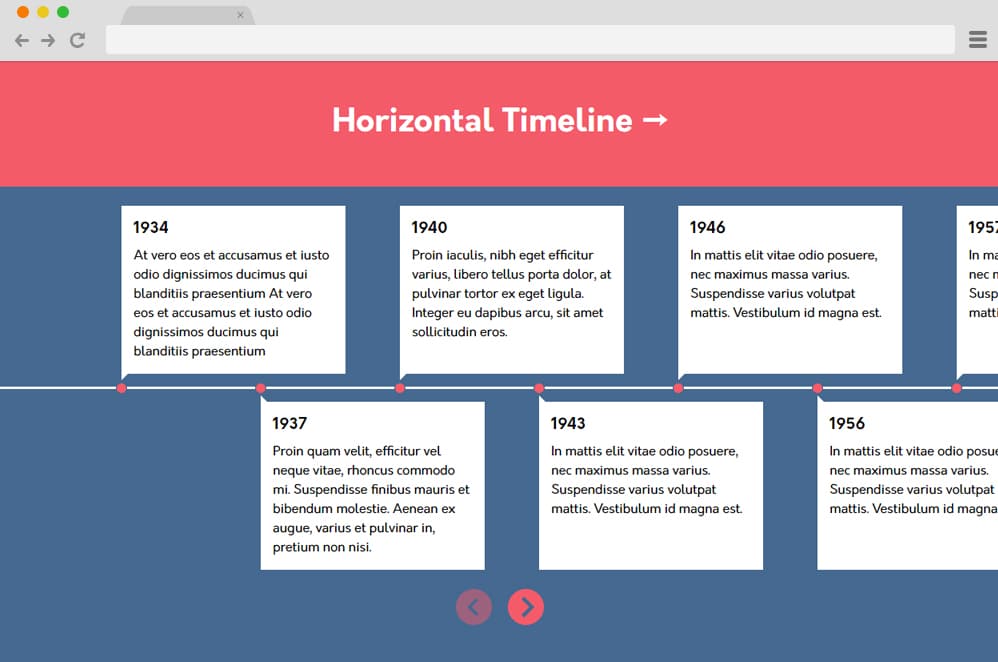
First and foremost, this is an advanced slider-based horizontal timeline example that you can try out. Great for explaining and adding in information on that specific event, occasion, or milestone, this simple and effective design is worth a try. A simple line is drawn across and marked with red dots to mark the event. Each event is explained in the dialogue boxes below and above the timeline. Yet another interesting element is included: two navigation icons below. Users can easily scroll through, forward, or backward on the timeline. This simple design is creative and pretty practical when implemented on any site for professional or educational purposes. To add that extra flair, contrasting color schemes is used throughout the whole design as well.
Nested And Color Timeline

This is a more creative and colorful way of adding a horizontal timeline to your site. The creator of this design used simple material design cards to create an attractive yet practical slider. Unlike most designs we have in line for you, this timeline is a more pragmatic approach as it has placeholders for every little element. You can add images, details, dates, titles, and more. Even the text sections above the timeline can be used to add more information. The classic straight line across the screen is also color-coded on each node to represent a category. Clicking on the nodes or the navigation icon at either end also makes it easier for users.
Responsive History Timeline

With a design created especially for dictating and explaining events and history more easily and manageably, this horizontal timeline is visually stunning. Unlike the other designs, this is the definition of a slider used as a timeline. Each section contains image holders as well as text placements to explain the image. As with any sliders, it has navigational icons below the sections for users to scroll through the content. The creator has also stuck to the monochrome black-and-white theme with the color palette and added a hint of detail with golden text. Simple and perfect for educational and informative contents, this is also a great example for you to try out.
Group Timeline
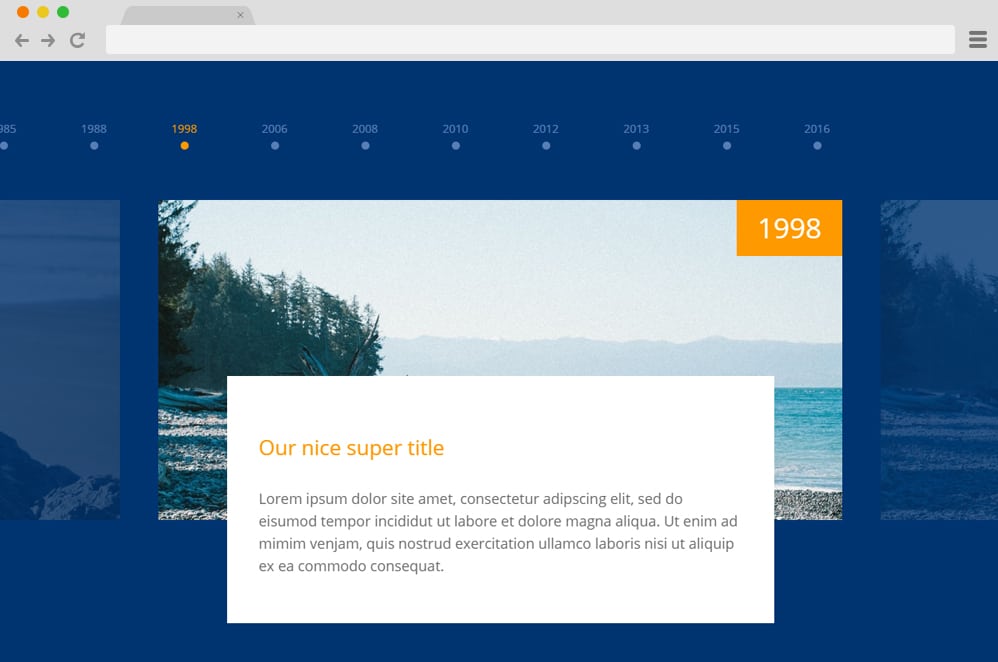
As the name suggests, this design leans towards group achievement or milestones one would like to showcase. This professional and clean representation has simple buttons across the screen to help users navigate. The overall design screams simplicity, even with the cards, the background, and the overall aesthetic. With each movement, the cards also smoothly slide left or right to make way for the other content. However, side by side, it also displays a smooth fade transition in and out. The great thing is that the users can slide through the content using cursors or arrow keys. Whatever the case, using CSS, HTML, and JS, the whole structure is as clean and mesmerizing as possible.
Horizontal Timeline inspired by Codyhouse

Simple and minimal, this is a simple experiment created by the creator to represent a horizontal timeline. The background and overall color scheme are simple and clean. Creators have used JS to add all the details, including animations, effects, attributes, and hover and click effects. The creator added the date again in the detail section for demo purposes. However, you can easily replace it with any type of content, title, or detail to specify the time. The transition is smooth thanks to all of the well-commented code.
Horizontal Timeline

This is another example of a horizontal timeline you can replicate on your site. Although not as detailed and useful as our previous examples, this can be a great start to your future project, where you can add the necessary details to your preference. It showcases a simple timeline box with a gradient pink shade. To get a better understanding, the timeline features various pins that differ from normal or are featured as set by the users. When hovering over each of the pins, the details of what it is supposed to represent appear. And the great thing about this is that it is extremely easy to implement or replicate, as it relies fully on CSS and HTML only. Follow the link below to get a better look at the coding structure the creator has used.
Horizontal Timeline with Swiper
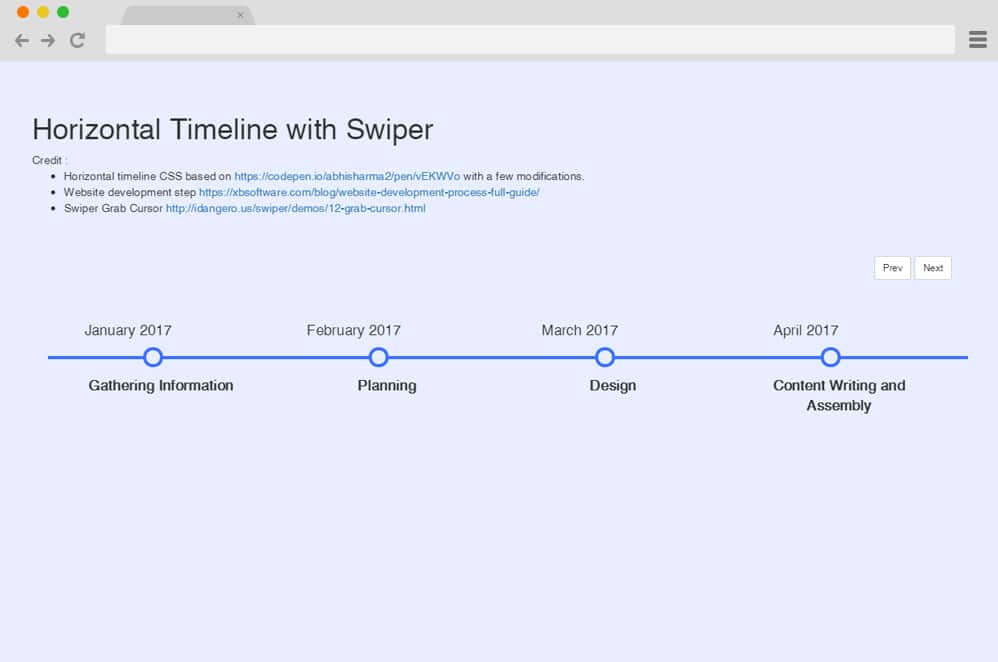
A bit more modern and advanced, this is a great way to add that touch of creativity to any site. This timeline is based on the design of an example by Abhi Sharma, but with a few modifications. The creator used additional components like the Swiper Grabber Cursor and extra slide-in effects with JS and CSS. This is a simple yet engaging design. Two navigational buttons are also placed on the top for the users to scroll left and right easily. CSS transitions with the ease-in and ease-out effect make the whole timeline a bit more interesting.
Horizontal Timeline CSS
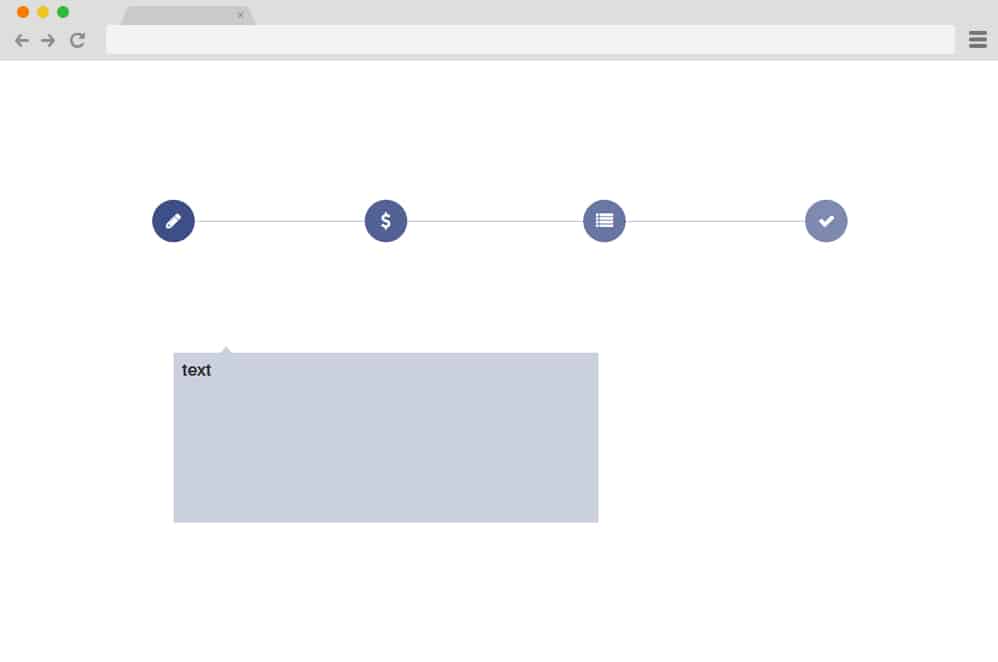
This design by Tara Butler is a simple execution of a minimal icon and cards based horizontal timeline. Various icons inside a circle are placed on the timeline as markers for various functions or events. These also execute a smooth expand effect on hover. While the whole design seems to be minimal and simple, it can serve as a starting point for your custom project. Add in all of the extra effects and animations that you prefer. You can even change the overall color schemes and the icons used. Follow the link below to get a full view of their code structure.
JQuery Horizontal Timeline

Now, this is a great way to effectively execute events and dates on any website, as the design is completely responsive. Although horizontal on the initial stage, the whole structure changes to a vertical timeline depending on the screen size. It is based on CSS, HTML, and additional JS to add creative elements. You can add the details and information you want in the extended columns for each marker. The alignment of each marker is even and equal, and the extended columns also alternate their direction to add that extra touch of detail. Using simple and minimal color schemes, the creator has made the most out of it.
Animated Timeline
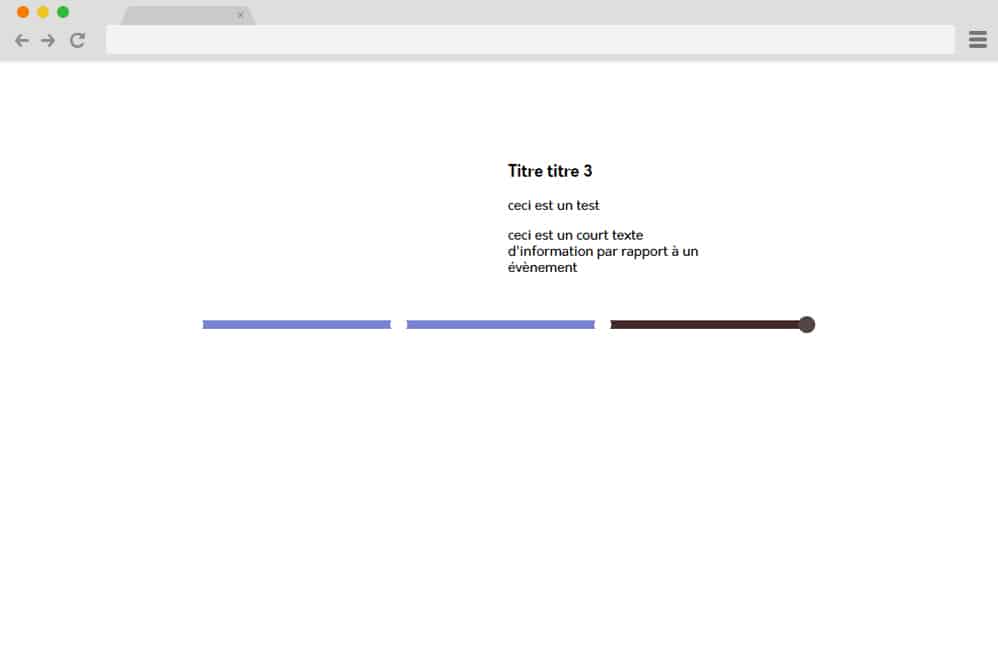
Another one that fits right into the creative and innovative alley is this animated timeline with a horizontal structure. The timeline starts as a simple line with markers to mark the event and the time. But the difference here is the animation used. Clicking on certain markers displays the title and information in a smooth transition. Even the line is animated to follow the click, changing colors as it paves the path to where the cursor is clicked. However, the animation is elevated further with the classic radio button-like effect. This means that only one of the markers can be clicked, and information can be displayed at once. All of the elements are designed and implemented with CSS, HTML, and JS, allowing you to better understand the coding structure.
Horizontal Timeline

Talking about an animated timeline, this is an even better version of what we have listed out so far. With a gradient background already giving out that innovative feel, the timeline alongside the cards and even the markers are animated. Each marker includes an information box where users can add any details or information, and even include icons and images. When hovering over the specific markers, the cards display the information, and the markers change their initial color pattern. This is a great head start, perfect for any professional site to use as a timeline, showcase events, or display the process. Personalize it to your preference and quickly implement it on your site by following the code snippet below.
Horizontal and Vertical Timeline
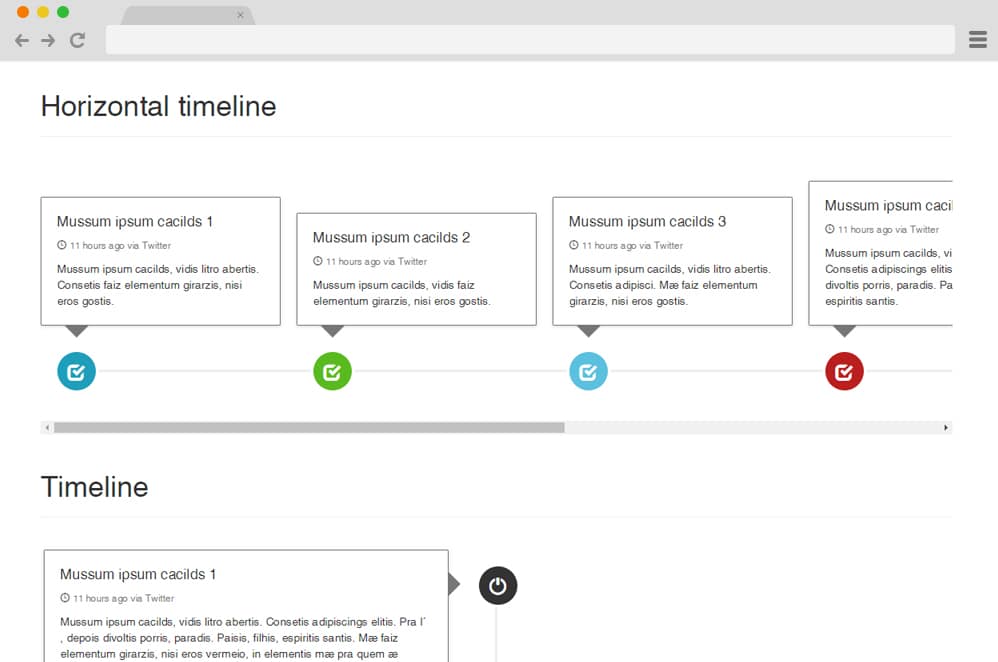
This is a simpler and cleaner design based entirely on HTML and CSS styling and coding. Like the previous timeline, it follows the same style pattern, however, with an extremely minimal color scheme and design. With a pale white background, the material design-based cards pop out more. The hint of color in the icons or markers adds that touch of creativity one might look for. This is perfect for any site, as the simplicity of the whole structure is easily adjustable and flexible. However, the great thing is that the creator has included both vertical and horizontal timelines. Whichever fits your need, simply follow the link below and get a better look at the whole structure that the creator has created.
Horizontal Timeline Ex

This is yet another animated example of a horizontal timeline that might pique the interest of your users. Creative and pretty much mesmerizing to scroll through, whether you want to showcase time, dates, events, milestones, or more, this can be a perfect option. A single gray line with little nodes as markers is the base structure. Each marker is animated to change color schemes and display the information when clicked. Simple spherical shapes also work as navigation icons on each side of the line. When clicked on, the lines transition in a smooth slide-in and out effect. The overall concept is excellent, and you can easily access the code snippet below.
Timeline
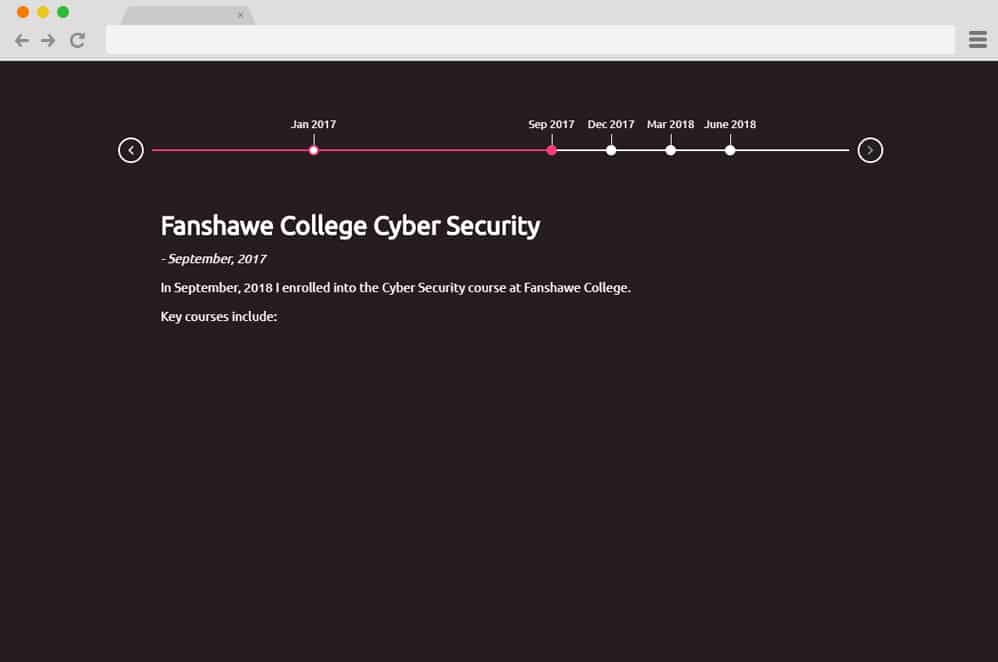
By using contrasting color schemes and applying them to an animated structure, the creator of this design has made elegance the primary aesthetic. This design, suitable for displaying more details on one marker or one event at a time, is certainly more applicable than some of the designs we have mentioned on the list. The timeline uses the white line as the indicator and small markers along the line to indicate the time. The mesmerizing hover and click effect, which executes a color transition, makes the otherwise boring timeline more interesting. JS animations and effects take a simple CSS and HTML structure to the next level. For easier navigation, icons are placed on either side for the users to scroll through.
Horizontal Animated Timeline
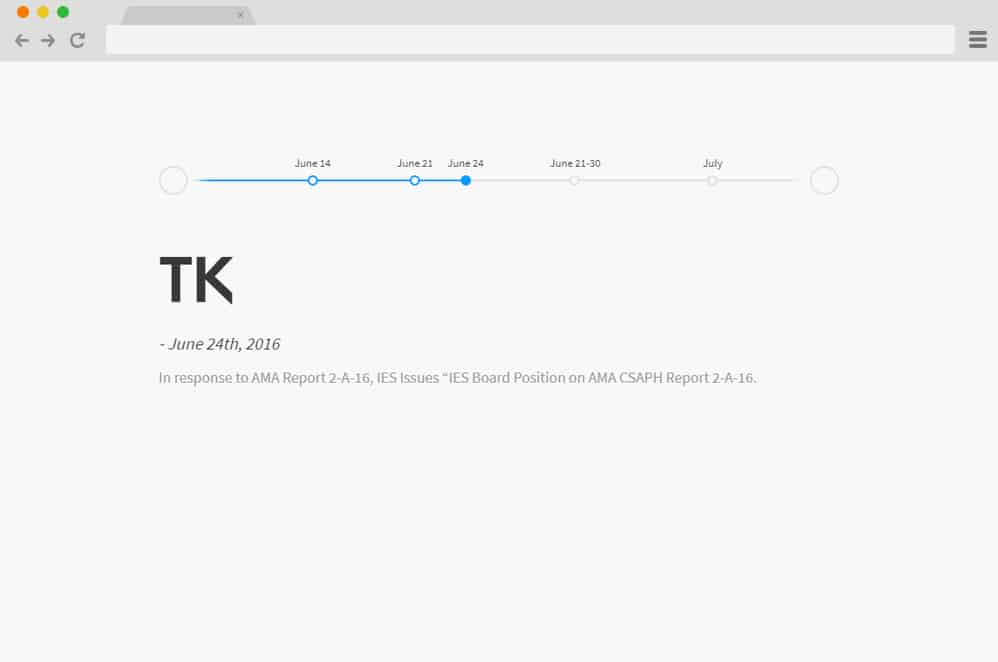
Now, this is a design similar to the one we just mentioned. The difference, however, is that a more subtle yet brighter color scheme is used with all of the elements. The animations and effects are pretty much the same. However, just simple circles without any arrows are used for the navigational icon to follow the minimal pattern. Another additional element here is the smart function to detect the start and end of the timeline, which, when hovered over, changes the cursor to the not available sign. The white background and the gray timeline keep the clean and professional aesthetic in place while the focus of it all remains on the creative fonts used to display the information.
4 Panel Timeline CSS

This stunning slideshow based timeline is so visually pleasing that it is hard to believe that the entire structure is based only on CSS and HTML. The idea here is to present textual content focused on more creative ways to implement the images and message. Four equal sections showcase different times, representing a timeline. Starting off, the sections display the dates and a translucent image to back it up. Executing a smooth and mesmerizing hover effect on each section, the creator uses CSS effects to make a design worth trying. The background expands and lights up, while the rest of the content slides into the display. Quite an amazing idea to add a timeline, milestones, or any future projects, get a closer look into the structure used by following the link below.
Horizontal Timeline Slick

Created on the basis of a slick slider, this example of a horizontal timeline is a beauty. The creator has utilized markers to designate a timeline. Better yet, the slide and scroll element is animated with the loading bar movement. Below the loader, the sections include textual information and even a button to add links if you prefer. The navigation arrow on each side makes it easier for users to scroll through all the content. Color schemes with plain white and neon green are simple and eye-catching.
Animated Horizontal Timeline
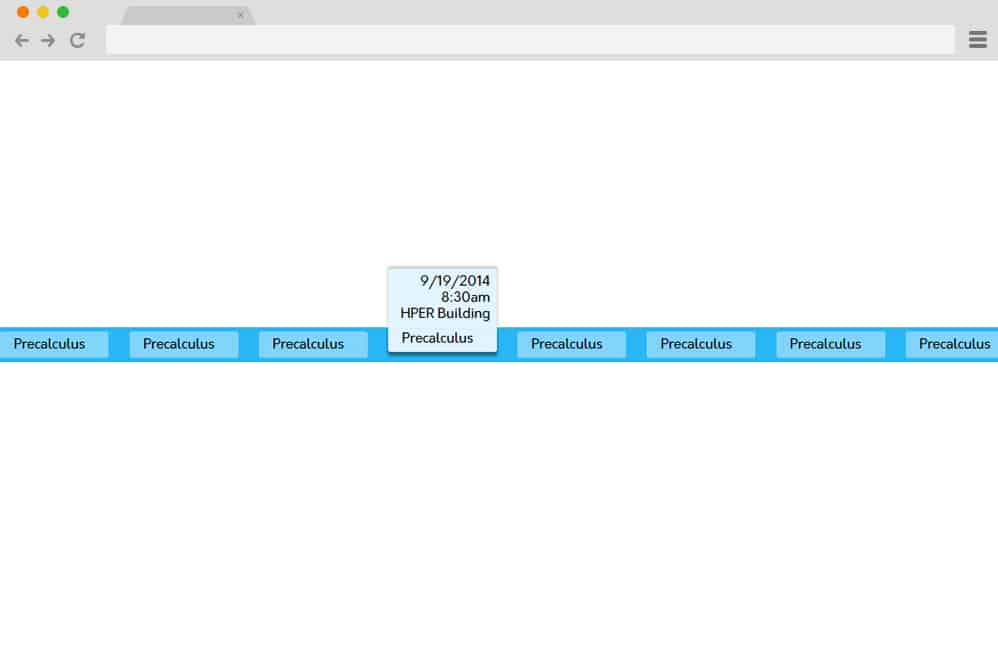
Depicting the floating bar or menu on sites is another great way to implement a horizontal timeline on any website. Engaging with the animated element, the whole structure is based on the expanding card style. Various animated structures are placed side by side to create that horizontal timeline. When hovering over one, the structure expands to full view to display the integrated details and information. It is quite stunning for just CSS and HTML, and the overall transition and effects are extremely smooth as well. And because the structure is so simple and clean, implementing it on your site is also a breeze. While the texts and the color schemes are pre-defined for demo purposes, you can easily adjust it according to your preference.
Timeline Sequence
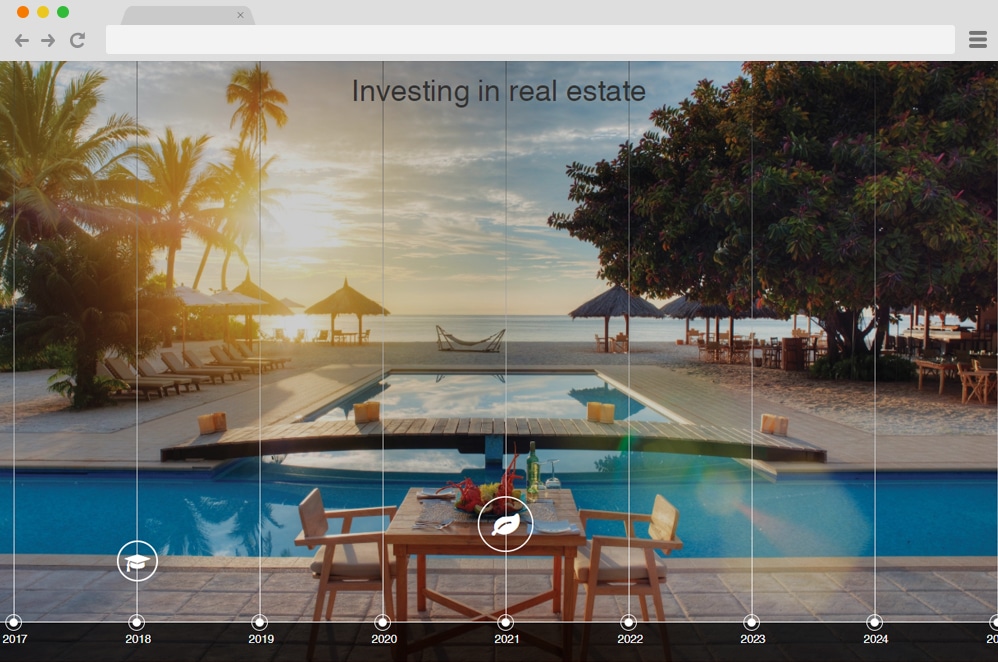
Modern, edgy, and stylish, these words perfectly define this example. A slideshow integrated with an animated timeline couldn’t get any better. The background image functions as a slideshow, changing slides with amazing page transitions each time an icon is clicked on the timeline. Based on the JS Angular module and smooth CSS animations, this represents a whole new level of implementation. The year marking each event can also be linked to any URL you want. Another plus point here is the clean and well-commented code. Although a little complex for beginners, this design can make visitors so engrossed on your site that they will want more! So get a head start and add your creative touch while you are at it ,following the coding snippet below.
Horizontal Timeline Mockup
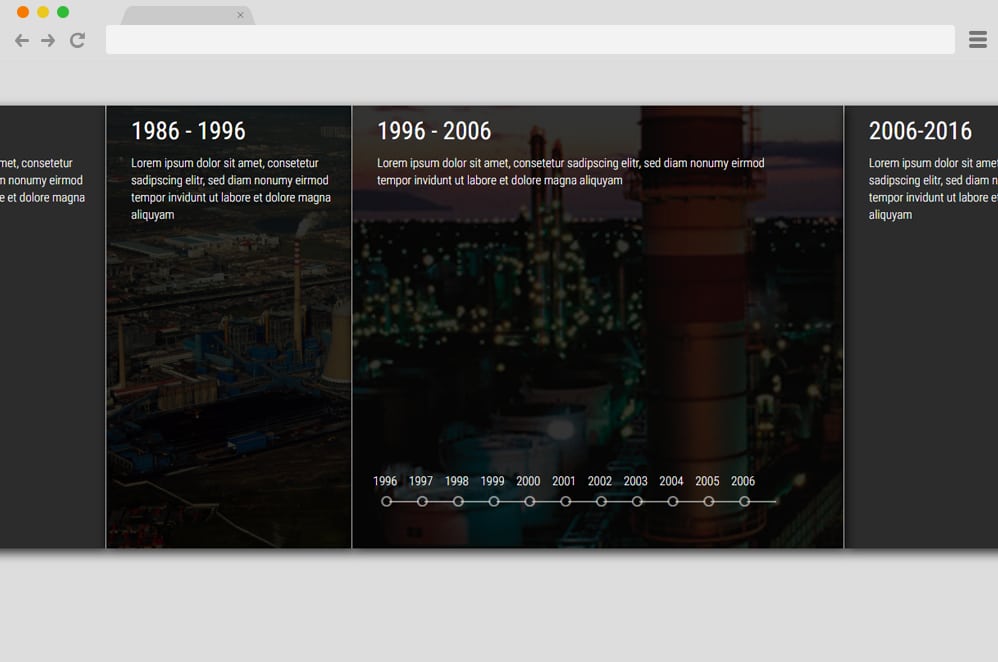
Another classic use of slideshow design as a timeline is this unique concept brought to you by Xin Yao. Several images stacked together horizontally create this beautiful design, elevated to the next level with creative animations and effects. When hovered over each section, the images slide across the screen. And when the users decide to expand the section to reveal content, a simple click would suffice. The whole structure uses CSS, HTML, and JS to get this amazing result. While it might be complex and a bit advanced for beginners, you can get a full view of the code structure to get a better understanding by following the link below.
Wedding Timeline
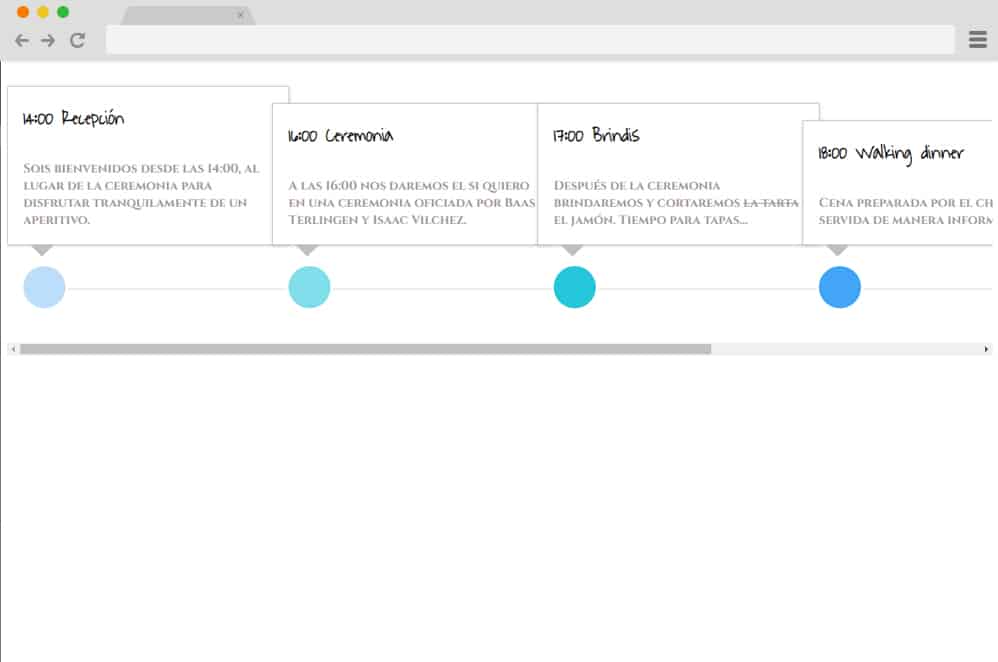
Designed with weddings and other special occasions in mind, this is another amazing way to execute a timeline on your website. A simple blue and white color scheme, combined with a minimalist design structure, is what makes it elegant and chic. It kind of works as a timeline but more of an event scheduler or planner. The events throughout the day are displayed on a simple card and marked by a blue icon on the line. For demo purposes, the creator has added various descriptions, times, and event names. The fonts, although simplistic stand out on the white canvas. For navigation purposes, you can find a scrolling bar below.
Horizontal Timeline Experiment

Another great example you can find is this animated horizontal timeline example. A simple line was dragged across the screen to denote the time. Each marker, designed with a simple circular icon, also includes an animated floating card above it. The card containing all the information, title, and date executes an edgy hover effect. When clicked on, the design follows a lightbox effect, fading everything else except the item already clicked. Another creative ailment is the color change transition of the card. Using HTML, CSS, and a bit of JS, this is a stunning horizontal example of a timeline.
Animated Circle Timeline
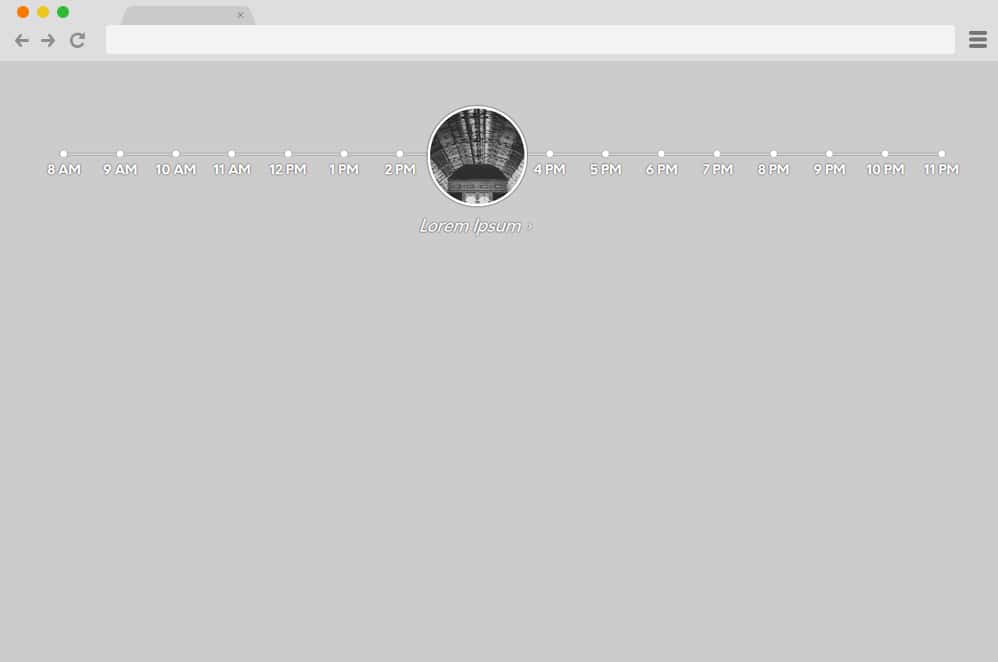
Now talking about unique and innovative designs, this is an excellent example of a timeline. The horizontal line across the screen marks the various times. The unique feature here, however, is the animated sphere that holds an image. When hovering over each of the markers, the circle appears right above that, showcasing the details of the image that denotes the events. Using CSS alongside JS animation is a fantastic way to implement simple animations and effects to get things engaging.
Responsive Timeline V3

This is a simple and efficient time version based on the horizontal design. Based on CSS, HTML, and a few of JS for the end result, the creator has ensured to keep everything minimal. It features a simple timeline with the year and descriptions for each button. Even the animations are super clean and smooth. The timeline and descriptions are animated so that, when clicked, they feature a simple color transition to a darker shade. It is also fully responsive, ensuring the whole structure resizes according to the device screen size.
Horizontal Timeline
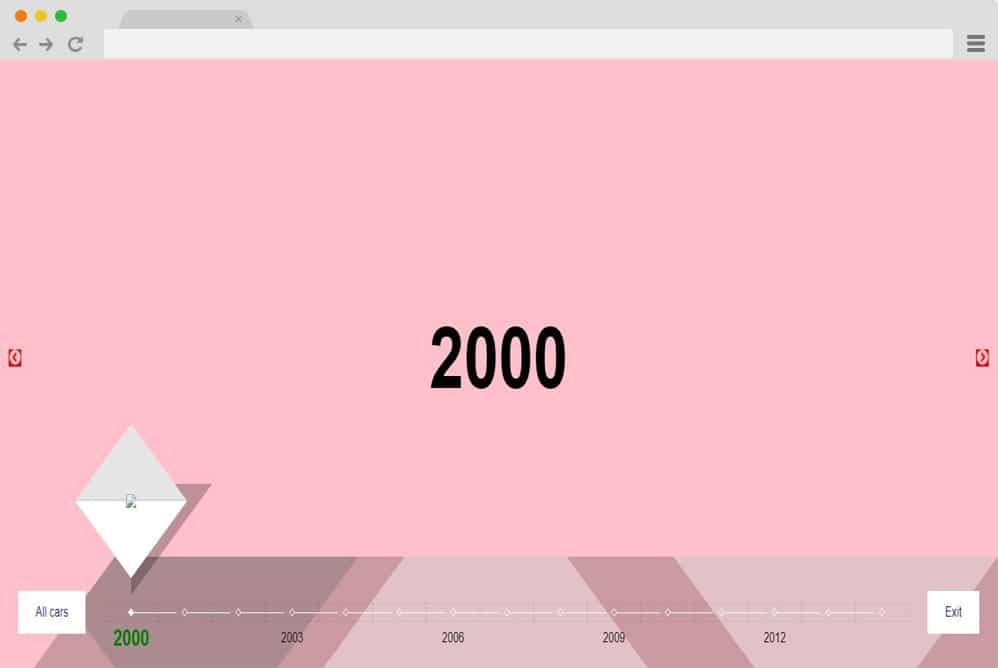
Playing with all of the geometric shapes to get this awesome result. This is a more creative approach with various animated elements and components to keep things fresh and interesting. The creator Cenda has used CSS, HTML, and JS codes for smooth performance. Even the color pattern is super vibrant and eye-catching. The geometric shapes that hold the details appear when you click on the various timeline sections. Two different navigation buttons are also included for easy access. The dates are displayed above the timeline, which slides left and right depending on the selection. Pretty elegant and extra, this sure keeps users engaged in the right way.
Horizontal Timeline By Ritesh Kumar

While this design gives off a simple and clean appearance, it is more sophisticated and professional than it seems. It features a minimal design approach, but the animated elements take it to the next level. A simple timeline with navigation icons on either side is there. Below the timeline, you can see the content the creators have added to display when clicked. Using HTML, CSS, and JS, this timeline example is also pretty responsive. The markers on the timeline also showcase the highlights with simple color transitions. All in all, a pretty great way to add a creative touch to your site, this sure is one of a kind.
Horizontal Timeline by Alberto

This is more content-oriented and designed to utilize the spacing to showcase the contents. It features a design similar to a classic navigation menu, displaying the contents on the page according to the selection. The titles depict the texts or the marker like a horizontal menu. A simple hover effect of color transition is enabled, and when clicked on, the contents slide in and out of view. The focus here is also the vibrant use of neon colors on a black background, making the page pop out more. It is fully responsive, and you can follow the link below to view the full details.
Horizontal Timeline

Last but not least, we have this super-engaging and sophisticated horizontal timeline design by Elton Mesquita. This is a more elaborate design where everything receives extra attention during its creation. The timeline with the time markings is at the bottom of the page. And with each selection, the contents included are showcased above the timeline, replicating a presentation or slideshow-like effect. Two icons are placed on either side of the timeline, and the content display area is provided for easier navigation. It’s pretty awesome to look at. Anything you add using this timeline will catch your user’s attention immediately.

Great selection of various templates for timeline/roadmap widget, I will try a few! Thank you