

Blockquotes are now a staple element on many text-heavy sites. Whether for added visual impact or to indicate the original source of a quote, there is certainly a surge in its use. And this too comes in many variations. From tame, simple designs to animated and advanced ones, these little details have come a long way in their structure, design, and styling.
When talking about various CSS design elements, today we wanted to curate our best picks for the best possible CSS blockquotes to try out. Why start from a blank canvas when there are plenty of free options online? Keeping user-friendliness in mind, all examples are CSS-based and easy to replicate or customize to your own results. If you are interested, we have also made a list of creative CSS button hover effects, cards, and spinners you can check out.

Flexible Full Width Block Quote
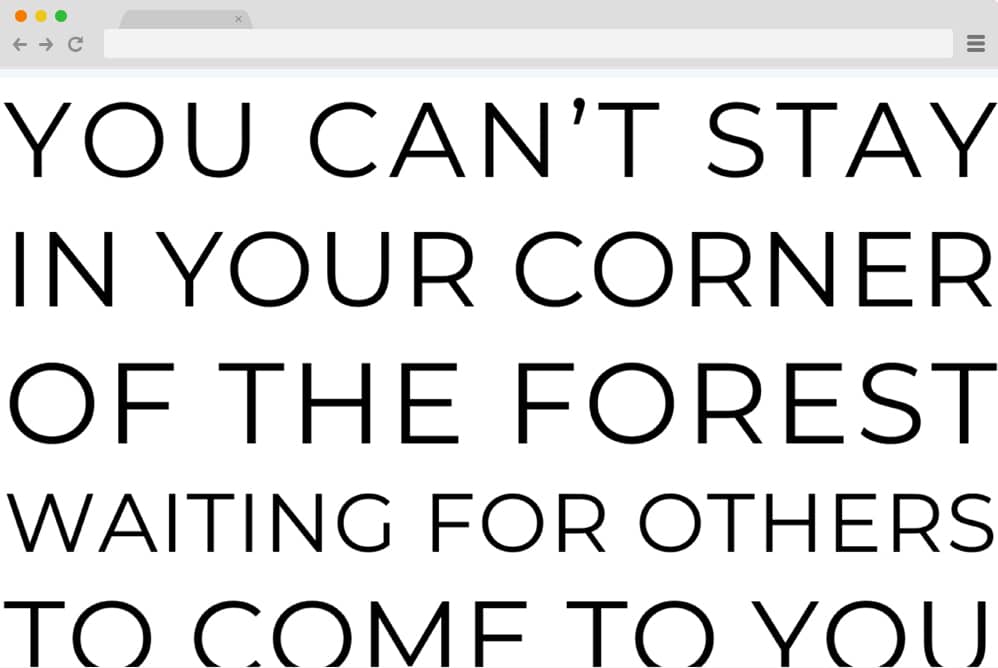
This is a plain, simple block quote design aimed at being minimal and pretty straightforward. As the name suggests, this example is a demo of a full-width text block, designed to be full-width and justified for an attention-grabbing end result. And by flexible, we mean absolutely customizable. This simple structure can serve as a base, with you adding further changes to your preferences. From the font size, style, to the overall color schemes, all of these are adaptable. Highlight any section of your site with ease.
Awesome Block Quote Styling

Next on our list is a more professional, simpler approach to highlighting text with CSS blockquote. It is pretty straightforward in its design and ideal for those looking for a more content-centered style. Basically, the creator here has ensured something that is eye-catching yet not overly distracting, keeping the main focus on the overall page. The use of bold color and the shadowed box highlights the required section with minimal effort. The good thing here is the simplistic HTML and CSS used, which makes it effortless to replicate as well.
Single Element CSS BlockQuotes
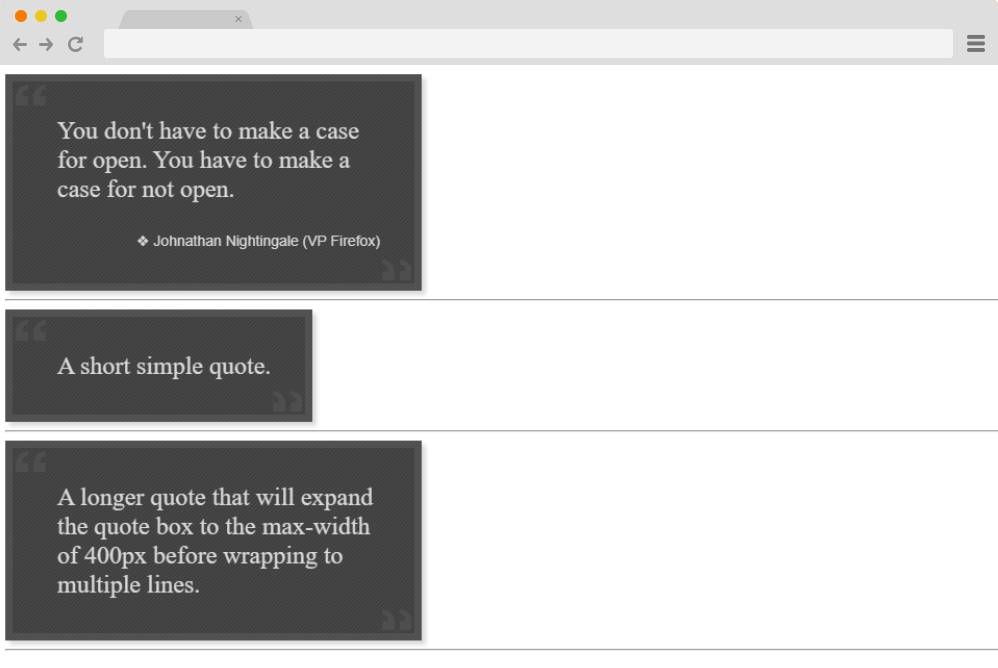
Now, this is a more creative approach towards adding something unique and engaging throughout all of your textual content. A simple, boxed design that is a great extra addition to keep your contents interesting. This CSS blockquote example by Dave Alger definitely stands out in a bold, unique way. Based on the HTML and CSS code structure, it is pretty easy to achieve and replicate. You can further personalize the details, including sizes, color schemes, and fonts, to suit your preferences.
Quote
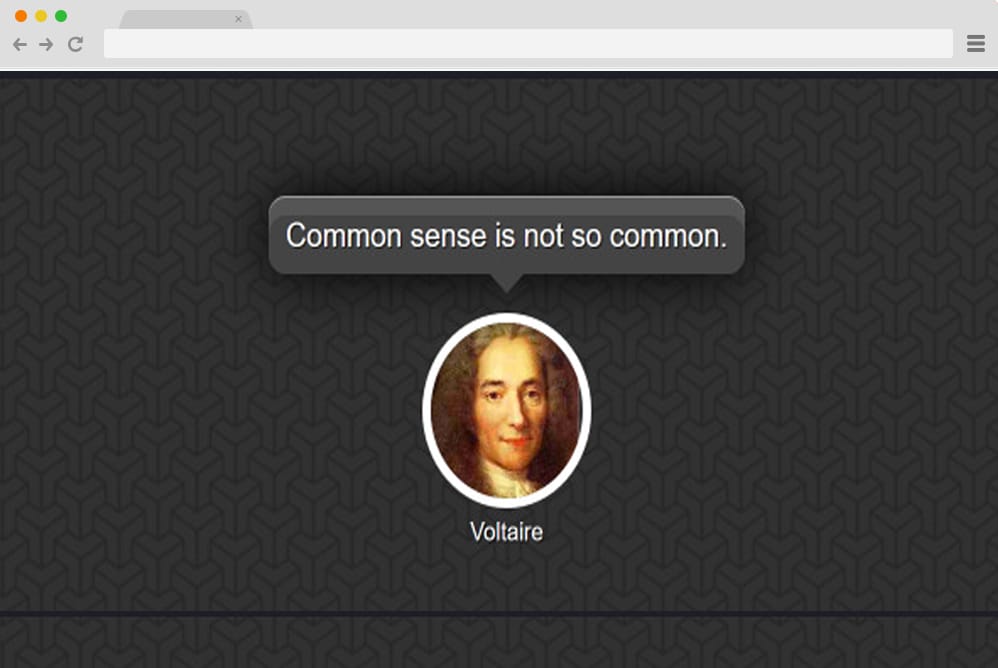
This is another pure HTML and CSS-based block quote option we have lined up for you next. Pretty simple, chic, and professional looking, the creator here has used a concept that is familiar and easy to achieve. With just CSS and HTML, the overall structure is pretty user-friendly to understand and replicate. It features a patterned background with an icon displaying the author’s image. A dialogue bubble is also added, where you then add the quote you want. Effective yet eye-catching, this is a great way to add blockquotes to the site.
Random Wisdom Generator
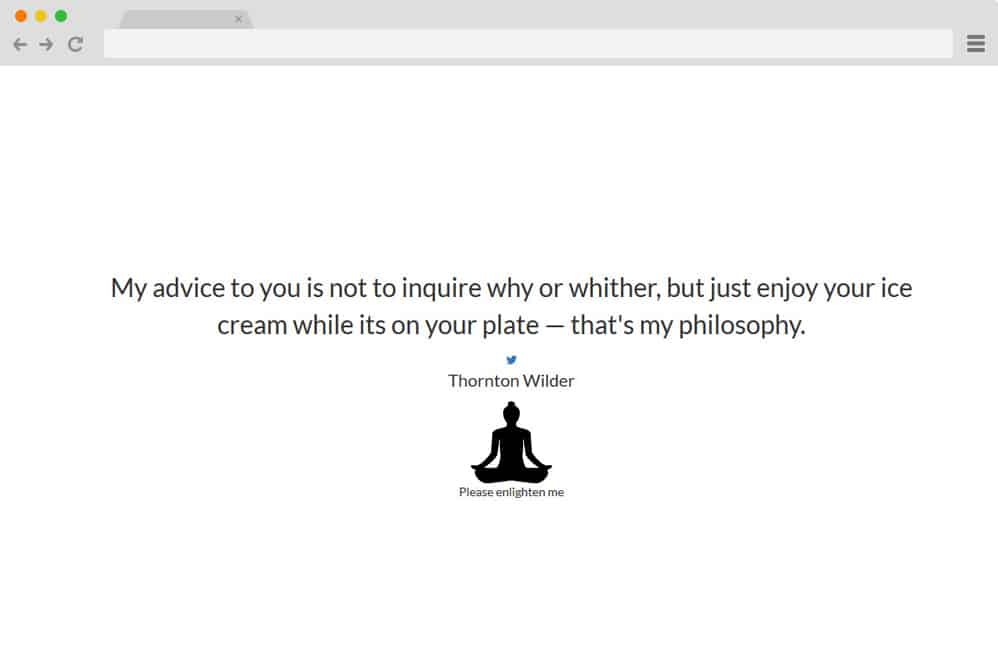
Now this is another creative way to engage your users: a random blockquote generator. Basically, this is an efficient way to add multiple quotes at once so your users can enjoy them. It features a simple quote with the author’s name below. There, you will also find an animated Buddha icon, which, when clicked on, reveals the next quote and the author. There is also a Twitter icon where you can further add a link to the specified page. It is also pretty minimal in its style and color schemes and is designed to be fully responsive. All in all, a complex yet elegant blockquote design, this definitely deserves a mention here.
Circular Quote
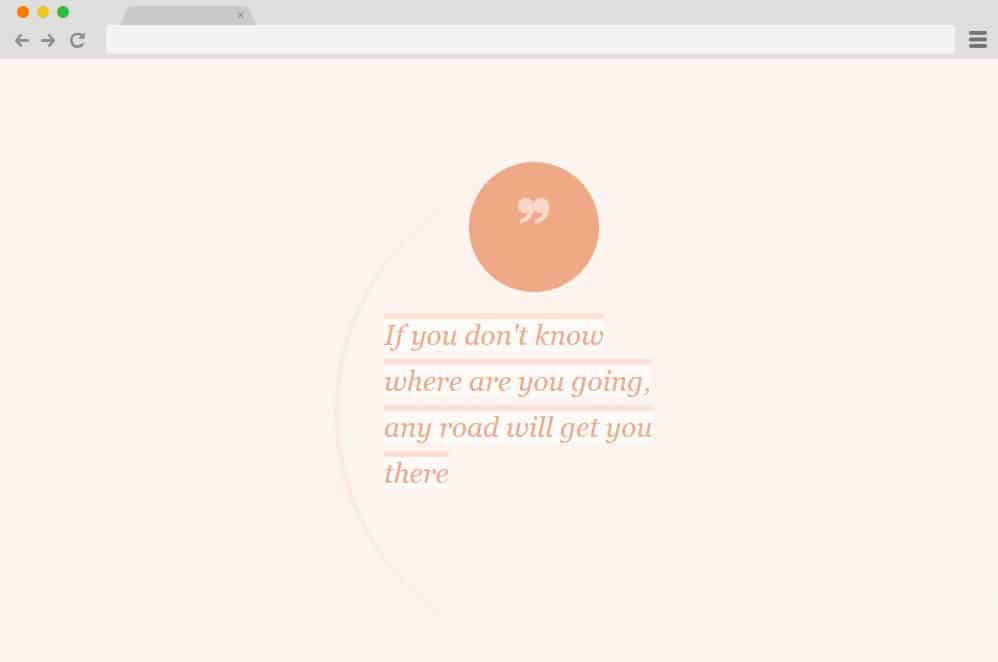
The first on our list of CSS blockquote examples leans toward a more stylish, unique approach. It is based on a circular literature quote design that complements the visuals. The bright peachy background holds all the quotes, alongside another sphere indicating the huge quotation mark. The entire structure is built with pure CSS, making it easy to make additional changes and adjust it as needed. It gives off a more realistic, practical feel when added to any page on your site. The color schemes, font styles, and size are all adjustable.
BQ Patterns

A simpler, minimal way to add any CSS blockquote design, the creator of this design has given the perfect example of how sometimes less is more. The quotes are created with distinct classes for each section, resulting in a clean, unique look. And again, this too relies fully on CSS3, making it easier to understand and implement on your site. Using creative fonts and variations in footer elements, this variation shows how one can achieve a different appeal with minor tweaks here and there.
Quote Example

Now, this is yet another approach to achieving a minimal, professional look across the overall CSS blockquote. With a simple, clear background, the top one shows a placeholder for text and a header element. The background quotation icon adds another layer of creative appeal. The second example goes for a different approach with a textbox that includes footer credit and a margin. Whichever you prefer, the whole structure is based entirely on CSS, making it super easy to implement on your site if you want.
Quote Styling

With a creative font styling, the creators of this CSS blockquote design have made a more pragmatic and useful design. This design is based entirely on a minimal, flexible CSS3 structure. The peachy and light background color might not always be a good fit for your site. But you can easily change that as well. You can also use the footer element section to add the source or credit. Unique and stylish, we hope you see that even a simple change in font style to a more unique, creative option can make a huge impact.
CSS Typography Quote
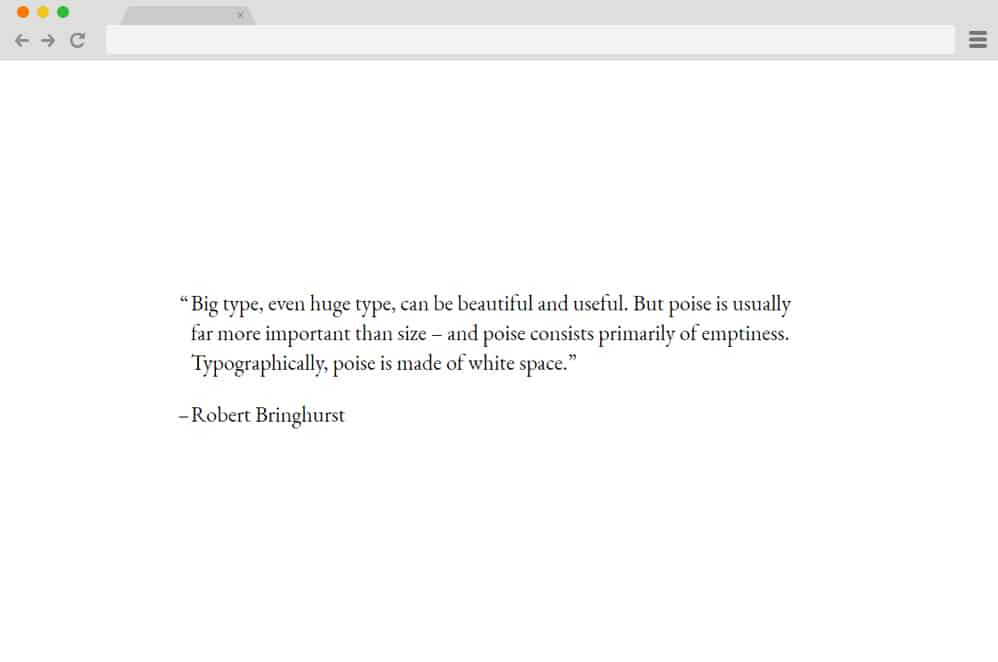
Talking about minimal, clean, and tame, this design might probably be the best option for those looking for it. The creators have used minimal CSS and HTML to add styling and classes. The fonts are the same across all sections and create a uniform, organized feel. You can preview the entire infrastructure using the link below. As long as you include all of the markups in the paragraphs, you can easily change the demo quote to your own with ease.
CSS Quote Effect
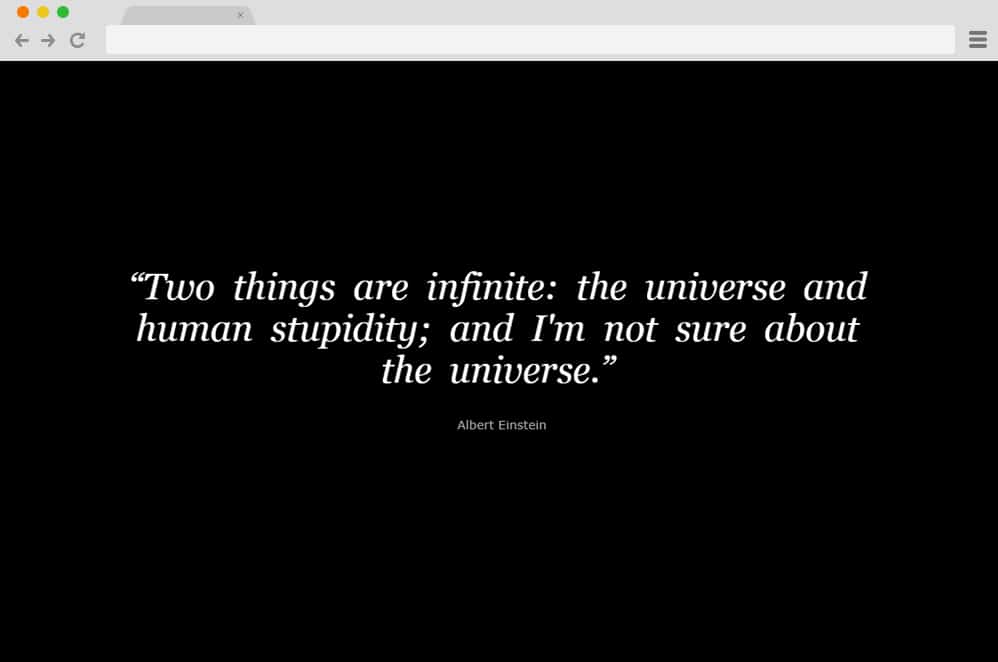
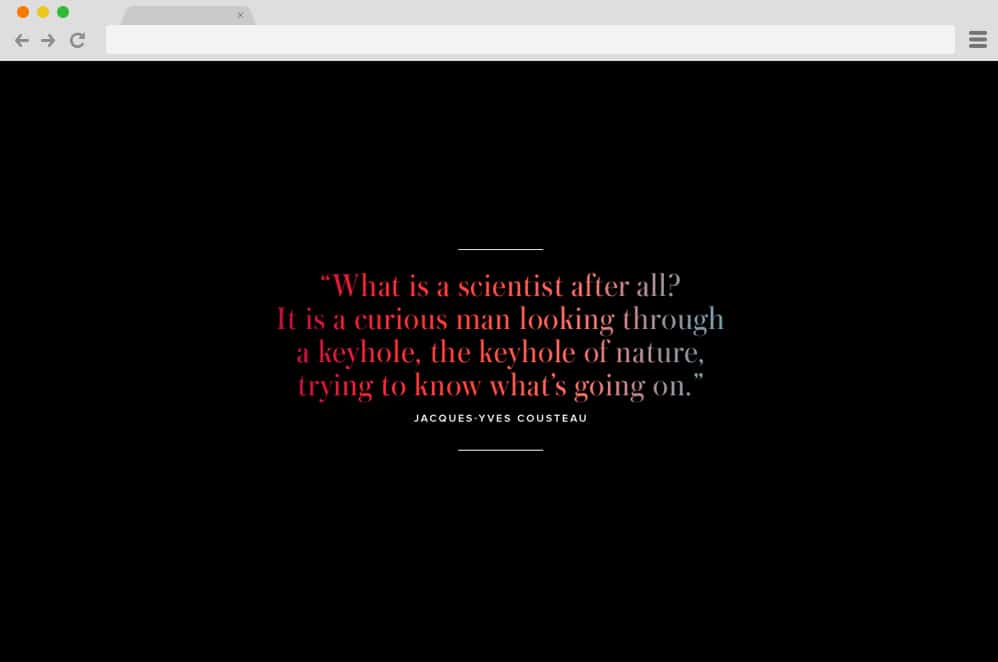
If simple and neat isn’t your cup of tea, check out this unique creation by 14Islands. Stylish, advanced, and surely visually appealing, this CSS blockquote adds that extra touch of uniqueness to your site. But unlike the ones we mentioned above, this structure also uses JS alongside CSS and HTML. The texts are beautiful in their own styling, and the blur and fade effect elevates them further. Quotes are animated word by word, with each transition at a different speed, resulting in this mesmerizing effect. While the texts are white and use a black background, you can adjust these elements with a few changes here and there.
Quote test
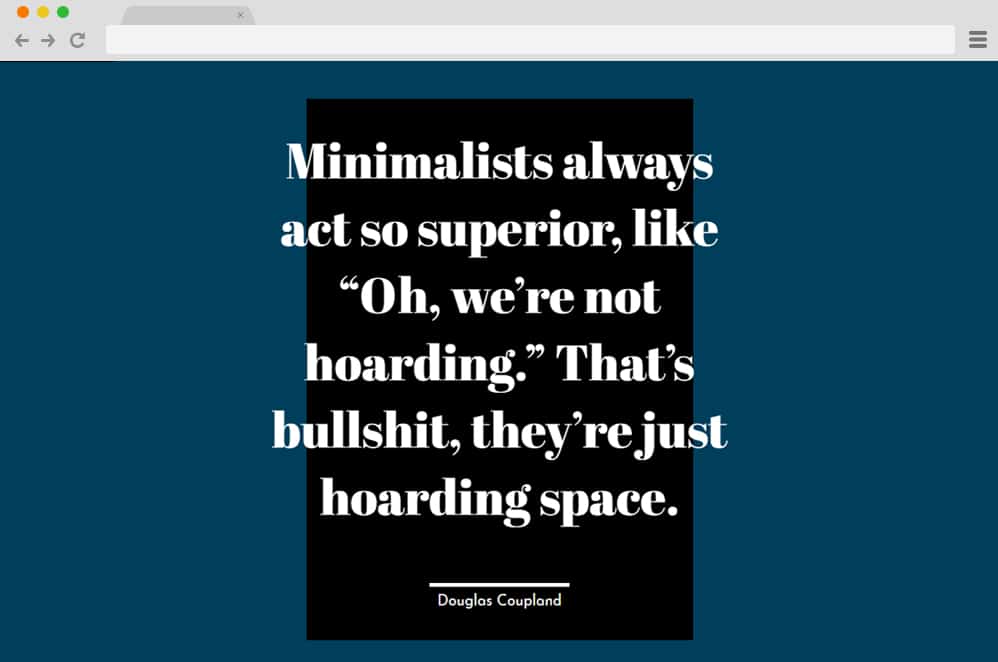
Another great idea when adding a CSS blockquote to your site is to experiment with different text styles, background patterns, and elements. And the creator of Quote Style has done exactly that. The background includes a navy blue canvas with a black square that holds the quotes. Even the texts are far from regular and much more unique and creative. The footer credit or element uses another text style to add that differentiating point. With a few simple tweaks here and there, you can make any small adjustment to match your preferences.
Curly Quotes CSS
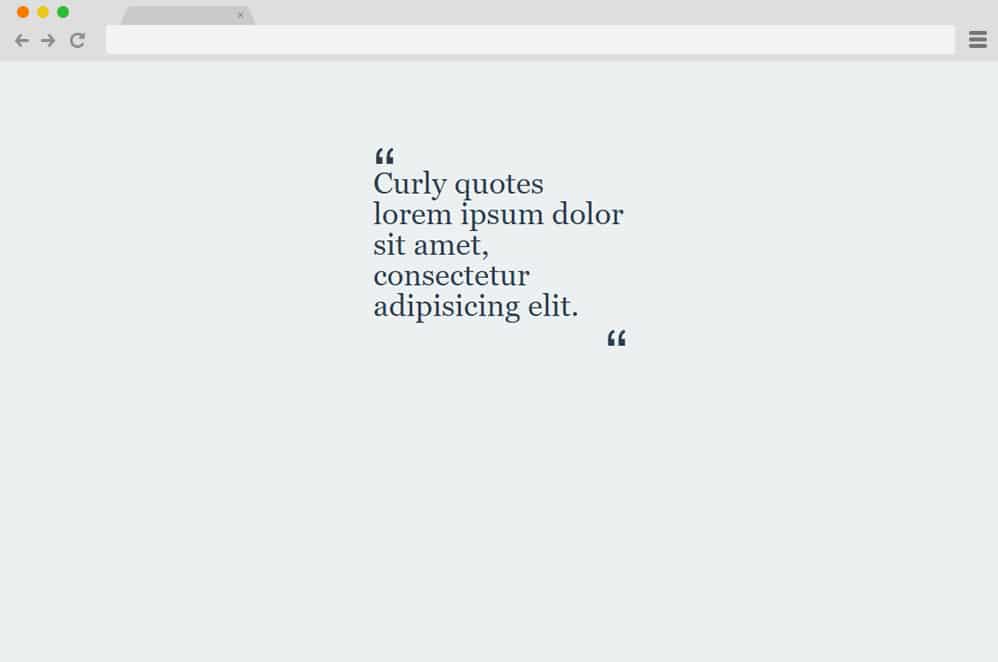
This is yet another plain, simple, yet visually impactful example of CSS blockquote design. We cannot say enough about this brilliant use of AwesomeFonts’ font styles to achieve this amazing result. The creator has kept the background and other color schemes pretty plain, giving it a more approachable, practical feel. However, the focal point —the quoted texts and the icons on either side —highlights the major purpose. You can even add a footer element to add additional content.
Flexbox Quote Box

For text-heavy sites, this is a more unique and creative way to add quotes and quotations. The creator has kept it simple, using a black text box with a simple font and quotes. However, the background elevates the whole aesthetic. Using a colorful, patterned, and unique palette, the creator has made the point that sometimes getting creative means keeping it simple. No excessive codes are used, and it is based on a simple CSS framework. The footer element also adds to the actual quote fee, where you could add in the original source. You can also replace the background image with any image you prefer, as long as it is properly coded.
Quote Authors

It is hard to believe that this exemplary variation was created using solely CSS and HTML. This is perfect for those creative author sites that showcase quotes from multiple authors. And the one thing we like about this blockquote design is the option to add an image. The sections are divided into image and the text holder. Under the images, navigational icons make it easier for the user to scroll through the content. Both the images and the text use CSS transitions to slide in when transitioning from one page to the other. The simple and elegant design works perfectly with the blue color scheme. But since the whole snippet of the code is available, you can make changes to these with ease.
Quote Animation Inspiration

The creator of this pin has taken simple structures and designs and elevated them further, adding hover and animation effects. Texts and quotes use a simple font, and the background follows the same aesthetic with a clean white canvas. We also appreciate that the creator has experimented with 3 different styles. The first one uses the fade-out effect, which makes the quote transparent, revealing its source or author. When hovering over the second example, it slides to the left to display the author’s name. The final execution uses the simple slide-down and exit effect. All created purely with CSS, these examples are among the basic ones you can easily implement on your site.
Subtle Quote
While the name itself is pretty much enough to convey the intent behind this blockquote inspiration, we wanted to go into more detail. Using CSS, HTML, and JS together, the creator has created a design that is subtle, simple, yet impactful. The texts and the footer elements all depict a simple style. However, with an interesting use of color gradients in the text, it is taken to the next level. And we cannot appreciate enough the smooth transitions of colors it depicts. Breathtakingly engaging, add in that touch of subtle creativity with this blockquote design.
CSS Quote Cards

This is yet another purely CSS blockquote card design we absolutely love. Using a simple card-based quote container, the creator has achieved a professional, clean overall design. The background is the eye-catching element here, as a patterned black-and-white is spread across the whole design. Contrasting color schemes between the card and the text make the image even more noticeable and attractive. Rounded and square-edged cards are placed alternatively to add that extra flair.
CSS quote Box Hover Effect

Now, for a more 3D and advanced quote box example, this CSS blockquote Box Hover Effect is the perfect example. And it is hard to believe the creators came up with this using only CSS. The card or the quote container is placed under the animated border box, replicating an almost realistic effect. When hovered over, the elements smoothly transition to a new position. Overall, pretty impressive. You can easily change any details, including fonts, color schemes, and component placements, with a few tweaks here and there.
HTML and CSS Quote Hovering

Now, with a clear concept of shapes shifting and changing placement, the creator of this blockquote has unleashed the creative side, with subtlety. Using a light gray background and similar color schemes for animated shapes and texts, the overall design is visually beautiful. And the great thing is that there are variations the creators have come up with. Each includes stunning hovering shapes that appear behind the quote, adding to that compelling effect. With that, the footer element that holds the author name or the quote source also appears.
Flexbox Quote Bricks

Taking inspiration from real-life brick walls and structures, the creators have added their own twist to the design. Each sectioned element holds the image and the quote. And to make it even more interesting, these sections alternate in each row. Each brick or block is arranged in a clean, organized grid. The width, however, relies on the text or the quote. The perfect way to add appeal to boring text-based sites is to implement these and see how it affects the site in all the great ways. Because the creator used only CSS for this example, users can replicate the design with minimal effort.
Note Paper

This snippet of CSS and HTML code provides another great example of innovative blockquote design. It basically depicts a note paper, as the name suggests. The whole design, style, and even the color schemes used make sure that the result is as realistic as possible. And would you believe us if we said it entirely relies on CSS, with no other JS? Simple, effective, and surely innovative in its design, this is an amazing way to add text or quotes for users to enjoy in an interesting manner.
Simple Block

Simple Block is yet another fantastic option. Why? First and foremost, the design is based on a minimal, simple, and lightweight structure. Visually, it is appealing and effectively highlights the quotes and the original source. With a plain-colored background, the card holding the quote is simple. To separate each quote from the others, it includes a divider and a footer element.
Quote Card

A subtle way to present your quotes in an attractive manner, this is Quote Card. Designed by Sabine Robart, it relies entirely on HTML and CSS. Featuring a simple card-based design, there are a few attractive uses of animations to elevate it as a whole. The card displays the quotes, as well as the author. On the bottom, you will find a button that features a simple hover effect and, when clicked on, reveals the next card. The cards slide in and out of the display by transitioning from the left while the current card dissolves. Another plus point is that the top of the card also displays the card number. Simple and engaging, this is sure to keep your users interested.
Quotes Animation

Now, this CSS blockquote example uses creative fonts to display the content. With a plain-colored background, the card stands out in an eye-catching way. The font itself is super elegant and beautiful, and its vibrant use of color makes for a one-of-a-kind look. The great thing is that this template is also responsive, automatically adjusting to any device screen size with ease. The entire structure relies solely on HTML and CSS, making it easy to understand and work with. Follow the link below to get a similar effect for your site as well.
Quote

This is a simpler way to add a creative CSS blockquote to your site. With a vibrant gradient background, the bold text style stands out. The text also features borders above and below the quotes to further highlight them. Creator Juan Pablo has used only HTML and CSS, so it is super easy to work with and replicate. And the quote icon is also placed on the side to make the purpose clear.
Coffee Quote

A responsive, visually pleasing CSS blockquote design, this example by Jacob Lett is another we absolutely love. It is super responsive and adjusts to the screen size. The background features a coffee-brown color, which seems to be the inspiration behind the name. In addition, the huge dark brown icon makes the text stand out more. Creative use of fonts and word sizing also differs to achieve a unique end result. Simple and sure to keep your users engaged, this template is a great way to add a creative element to your site.
Continuos Image Border

This is a more visually appealing design that uses a simple image background with a highlight here. It comprises a simple card that holds the quote in place over an image. The image can be whatever you choose. And the creative fonts serve as the focal point here, attracting your users’ attention. Pretty much a straightforward blockquote design, this template by Joni Tryhall is sure worth a mention. And just like most of the ones we mentioned on this list, this template also relies heavily on powerful CSS and HTML. This makes it easy to access and replicate as well. So follow the link below to get a full view of the code snippet and the preview.
