

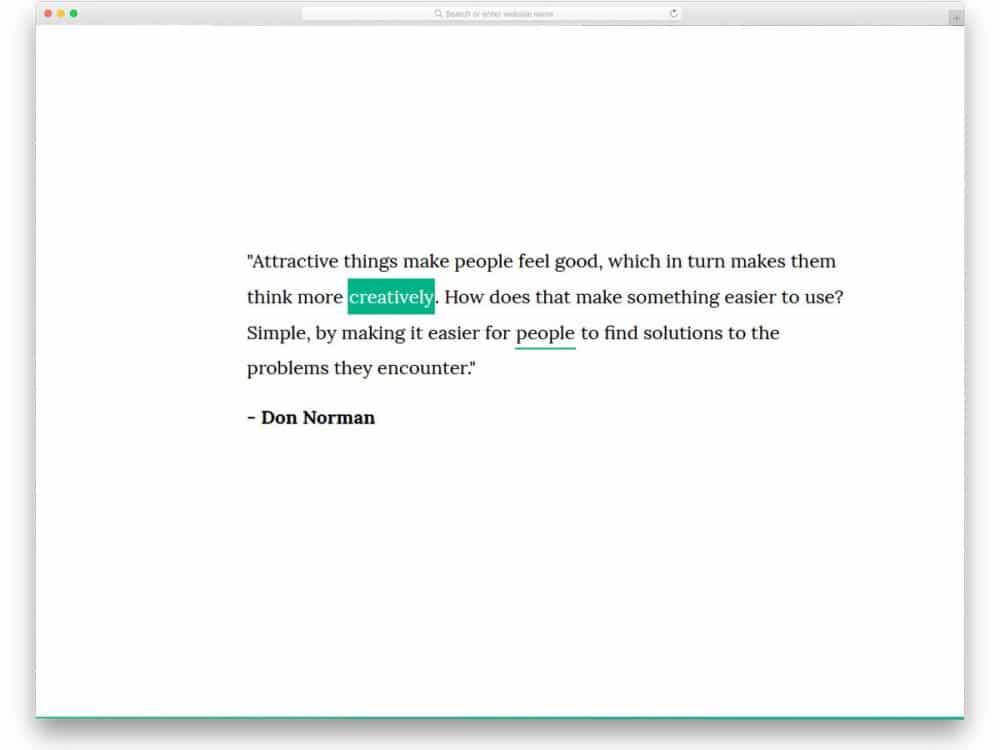
Creative link style CSS design examples to help you create visually attractive link styles.
From the early days of browser history — nearly the middle of the 1990s —the link style remained almost the same. The default link style CSS designs are
- Links are underlined
- When a link is visited, it will be in purple
- Links that are not visited will be in blue
- Important links like call-to-action buttons have an outline around them
People’s minds are set on these basic link styles. When designing a link style, we must be careful not to stray too far from this characteristic. For example, you can play with the colors of the links, the stroke widths of the underlines, a little animation for the links, and unique call-to-action buttons from the standard design. This list collects link-style CSS best practices that work well for modern mobile users and browsers.

Colorlib Bootstrap Buttons & Links
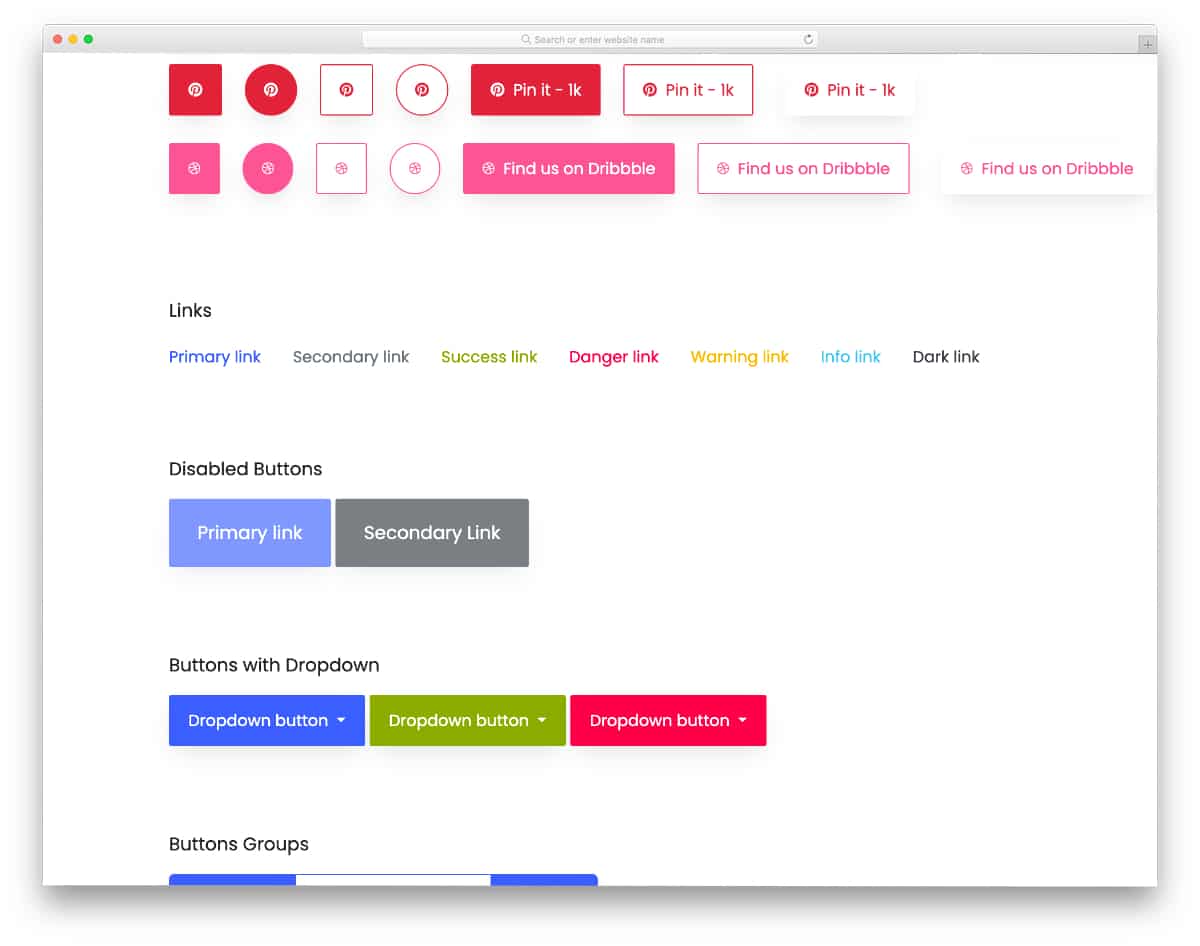
This proper bootstrap button kit from the Colorlib team includes all types of buttons and CSS link styles, pre-designed for you. This pack provides different styles, animations, and sizes to make the developer’s job easier.
All you have to do is to pick the design you like and edit it as per the requirement. The creator has kept the code file and structure as simple as possible so that the developer can easily identify the element style they want and quickly understand the code.
CSS Link Style Compilation

This CSS link style compilation gives you ten different CSS link styles. Whether you want to highlight a simple text link or make a button with links look stylish, this compilation will give you some fresh ideas. Another advantage of this link-style CSS compilation is that all designs are built solely with HTML5 and CSS3. Therefore, you can utilize the code quickly and create a custom design within seconds. The creator has kept the animations as simple as possible to make the link style fit easily on any part of the website and applications.
Menu Link Effect for WordPress
As the name implies, this link-style CSS is made for menus. The creator specifically mentioned that this link style is for WordPress, and it is. Since the whole design concept is made purely using the CSS script, you can use this code even in an existing WordPress website. The default design is neat, and the animation is also smooth, so there won’t be any need to edit the code unless you have any special requirements.
Overall, this CSS link style is simple and neat, suitable for all types of websites and applications.
Blinking Link Effect
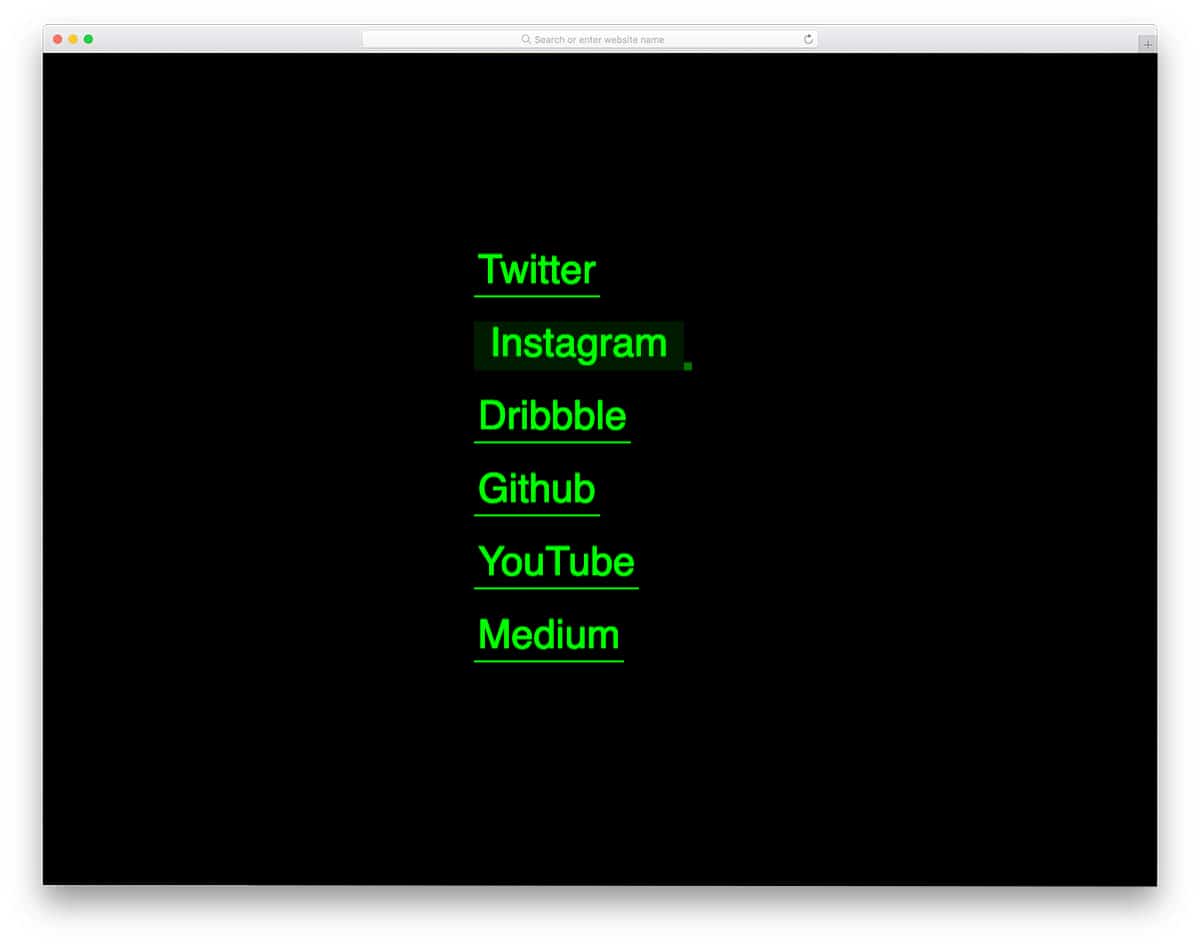
This link-style CSS will impress retro-style lovers. When the user hovers over the link, the line smoothly moves towards the end and blinks silently. The green color and the blinking effect add an authentic touch to the retro styling. You can use this link style on any website thanks to its simple design. The creator has used only CSS and HTML scripts to keep the code simple. Therefore, you can change the look and use the link style in your design without issues.
Link Hover
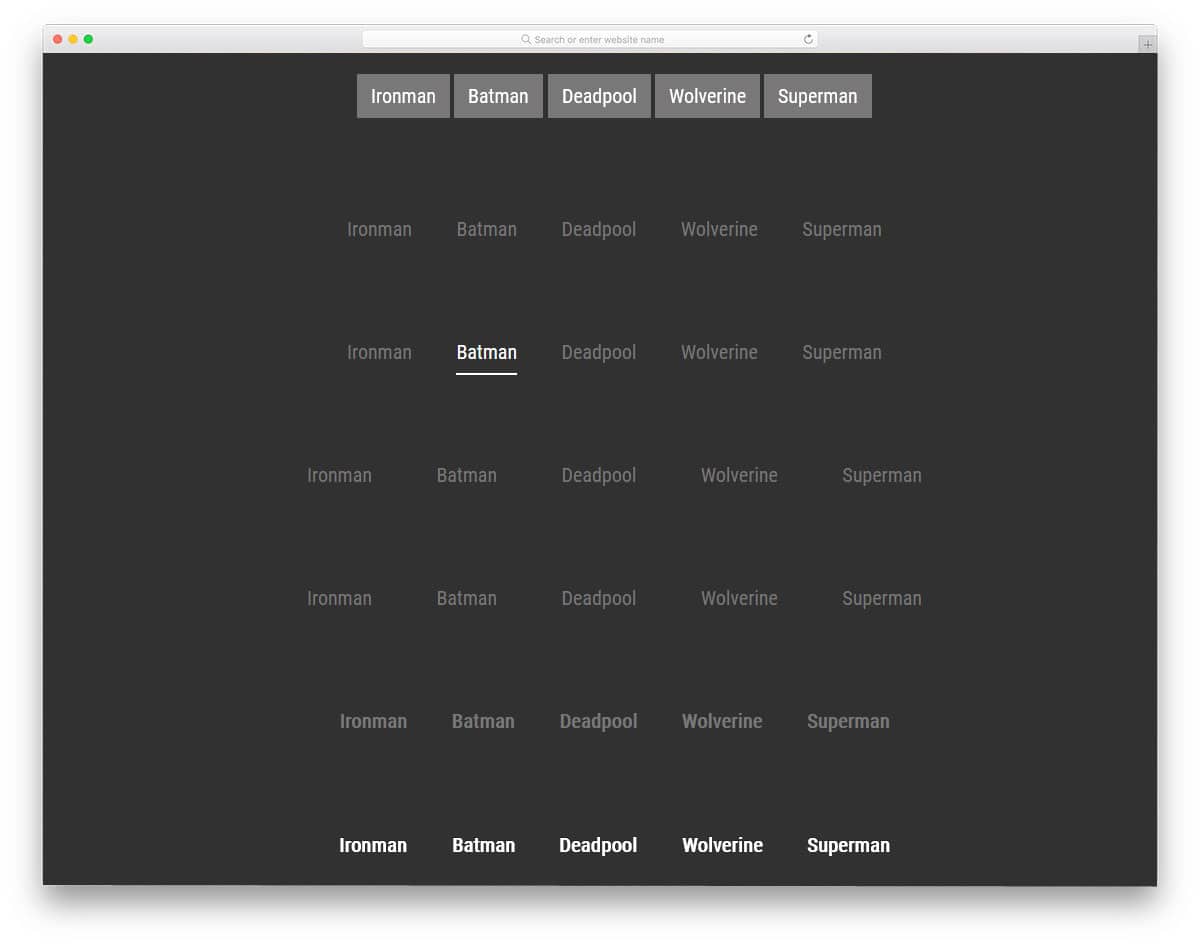
The developer has provided us with a variety of link-style designs in this set. You get nearly 15 link-style designs, all created with the CSS3 script. There is a hover effect for both text links and CSS buttons. Pick the one you like and work on it to make it a perfect fit for your design. All the animation effects are subtle and clean, so they won’t take up much screen space and time to load. Since the developer used CSS3, you have many customization options. Plus, you can easily integrate these effects on any modern website by making a few code changes.
Spring Bounce Hover Effect

This link effect will be a good choice for blogs and text links within the paragraphs. A highlighter-style element is used for the text links, and it bounces a little when the user hovers over the link. Since the whole animation is subtle and neat, users won’t find the bouncing text effect annoying. Plus, the whole concept is built with the latest CSS framework. Hence, you can use this code snippet easily on your website or application without any issues.
Underline Link Effect

Underline is one of the most straightforward and easy-to-implement link designs. The creator added a little animation to the underline to make the design more engaging. Though the underline link effect is used for the heading tags, you can also use it for regular texts and the texts in the paragraphs. The underlying design and effects are created solely with CSS. Hence, the whole experience is sleek and smooth. All you need to do is adjust the code per your requirements and use it on your project.
Menu Link Effect
Menu Link Effect is a standard text rolling effect you might have seen on many creative websites. The use of light & dark contrast colors, along with smooth transition effects, makes this link effect visually appealing. The code for this link-style example is straightforward, just like its design. Therefore, you can efficiently utilize the code on your website. Since the whole code script is shared with you on the CodePen editor, you can edit and visualize the code on the CodePen editor itself.
Pure CSS Link with Rainbow Underline Effect

This example can be used for text links in the main content area. As modern typography designs become increasingly popular, making text links look trendy also becomes important. In the default design itself, you can see how beautiful the rainbow color text link underline looks on the dark creative background. The entire link style is designed purely with CSS3. Hence, you can easily edit the code and use this on your website/application in no time. Speaking of patterns, take a look at our background patterns collection for more cool looking patterns like in this example.
CSS Link Effects

The creator, Sam, has given a handful of hover-triggered CSS link effects. All designs are simple and nea,t so you can easily use these link effects on any part of your website. Plus, all designs are made with CSS3. Hence, editing and handling the code will be more comfortable. Developers can choose the design they prefer and start coding. Since the creator has displayed all the effects on a single page, the code appears long. The code will be short and sweet when you pick only one impact.
Inspiration for Menu Link Hover Effects

In this example, you also get different types of hover action triggered link style CSS designs. Though this example is designed for menu links, you can use some of the effects for other types of links as well. This pack currently has eight designs. Each design is unique and uses different effects. Some of the effects are very creative, while others are simple. So make sure you check all of them before picking one. The entire code script is available as a downloadable file to help you efficiently use it on your website or application.
CSS Link Effects By uNick
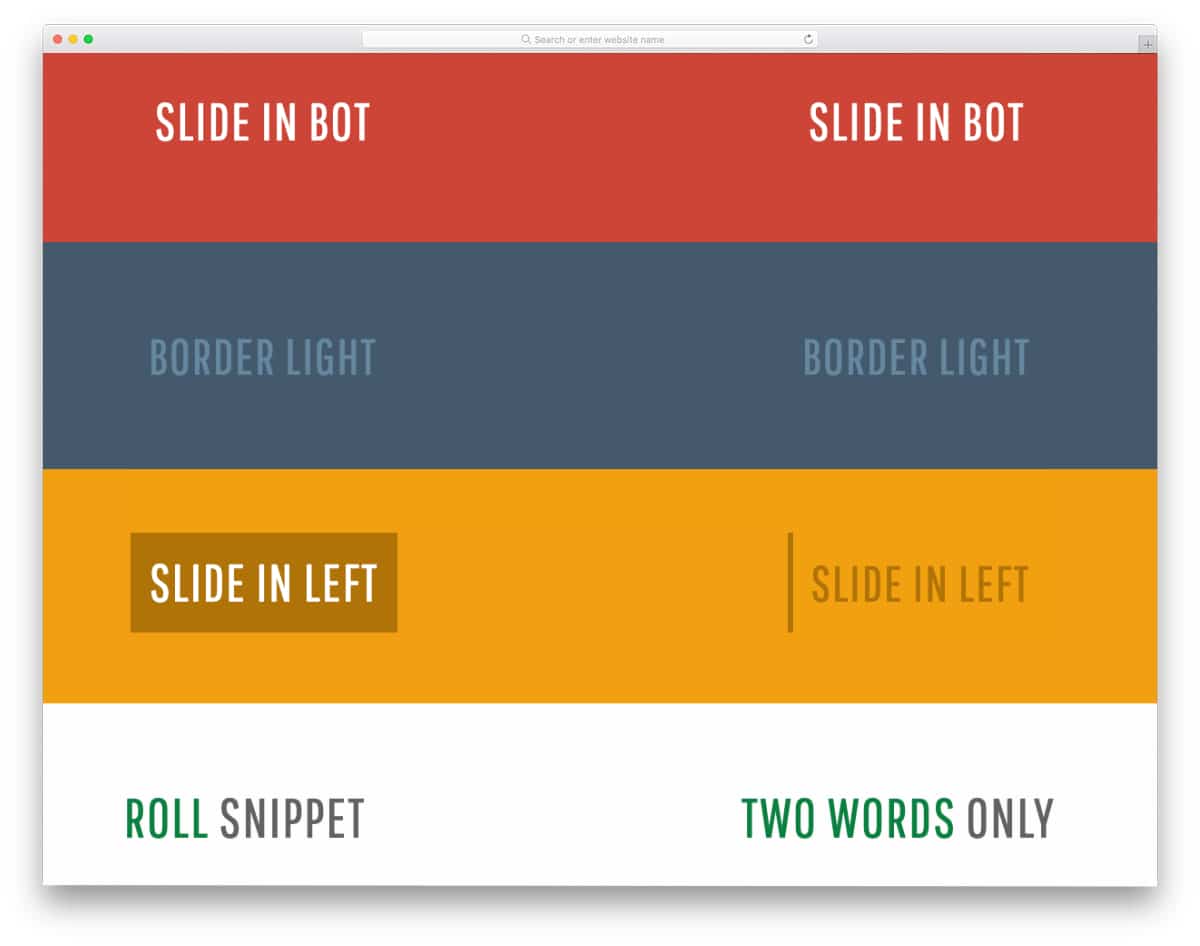
If you are looking for an attention-grabbing link style design, this one might impress you. The creator has given nearly eighteen link-style hover effects. Each one is slightly different from the others, so you have enough choices in this pack. All effects are simple and can be easily fitted on a crowded page. One of the most significant advantages of using designs with simple effects is you don’t have to alter other elements on the page.
Button Hover

Though this link style CSS is initially made for buttons, you can also use it for other types of links. On hovering over the link, the arrow expands and covers the entire text link area. So the user will know exactly which texts are linked. Plus, the animation effect is smooth and swift, so the user won’t have any interaction issues. Like most other link-style CSS designs, this one uses the CSS3 script. As a developer, you can efficiently utilize this code on your website or landing page.
Magnetic Link Style CSS UI Effect
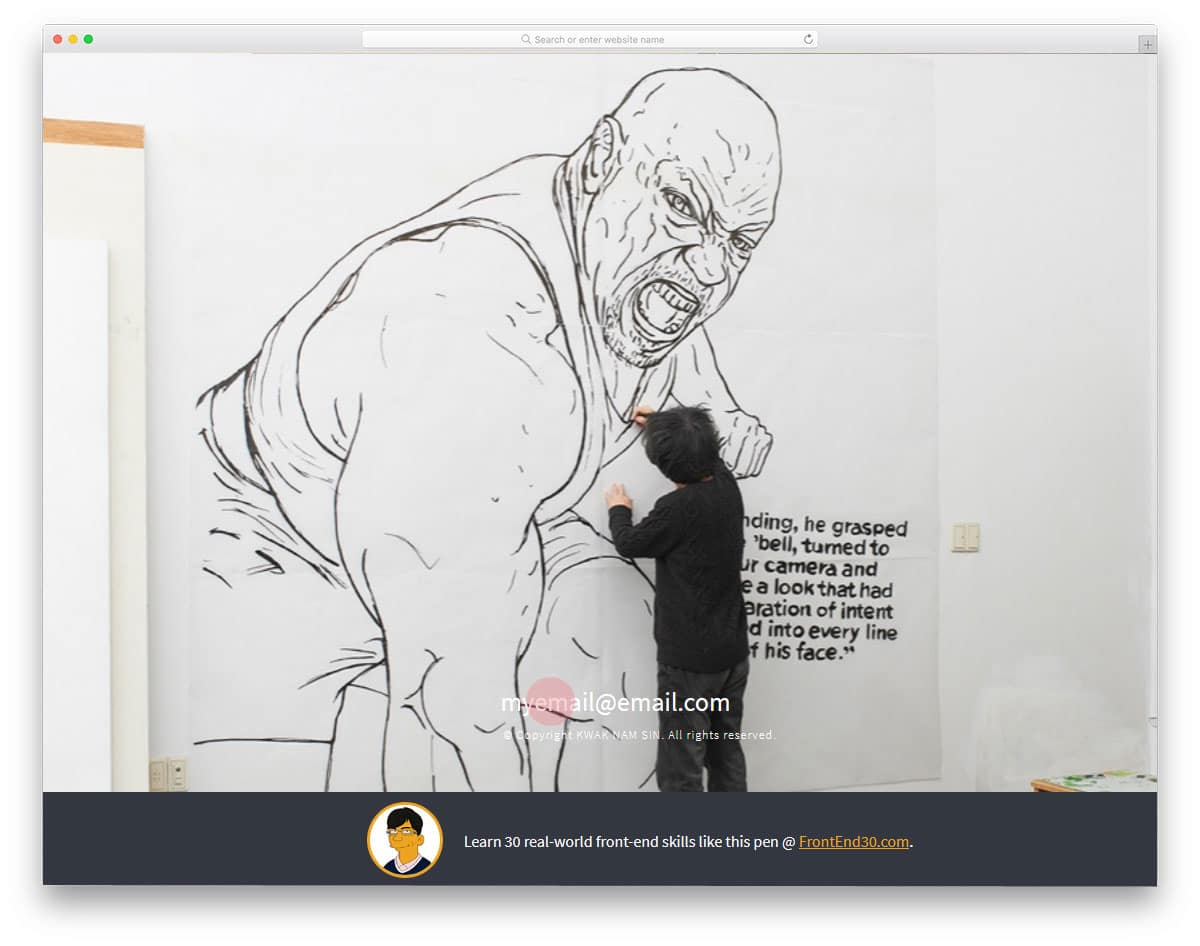
If you want to make links interactive and differentiate important links from others, designs like this will come in handy. In the default design, the creator used the magnetic-link CSS effect for the contact information. The link moves in sync with your cursor movement. The animation effect is done precisely so that the effect happens within a particular radius, so it won’t disturb other elements on the web page. To make this interactive link-style CSS design, the creator has used CSS3 and a JavaScript framework. The entire code snippet used to create this design is shared with you so you can easily use it.
Slice Link Text

The creator Mattia Astorino has given us a simple yet attractive link style CSS design. On hovering over the link, the text flips to show you the remaining message. By using link style CSS designs like this you can curate your audience and also clearly state the purpose of the link. For presentation purposes, the creator has used a color-switching effect on the background. But you can trim the code and use the link style animation effect alone. The best part about the design is ithat t is made purely using the CSS3 script and is structured properly. Hence, the developers can easily work with the code.
Button Hover Effects With Box-shadow

From the name itself, you can infer that the CSS link style in this design is made for the buttons. Seven types of hover animation effects are given in this example. All seven of them are sleek and have a modern look. Hence, you can use these effects on any creative, trendy-looking website. The creator has also structured the code and adequately given notes to help you understand it easily. If you are a beginner, code snippets like this will help you easily understand the functions.
Arrowed Link
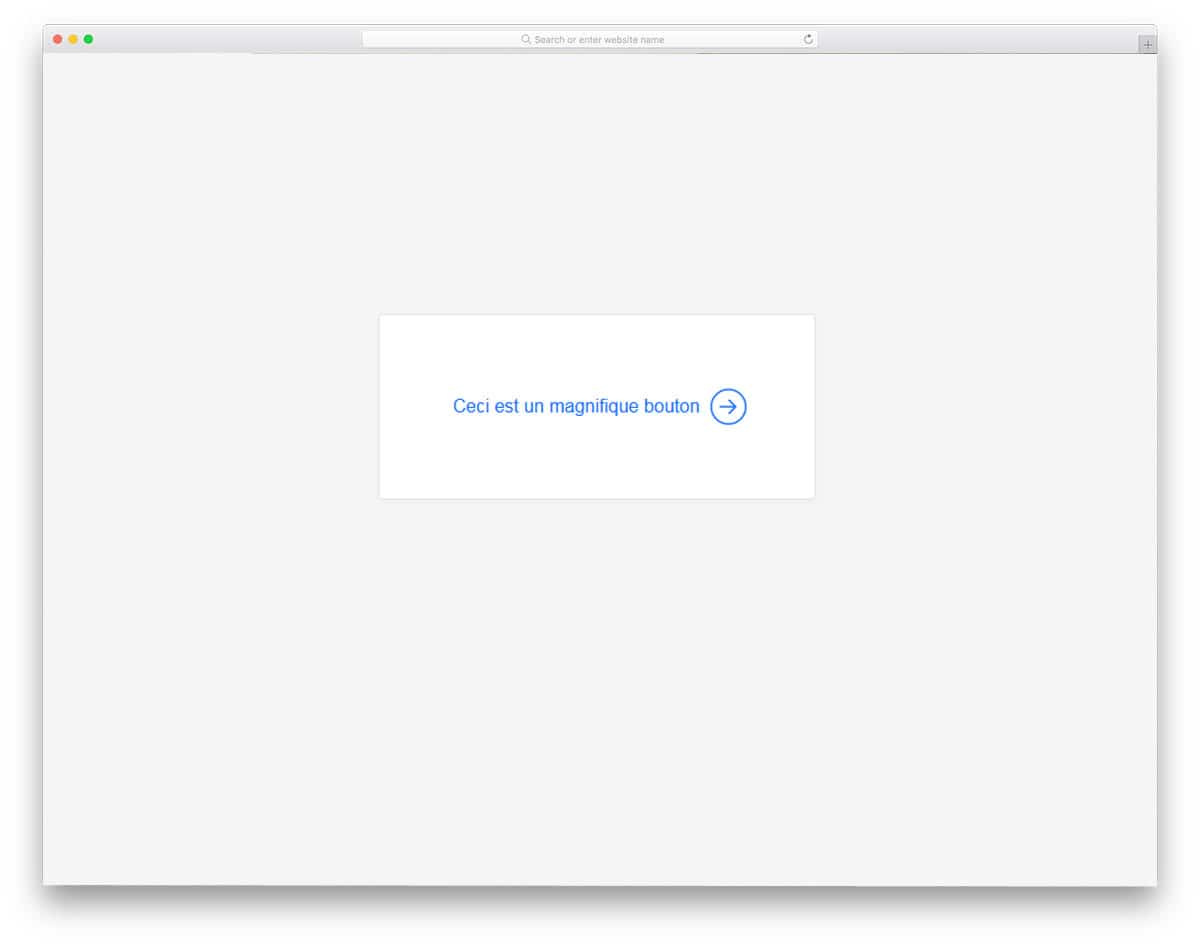
Arrowed Link style CSS design resembles the Button hover animation effect mentioned above. The creator animated only the arrow, not the entire text link. If you are designing links for a form or wizard, CSS styles like this will be a good choice. The animation effect is simple and can be easily applied to any part of the website or application. By making a few adjustments, you can efficiently use this code in your design. If you are interested in arrow designs and animations, look at our CSS arrow design collection.
Single Element Link Styling

A single-element Link styling design is the best for the necessary links. If you use text links to direct traffic from one web page to another, this design would capture user attention. The default animation effect is bold and attractive, and the bright red color scheme easily attracts attention. Bold and attractive elements will always perform better on a landing page. A cool animation like this would do the trick, since you have to deliver all the content and convert the user quickly. Another advantage of this design is that it uses the CSS3 script entirely. Check out our free template collection with conversion-centered design for a more attractive landing page.
Subtle Link Animations
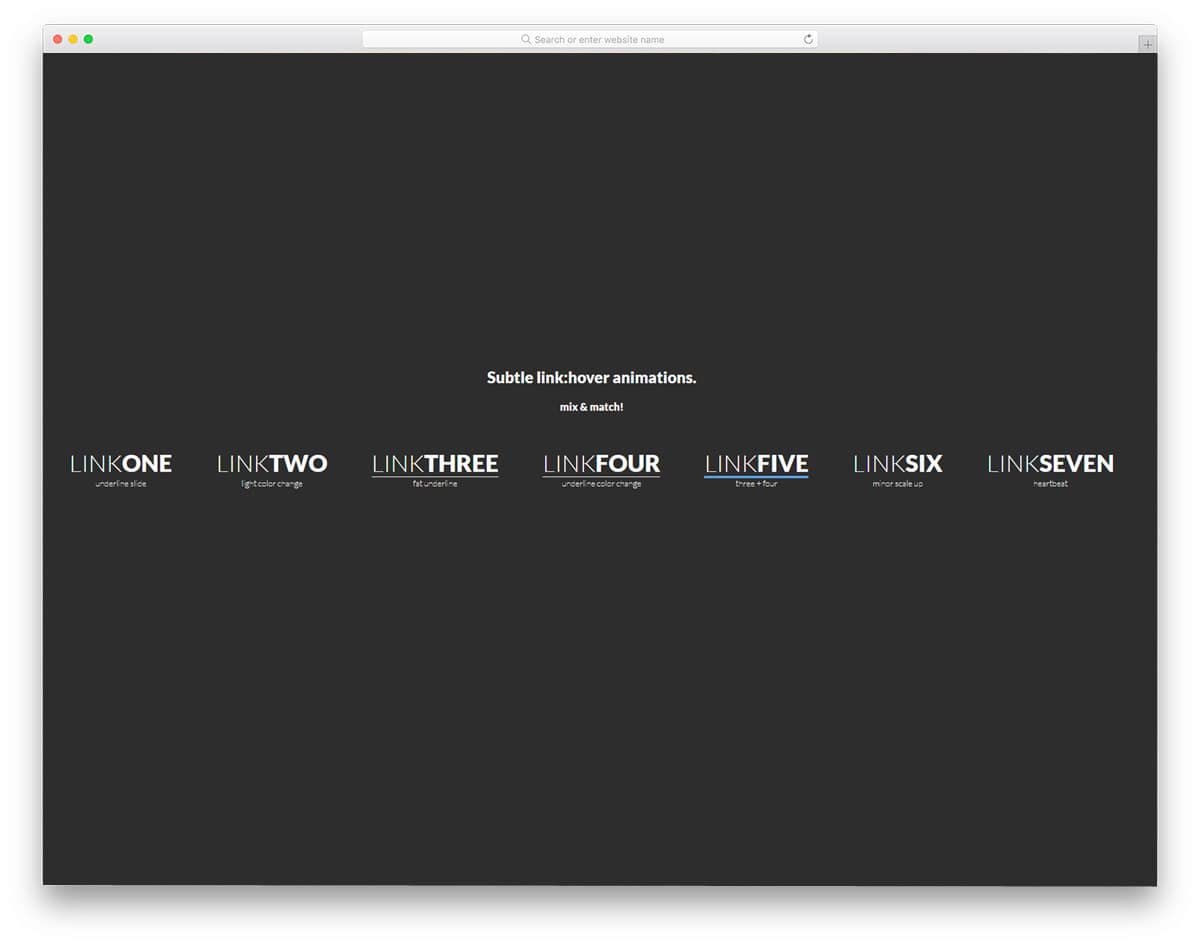
In this Subtle link animations set, you get seven animation effects. All seven animation effects are simple and neat, so the animation looks great on all types of websites. If you use text links in your blog, you can use the underlined design in this set. By default, this design’s text links are made more prominent and bolder for easier interaction. In a content-rich environment, making links bolder will make them stand out. All seven animation effects are created using CSS3 and HTML5. The simple code structure made the animation effects load faster. There even colorful animation effects in this design, based on your design requirements pick the one you like. For more creative animation effects, please take a look at our CSS animation example collection designed by innovative developers.
Cool CSS3 Link Ideas
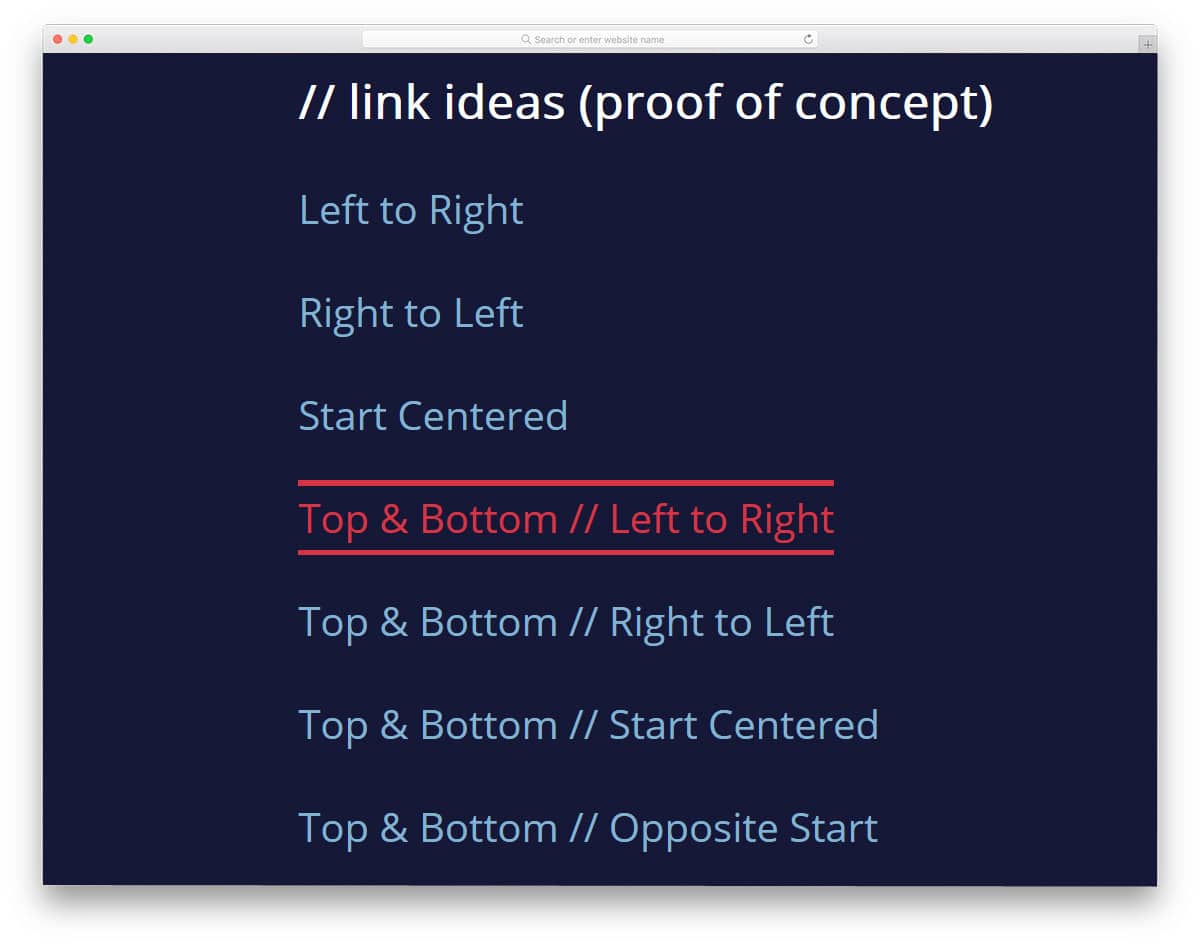
Cool CSS3 Link Ideas provides professional link animation inspiration. You can use these animation ideas for both text links and buttons. All the animation examples in this set occur around the text, so they won’t take up much screen space. In this set, the developer has given you ten fluid animation effects. This professional-looking animation effect will fit perfectly on any part of the website. Since it is a demo design, all the animations are bigger and bolder. But you can scale the size based on your design needs. By optimizing a few things, you can use this design even on your existing website.
Link Styles By J2
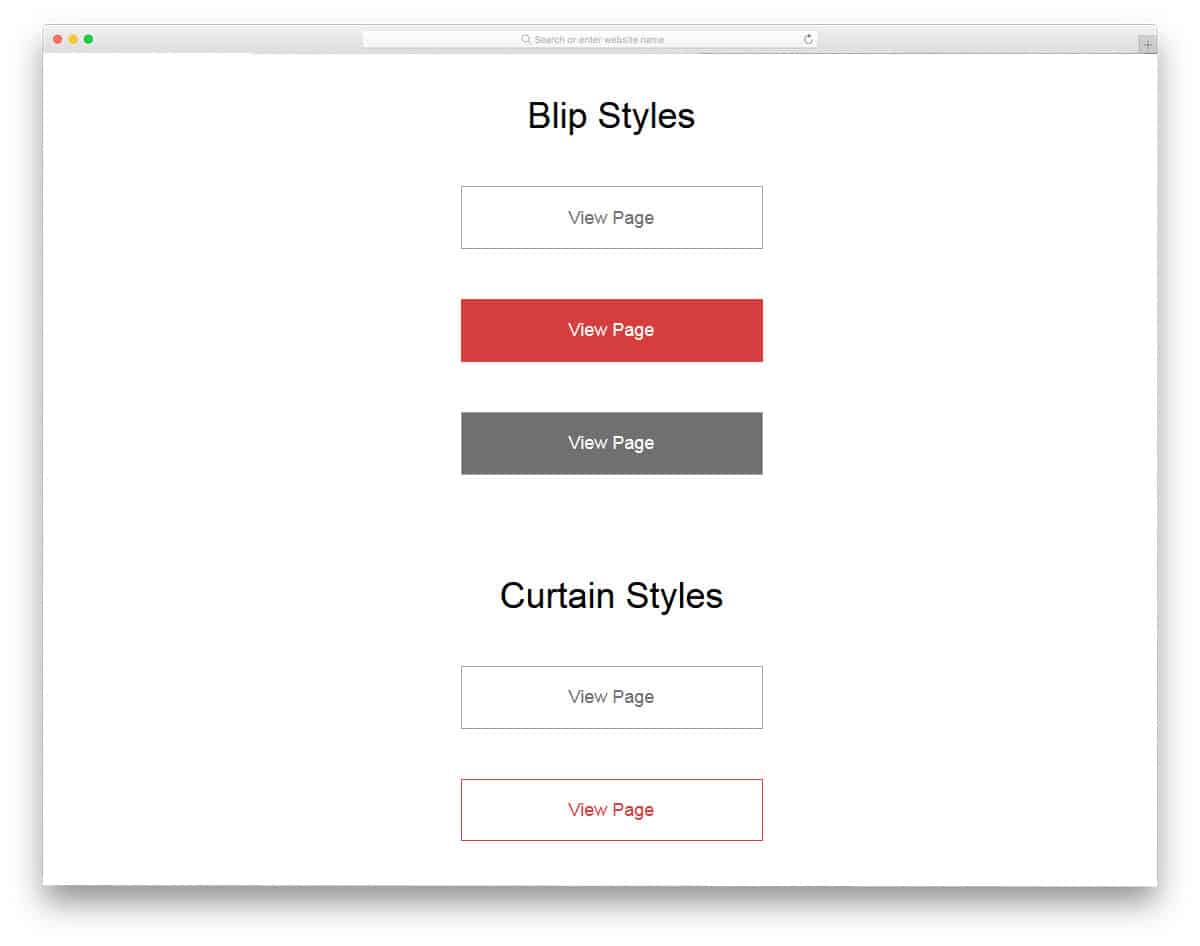
The developer has given you link designs for call-to-action buttons. Flat-style designs are mostly used in this design to fit perfectly in all types of websites and applications. As this is designed purely for call-to-action buttons, all the animation effects happen inside the buttons, which makes this design not a better option for text-based links. The developer used CSS3 and JavaScript to create these animation effects. As most of these animation effects can be done with CSS3, you can trim the code if you want. Check the info link below to get a hands-on experience with the code.
Heading Link Animation
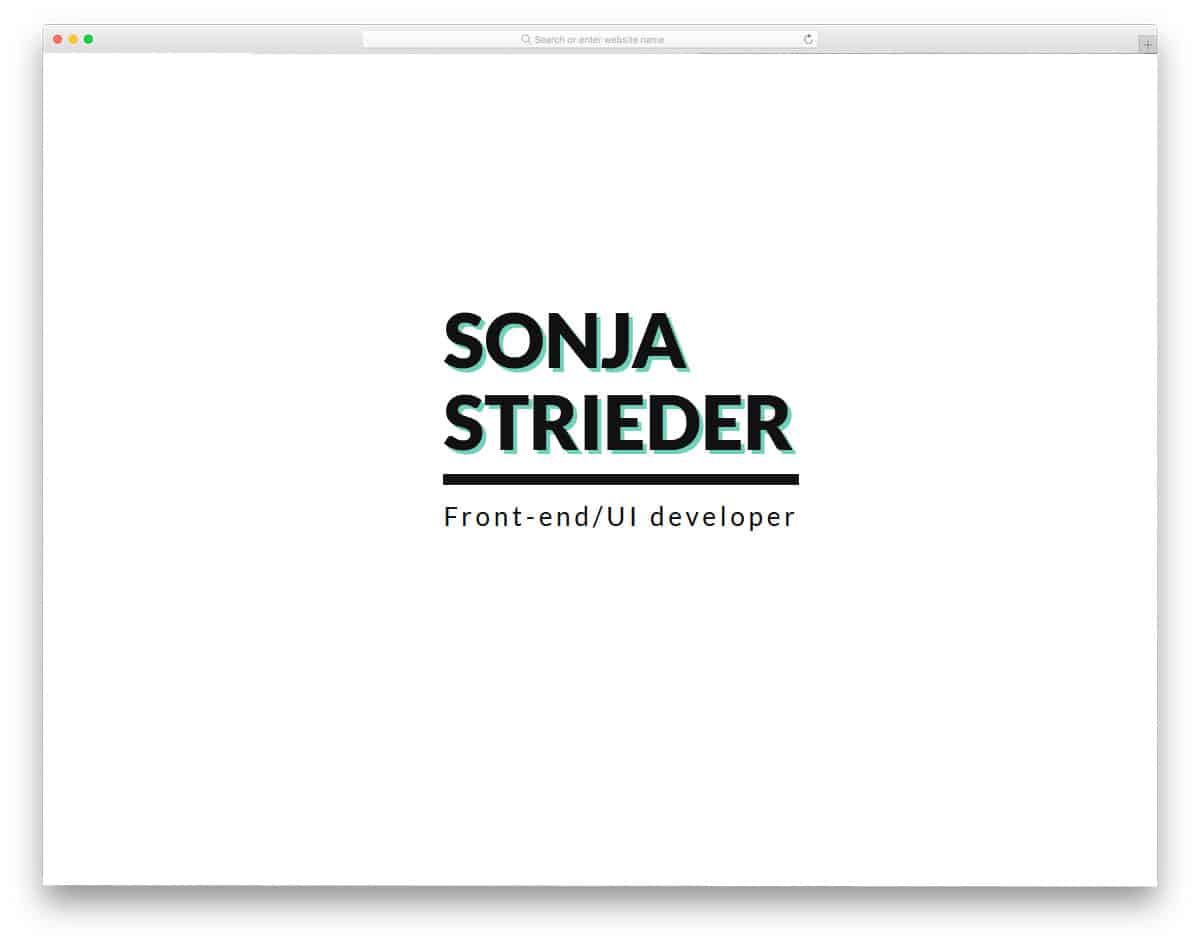
Duotone style animation is used in this Heading link animation design. As the name implies, this design is made for headings. If you are making a typography-based web design, effects like this will make the text links look separate from the rest of the web elements. You can even use this effect for normal texts to highlight them. For example, on a freelancer website, you can use this design to highlight the freelancer’s name. The developer has used a coral and aqua blue color scheme in the default design, but you can use your own colors by making few changes to the code.
Animated Font Weight On Hover
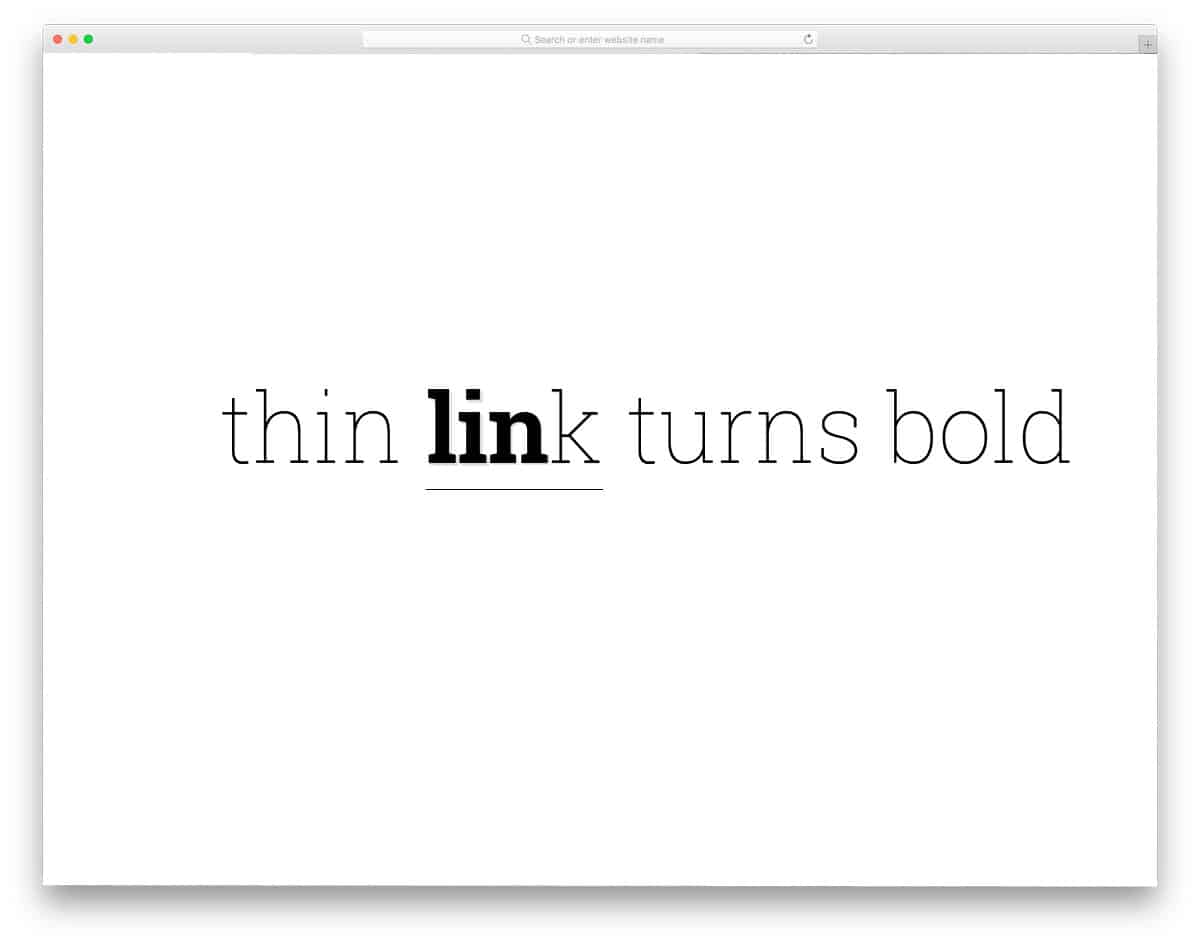
Animated font weight on hover effect is the best effect for both menu links and normal text links. In the default design, text links are bold when the user hovers over them. The animation gradually moves from character to character, which is attractive. If you are using this design for normal text links, you can make the whole bolding animation take place on the entire word. To achieve a clear animation effect, the developer has used SCSS and an HTML5 script in this design. The default animation takes a few spaces on the sides so make sure you take that into account when you are leaving space.
Link Hover Arrow Idea

Link Hover Arrow Idea is a practically applicable link design, which you can use for normal text links in your content. Texts with a link are highlighted with a blue color overlay. On hovering over the text, the color overlay changes to an arrow, indicating the redirection to another page. The transitions are smooth and clean, which users can easily notice. Just like the Read more link design mentioned above, this one is also designed purely with CSS3. All you have to do is copy the code and use it in your web design. Since it is only a design, the customization part will not take much time.
Text Underline Hover Effects

This text link style is almost similar to the Link Hover Arrow Idea mentioned above. But in this one, you get a different animation effect. The developer has given you two types of animation effects. One is a full-color overlay animation, and the other is a quick, sleek line animation. Not only the design but also the code structure is kept very simple. Both animation effects are designed purely with CSS3. By making a few optimizations, this design can easily fit into your website or application. Since it is a CSS3-based design, you can use any modern colors on this design without any hesitation.
Link Highlight Hover/Click Effect

Typography is used as a part of modern web design, which let you clearly share your thoughts with your users. If you are using a broken grid or asymmetrical design in your website layout, this link style will add extra richness to your design. The effect is kept really simple so that it fits easily in any part of the website. The underline is kept larger and bolder so the user can clearly see the importance of the highlighted text. Clever handling of the CSS3 code yields a simple yet effective link style. Check out our free modern web design templates to get the latest website template with premium quality for free.
Anchor Click Canvas Animation

In this design, you get a funky animation effect for the text links. On clicking a link, you get a color splash, which is attractive. This tempting animation effect restricts its usage on casual and creative websites alone. Since it is a complex, colorful animation effect, the developer has used HTML5, CSS3, and JavaScript frameworks in the design. If you are about to use this design on your website, you need to make a few optimizations to ensure it works perfectly. The developer has shared the entire code structure with you so that you can easily work with this design.
Squiggle Link Effectz

The name itself is self-explanatory; the line marking the text link squiggles on hovering over the link. The wavy animation is smooth and clean, so that the user can see the sine waves clearly when they hover over the texts. If you use this effect on a music website, it will perfectly match the template’s core theme. Like most other link-style designs on this list, this is also designed with CSS3. You can easily add this one in your existing website. Since the default effect is simple and attractive, you can use this effect even for the headings in your web pages.
Menu Hover Line Effect

Though this design is made for the navigation menu, you can use it for other text links as well. The simple line animation effect of this design makes it a perfect fit for all types of websites. In the previous link style CSS, we have seen the squiggle line effect. The developer has used a sine wave concept in this design. Just like the heart rate sensor readings, the line moves in a wave format. The default design of this link style will be a good option for healthcare organization websites. Since this design is built entirely with CSS3, the integration and customization will be easy for the developer.
Jumping link hovers

Jumping link hovers is a navigation style link design. If you are adding a bunch of links in one place —for example, in the footer —this design is a perfect option. A blue square highlighter moves fluidly with cursor movement. The blue highlighter smartly expands based on the length of the text. To make this interactive link style, the developer has used HTML, CSS3, and JavaScript. Working with this design might take a few extra minutes because you have to handle three scripts and optimize them for your design. But this design is worth the effort.
Another Menu Concept

This is another line-based link design which you can use for both navigation menus and text links. Though the effect is simple, the developer used HTML, CSS, and JavaScript to create it. But you can trim the code to the structure you prefer. On hovering over the link, the line neatly expands till the end of the text. The effect is simple and elegant, so that it can fit in any space and any part of the website. All you have to do is work on the code to make it fit your needs and use it on your website or your project.
Hover Effect Left To Right On Text Color
The hover effect from left to right on the text color is almost similar to the Menu Concept design mentioned above. In this design, the animated line has a colorful impact. Apart from the line animation, you also get the word animated in this design. This design is built with CSS3, so you can use your own modern color scheme and animation effects. The developer has shared the code script directly with you so you can easily work with this design and incorporate it into your design.
Creative Menu Hover Effects

Creative Menu Hover Effects is a creative form of the Menu Concept design mentioned above. By making a few customizations, this link style design can be used for normal text links as well. The whole animation appears only when the user hovers over the link. To indicate the link, you can use underlining and an animation effect, which might be more effective than the original design. This design is also made entirely with CSS3, so you have plenty of customization options. Plus, working with this design will also be easy.

Fantastic examples of hyperlinked text. This area of web development has always been so under developed- it’s great to see so front end developers getting creative with hyperlinks.
fantastic.. going to use this for our website menu items… thanks so much