

The use of CSS Cards has more benefits than you can imagine. This major component on your site makes your overall UI easier to navigate and scroll through by taking sections of your content and turning them into smaller digestible forms. No matter what type of website you own, using cards simplifies managing and organizing the contents. Another benefit is the exposure to the contents when displayed as a card. More elements fit on a screen, meaning more content is displayed for users. And the infinitely manipulatable form of cards makes it a great contender for material design. But before we move onto our list of handpicked options you can try to implement or get inspired by, let’s understand what material design is.
Material design is a language that Google developed, explained, or demonstrated when Google Now was released. This was back in 2014 and is now one of the popular implementations on all major components. But before we move on to today’s topic, let’s briefly examine what that means. Material design emphasizes the grid-based layout, responsive transitions, effects, and, most of all, shadows and lighting to give out that almost real-to-touch feel. Now that it is 2026, the inspiration and implementation of the Material Design throughout the web page components are not uncommon.
Thus, here at UiCookies, we have listed the best possible ideas and creative examples. Check out these awesome options to try out and improve your website interface.

Material Design Cards & Nav

On the top of our list here is a simple and clean material design card created with a creative flair. Featuring a mobile screen-based style, the information is displayed on the screen. And for an even more efficient option, it also includes an easy navigation bar. When clicked on, it expands to reveal the navigation menu the users can use to browse through. While heavily based on HTML and CSS, it also uses JS. But it is a great way to keep things more interesting for your users. It is also pretty responsive, loading efficiently throughout all device screens. For a closer look at the codes, feel free to click on the link down below.
Editable Draggable Material Card

This is a more feature-rich, sophisticated, and complex design for material card designs. Created by Yair Levy, this example here features a unique sense of style and design. And by the title itself you pretty much get the idea it is aimed at. When you click on the settings icon, you can personalize the color scheme, change and drag the position, change the text, or delete the whole card. You will also find the icon, which, when clicked on, reveals another card lined up. This is a simple demo of HTML editing and building tools using the Vue, Materialize, and LMDD. Pretty creative and sure to give you and your blank canvas a head start, why not check out the structure below and give it a try yourself?
Material Cards with Carousel

Another one that falls under that category of super innovative is this material card design with carousel. It basically features a simple material style card featuring placeholder for media files as well as decription and title. In addition to this, the creator has added extra details with the options to add likes and useful links. When hovered over, it also makes use of the custom CSS based animation. Basically a great way to start a creative carousel effect without the help of other plugin or third-party software, this template is an effecient option. The whole structure is based off the advanced CSS, HTML as well as the JS codes for a smooth and reliable performance overall.
Ionic Material Cards
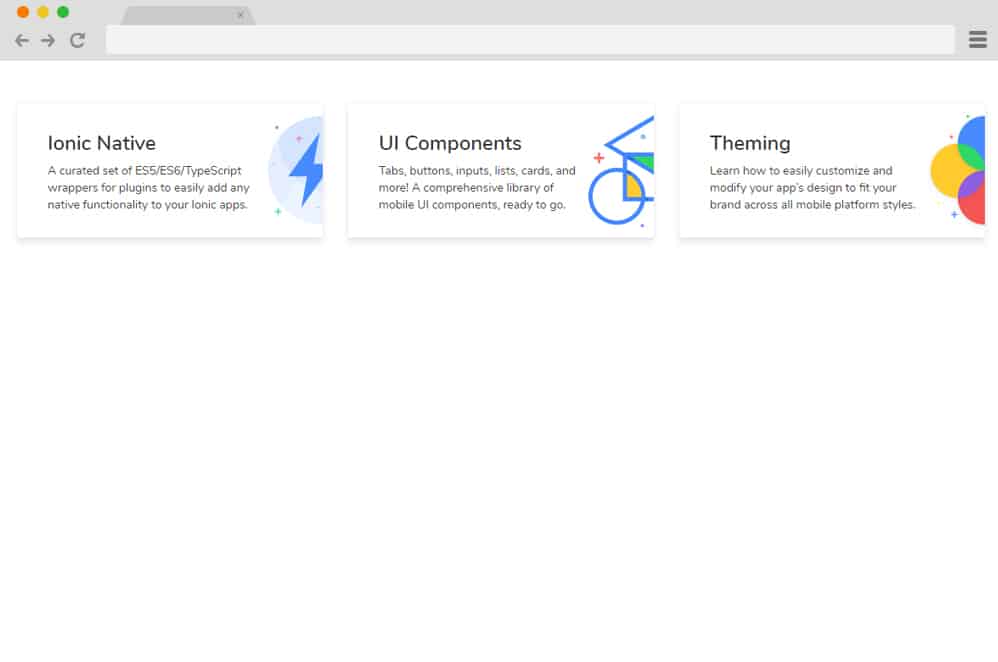
Built on the advanced Ionic framework, this card design follows a simple and effective material design. Using simple CSS and HTML coding structure, this first example is the perfect way to start adapting to material design. And to elevate it even further with a smooth and stunning hover effect. With minimal design, appropriate lighting and shadow, and a clean color palette, this is an amazing way to introduce articles on your site for your users.
Material Card Design

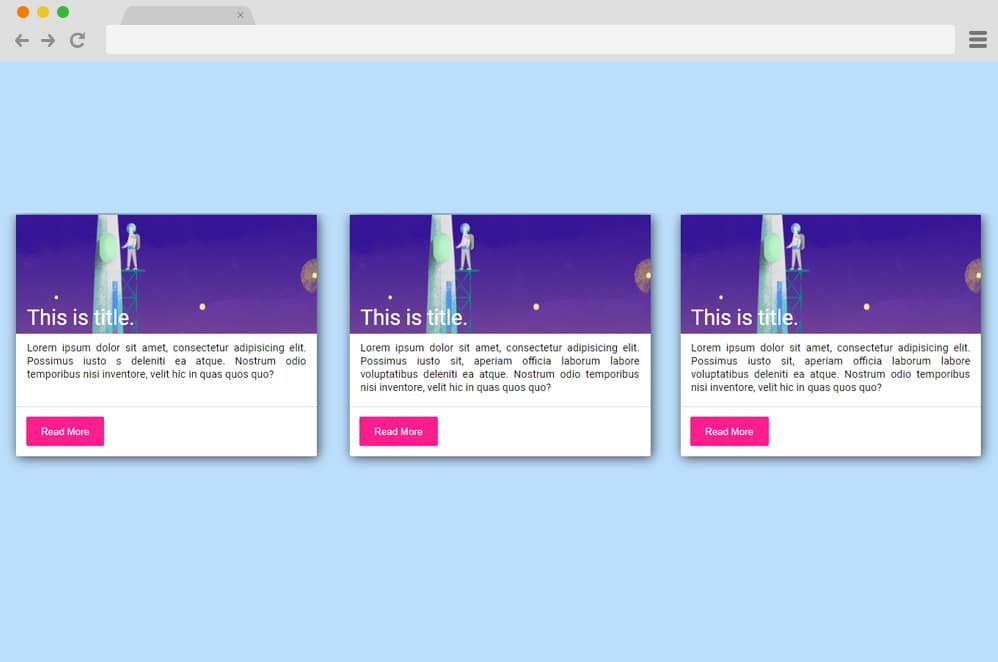
This is the perfect example of a Material Design Cards just as the name suggests. Perfect for any professional sites, blogs and more to give a snippet preview of what lies with the content. The featured image, title, and small description provide ample details to give the users an idea of its features. While the whole design structure is based on the material design, it is further elevated using the hover effects on the button and the whole card to go along with a similar aesthetic.
Skill Material Card
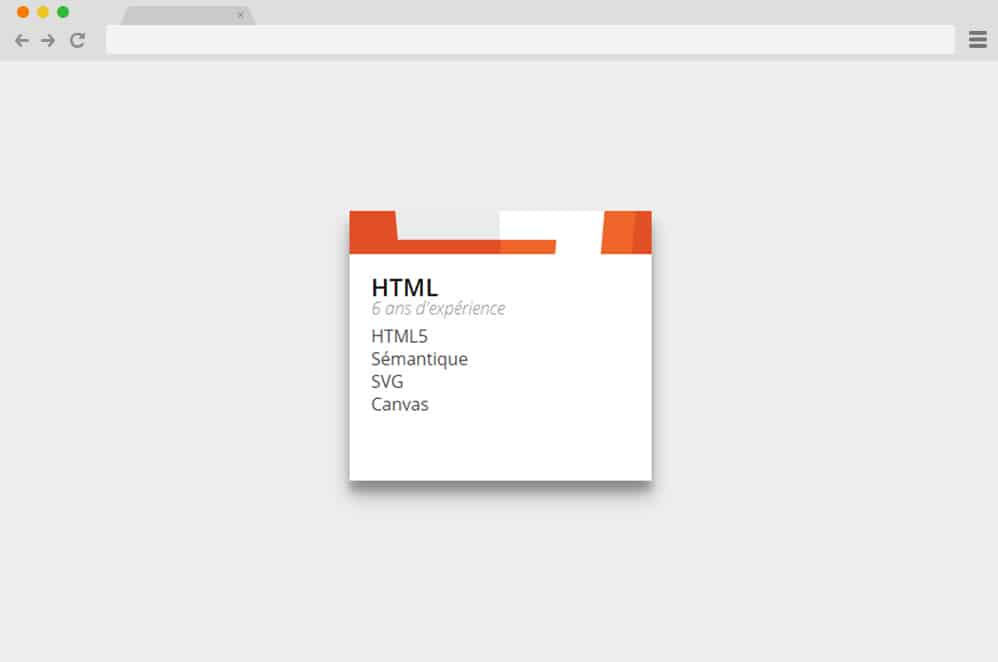
If you want to add that extra edge to your online portfolio or CVs, and resumes then this material design card is a great choice. Adding engaging factors for your users to see, the components within the cards are animated to display and hide on hover. Unlike the classic card, which usually includes holders for the Title, details, and image, this displays only the image and the Title. When hovered over, the image slides upward to make the details appear sequentially on the screen. Follow the link below to get access to the full coding structure.
Material Card

Adding an animated element is another way to add innovativeness and freshness to a simple online card. This example elaborates on using animated charts, analytics, and buttons to get this amazing result. Clicking on the orange circle allows the diagrammatic overview to appear on the screen. All of the codes are there to view and export; just follow the link below to get the same stunning effect. These are perfect inspirations for those looking to add an interesting element to their site and make even analytics and presentations fun.
Profile Cards
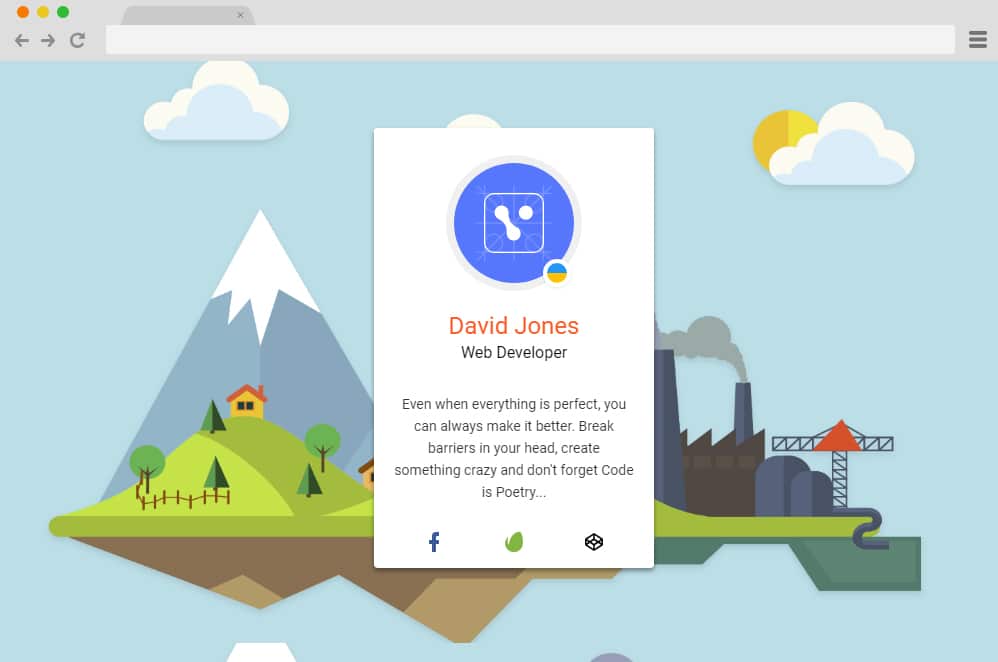
Another example of a mesmerizing material design card is this Profile card designed by David Jones. Using various animations and effects through CSS and HTML, the creator has created an interesting way to introduce your CV, Resume, Cards, or profiles. You can get the full structure and coding on the link below. Each markup and detail is easy to replace, including the name, avatar, links, and more. Adding a more realistic feel to the card, hover effects casting shadows are also enabled throughout the sections.
Material Card with Animated Featured Image

This wonderful animated material design card takes another creative path to achieve that smooth transition. The gradient background also gives way to a more subtle and smooth transition of the components. When hovered over with a cursor, the animated header or headline and the description use CSS and HTML effects to give out that professional feel. Perfect for keeping things interesting for those looking at your site, this example is the ideal inspiration to copy. And the best thing about this is that following the link below gives access to it all. All of the components, including the background, card, texts, and images, are interchangeable and can be replaced with a few tweaks on the codes.
Material Design Card Effect

This is a simple collection of material design cards that can help you get started. If you want to get a head start while material designing the elements without the hassle of getting into the coding, then this is it. Various examples of playing with the lighting and shadows cast are included, and you can easily use them to your benefit. Use the link below and get ahead on any of your projects immediately.
Google Material Design Cards

The inspiration to it all, follow this link to decode the material design resembling the Google site itself. To make things look even more professional, there are variations that you can easily copy and embed onto your site. Get a head start with material design cards and add that authentic feel with extreme ease.
Material Design Card For Blog Post
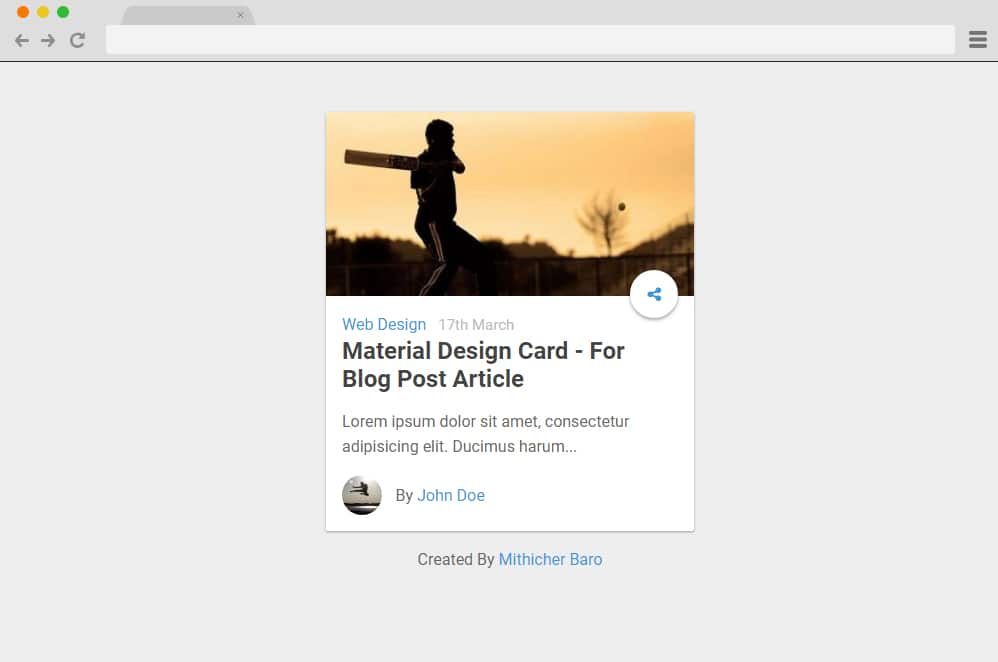
As we have mentioned before, more and more popular websites have started implementing the card-based layout to keep things modern on their site. So what are you waiting for? This material design card is created using CSS, HTML and a bit of JS. It contains advanced components including fields for image, title, published date, a snippet of the preview. To top it off, this card also includes the animated share button. Click on that, and you will be able to link various social sites as well. Perfect for professional blogs, online editorials, and similar niches, create an innovative interface for your users to interact through with ease.
Material Design Cards in 3 Sizes
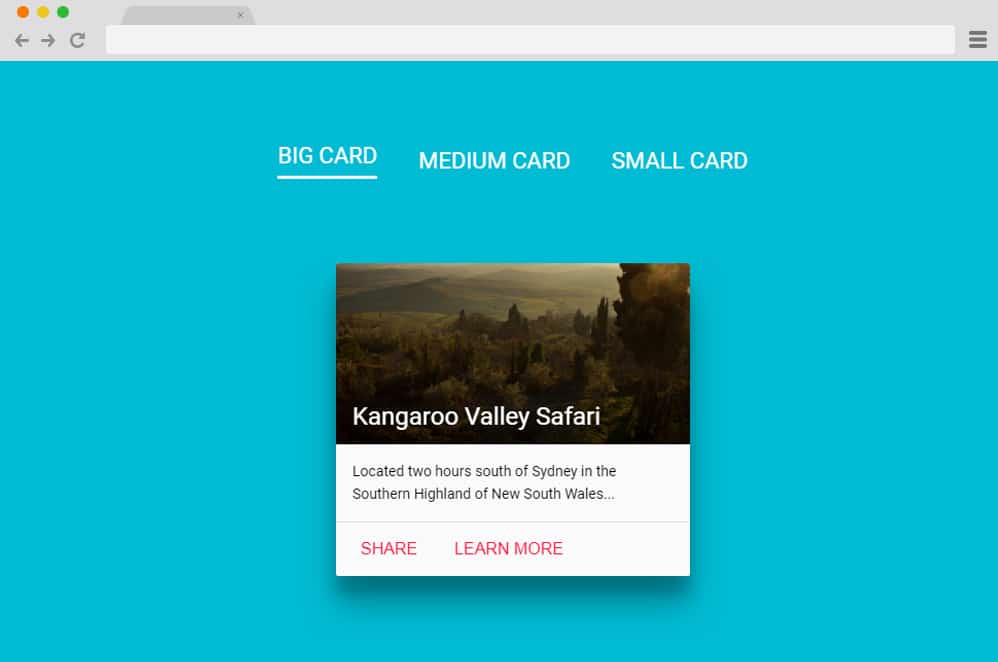
Getting into more efficient variations with the same material design cards is an option to opt for. Why? Because with the same style, this includes different sizes and view style to choose from. Like the various types of cards in real life, the small card resembles a name card with just the image, title, and buttons. The medium card resembles a business card, having just the name, details, and buttons. The big card, or the largest one, contains placeholders for all the components, including name, title, image, details, and buttons. So it is easy to implement whichever you wish to enable on your site. It uses the powerful CSS, HTML, and somewhat of JS to get this creative result, so once you get the hang of it, you can do the same and achieve a similar result.
Drag & Throw Cards

It is the perfect distraction and engaging factor for those who want an advanced and innovative material design-based card. This example emphasizes JS more than HTML and CSS, although they are used to add certain ailments here and there. As the name suggests, the users are expected to drag and throw the cards to display the one beneath it. Resembling almost a realistic feel, you can use the cursor to enable the drag-and-throw effect. However, unlike in real life, you do not need to pick it up and stack it together again because that is what digitalization is for. Once the whole cards are dragged and thrown, it automatically repeats the whole list. Surely one to engage your users while leaving a great first impression, why not try this out?
Material Design Card Animation
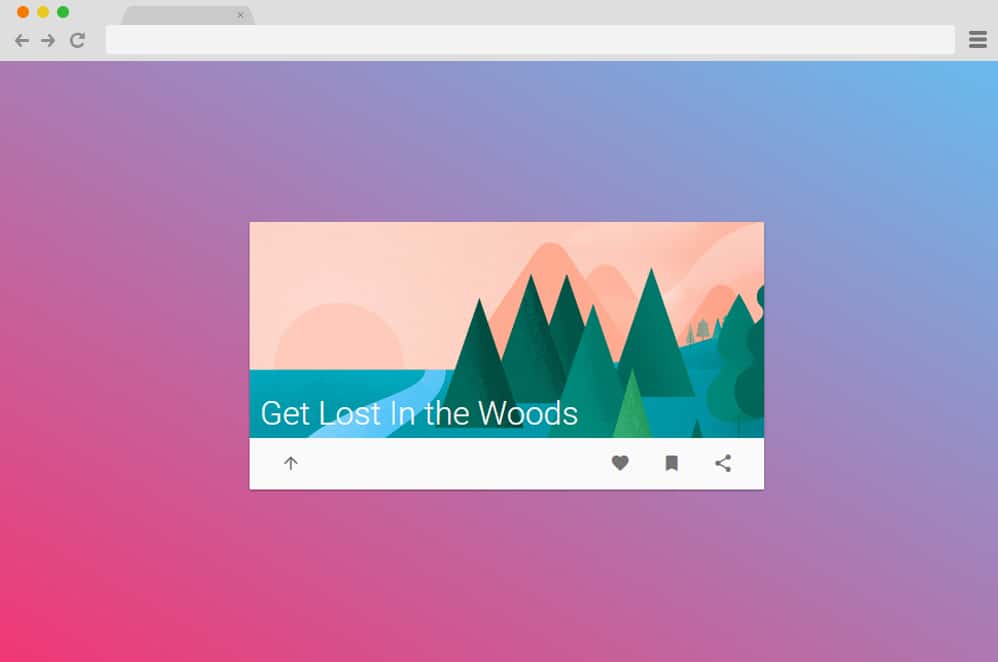
This variation of the animated card is another flexible and versatile option you can try out. Designed with the material design in mind, every component, including the transitions, animations, and card, is visually impressive. Thanks to the clean HTML, CSS, and JS codes embedded together, this material design card is surely effective. You can use this for your blogs, product pages, or personal and professional sites. It starts with a simple image and buttons for users to see. When clicked on, it slides upwards to reveal the content inside. Other advanced features are the buttons enabled for social sharing, liking, and even bookmarking the content.
Material Design Opening Effect

Utilizing the transitions and effects created with CSS and JS combined, this is another creative material design card you can use. It is ideal for every type of professional site, whether it is for business, charities, organizations, or personal blogs, editorial, and more. The card presents itself in a split screen, one containing the actual card and the other with the button. When clicked, the details transition with a clean opening effect to display the content inside.
Google Maps Material Design Card

This is another perfect example of playing with the shadows cast and the lighting to create an almost realistic feel to any simple card on your site. Created using HTML, CSS, and JS, it features a Google Maps-based material design. With access to all of the codes implemented, you can easily replicate the same style within minutes. The great thing about it is that the customizing and styling are completely up to you.
Pure CSS Material Design Card

I think you pretty much understand that this material design card depends entirely on CSS to get the effect with the title itself. Using simple card design with image holder and the description and title in place. The advanced animated icon or button is another creative touch. You can utilize this card and use it to show glimpses or snippets of blog posts, contents, or even products by adding page transitions. And because the codes are clean and simple, you can get the same effect simply by following the same structure.
Article News Card
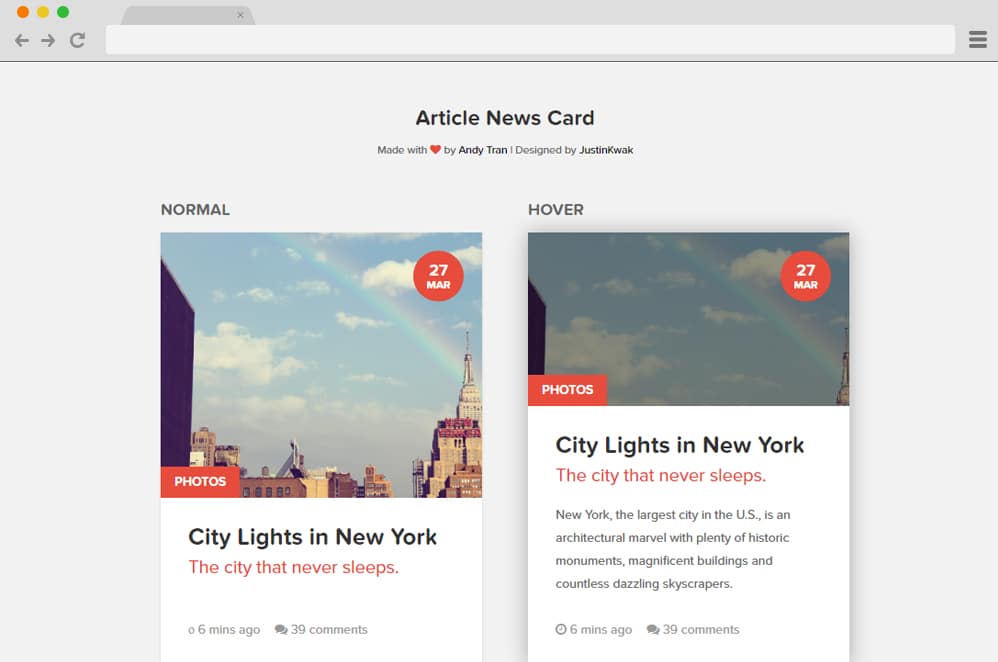
This is another stunning example of cards designed with online publishing or editorial industry in mind. It is perfect to add to any blogs, product pages, and even news and editorials to give users an idea of the content. The card follows a simple material design and is further elevated with the hover effect. It resembles any typical card-based layout, including a title, image, details, dates, and comments. When hovered over, it slides upwards, revealing a snippet preview and a shadow cast following the material design.
Product Card UI

This is an example of using a simple card to elevate any product page or an online shop. It is designed with a clean, modern, and stylish finish, which includes all of the necessary ailments like an animated image slider, title, as well as detail. Keeping in mind the business and shop purpose, the card also includes an animated button and the product review in place. Using both CSS, JS, and HTML, the button also reveals a transition when hovered, changing the price to an icon for the cart.
News Cards

Another one for the online publishing industry this is another perfect card based on the material design to opt for. As the examples show, this is perfect for News and review-based sites. But thanks to the flexibility it serves, you can use it for any type of blog, news, and even for other niches of professional sites. The cards use basic material design and execute a stunning hover effect. There are also two variations that you can use. Each created using purely CSS and HTML provides easy addition of a creative element for your users to enjoy.
Image Hover Card

Talking about creative hover effect implemented on the cards, this is yet another stylish option to try out. A simple card holding an image is elevated with the help of animated elements atop it. When hovered over, various translucent layers stylishly slide out to reveal the title and the detail. Not only is this innovative and creative, it is modern in all ways, and it also makes an excellent, engaging element on any site. All HTML and CSS codes are available to look in and replicate. Follow the link below and customize the fields to add your custom touch.
Material Cards

Yet another example of a minimal and simple material card design is a great way to make your content pop out. The creators have relied fully on the CSS and HTML code structure, which is as advanced as possible. Not only that, but it provides an interface that is easy to work with and replicates similar effects on your site. For a professional look, it features various sections with the title and the icon to suggest the content. At first glance, you cannot see the card embedded around the content. However, when one hover over the specific section, it showcases the material-based card appearance. Playing around with the lights and shadows, the cards replicate the classic Google-like structure. And the great thing here is that it is also fully responsive.
Material Card

Another animated material design card is this professional option by Abdul Razak Shaikh. The creator has made sure to make it as clean and organized as possible. And the card itself looks as professional as it gets. The card includes options for adding the title, detail, and a functional button. What makes it more appealing is the CSS animation it features. When the users hover over the card, the title and description slide up and vanish while the card expands and reveals any other content one wishes to add. As the structure relies fully on CSS and HTML, this is one easy-to-understand and replicate option. Pretty versatile, this template can be used for any type of website you can think of.
