


You can use interactive pagination CSS designs for websites and applications in 2025.
Pagination plays a major role in your website’s SEO. It helps search engine bots easily index and rank the articles. Regarding pagination design, we can be creative but must keep the basic functionality undisturbed. For our good, it is better to follow the proper pagination system and design. In this list, we have collected some of the best pagination CSS designs with proper functionality and good design. Some creative developers have used animation effects effectively to enhance the user experience. To ignite your creativity, there are some cool conceptual designs that need proper tuning before using them in a professional design. Overall, there is a design for all your needs on this list. So make sure you check all of them before settling on one design.
Best Pagination CSS Designs
Whether you want a simple pagination CSS design or an animated pagination CSS design, there is a design for you in this list.
Structure
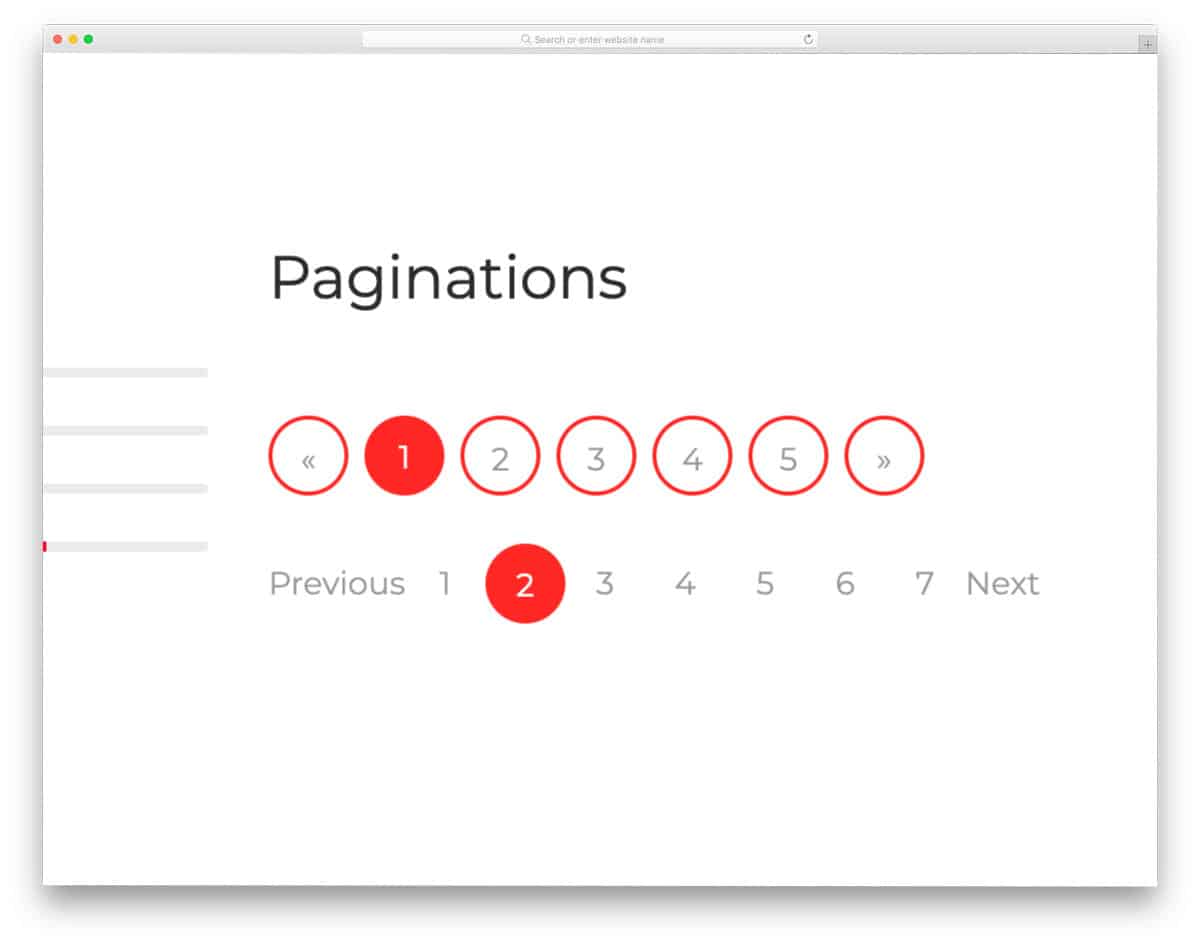
Structure is a UI kit with readymade pagination, CSS, and Bootstrap design examples.
The advantage of having a UI kit with a well-written codebase is that you can skip the mundane tasks and focus on the important parts. All UI elements in this kit follow a colorful design language. The default CSS pagination uses a circular design. There are two types of pagination — one with a circular highlighter and the other with a circular border around all numbers. Since this kit uses the latest Bootstrap and CSS3, you can easily edit it and use it in your project.
Tools
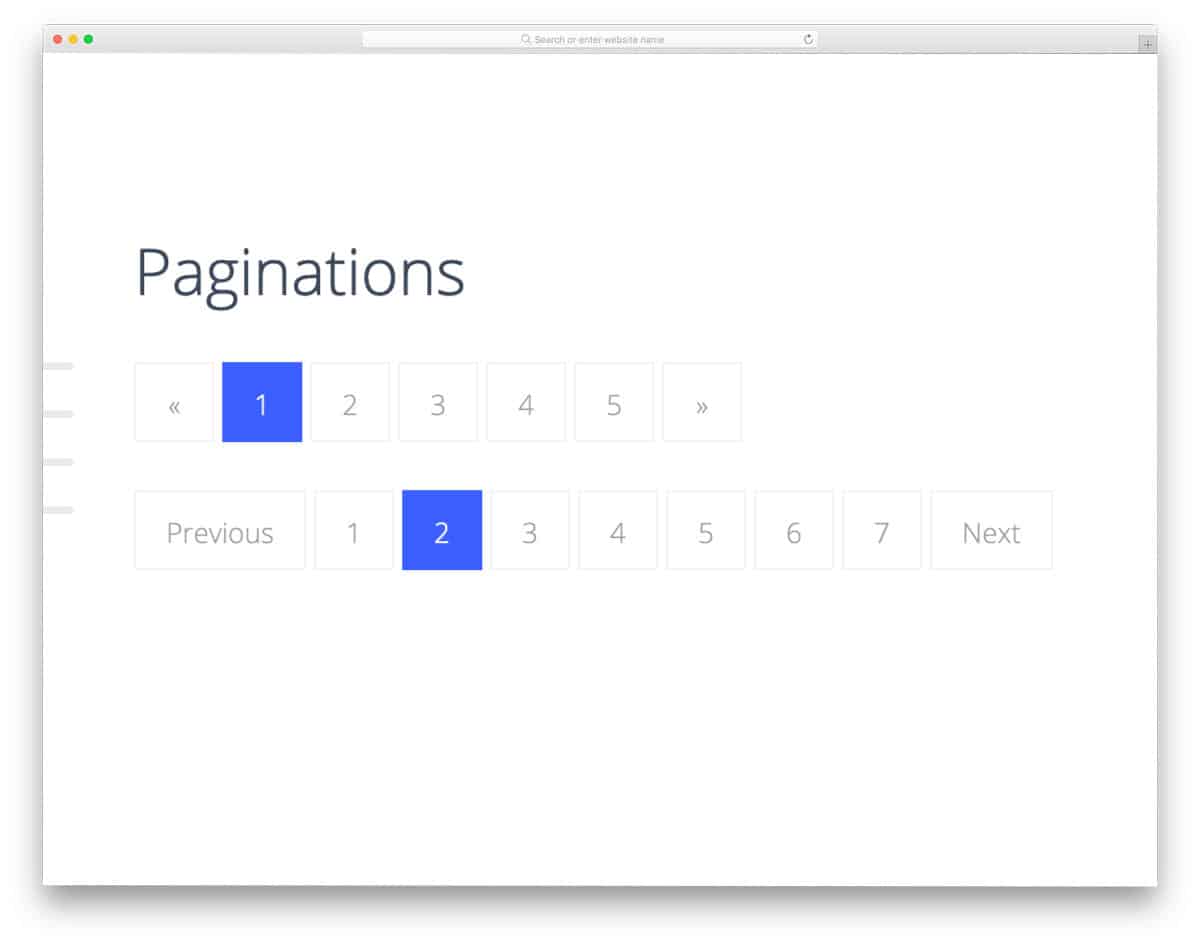
Tools UI kit has a professional-looking CSS pagination design collection.
The creator has used a classy flat-style design in this UI kit. All elements look neat and can be used easily on any part of the website or application. The Bootstrap CSS paginations in this pack have a square design. Each pagination number is big enough to make the interaction easier. As most modern websites are mobile-responsive, UI elements optimized for both small and large-screen devices will make the developer’s work simpler.
Regen

Regen’s Bootstrap UI kit gives you modern UI elements and easy-to-use CSS pagination.
Depth effects are widely used in modern UI design to add character and enhance the visual aesthetic. In this example, the creator has used depth effects to make the selected pagination distinct from the others. Hover effects are also used effectively to make interactions easier for users. If you want a sensibly designed pagination for your app or website, this one will be a good choice.
Buildex
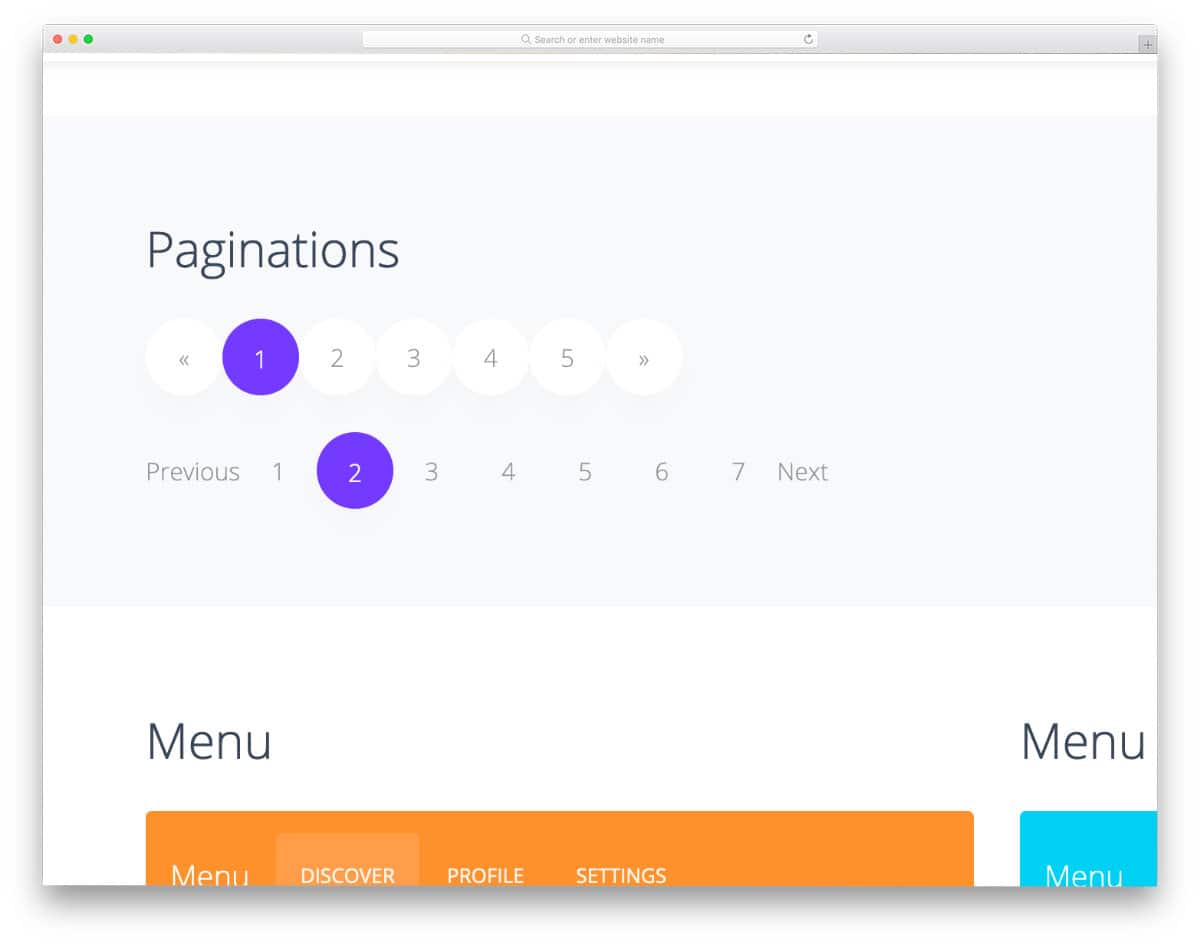
Those looking for a web application pagination bootstrap or a table pagination bootstrap design will love this UI kit. The simple design and functional code script make it easy to use this design on your website or application. Colors, shadows, and other effects look natural because this kit uses the latest web development framework. Therefore, this will reduce the developer’s work.
Pagination Pure CSS
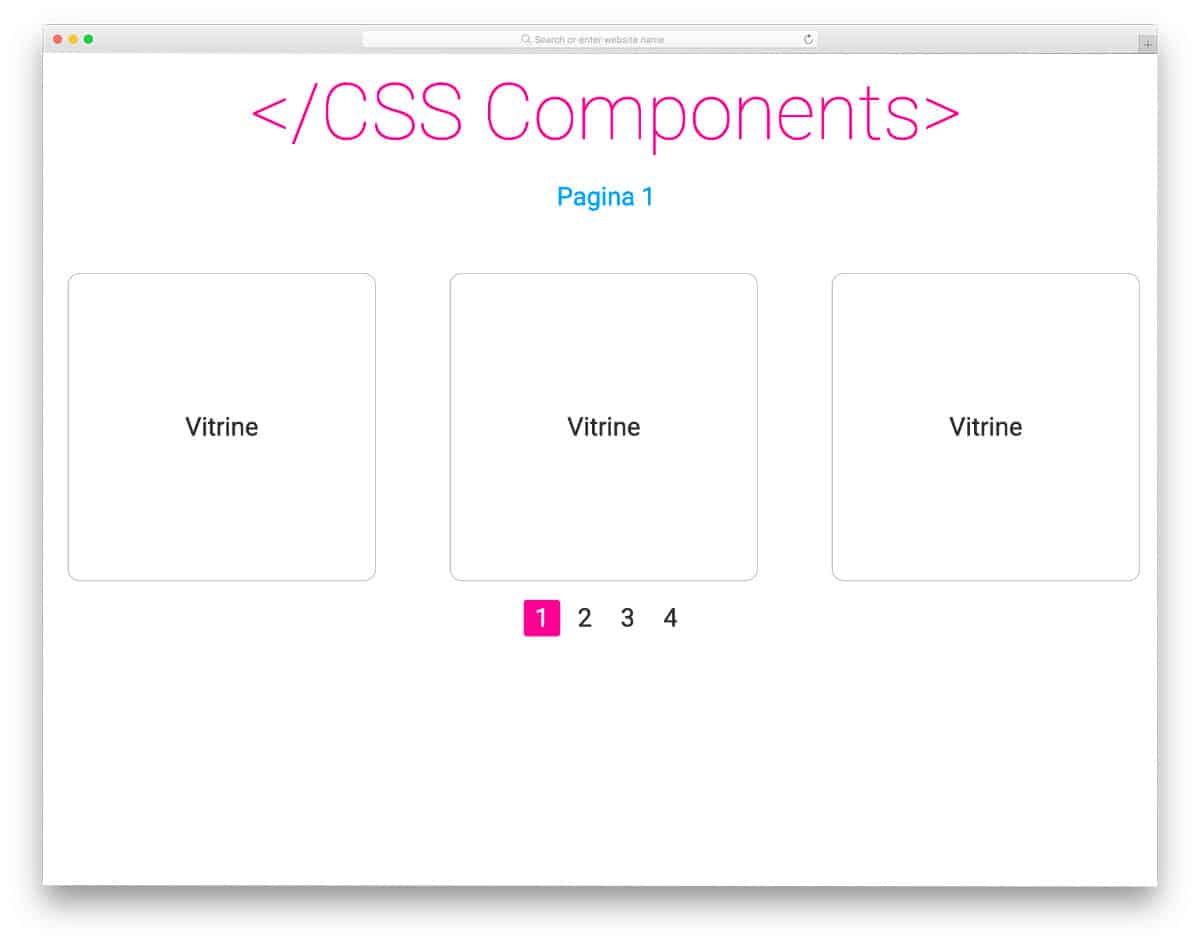
In this pagination concept, you can fit many pages within a given space. This design scrolls to the corresponding page rather than loading it. Pagination CSS designs like this will be useful for those who want an interactive element that doesn’t take much screen space. The code for this concept is very simple, just like its design; hence, you can easily use this CSS code on any part of your websites and applications.
Roman Pagination
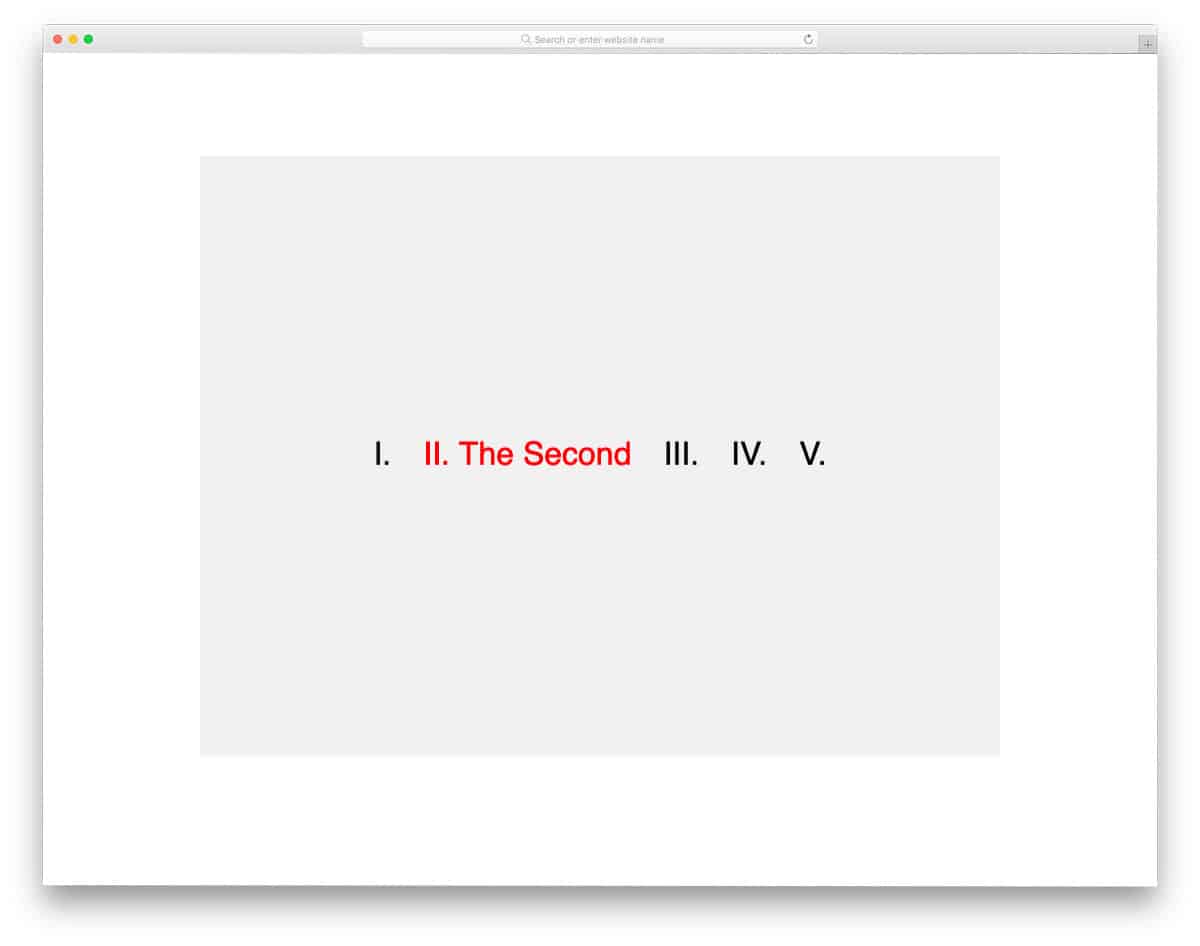
As the name implies, this concept uses a Roman pagination design. Still, words are used to make the message clearer to the audience. The creator has kept the animation simple in the concept to make it look professional. You can add your custom animations if you want; the code structure is simple and has lots of space to accommodate your custom elements. Plus, this design uses the latest CSS script; hence, using modern elements and animations won’t be an issue for the developers.
CSS Line Follow Pagination

This example is an animated vertical pagination design. Hover effects let the user know which page they are selecting. Bouncing effects are fluid and work smoothly with the cursor movement; hence, the user will love using this pagination design. The best part is that the entire design is built with the latest CSS. You can use the code to create a new design with the elements and effects you want. Click the info link below for the full code used to create this interactive pagination design.
Gooey Pagination

Gooey Pagination is a water droplet-style pagination design. The continuity of droplet movements, when you hover over the pagination dots, gives a unique experience. To achieve such a beautiful, smooth animation effect, the developer used HTML, CSS3, and JavaScript. Since it is a concept demo, the creator has not followed a proper pagination style. But you can easily change it by modifying a few lines of code. The developer has shared the complete code script used to create this design so that other developers can easily work with it. A few optimizations will make this design a perfect option for all modern websites.
Pagination By Rosa
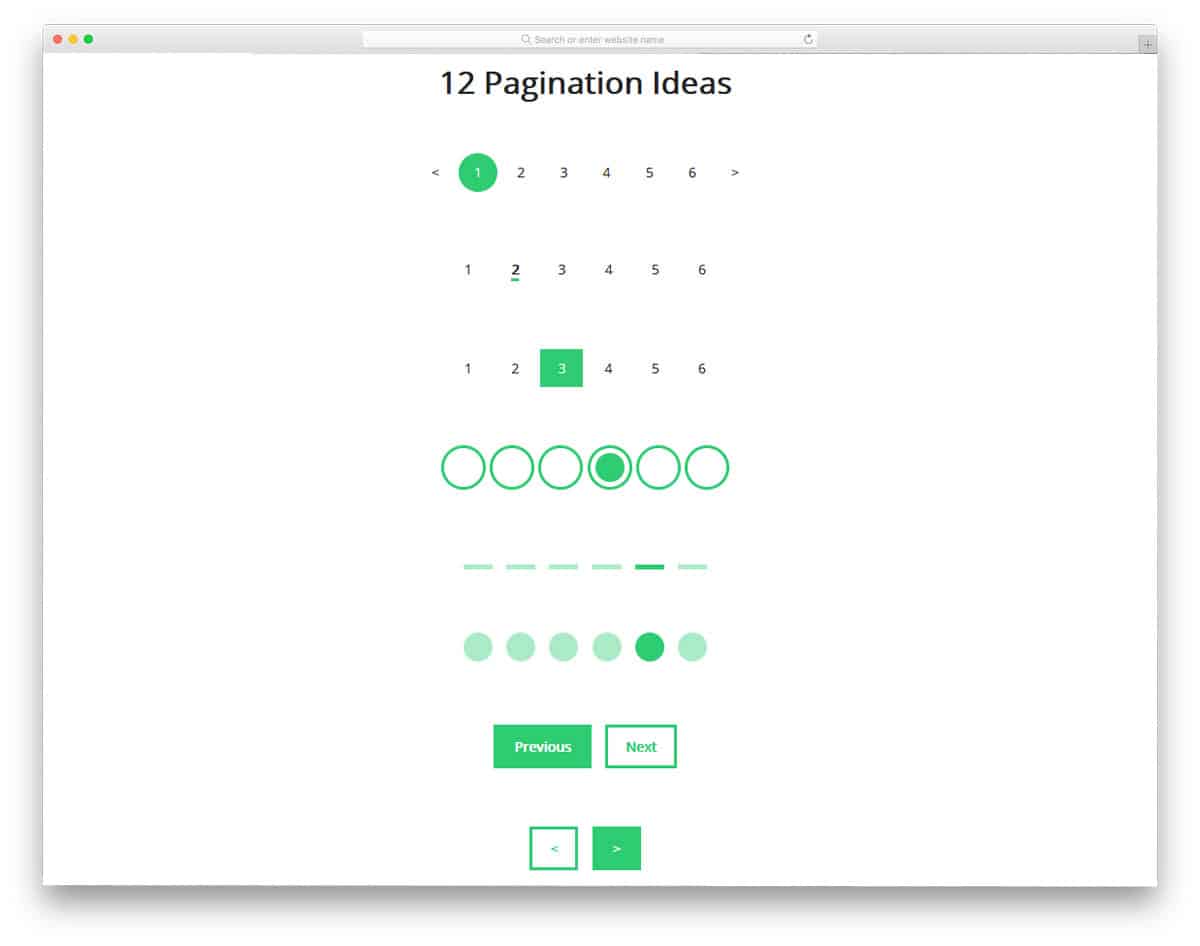
The developer Rosa has given you 12 pagination design ideas. In this design, you get both paginations with numbers and simple geometrical-based designs. All twelve designs are conceptual, so they don’t work properly in the design. You can add functionality and animation effects manually if you want. Don’t worry, we’ve got you covered in the animation and hover effects. Check our CSS hover effects list and CSS animation example collection for more animation inspirations. All twelve designs are built with CSS3, so adding new effects won’t be a tough job for developers.
Dot Hopper – Pagination
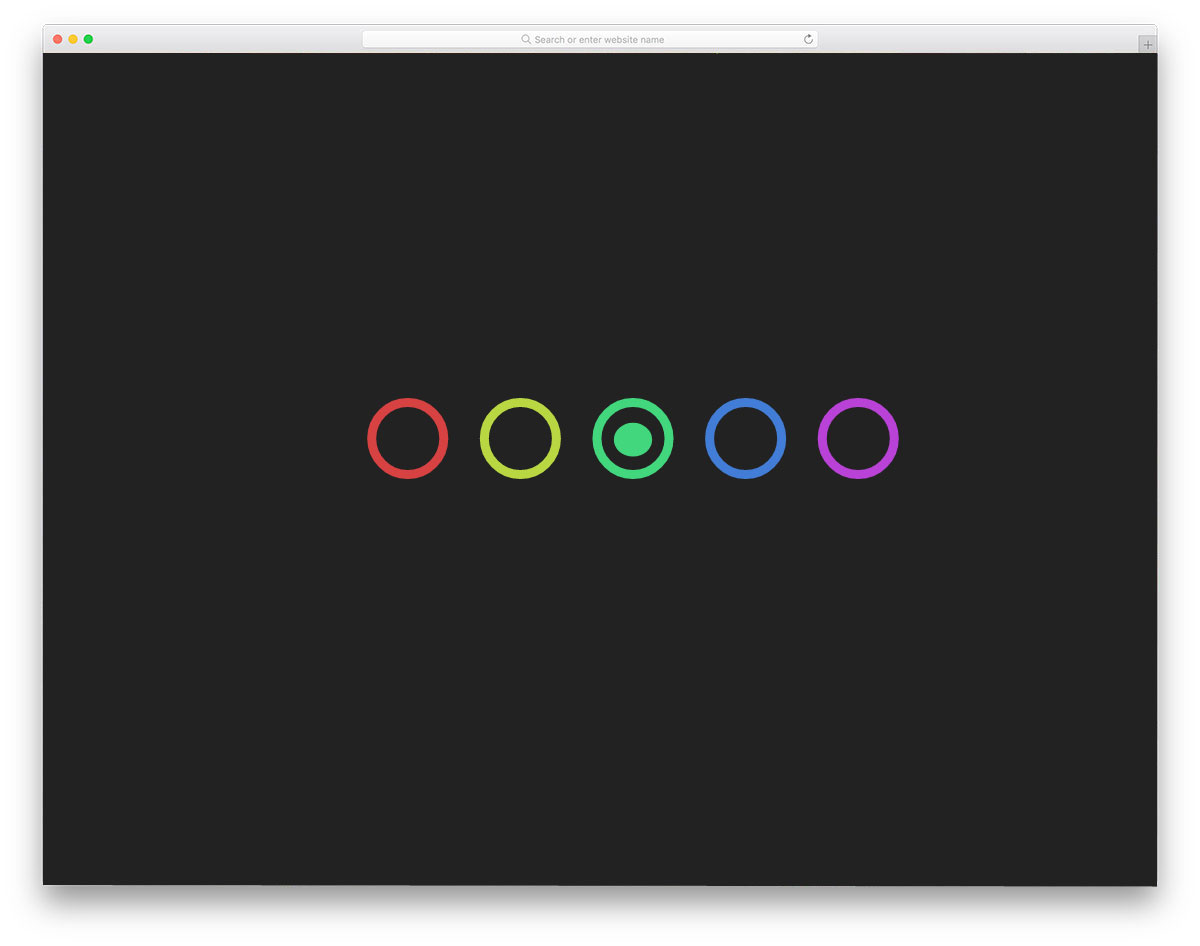
In this pagination CSS design, we get an interactive, colorful, animated pagination example. As the name implies, the dot hops from one circle to the other based on the page you choose. The color transition is also handled well in this design, so the user will enjoy using this pagination. The only thing you have to keep in mind is the space you leave between the web page and the pagination. To make this interactive pagination design, the creator has used HTML, CSS, and a JavaScript framework. The entire code script is shared with you directly to help you easily utilize the design on your website or application.
Pure Pagination CSS Design
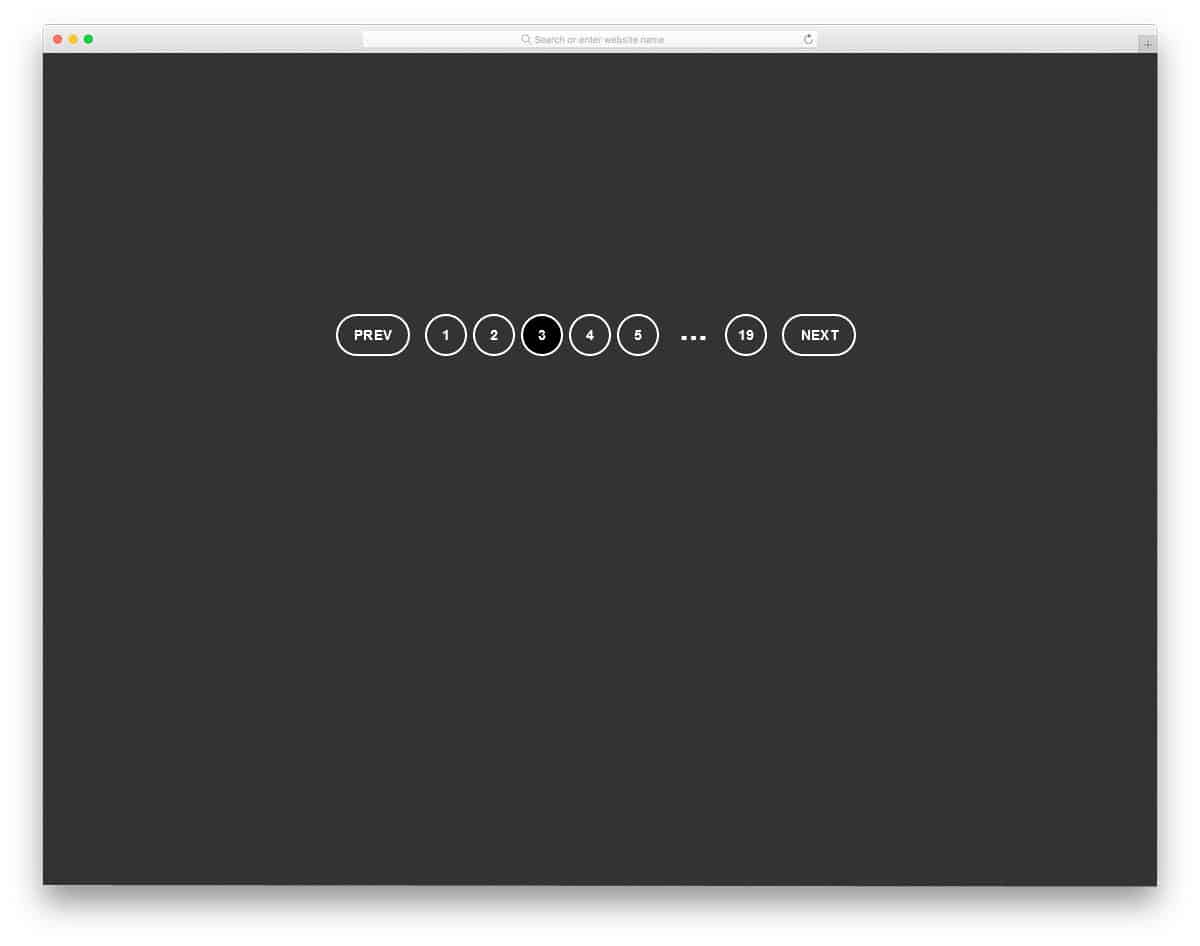
This pagination CSS design example can be used for all types of websites. Thoughtfully managed spaces and buttons will give a better user experience. Depending on the page you select, the pagination numbers vary. Hence, the user can easily jump to the previous and next pages. The transition effect is not very mild in this design and this might be the area you have to work a little. Since this design uses HTML5 and CSS3 scripts, it can handle any modern animation effects.
Pagination Buttons (Pure CSS)
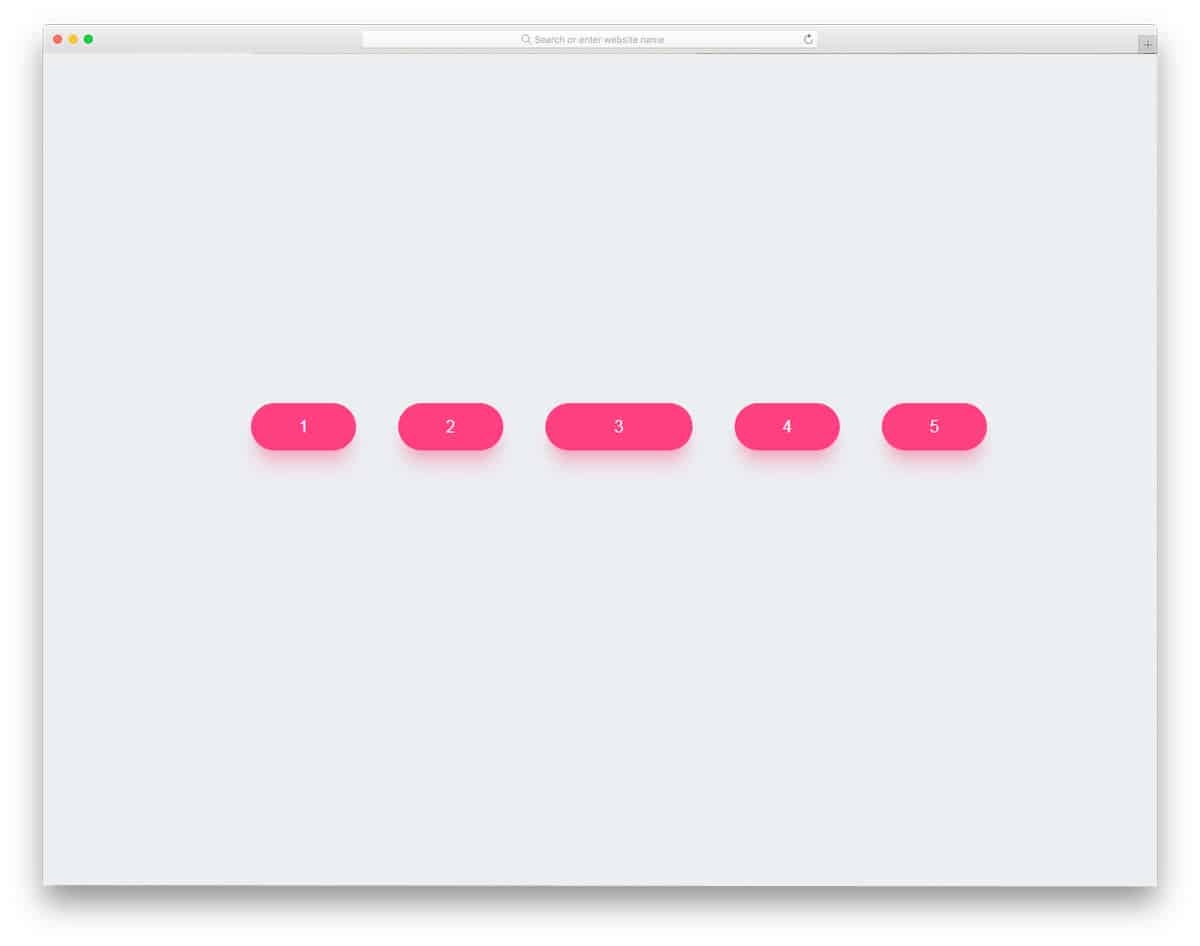
As the name implies, button style Pagination design is followed in this example. The selected page button is slightly expanded to indicate which page the user is currently on. The expansion animation is gentle and smooth, so you can use this pagination CSS design for all websites. Shadow and depth effects are used effectively to make the buttons stand out from the plain background. As we are talking about button design, take a look at our CSS button collection for more lively button animation inspirations.
Pagination Concept

It is an interesting pagination concept you can apply to your website or application. For the next and previous pages, you can simply use the navigation arrows. When you need to skip to a specific page, say page 30, you can simply click the page number and drag it to the page you want. An intriguing concept, especially for mobile interface designing. To let the user know about the page button’s multiple characteristics, you can add a glow or a blinking effect to the button. The entire code script for this design can be downloaded as a file. Hence, developers can easily utilize this code.
Fancy Page Transitions And Off-canvas Menu
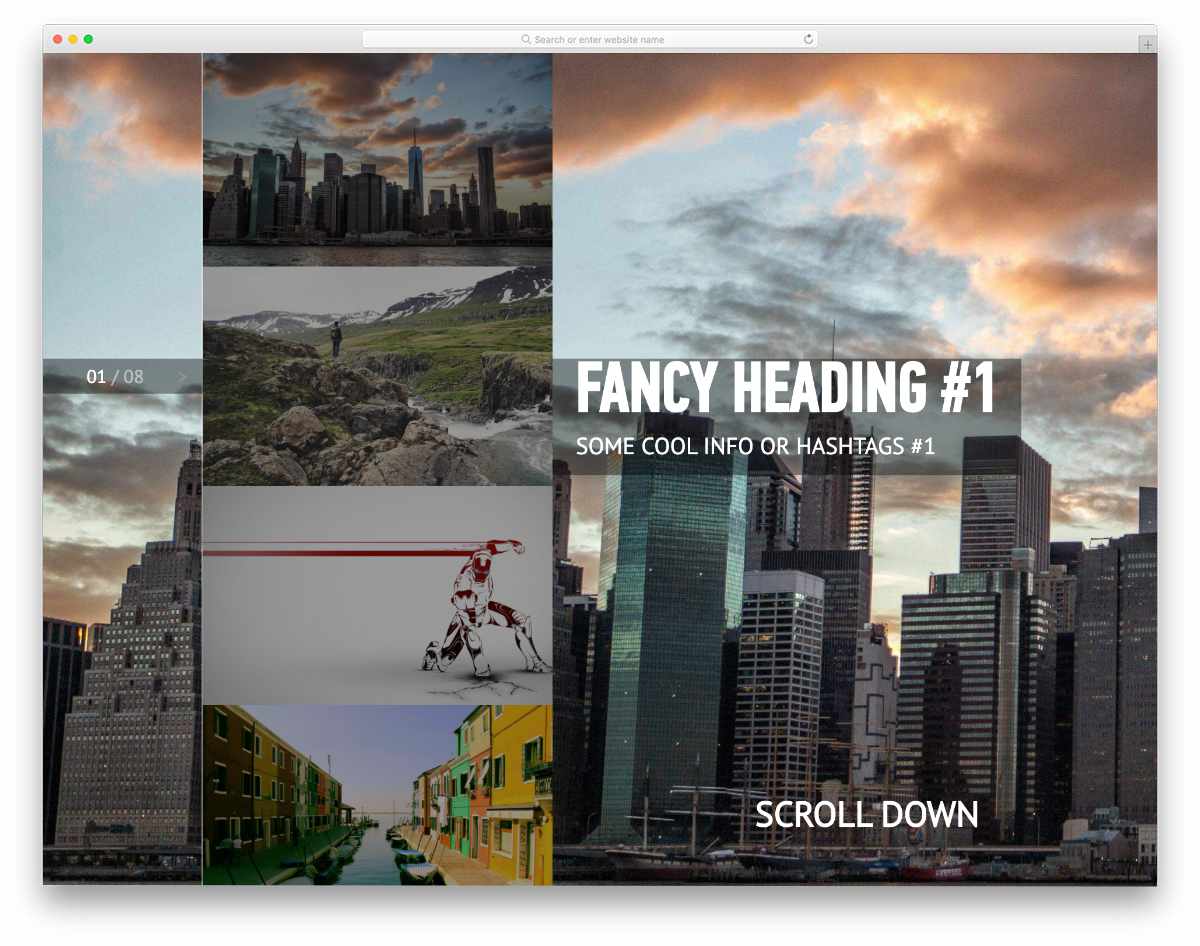
In this example, you get a pagination design idea for sliders. Instead of using the standard number-based pagination, the creator has used an off-canvas effect to let users easily jump to the page/slide they want. When you hover over the pagination, the upcoming slide thumbnails are displayed. Though this concept is used for image sliders, you can adapt it to create your own pagination design. Since it is a fully functional image slider, the code snippet is a bit complex but easy to understand. For more such interactive image slider designs, look at our bootstrap image slider design collection.
Flexing Pagination Arrows

This one is a simple and easily applicable pagination design. The creator has animated only the page navigation arrows; otherwise, it is a simple pagination design. As the name implies, the navigation arrows smoothly flex when you hover over them. Since the animation effect is simple and takes up minimal screen space, you can easily fit this design into any part of your website. The entire code script is shared with you in the CodePen editor; you can trim it as needed and visualize it there.
Clean Slider With Curved Background

It is another pagination design concept for sliders. You only get a page indicating dots in this design. Users can easily navigate through the slide either by scrolling or by using the pagination dots. The slide transition effects and the wavy background pattern give an immersive experience. Just like the latest trendy design, the creator has used the latest web development frameworks. Hence, developers can easily work with this code.
Line Pagination with Hover

You might have seen this line hover effect in the animated navigation menu designs. The same concept is used in this pagination CSS design. An animated line indicates the currently selected page. Since it is a concept model, all the functions are fully functional. You can keep this design as a base and create your own custom pagination design. Since the code script is shared on the CodePen editor, you can play with the code easily on the editor itself. Speaking of navigation menus, take a look at our CSS menu design examples for more inspiring, trendy-looking designs.
Pagination or Navigation Links Application
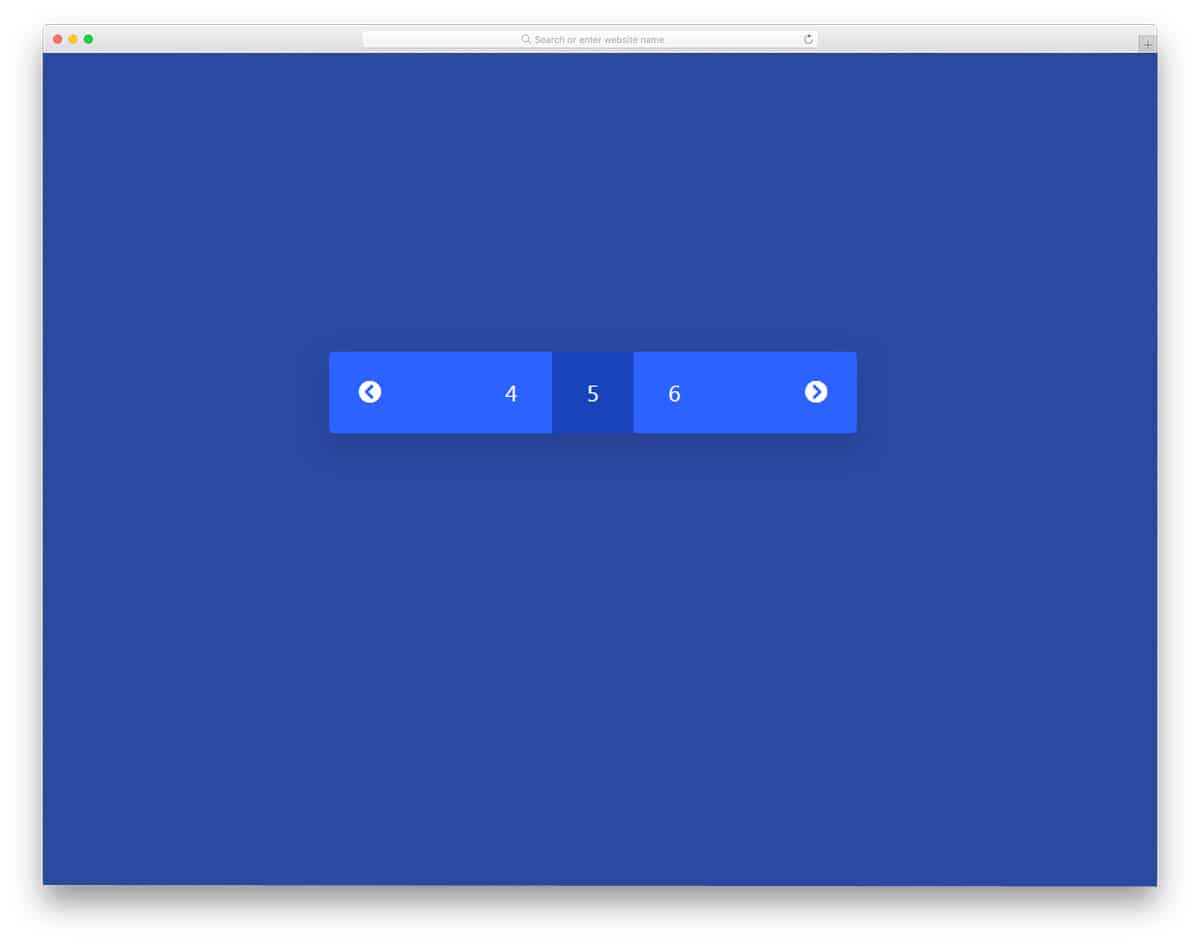
In this example, we get a simple and neat-looking pagination design. Transition effects are minimal and don’t take much screen space or load time. It is an ideal pagination design that you can use for both websites and applications. Though this pagination CSS design is simple, the code script is a little complex. The code used to create this design is shared with you directly, so you can easily trim it to fit your website or mobile application. Overall, this simple pagination CSS design can be used by making a few adjustments to the code and the design.
Pagination By Robert
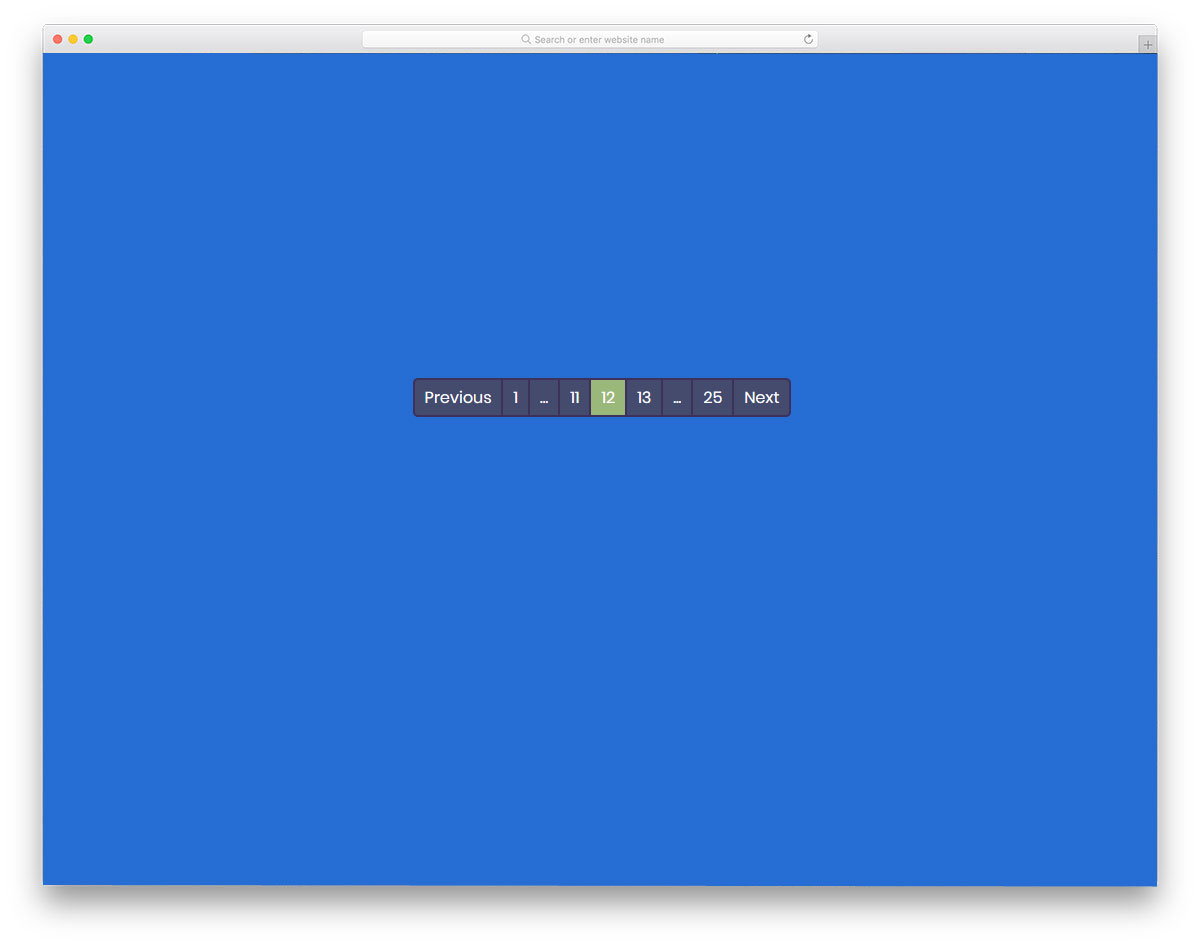
This pagination design is what you want for a website with many pages. For example, in a blog template giving a proper pagination design will help the user to easily navigate around your articles. In this design, the developer has provided page ranges so the user can easily navigate to higher or lower counts. To make this pagination design fully functional, the developer has used CSS and JavaScript frameworks. Animation effects are almost nill in this design, but you can add your effect to make it unique. The practicality of this design makes it a perfect fit for content-rich websites like news websites and magazine websites.
Yeti Hand Pagination

Yeti Hand Pagination, as the name implies, is a yeti character used in this design. When you move from one page, the yeti hand moves the marker. In the demo, it works fine, but you have to work on it to make it function properly on your website. The default design makes it a perfect option for the kids school website, that too if you are following a comical design. This design took a few extra seconds than the ordinary animation effect; Because of that, you can use this pagination design only for websites with few web pages. The developer has shared the code structure with you so that you can easily customize it.
Pagination By Vineeth
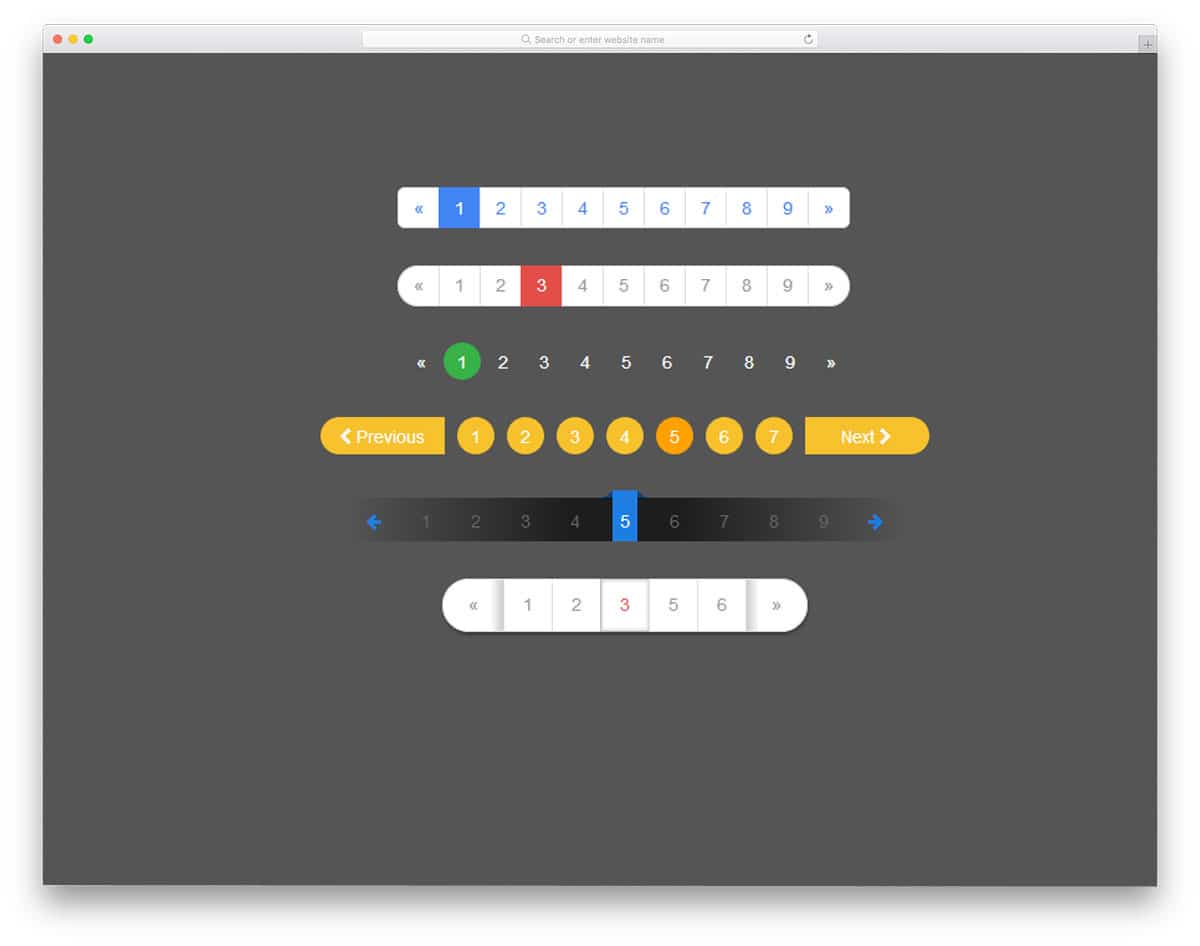
In this set also you get a group of pagination design examples. The developer has given you six pagination design. All six animation effects are made purely using the CSS3 script. Hence you get natural colors and beautiful shapes. Though it is a CSS3 based design, it doesn’t have any hover effect or animation effect. Pick the design you like and start working on it to make it a perfect fit for your website. All the six animation effects are simple and elegant so you can use them on any type of website. Because of the simple code structure, you can use this design even on your existing website.
Pacman Pagination
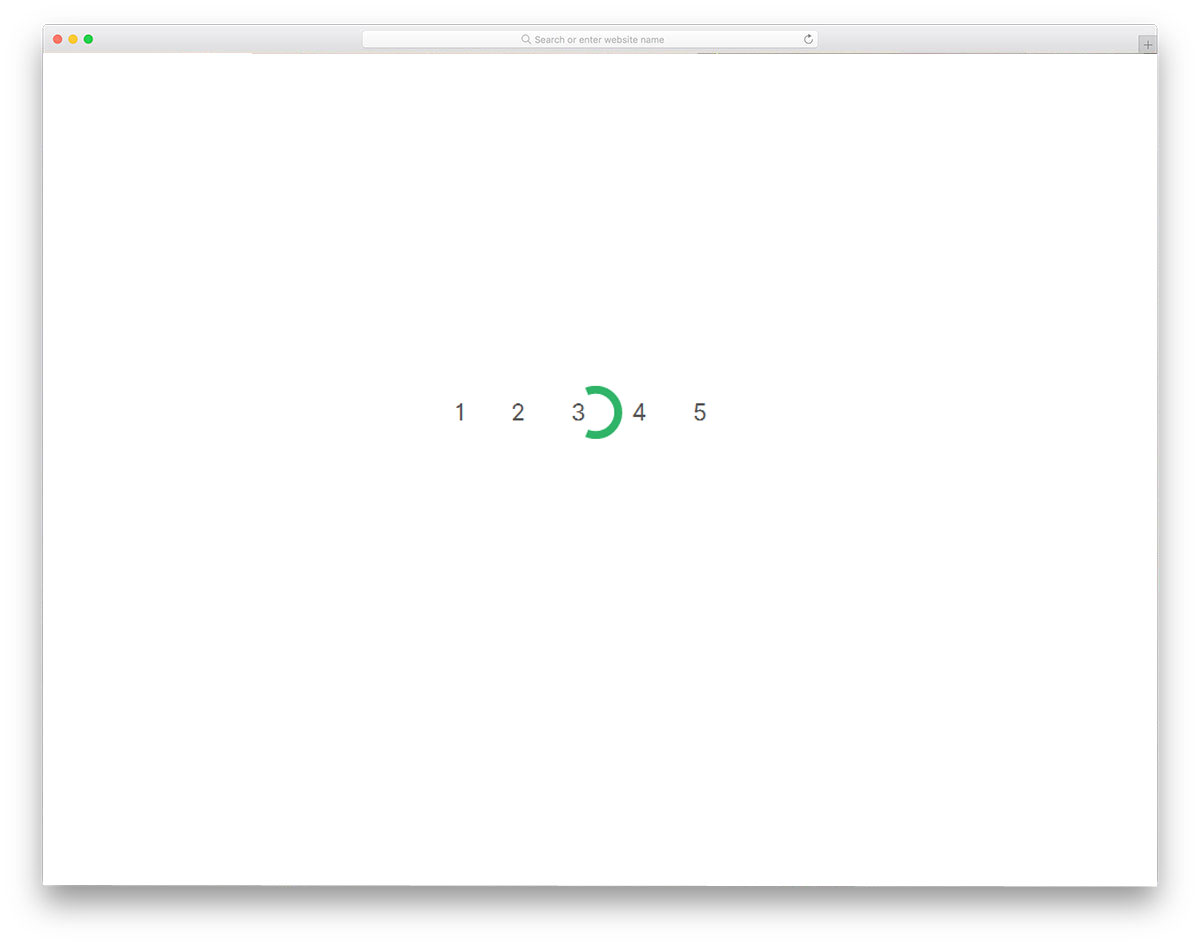
Pacman pagination is an interesting pagination design. With a simple animation effect, the developer has created an attention-grabbing pagination design. The current page indicating circle acts as a Pacman when you move to the next page; it works perfectly in both the ways so you can implement this design on your website. To make this beautiful design, the developer has used HTML5, CSS3, and Javascript framework. You can use this design as such in your gaming website design, as this one perfectly matches with the core purpose of the website. The developer has followed a proper coding structure, hence customizing it won’t be a tough job for the developers.
WebDesignerDepot Pagination

This is a business style professional-looking pagination design. This design will be a perfect fit if you are making a minimal website template. The animation effect is short and clean so that the user doesn’t have to wait for a longer period. Another useful feature with this design is it is fully functional design. All you have to do is to use the code and work on it to function properly on your website. The simple elegant look of this template makes it a good fit for all types of website. The texts are also made bigger and sharper for easier interaction.
Infinite Pagination
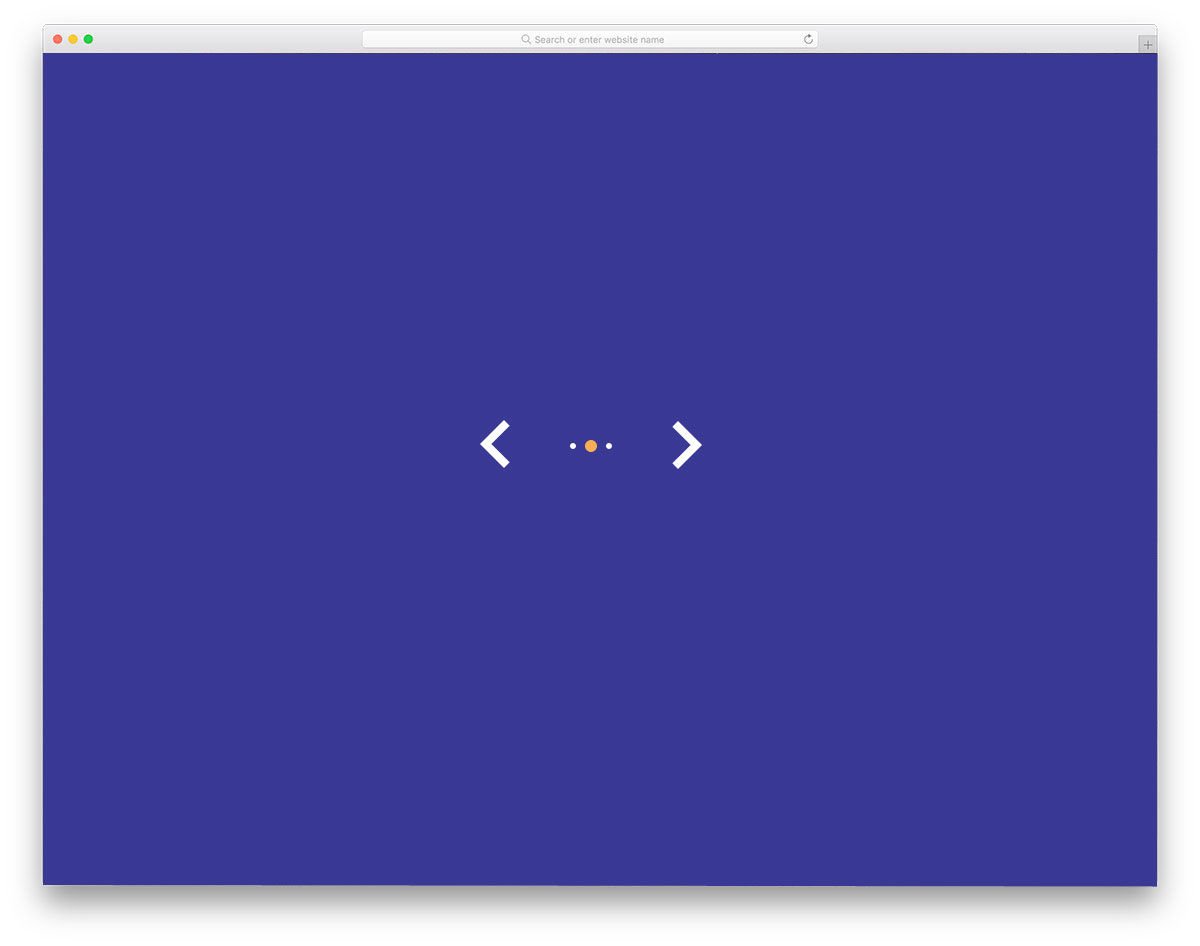
Infinite Pagination is a simple and elegant looking pagination design. As the creator has only dots in the default design, theoretically it becomes infinite pagination. If you are using this pagination style in a carousel or an image slider, it fits perfectly. But for web pages, you might need to tweak this design a bit. Because without knowing the page number it will be difficult for the user to locate their exact content. To make this smart design, the developer has used HTML5, CSS3, and Javascript. The animation is smooth and clean so that the user doesn’t have to wait for the animation to complete.
Pagination & Layout With Clipped Background

If you want a pagination design for your slideshow, this design will help you. You can use this design for your slideshow. The creator has used a parallel scrolling effect to present the slider contents engagingly to the users. You can either use scroll gestures to switch between the slides or you can use the pagination bat at the bottom. The pagination design is kept very simple so that it fits easily even in a small space. The developer has used HTML5, CSS3, and Javascript to make this entire slider and pagination design. For more creative and lightweight slideshow designs take a look at our CSS slideshow collection.
Pagination By Kasper Mikiewicz
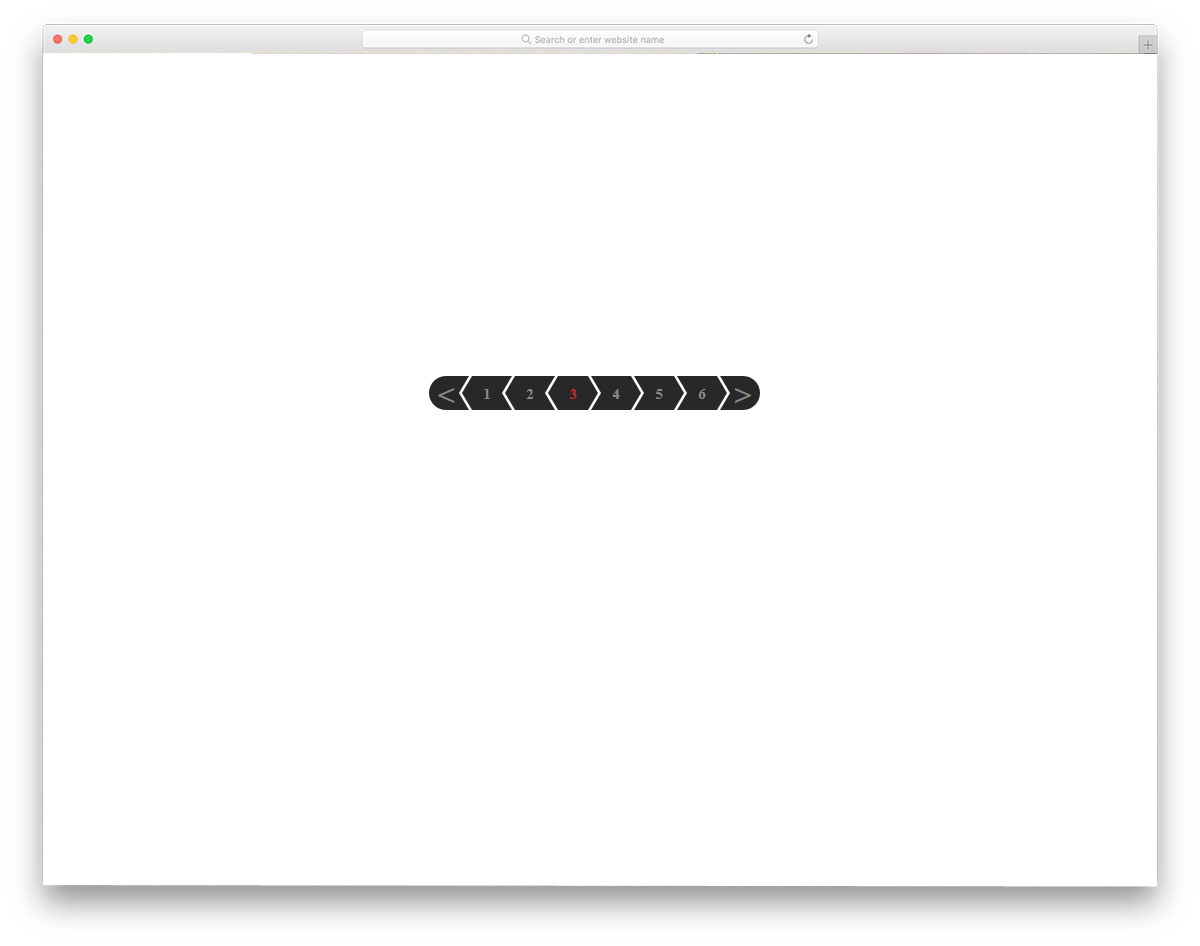
In modern web design, geometrical shapes are used effectively to create unique looking websites. When the geometrical shapes are combined with Scandinavian style design, you get a simple yet functional website design. The developer Kasper Mikiewicz, has used the arrow design effectively on the pagination bar. With a small animation effect, the current page is clearly shown to the user. As all the animation effects take place in the pagination bar, you no need to adjust the elements in your web page. Speaking of arrow designs, we have collected some smart CSS arrow design with subtle animation effects like in this design; take a look at it to get more design inspiration.
Pagination One

Pagination One is a material style pagination design concept. This developer has created an effective pagination design with simple lines and subtle hover effects. Since it is a concept model, it is not a full working model. But, you can use this design as a base to create your custom pagination design. The developer has used CSS3 and HTML5 scripts to make this design, hence you can use trendy colors and animation effects on this one. Ample space is given for each number so that even mobile users can easily interact with the pagination design.
Responsive Magic Line Pagination

Responsive Magic Line Pagination has a line at the top of the page to indicate which page the user is using. Like the scroll bar line, the horizontal line moves smoothly over the numbers. It is a concept model, hence the slider alone works in the demo. But, you can work with the code to make it fully functional. The developer has shared the entire code structure with you so that you can easily work with this design. To make this dynamic design, the developer has used HTML, CSS, and Javascript, based on the code structure you follow, you can trim the code.
Materialize Responsive Table With pagination
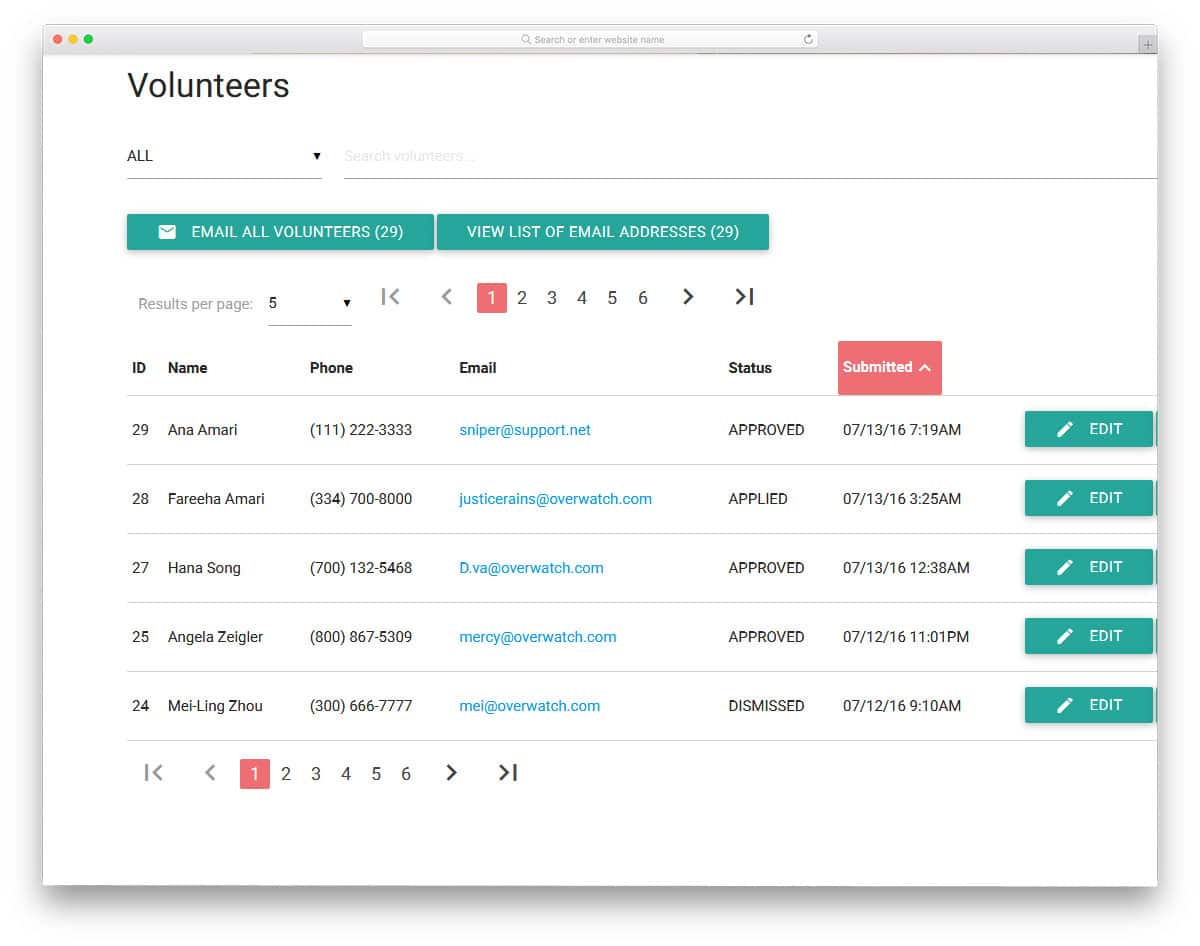
The developer Stephanie has given you a fully functional element in this design. As the name implies, you get a responsive table design in this example. All the elements and options are fully functional in this design. You even get filter and search option this design along with the pagination element. Since there is a lot of features in this design, you get a complex code structure. If you are a developer, you can easily separate the pagination code and use it. Material design is followed in this design and it looks attractive on both desktops and mobile devices. If you are designing a table element for your website to organize the content, look at our CSS table design collection.
Tooltip Pagination
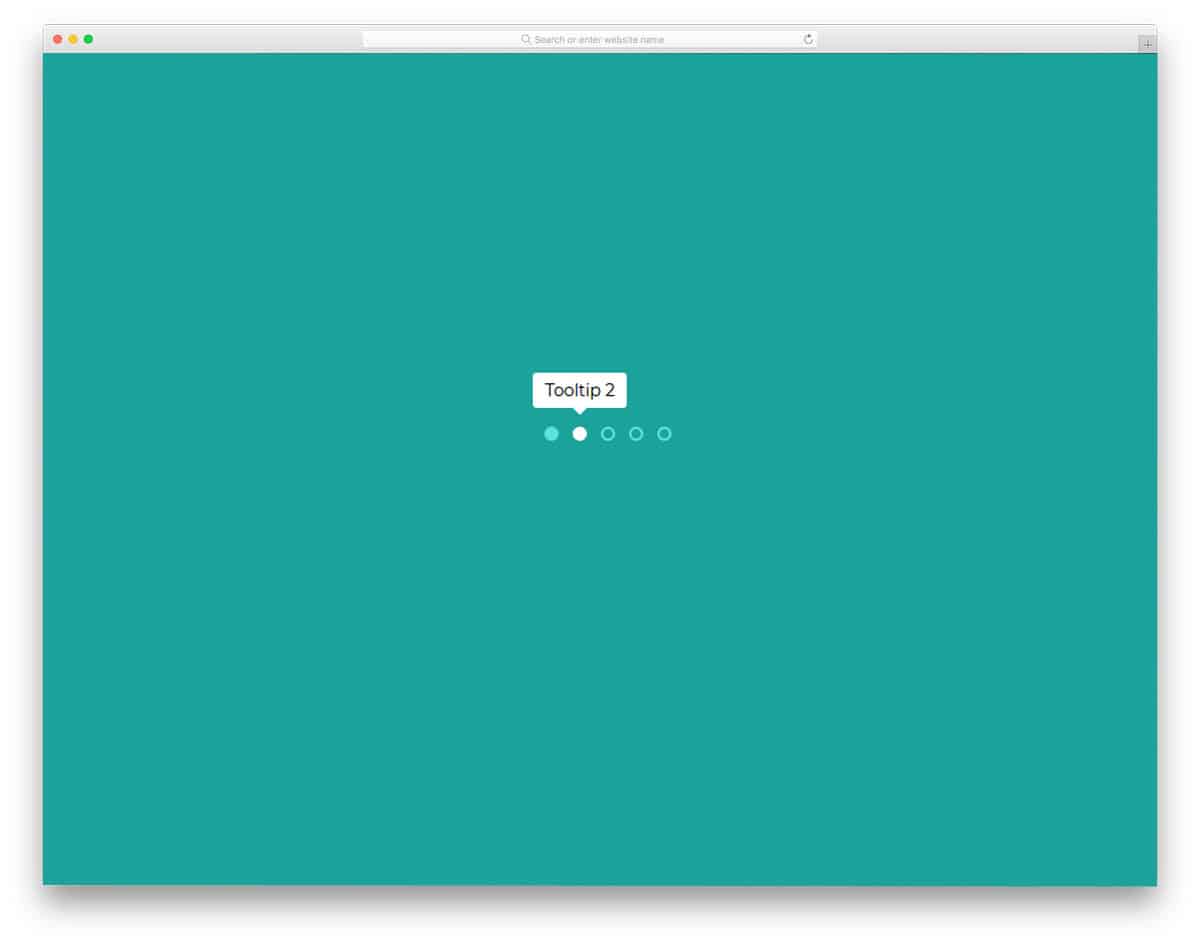
Tooltip Pagination is a plain design with dots, which you can easily use on any part of the website. This design would be the best fit for sliders and carousel or for websites with less number of pages. White dots are used to indicate the current page. Since it only uses the dots in the main design, hover effects are used to show the page detail or the number. Since it is a simple design, it is created purely using the CSS3 and HTML script. Because of this simple code structure, you can easily use this design on your existing website or application.
Pure CSS3 Responsive Pagination

In the Pure CSS3 Responsive Pagination set, the developer gives you six types of pagination styles. All the six are almost the same, the only difference is the number of page numbers you can add in the bar. Based on the available space, choose a design and start working on it. Light line stroke widths and professional animation effects make this design perfect for all types of websites and applications. Since this one is designed using CSS3 script, you can use any trendy color scheme on this design. Shadow and depth effects are used smartly to differentiate important element from the background.
Pagination Hover Animation
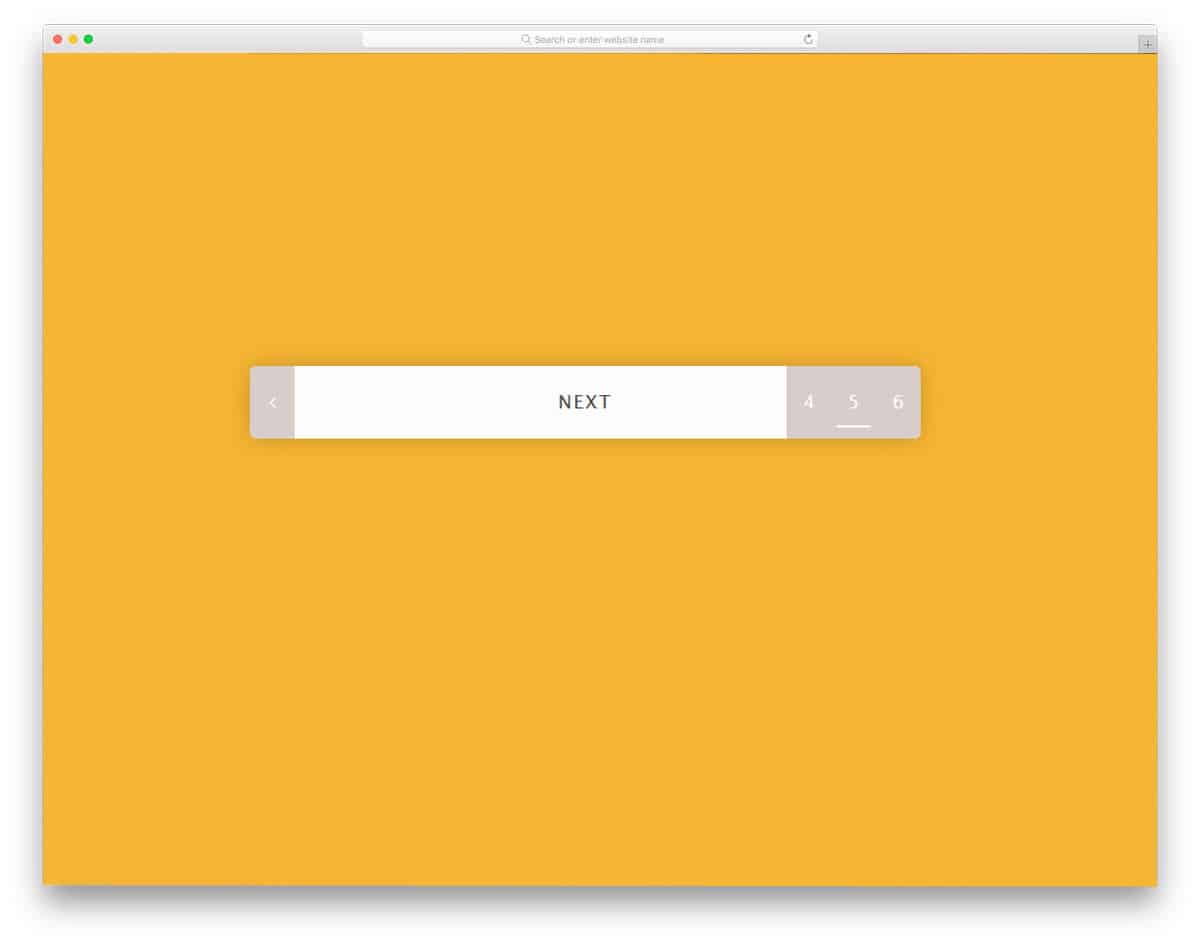
Pagination hover animation by Elena Nazarova is a practically applicable pagination design. When you have only a little space to spare for the pagination design, elements like this will be very helpful to you. The developer has utilized the animation effects smartly to give you all the basic options in one place. When you hover over the leftmost corner you get previous page number and at the rightmost corner, you get upcoming page numbers. On the page numbers also you have a small line element to indicate which page number you are going to use. This smartly designed pagination uses HTML5 and CSS3 script.
Pac-Man CSS Pagination

This is another Pacman style pagination design in this pagination CSS list. In the previous Pacman design, we have seen that the circular highlighter is treated as a Pacman; When the user clicks on the next page, the circular element moves forward or backward like Pacman. But, in this design, the page highlighter is itself a Pacman. The disadvantage in this design is you can’t show the number clearly to the user. Plus, the Pacman in this design animates properly only when it moves forward. However, if you prefer this one than the one mentioned above, a few tweaks will make it perfect. This one is also made purely using the HTML5 and CSS3 script.
Responsive Pagination

Responsive pagination is a professional looking modern pagination style design. If you are making a colorful modern website, elements like this will add extra elegance to your design. In this design, a rounded edge border is used to hold the pagination numbers. Big colorful highlighters are used to indicate the current page. As this design purely made using the CSS3 script, using it on an existing website will be an easy job. The transition and animation effects are very subtle in this design. But as usual, you can customize the animation effects based on your design needs.
Roundie Pagination
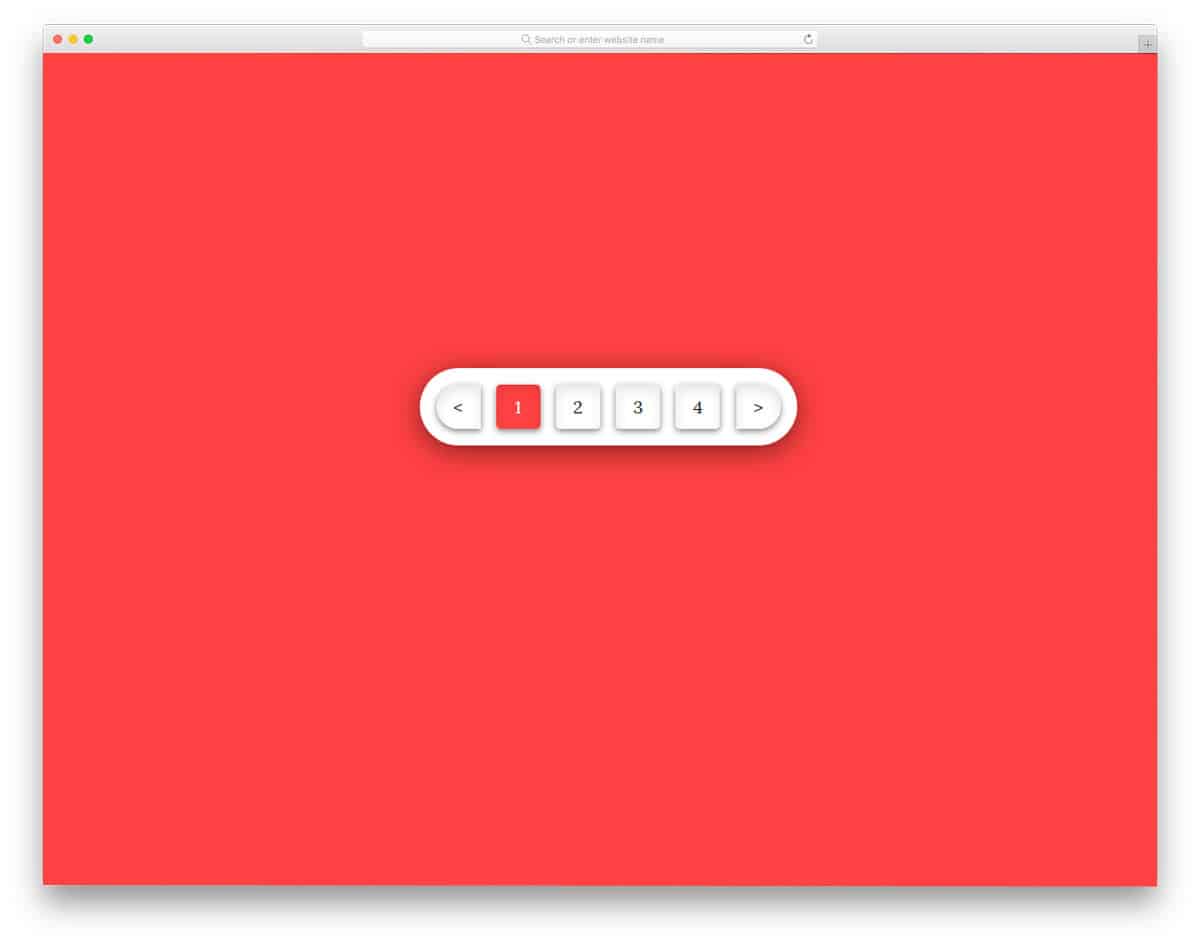
Roundie Pagination is almost similar to the Responsive Pagination design mentioned above. But this one is bolder and flashier than the previous pagination design. Boxy elements clearly show each page number and other buttons. Shadow and depth effects are used to give a realistic three-dimensional button link. Plus, the shadow effects help you to differentiate major elements from the rest of the elements. The bright red color scheme gets the user’s attention easily. But if you are using this design on a business website, you might need to tone down the color a bit.