

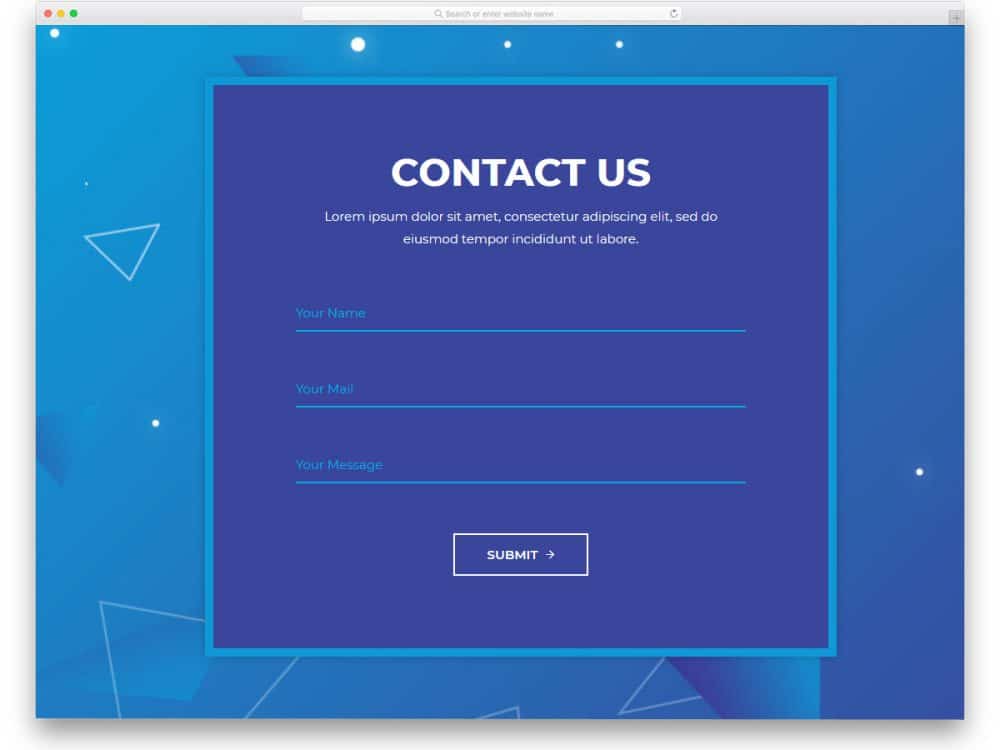
Contact forms are one of the web elements in web design and development from earlier days. In the early nineties, the internet wasn’t as fast as it is now. You might have read stories that a pigeon could carry a message faster than an email in the early days. Every search and query must be requested via web forms and processed individually. Though the forms are ancestral web elements, they have evolved a lot. Marketers and conversion experts discuss how to design a form to improve results and conversions. In this list, we have collected modern free HTML contact forms to help you use them in modern websites. Some basic rules for creating a proper contact form are
- Ask only the details you need. For larger organizations, letting users select services and departments is a wise choice. Because it lets the message reach the correct person and process the request faster.
- Keep the designs as simple as possible. The color combinations and text colors on the form must be carefully designed to ensure the text is legible and easy to read.
- Let users know what information they need to provide in each field. Providing examples in the field is the best practice. For example, [email protected] in the email field.
- Don’t just mark the error. If the user misses a field, give information on what type of data is needed in that field.
The free HTML contact forms listed here meet all the basic criteria mentioned above. We have collected forms that reduce developers’ code-editing work. All you have to do is select the form you like and integrate it with your template or the platform you like.

Contact Form V16

Contact Form V16 is a clean and visually appealing free HTML5/CSS contact form template with code.
The pitch-black fonts and colorful vectors look even more vibrant on the clean white layout. The creator has used fonts with good thickness so the audience can see the information they type on the form. Since this template uses the latest CSS3 script, all modern colors and gradient color schemes look natural. You can add custom animations to make the contact form template more engaging for the audience.
Contact Form V15
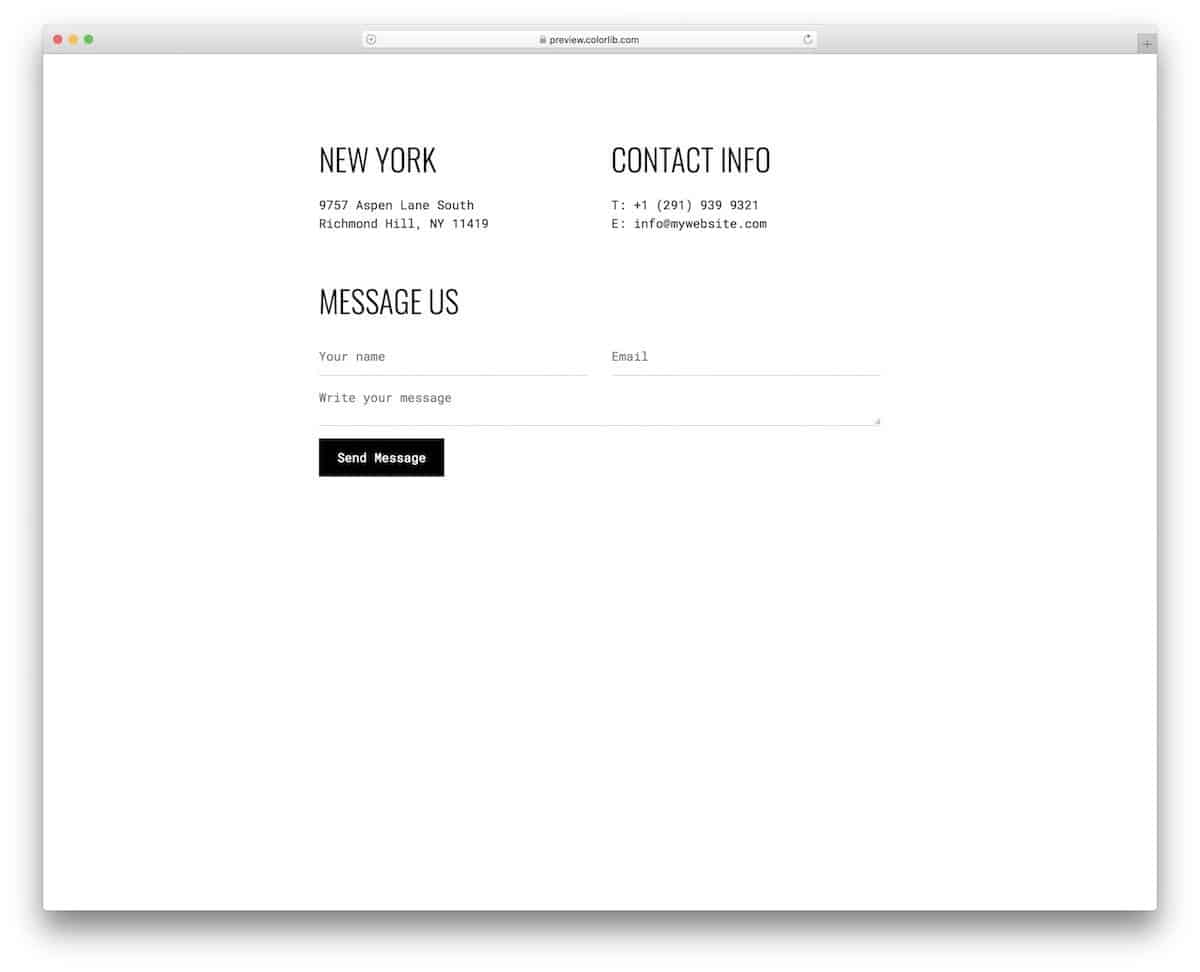
The V15 is a funky-looking free HTML5 contact form template. All the code files are included in the download to make it easy to use the design in your project.
Design-wise, this is an ultra-clean contact form. The creator has added a character to this form using the font style. Since modern fonts look more natural and realistic, you can convey your message clearly in the tone and feel you want. The default template is designed for a full-contact page; you can shrink it if you plan to use the contact form as one of the page elements.
Contact Form V06
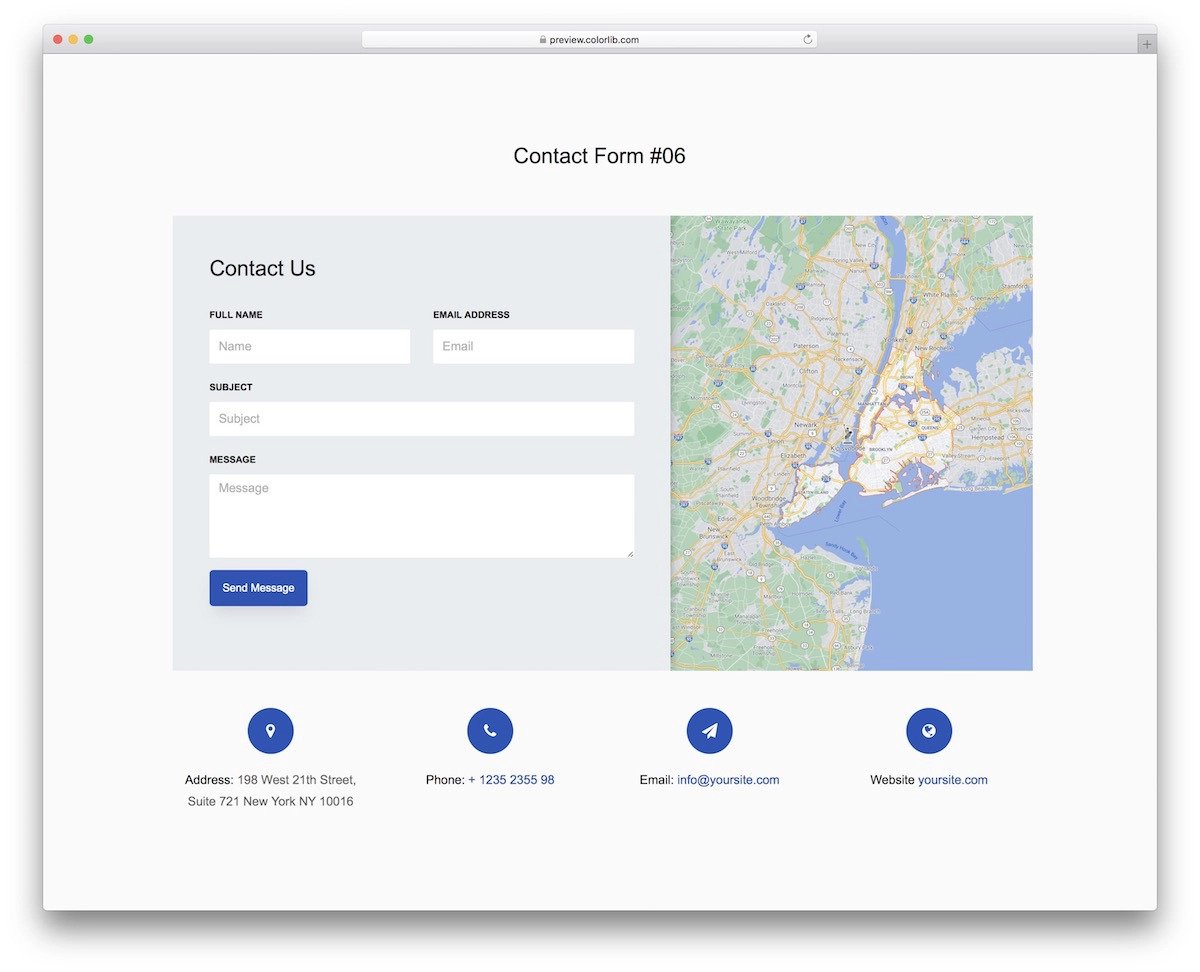
Those who are looking for a free HTML contact form with a map will love this template.
The HTML code for this contact form is kept very simple so developers can understand the design and functionality at a glance. Plus, developers can easily add PHP functions to the contact form to make it fully functional. Design-wise, this split-style contact form gives you more than enough space to add a map on one side and a contact form on the other. Unless you have any special needs, you can use the default template as such and save your time.
Contact Form 1
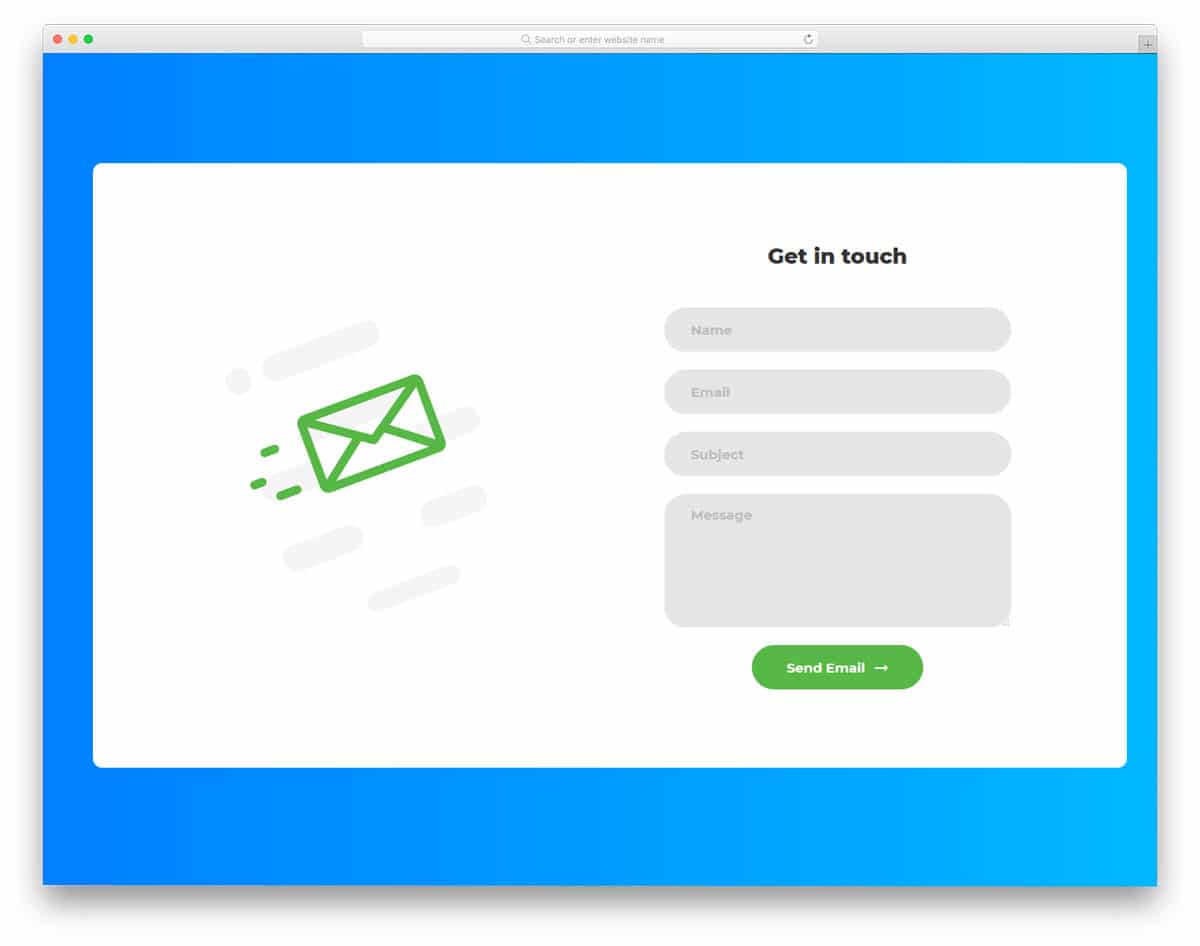
Contact Form 1 is an interactive form template. Rather than giving a boring static contact page, you can use this interactive form. The mail icons to the left move with the mouse; it is a small gimmick, but it works. Visual effects on the form fields are really useful, as they indicate to the user which field they are editing. The form fields you get with this contact form are name, email, subject, and message fields. All the fields support field validation; when the user misses a field, it is indicated by an exclamation mark. This contact form is responsive, so adding it with an existing responsive website template won’t be a big job.
Colorlib Contact Form
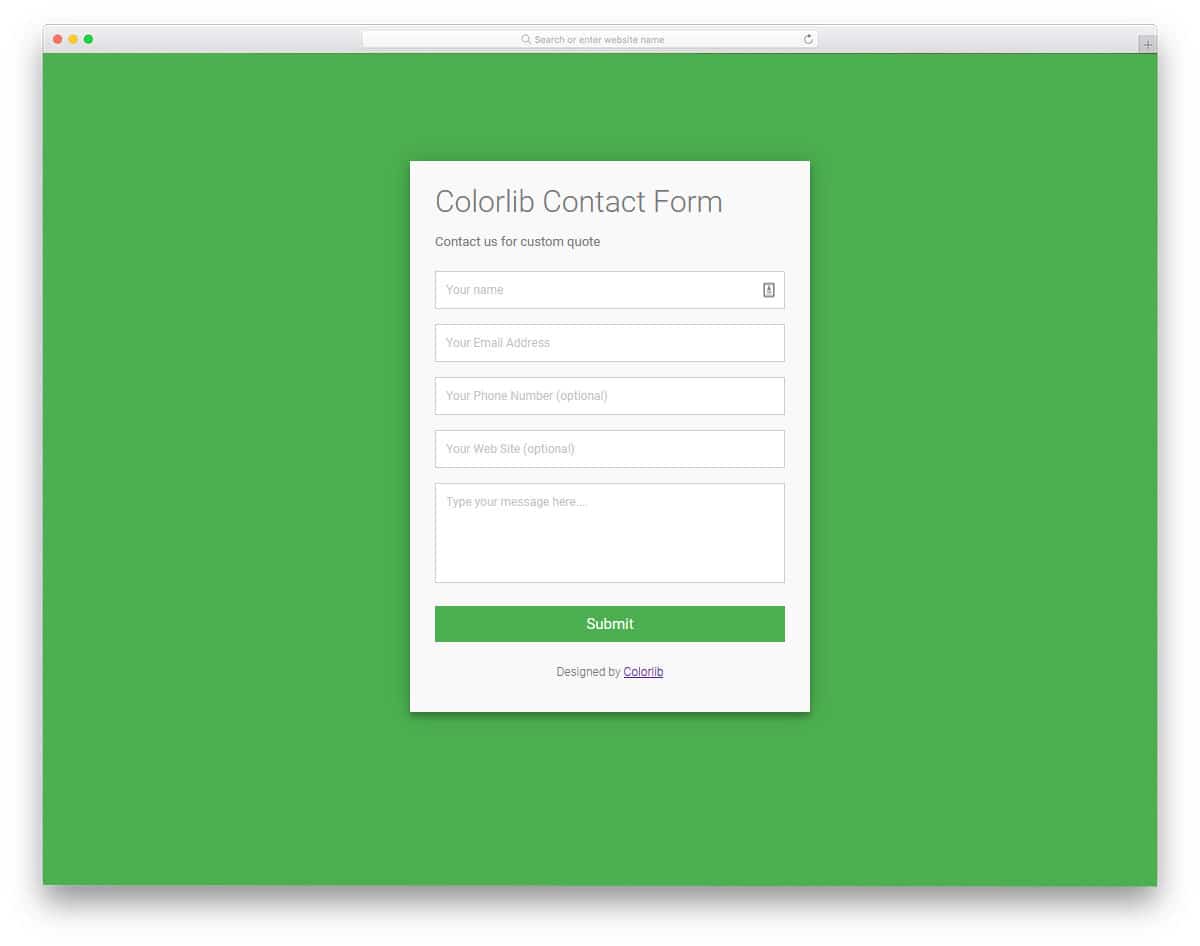
The Colorlib Contact Form is a simple, practical contact form template. Because of this simple design, you can use this contact form template on any website, landing page, or application. The form field labels are used effectively to distinguish important and optional fields. Since it is a concept model, the creator has kept the text sizes in a normal, readable size. But you can easily change the font and font size based on your design needs. Like most other free HTML contact forms on this list, this one is built with the latest HTML5 and CSS3. Hence, it can handle all modern fonts and styles.
Colorlib Contact Form v23
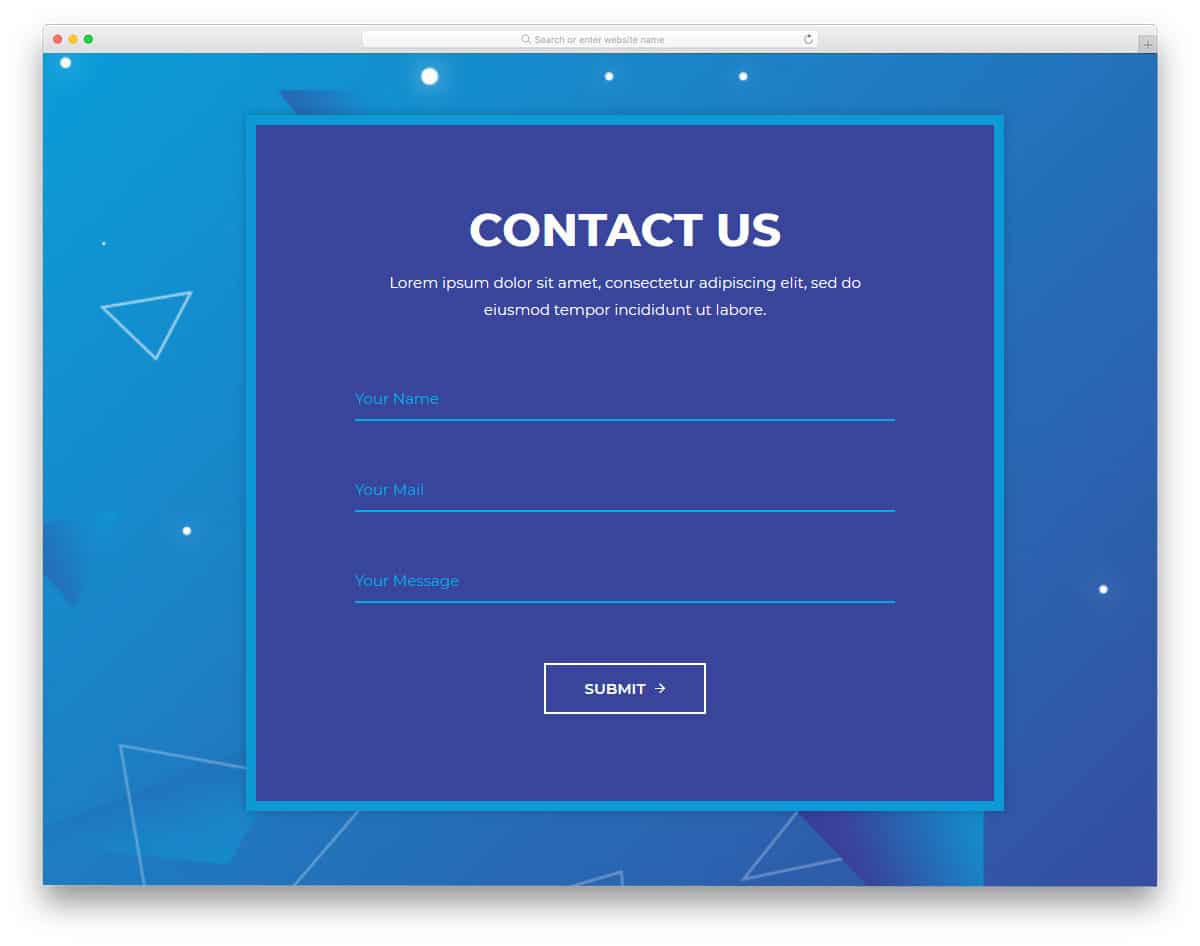
In this example, you get a big contact form with long form-fields. Because of this long form-field, the user can see all their input details in one line. Smooth text-field animation effects indicate which field the user is adding information to. For more interactive input text field animations, look at our CSS input text design collection. Since this form template is intended for professional use, you get a neat, easy-to-read font. The code is kept simple and neat for easy use in your project or existing website. This is the best option for you if you are looking for free HTML contact forms that can be easily integrated into your design.
Colorlib Reg Form v1
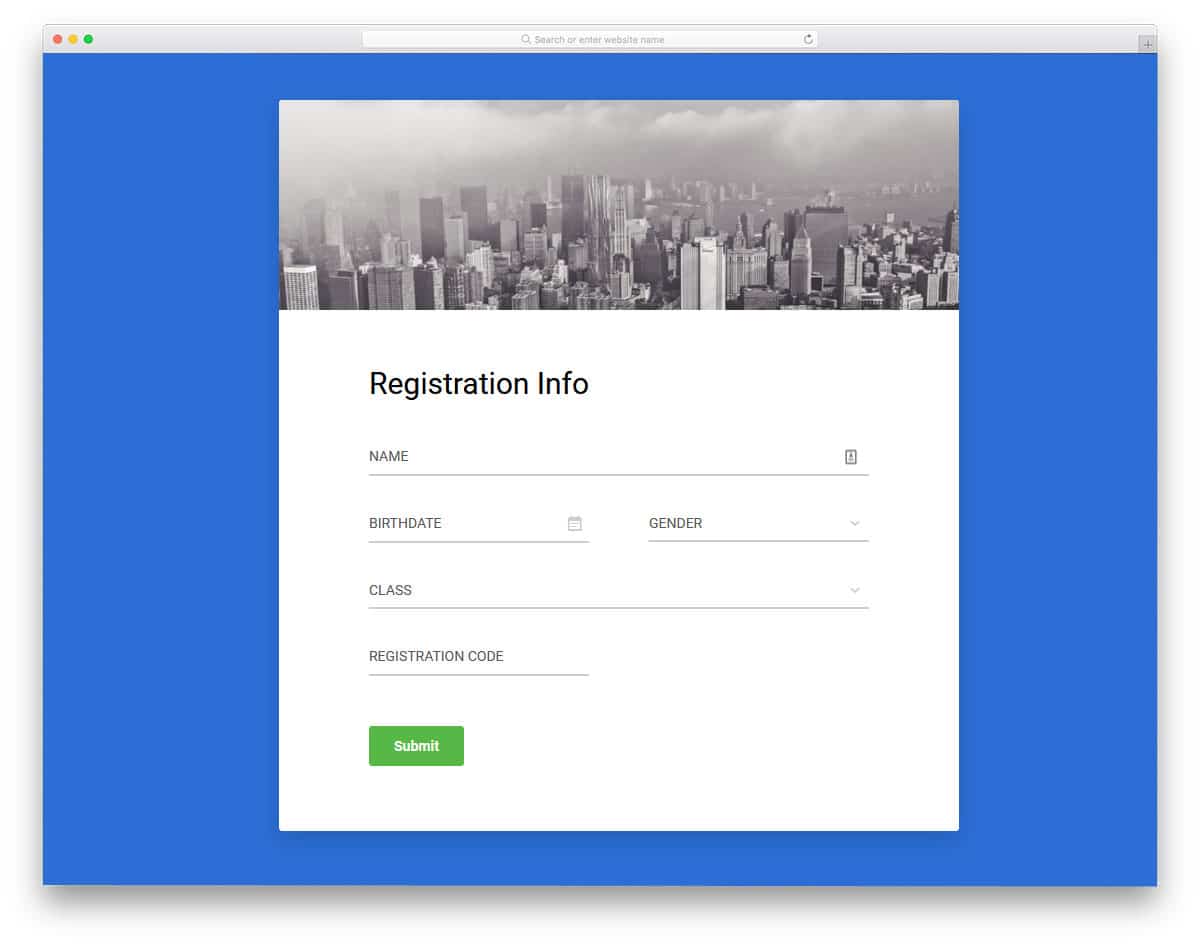
This is a multipurpose form template, that can be used for registration and contact forms. In the default design, the creator has used a clean white background. Most free HTML contact forms use a white background because it helps users easily read the content and increases legibility. In this contact form, you get drop-down options, calendar inputs, and the standard text fields. This template might impress you if you are looking for free HTML contact forms with easier input options. The code is kept simple and flexible so you can easily add the form fields you need and the options you want.
Colorlib Reg Form v30
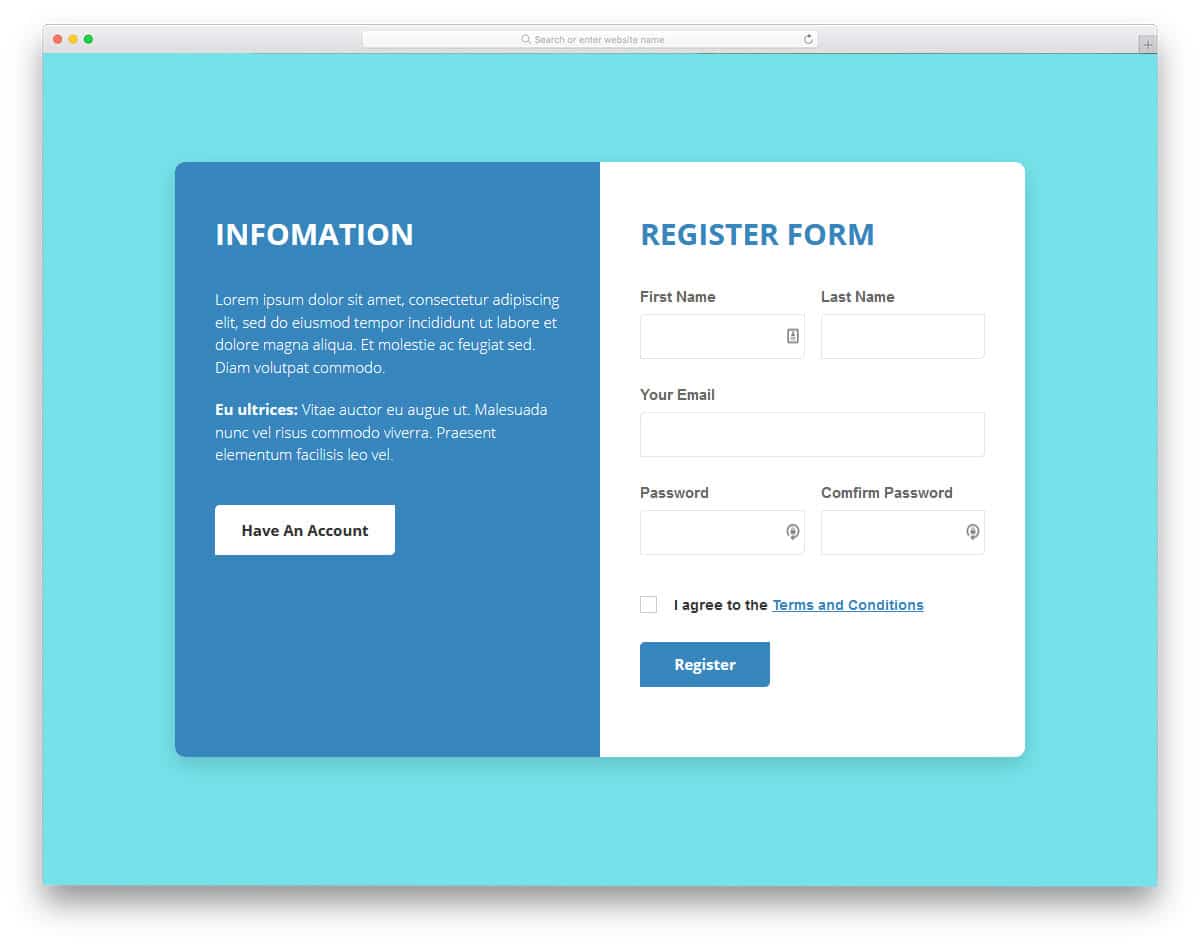
If you are looking for free HTML contact forms with split-screen design, this template might impress you. The creator has used split-screen layouts with equal spacing, so you don’t have to cramp your form fields in this design. More than enough space is provided for each form field, allowing the user to easily interact with the form. The other part of the split-screen is used for adding a short bio with a call-to-action button. If you plan to use this free HTML contact form on a medical website, you can use the info section to add emergency contact details and a link to immediate assistance.
Colorlib Reg Form v18
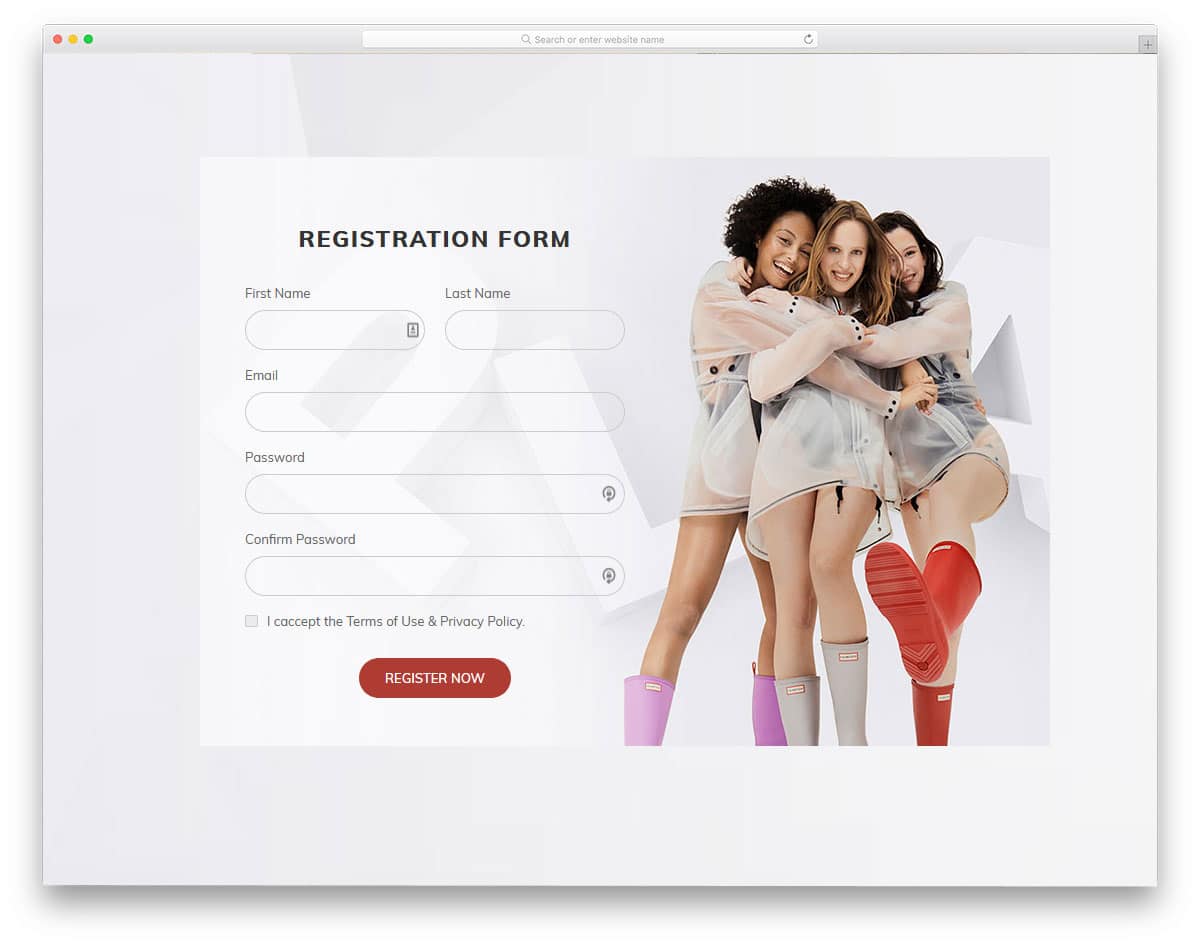
In this form example, you have an image background. Since the creator used a nearly neat background image, the letters are visible and easy to read. If your background image hinders text visibility, you must adjust the font style and size to suit your design needs. All the basic optimizations are done in this form template, so you can use this template in your mobile responsive website without any issue. Using well-optimized free HTML contact forms like this will make your job easy and let you concentrate on the customization and integration part.
Contact Form 2
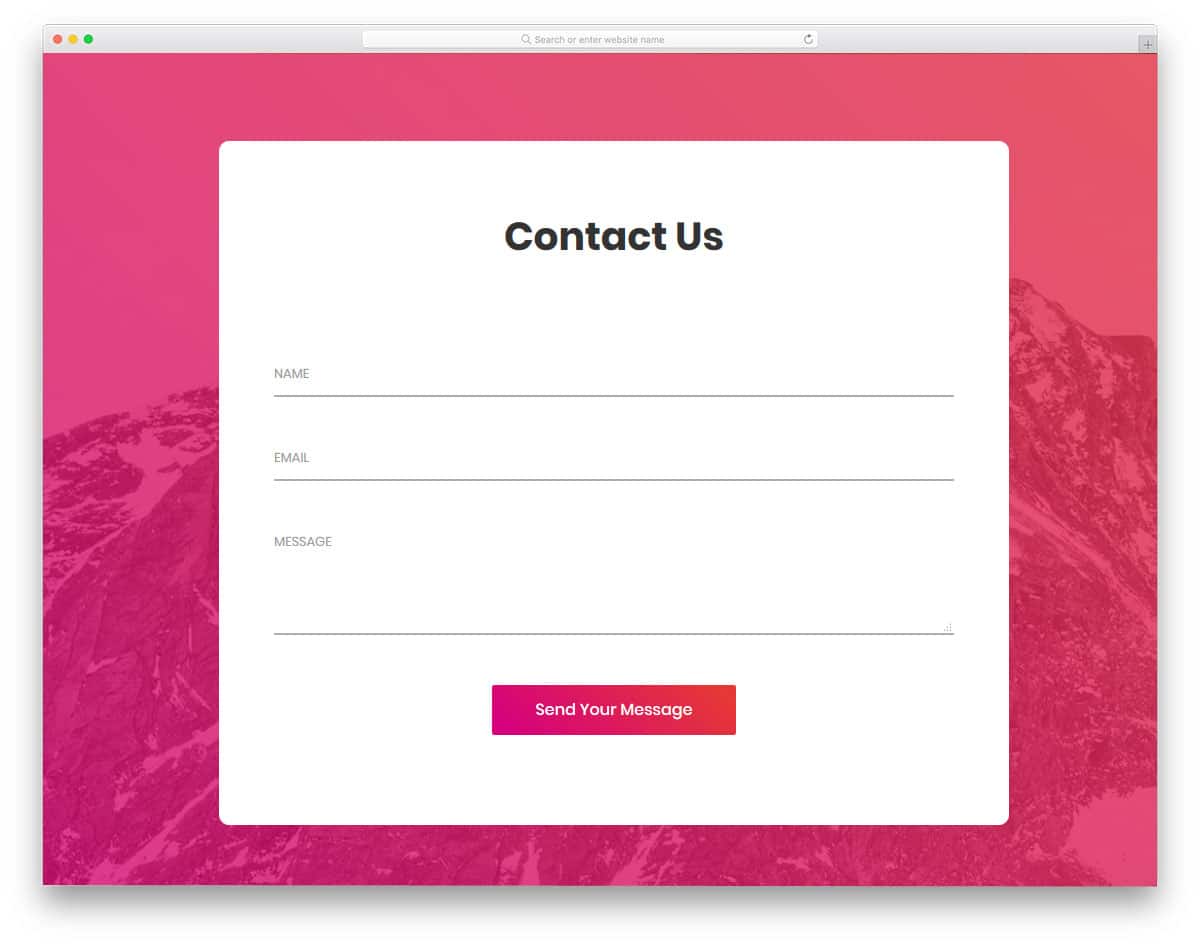
Contact Form 2 is a colorful form template. This full-width form template helps you to create a contact page easily or you can use the contact form alone in your existing template. The large rectangular form provides ample space to add as many form fields as you want. The default demo includes form fields for name, email, and message. Subtle animation effects are applied to the form fields to indicate to the user which field they are adding information to. The call to action button uses gradient color, which interactively changes on hovering over it.
Contact Form 3
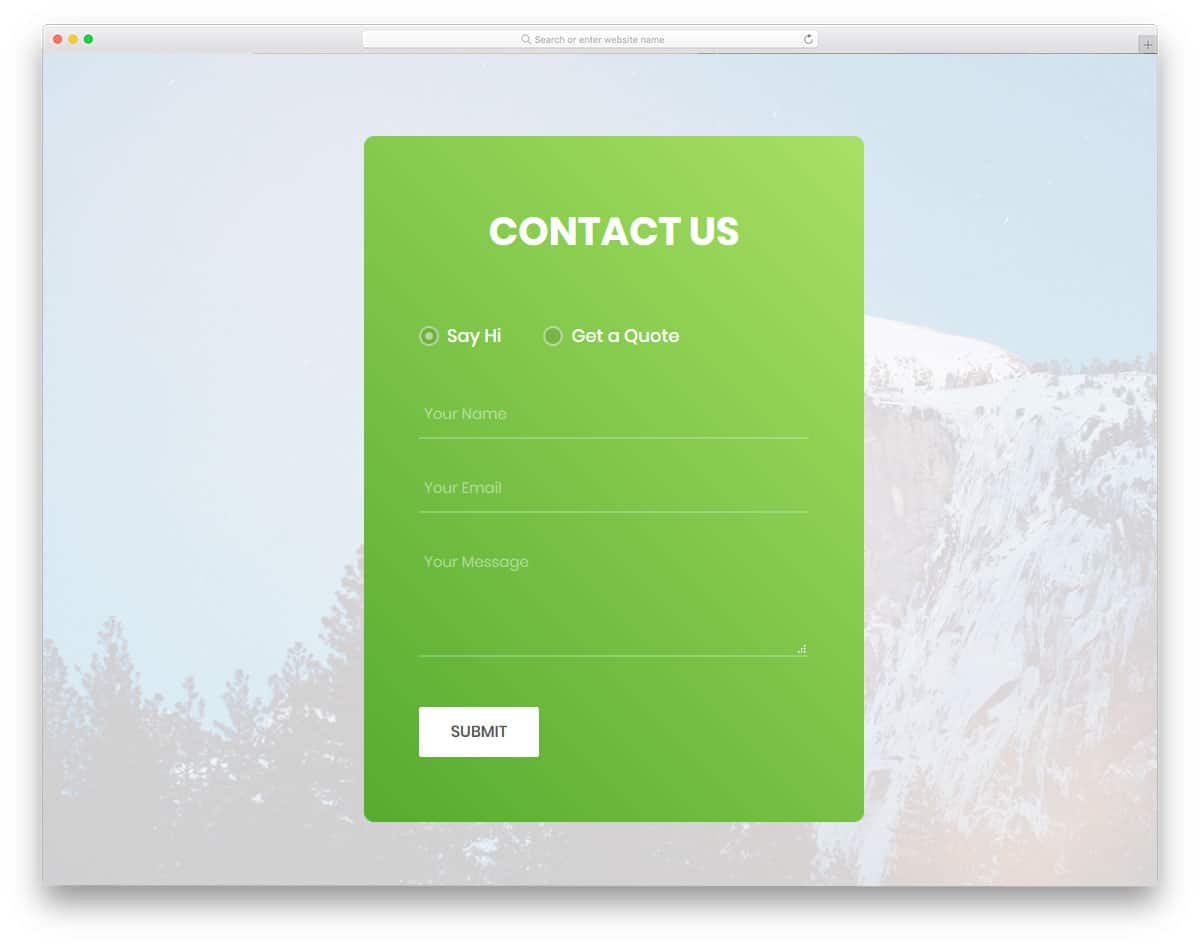
Contact Form 3 is a versatile template for contact forms. This template provides you with two options: you can use it as a contact form or an inquiry form. If you are looking for an adaptive contact form for your corporate website template, this is the best choice. In the form, users can choose the type of form they want. A background image fills the full-page design of this template. If you want, you can change this to whatever you prefer. The common form fields are name, email, and message. In the inquiry form, you get additional fields to select departments and the budget.
Contact Form 4
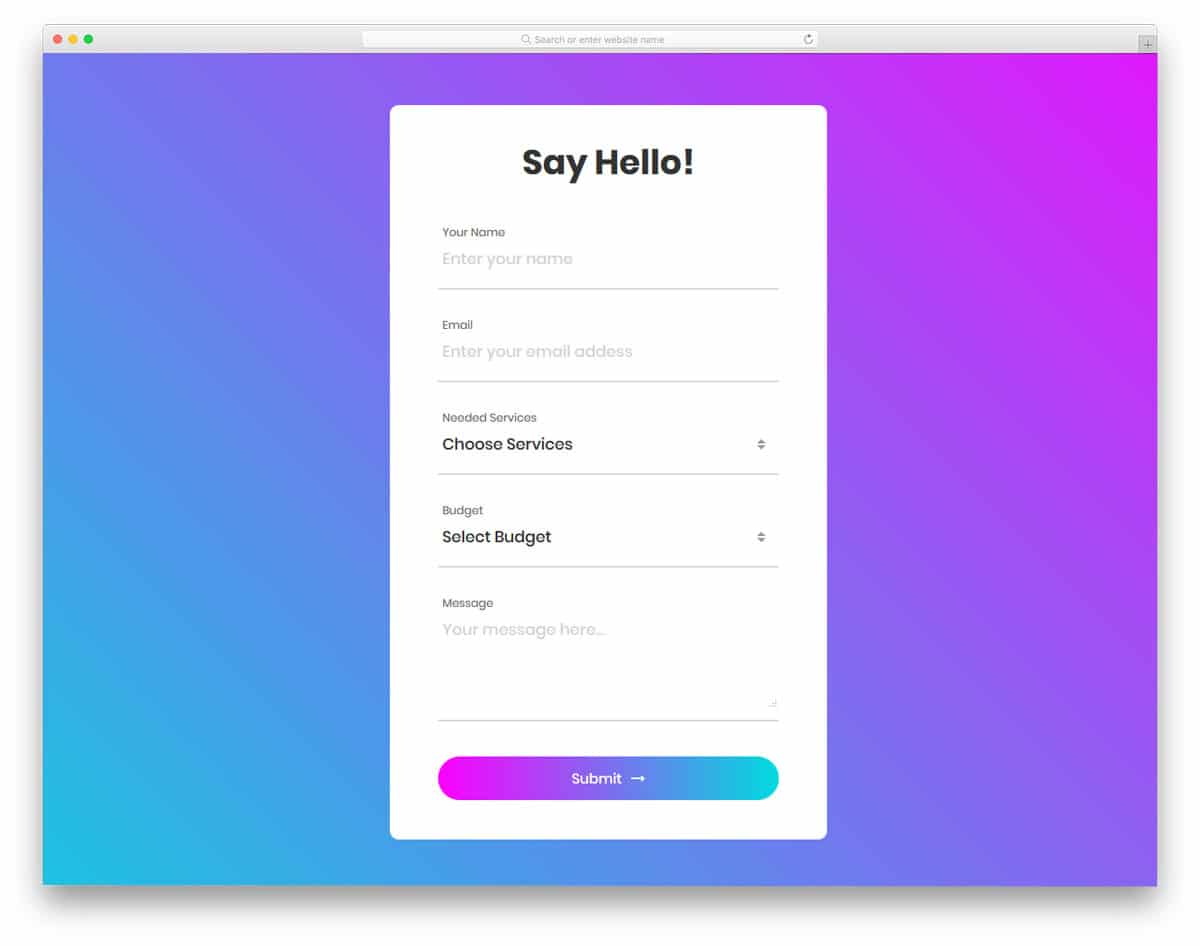
Contact Form 4 is a trendy looking contact form template. The use of bold texts and gradient color schemes make it the best match for modern HTML website templates. The white form looks elegant on the bright gradient background and easily gets the user’s attention. The call-to-action button also uses a gradient color scheme that changes on hover. The form fields with this template are name, email, message, and budget. You can include a drop-down menu option for the budget and the services section. The fonts used in this template are bold and legible on both desktops and mobile devices.
Colorlib Contact Form
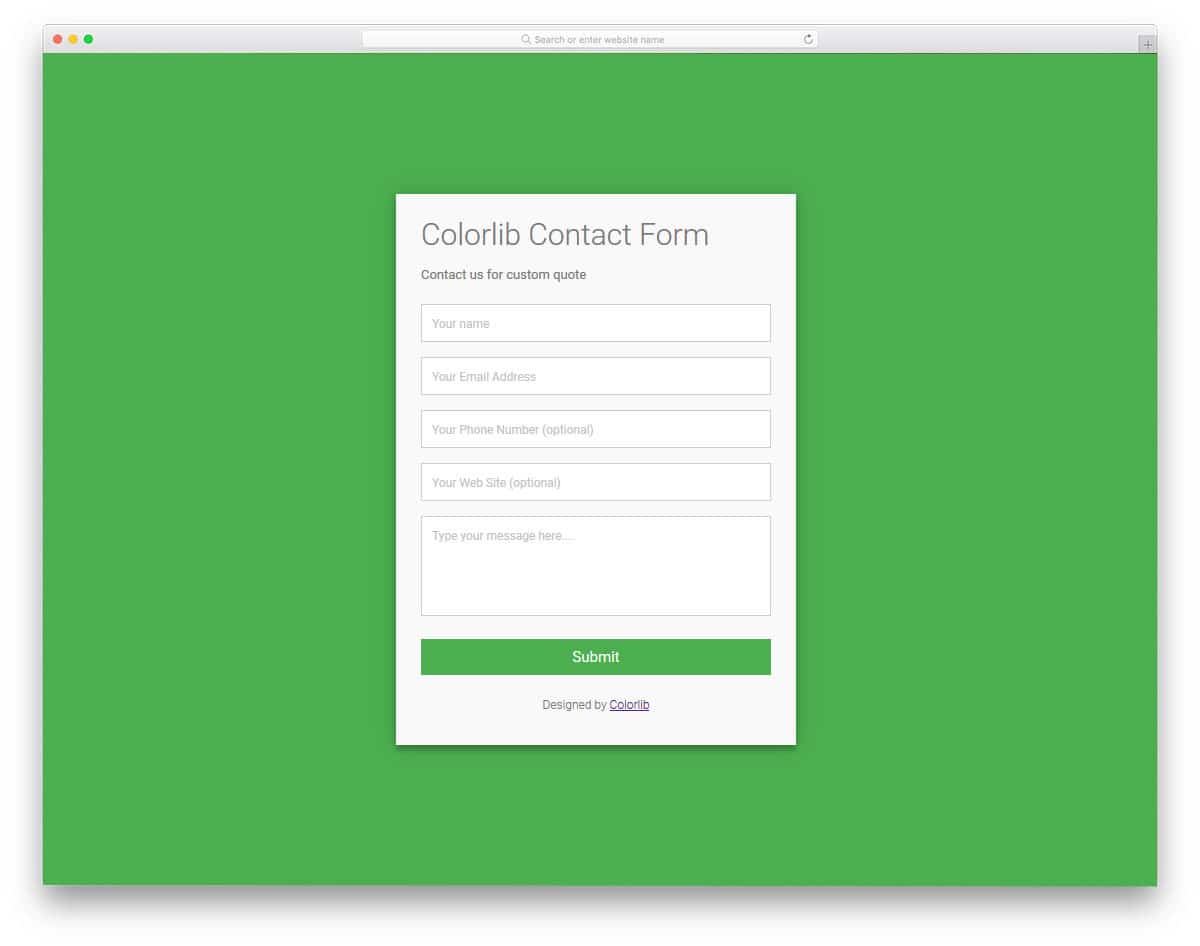
Colorlib Contact Form is one of the best free contact form templates. This well-coded template has all the options you need to create an effective contact form. Field labels indicate the user what details need to be entered in the particular form field. Since the form field supports field validation, if the users miss a detail, the field is marked as a red box. This simple looking form can be the best choice for all types of websites and website templates. Since all the front-end work is complete, all you have to do is integrate the form into your system or platform.
Contact Form 5

Contact form 5 is a magazine style template, thus it makes the best fit for the news website templates and magazine templates. If you are not a fan of vivid colors and prefer a simpler design, this template will impress you. This professional form template impresses the user with bold texts and clean background. The clean white background increases the legibility of the texts, so when the user is inputting data they can easily read it. This template gives form fields for name, phone number, email, services, and message. The required fields are marked with an asterisk. Even if the user misses a field, bold red text indicates it.
Contact Form 6
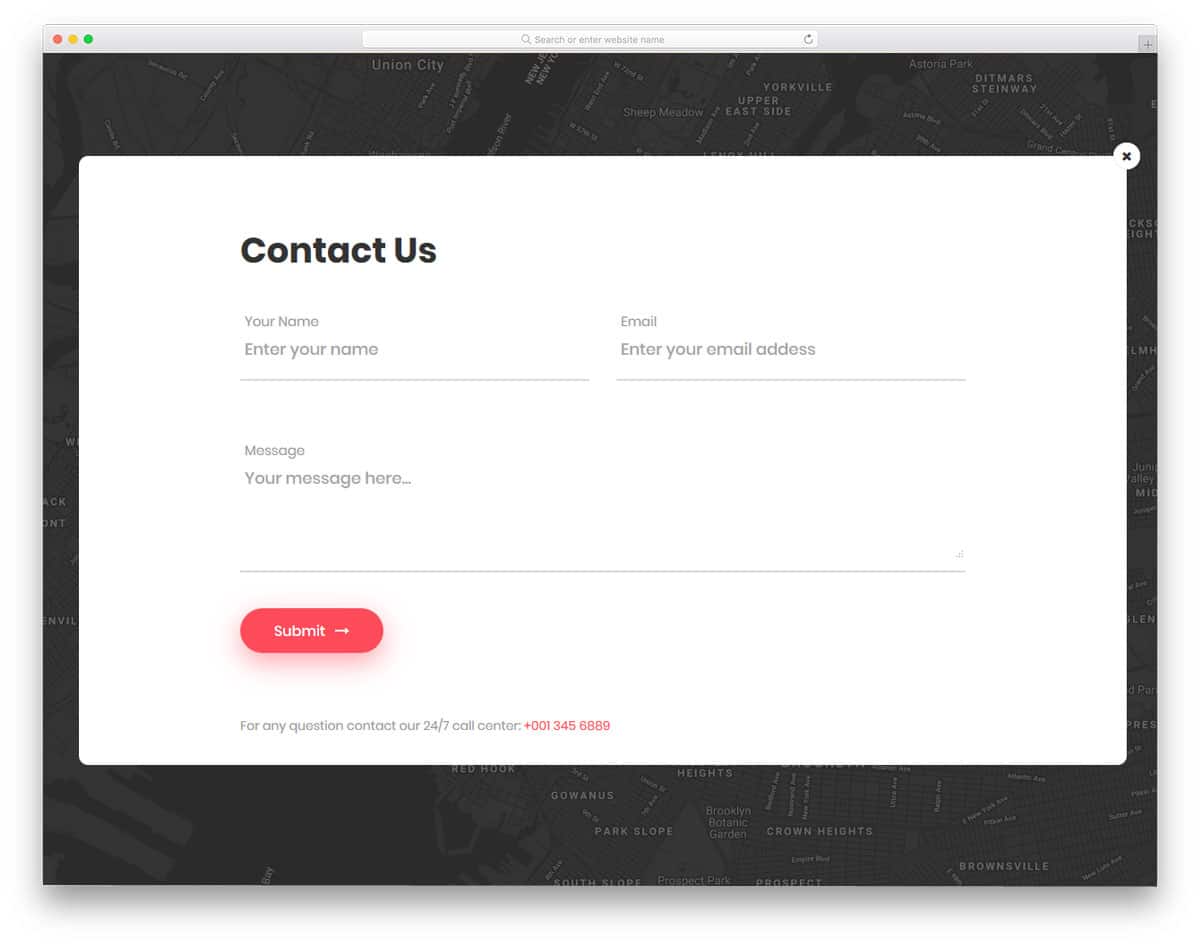
Contact Form 6 uses a well-thought-out creative design. Instead of providing a static background an interactive map is used. Google Maps powers this map, so you get all the familiar map interaction options. This would be the best choice if you are searching for a different contact form template for your restaurant website or other service-oriented templates. The glowing mail icon indicates the user to click to interact. The big contact form gives you ample space to add form fields. Shadow effects used for the call-to-action buttons give a floating design feel.
Contact Form 7
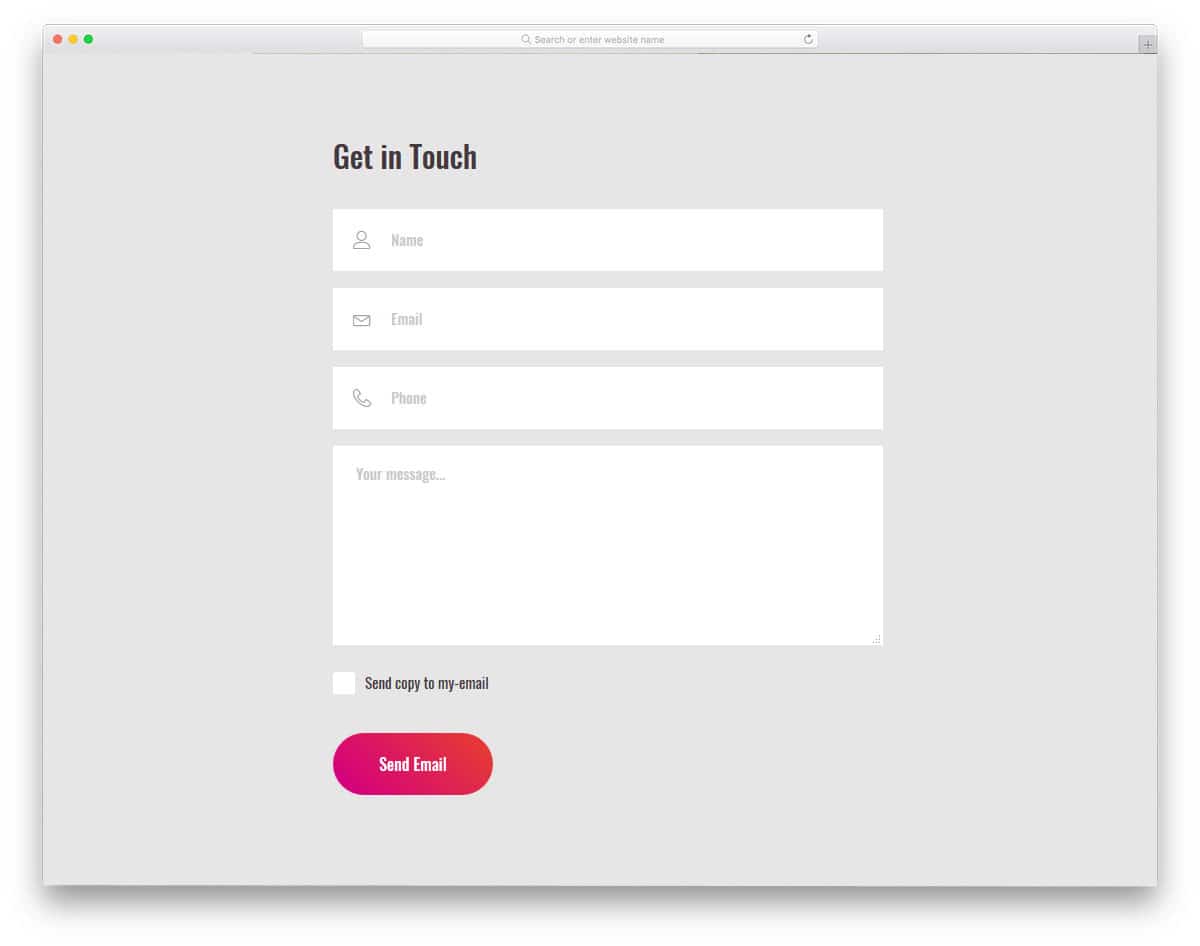
Contact Form 7 is a corporate-style, simple contact form template. Some companies let the user select the option to send a copy of their request. This helps the user ensure that they sent the correct request. This copy will be very helpful when you communicate back to the user. With this template, you have the checkbox option for “send a copy to email”. All you have to do is to integrate this template with your CRM or email marketing tool for an immediate response. Instead of just using field labels, this template uses icons to elegantly indicate the field type to the user.
Contact Form 8

Contact Form 8 is a light version of the Form 6 mentioned above. This template also uses an interactive Google map background, but the contact form remains open. The contact form you get with this template is simple and generic; you can collect the user’s name, email, and message. With this template, you can also include the “send a copy to email” option. If you need more fields with this template, you can add them easily by editing a few lines of code. Speaking of the code, this template uses HTML5, CSS3, and the Bootstrap framework. Like most other free contact form templates on this list, this template is also mobile responsive.
Contact Form 9
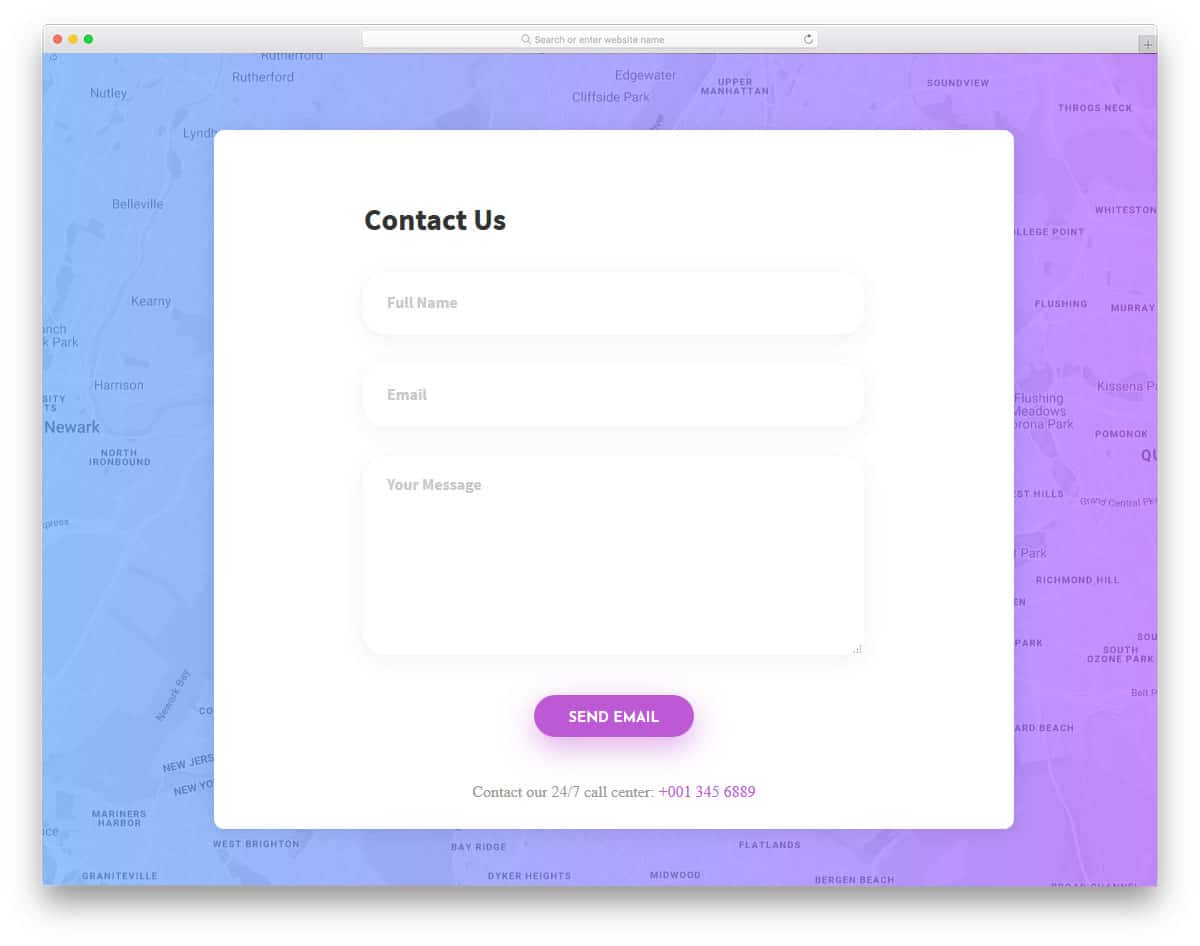
Contact Form 9 is a colorful rendition of the contact form version eight mentioned above. Instead of presenting a raw map, a gradient overlay is used. By opting for the full page view, the user can see a clear map and find your office location easily. Coming to the contact form design, this template uses a clean design. A definite boundary does not mark the form fields; shadow effects are used. All the form filed supports field validation, errors are marked in a red bold message, which can be dismissed by the user easily. Right below the call to action button, you can add a contact number. Overall a clean looking modern contact form.
Contact Form 10
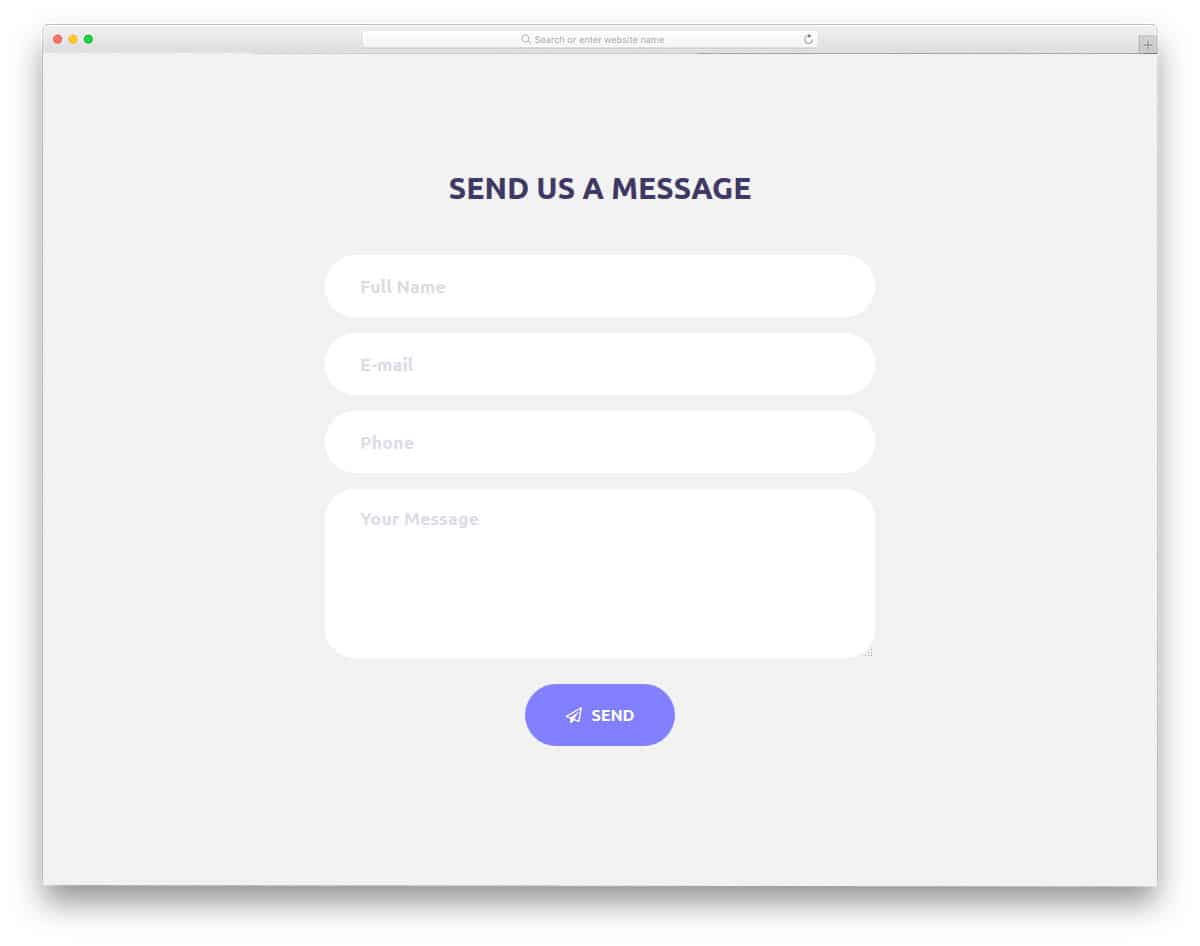
Contact Form 10 is a simple-looking, modern contact form template. Where this template excels is with its subtle animation effects. The modern web elements with rounded corners, when combined with these visual effects, make this template unique and visually appealing. With this template, you get a well-coded HTML5 and CSS3 framework that’s flexible and easy to customize. Since this template follows the universal Bootstrap standard, adding this template to your existing website isn’t a big issue. By default with this template, you get form fields like name, email, phone number, and message. After hitting the submit button, the error messages are also indicated as an exclamation mark.
Contact Form 11
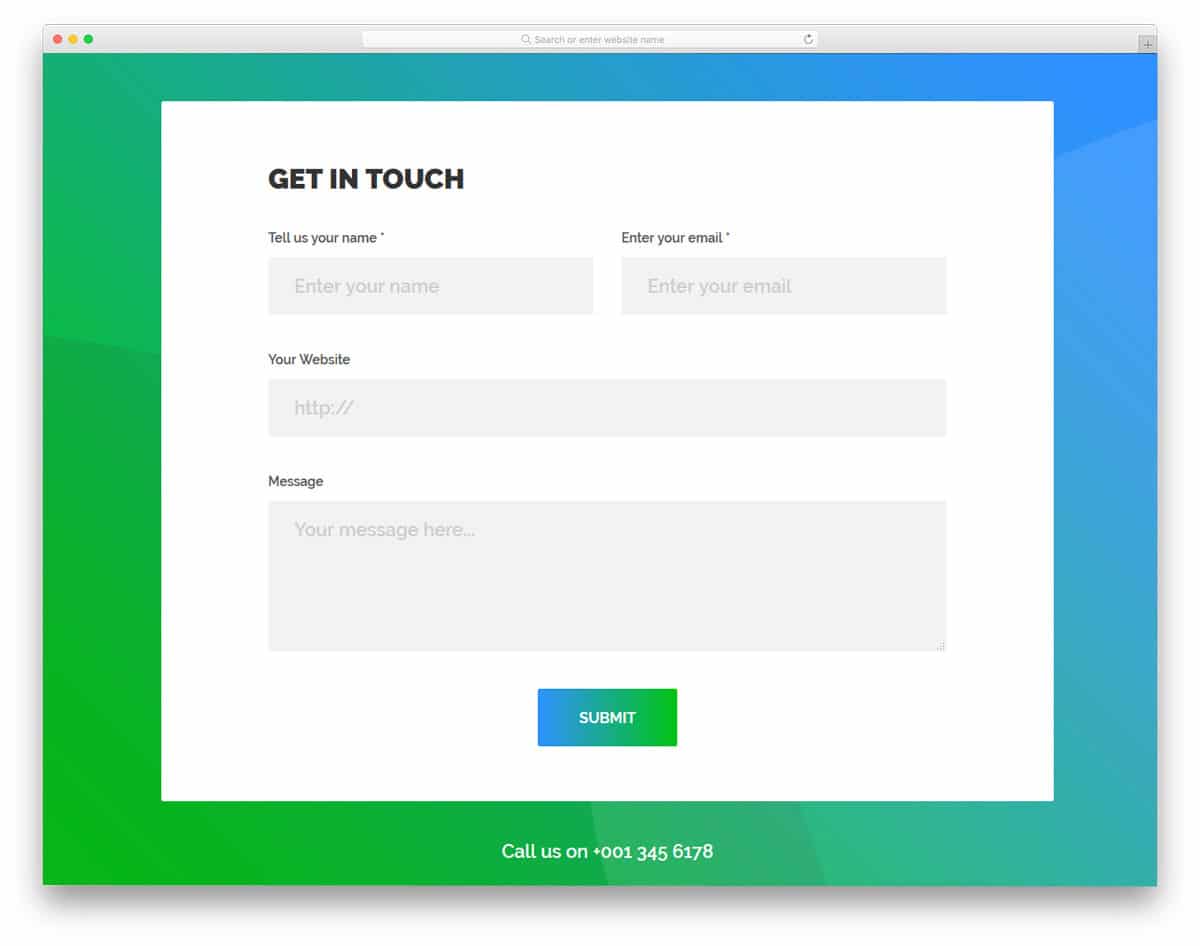
Contact Form 11 is a bright contact form template with bold texts. If you aren’t a big fan of vivid colors, you can easily customize it by editing a few lines of CSS code. The big square contact form lets you add large form fields, and the bold fonts ensure the user can see the text. All required fields are marked with a traditional asterisk. A small minor bug with this template is the message section. After clicking the message field, the field size varies, and you have to reload to fix this. This is a minor bug which can be fixed easily if you are about to use it, make sure you take care of this bug.
Contact Form 12
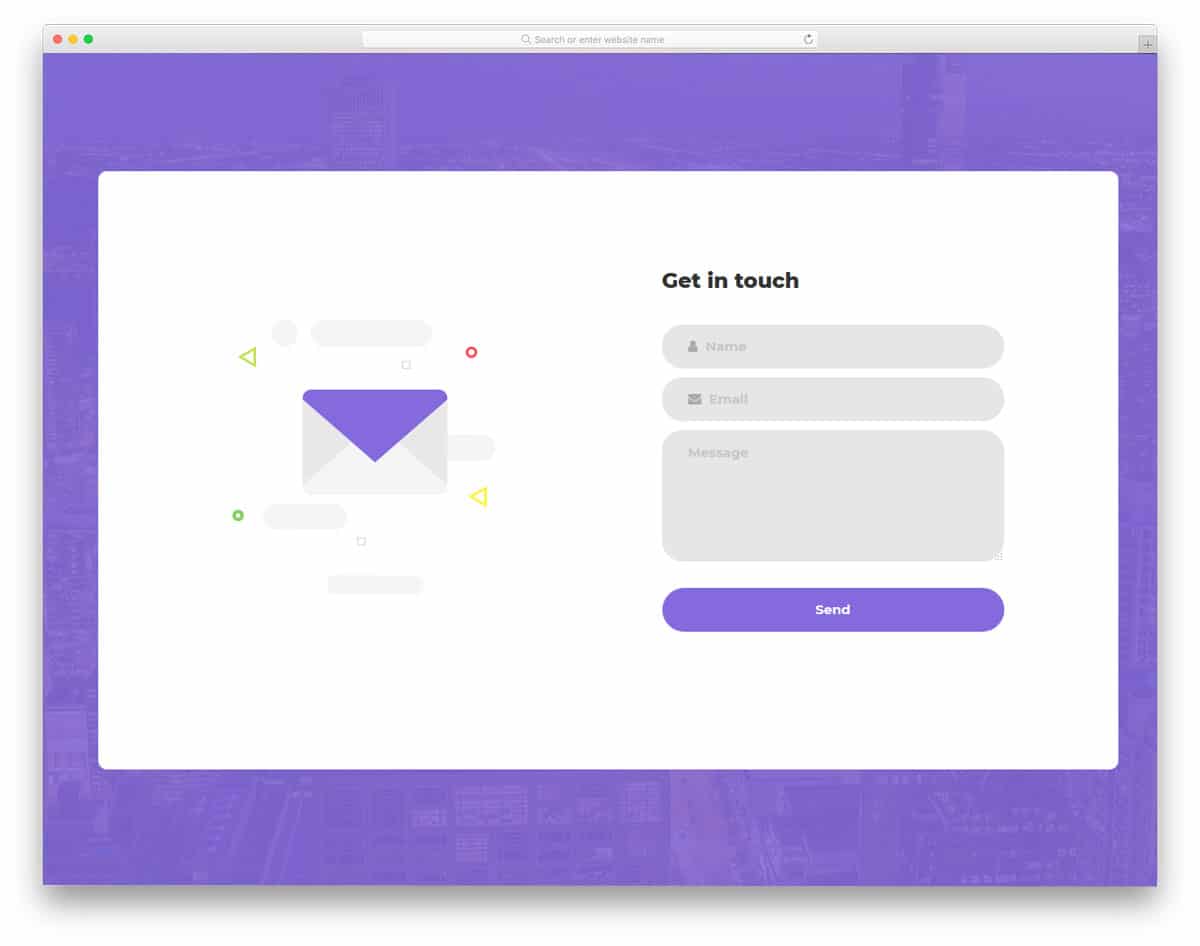
Contact Form 12 is similar to the first form template mentioned above. To the left, you have a mailing icon with an interactive hover effect. If you are using this template for your personal website, you can use your brand or your image instead of the mail icon. This completely working website template reduces your front-end work. Based on your needs, you have customized the look and the form fields. The clean white background makes the grey color form fields look distinctive. Out of the box the form is scaled for small screen devices, so interacting with the form and adding data from mobile devices is easy with this template.
Contact Form 13
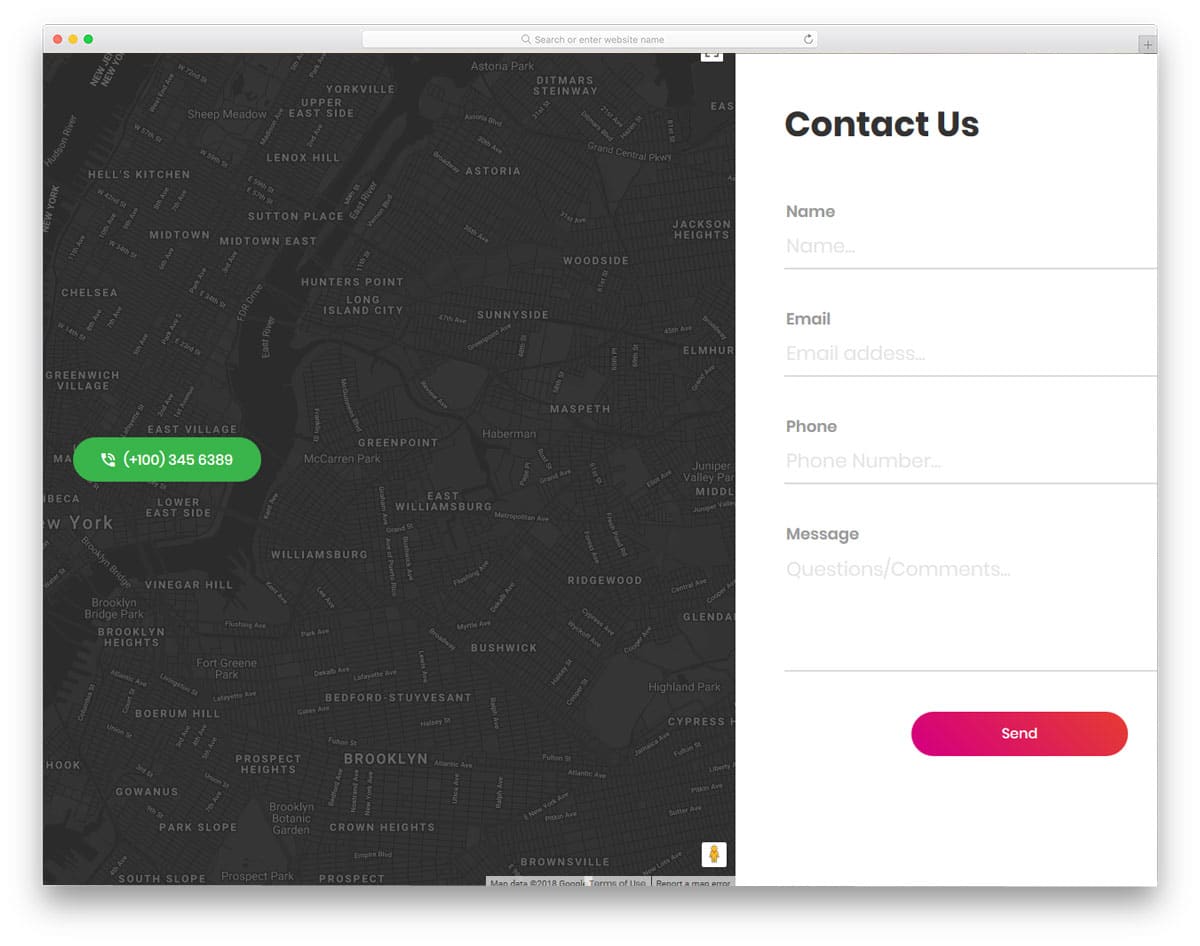
Contact Form 13 follows a split screen design. One of the few free contact forms in this list uses a split-screen design. With the split-screen design, this template effectively used the full page provided to it. To the left, you can include an interactive Google map with a dark theme, and to the right, you have space for the contact form. You have a holder to display your contact number in the middle of the map. All the form fields support field validation. The errors are shown when the user misses a detail in a field, it does not check after hitting the submit button.
Contact Form 14
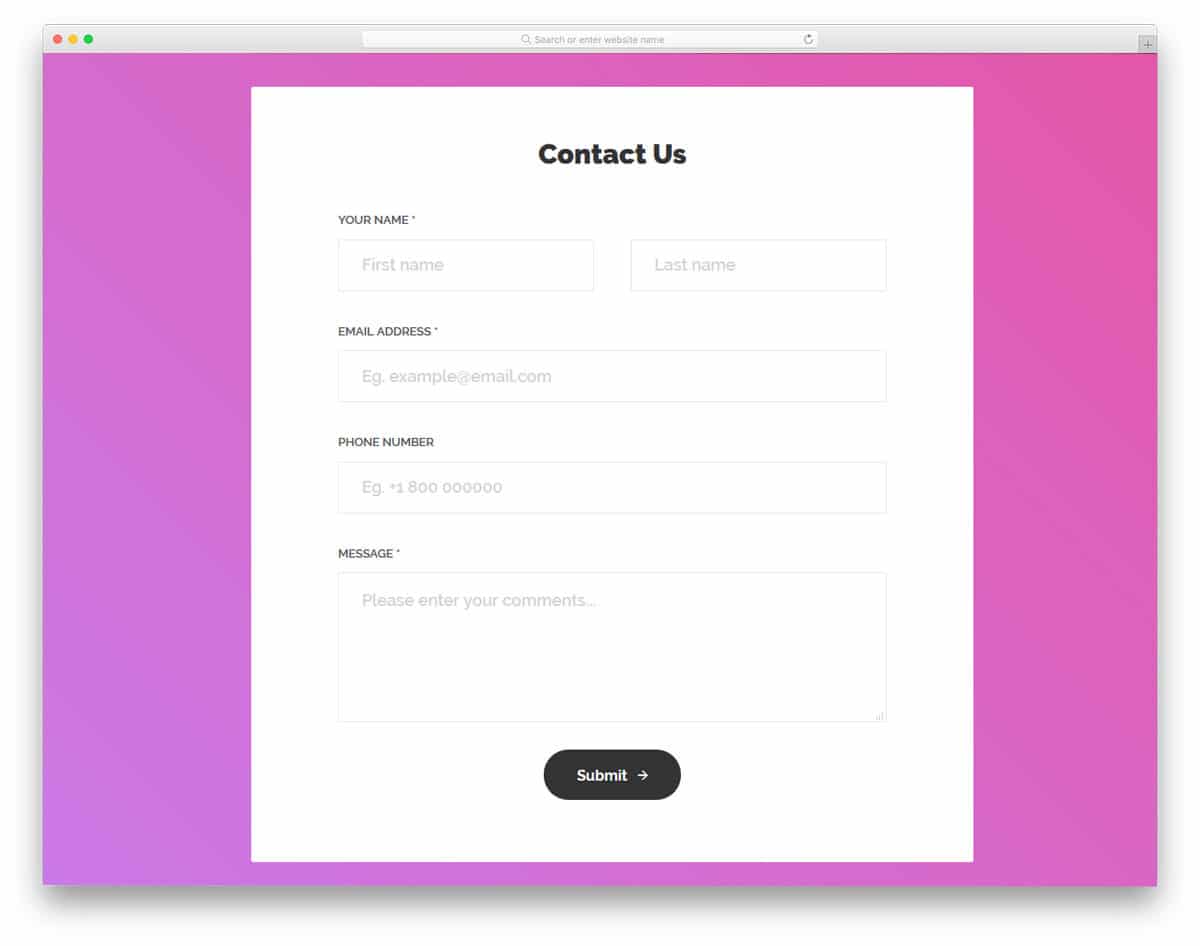
Contact Form 14 is a simple contact form template. This template offers a neat contact form and a bright gradient background. If you need, you can customize the template. The template uses HTML5, CSS3, and Bootstrap framework. For developers, working with this template is a breeze. Customizing and integrating this template to your mailing or CRM platforms won’t be a big issue. Visual effects play a key role in this template.
Contact Form 15
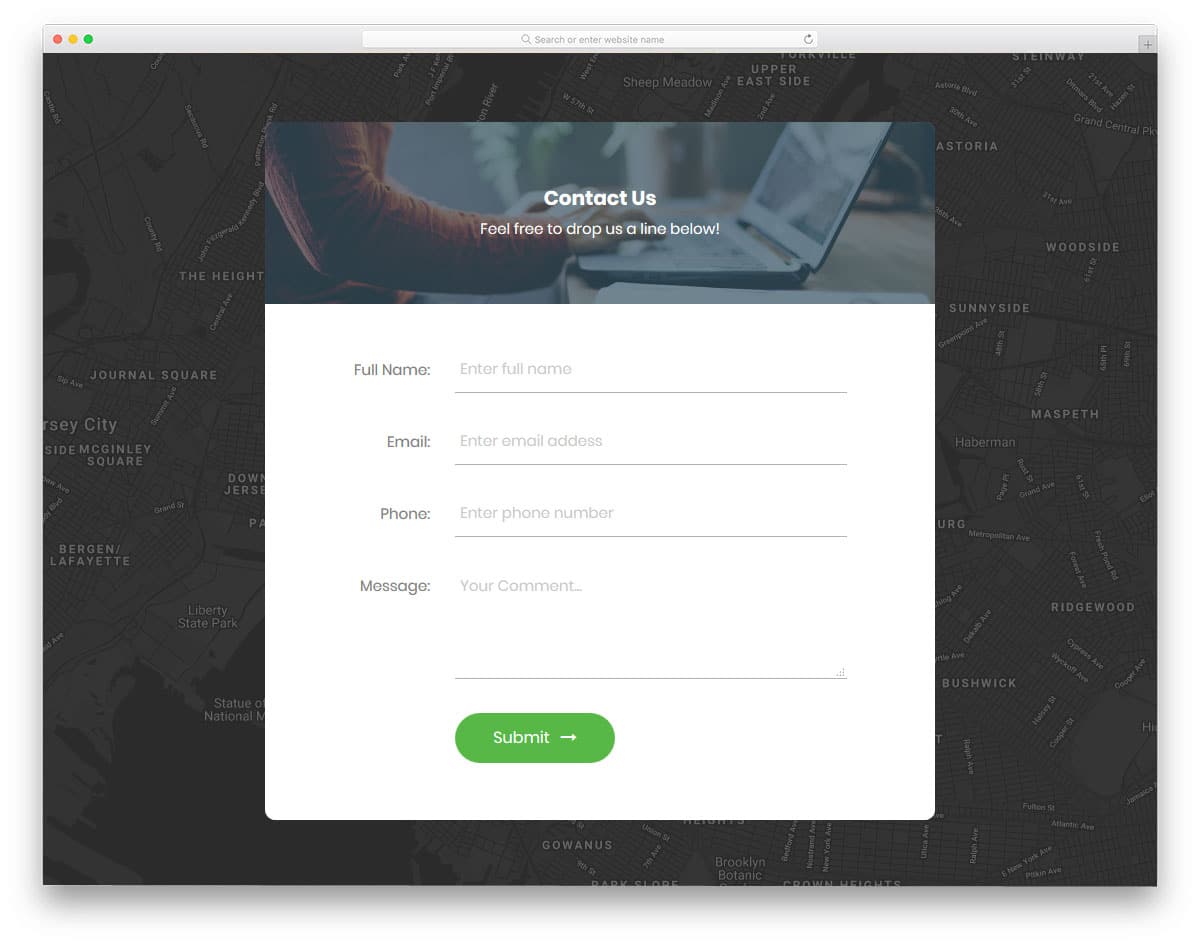
Contact Form 15 is another modern-looking, simple contact form. For background, this contact form template uses Google Maps, allowing you to mark your office location so users can easily find it from their location. If the user finds the form intrusive, they can use the full-screen view to see the map. In the contact form at the top bar, you can include a background image with an image related to the contact form or any of your brand banners. You get fields like name, phone, email, and message in the form. The form is mobile responsive out of the box.
Contact Form 16
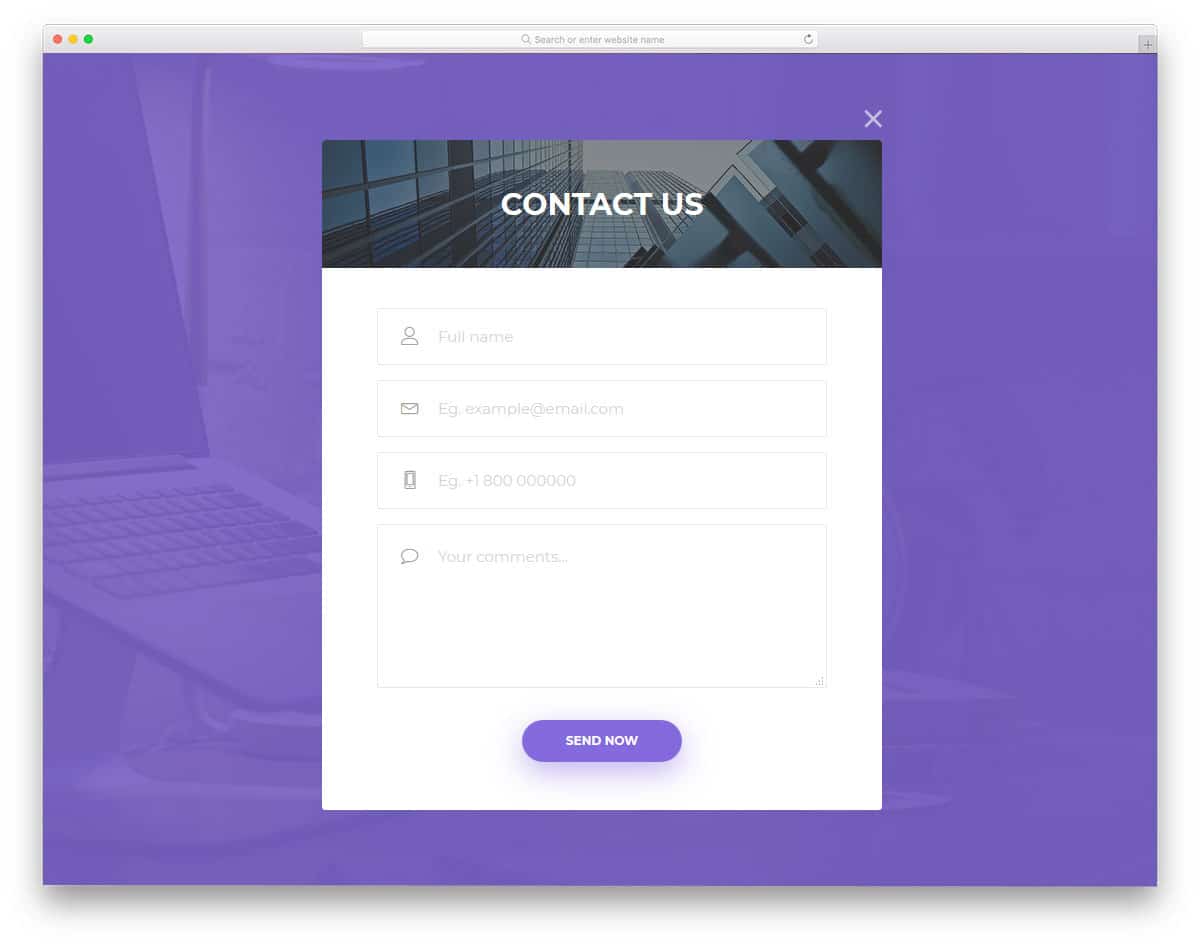
Contact Form 16 is a premium quality free contact form for corporates. If you are looking for a contact form for your one-page template, this is the best choice. The demo’s contact form is designed to be a dismissible lightbox. In most landing page templates, registration is provided as a call-to-action button in any one of the top corners to save space. This form is also designed primarily for this purpose. In the form, you have the fields for name, email, phone and message box. The form field uses icons and labels to indicate the users what details to be given in each field.
Contact Form 17
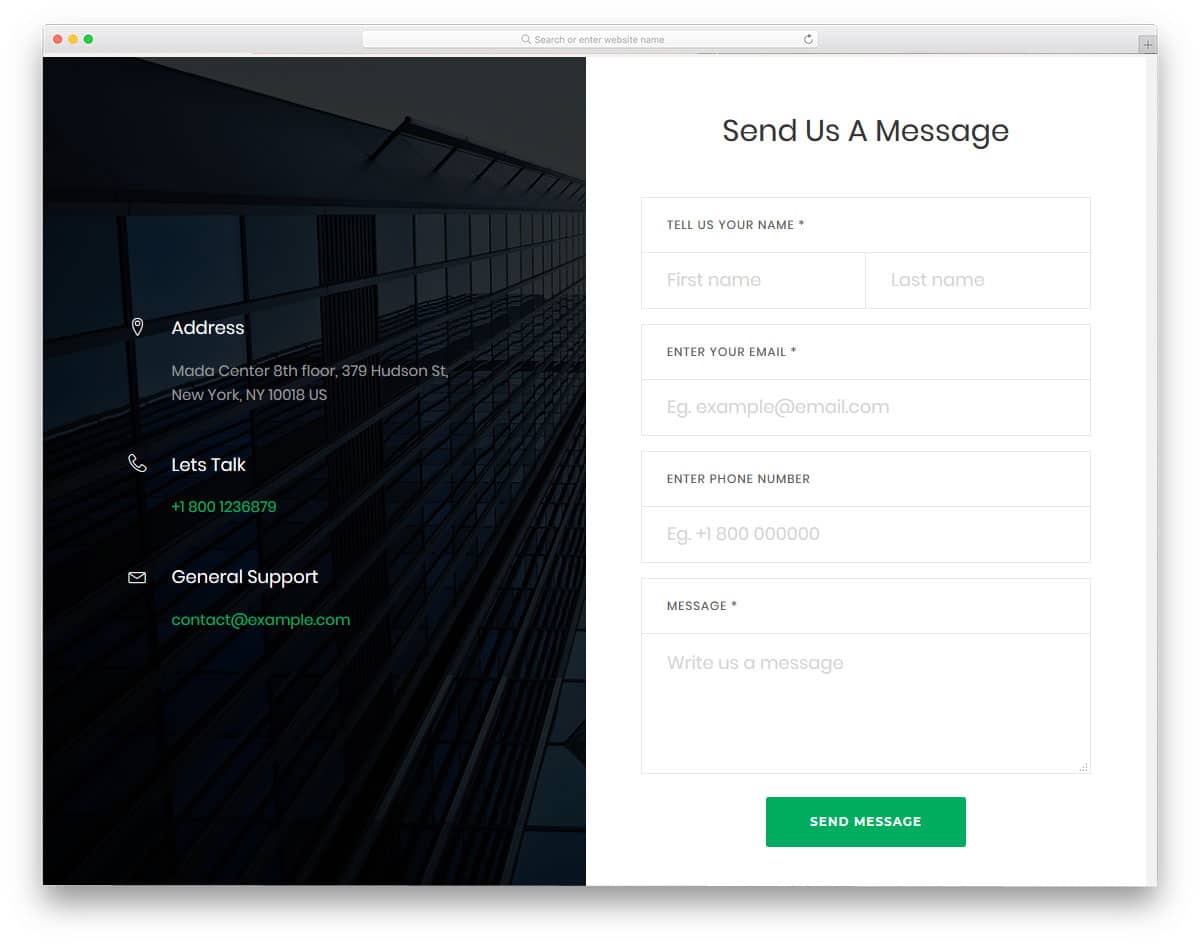
Contact Form 17 is a large split-screen-style HTML contact form. The split screen design gives you space to add contact form and your contact details. In an emergency, the user can use your other alternate contact details to reach you. In the left bar, you can add images related to your site. Since this template uses a building image in the default layout, you can use this template for a construction website template and architecture website template.
Contact Form 18
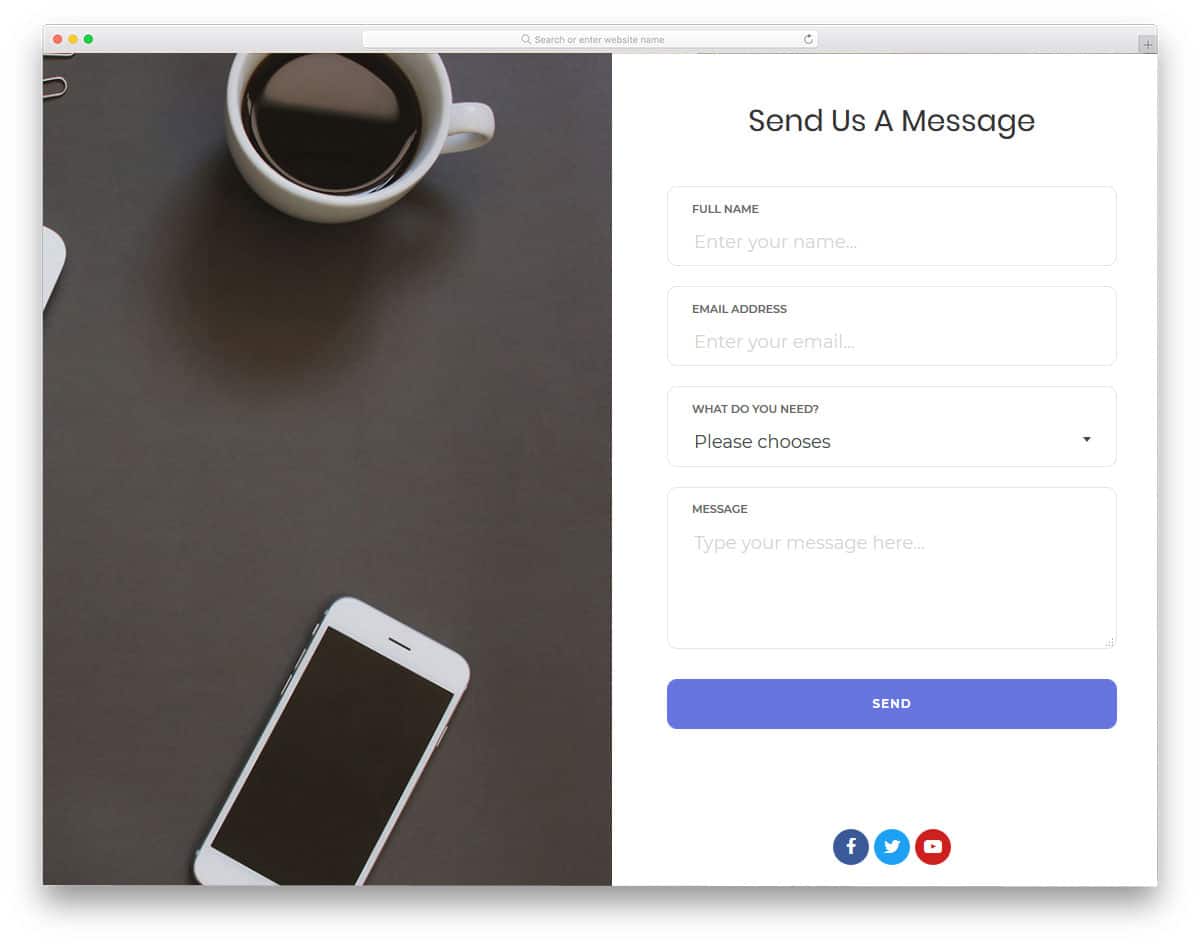
Contact Form 18 is also a split-screen contact form, but this template uses the full-screen layout. The contact form looks clean, and the neat layout makes the text legible and easy to read. With this template, you also get a drop-down field for the services. Other fields are the usual name, email, and message, as you get them in many forms. You can also add social media profile links just below the call-to-action buttons. As most users prefer customer service through social media, these options may be useful. The contact form is mobile optimized, so the work of making the form responsive is reduced with this template.
Contact Form 19
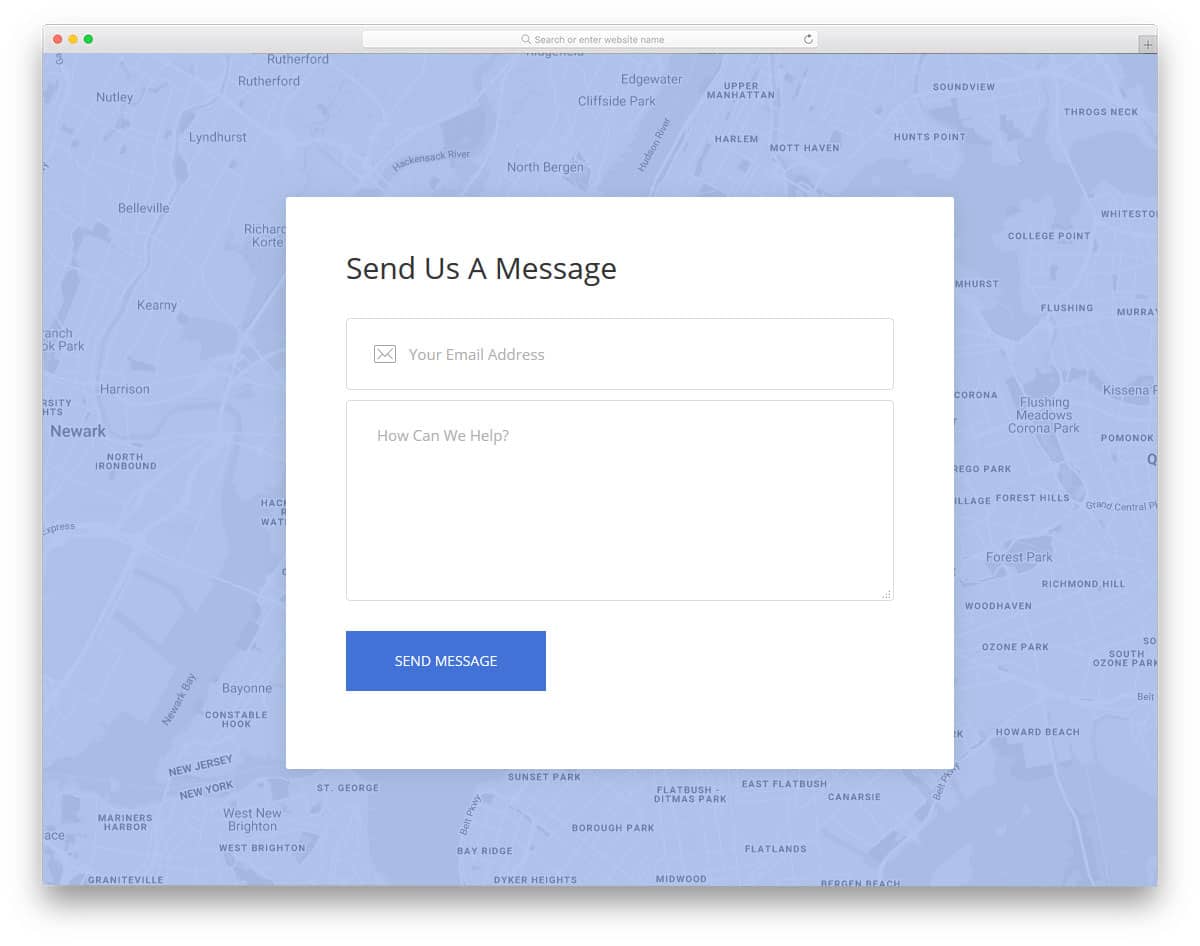
Contact Form 19 is a simple, straightforward contact form. With this form, you get only two fields: email and message. Reducing the number of input fields in the contact form is a good move. But depending on the company’s size, this changes. If you are a solopreneur, this contact form would do, but for a big organization, the more precise the information, the faster the response will be. As you can see in many of the free HTML contact forms on this list, this template uses an interactive Google map as its background. Within the given area the developer has effectively used the visual effects.
Contact Form 20

Contact Form 20 is the light version of form 19 mentioned above. The template is not a complete ditto it has a few of its unique designs. At the top of the form, you can add a mail icon. The form follows a pristine white color scheme that looks great and makes the text easy to read. This template also uses an interactive map as the background. To indicate to the user which field they are currently editing, visual effects are used. The template uses the latest HTML5 and CSS3 frameworks, so for developers working with this template, it will be an easy job.
Contact Form By Paul
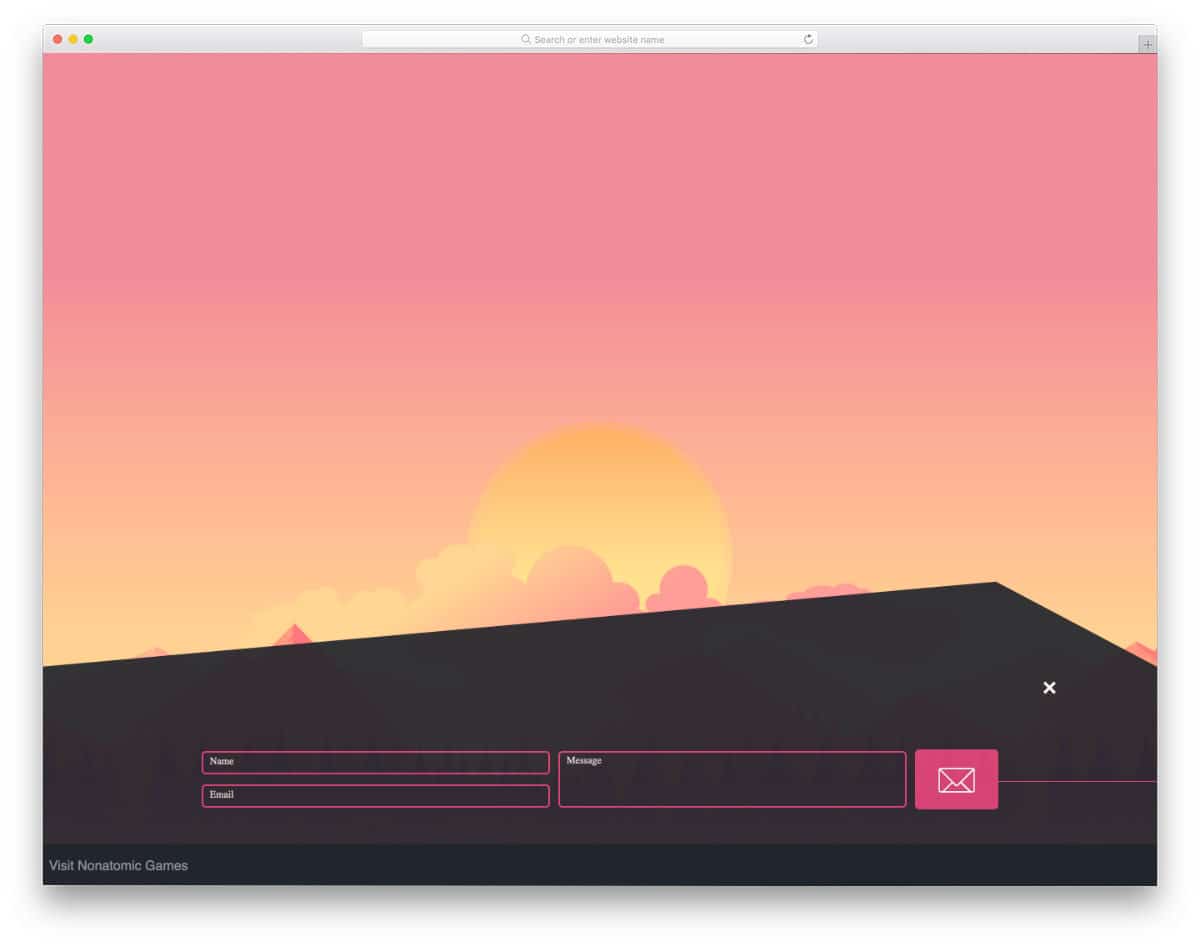
This code snippet will be handy if you are looking for a popup HTML contact form design. The creator has placed the contact form at the bottom of the page, and it smoothly rises when the user clicks the contact form icon. Basic functions are clean and work perfectly. The entire code script is shared with you on the CodePen editor. You can add custom elements by editing the editor’s code and visualizing it in the editor itself.
Contact Form With Captcha Code
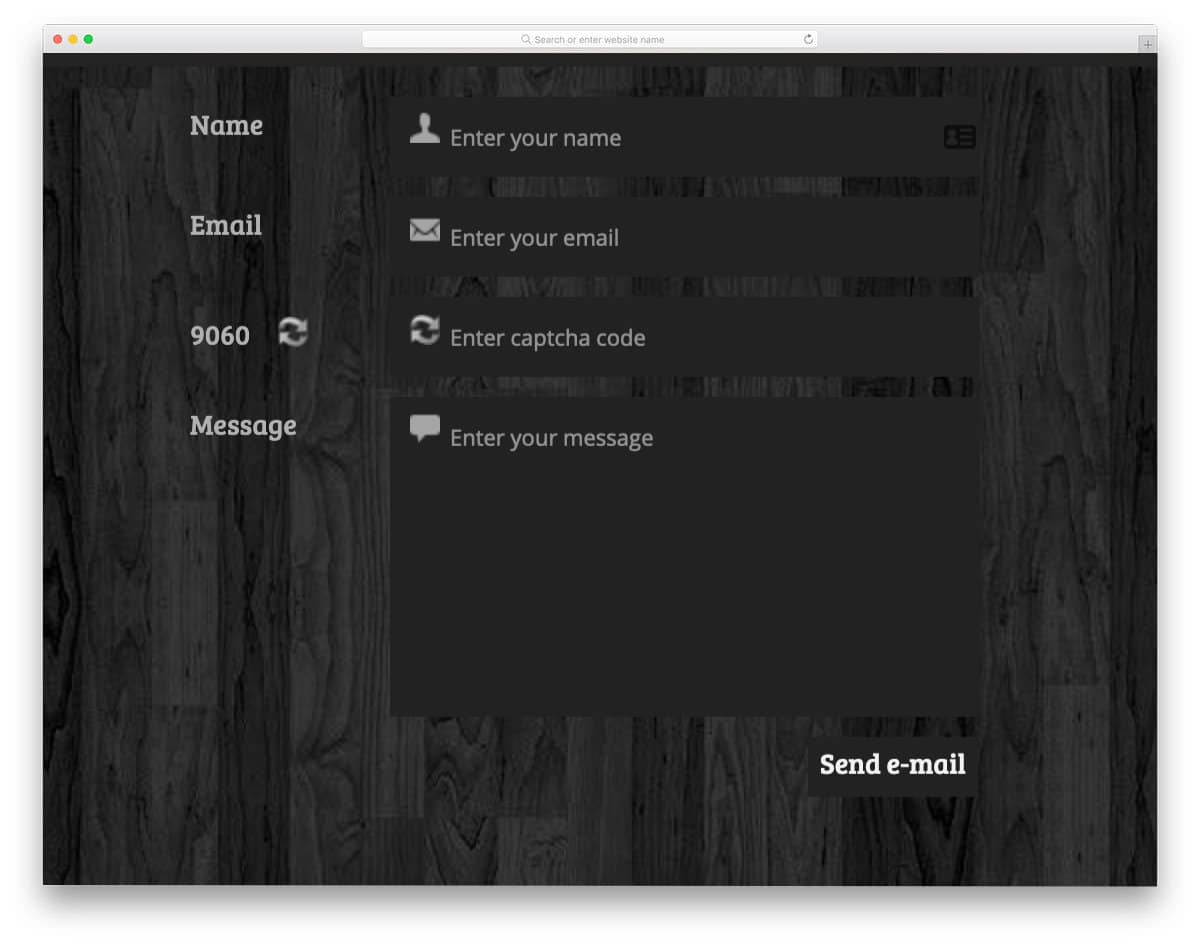
As the name implies, this contact form uses a working CAPTCHA. The creator has even added an option to generate a random CAPTCHA code near the text box. Frontend-wise, the design works smoothly as expected. You can take the concept and make a unique custom contact form. The entire code script is shared in the CodePen editor so you can use it easily in your project.
Responsive Contact Form With Map
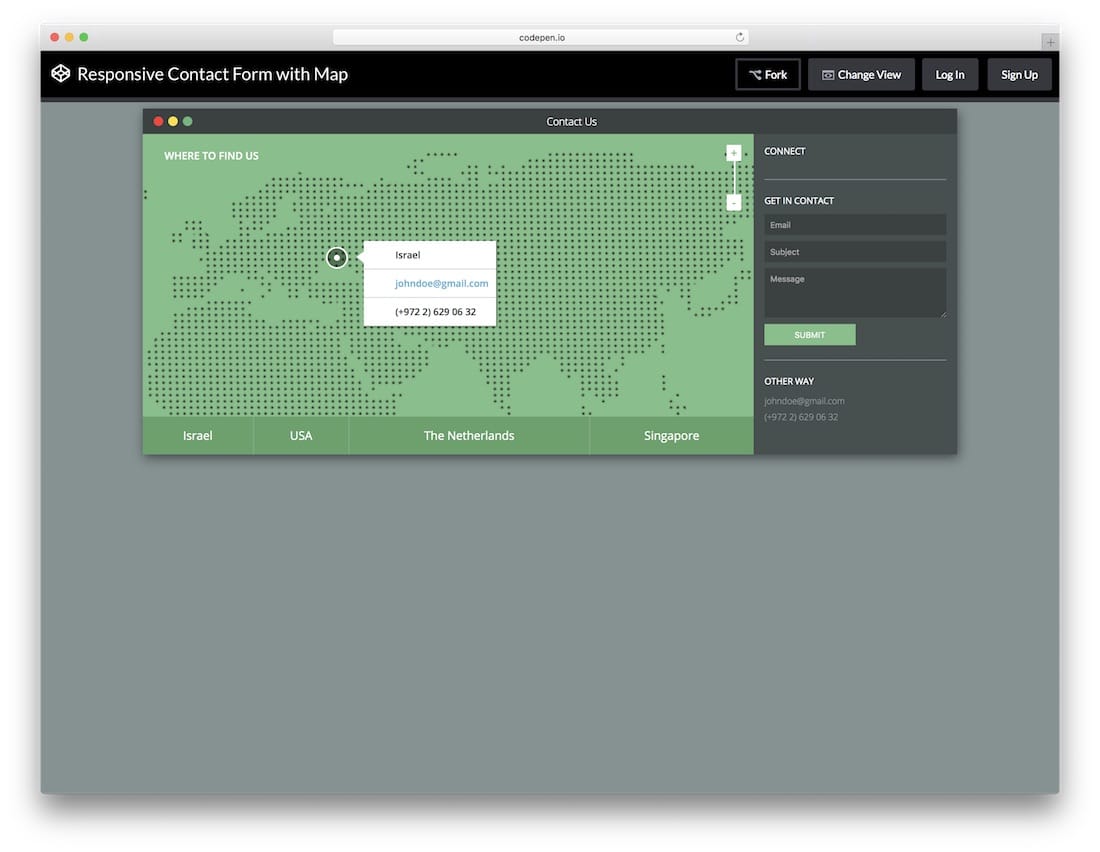
If you are having office locations in different countries or in different places, using a contact form with a map will help the user easily get the details of the office they are interested in. The designer of this template has given tabs at the bottom of the map widget to let the user easily switch between the places they want. On the rightmost corner, you have space to add a contact form. If you provide different services in different locations, then it is better to let the user choose the location they want. Since the code used to create this template is shared with your directly, you can work on it easily.
Simple Flat Contact Form
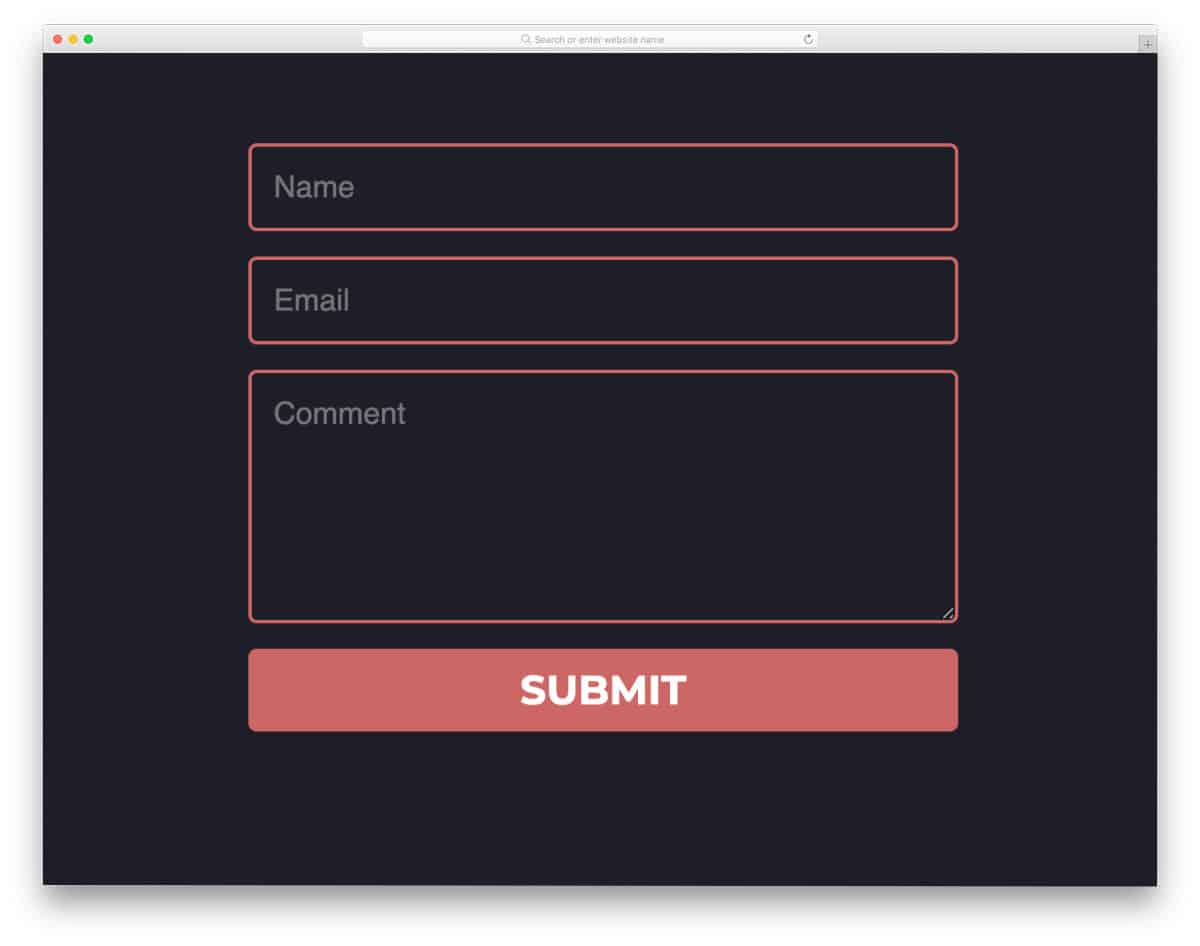
As the name implies, this is a simple contact form you might have seen on many websites. If you are not into fancy stuff and like to keep your contact form in a familiar format, this code snippet will be useful. Animation effects are almost absent in this contact form, making this code snippet feather-light and loading faster. The entire code snippet is shared with you on the CodePen editor. You can edit and visualize the code on the editor before taking the code to your website or application.
Responsive Contact Form
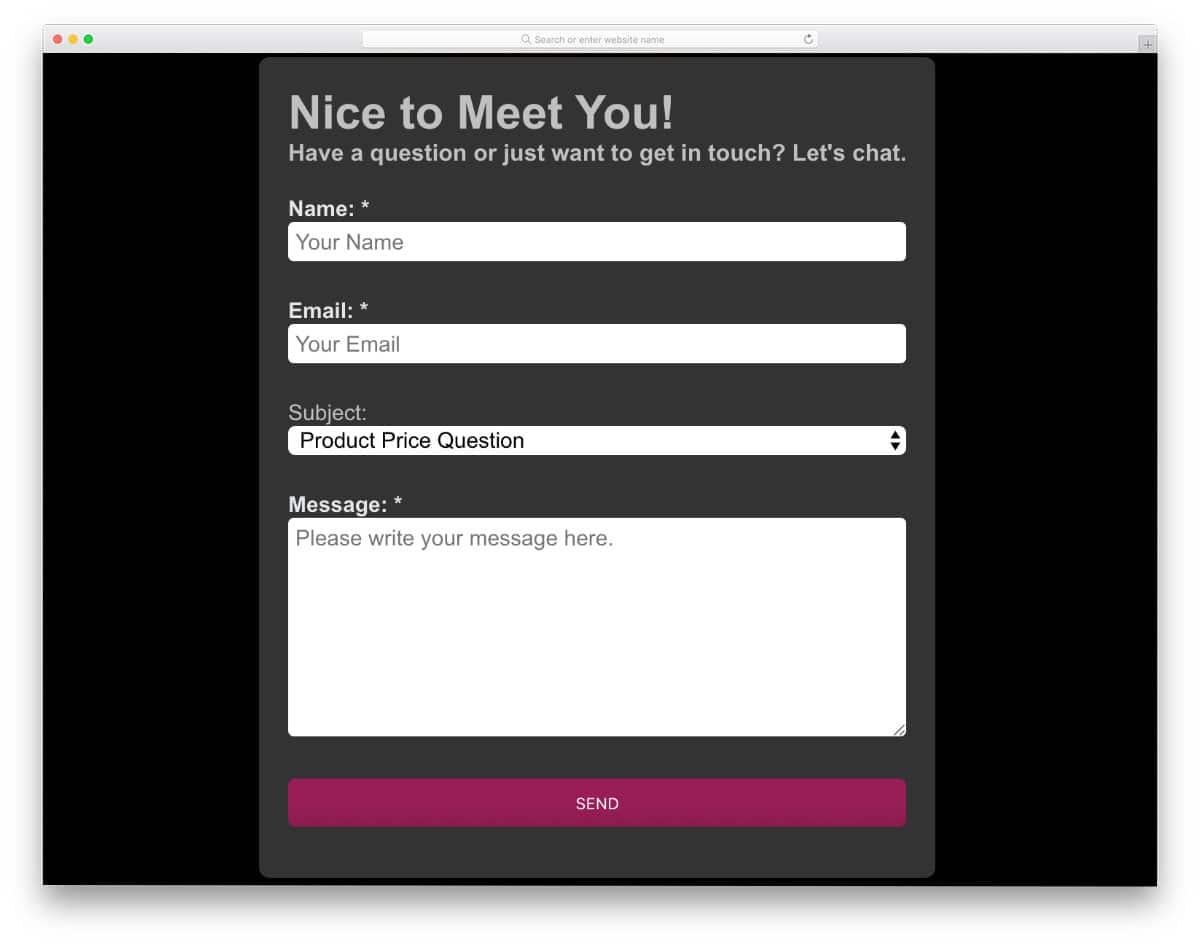
This one is another practically applicable simple contact form design. More than enough space is given for each form field so that users can easily see the texts they are adding on the form field. A dropdown option is also given in the form to simplify the input action. Though the form looks ok, you need to give a little more space between form field labels and form fields; this template works perfectly on the front-end. The code is kept simple enough for easy, quick customization.
Contact Form by Aina
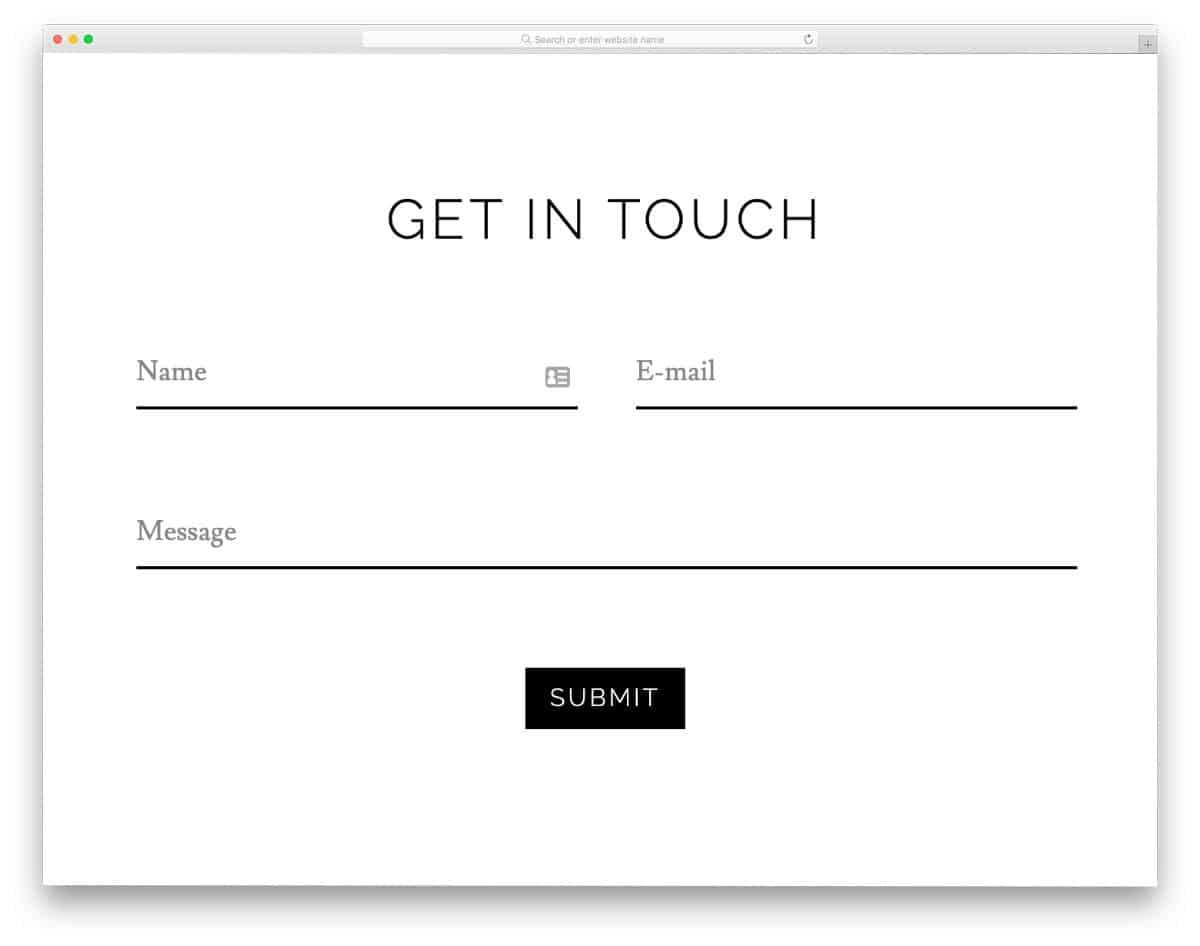
The developer Aina has given un a minimal contact form design. Though it is a minimal form template, the creator has used a few animations to make it interactive. All animations are very simple, so you needn’t worry about the slow loading. In the default script, the creator has used a few lines of JavaScript to make the animations smoother. But, you can trim the code and make it weigh less than now. For more interactive text input effects, take a look at our CSS input text effects collections.
Contact Form HTML + CSS
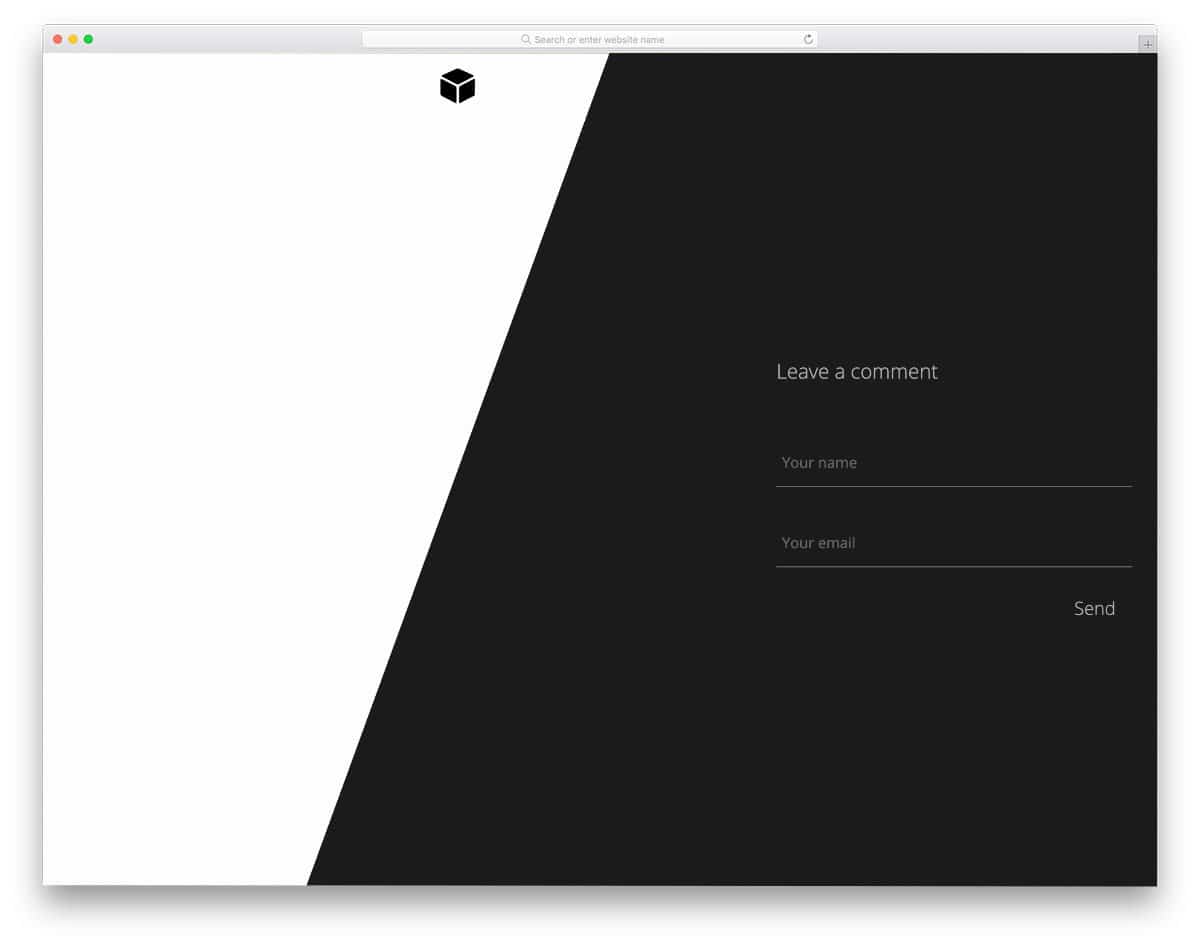
The creator has tried a yin-yang style in this form. Apart from the dark and light dual color scheme, the form has a simple, usable design with swift animation effects. You can use these form designs as a base to create your own custom full-page contact form. This full-page design’s biggest advantage is the ample space to add more elements. For example, you can even add your social media profile links below the contact form.
Contact Form by Iulian Savin

The developer Iulian Savin has given a fun animated contact form design concept. The envelope opens gently when you click the “email me” button, and the contact form flies in. Everything works smoothly in this design. It would have been great if the creator had included the sending animation and the email discard animations. But there is nothing to worry about, we still have the code snippet for this design. Keeping this code as a base lets you create custom animated contact forms with the features you want.
Clean Contact Form

As the name suggests, this form is very clean and simple, making it the best option for all types of websites and applications. Basic form fields like name, email address, and a text box is given in this template. But if you need, you can add your fields. The form is working perfectly on the front end; all you have to do is handle the backend integration. On top of the contact form, you have space to add image background, in which you can add your brand or service related images.
CSS3 Contact Form
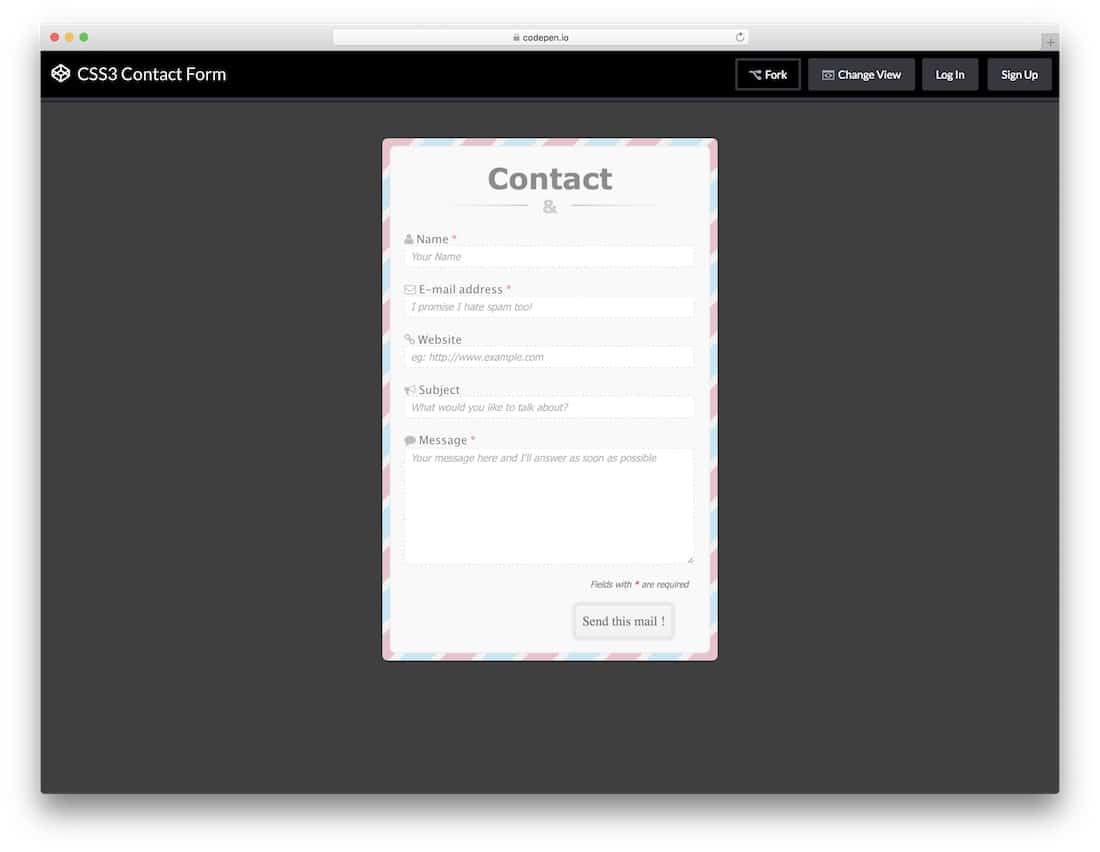
CSS3 Contact Form is a unique-looking proper contact form. All important fields are marked with an asterisk and listed at the bottom of the contact form. In the default form itself, you get the necessary fields for today’s needs, like an email address and a website. Letters are bolder so the user can easily read the input details. If you have your own fonts, you can easily use in this contact form. As the entire code structure is shared with you in the CodePen editor, you can visualize your customizations before using it on your website.
Quick Minimal Contact Form
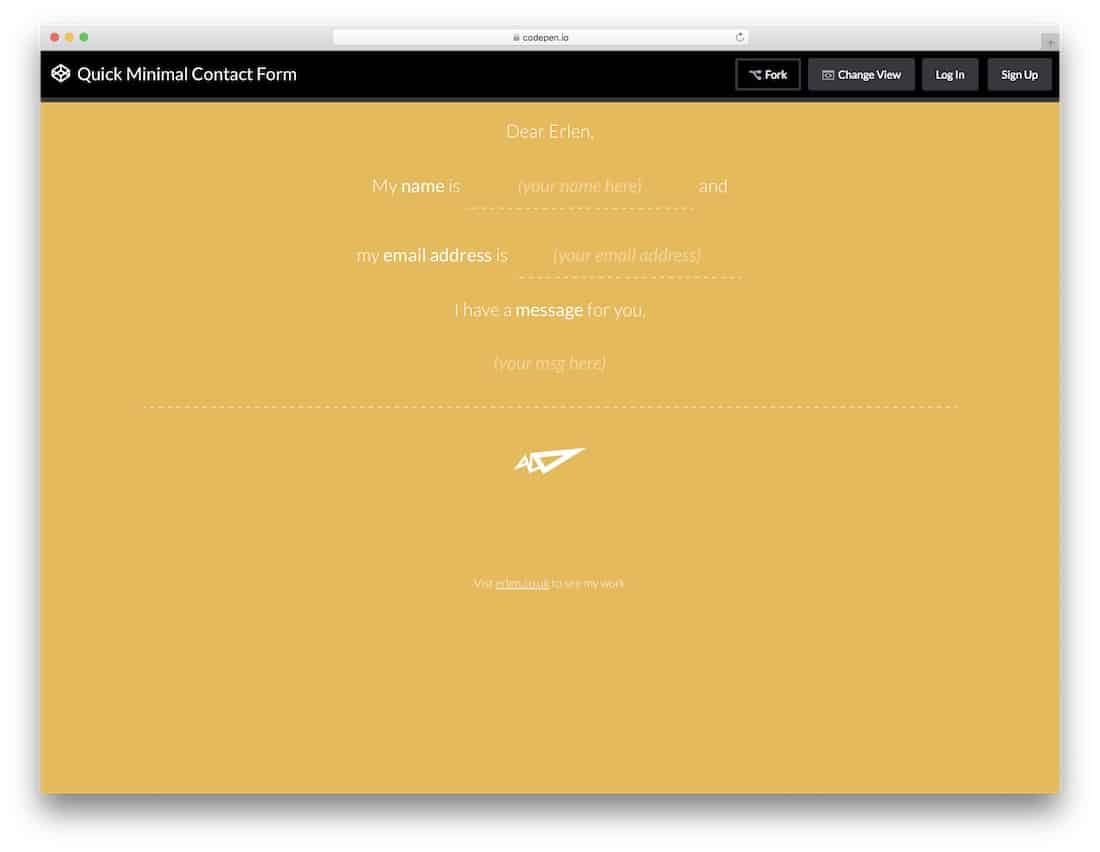
Quick Minimal Contact Form is a simple letter-style contact form that offers a different user experience. Dotted lines and neat vector icons give the contact form an artistic look. Hover effects and text box input animation effects indicate the selected input box. To make this design, the developer has used HTML5, CSS3, and a JavaScript framework. The code structure is kept simple for quick, easy customization.
CSS Contact Form V05
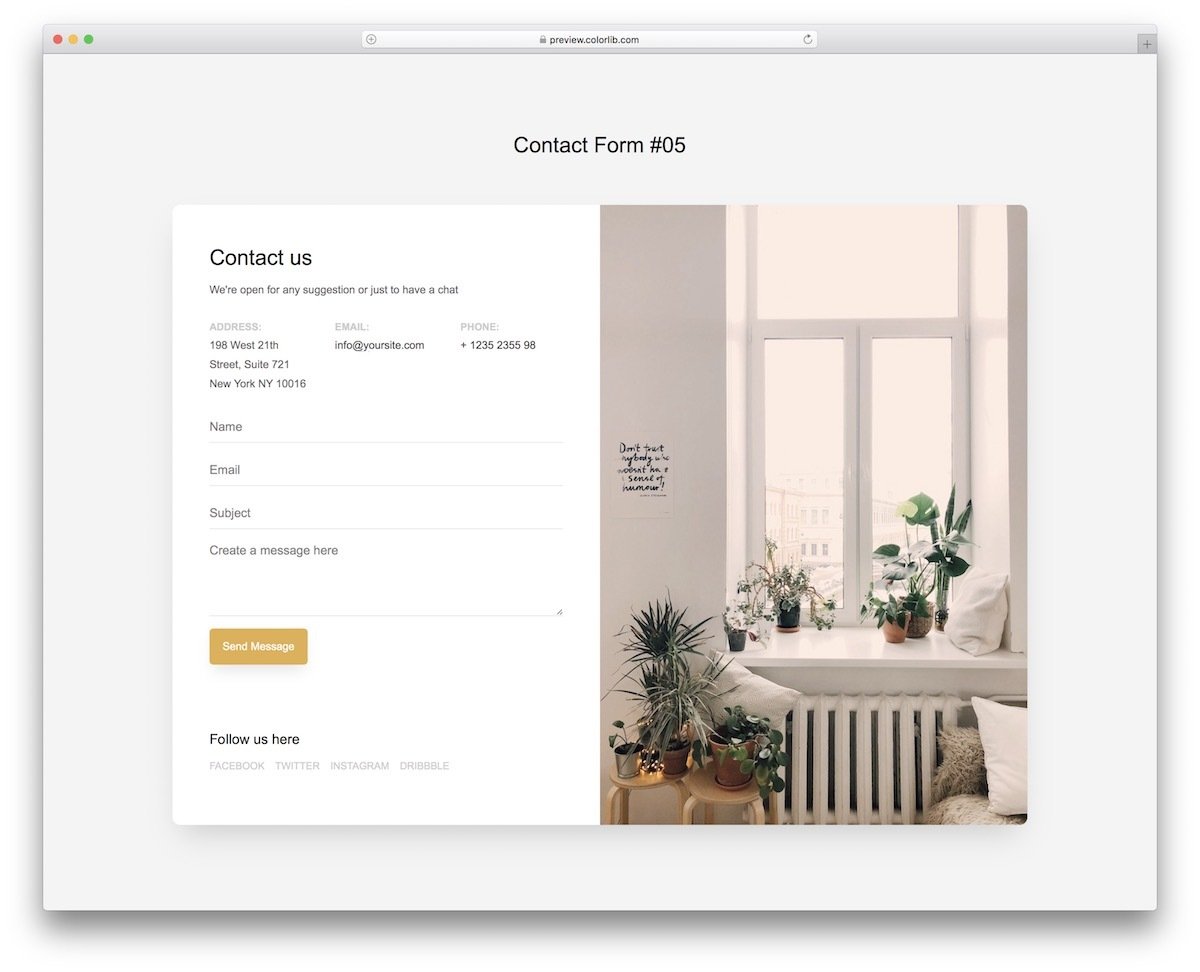
This is a split-screen CSS contact form design. A full-page layout is used in the default design, and the creator has utilized the space effectively to deliver a visually pleasing experience. On the left, you get a neat, long contact form with the option to add social media profile links at the bottom and other contact details at the top. Giving different contact options will help the customer to reach you easily in the medium they prefer. Because of this CSS contact form template’s clean look, you can use it for all types of business websites.
Bootstrap Contact Form V17

The V17 also has a split-screen design, but this one has a more professional look. The creator has used a visiting card style design, in which you get contact information on one side and a contact form on the other. You can even add a card flipping animation to this contact form to make it even more engaging for the audience. Take a look at our card-flipping animation examples for fresh ideas.
Contact Form v10
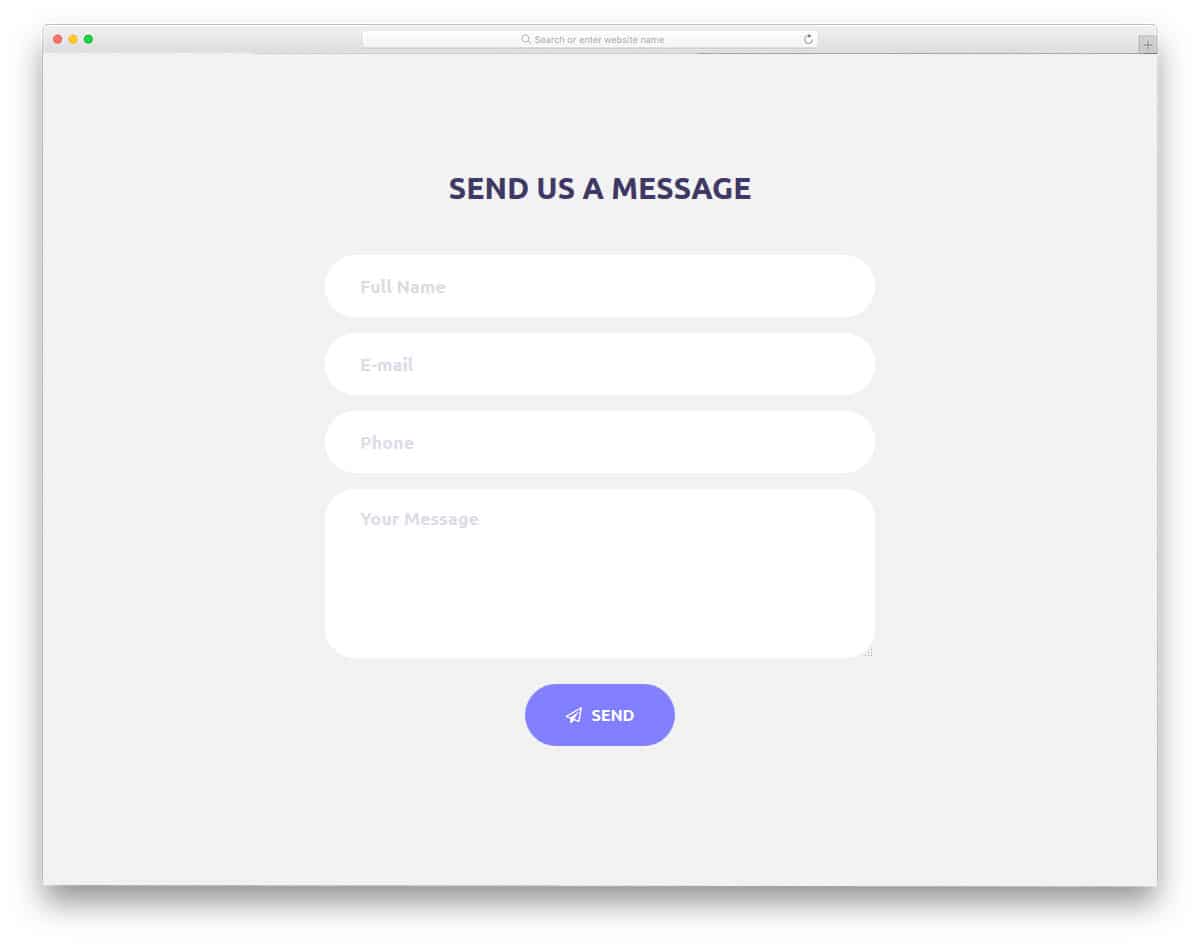
Contact Form v10 is a minimal-looking contact form design. To match the minimal design, the creator has used subtle animation effects. Text inputs are larger and bolder so the user can clearly see the details they are entering in the text box. The simple design of this contact form makes it a perfect fit for both whole page contact form and one of the segments on the homepage. Since there are no borders or boundaries in this design, the form blends easily with any background. Speaking of backgrounds, take a look at our CSS background collection to make the important section stand out from the rest.
Contact Form v9
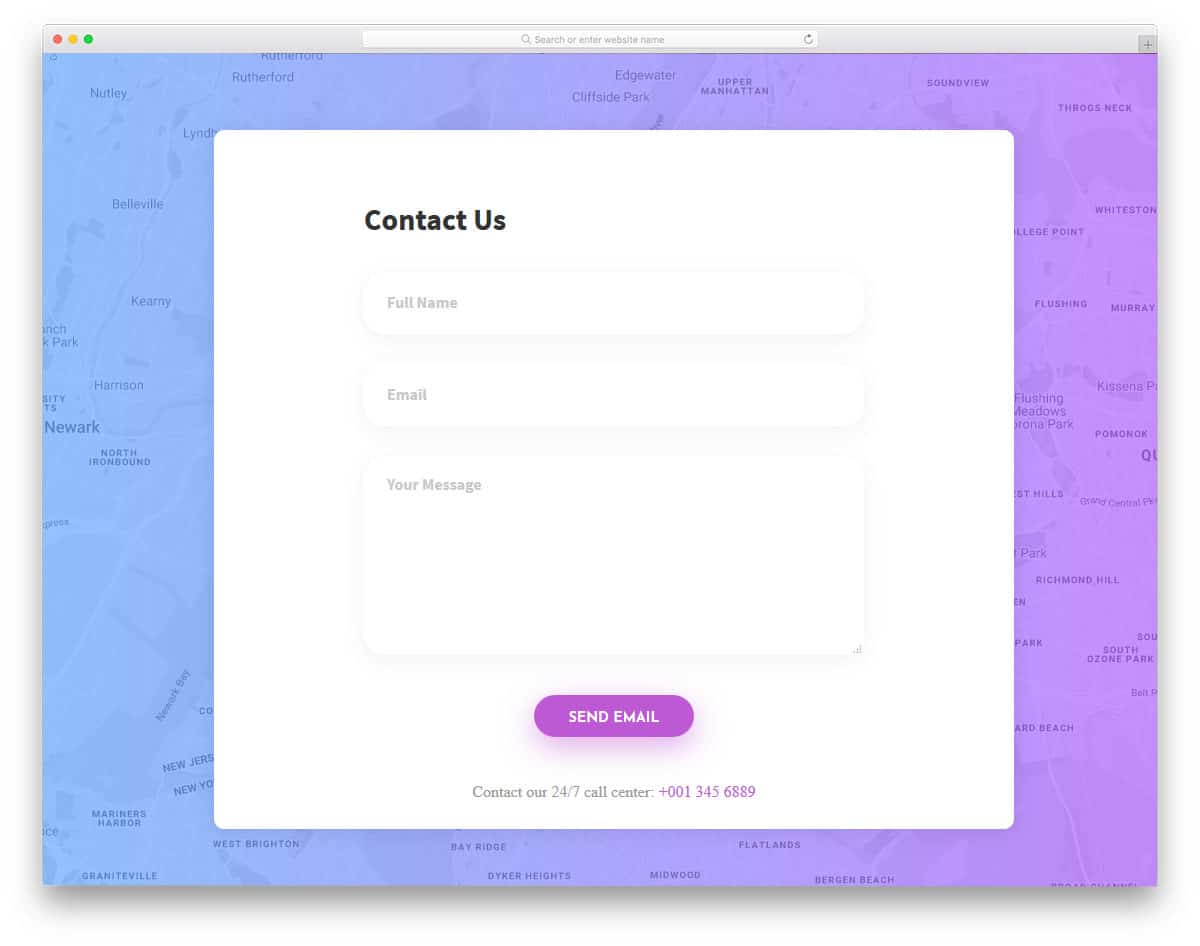
If you are concentrating on the physical store or have an office building, this is the best contact form for you. In this form, you get a Google map as a background, where you can add your store location. You can also view the map in full-page mode for clearer details. A gradient color overlay is applied to the map to make the contact form stand out. As the creator has used a pure white color scheme for both text fields and form background, shadow, and depth effects are used to differentiate the text fields. At the bottom of the contact form, you can add your contact number.
Colorlib Reg Form v23

Though the title says it is a registration form, it is primarily a contact form. If you like the previous contact form design but expected some visually appealing elements, this V23 form will impress you. The default form itself is big, so you have plenty of space to add long content in one place. Plus, the text is larger and bolder, so the readability is good in this contact form. Hover effects and input box animation effects add richness to the design. Overall, the V23 is a well-executed CSS contact form that can be easily used on any website.
Contact Form v8

Contact Form v8 is a simplified version of the V9 form mentioned above. Like the previous contact form, this one also uses a map as the background. Instead of a gradient overlay, this one uses a dark color overlay. The creator has used text field effects to indicate which field the user is using. Another interesting option in this contact form template is the “Send copy to my email” option. If you are a service-providing company or a law firm, sending a copy of what the client has asked will help you maintain transparency in your conversation. Plus, you can reduce spam emails considerably.
Contact Form v7
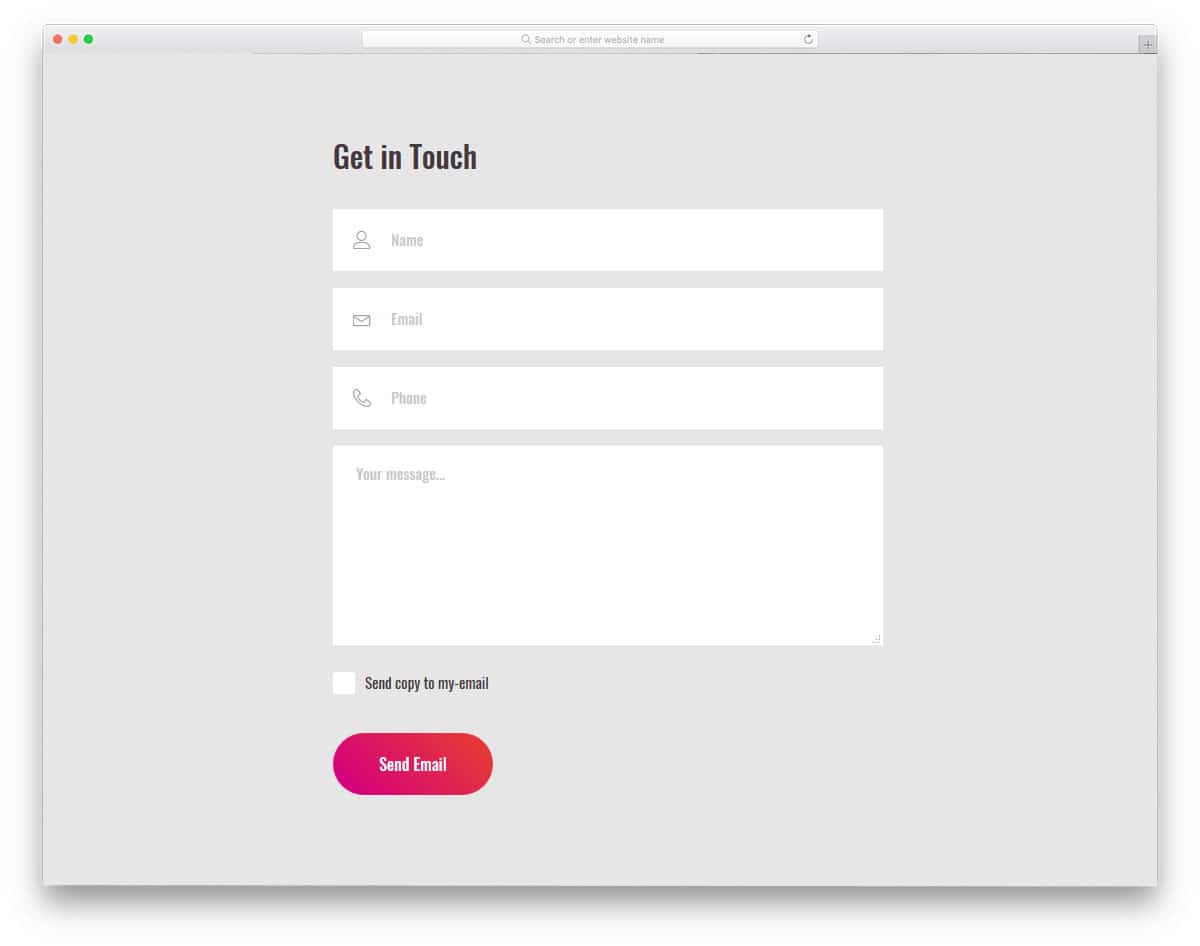
Contact Form v7 is a flat version of the V10 contact form mentioned above. In the v10 form, you get text fields with rounded corners, but in this one, you get classic, sharp-edged text fields. Icons and texts are used for the form field text labels. The elegant design of the form lets the user clearly understand which detail has to be given in a particular form field. Just like in the V8 form, you have the “send copy to the email” option. The developer has adopted a simple code structure, making it easy to integrate this form with modern tools.
Colorlib Reg Form v26
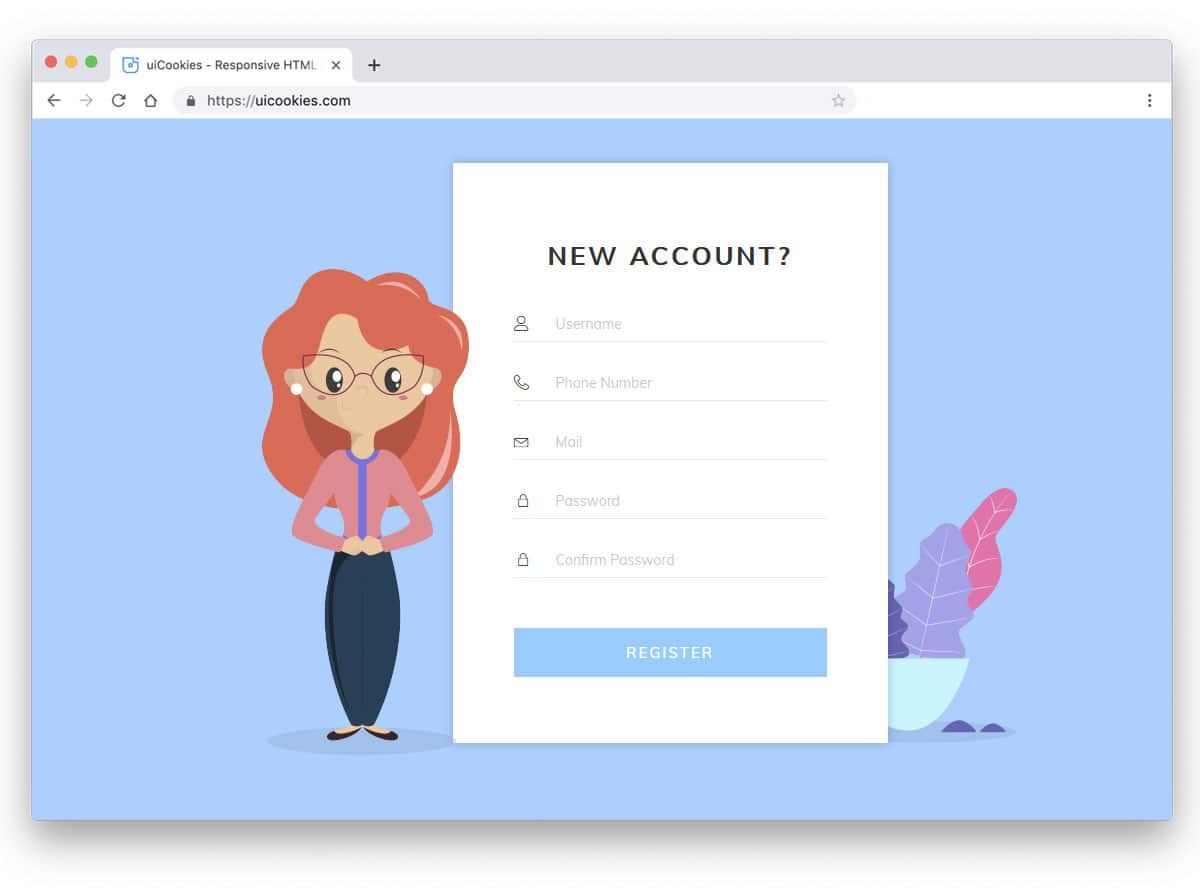
In this template, you get a trendy looking form design. Though it is a registration form, it includes all the fields and options a contact form should have. Plus, this is a simple HTML form template, so you can easily edit it as per your needs. Default icons and text fonts are crisp, making it easy for users to read the input text. Basic optimizations are already handled by the creator. All you have to do is edit the code to your needs and integrate it into your design.
Colorlib Reg Form v28
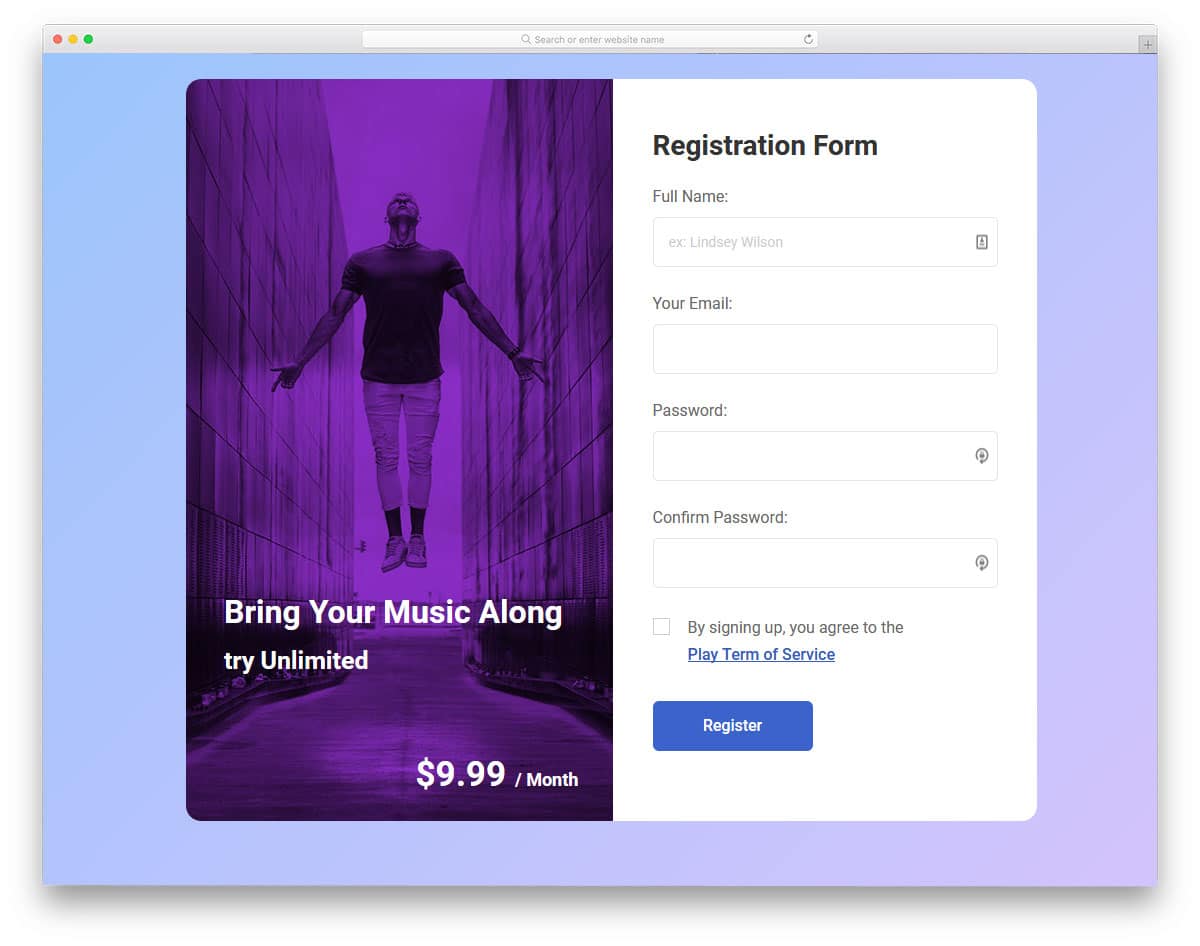
This split-screen contact form gives you more than enough space to fit the form on one side and relevant information on the other. Since it is a registration form, the creator has added a pricing plan and a relevant image. You can add additional contact information in the image space so the user can easily contact you. Simple animation effects speed up form load time. Plus, you get ample space to add the custom features and options you want to your contact form.
Colorlib Reg Form v24
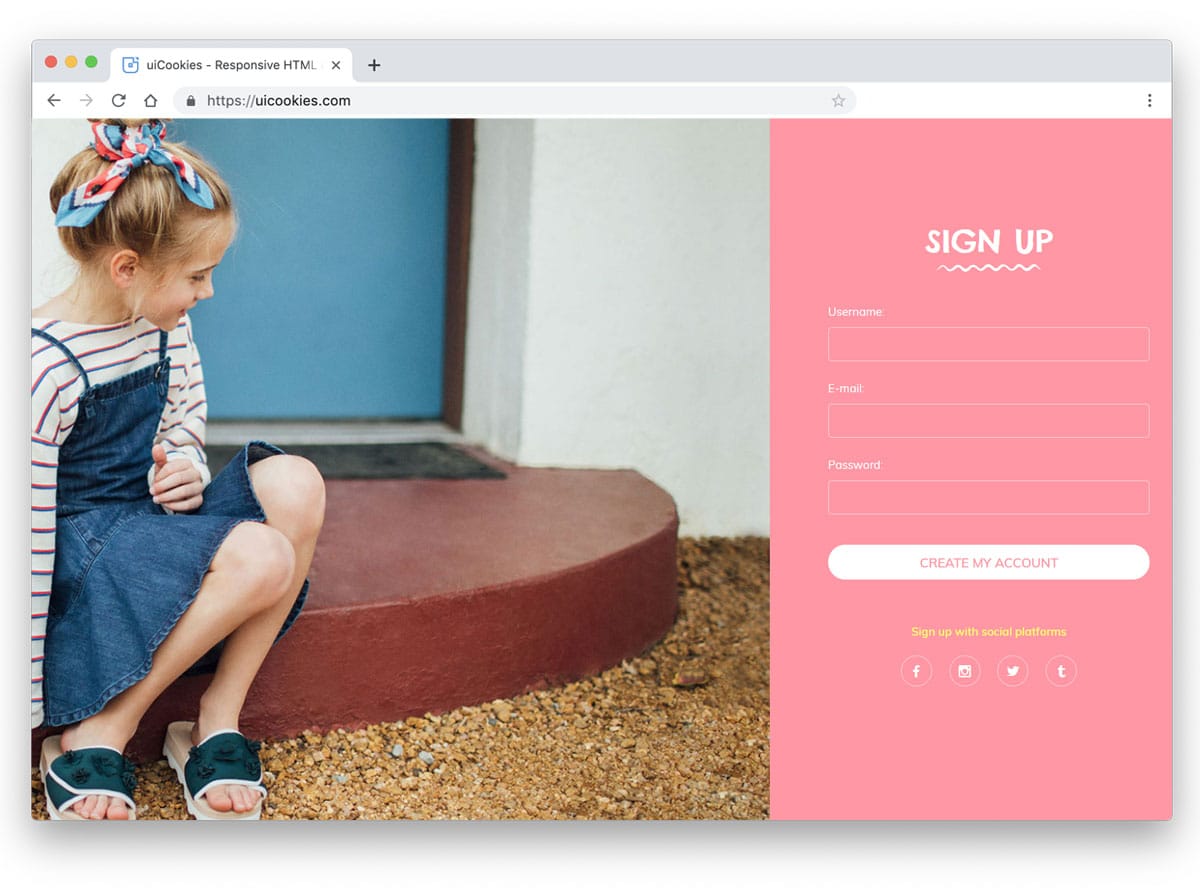
The V24 form template is also a split-screen style form template like the v28 template mentioned above. But, this one has more space for images and a small space for the form. If you are using a full-page contact form, this one would be a good choice. Since it is a registration form, it includes social media login options at the bottom. You can use the social media icons to list your profile links. If you want to spice up your social media icons, check out our HTML social media icons collection.
