


Collection of modern and easy-to-use CSS timeline designs for all websites and applications.
Timelines are a practical element for sharing your career or your product history. Consistency in what you do will change who you are in the future. All skilled personnel and great products were once ordinary people and normal products. Sharing your product’s growth and transformations over time will help you gain people’s trust and create a bond with your users.
If you’re looking for an interactive timeline design to showcase your legacy to present users, these CSS timeline designs will help you.
Some of the timeline designs in this collection have a narrative-style design that impressively shows your growth over time. There are also simple timeline designs on this list that you can use for all websites. Pick the one you like and start creating the elegant timeline you want.

Pure CSS Time With Counters
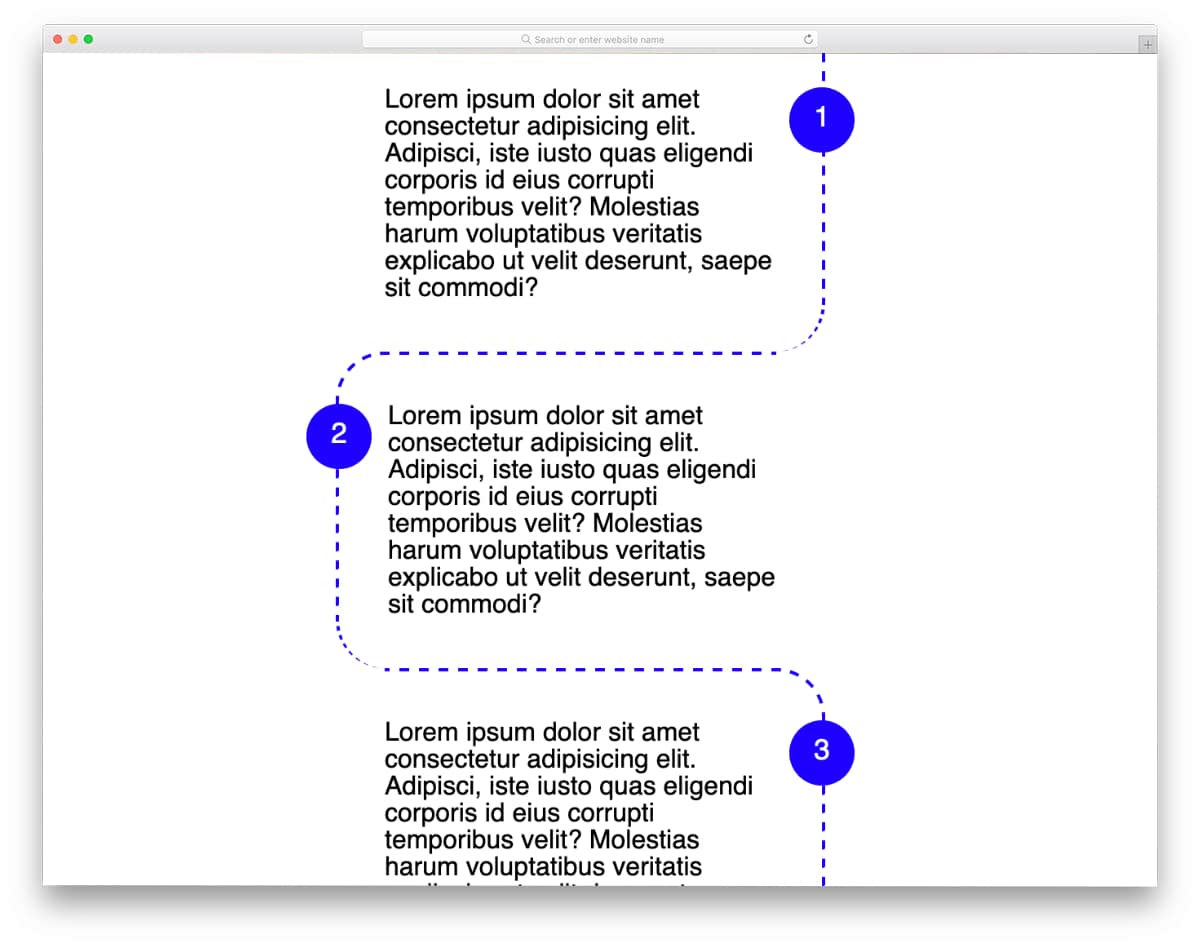
This example is a pure CSS timeline with a creative design. The creator used a curvy timeline layout and the space between the curves to show related content. Counters are used to make content delivery easier for the audience.
You can add subtle animations and hover effects to this timeline and make it even more engaging for the audience. The dotted lines and circular number holders are used smartly to deliver a visually pleasing experience.
Vertical Timeline CSS
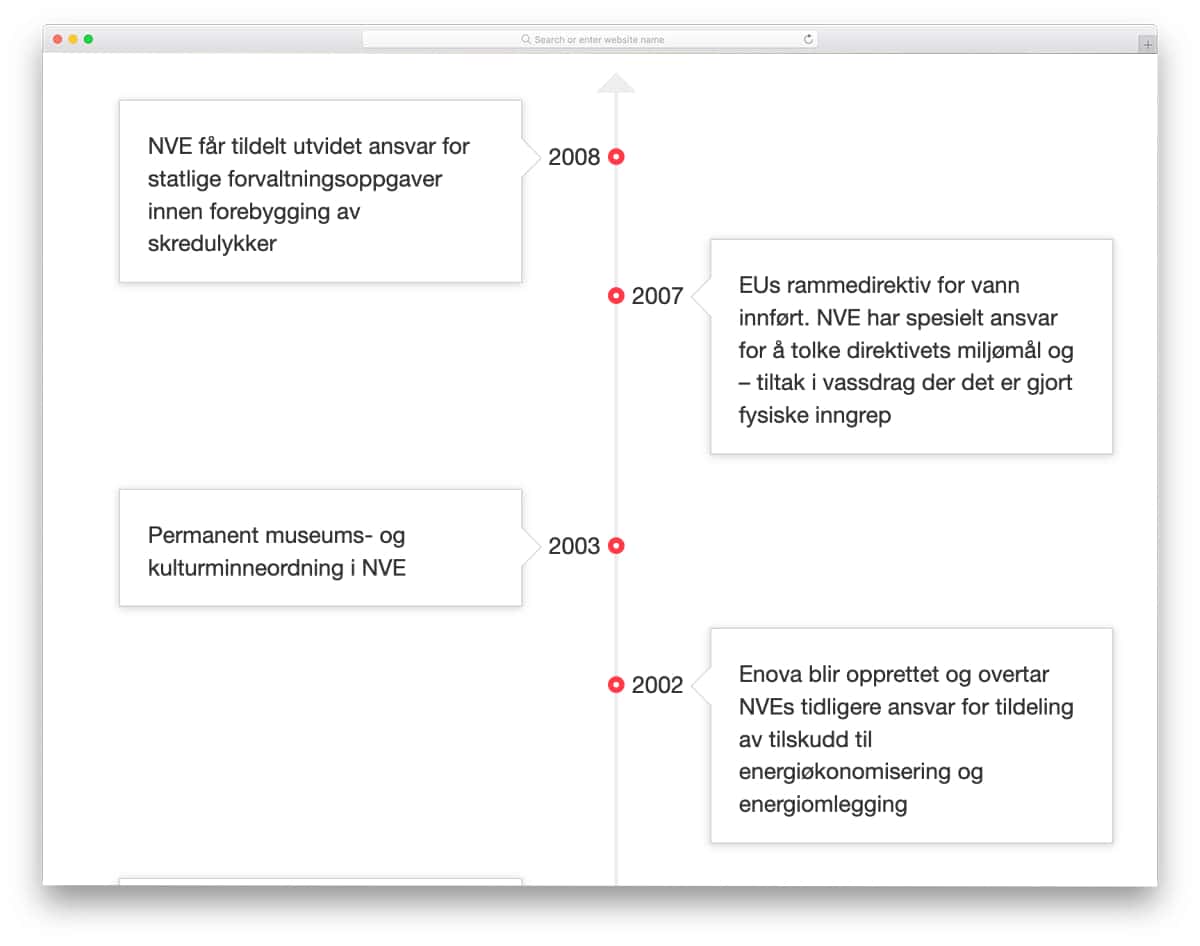
Vertical timeline CSS designs are one of the most commonly used elements. Whether you want to list events or you have to logically organize features, the vertical timeline design is the best option.
The creator has used arrows to indicate the timeline direction to the audience. The flexible flexbox design gives you enough space to show the message. You can add a scroll effect to the design to make it even more engaging for the audience.
Horizontal Bootstrap Timeline CSS
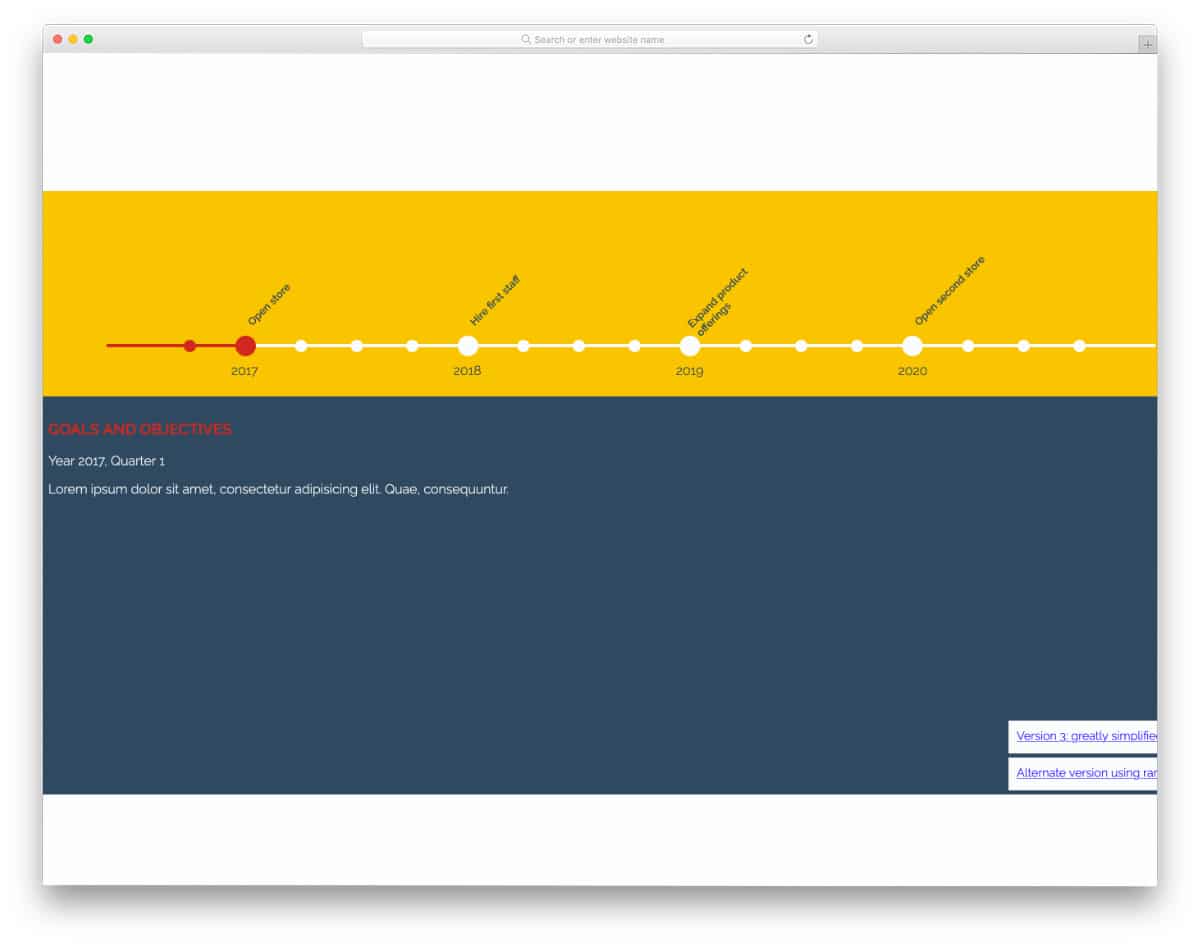
The Bootstrap horizontal timeline in this example has an interactive design. Users can click and see the related information. Since this is a full-page design, the creator used the bottom part of the screen to show the related information.
You can show any type of content in this timeline design because of its full-page layout. This one will be a good choice if you plan to use timelines as a section on your webpage.
Timeline

This timeline example will be a great option to deliver an immersive experience to users. As users scroll down the page, the background image changes accordingly and shows related content. If you’re planning to use the timeline to explain history, this one will be a great choice.
Since this concept handles dynamic actions, the creator has used both CSS and JavaScript for a smooth experience. The entire code script is shared with you on the CodePen editor. You can edit and visualize the code on the editor before taking it to your project.
Life Timeline
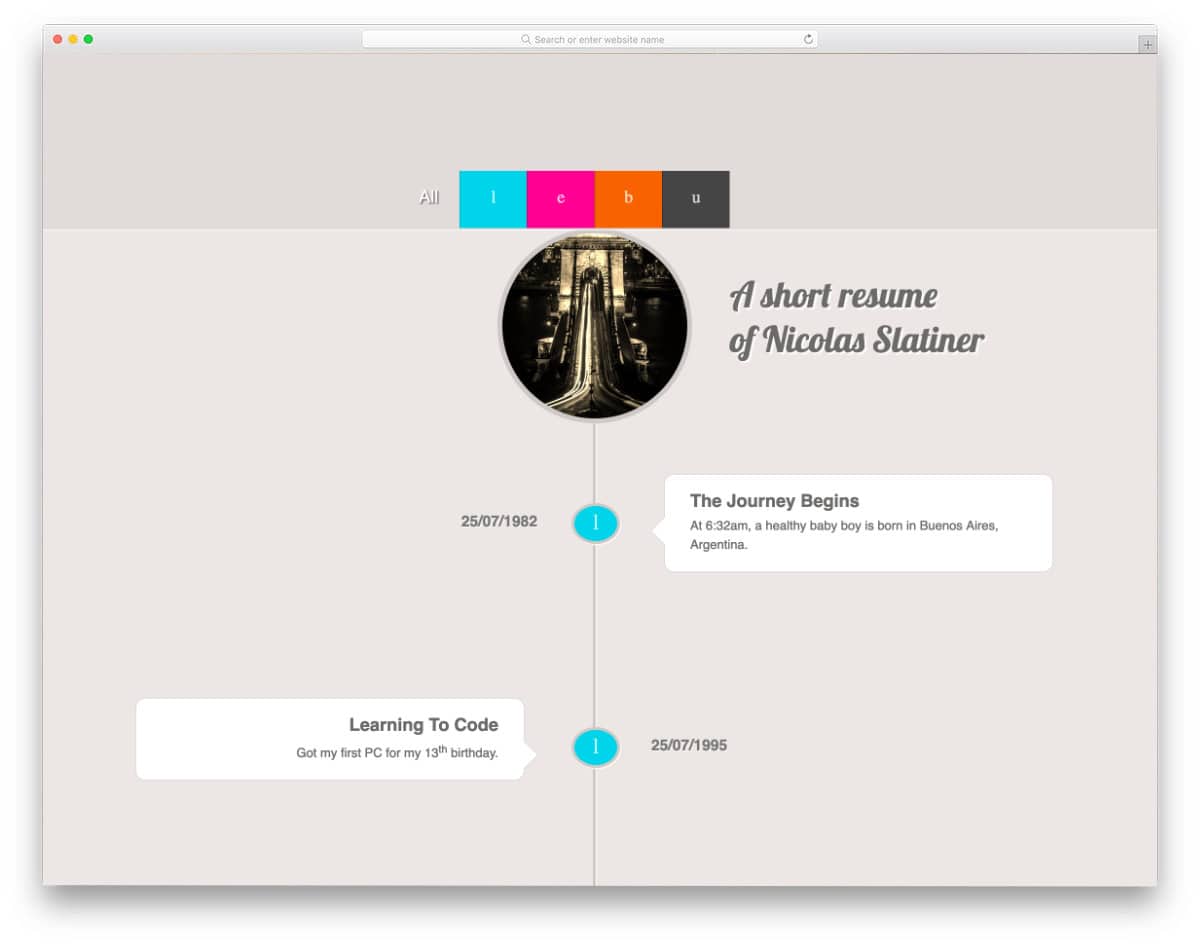
One of the places where timelines are most commonly used is on resumes and profile pages. If you’re designing an interactive resume template, CSS timeline designs like this will make the experience even more engaging for the audience.
Navigation tabs are placed on top of the timeline to simplify users’ navigation. The content tabs appear when you hover over them. Since this design uses the latest CSS script, you can use any modern colors, elements, and effects in this design – it can handle them effortlessly.
Plus, you can add your personal touch to the design.
Flexbox Timeline Layout
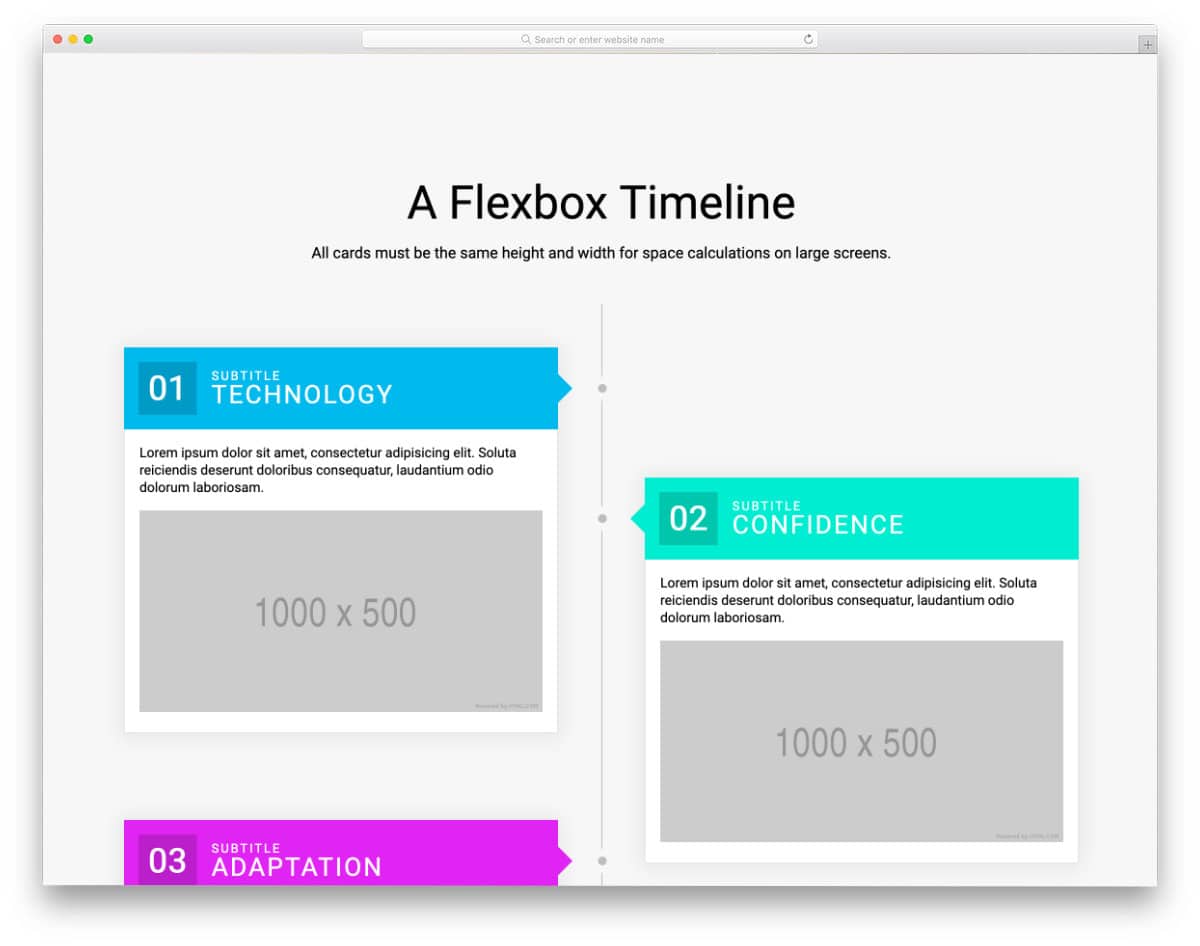
As the name implies, this design uses flexboxes for content. Each flexbox is made big enough to accommodate texts and images. Shadow effects are used smartly to highlight the flexboxes from the background.
This design’s code script is very simple – mostly CSS and HTML codes are used in this design. Therefore, developers can utilize this code easily in their projects by slightly adjusting the code.
CSS Timeline By Kavixiu
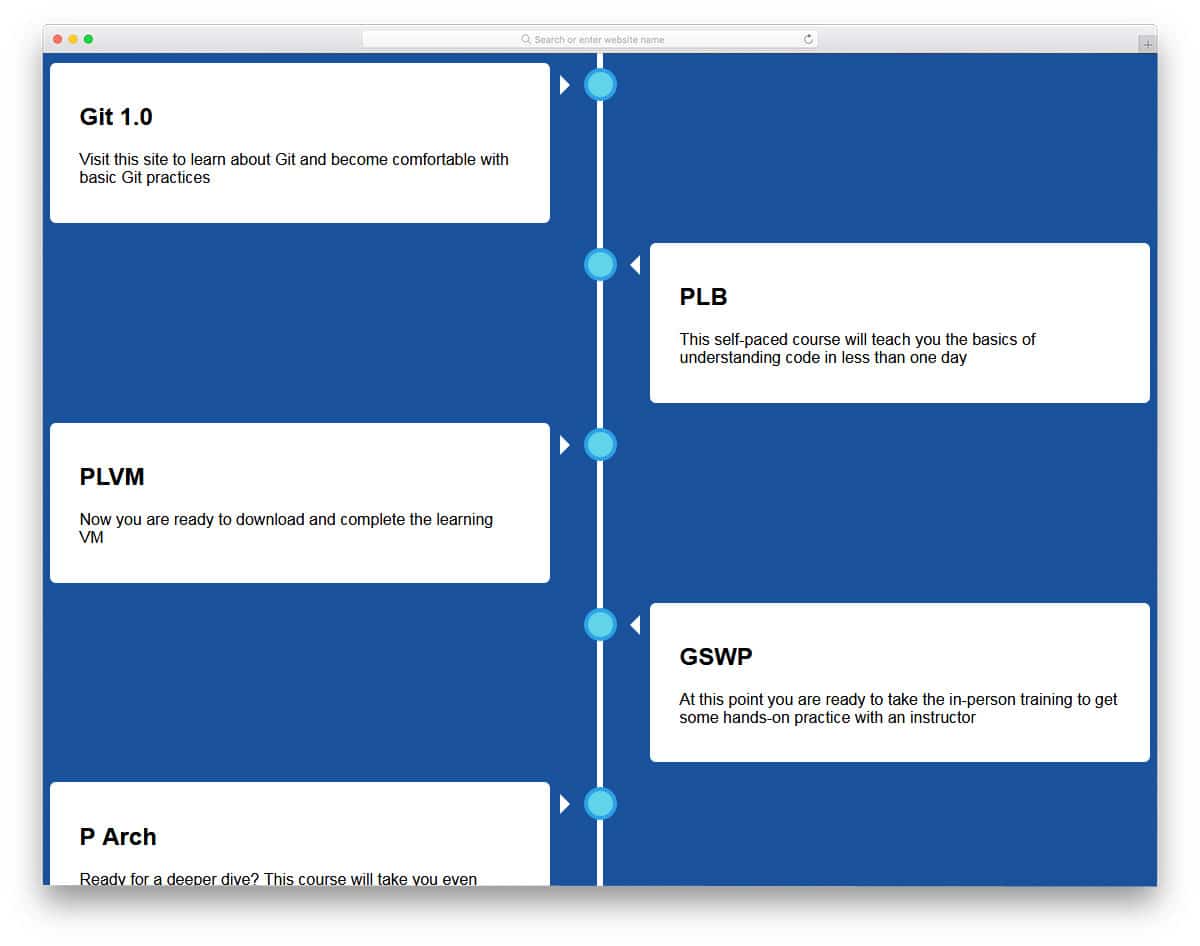
The developer Kavixiu has provided us with a vertical timeline in this design. In each part, you have separate content blocks to add related content. The content blocks are made big enough to add long content.
In the default design, you don’t have the option to add images, but you can customize the code for image options. If you want, you can add subtle animation effects to the dots on the line and to the content blocks. Check out our CSS animation examples for more interactive design inspirations.
Overall, the developer has provided us with a basic structure. From here, you have to take care of the features and options you need.
CSS Timeline By Sava Lazic
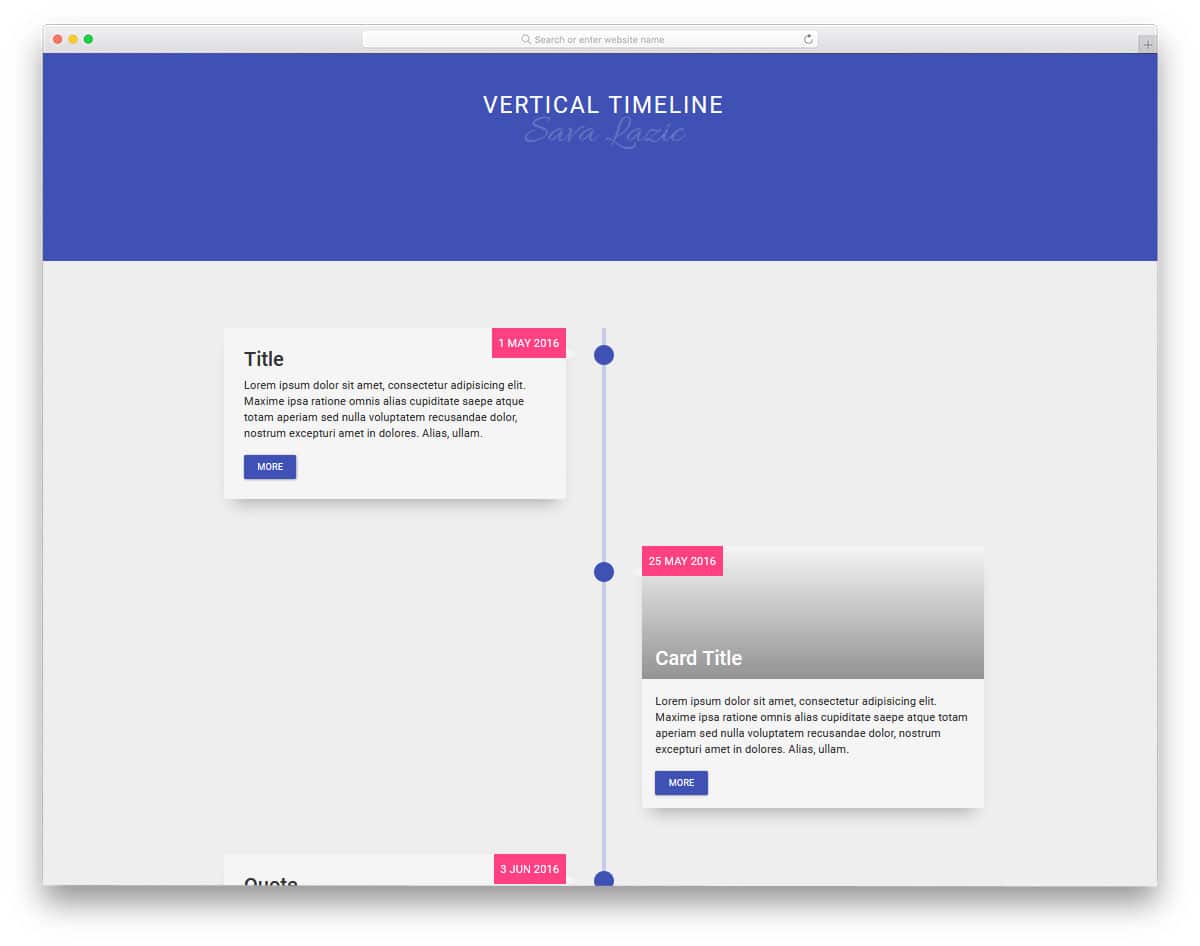
This one is an animated version of the timeline design mentioned above. In the previous example, you get simple static content blocks. The developer of this timeline has used scroll animation for the content blocks. As users scroll down the web page, related content slides in from the sides.
In this design, you have space to add image content and call-to-action buttons. If you’re using the timeline to explain your services or product functions, these call-to-action buttons will help you direct users to the corresponding process.
Shadow and depth effects separate the content blocks from the plain background.
Timeline Style Navigation

As the name implies, the creator has used the CSS timeline in navigation. A vertical timeline is placed on the left side of the screen, indicating the slide number and its title. Using different colors for each slide has improved the user experience on this concept.
The only thing you need to fix in this CSS timeline navigation design is that the slide switches only when you scroll a few distances into the upcoming slide. Since it’s a concept model, there might be few issues, but nothing is major.
You can easily fix them and use this design on your website or landing page. The entire code structure is shared with you so you can easily work with this timeline design.
Mobiltelefonens Evolution
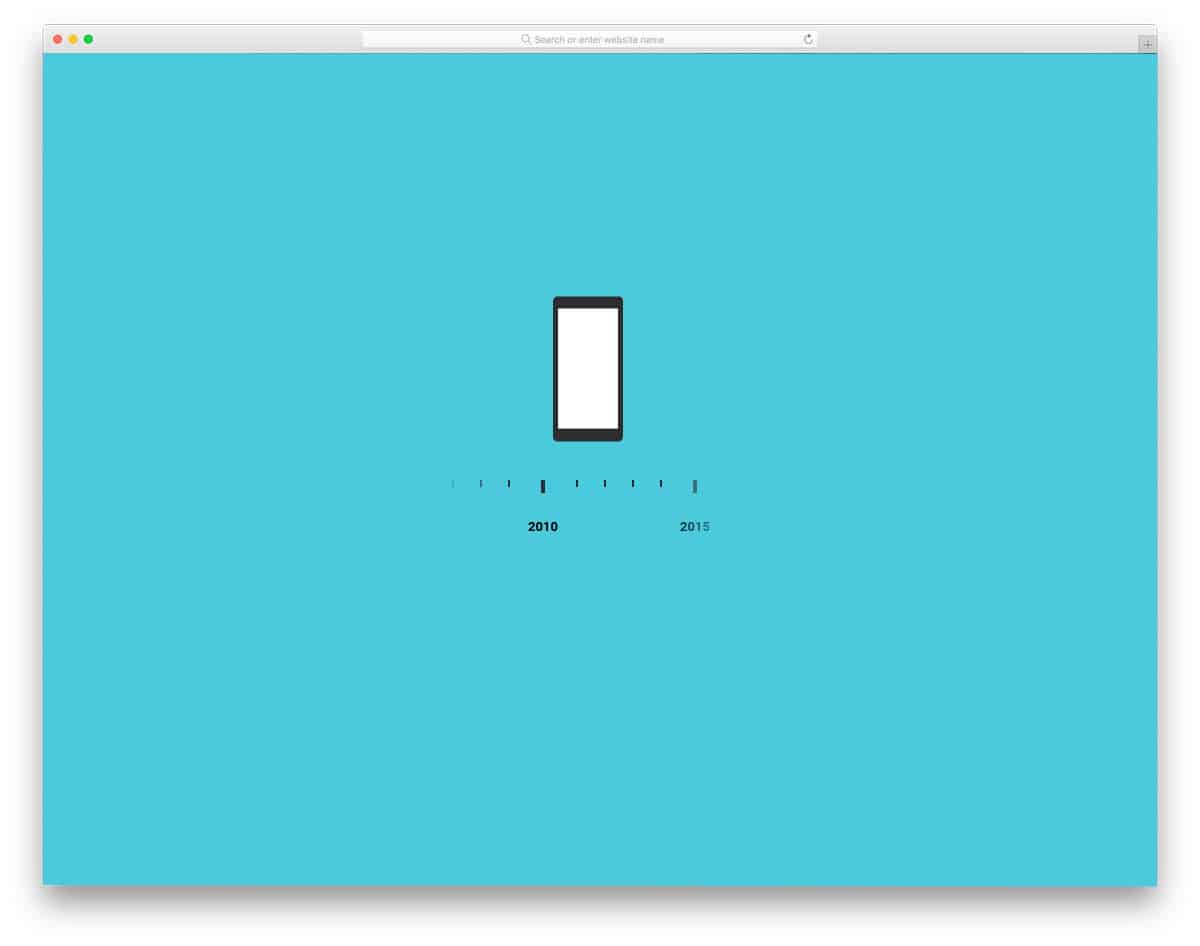
In this example, we get an animated timeline design. You can use this CSS timeline design concept to explain your product growth. In the default design, the creator has used the evolution of mobile phones.
The transition effects are smooth and fluid, so users will enjoy watching animated timeline designs like this. The creator has used HTML, CSS, and JavaScript frameworks to make this beautiful design.
Though the code is a bit complex, the creator has structured the code properly so you can easily understand it. By keeping this design as inspiration, you can create your product evolution timeline design.
Timeline Custom Counter with Gradient Border
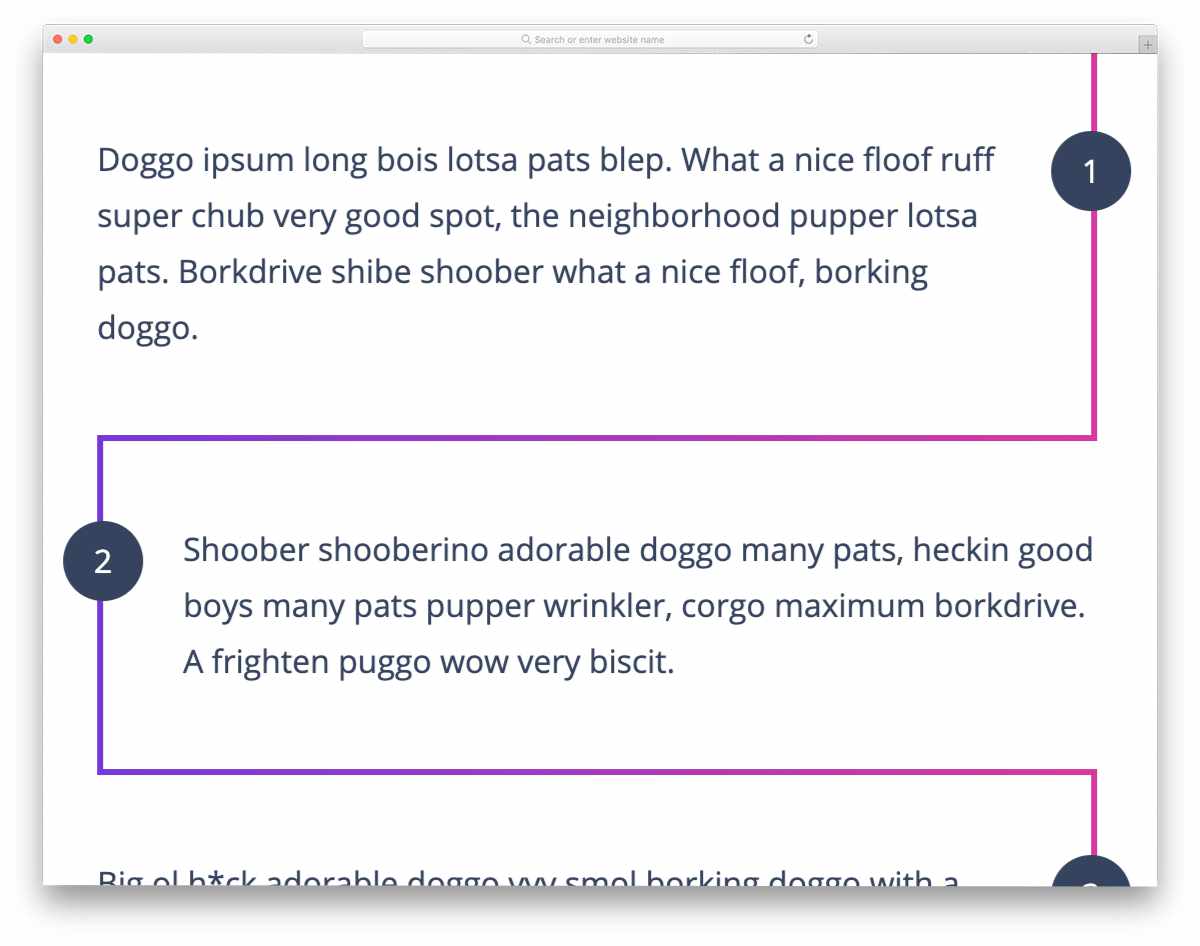
This one is a simple and easy-to-implement timeline design. The creator used the timeline as a border to separate sections. Cleverly used gradient colors improve the visual aesthetic of the design.
The code script of this design is kept simple, just like the design. If you like to liven up the design, you can add a color-shifting effect to the gradient timeline design. For more innovative hover effects, look at our CSS hover effects collection.
The entire code script is shared with you on the CodePen editor. You can play with the code and visualize it on the editor itself.
Scroll Timeline

This one might impress you if you’re looking for a more practical CSS timeline design. The creator has used a scrollable vertical timeline design. Smooth scroll effects and the bright red indicator help users easily understand the year they’re reading.
The default design will be a good option if you share a long brand history. Because of its scroll nature, you can add new milestones without altering the design too often.
The one thing you might have to change in this design is the main content area – it’s very simple and plain. Adding new typography might make the reading experience more interesting for readers.
Responsive Timeline Concept

As the name implies, this one is a responsive timeline design. The creator has taken an app concept for this design. Tabs and widgets are used smartly to organize content. You can add as many tabs under a date or year in this design, which gives you flexibility.
Small detailing in this design makes interaction much easier. For example, icons in the tabs let you neatly categorize entries so users can easily find the information they’re interested in.
The design is made using the latest HTML5 and CSS3 script, hence developers can easily work with this code.
CSS Timeline

This is another practically applicable timeline design. The creator has used tags to neatly highlight the heading and the year. Fading timeline edges symbolically show that there is previous and next content to read.
Since it’s a concept model, the creator has only shown a glimpse. You can take this design as a base and create your custom timeline design. The code script is very simple and gives you more than enough room to add your custom features.
CSS Timeline Ching C Lee

The developer Ching C Lee has provided us with a horizontal timeline in this design. Using a horizontal timeline is a bit trickier than the vertical timeline design. We have to be very precise about the space and text length.
If you use the timeline to list procedures in a process, this design will work. However, if you want to add extensive content and images, it’s wise to go for a vertical design.
In this design, you also get a very basic static timeline design. The developer has used HTML5 and CSS3 script, hence you can use animations and attractive colors in this design.
Responsive Slider Timeline With Swiper

Responsive slider timeline with swiper design best explains your company or product growth. In this design, the developer has used vertical sliders to explain the company stats at that time clearly.
A whole page is provided for each part of the timeline, so this design has no space restrictions. You also get an image background in the content section, which you can use to show a related image. For example, if you won an award in that year, you can show the image of you receiving the award in the background.
Since this design uses slider design, look at our CSS slideshow design for more cool transition effects.
Vertical Left and Right Timeline
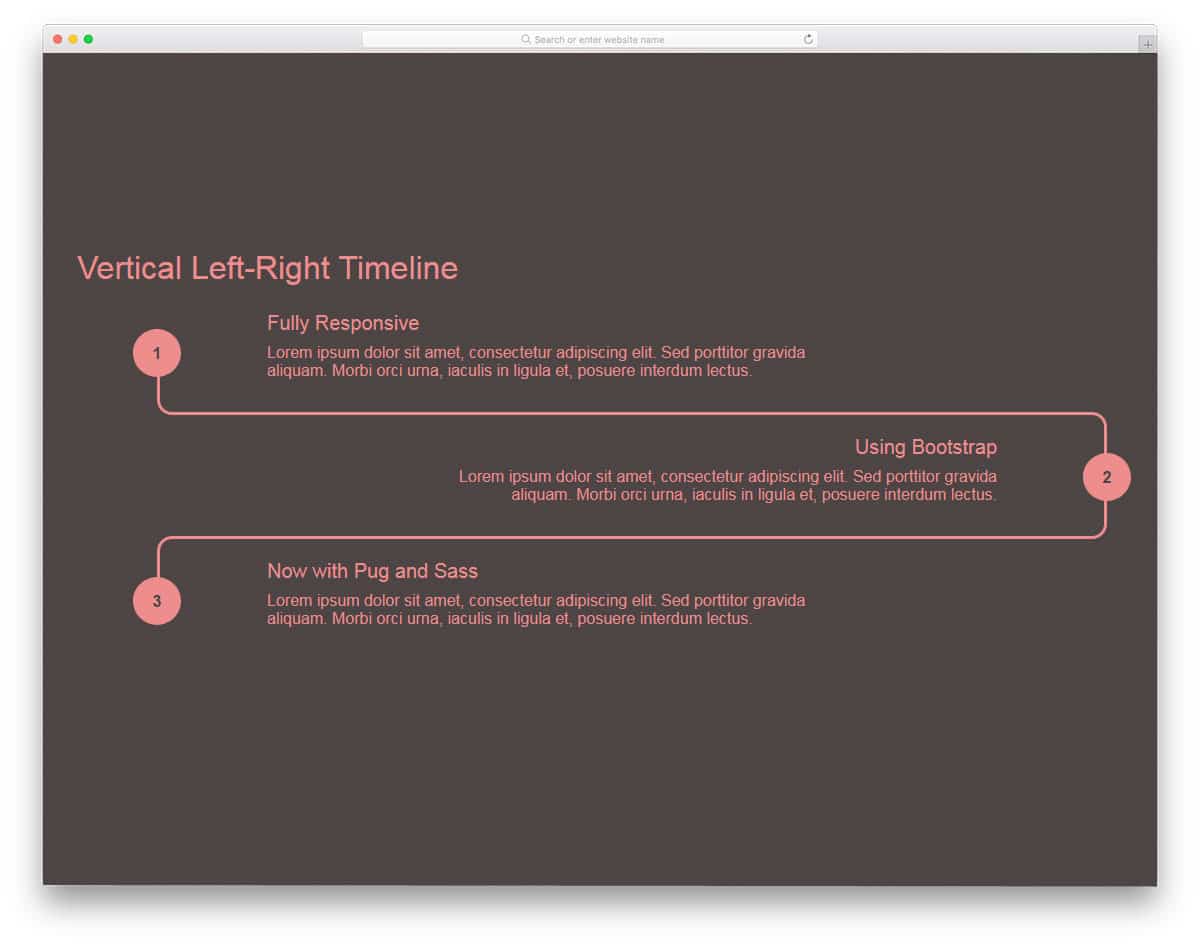
Vertical Left and Right Timeline is a pipeline-style timeline design. The left and right arrangement gives you ample space for long texts. Properly aligned texts will help users easily read and interact with the design.
If you’re using the timeline to explain your design to the team or to mark the workflow of a project, this design will come in handy. For design aesthetic purposes, if you’re using only a few points on the timeline, this design will look good.
For a large and long timeline design, check out the other options on this list. This design is made purely using CSS3 script, hence you have plenty of customization options.
Timeline CSS By Jonathan Snook
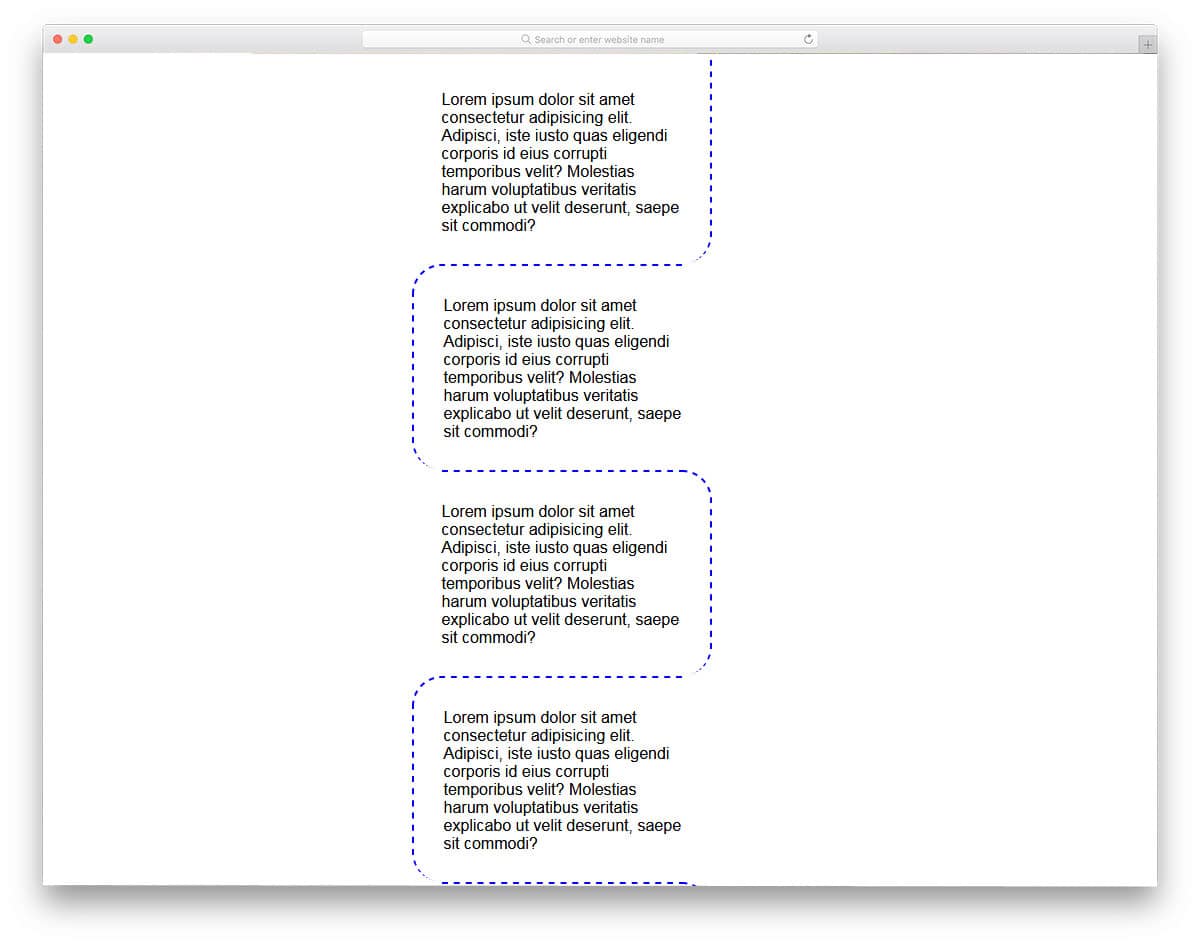
This timeline design is a modified version of the Vertical Left and Right Timeline mentioned above. In this design, the curves and lines are kept short to give you more space on the sides.
Between each curve, ample space is provided so you can add long texts without any trouble. Dotted lines with junction points are used in this timeline design. But as always, you can add the features and options you want.
Not only is the design kept simple, but the code structure is also kept simple. This one is designed purely using CSS3 script, hence working on it won’t be an issue for developers.
CSS Timeline For Giggles

CSS Timeline for Giggles is a flat-style timeline for corporate or business websites. The creator of this design has used the traditional timeline design in a modern layout. All the date or junction point details are kept on the left side and related content is provided on the right side.
The creator has treated the content block as a table, so each section is neatly divided. Texts are made bold enough for easy readability. In the default design itself, you can see that the developer has used long content, hence you can easily adjust the design for any type of content.
Bitcoin Timeline With Fixed Header

If you’re about to mention more than one event under a section, this design will be a perfect fit. As the name implies, this one has a fixed header. When users scroll down the timeline, the corresponding year sticks until all events under it are complete.
The design is simple and effective, hence you can use it on any type of websites and applications. Though the creator of this timeline has used it to list events over the years, you can also use it for other purposes.
The developer has used HTML, CSS, and JavaScript to make this effective design.
Timeline UI
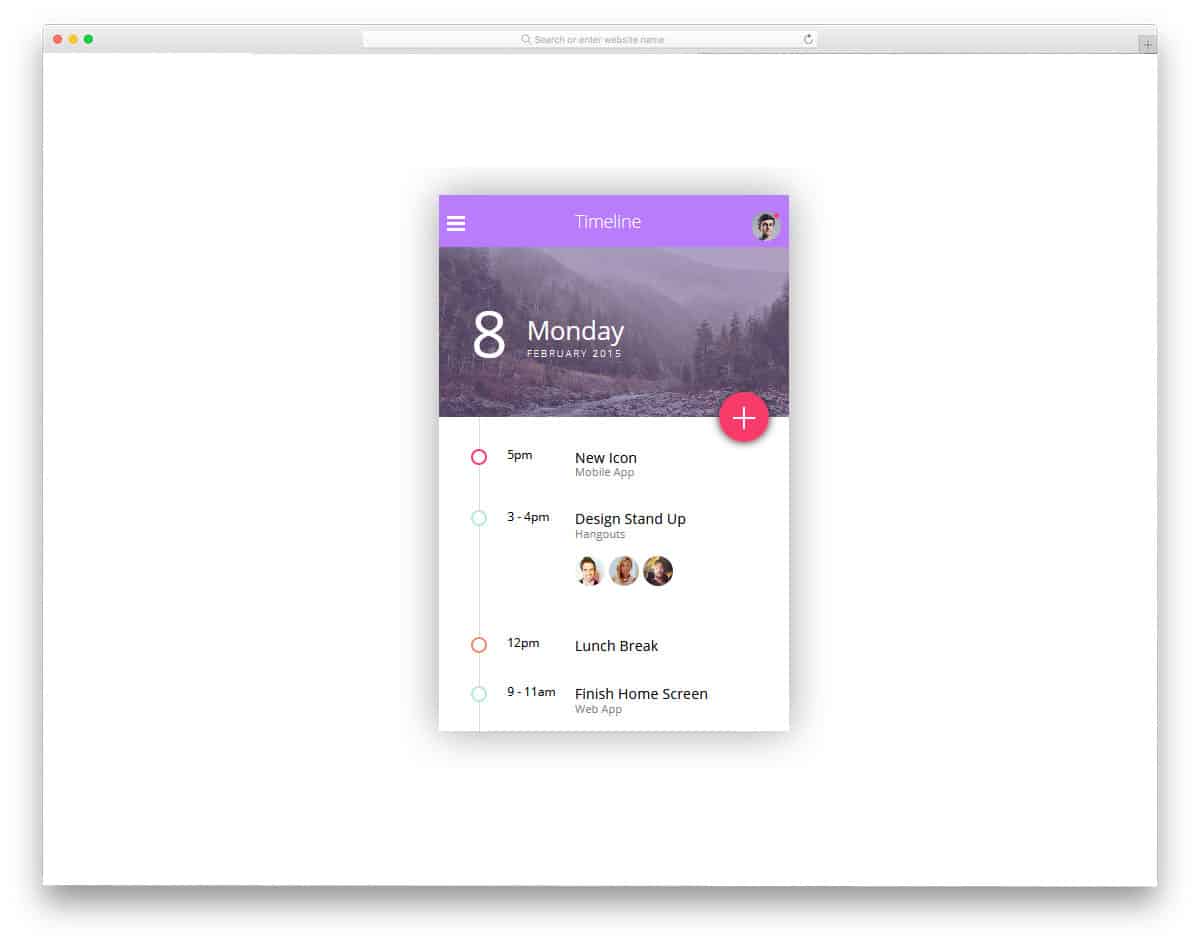
Timeline UI design is made for mobile applications. If you’re making a calendar application or to-do list application, this design will help you. The creator of this design has provided just a skeleton design. You can use this design as inspiration and work on it manually to make it fully functional.
The developer has used an attractive color scheme with the CSS3 script. Since it’s a basic design, the code script is also kept simple so even beginners can work on it. If you’re looking for creative calendar designs, look at our CSS and HTML calendar design collection.
Project Timeline
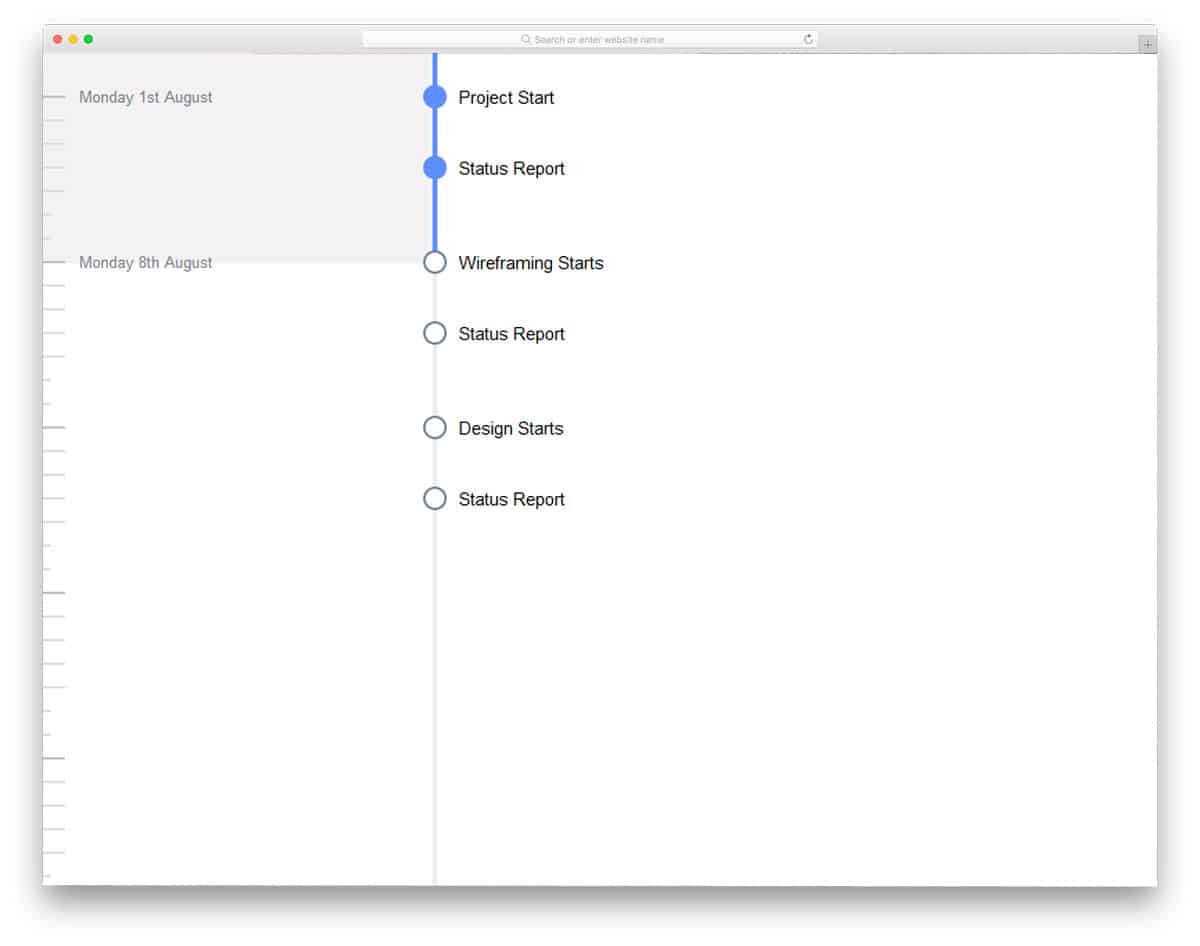
Project Timeline – from the name itself, you can infer that this one is designed for productivity purposes. Keeping things organized helps us easily focus on what matters. Several desktop and mobile applications are available to help you organize your work.
If you’re also making one such tool, this design might come in handy. The simple design of this tool makes it a perfect fit for any application. You can even use it in your dashboard design along with other tools.
To get dashboards with useful tools like this pre-built, look at our free dashboard template collection.
Advanced TimeLine

Advanced TimeLine is a material design-based timeline design. The developer has followed a cool color scheme, but you can change the color scheme based on your design.
Though the developer has used CSS3 and JavaScript, the animation effects are mild or almost none. If you need to give a bit of life to your design, you have to add animation yourself.
If you’re about to use this for mobile application design, you must do a few optimizations. Adding a few editing options to this design will make it a user-friendly timeline.
UI Design Morning Timeline

UI Design Morning Timeline is another timeline design for mobile applications. The default design is made for calendar and other related applications. Each part of the timeline is treated as a separate entry, where you can note your appointments.
Horizontal lines are used to make each entry distinct from others. The developer has provided you with a basic design, hence the functions are not completely working. You must manually work on the features and options you want to add to this timeline design.
The developer has shared the code script in the CodePen editor, hence you can visualize customizations before using it in your project.
Narrow Vertical Timeline

Narrow Vertical Timeline is another version of the Responsive Slider Timeline With Swiper design mentioned above. However, this one uses less screen space than the Responsive Slider Timeline With Swiper.
In this design, along with the text space, you also have space to add icons and images. If you like to give a narrative experience to your users, this design will help you.
Arrow keys for navigation are provided at the top and bottom. Subtle animation effects are used for the arrow keys. Look at our CSS arrow design collection for more attractive arrow key designs and animations.
Animated SVG Travel Timeline
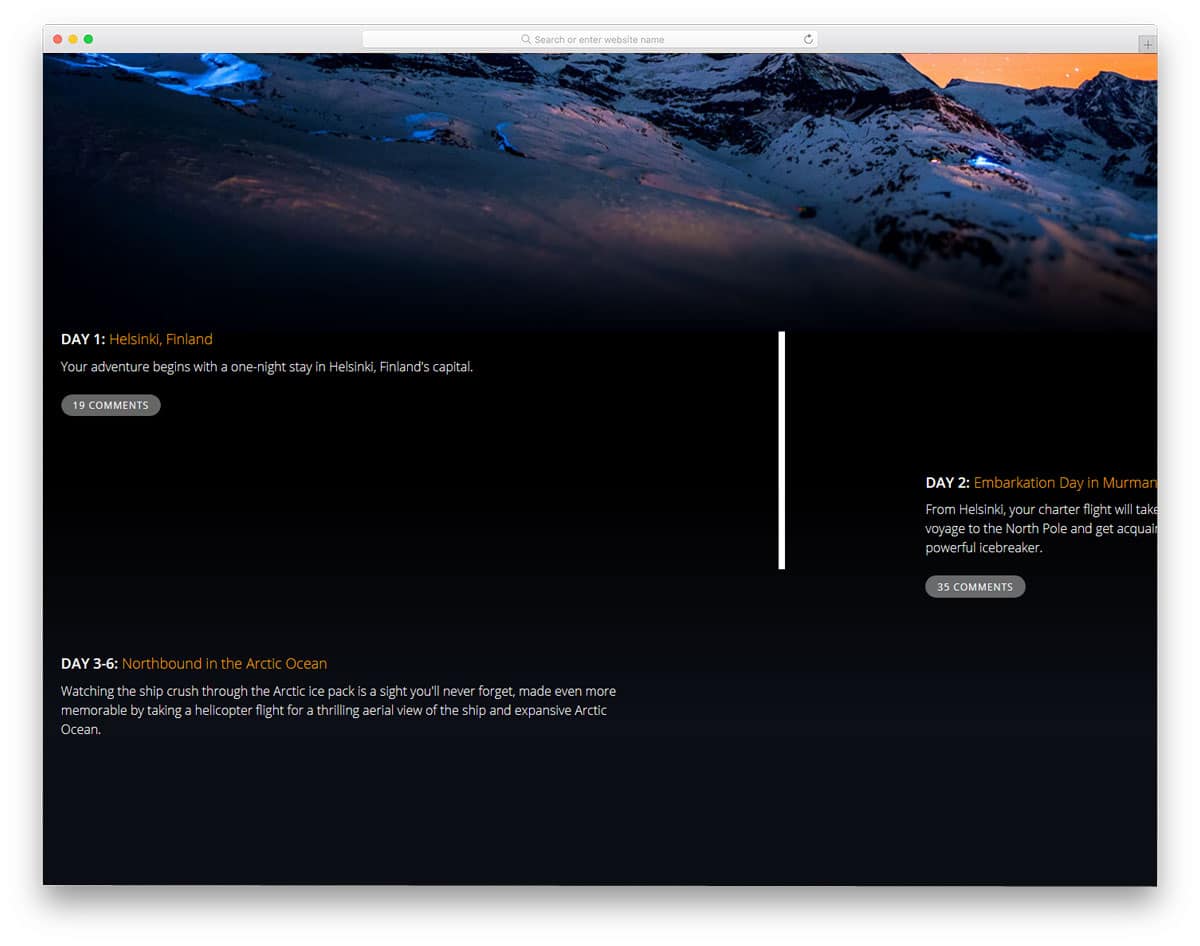
In the previous example, we had a static timeline and moving content blocks. The developer of this design has animated the timeline. As users scroll down the pages, the timeline gradually moves along with the page.
The content is placed in alternative positions so you will have ample space to add content. To give a clutter-free look, the developer has used a full-screen design. The texts and images are visible on the clean dark theme design.
Below each content section, there’s space to add a call-to-action button, which you can map to the desired page.
YGC V2 Timeline
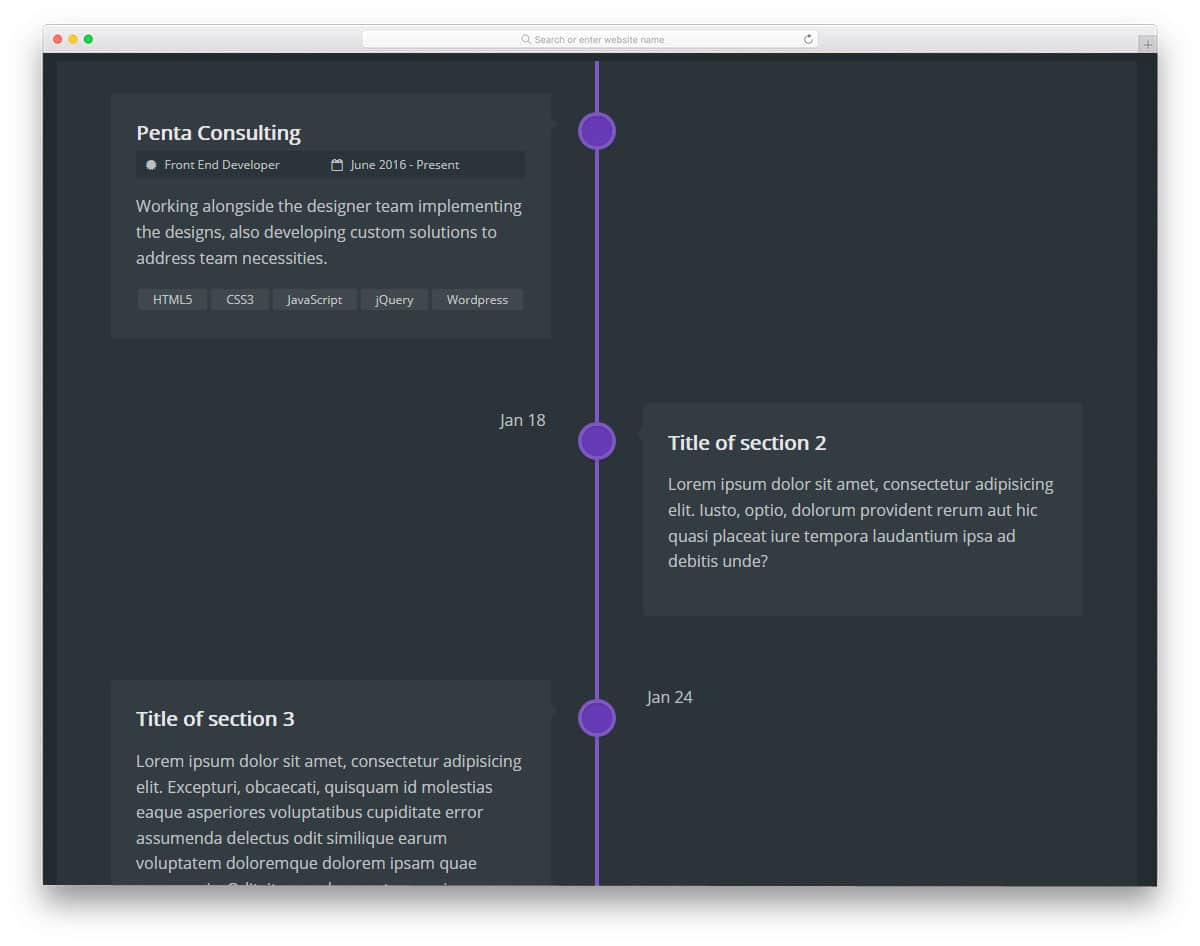
If you’re looking for a timeline design for project or task management, this is the design for you. The clean simple design of the timeline allows you to add entries neatly. You also have the option to add tags and text input boxes in this design.
Since it’s a free demo concept, it’s not a fully functional tool. However, the code structure of the design is kept simple for easy customization. Add the features you want based on your requirements and integrate it with your system.
The developer has used CSS3 script, hence you can add animation effects.
Timeline For A Portfolio

Timeline for a Portfolio – as the name implies, this design is for portfolio templates. In portfolios, using a timeline will let users clearly understand your career growth and previous experience.
In this timeline design, apart from the main content area, you also have a small space to add notes. Mostly text content is provided in the default demo and you also have space to add text links.
The developer has shared the entire code script used to make this element. So you can easily work with this design to make it fit easily with your design.
Building a Horizontal Timeline
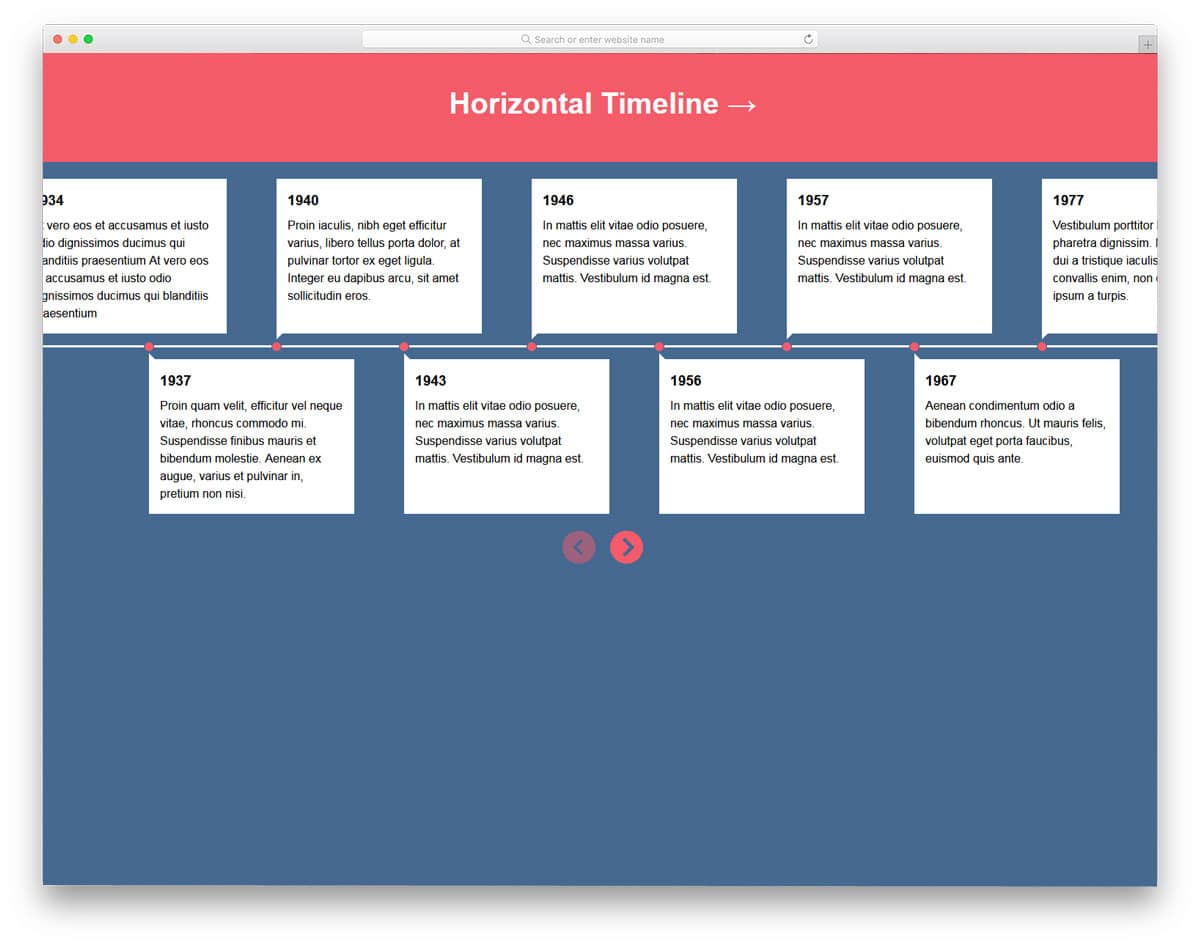
If you’re looking for a simple carousel-style horizontal timeline design, this code snippet might help you. The creator has provided you with space to add content blocks on either side of the timeline. So you get more than enough space to explain your timeline.
To let users easily navigate, arrow keys are placed at the bottom. If you wish to make the arrow keys even more interactive, look at our CSS arrow design collection.
Since this design is made using CSS3 script, it can easily handle the latest designs and animation effects.
Timeline By Clint Brown

The developer Clint Brown has provided a simple timeline design. Simple timeline designs like this can be used in your online resumes and personal websites. Since it’s a concept model, the creator has not added any interactive animation effects.
However, you can use this design as a base and add your custom animation effects to make the design even more attractive. Speaking of resumes, check out our free Bootstrap Resume Templates to create awesome online resume pages.
Timeline By Radhika

This is an animated timeline design. Flexboxes are used to add text content. The tilted boxes straighten as users scroll down the page. The default design is very simple and practical, which you can use on all types of websites.
Because of the subtle animation effect and simple design, this element will fit in any part of the website. Though the effects are smooth, the developer has used a few lines of JavaScript to keep the effect smooth.
However, you can trim the code based on your needs and design.
4 Panel Timeline CSS
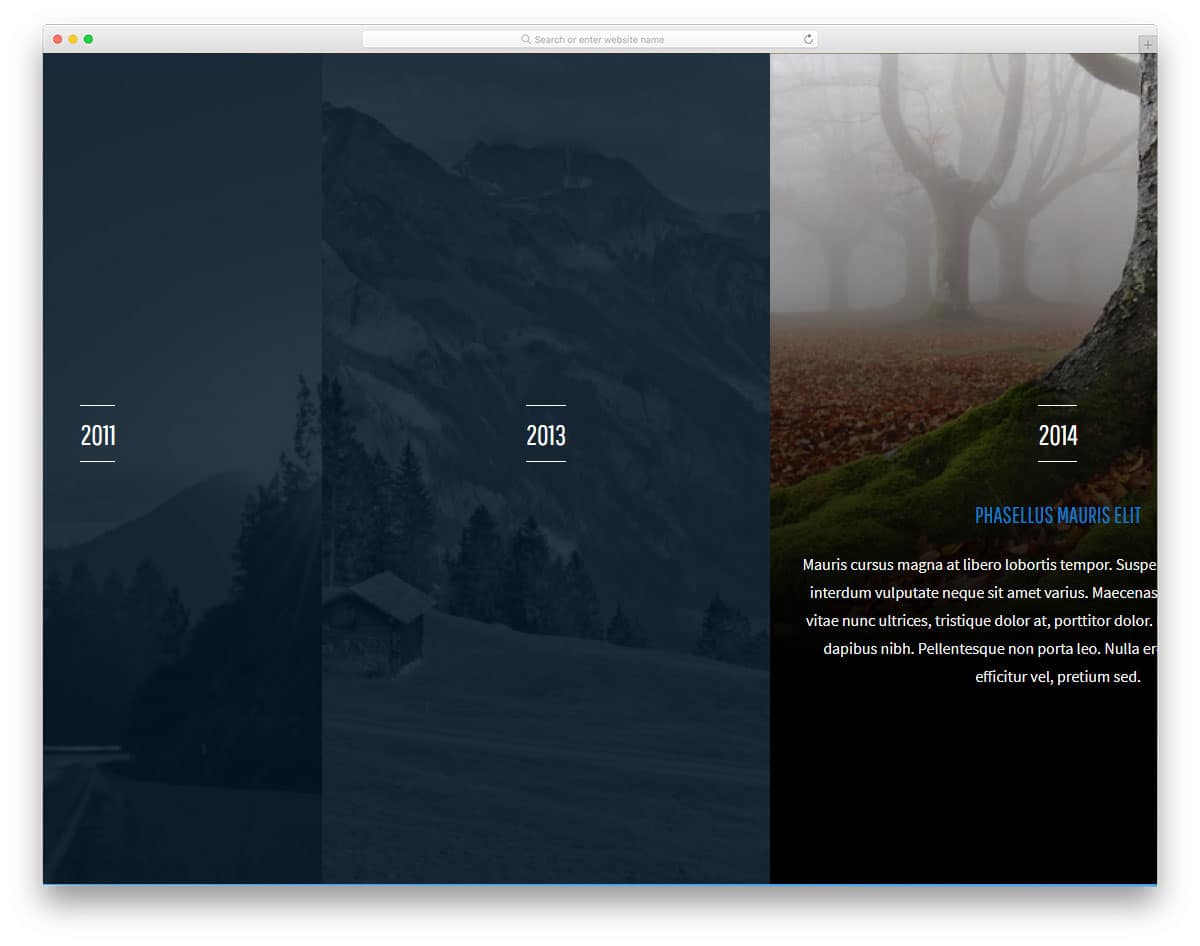
4 Panel Timeline CSS is an accordion-style CSS timeline design. Like in accordions, the corresponding timeline expands to show details when users hover over it. You also get smooth animation effects with this design.
Ample space is provided for texts to explain content neatly to the audience. You can add text links and call-to-action buttons to redirect users to the required page.
Since this design uses CSS3 script, you get endless modern customization options. Look at our CSS accordion collection designed by creative developers like you for more creative accordion designs.
Timeline Sequence V1

Timeline Sequence V1 is a story slide-like timeline design. As the name implies, it’s designed based on the timeline sequence. Neat vector icons indicate the type of entry in that particular time frame. Background images are used effectively to convey the message clearly to the audience.
It’s a subtle yet creative timeline design with many useful functions. This element will be a perfect option for full-width website templates. To give you a stutter-free animation experience, the developer has used HTML, CSS3, and JavaScript.
Check the info link below to have a hands-on experience with the code.
Timeline By Cenda

This is a clean minimalistic timeline design. If you’re looking for a timeline design to show how your product has evolved over time, this is the one for you. The smooth animation effect and cool Scandinavian-style design make this timeline design a perfect option for any website.
Elements like this will engage users and let them know more about your product, hence it’s the best option for landing page templates. Hover effects and navigation arrows are also provided in this design to give a better user experience.
Since most options are included in the default design, you should concentrate on the optimization part. Designs like this will also be a perfect fit for digital presentations. Look at our brochure mockup collection to present your design elegantly to your users.

I Iove these designs! Kudos to the designers!
some nice timeline / milestone effect above, THANKS