


Toggles showed a new dimension in UI design. For several years, designers have been using checkboxes for binary input options. When a user selects an option, they have to tick a box. Checkboxes did the job perfectly, but they still lack the bonding. Even though designers have modernized the checkboxes and added eye-catching animation effects, it still feels a little old-school. In this list, we have collected interactive CSS toggles to provide the user with a natural, meaningful interaction.
The toggles help us be more creative and can even reflect the result of the user’s chosen action. These expressions are called micro-interactions. If you want, you can leave them, but when you use them, you end up designing something else. We collected simple toggle designs and micro-interaction toggle designs in this CSS toggle list. Toggle animations are also used for menu design, so we have collected a few menu toggles to spice up your design.

Best CSS Toggles With Code Snippet
CSS toggle buttons with creative animations. Code snippets are included for all the designs on this list so you can easily use them on your websites.
Toggle Switch Bootstrap V02
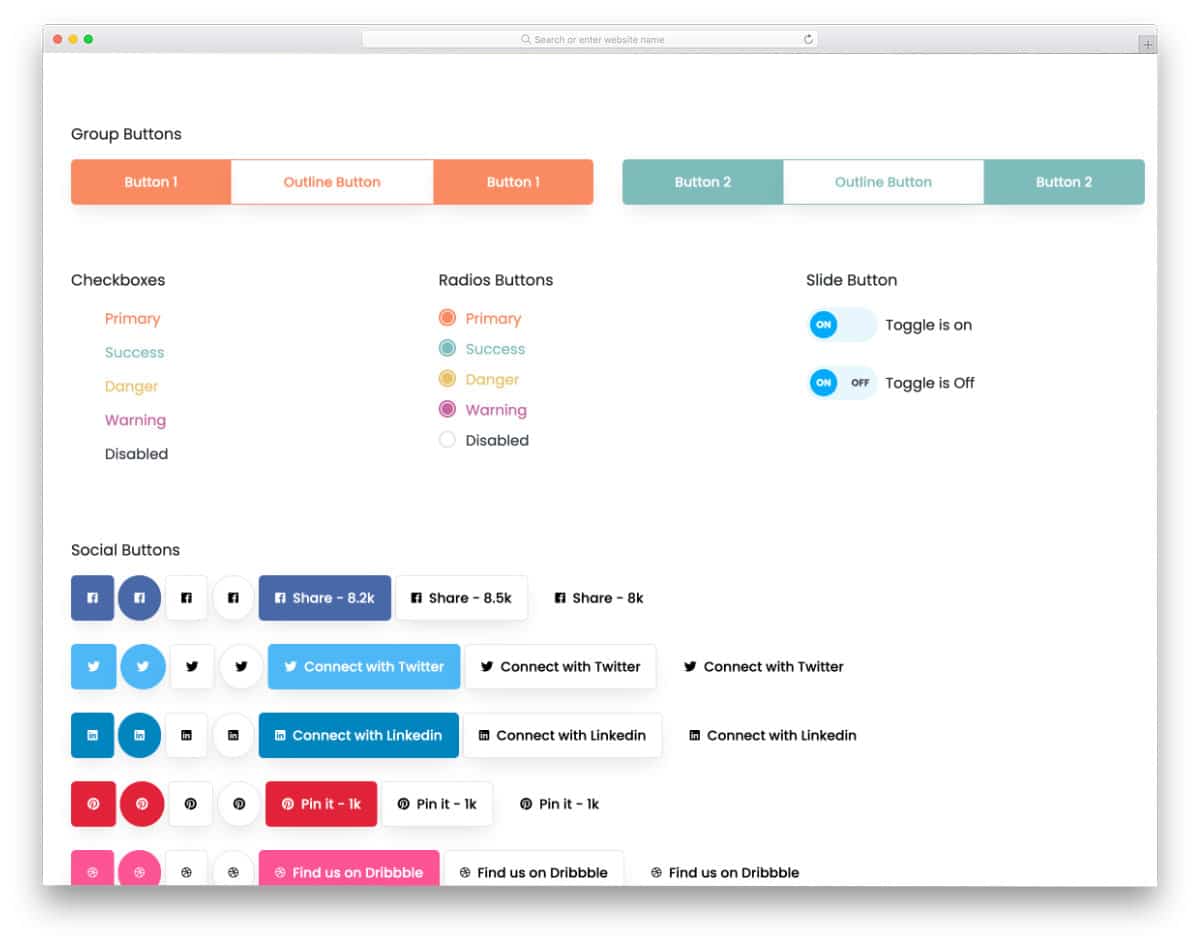
The V02 is a Bootstrap UI kit with pre-designed Bootstrap toggle switches for you.
The creator has given almost all major types of buttons in this collection, making it a valuable asset for any frontend developer. You can skip the basic tasks and start making your custom designs. The toggle switches are neat and functional. The creator has used colors to make the toggle animation more evident to the users. This UI kit uses the Bootstrap framework, so you can use it easily on any modern website or application.
Jellyfish UI Kit

The Jellyfish – UI Kit gives you a professional-looking CSS toggle button.
Since it is a UI kit, you get all the elements to make a proper website or application. The code is written neatly to make the developer’s job easier. One can quickly find the element they like and utilize the code to simplify their job. Well-optimized UI kits like this will save developers plenty of time. Because of its simple design, you can use the toggle button in this kit on any part of your website. Overall, Jellyfish is a professional-looking UI kit.
CSS Only Toggle Switch

This CSS only toggle switch gives you a simple animated toggle design.
The creator has used modern CSS effectively to create a visually appealing toggle button. When the button moves from one end to the other, its edges collide and form a button. If you like to play with visual effects and are into brain-teasing designs, this one will impress you. Since the whole concept is built using CSS, you can edit it as per your requirements.
Day/Night Toggle CSS

This day/night toggle CSS design uses the CSS script.
The developer has created a clear sense of night and day scenes through the wind and stars. The beauty of this design is that all the transformation and star animation effects happen within the toggle button. Another useful feature of this button is that it is entirely implemented using CSS3. Hence, the customization and integration part will be easy for developers.
CSS Toggle Switch With Text

This CSS toggle button gives you a straightforward toggle switch with text.
Using CSS toggles with a straightforward design like this will improve the user experience by clearly conveying the message to the audience. Plus, the smooth button transition effect makes this toggle even more attractive. The creator has used a few lines of JavaScript alongside CSS3 to deliver a buttery-smooth experience. The entire code snippet is shared with you on the CodePen editor. Hence, you can easily edit the code to the structure you prefer and preview it in the editor before implementing it on the website or application.
Creative CSS Toggles

In this example, the creator has given us eight CSS toggle concepts. Each concept is unique, and most importantly, all are made using the CSS script. Most users will love these toggles for their smooth animations. Unique concepts like pancakes, basketball, and gravity are awesome and will make your interface more engaging for users. This code snippet will be useful for developers who want a simple yet attractive toggle button with a lightweight code structure.
Egg Toggle

The Egg Toggle concept will be a good option for creative restaurant website templates. As the name implies, the creator has used an egg as a toggle switch in this example. When you toggle the switches, the egg smoothly turns to the other side. The bouncing effect towards the end of the animation makes the movement feel real. Coding-wise, this concept uses both CSS and JavaScript for buttery-smooth animation. The entire code script is shared with you on the CodePen editor. You can edit the code as per your requirements and use it on your website or application without any issues.
Power Switch Animation

This code snippet might be useful for those looking for an animated power toggle button design. The creator has smartly combined the glow and bouncing effects to give a realistic button-press feel. Both on and off animation timing are set precisely in this concept, so everything works in synchronization. The code structure has plenty of space for you to add your own custom effects and elements if you want. Plus, this design is built entirely with CSS; hence, you can handle the code easily and customize it as per your needs.
Pure CSS Toggle Buttons
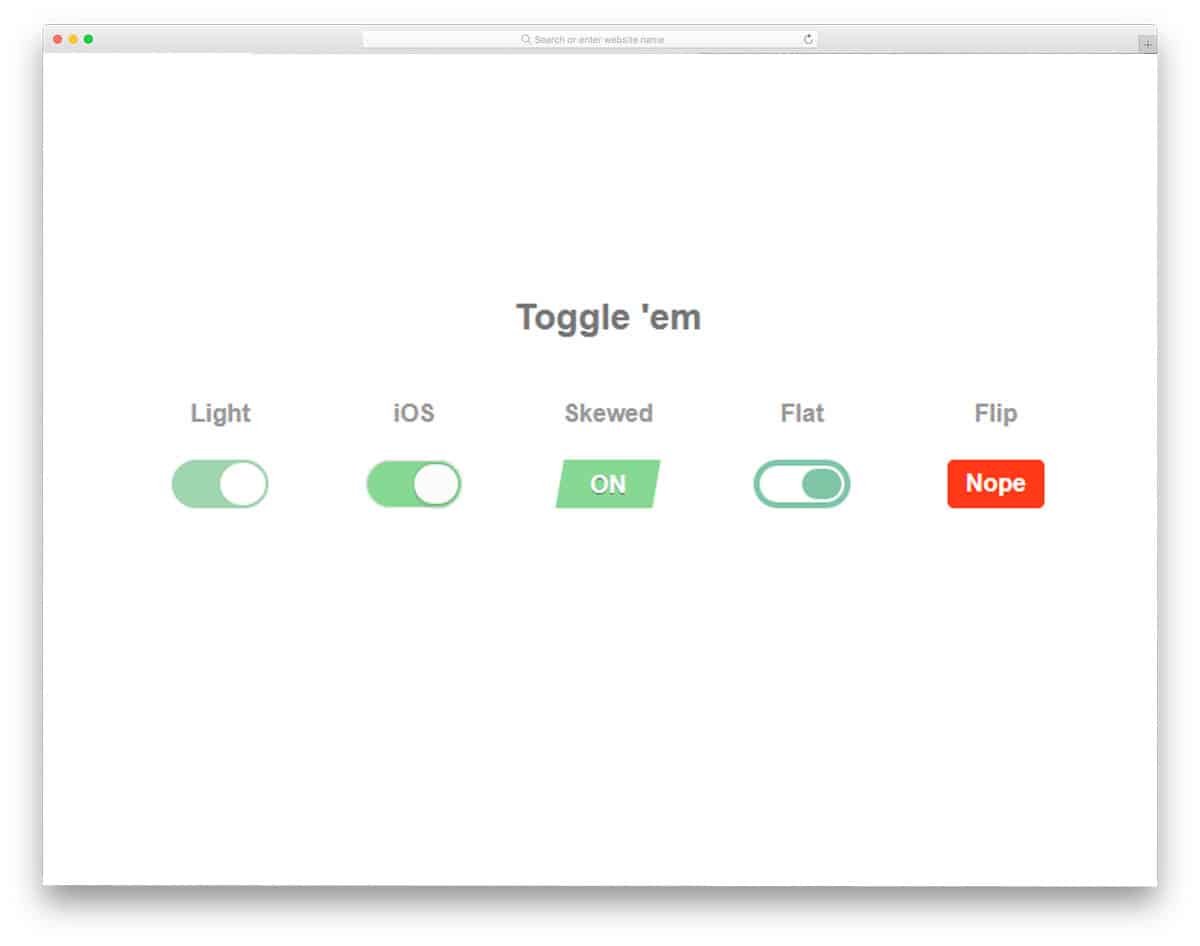
The developer has given you five types of toggle buttons in this set. All five toggle buttons have different toggle switching animations. As the name implies, this one is purely designed using CSS3 and HTML5. Because of the latest CSS3 script, you get a quick and smooth animation effect. Except for the skewed and flip animation, the rest of the toggle button uses the regular toggle button design. As all the animations are simple and happen within the button, you don’t have to adjust other elements on your web page.
Pure CSS Toggle And ON-OFF Switches
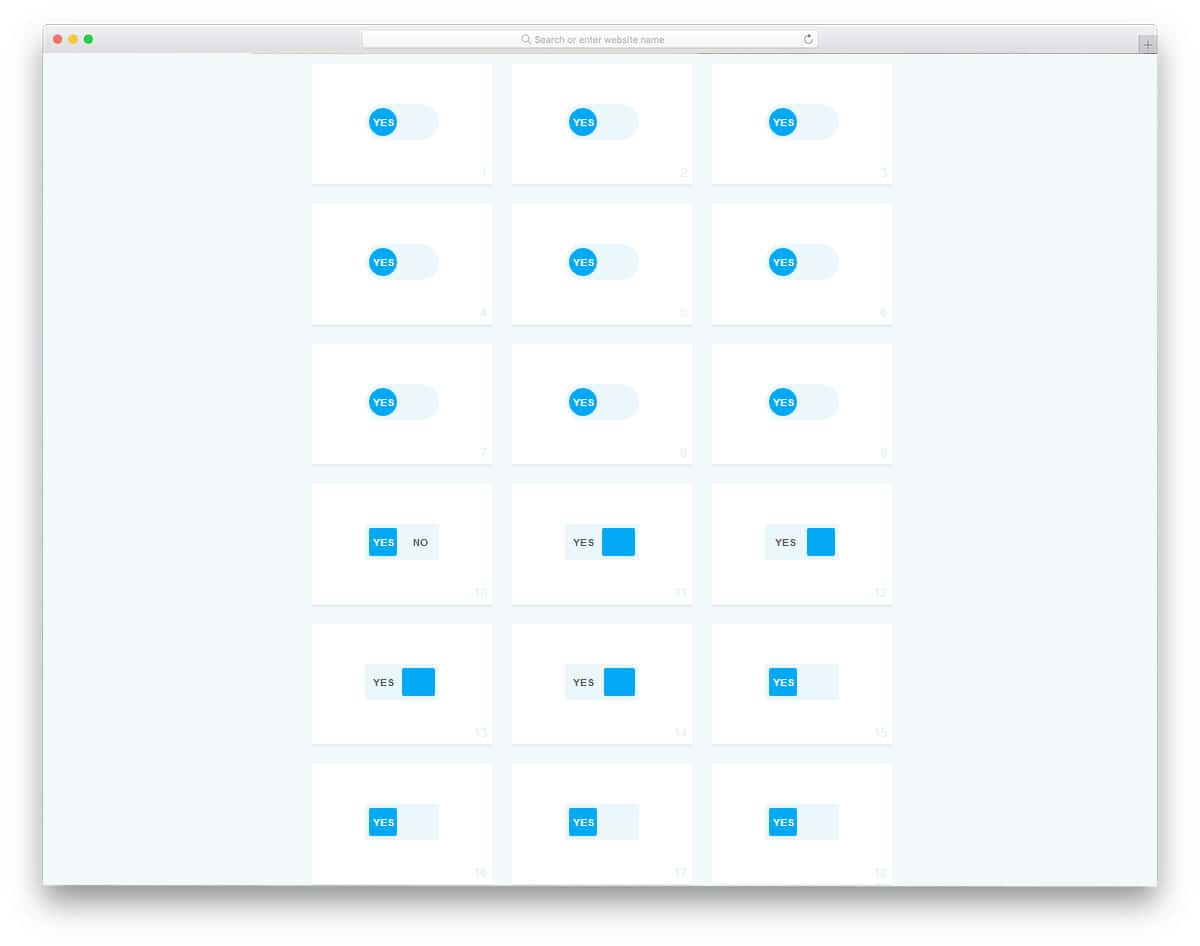
In this set, you also get different types of trendy-looking toggle switches. The designer has given you both regular round and flat-style square toggle buttons in this list. Nearly eighteen toggle buttons are given in this set and each has a different type of animation effect. As all the button animation happens within the button, you can use this button in forms, websites, and control panels. The developer has used the same blue color scheme for ON and the same red color scheme for OFF. If you like to be creative, you can use different color schemes as per your design requirements.
Flight Toggle

This is another illustrative, self-explanatory CSS toggle example. The toggle button is made larger so the user can easily interact with it. Shadow and depth effects are used effectively to give the toggle button an authentic look. A light indicator near the toggle button is a clever touch that shows it’s on. Like most other CSS toggles on this list, this one is made with the CSS3 script. Hence, it can handle all modern colors and animation effects without any issue. By keeping this code snippet as a base, you can create your own custom CSS toggles in no time.
UISwitch II

If you are a beginner, CSS toggles like this will help you make better toggle switches. The creator has given us CSS toggles of different sizes and for different purposes. We even get disabled CSS toggles in this example. The code snippet for all CSS toggles is given to you directly and the creator has given hints for every code line, hence, you can understand the code easily. All CSS toggles are made using the HTML and CSS script alone. Using the code on your website or application will be easy. Overall, the UISwitch II will inspire you to make your own custom CSS toggles.
Eye Switch

Eye Switch, from the name itself you can infer that the creator has used an eye concept in this toggle design. The animation effect is done carefully, so the user will enjoy using the toggle switch. You can even take CSS toggles like this as inspiration and create your own custom concept. The entire design is built with CSS3, so you can control the animation effects and other design elements as per your needs. If you wish to create a unique toggle switch that provides an immersive user experience, examples like this will inspire you.
Material CSS Switch

In this example, you get a simple and practically applicable toggle switch design. As the name implies, the creator has used material design standards in this design. Just like the design, the code script of this toggle switch is neat and simple. A small greenish tint is added to the toggle button when you switch on the toggle, which is a thoughtful touch to let the users know that they have switched on the toggle. Since this design uses CSS3, you can use any modern colors you like.
Awesome Toggle Button

This is another pure CSS toggle button design. The creator has given a realistic animation effect with a smooth transition without adding any JavaScript lines. Because of this design’s lightweight code structure, you can utilize this code structure on any part of your website. You can even use it on your existing website without any issue. Red and green colors are used in the transition effect to let the user clearly understand which option they have chosen. By making a few code changes, you can easily integrate this design into your website/application.
Oldschool Toggeler in CSS3

The creator has tried to recreate the old traditional buttons in this example. A well-executed code script gives this design a pixel-perfect look. Lights and shadows are used smartly to give a clear view when you toggle the switches. A small light is placed near the buttons to let you know whether the toggle is on or off. Mostly CSS3 and HTML script are used in this design, but a few lines of JavaScript are also added to add richness to the design. The entire code script is shared with you, take your time, and understand the code.
Transformicons Checkbox

It is another simple toggle switch design. In this example, the creator made the toggle button slightly longer than usual. Other than that, it is a standard toggle switch that you can use on all types of forms and websites. The creator has kept the code straightforward so developers can easily understand it and edit it as needed.
Custom Toggle Switch
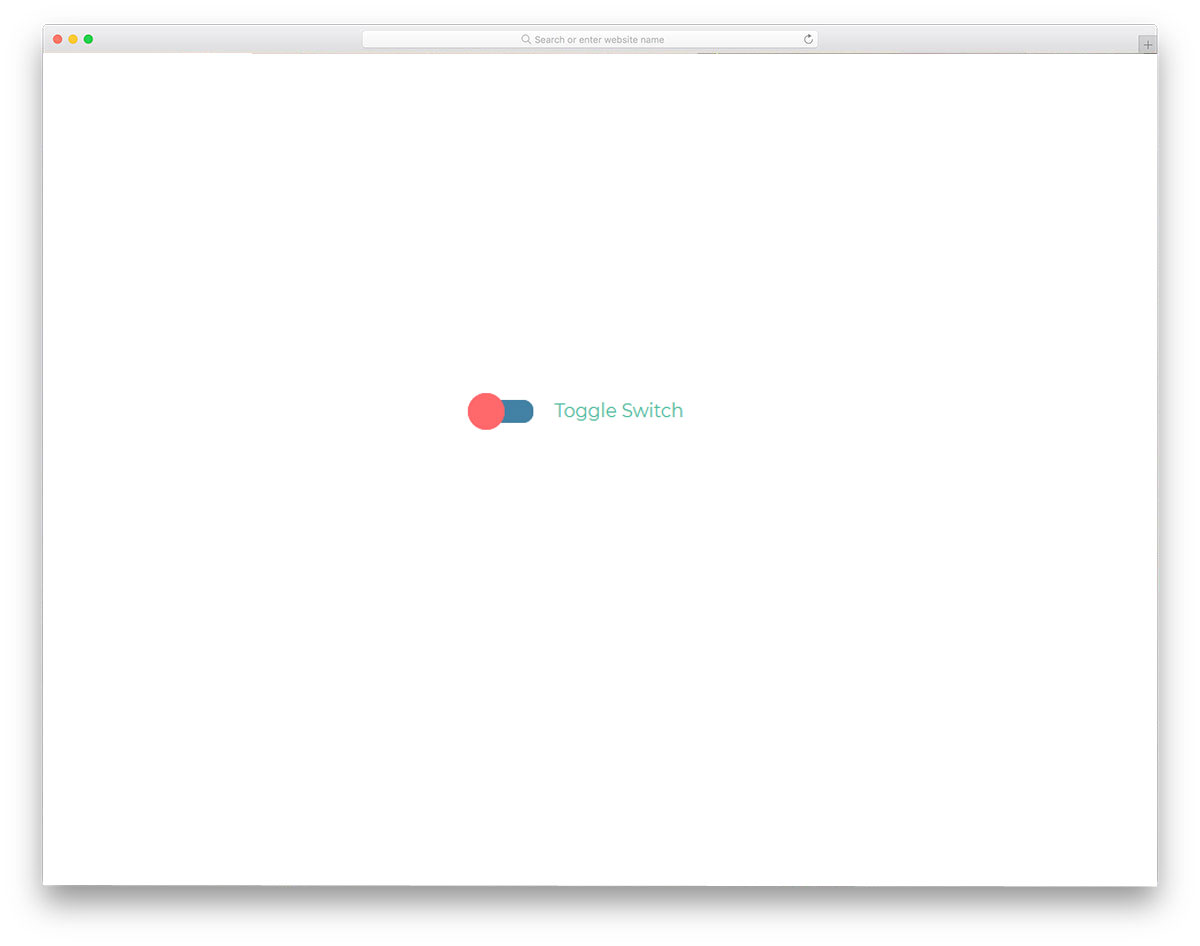
The Custom Toggle Switch is a simple yet functional toggle switch design. Because of its simple design, it can easily fit on any part of the website, forms, and even applications. Only the toggle button is animated in this example, but you can change the toggle colors to let the user easily identify the option they have selected. The creator has used the CSS3 script, hence you can use your own custom colors and animation effects to give a unique touch to the design.
Funky CSS3 Toggle Buttons

The toggle switches do not always need to be dumb and show only colors. With modern frameworks, you can make the toggle buttons expressive. You can use these expressive toggle buttons on important areas of your website or application. For example, if the user is about to switch off the notification or unsubscribe from your email list, you can use these expressive toggle buttons. Though the developer has used the latest CSS3 and HTML5 frameworks, the buttons look a bit dated; you can easily fix them. You can use any modern colors and animation effects on these buttons. To ignite your animation creativity, look at our CSS animation examples.
On/Off Toggle Switch

The button moves from one end to the other in all the previous CSS toggles. But in this design, the toggle button remains the same. The button only changes color when the user interacts with it. To let the user know which option they have selected, that option is highlighted alone. Though most of the effect is taken care of by the CSS script, for a buttery smooth effect, the developer has used a few lines of JavaScript. Since the given animation is simple, you can trim the code per your preferred code structure. The shadow effect gives the button an embossed look.
Kitty Toggle

Kitty Toggle is an emoji-based toggle button design. If you are using the toggle button on a casual part of the web page or application, this emoji toggle button suits you better. The transition is smooth and clean so the user won’t notice the emojis changing. Not only the design, but also the code for this simple kitty toggle button is kept simple. Since this design is made mostly using the CSS3 script, you can easily use this code script in your existing website. You can use this design even in a mobile-responsive website by making a few optimizations.
Switchy Checkbox

Toggles are mainly used to replace the old checkboxes. Though many eye-catching animation effects are there for the checkboxes, many developers prefer toggles for an interactive feel. In this design, the toggle switch changes the entire page’s color. If you use toggle buttons to compare two stages of an image or color, this toggle concept is a good idea. To make this beautiful toggle concept, the developer has used CSS3 and JavaScript frameworks. The one small flaw in this design is that the button doesn’t reach the end of the slider; it might be a minor error, but still, it needs to be fixed for a pixel-perfect design.
Single-Element Toggle Switch

In this Single-element Toggle Switch design, you get a glass finish. The toggle switch smoothly slides from one end to the other. Toggle options are shown clearly on the toggle switch so that the user knows what option they are selecting. This smart toggle switch can be used for both web pages and forms. If you are a mobile app designer, check out our UI kit collection. Elements like this are pre-designed for you in the kit to make your job easier. To create this design, the developer primarily used SCSS. But to add perfection to the animation effect, the developer has also used a few lines of JavaScript.
CSS Switch By Randy Lebeau

This is a clean and simple-looking toggle switch. The developer has used swift and fluid animation effects to make this button interactive for the users. Since all toggle animations take place within the button, this design can be used anywhere on the website or application. Since the developer used an on/off concept for this toggle switch, the off state is almost invisible. The developer has shared the entire code structure with you so that you can easily customize the button per your requirements.
Toggle By Katherine Kato

This is another expressive toggle button by Katherine Kato. As modern users spend most of their time on smartphones and other devices, making applications interactive is a must. We can create expressive elements using modern web and mobile development frameworks. The developer has used a sleeping and waking up emoji in the toggle button. The toggle face smoothly rotates to change the face reaction. A gradient color scheme is used for the toggle button, adding richness to the overall design. Another advantage of this design is that it is made entirely with CSS3. Hence, working with this code will be an easy job for the developers.
Slap Toggle
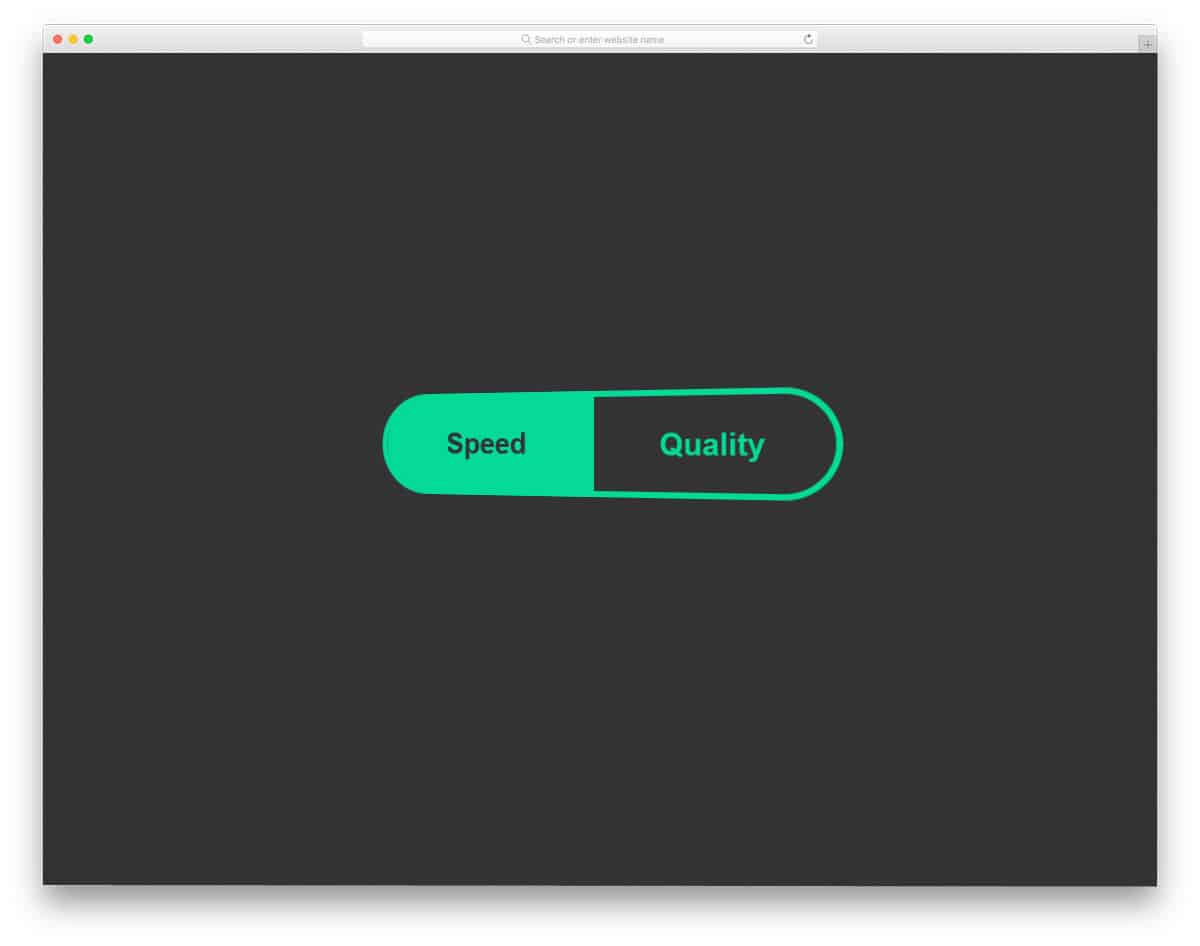
In this toggle switch, the developer used a card-flipping animation. As the developer has kept the center of the button as the axis of rotation, you get a three-dimensional flipping effect. To give a fluid animation effect, the entire button swings a little when you click the toggle switch. The developer has used CSS3 and JavaScript to create this realistic card-flipping animation. For demo purposes, the developer has made the button bigger. But you can easily scale the toggle button size and animation effects, as required.
DayNight Toggle

If you want an interactive toggle button for your calendar or watch application, this one is the best option. As many modern users rely on their smartphones for reminders and alarms, making a user-friendly application is a must. In this toggle switch, the full circle transforms into a crescent-shaped moon. This simple toggle switch clearly indicates the time to the user. Speaking of calendars and clocks, if you are making calendar and clock widgets or applications, look at our HTML clock list and HTML calendar list for attractive designs.
Toggle Switch

This is a minimal-looking toggle switch. The developer has used colors smartly to give a unique toggle button design. On the toggle button, you have only a tick and a cross mark to indicate the options. But as usual, you can customize this to any other icon or image you like. Since it is a CSS3 based design, this toggle button can effortlessly handle images and icons. The entire code used to create this beautiful design is available in the CodePen editor. Hence, you can easily customize and visualize the results in the CodePen editor before using it on your project.
CSS Bear Toggle

CSS Bear Toggle, as the name implies, features a bear character. To bond with the users, the designers are using digital characters. The bear in this toggle button is animated neatly to give a cute look. If you use a digital character as your logo, like MailChimp, then you can use that character here in this design. Using elements properly on your websites and applications will improve your branding image. The developer has created this bear toggle button purely using CSS3 and HTML5. Click the info link below to have hands-on experience on the code script.
Another Toggle

Another Toggle is almost similar to the Toggle switch design mentioned above. In the previous design example, the developer has used modern colors effectively to give a pleasant experience. This developer has kept the button simple and used gradient colors for the toggle. Just like in the previous toggle design, this one also rotates from one end to the other. Because of the simple nature of the button, you can use this one on any website or application. Not only the design but the code script is also kept simple to easily utilize the design.
Sub/Sup Toggle

In this design, the developer has used a fun concept. Icons are used smartly to indicate toggle options. Since this toggle button is designed for subscription purposes, you get the icons for I’m in and ” I’m out. It is just a fun concept that needs proper tuning before using it on your professional design. If you are running a social media campaign or email campaign for your next event or product, this design may perform well. Still, this design depends entirely on how you plan to use it. This developer has given you a basic idea; from here, you have to work manually to make it fully functional.
SVG Switches
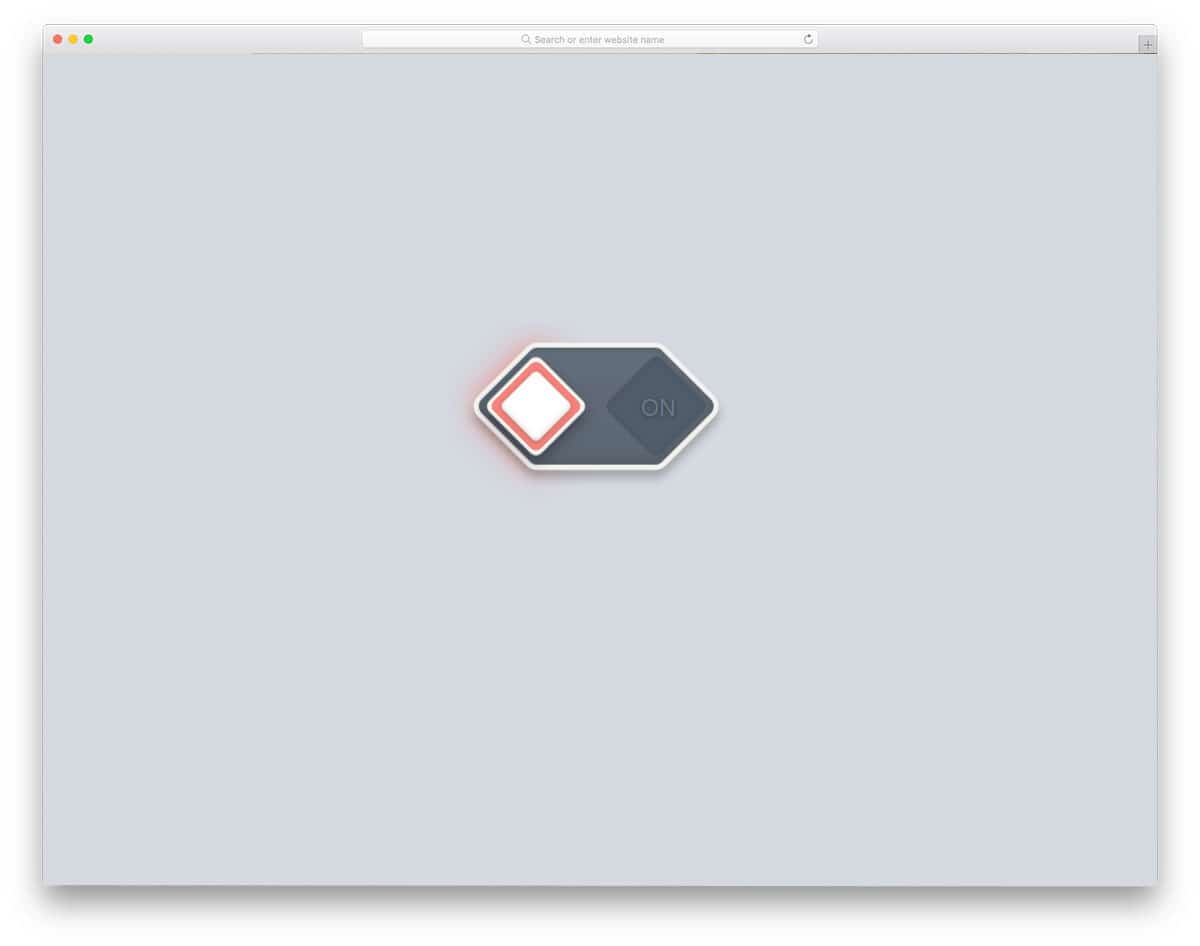
All previous toggle menus have the same circular toggle switches. In this design, the developer has used the hexagonal shape for the toggle buttons. Little bouncing effects are used on the button to give it a more realistic feel. This simple toggle button can be used for website and application design. To implement this SVG switch, the developer has used both HTML5 and CSS3. Since the developer has used the latest framework, you can easily use this code in your project. Dark and light colors are used effectively to give this design an authentic three-dimensional finish.
Flipping Menu Toggle

In all the previous toggle examples, we have seen toggle buttons. This developer has given us an interactive menu toggle animation effect. Instead of using the same old cross and three-line hamburger-style menu, this developer has used an attractive animation effect. On clicking the hamburger icon, the lines bounce to form a cross. Since this effect uses some space above the icon, make sure you leave ample space around it. To create this buttery-smooth menu toggle animation, the developer used CSS3 and a few lines of JavaScript. You can use this toggle menu design on your website by making a few optimizations.
Star Wars Toggle Icon Animation

Star Wars Toggle Icon Animation, as the name implies, the developer has used the famous Star Wars lightsaber in this design. On clicking the menu icon, it swiftly toggles into a lightsaber. It is a simple yet attractive toggle animation. This one doesn’t require much space as in the Flipping menu toggle mentioned above. If you are making a gaming website or entertainment website, elements like this will help you spice up your design. In the default design, the lightsabers turn into a white line after the animation is over. If you want, you can keep the lightsabers glowing so that the user can notice the effect easily.
Material Toggle Menu

Material design is one of the most commonly used design approaches in both web and mobile application design. Recently, Google released Material Design 2.0, featuring more vibrant colors and smoother animation effects. If you are implementing material design in your application and web design, this material toggle menu will be handy. As we have seen in many modern mobile applications, three dots are used for the settings and other options. In this menu toggle, the three dots combine rapidly to form a cross. This is a very simple design you can use for any website or application.
