

Social media icons became a part of web design. You can see beautiful HTML social media icons in free and premium website templates. Many marketing and SEO experts recommend you use social media as part of your strategy. The four main benefits you get via social media are
- Increased brand exposure
- Improved chances of reaching your target audience
- Slightly improve your SEO results
- Better and easier medium for customers to reach you
If you are consistently producing high-quality content for your audience, offering social media sharing options at the right spot helps it reach a larger audience. Rather than simply adding social media icons in one corner of your website, you can be creative. These free HTML social media icons will give you some inspiration for your website.

Best HTML Social Media Icons
A collection of beautiful HTML social media icons that you can use on your websites and applications. Social media icons with CSS hover effects are also there in this list to help you make an interactive social media icon design.
Bootstrap Social Media Button V07
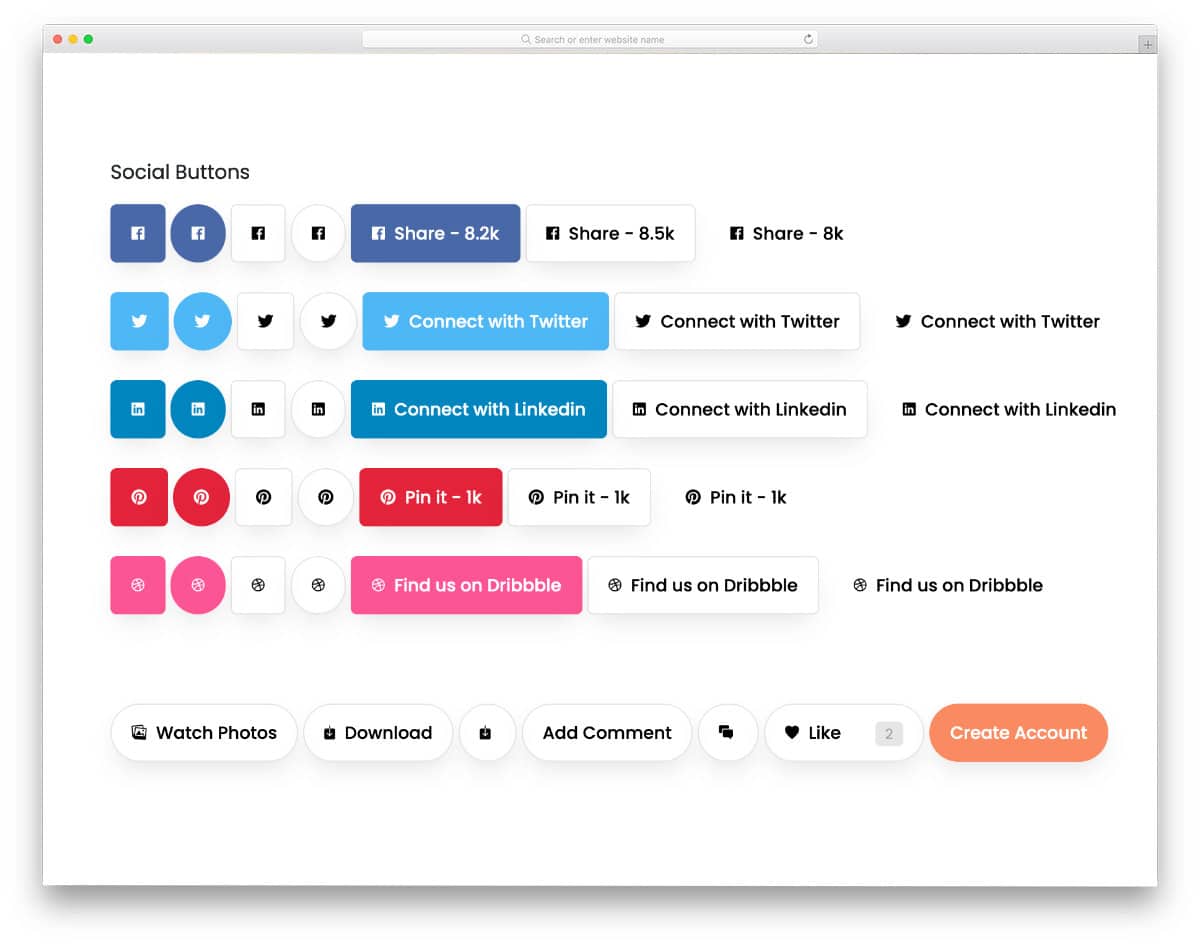
The V07 bootstrap social media icon pack includes seven designs. Almost all major social media icons are covered in each version, so you can get a clear idea of how the icons look on your website. Depth and shadow effects give the icons and buttons a floating feel. Since the V07 is a bootstrap button pack, you also get other types of buttons that you can use in your website and applications.
3D Social Icons v15

As the name implies, these HTML social media icons have 3D-style buttons. The creator has used shadows to deliver a realistic 3D look, and they also give a visually satisfying feeling of pressing a button. If you are using these types of icons or buttons in your mobile interface design, you can use haptic feedback to make interactions even more engaging for your audience. The creator has kept the code script as simple as possible so you can easily utilize this design in your project.
Animated HTML5 Social Media Icons V10
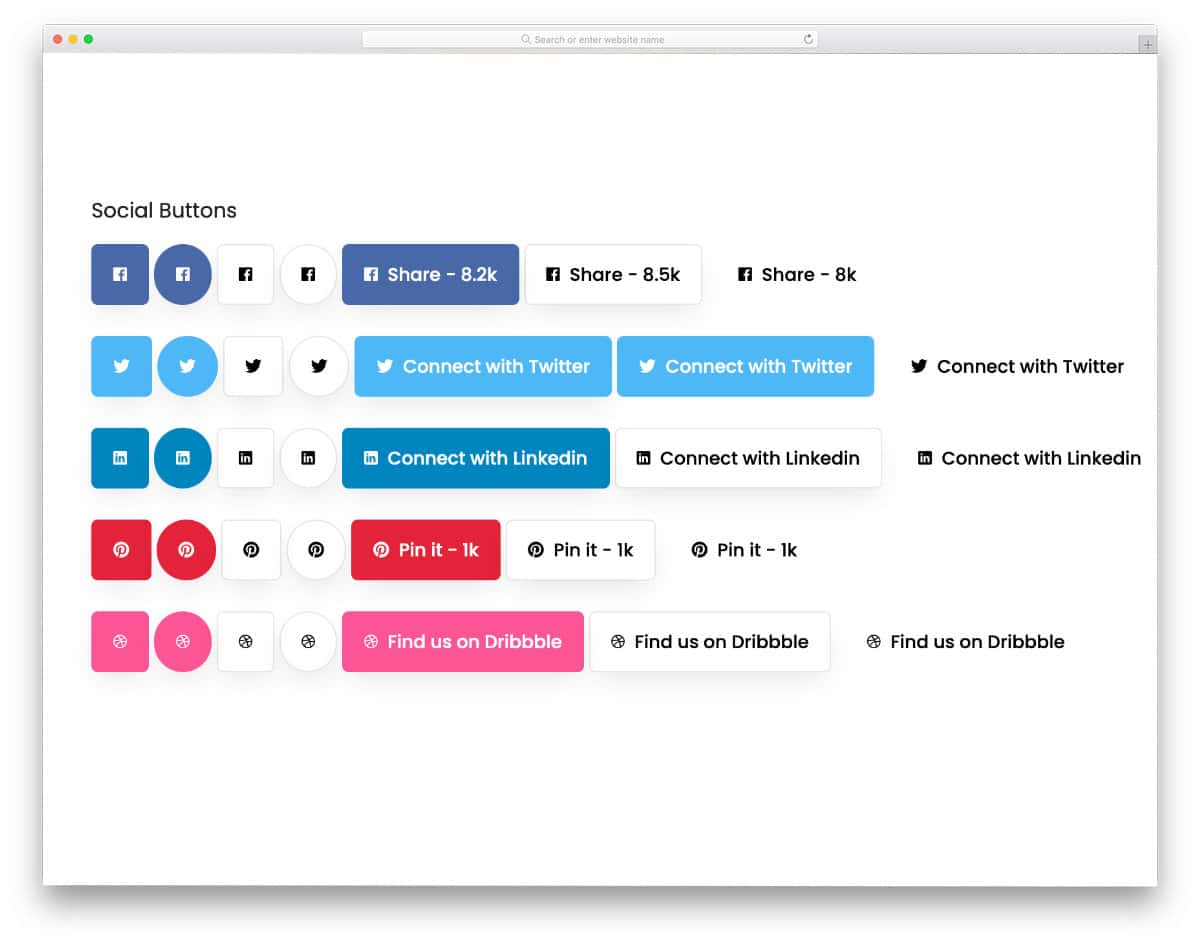
The social media icons in this pack use subtle animations when you hover over them. This pack includes 7 icon styles, all of which use the same hover effect. Both small and big social media buttons are there in this pack. Whether you want to simply display the social media icons or include information like the number of followers and the icons, this template has a design for you.
Social Media Icons Hover Effect
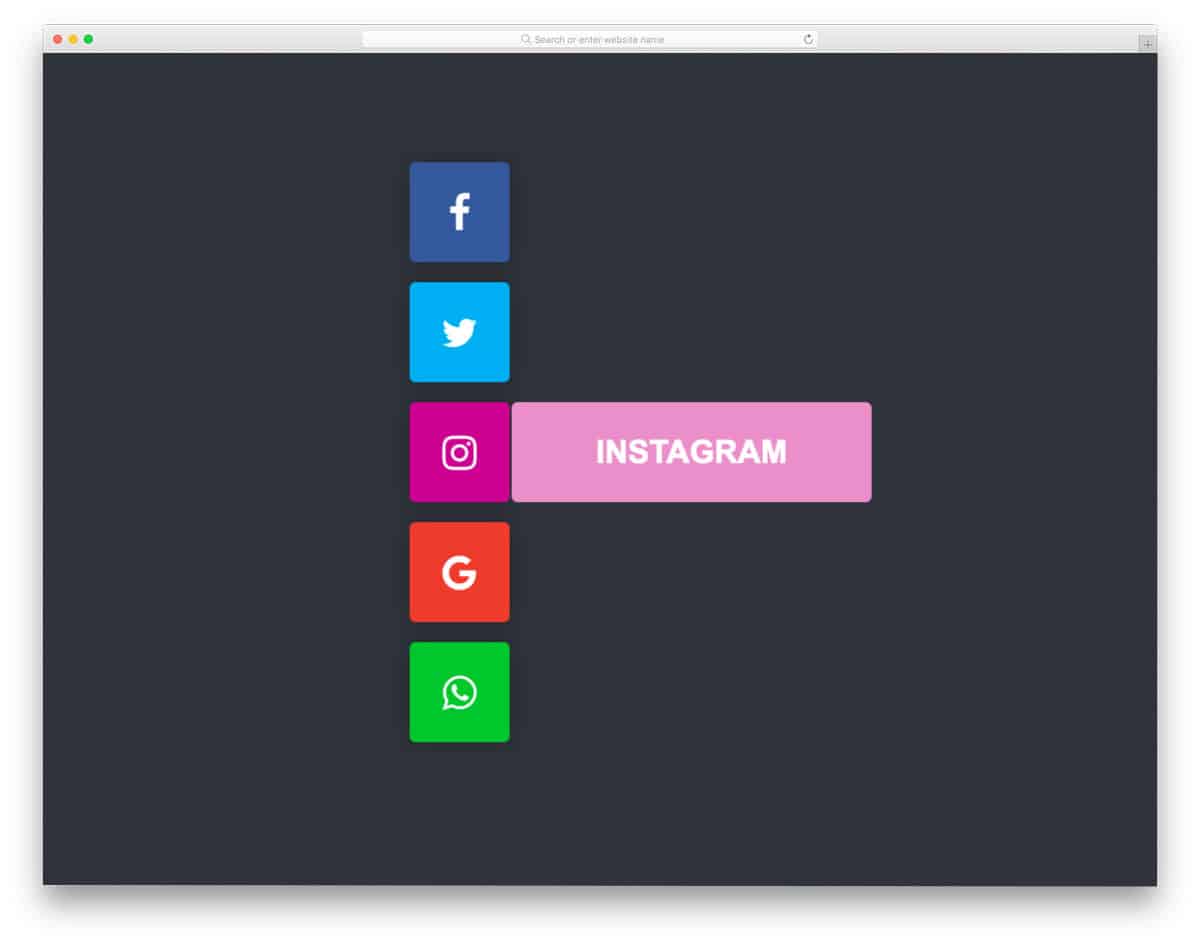
This HTML social media icons concept will help you create a simple, neat vertical social sharing option. Hover effects are used smartly to expand social media details. In the default design, the creator has simply shown the social media name in the expanding animations. You can show sharing options and the number of sharings if you want. The base concept is provided along with the code script, so you can customize the design with the features you want.
Clean Social Media Icons
As the name suggests, it is a super-clean collection of social media icon designs. Those who love simplicity and elegance in their designs will find this concept appealing. The entire design is built solely with HTML and CSS; therefore, handling and customizing it will be easy for developers. The creator has simply used color, revealing the hover effect in the default design, but you can add more options if you plan to use this design for social sharing.
3D – CSS Social Tiles

You can see that this design uses the concept of a 3D tile from its name. 3D design elements are used effectively in modern web design to create a distinctive look and an immersive user experience. If you are also planning to use 3D-ish social media icons on your website/application, this concept might come in handy. Though the word 3D might sound complex, this design’s code is very simple; the whole design is made purely with CSS.
Social Media Icon
Creative Social Media Icon is a fun concept. The developer has animated the icons to give an attractive look. To add richness to the design, the creator has also used gradient color schemes on the icons. The default animation effect is subtle and occurs within the icon, so you don’t need to adjust your existing design. Another advantage of this design is that it is built with CSS3. Because of this simple code structure, you can easily implement this code in your existing design. You can also easily customize this design without any issue. The only thing you have to change before using this design is the animation timing; it takes a few extra minutes to complete. Other than that, this design will be a perfect addition to any professional design.
Minimal Black And White Social Media Icons

Minimal Black and White Social Media Icons design is the one you want for your widgets. If you are a blogger, adding social media icons can help you grow your follower count. This simple animated social media icon design fits easily in any part of the website. Since the faded zoom-in effect occurs only on the social media icon, you can easily add this design to your existing websites. This subtle animated element will be a perfect addition for personal websites and blogs. The developer has used the latest CSS3, so you have plenty of customization options.
3D Social Media Icon

If you are looking for HTML social media icons with a simple and neat animation effect, this one will impress you. As the name implies, the creator has used a 3D animation effect. Each social media icon is treated as a separate element, so each of them reacts separately when you hover over them. The use of shadow effects and smooth rotation effects gives a realistic 3D effect. Another advantage of this design isthat the animation effect is made purely using the CSS3 script. Hence, you can easily edit and use the code snippet in your project or even on your existing website.
Layered Social Media Icon Hover Effect

In this HTML social media icons example, the creator has created an interactive, unique-looking design. From the name itself, you can see that the creator has used a layered animation look for the social media buttons. You can also add colors to the layers. To make the social media icons easily recognizable, you can use their brand color for the animated layers. Since this design is made with CSS3, the animation effects are smooth, and the colors look more natural. These animated HTML social media icons take up only a few screen spaces, so you can easily squeeze them into any part of the website.
Social Media Hover Icons
Nice little social media icons are there in this example. Tooltips are added to the hover action to display the names of the social media icons. In real-world design, you can display your profile name in tooltips instead of just showing the social media icon names. Just like the design concept, the code script of this example is also simple. Mostly CSS script and a few lines of HTML code are used to make this design. Hence, you can easily edit the code to fit your website or application.
Fancy Up Those Social Media Icons

In this example, Brandon Kennedy has given different ideas for social media icons. Both animated and simple designs are given in this example. Each design is unique and can be fit easily on any part of the website or application. Even the animated icons are natural and are practically applicable. The entire code script used to make all 15+ concepts is shared with you on the CodePen editor. Codings are kept as straightforward as possible so you can easily pick the effect you like.
Animated Social Media Icons
As the name implies, you get animated social media icons in this example. Like most other HTML social media icons in this list, this one is also a hover-triggered animated icon. Animation effects are swift, so the user doesn’t have to wait for the effect to over to interact with it. Corresponding social media colors are used for the icon rings to make it easy for users to identify the social media they like. Since the whole hover effect is made using the latest CSS3 script, you can easily edit the code and introduce your own custom effects.
SVG Social Media Icons

The creator of this example has created bold, fancy-looking social media icons. On the dark screen, the bright-colored social media icons give a fluorescent look. The default design might get a bit of a brutalist look, but it looks attractive. If you are creating a fancy website for a music band, event, or creative agency, this social media icon design will fit perfectly. Since the creator has used SVG icons, they look crisp and are legible even on small-screen devices.
Social Media Icons
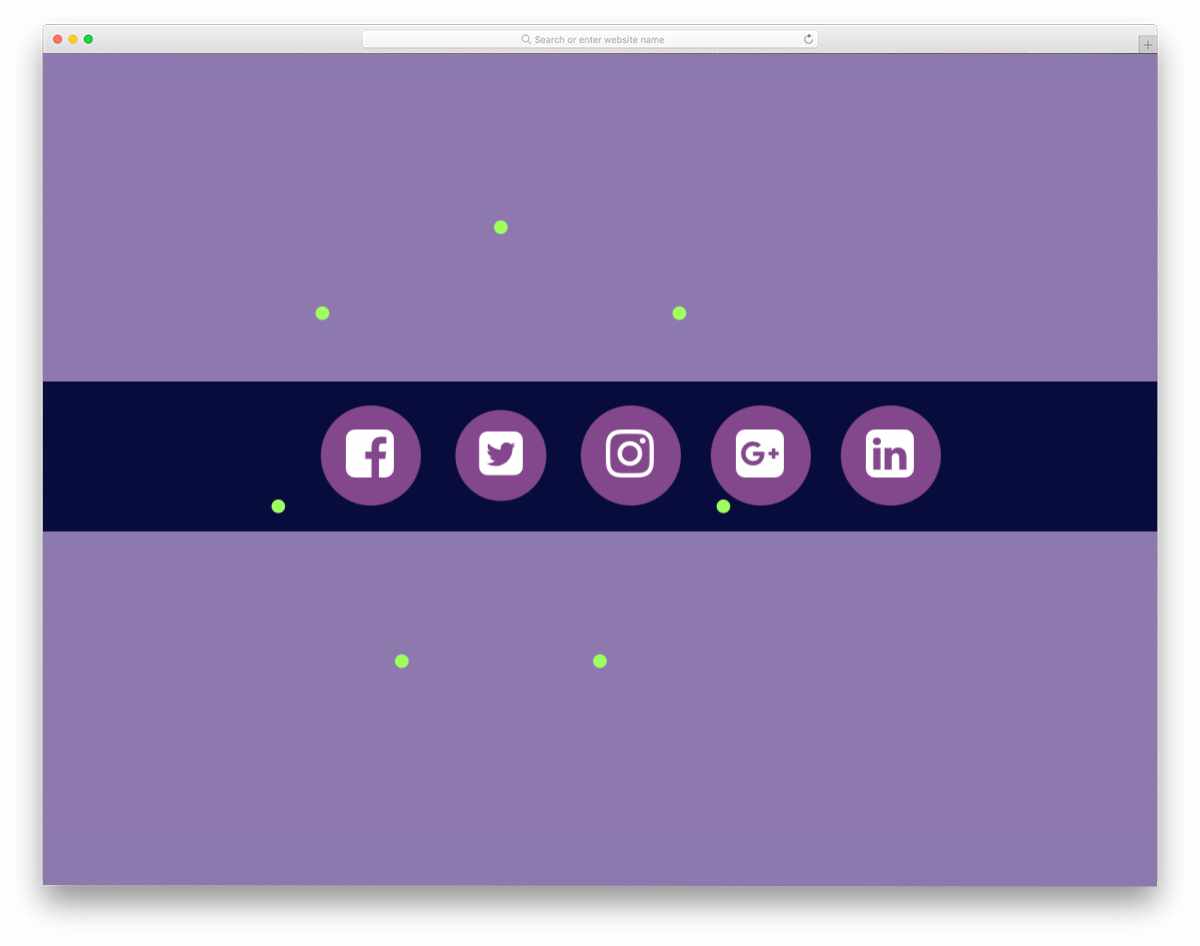
This one is also an animated social media icon design, but it includes click effects. A firecracker-like effect is given when you click the icons. The animation is smooth and clearly shows which icon you clicked. A few lines of JavaScript are also used in this template to make the animation effects smoother and more realistic. The entire code script is shared with you in the CodePed editor; you can edit the code and visualize the results in the editor.
Social Media Icon Hover

Like the 3D Social Media Icon design mentioned above, this one also uses flipping animation. The default design is good, the only thing is that the social media icons are very small before the hover effect. You can use this design concept as inspiration to create your own custom social media icon. Like the design, the code snippet of this design is also simple. The entire code structure is shared with you directly on the CodePen editor. Hence, you can easily edit and visualize the results in the editor before using the code in your project.
Social Icon Test

If you are looking for an HTML social media icons widget to add to your website’s sidebar or footer, this design might inspire you. Despite taking up little screen space, all the social media icons are neatly arranged in this design. Corresponding social media icon brand colors are used for the hover effect. Because of its simple design and animation effects, this social media icon can be used on all types of websites. By making a few code changes, you can use this design on your website or application.
Social Media Icon Hover 6

This is an example of a social media icon animation for the sharing button. Designs like this will come in handy on your blog and product pages, helping users easily share the content they like. The unfolding and folding animation effects are smooth, so that the user doesn’t have to wait for the icons to appear. The HTML social media icons in this list use JavaScript alongside HTML5 and CSS3. So the animation effects are more fluid and smooth on computers and mobile devices alike.
Socialize
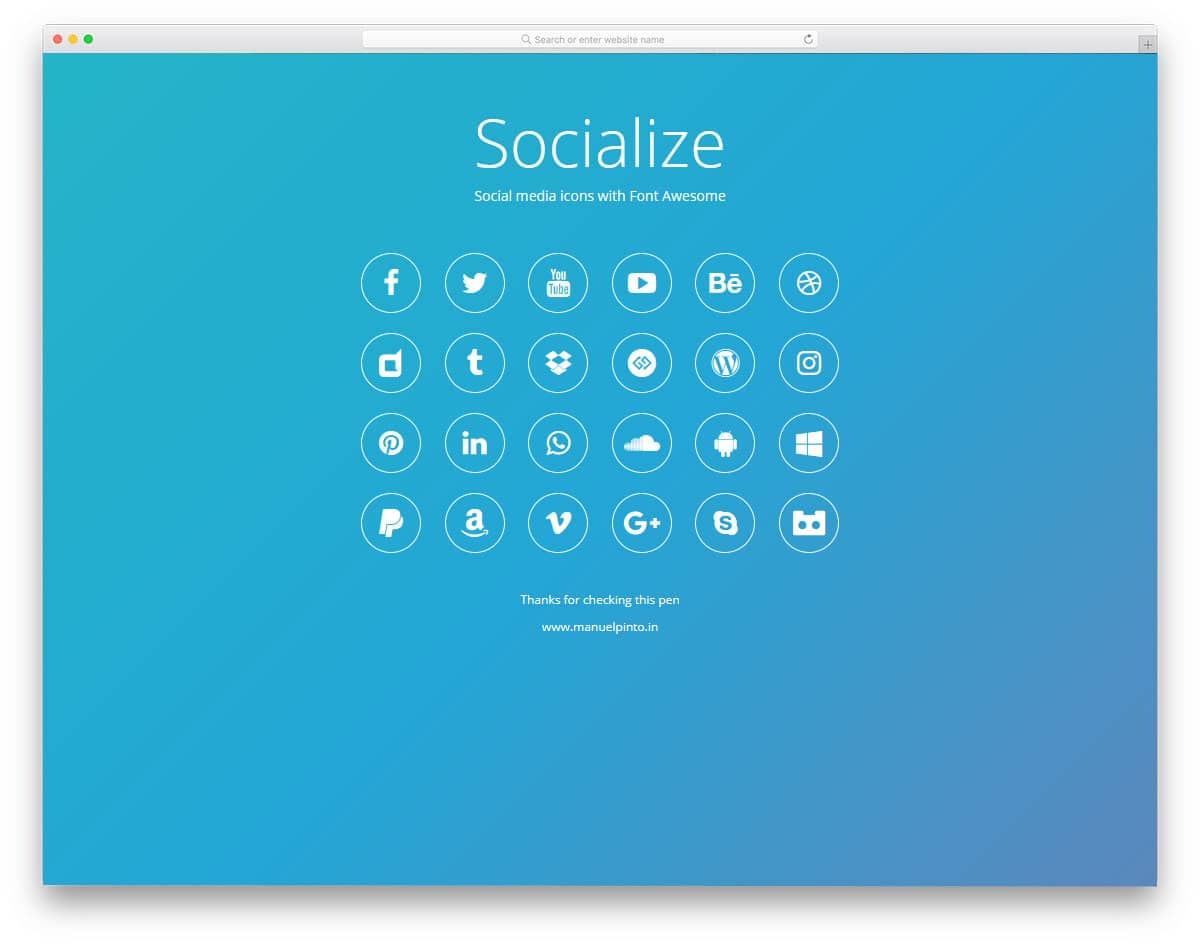
In Socialize, you get almost all social media icons that you would normally use in your day-to-day life. The icons are bigger and clearer, so users can easily identify which social media icon is on your web page. Design-wise, it is very simple and clean-looking. What makes this design really unique is the presentation. A lively gradient background is used in this design and the hover effects are used smartly to clearly show the icons on the gradient background. The developer has given you a basic design, by keeping this as a base you can make your own custom design in no time.
Social Media Icons Share
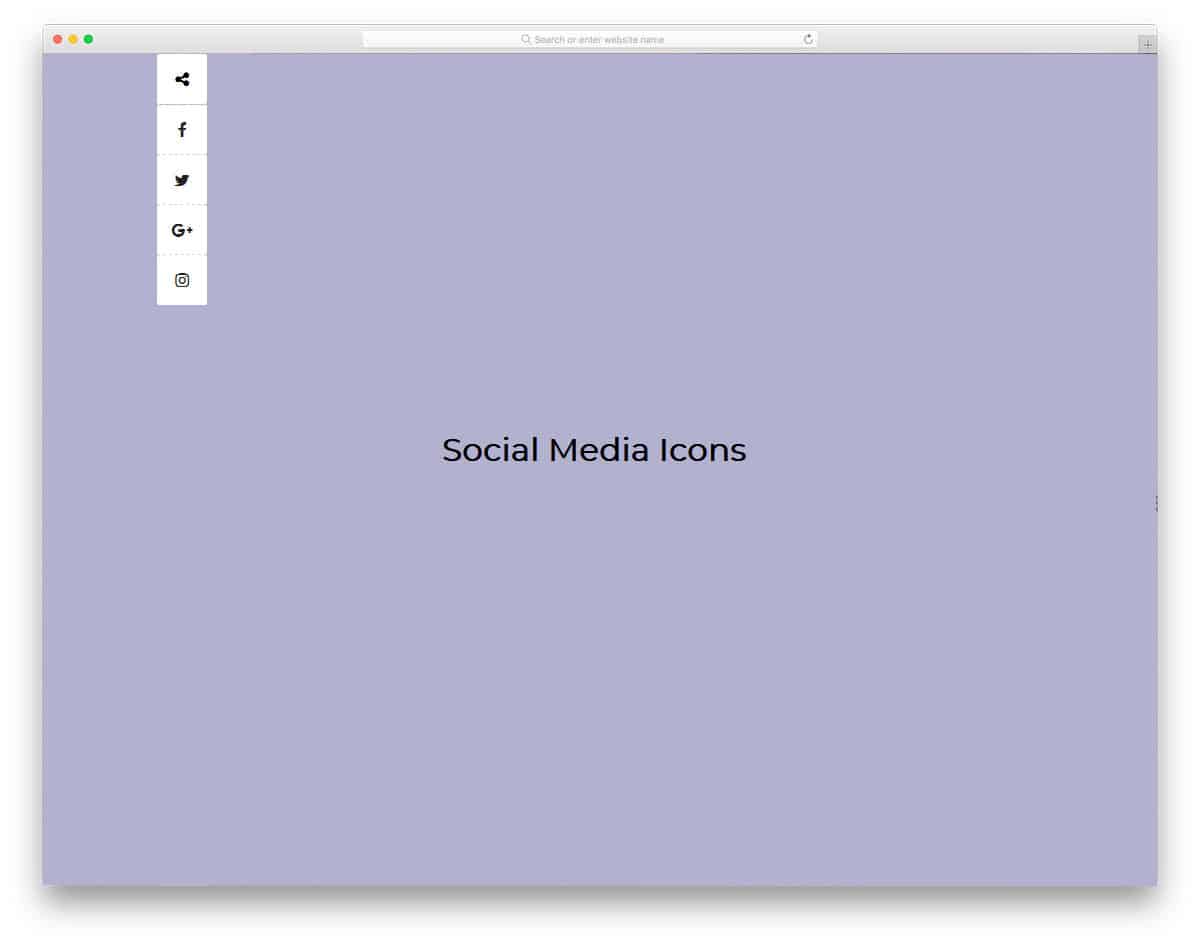
Squeezing the social media share options within a website or blog post is a critical task. The social media share options must be clearly visible to the user and shouldn’t be obtrusive. In this design, the developer has given you four types of social media share buttons. Each share button has different animation effects. All four animation effects are made with CSS3, and they are very subtle. The developer has shared the entire code structure used to create all four animation effects. All you have to do is pick the one you like and start editing it as per your design requirements.
Social Media Icons Hover Effect

This is a funky style social media icon hover effect concept. Based on the social media icon’s color, the entire page color changes. To let the user know the name of the social media icon, the developer has used the heading section above. It is an interesting design, but still needs to be refined before using it in commercial projects. The effects are smooth, and the code quality is good, so you can utilize this design without any hesitation. Proper code handling will help developers work with this design more easily.
CSS Isometric Social Media Icons Hover Effect

As the name implies, the creator has used an isometric view in this design. Neat three-dimensional cube design and shadow effects give the design a realistic touch. To avoid confusion, the developer has cleverly used the corresponding colors for the social media icons. With the help of the CSS3 script, the developer has delivered you a smooth animation effect. The only problem with this design is the practicality. Even on hovering, the icons remain in the isometric view. You can customize this and can use this design concept on any modern website. As custom three-dimensional elements are becoming a part of the trendy web design, this element will come in handy for your contemporary style projects.
Social Icon Hover Effect

Social Icon Hover Effect is another useful design for personal websites. In this design, the social media icons are used as a part of the hover effect. You can use this design in the team section of your website. For example, on a business or restaurant website, you can show your teammates’ photos and their social media profiles. Being social in the right place will help you get more inquiries and new opportunities. Just like most other HTML social media icons, this one is also made using HTML5 and CSS3. The default hover effect itself looks great, so you can use this code snippet as such in your website.
Clean Social Media Icons

Clean Social Media Icons are elegant, practical social media icon designs. The social media icons fit perfectly in the diamond-shaped elements. Smooth hover and color-filling effects are used to give the design life. The simple design of these social media icons makes them fit easily in any part of the website. Without any worries, you can use this design on the widget and on the main web pages. Not only the design, but the code structure is also kept simple. The developer has used only HTML5 and CSS3 scripts to make this design. By making a few adjustments, you can use this design in your web or application design.
Social Media Icon Reveal With Transition
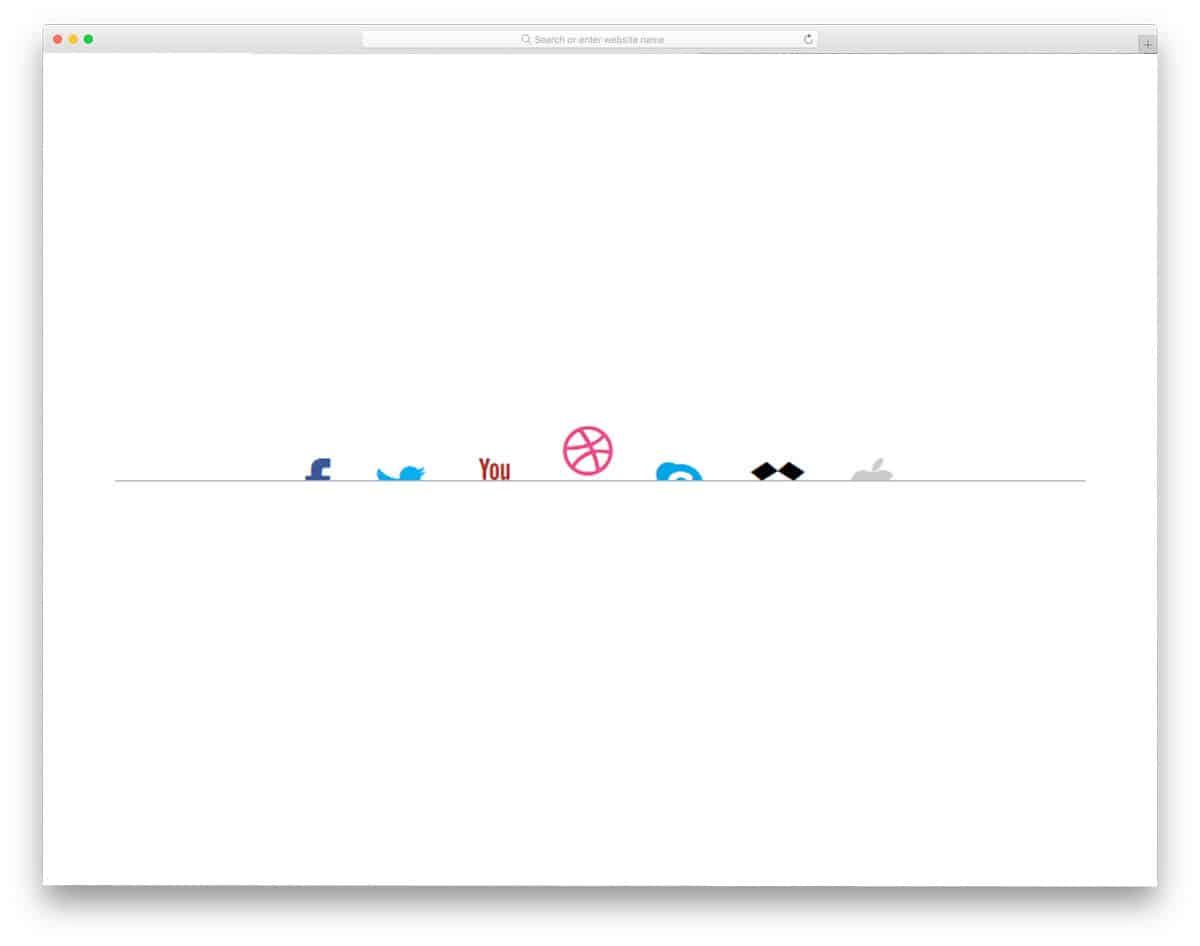
We get an interesting social media icon design in this example. On hovering over the half-sunk icons, you get full social media icons. To spice up your top bar design, you can use interactive elements. Social media icons are typically placed in the top bar and footer of a business website. Rather than simply placing the icons in a corner, you can use a simple animation effect like this. The developer has mostly used the CSS3 script in this design. Hence, you can use any modern colors and animation effects in this design.
Social Icons With Tooltip
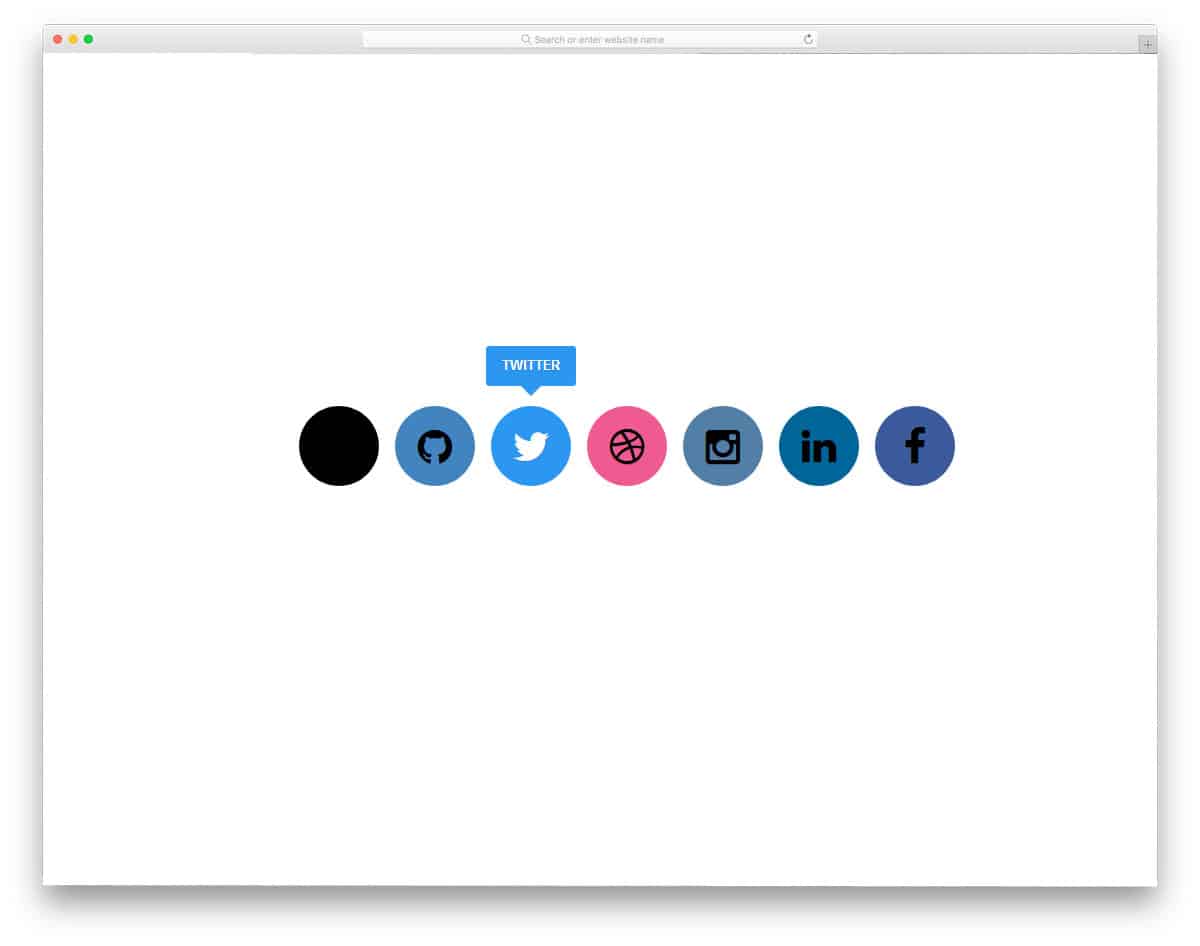
The developer has used a simple flat style design in this example. To clearly understand the names of the social media icons, tooltips are used. Tooltips are always handy for providing clear information to users. We have made a separate post for the CSS tooltip design, take a look at it for more user-friendly innovative designs. There are a few flaws in this design, but nothing is crucial. You can customize this design to fit easily into your design. As the tooltip acquires a few spaces at the top, make sure you give an ample amount of space.
Video Widget With Social Media Icons
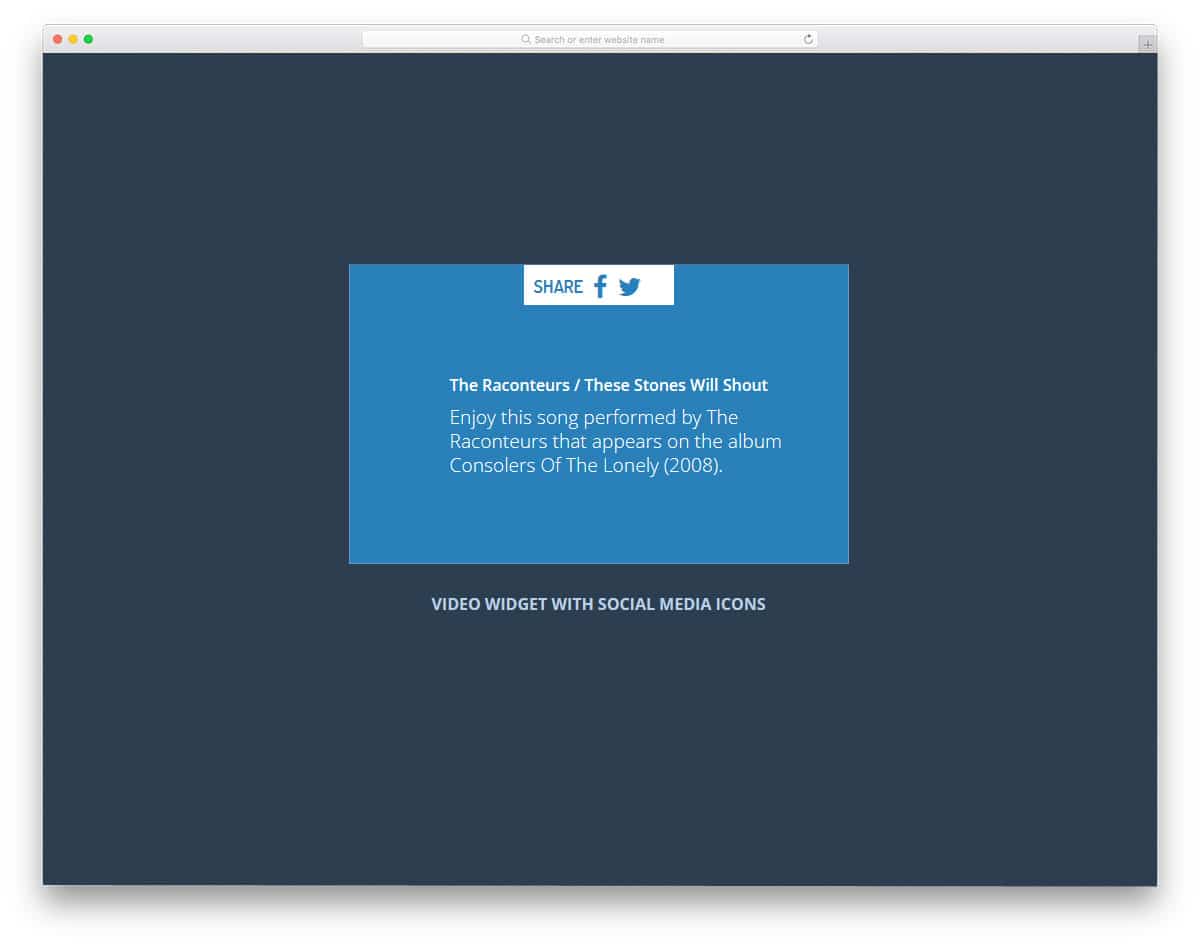
If you are looking for a social media icon design for sharing content, this design will impress you. Sharing content on social media plays a considerable role in reaching a larger audience. In this design, the developer has used a social media sharing option for image content. One of the most commonly used social media platforms for images is Pinterest and Instagram. The developer has cleverly used the text box to show what content will be posted on sharing via the link. These sensibly designed social media share icons are made purely with CSS3 and HTML5. Using the code snippet will be easy.
CSS3 Social Buttons Vol.2

This developer has given us a bunch of interactive hover effects for social media icons. In this set, you get five hover animations. As the name implies, all five animation effects are made using CSS3 alone. Transition effects and animation timing are done precisely in this design. The user will have a better experience with these subtle animation effects. The code structure is handled properly, so you can easily find the element you want. Properly arranged tags will help other developers work with this code more easily. Just pick the effect you like and start editing it to fit in your design.
Social Connect

Social Connect is a fun concept for social media icon design. The developer has treated each social media icon as a card and implemented an intuitive card-flipping animation to display related content. Three types of animation effects are used in this design, and all of them work perfectly. All you have to do is to pick the effect you like. Though the developer has used HTML5, CSS3, and JavaScript in this design. Proper handling of the code will help other developers easily adjust it as per their design requirements. Shadow effects are used to neatly highlight the cards from the clean white background.
Stylish Social Buttons

Stylish Social Buttons is another practical social media button design. The developer has used CSS3 effectively to create an interactive animation effect. A small bouncing effect is applied to the social media icons to give them a more realistic feel. Although more than one effect is applied to the icons, the results look complete and professional. You can use this design as a base and add as many icons as you want. Customizations will also be an easy job with this HTML5 and CSS3 design. Because of its simple design, you can easily fit this design into any type of website.
Glowing Icon Hover Effect
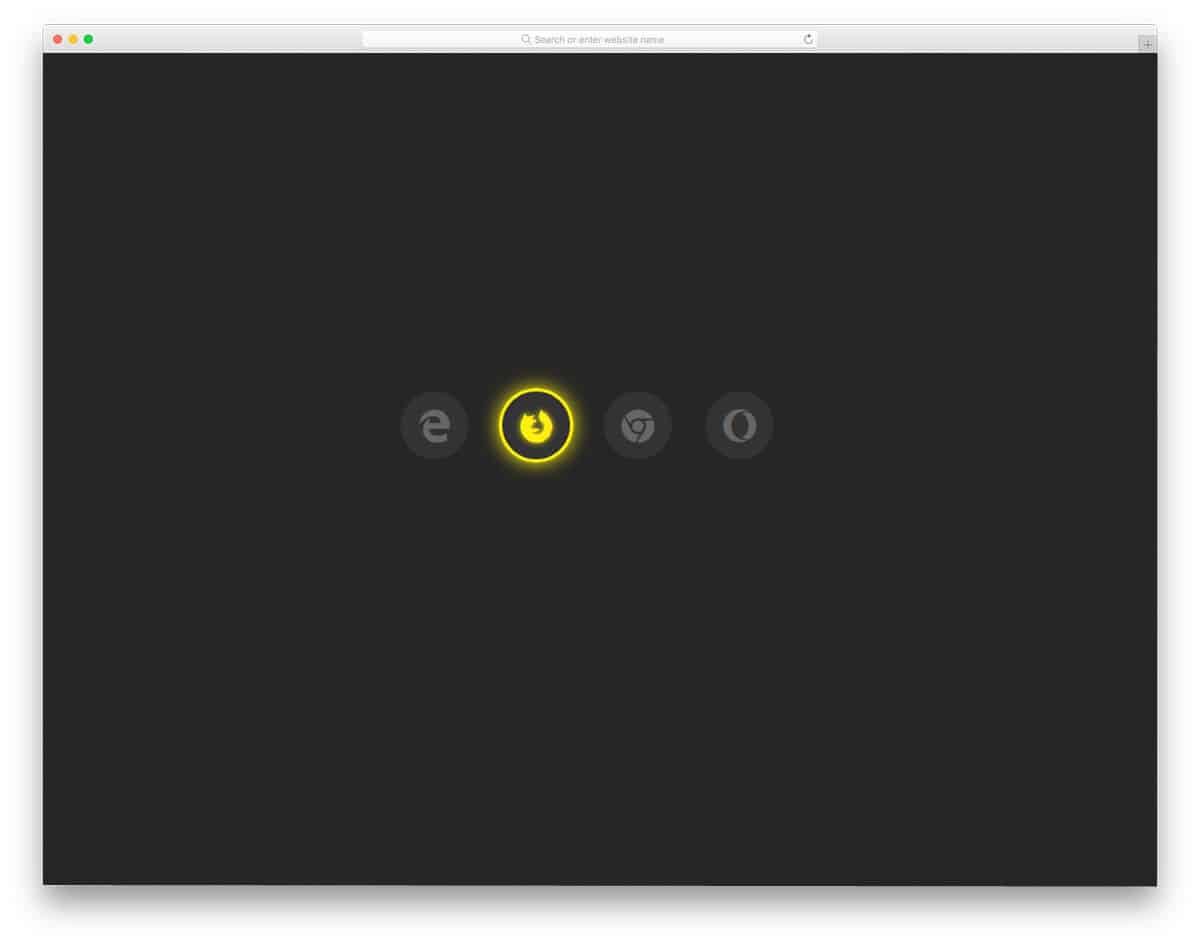
As the name implies, this one has a glowing effect. If you are making a dark-theme website, glowing effect elements will look attractive. Since it is a demo, the developer has used famous browser icons. But you can easily replace the browser icons with the social media icons you like. A simple, easy-to-use code structure will help developers use this code in their designs. Though it is a simple design, the clever animation effect will get the user’s attention easily.
Social Icons Vision 3D

Glitch effects are becoming very popular among modern web and mobile application design. If you are also attracted to the glitch effect, this social media icon design will impress you. The given glitch effect is neat and doesn’t look so fuzzy. Users can clearly see the social media icons in this glitch effect. Since this effect takes up only a small amount of screen space, you can easily add this design to any part of the website. Another advantage of this design is that it is entirely built with HTML5 and CSS3. The simple code structure will make customization and integration a lot simpler.
Social Flip Cards
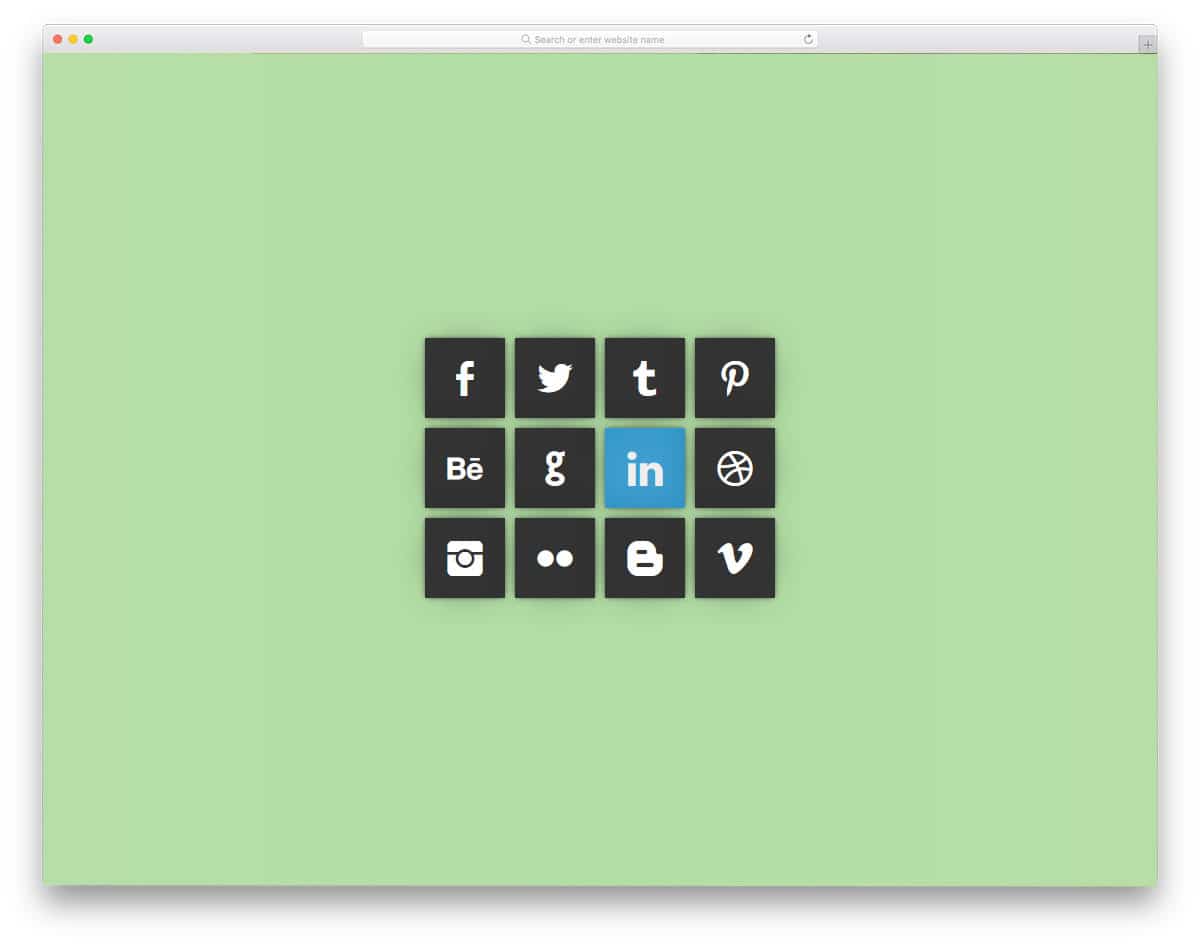
Social Flip Cards, as the name suggests, use a card-flipping animation. One of the biggest advantages of the card-flipping design is that it allows you to communicate effectively with the audience. Without taking much space, you can explain the details corresponding to that particular card. Since it is a simple social media icon design, the developer didn’t use any additional features. But if you need to, you can add the features you like. Just like most other HTML social media icon examples in this list, this one is also made using HTML5 and CSS3. The simple design of these social icons lets you easily fit them into any part of the website.
Social Buttons
This Social Buttons design may look like the same old design, but the developer has used modern animation effects to make it attractive. A water drop, like the hover effect, is used in this design. On the circular social icon buttons, the droplet looks more attractive. To be more sensible with the design, the developer has used the corresponding colors for the icons. Well-structured code lets you easily find and edit the element you want. Another advantage of this simple code structure is that it can be easily used even on an existing website.
Social Media Icons
The developer has given us a simple widget-style social media icons. Hover effects are used effectively to display the colors of the social media icons. Because of this simple design, you can use this social media icons widget in any part of the website. If you are a blogger, you can use this widget on your sidebar to increase your follower count. In the default design, you get a dark color widget. But you can adjust the color scheme to suit your design needs. Like most other social media icons on this list, this one is made purely with HTML5 and CSS3.
Flipping Social Media Icons

Flipping social media icons, the name itself is self-explanatory. In this example, you get a three-dimensional flipping animation. Though it is a 3D design, the developer has delivered a proper animation without taking up much screen space. In the default design, you get only a link icon on the flipping side of the social media icons. You can use your own creativity to spice up the flipping animation. For example, you can show the Like symbol for Facebook and the Follow symbol for Twitter. Another advantage of this design is that the developer has provided a three-dimensional flipping effect using HTML5 and CSS3 alone. Hence, you can easily work with this template.
