

Calendars are a very personal element. Some want their calendars to be neat and clean to organize their goals, while others love using the calendar as a decor element with crazy designs and stylish fonts. There is one for you in this Bootstrap calendar examples collection, no matter what purpose you seek in a calendar. All these Bootstrap calendars are completely editable, so that you can add your element easily by adding a few lines of code.
There are design examples for calendar widgets as well. As many computer and Android users prefer widgets to easily access their favorite apps, offering colorful, cool-looking widgets for your calendar application is a good idea. Most calendars in this list are built with the latest HTML5, CSS3, and Bootstrap frameworks, making them easy to use on your website and in forms.

Calendar V04
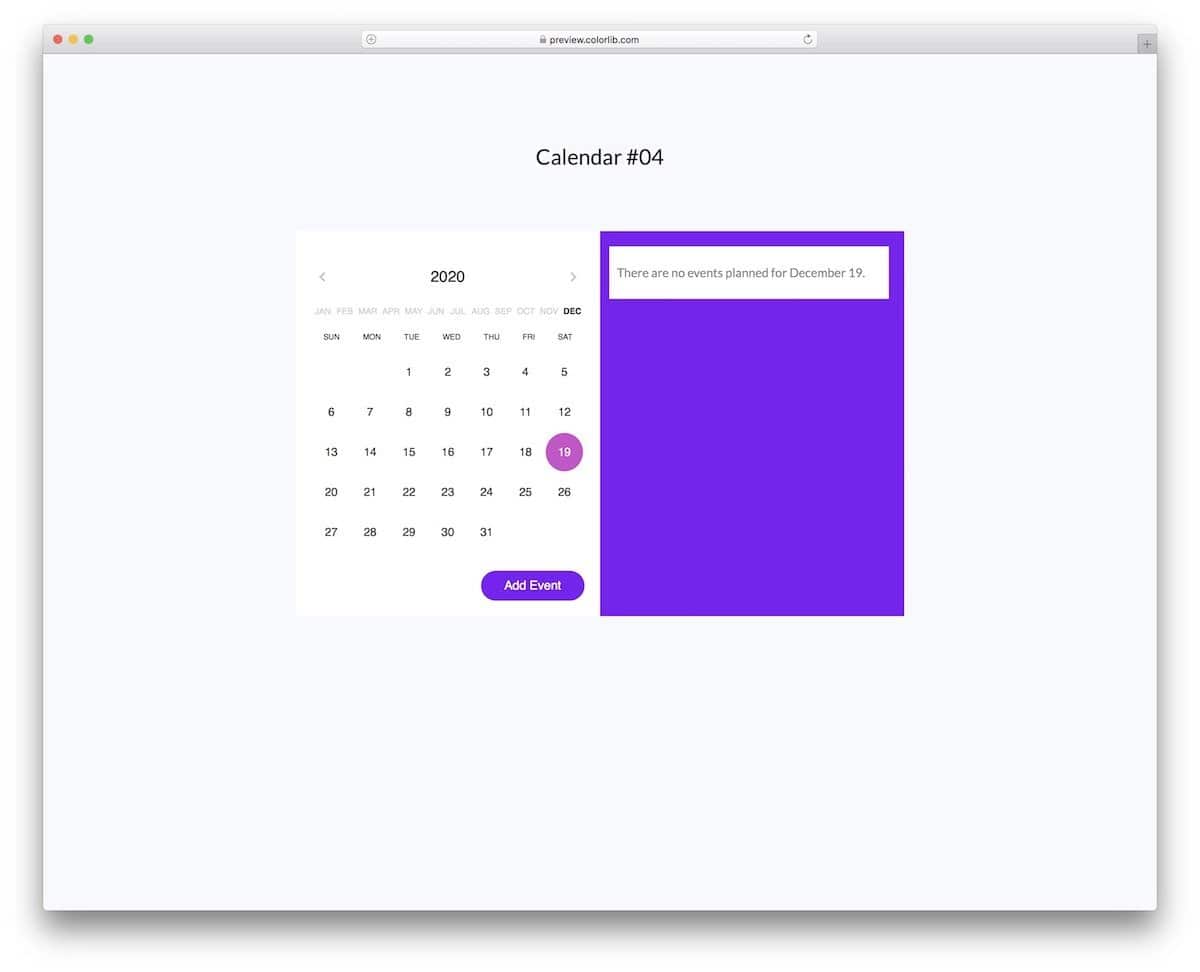
V04 is a functional bootstrap calendar template with options to add events.
This is the best option if you want your calendar to help you easily organize the event. Though it is a free template, the design is top-notch, and the event-adding functionality works smoothly. You must handle the backend work and integrate this template into your website or application. The creator has treated years and months as separate elements in the navigation so that users can easily jump to the desired date without issues.
Calendar V10
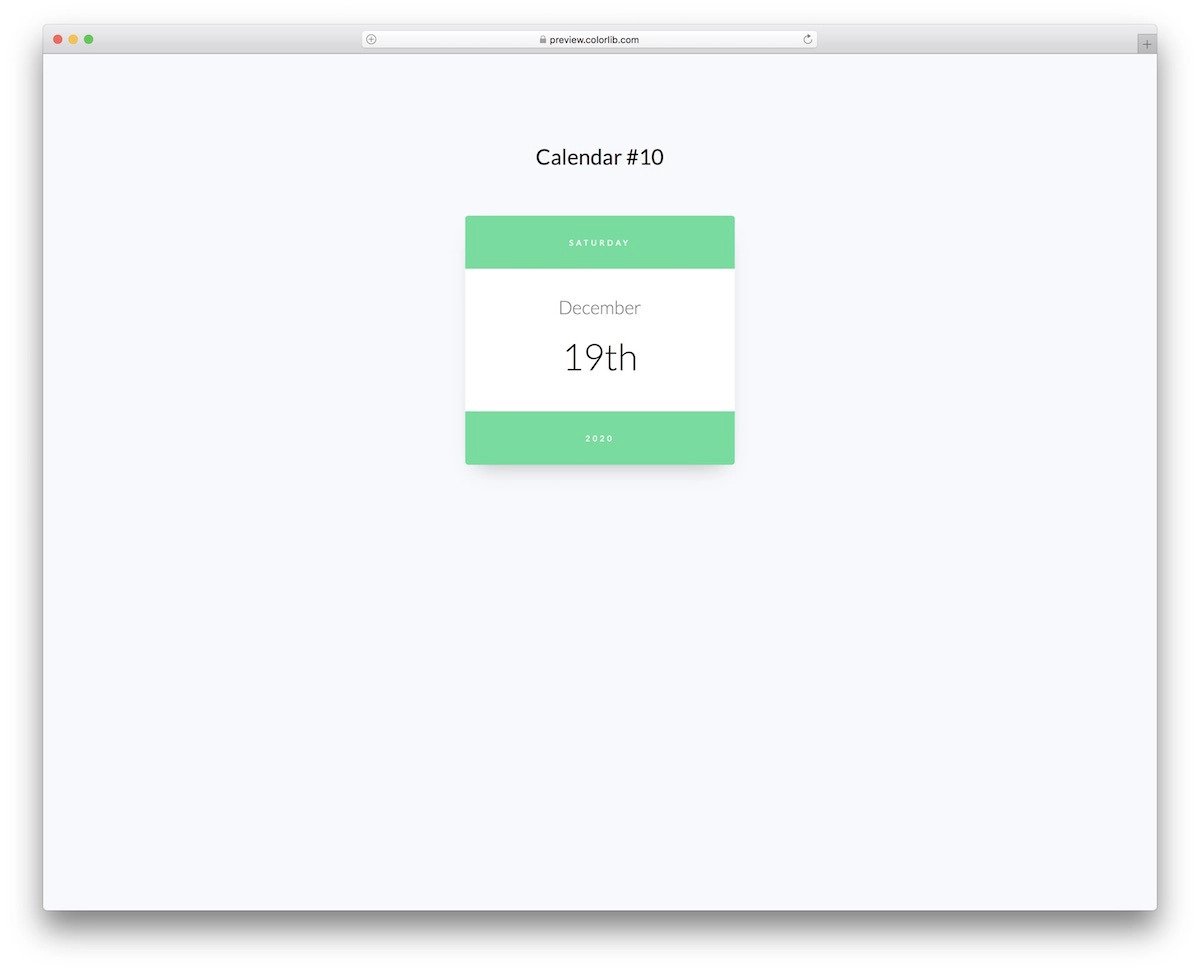
Calendar V10 is a compact and responsive bootstrap calendar template.
This simple calendar design shows the current date and day. Because of its compactness, you can fit this template on any page of your website or application. Since the V10 is a widget calendar, you cannot expand it into a full calendar. However, the creator has included all the code scripts in the download file, making it easy to edit the template and add your custom options without any issues.
Calendar V19
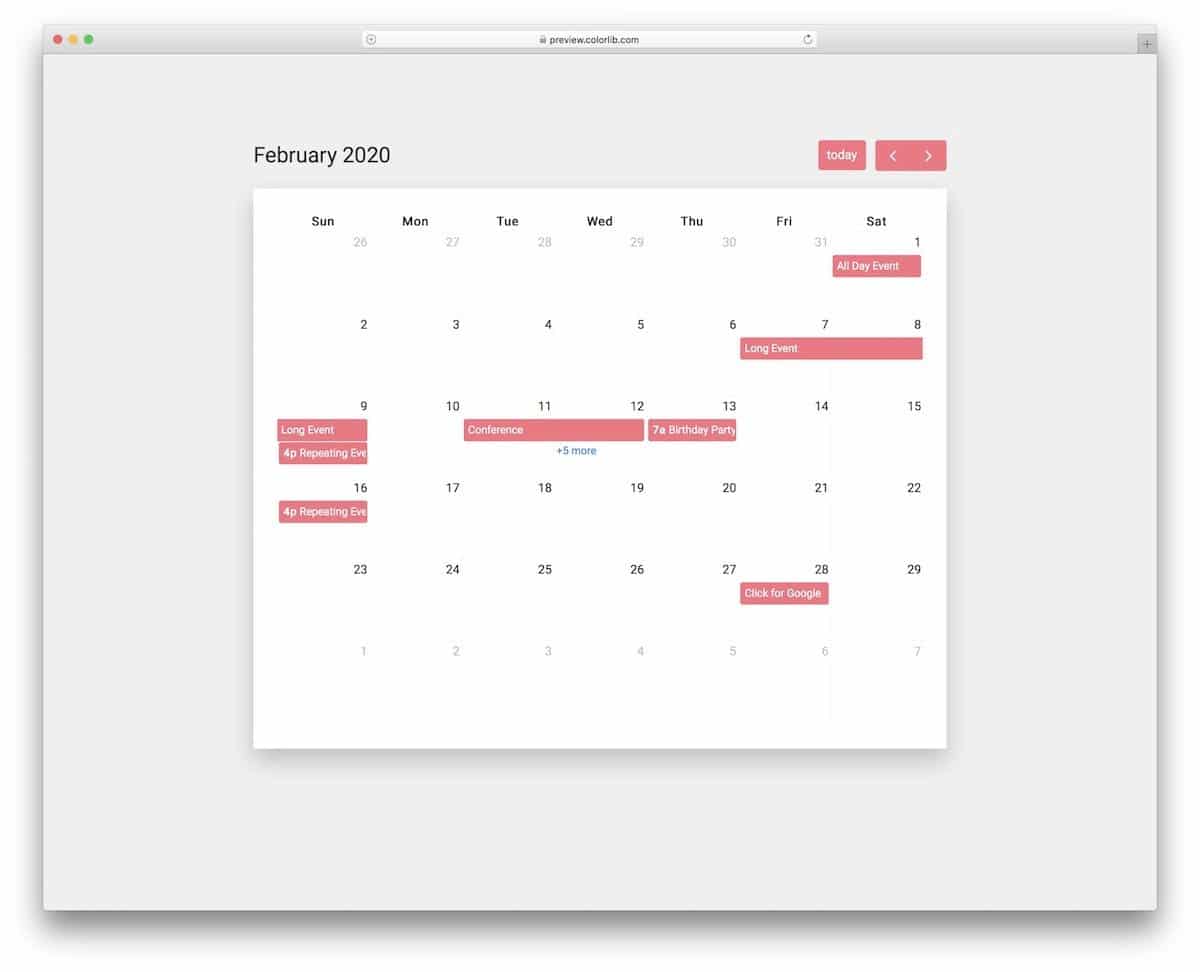
The Bootstrap calendar V19 gives you a full calendar design. Plus, you can view upcoming events.
Smart range elements in this template let you see an event’s start and end date. A modal window displays the other entries along with the timestamp. Basic navigation options are available; you also get a quick button to go to the current date. Overall, the V19 is a near-perfect full-calendar template with lots of code space to add your custom features.
Calendar V06
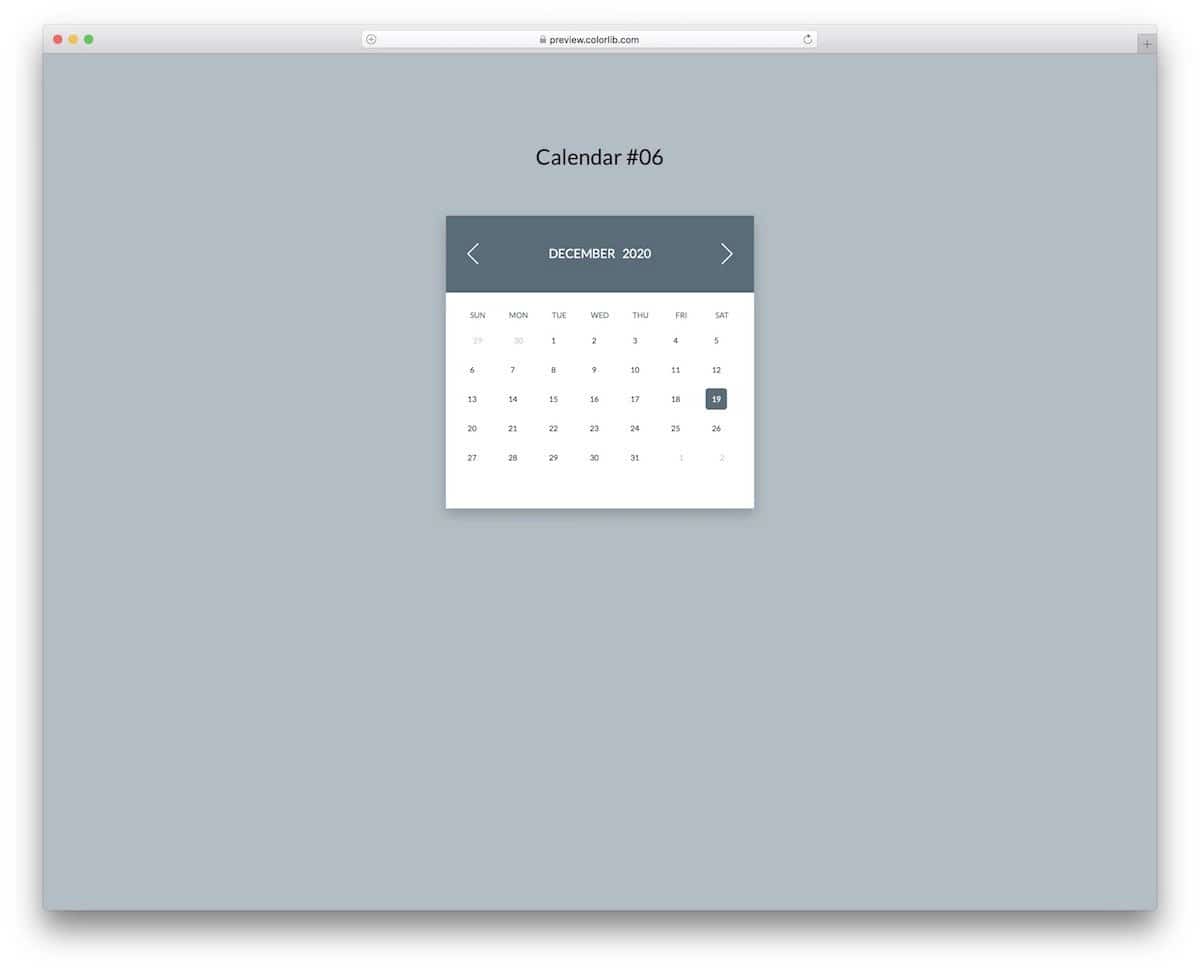
The V06 is a lively and colorful bootstrap calendar template.
Different colors are assigned to each month, so users will have a pleasant experience when moving between months. Animations are sleek and smooth, so you needn’t worry about users getting annoyed with the animations. You can add weather animations to make things more engaging for the audience.
Bootstrap Responsive Calendar Example
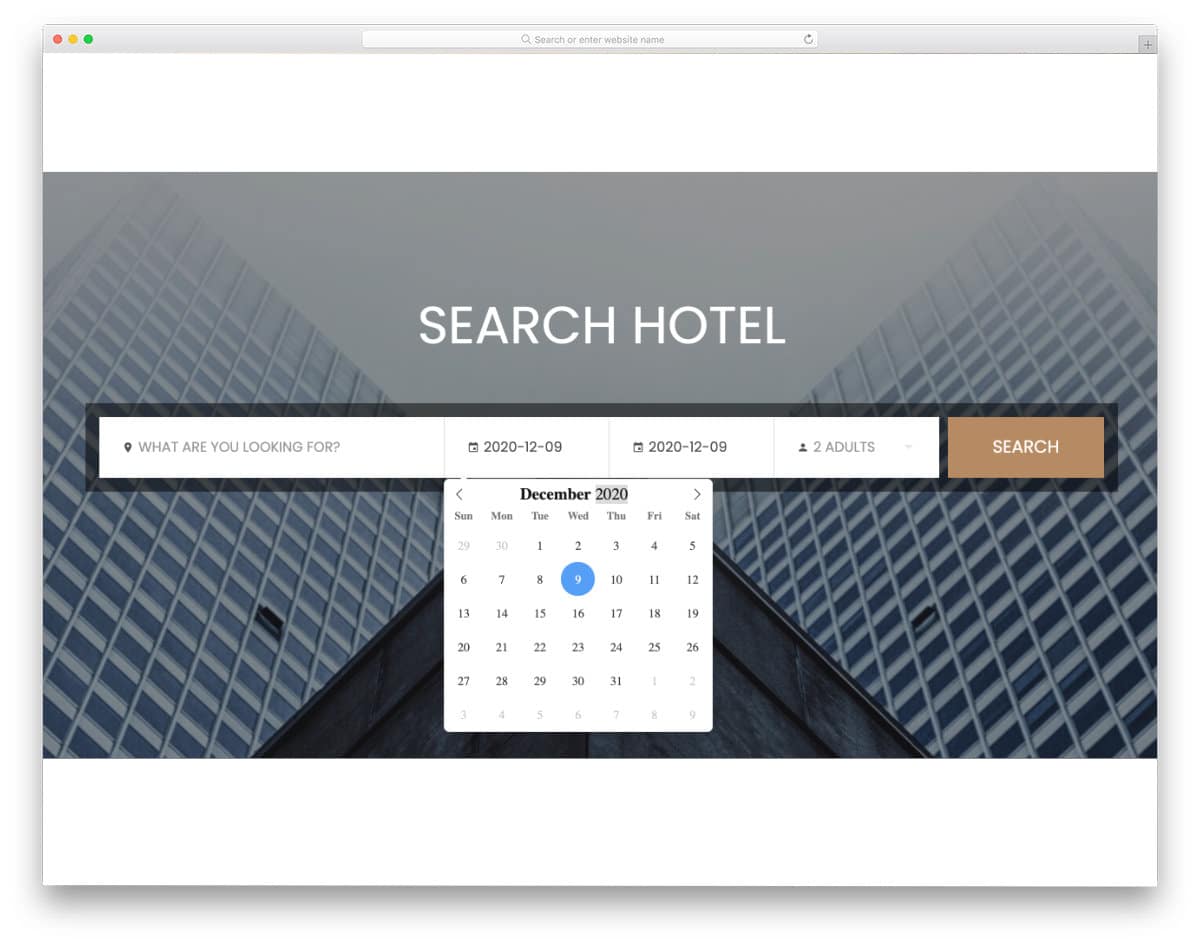
The Colorlib V2 is a clean and responsive Bootstrap calendar example with a datepicker in a search bar. The default calendar has a clean layout with crisp letters and numbers. A circle indicator highlights the current date. Quick navigation options let you jump to different years and months easily. The creator has used the latest Bootstrap framework to make this template, so you can easily utilize this code in any project.
Bootstrap Datepicker Calendar Example
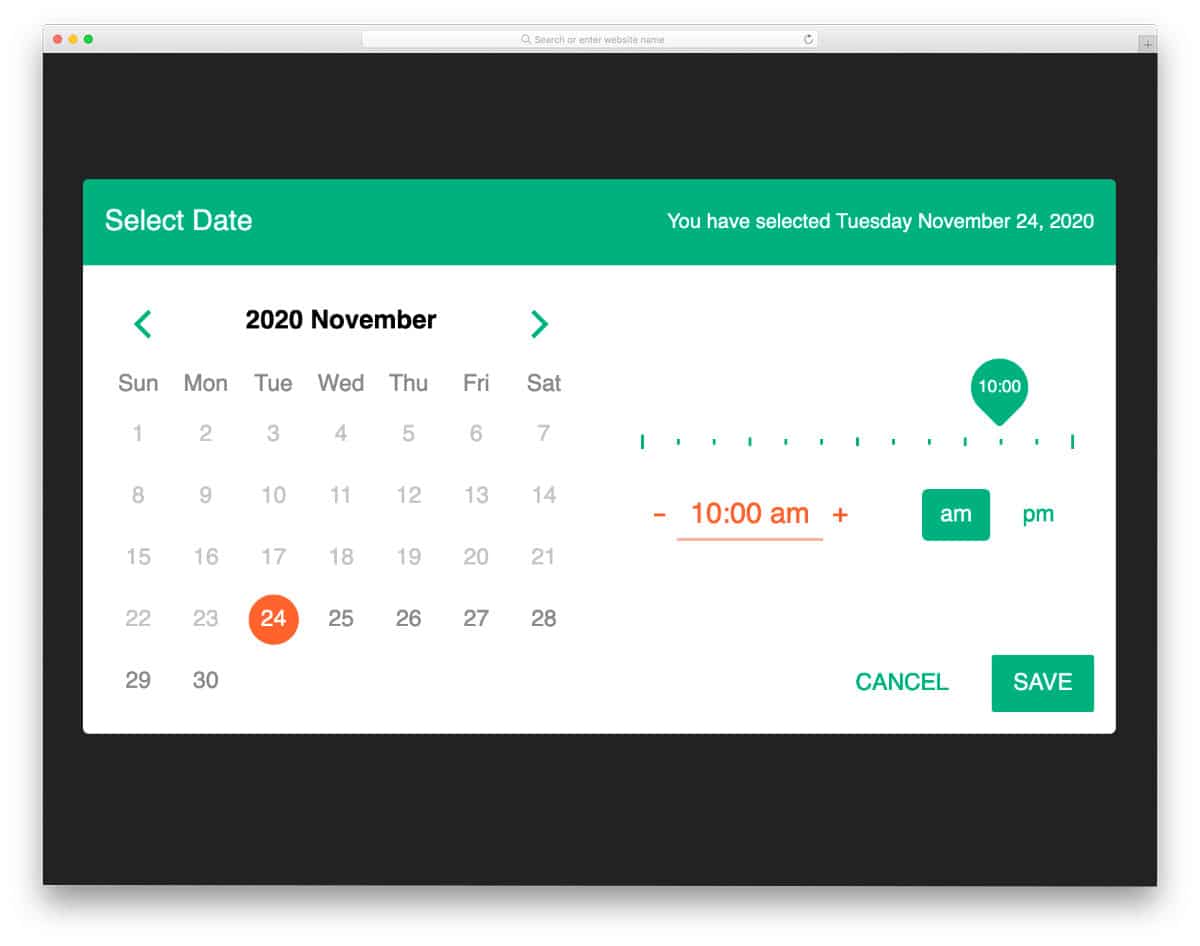
Calendars are widely used as date pickers in modern interface design, as it is easy and direct for users to select the desired dates. The creator has added a time picker and a date picker to make this calendar even more interactive. UI elements are used sensibly in this design; for example, you get a range slider for the time and navigation arrows to quickly jump to the desired date. The chosen date and day are shown clearly at the top to make the design friendlier for all users. If you are looking for a proper Bootstrap calendar for the datepicker function, this is the best option.
Fluid Booking Form UX/UI

This elegant-looking Bootstrap calendar is designed based on Microsoft’s Fluent Design System pricing. Hence, the calendar looks trendier and is also very easy to use. Users can pick the professional they want to schedule an appointment with, select a date on the calendar, provide their contact details, and book the appointment. You can easily jump to the first page from any part of the screen with just a single click. Though it is a concept model, it is designed smartly as you would in a final product. The entire code script is shared with you in the CodePen editor to help you use it easily in your project.
Animated Bootstrap Calendar
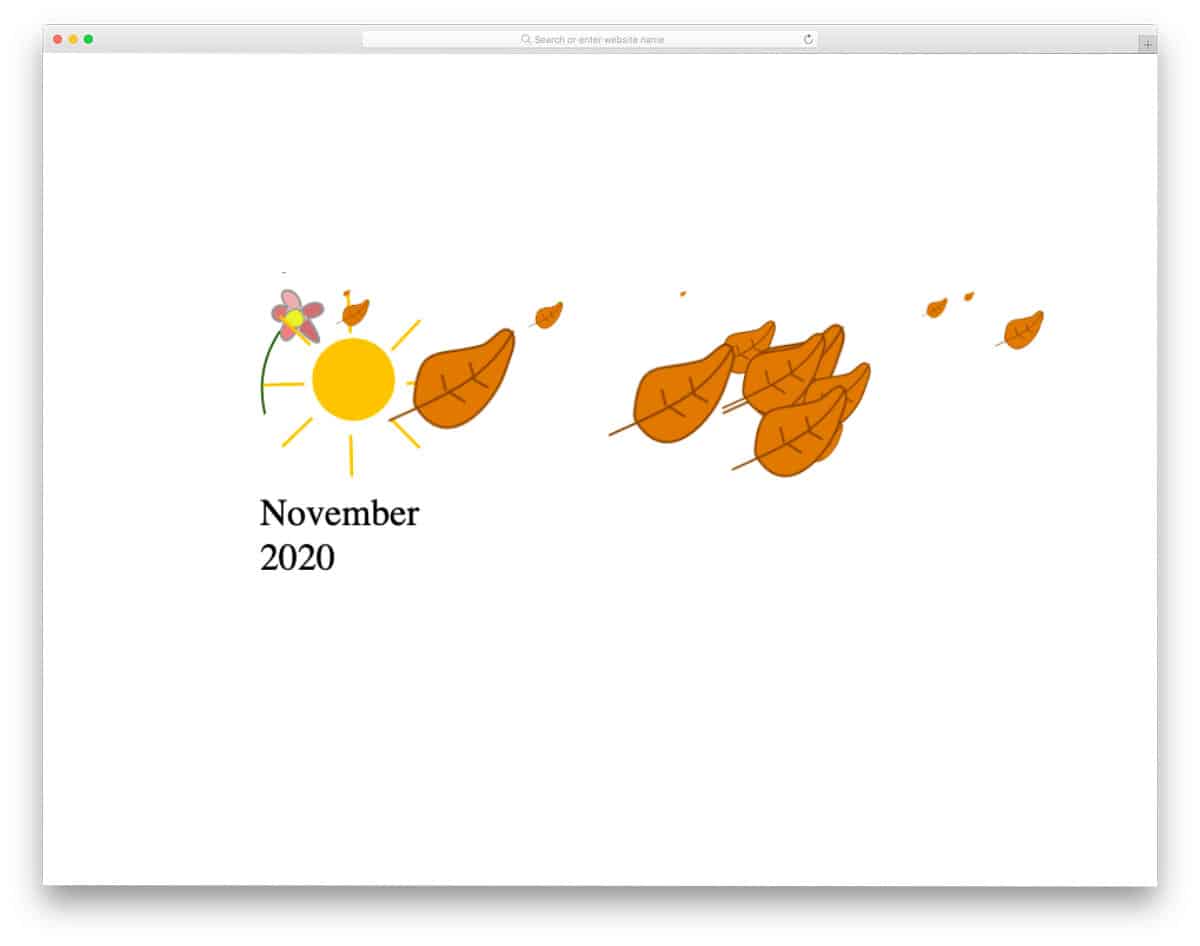
This bootstrap calendar uses an animated header section for an immersive user experience. Because of this calendar’s simple form factor, you can fit it easily as a widget on any part of your website. Of course, you need to fine-tune the design to make it work better. The creator has kept the code as simple as possible and shared it with you in the CodePen editor. So you can edit and visualize the results before taking the code to your website/application.
Elegant Calendar
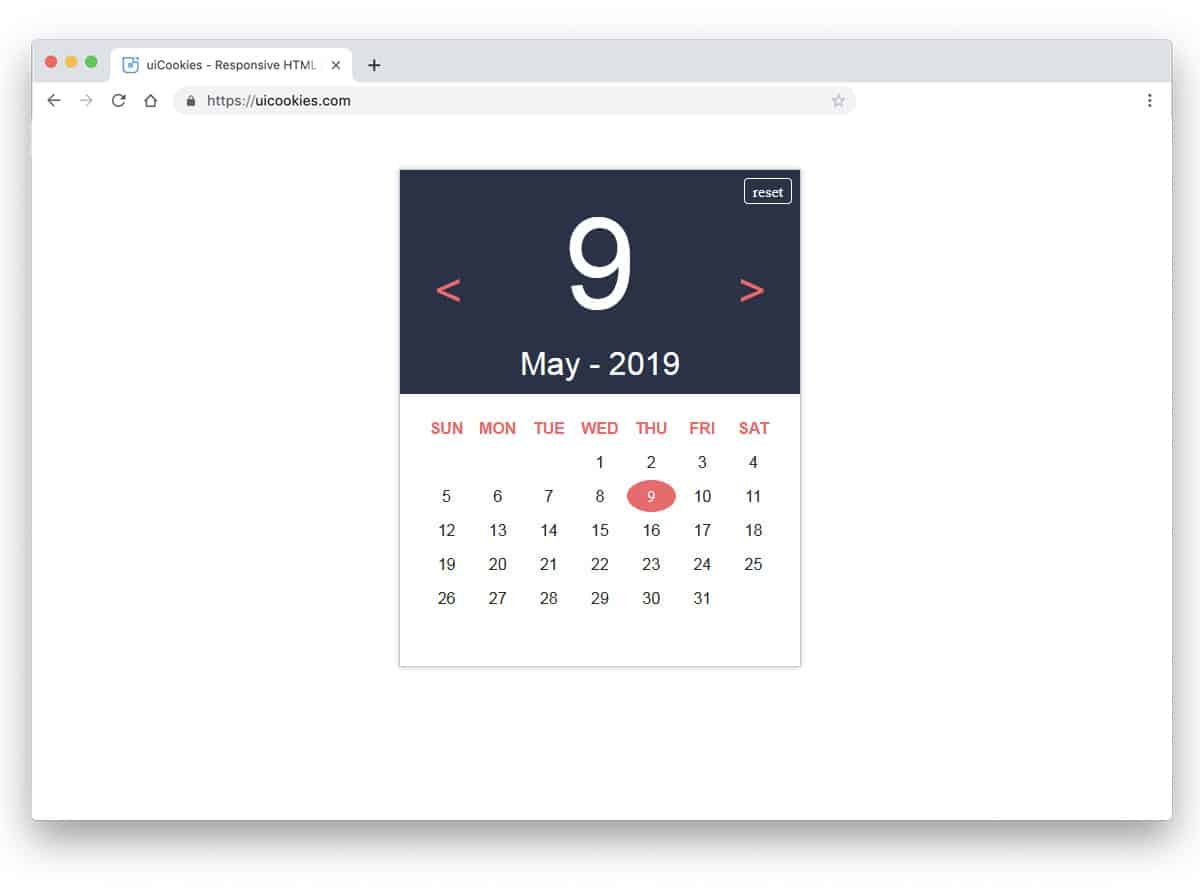
Though the Elegant calendar is a concept model, the developer has shared a fully functional calendar in this example. A thoughtfully designed calendar clearly shows today’s date at the top and the full month below the date. Swift and clean-looking animation effects are used in this template. Especially the rotating arrows are pleasing to the eye. In the default design, you don’t have the option to add or see the entries. You can use this design if you want a simple Bootstrap calendar for your website or application. Adding a few features to this calendar lets you organize your work like a proper calendar application.
Bootstrap Compatible Calendar Widget
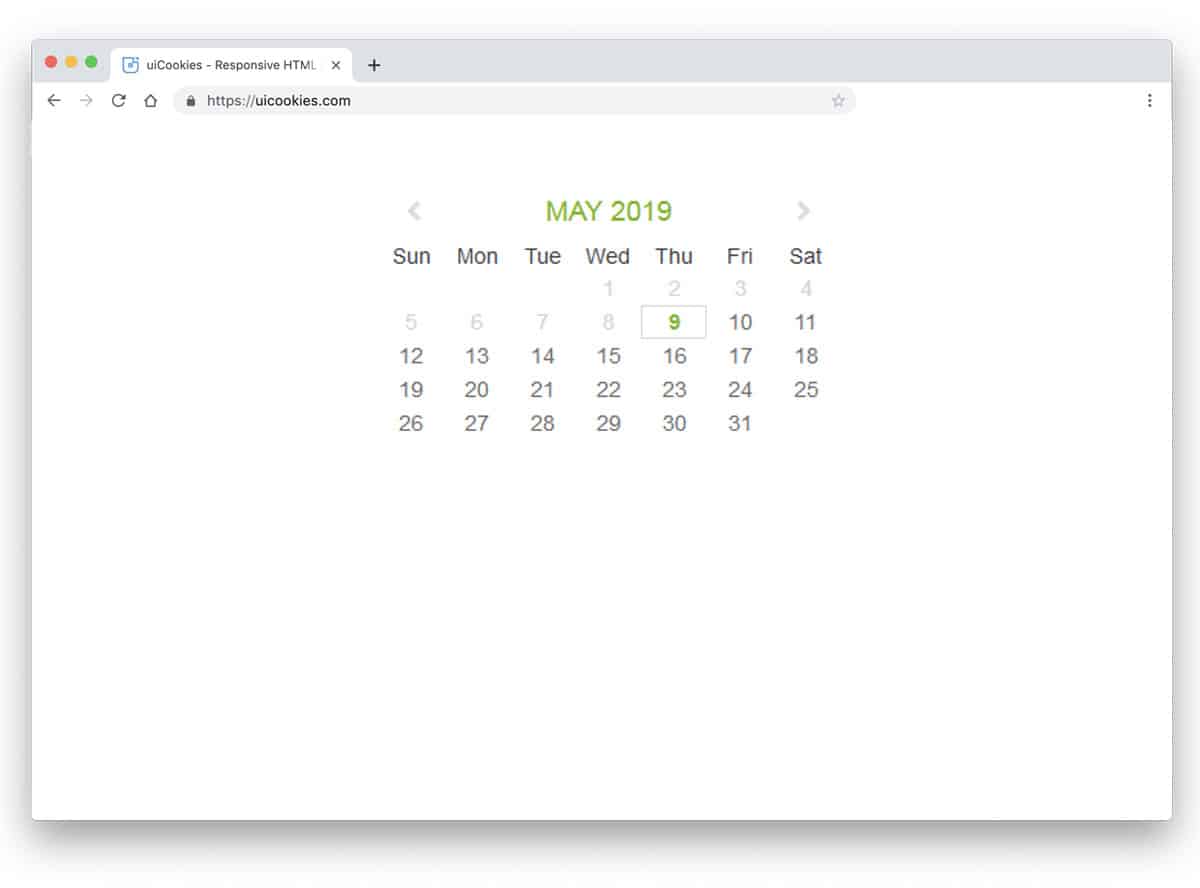
This one is a simple, neat-looking calendar design. Only basic features and functionality are provided in this calendar, making it a perfect option for all websites. Navigation options are done properly so the user can easily jump between dates. This example doesn’t have animated arrows and other elements. You can look at our CSS arrow design collection for more lively animated arrows. As this design uses the latest CSS3 and Bootstrap framework, you can use any modern effects on this one. One additional feature of this calendar is that you can pick a date range. Though there’s no feature to add events or goals, this date-range selection might reduce your work.
Simple Calendar
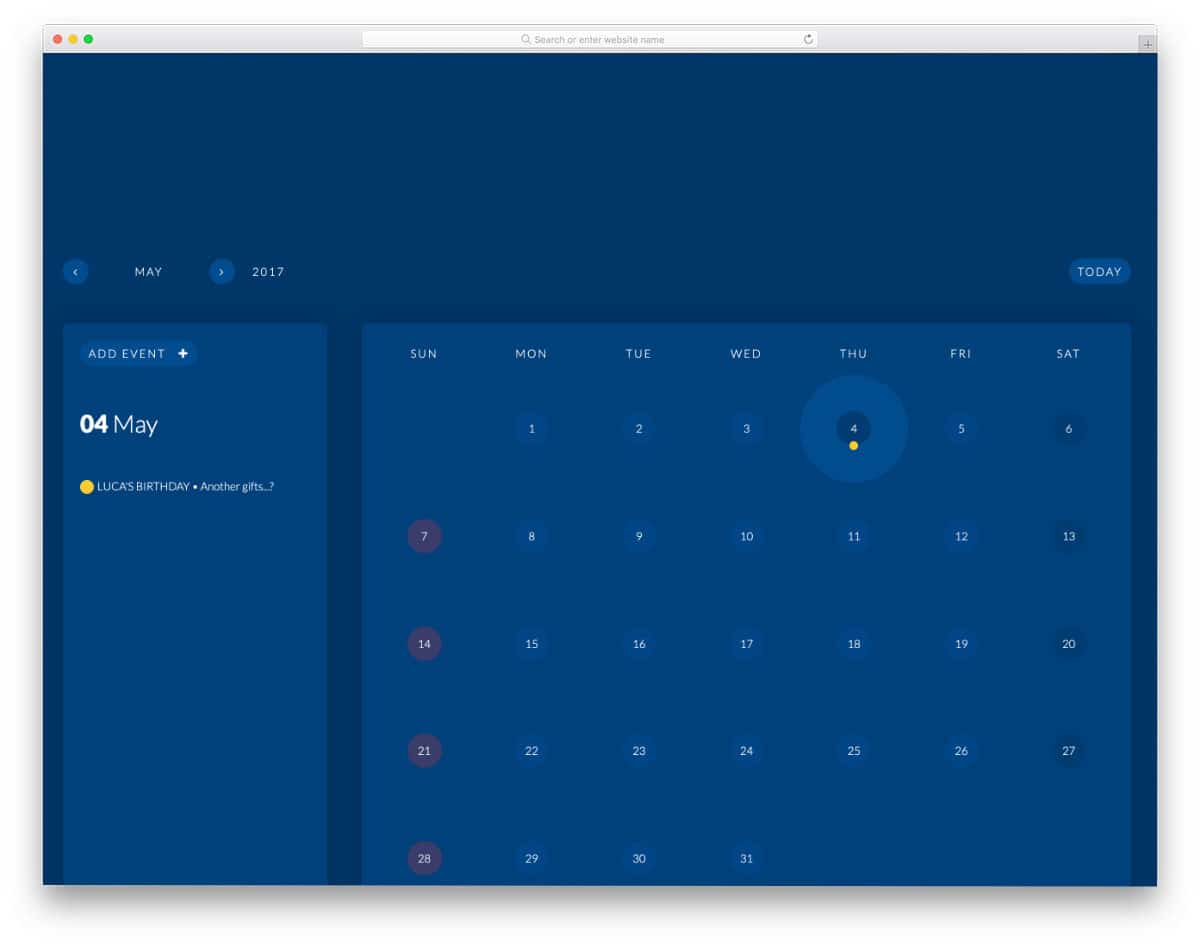
Though the name suggests this is a simple calendar, it is a bit more than that. This calendar’s code snippet provides the calendar design and working functionality. You can add events to this calendar and organize it neatly. The creator has assigned default colors to each category to easily identify events at a glance. A dynamic sidebar is given in this calendar to show the selected day’s entries. Since it is a concept model, you must tweak the design and add a few more features to make it a proper Bootstrap calendar.
A Coder’s Advent Calendar
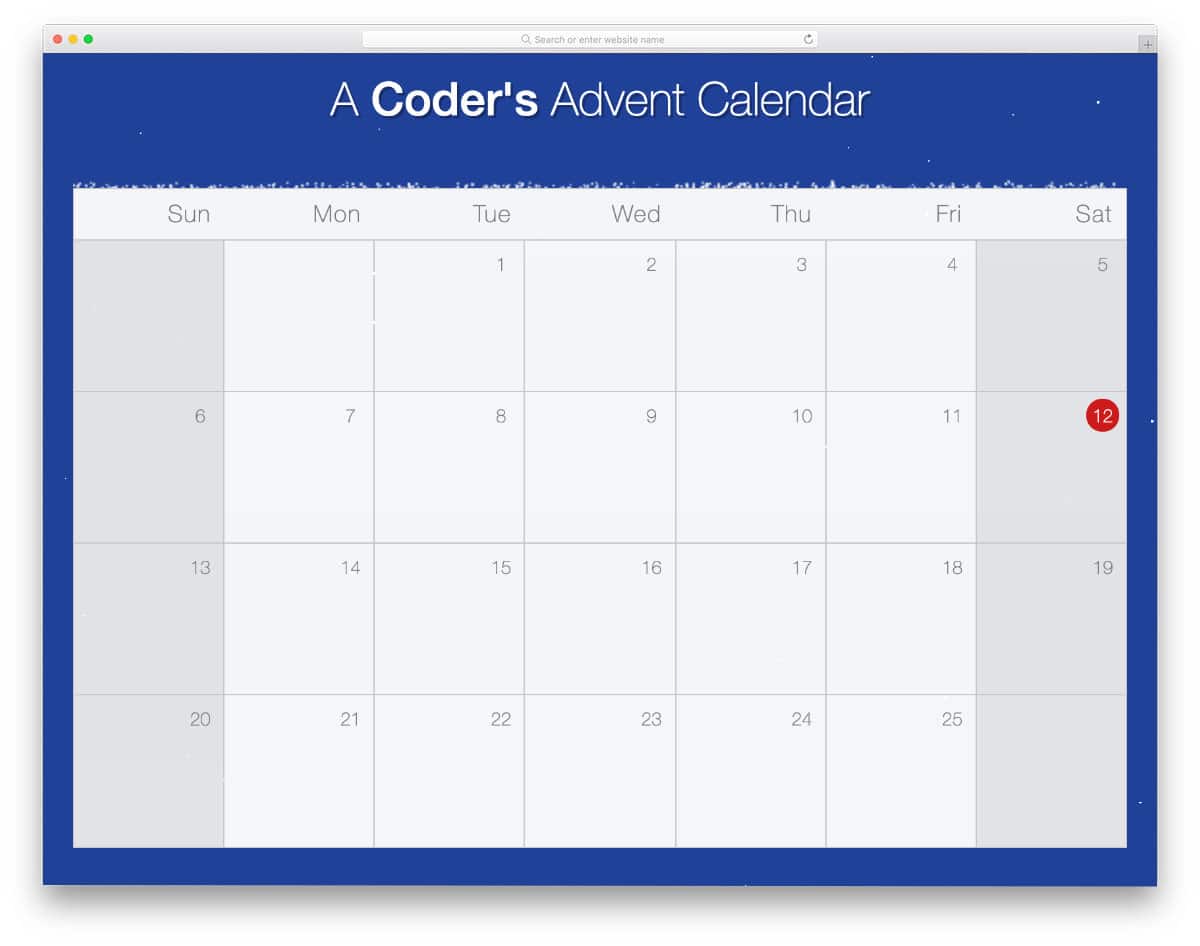
This one is another example of animated calendar design. Animations are swift and smooth in this calendar, making interaction easy. This one uses a lightbox effect to display the day’s entry; hence, the user can easily return to the calendar from where they left off. The snowfall background animation sets the holiday mood. But you can remove the background and take the calendar concept alone. The creator has kept the code as simple as possible so that other developers can easily understand its functionality.
Calendar by Mark

This one might impress those who want a simple and elegant calendar design. Without using fancy animations and bright colors, the creator makes an interactive calendar. The present-day date alone is made larger than the rest to make it easier to identify. Since this one is designed like a widget, the developer hasn’t considered adding event functionalities. But this calendar’s friendly code structure gives you enough room to add the custom features and elements you want. You can use this code snippet on your project if you want a simple calendar with basic functionalities.
CSS Grid Calendar
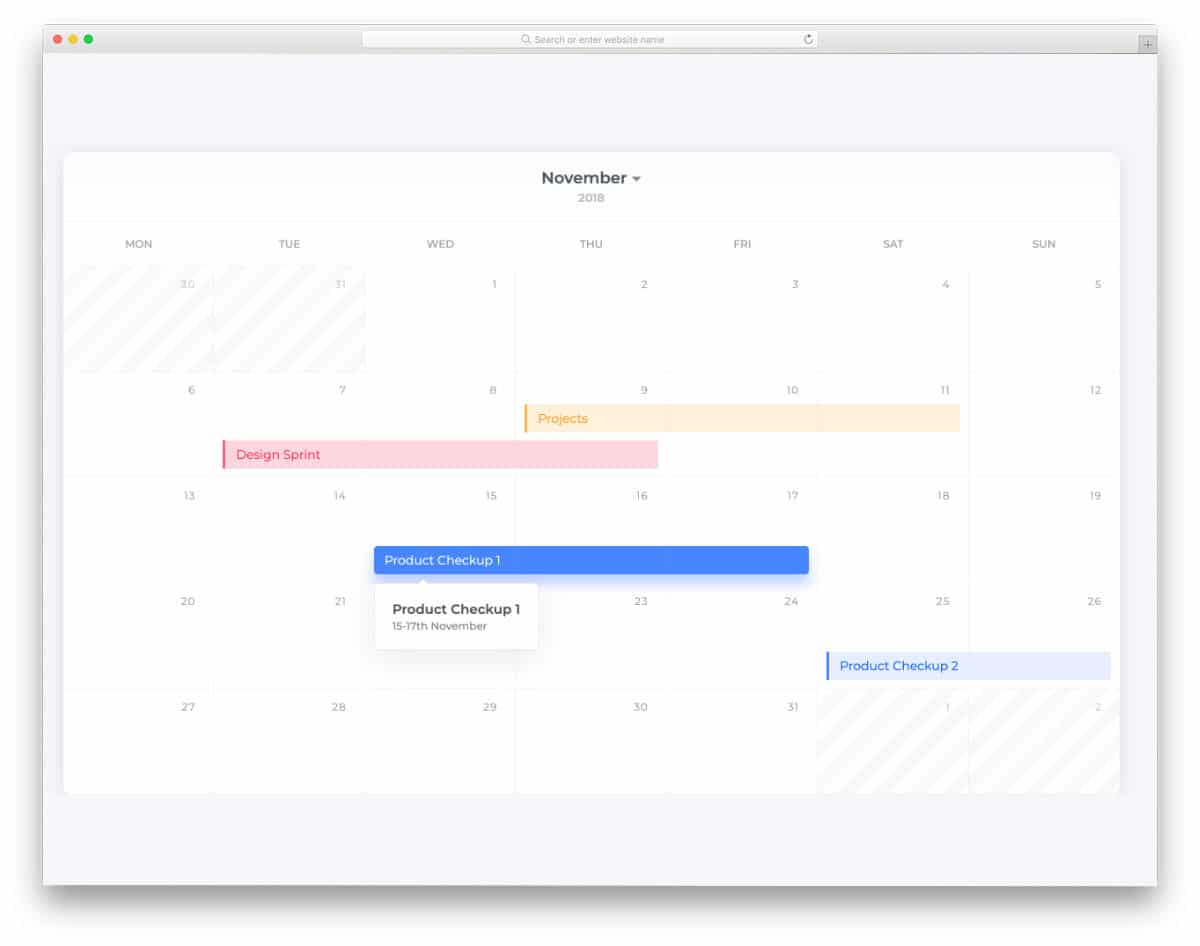
This example will give you some fresh ideas for calendar design. The concept is based on material design; hence, you can see more natural colors and realistic elements. If you want your calendar to show the date range of an event, this calendar design might be helpful. For example, an event starts on Monday and ends on Thursday, the date range bar extends from Monday to Thursday. This design will be useful for productivity and office calendars as well. The creator has given you a basic idea in this example. You can take the idea and develop it as per your requirements.
Round Calendar
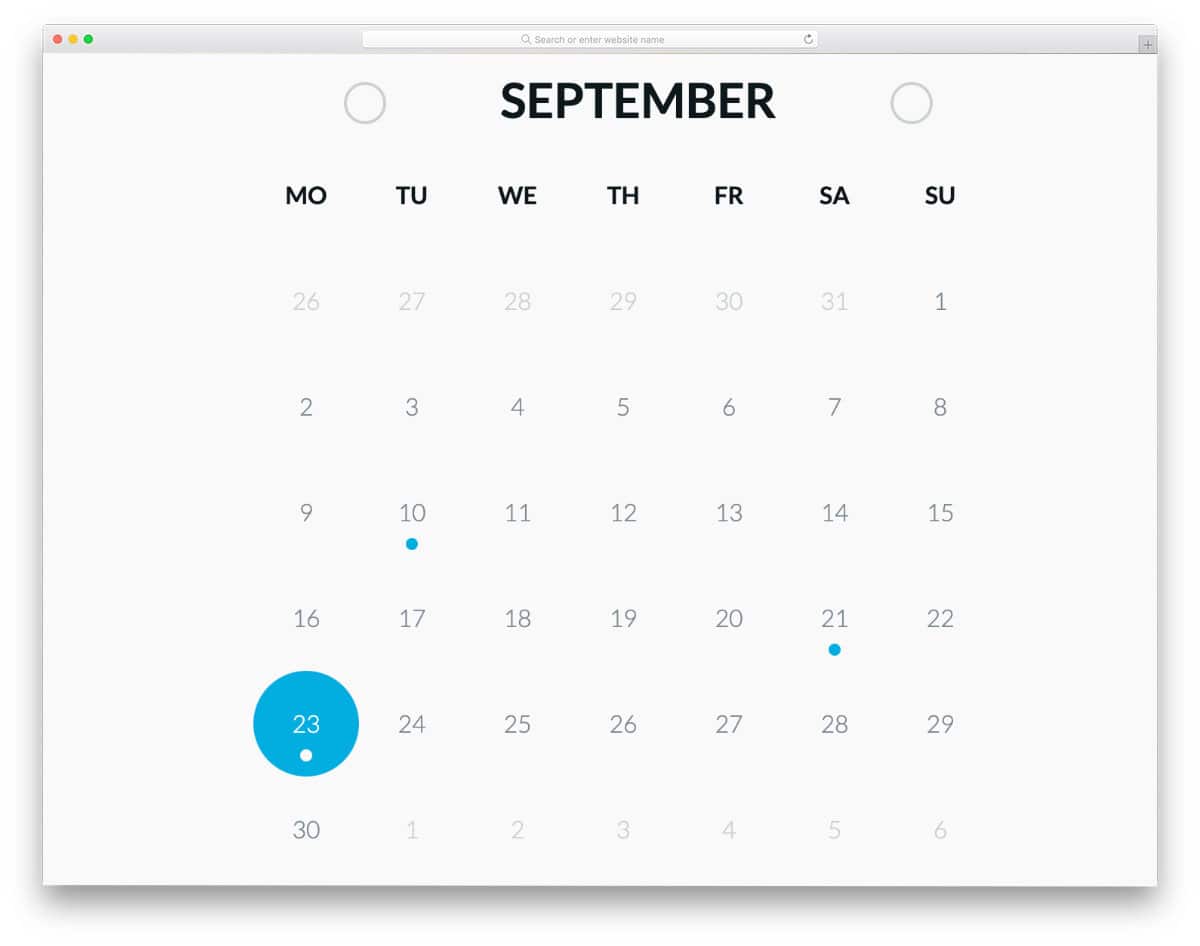
As the name suggests, this calendar design features many circular elements. Everything is based on the circular design theme, from the day highlighter to the navigation arrows. This one also gives you only the design ideas, and the functions are not working. You can use this calendar’s style sheet and add your desired functionalities. Speaking of navigation arrows, look at our CSS arrow design collection for fresh arrow designs with a circular theme.
Dice Calendar
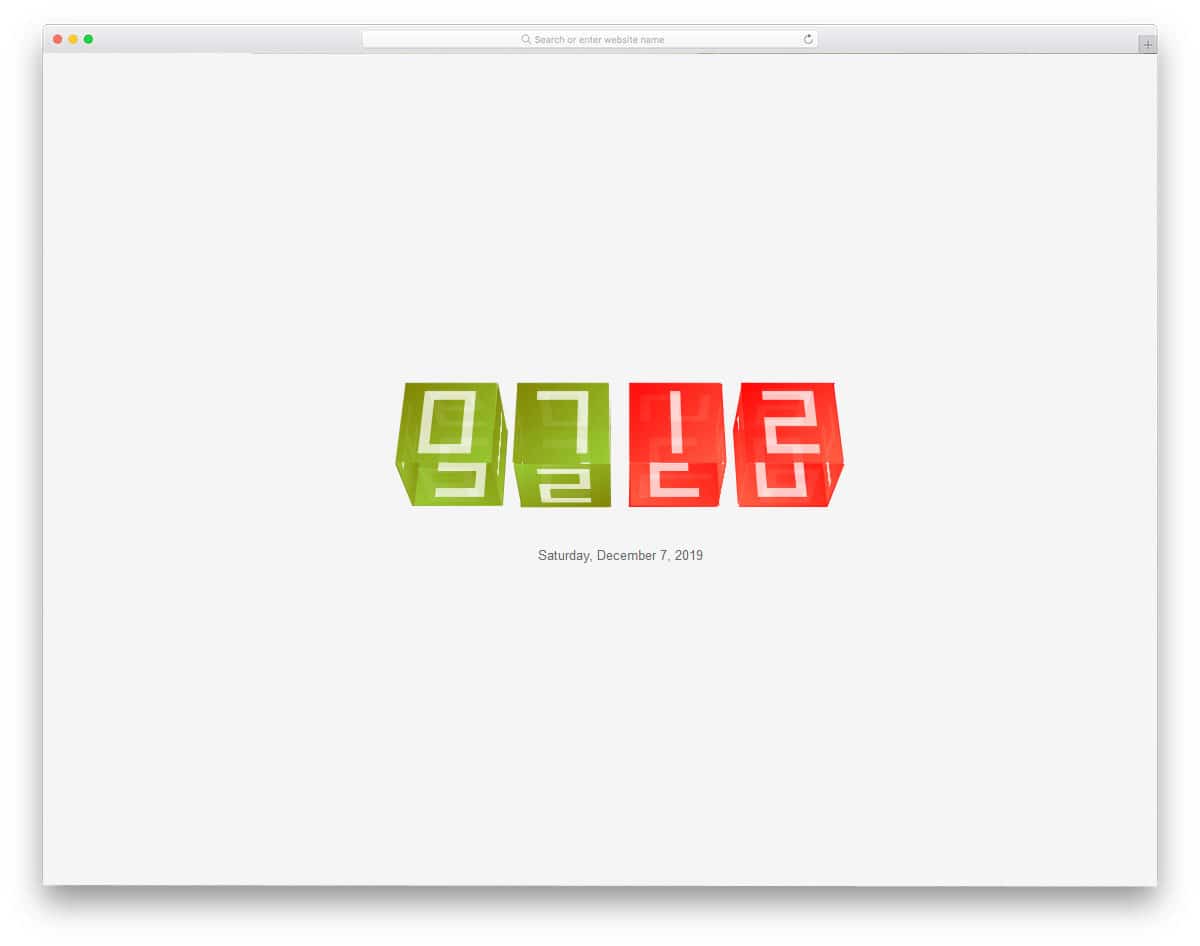
If you are looking for Bootstrap calendar examples to use as a widget for your calendar application, this concept might impress you. Dice Calendar is an animated concept design for a calendar. Since it is a dice-based design, you can only show the current date. The creator has used CSS and JavaScript frameworks to make this fluid animation. By keeping this design as a base, you can create your own custom calendar widget design. The entire code script is shared with you in the CodePen editor so you can easily edit it and visualize your customization results before using it on your website or application.
Calendar By Abram
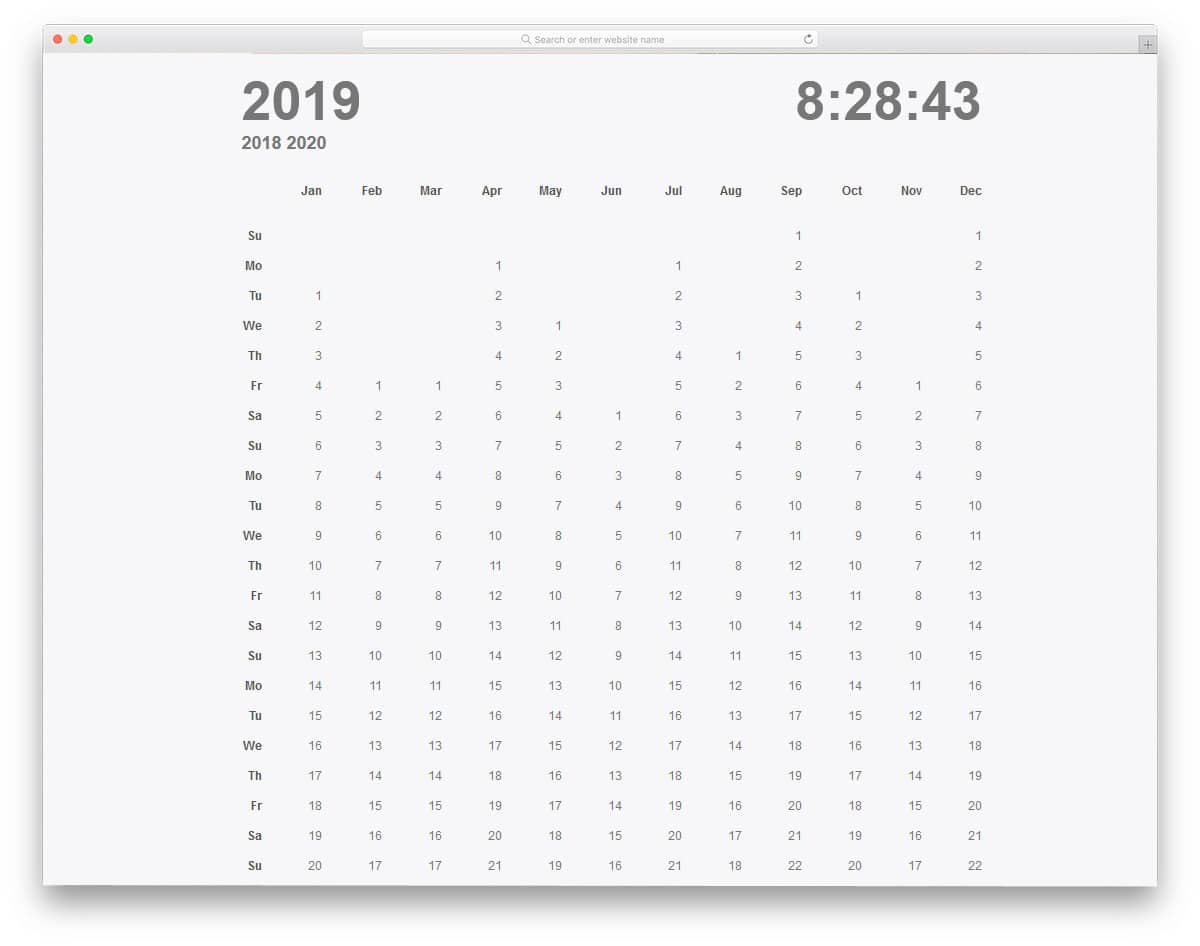
This full-calendar design displays the entire 365 days on a single screen. The creator has used the tabular-column-like design to organize the dates and show them neatly to the user. You have a large working clock in the top-right corner and years in the top-left corner. The creator has allowed you to easily jump to the previous and the next year. If you want, you can shrink this calendar design and display it month by month. This example does not offer other interactive options, such as calendar entries and reminders. You can use this code as a base for your custom calendar design to save time.
Circular Calendar Display
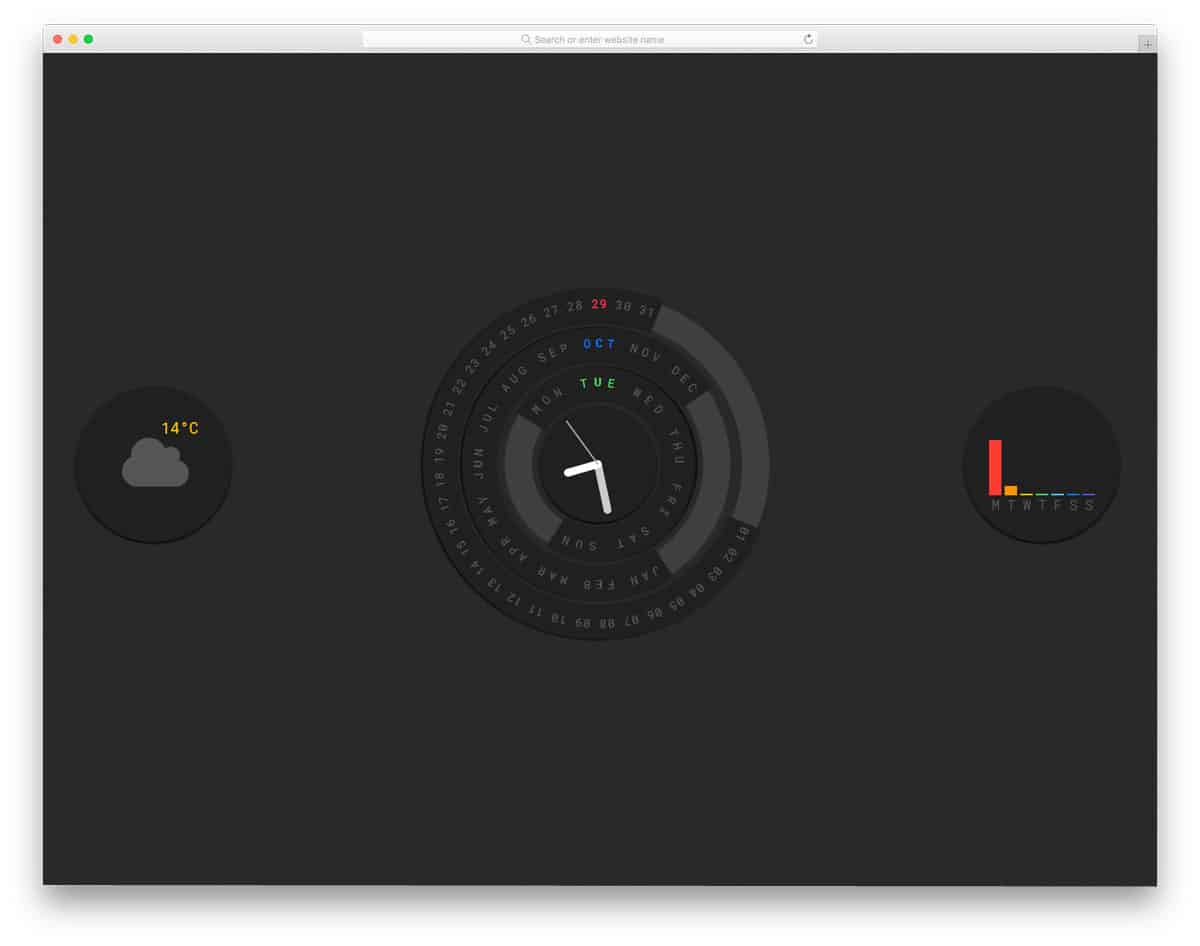
This is another crazy bootstrap calendar example. The creator has combined the clock and the calendar in this design. As the name implies, this template uses a circular dial design. You also get a loading animation with a welcome message when you first load the calendar. Though it is a crazy, creative design, the creator has done all the basics properly in this calendar. You can see the date and time at a glance. A weather widget is also given in this calendar. If you like to show daily weather on your calendar, you can use this weather widget, but you must make it fully functional.
Bold Calendar By Sam Breed
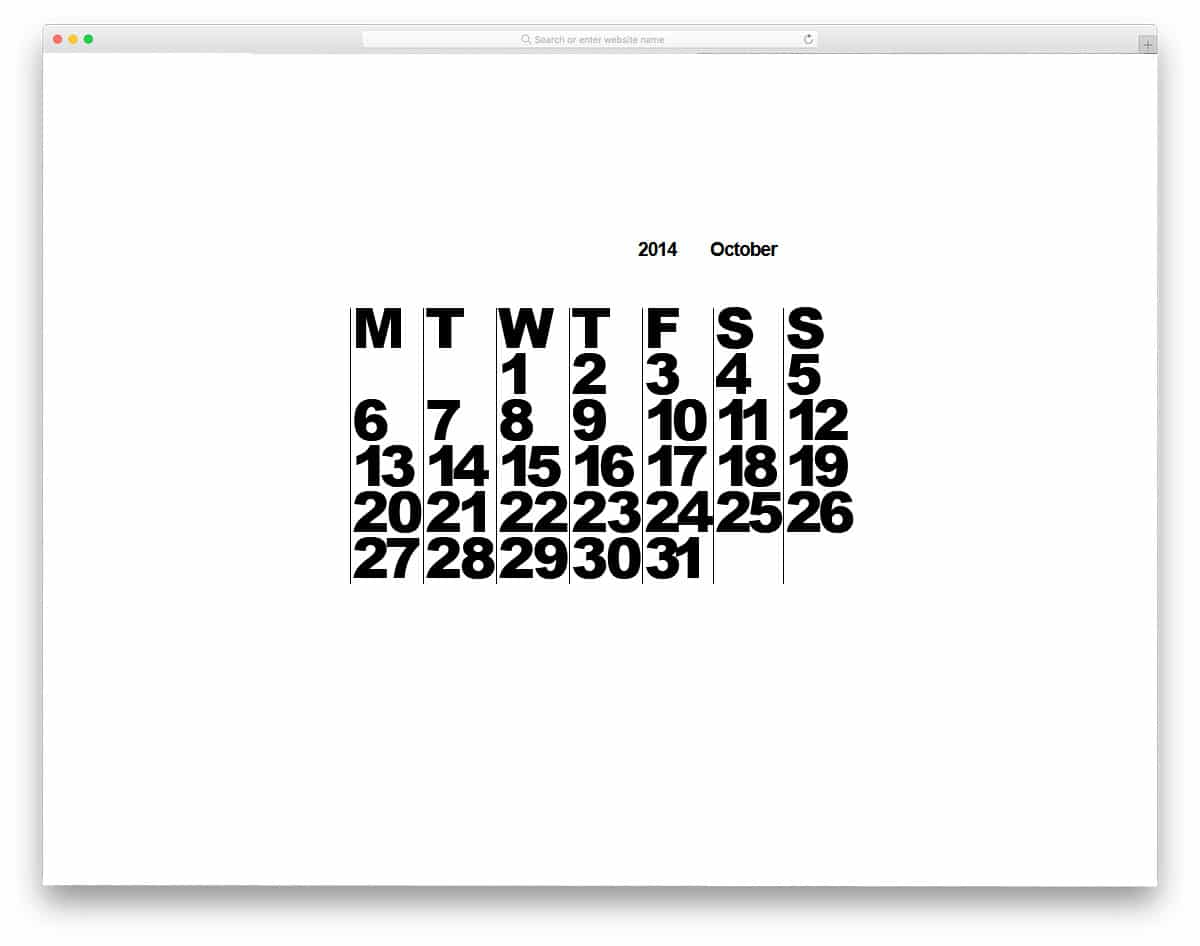
The creator of Sam Breed has given us a simple, bold-looking calendar design. This bootstrap calendar doesn’t use any crazy design like the animated Dice calendar and Circular calendar mentioned above. With a unique layout, this calendar stands out from other Bootstrap calendar examples mentioned in this list. At the top, you have the month and year option, but you can’t change them. Since it is a concept model, the creator has not given us a fully functional calendar code script. You can use this design as an inspiration and create your custom calendar with all the desired features.
Interactive Calendar App
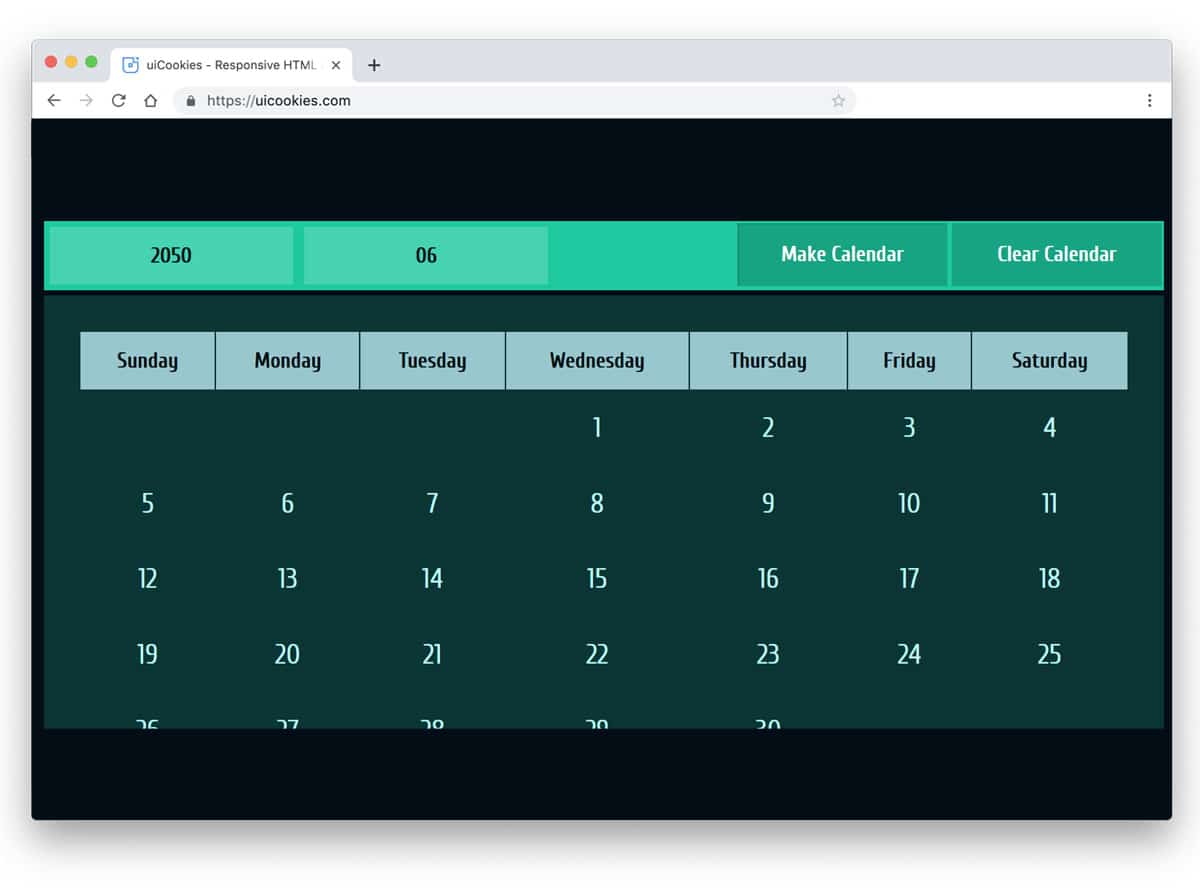
If you plan to use the calendar on your website, this design might help. In this calendar, you can enter the month & the year to get the corresponding calendar of that month and year. You can easily reset the calendar with a single button click, a welcome addition. If you are making a calendar for a hotel or travel website, this tool will help the user easily navigate to the month and year they want. By keeping this design as a base, you can create your custom calendar with the features you want. Since the developer has shared the entire code with you, working on this calendar will be easy.
Styled Calendar
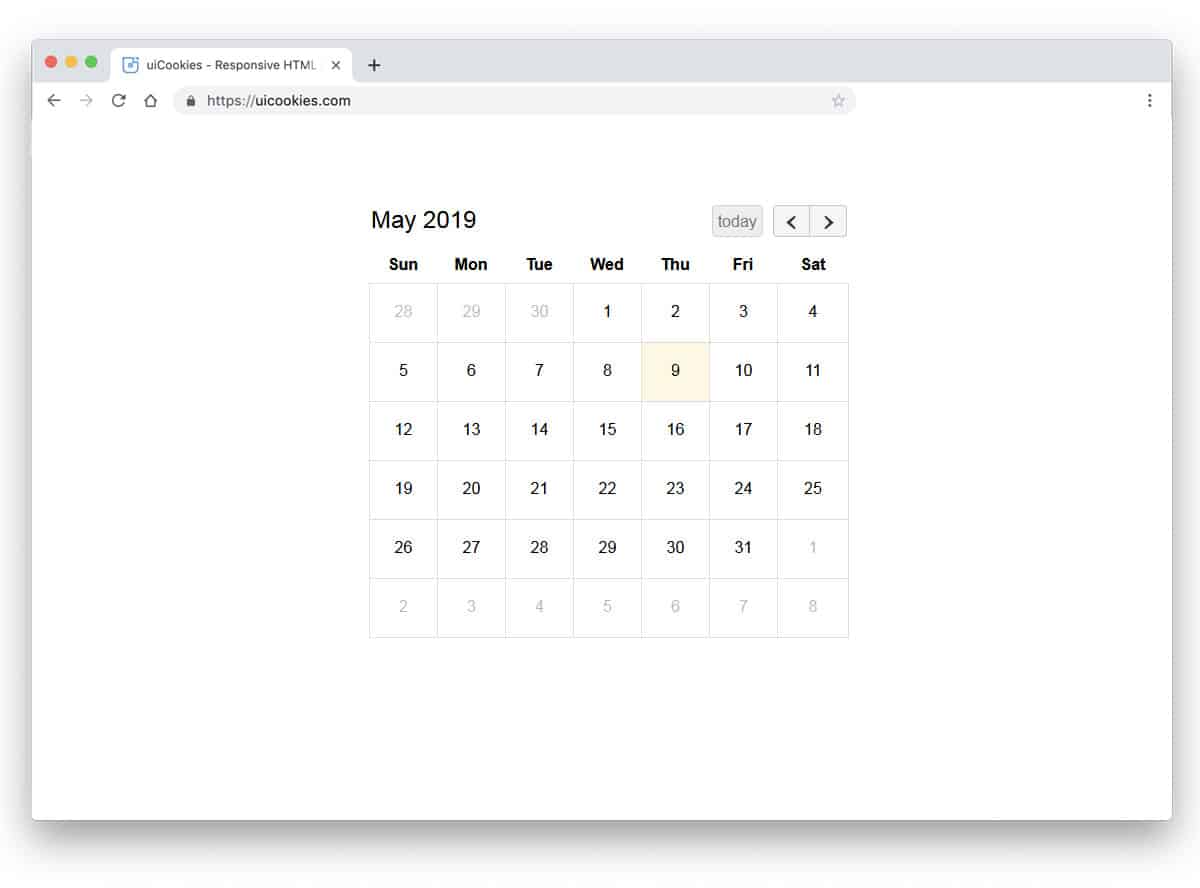
Styled calendar is a bigger version of the Bootstrap calendar widget mentioned above. With this template, you also get a clean design and proper calendar navigation. What makes this calendar design stand out is that it is entirely built with CSS3. The animations, transition effects, and tables are created using CSS3. Since it is a monocode design, you can easily work with it. A unique option in this calendar is to jump to today’s date with a single click, just like in the Apple calendar.
Advent Calendar
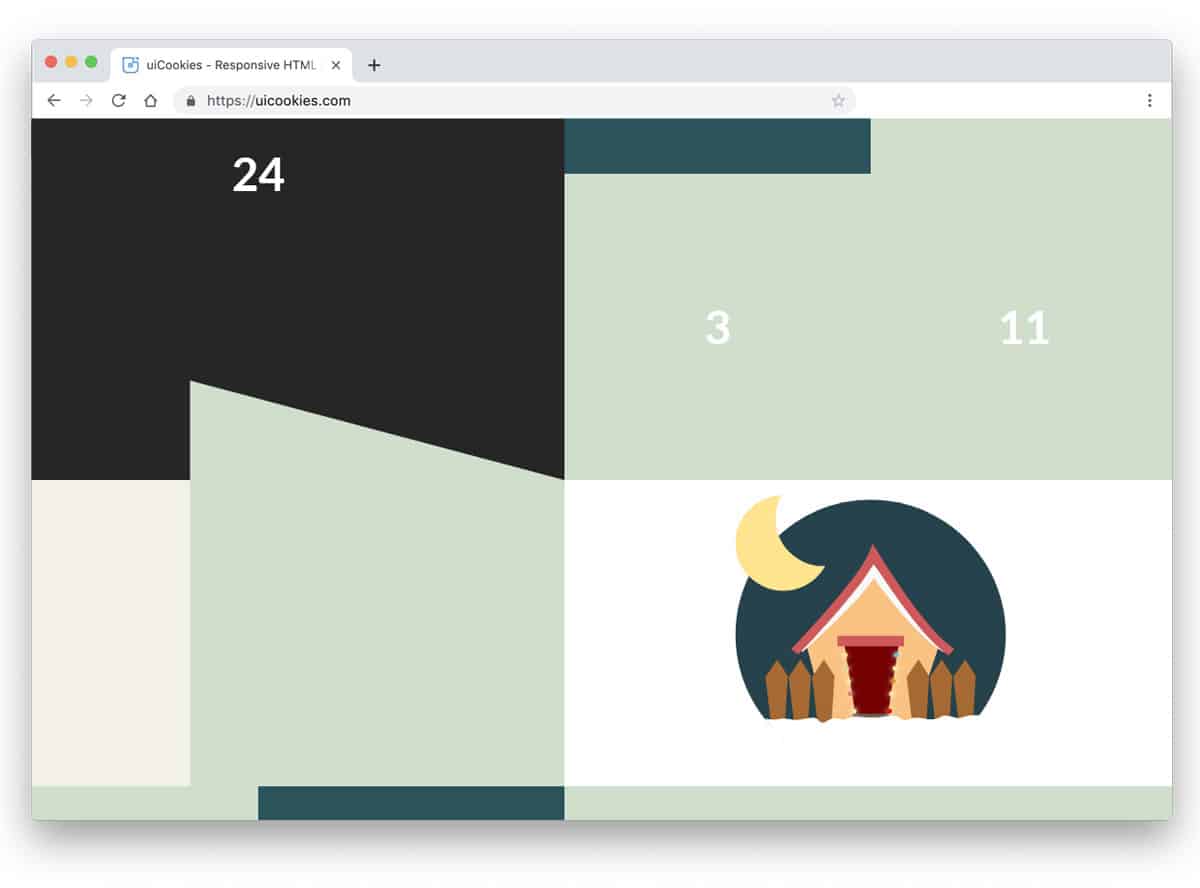
If you are familiar with the Advent calendar, you know that the dates are not arranged properly. The Advent Calendar is very different from regular calendars. The dates are arranged like a puzzle, and each date shows an image. You can see a complete picture or a poem at the end of the month. This calendar works perfectly; you can use this code to make your custom Advent calendar. As advent calendars are used primarily to show Bible verses and Christmas stories, you can use this calendar on a church website. Look at our free church website templates collection which has more creative and useful elements like this pre-designed for you.
Wide Responsive Calendar
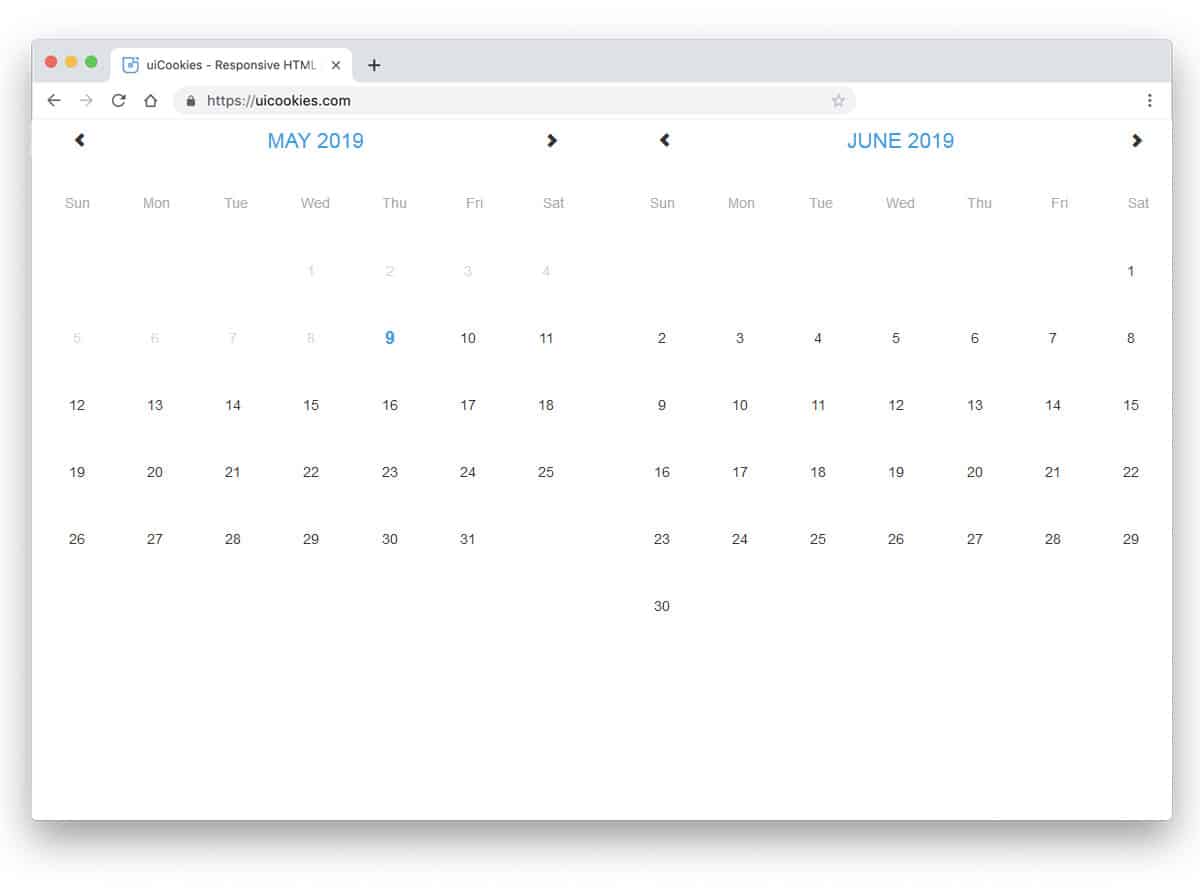
This calendar design allows you to show two months side by side. As the name implies, the developer has used the wide space smartly to show the months clearly to the user. In both calendars, you have a navigation option. But in the default design, when you change the month in one calendar, the other calendar will change too. If you plan to give an option to compare different months, make sure you adjust the code accordingly. Along with two calendar designs, you also get the chance to choose a date range. Overall, it is a feasible concept model that you can use with a few adjustments to the original design.
Event Calendar
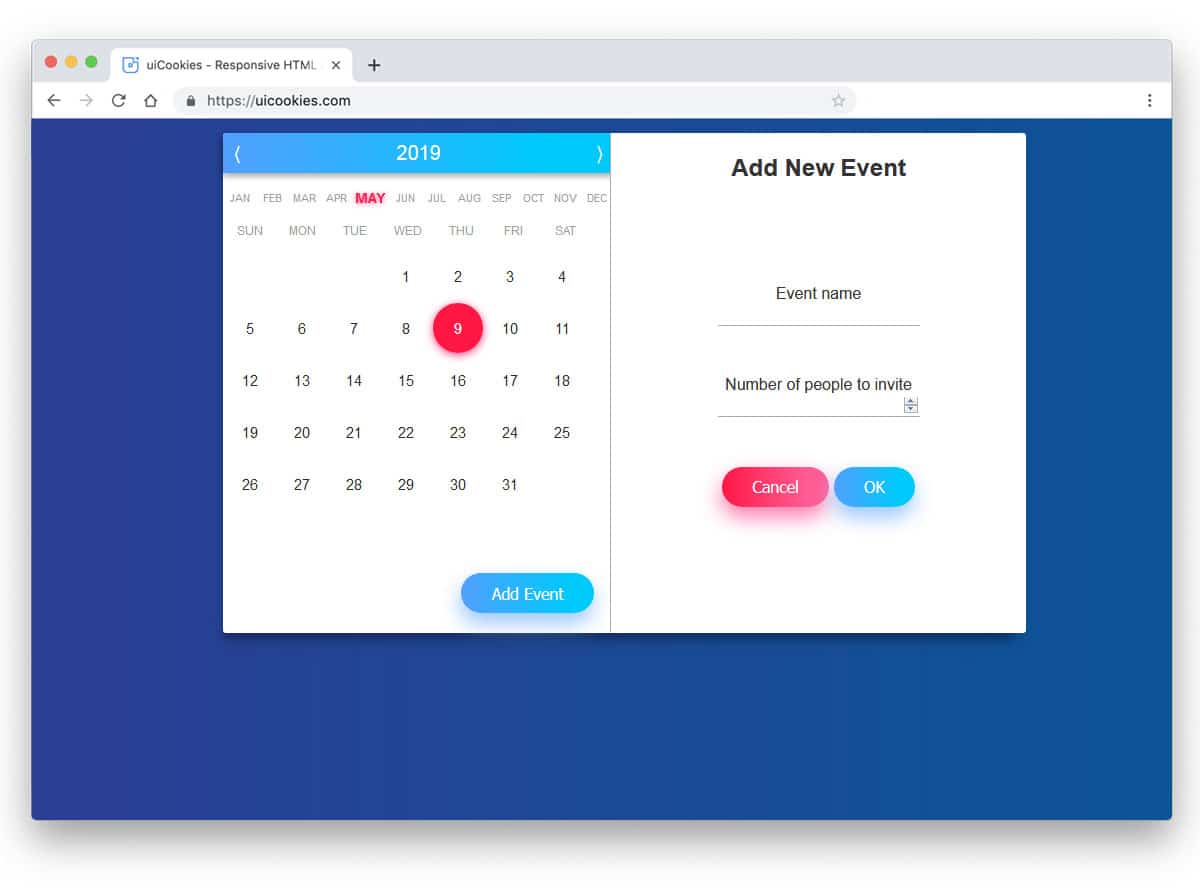
The creator of the Event Calendar has given us a fully functional model. Every element on this calendar is designed to make daily use easier. This split-screen design gives you the calendar and the event/goals list on one side. The year and the month are given separately so that users can easily jump to the month and year they want. A glowing effect is used to highlight important content. The creator has used the latest design trends, such as gradient color schemes, shadow effects, and sleek animations.
Simple Calendar
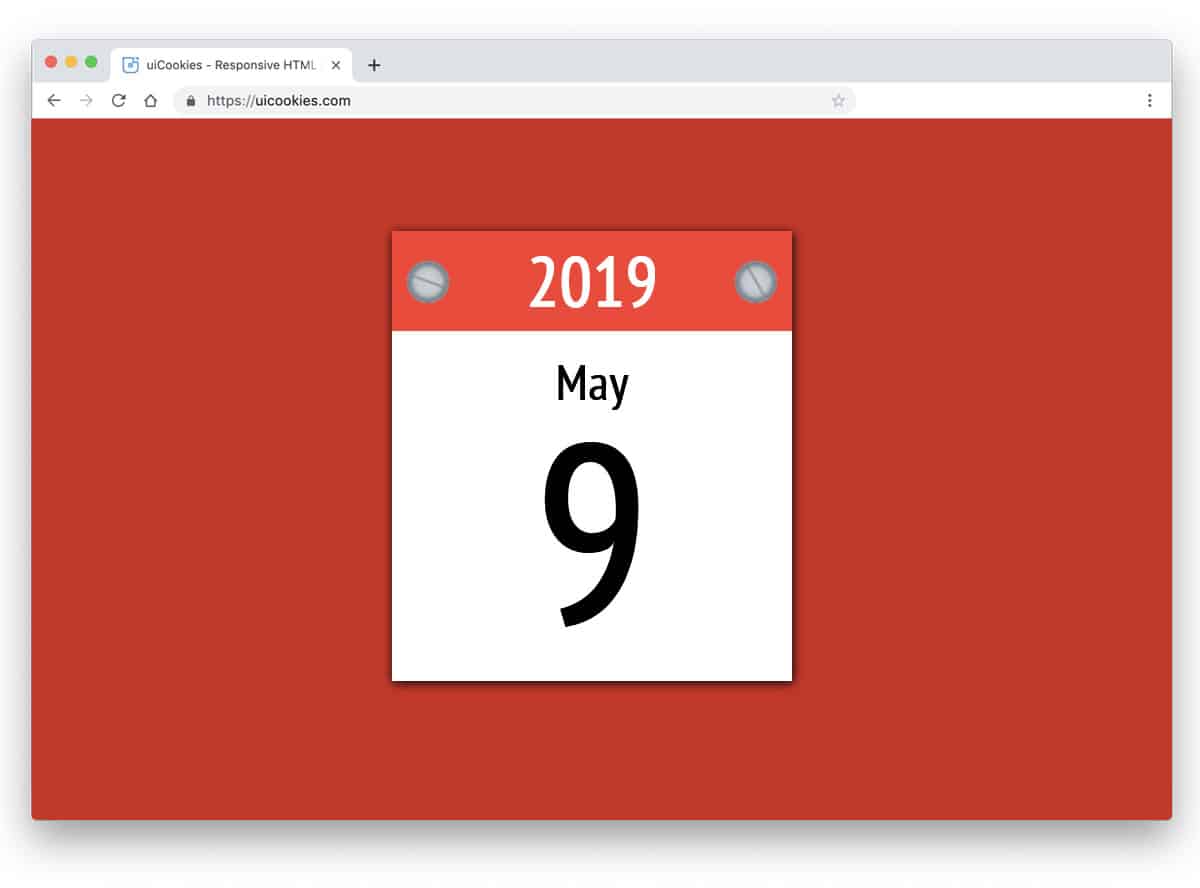
Simple Calendar is a straightforward calendar widget design. The big, clean design clearly shows the date and year to the audience. The default design has no additional features, but you can customize it based on your needs. The calendar is functional and shows the proper date. By keeping this design as a base for your calendar widget, you can add extra shortcuts to make the job easier for your users. The entire code structure is shared with you directly in the CodePen editor to visualize the customization result before using it on your website.
Day 9 Calendar
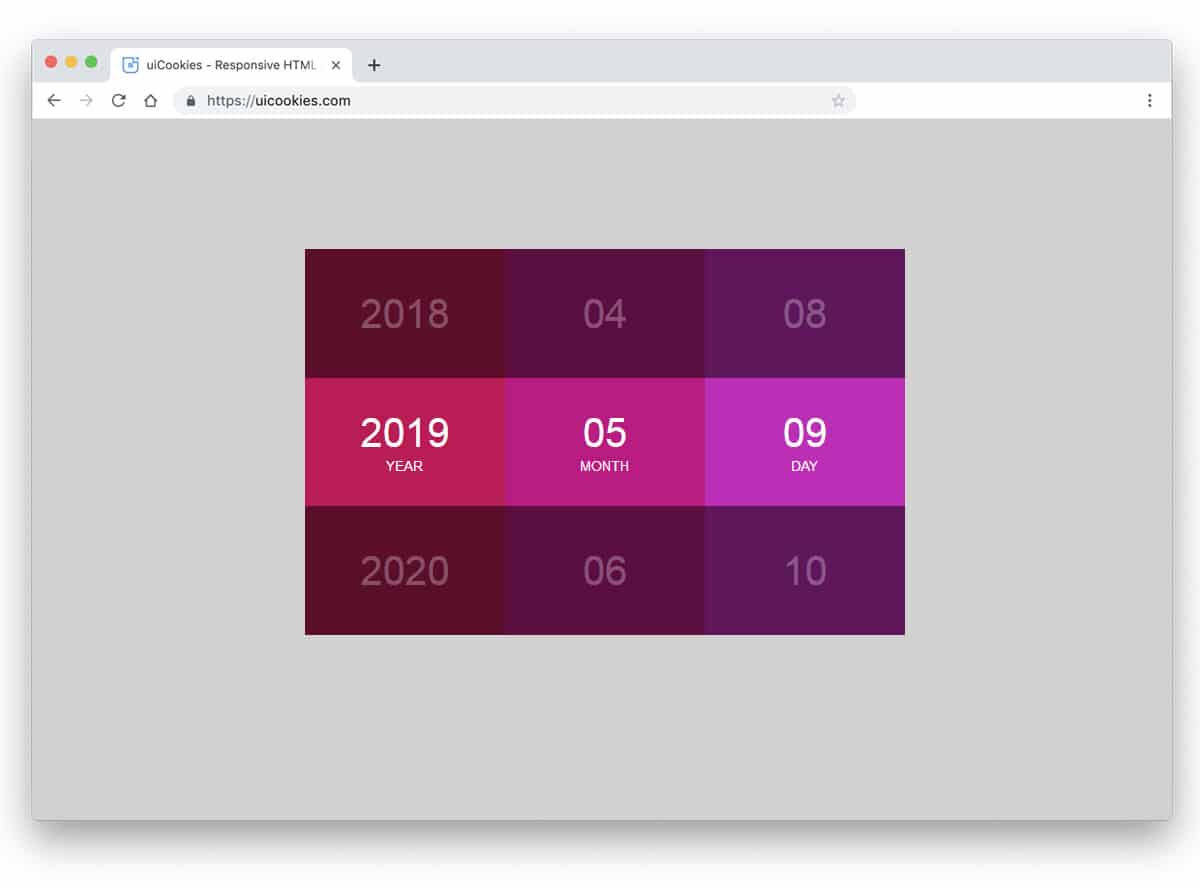
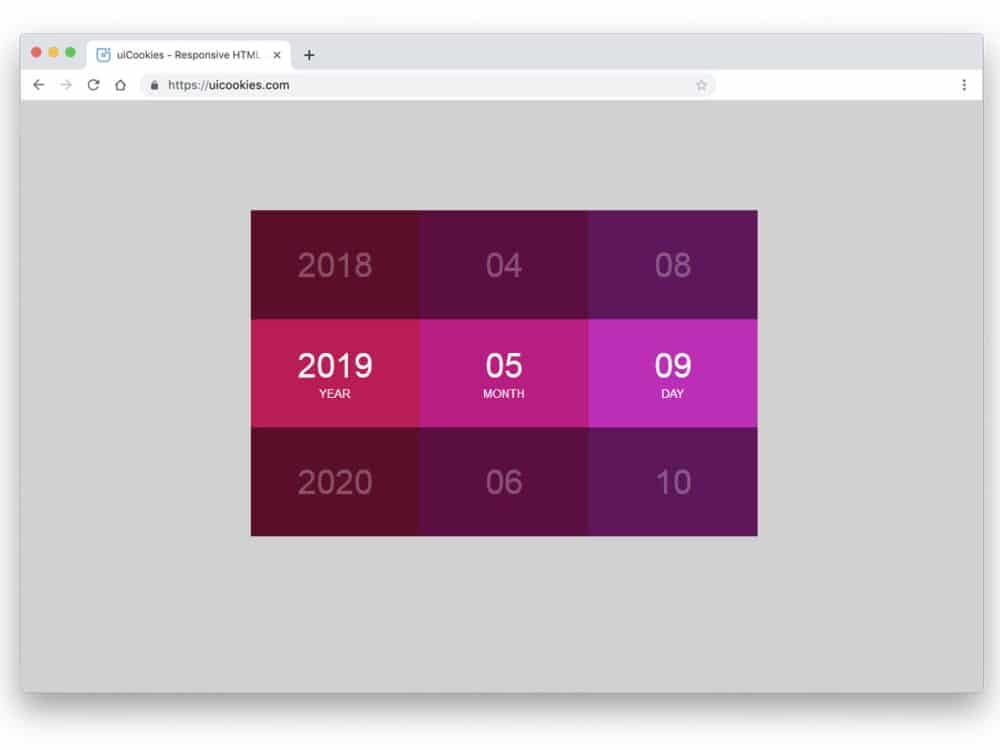
Day 9 Calendar is also a simple calendar widget like the previous example. This one is a colorful calendar with trendy colors. Because of the latest CSS3 script, you get the most natural-looking colors. The developer has followed a YY/MM/DD format in this calendar. Like in the clocks, the values rotate to give the correct date. The effects are minimal in this example, and it will simply sit at the corner of the screen. If you are making a colorful dashboard, this calendar design will fit perfectly. Look at our free dashboard template collection for colorful and user-friendly dashboard designs.
Full Calendar
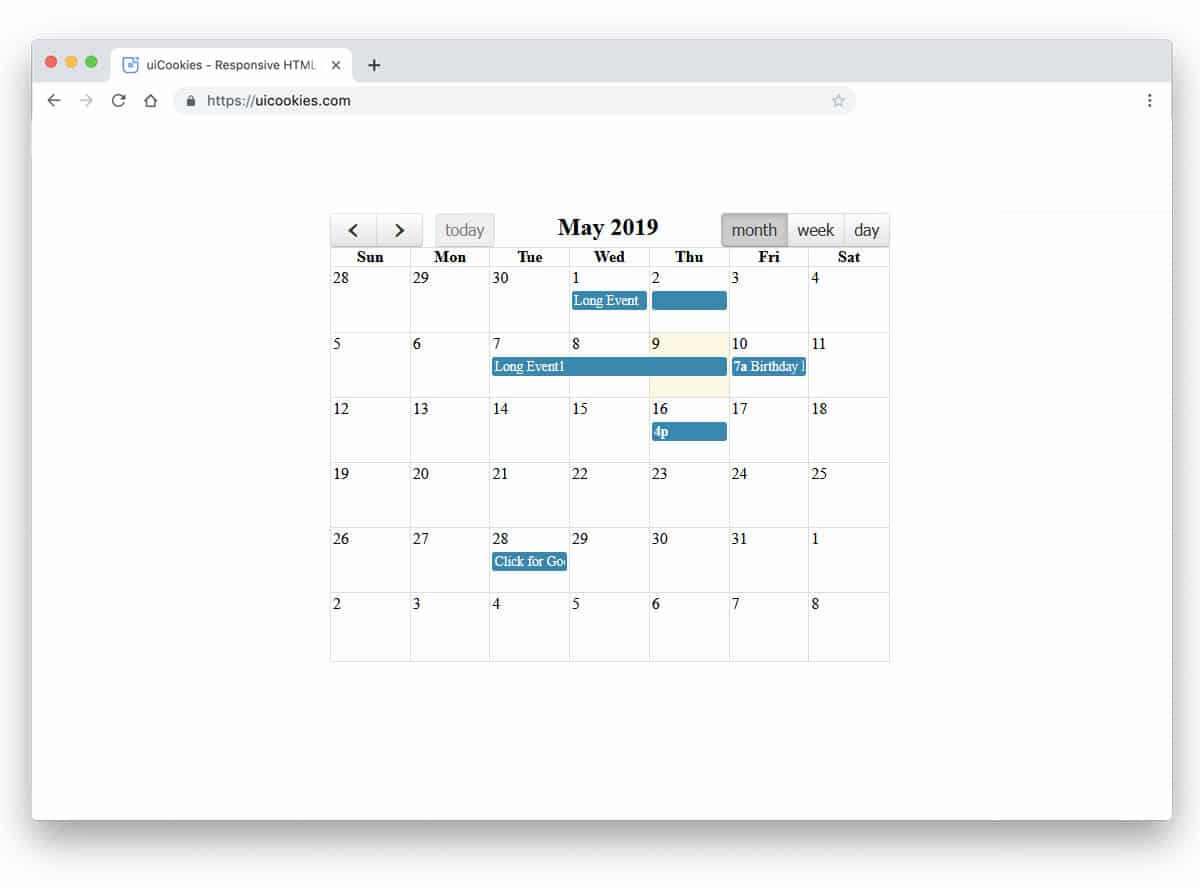
You can see the calendar in all the previous Bootstrap designs in only one view. The creator of this calendar has given you the option to view the calendar in week, month, and day views. Calendar entries are clearly indicated in blue. You can’t see and interact with the calendar entries in the demo. All navigation options are added at the top of the calendar so they can access them whenever they want. The original design has a few minor misalignments, nothing serious. You can easily edit the code and make the calendar fit your needs in no time.
Bootstrap Calendar
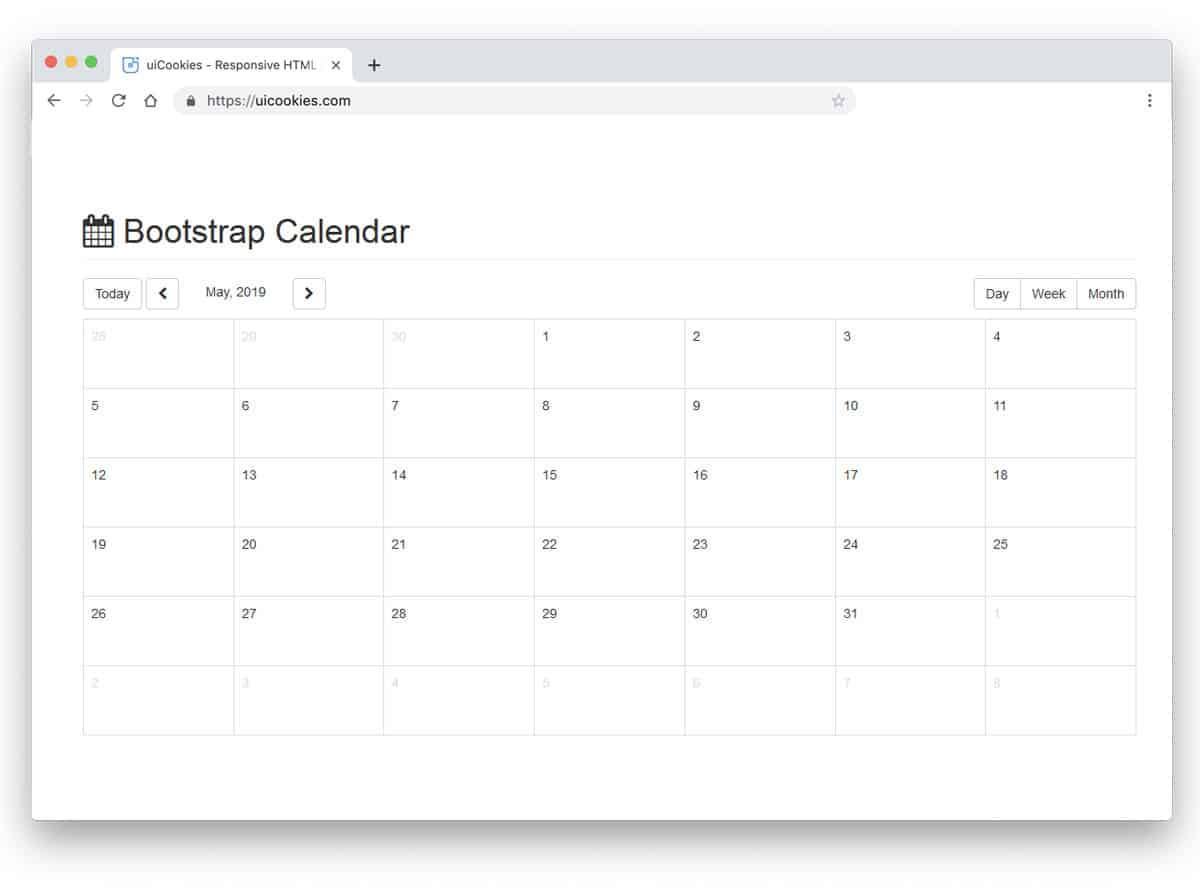
Bootstrap Calendar is a simplified version of the Full calendar design mentioned above. The minimal design of this calendar makes it a perfect fit for all types of websites. In this template, you can see the calendar in different views, but it is not fully functional like in the Full Calendar design. If you don’t like the previous calendar’s clumsy, congested design, you can use this neat, spacious design. The code for this calendar design is shared with you directly so you can easily tune it to your taste.
Calendar + Task List
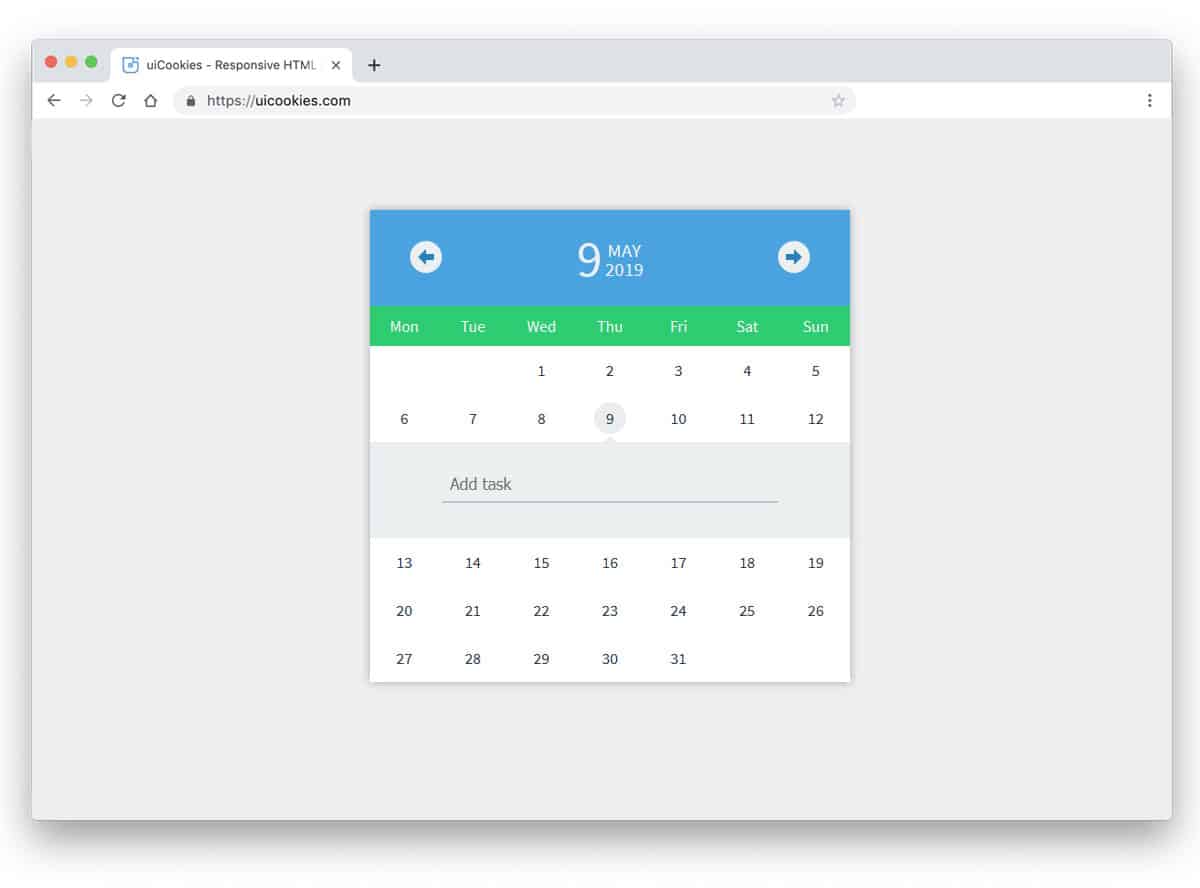
You can understand this is a dual-purpose calendar design from the name itself. And the best part is that it is a fully functional concept design. You can navigate between different months and add the entries. Since it is a to-do list type design, you can check your completed work. Dates with entries are marked with a red dot to easily identify upcoming tasks. The entire code structure is available in the CodePen editor. By keeping this design base, you can quickly create a proper calendar.
Brighton Advent Calendar
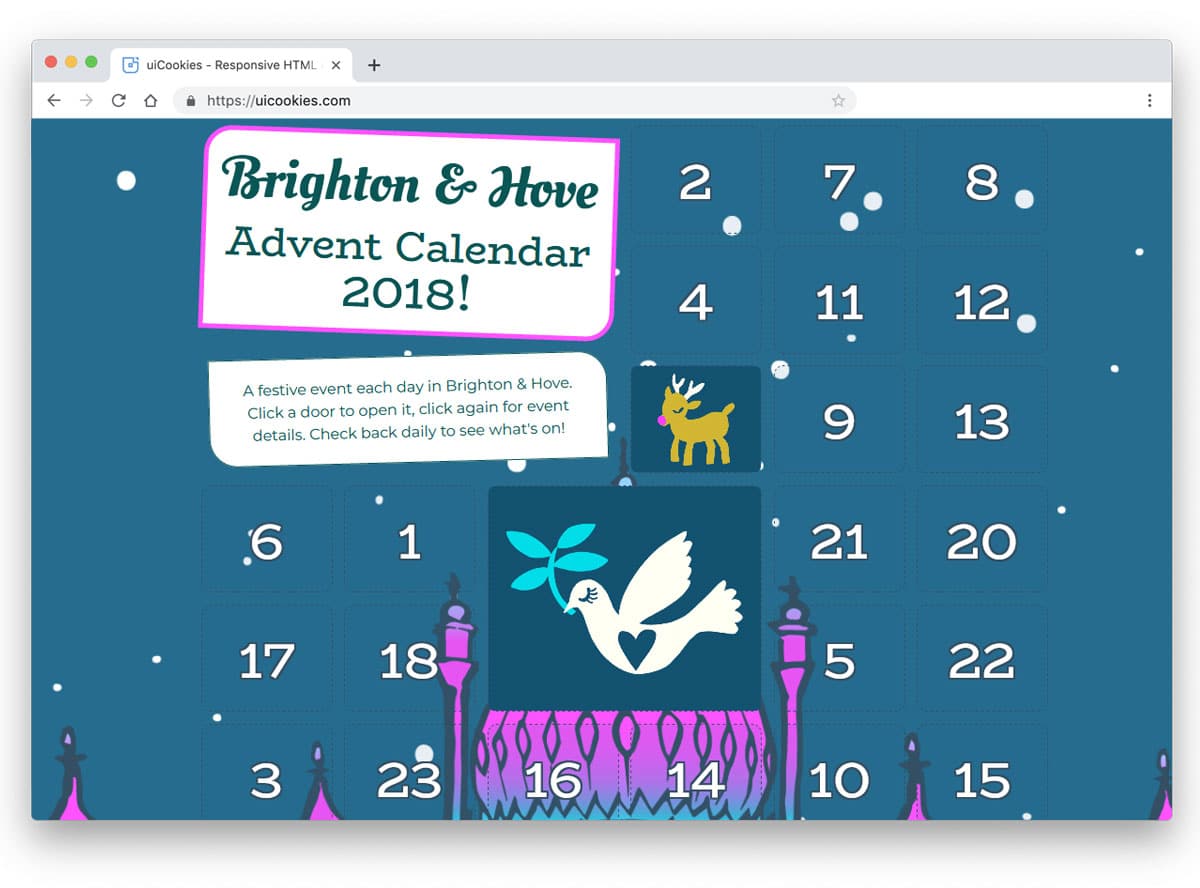
Brighton Advent Calendar is another Advent-style calendar. One of the biggest drawbacks of the advent calendar is that you can’t apply a common template for all the months and years. If you are making a landing page for the festive season and eves, designs like this will help the user remember the upcoming offers on your website or store. There are a few minor usability issues in this design, but they can be fixed easily. One extra feature of this Advent calendar is that you can click the image to see a complete note for that event.
Colorful Calendar Concept
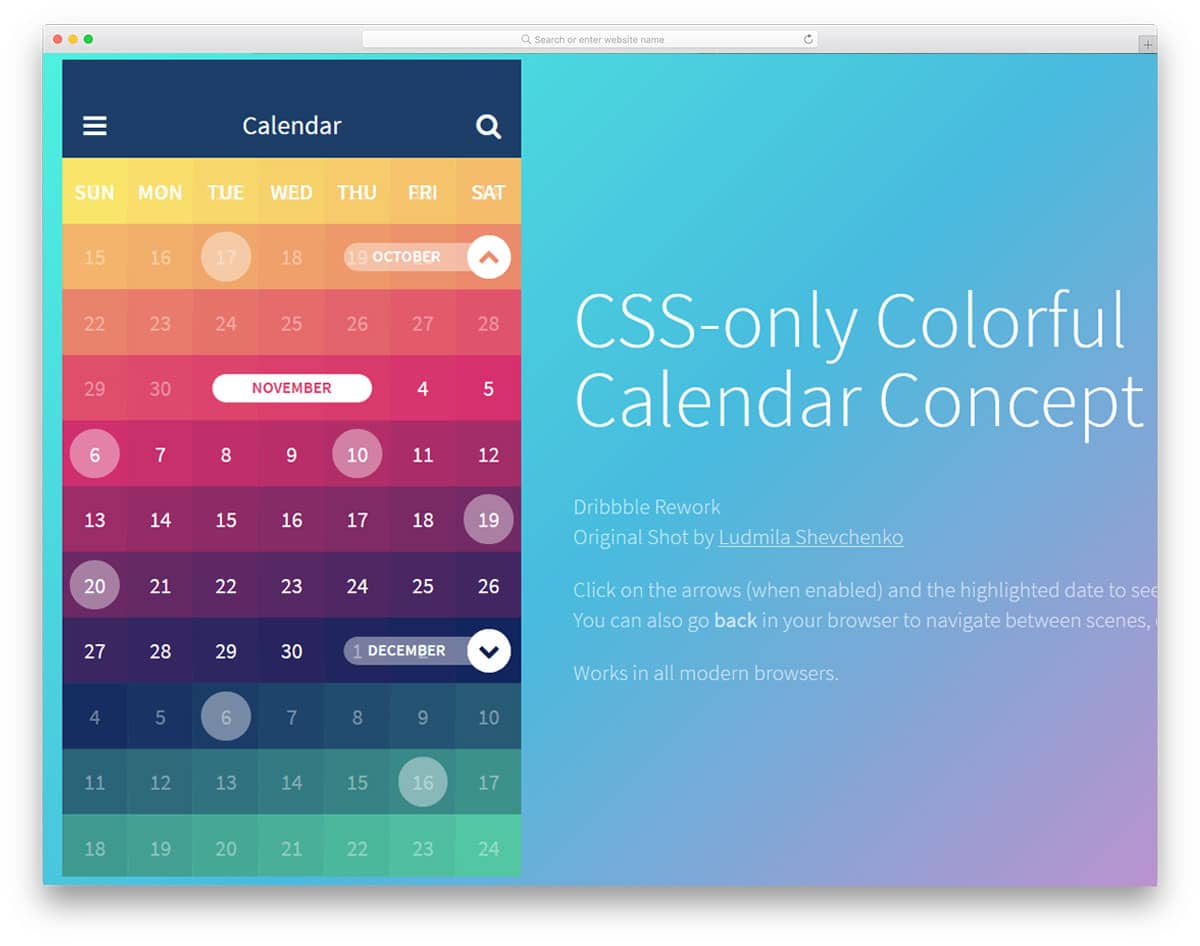
Truly it is a colorful calendar design concept. The creator has used Google’s old material design color palette design concept to give an eye-catching design. Apart from the colorful design, the elements are used smartly to indicate the month and date with entry. All the entries are open in a separate full window so the user can see their schedule. Visual and transition effects are smooth and clean, with no lag. It is a feasible smart design concept and can be used in mobile applications and websites.
CSS-Only Calendar App Concept

This is another Bootstrap and CSS3-based mobile calendar app concept. Though the concept is for mobile applications, you can also use this design for websites. The default calendar design is simple and clean, as seen in many Bootstrap calendar examples. What makes this calendar application unique is the interface design for adding events to the date. After selecting a date range, you can easily pick any pre-made options or add your entries. Different color schemes are used to differentiate the type of entries easily. It is just a concept model and has plenty of room for improvement. The code structure is kept simple to facilitate further customization.
Calendar Widget II

Calendar Widget II is a colorful concept design for your calendar widget. If you are making an Android mobile or computer application, this widget design will be handy. It is a simple square calendar seen in most calendars. In this widget, the developer has given you the option to change the calendar’s color. Yes, the given feature is simple, but most users will expect this option. If you want, you can customize the option to make a personalized calendar in no time. A bit of animation is used to give the template a lively feel. Since it is a CSS3 design, you can easily edit it to your liking.
Infinite Calendar
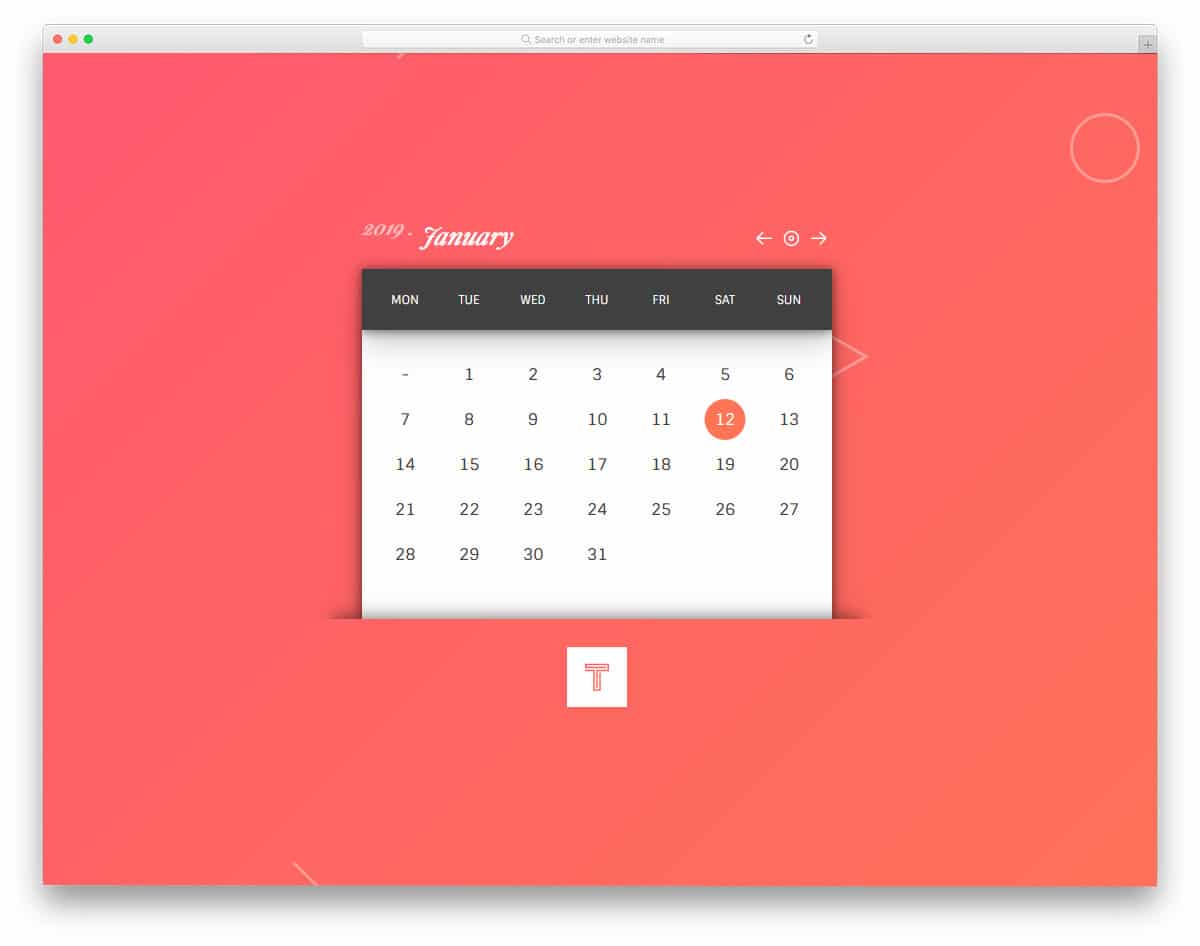
The creator of the Infinite Calendar has elegantly used material design to create a smart-looking calendar. All navigation options and settings are at the top of the calendar. Shadow and depth effects are used to define each calendar section smartly. Stylish-looking fonts are used for the numbers and the text. This modern font gives this contemporary-style calendar a refreshing look. Basic functions are working properly on this calendar. All you have to do is edit the code to add your features.
Windows Fluent Design Calendar
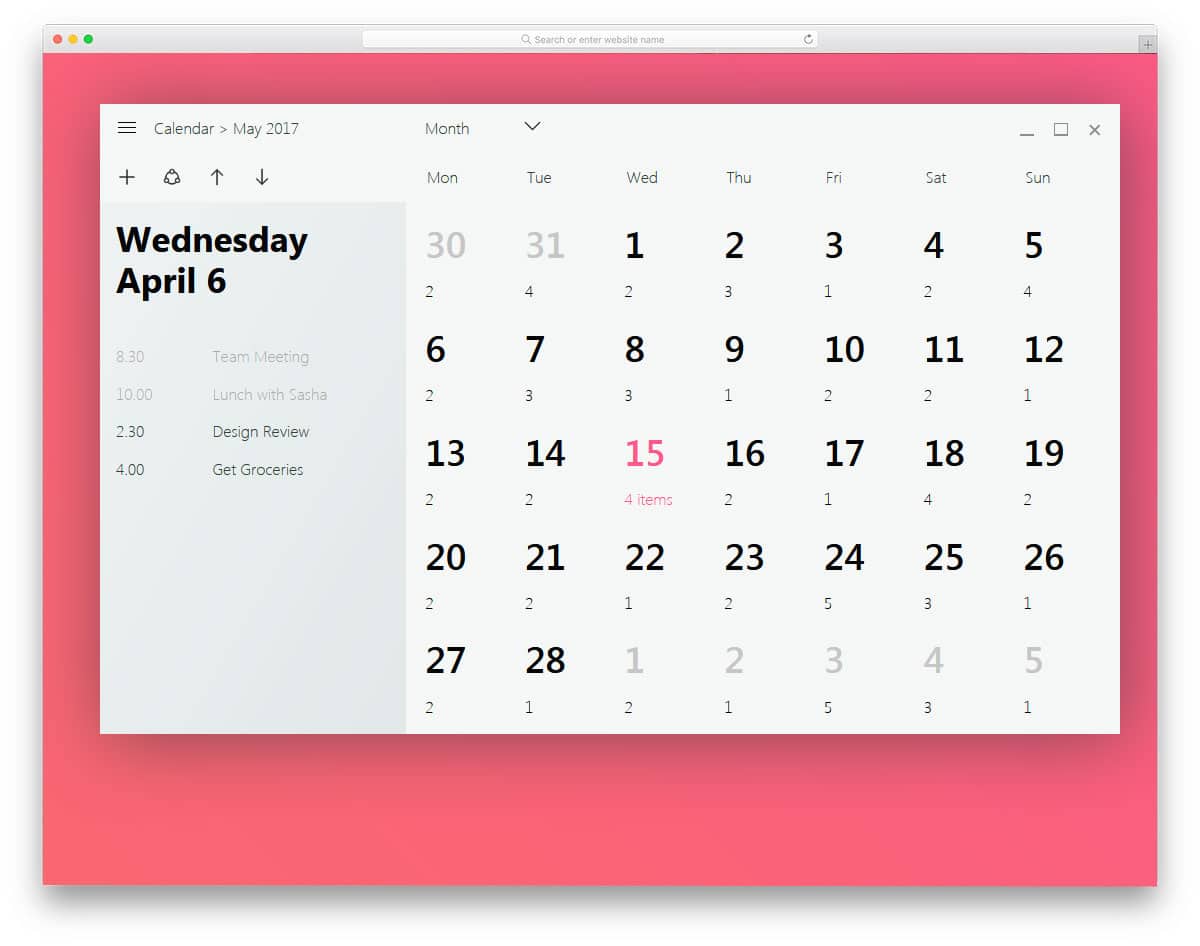
You will be familiar with the Fluent design if you use a Surface device or the new Xbox interface. For most professional applications and websites, the fluent design will look great. The creator of this calendar has used a fluent design. Big, bold text and smooth transition effects will give your design a festive look. But sadly, the developer hasn’t used any animation effects in the demo, which gives you the full freedom to use your creativity. If you are a Windows application developer, look at our computer mockup collection to present your designs elegantly to the users.
Parallax Flipping Calendar
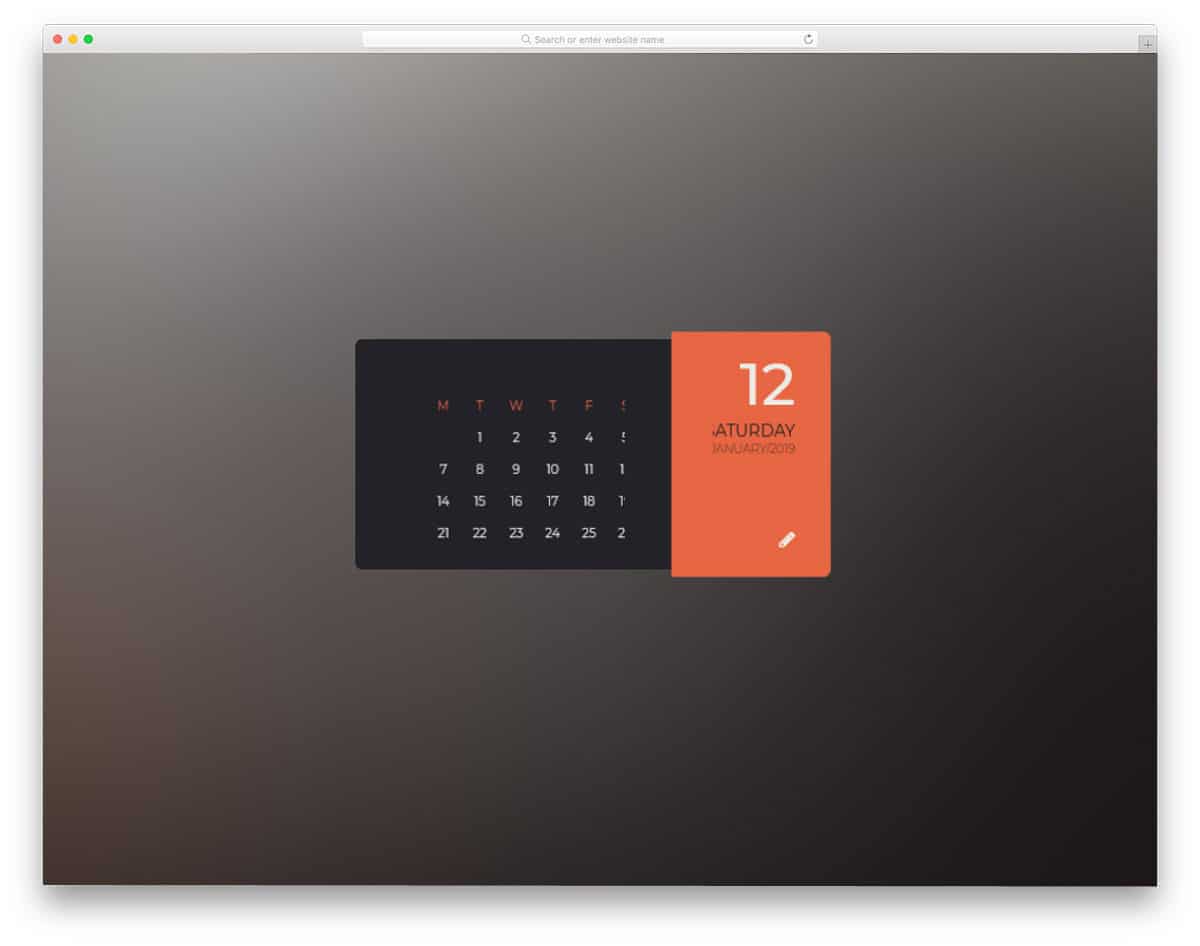
The flipping animation effect is used in this calendar. The calendar flips when you click a date, revealing the related details. This design handles the parallax flipping effect well; the user can experience it thoroughly. Apart from the flipping animation, there aren’t any fully functional options in this design. To give you this fluid experience, the developer has used CSS3 and a few lines of JavaScript. You can trim the given code structure based on the framework you like.
Planner
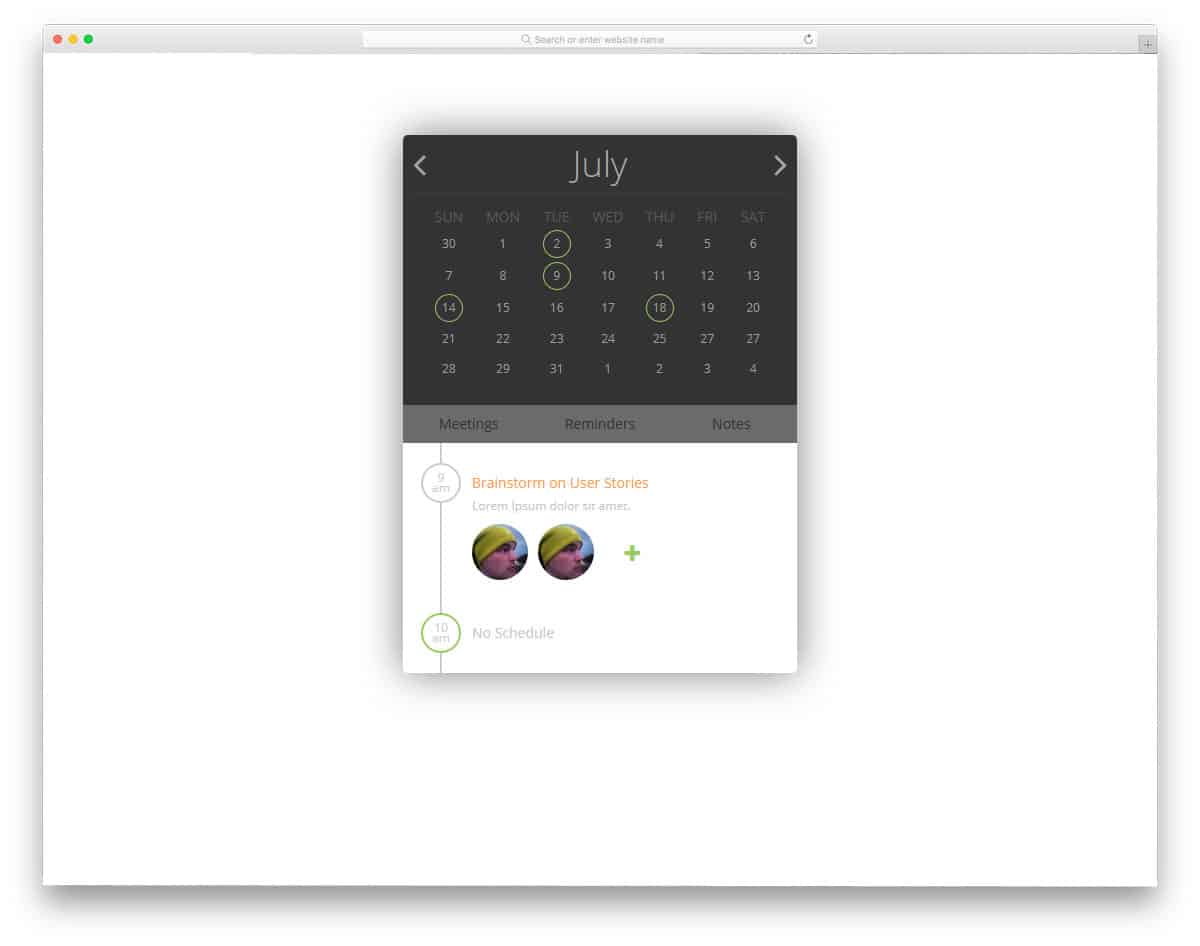
Planner is another calendar concept model. You can see that this calendar is designed to organize tasks and reminders from its name. The creator has given you only the front-end design in this example. We must add the features and options we want manually. Tabs are provided in the notes section to easily jump to reminders, tasks, and meetings. The code used to create this design is shared with you directly, so you can use it to build your custom calendar applications with all the options and features you want.
