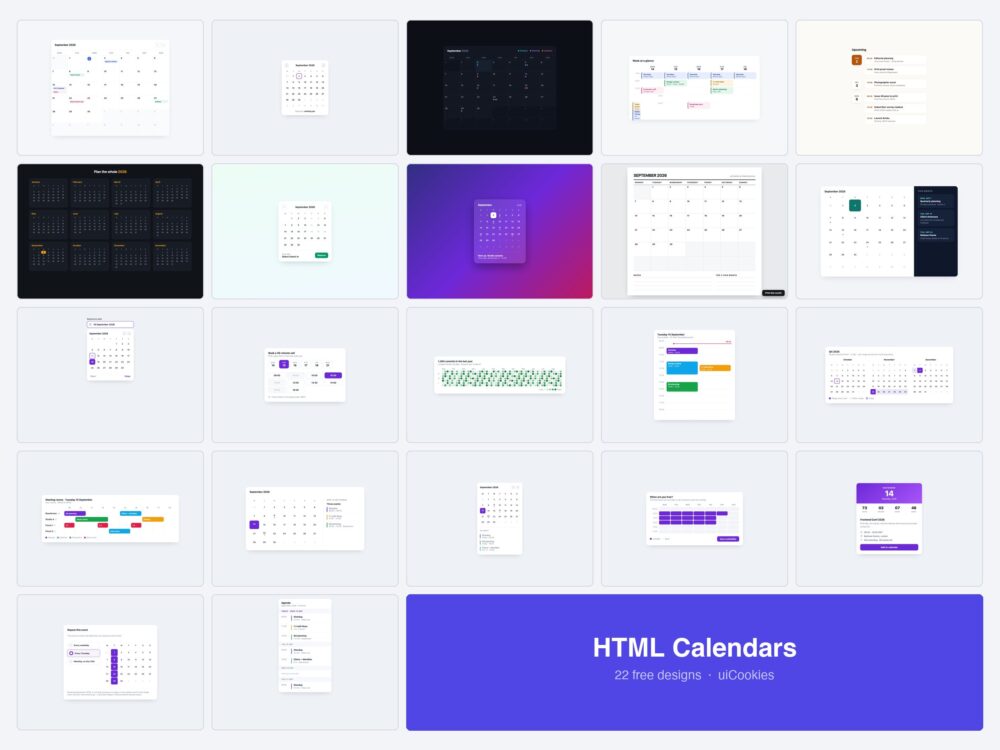
Twenty-two calendar designs, all coded in-house by uiCookies — month grids, week schedules, agendas, a date picker, appointment slots, resource scheduling, an activity heatmap and a countdown. Each is a single self-contained HTML file, and twelve of the 22 use no JavaScript at all.
The set is deliberately split between calendar views — the things that display dates — and calendar controls, the pickers and grids people actually interact with. Most calendar collections only ship the first kind.
Download all 22 (free) Browse live demos
Which calendar do you need?
| What you are building | Start with |
|---|---|
| A full month with events | Month Grid (1) |
| A date field on a form | Date Picker Input (11) |
| Letting people book a slot | Appointment Slots (12) with Booking Range (7) |
| A week of appointments | Week Schedule (4) |
| One day in detail | Day View with a Now Line (14) |
| Rooms, desks or equipment | Resource Scheduling (16) |
| Planning across a quarter | Quarter View (15) or Year Overview (6) |
| A dashboard sidebar | Dashboard Card (18) |
| Showing activity over a year | Activity Heatmap (13) |
| Collecting when people are free | Availability Picker (19) |
| A countdown to one event | Event Countdown (20) |
| A calendar on a phone | Mobile Agenda (22) |
| Something to print | Printable Planner (9) |
Calendar views
The ten the pack started with — the layouts that display a month, a week or a year.
1. Month Grid Calendar
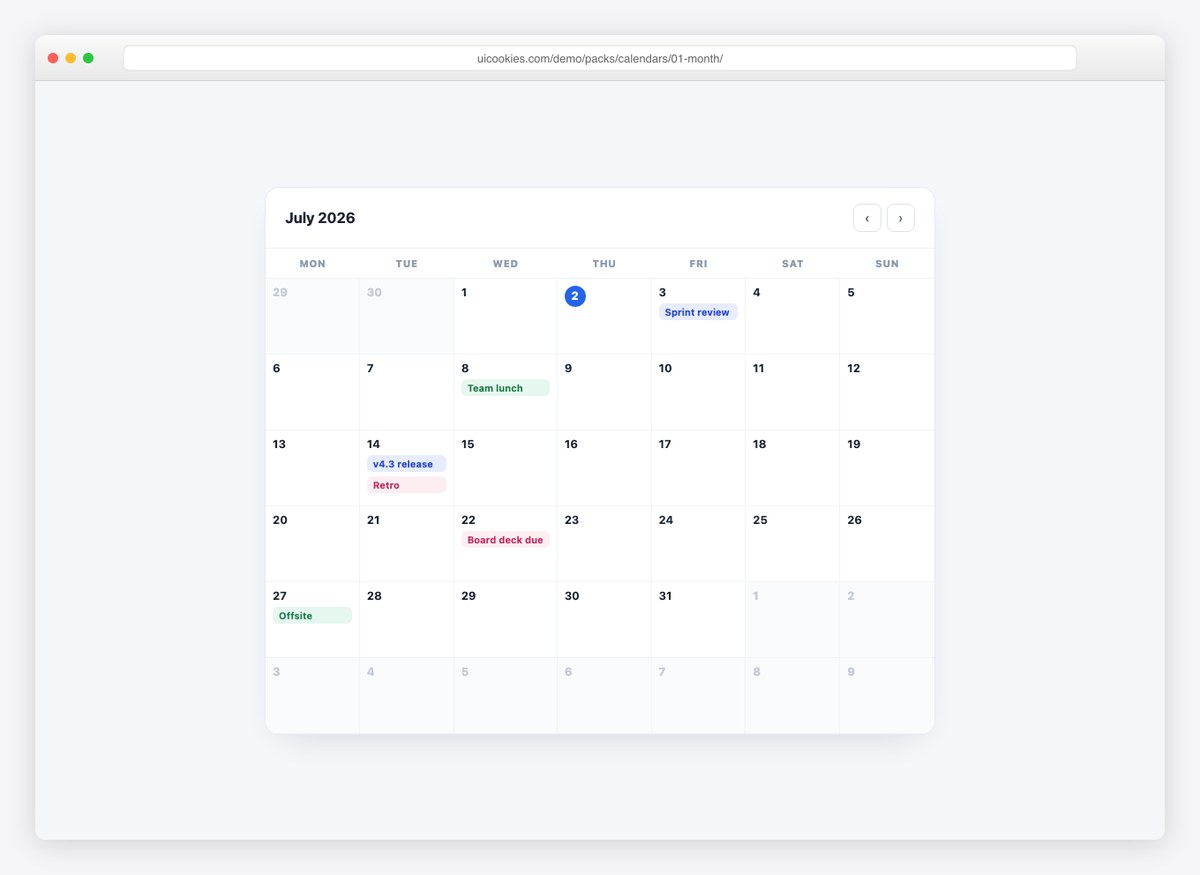
The full month view: a 7-column grid with event chips, a ringed “today”, greyed adjacent-month days, and previous/next navigation. The grid is generated by a short script, so it always shows the current month.
Live Demo CSS, Bootstrap & Tailwind code
2. Mini Picker Calendar
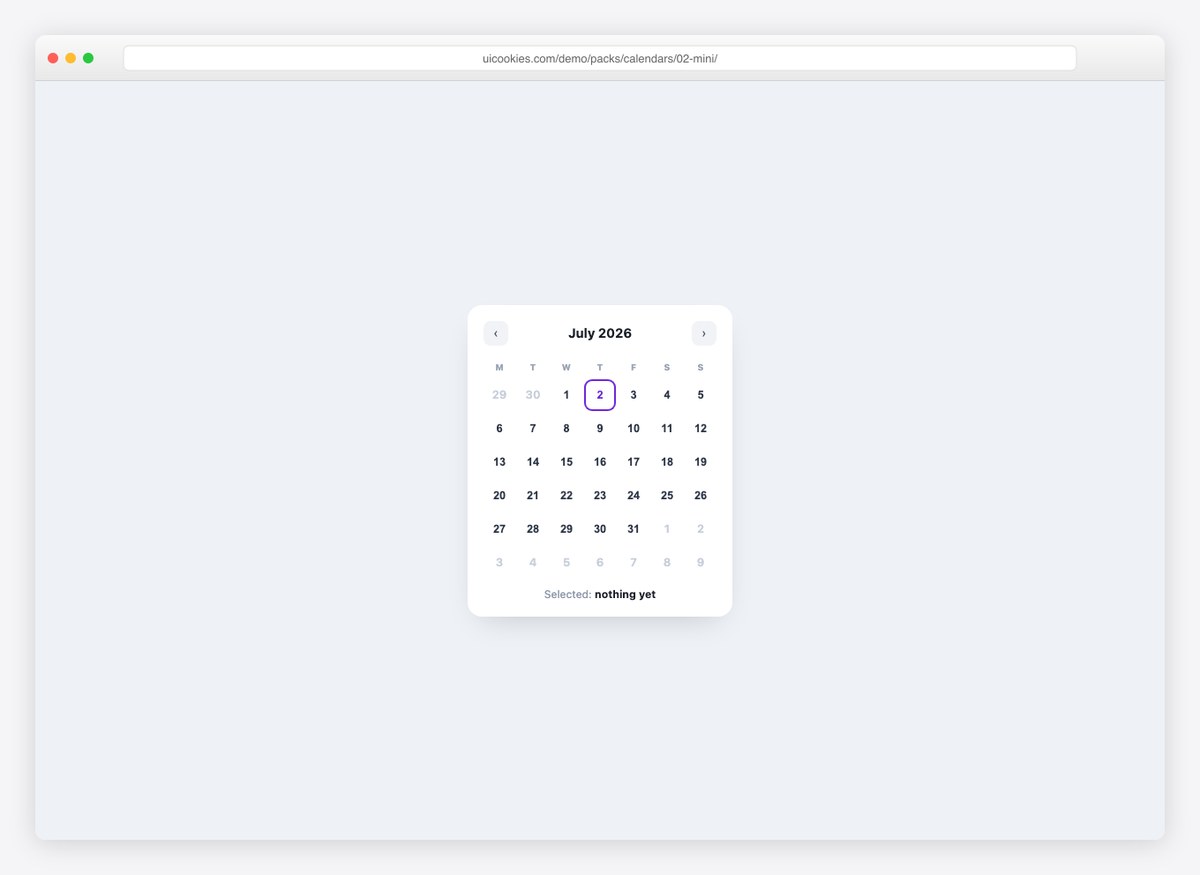
A compact date-picker widget with selectable days, a highlighted today, and month navigation — the calendar you embed in sidebars and forms.
Live Demo CSS, Bootstrap & Tailwind code
3. Dark Events Calendar
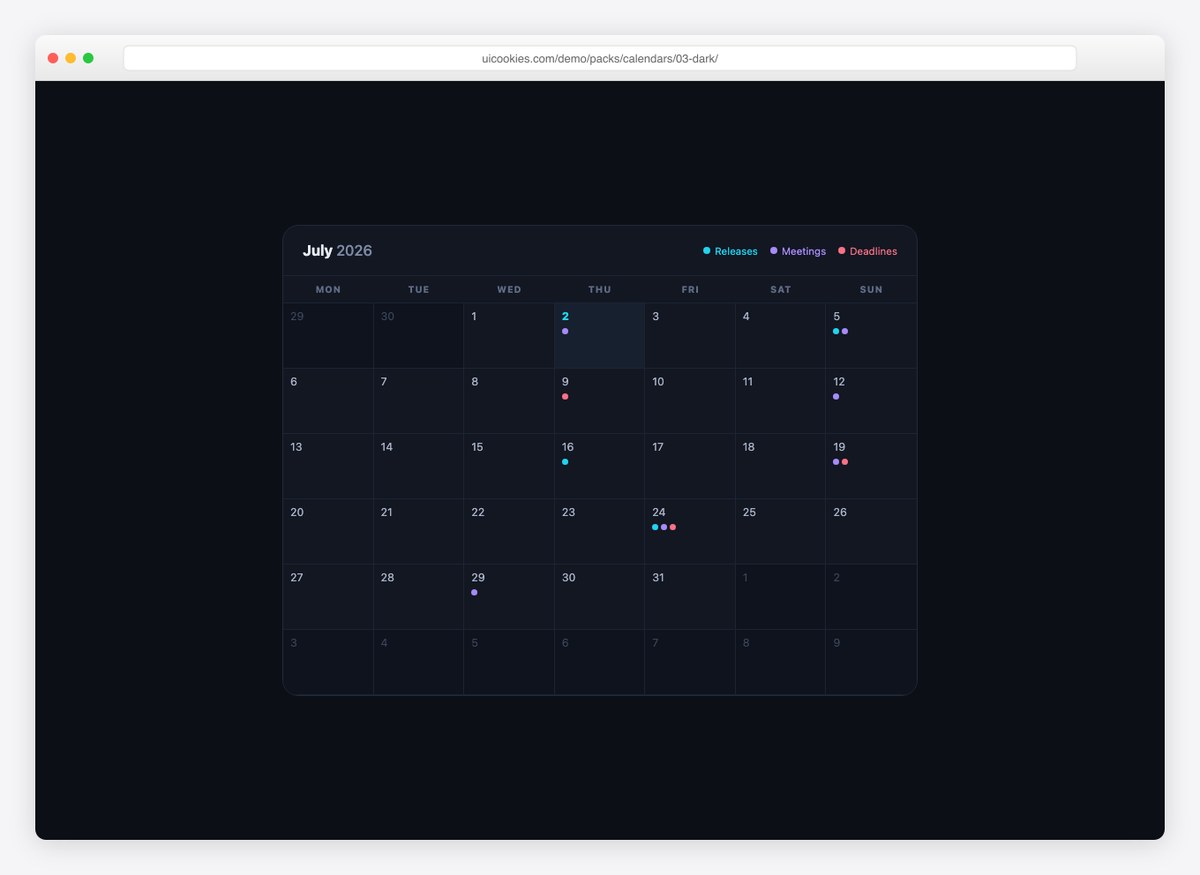
A dark month view with color-coded event dots and a legend in the header. Made for dashboards that track releases, meetings, and deadlines.
Live Demo CSS, Bootstrap & Tailwind code
4. Week Schedule
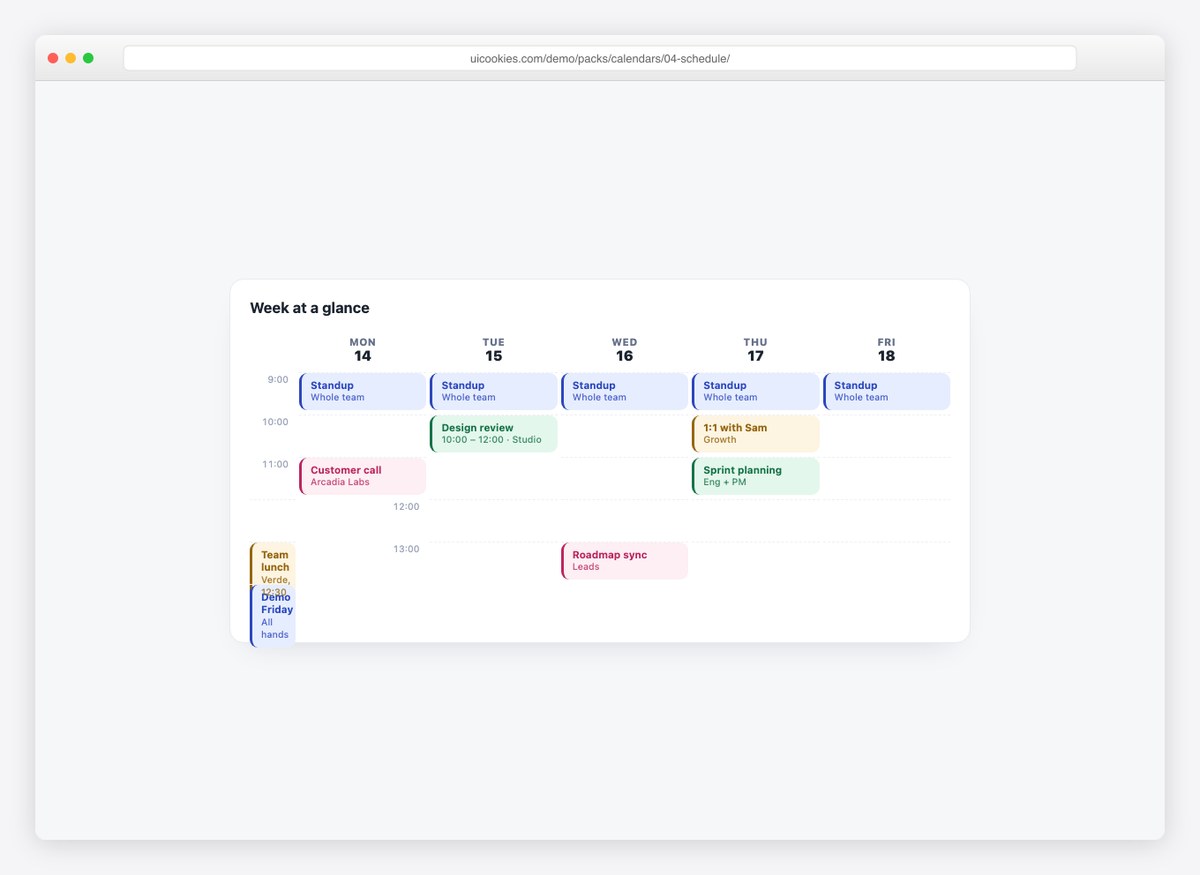
A time-grid week view with color-coded events, including one spanning two hours. Pure CSS grid — the layout every booking and team page borrows from calendar apps.
Live Demo CSS, Bootstrap & Tailwind code
5. Agenda List
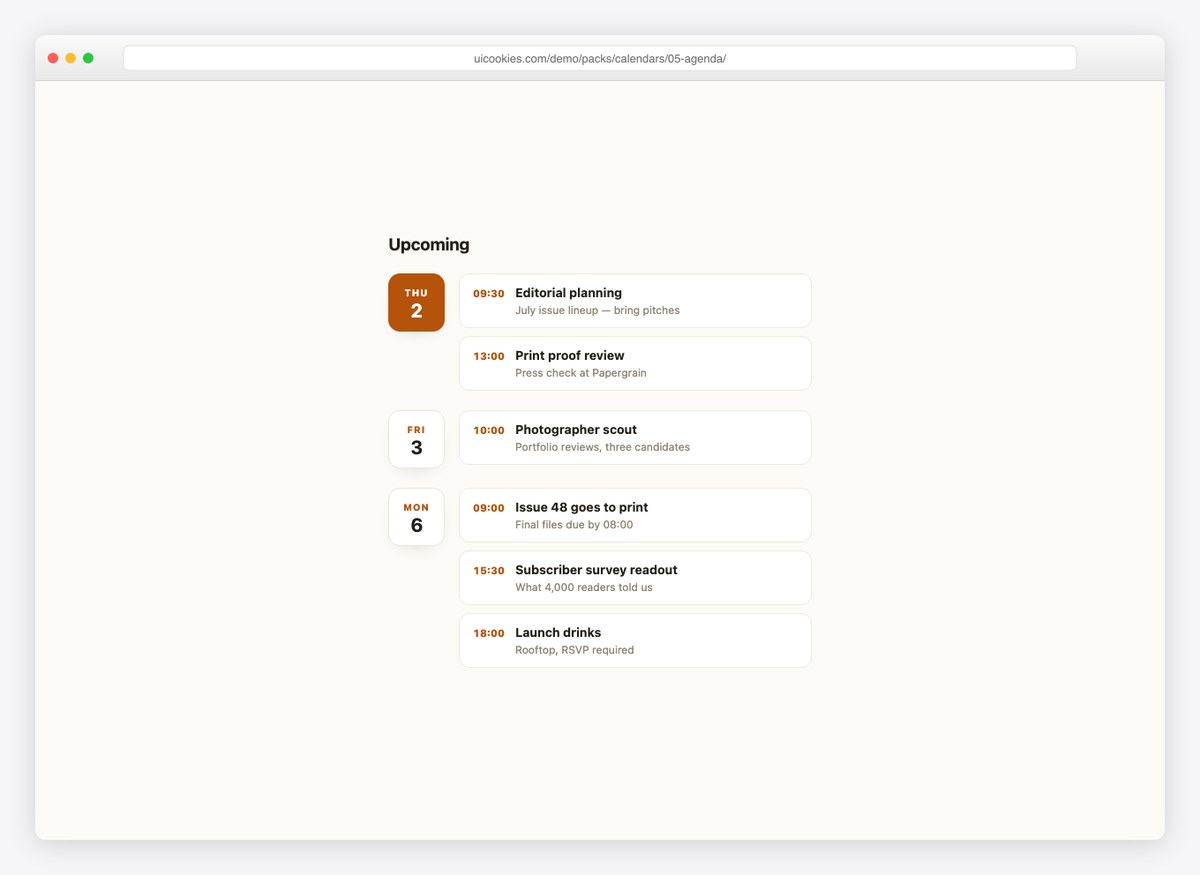
The list alternative to a grid: date tiles on the left, grouped event cards on the right, with today’s tile highlighted. Better than a grid when density is low.
Live Demo CSS, Bootstrap & Tailwind code
6. Year Overview
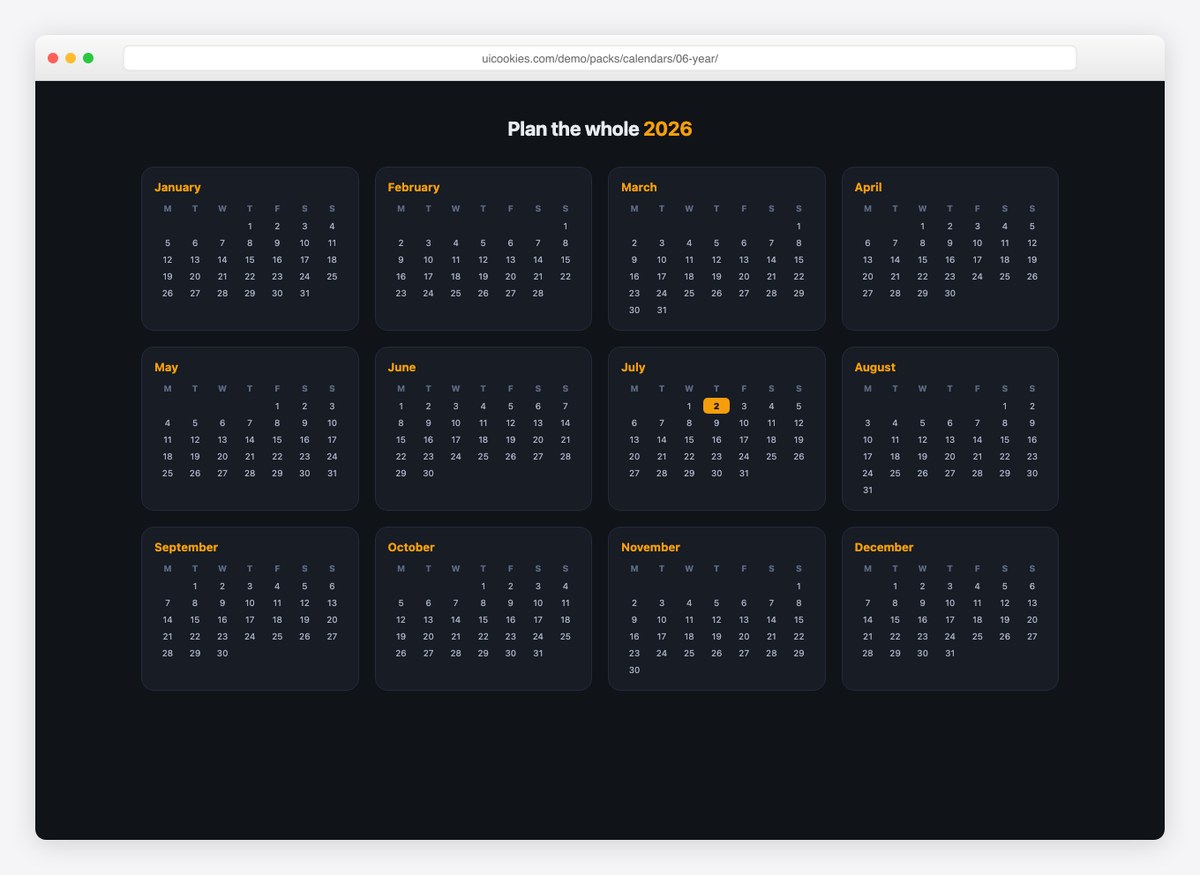
Twelve mini-months in a responsive grid with today marked — generated for the current year by a loop, not hand-written cells.
Live Demo CSS, Bootstrap & Tailwind code
7. Booking Range Calendar
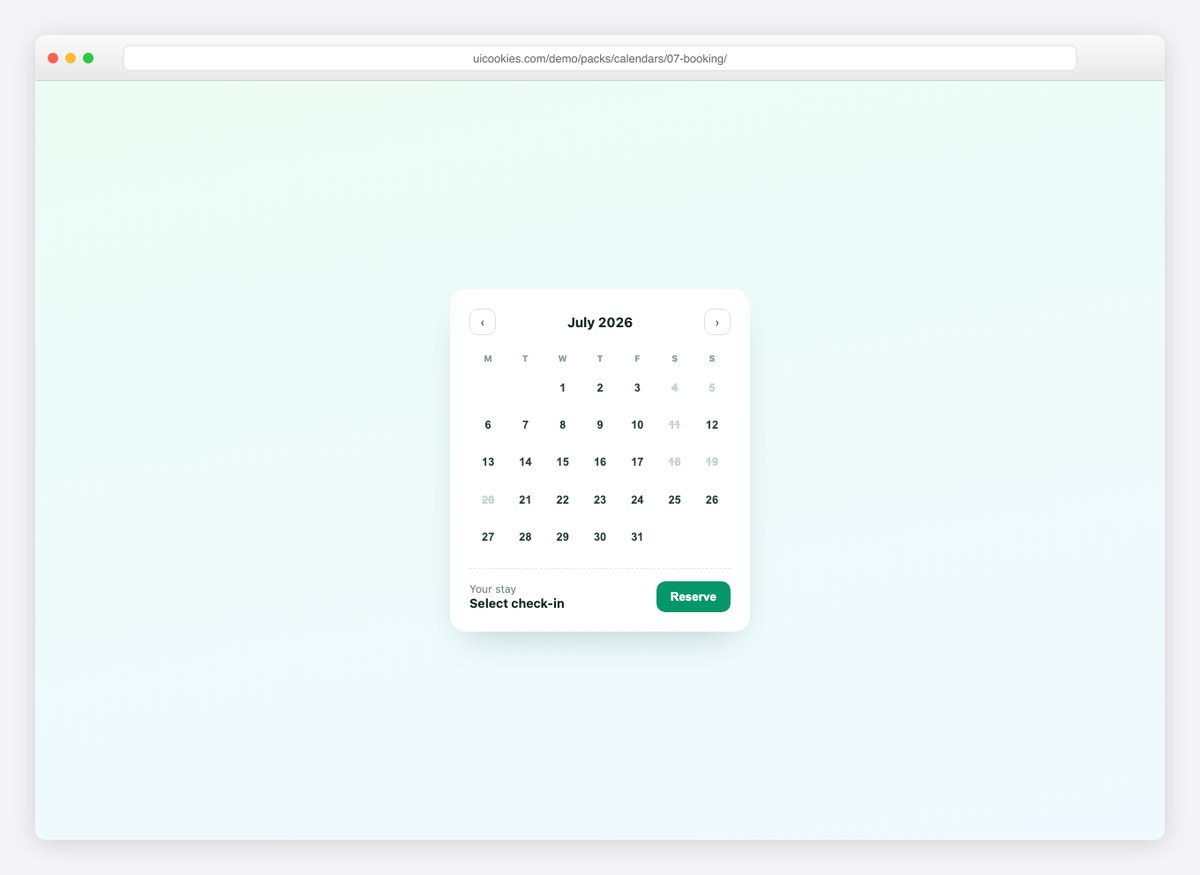
A hotel-style calendar with check-in/check-out range selection, highlighted nights in between, blocked unavailable dates, and a live nights count.
Live Demo CSS, Bootstrap & Tailwind code
8. Glass Widget Calendar
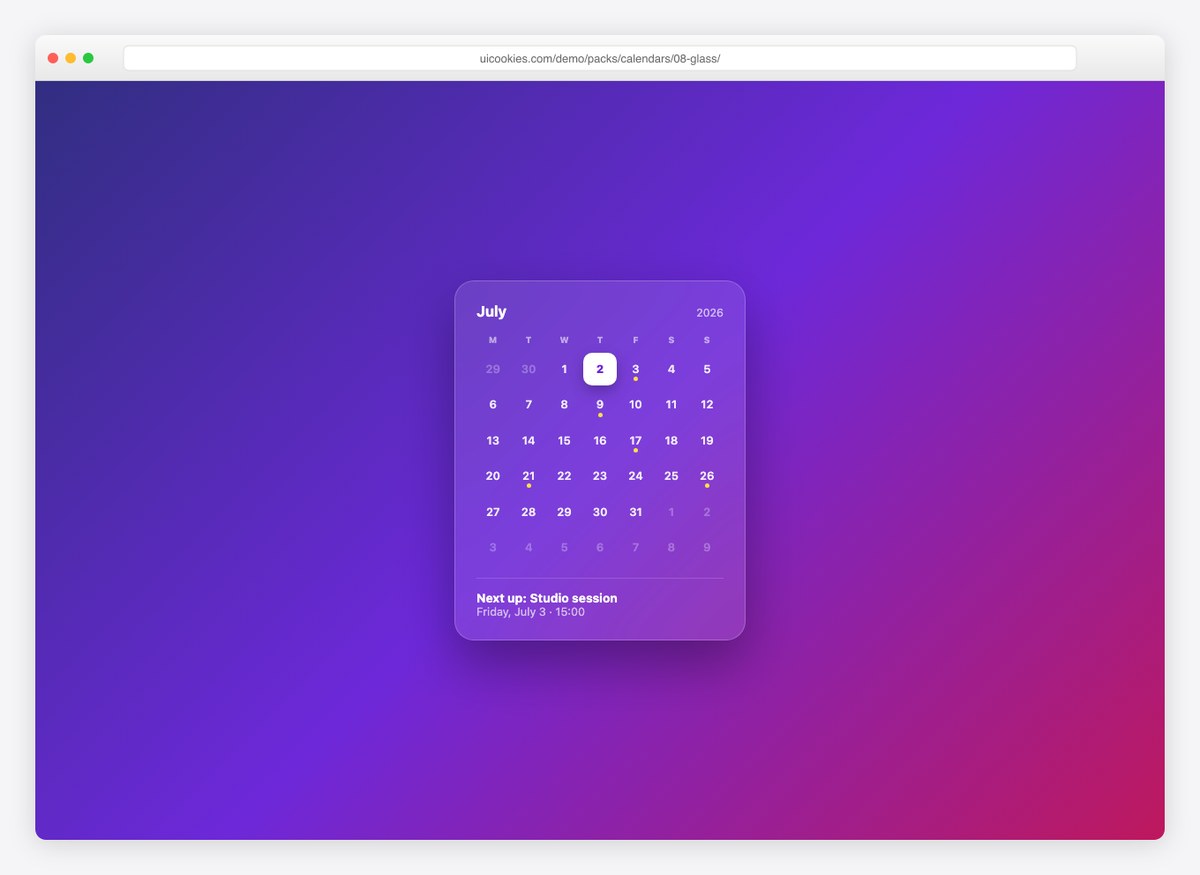
A frosted-glass calendar card with marked event days and a “next up” footer that names the next event date. Backdrop-filter does all the work.
Live Demo CSS, Bootstrap & Tailwind code
9. Printable Planner
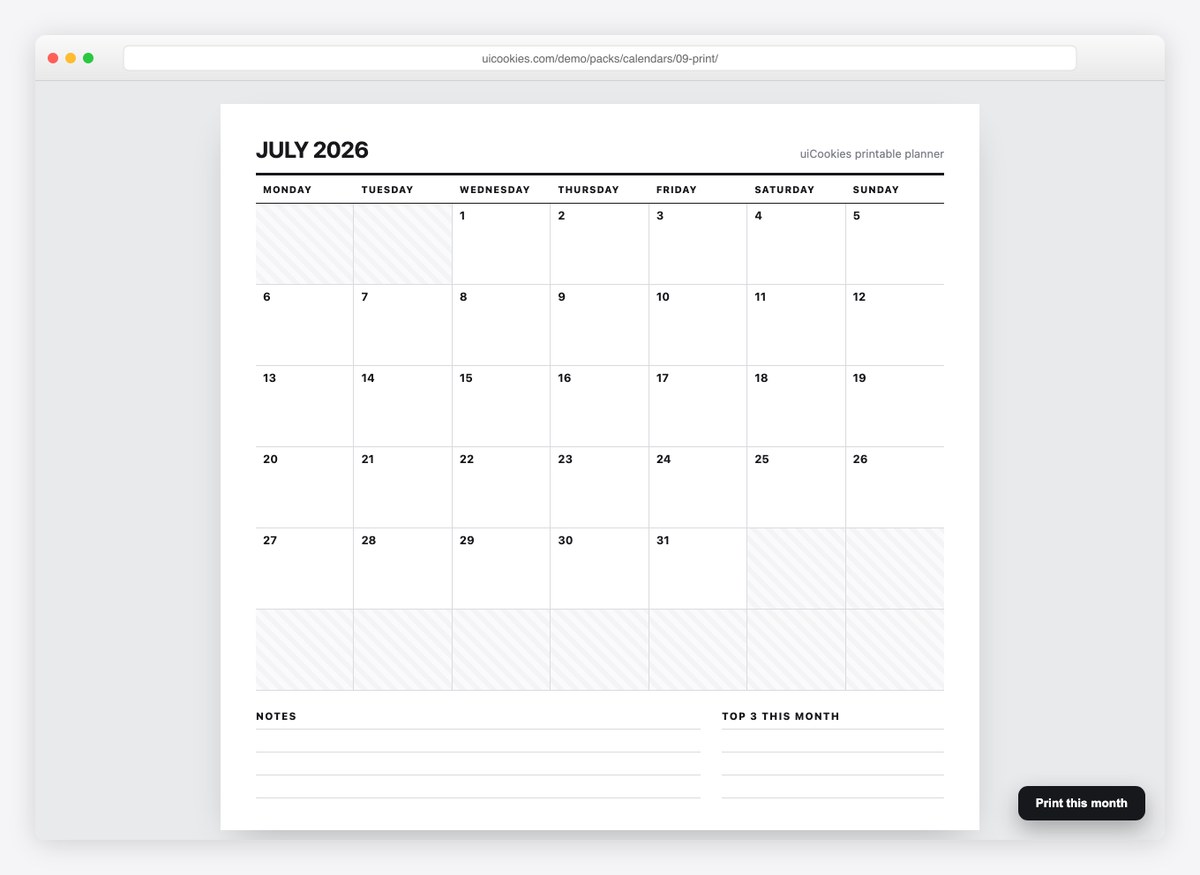
A monthly planner sheet with a bold masthead, notes lines, and a top-3 box — plus print styles, so the Print button produces a clean A4 page.
Live Demo CSS, Bootstrap & Tailwind code
10. Calendar + Events Sidebar
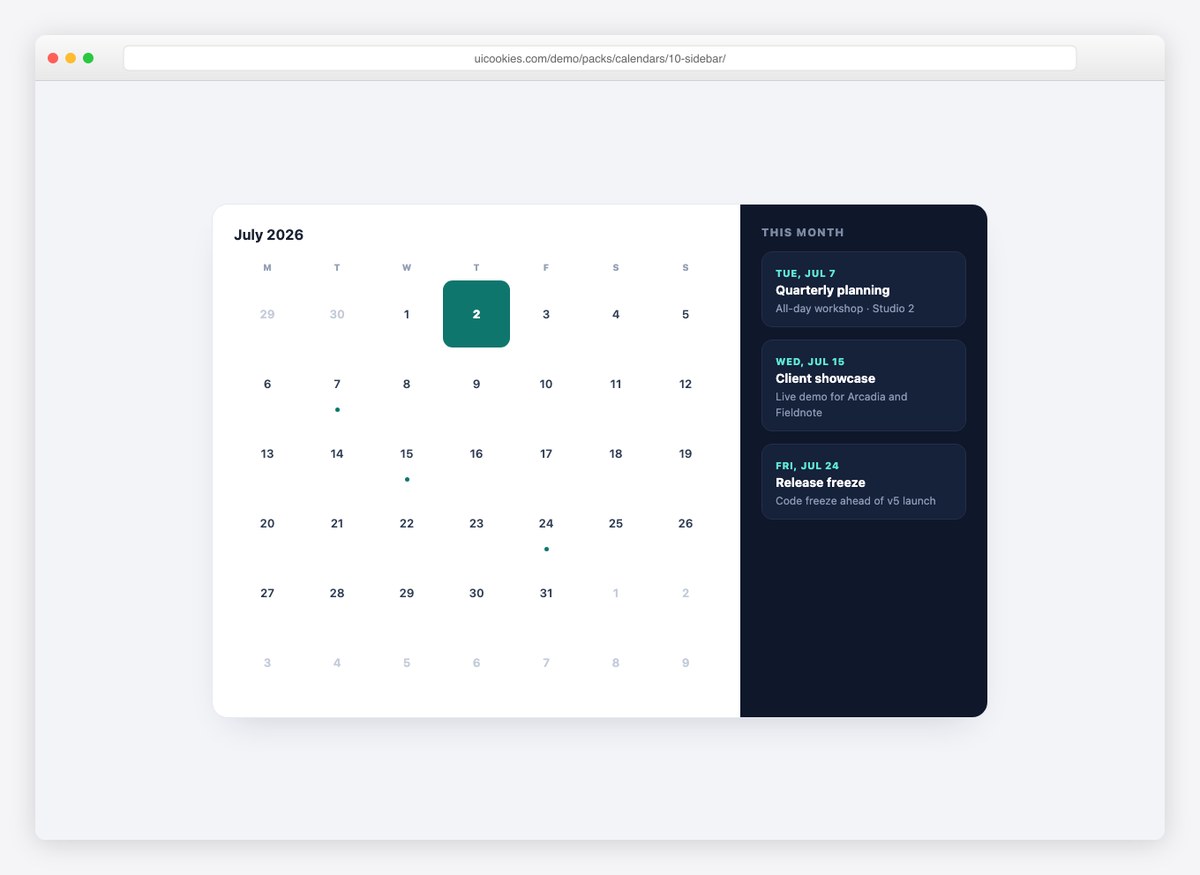
A combo panel: month grid on the left, dark events sidebar on the right, with the sidebar dates generated from the same event list as the grid dots.
Live Demo CSS, Bootstrap & Tailwind code
Pickers, schedules and reports
The twelve added since: the controls people interact with, plus the two report-shaped calendars — a heatmap and a countdown.
11. Date Picker Input
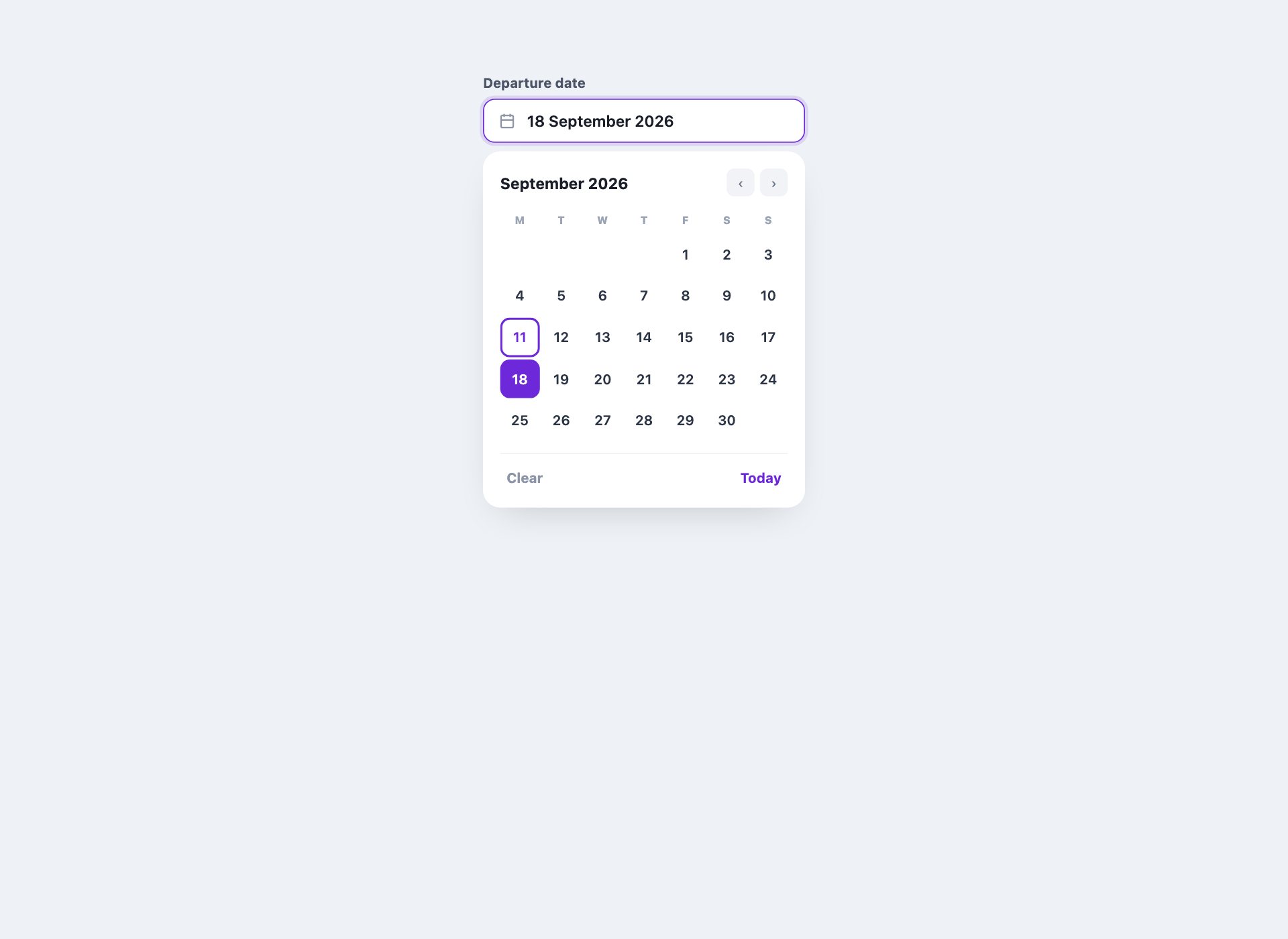
The calendar most people actually mean: one that drops out of a text input. It runs on a native <details> for open and close and radio inputs for the day, and the displayed date follows the selection through :has() — so the whole control works, value and all, with no JavaScript.
Live Demo CSS, Bootstrap & Tailwind code
12. Appointment Time Slots
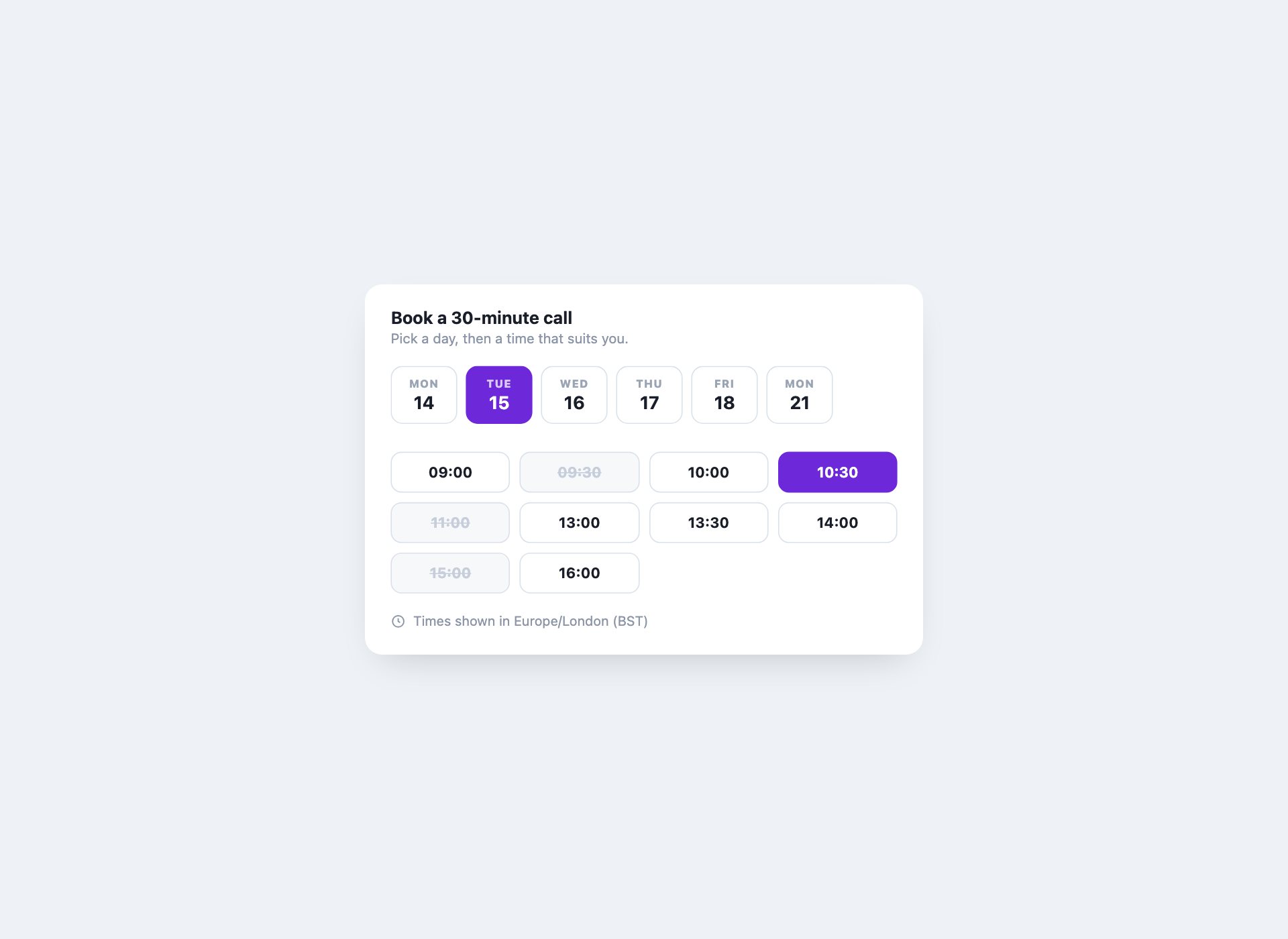
The second half of a booking flow: pick a day, then pick from the times actually free on it. Taken slots are disabled and struck through rather than hidden, and the timezone is stated — a booking interface that omits it will eventually cost someone a meeting.
Live Demo CSS, Bootstrap & Tailwind code
13. Activity Heatmap
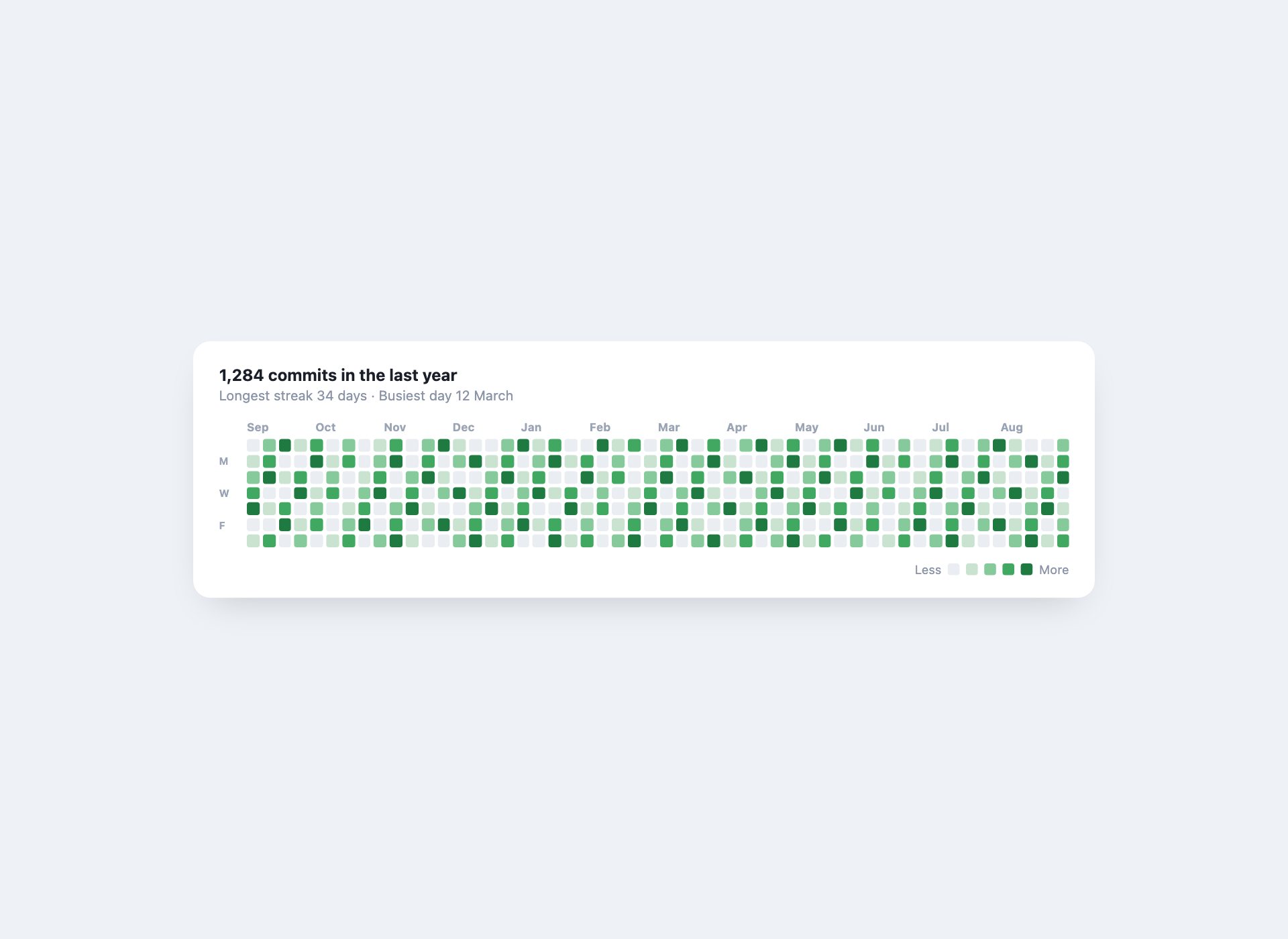
The contribution-graph calendar — a year of days as shaded squares. grid-auto-flow: column fills the weeks downward the way the format expects, and the intensity is one class per cell rather than an inline colour on 364 elements.
Live Demo CSS, Bootstrap & Tailwind code
14. Day View with a Now Line
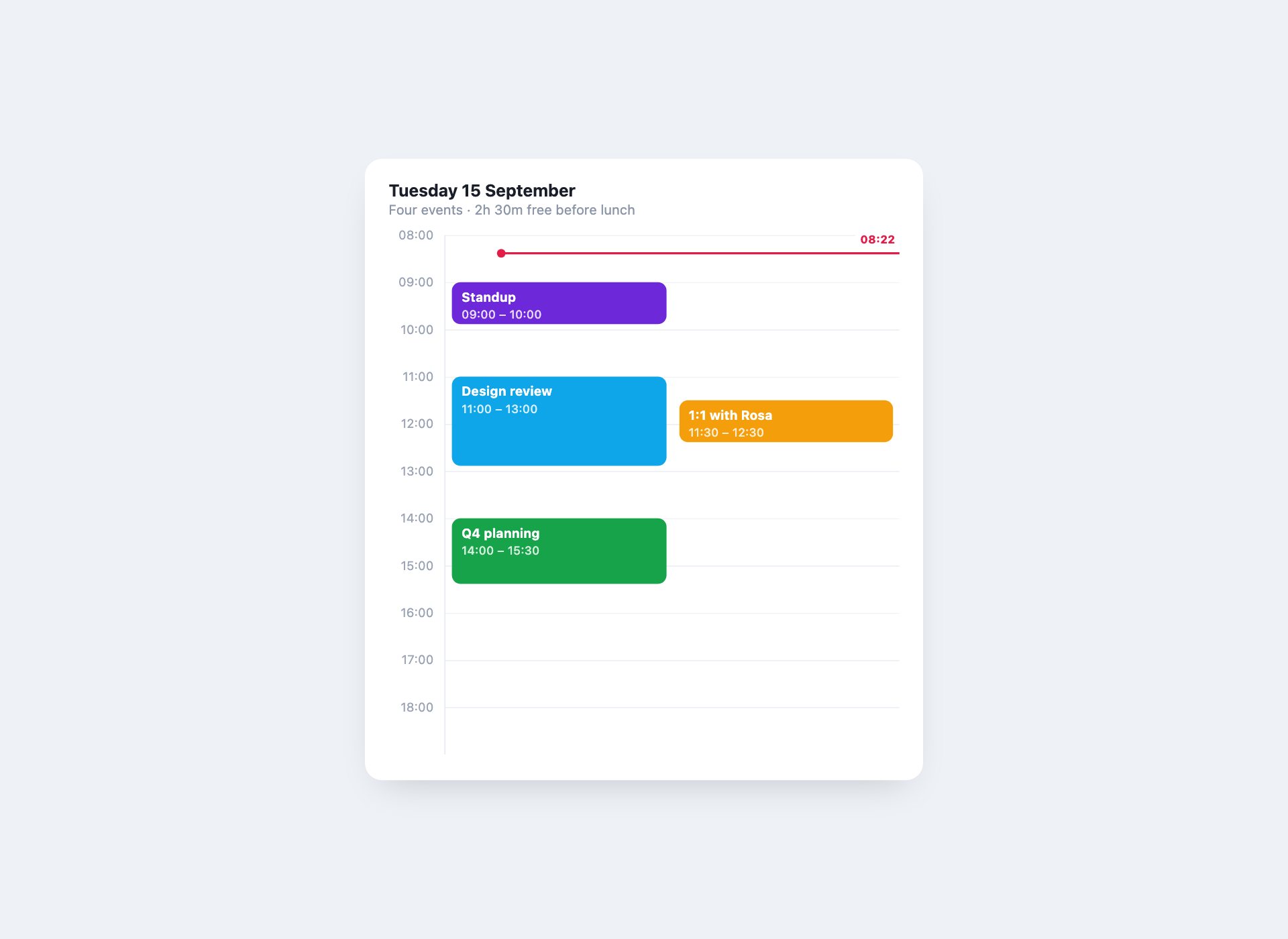
A single day as an hour grid, with events placed by grid row and a red line at the current time that positions itself from the real clock. Overlapping events sit side by side instead of stacking, which is the part hour grids usually get wrong.
Live Demo CSS, Bootstrap & Tailwind code
15. Three-Month Quarter View
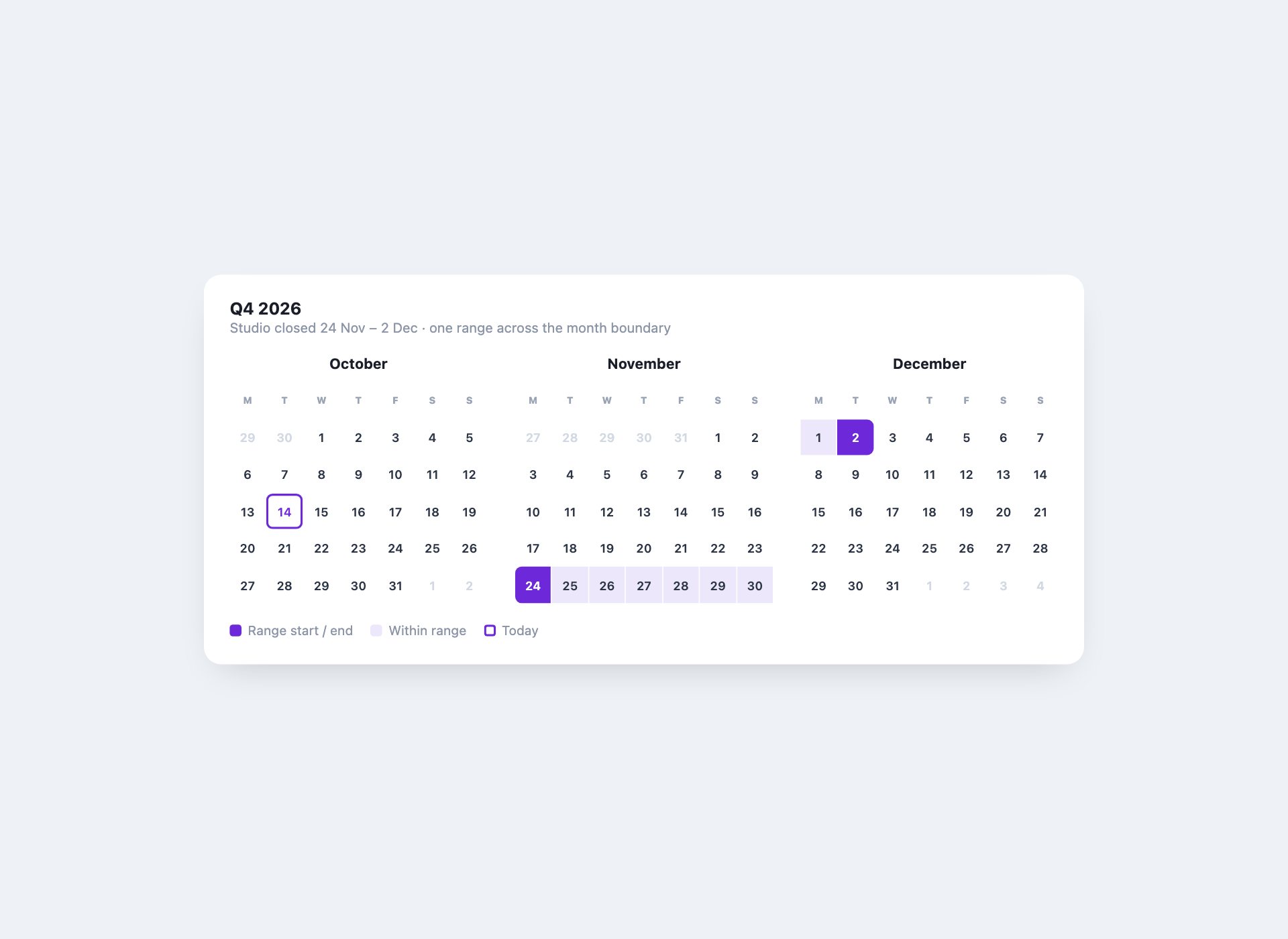
Three months side by side for planning across a quarter, with a booked range that carries across the month boundary. Each month is its own grid, so it collapses to one column on a phone without any of them breaking.
Live Demo CSS, Bootstrap & Tailwind code
16. Resource Scheduling Grid
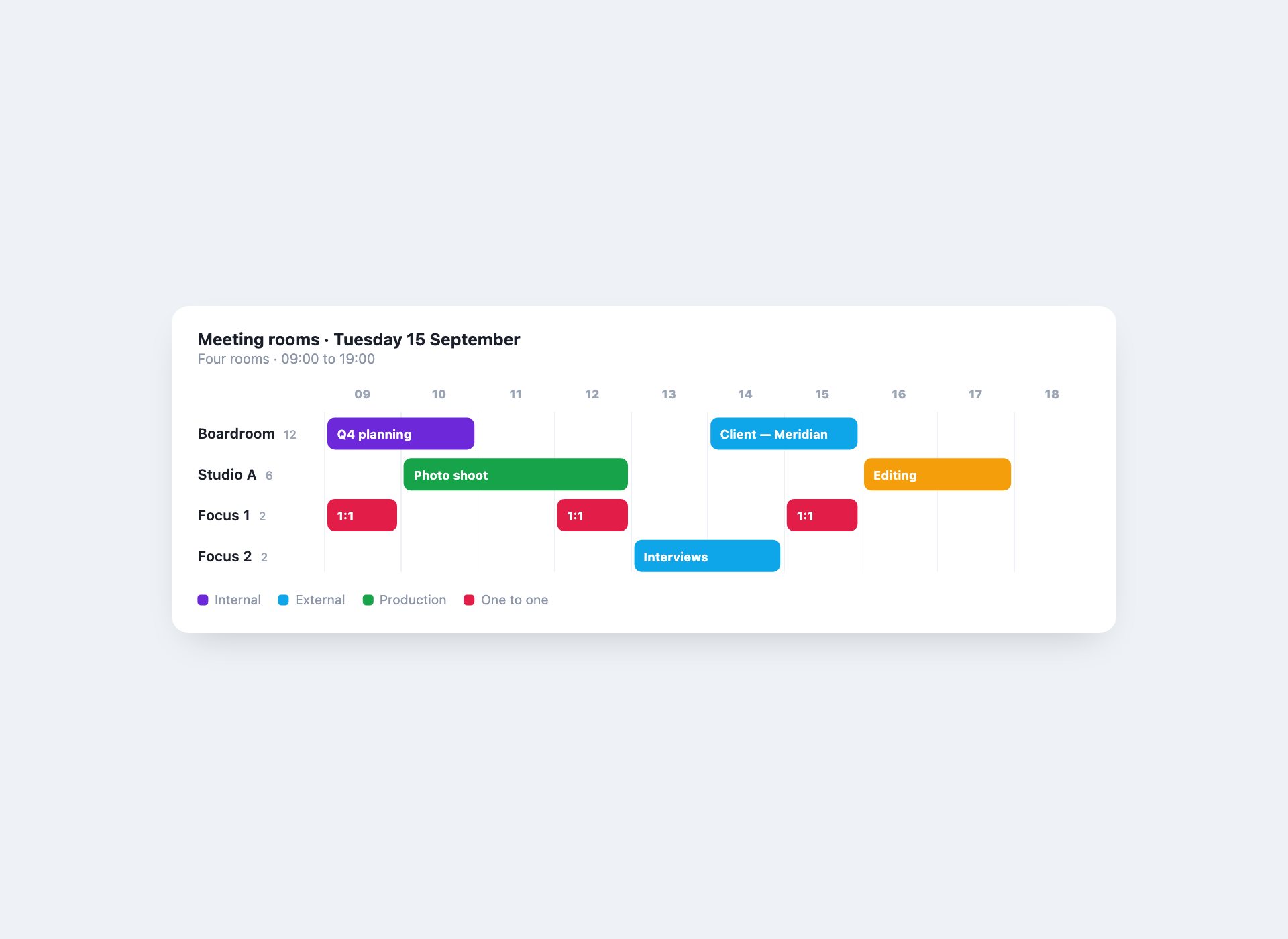
Rooms down the side, hours across the top — the view a meeting-room or studio booking system needs. Bookings are placed by grid column span, so a two-hour booking is one value and nothing has to be measured.
Live Demo CSS, Bootstrap & Tailwind code
17. Month Grid with a Detail Panel
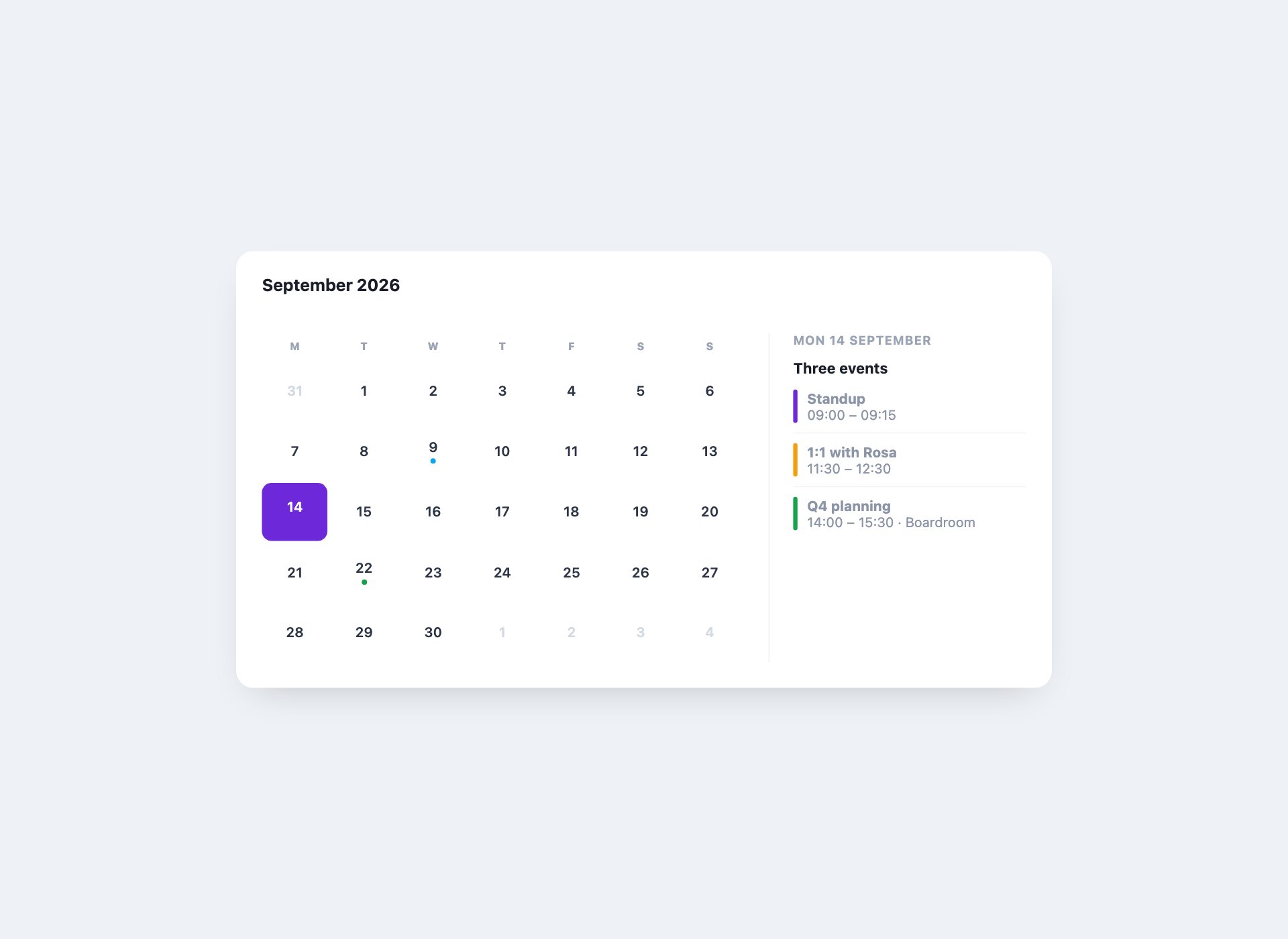
A month view where selecting a day fills a panel beside it. The whole interaction is radio inputs and a sibling combinator — the panel swaps with no JavaScript, and every day is a real focusable control rather than a clickable div.
Live Demo CSS, Bootstrap & Tailwind code
18. Dashboard Calendar Card
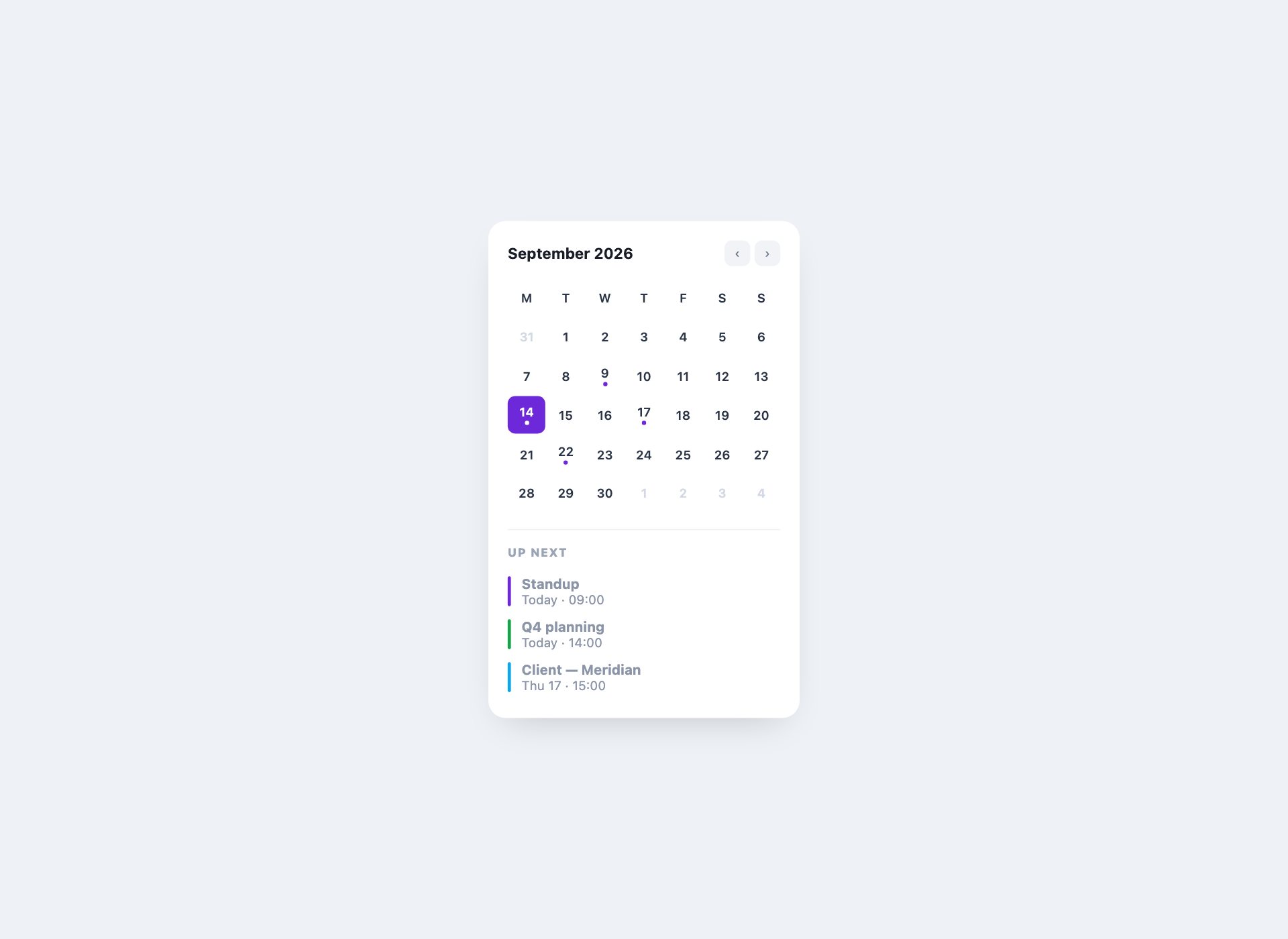
The small calendar that sits in a dashboard column: a compact month with event dots above a short list of what is next. Sized to a 280px card, so it survives a narrow sidebar without a media query of its own.
Live Demo CSS, Bootstrap & Tailwind code
19. Weekly Availability Picker
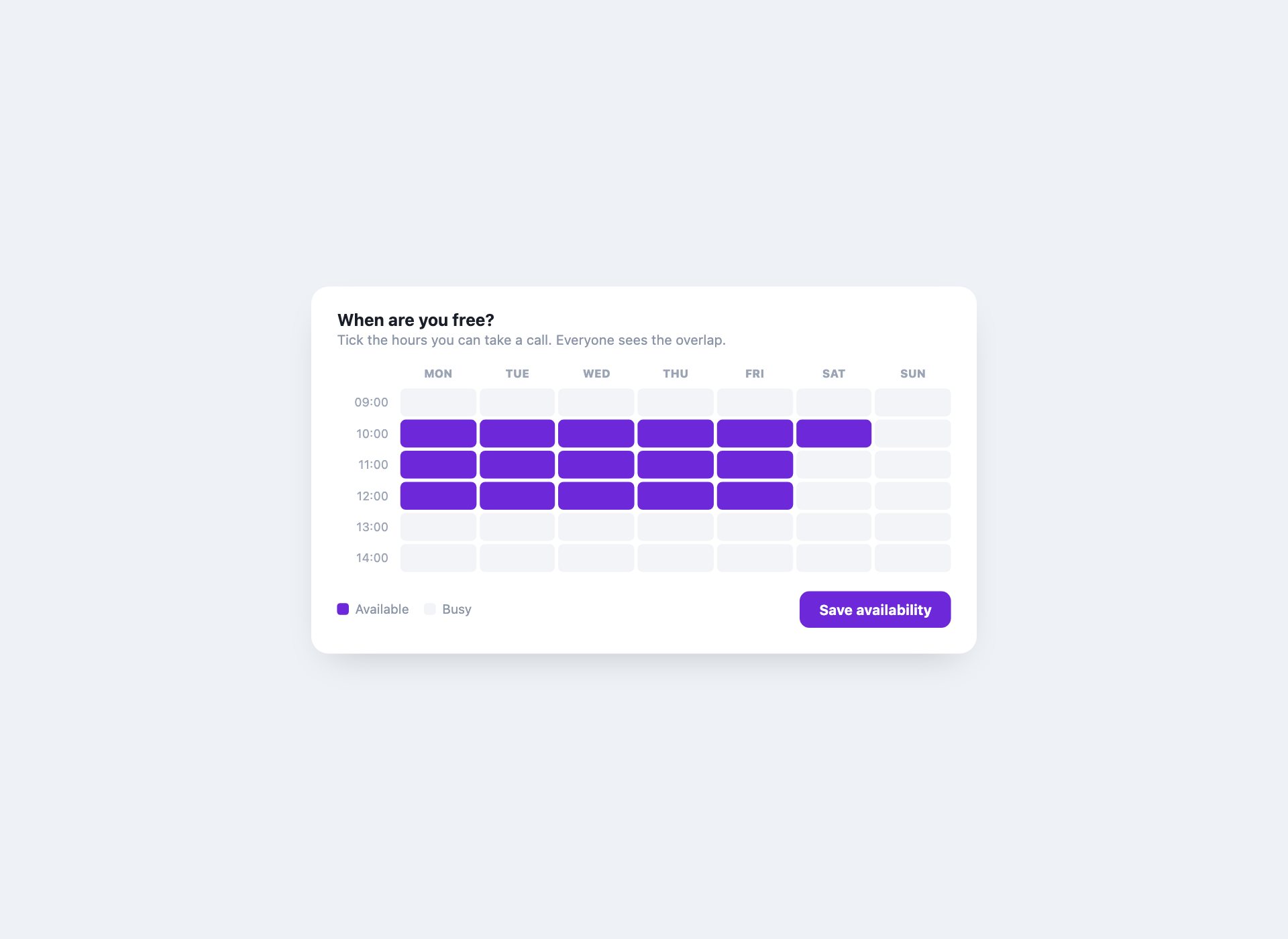
The grid you fill in to say when you are free — built from checkboxes, so it works by click and by keyboard, and the selection is real form state that would submit on its own.
Live Demo CSS, Bootstrap & Tailwind code
20. Event Countdown Card
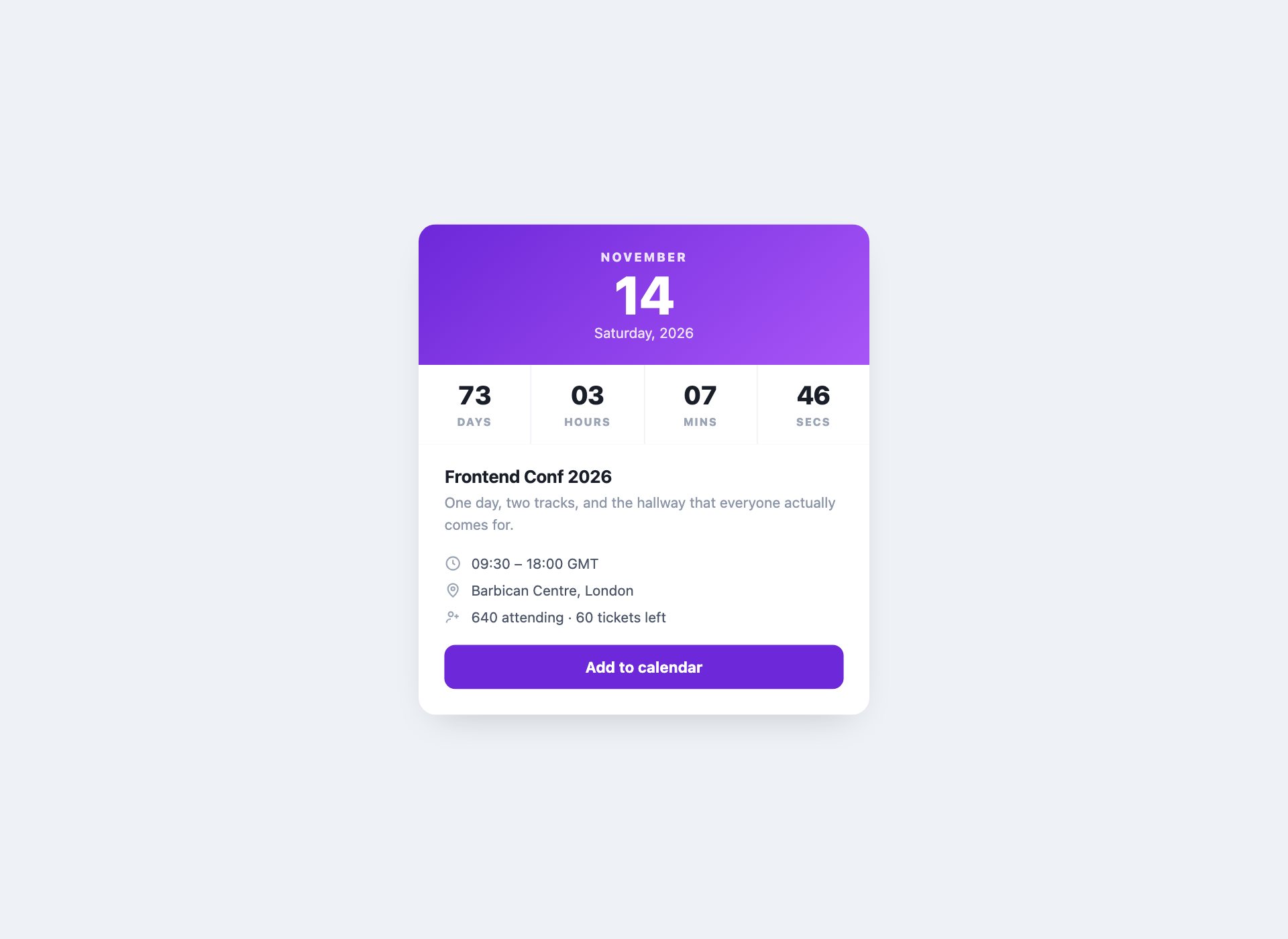
A date card with a live countdown and the details underneath, for a conference page or a launch. The target is read from a datetime attribute rather than parsed out of visible text, and the timer clears itself once the event starts.
Live Demo CSS, Bootstrap & Tailwind code
21. Recurrence Preview
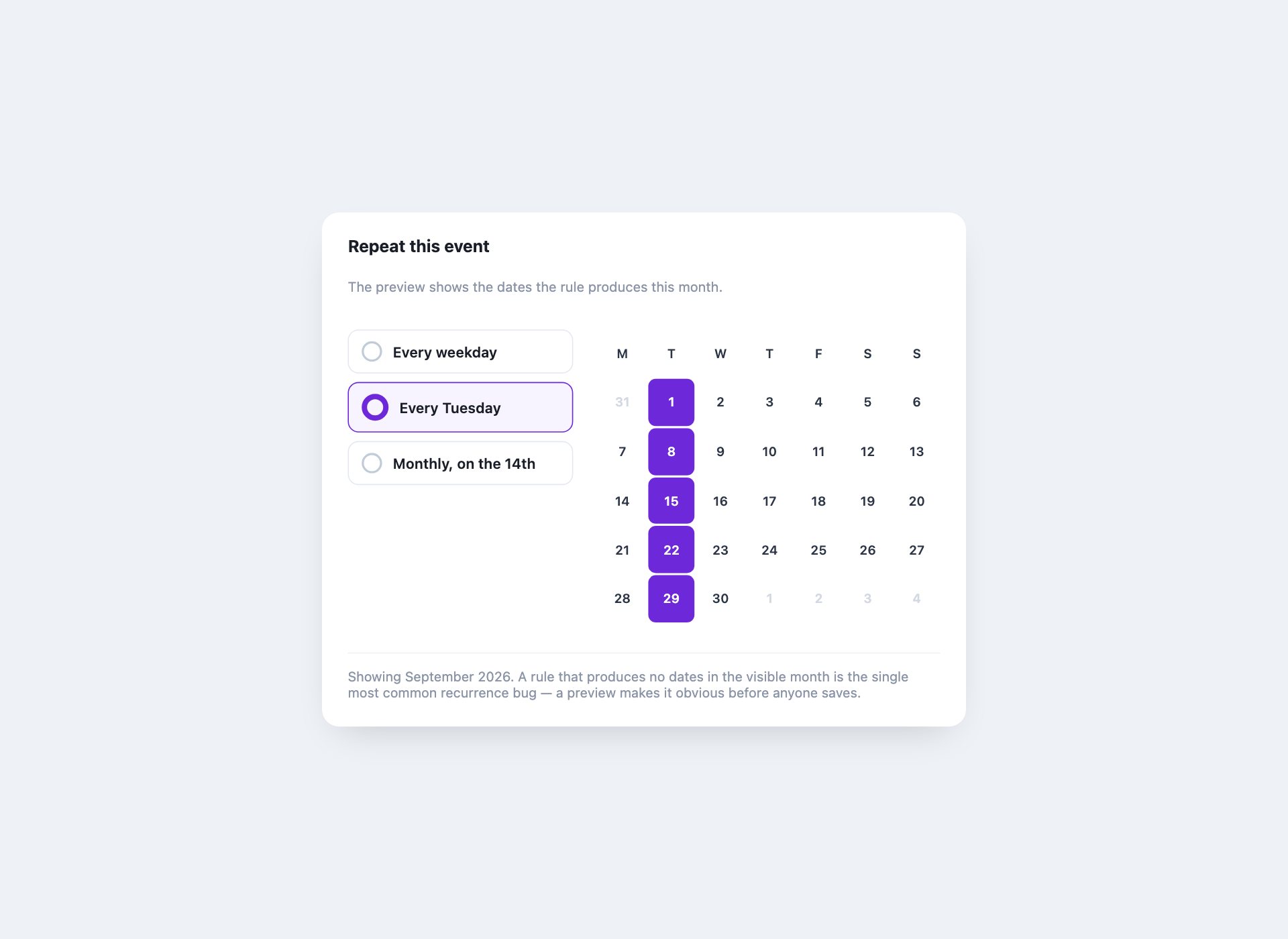
The “repeats every…” control with a month preview that highlights the dates a rule actually produces. A rule that generates nothing in the visible month is the most common recurrence bug, and a preview makes it obvious before anyone saves.
Live Demo CSS, Bootstrap & Tailwind code
22. Mobile Agenda with Sticky Days
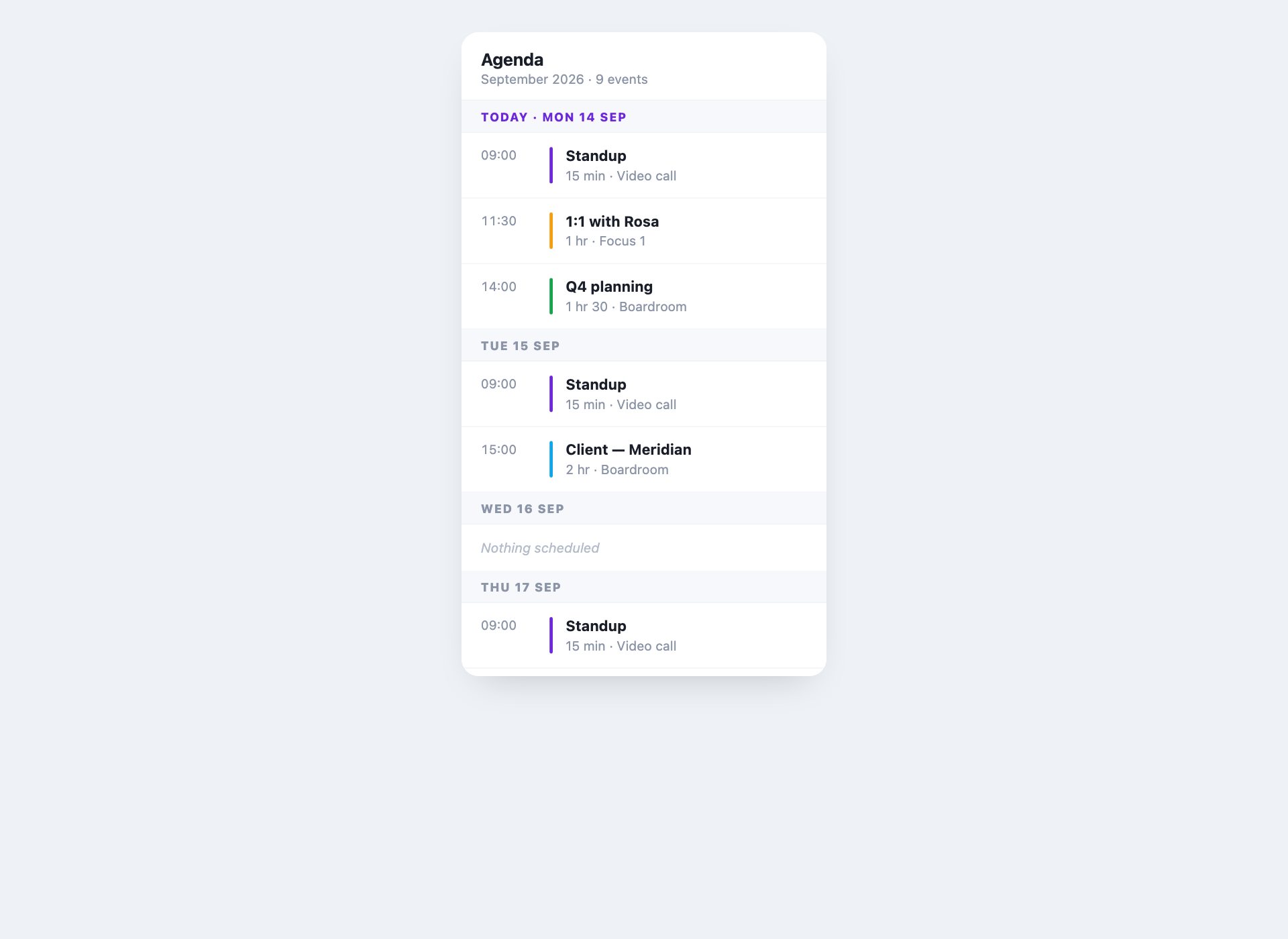
The phone-shaped agenda: a scrolling list grouped by day, each heading sticking while its events pass under it. One line of CSS does the sticking, and it is a single column by design rather than a squeezed month grid.
Live Demo CSS, Bootstrap & Tailwind code
Building a calendar grid
The layout is genuinely simple, and it is worth separating from the part that is not.
.calendar {
  display: grid;
  grid-template-columns: repeat(7, 1fr);
  gap: 2px;
}
.calendar .day { aspect-ratio: 1; display: grid; place-items: center; }
Seven columns, one cell per day, and empty cells for the days before the first of the month. aspect-ratio: 1 keeps the grid square at any width, which is what stops a calendar looking stretched inside a narrow card.
What CSS cannot do is the date arithmetic — how many days this month has, which weekday it starts on, and where today falls. That is the only reason ten of these designs carry any JavaScript, and it is around fifteen lines in each.
Making a calendar accessible
- Days should be real controls. A selectable day is a
<button>or a label bound to a radio input — never a<div>with a click handler, which no keyboard can reach. - Mark the selection with state, not colour. A checked radio or
aria-pressedconveys the selection; a purple background alone conveys nothing to a screen reader. - Give the grid a name. Wrap it in a labelled
role="group"so it is announced as a date chooser rather than a loose pile of numbers. - Do not rely on the dot. If a day carries an event marker, the day also needs a text label — “3 September, 2 events” — or the marker is decoration.
- Keep the scroll containers focusable. The heatmap and the resource grid scroll horizontally, so they take
tabindex="0"and a label, or they cannot be scrolled from a keyboard.
Using the calendars in your project
Download the pack, open the folder for the design you want, and copy its markup with the rules from the <style> block. Each design is self-contained — nothing depends on the other 21. Where a design has JavaScript it sits in the same file, commented, so you can lift only the behaviour you need.
Frequently asked questions
Are these calendar templates free?
Yes. All 22 are free for personal and commercial projects, including client work. No attribution required.
Do they need JavaScript?
Twelve of the 22 are pure CSS, including the date picker — day selection runs on radio inputs and the displayed value follows through :has(). The rest use small, commented vanilla JavaScript for the things CSS genuinely cannot do: rendering real dates, moving between months, positioning a now-line and running a countdown. None of them loads a library.
How do I build a calendar grid in HTML and CSS?
Seven columns of grid-template-columns: repeat(7, 1fr), one cell per day, and leading blanks for the days before the first. Give the cells aspect-ratio: 1 so the grid stays square at any width. That is the whole layout — everything else is styling and the date maths, and the date maths is the only part that needs script.
Do these work with Bootstrap?
Yes. They use their own class names, so nothing collides with Bootstrap’s grid or components. You can drop any of them inside a Bootstrap card or column without changes.
Can I use these as a date picker on a real form?
Design 11 is built as one. It is a native <details> plus a radio group, so it is keyboard operable and the chosen date is real form state. For submitting to a backend, give the radios a shared name and the value posts like any other field.
Is there an event calendar with a detail view?
Yes — design 17 pairs a month grid with a panel that swaps as you select a day, and design 10 puts a month view beside a scrolling events list. Neither needs JavaScript.
Can I use these in a template I sell?
Yes, in client work and in products you sell. What you cannot do is repackage the pack itself for redistribution.
Download all 22 calendar templates (free) Browse live demos