

We spend hours discussing and developing a unique design for our websites. One of the important sections we often overlook on most websites is the footer. While designing the header section, we have many ideas, such as using large hero images, videos, and sliders to capture the user’s attention. But when it comes to the footer, our ideas are mostly blank. Your footer design ideas don’t have to be blank anymore. We have collected some interesting Bootstrap footer examples in this list to unlock your creativity.
A header section generally introduces you or your services to website users. The footer section helps users learn more about your company. Now, designers are using design to give users a better experience. For example, on a hospital website, the footer section will display important details such as emergency numbers and opening hours.
Some designers use footers to engage with the audience smartly. You can use the footer as a surprise element to show offers on a landing page. There are unlimited possibilities when you combine the footer with interactive animations. And we have covered quite a few examples here in this list. Take your time and check all of them.

Bootstrap Footer V16
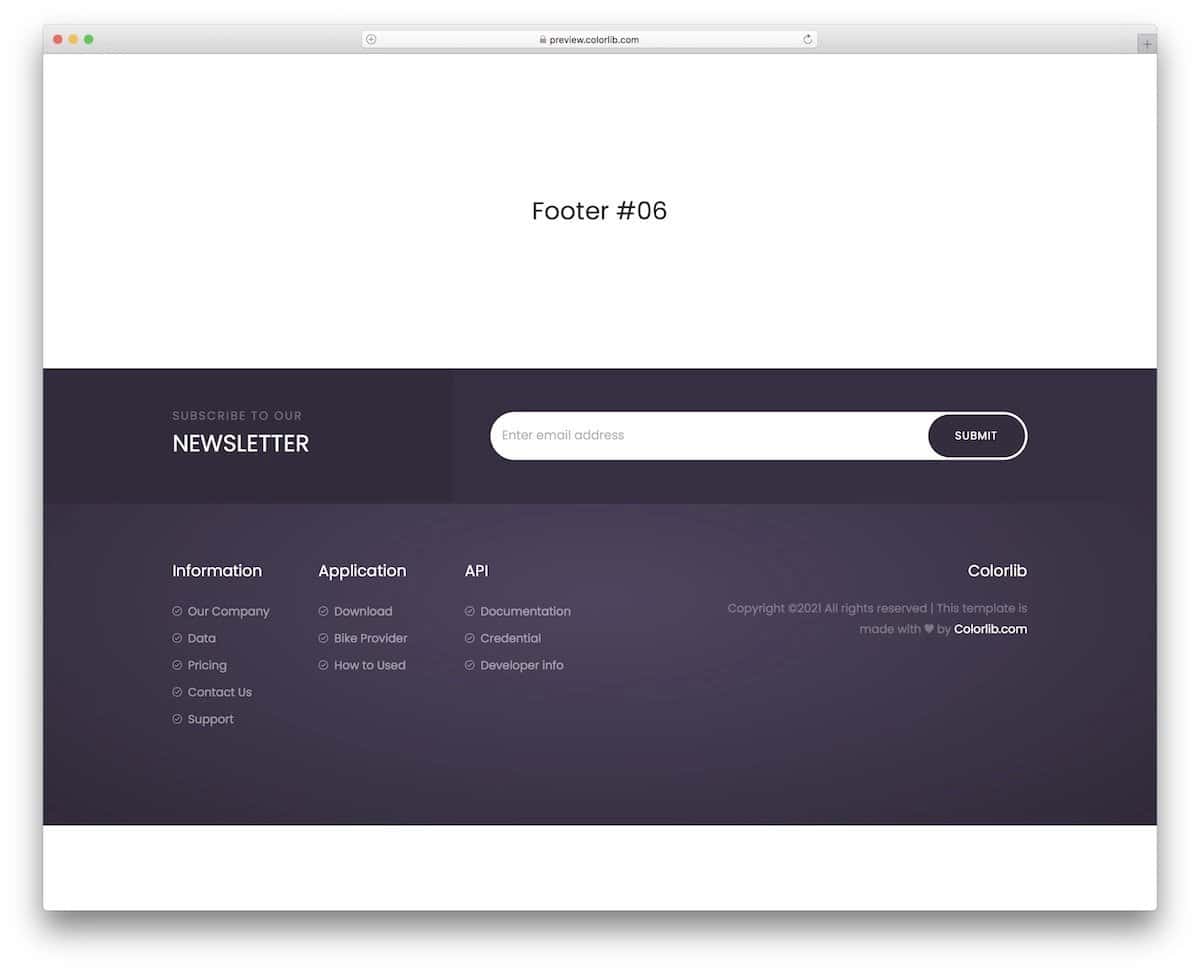
V16 is a Bootstrap 4 footer with a newsletter signup form.
After the sidebar, the footer is the second most desirable position for the newsletter signup forms. There are two important reasons why I say footers are the best place to put your newsletter form. The form is unintrusive, and this style will make your subscription stand out from the rest of the elements. Another reason is that if the user reaches the bottom of your page, they might enjoy your post and consider subscribing to your newsletter. You get plenty of regular elements like the link space, copyright, logo, and newsletter form, so you can use them for all types of websites.
Bootstrap Footer V10
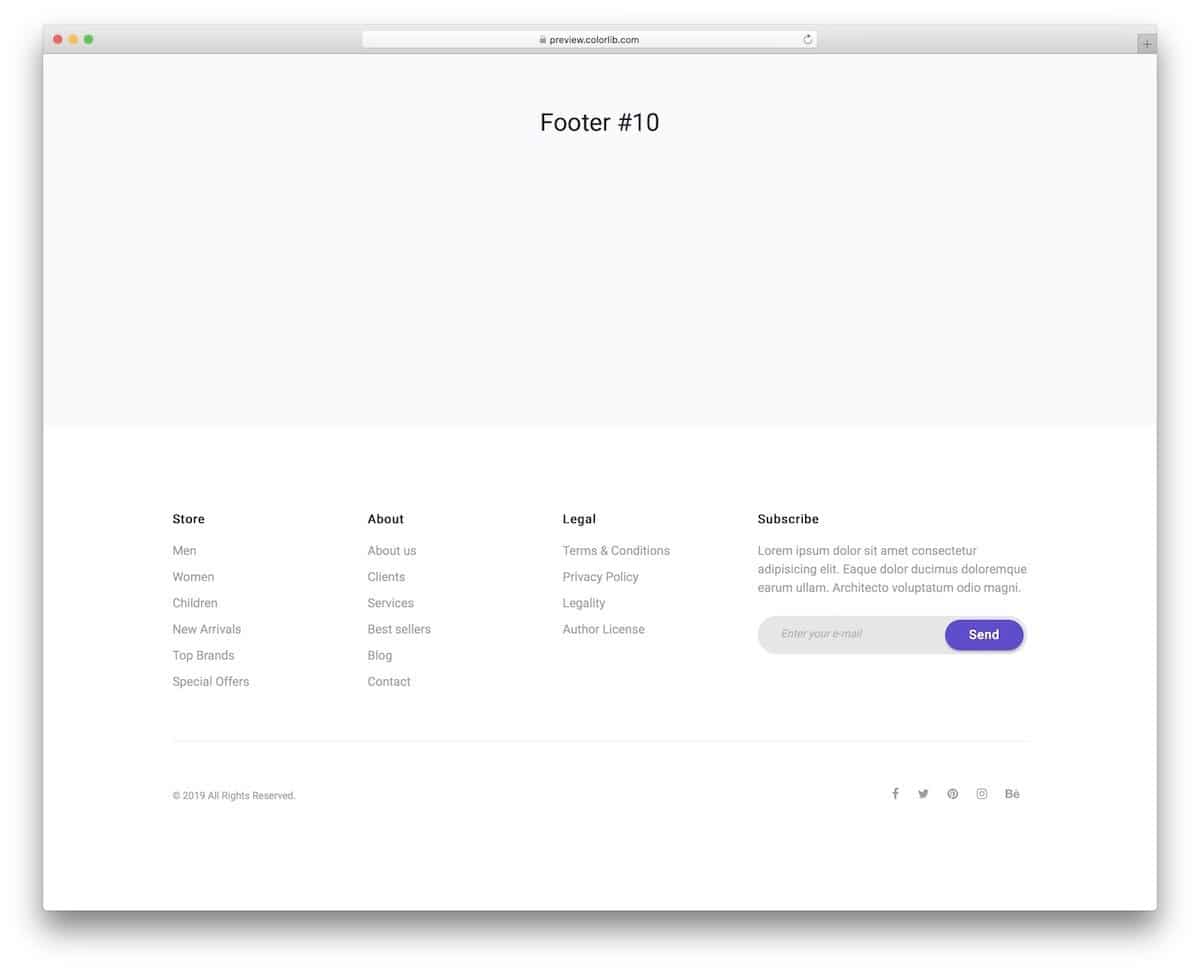
Those who want an ultra-clean bootstrap footer design will love this free template.
The three-column footer structure provides enough space to group related links. Plus, you can add a subscription form. You can use this Bootstrap footer template for any business website. The clean layout will easily fit on any website. You can make the skin dark by editing the code if you have a dark-theme website. The creator has included all code scripts in the download file, so you can easily edit them and use them as needed.
Bootstrap Footer V01
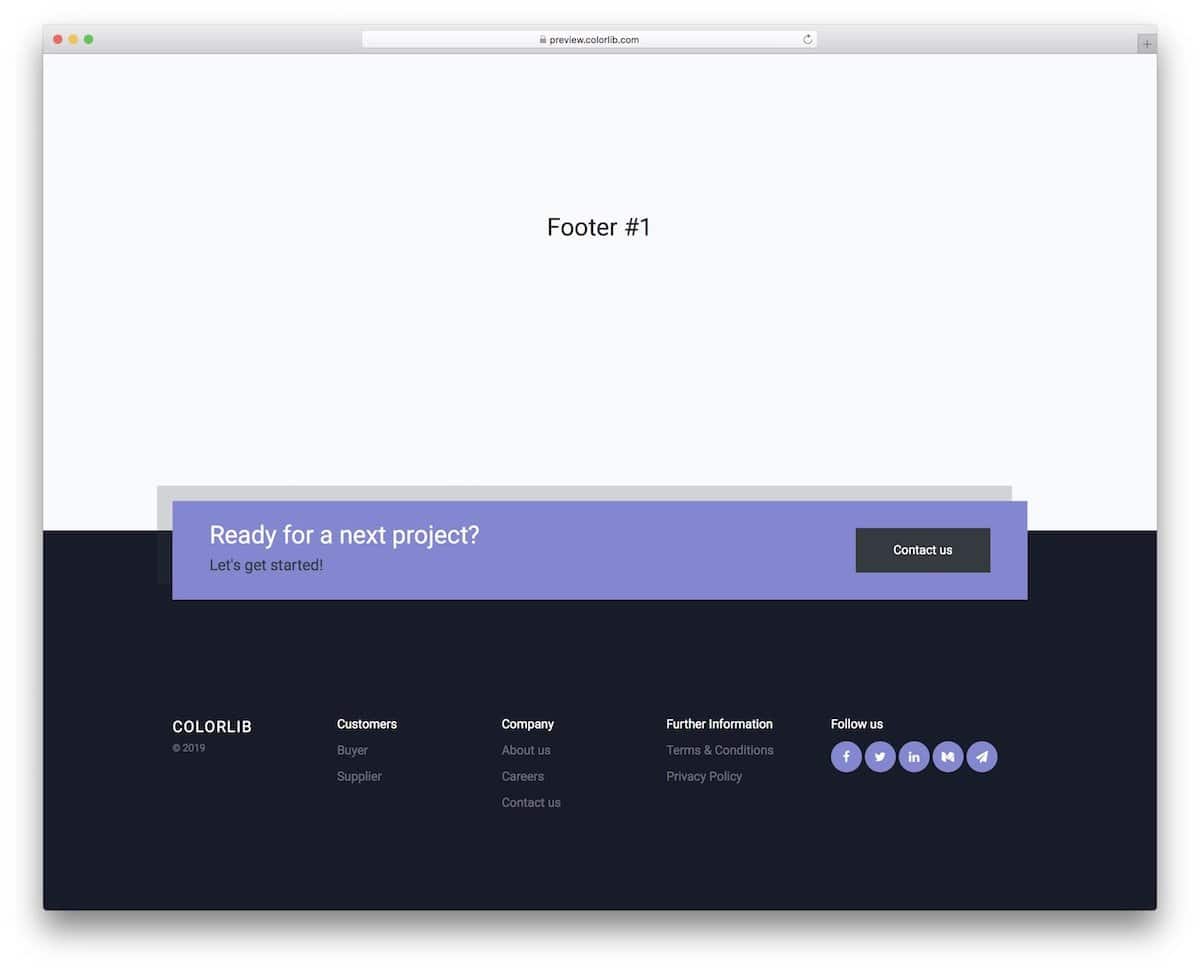
The V01 is the best free Bootstrap footer template for startup websites and freelancer websites.
A product/service inquiry widget is placed in the footer section. The creator has cleverly highlighted the inquiry widget with beautiful colors and shadows to get the user’s attention. The design looks more natural because this template uses Bootstrap 4, CSS3, and HTML5. You can add simple animations and make the design even livelier for the audience.
Bootstrap Footer V03
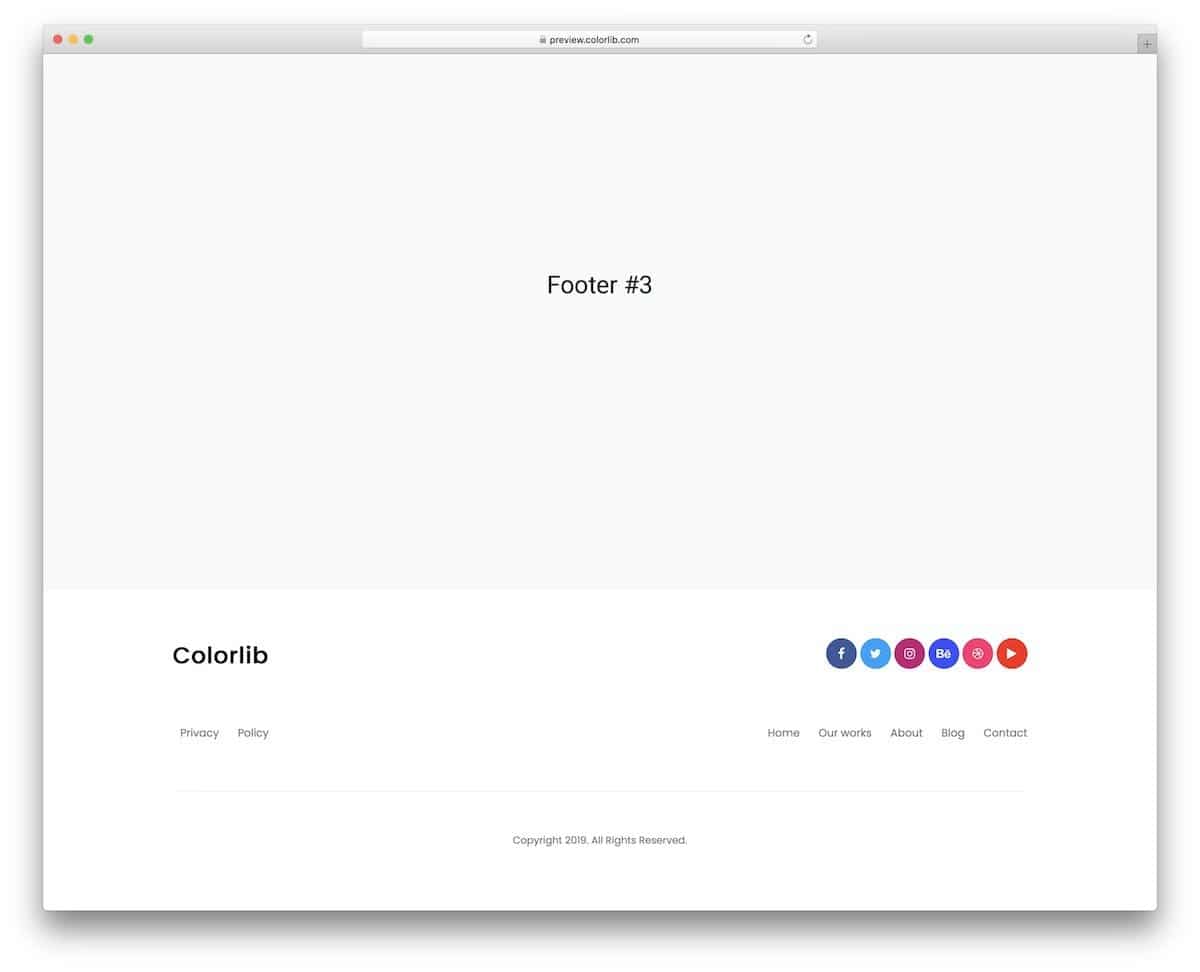
The V03 is also a clean-bootstrap footer template, like the V10 template mentioned above.
You get a simple footer with space to add page and social media links. Brands seeking a clutter-free, accessible footer design can use this template. Though the footer is simple, it includes key elements like logo space, important links, and copyright details to promote your website.
Bootstrap Footer V15
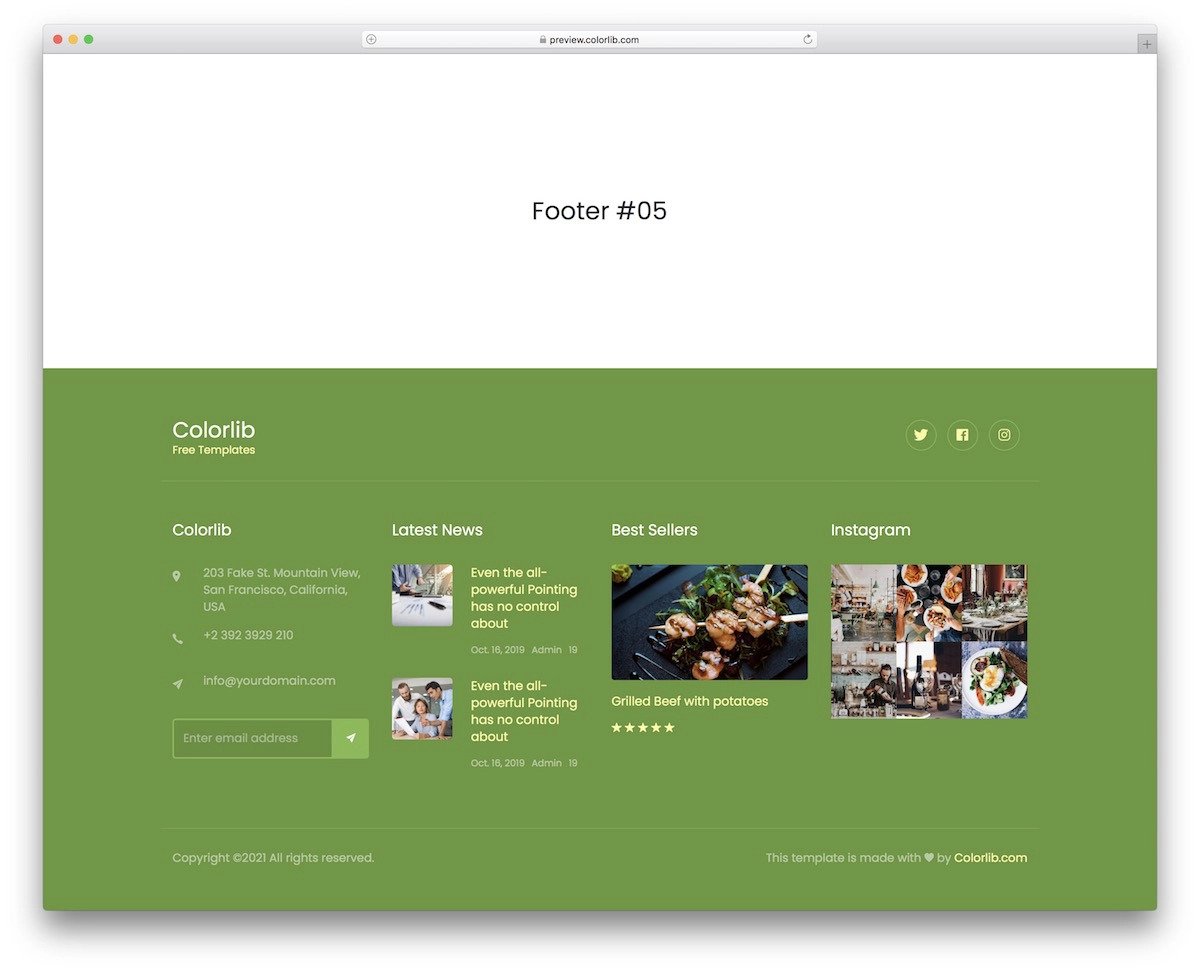
The V15 is a widget-rich Bootstrap footer design example.
Websites that are active on social media and have an engaging audience will love the social media widgets on this Bootstrap footer design. You get an Instagram widget and a user review widget in this design. If you have an online store or restaurant website, the review widget will be helpful. You can replace the review widget with a Twitter feeds widget if you are active on Twitter.
Bootstrap Responsive Footer

When building a Bootstrap-responsive footer for a healthcare website, we must be very careful about accessibility. Sometime,s you may get users who might be in an emergency, giving the required options readily in front of them will save them lots of time. In this bootstrap footer example, you can see that the user has made the footer big enough to add useful information. In the footer, the user can find the hospital’s opening hours, services offered, contact details, and subscribe to email newsletters. As most modern users search the internet to learn about their disease, running an active blog on a hospital website is essential to provide reliable content. In this footer, you can show the latest blog post, which is a thoughtful edition.
Sportify
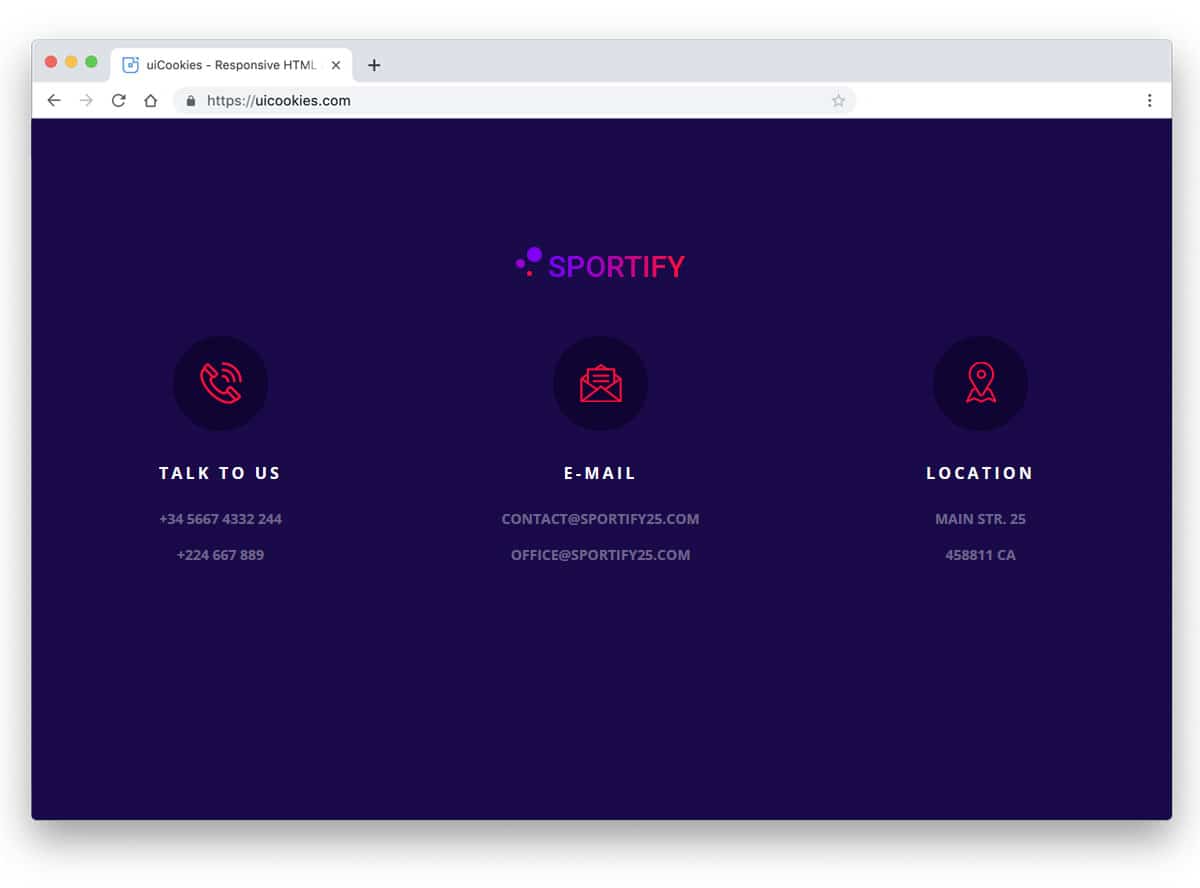
Sportify has a simple, colorful footer. The trendy-looking three-column design neatly organizes the contents. Icons group the contents into location, email, and phone number. Since this one uses the CSS3 script, you get a trendy, colorful gradient. If you need a good-looking, simple footer, this example might give you some ideas.
Selling
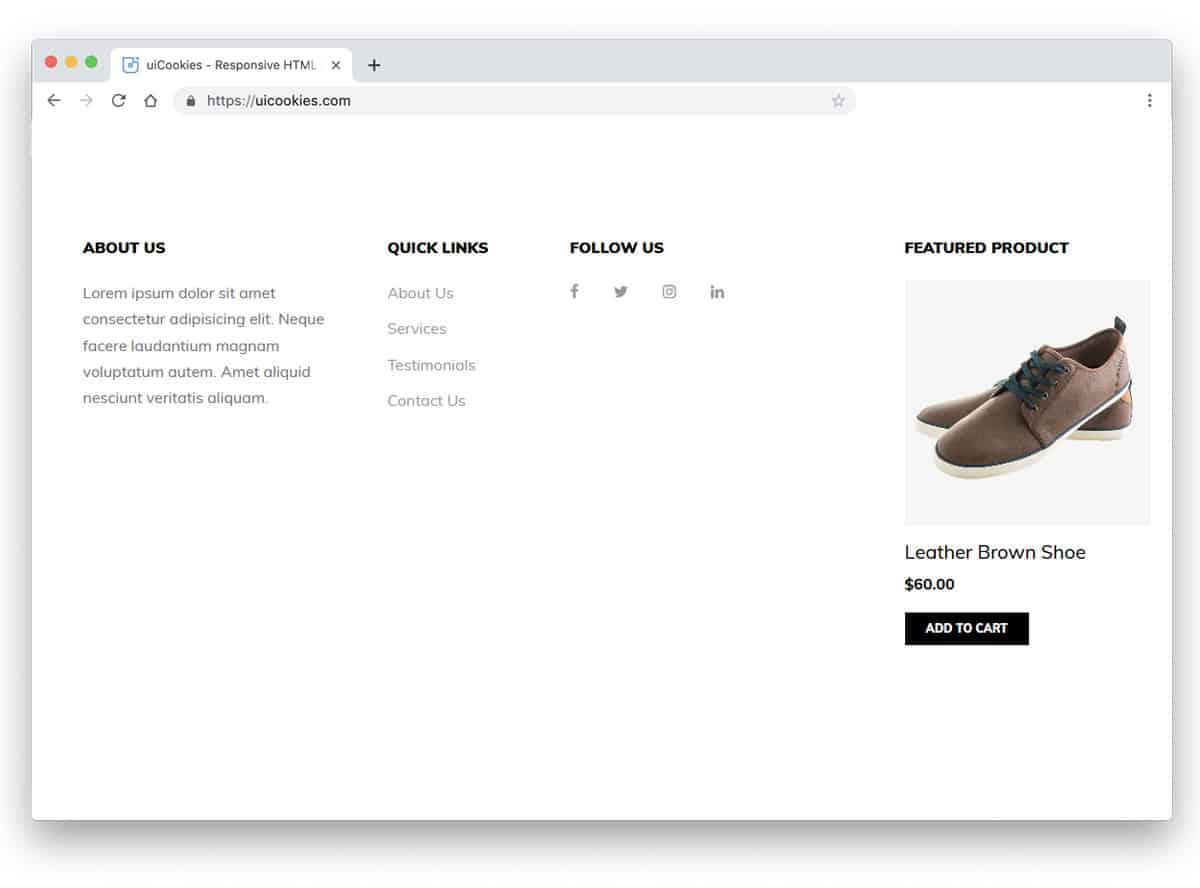
Each space on an eCommerce store must be able to engage the user and sell its products. In this footer example, the developer effectively used the space to show the featured products. If you wish to show more than one product in this space, you can use a carousel. In addition to the featured product section, you can add other important links and an about section. If you are building an online store for a new brand, adding an about column in the footer will help users learn more about you.
WeMeet

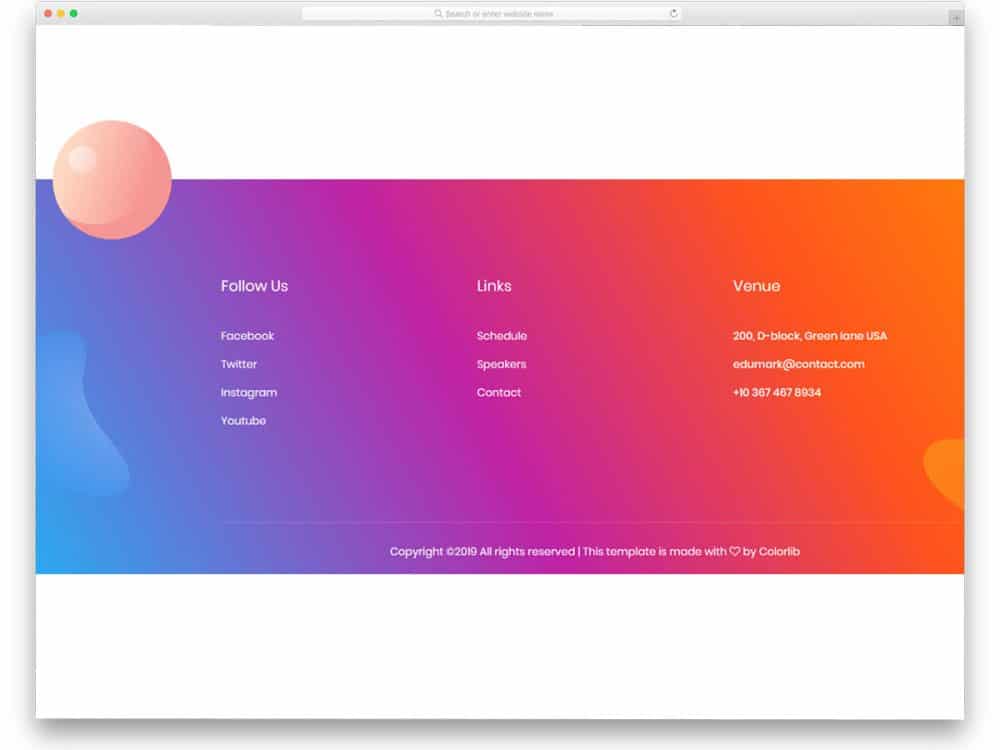
WeMeet is primarily a fully-functional, colorful website template for event websites. Throughout the template, the creator has used a colorful gradient. In the footer section, you also get trendy gradient colors and design elements. This bootstrap footer design will impress you if you are bored with the same old plain footer design. There is more than enough space between columns, so the user can easily interact with the links and other options. If you want, you can add widgets and other elements. Since it is a Bootstrap based design, it can handle all present-day elements and can easily fit in all modern websites.
Bootstrap Footer Fixed-bottom
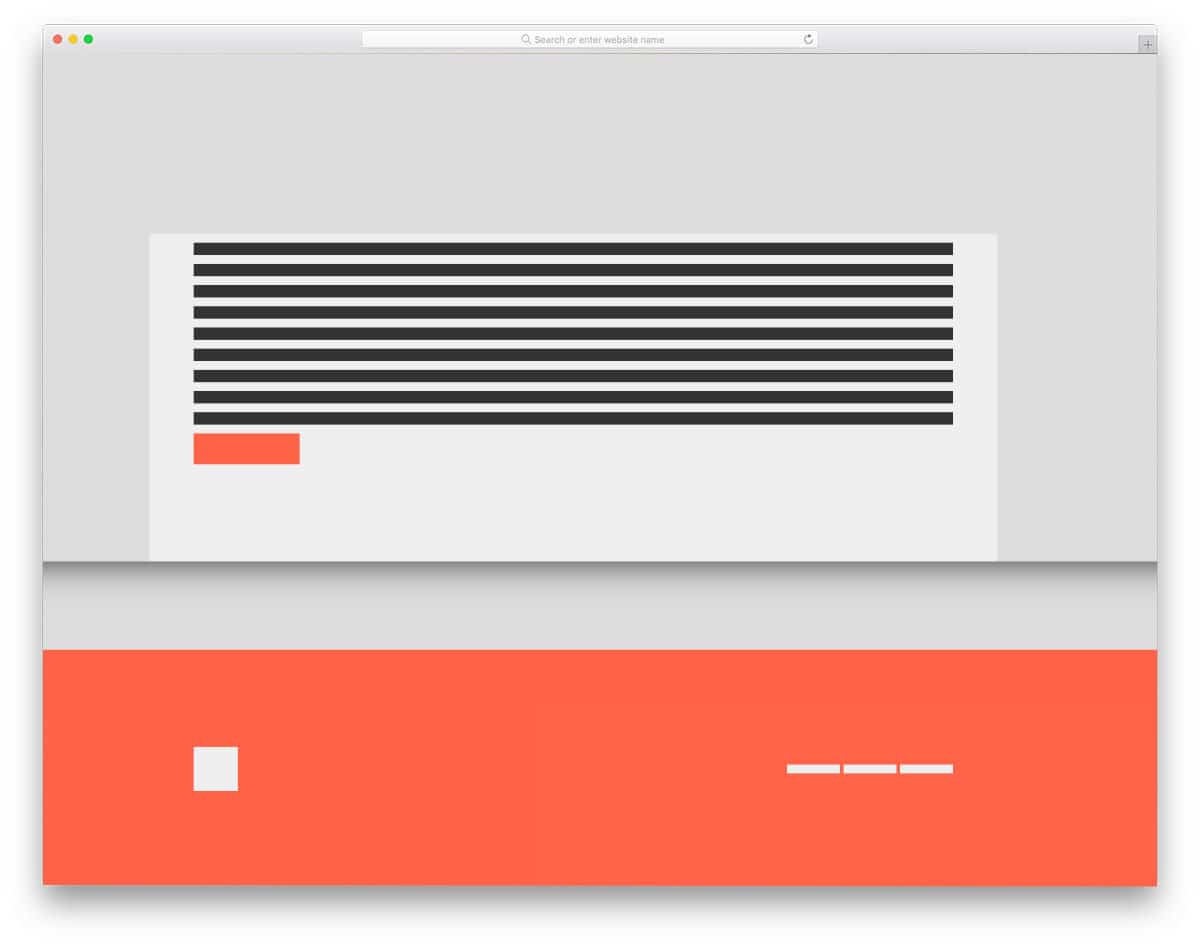
In this example, you get a skeletal web page concept design with a fixed-bottom Bootstrap footer. The creator has used blocks and lines to help you easily understand the concept. As the name implies, you get a big fixed footer. Since the creator has used a full-page design, the footer has more than enough space for housing links and widgets. You can take this concept and can develop it as per your needs. If you want to spice up the footer design, check out our CSS link-style design collection. The code snippet for this entire design is available in the CodePen editor. Based on your needs, you can trim the code and use it on your project.
CSS Goey footer
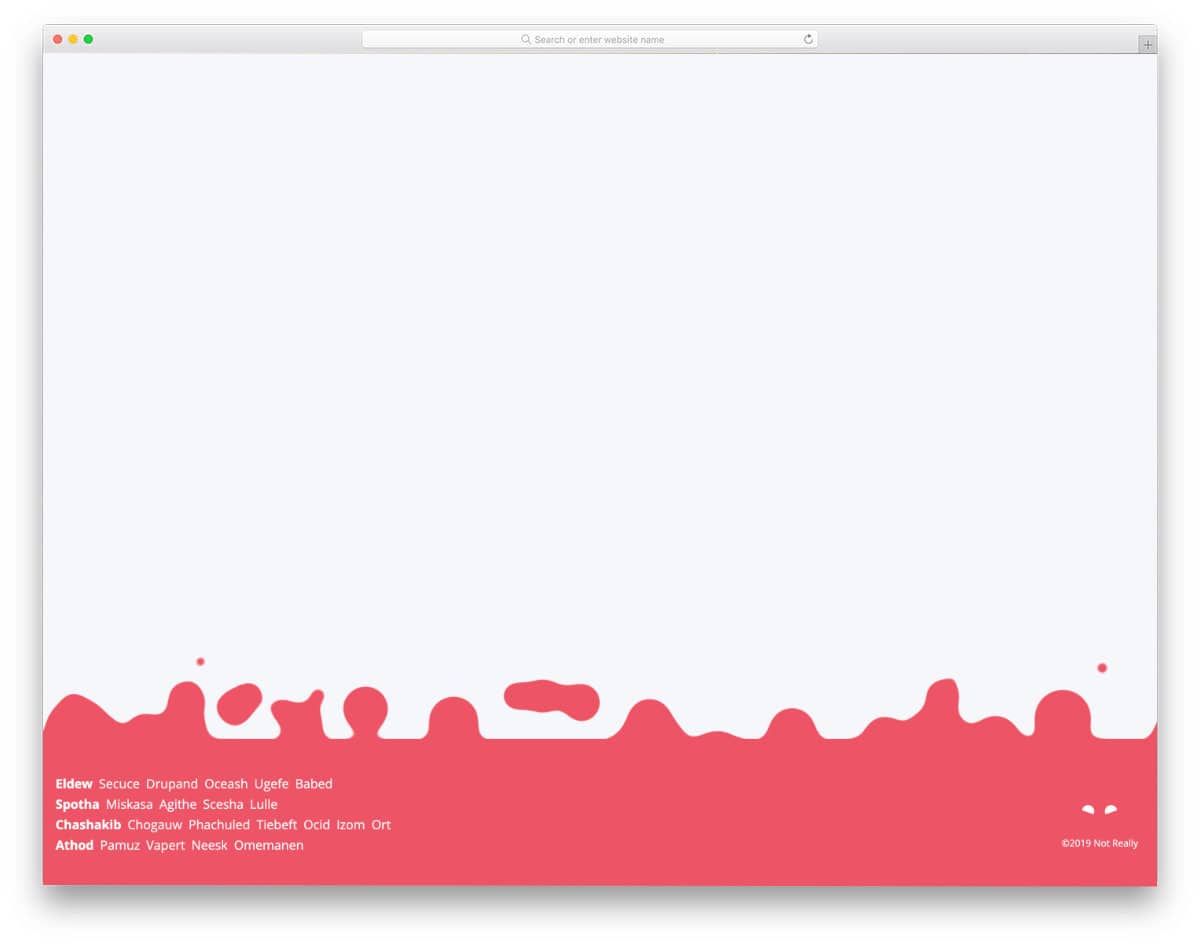
The creator has given an animated footer design in this example. As web designers and developers strive to deliver an authentic user experience, new effects and designs are emerging. The CSS Goey footer is one such fresh, interactive, modern footer design concept. Because of the red color scheme, the bubble effect may mimic a fire burning effect. You can change the color to give the footer section a different look. Since this design is made purely using the latest CSS script, you can use any modern color schemes and gradient colors without any worries.
Stylish Footer

Apps and modern software are trying to improve our day-to-day lives. SaaS companies are adopting different strategies to show users how their software can change people’s lives. If you are making a website for such innovative companies, footer designs like this will give your website a more meaningful look. Animated characters and pleasant vector scenery are used in the footer section. The creator has used the footer space effectively, so the links and other text content are not disrupted by the background vector scenery. You can take this concept and create a design tailored to your website’s needs. The whole code script is simple and lightweight; hence, you do not need to worry about slow loading.
Beautiful Aurora Footer Lights
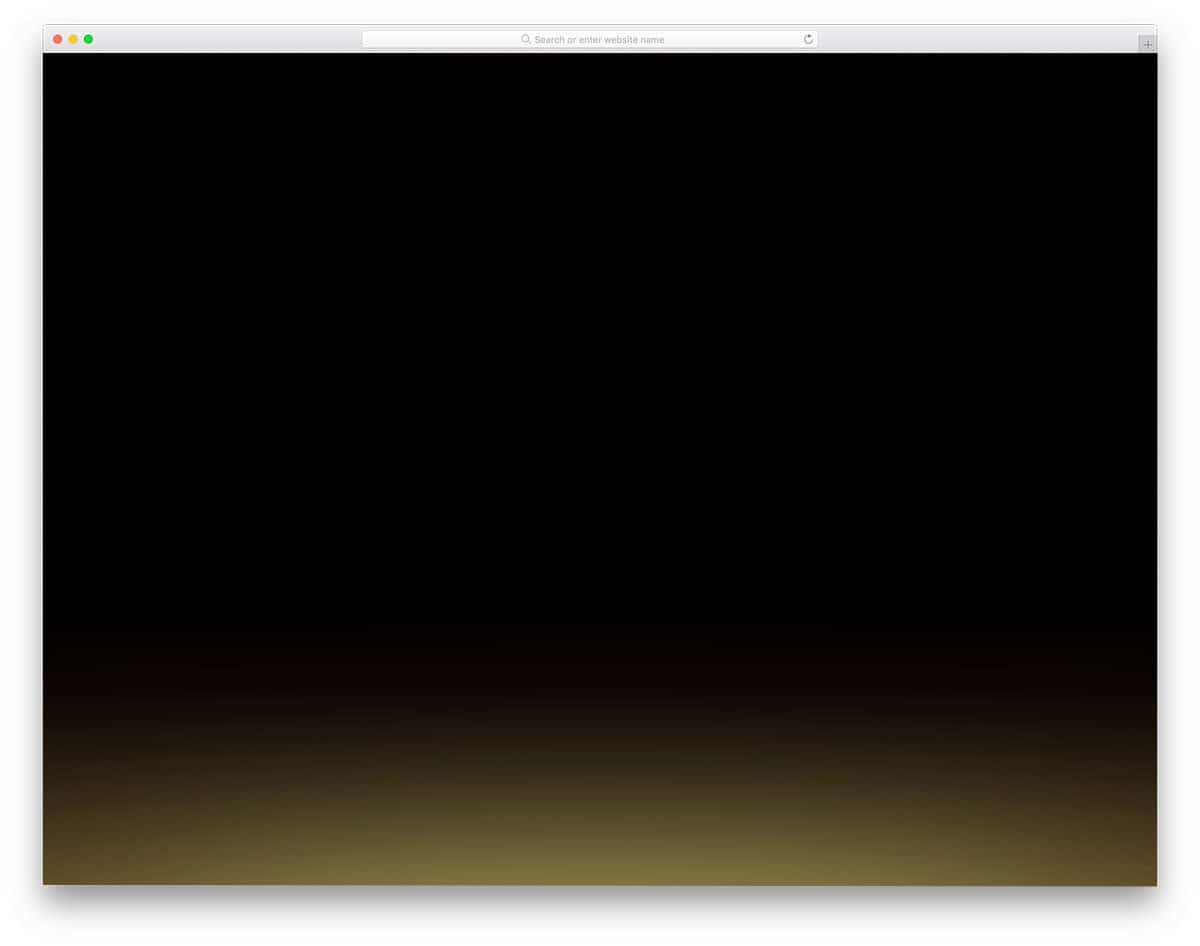
As the name implies, you get an aurora light effect at the bottom of this bootstrap footer. Though the effect is simple, it catches the eye and makes the user pause to note the footer for a second. Since this design uses the latest CSS script, the colors look natural and change smoothly to give a realistic aurora effect. The simple code structure lets developers easily use the code in their projects and provides enough space to add their own custom elements and effects.
HTML CSS Mobile Responsive Footer

Those looking for a responsive footer design in Bootstrap 4 format will find this code snippet useful. The creator has loaded the footer with all the required elements so that users can easily navigate through the website and go to your social media profiles. Regular hover effects with simple animations are used in the default design. You can use your custom hover effects if you want. Look at our CSS hover effects design collection for more interactive designs and fresh ideas.
Responsive Footer Bootstrap 4

The creator has given us a simple, clean-looking, responsive Bootstrap footer design. All the basic elements of a footer —page links, logo, contact information, and a short info section —are covered in this example. You even have a space to add your logo in the default design. You can easily add or remove elements by editing the code in the CodePen editor. If you are looking for an interactive, professional-looking footer, consider this design.
Footer with CSS Grid

This footer design’s micro-interaction manages to get the user’s attention even though it is very simple. Not all websites need a big footer design; a simple footer section with social media profile links is more than enough for some personal websites. The creator has added a hover-activated animated waving hand emoji near the social media links. Though this design has a plain sailing animation effect, it gets user attention easily. For more interactive social media icons design ideas, take a look at our HTML social media icons collection.
Parallax Footer
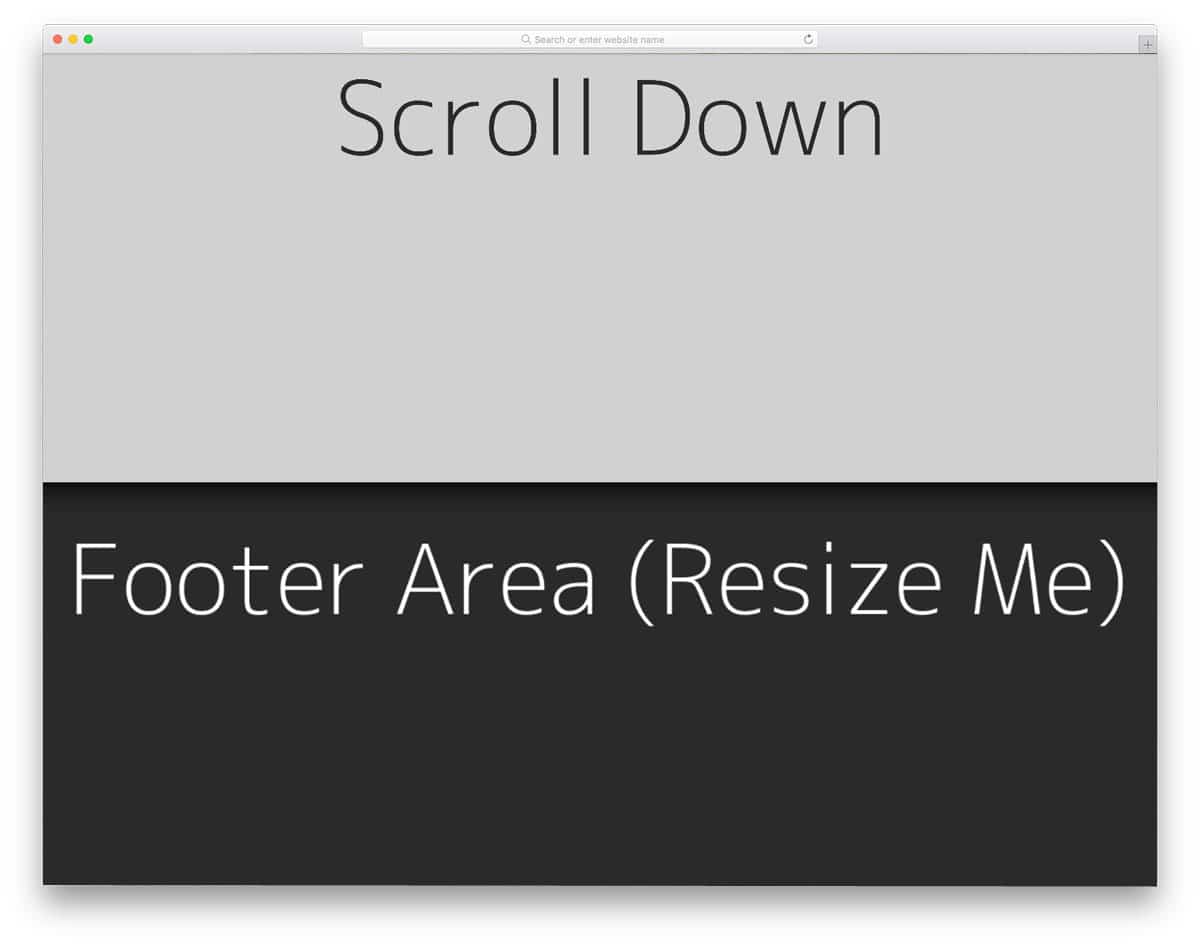
Parallax scroll effects are used widely in modern web design. If you plan to use a parallax footer on your website, this code snippet will help. Since the creator has focused on the parallax effect, the demo lacks a proper footer section. You can use this parallax concept in your web design. The entire code script is shared with you on the CodePen editor. You can simply edit and visualize the results on the editor before using it on your project. The default design itself is responsive up to an extent, so you can use this script to make a proper Bootstrap footer.
Sticky Footer

As the name implies, the creator has created a sticky footer in this example. If you are placing important links and buttons in the footer, a sticky footer design is a good idea. For example, you can use this sticky Bootstrap footer concept on a landing page to show promotional content or links to take the user to your website. Another advantage of this design is that it is made entirely with CSS3. Hence, editing and using the code on your website will be easy for you.
Pure CSS Classy Footer
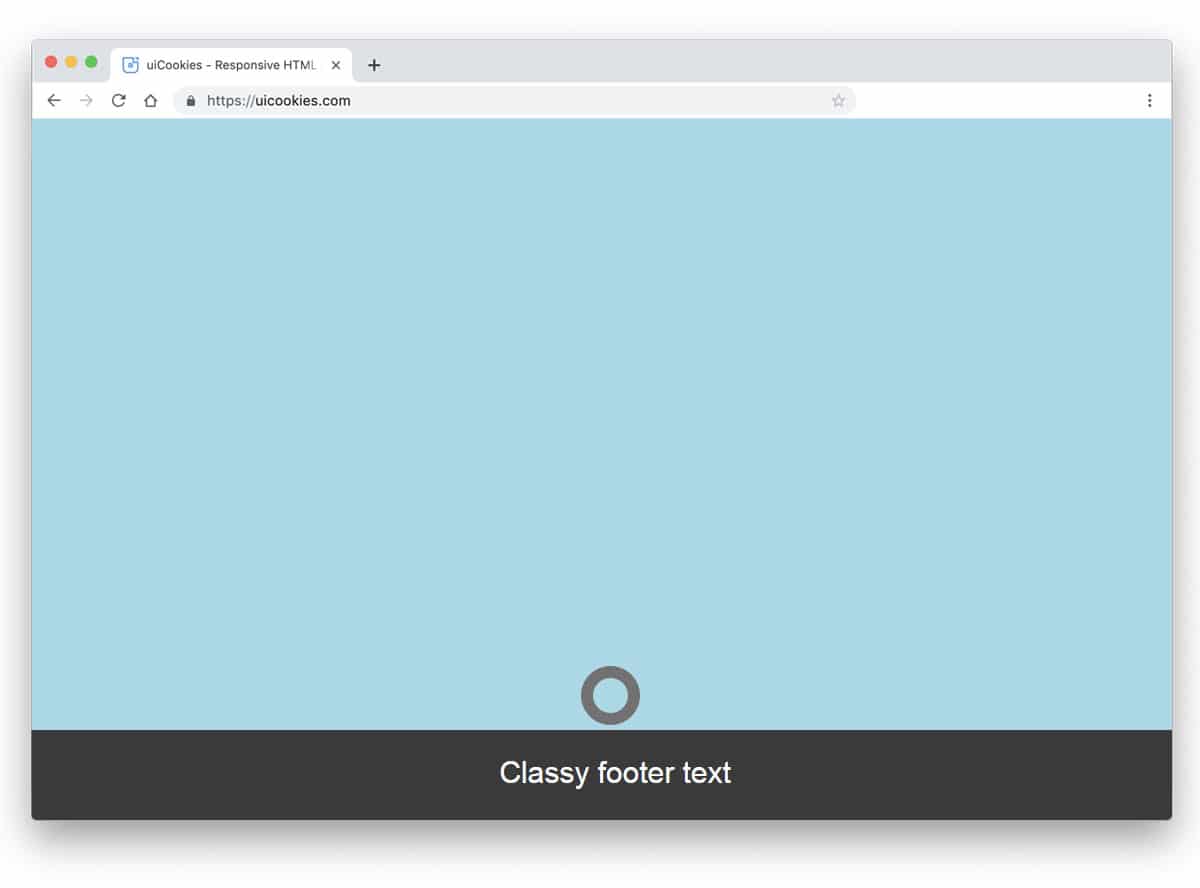
Websites designed along with strategists and marketing experts have an element that makes the user curious. For example, when you mark an option as “don’t click here”, obviously, the user will be intrigued to know what’s behind that. The same concept is used here in the footer. If you are using a dynamic footer to show personalized links, this footer example will come in handy. A small ring is placed at the footer, which expands when the user hovers over it. Since it is a concept model, the designer hasn’t included any link or widget in the footer. Based on your needs, you can add the links and widgets you need.
Hidden Header And Footer

In this footer example, the footer appears suddenly as the user scrolls and reaches the end of the page. This footer section will work perfectly on landing pages and on news and magazine websites. In the default design, the developer has added only three boxes to add links. If you are using it for a news & magazine website, you can show a subscription form and other important links. On a landing page, you can use the footer as a surprise element to showcase special offers and redirect users to other pages on your main website. To create this smooth-scrolling Bootstrap footer, the developer used HTML5, CSS3, and a few lines of JavaScript.
Another Simple Footer

You don’t have to make the footer special all the time; most of the time, a simple design is enough. In this footer example, the developer has given us a simple footer design. You can add links to your social media profiles, your contact page, and your copyright information. Using trendy colors for the options gives the footer a fresh look. If you are making a colorful blog template or a personal website, this simple footer section will fit perfectly. Because most personal or portfolio websites speaks mostly about a person, you don’t need a big footer section in such places.
Social Media Footer

Social media footer is another simple footer design for personal and portfolio websites. One of the main purposes of a personal website is to increase personal branding. For business websites, social media is a part of their business strategy. But for freelancers, social media plays a major role in their branding, and it sometimes even brings new projects their way. Hence, highlighting your social media links in the footer will increase your chances of growing your follower count. In the default design, the footer uses a dark color scheme to set it apart from the main content area.
Animated Mobile Footer Menu
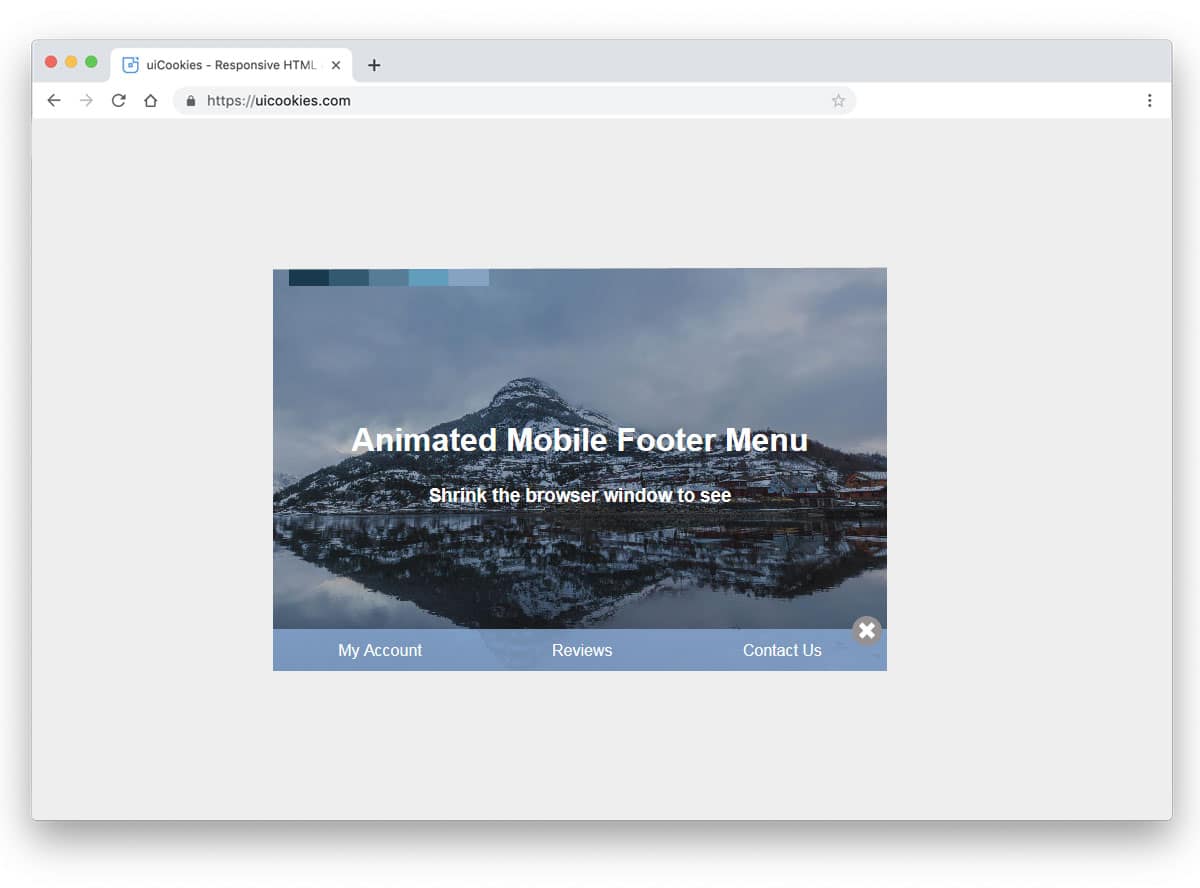
Animated Mobile Footer Menu is a fun concept for footer design. But you need to make a few adjustments before using it on your website. In the default design, the footer section appears only when you shrink the window. A small button is placed near the bottom right corner of the page to easily access the footer. If you are using the footer section effectively to show useful options in the mobile view, this smart footer design will work perfectly. To create this smart footer design, the developer used Bootstrap 4, HTML5, and CSS3. As this design uses the latest web development framework, you can easily use the code in your project.
Show/Hide Footer When Scrolling

Another good bootstrap footer example for landing pages. As the name implies, the footer appears when the user starts scrolling the page. You can also use this footer design in blogs to show a subscription form and social media follow requests. In the default design, the creator doesn’t add any links or widgets. But you can edit the code and add the features you want. Not only the design but also the code structure is kept simple for easier customization. The developer has shared the entire code in the CodePen editor. Hence, you visualize the customization results before implementing them on your website.
Bootstrap 4 Footer
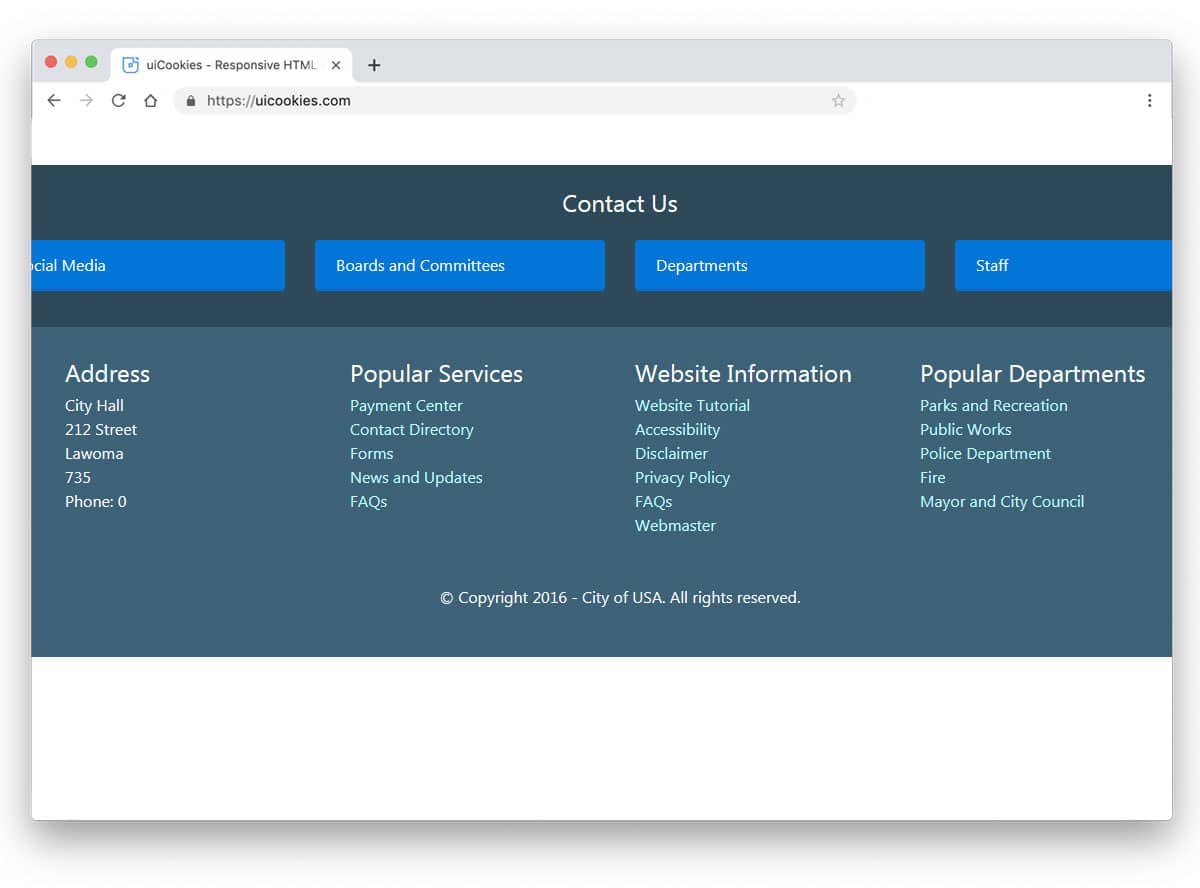
It is a regular footer you might have seen on several business websites. For a website with multiple pages, you can’t add all the pages in the navigation menu itself. We have to prioritize the menu options and need to add the important one to the navigation bar. The footer space can be used to display all secondary navigation options. For example, privacy policies and terms & conditions pages are the least viewed pages; you can add links to those pages in the footer. Some website owners use widgets in the footer to provide information about the website. On travel websites and restaurant websites, Instagram widgets are used to show their Instagram feeds. The creator of this footer has given you a base design and you can add all the features you want.
Dark Theme Footer

In this example, the developer has given us a versatile footer design. The simple nature of the design makes it easily fit for all types of websites. Ample space is provided so you can easily add links, social media profile links, and newsletter subscription forms. In the dark theme layout, the text is legible. Proper spacing is provided between elements so the user can click and interact without issue. If you are focusing on email marketing, look at our free email templates for attractive reader-friendly designs.
Animated Footer Toggle
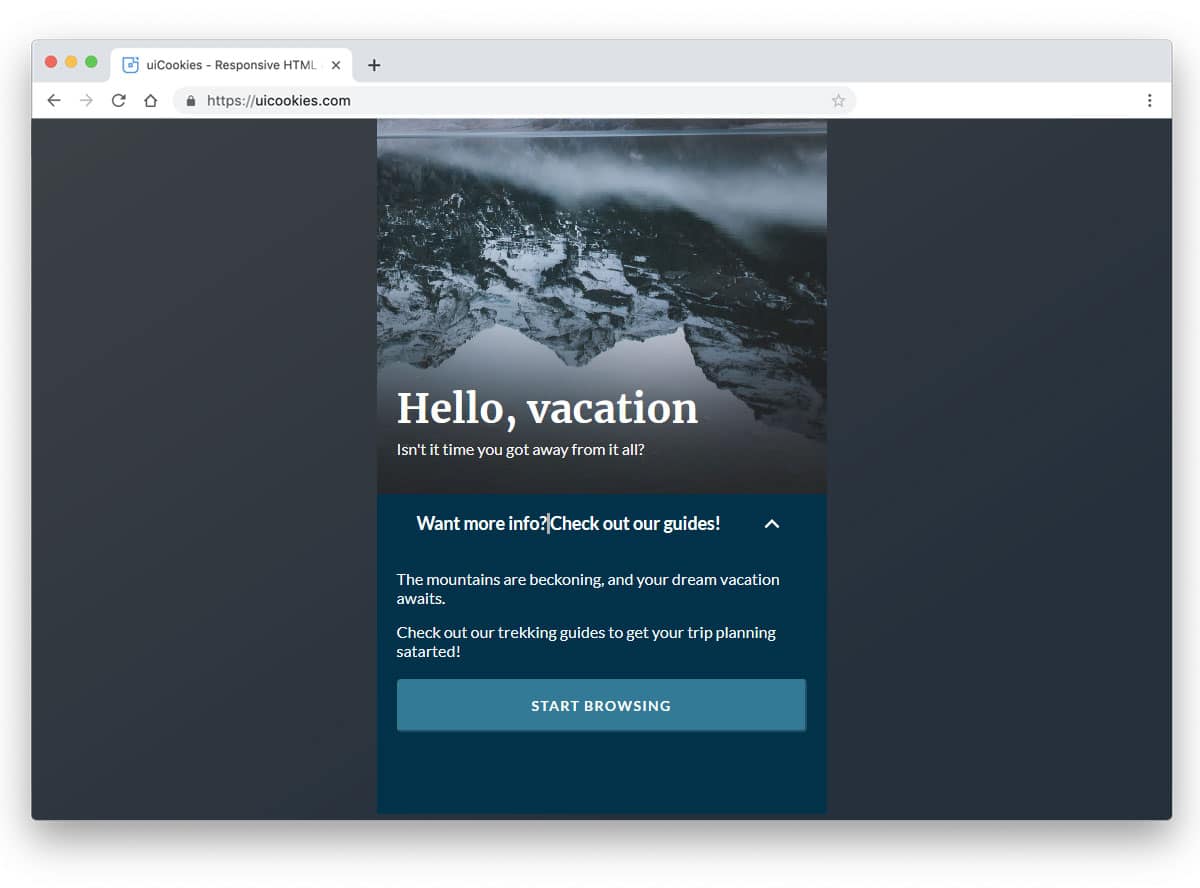
You can understand from the name that animation effects are used in this footer example. If you are making a landing page for your product, this footer toggle animation fits perfectly. You can add all the related content to the main content area and related links in the footer. As AMP ads perform better on smartphones, a simple design like this will be a good idea. As you can see, this is a very minimal template with few elements. To make this design, the developer has mostly used CSS3 and JavaScript. You can use this design in your project by trimming the code as per your preference.
Headers/Footer Parallax Effect
This design resembles the Hidden Header and Footer section mentioned above. The creator has used shadow effects effectively to make the parallax effect more evident. Fluid transitions will give an immersive parallax effect to the user. In the demo, the developer has given you only a basic structure, leaving you with complete freedom. By keeping this concept as a base, you can quickly create your design. Proper code structure will save you time and let you add extra features with little effort.
Curved Header/Footer
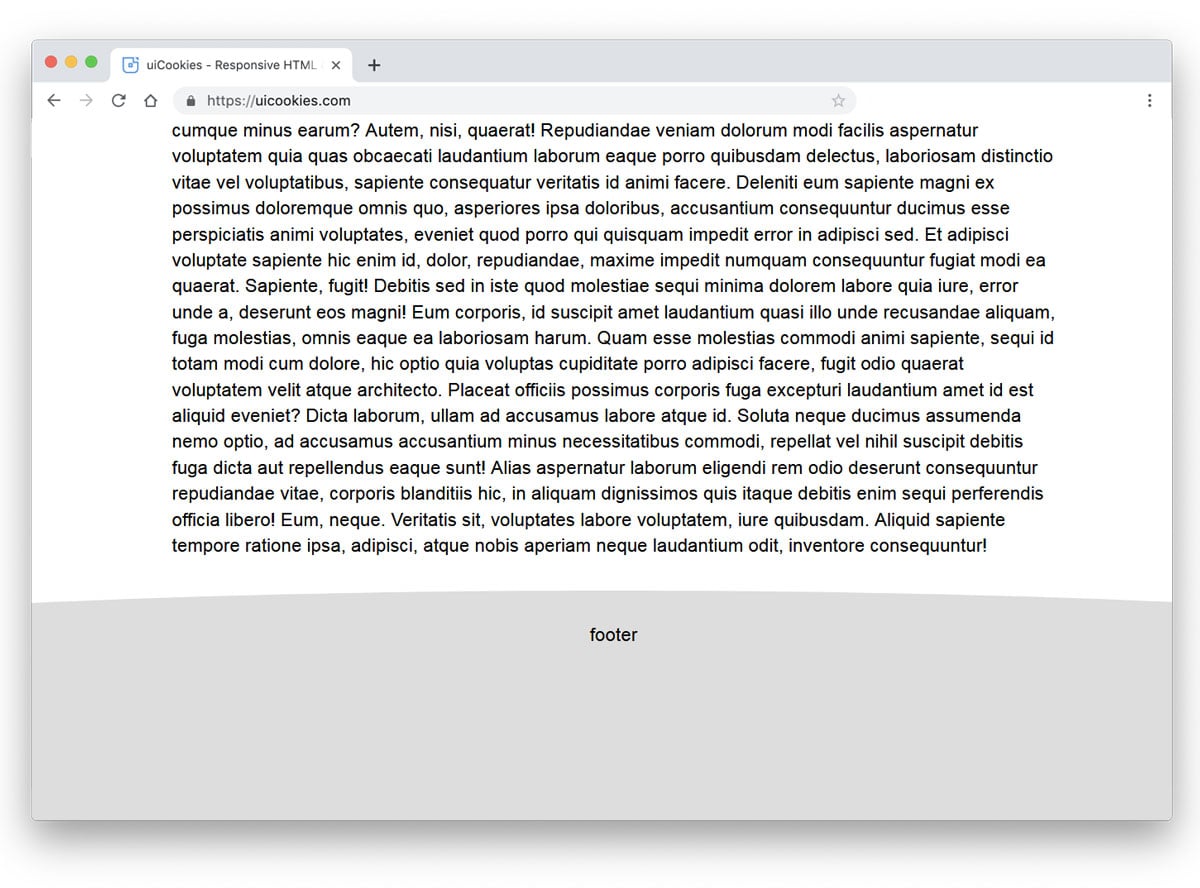
This curved design might impress you if you are bored with the same old parallel-line sectioning. One of the biggest advantages of the modern web development framework is that you can bring any shape to life. With the help of the Bootstrap 4 framework, this developer has given a natural-looking curved footer. Adding a bit of elasticity to the scrolling will make the design feel more lively. If you like you can spice up the design with colors and animation effects. To rev your creativity in animation, take a look at our CSS animation examples. Since the used code structure is simple, it can take the customization you do.
Three Columns Footer
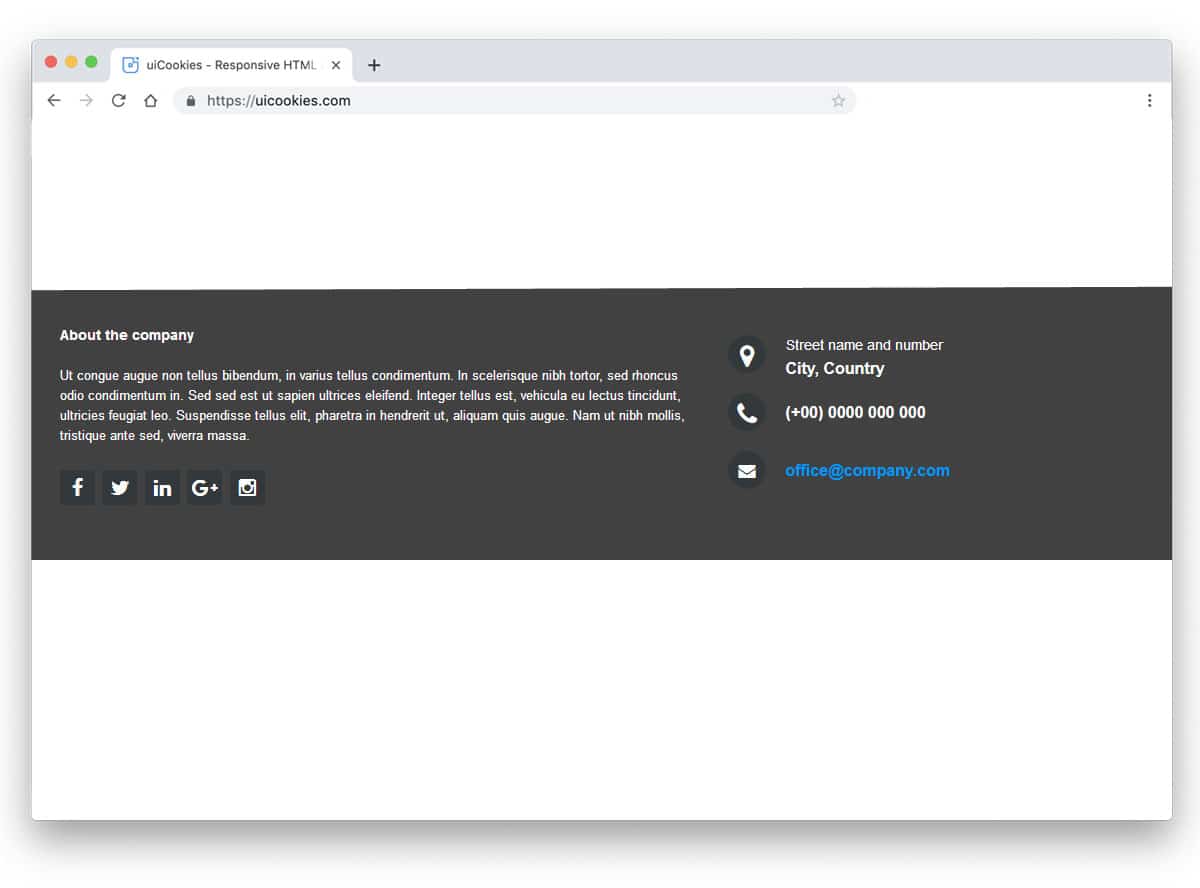
Three columns footer design is something we often see in many websites. For small websites with little pages, the three-column design is more than enough. As your website grows and its purpose expands, you can add additional columns to organize the content. Another advantage with the column design is you can organize the links easily. By keeping future updates in mind, the developer of this example has made the code structure flexible enough for easier customization. This design uses the latest CSS3 script, hence you can add trendy colors and animation effects to it without any worries.
Landing Page

The footer section of this landing page design is another example of a simple design. The basic principle of a landing page is to be short and precise. We have to add only the contents that matter. Based on your landing page goal and the strategy the design complete changes. The main content area of the landing page mostly says about your services and products. You can use the footer section to say about you and give links to other important pages to your website. If the customer is really interested in your product, they might love to know more about your company. You can use the footer section to direct the user in the right direction.
Footer Link Navigation
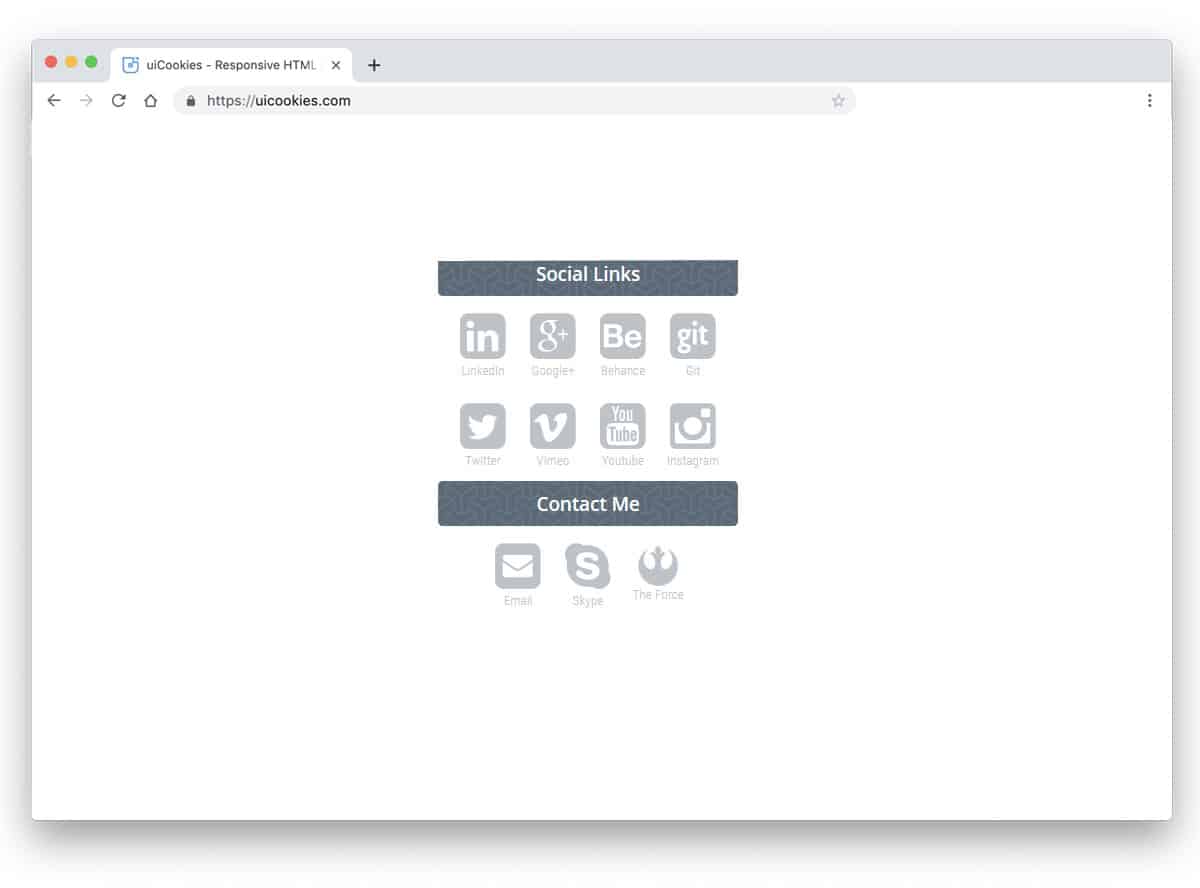
In modern web design, the fonts and icons are very expressive. Without using a single word, you can let the user understand the purpose of the icon. Iconography designs are becoming increasingly popular for engaging users and presenting content elegantly. This footer design might get your attention if you are an icon design lover. The designer has purely used icons for social media links and contacts. This simple design will work flawlessly on both desktop and mobile. Since it is a demo, the developer has used all the icons in the footer. You can remove other icons and keep the footer uncluttered based on your needs.
