


Using animations on your website will give users an engaging experience. Before the CSS3 framework, developers had to use multiple scripts to create animated elements. Because of these multiple scripts, the page becomes heavy and takes time to load. In CSS3, we got cool effects and more natural colors as built-in features. As a result, we get engaging effects without making the web pages heavy. There are so many effects in the CSS3 library; developers combine them to create more attractive, unique effects. In this list, we have collected some of the best CSS animation examples you can use on your websites. You can even take these examples as inspiration and create your own effects for your mobile applications or websites.

Cool CSS Animation Examples
Whether you are looking for a simple CSS slide transition effect, a CSS image animation effect, or a CSS animated character example, you will find a design in this list. All CSS animation examples include their source code, so you can use them easily in your projects.
Grogu Toggle Animation
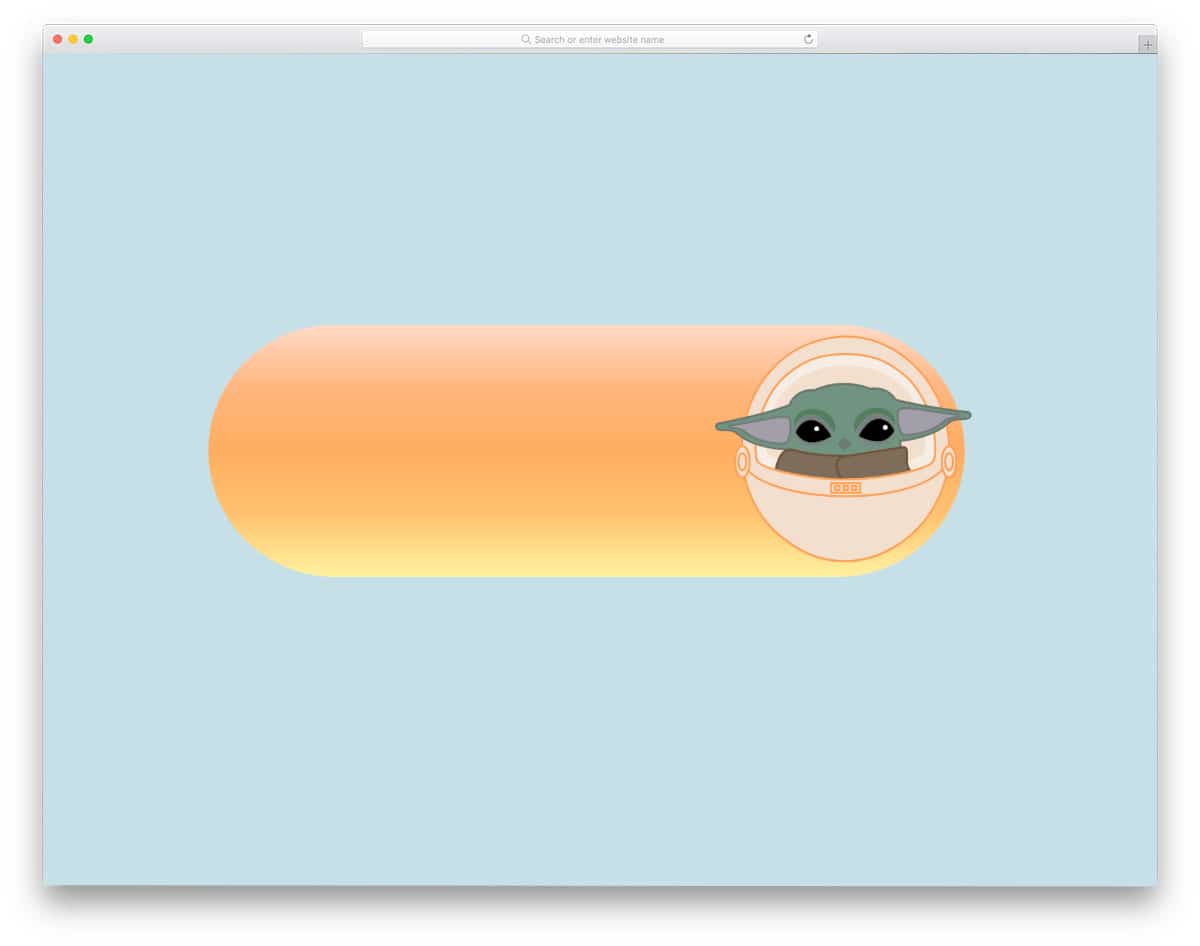
Star Wars fans will love this toggle button CSS animation.
As the name implies, this CSS animation example uses the character Grogu in its design. The Grogu open comes out of the pod when you toggle on the button. You can take this concept as a base and can create your own toggle button with the character you want. If you plan to use the same Star Wars theme, you can add a subtle glow to the gradient bar to give it a lightsaber-like look. Take a look at our CSS glow effects for some ideas.
Parallax Scroll Animation
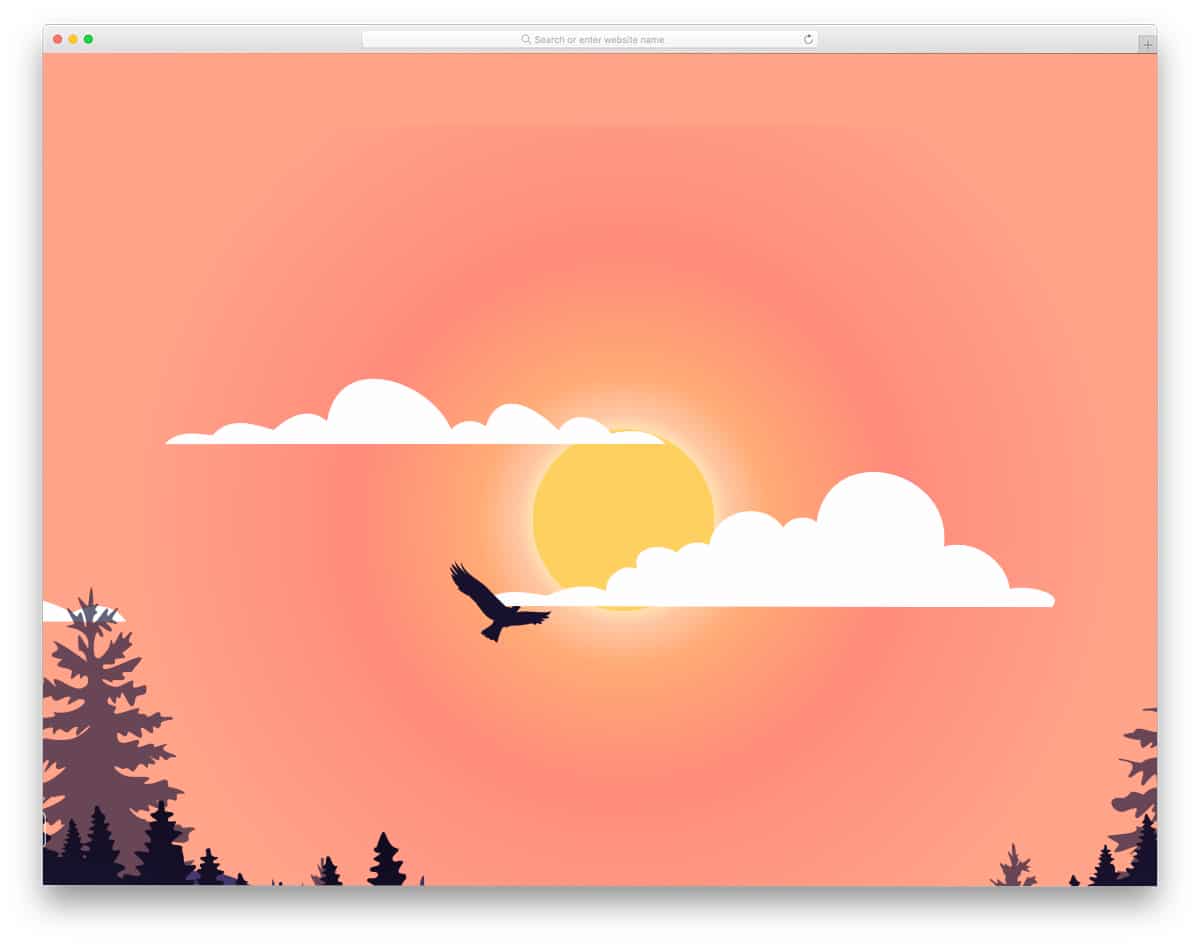
This Bootstrap and CSS animation will be the best option for those who want to deliver an immersive experience for their readers.
The parallax animation is executed well in this example. As you can see, the background scenery moves synchronously to give an authentic feeling of a day right from the sunrise to the sunset. Since this concept has several elements in its design, the code script is also a bit complex but easy to understand. Developers interested in creating a unique user experience should take a look at this animation concept.
Pelican CSS
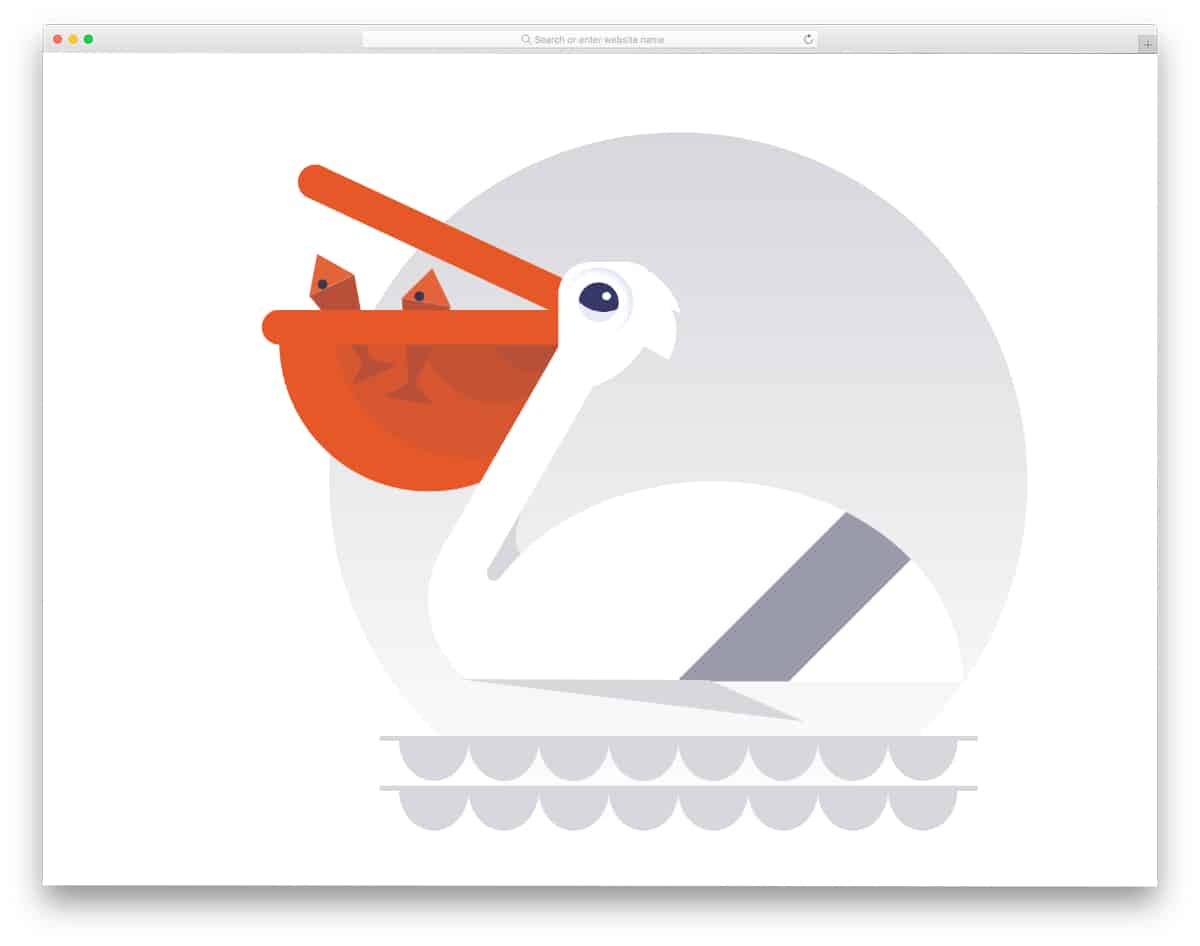
This CSS animation example features a virtual Pelican, designed entirely with CSS.
The pelican design looks natural, and the creator has even added a small animation when hovering the pointer over the pelican’s beak. Since it is a concept model, you might need to fine-tune the animation timing a bit to give it a more authentic look. As mentioned before, this whole concept is built using HTML and CSS, so you can easily change Pelican’s look to meet your design requirements.
Walking Cat
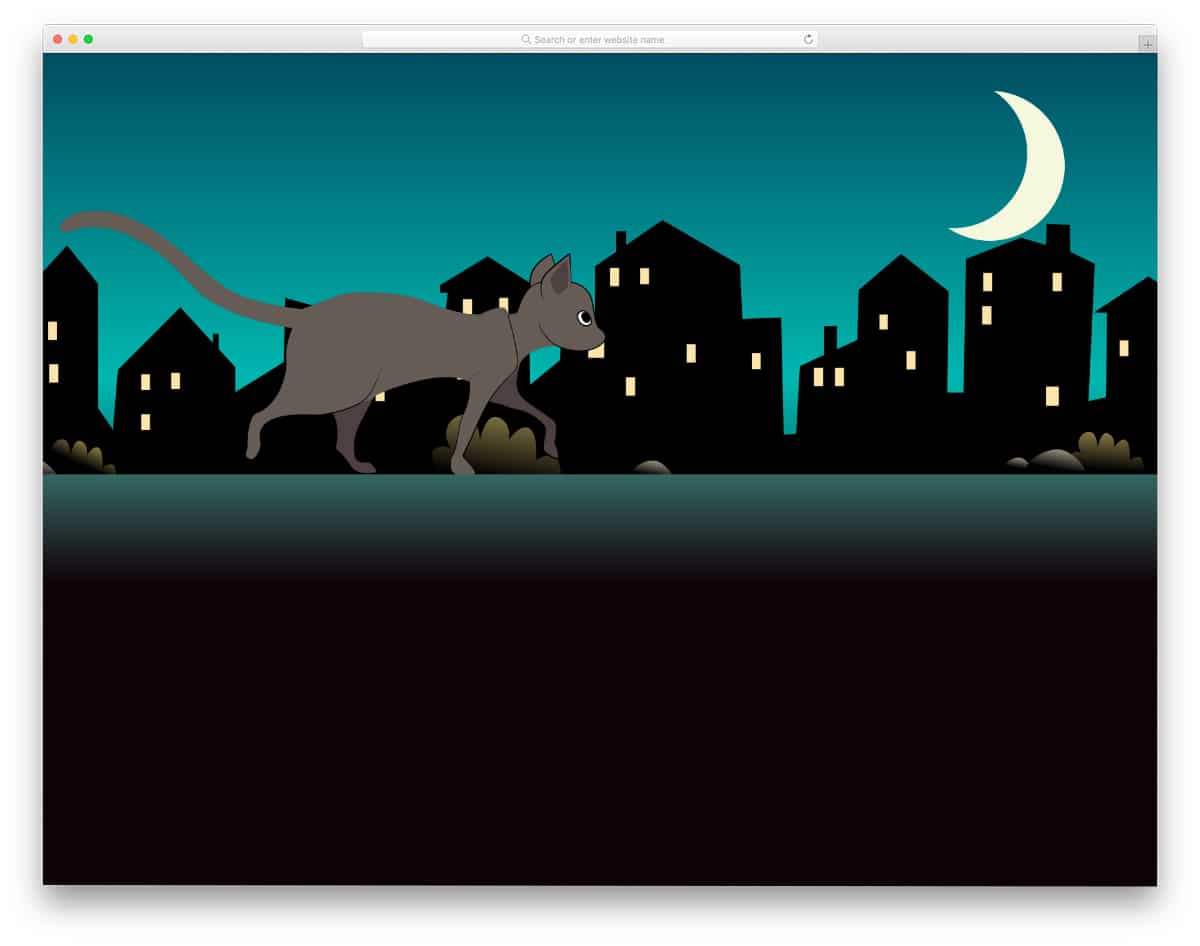
Walking cat is another beautiful CSS animation examples of a realistic virtual scene.
The creator has used CSS properties effectively to give the scene an authentic look. For example, the design’s slow background scene and the cat’s tail movement are spot-on. Simple CSS animations like this can be used on a web page or on a section to deliver an immersive user experience. The whole code script is shared with you on the CodePen editor. Therefore, you can clearly understand the code before using the design on your project.
The Impossible Lightbulb Animation
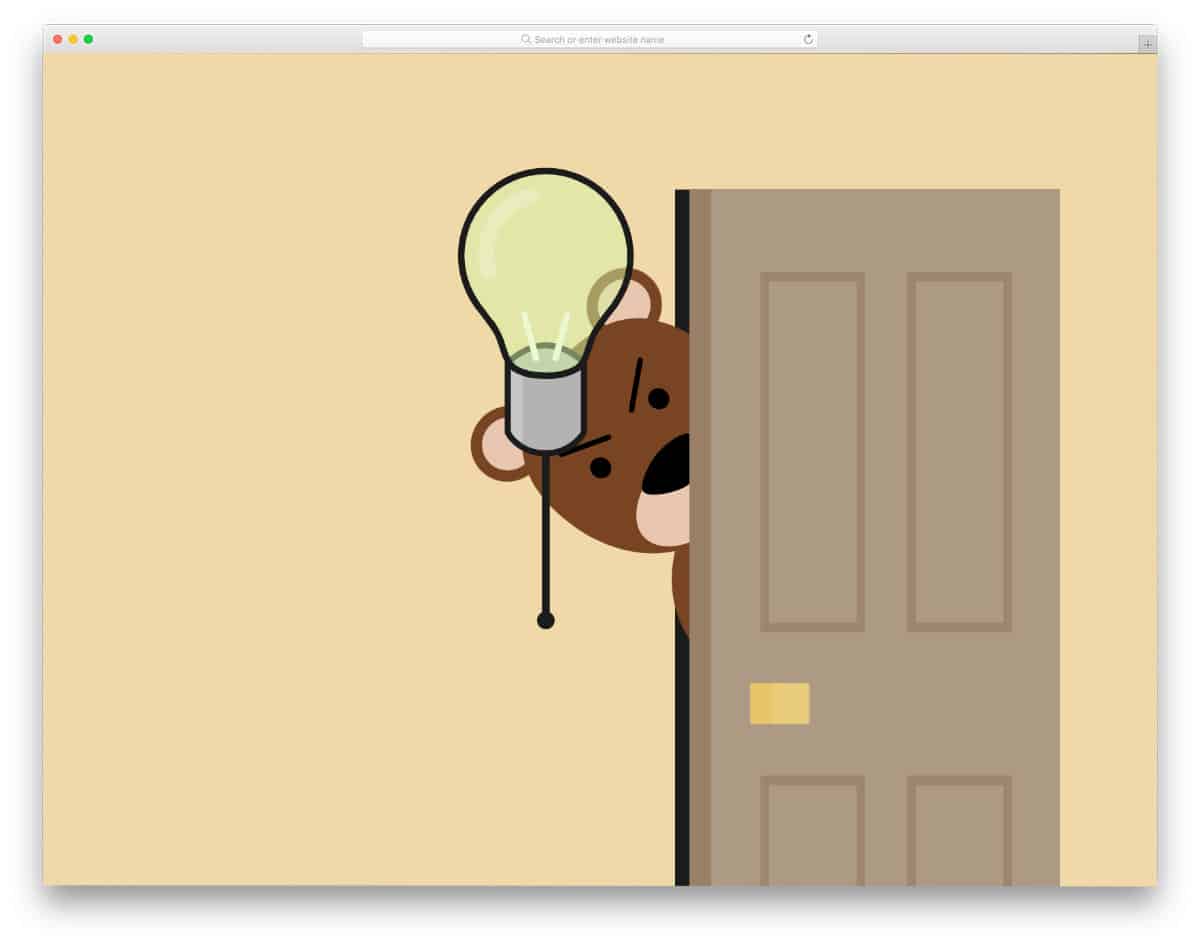
The Impossible Lightbulb CSS animation is a fun, interactive concept. You can interact with the bulb by pulling the string to switch it on and off. What makes this animation special is the animated bear character. When you switch on the light, the bear immediately switches it off. If you keep switching on the light, you can see an angry bear peeking out the door. Since this animation includes a few dynamic inputs, the creator has used a few lines of JavaScript. If you want a fun-filled CSS animation concept on your website, this one will be a good choice.
Cloud Pirate Animation
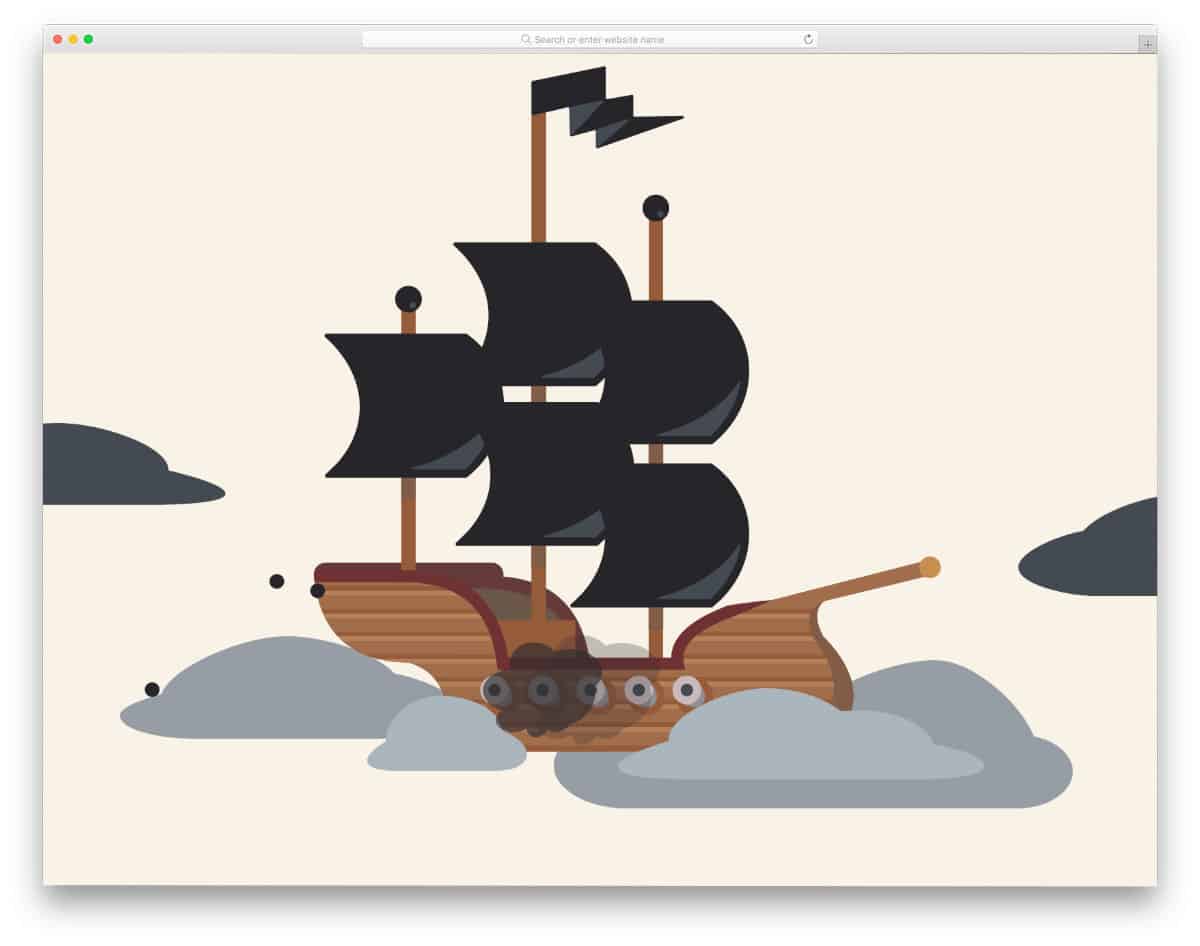
As the name implies, this CSS animation uses a pirate ship concept. A pirate ship continuously fires in the clouds, and the animated floating clouds add a realistic look to the scene. You can’t interact with any elements on the scene, but the animation is smooth. The code script used to make this animated scene is shared with you on CodePen. You can edit and visualize the results on the CodePen itself, before you take the code to your project.
Add to Cart Button Animation
Developers are trying different methods to make the online shopping experience livelier for the audience. Apart from the hard-coded features like VR shopping and virtually trying dresses by uploading images, developers also use small interactive elements to make the shopping experience unique. In this CSS animation example, the creator has used an animated add-to-cart button. The animation is very fluid, and it plays within the button, so you can fit this animated add-to-cart button anywhere on the website. A bottle animation is used in the default design; you can change the element as needed to fit your design.
Funny Candle Pure CSS Animation
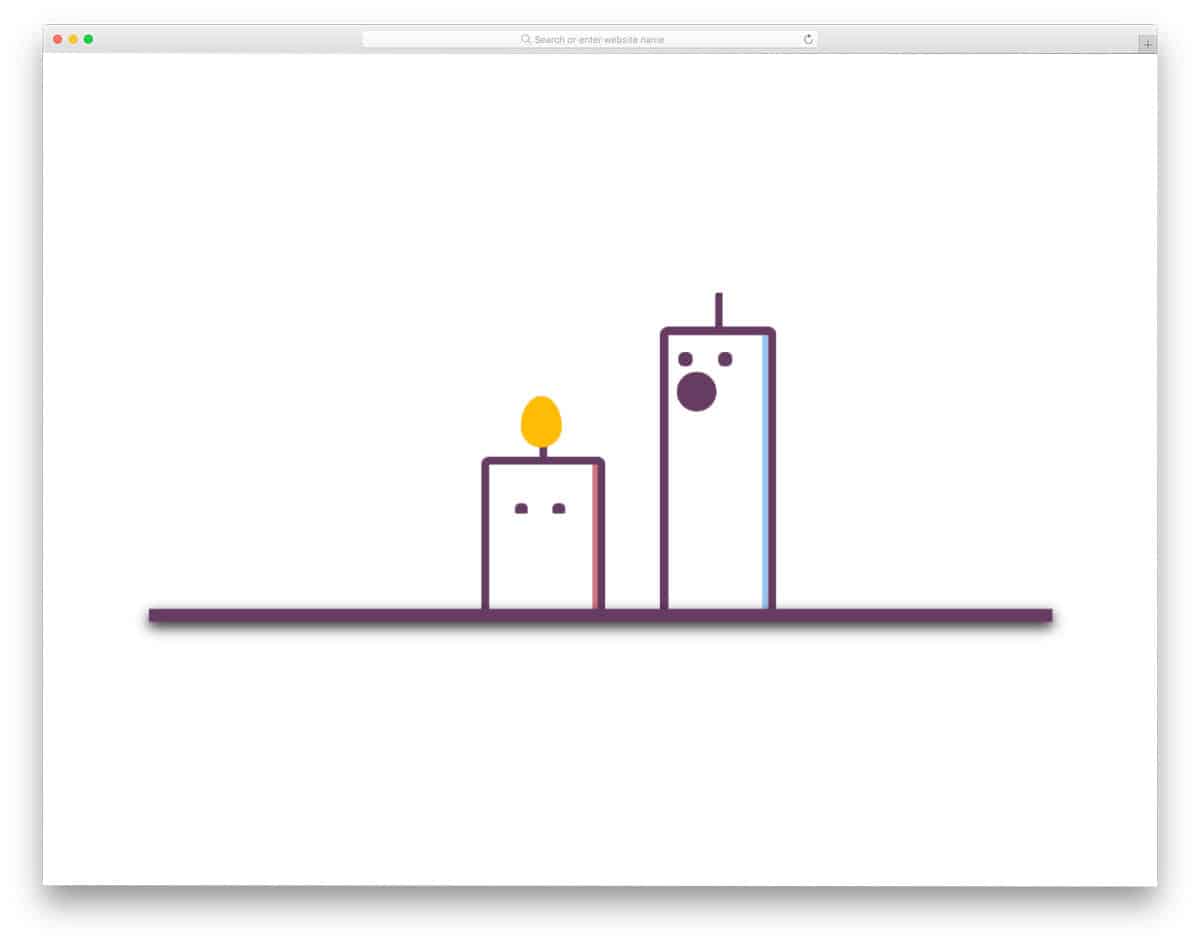
Funny Candle is a fun concept designed entirely with CSS. The creator has used CSS script features effectively, resulting in realistic expressions in these animated candles. If you want to lighten the mood or make your website more engaging, this is the best option for you. The code is kept as simple as possible so developers can easily understand it in a few minutes. Since the whole code script is shared with you on the CodePen editor, you can edit and visualize the results on the code editor itself.
Circle Loader with Checkmark

Adding subtle animations to the interface makes the user experience even more engaging. The creator has used a circle loader and checkmark animation in this example. You can use this concept for file processing and form submissions. Users can rest assured that their process has been done successfully. Though most of the design is built with HTML and CSS, the creator added a few lines of JavaScript to make the animation even more fluid and interactive. The checkmark is shown when you click the button, but you can change its behavior by adjusting the code.
Monocle List
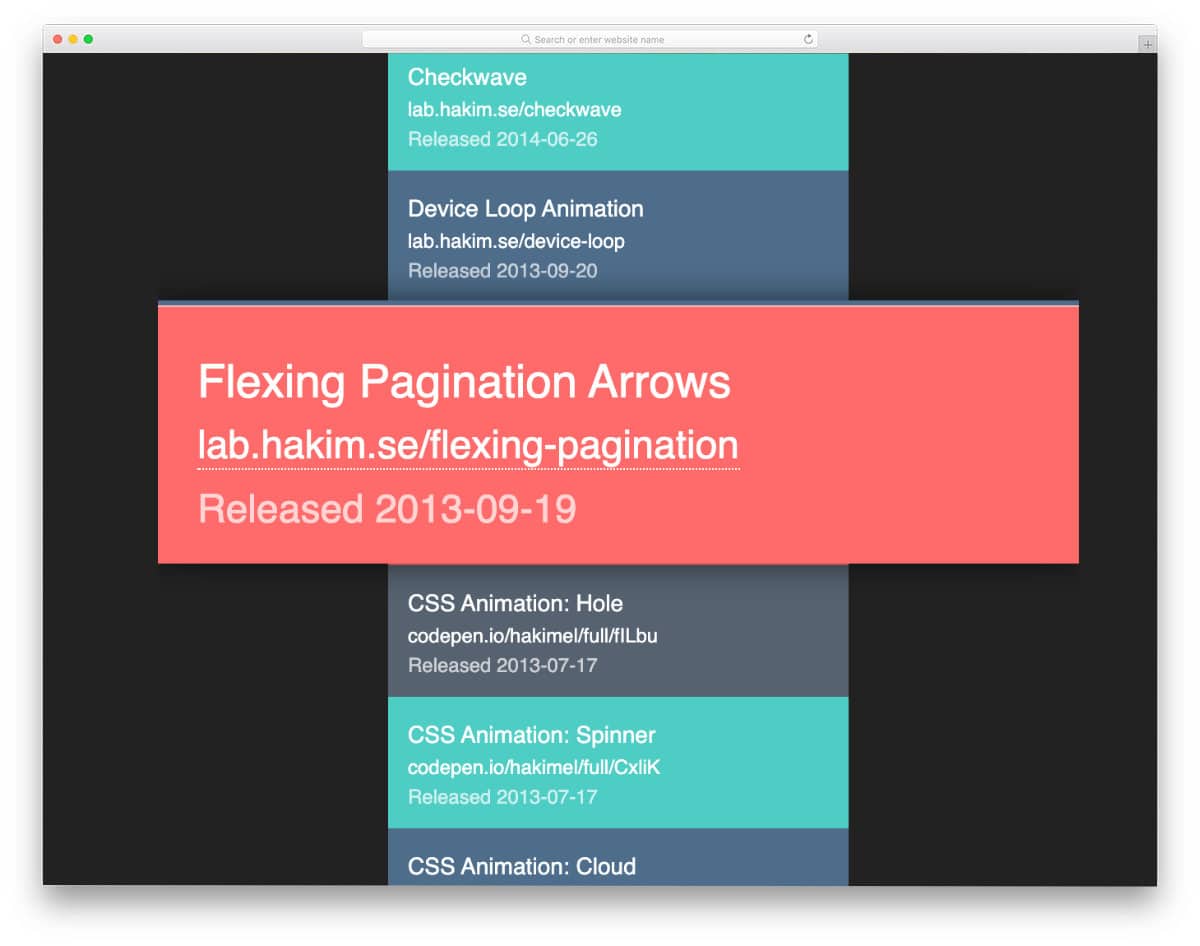
This animation example will come in handy for those who want to make scroll actions more interactive for users. As the name implies, the creator has used a monocle concept. i.e., a magnification section is placed that highlights the content that passes through it. Overall, it is a fun concept, but the monocle section appears merely as a magnifier in this design. You can tweak the design a bit to make it even more authentic to the users. The code is a little more complex than other CSS animation examples, but it is easy to understand. Plus, the developers can easily work with this code and make it fit for their needs.
Scrolling Letters Animation
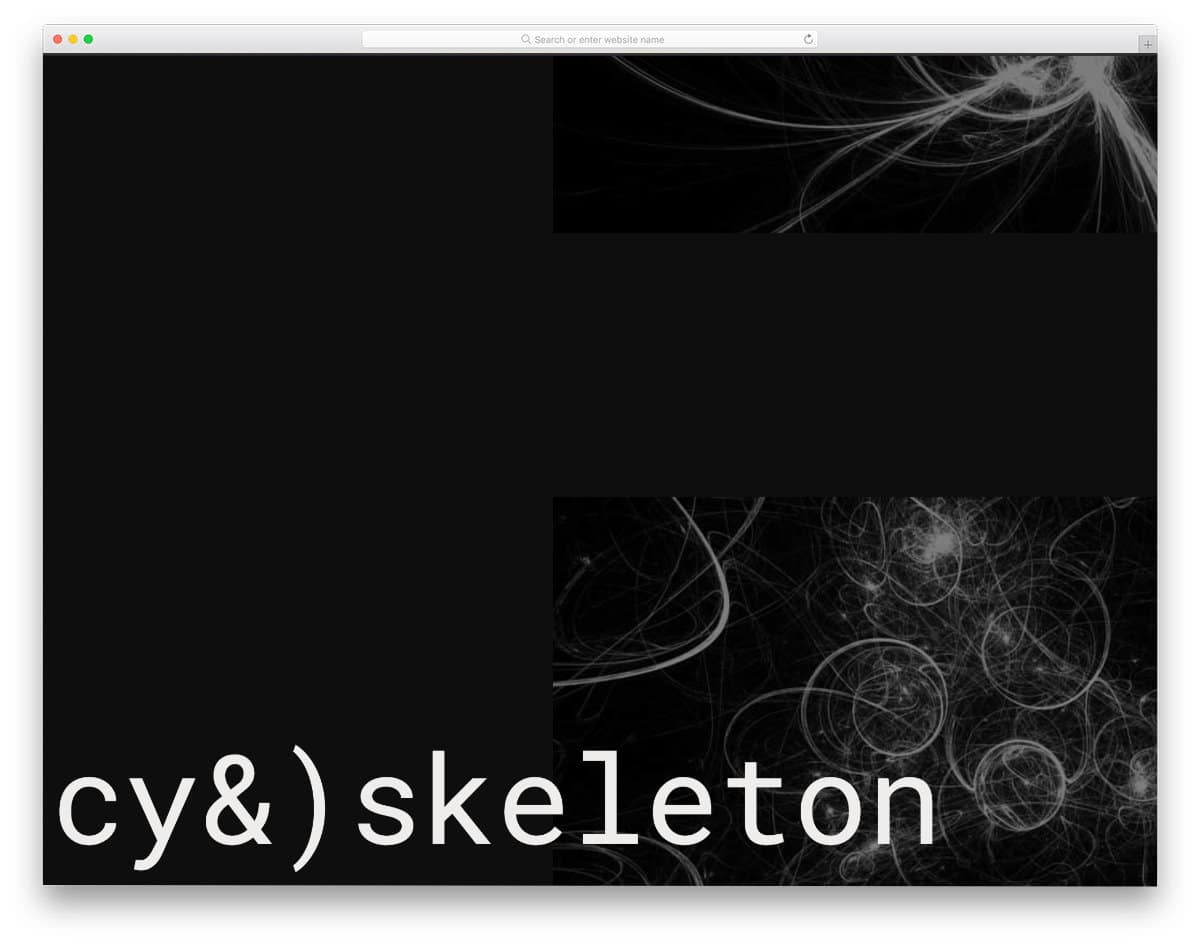
This one is also an animation example to make scroll actions more engaging for users. As the name implies, the creator has played with the letters. Five demo variations are provided in this example, and each is unique. If you are working on any creative professional’s websites or creative agency websites, animations like this will help you add more character to your design. The entire code script is given as a downloadable file. You can easily copy the code and edit it as needed. On the info page, the creator has given a clear note of what this code can do. Please read the note before attempting to work with this code.
Gradient Topography Animation
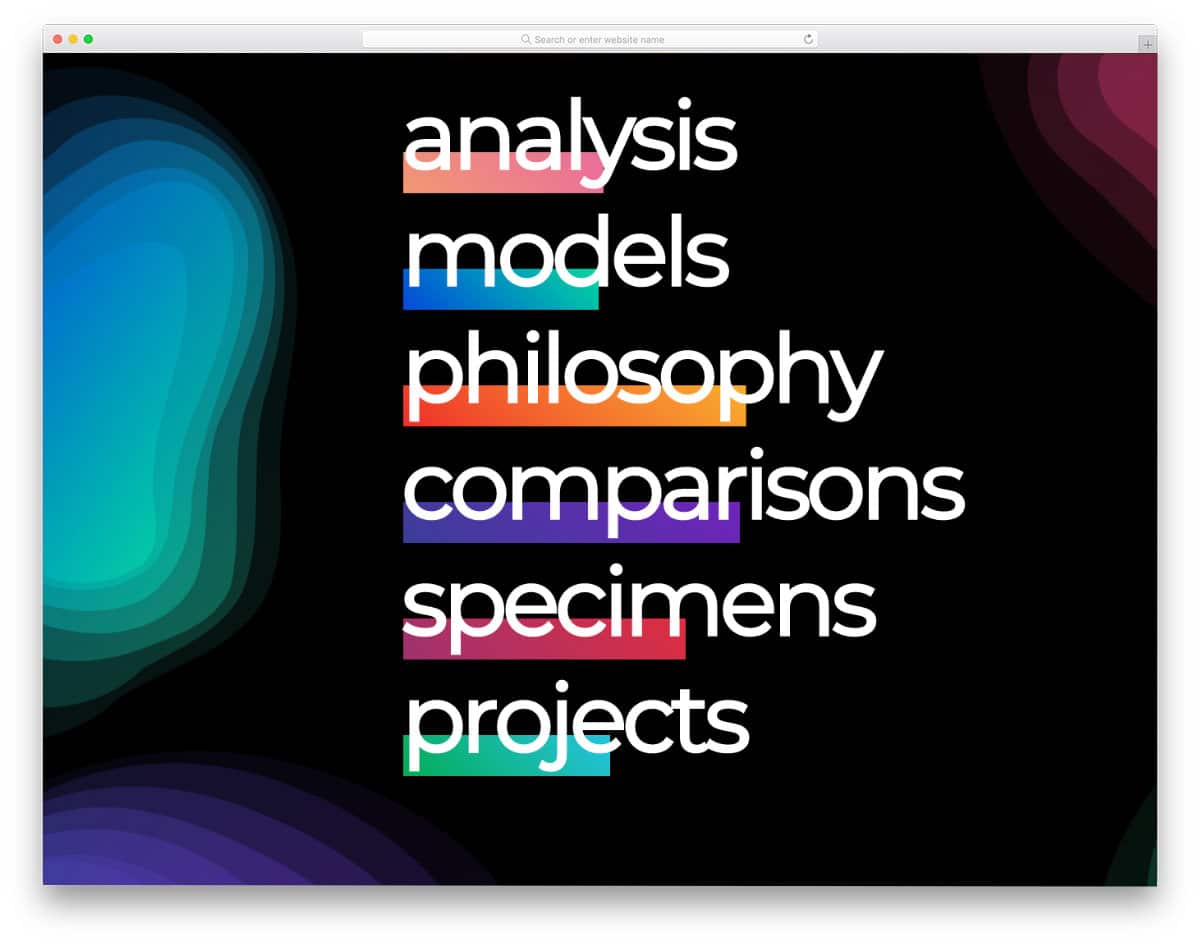
This one is a hover-activated animation effect. Though the name is Typography Animation, this one includes more gradient animations and a little typography animation. This concept might come in handy for those who want different CSS styles for links and hover effects for menu options. The overall fit and finish of this design are flawless, and you can use it for your website or application without any hesitation. To make the developer’s job easier, the creator has included all asset files and code scripts in the download folder.
CSS Animation Examples For Timed Notifications

As the name suggests, the creator has provided CSS animation examples for notifications. Since it is a timed notification a progress bar is used to indicate the time. If you are planning to some short notification on your web application admin dashboard, this design example might come in handy for you. For example, on an online gaming website, you can use the timed notification for the next move or attack. Fade-in and fade-out animation effects are used for these timed notifications. You get the entire code script used to make this design in the download file. By making a few adjustments to the code you can use this design on your website.
CSS Border Animation Effect
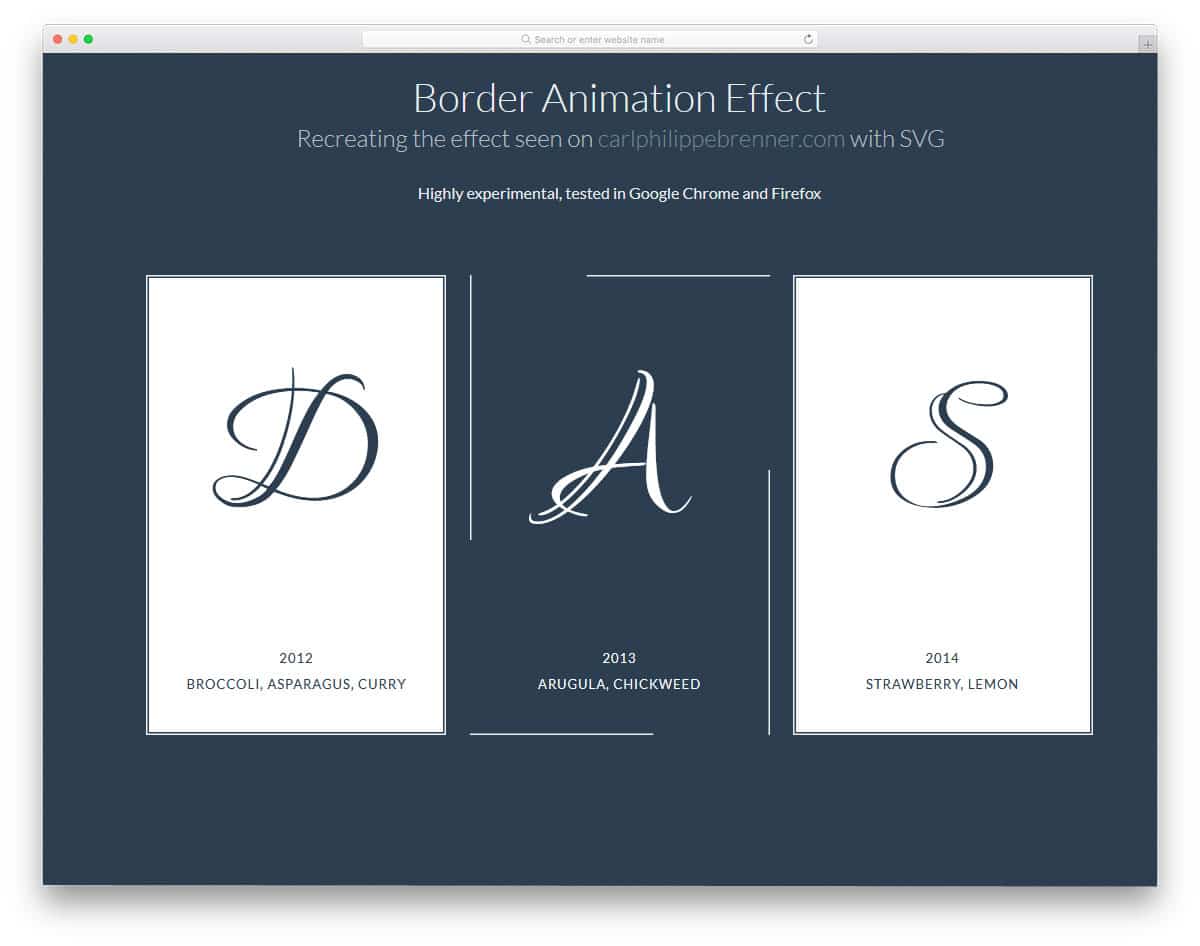
Border animations are one of modern websites’ most commonly used animation effects. Without much effort, you can make important elements stand out from the other elements on a webpage. Simple CSS animation examples like this can be used anywhere on the website. You can use this animation effect for the images, pricing tables, cards, and wherever you feel it fits perfectly. The default animation is smooth and sleek, so it won’t take much of your user’s time.
Handwritten SVG Text Animation
Typography has taken modern design to the next level. The realistic-looking fonts help us express the message clearly to the user. In some parts, static text will be more than enough, but animated text will give users an authentic feel. Especially, the handwritten style fonts will come to life when you animate them. CSS animation examples like this will help you perfect your design. If you are making any creative or personal website for a professional, CSS animation examples like this will help you create a strong about page.
Modern Retro – IBM THINK

In this CSS animation example, the creator has used the retro IBM Think concept, the golden days of IBM. You can use the concept to create your own logo or loader animation. CSS animation examples can also be used on landing pages to make a strong impression. The animation is smooth and clean, so the users will enjoy seeing this animation. The animation timing is precise, so the user can see the color transformation and the text form from the dots. The code used to create this entire design is available in the CodePen editor. So you can easily edit and visualize the results before using the code on your project.
CSS3 Animations for Image Transitions
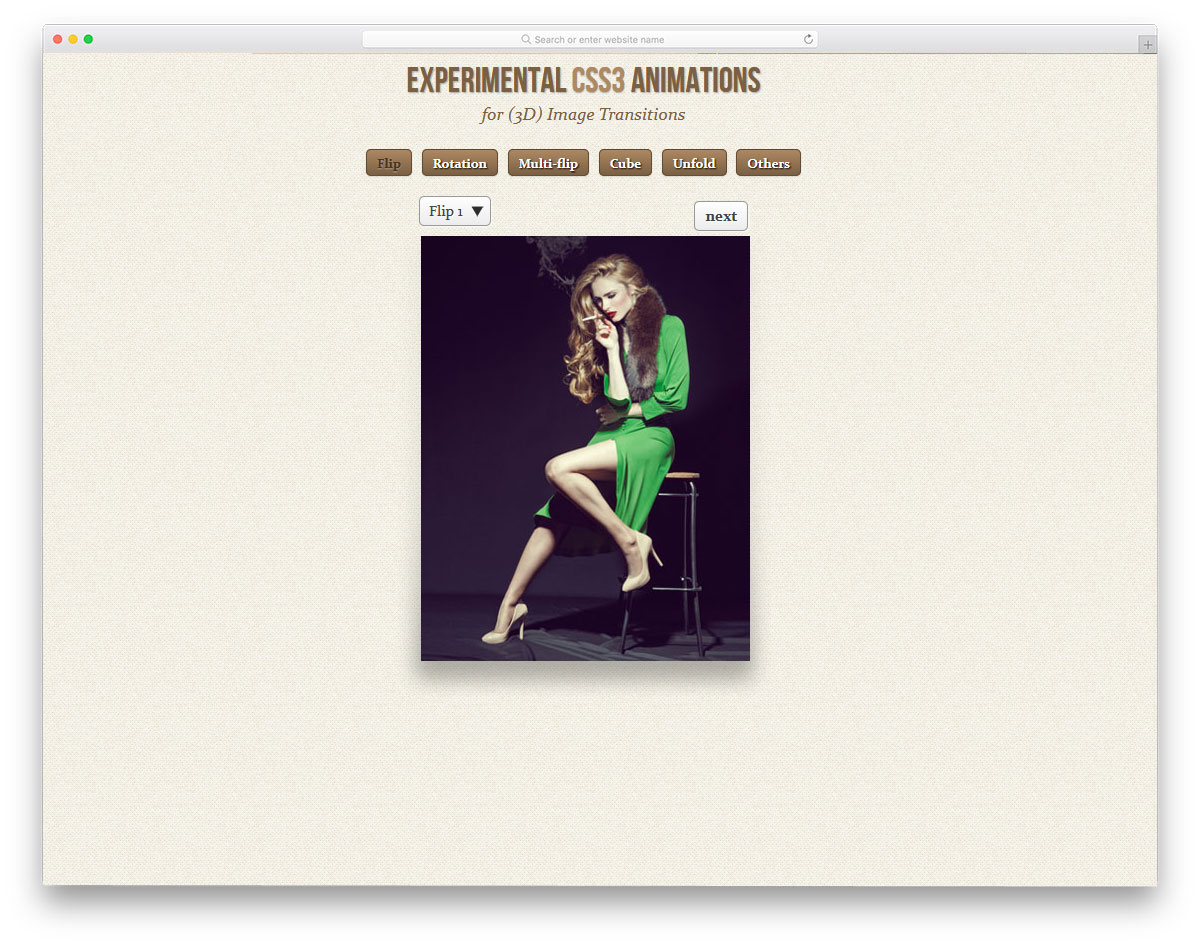
This example will impress you if you are looking for CSS animation examples to make impressive image sliders. Totally six types of animations are given in this pack; under each category, you have different variations. The entire code used to make this example is available as a downloadable file. The creator has made the code script simple and easy for you to easily pick the design you like. Basic optimizations are applied in this example, so you can focus on fine-tuning the animation to your design needs.
SVG Circular Progress
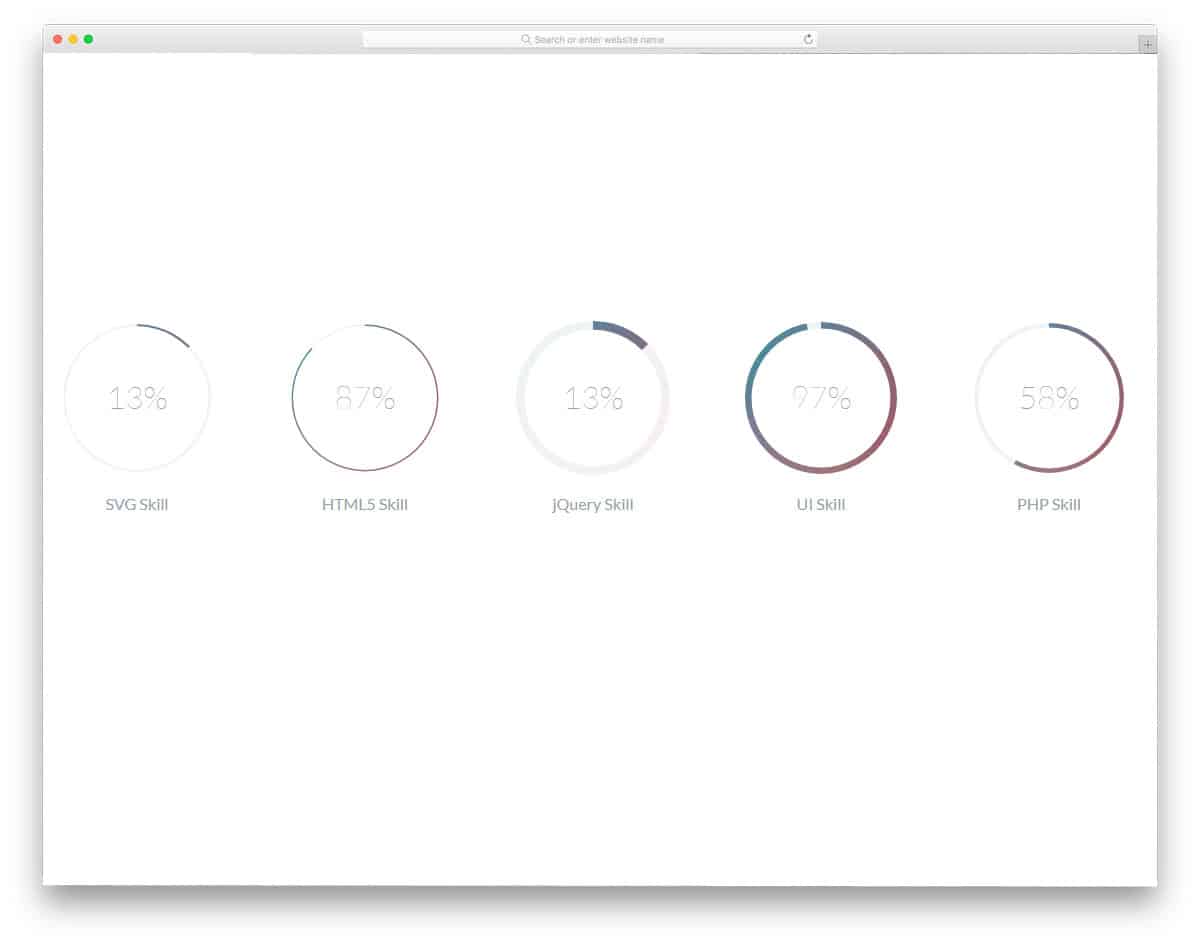
Animated skill bars are something that you might need on several websites. Especially in the personal website template and online resume website template, these elements play a major role. Rather than simply listing your experience and skill sets, elements like this will help spice things up. The creator of the template has given a circular progress bar in different line strokes. Gradient color schemes are used in the demo. Based on your website theme color, you can customize the ring colors. As all the elements are designed purely using the latest HTML5 and CSS3 framework, you have plenty of customization options.
Mr. JeellyFish

Brands use several strategies to make their brand stand in the user’s memory for a long time. One strategy is to use characters or real-world elements in their logo. For example, Ferrari and Apple logos; they very simple and people can easily remember them. If you are using such characters, you can animate them with the modern web development frameworks. Mr. JeellyFish animation is one such element designed purely using HTML and CSS3. This is just an inspiration, using this as a base you can animate your own characters. Speaking of logos, look at our logo mockups to present your logo designs elegantly on your portfolio or to your clients.
WWDC 2015 CSS
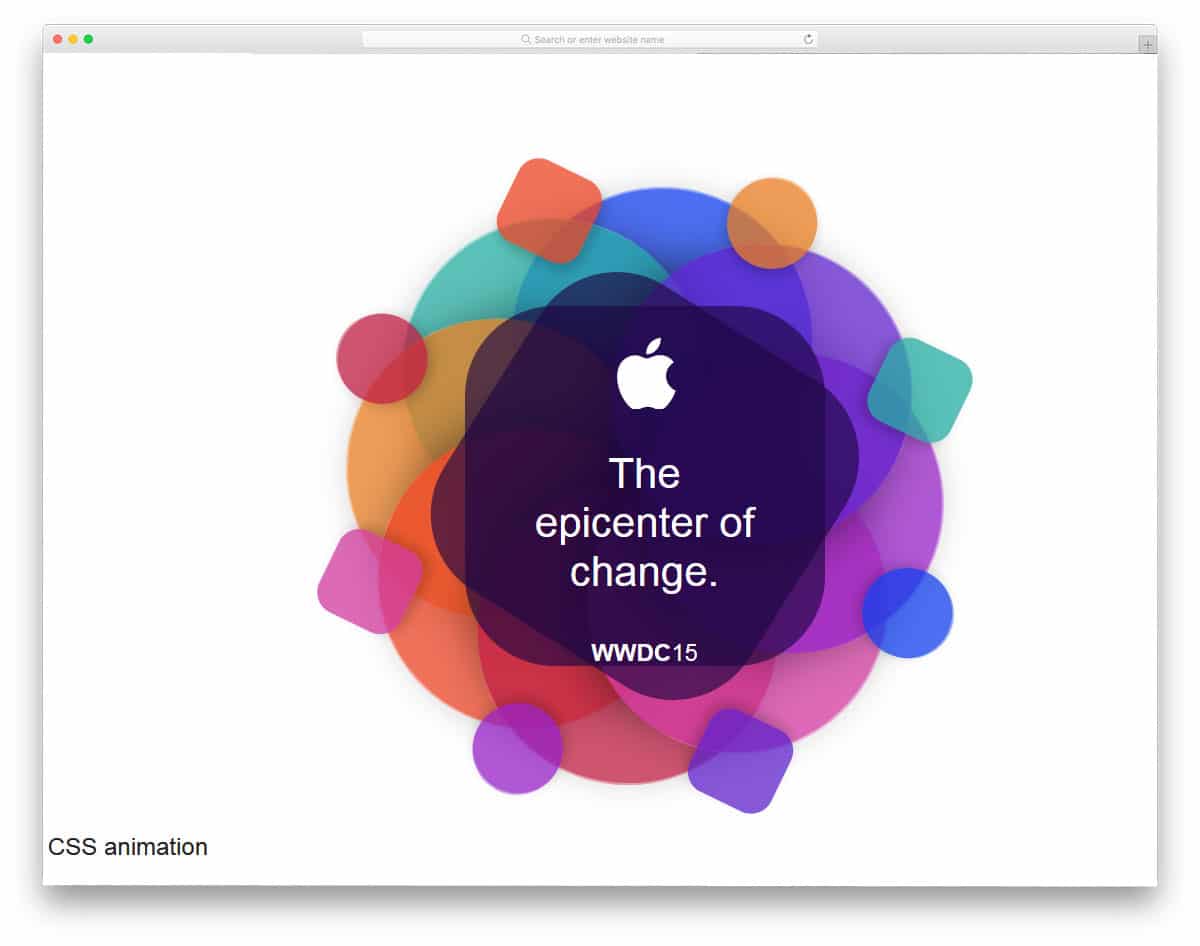
The CSS animation design for WWDC is inspired by Apple’s WWDC event. We all know that Apple designers give us a hint about the upcoming event through posters. If you are an event organizer or planner, using elements like this in your campaign will attract a lot of attention. The developer of this CSS animation has kept it simple and subtle so that it won’t take much of your time. Using lightweight elements like this on your website will make it look pretty and load faster. Look at our free event website templates collections with many interactive animations like this pre-designed for you.
Text Animation
CSS text animations are widely used across all types of websites. Instead of using image sliders, some prefer to play with words to create a unique intro or welcome message. In this text effect, you get a rolling text that perfectly matches the previous sentence. The effect is smooth, and the better thing is you don’t need to worry about the space unless you use longer texts. The developer used HTML and CSS for this design, so you can easily incorporate this code into your design.
Authentic Weather Loader
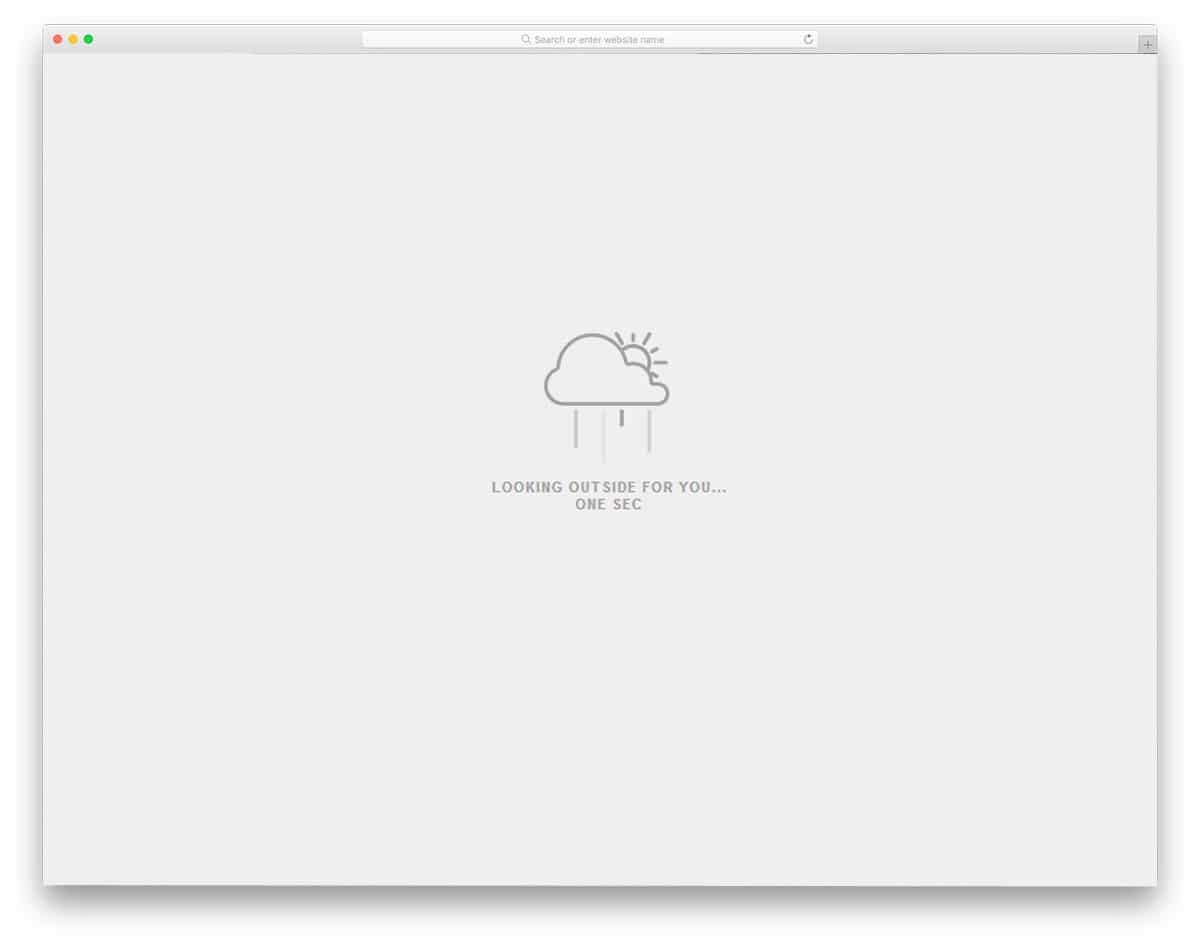
Authentic Weather Loader is originally designed as a widget loader, but you can use this animation for your weather widget. Though most smartphones have their own weather widgets, people still love some unique-looking weather applications. If you are making such a weather application for mobiles and computers, this weather widget will be handy. Not only the design, but also the code structure, is kept simple in this animation. The developer has used only HTML5 and CSS3. Because of this simple code structure, you can easily utilize this code in your project. As the given design is simple, you can easily add this widget to any part of the website.
Handwriting SVG animation
Another trend in text animation is the handwriting effect. You can choose this animation effect based on the type of your website and the font used in it. Mostly, this type of animation effect is used on personal websites, especially on the about page. The animation effect is ultra smooth and doesn’t take up much of the screen space. It takes only the space of the text length. The developer has used CSS3 and a few lines of JavaScript to deliver a silky-smooth animation. The developer has shared the entire code structure with you, so you can trim it as you prefer.
Logo Animation

Animating your logo let the users feel your logo and also improves your brand visibility. Instead of using the same old circular pre-loader icons, you can use an animated logo. If you use multiple colors in your logo, this colorful animation effect will be a good choice. Based on your design, you can use this animation effect as inspiration and develop your own. In the default design, the developer used dynamic effects, such as color blasts on click. Hence, the code uses CSS3 and a JavaScript framework, but you can adjust it based on your design.
CSS3 Loading Animations

In this CSS3 Loading Animations, the developer has provided a set of loading animations. The creator has mostly used lines and circles in the design. Hence, you can easily use this design on your website or applications. This set includes nearly 10 animation effects, all made with the CSS3 script. All 10 animation effects are smooth and clean, with no lag.
CSS Animation Collection
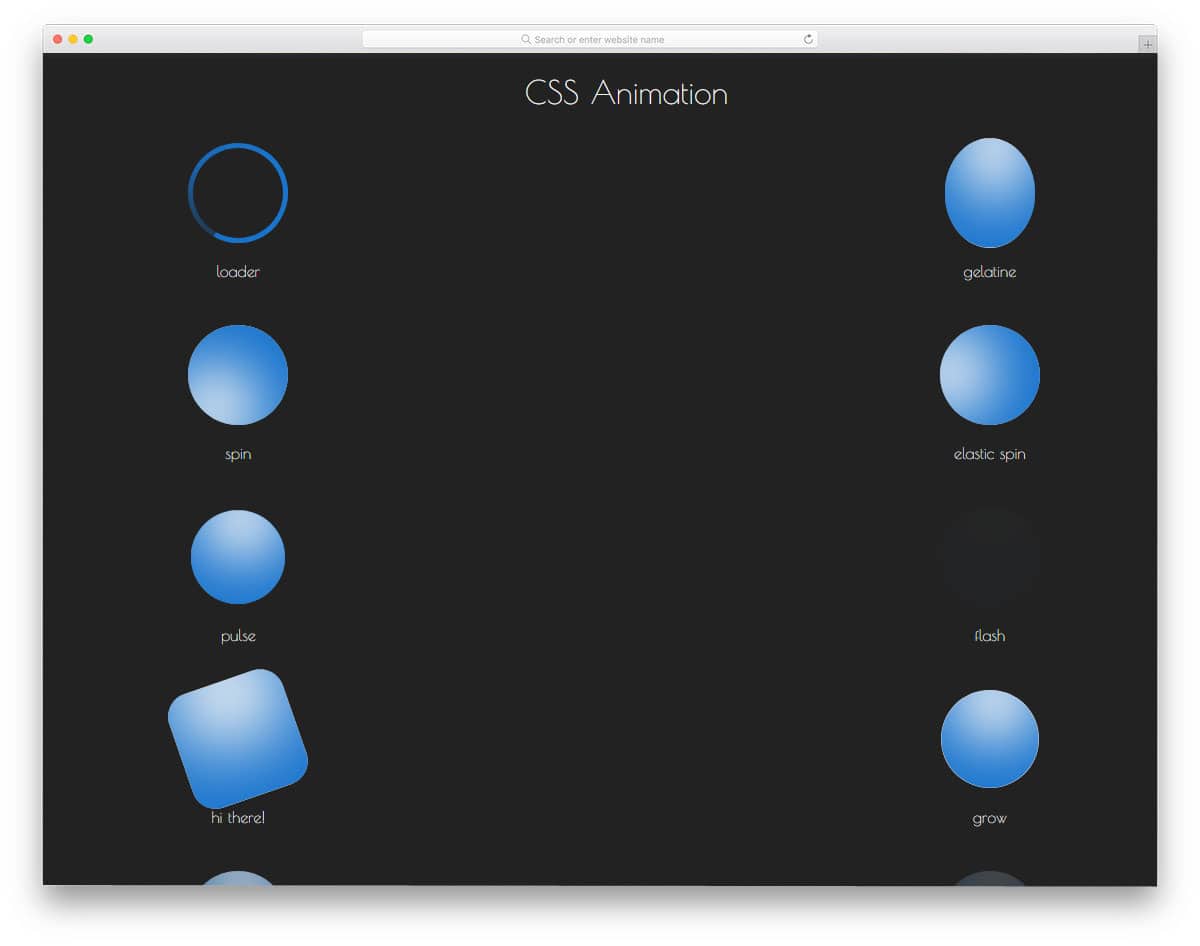
One of the biggest advantages of CSS3 is that you have plenty of built-in animation effects. If you are a developer, you will know how many scripts we have to handle to create a simple animation. The developer of this CSS animation bundle has provided you with all the basic CSS animations you can use in your website or application design. More than 20 effects are shared with you in this bundle. Pick an animation, apply it to your website elements, and customize it to your needs. The complete code script used to create these effects is shared with you directly. Check out the info link below for more details.
Floating Animation
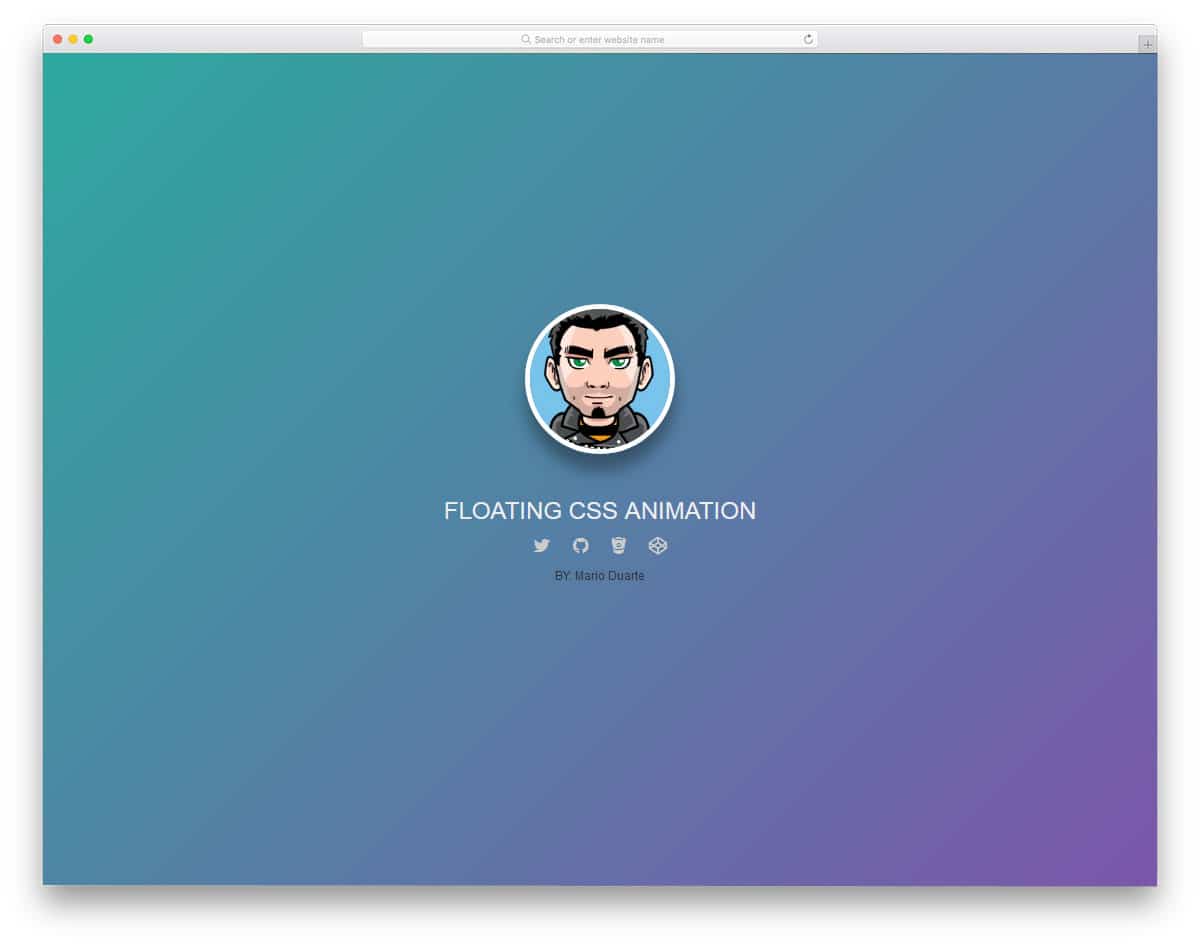
This is another common animation that you might need on many websites. If you are running a membership website, you must make a proper profile page for the users. Providing animations like this will help you make the profile page more engaging for users. This effect can also be used on a personal website to give an impressive, quick intro at the start. In the demo, you can see that the developer has provided social media links below to encourage users to stay in touch. This one also uses the latest CSS3 framework, so you get more natural-looking color schemes and fluid animation effects.
CSS Animation Material Design

Responsive design is a must for today’s audience. On average, a common user has at least two devices. Now that tech companies are pushing tablets to replace entry-level computers, we have to consider different screen sizes. If you make such responsive designs, you can elegantly show them to users with animations like this. As the name implies, this one uses material design. The CSS3 framework has made transitions and animation effects fluid. The color scheme in the default design is based on a material palette. But you can change it based on your requirements.
Ants On Sugar

Ants on Sugar is a simple animation effect. As the name implies, this effect causes ants to move all over the sugar cube. By properly handling the shadows and colors, the developer of this animation has achieved a near-realistic effect. You can even make this one an interactive effect by having the ants scatter with the cursor’s movements. Since it is a CSS animation, you get a simple animation. For more dynamic animation, you can add some more scripts. The code used to make this animation is available in the info link below; take a look at it for hands-on experience.
Parallax Star Background
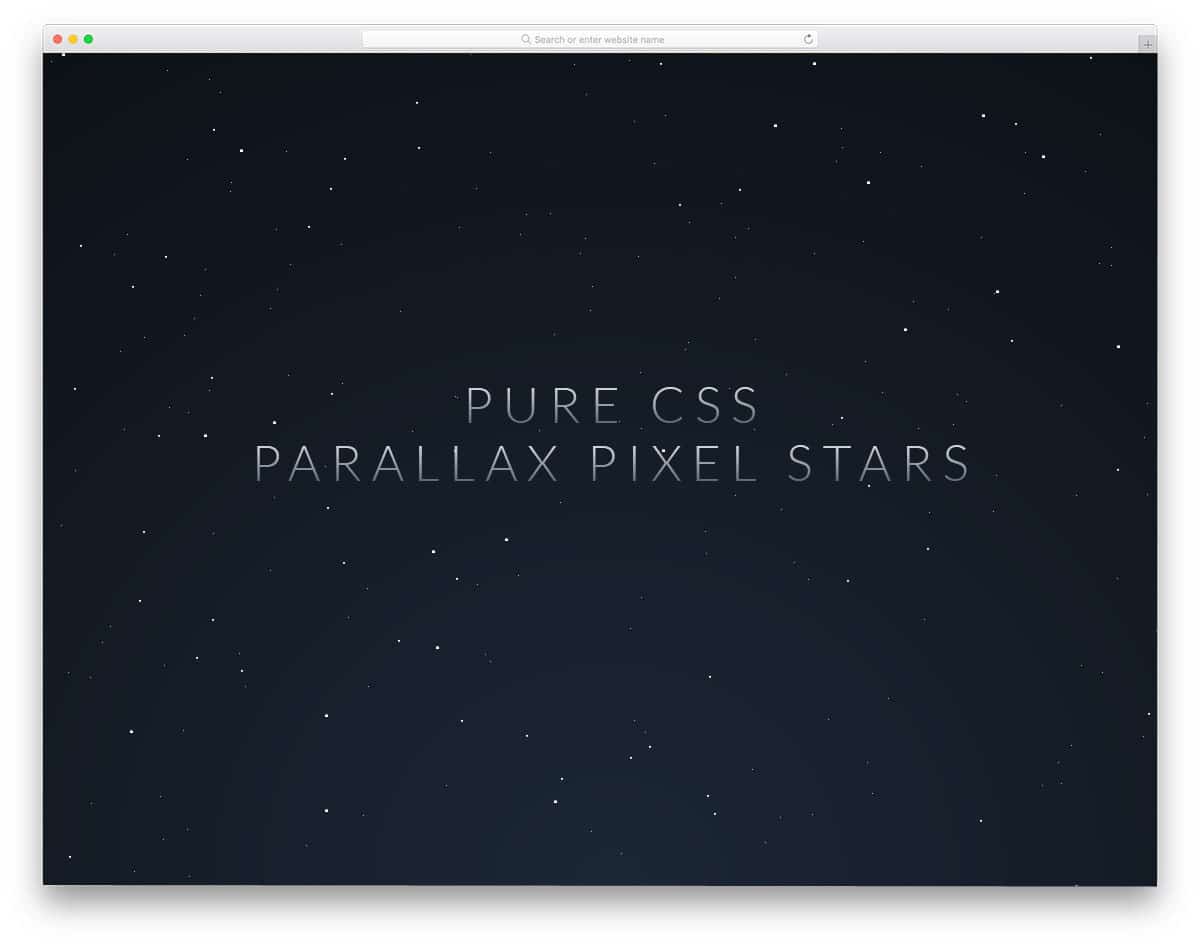
Instead of using the same old static background images and image sliders in the header, you can try an animated background. Since CSS3 has several cool animation effects built into it, you can use them on your website without making the webpage heavier to load. In this effect, you get an animated parallax star background that gives your webpage a sci-fi feel. Since it is a pure CSS animation effect, you don’t get an interactive particle animation. But you can add the features yourself. The code structure is kept very simple; hence, customizing it won’t be an issue for a developer.
Login/Logout Animation Concept
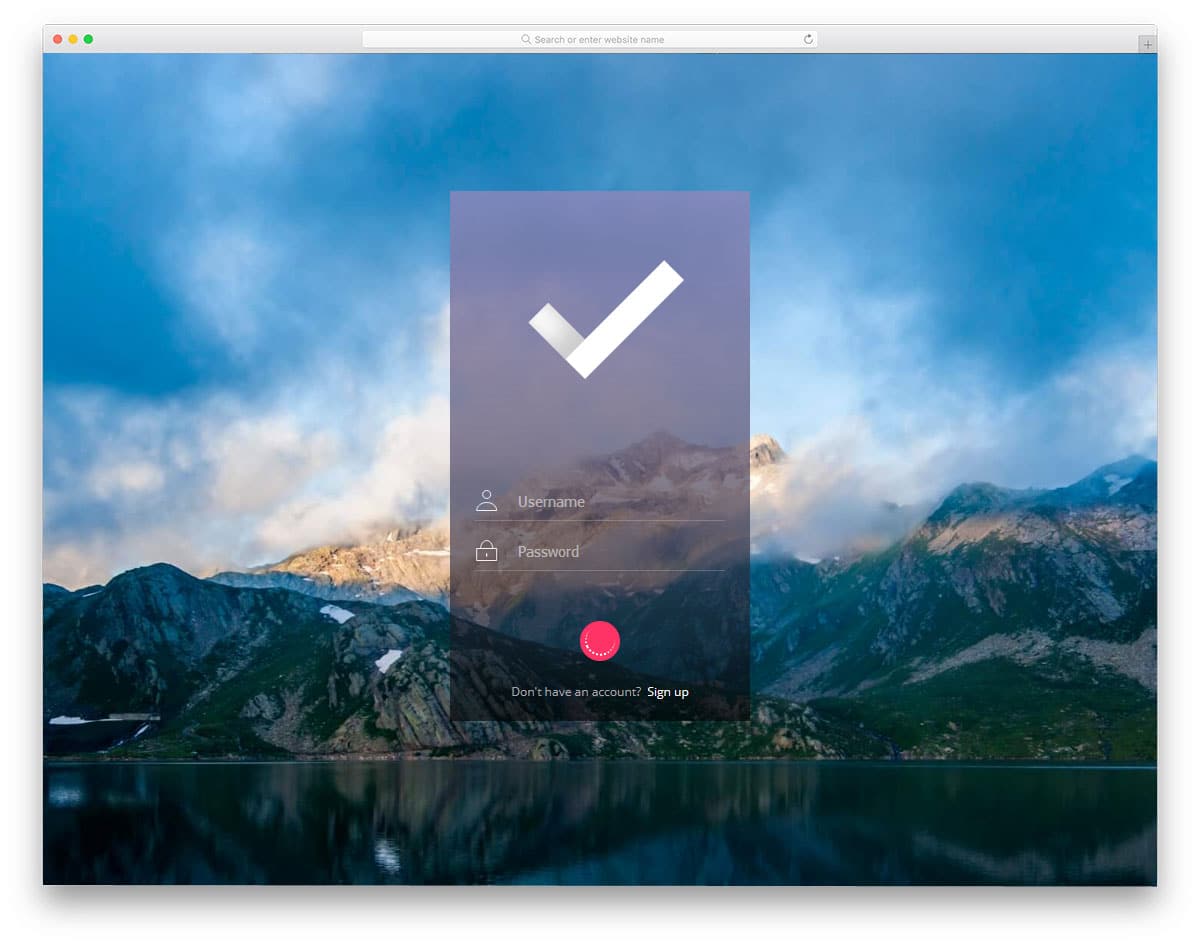
Detailing makes a design unique and attracts users. Small, subtle animation effects not only make your design lively but also give a better user experience. In this animation, the creator created a concept animation for an app login. The animation effect is simple and sleek, so the user does not need to wait long to see the page. A loading animation is also given in this example, which might come in handy for you. In the default demo, the login animation is used for an application, but you can also use it for websites. For more cool login page templates with professional looking animation effects, take a look at our free login form template collection.
My First CSS Animation

The creator of this CSS animation has given you a basic shapeshifting animation. As long as you keep the animation effects simple, you can use them on any part of the website. The animation example given in this set is a basic one. By making a few customizations, you can use them on your website. Some brands use a geometrical shape in their logo; in such cases, you combine this effect with the logo, which will help you clearly brand your website and also increase the visibility of your logo. The longer the user sees your logo, the greater the chance it will register in their memory.
CSS Chart Animations
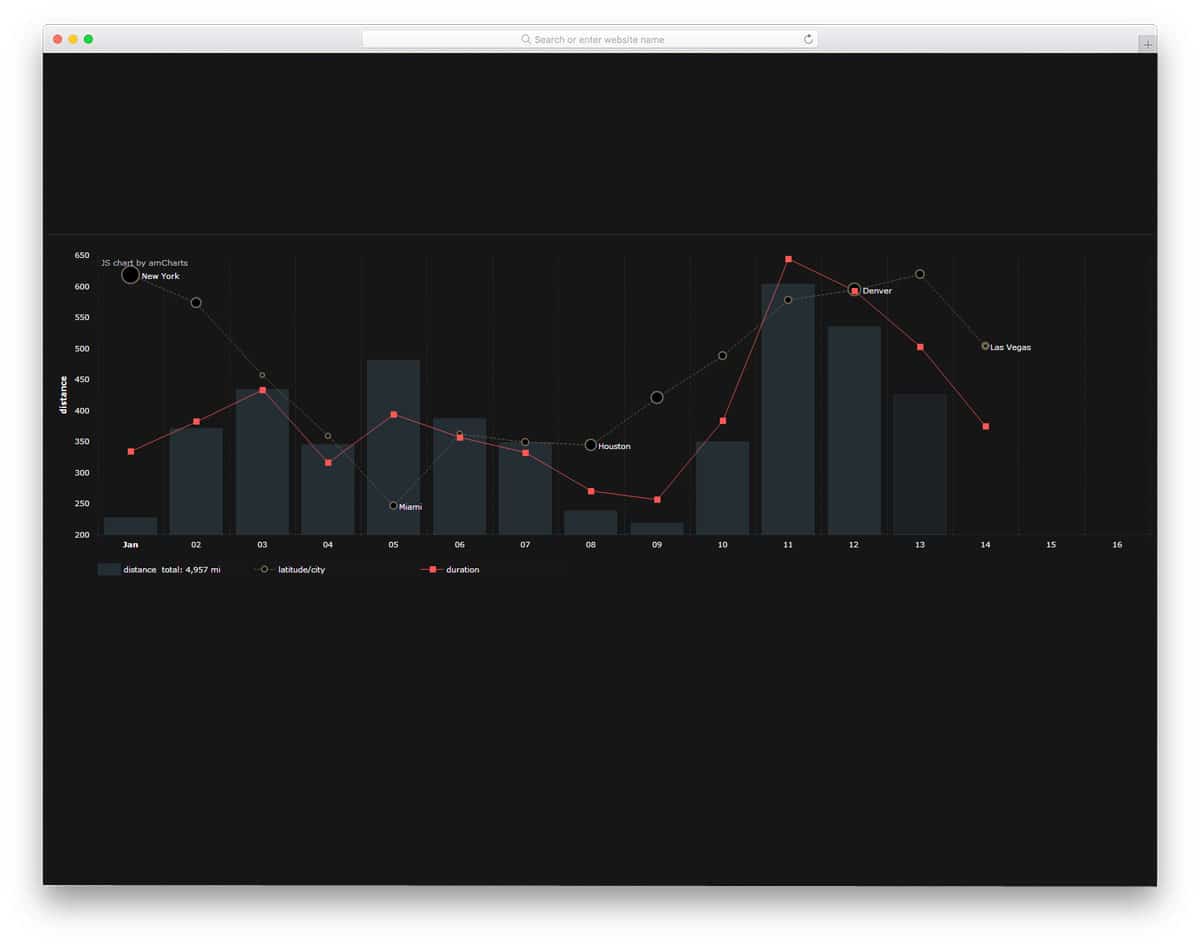
Animations are not only used to entertain users but also to enhance the user experience. One cannot easily concentrate and find the value they want in a data-rich statistical area. By animating the important content, a user can easily concentrate on what matters. The animation in this chart is made with CSS3, and for some dynamic effects, a few lines of JavaScript are used. You can use animations like this in your admin dashboard designs. We have made a separate post for free admin dashboards with more user-friendly features like this pre-designed for you; look at it for new inspirations.
Dot Menu Animations
Dot Menu Animations is a common animation which you can use in any part of your website and applications. The developer of this animation has played with three dots and exquisitely creates the shape he wants. Since the effect is very minimal it loads faster without taking much screen space. As mobile users increase, making animation effects without taking much screen space is a must. Hover effects are used to clearly mark the boundary of the element. For the demo, the developer has created only a few shapes. But, you can use this concept for other purpose and shapes as well.
Animated Shopping Cart Icons

The developer of this animation has given you a whole set of animation for an eCommerce website. As there are many eCommerce stores are emerging, every one of them is trying their best to get users into their stores. Making navigation simpler is a must in an eCommerce store. When you combine small animation effects like this to your store, it will give a pleasant experience for your users. All major eCommerce store icons like the cart icons, favorite icons, gift icons and a lot more are given in this animation example. The developer has used animation effects smartly with the line icons.
Card Swipe Animation Material Design
Card Swipe Animation Material Design is inspired from Apple’s new interface on iPhone X and devices after it. As smartphones are becoming taller and taller, swiping gestures are used to make navigations easier. If you plan such an interface for your application this effect could help you. On material design, the effect looks more vibrant. If you want a realistic card swipe mobile application mockup for your design presentation, look at our iPhone mockup collection.
Shatter Text Effect

Typography is a part of the modern web design. Developers use unique text effects to present the contents engagingly to the users. The creator of this design has used interactive shattering effects on text when the user hovers over it. Since the effect is simple and clean you can add them in any part of the website. Plus you can also use this effect on other web elements to make your website even more engaging to your audience. This effect is done purely using CSS effects, hence, altering and using it on your website will be an easy job for a developer.
Playing a CSS Animation On Hover
In the previous animation example, we have seen hover animation for texts. Well, this animation effect is for the badges and another promotional element. In eCommerce websites, store owners mark the special product with badges to make it unique from the other elements. Adding a little animation to those badges will give you even a better chance of getting user attention. Like all other CSS animation examples in this list, this one is made purely using CSS script. Hence, you can easily edit and scale the effect based on your needs and website design.
Accordion Image Gallery
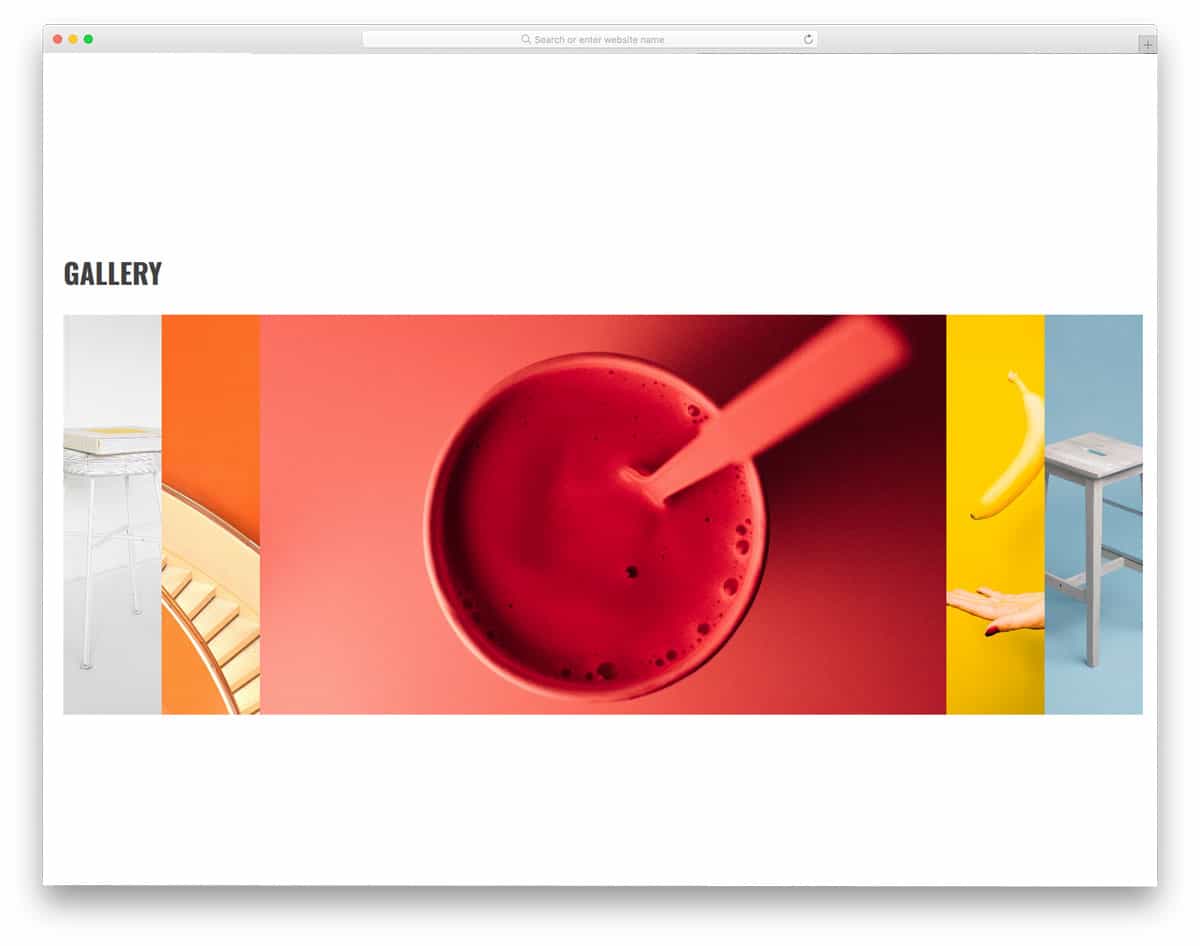
If you are making a website for a freelancer or a small design agency, the homepage of the website must say about their and services. Even though there will be a separate page for the portfolio, showcasing the best of the best on the homepage will intrigue your audience. You can use CSS animation examples like this on your homepage to show some of your best work. Plus, the smooth animation effect will add life to your image. This CSS accordion animation will not only help you minimize the space used on the web page but also gives an artistic touch to your website design.
Untitled Slider

Untitled Slider is a CSS animated slideshow example. Instead of putting a simple dumb image slider in your website, you can try a few effects like in this example. The creator of this slider has given you all the elements you need; ample text space, call to action buttons and smooth animations, everything you need to create an effective slider for a business website. This animated slider only misses the manual options to move between the slides. By making a few optimizations this slider can be easily used on your website.
Indoor or Outdoor CSS Animation
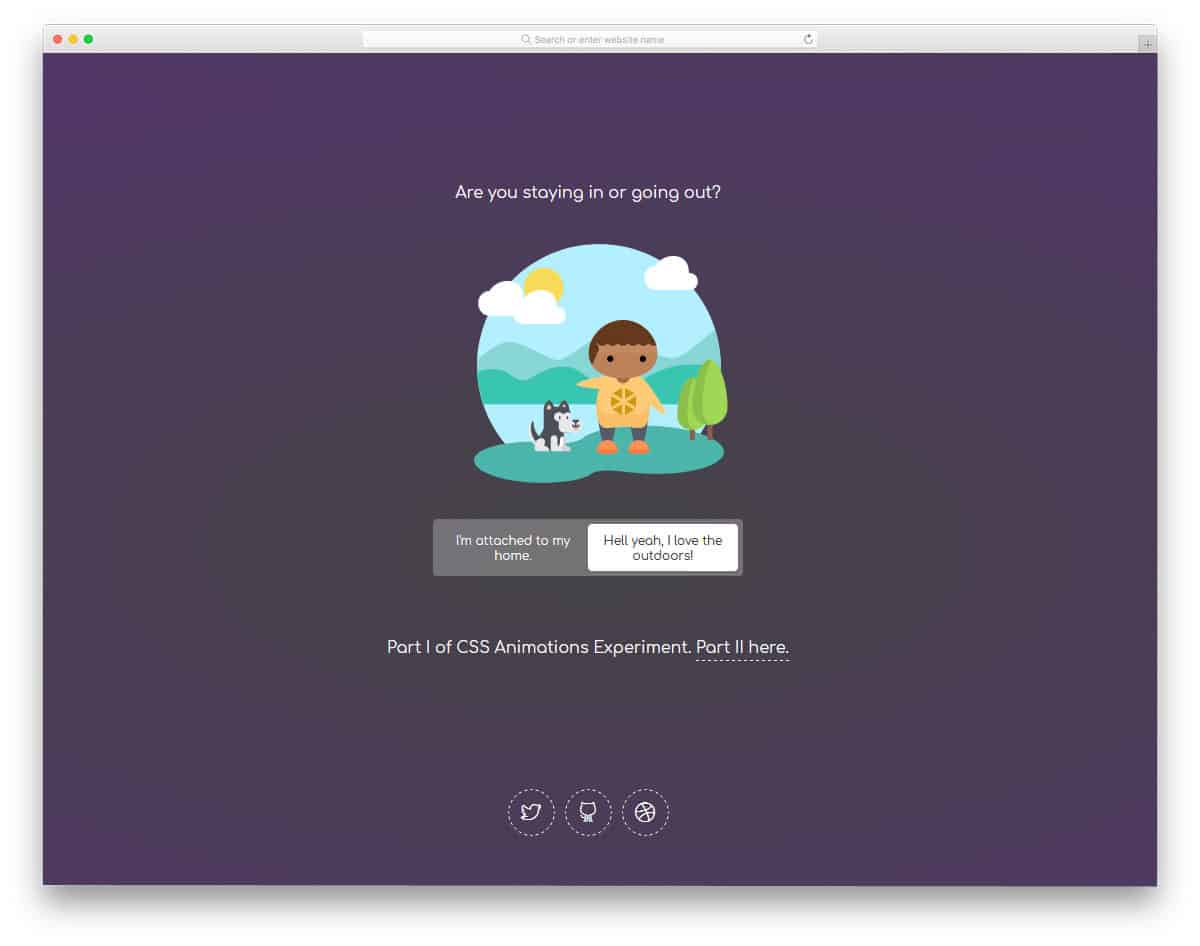
Storytelling app designing is gradually becoming popular among the app-based companies. Rather than simply showing the options, these animations will help the user to feel the option they choose. This animation effect is based on such a concept; the elements on the screen changes when the user chose an option. Animation effects are sleek and smooth, so the user doesn’t need to wait for the option to appear. The entire code structure used for this design is shared in the CodePen editor. You can customize and visualize the changes in the editor before using it in your design.
CSS Reveal Animation
This is another of the best CSS animation examples you can use on almost all websites. Since the effect is very minimal, you can easily use it on any part of your website. Plus, you can use this effect for both images and texts. If you wish to spice up your general content area with color animation, this effect can help you. The developer of this effect has used a few lines of JavaScript for better performance. But you can optimize the code structure based on your needs and the project you are working with.
