


5Microsoft traditionally dominates the desktop and laptop market. Last year, Microsoft claimed it had over 400 million active Windows 10 users, and it is likely to reach a billion users in the upcoming years. PowerPoint is the default presentation tool in Windows; most students and businesses rely on PowerPoint slides for presentations. We have compiled a list of the best free PowerPoint templates with modern designs.
The problem with finding free PowerPoint templates is that many are outdated. But don’t worry, we have done the challenging part for you. After using thousands of templates, we have compiled a list of the best free PowerPoint templates. Some can also be used in Google Slides, allowing you to select the platform.
One quick pro tip: Microsoft proffers free templates on its website. You can check it here. Most of them have a modern design and are also easy to use. The only slight problem with these free Microsoft templates is that you only get a limited number of slides and elements. If you are in a hurry and need to make a quick, small presentation, you can use the free template in this article and refer to it whenever you need to. Saying that, let us get into the free PowerPoint templates list.
Here are the Best free download PPT templates 2026

Cranford – Free PowerPoint PPT template
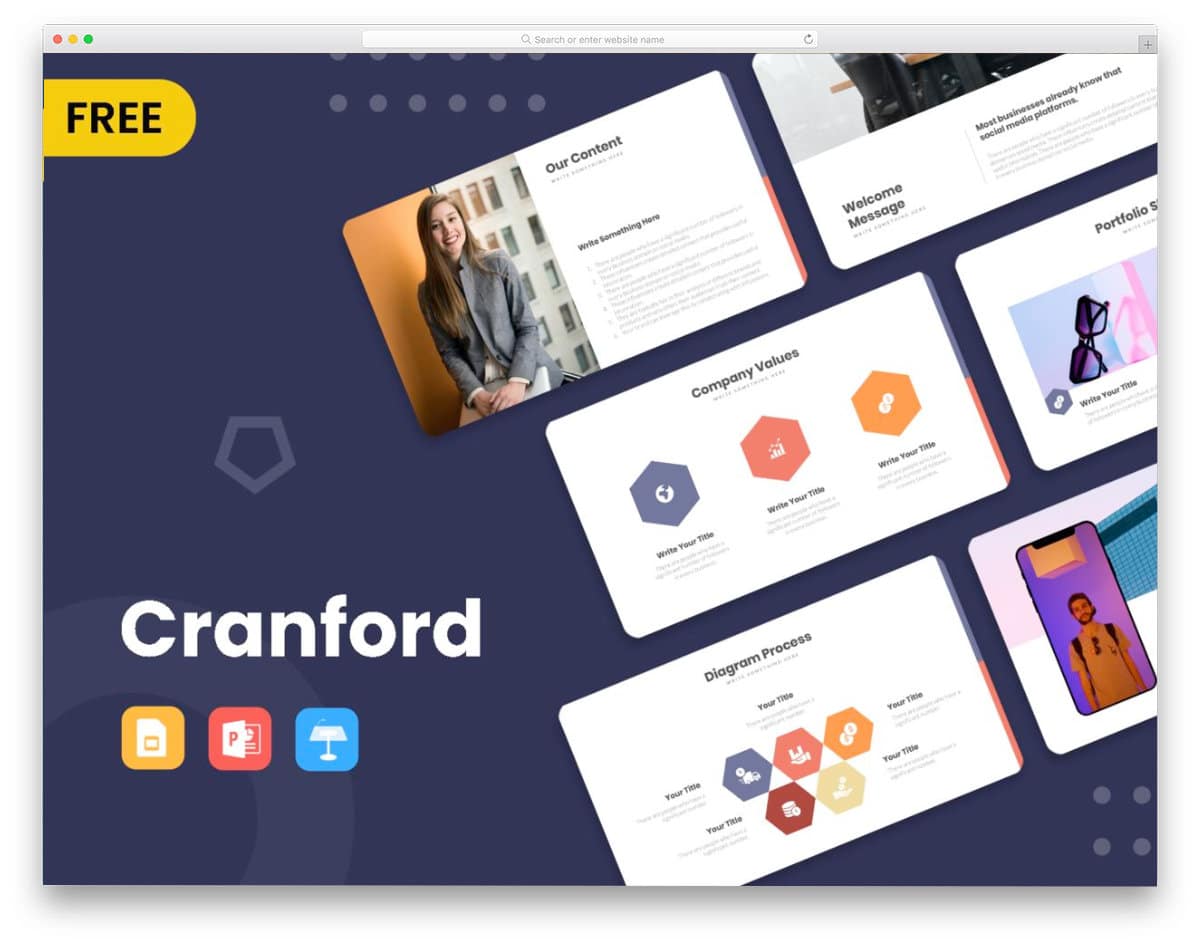
If you are looking for the best free PPT PowerPoint template for business purposes, the Cranford template is the one you have to download.
You get nearly ten pre-made slides in the free version. But you can opt for the premium version if you want more slides and want to finish your presentation quickly. All slides in this pack are in a 16:9 ratio, so you get more than enough space to showcase your texts and images clearly to the audience. This presentation template is also available in Thynote for Google Slides, making this a friendly option for all types of users.
Raymond – Creative PowerPoint Template

Nowadays, people in all fields and professions expect a trendier design. Raymond is a good option for those looking for a free, modern PowerPoint template.
All slides in this pack are in high definition; hence, your content will look crisp and sharp. Organic shapes and smart image holders set this template apart from other free PowerPoint templates. The creator has kept the elements as simple as possible so that you can edit and resize them easily as per your requirements.
Howard
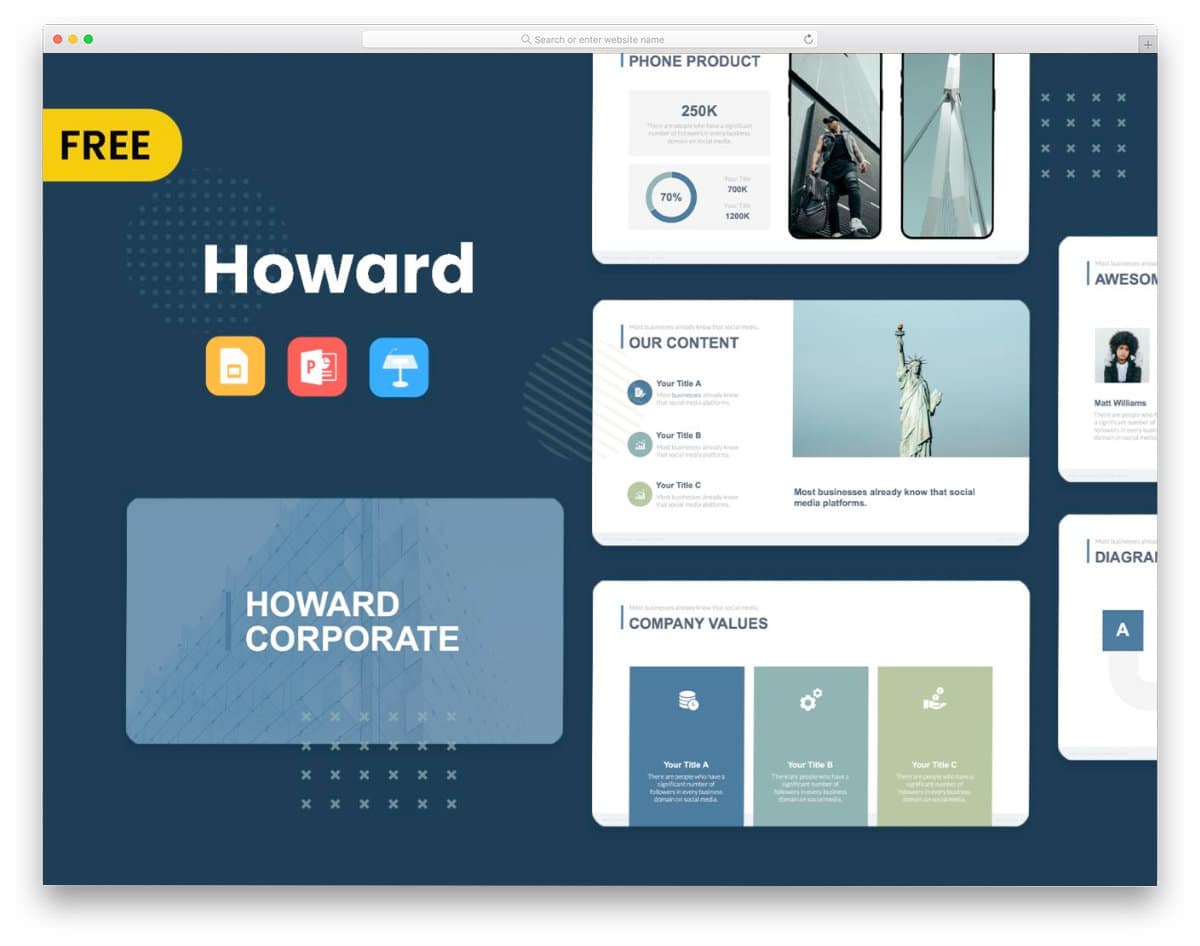
Howard is another free PowerPoint template. You can use this template for all types of business and academic purposes without any issues. The creator has given ample space for both images and text on all slides; therefore, you can present your content engagingly to the audience. When you want to change an image on a slide, simply click the corresponding image holder and add your image; the creator has kept the editing as simple as possible. Because of this template’s simple layout, you can use any type of content on its slides.
Kula – Simple PowerPoint Templates

If you are looking for free PowerPoint templates with minimal design, this one will impress you. This PowerPoint template uses a lot of white space so you can present the content neatly to the audience. Even the audience at the back can easily see your content with this template. The pitch-black texts provide better visibility and readability on the clean white background. This template also includes slides for portfolio, team members, and charts, in addition to regular slides. If you are making a presentation about your new startup, free PowerPoint templates like these will come in handy. This is a free version of a premium template, so you get only a limited number of slides in the free version.
Voodoo Presentation Template
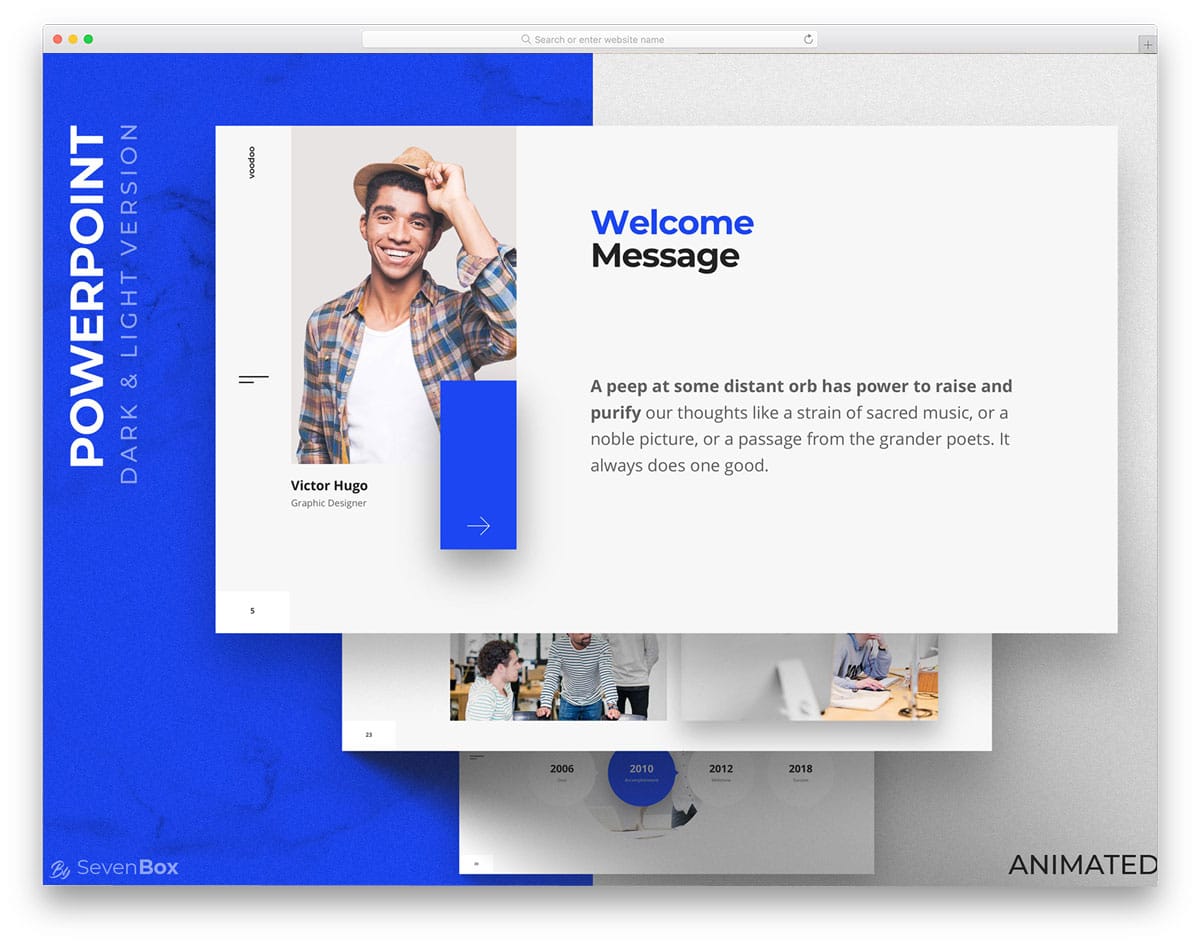
Voodoo is a contemporary, modern-looking free PowerPoint template. With bold texts and creative content blocks, this template will help you present your content engagingly to the audience. In the Kula template mentioned above, the creator has used only white spaces and dark letters. But in this minimalist design, you get colorful elements to add some character. Premium-looking icons are used in this template, and depth effects are used smartly to highlight the important content from the rest. This template also has a premium version. If you need more slides and elements, you can opt for the premium version. Overall, Voodoo is one of the best free PowerPoint templates, with a premium-quality design.
Blockchain Presentation

The Voodoo and Kula templates are intended solely for professional use. If you are looking for free PowerPoint templates with a creative, casual design, this template will impress you. This template is one of the few free PowerPoint templates that use many images in its design. Images always make the presentation engaging. If you add animation to the images, your presentation will grab the user’s attention for sure. Many trendy new colors are used in this template, hence you can elegantly highlight and show important sections from the others.
Roderigo-Free PowerPoint templates for teachers

Roderigo is a professional vector-based PowerPoint template. This template is an apt option for startups and businesses to present their projects to clients. This template gives you more than enough space to add important content, with neat bold text and a split-screen design. The pagination is shown to the right holder to help you easily identify which slide you are currently working on. The neatline vectors are the unique elements of this PowerPoint template. The creator of this template has shared the icons and fonts used to help you easily customize it. This template can also be used in Google Slides; the default slide layout is 16:9, hence you get a full-page design and an ample amount of space to present your content neatly.
Lookbook
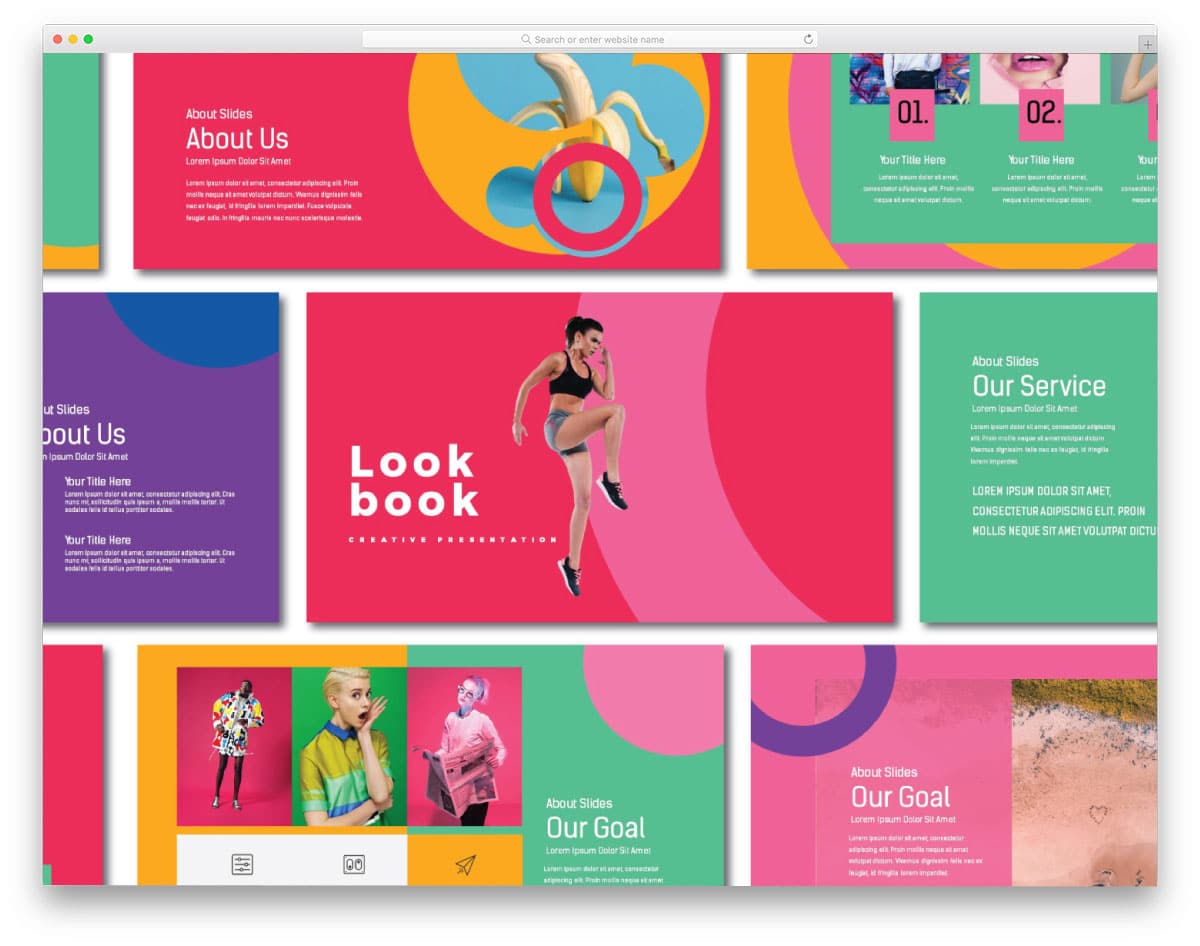
The creator has used only trendy colors for the important sections of the Blockchain template. But in this template, the creator has made it colorful and vibrant. Though the entire template is colorful, the creator has used modern fonts effectively, making the text legible on the slide. Plus, the readability of this template is great. The only thing is that you have to increase the font size in a few areas to make all the contents visible to the audience. This template is available in both Keynote and PowerPoint versions, so make sure you download the right one.
KENTAL

If you want to present your ideas with color, this PowerPoint template is a good choice. The creator has chosen the color wisely, presenting the content elegantly to users and improving the slides’ visual aesthetics. The slides have enough space for both images and text, so you can explain your ideas clearly to the audience. Though this template has plenty of slides, the free versions include only 10. If your demands are high and you find this template extremely useful, you can opt for the premium version.
Color
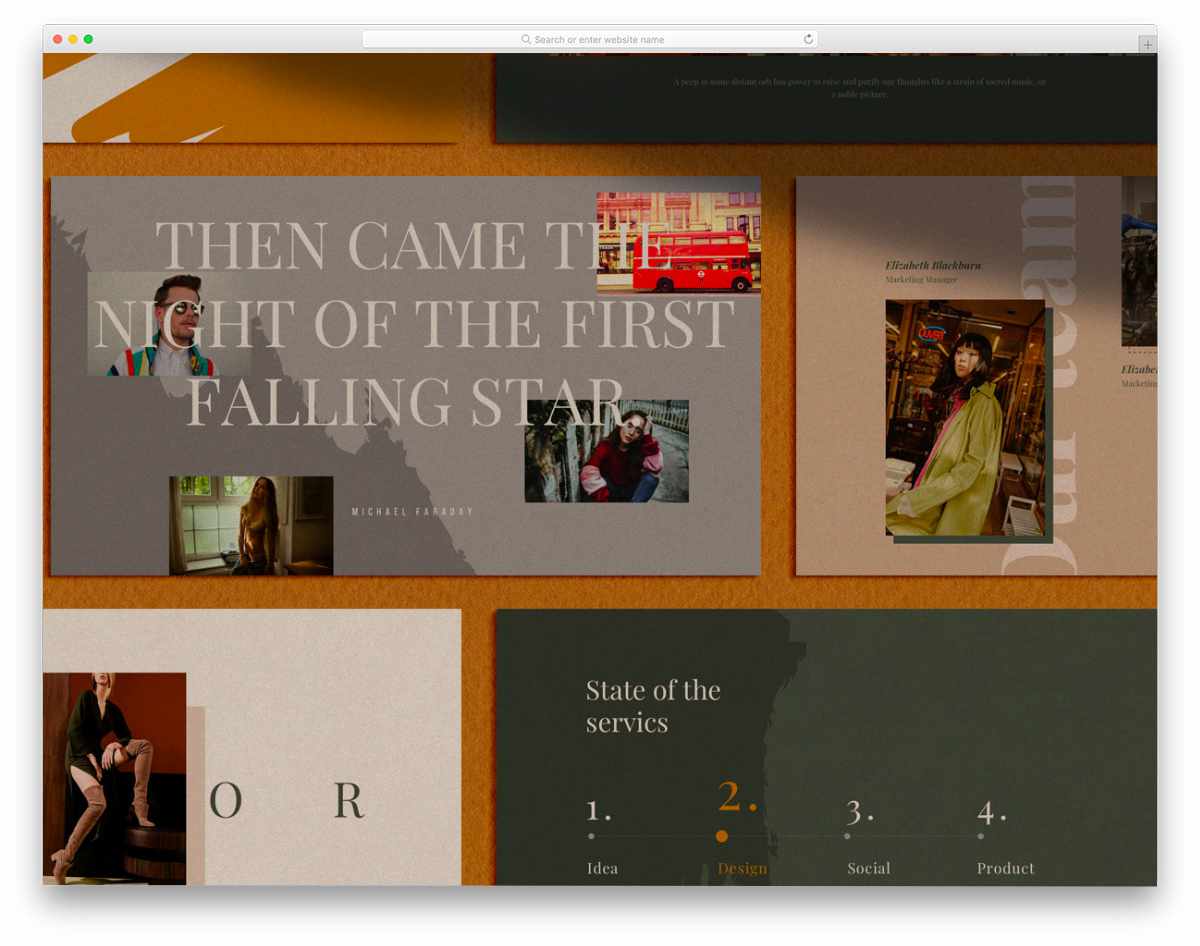
Color is a unique template in this free PowerPoint templates list. The creator has not only given importance to the content space but also to the slider design. Each slide is unique and can make a strong impact on the audience during your presentation. This template is available in both Keynote and PowerPoint. You can pick a version and start working on it based on the workflow you prefer. As in all freemium products, you get only a limited number of slides in the free version. You have to go for the premium version to get the complete pack.
Pattern

Pattern is also a minimal-style PowerPoint template, but the creator has used creative patterns to make it stand out from other minimal free PowerPoint templates. The creator has followed a uniformity in all the slides so you can manage the content easily throughout the slides. For example, the left sidebar allows you to add your brand name and other details. If you are creating a professional or corporate PowerPoint presentation, this template is a good choice. Since this is a freemium template, you get a pixel-perfect design and premium-quality elements. The only complaint you will have in the free version is that you will get only a handful of readymade slides. Apart from it, this one is one of the best free PowerPoint templates.
Colorama

Colorama is a multipurpose PowerPoint template for business presentations. The creator of this PowerPoint has kept the main slides simple and clean so that the users can easily read the contents on it. To justify the name, the designer has used many colors for the charts and other elements. Default texts itself look clean and has good readability, based on your need you can always change the font. Since it is a free template, you get only a handful of pre-designed elements. Check the entire slide before settling on this PowerPoint.
Wart
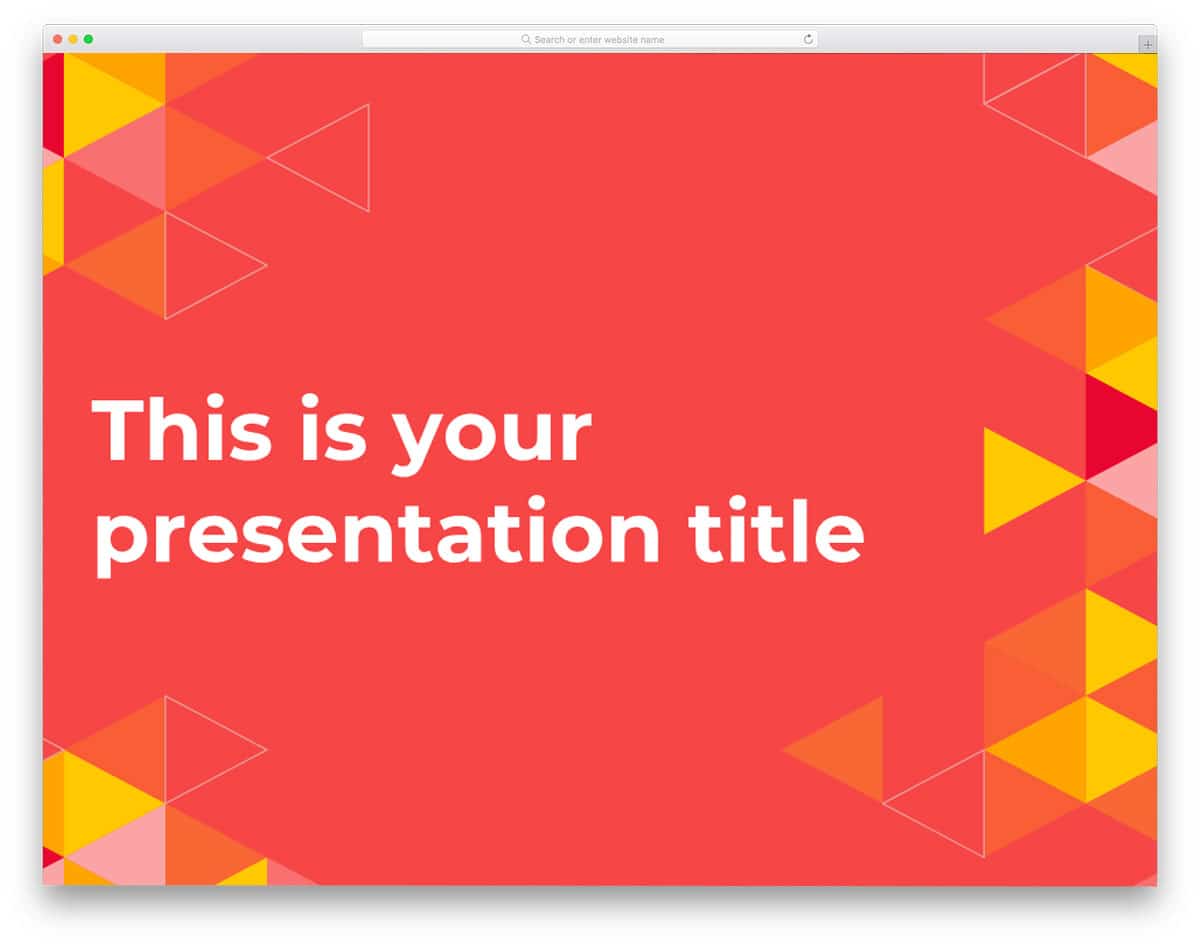
Wart is a professional-looking modern PowerPoint template. Instead of a plain, boring background, this template uses a neural network-like triangular pattern. The pattern is used consistently across all 25 slides, but its use varies based on the content. The creators of this template provided the complete set of icons and fonts used to help you easily customize it.
With this template, you get charts, tables, flowcharts, and line vector-like mockups for mobile and laptop. Presentation with texts alone won’t make it interesting for the audience; in this template, you get space reserved for images of all sizes. To give a livelier feel, in some slide,s you can add images inside a triangle, which looks elegant alongside the triangle pattern.
Eglamour
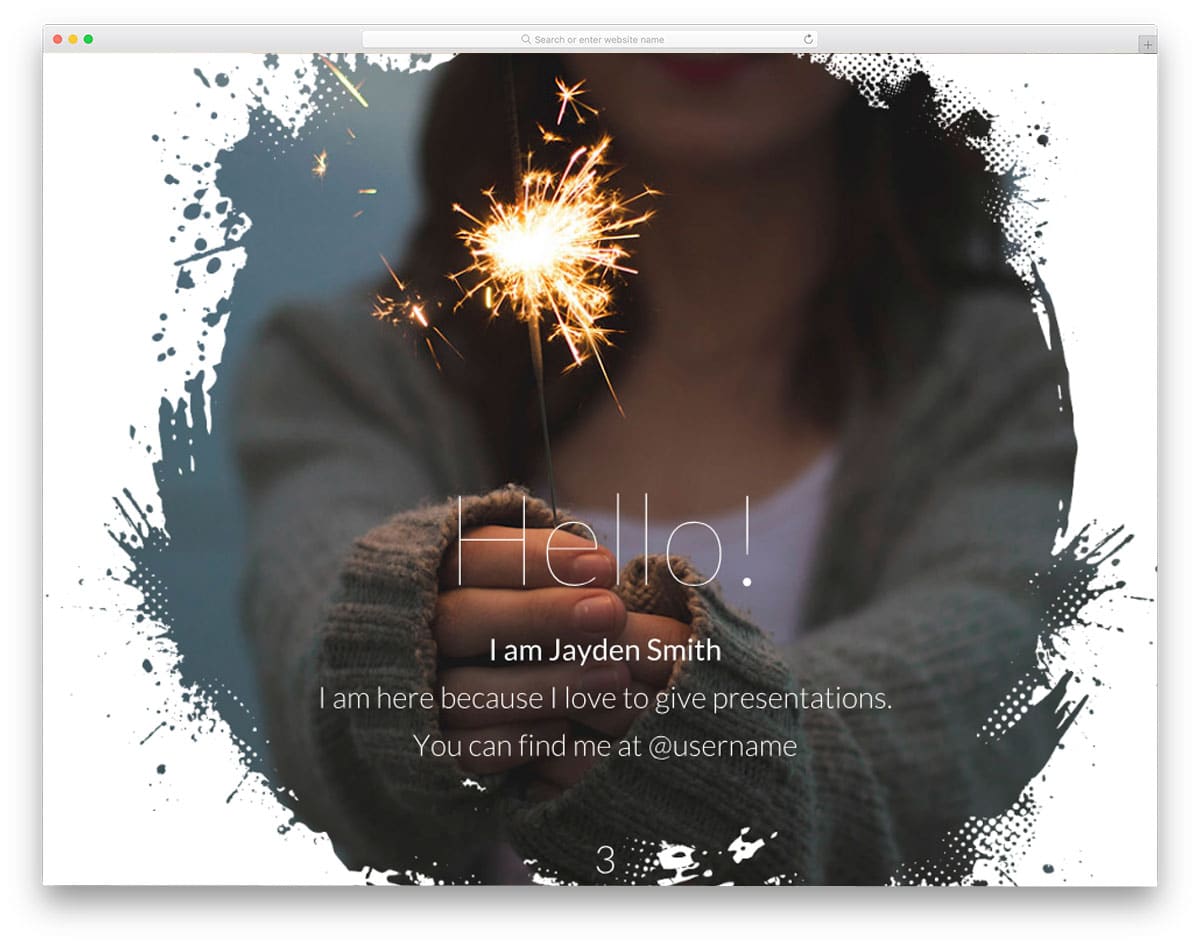
Eglamour is an artistic PowerPoint template. This template uses a brushed paint-like effect throughout the slides to make it stand out from other templates. With this paintbrush-like design, you get a clean area to add text and colors to the template. To match this creative, simple design, the fonts used are also clean and easy to read. Creative image holders are a unique design that makes this template stand out.
The creator of this template used this pattern smartly to highlight important points. Fonts are used at the right size and thickness so that it is legible and easy to read even on an image and color background. By default, this template is designed in a 16:9 ratio. You can change the size to 4:3, but some of the design patterns may be cropped out, so check all the slides when you change the size.
Solanio

If you are looking a powerpoint template for a nonprofit organization or event related to nature and green, then this template is for you. Since eco-green is the theme of this template, the designer has used a leaf pattern to give a meaningful design. This template uses both a colored background and a neat white background to avoid a boring pattern across all the slides. The fonts are also used effectively, so readability remains the same in both the clean and colored patterns. With this template, you also get diagrams related to greenery and eco-friendliness. Other useful elements you get with this PowerPoint template are tabular columns that match the template’s design, maps, and templates. You can use this PowerPoint template for Google Slides as well.
Wolsey
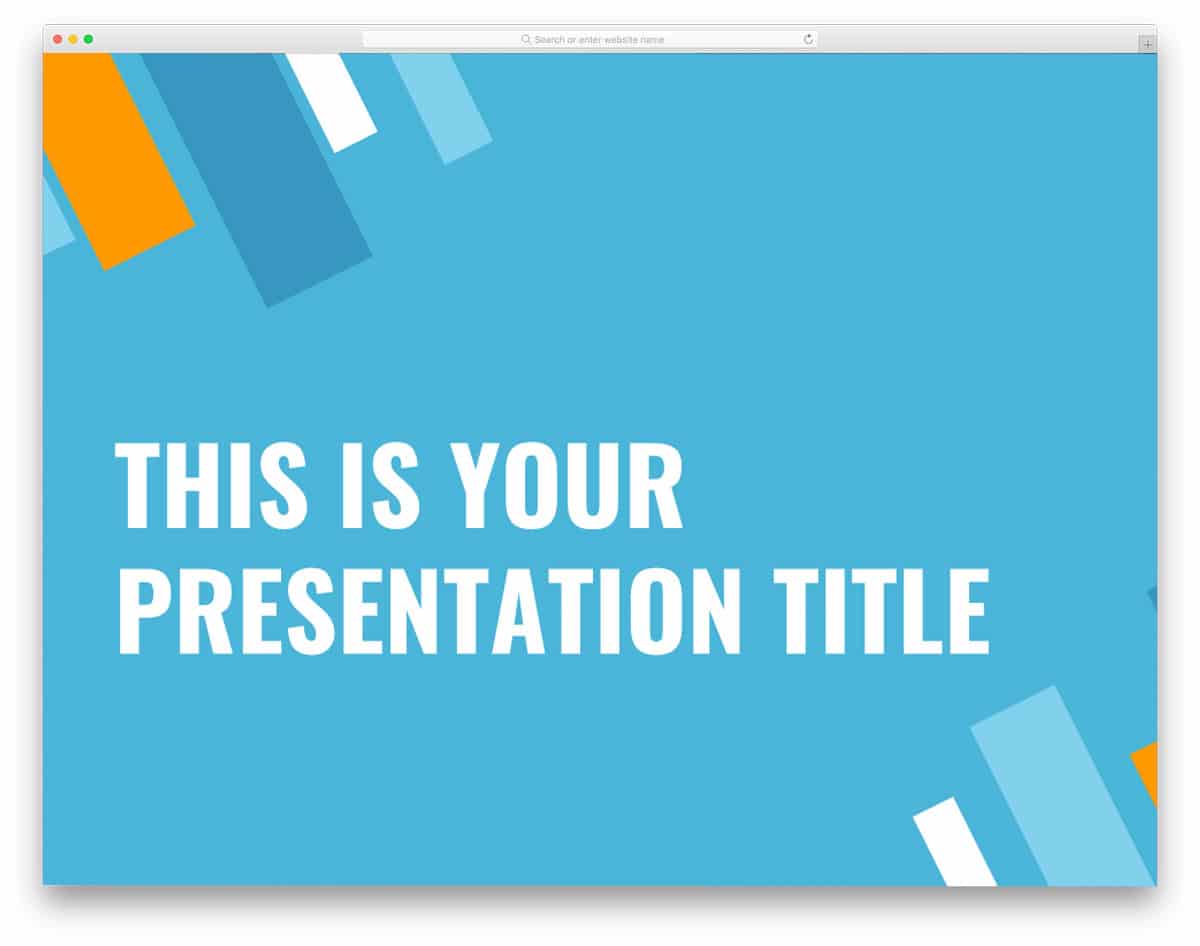
Wolsey is a simple and clean PowerPoint template. With bar charts like patterns, this template becomes an obvious choice for statistics-related presentations. Even construction businesses can use this template because the symbolically represents buildings. The consistent use of only a few colors makes this template look professional. This template uses blue, orange, and dark blue color patterns. If you have a different color option, you can easily change it. The creator of this template made it flexible enough for you to customize it in a few seconds. Since all the fonts and icons used are shared with you directly, you can use this template as a base and create your own custom template. Like most other free PowerPoint templates in this list, this one also follows a 16:9 layout.
Rosalind

Rosalind template does not use any creative stuff or fancy patterns. Instead, it uses colorful gradients. This gradient color scheme makes your template look beautiful and adds life to your slides. If you are making a pure content-focused presentation, then this is the template. This PowerPoint template is designed like a landing page, offering a distraction-free design and allowing you to pinpoint important content. This template also allows you to add an image background, but to maintain design consistency and text readability, it uses a gradient overlay. As most modern companies and startups use a gradient as their brand color, this gradient pattern will be a great way to brand your slides.
Dumaine

Dumaine is a creative, pattern-based PowerPoint template, similar to the Wart template mentioned above. This template uses slanting rectangle patterns with sharp edges. Different gradient colors are used for the shapes. At some spots, the transparent pattern looks like a floating glass which improves the visual aesthetics of the powerpoint template. If you are a creative agency, you will love this template. Like in the modern creative agency website templates, this one also uses creative image holders to give an interactive feel. The images and texts are clearly visible on the dark solid color background, plus the gradient patterns look beautiful on the clean background. Fonts used in this template are bold and big to give better readability so that the person even at the last can read it without any trouble.
Puck
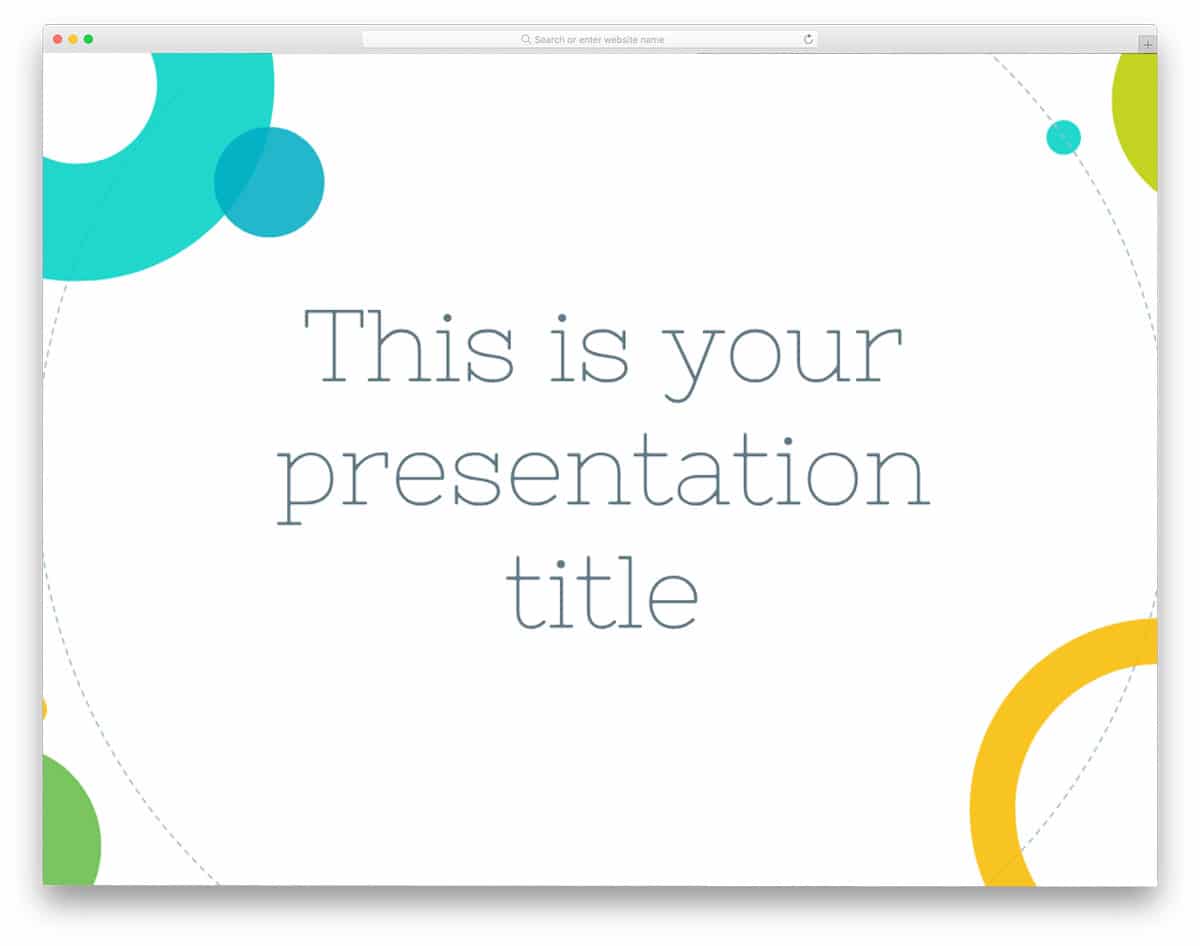
Geometrical shapes do play a major role in modern web design. With the latest HTML5 framework, developers can provide us with more interactive web elements. But with the PowerPoint, we don’t need the HTML and all, we don’t have to spend some time creating an interactive template, or you can simply use this template and save your time. If you have attended recent Google and Microsoft developer events, you might have noticed that they have used geometric shapes in their slides, this template doesn’t give you such awe-indoesn’t design but close enough design pattern. On the clean white background, the colorful circular geometric patterns and texts look elegant, and it is also easy to read the texts.
Snug
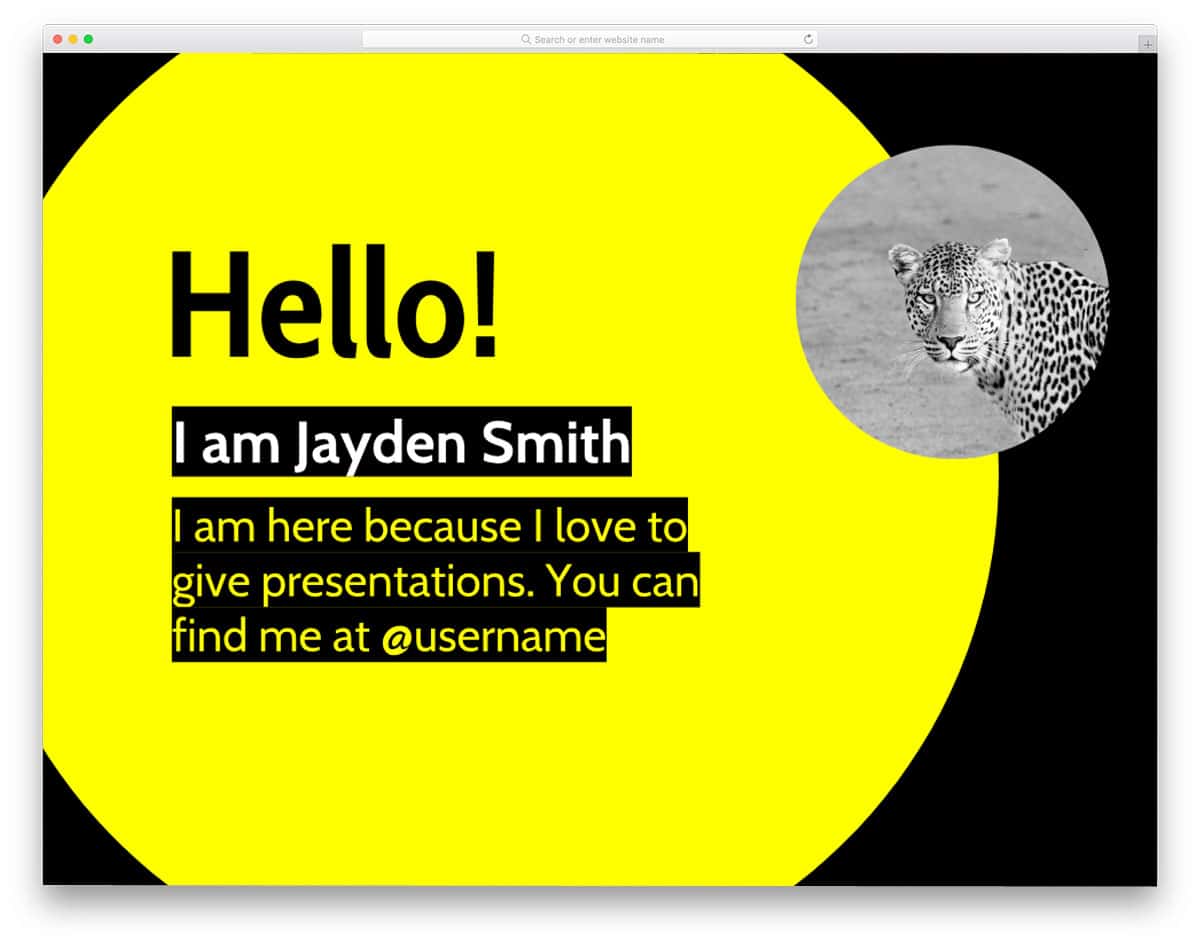
Snug is a bright color PowerPoint template. This template uses only two color schemes: yellow and black. The designer of this template has used both colors smartly to highlight important points with visual aesthetics. If you are a lover of extreme color combos, then you will like this template. This template uses Google fonts, so you have more font options to choose from. Icons used in this template are also shared with you, so you can create your custom template in no time. Another advantage of this template is that you can use it in Google Slides as well. The only thing you need to add to this template is the animation effects. Since this template is meant for general use, it does not include animation effects out of the box.
Constance

At the first glance of this powerpoint template itself, many of you might remember lifestyle blog website templates. With the floral design and bold texts, this template stands out from the crowd. The default design of this template makes it the best option for floral-related presentations and for botany students to explain their projects. To give the template a unique look, the floral pattern has a drawing-like effect. One small bummer with this template is that you only have limited space to add text, so be precise with your content before using it. This powerpoint template also uses 16:9 layout, when you want to change the layout to any other size please make sure that all the slides fit well with your layout size.
Dolabella

The Dolabella PowerPoint template uses an old manuscript-like design. If you are making a presentation on any history or museum-related topic, then this is the template for you. Since this template is designed in the old, ancient style, it follows a dull, muddy color palette. The texts and the images used are also customized to match the dull color scheme of this template, which looks visually great, but at some point, readability becomes really difficult. The unique point of this PowerPoint template is its pattern, which includes an image and elements related to ancient times. The fonts and icons used in this template are shared with you directly, so you can customize it without any worries.
Escalus

Escalus is another pattern-based business PowerPoint template. Instead of using a pattern at the corners, this template uses it at the center of the slide, and in some slides, a full-page pattern is used. Design aesthetics are followed neatly on this template, making it attractive and helping you share the content interactively with the audience. Font selection is also done smartly with this template, so it remains legible in both clean and color backgrounds. With this template, you get 25 pre-designed slides that are easy to customize and use.
Lear

Lear is a 4:3 layout powerpoint template, if you are in search of a creative template in this layout, then this template is the one for you. This template does not uniform pattern or color scheme in its design. To keep the audience engaged, this template uses a variety of gradient color schemes. With sans-serif fonts, this template offers bold, neat typography that makes readability easier. In the bottom-right corner, you can add a pagination number. This template provides both an image background and a split-screen design for adding related images. The Lear is a simple template for general use, so you can use it for any purpose.
Trinclo

Trinclo PowerPoint template is basically designed for schools and other children’s education-related sites. With this template you are actually getting a mockup style layout, on the folded paper you have space to add your contents. Since this template is designed for schools, more casual fonts are used than professional fonts. To capture the children’s attention, this template also uses bright colors. Handwriting, like typography, makes the texts look natural on the folded paper background. This template also gives you space to add images both within the content space and in the background. This template follows a regular 4:3 layout.
Chinese New Year 2018

Chinese New Year, as the name implies, this template is purely designed on the Chinese New Year theme. Since the Chinese use the Dog to represent their New Year, this template also uses the Dog. This is a rich looking powerpoint template with an artistic touch, the bright red color gets user attention as soon as you switch on your slide. Since this template is purely inspired, it is not intended for any particular purpose. You can use this template for any purpose if it fits your needs. Creative design of this template makes use of more space to give you enough space to add content to this template, which follows a 16:9 layout.
Olivia
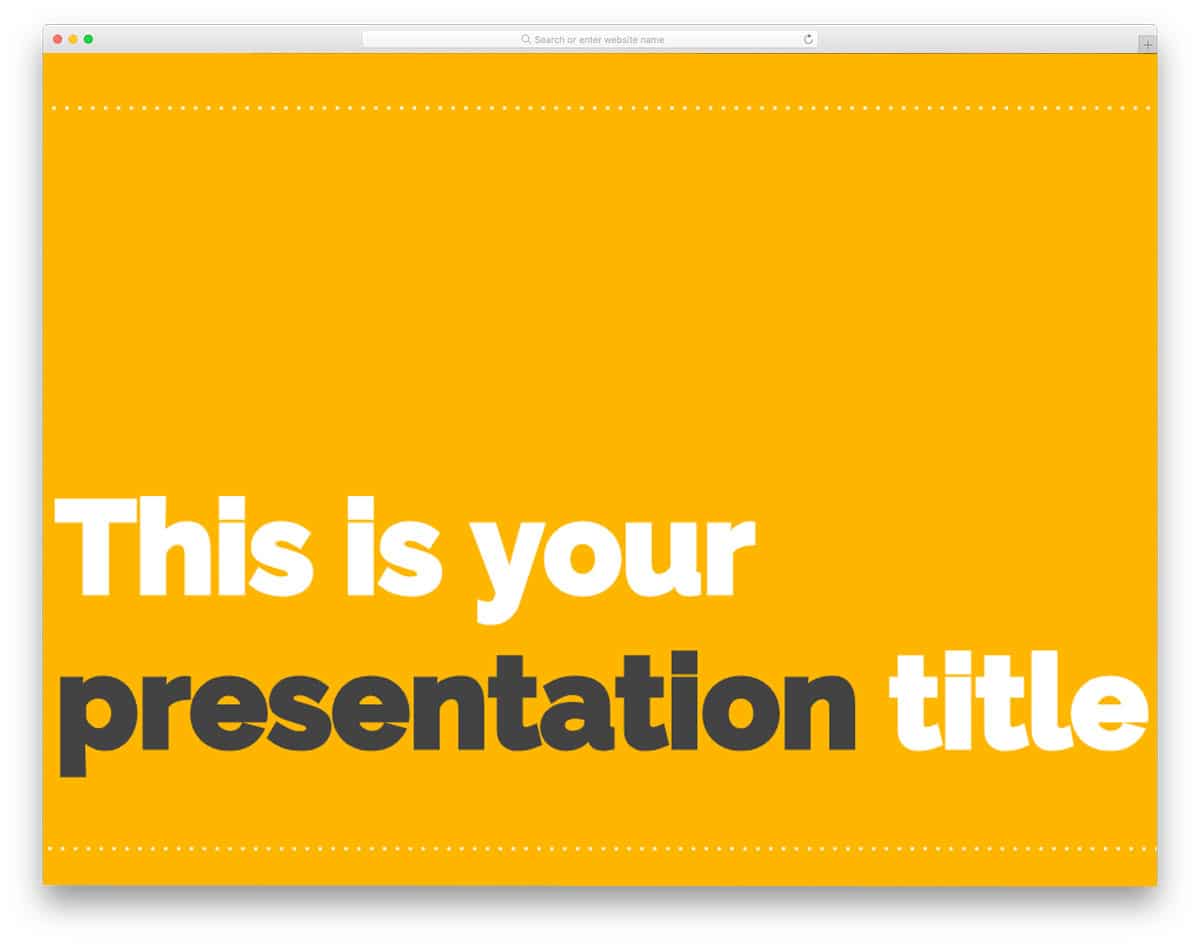
Olivia is a perfect business and instructional PowerPoint template for presentations. With bold text, this template only provides space for an important title and a few lines about the topic. To keep the audience engaged, this template reserves more space for adding vectors and images. With this template, you also get image background slides. Other useful elements you get with this PowerPoint template are maps, charts, tabular columns, and customizable icons. This template usesa yellow color scheme, but it is customizable.
Banquo

Banquo is an image-rich PowerPoint template. With the neat image background and colorful content blocks, this template stands out from the crowd. In the grayscale images, the blue content blocks look attractive and improve readability. To avoid the audience from getting bored by the same uniform content blocks, different shapes are used. Fonts are also selected smartly to match the simple, elegant design of this template. The Banquo is an elegant-looking multipurpose PowerPoint template. All you have to do is to select the images that match your content. The creator of this template gave you 25 slides with the same simple design but with different patterns. With this, you can create your own custom template in no time.
Ragonize

Ragonize is a PowerPoint template for photography. Since photography is the main theme of this template, you get plenty of space to add images. But the designer of this template also gives equal importance to the text contents. To make the image background easier to read, these template overlays are used. To make the template modern, slanting overlay shapes are used. With this template, you also have the option to add vectors and icons. Pagination is provided at the bottom-left corner to help you identify the sliders easily.
Nestor
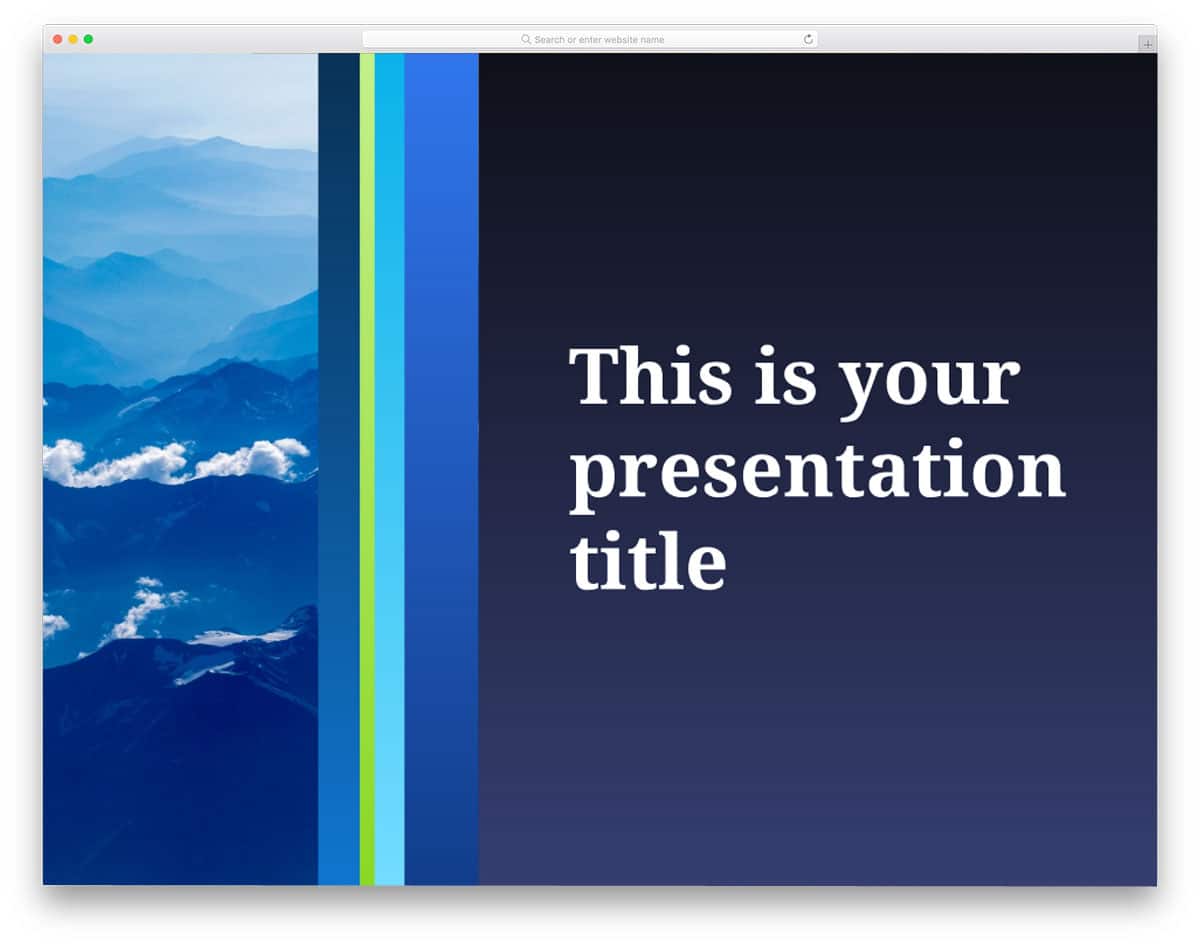
Nestor is another professional-looking PowerPoint template. This template can be used to explain products and also give an introduction to the courses. The split-screen design in this template helps you explain content with text and images side by side. A blue color scheme gives the template a professional look. On the clean white background, the black text is ink black, and other colorful web elements look more vibrant. Like most free PowerPoint templates in this list, this one also has a 16:9 layout.
Gertrude

Gertrude is also an image-rich PowerPoint template, just like the Ragonize template mentioned above. This template does not follow a uniform pattern, as the layout changes are based on the content. Since this template has different layouts, you have more options to choose from. The Gertrude package includes 25 slides with useful elements such as charts, maps, icons, and image placeholders. This is a hybrid template, meaning you can use it for both PowerPoint and Google Slides.
