

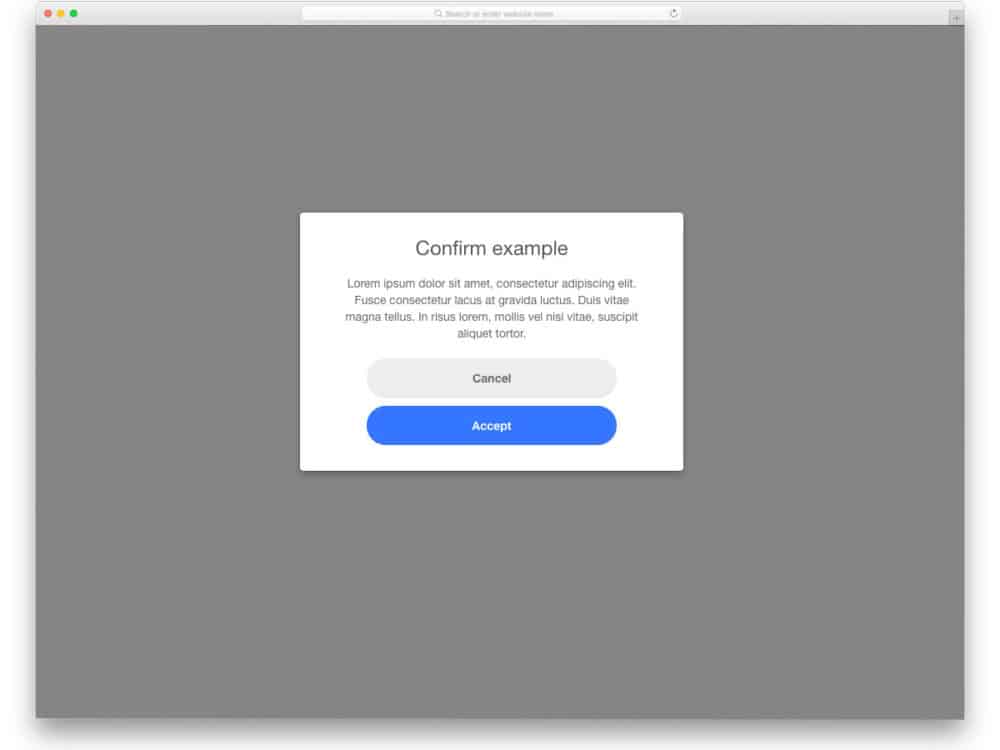
Have you been in a situation where you spend hours completing a process and dismissing it accidentally? It will be so frustrating that some of us even shut the computer and go for a walk. Consider the designer’s mood if this accidental deleting or dismissal happens in productivity software like designing software. As a developer, we are responsible for reducing these accidental deletions or dismissals to the best of the limit we could. To help you in this process, we have collected free-to-use jQuery confirm plugins on this list. You can use this jQuery confirm plugin in your website or web applications to let the user double-check the options they are selecting.

jQuery Confirm Box With Custom Buttons
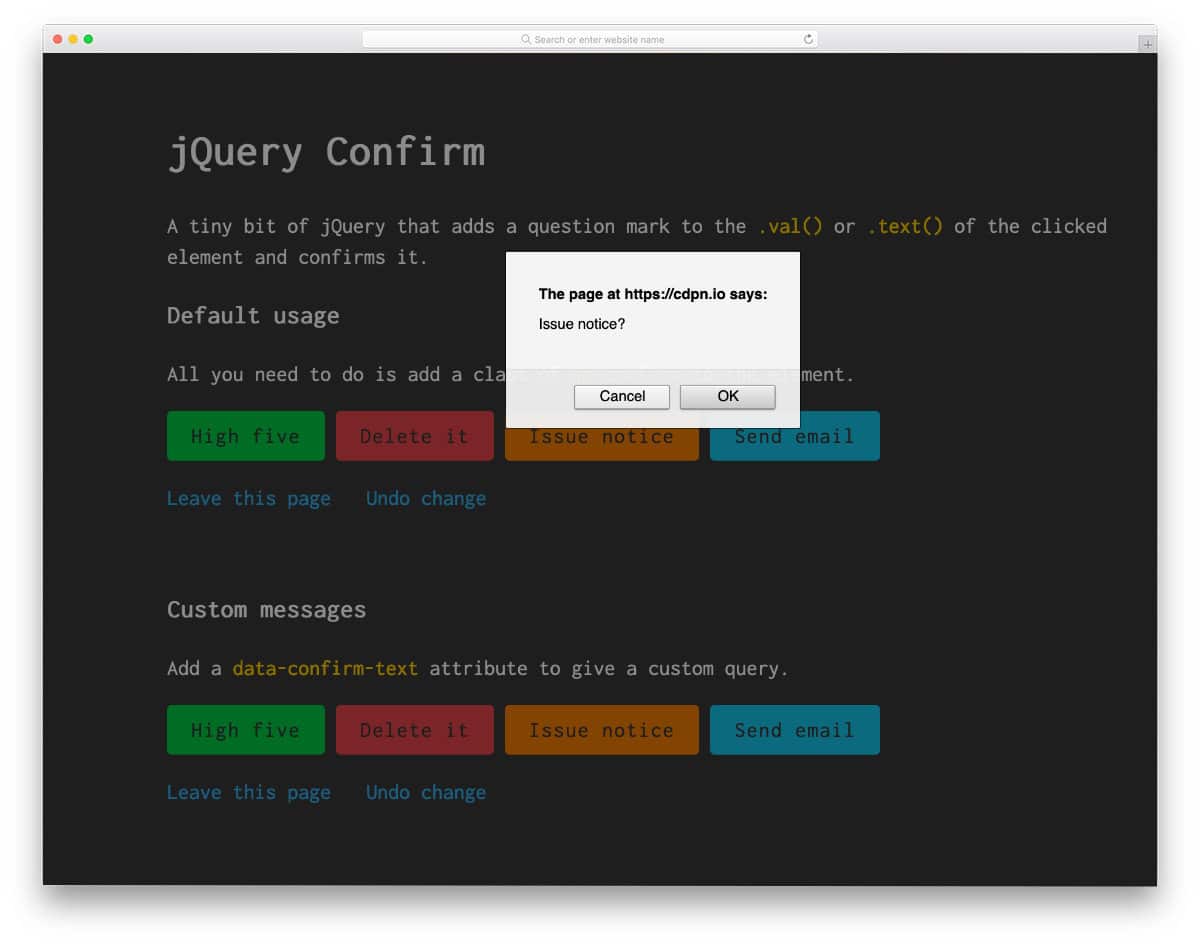
As the name implies, this jQuery confirm plugin gives you custom buttons and a confirmation message. Both link & button-triggered jQuery messages are given in this example, which will come in handy while you design an app or a page. The default button design is vibrant and full of colors. You can change the button colors as per your design requirements. Since the whole concept uses the latest CSS3 script, you can change the confirmation message box’s look, customize the buttons, and more without any issues.
Jquery Confirm Wireframe
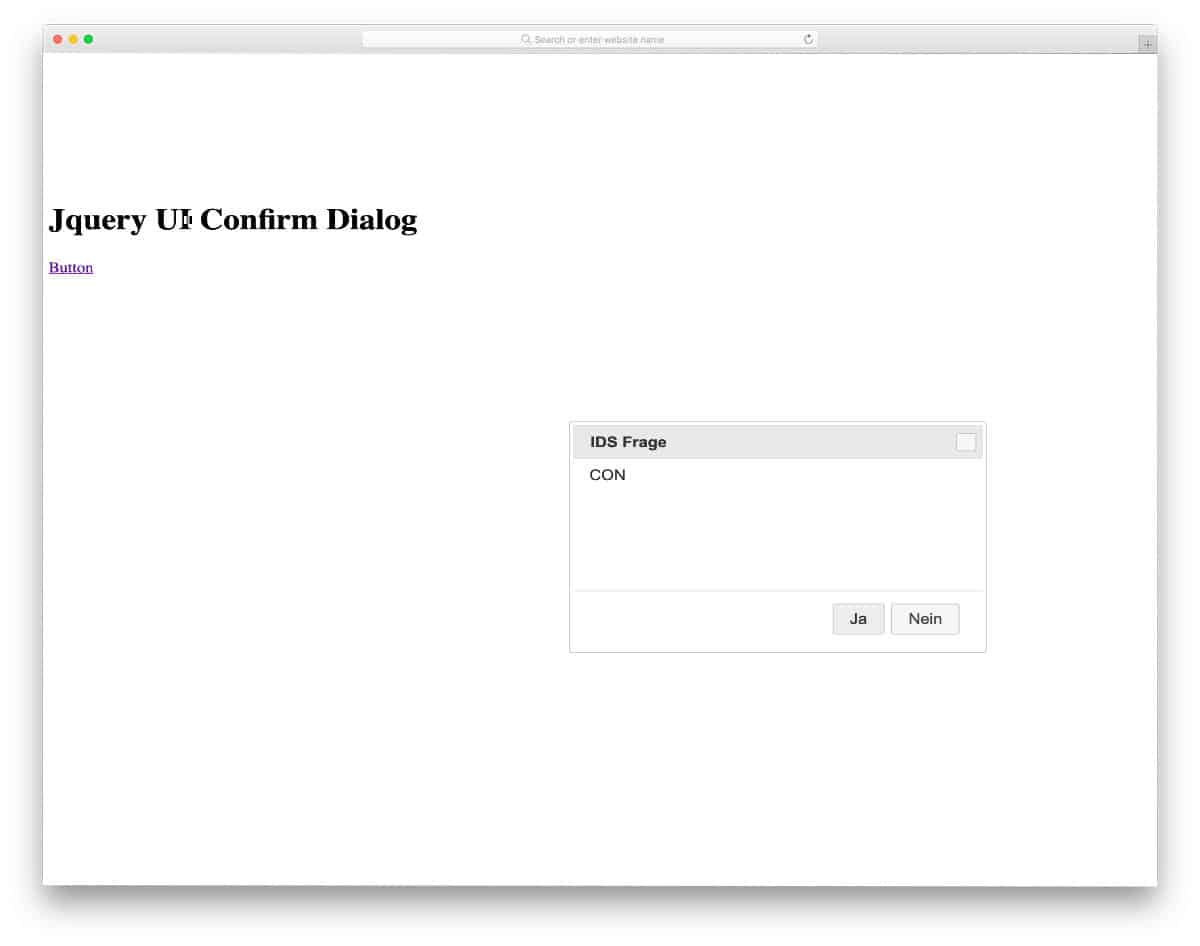
In this example, you get a working jQuery confirm plugin code with a very simple design. The creator has not concentrated a lot on the design, so you get a plain message box with buttons and a dismissal option. Developers looking for a working jQuery plugin with lots of room to customize the look according to their needs will love this code snippet. The creator has kept the code script simple enough to let the developers easily incorporate the custom elements.
Craftpip Jquery Confirm

Developers at Craftpip has given us confirmation popups for all sorts of web actions. Right from simple alerts to logical functions, all types of confirmation popups is given in this set. Thirteen types of confirmation designs are pre-designed for you. Some confirmation popups even have animation effects like zoom-in and rotation. Based on your requirements, pick one and start working on it. The developer has shared the development file with you in GitHub for quick and easy access. Another advantage of this plugin is that it periodically has new designs for better performance. Hence, you can use this code without any worries.
Popconfirm

Popconfirm shows the confirmation message as a popup over the text link or the button. By default, this confirmation message has a binary function i.e; yes or no function. If the user takes an irreversible action or selects a sensitive option, this pop will be good. For example, on a Banking website, if the user changes the contact details, you can double-check with the user with a yes or no condition. The developer has shared you the entire code structure so that you can easily work on this design and add your function in no time.
PopModal

This jQuery confirm plugin gives you tooltips, titles, modal dialogs, and more. All the basic confirmation and notice functions are covered in this PopModal design. With this design, you can not only show the confirmation message but you can also show tips, hints, and dialogs. Hence, there will be lots of coding in this set. Thankfully, the creator has segmented the codes neatly so that you can find the code snippet for the actions you want. All the code snippets have proper structure; hence, editing and using them will be easy for the developers.
Vue Confirm Plugin

As the name implies, this Jquery confirm plugin uses the VueJS. The confirmation pop-up window looks clean and neat. Blue color buttons and the clean white dialog box might remind you of the iOS and macOS pop-up windows. This example also has password-protected confirmation boxes besides the regular confirmation boxes. For example, if the user deletes crucial/sensitive information, it is better to get their password to give the information an extra layer of security. Though the original confirmation box is designed to delete information, you can also use it for other functions.
Jquery Confirm Plugins

In this example, the creator has given the confirm function when you choose an option. For example, when you are about to download a file, the confirmation dialog box appears whether you like to continue. Four different actions are given in this example. You can take the concept of the code and can develop your own custom functions. The creator has kept the code script as simple as possible to let users easily use the code in their apps/websites.
Ajsr-Confirm

The creator has given you some interactive and cool looking HTML skeletons in this plugin. Both simple and creative HTML skeletons are in this pack; you can keep it as a base and improve the designs as per your requirements. The entire code file and clear instructions are there on the Github page. Instructions are kept simple and direct by the creator so that all developers can understand the concept quickly. This jQuery confirm plugin will be useful for those who want the confirmation message to be unique and creative.
jQuery Confirm Modal

Using modal windows is one of the best practices in interface design. It shows that the process takes only a few minutes, and the user can resume working. Plus, the user doesn’t have to leave the page where they were before the confirmation process. The developer of the jQuery-confirm-modal design has given you a detailed note on the code. Even beginners can easily read and understand the code before using it on their projects. Since it is a concept model, the creator hasn’t concentrated on the design. However, you can use this code as a base and add the features and designs you want to make the user experience better on your website or web application.
jBox

Xbox is another multi-utility code snippet collection that you can use for confirmation, tooltips, and notices. The developer has given you both simple confirmation boxes and a full-page popup window confirmation window. Since it is a concept demo model, all the designs are simple. However, you can change the color scheme and animation effects based on your needs. The developer has given you a basic structure, from here you have to work manually to add your functions and options. The code script for all the options is shared with you so that you can easily work with this jQuery plugin.
Inline jQuery Confirm

If you have space restrictions and can only spare a few spaces, this inline confirm design is the best option. You get the confirmation request in a big window when you click the button. Since it is a demo concept, all the designs and contents are kept simple. But you can work on the code to make it a good fit for your existing design. The code script is kept simple so that you can add your functions to it. Flexible code design allows you to integrate with other applications and tools easily. A few optimizations will make it a perfect fit for professional use.
jQuery Inline Confirmation

jQuery Inline Confirmation is another inline confirmation design, just like the previous one. But this design is very simple. The confirmation message is given as a text link. The default design will be a good fit for the admin side users. But, if you add some colors and effects, you can also use it for other purposes. The jQuery plugin is kept very simple, all you have to do is to add the functions you want and use it on your website or application. Speaking of admin dashboards, take a look at our free dashboard template which has many friendly features like this pre-designed for you.
jQuery Confirm Mailto

This confirmation plugin is for sending email to a user or an organization. Email communications are still one of the most preferred media for business purposes. If you are a freelancer providing your business email address for communication, you can use this confirmation dialog box plugin. It will let the user know to whom and to which email address they will send an email. The creator of this plugin has smartly used the default confirmation dialog box in the browsers. Hence, your work to create a custom popup box is reduced in this plugin. But still, if you want you can use your own custom CSS skin for your confirmation dialog box. Speaking of emails, take a look at our free email templates collection for easy to use and integrate email templates.
Jquery Message Box

This developer has given you code snippets for popup menus, tooltips, and confirmation messages. You get both simple action boxes and complex data collecting box designs in this set. In the demo, the developer has properly segmented each code snippet and given you clear information about the code function. A two-step confirmation function is also given in this set so the user will clearly understand what action they are choosing. Forms and input field options are also given in some message box designs. Based on your needs, you can combine the features given in this snippet collection and can make a unique confirmation message box.
Jquery Confirm Exit
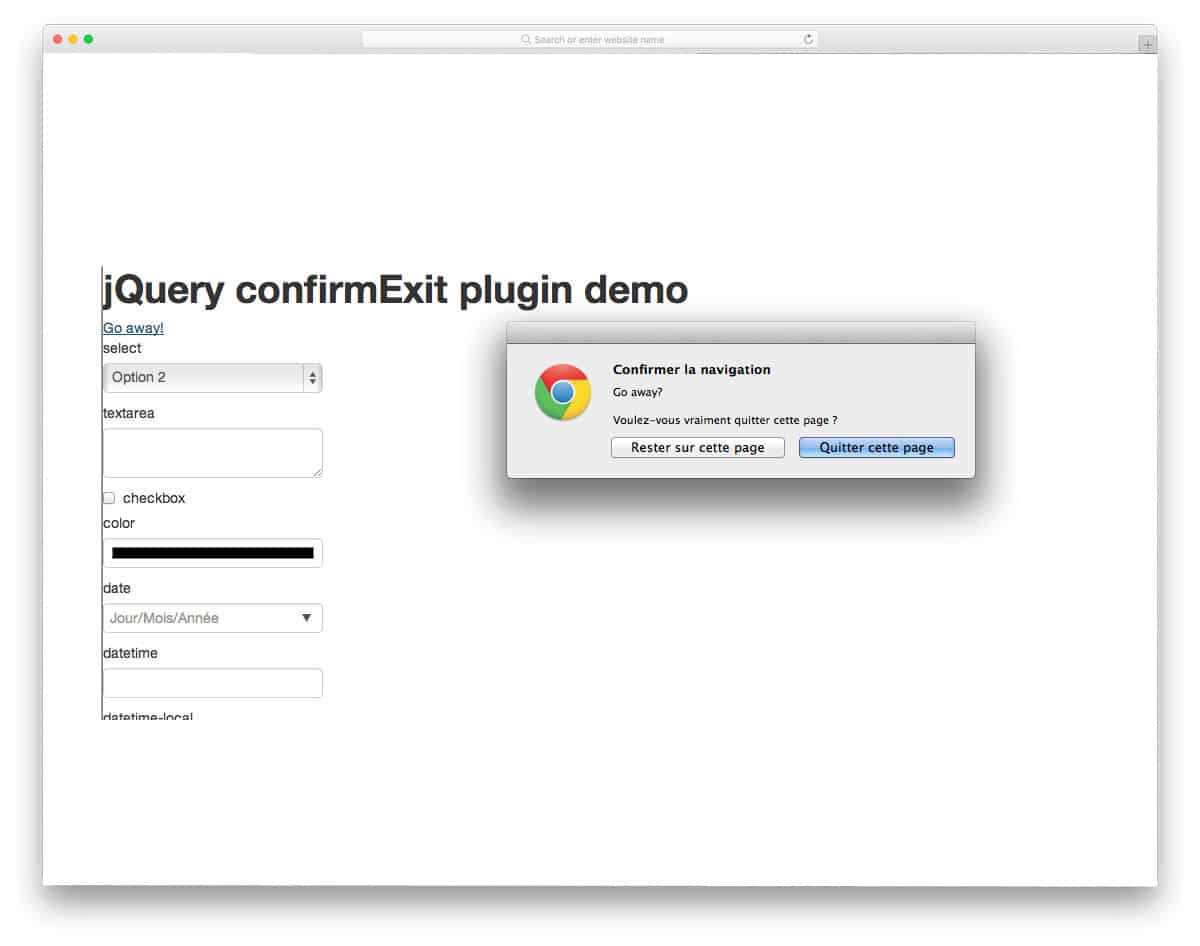
You can use this jQuery confirm plugin in your registration process and in your eCommerce stores. As the name implies, it is an exit confirmation message; when the user quits a process in the middle, this confirmation message will appear. Like the Mailto confirmation plugin mentioned above, this one also smartly uses the browser’s default popup message box. Giving an exit confirmation message lets the user know when they accidentally press the wrong button. As modern computers come with a touch input option, there are chances for accidental selections. Look at our computer mockup collection for modern computer images, which you can use to showcase your design elegantly. When we came to this jQuery plugin, the developer only gave us the download link. To learn how this snippet works, you must download it and see it yourself.
Jquery Confirm Myclabs

The developer has given you both minimal and colorful confirmation message boxes in this jQuery plugin. The developer has clearly explained every segment of the code. So even beginners can use this plugin without any issue. Based on your need, you can either go for a minimal design or a colorful design. A two-step confirmation function is also given in this design so that you can double-check the user’s decision before proceeding to the next step. The two-step confirmation will be a handy option for sensitive functions like aborting a program or finishing a test without completing it. As modern users depend on online tests and courses, jQuery plugins like this will be very useful. For education website templates with pre-designed useful features like this, take a look at our free education website templates collection.
jQuery Mandrin
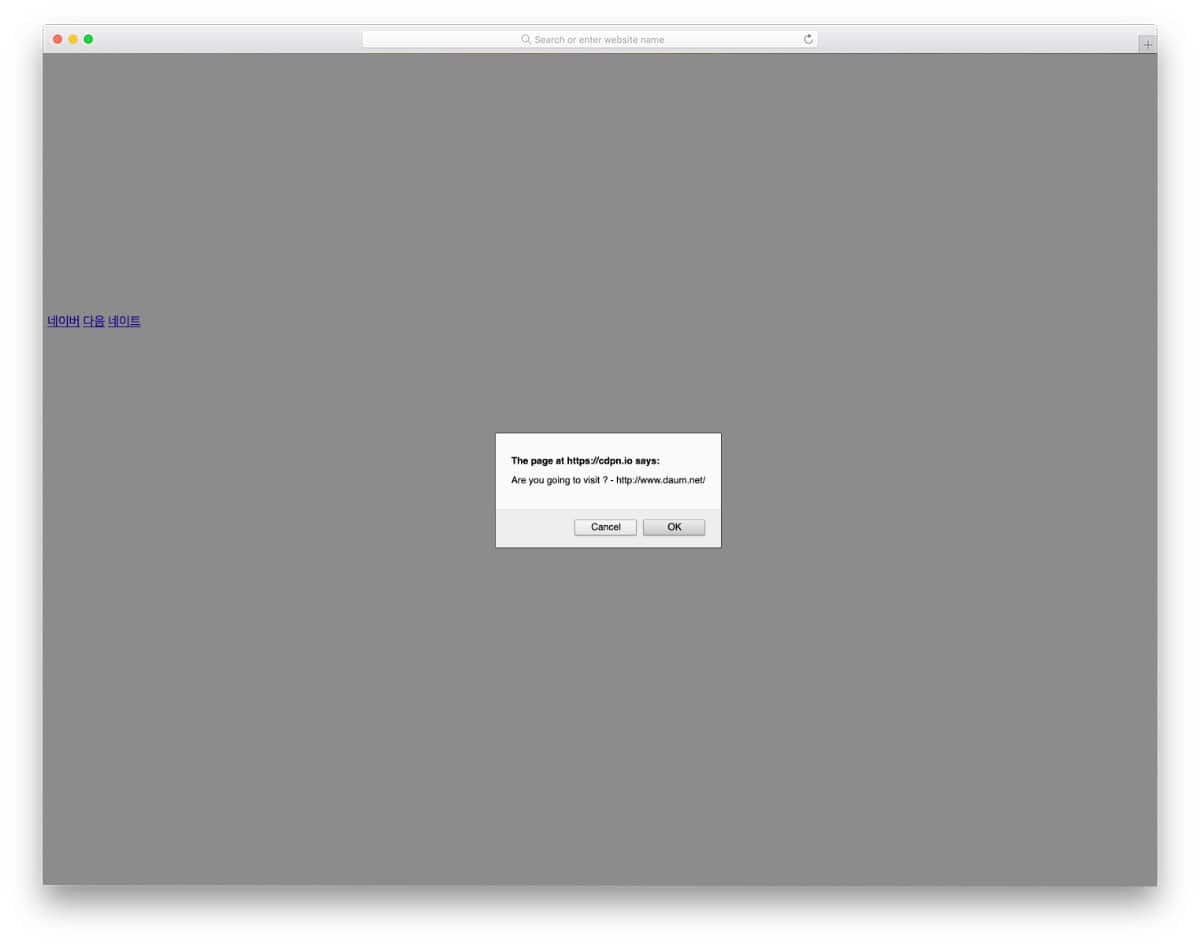
Code-wise, this jQuery confirm plugin has a dead-simple structure. Those looking for a simple code script to try in their project can try this code snippet. The creator has shared the code snippet on the CodePen editor. Therefore, you can edit the code and visualize the results in the editor before taking it to your project.
jConfirm By HTMLGuy

In this confirm plugin set, the developer has given us confirmation messages in different sizes and in different placements. You also get confirmation message box for basic functions like save, delete, mailto, delete, and bookmarking. The developer has properly organized the contents and code snippets in the demo page to help you easily understand the code. For beginners, clear documentation will help you clearly understand the code structure and its function. All the confirmation messages happen around the call to action buttons. So make sure you give ample space for the message to appear neatly on your webpage.
jQuery ConfirmIt

In this confirm plugin, the developer has given you confirmation box design for all possible scenarios. You even get a step-by-step wizard-like confirmation action with this plugin. Nearly ten actions are given in this confirm plugin. All ten confirm messages appear in the default browser alert box design at the top. The developer has given you the basic function, from here you have to work manually to make it a correct fit for your design. Your work is greatly reduced since the important function is done in this plugin. This plugin works fine in major browsers like Chrome, Firefox, and Safari. But still, you need to make a few optimizations before using it on your professional design.
jQuery Alertable

jQuery Alertable set gives you functions for alerts, confirm messages, and prompts. These three very basic functionalities required in all types of websites. The confirm message appears at the center of the page so the user will be clearly notified of the action they are about to make. Entire code structure used to make all these functions are shared with you directly. To help you get a better hands-on experience, the developer has shared the code in the CodePen editor. Hence, you can customize the code and visualize the results before using it on your website or application. CSS code script is also given in this example, hence customizing the looks of it will be an easy job.
jQuery Confirm By Eightarmshq

In this jQuery plugin, the developer has given you both the default message option and the custom message option. The developer has given you clear instructions on the demo page so that you can easily add your own custom message and options. Call to action buttons and text links on this set are made so colorful than the other options in this jQuery confirm plugins list. The developer has also given you the HTML5 and CSS3 script and jQuery. Hence, you can add custom colors and animation effects to this design to make it unique. To make the button interactive, look at our CSS hover effect collection.
Learning jQuery Confirm

This is a very basic and simple looking jQuery confirm function design. If you are a beginner, this code snippet will be the best place to start your project. To keep it simple, the developer has used the default pop message windows in the browsers. Hence, the code snippet has the code for the confirmation function alone. The developer also gave you a double confirmation message option in this snippet. From here you have to work a lot to make it fully functional and presentable for the users.
Jquery Dialog Js

In this example, you get a big dialog box design for the confirmation, alert, and prompt messages. The developer has made the alert message box alone as a dismissible box with a cross at the top. Dialog boxes are made bigger and bolder to add your message clearly to the audience. The clearer the message, the better the user response. All the elements are made bigger so the user can easily interact with the design. Unfortunately, the developer has not shared the demo link with us. You have to download and see the code to know how it works.
