


Animations help us connect with the audience more easily. Whether we are making an illustrative design with complex animation or a normal website with simple animation, animation adds life to the website. Though animations are good for interactions, they tend to slow down the website. However, we can easily build an interactive, lightweight website using a modern web development framework. This list will rev your creativity if you want creative Bootstrap animation examples to add meaning to your website.
We have included Bootstrap animation examples for almost all common web elements to make this list useful. Take your time, check all the examples, and find inspiration for your design. Most developers have shared the entire code script, so you can easily use it.
Here are the best Bootstrap animation examples to add life to your designs:
Bootstrap Bounce Animation Example
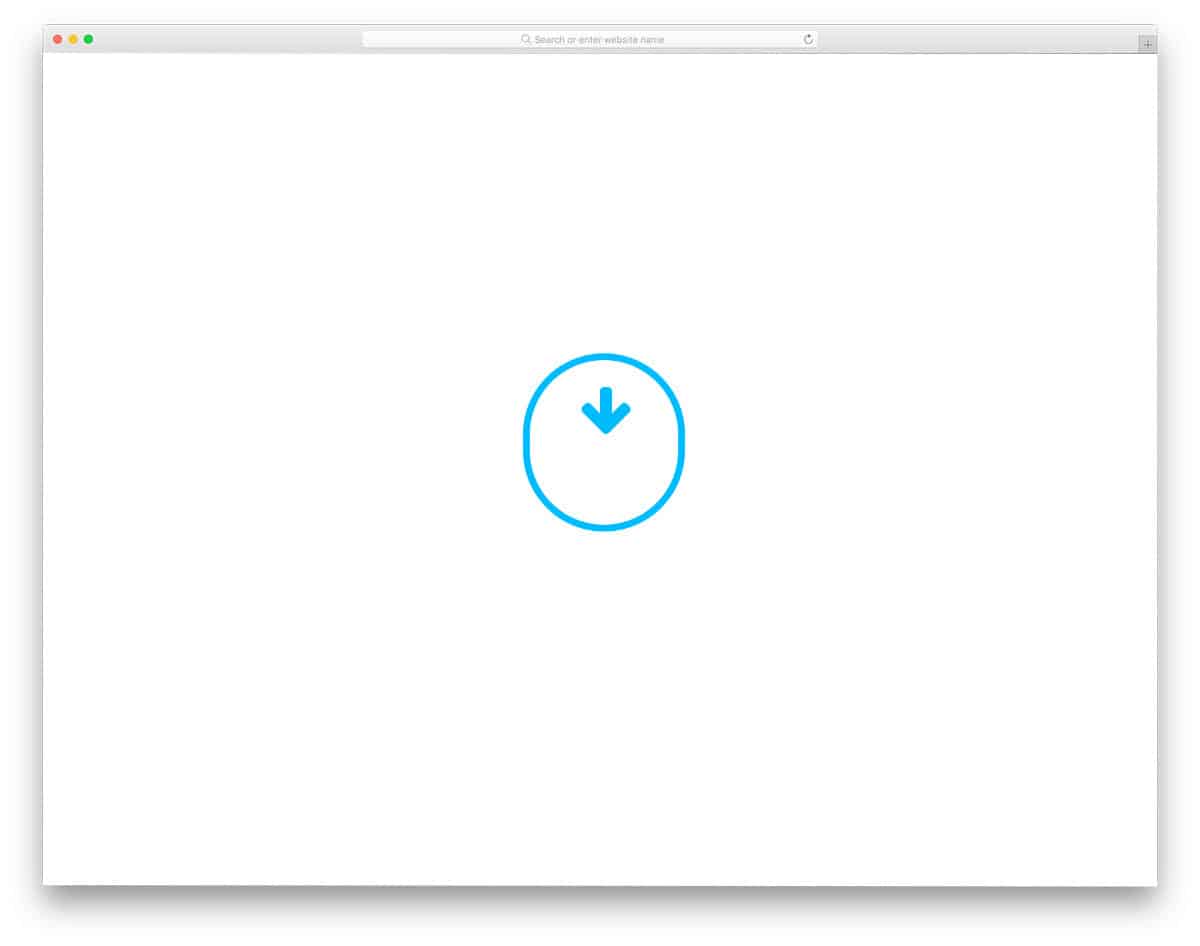
The creator has provided a Bootstrap bouncing-arrow animation example in this snippet. Arrows are used in different parts of web and app design. Since they are natural pointers, they help users easily understand where to go next. Adding a bit of animation to the arrows will improve the user experience. The default design is made for the scroll arrow animation. You can take this concept as a base and create custom bouncing animation according to your design requirements.
Bootstrap Background Animation
Those who are looking for interactive Bootstrap background animations will love this concept. The particle-like background animation elements lit up when the user moved the cursor over them. Interactive Bootstrap animation examples like this will be useful for the header and other important sections. Since the concept is very simple, you can easily fit this animation background into any part of your website. The entire code script is shared with you on the CodePen editor, so you can edit it per your requirements.
Curve SVG Bootstrap Animation on Scroll
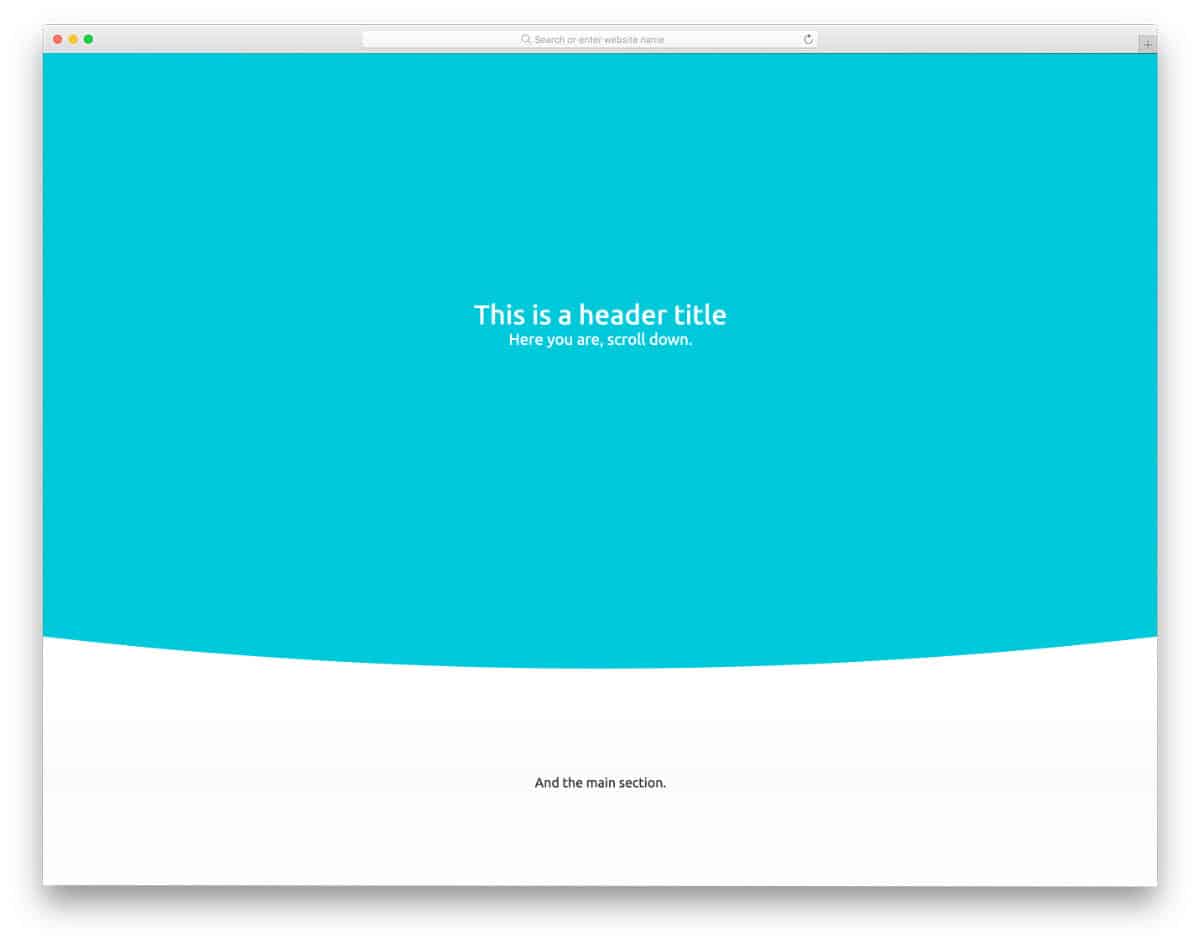
Bootstrap scroll animations are one of the most commonly used animation types. As the name implies, this bootstrap animation example uses a curved SVG element to deliver an immersive user experience. The creator has smartly leveraged the curved nature and used an elastic-like curvature animation to provide a natural feel when the user scrolls the page.
Organic Shape Animations

Organic shapes are used extensively in modern web design. Instead of using the same old shapes, use organic shapes that align with your design concept and the space. Thankfully, the modern web development frameworks help you create any shapes easily. You can add animation effects to these organic shapes to improve the design. The creator has given different types of organic shapes in the Bootstrap animation examples collection. All animation effects are very fluid and simple to use on any website. The animation effects are so smooth; hence, you might even remember amoebas you have seen under microscopes during your school and college days.
Scrolling Letters Animation

Modern typographies have unleashed many creative ideas for developers. Letters are treated as a part of the design nowadays. One such creative idea for the letters is this scrolling letter animation. This bootstrap animation on scroll fits in interactive homepage designs and modern one-page website templates. The letters change according to the section title as you scroll down the page. The letters are made bigger and are kept at the lower-left corner of the screen to make it discreet when the user reads your webpage content. You can easily change the text font and size to fit your needs.
Decorative Letter Animations

This is another typography animation example. Modern creators use typography as a decorative element for content-focused websites to deliver an engaging user experience. The creator has given different Bootstrap animation examples for texts in this example. The default design makes it a perfect option for the slider concept. This bootstrap slide animation can also be used for interactive menu and category option listing. The entire code used to create this design is shared with you so you can easily edit it as needed. If you want, you can use the designs as is by making a few code optimizations.
Bootstrap Product Page Animation

Online stores are becoming more lively, and developers are experimenting with different techniques to make the shopping experience more engaging for users. In this example, the creator has used swift product page animation to present the product elegantly to the audience. Since the animation is short and simple, you can use this animation even in a shopping app. The only thing you might need to add to this animated shopping concept is a product image carousel; otherwise, everything works smoothly. Look at our bootstrap carousel design collection for a more interactive design that goes well with this animated product page design.
Button Selection Type

This animated button design might be handy in many modern web applications and mobile app UI designs. This button selects options without any unfolding animation or a checkbox. The rubber-band effect when options change gives the design a realistic touch. Plus, the user can easily note that the options within the button are changing. If you have limited screen space and have to list a few options, animated buttons like this will take your design to the next level. The creator used a few JavaScripts in this Bootstrap animation to make the animations fluid.
CSS Animations with SVGs

This bootstrap background animation might help you make a lively homepage header section. Animated header sections get user attention more easily than other header designs. This light-weight background animation keeps the design simple and also loads faster. Hence, you don’t have to change the design or code when working on mobile responsiveness. Since this theme uses the latest CSS script, the colors look vibrant, and the animations look natural. If you are ok with this background animation, you can use this code snippet in your design without any issues.
Submit Button

Micro animations are taking user experience to the next level. Modern designs use animation effects to add meaning. For example, the creator clearly shows that your information is sent to the server. The creator has kept the progress bar animation as sleek as possible so that the user doesn’t have to wait much. The creator has used CSS and JavaScript frameworks for smooth animation and transitions. Because of the simple animation and compact design, you can use this concept on any part of your website. The entire code script is shared with you in the CodePen editor; you can easily edit and preview the results before using it in your design.
Snake highlight
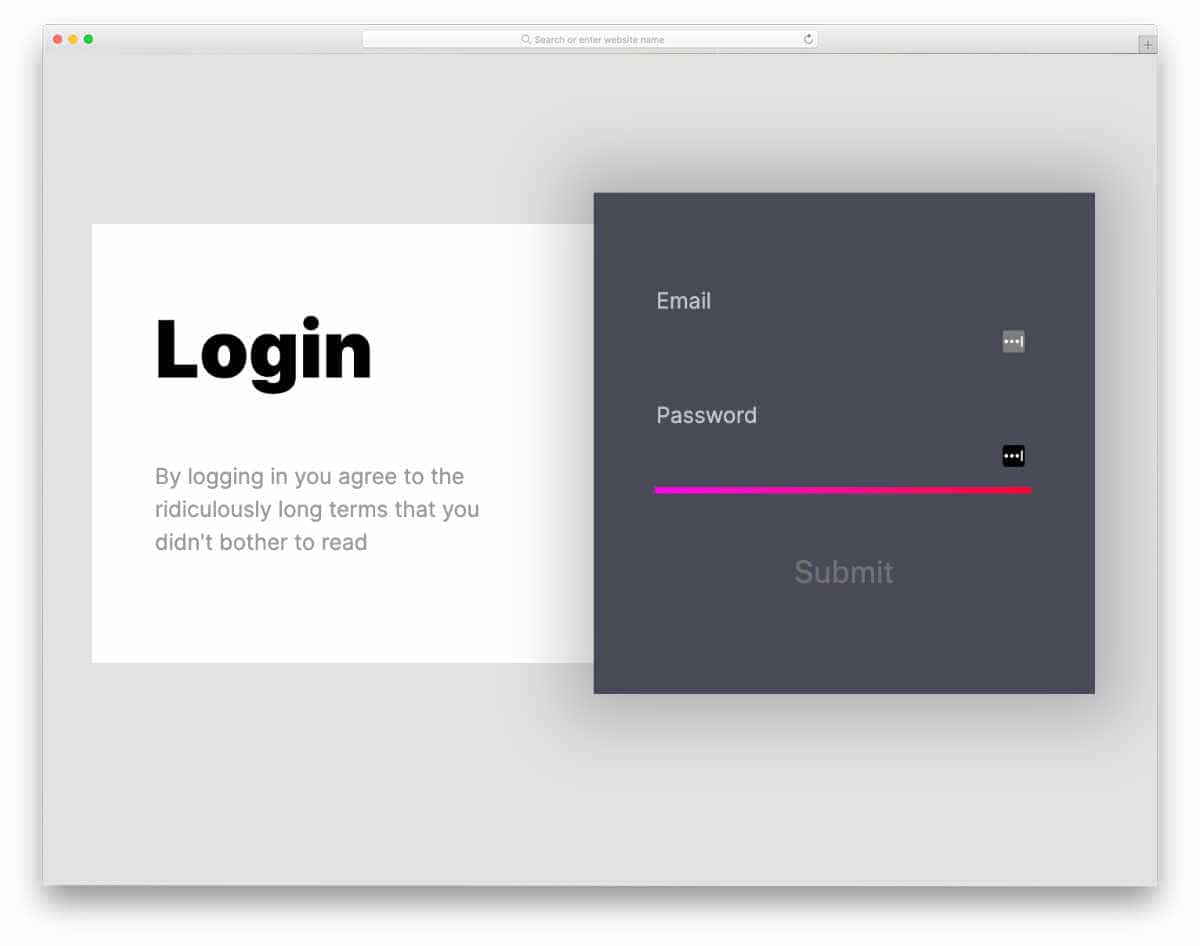
The creator has given this name with a purpose. The line highlighter moves to the next form field like a snake you might have played on your earlier mobile devices. This snake animation is not pixelated; it is smooth and modern. In the default design, the creator has used a login form concept, but you can also use it for other forms. The code script is simple, just like its animation concept. The creator has kept the code as direct as possible so you can easily understand it and use it in your project.
Material Design & Bootstrap
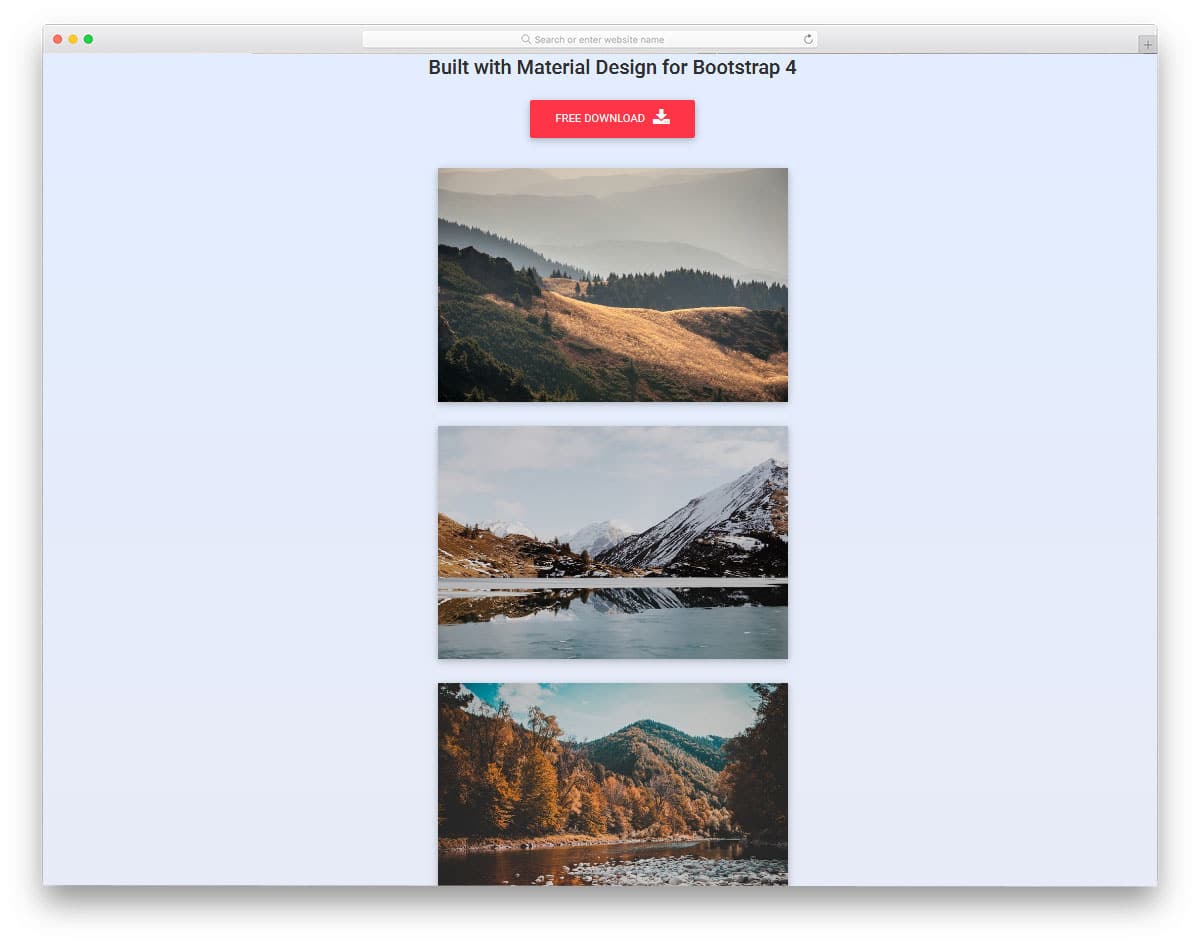
This design is an example of scroll animation. Scrolling down the page, you can see many different slide-ins and jiggly movements. The designer has used a gallery page design for the demo, but you can also use this animation for other types of content. Another advantage of this design is it is made mostly using the HTML5 script. Hence, customizing and implementing this Bootstrap animation in your project will be easy. The script used to create all these animation effects is shared with you directly in the CodePen editor; you can edit and preview your results there before implementing the code in your design.
Stripped Diagonal Button Single Border

Elements can serve better and attract user attention more easily with animation effects. Hover effects are used smartly in modern web design. In this example, the creator has used subtle yet eye-catching hover effects to bring the buttons to life. If you use a straightforward, brutalist design for your website, animations like this will give a new look to your website. The shared code snippet shows that the developer mostly used CSS3 script to make this Bootstrap animation. Since it uses the latest CSS framework, it supports all modern colors.
Button Hover
This one is another example of a bootstrap hover animation. This bootstrap animation is made purely using the CSS3 script, and a little bit of HTML code is used to make the design precise. The hover animation used in this design is fluid and neat. Since the effects are simple, you can fit it on any part of the website. The transition not only includes button expansion but also arrow transformations. If you wish to make the arrow animation even more appealing, take a look at our CSS arrow design collection for more inspirations.
Aperture Video Play Button
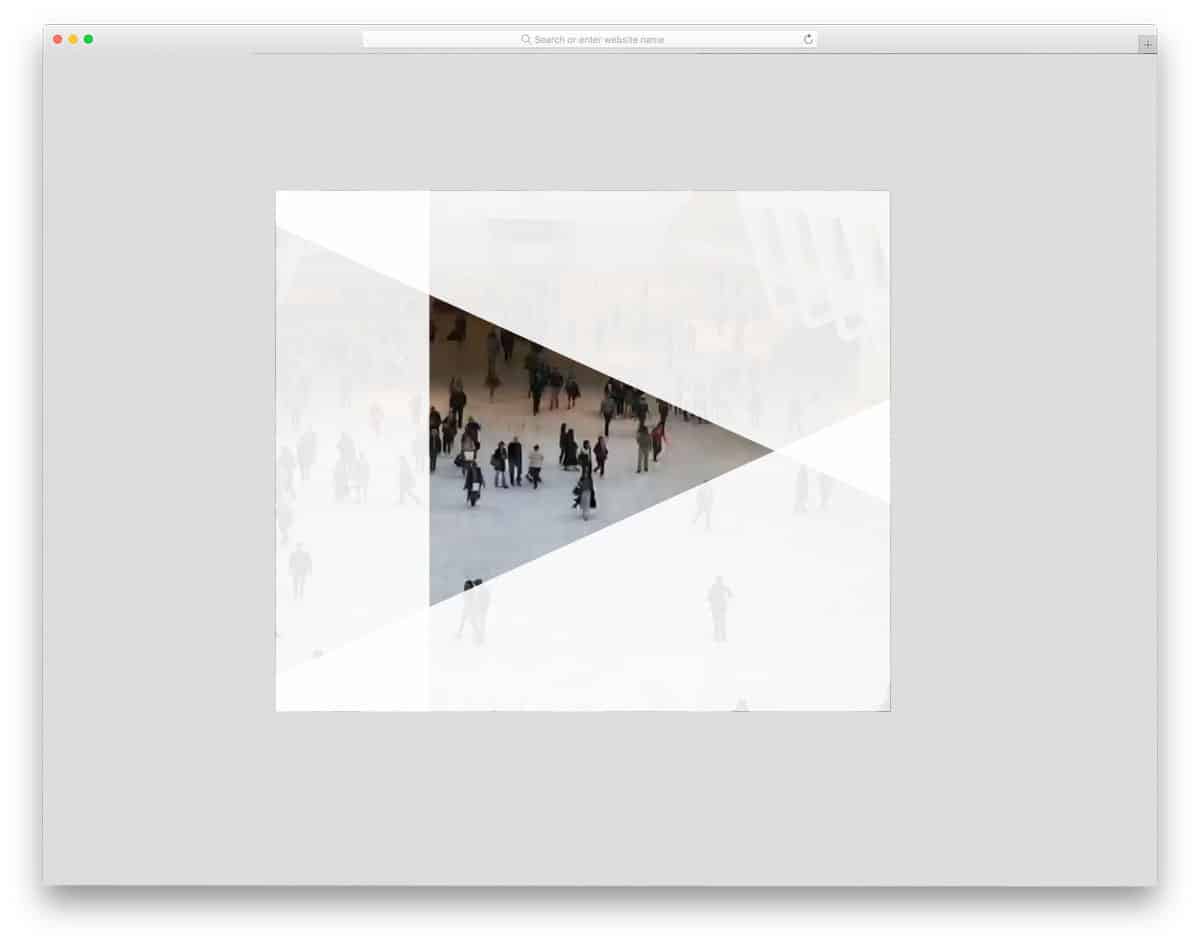
Video content dominates the internet, and users love to watch videos on the go. If you use videos on your website and love to make the video player blend well with your design, this button animation will give you a new idea. As the name suggests, the play button is treated as an aperture on the video background. The button transitions quickly so the user can see the videos easily without interruption. Since the whole concept includes many complex elements, this design’s code is also a bit complex. The creator used HTML, CSS, and Javascript to create this design. You can recreate this design with the code structure you prefer by keeping this design as an inspiration.
Button Border Hover Effect
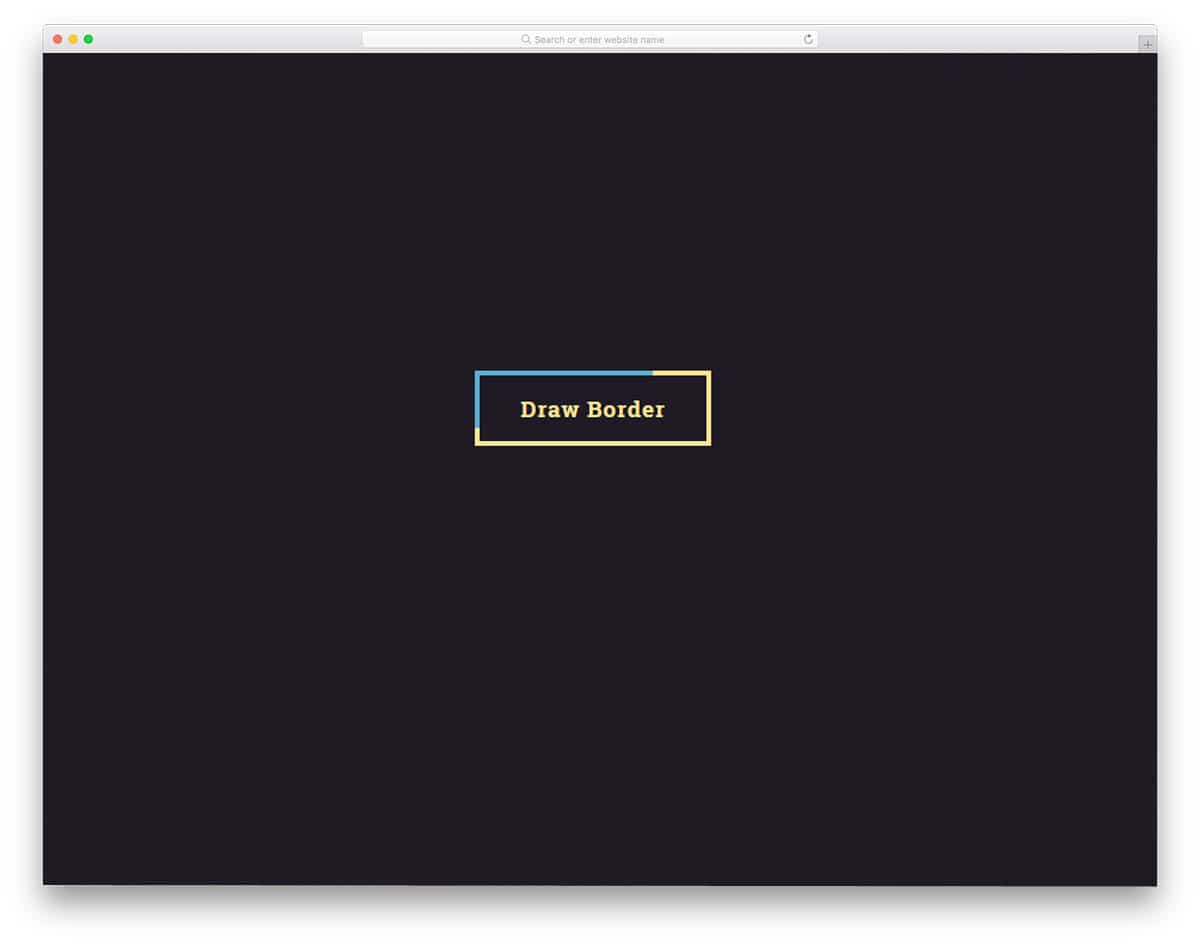
You don’t have to animate the whole button; sometimes, you can choose the minimal approach and button border animation effects. In this Bootstrap button border animation effect, the creator has used a color-changing effect. Since the button’s shape remains unchanged, the user knows there is a button. Only the way the button reacts to the hover is changed in this design. Overall, it has a simple design and can be used anywhere on the website. This bootstrap animation is made entirely with CSS3; therefore, handling this code will be easy for both new and experienced developers.
Bounce
Another most commonly used bootstrap animation is loading animation. As the name implies, this animation includes a bouncing effect. Most premium themes and some good quality free templates give pre-loading animation in the default design itself. This example will inspire you to be a little creative with the loading animation. The default animation is simple and clean so you can use it for any website. You can feel the fluidity because the developer has used the latest web development framework. The design and code structure are kept simple to make it easy for you to use.
Loader CSS

Rather than using a generic loading animation, some websites use elements relevant to their design and niche. For example, you can see foods and vessels in the animation in a food website template. In this example, the designer has chosen the isometric design in a material design format. The circles smoothly overlap, and the shadow effect is used effectively to add depth. This bootstrap animation example is also made mostly with CSS3. If you are following an isometric design on your website, then you can use this design without making any customizations.
Floating Animation

Floating Animation is a perfect example of profile widgets and profile pages. This animation keeps the user’s profile image floating to highlight it from the rest of the web elements. Since the effect is simple, you can use this on the widget and a profile page. Shadow effect is used effectively to give a real floating feel and you can adjust it based on the design you follow. If you are looking for modern profile page designs for your website or your users, take a look at our bootstrap profile page collection.
Arrow Animations
Arrows are an inevitable element in modern web design. From smartphone applications to simple websites, arrows are used to guide users. When arrows are combined with animations, they become more meaningful and provide a better user experience. In this example, the creator used subtle animation for the arrow-click effect. The default design makes it a perfect option for the toggle arrows. The given effect is sleek and quick, so the users will barely notice the arrow design transitions. For a buttery smooth animation effect, the developer has used a few lines of JavaScript along with the CSS3 and HTML5 codes.
Animated Back To Top Arrows
You can see back-to-top arrows in many blogs and listing sites. Though these back-to-top arrows are not used much in the desktop design, they are very useful on small-screen devices. The user doesn’t have to keep swiping to reach the top of the article. They can simply click the Back to Top arrow. If you want to animate the arrow and let the user symbolically convey its function, this animation effect is a good choice. Originally, this design was made for the desktop version; hence, the animation effect is triggered on hovering over the arrows. This simple bootstrap animation can be easily customized and used on any website or application.
CSS Animated Arrow Icon

This bootstrap arrow animation is similar to the Arrow animation example mentioned above. But this one bounces when you click the arrow. If you follow a minimal website with a colorful design, this arrow effect will fit in perfectly. This arrow is also made for the toggle option. This effect will work smoothly whether you use the accordions’ arrows or the drop-down menu. Like the design, the code is also kept very simple. Mostly, CSS script is used in this design, and a few lines of HTML and JavaScript are used to add perfection.
Arrow Loading Keyframes Animation

In this example, the creator has used an arrow animation for the loading effect. But you can use this design type on landing pages. Since we have only a few seconds to grab the user’s attention on the landing page, animated elements like this help focus it on the desired content. This effect is similar to the neon signboards used to identify stores. Since this design is designed for loading, it is not triggered by hovering or clicking. But you can easily customize the appearance of this Bootstrap animated arrow by adjusting the code shared with you.
CSS Chevron Arrows
These animated arrows are the best option for carousels and image sliders. On hovering over the arrows you get double arrows showing the slider direction. The entire arrow is designed with CSS, so you can easily customize its size, color, and more. The entire code script is shared with you in the CodePen editor, so you can easily edit and visualize the results before implementing the design in your project.
Reveal Animation Text And Image
This is another reveal animation you can use when the page loads or the user scrolls down the page. The creator has used texts and images in the demo to give you a better idea. Since this bootstrap scroll animation uses a thick color overlay to reveal the content, it can easily handle any type of content on the page. But still it has its limitations, you can’t use it for homepage page with pricing tables, accordions, and pages with lots of elements because it will annoy the users. This bootstrap reveal animation is good for pages with fewer elements. For example, you can use it in a product description page or your single project page on your portfolio.
Shatter Text Effect

Texts are treated as a part of modern web design. Thanks to the more expressive font designs we have now. Combining these expressive fonts with interactive animation effects will give depth and character to the design. In this example, the creator used the text’s hover effect. From the name itself, you can judge that it uses a shatter effect. However, the shatter effect is handled appropriately to maintain text readability. Like most bootstrap animation examples in this list, this one is made using the CSS3 script. Hence, you get the flexibility and versatility to easily use the code in your design.
Direction-aware 3D Hover Effect
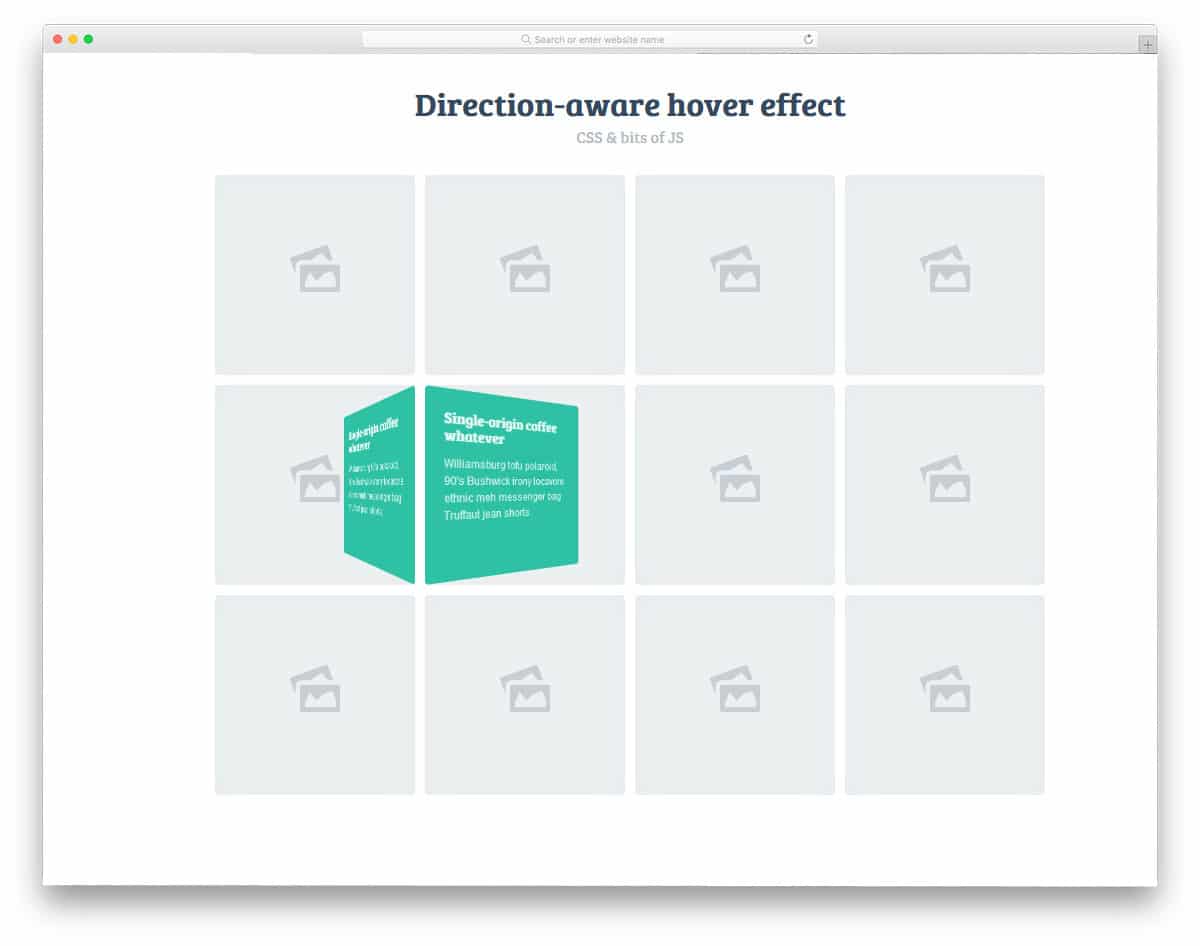
With the help of modern, powerful code scripts, the user experience has become more natural and easy to use. In this example, the creator has used a direction-aware hover effect to show the texts. For example, if you are moving from the top, the box unfolds from the top. And if you move the cursor from left to right, the bold flips from left to right. Interactive smart animations like these will add an extra touch of elegance to your design. If you plan to say a few words about your work on the portfolio, this effect will be a good choice. You can use it on your existing website by making a few code adjustments.
10 Stunning Hover effects
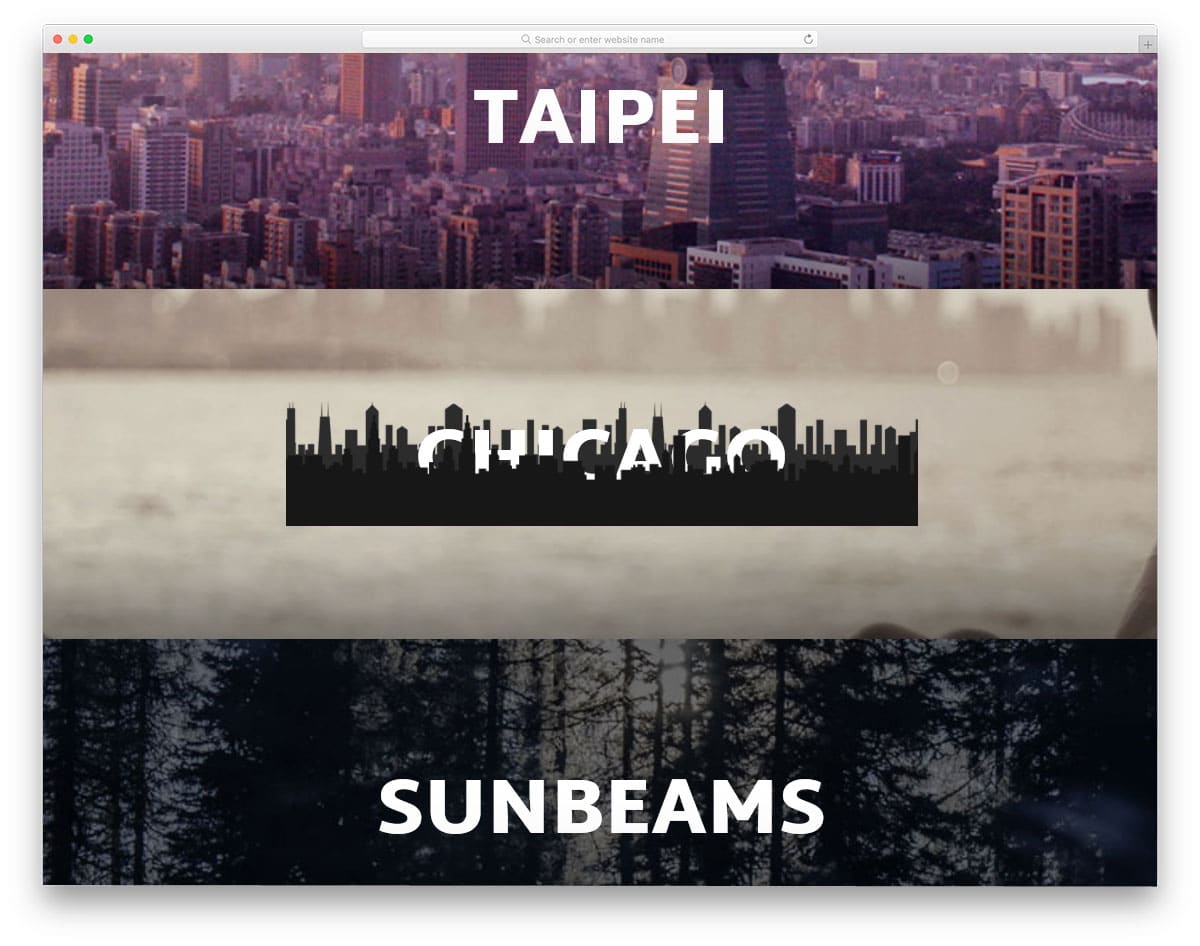
Hover effects don’t need the same color changing and depth effects. With the help of modern Bootstrap animation, you can be more meaningful with your hover effects. In this example, the developer has provided 10 hover animation examples related to the word. All the hover effect concepts given in this example are minimal and load quickly, so you needn’t worry about the page load time. Another notable feature of this example is that it is entirely built with HTML5 and CSS3. Hence, you can easily utilize this code even in your existing website.
Image Hover Effects
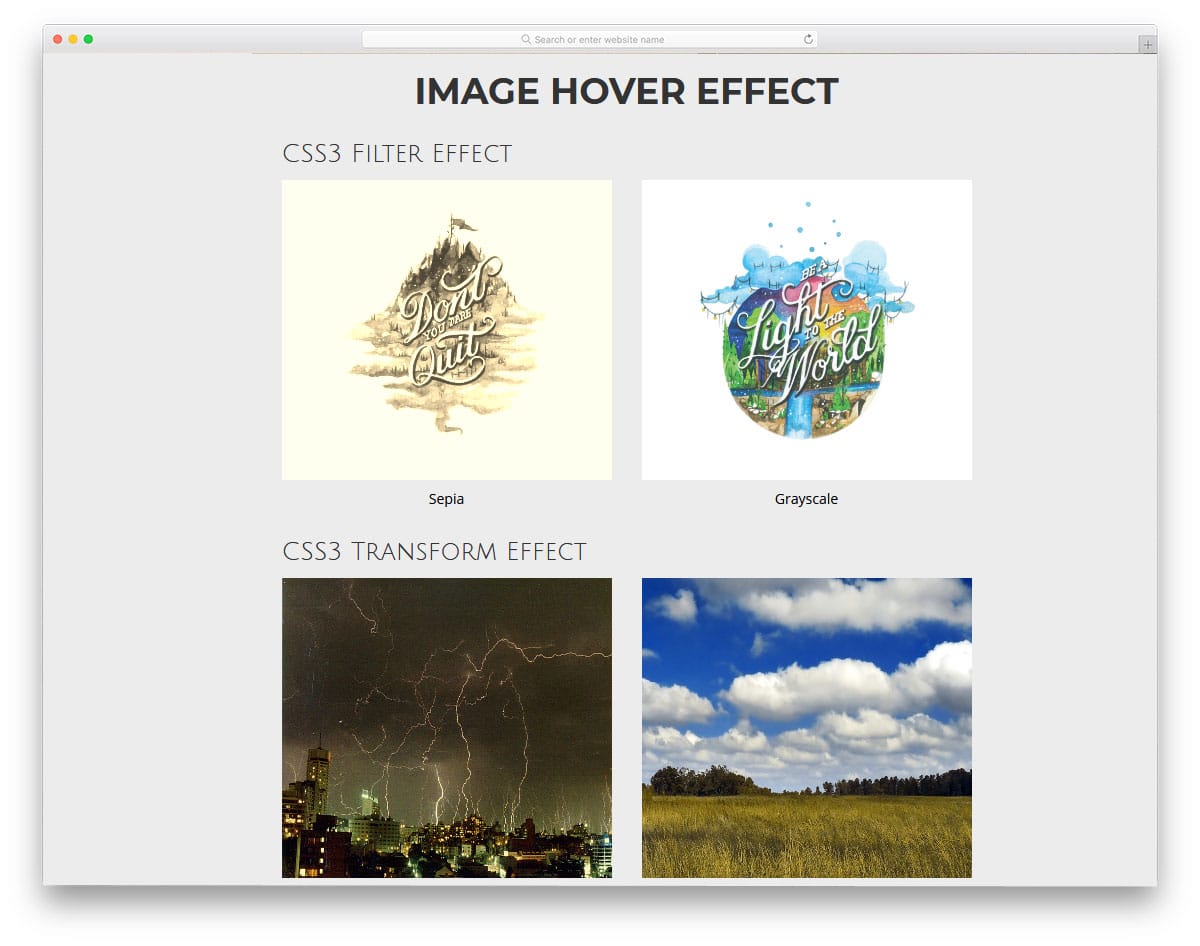
Image Hover Effects are one of the most commonly used bootstrap animation effects. In this example, the creator gave us color overlay, zoom, and text effects. The animation effects are simple and load quickly. You even get a 3D card flipping effect in this example. If you want gallery designs with smart animation effects like this, look at our gallery page design collection. In this example, you get nearly seven hover effects, all made purely using HTML5 and CSS3. The code script used to create all seven hover effects is shared with you in the CodePen editor. Before using it on your website, you can edit and visualize the result in the editor.
Border Animation
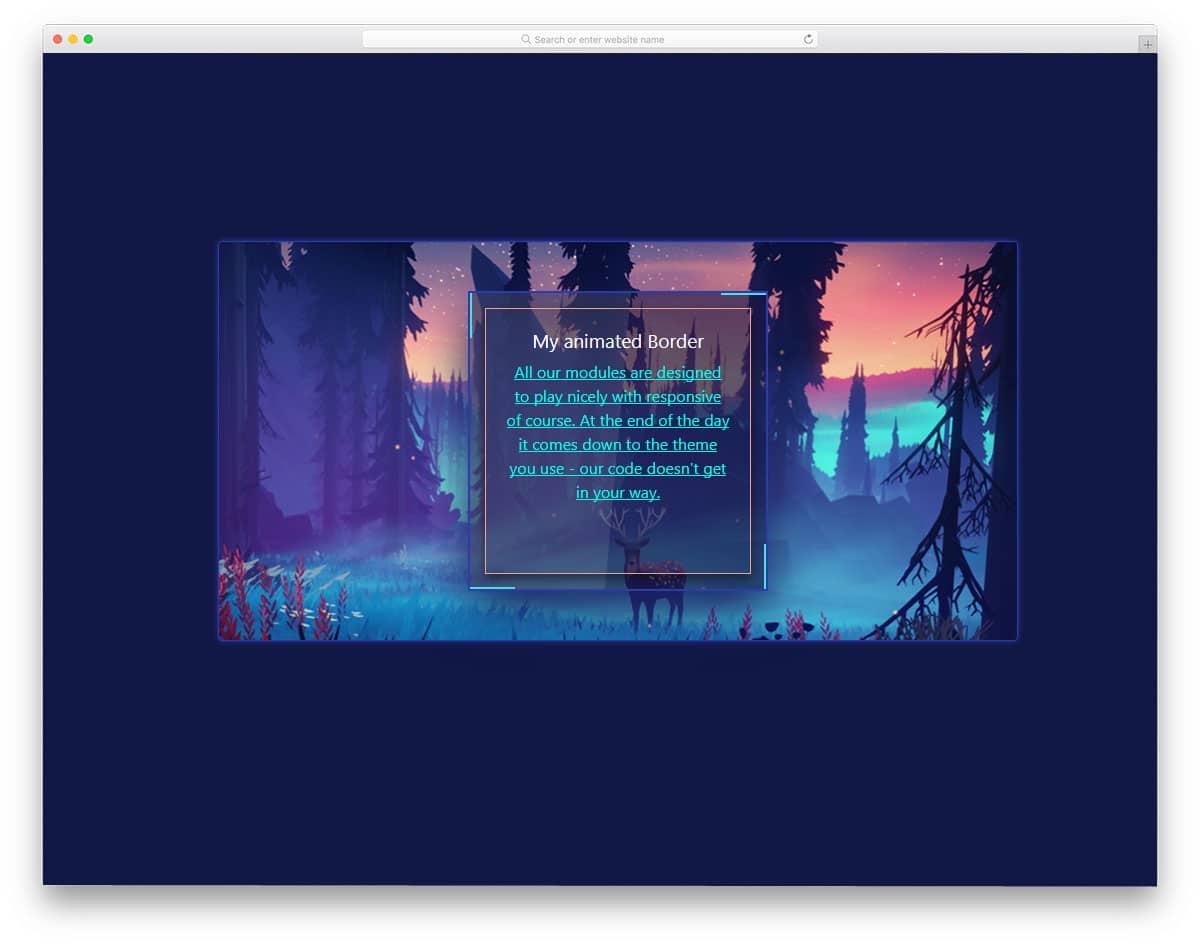
Border animations are used effectively in modern web design to distinguish the important elements from the others. Especially if you are making a website with many card elements, border effects like this will be useful. In this example, you also get a continuously animated boundary and a hover effect. The animation is lightweight and straightforward, so you don’t need to worry about page load speed. The simple code structure of this design makes it fit easily, even in an element and content-rich web page.
