


You can immediately use a collection of friendly Bootstrap DataTable design examples in your project.
Data tables are widely used in many industries and by many people. Students use a data table for simpler tasks, such as organizing data and visualizing results. Marketing and data management professionals perform more complex functions, such as combining two fields, visualizing results from multiple tables, and finding new solutions in the data. Whether you are making a simple datatable or a complex datatable with different functions, there is a design for you in this Bootstrap datatable example collection.
While designing a Bootstrap data table, make the basic details clear: whether you will use a regular vertical or horizontal scroll table. Note all the functions the user will expect from your table. If your field will have a lot of data related to a particular topic, make sure to decide whether you need a single or multi-modal window. Functionalities for the rows and the columns, plus, decide whether you need a resizable column or row.
Another design factor we must decide is how we will differentiate the rows; the most commonly used methods are zebra stripes, line divisions, and free from any boundaries. In this bootstrap data table list, we have taken care of the look and design so you can focus more on the functionality.
Experts always recommend moving from smaller to larger elements when creating a complex element. After completing a list of all the functions you need and the characteristics of every cell in the data table, move on to the design. Make a rough sketch before moving on to the original design. Designer Slava Shestopalov has given a detailed insight on designing a complex web table. Take a look at it for more design-related tips.
Bootstrap Table V19
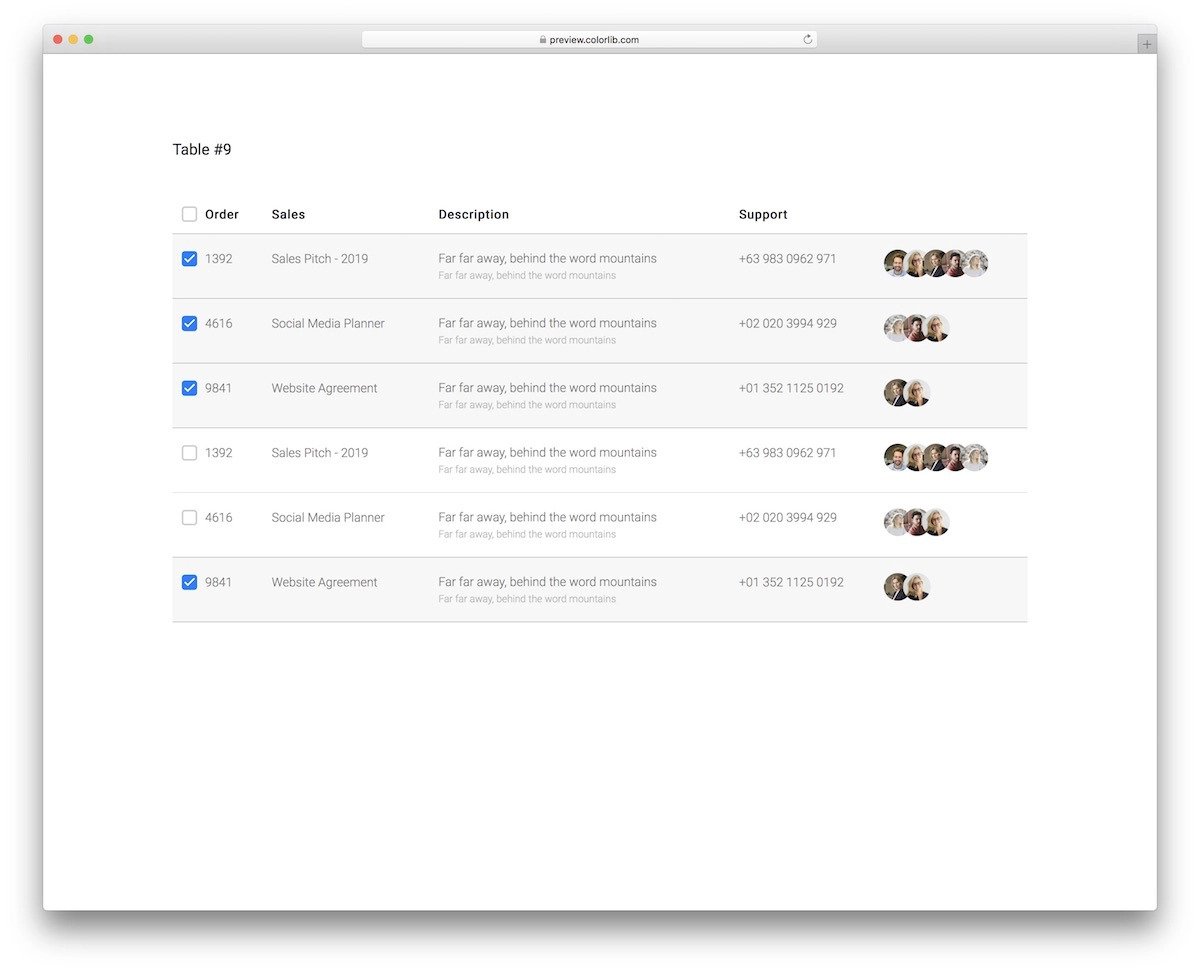
The V19 is a clean Bootstrap data table template. The default design is for managing contacts.
If you design a CRM, clean data tables like this will be a good choice. There is ample space between each column and row so the audience can see the entries. This Bootstrap data table template only gives checkboxes as interactive elements. Since the code script is flexible, you can add your own custom elements and make the data table even more engaging for the audience.
Dark Datatable Template V18

This Bootstrap data table template features a dark theme design. As more modern users prefer dark themes for their elegance and lower power consumption, this design will be useful for some designers/developers.
This template’s hover effects are well-designed to highlight the selected rows and their information. You can add glow effects to some elements to make them more evident to users and improve the design’s visual aesthetics. Take a look at our CSS glow effects collection for fresh ideas.
Datatable V17
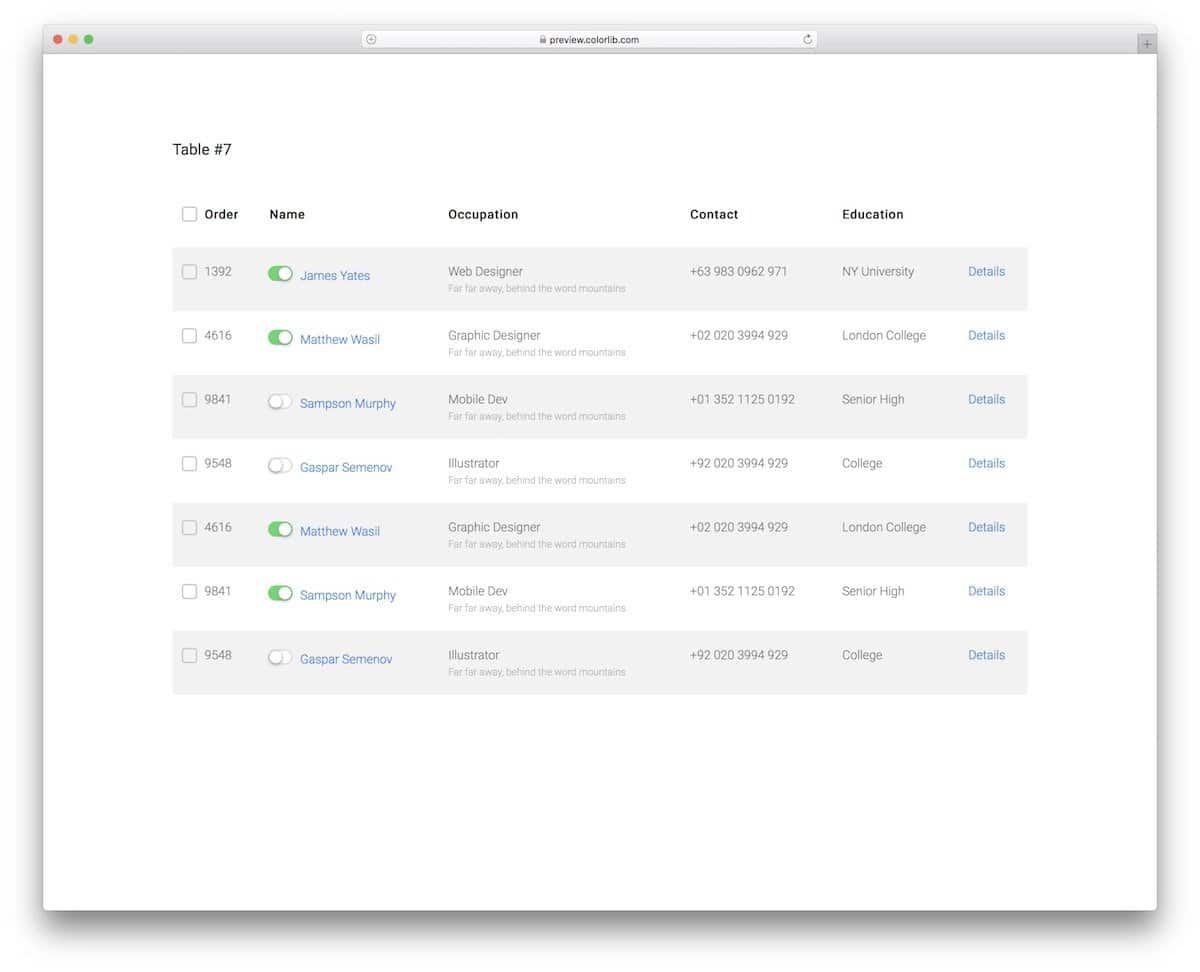
This data table provides toggle buttons and other basic elements. Though the toggle button doesn’t have a proper function in the default design, you can map it to the desired action. For example, you can use toggles to include or exclude a row from the table. The entire design uses Bootstrap, CSS3, and HTML5. These latest scripts let you try any modern design and easily add custom functionality to the table.
Adminator
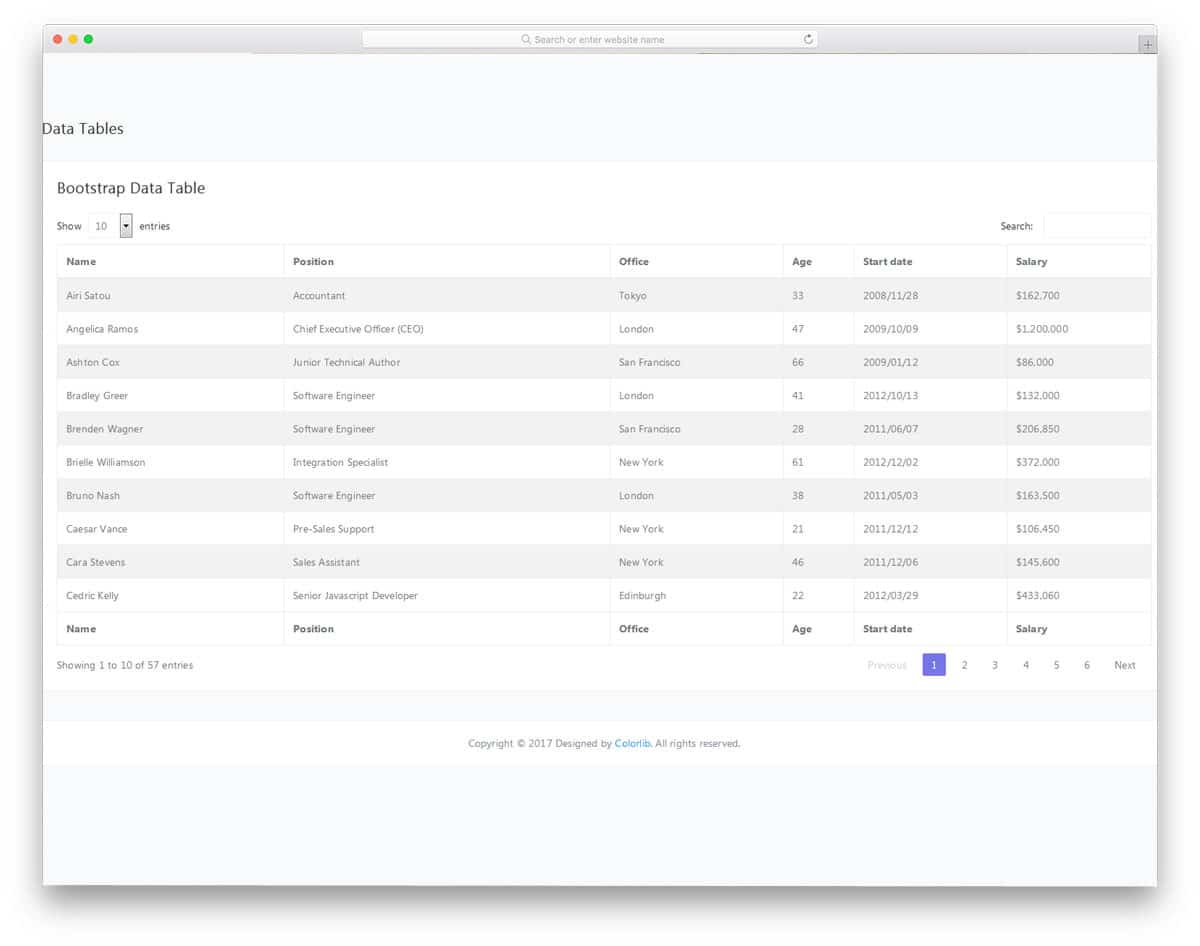
Administrator is primarily a dashboard template with lots of elements pre-designed for you. In this template, you get a data table and interactive charts to visualize the data. This Bootstrap data table includes basic functions such as searching, sorting, and adjusting display density. You have pagination below the table to let users easily jump to the table page they want. Throughout the template, the designer has maintained a professional look. If you want a unique pagination design for your table, look at our CSS pagination design collection. All the features in this datatable are functional; hence, you can focus on customization.
Kiaalap
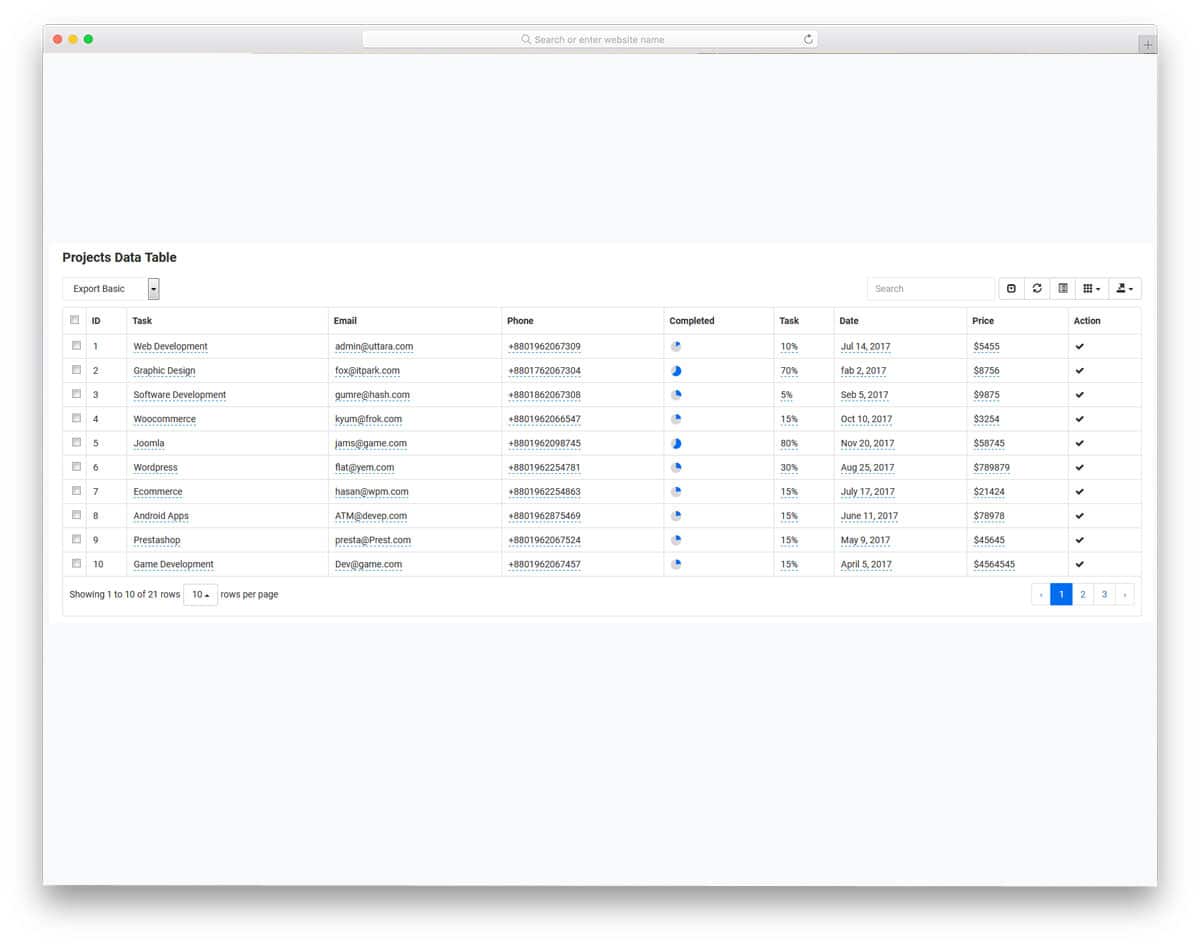
In the previous Administrator datatable, I said you can use the chart separately to visualize the content. But in this datatable, the creator has given you a pie chart as one of the columns. At a glance, the user can see the performance of a particular item on the table. You can also select a specific row and can export it. Along with the export option, you can include and exclude a column with a single click. Different viewing options are also provided in this table, which most users will love. Overall, it is a perfect Bootstrap data table with all the basics handled properly.
SRTDash
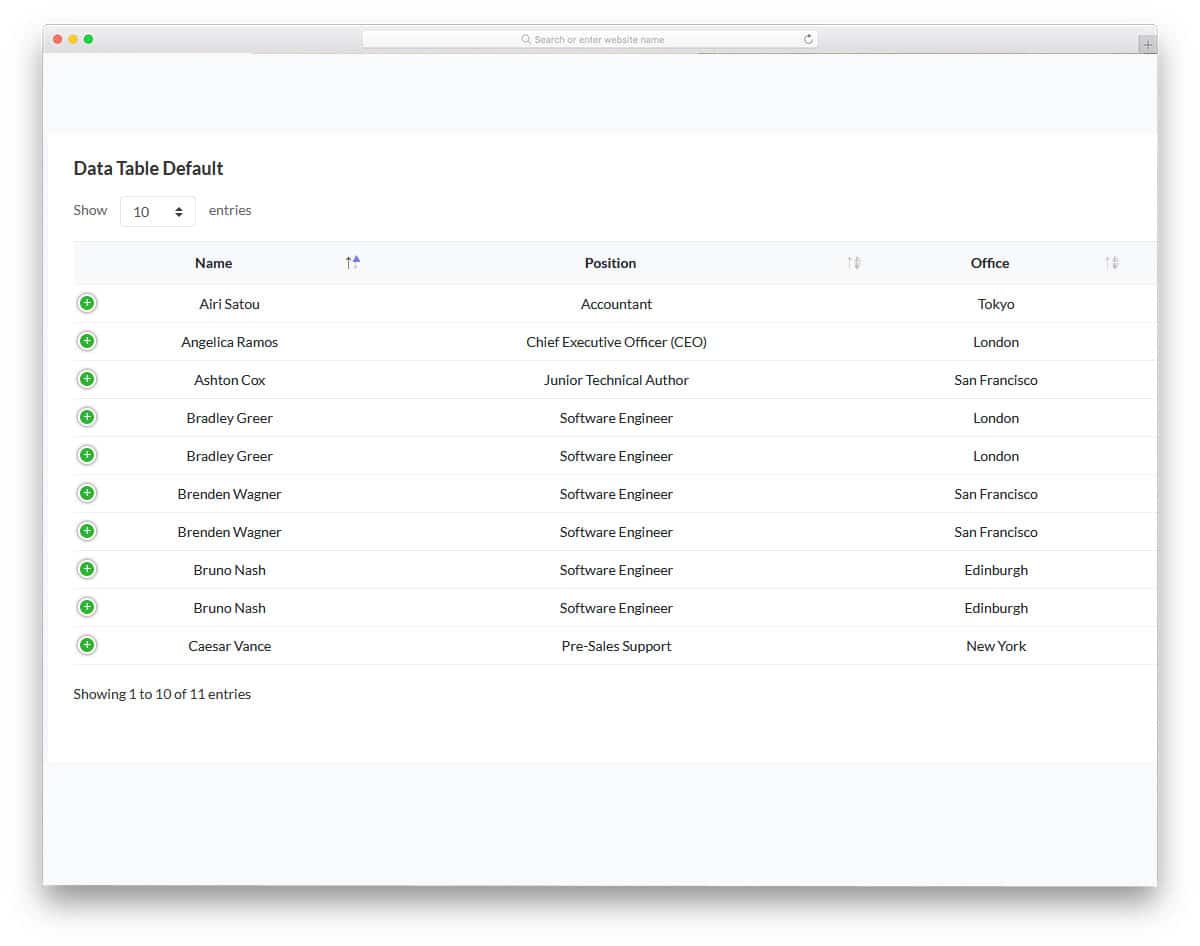
The SRTDash gives us three Bootstrap datatable designs. The functionality of all three tables remain the same, there are only a few cosmetic changes. All the tables have a fixed header design, and sorting option arrows are placed right next to the header labels. At the top right corner, you have a dropdown option to control the display density, i.e, the number of rows shown at a time. If the user has to deal with multiple rows, they can easily increase the display density and scan the data quickly. Pick one based on the design you like and start working on it to make your custom datatable.
CoolAdmin
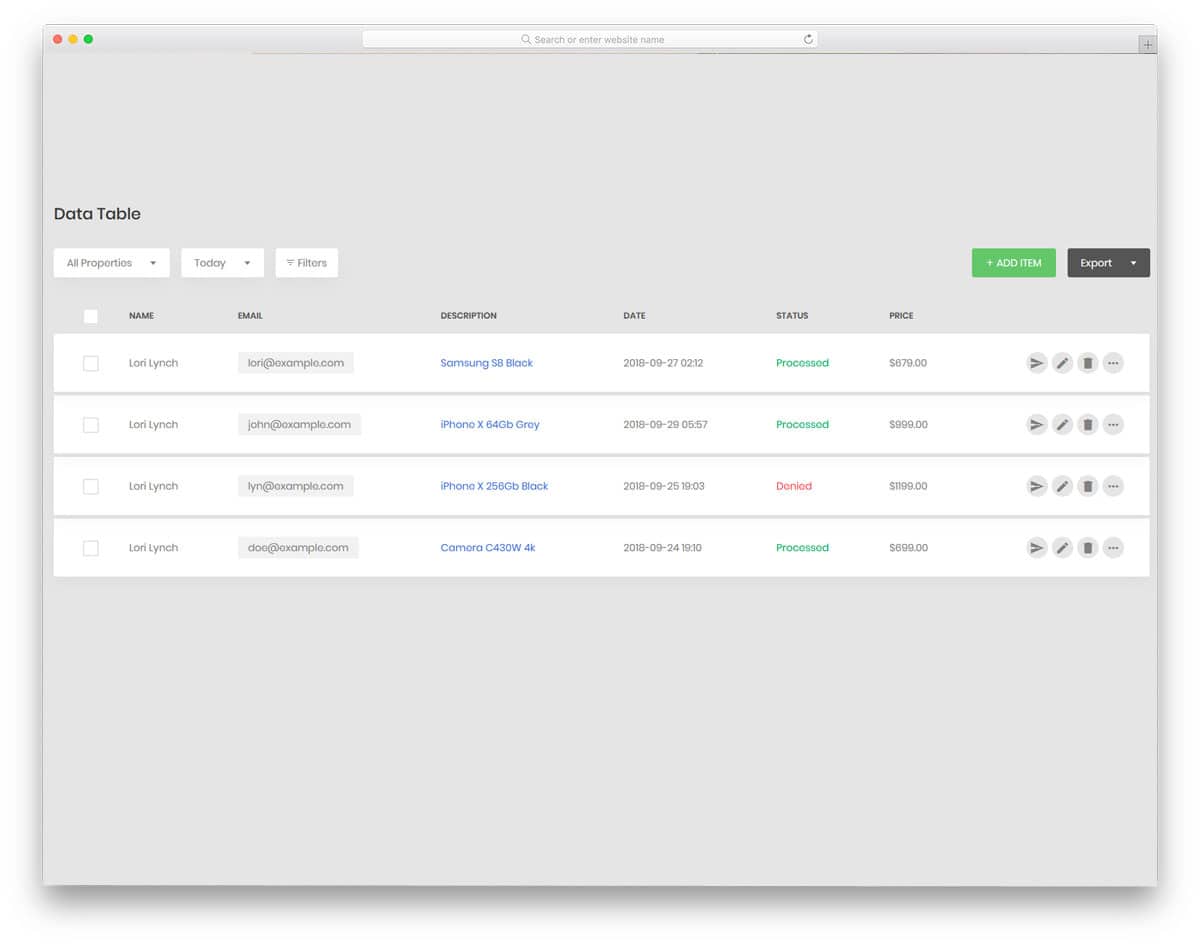
When users deal with multiple tables and data, filter options will help narrow search results. The developer provided us with the filter data for the date range and product in this template. Since it is a free template, not all the functions are fully functional. But this template gives you a flexible codebase, so you can manually add the features you like. This data table allows you to select each row separately; hence, you can add additional functions based on your needs. Right next to the row entries, you have a row-specific option to edit the data effectively. Regarding date range, look at our calendar design collection to make the input process easy for the users.
Gentelella
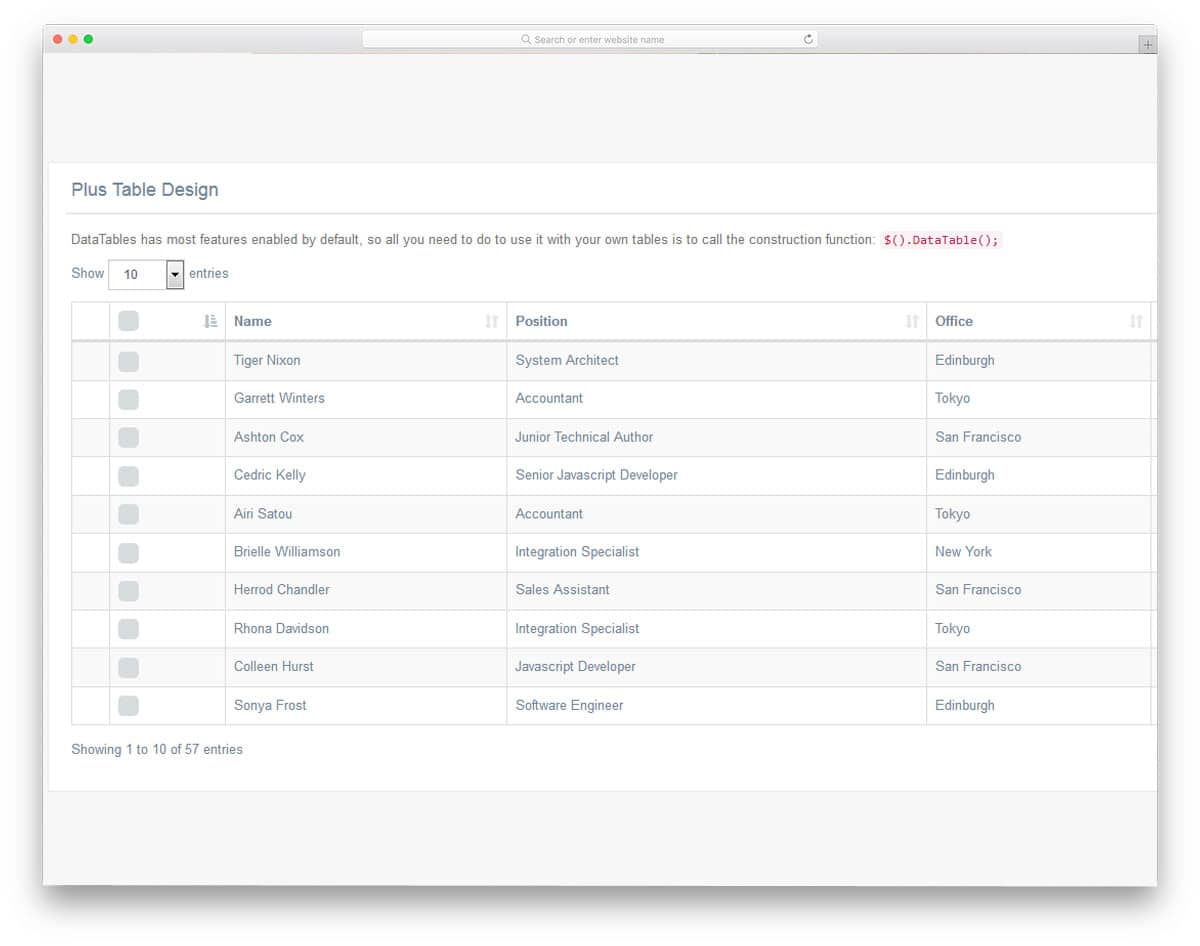
Gentelella is a classy looking admin template with tons of valuable features. Datatables are also pre-designed in this template. To maintain design consistency, the creator has used the same classy design for the Bootstrap data table. A zebra-striped data table with neat-looking text provides good readability. A search bar is placed in the top-right corner to easily find the required data. Take a look at our search bar design collection for more user-friendly designs. This template is mobile-responsive out of the box, so you can easily couple this design with your existing website or application. Properly handled code structure lets you easily find the element you want and makes customization easier.
Notika

In Notika, you get a modern, minimal data table. Elements with rounded edges are becoming popular. If you are reading this post in the Chrome browser, you will see many rounded elements right from the search bar. The creator of this template also used rows with rounded columns to give the data table a different look from the traditional design. A zebra stripe makes each row distinct and gives a visual break. Pagination is shown in the bottom-right corner, and the search bar is at the top.
Sufee

In the Suffee admin template, you get designs for static and interactive data tables. You can easily use one of the static table designs on the working data table to make it look unique. The creator of this template used HTML5 and CSS3; hence, you can use any modern colors and designs. Function-wise, you get basic functions like sorting, adjusting the view, and searching the table. In the default white design, the pitch-black text is visible and easy to interact with. This is a responsive data table you can use on any responsive website.
Fixed Column Table

A fixed-column table is designed with a horizontal scroll bar. The designer has used line divisions to neatly separate and show the data to the user. Heading texts are made bolder and bigger to give them a distinctive look from the rest of the entries. The table supports both keyboard entries and scroll gestures. Plus, this Bootstrap DataTable is made responsive out of the box. Hence, your users can access the table on the go. Shadow and depth effects are used smartly to differentiate the central fixed column from the others. If you are creating a data table for human resources or product entries, this horizontal scroll table is a good choice.
Responsive Table V1
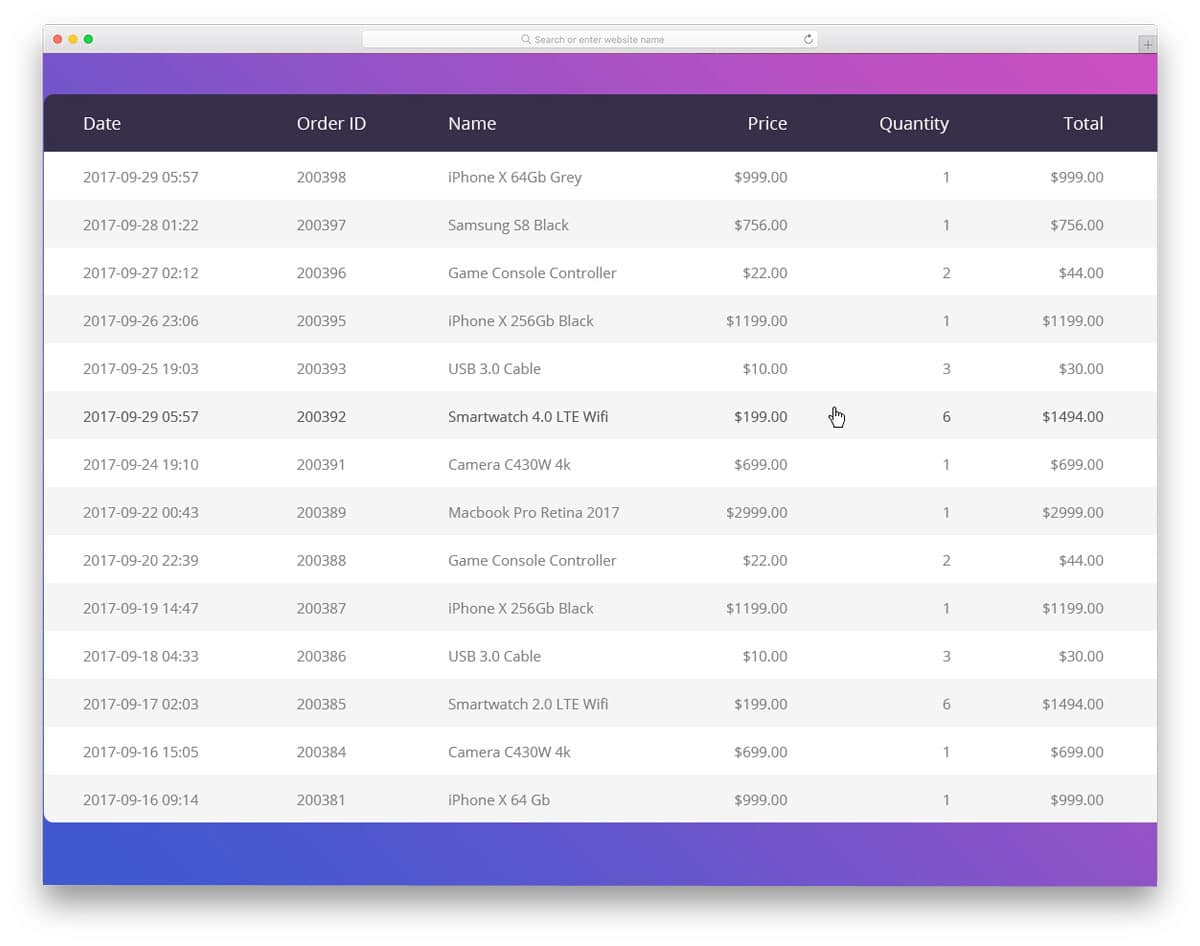
From the name itself, you can see that this template is responsive. Not only is responsiveness implemented properly, but all the basic optimizations required for a modern template are implemented correctly in this one. The designer of this template used a zebra-striped design to differentiate each row. It is a basic responsive data table with plenty of customization options. Since this datatable template is built with HTML5, CSS3, and the Bootstrap framework, you can easily add new functionality to it. Since it is a fixed-header data table design, the designer has made the header section darker and larger to draw the user’s attention more easily.
Table With Vertical & Horizontal Highlight
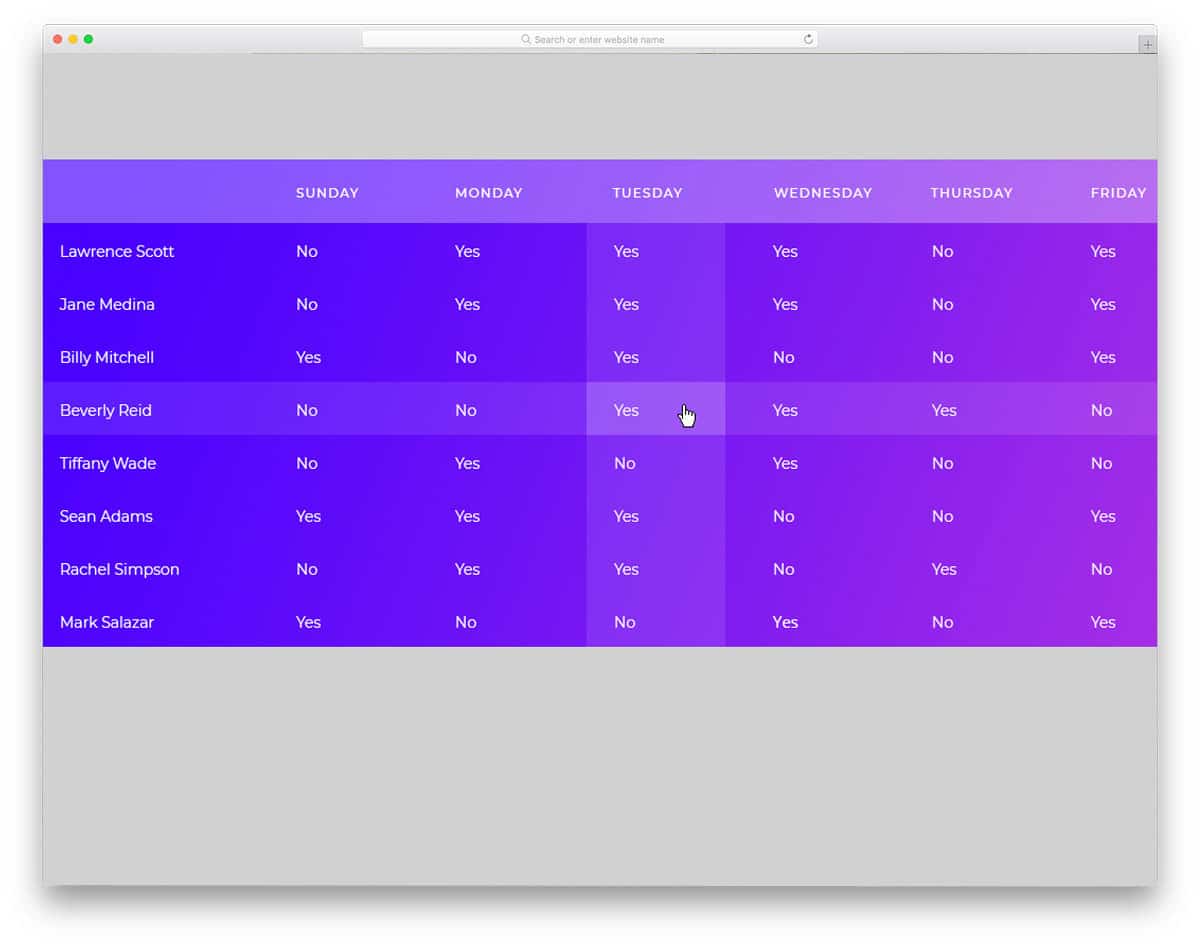
In this template, you get a bunch of vertical and horizontal highlight designs. Though it is a free template, the creator has given us a premium-quality material. The default design itself looks cool and can be used as such on your website. If your datatable will handle many fields for different products or services, this vertical and horizontal design will be very helpful to users. The user can scan and find the data they want. In this set, you get zebra stripes, line divisions, and plain table designs. Based on your needs, pick one and get started. Since it is a free template, you don’thave the option to sort the data or adjust the cells. As mentioned before, you have to handle the functionality yourself.
Fixed Header Table
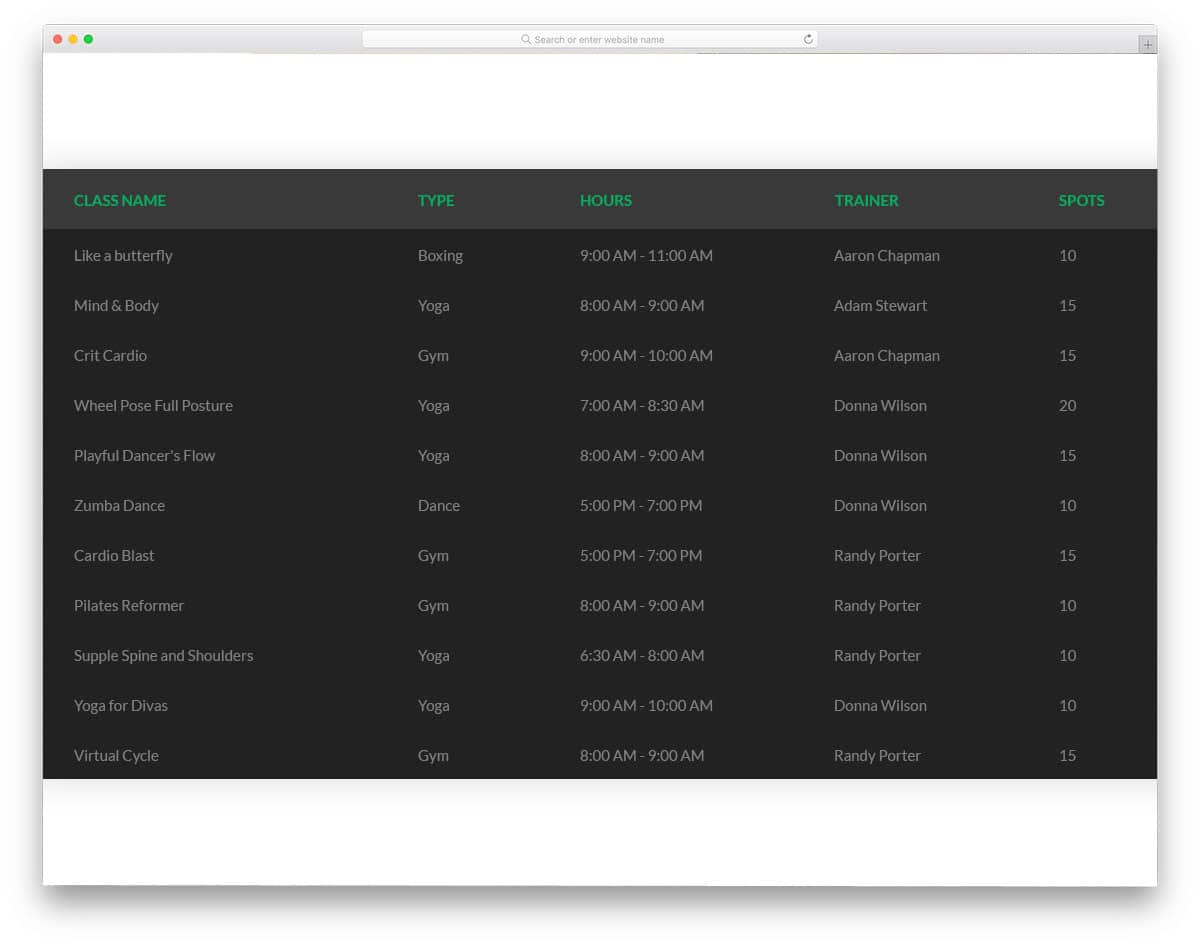
Fixed Header Table is a very familiar one that you normally see in Excel sheets and in Google Sheets. In this example, the creator has provided five types of fixed-header tables. If you are bored with the same old design, you can spice up your worksheets with this design. Right from a simple table to a trendy floating table, everything is given in this template. Ample space is provided between columns so the user can easily interact with the data. Another unique feature of this template is a dark-theme table. As we see more dark modes on smartphones and desktops, this dark theme table might come in handy for you.
Responsive Table V2
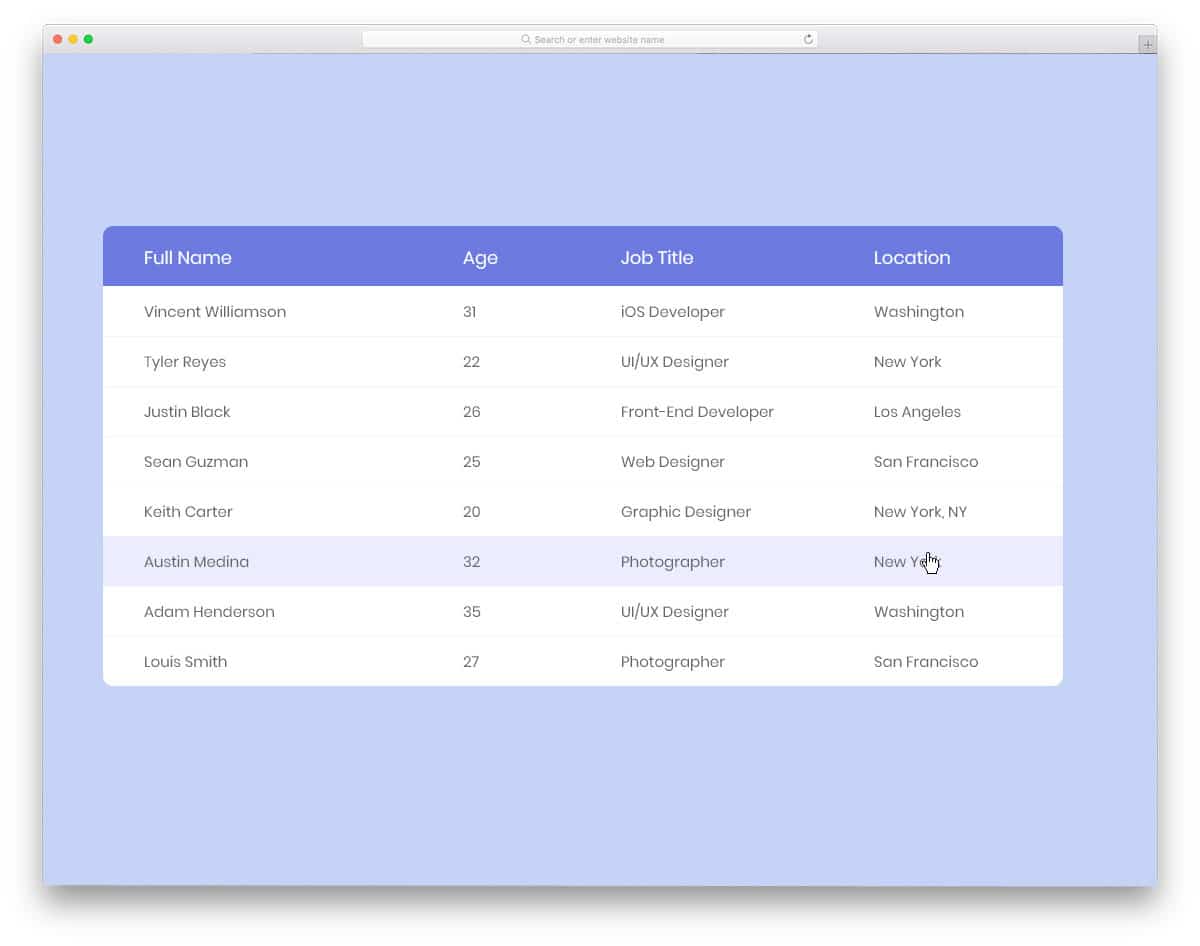
Responsive Table V2 is another version of the V1 template mentioned above. The obvious difference is that this template uses a light color scheme. Fonts used in this table are bigger and clearer so the users can clearly see the input data. Though it doesn’t have lots of built-in functionalities, it gives you a well-written code base to easily add the features you want. The creator of this template has given us a basic design with all the basic optimization done properly. All you have to do is customize the table and add the desired features.
DataTables JSON sample
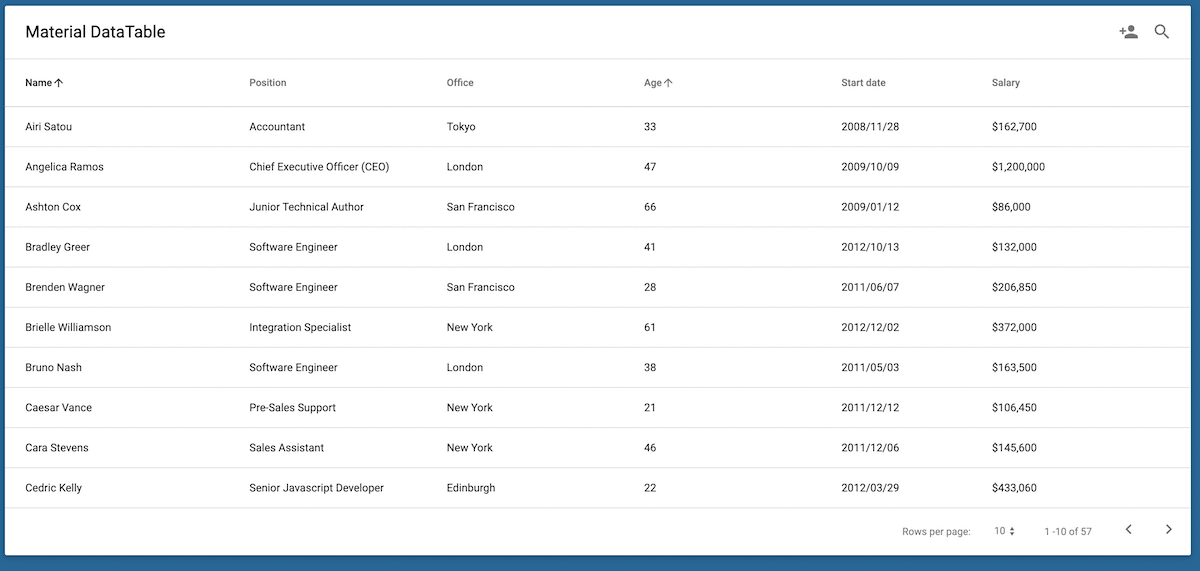
The creator has given us a simple and clean looking datatable design. All navigation and useful options are placed at the corners of the datatable, leaving plenty of space for the table. Ample space is provided between the columns and rows so the user can easily interact with the table. You can only sort the names column in this template, but if needed, you can add sorting to all other columns. The entire code script is shared with you so you can create your own custom datatable in no time.
Datatables Buttons Export Excel
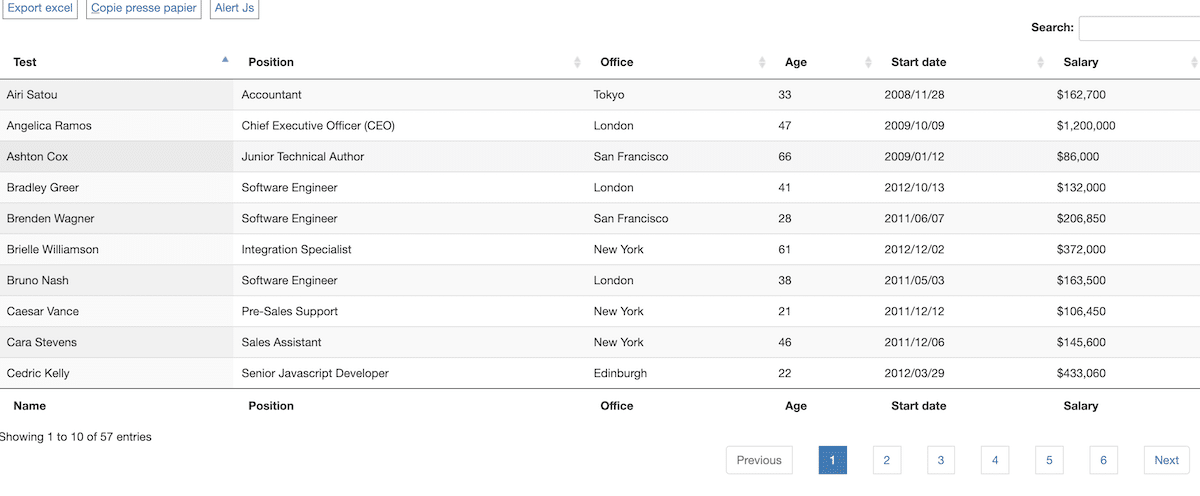
In this example, you get a properly structured datatable. Apart from the regular options, this table also has other useful options like alert notification, table copy option, and export the table as an excel option. Defining row lines and alternate colors for the rows helps the user to easily identify the entries in the table. Plus, you also get the sorting option and dedicated search option to easily search and find the information you want. By making a few design adjustments, you can use this datatable in your web application and dashboards.
Data Table Using jquery
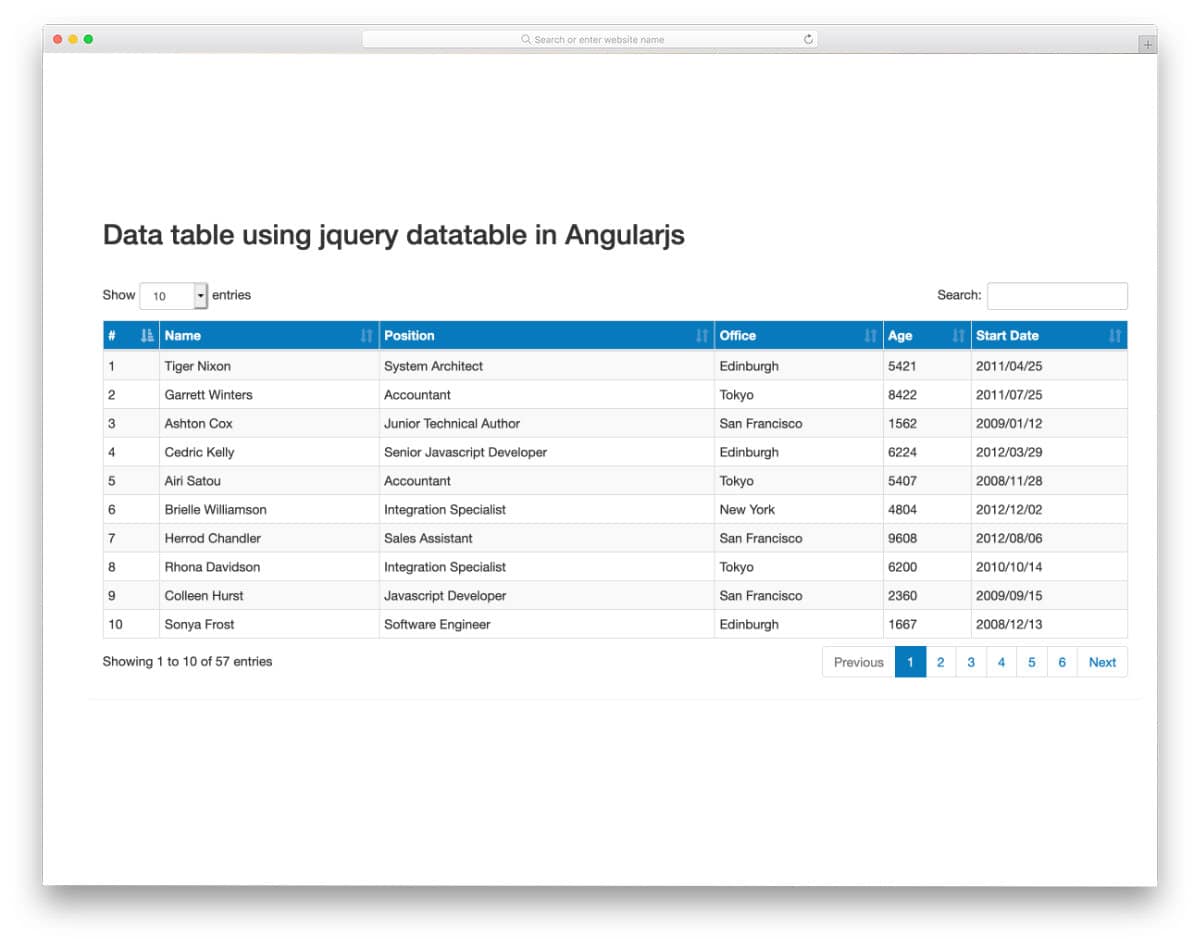
The creator of this Bootstrap DataTable has given us a fully functional design. You can sort the table entries, select the number of entries you would like to see, and use quick search options to easily find the entries you want. Since the creator has covered the basic functionalities, you can concentrate on the custom features. The entire code script is shared with you on the CodePen editor, and you can see that the AngularJS used in this design is simple. Therefore, you can easily use the code in your project.
A Fixed Column Datatable
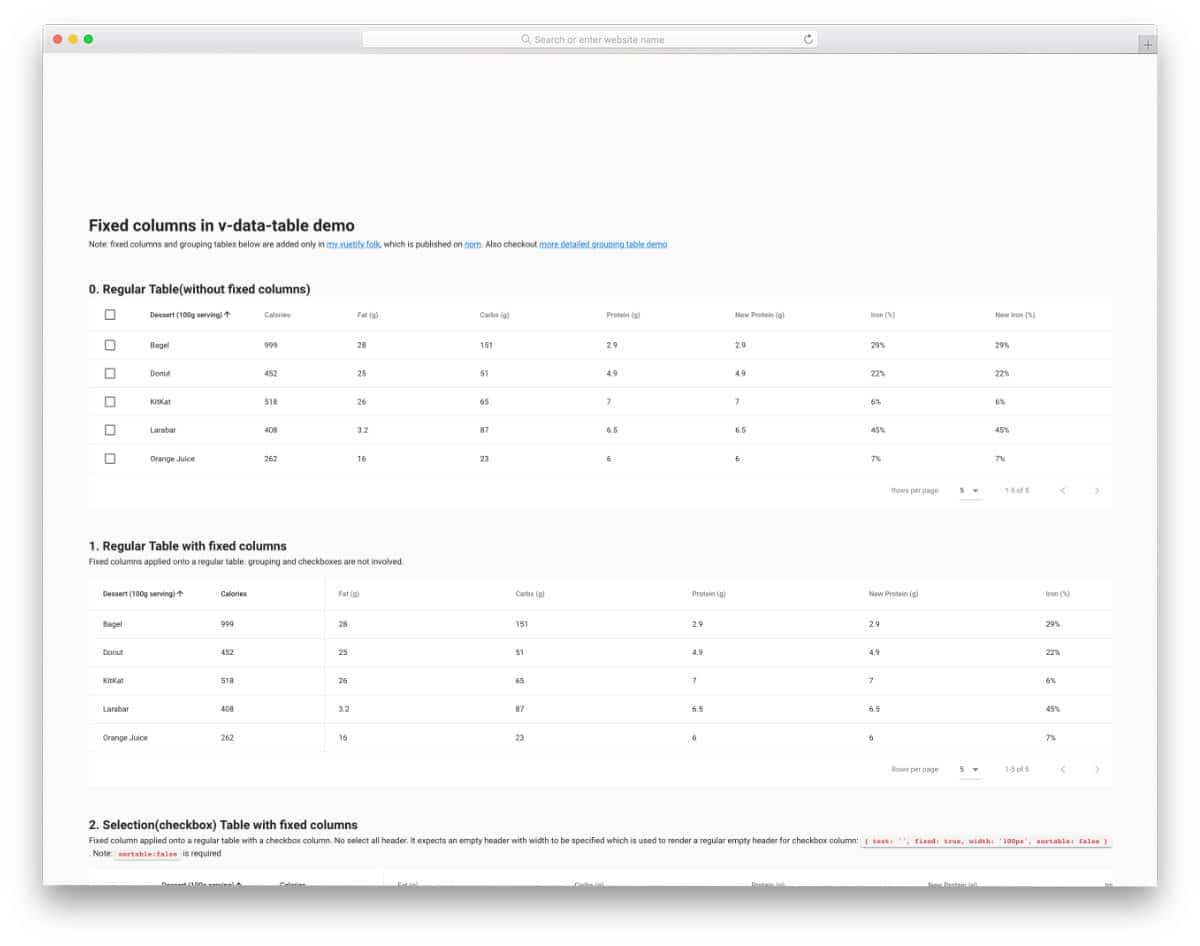
The creator of this example has given us nearly six Bootstrap DataTable examples. Each datatable is different and uses different concepts. For example, you get a datatable with checkboxes, a datatable with an accordion, and data tables with different column alignment. The code script for all six designs is shared as a single file. Therefore, the code might look a tad long and complex, but you can easily edit it and take the design you like.
Crisp Table
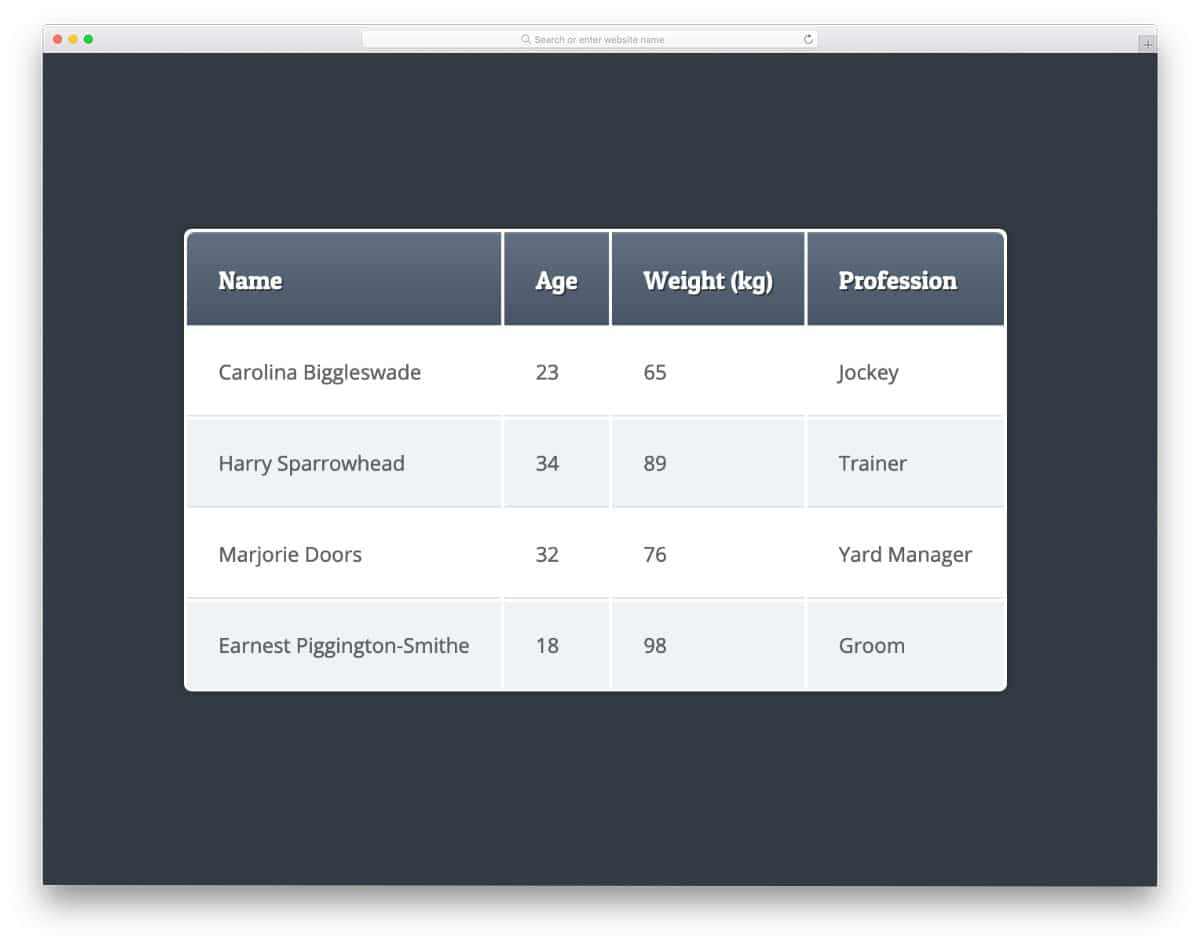
Crisp table uses hover effects to clearly highlight the row that the user interacts with. Besides the hover effect, this is a simple datatable with a neat layout. The creator has used different color shades to improve readability for the audience. Text fonts in the default design look neat and easy to read. You can use the default font itself if you want, or you can use your own custom fonts. Since this design uses the latest CSS3 script, it can handle all modern fonts effortlessly right out of the box.
Data Table
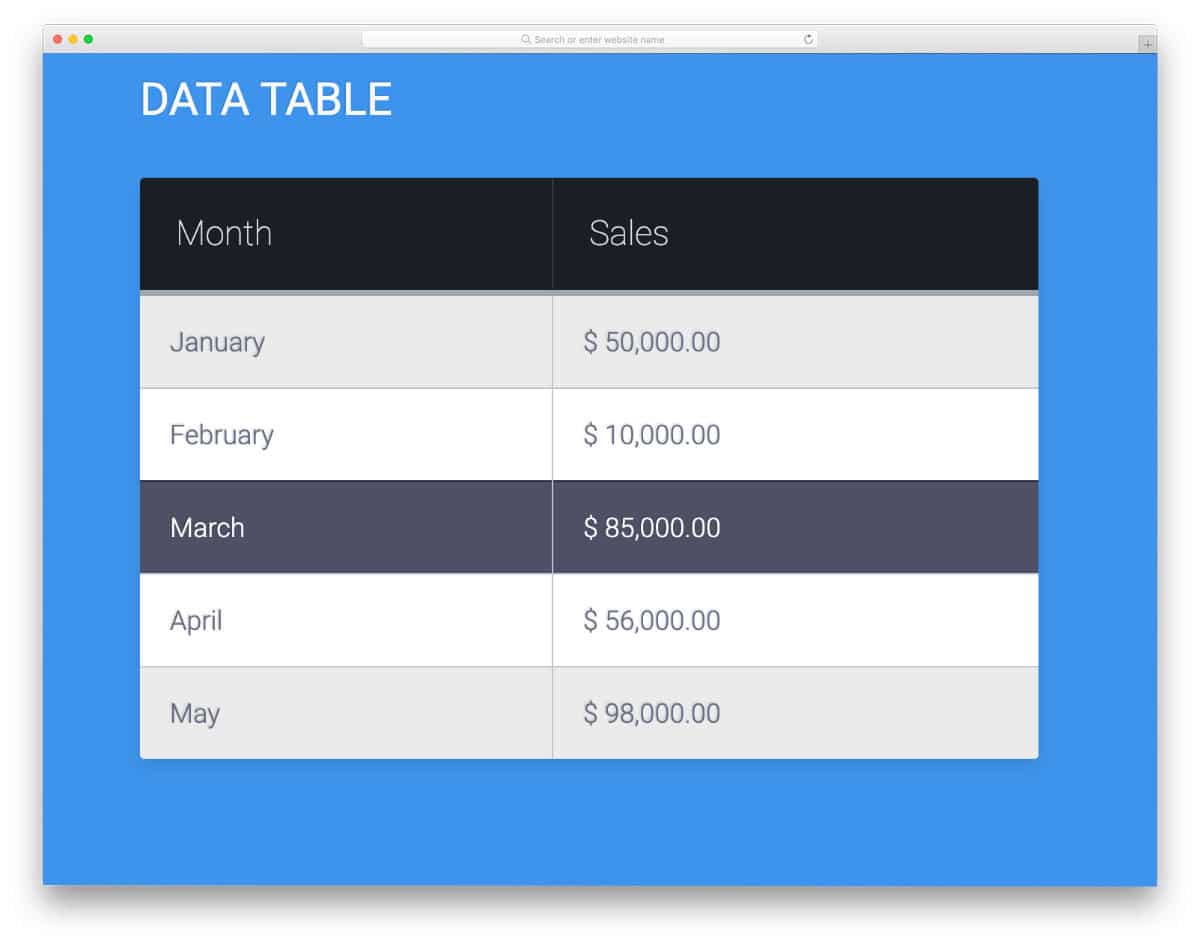
The creator, Alassetter, has provided a simple data table design in this example. Not all data tables are used for advanced purposes. This design would be a good choice if you have low requirements and your data table handles fewer entries. Hover effects highlight the row the user is interacting with. Another advantage of this design is its light-weight code structure. The entire design is built with HTML and CSS. Developers can handle this code and add custom features without a sweat.
Fade and Blur on Hover Data Table

This code snippet concentrates on the user experience. As the name implies, fade and blur hover effects are used in this data table. If your datatable handles a large amount of data, effects like this help the user easily see the relevant data. The blur effect works flawlessly in this design, and it is made entirely with CSS. Therefore, you can use this code even in an existing Bootstrap DataTable. Apart from the blur effect, this one is a common datatable with a familiar design. There is still plenty of room in the code for you to add custom features and make the table fit your needs.
Responsive & Accessible Data Table
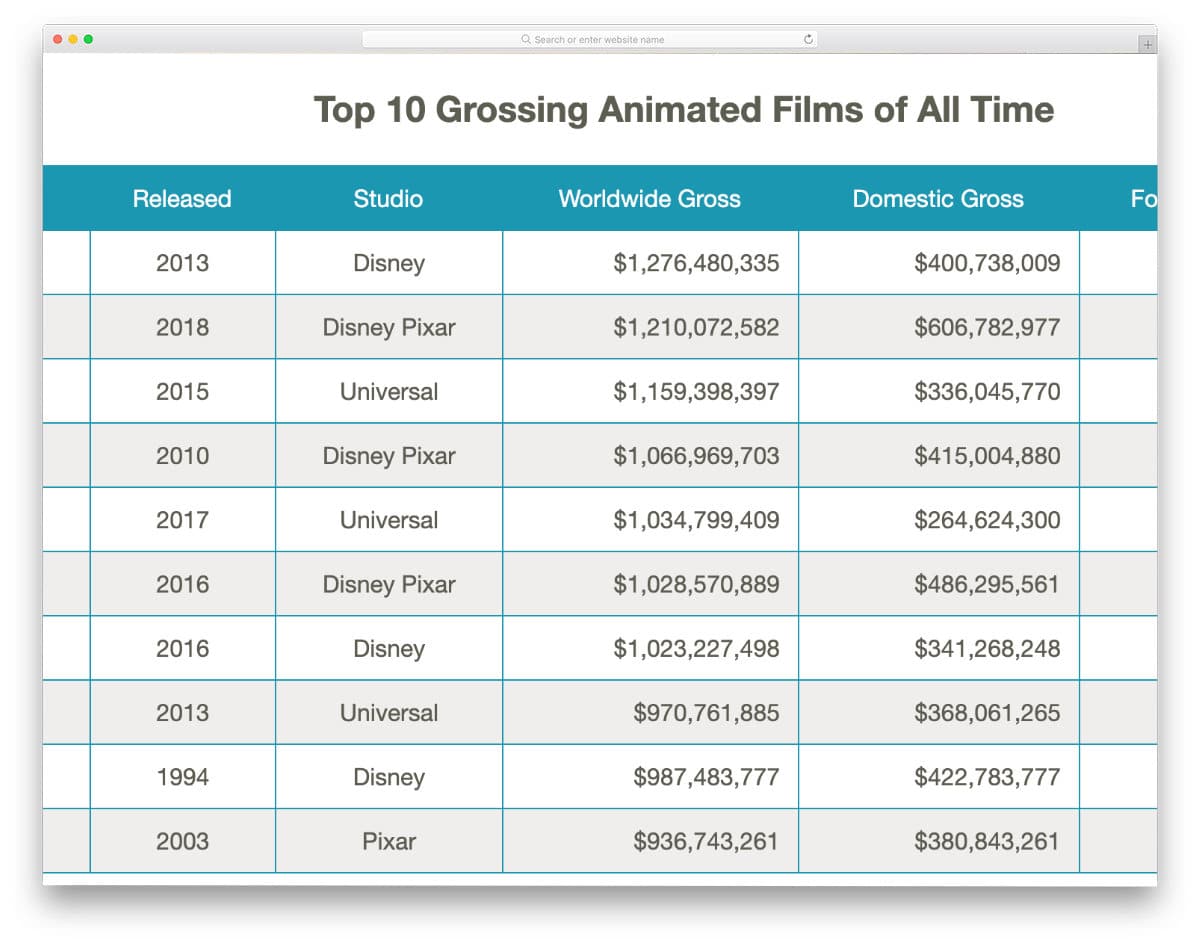
Responsive design is what every client wants nowadays. Whether it is an admin-side or end-user design, people want to access information on the go. If your client needs a responsive, easy-to-access datatable, this code snippet might come in handy. This large table elegantly shrinks into a compact table in the mobile view. All information are still clear and easy to access, which most mobile users will appreciate. Since there is no search function in the default design, users must scroll a lot. If you add a search option, this Bootstrap datatable will surely be user-friendly and easy to access. Take a look at our bootstrap search box examples collection for more inspiration.
Data Table with Collapsible Table Rows
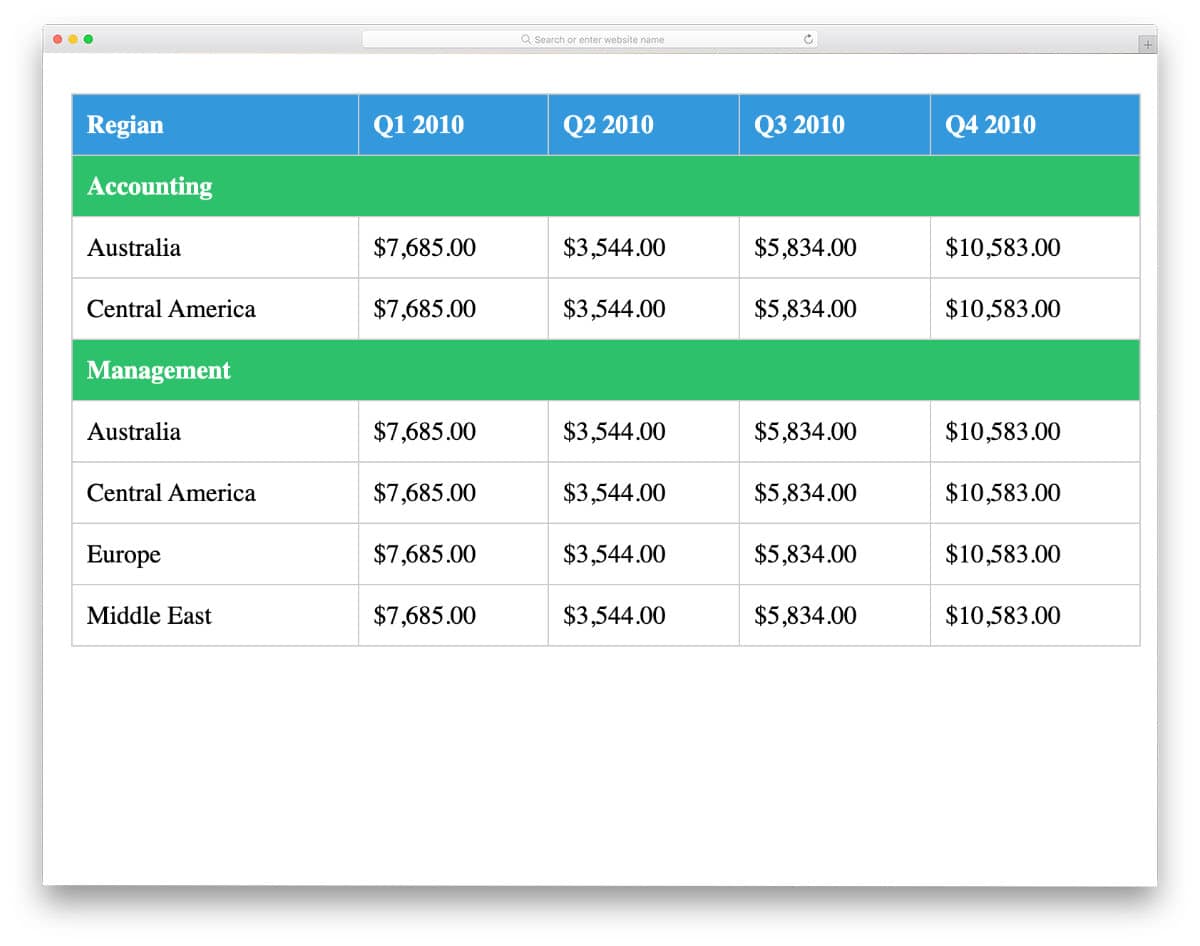
Collapsible table row design is another friendly feature in datatable to easily focus on the required content. You can organize all related information under one main category so the user can expand only the category they want. The developer has concentrated only on the collapse function in this concept, so you need to work on other basic datatable options, like sorting and filtering. Design-wise, this datatable is legible and easy to use. The plain background and different colors for rows and columns allow the user to find the data at a glance.
Vuetify Vuex Data Table External Pagination & Sort

From the name itself, you can infer that this datatable includes features such as sorting and pagination. The professional look of this datatable and hover actions will help the user easily find the information they want. Along with the sort options, this datatable also lets you control the number of rows per page. Datatable loading animation is also non-intrusive and straightforward. Overall, it is a proper Bootstrap datatable that shows how a user-friendly modern datatable should be.
Vanilla DataTables
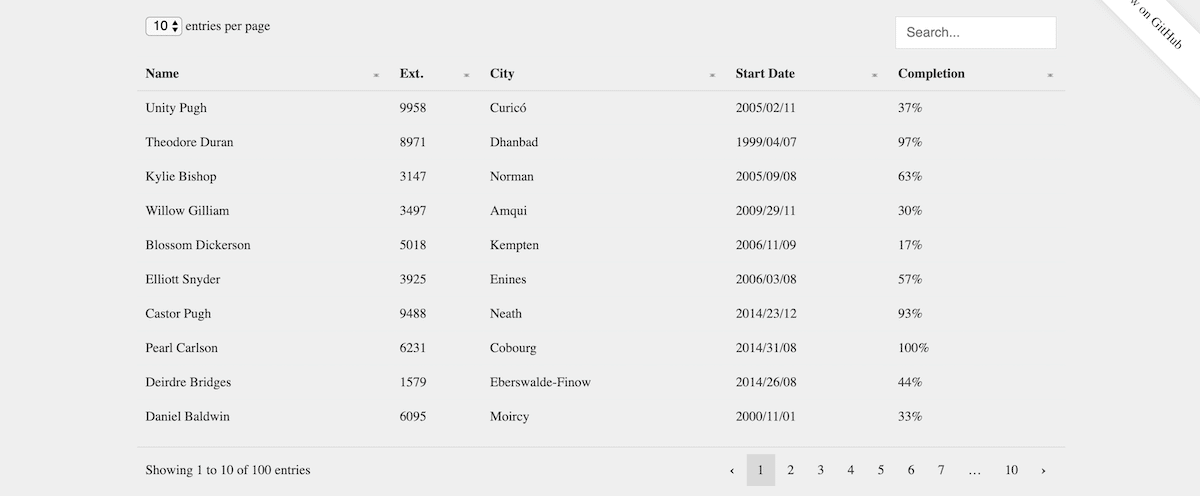
If you are looking for a simple, lightweight Bootstrap DataTable design, this one will impress you. With a minimal design and a simple code structure, the creator has given you a properly working datatable. All the basic options, such as sorting, searching, and navigation, are provided in this table. The entire code script is shared with you on the CodePen editor. From the code snippet itself, you can see that the creator has mostly used HTML and CSS to make this design. Because of this simple code structure, you can easily implement this datatable on your website or application.
Datatables Custom Row Buttons
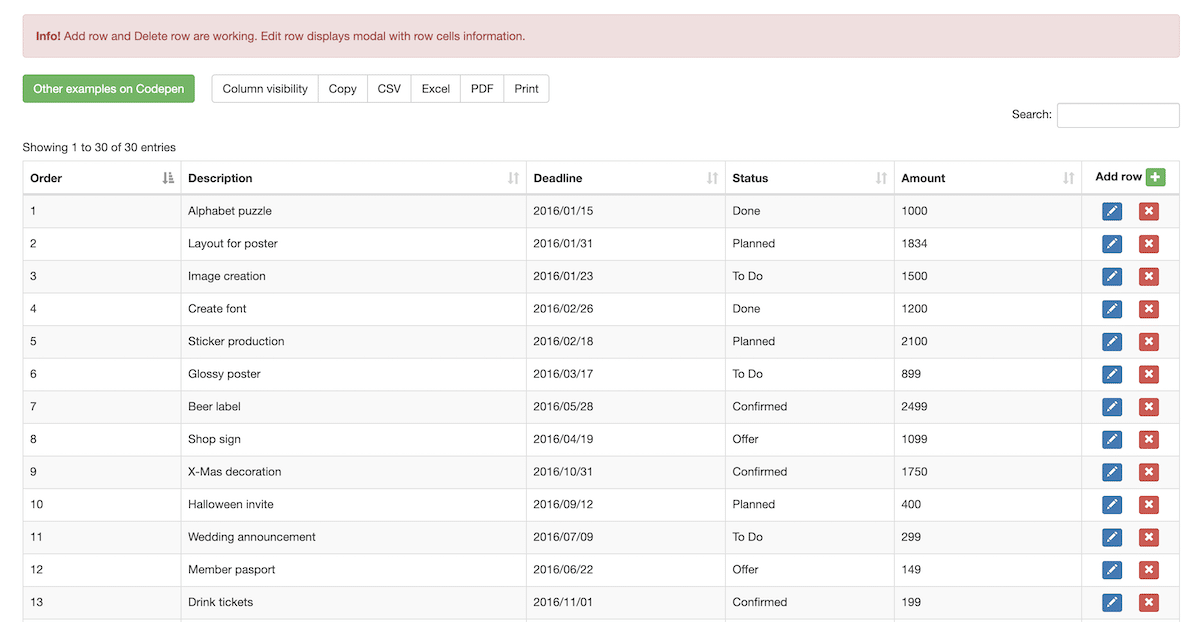
As the name implies, this datatable has dedicated buttons for each row. To edit or delete a row, the user can simply tap the buttons on the corresponding row. Like in the Datatables Buttons Export Excel design mentioned above, this Bootstrap DataTable also shows alert notice and table copy options. If you want to add a confirmation message to the user, take a look at our jQuery Confirm Plugins collection. Since this design uses the latest web development frameworks, it can support the latest design elements and third-party tools. So you can use this design without any hesitation.
Dashboard with WebDataRocks

If you are looking for lots of data visualization options in your datatable, this datatable might impress you. The creator has given you an editable table and three types of charts in this example. Functionality-wise this template works perfectly without any issue. All you have to do is to take care of the looks and appearances. The entire code script is shared with you so you can easily edit it and add the features you want. As the name implies, the creator has used WebData rocks tools and Highcharts tools in this design. If you like this design, take a look at the tools before using it on your website or application.
Sort Table Rows
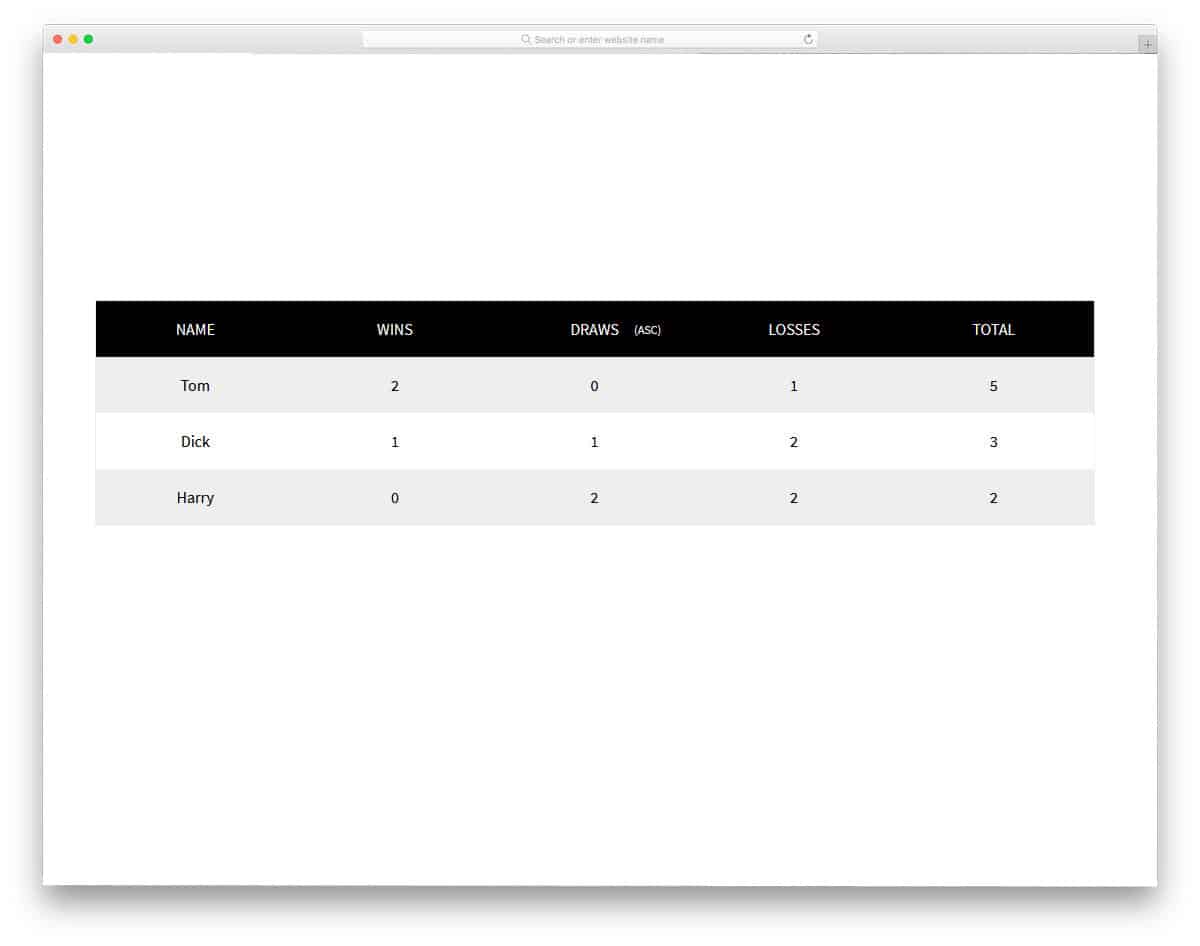
The creator of this template has given us the option to sort the table. If you are a beginner, this table sorting code snippet will help you. The information can be sorted by value in ascending or descending order. Clicking a table header sorts the data. A zebra-striped and bold-header design is followed in this table. The entire code structure used to create this Bootstrap DataTable with a sort option is shared with you on CodePen editor. Hence, you can visualize your customization results before using the code in your main design.
Responsive Table
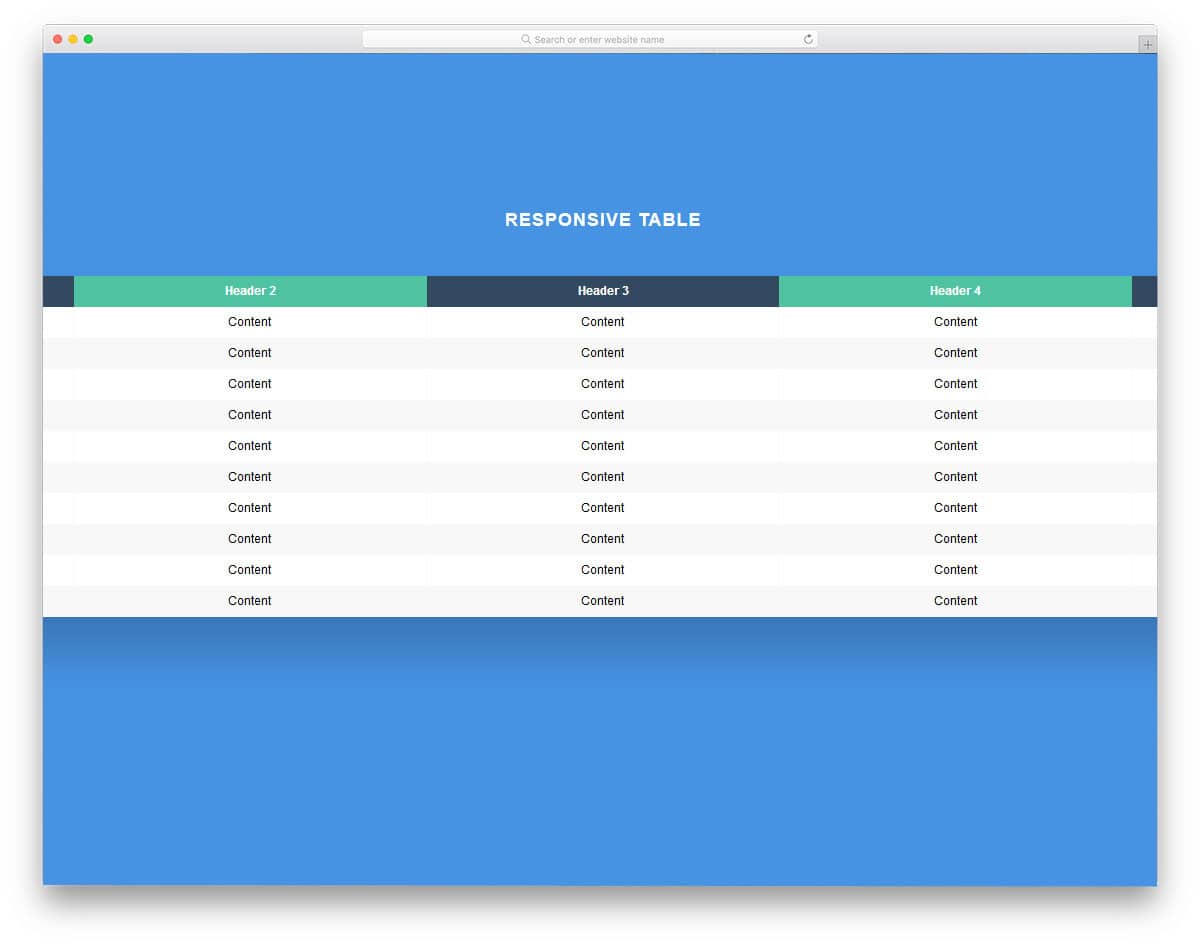
This is another responsive datatable design. The creator of this template has used only HTML5 and CSS3 script to make this design. Hence, you can easily work with this template. The responsiveness of this table is really good and can handle small screens fairly well. But for commercial use, you have to adjust the design to maintain the clarity and ease of use. A zebra-stripe design is used for the main rows, and alternate colors are used for the header section. Nearly ten rows are shown at a time. If you wish, you can change this display density. If the user has to deal with a large number of rows, you can increase the display density so they don’t have to scroll as much.
Pure CSS Table Highlight
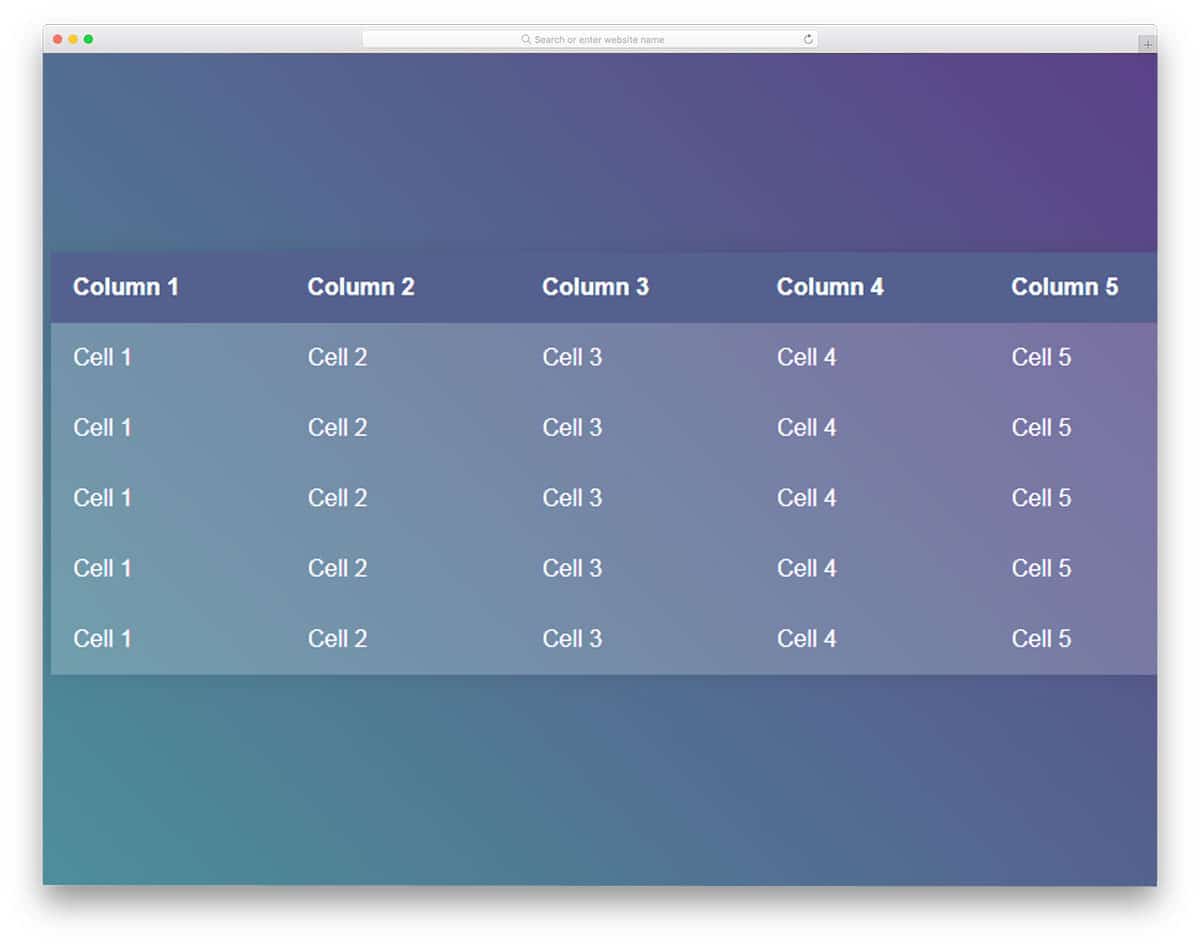
In this datatable design, you get the vertical and horizontal highlighters again. The colors are used smartly so that the user can see which field they are selecting. Since it is a demo, the creator hasn’t used any entries. The default font itself looks good; it doesn’t take up much space and is also readable. Other than the highlighting hover effect, there isn’t any new feature in this design. You can add a hover action to export particular field data or a quick action to merge cells. For more hover animations take a look at our CSS hover effect collection.
Responsive Table 2
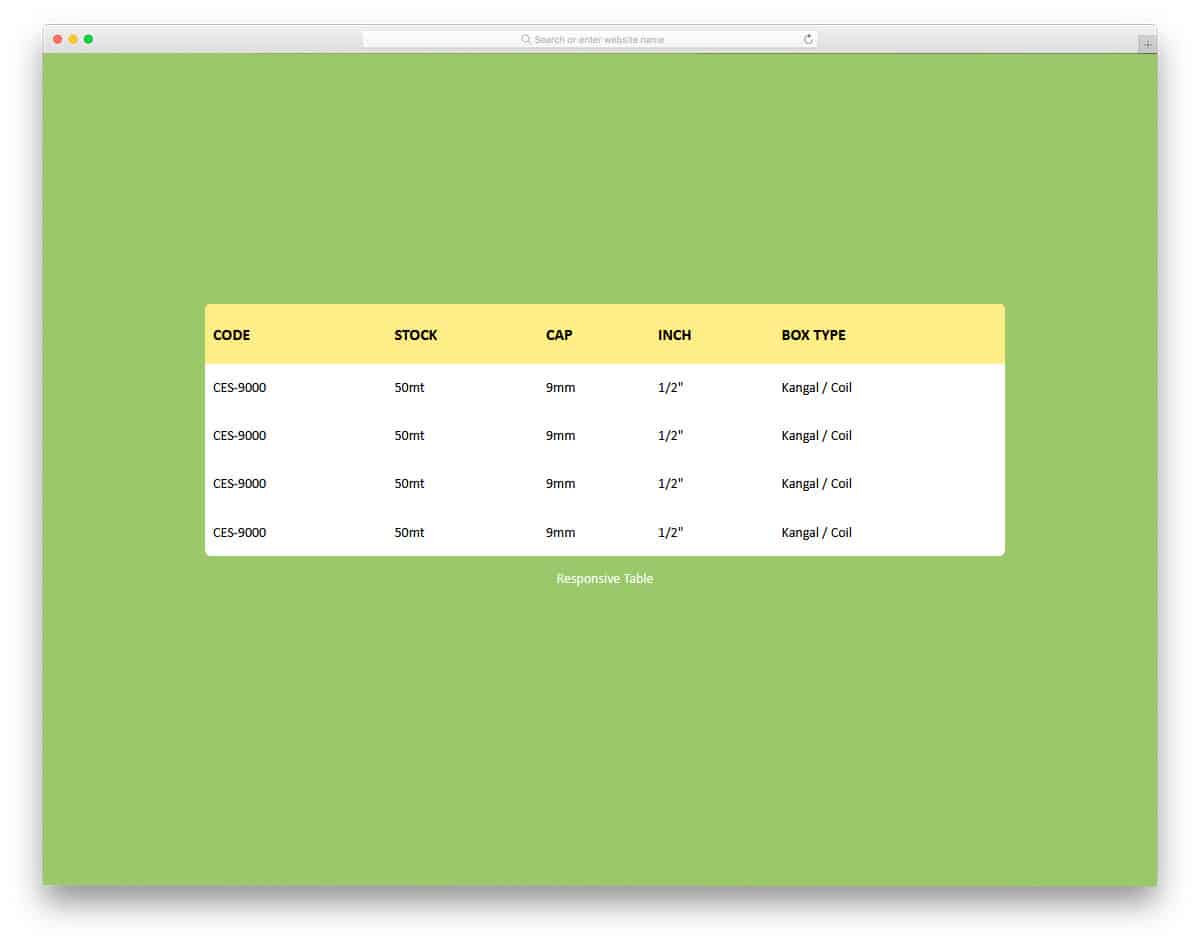
Another clean and simple-looking datatable design. The designer has kept the main table area white to ensure the text is legible and easy to read. Ample space is provided between cells so the user can easily interact with the data in the table. It is always wise to give users the option to resize columns and rows. Though this design doesn’t offer size customization, it has a flexible code structure that lets you add it. From the shared code, you can see that the developer mostly used CSS to create this design. Hence working with this template will be an easy job.
Responsive Tables Using LI

In this Bootstrap DataTable design, the creator has treated each row as a card. Shadow and depth effects effectively differentiate the row from the background. As the name suggests, the user has used the Li element to add the contents to the table easily. Just like in WordPress’s default table code, you first declare the row and add the column contents column by column. There are a few tweaks you have to make to the alignments. Apart from that, this datatable is well-suited for your website or web applications. The entire code used to make this design is available in the CodePen editor for you to get your hands dirty.
Fixed Table Header
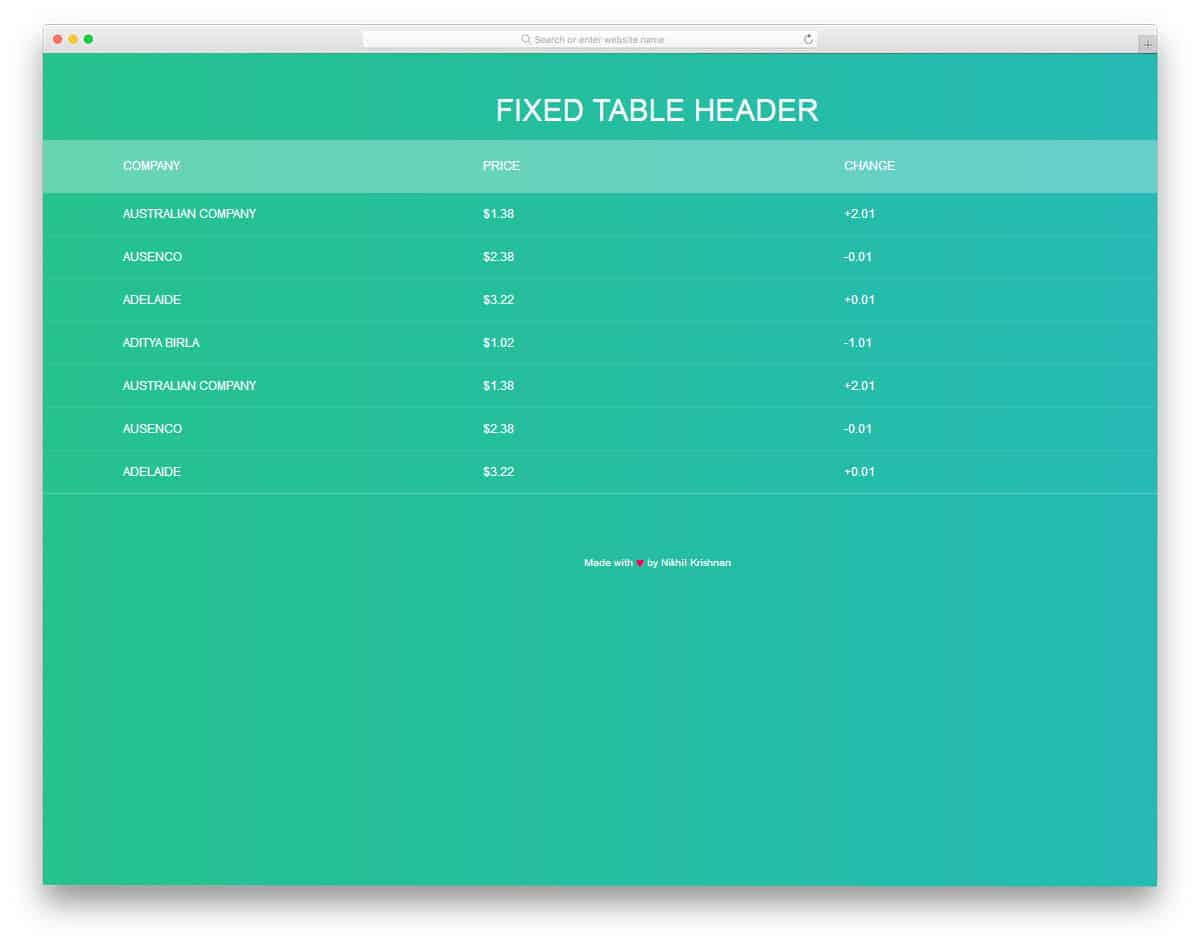
This one resembles the Pure CSS table highlight design mentioned above. The unique feature in this design is it has a fixed header and a scrollable main content area. It would be nice if we get the highlighter option in this template. But never worry, you can use the code from the Table Highlight design. Or you can select a design in the Table With Vertical & Horizontal Highlight template mentioned above. On the bright gradient color scheme, thin texts look attractive but it won’t be easy to read. Since this design uses the latest CSS3 script, you can use any modern font in this design.
Sticky Table Headers by Position
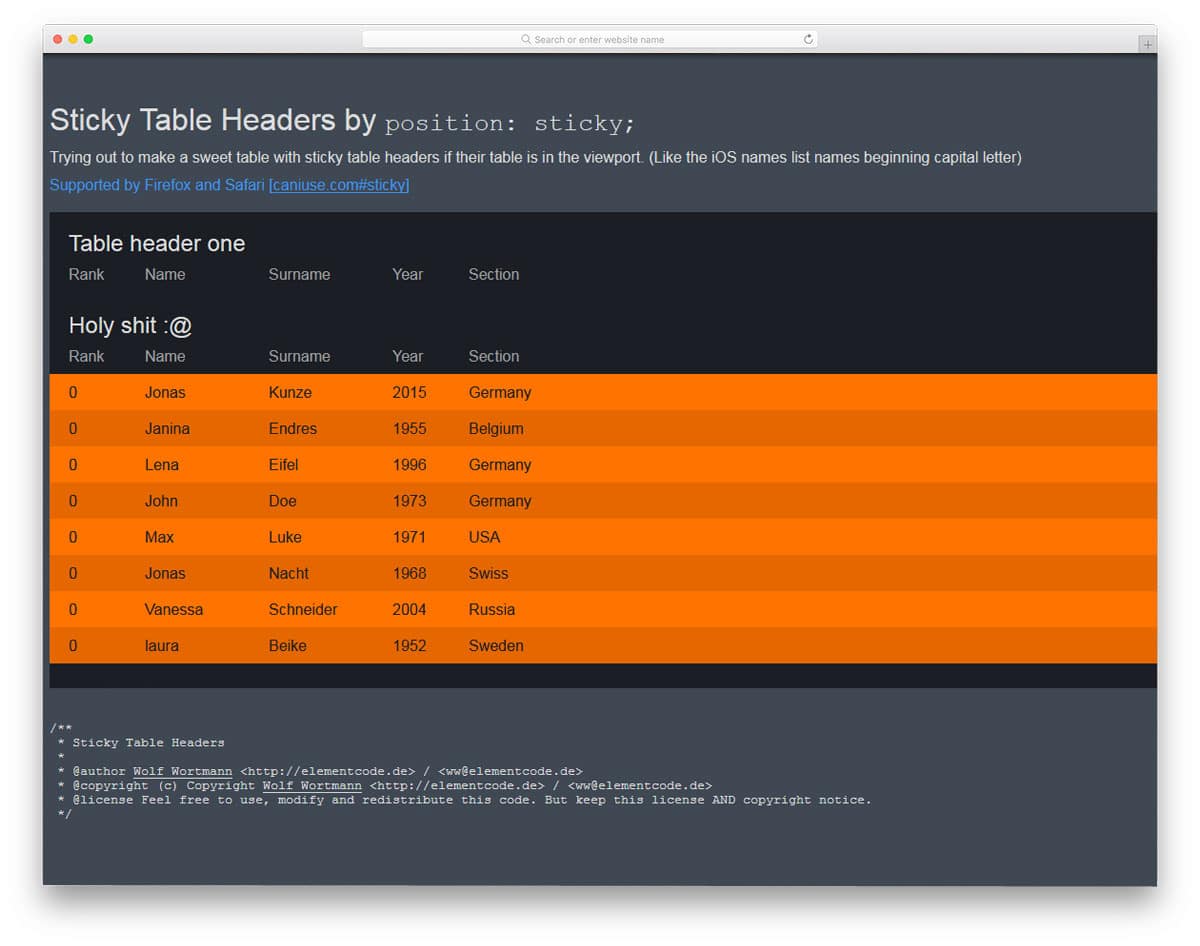
Sticky Table Headers by position is a smart datatable design concept. All the tables are listed continuously in this design. When the header of one table comes, it stays sticky until the other header section comes. To differentiate each set of tables, the developer has used distinct color schemes. If your user has to deal with multiple tables related to a product, this sticky-head table design is a good choice. Another advantage of this design is that it is built entirely with HTML5 and CSS3. Hence, you can easily utilize this code in your design. By making a few optimizations, you can implement this design on any website or web application.
