


Accordions are used widely across all types of websites and applications. When we need to organize multiple pieces of content within a given area, accordions are the best choice. As responsive design becomes necessary, converting traditional elements into mobile-compatible ones is challenging. The accordion is one element you can use in both the computer and mobile versions of your design. In this list, we have collected some unique CSS accordion designs for websites and mobile applications. Accordion designs in this list also have sleek animation effects, so you can make interactive elements for your project.

Easy To Use CSS Accordion Examples
Whether you are looking for a simple accordion design or an animated CSS accordion design, this CSS accordion examples collection has all types of designs.
Simple CSS Accordion With Icons
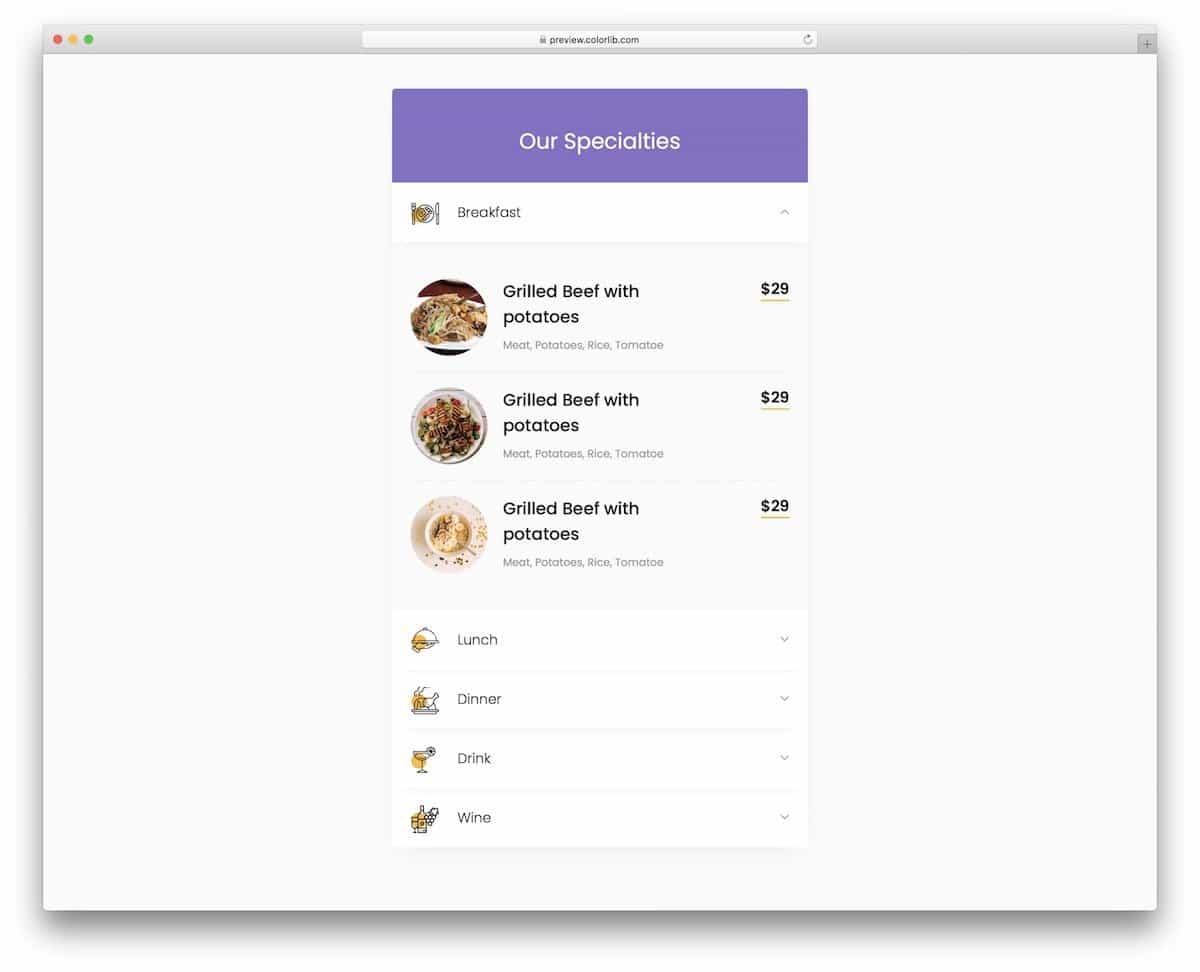
This example shows a stylish CSS accordion design for food menus.
If you are designing a restaurant website/application, this simple CSS accordion template will be a good fit. The neat icons will help you group the food categories and let the audience quickly pick the food they like. High-res icons and images are used in this default design, and the best part is the creator has included them in the download file. Therefore, developers can easily work with this CSS accordion template and use it in their projects. You can add buy or add-to-cart buttons to the accordion to simplify the purchase experience for the audience.
CSS Accordion With Notification Label

This CSS accordion design will be useful for the designer planning to use accordions to group messages and notifications.
The creator has given notification labels in this accordion to help the audience quickly see the number of unread messages/notifications under each category. Though this CSS accordion template is a free download, it has a perfect design. All animations work smoothly, and the colors look natural. Hence, developers can easily work with this template to create custom accordions.
Colorful CSS Accordion V05
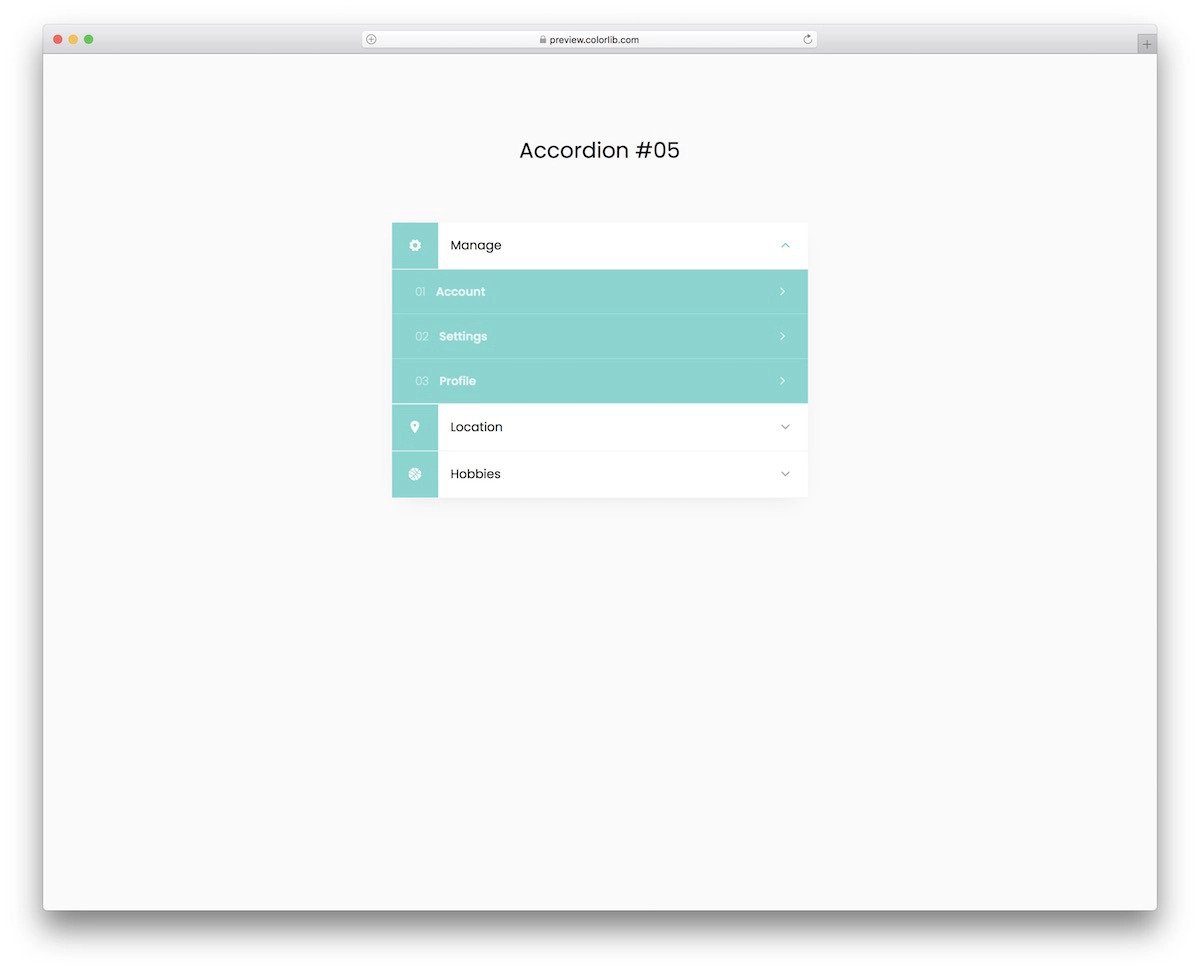
Using colors to group items is one of the best methods in UI design to deliver a visually appealing experience. The V05 CSS accordion template also uses a colorful design in this example.
The creator has used the same color for all the accordions and the icons; therefore, it gets a continuous feeling when the accordion unfolds. Smooth animations and natural-looking colors elevate the whole experience to the next level. Since this template uses the latest CSS3, you can use any modern colors and animations.
CSS Accordion V09

You get a professional design in this V09 CSS accordion example.
The creator has shown you that this accordion can handle all types of content. For example, you can see images and long texts in the default design. Since this template uses the latest HTML5 script, you can even add short video clips to make the content delivery even more engaging for the audience. Ample space is provided between each accordion to make interactions easier. If you are planning to use a versatile accordion design that performs flawlessly on both computers and small-screen devices, designs like this will be a good choice.
Smash
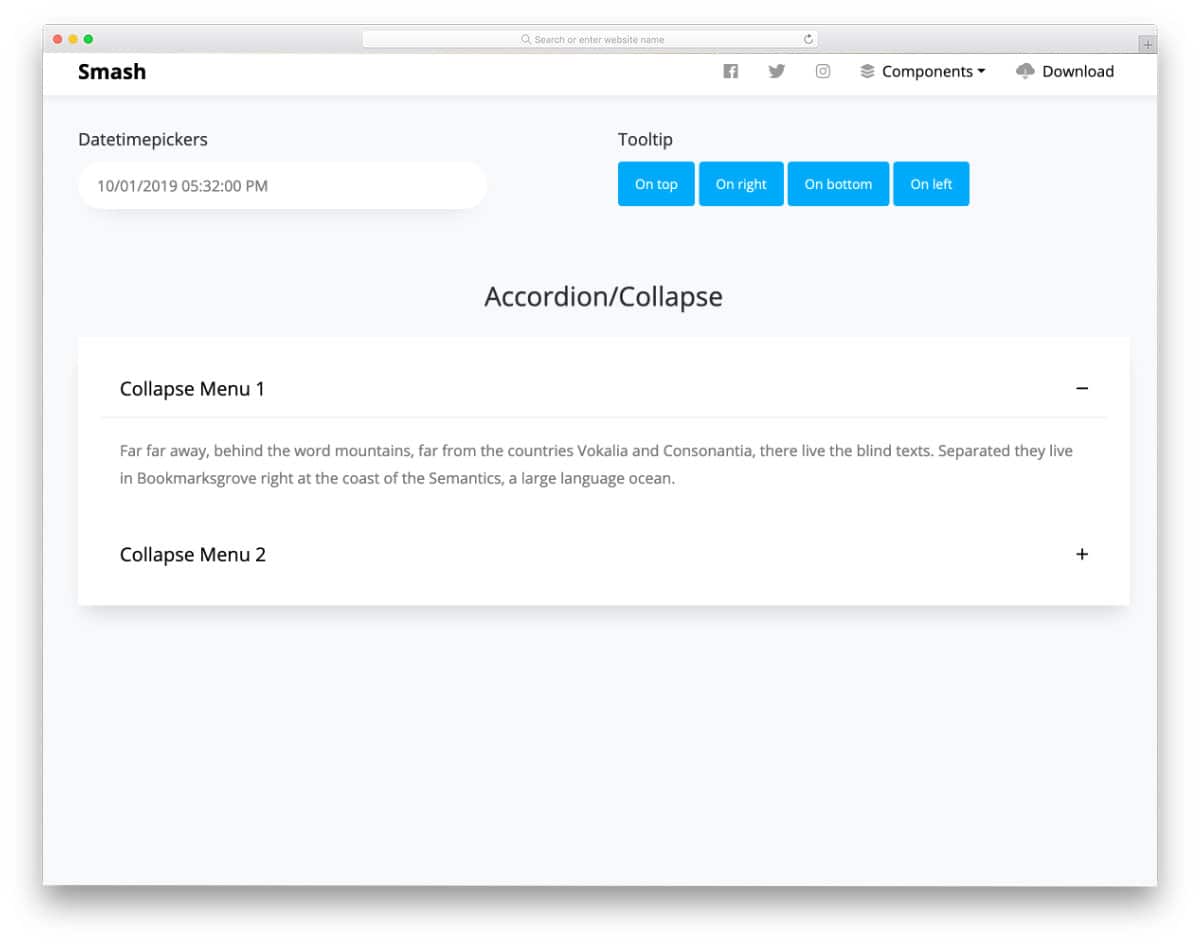
Smash is a free Bootstrap UI kit. The creator has loaded this kit with all the necessary web elements to help you skip the mundane tasks and use your time to create custom content. Right from the call-to-action buttons to the parallax scroll images, everything is given in this pack, making it a valuable addition to professional developers. The default CSS accordion in this UI kit is simple and easy to use. Since this is a UI kit, all elements are designed for a broader audience, so you don’t get fancy elements or animations. But the creator has kept the code flexible enough to let you add custom effects easily to the elements you want.
Equip

Equip is a colorful and modern-looking UI kit. This kit has smart-looking elements with sleek animations, so you can use the code as such in your project unless you have any special needs. The default CSS accordion in this kit is compact with fluid folding and unfolding animations. You can fit the given accordion design into any part of your website thanks to its compact, mobile-responsive design. Like all other CSS accordion examples in this list, this one also allows you to easily change the accordion element’s size and other attributes by editing a few lines of code.
Simple Accordion
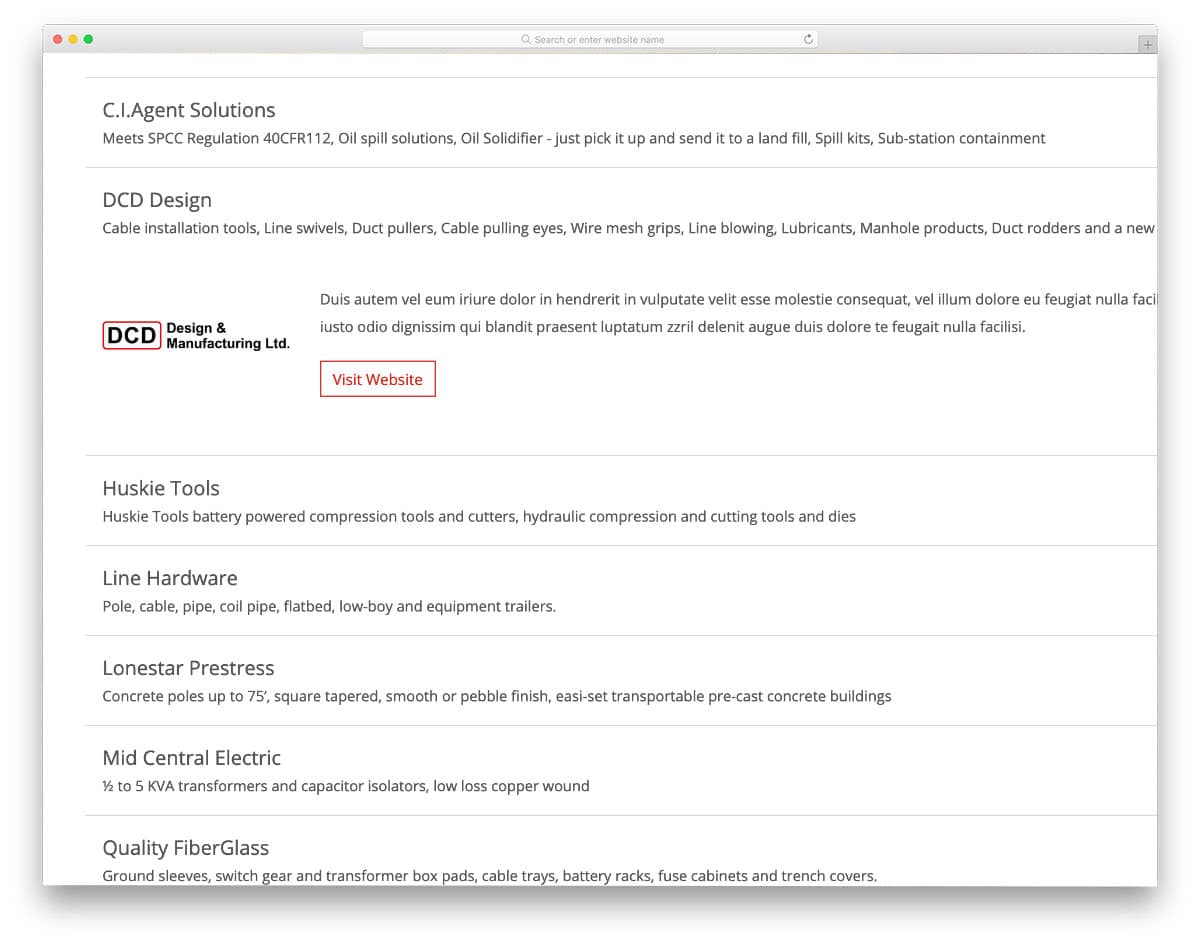
The creator of this accordion has considered all possible scenarios and designed it accordingly. Hence, you get an accordion design that can accommodate elements such as images, call-to-action buttons, and logos. If you are looking for a professional-looking accordion design that can handle complex content, this one will be a good choice. The default design has an immaculate layout and simple animations. You can tweak the animations; the entire code script is available in the CodePen editor.
Pure CSS Horizontal Accordion
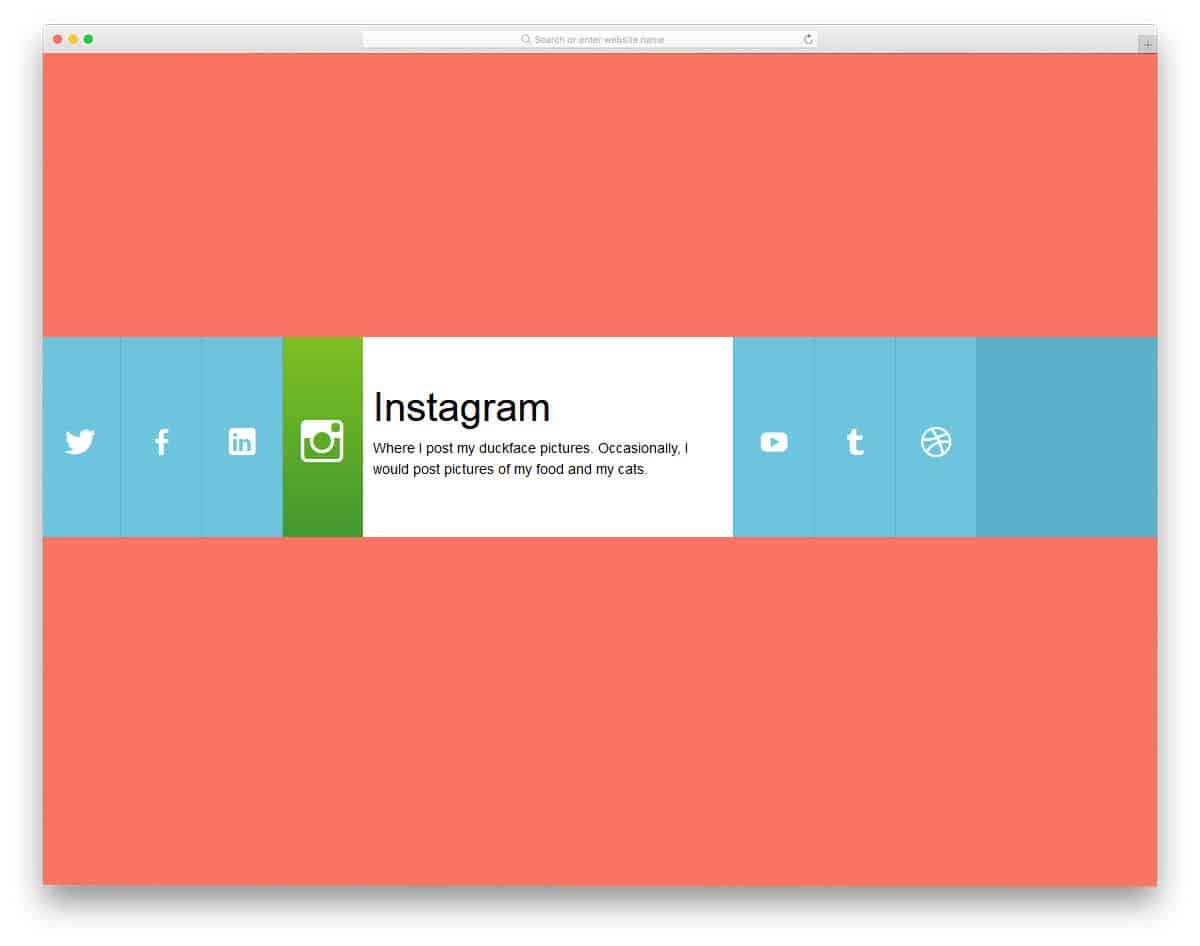
In most cases, we might have seen accordion in the vertical format. But in this one, you get a horizontal accordion. For demo purposes, the developer has provided links to social media profiles. As usual, you can always add the elements you want. When you go for a full-page design, elements like this will save you screen space and give you a unique user interface. In the given demo, the accordion expands on hovering over the elements. Animation effects are carefully applied to each tab in the accordion. You can easily edit and integrate it into your project since it is a pure CSS element.
Product Template

The product brochure designs inspire Product Template accordion design. In the original brochure designs, paper quality and foldings are used smartly to present the products. With modern web development frameworks, we can also bring the same level of creativity to digital design. As the name suggests, this accordion is used to list products. The creative design makes it a perfect option for any website design. From the demo itself, you can see that the developer has used it as a website template. Speaking of brochure designs, check out our brochure mockups to showcase your design and get inspiration for your next one.
CSS + HTML only Accordion Element

As the name implies, the creator has only used HTML and CSS script to make this accordion. The transition effects and other animations are swift, making the interactions easier. Though it is a compact accordion, the creator has kept the letters bigger for better readability. Another advantage of this template is its simple code structure. You can easily handle the code and introduce the custom features and effects without any hitch. The script is shared with you in the CodePen editor so you can easily edit and visualize the results.
Accordion Profile
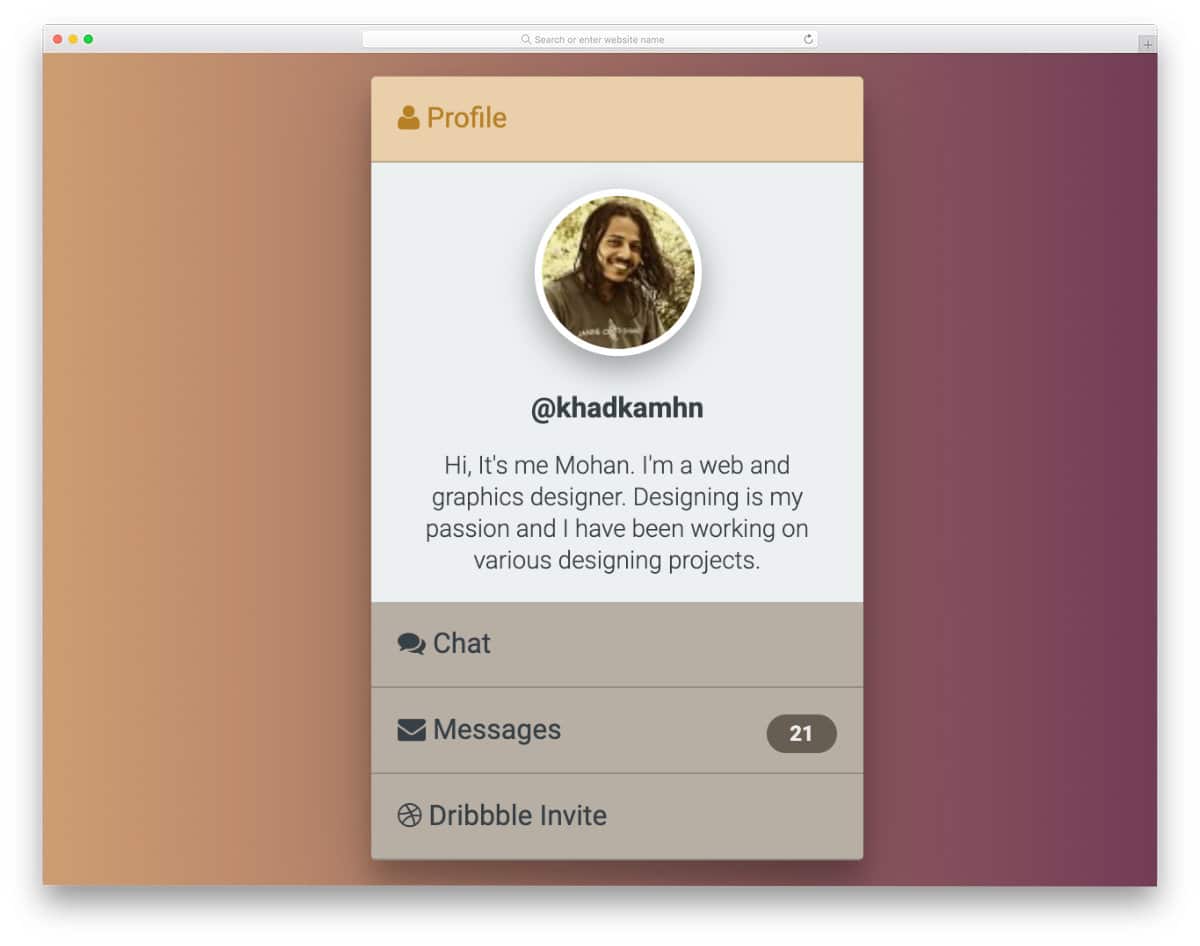
This concept is fun in that an accordion is used on a profile card. If you are designing any team software with the option to chat with people, these accordion profile cards will be useful. Just like the FB messenger chat bubble, users can move the cards and multitask easily. In the default design, you can close the profile image section also. You can show the avatar at the top left corner to let the user easily find the chat bubble. You can create your own custom accordion profile card by keeping this concept as a base.
FAQ
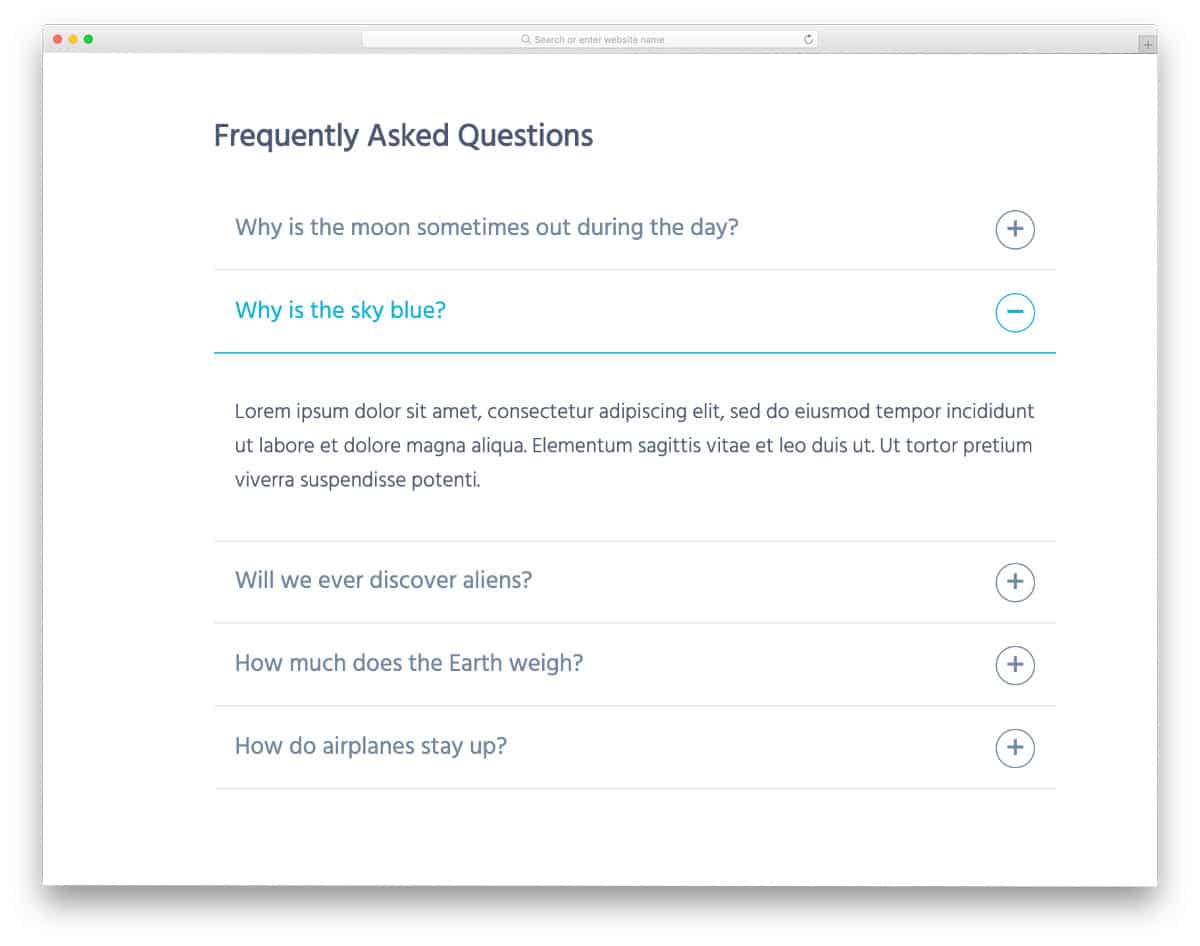
FAQs are the earliest adopters of the accordions, and still, accordions are mostly used in the FAQ section. The folding and unfolding effects aren’t as fluid; you might see some frames skipping—but nothing major, and you can fix it easily. The creator has kept the design very formal so you can use it as is on any business or service website. There are more than enough text spaces in the accordion so the user can easily read the content. The code is kept simple and has plenty of room to add custom features.
CSS Responsive animated Accordion

If you expect smoother transitions and animation effects for your accordions, this code snippet will help. Material colors are used smartly to indicate the selected accordion box. If you like to tweak the hover effects a little, look at our CSS hover effects design collection. Speaking of colors, check out our CSS color palette design collections if you are working on any interface design for editing or design tools.
Feature Slider

Feature Slider is a synchronized working slider and accordion design. The corresponding slider will appear as the user moves to the next accordion tab. Designs like this will help you deliver the main web page content engagingly to the audience. Animations are smooth and will work smoothly on desktops. App landing pages and single product websites will find this CSS accordion design useful. If you are working on a single product website, check out our single product Shopify themes collection — the themes are neatly integrated with Shopify’s online shopping engine, so you can easily sell your products on your website.
Flat Accordion

Flat Accordion is a colorful accordion design concept. If you are looking for some accordion design inspiration for your mobile application, this will help you. The creator of this accordion has followed a flat design style. The simple design of this element makes it easily blend in with other web elements. Shadow and depth effects differentiate the tabs from the main content area. The content area in this accordion has an ample amount of space for text. But if you need, you can adjust it to your needs. Colorful flat icons make this design more attractive. If you use it in a mobile application, icons can make the design more elegant.
3D accordion

With modern web development frameworks, you can create interactive, engaging accordion designs. This example will impress you if you like to try something different from the usual CSS accordion design. As the name implies, the creator has used a 3D animation. Hover effects also give the user a satisfying feeling that they will select the link they want. The fold and unfold animation are smooth so that the user doesn’t have to wait for the information on the accordion to appear. Shadow and depth effects are handled smartly to give a proper 3D effect.
Responsive Accordion

The Responsive Accordion is built entirely with HTML and CSS frameworks. This one is also a horizontal accordion design. As the developer has used the latest CSS3 code, you can witness a fluid and responsive animation effects. In the default demo, you get a small widget-sized element. But of course, you can resize to the size you want. Ample space is given for both images and texts, making it a perfect option for photography websites. If you are using this accordion design in a website, you can link the content in the accordion to a separate page.
Accordion By Lewis
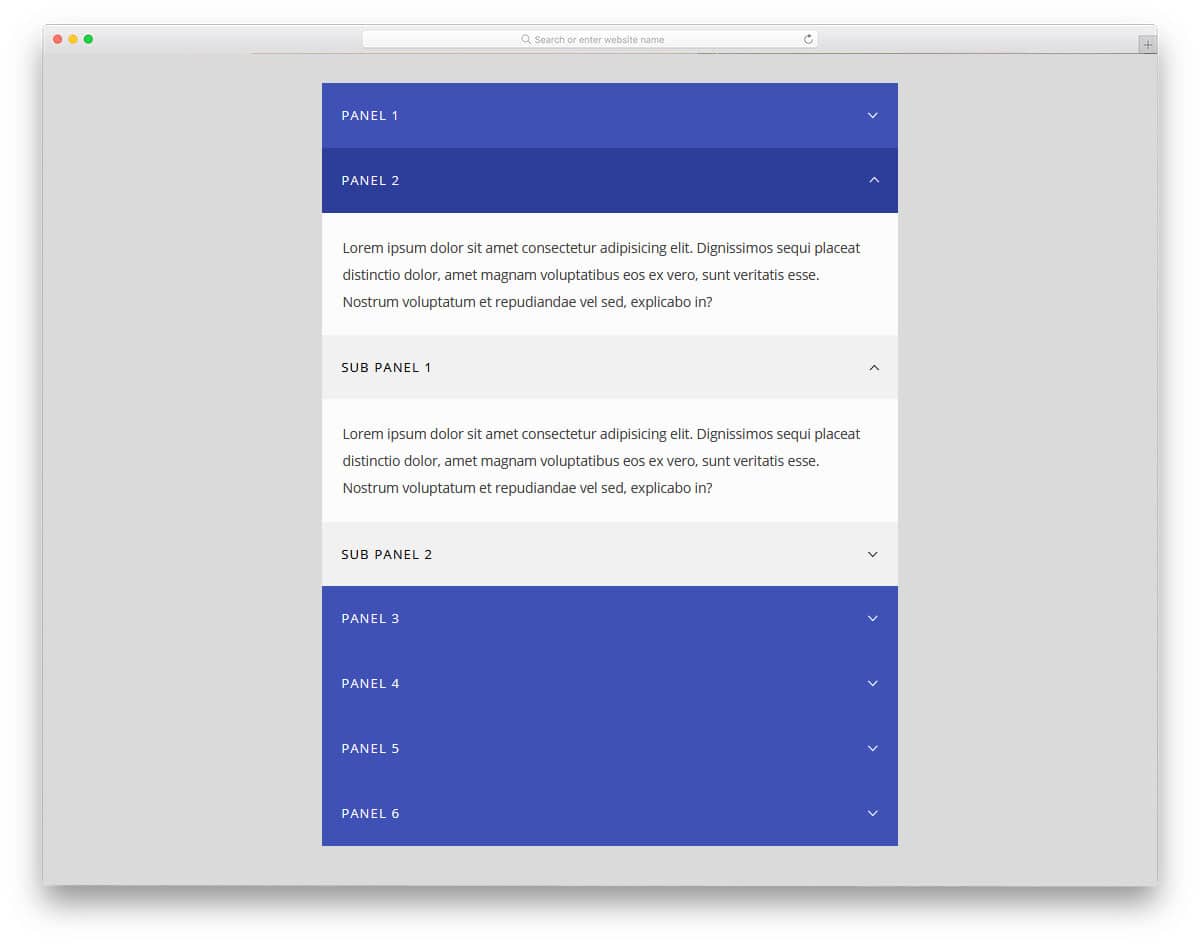
Accordion design by Lewis is more practical and can be used for all types of websites and applications. The creator has given you the main accordion and sub-accordions to list the related elements. This design type will be useful for FAQ sections and product feature listing sections. The creator has adopted a businesslike approach, as it is designed for professional use. All animation effects are kept sleek and smooth, so the user does not need to wait for the content to appear. Hover effects are also handled in this design. Overall, it is a well-thought-out design that you can use as is in your website or application.
Accordion Menu By Benjamin
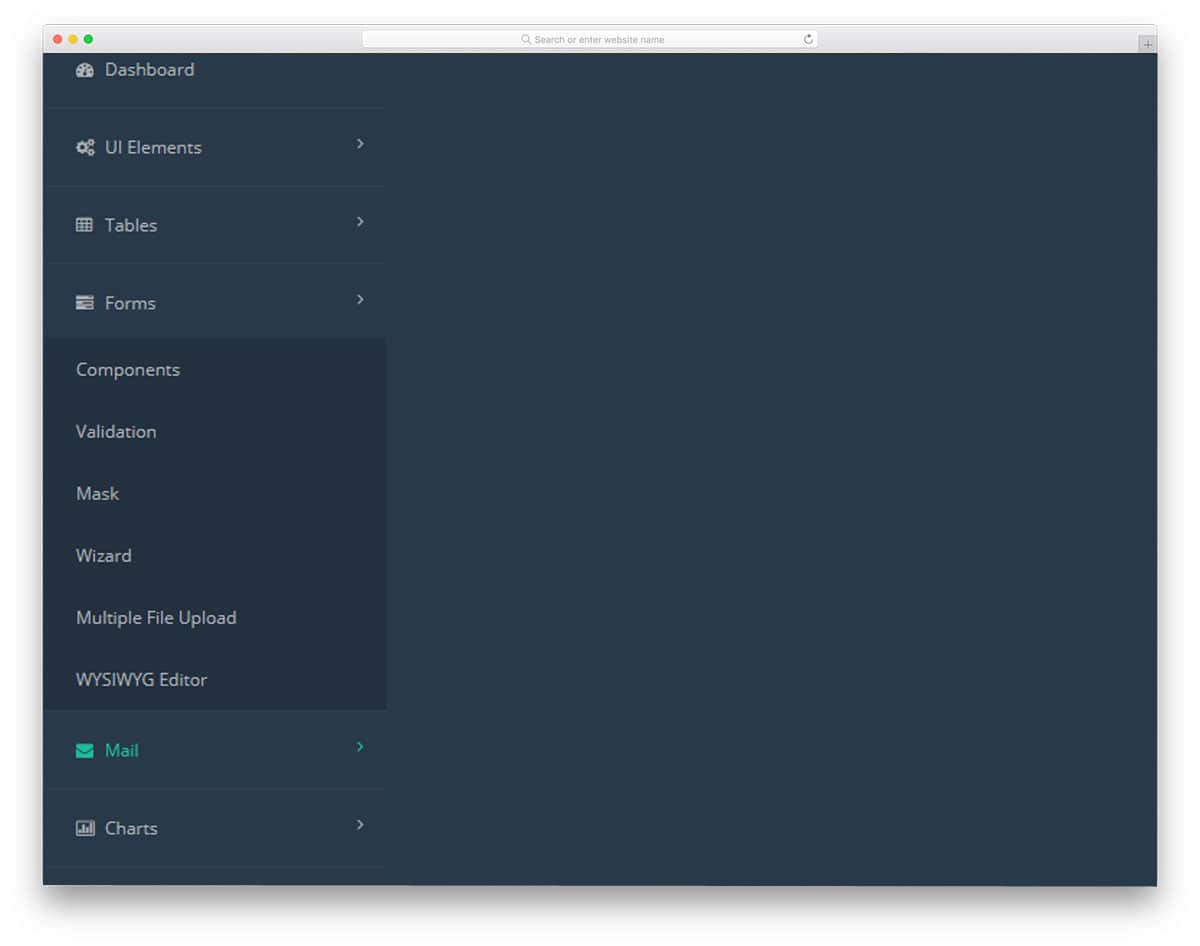
The developer Benjamin has provided us with the accordion menu for the dashboard design. Because accordions conserve screen space, they are the best option for navigation menus. Especially in dashboards, we have only a section for listing the navigation menu. Accordions will help you organize the navigation menus and keep them under one hood. The drop-down effect is smooth and clean, showing the options are revealed with grace. If you are designing a dashboard, look at our dashboard template collection. All the basic options, including accordions, are given, saving time and money.
Funky Pure CSS Accordion

This funky-looking accordion will inspire many mobile app developers. As mobile users spend more time on their phones, mobile applications must be more interactive. Lively animation effects, like those in this accordion, will make your application stand out from the rest. Being creative doesn’t mean you have to compromise on the functionalities. This accordion’s developer has made this interactive and given space to add features. In the demo, a scheduling app design is used. You can use this design for other types of applications as well. It is a pure HTML and CSS application, so you can work with it easily.
Pure CSS Accordion

The Pure CSS accordion is similar to the Product Template Accordion mentioned above. But, this one takes a more vertical approach than the Product Template accordion. Shadow and depth effects differentiate the highlighted tab from the rest. Animation effects are bold and aggressive, so the user can easily feel them. At the same time, the developer has kept the animation effects smooth and clean for professional use. Ample space is provided for the text. The demo follows a full-page view, but you can scale it to the size you want.
Flexbox Accordion
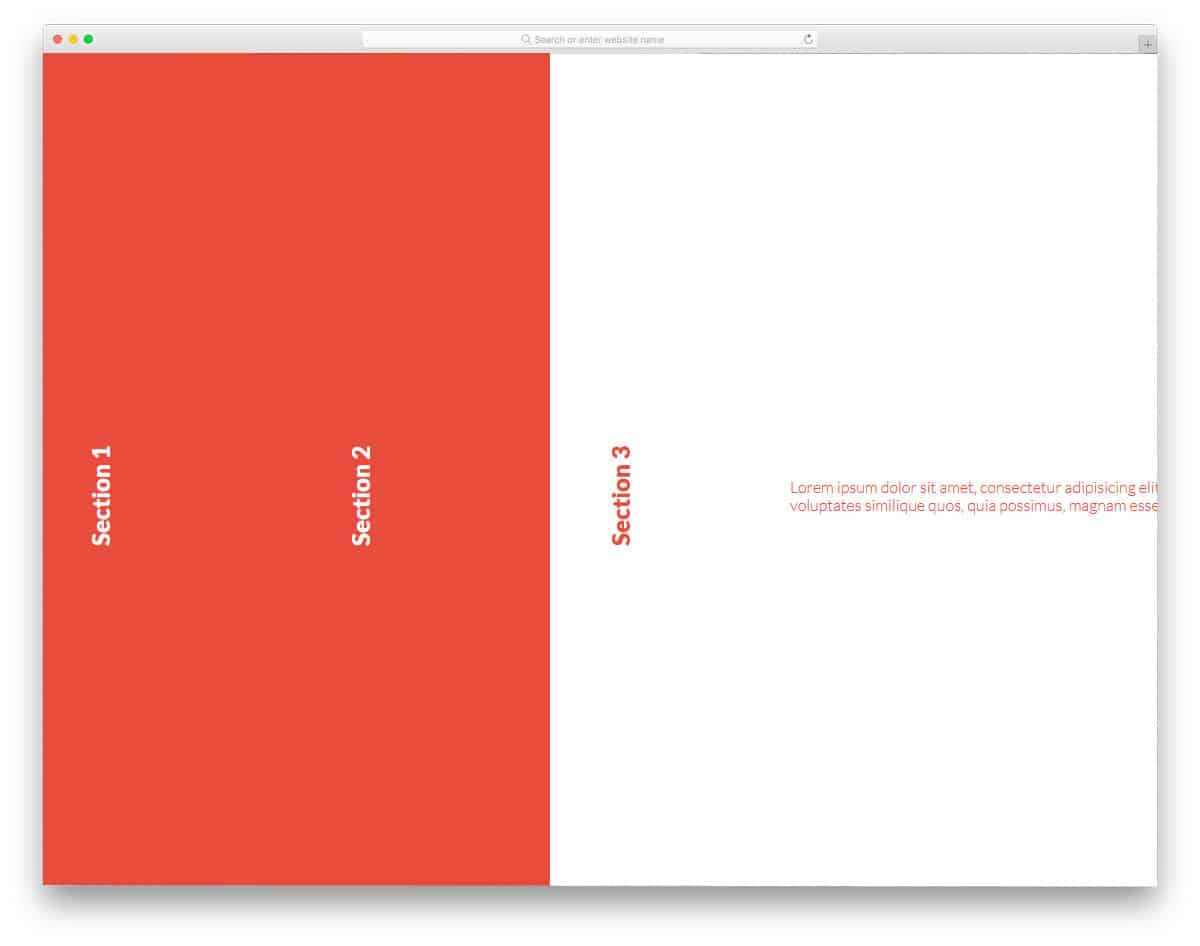
Flexbox Accordion will remind you a bit of Microsoft’s fluid design. You can make this one a perfect fit for modern Windows devices and computers by making a few tweaks. As Microsoft moves towards a single operating system for all devices, you can see this interface in Xbox, Surface, and tablets. Coming to the Flexbox Accordion design, this one also follows a vertical accordion. The tabs in the accordion are wide enough to accommodate long text. Users can read the contents on the tab without scrolling. If you are an app or responsive website designer, look at our computer mockups to showcase your design elegantly.
Accordion In Vanilla Js

From the name itself, you can infer that the user has used JavaScript in this design. JavaScript is used for a smoother animation effect. But you can edit and use the code structure you prefer based on your project. Design-wise, this one is similar to the Accordion by Lewis design mentioned above. Except in this one, you have a more audacious animation effect. Though the effects are vigorous, the developer has managed to make it pleasant and kept it within the professional standards. So you can use it easily in your applications and website designs.
Horizontal Accordion
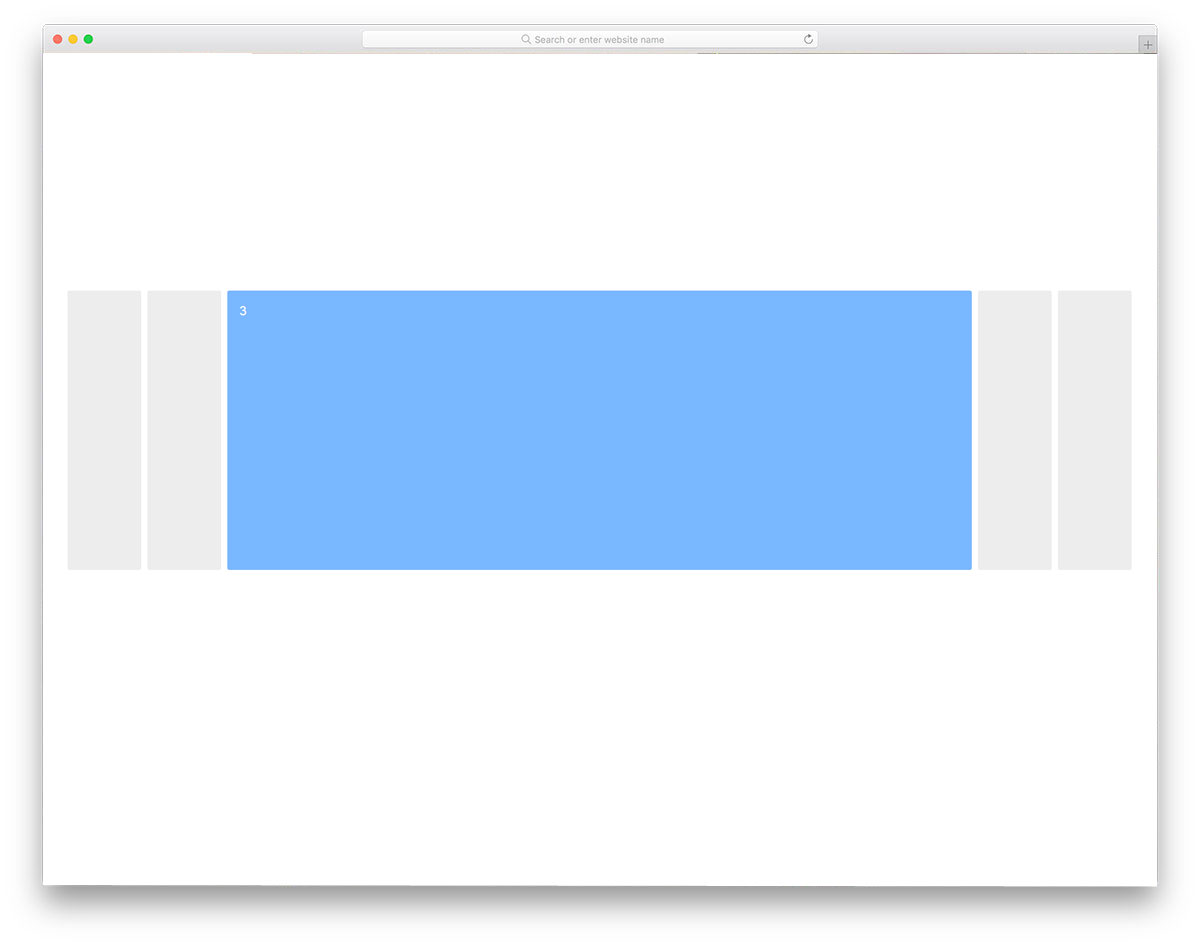
Horizontal accordions are becoming popular now in modern web design. Since it is a concept model, the creator hasn’t used any content or images in the demo. But you can add the type of content and animation effect you want. This is for you if you want a simplified version of the Responsive Accordion design listed here. The simple structure gives you enough room to improve the design and add desired features. The entire code script used to create this design is shared with you so you can easily use it in your design.
Pure CSS Accordion

In this example, the creator has provided multiple accordion opening designs and a single one. Both designs are built with HTML5 and CSS3, so you can easily use them on your existing website. In the single accordion opening design, you get a “Close others” option at the bottom to close the accordions in one click; logically speaking, this option should be given in the multiple accordion opening design. The entire code is shared with you, by making few adjustments to the code you can make it a perfect accordion.
CSS Sliding Multi-level Accordion
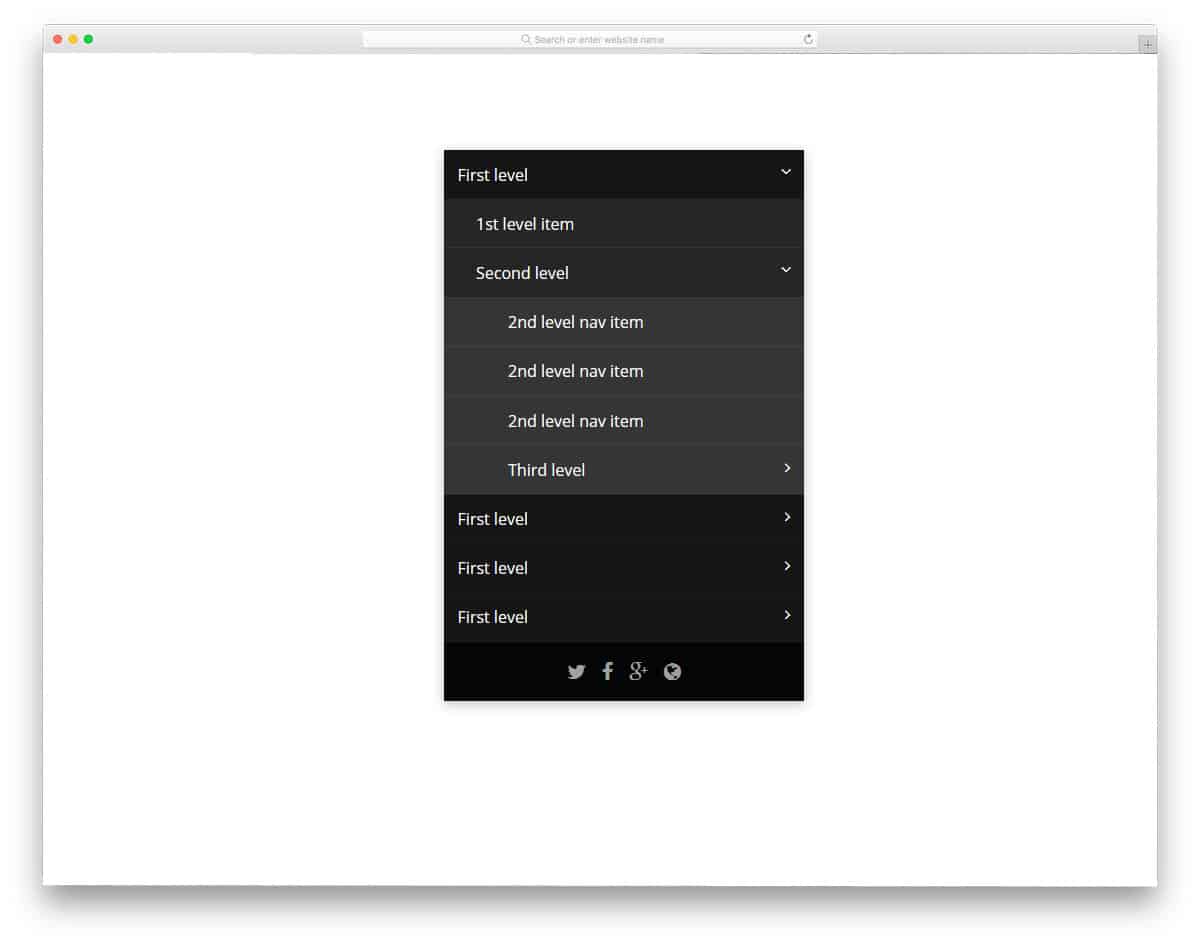
From the name itself, you can see that this design uses a nested, multi-level accordion. Neat hover effects are used to properly highlight the accordion the user will choose. The default design is a perfect option for the accordions on the sidebar. But you can edit the code and resize the accordion size per your needs. The latest HTML5 and CSS3 scripts are used in this design so you can even make it a responsive accordion design. All the basics are done perfectly in this design, so you can concentrate on adding the features and elements you want.
Simple Accordion
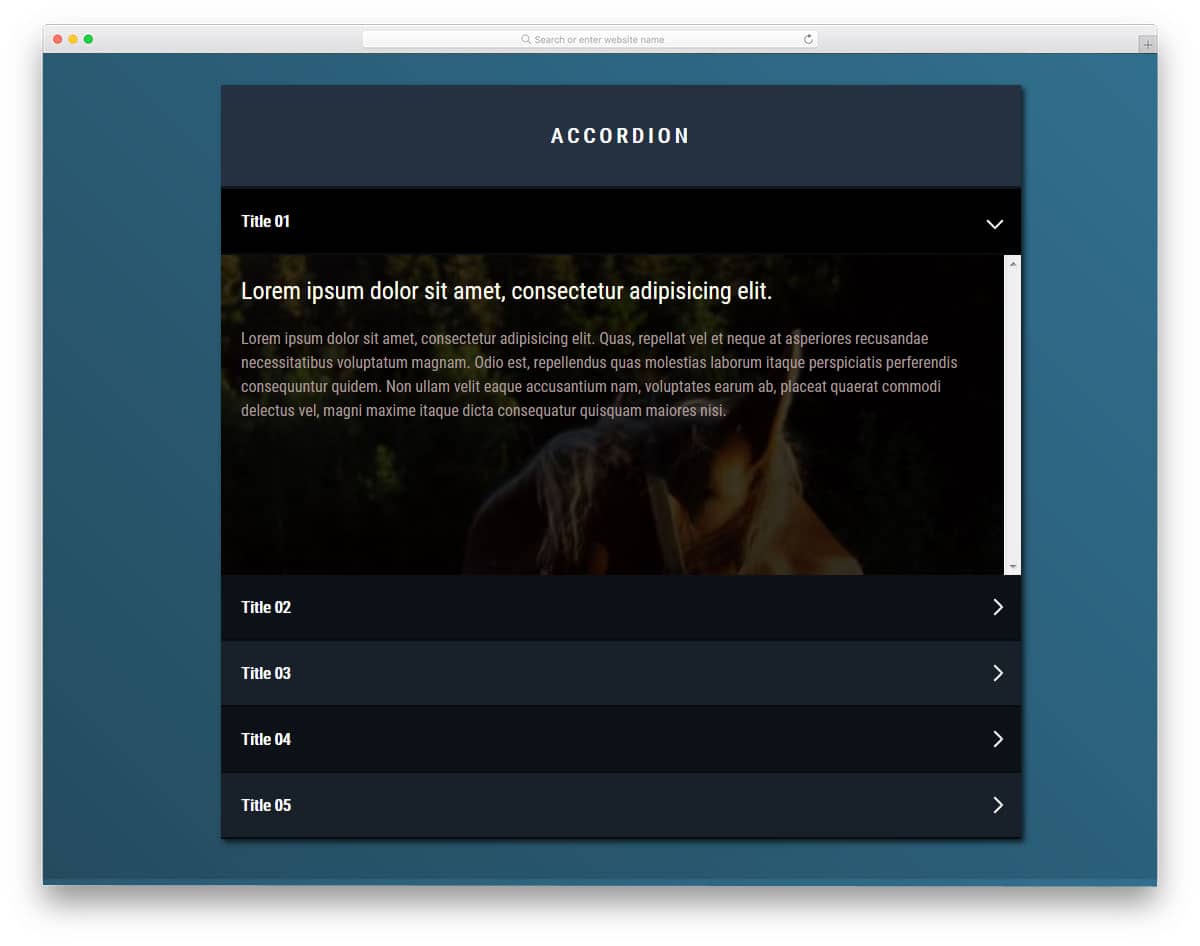
Accordions are mostly used to organize the content neatly. If you are using accordions to manage large content, you can use this design. The creator has given you image background accordions in this design, so you can add related images to the background. Though the design is simple, the familiar design will help users easily interact with your website. To make this design, the creator has used HTML, CSS, and a JavaScript framework. If you want, you can trim the code to your preferred structure. The creator has shared the code in the CodePen editor; you can easily edit and visualize the result there.
Pure HTML and CSS Accordion
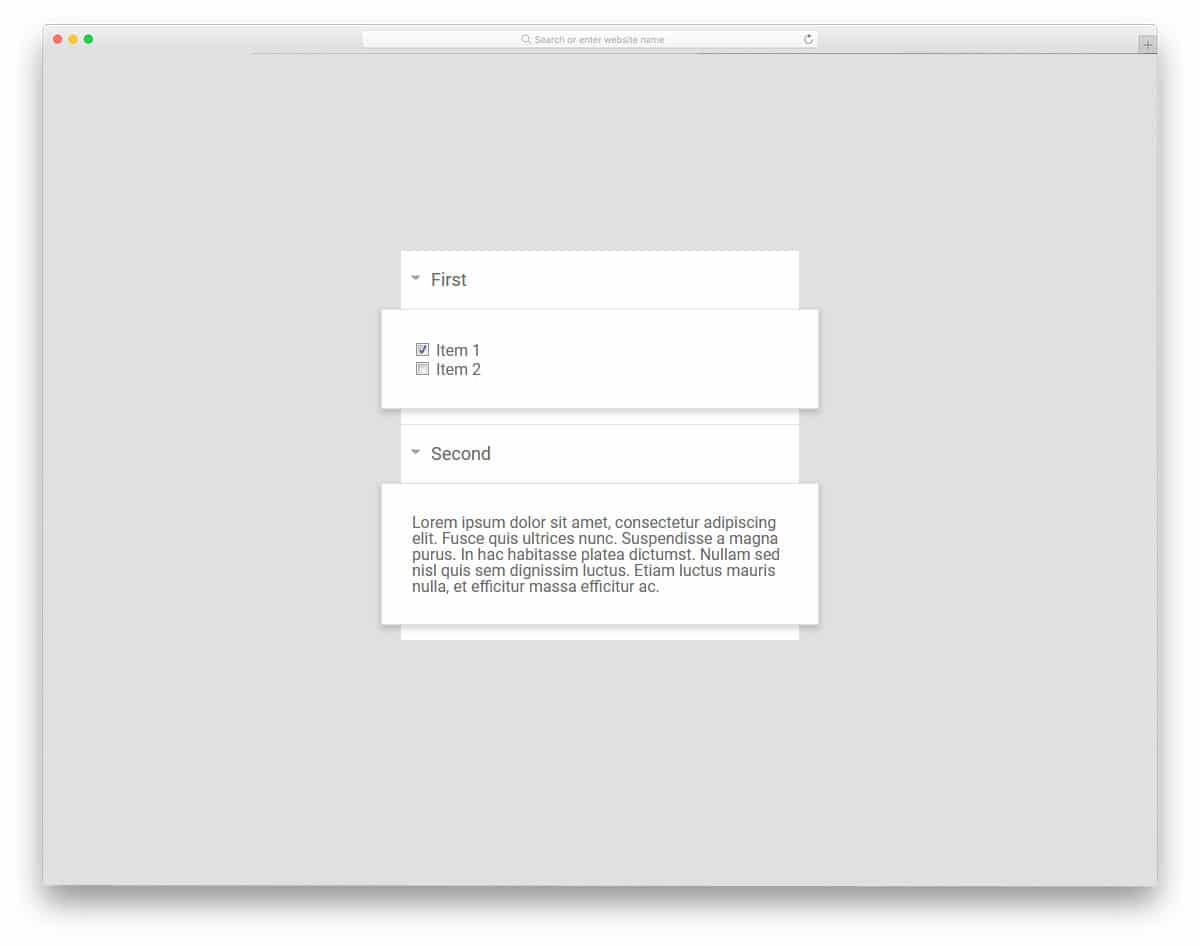
Pure HTML and CSS Accordion is a simplified version of the Accordion In Vanilla Js design mentioned above. The neat unfolding animation and big cards make this design perfect for professional use. Along with the text cards, the developer has also given you checkboxes. As checkboxes are made for binary functions, you can add other actions to them. Based on the user’s response on the first accordion card, you can change the accordion cards that appear next, just like in the Google search result showing suggested queries. It is a very basic accordion element with lots of room for improvement. The coding is also kept simple to make the customizations easier for you.
Expanding Horizontal Accordion

The Expanding Horizontal Accordion is a combination of an accordion and a slider. In the previous horizontal accordion, the contents are shown when the user hovers over the tabs. But in this one, you have to click and see a tab. To navigate to the next tab, you only have to click the next tab. This dual characteristic of this element makes it a perfect option for both accordions with texts and to show images. The expanding animation is smooth and clean. All the text areas in this accordion are in portrait orientation and have limited space. This limited text space may be a slight issue, but you can adjust it in the coding.
Pure CSS Accordion 2

This Pure CSS Accordion is the best option for photography websites. When you have to group a set of related photos, elements like this will help you keep them organized elegantly. This design is not only organized but also gives a pleasant look. Rather than keeping the photos in an old grid style or using a separate page for a category, this element might keep things in one page. As the accordion tabs can be adjusted based on the images, you can use portrait and landscape orientation images. Another advantage of this accordion tool is that it is made purely using HTML5 and CSS3 framework.
Accordion Image Gallery

This is one is almost similar to the Pure CSS accordion design mentioned above. But, this one has a different animation effect. In addition to expanding the animation, this accordion also features an image-zooming effect. You can use this element to showcase a few of your designs or photographs. If you are a freelancer, having a well-designed homepage that explains your services and showcases your best work is a must. You can apply this accordion effect to your homepage and use a separate portfolio page to list all your works. Plus, this element will save plenty of space on your homepage for other elements without compromising the quality of your image.
Accordion Slider With Transitions and Flexbox

This is another version of the accordion gallery design mentioned above. If you are an architect or interior designer, you can’t simply show your designs. You have to explain your role and your client requirements to the user. For that purpose, you can use accordion with flexbox. The flexbox allows you to add a few lines about the project and a link to the product page. Another advantage with this accordion set is the developer has given you five different variations. Based on your need, you can pick one and start working on it. Since all the variations are designed purely using an HTML and CSS framework, working and integrating them with your project won’t be an issue.
Accordion With Input Edit
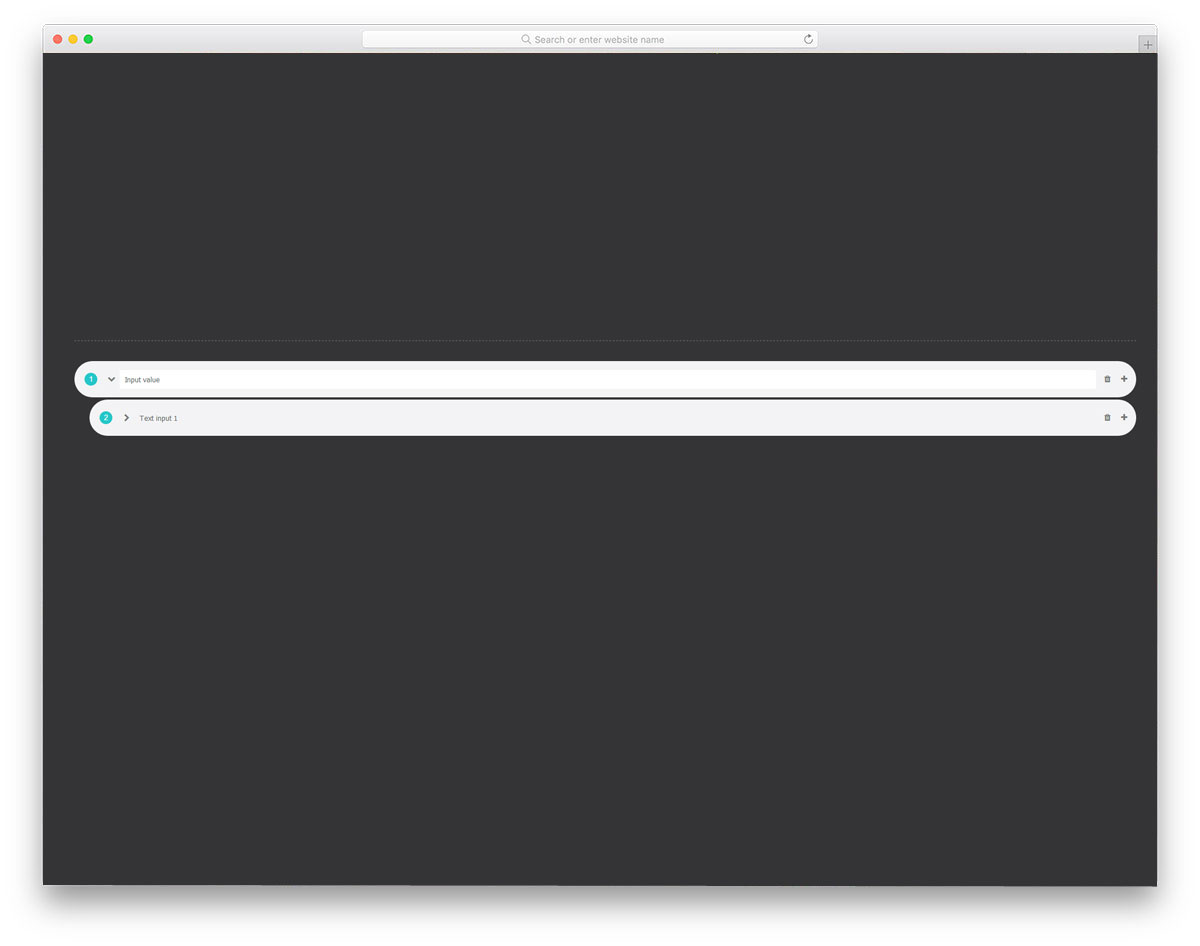
All the previous CSS accordion designs were made to show the contents. But, this is designed for getting the content. From the name itself, you can infer that this one has an input text box. Accordions are not only used on the front of the website but also in the tool designs. If you have worked with WYSIWYG editors like WPBakery or Elementor editors, you might have seen many accordions like this. For a step-by-step input process, you can use accordions in your tool design. The developer of this accordion has given you the option to add or delete an entry.
Accordion Details and Summary

The most common place you see an accordion is in the FAQ and feature list sections. If you are looking for an animated accordion for these sections, this design will help. Minimal design, rounded edges, and drop shadows used in this design make it a perfect option for modern websites. The transitions between the elements and the texts are sleek and neat, so users won’t even notice. Since it is a demo, you only get a few texts for the accordion boxes. But you can add as many texts as you want by making a few adjustments in the coding.
Responsive Animated SCSS Accordion
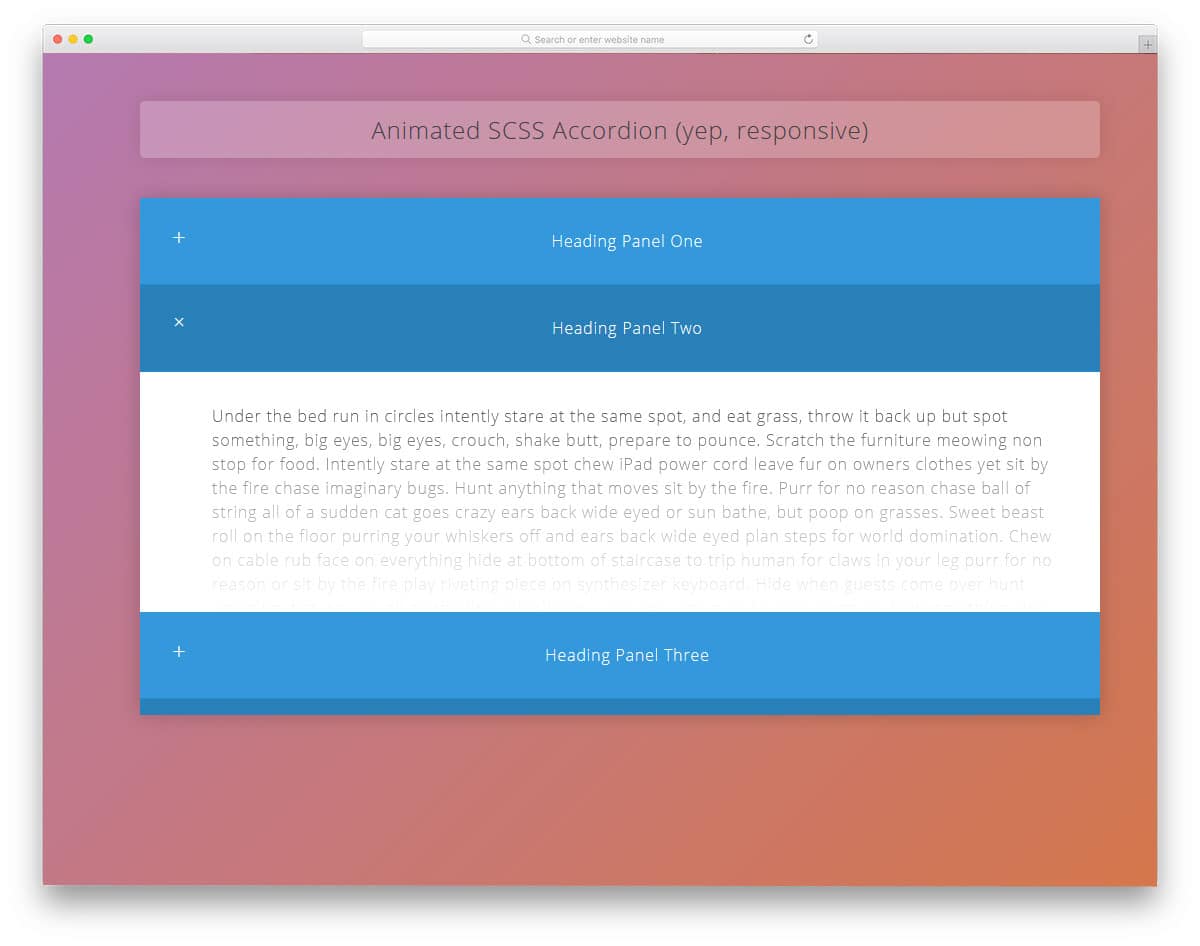
Responsive Animated SCSS Accordion is a colorful version of the FAQ style accordion mentioned above. Sometimes we need more space to answer a question; in such cases, accordions like this will help. The scroll bar is the only thing you need to add to make it perfect. In the default demo, some text got buried under the boxes. Other than that, this accordion is fully functional on the front end. The expanding and collapsing animation is done smoothly. You can also keep all the accordion tabs expanded. If you need, give an option at the top corners to collapse all the accordion tabs in one click.
Swanky Little accordion List
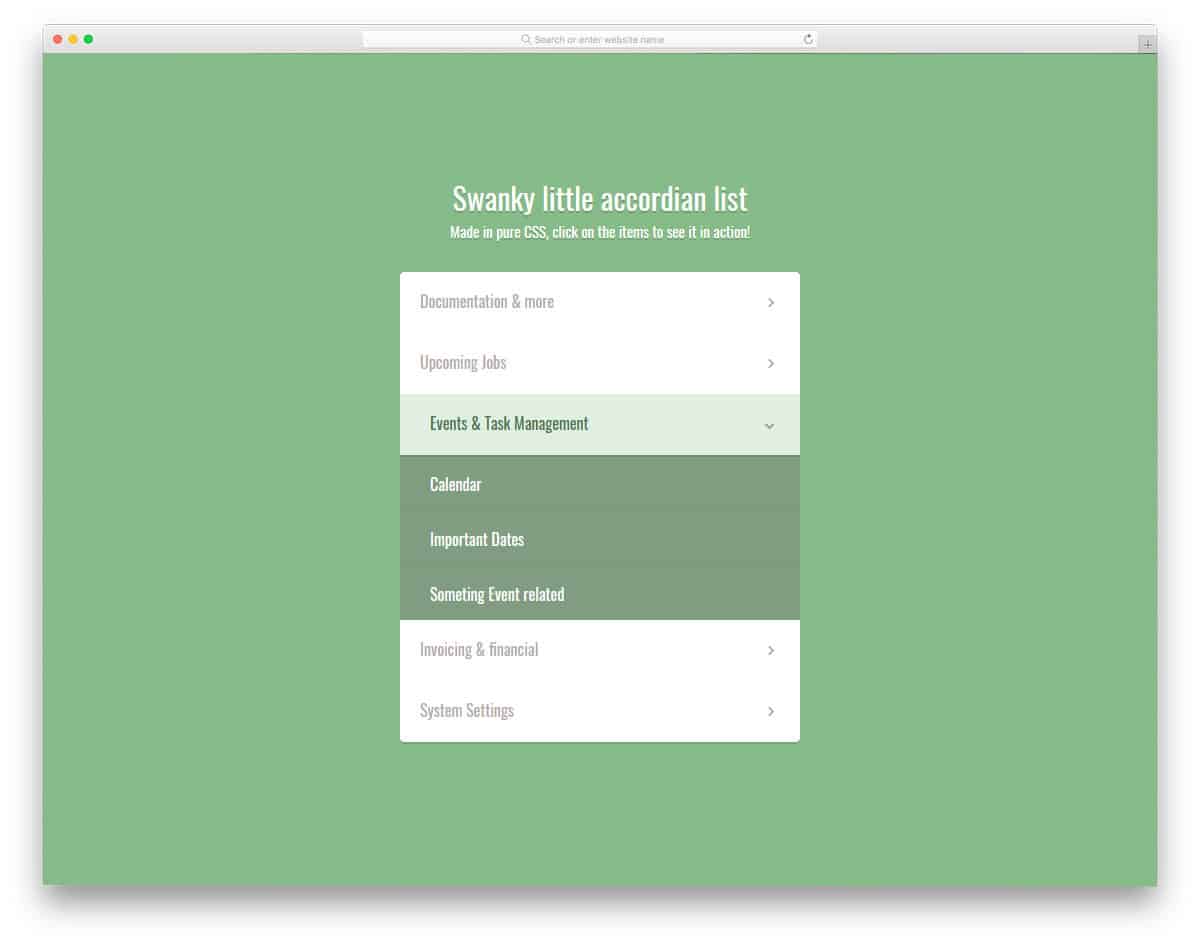
Swanky little accordion list is a simplified version of the Responsive Animated accordion design mentioned. If your requirements are fewer and you expect a simple design, this design can help you. The developer hasn’t kept everything simple; he has handled visual effects effectively to improve the user experience. Hover effects highlight the selected accordion tab. The accordion tabs’ bouncing effect shows how fluid the modern CSS3 framework can be. In the demo, you only have the space to list the options. But you can make space to add text if you want. The code script used to make this accordion design is shared with you by the creator. You can play with it to add your own features and options.
Accordion 2.0
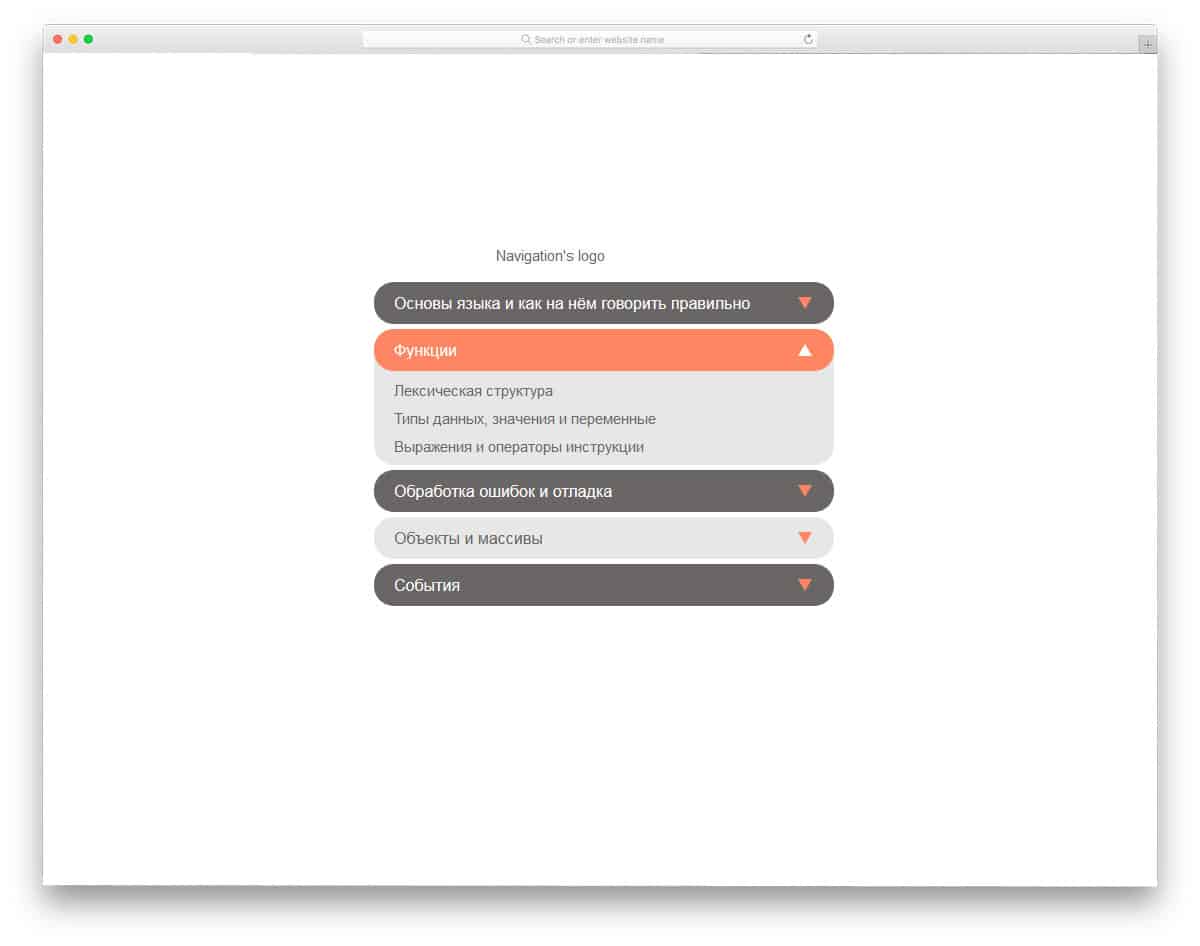
Accordion 2.0 is the best option for both mobile applications and website elements. Since the developer used JavaScript in this design, you get a clean, smooth animation effect. But you can still edit the code structure to the way you want, using this as inspiration. Since most of the transition and animation effects used in this accordion can be done in CSS3, you can make this one lighter on the script side.
Accordions Pls
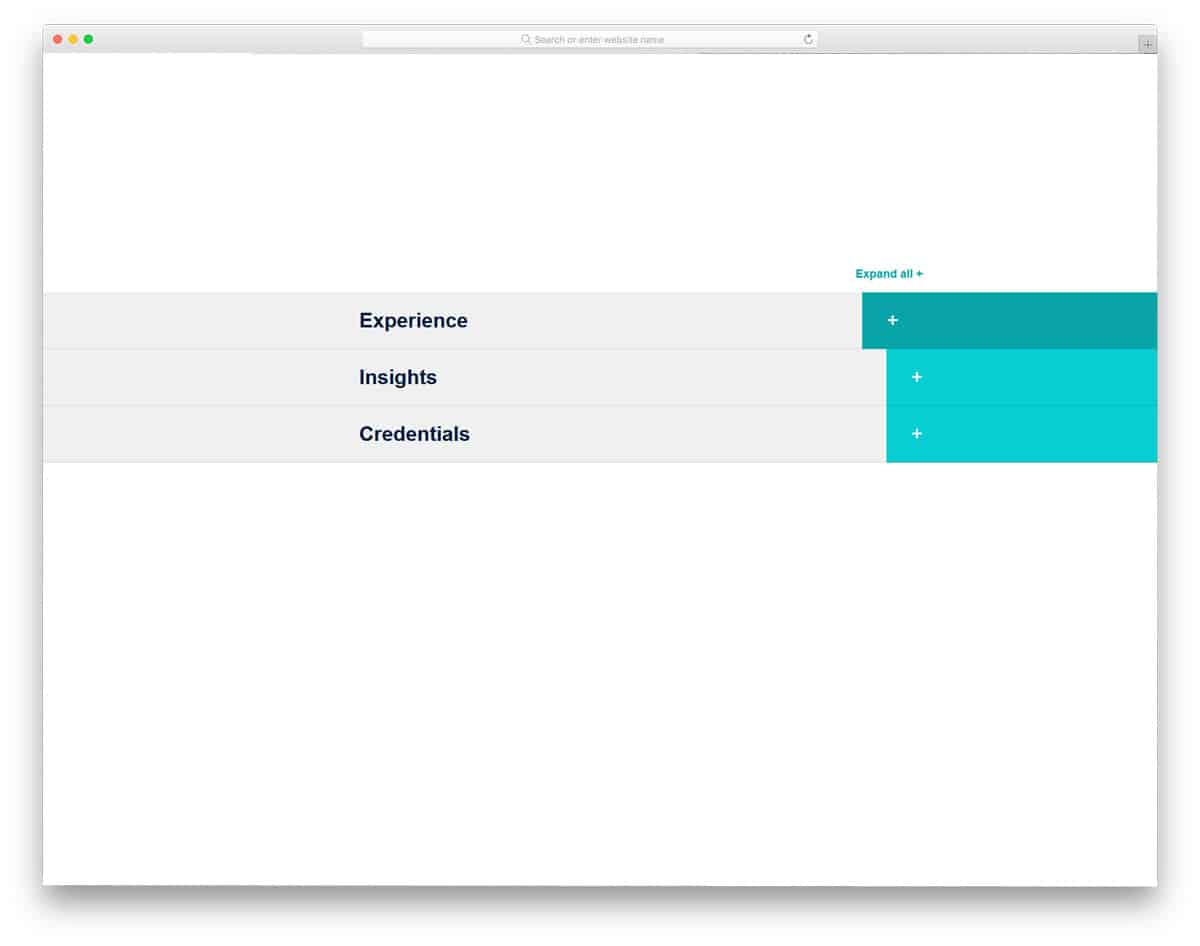
Accordions Pls is an interactive accordion for FAQs and features listing. If you want an interactive accordion to list your product features, this element will impress you. For easier access, the developer has given you “expand all” and “collapse all” options at the top. The card’s expanding and shrinking animation effects are smooth and clean. To give a clean animation effect, the developer has used CSS3 and a JavaScript framework. In the accordion space, you have more than enough room for text content. In the demo, you get a big accordion section, but you can resize it to fit in your design.
Pure SCSS Accordion Tabs
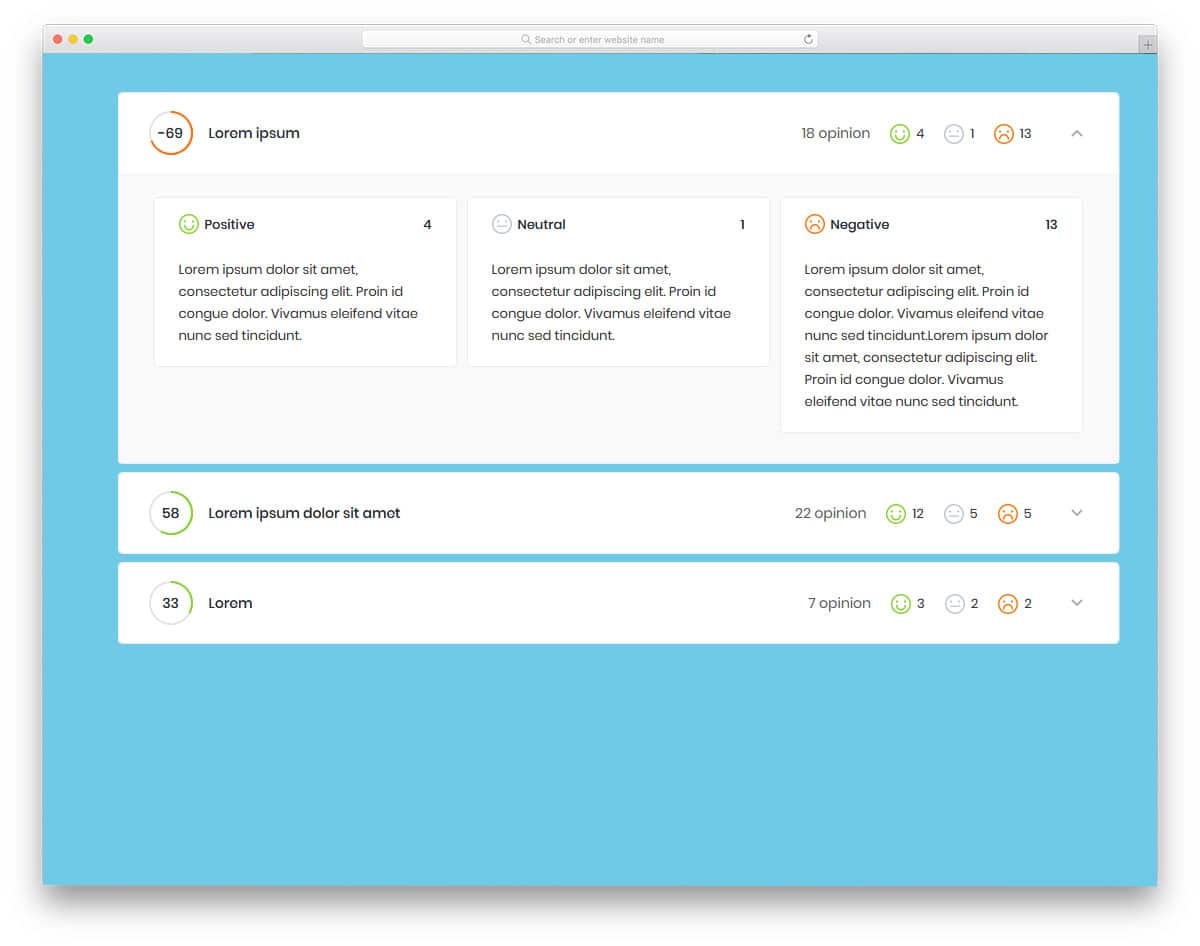
Pure SCSS Accordion Tabs is the best element for a review website. If you compare products side by side to clearly understand them, elements like this will help users select a better product. The developer has given facial reaction elements and rating circle elements. Another advantage of this feature-packed accordion design is it is made purely using HTML5 and CSS3. Hence, integrating this element into your review and comparison tools will be easy. The developer has shared the code in the CodePen editor for easier and quicker customization.

What a great collection of accordion menus. So many ideas and variations here. Thanks for putting this resource together! Cheers!