

Background patterns will make your web pages more interesting and let you elegantly highlight important sections. In CSS3, we get new labels, which can be combined to create unique patterns. As most patterns are generated from built-in texts, this reduces the weight of web pages. Hence, you get elegant-looking pages that load faster. We have collected some unique background pattern designs in this CSS background pattern.
Some patterns have interactive behavior, in which additional code scripts will run. Make sure you check the code structure before using those background designs. There are also examples of background generators on this list; you can adjust the spacing and colors to create a unique pattern in no time. Most designs are simple and have flexible code for quick customization.
Here is the list of innovative and applicable CSS background pattern ideas of 2026 that you can use in your projects.

Responsive CSS Background Pattern
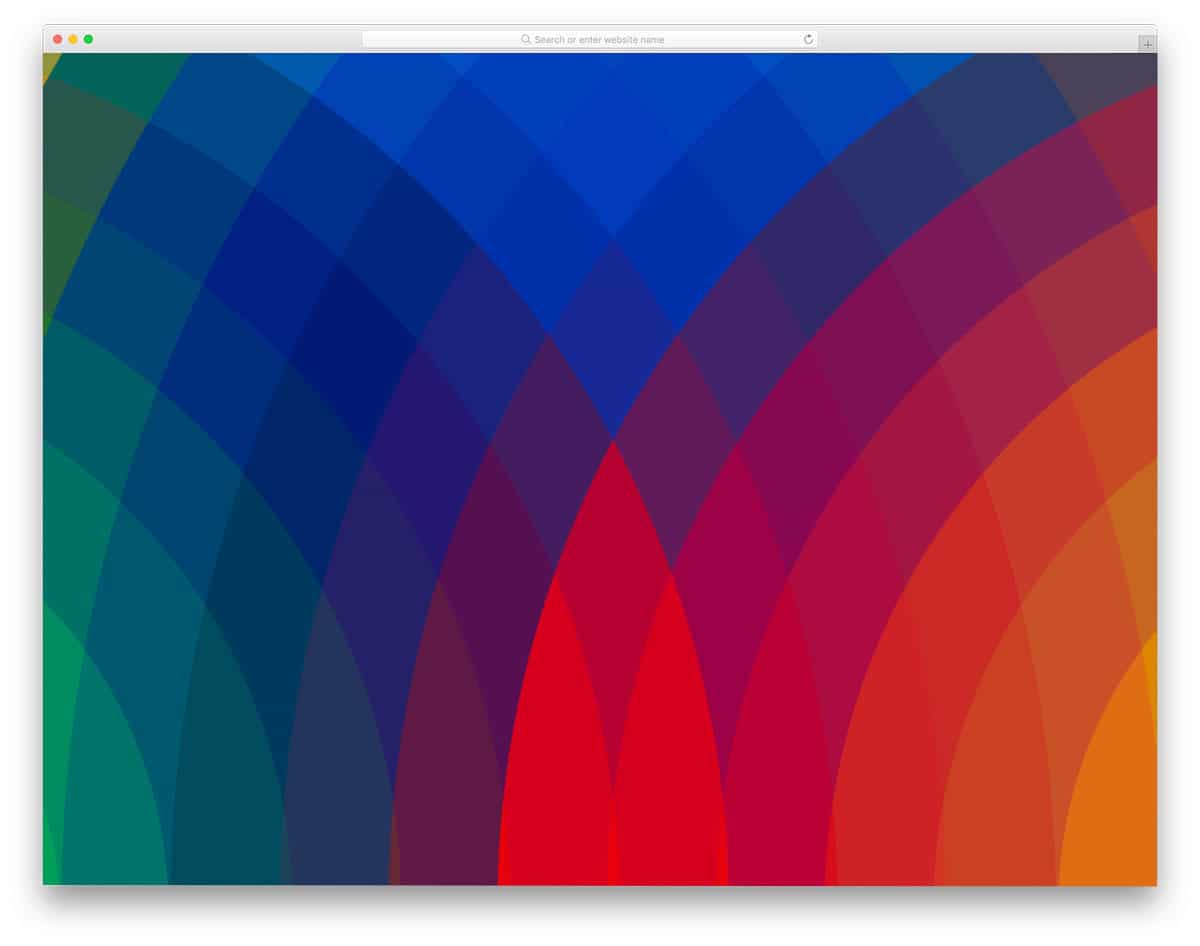
You get a colorful rainbow-like CSS background pattern in this example.
The entire design uses CSS, so you can easily handle this code. Plus, you can use this code snippet on any part of the website without disturbing other elements on the page. You can add colorful scroll effects to this pattern to make it even more engaging as the users scroll down the page. Look at our bootstrap animation examples collection for more interactive animation ideas.
Background Pattern Dots Animation
Those looking for an animated CSS background pattern will love this design. As the name implies, this design uses an interlinked dot pattern that glows when the user hovers over it. The whole background design and animation concept is simple, so you can use it on any part of your website or application. Depth effects are also managed well in this concept to deliver an authentic user experience. You can use this in your project by making a few changes to the code.
CSS Background Gradient

Though this concept has no patterns, CSS background gradients are among the most commonly used design practices in modern web and app design, so we’ve included this one.
This one is an animated CSS gradient background that gradually changes color from one corner to the other, giving the whole page a dreamy feel. You can add your own color combination to the code to personalize the gradient color as per your requirements. The entire code for this functional design is shared with you in the CodePen editor.
Interactive Bubble Background Pattern

This CSS background pattern concept might remind the WatchOS interface because it works like it. The bubbles in the background serve both as a design element and a functional element. Bubbles are clickable and can be expanded to show the details. Sound effects are also added to this design concept to deliver an immersive experience to users; to be frank, they elevate the overall experience.
Since this concept involves multiple variables and dynamic actions, the code is complex but easy to understand. You can see the code snippet on the CodePen editor and edit it per your requirements.
Sliding Diagonals CSS Background Gradient
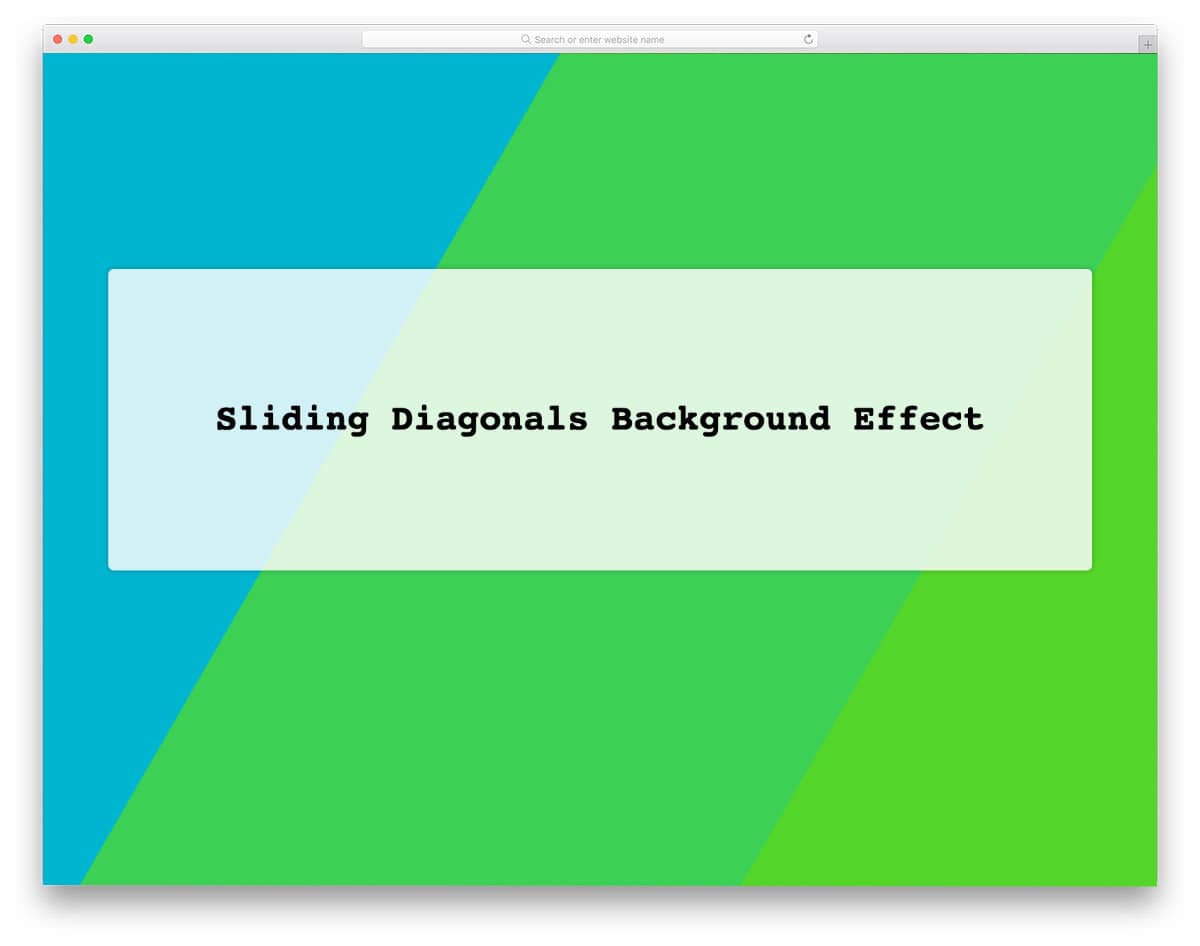
This code snippet will be useful for those looking for an animated CSS gradient background. Since it is a vibrant background, you can see beautiful gradients when the sliding diagonal colors overlap. Sliding animations are very smooth so that the users can see the mixing of colors and their gradients. The entire design uses only CSS; hence, developers can easily handle this code snippet and use it on their website or application.
Pure CSS Animated Background

As the name implies, it is an animated CSS background pattern design. The mild and lively background animation is used in this example. The floating cubes in the background will give users a relaxed feeling, making it the best CSS background pattern for header sections. Cubes of different sizes are used to give a realistic depth effect. Right from the cubes to the colors, everything is designed with CSS. Hence, you can easily change the shape and try different animations to spice up the overall design.
CSS Background Image With Particle Animation
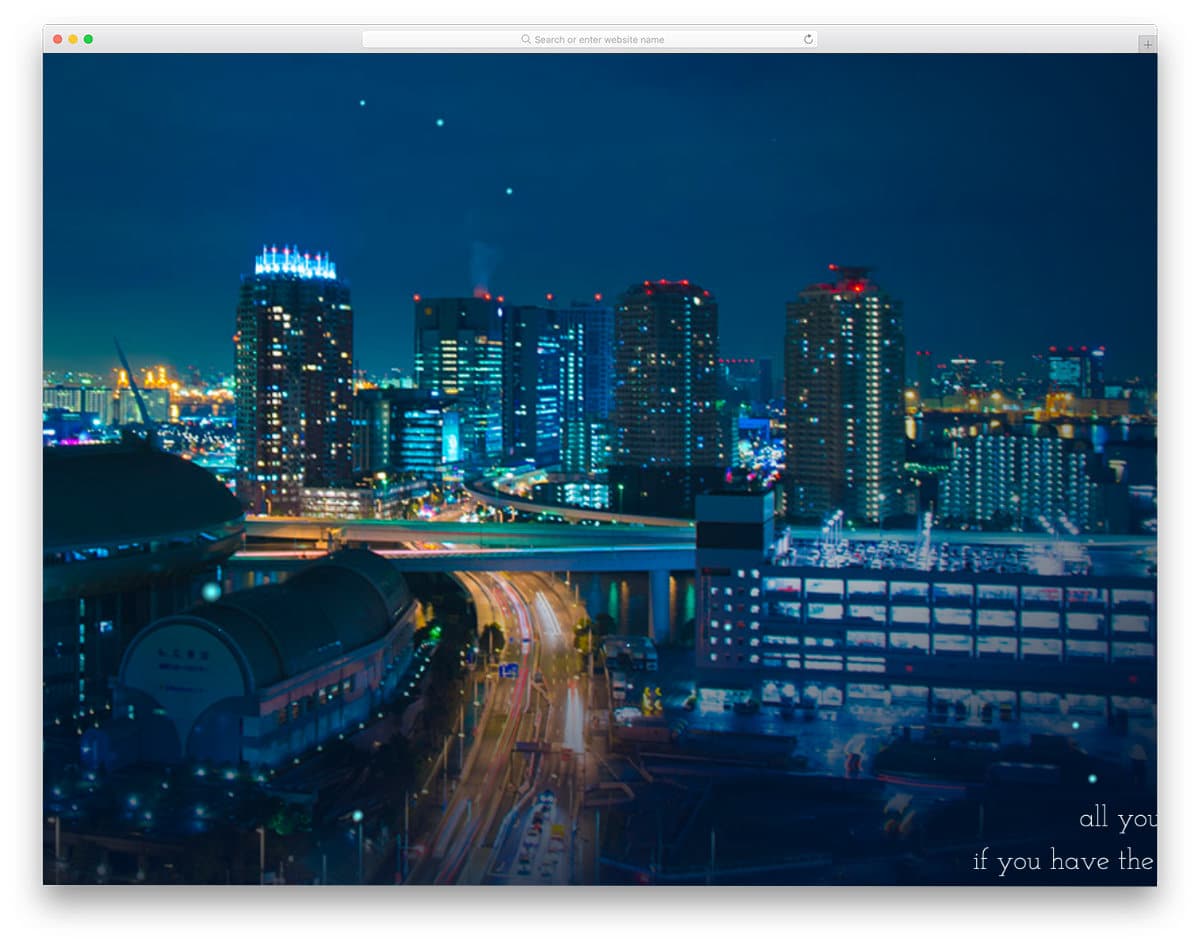
This is a concept for a CSS background-image and pattern design.
Images are one of the most commonly used backgrounds. Instead of placing a static image background, you can add little animations to liven up the environment. The creator has used particle animations in this example, which give it a visually stunning look. Animated particles inherit the background image’s colors, making them look more natural. You can take this concept and use it as per your design requirement. The entire code used to make this design is shared with you in the CodePen editor; you can easily use it on your website or application.
Grid, Flex, and Background Patterns
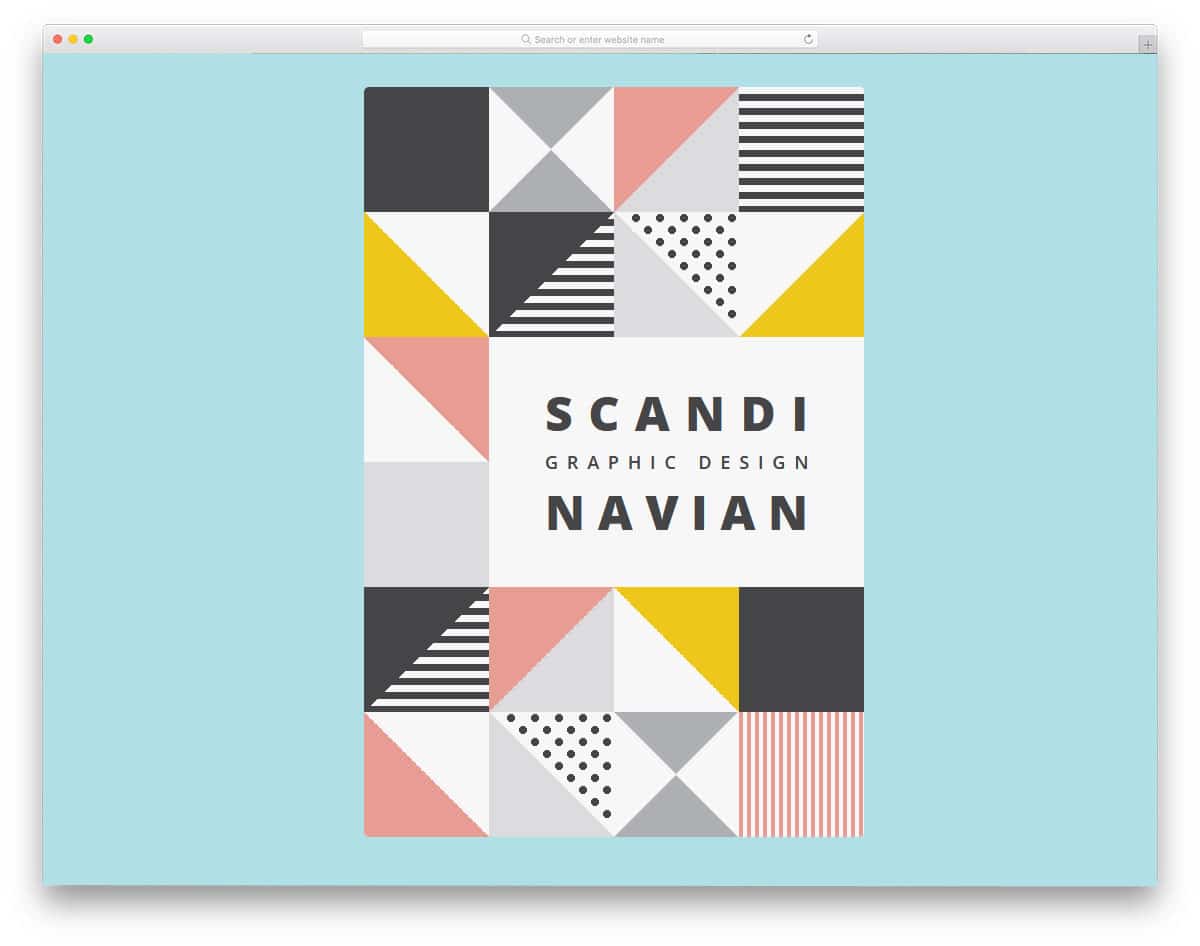
Scandinavian design is known for its simplicity and functionality. If you are looking for minimal & practical CSS background pattern designs for your website, this one might help. The creator of this pattern has used animation effects only on the text. But you can add effects to the background patterns to give users an interactive feel as they scroll down the webpage. Another advantage of this design is it is purely designed using HTML5 and CSS3. Hence, you have plenty of customization options. For more minimal design websites templates with interactive background patterns, look at our free minimal website template collection.
Infinite Scrolling Background
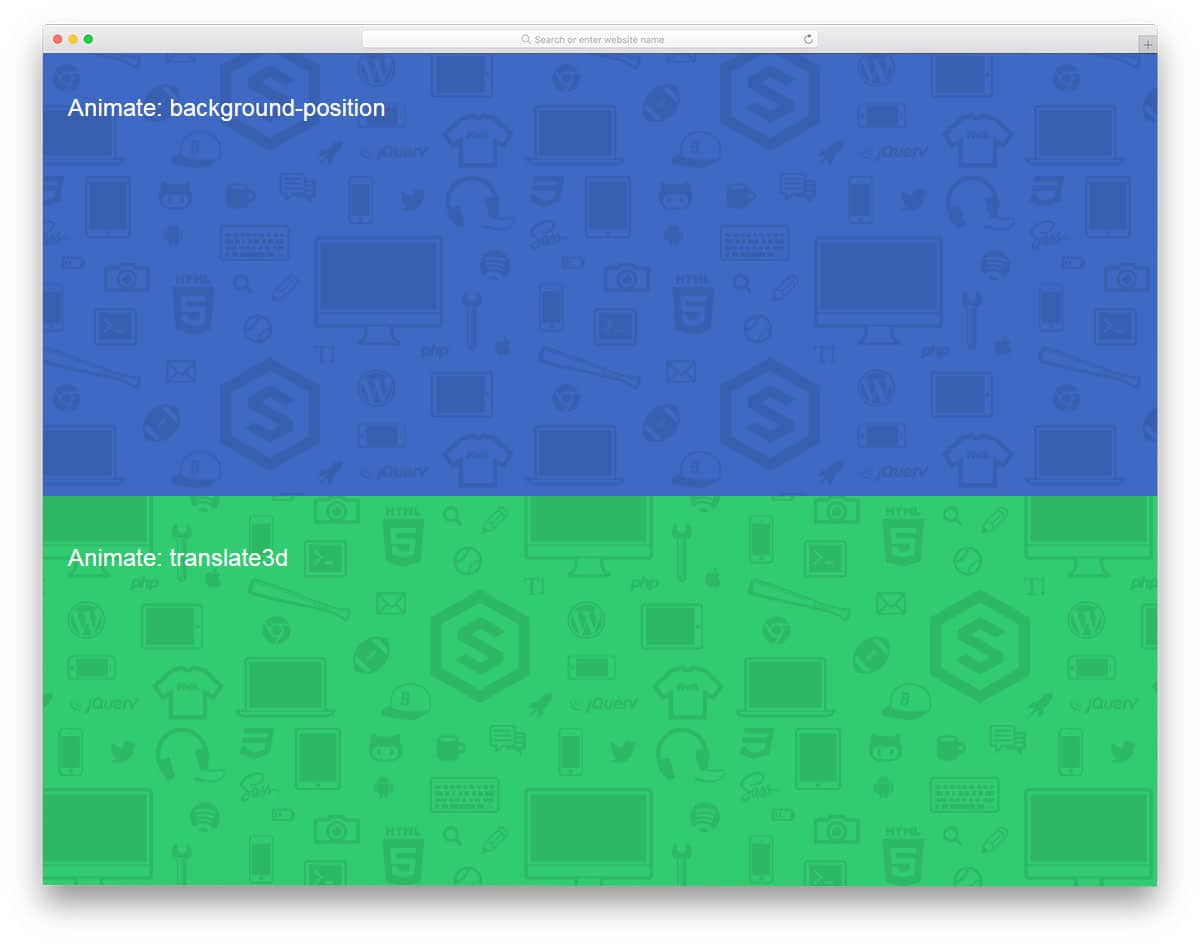
This background animation can be used on any part of the website. Effects like this will help you symbolically represent all your services in the background. As a freelancer, you can use this effect on your homepage header background to give an impressive intro. The developer of this effect has used SVG icons; you can use your own icons to make it fit your website. Just like the above-mentioned Scandinavian design, this one is also developed purely using HTML5 and CSS3. As it uses CSS3, you have plenty of other types of animation effects and natural-looking color schemes.
Children in Need CSS Background Pattern
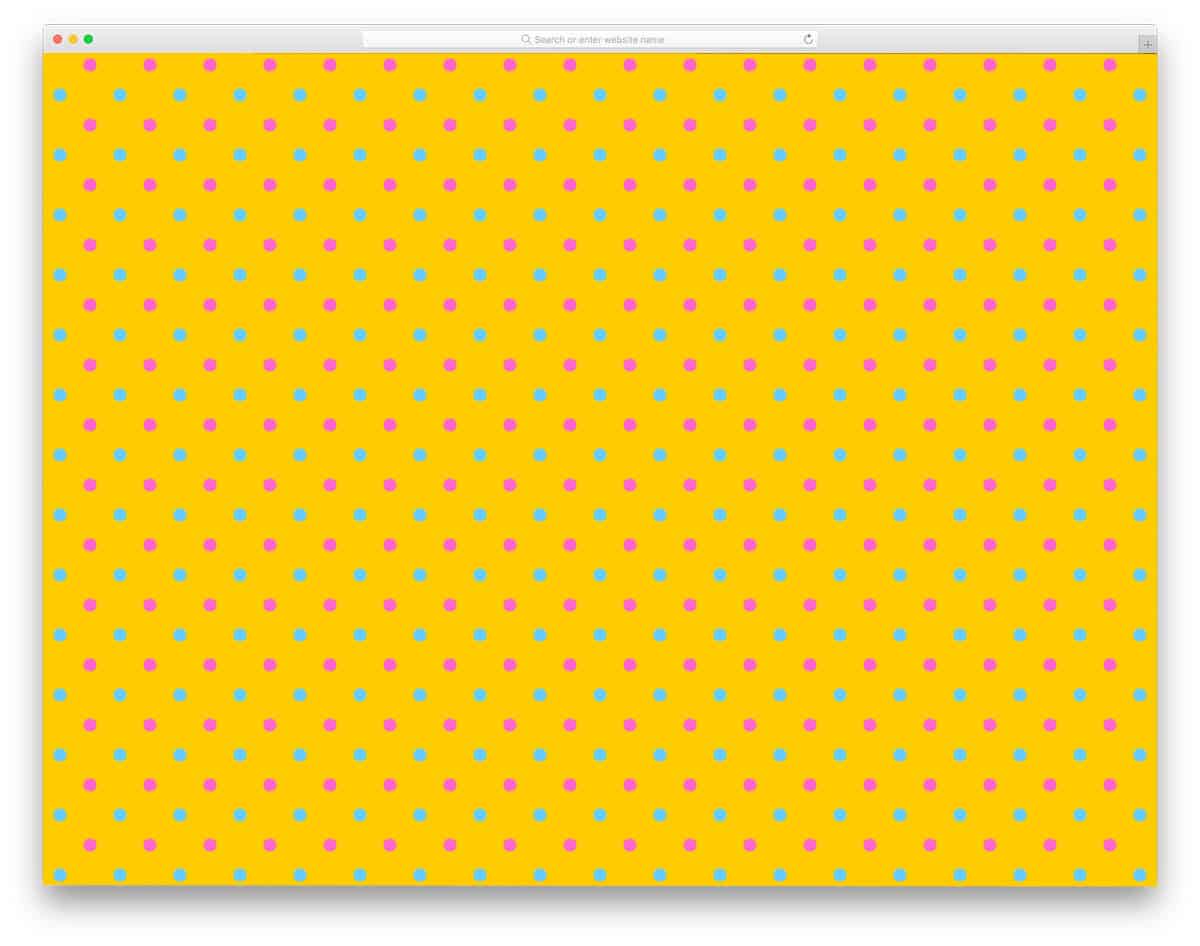
This one is a colorful dotted pattern with a neat look. An ample amount of space is provided between each dot so that the web page doesn’t look clumsy and the patterns can be enjoyed by the user. Like the design, the CSS code for the background pattern is also neat and clean. The creator created this design solely with CSS3, so you can easily use it on your existing website. If you are interested in charity and non-profit websites, look at our free templates collection.
CSS Background Pattern By Yuanchuan

The creator Yuanchuan has given us a modern art style and a creative CSS background pattern. Since it is a concept model, the creator has given only a sample piece. By making a few code adjustments, you can apply this pattern across your webpage. Since this design uses the latest HTML5, CSS3, and JavaScript framework, it adapts easily to different screen sizes. If you are making a responsive website, elements like this can be used easily on your design by making few customizations to the code. Speaking of responsive design, look at our free responsive website templates collection which has a developer-friendly design to add custom designs and patterns like this.
Alphabet Soup
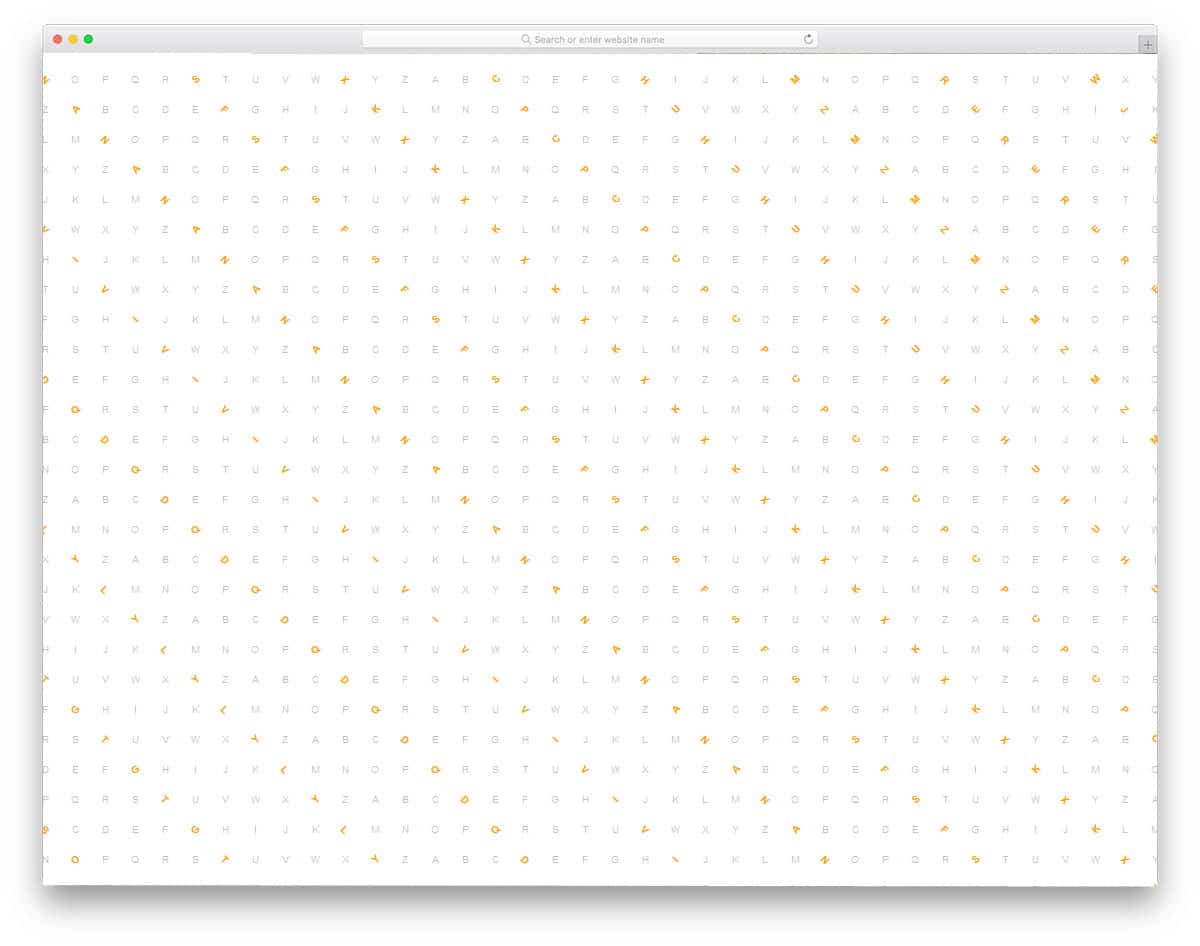
Instead of using geometric shapes and creative design patterns, this template uses an interactive alphabet as the pattern. This pattern would be a good choice if you want an interactive CSS background pattern for your school website. On the clean white layout, the letters are visible. Though the alphabets are tilted, they are arranged in a proper line, so you get a properly organized look. Hover effects add an interactive feel to the pattern. If you find the default pattern obtrusive in your UI, you can remove it by editing the code. The code structure used to create this CSS background pattern is available in the CodePen editor. Hence, you can easily customize and visualize the result before implementing on your website.
Emoji Ajax Type Ahead
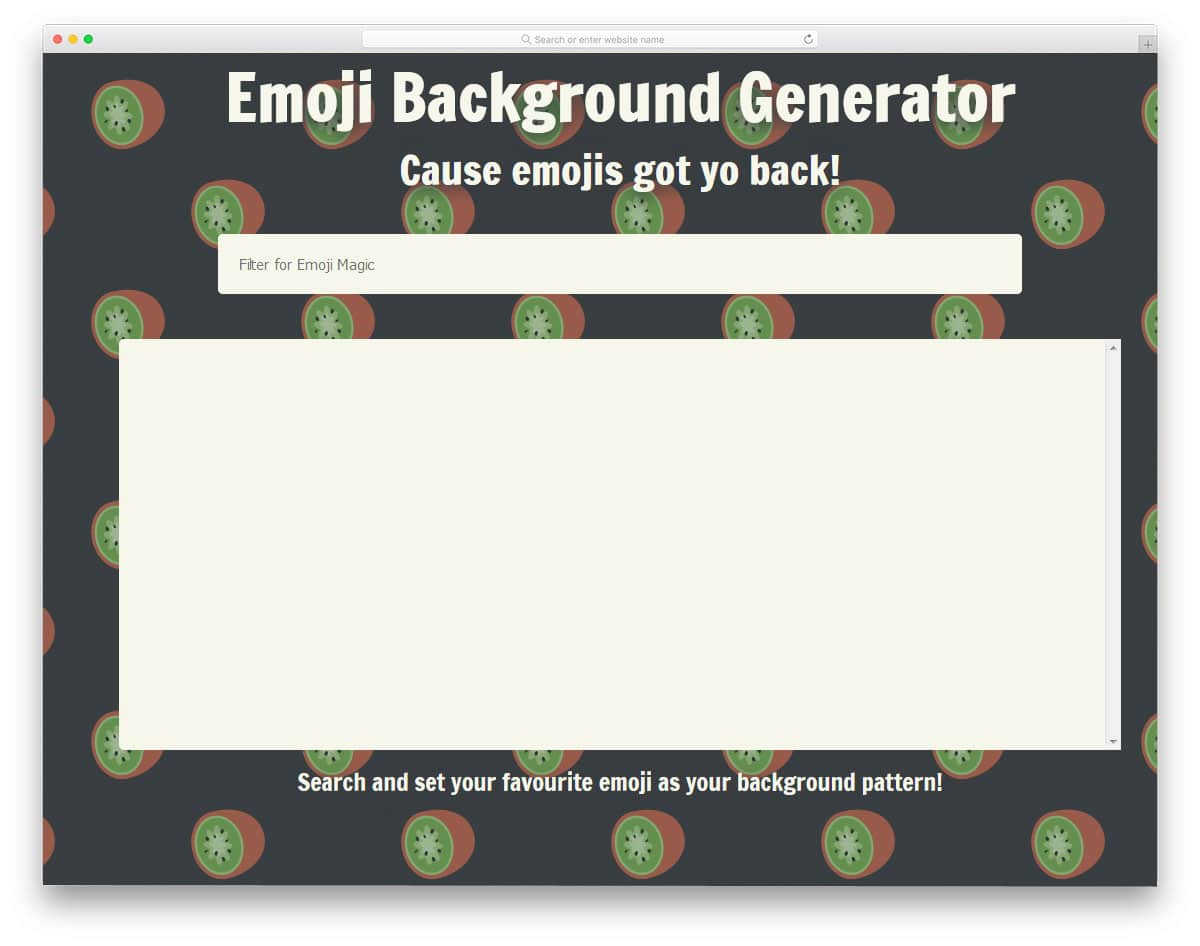
Emojis have made a new way of communication. If you are overly obsessed with emojis and love to use it on your website or application, this CSS background pattern generator will help you. Since it is a CSS background pattern generator, you can choose any emoji as your background pattern. The entire code script used to make this working background pattern generator tool is shared with you; hence, you can use this code to meet your demands. You can even add extra functionalities to make it more engaging to the audience. As we mentioned in our Bootstrap header design examples, some brands place useful tools in the header to keep visitors on their website for longer. If you are planning such a tool for emojis, you can use this design as your muse.
CSS Background Pattern By Ha Hyun Yong
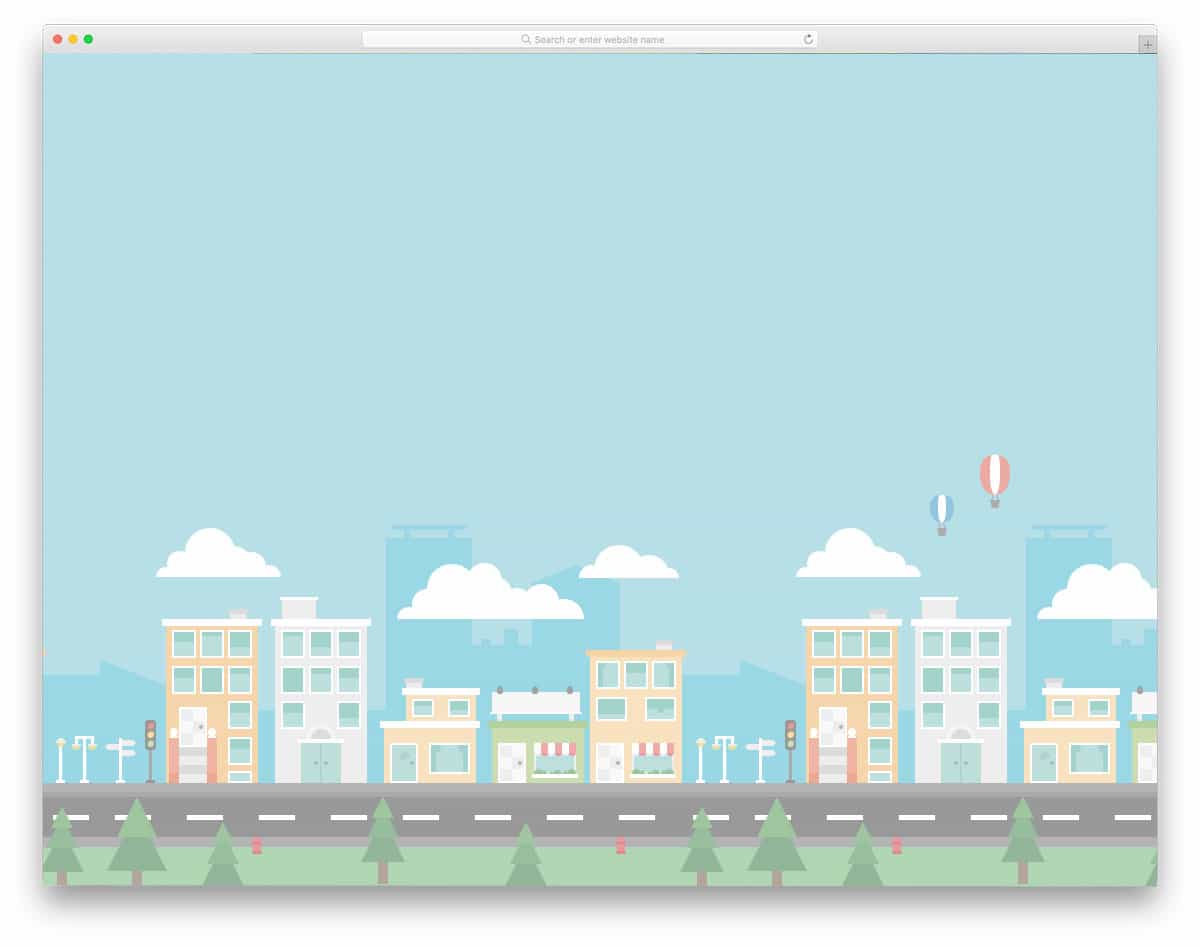
With the help of a modern web development framework, we can provide users with an immersive experience. Using background patterns carefully can create an authentic experience and help users easily relate to your product. In this example, the creator Ha Hyun Yong has made building and city background patterns using CSS and JavaScript. Since this design uses the latest web development frameworks, you can use animation effects to add life to the design. The code script used to make this design is shared with you directly. Hence, you can use the CSS background pattern code to create a unique background scenery.
Endless Autoscrolling Background Pattern
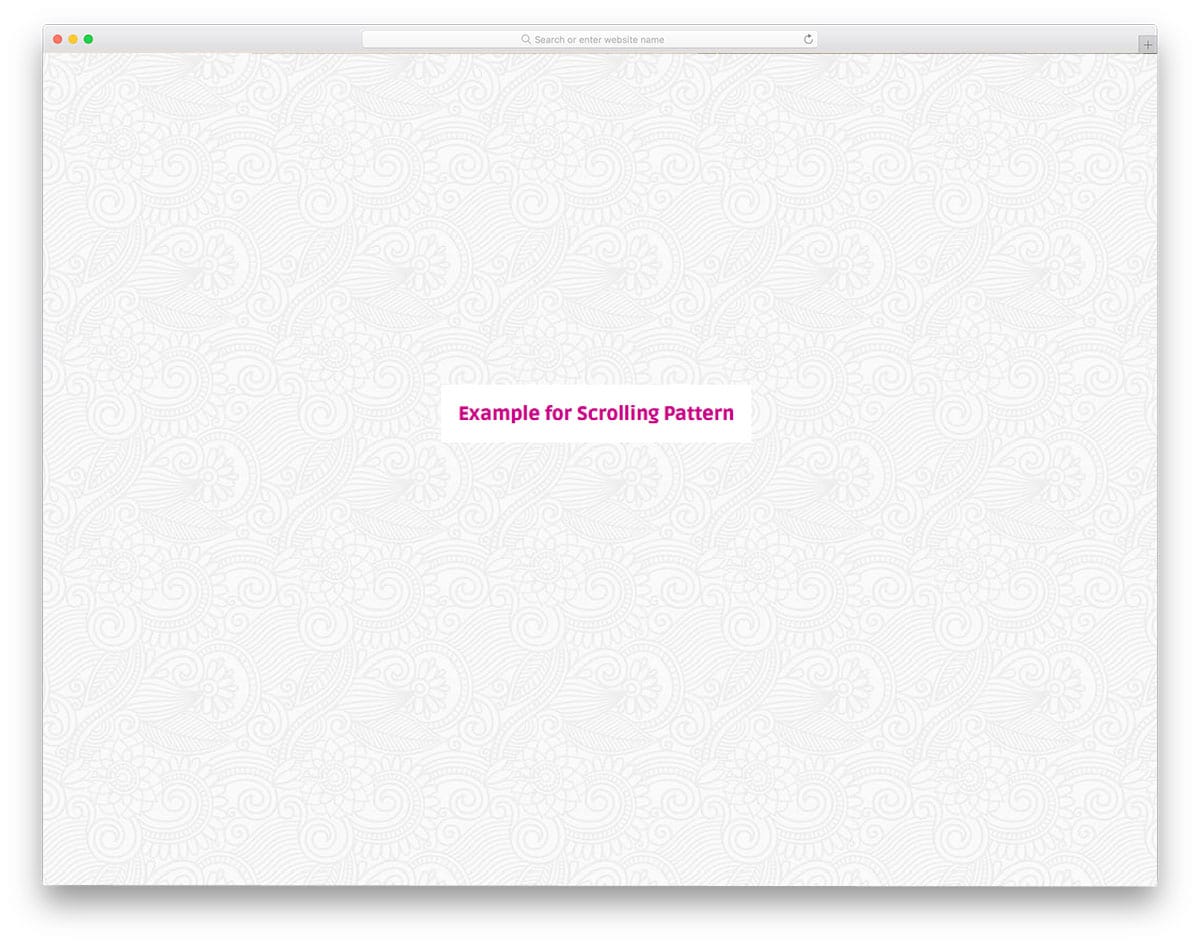
Endless Autoscrolling Background Pattern is another scrolling background effect. In the above example, you get icons and vectors. In this one, you get artistic patterns on the background. You can use this effect as such on your interior design websites and other such lifestyle websites. In the demo, the background is applied for the entire page. You can scale the size based on your need or apply it to a separate section alone. As this design uses CSS3, you can easily use it on your existing project or website. Customizing it will also be easy, as the code script used for it is shared with you directly.
CSS Box Background Patterns
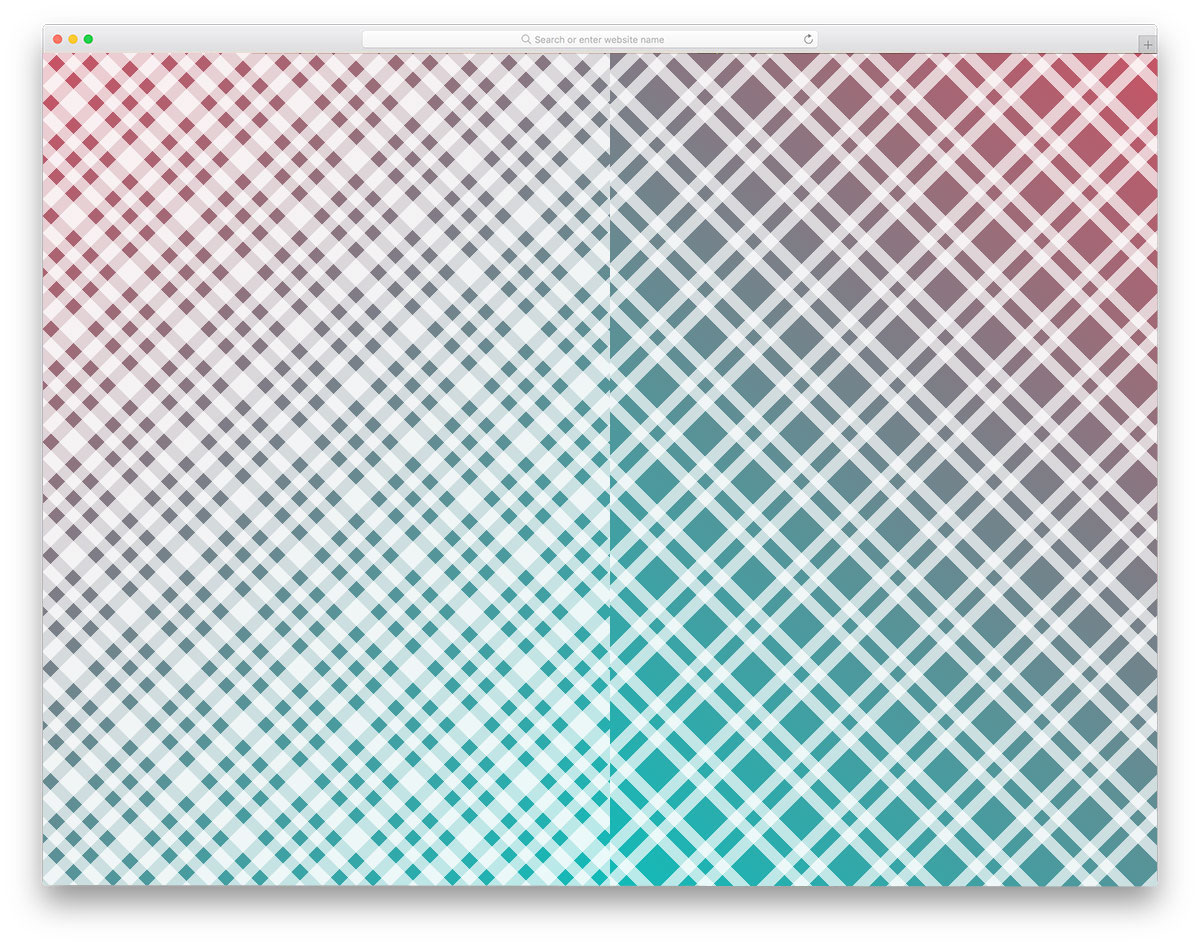
In the previous examples, we have seen animated background patterns. If you are looking for a simple, static background, this design will help. The creator of this background has given you two types of box design; one is spacious, while the other has boxes arranged closely. As this effect is designed using CSS3, you can even add an animation effect. The pattern developer has shared the code structure used for this box design. Since the code is in the CodePen environment, you can adjust it and visualize the results before using it on your website.
Background Patterns

The developer of this background pattern has given you 30+ patterns. You get both professional business-like designs and funky, cool background patterns in this set. All the patterns are static, so you can use them easily on any part of the website. The entire code structure used to create all the 30+ patterns is shared with you. Just pick the pattern you like and start working on it to use it on your website. All the patterns are made using the latest CSS3 framework so you can use all modern color schemes and effects on these patterns.
Dynamic SVG Background Pattern Maker
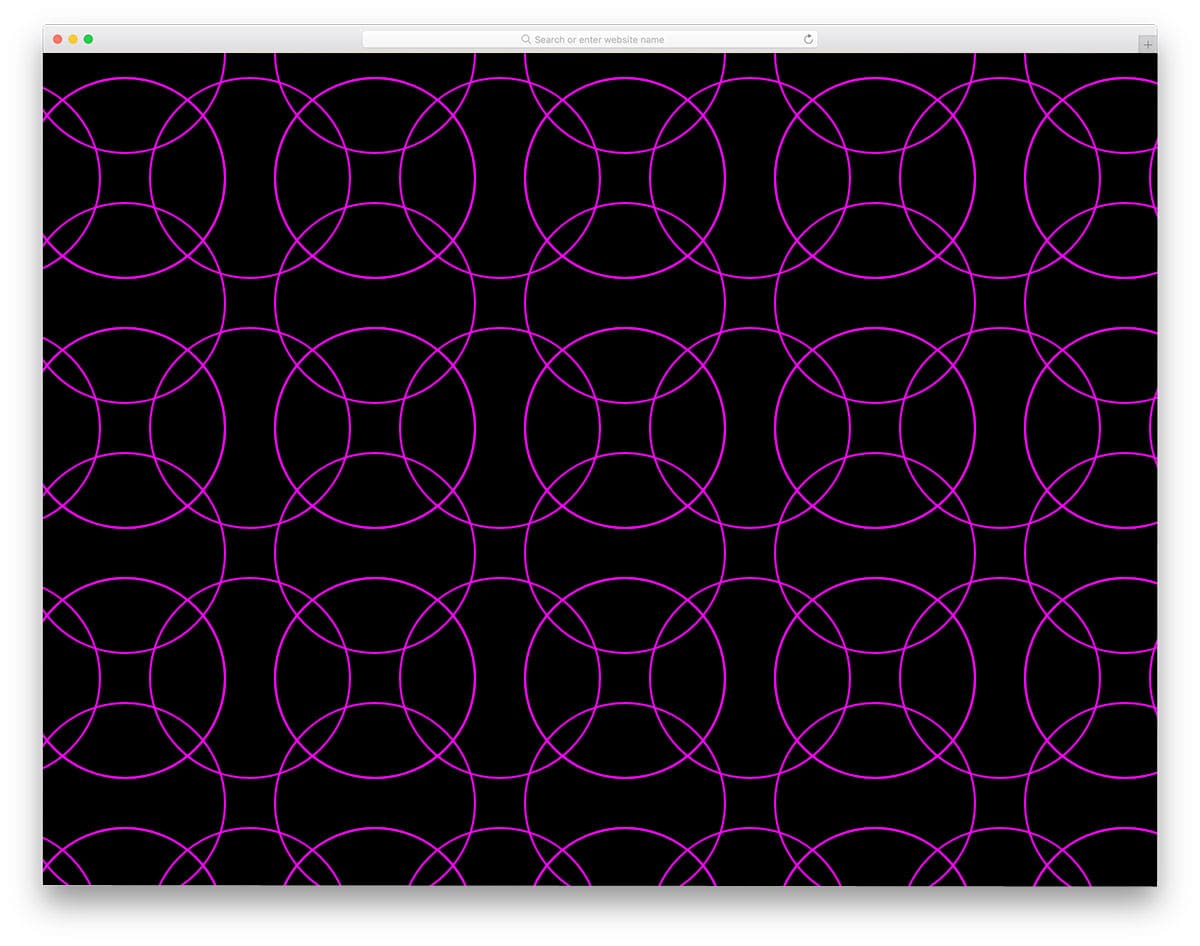
We have only seen static and animated patterns in previous background patterns. The creator of this background has given you a dynamic background pattern maker. In this one, you get circular SVG elements that scale easily to your desired size. Apart from adjusting the size, you can control other factors like spacing, stroke size, and the circle’s radius. Since this background maker is built with CSS3, it supports all modern colors. Hence, you can choose the color you want in this background maker. For dynamic functionalities and smooth transitions, the developer has used JavaScript. Based on your need you can customize the code structure and use it on your website or application.
Background Pattern Animation

If you are bored with the static background pattern or want to make a particular section stand out, this animated background pattern concept will come in handy. Three types of animated patterns are given in this example. Each pattern is unique and is animated differently. All three animations are done using the latest CSS3 script. Hence, you can easily control the animation and edit it as per your needs.
Background Pattern By Ricardo Oliva Alonso
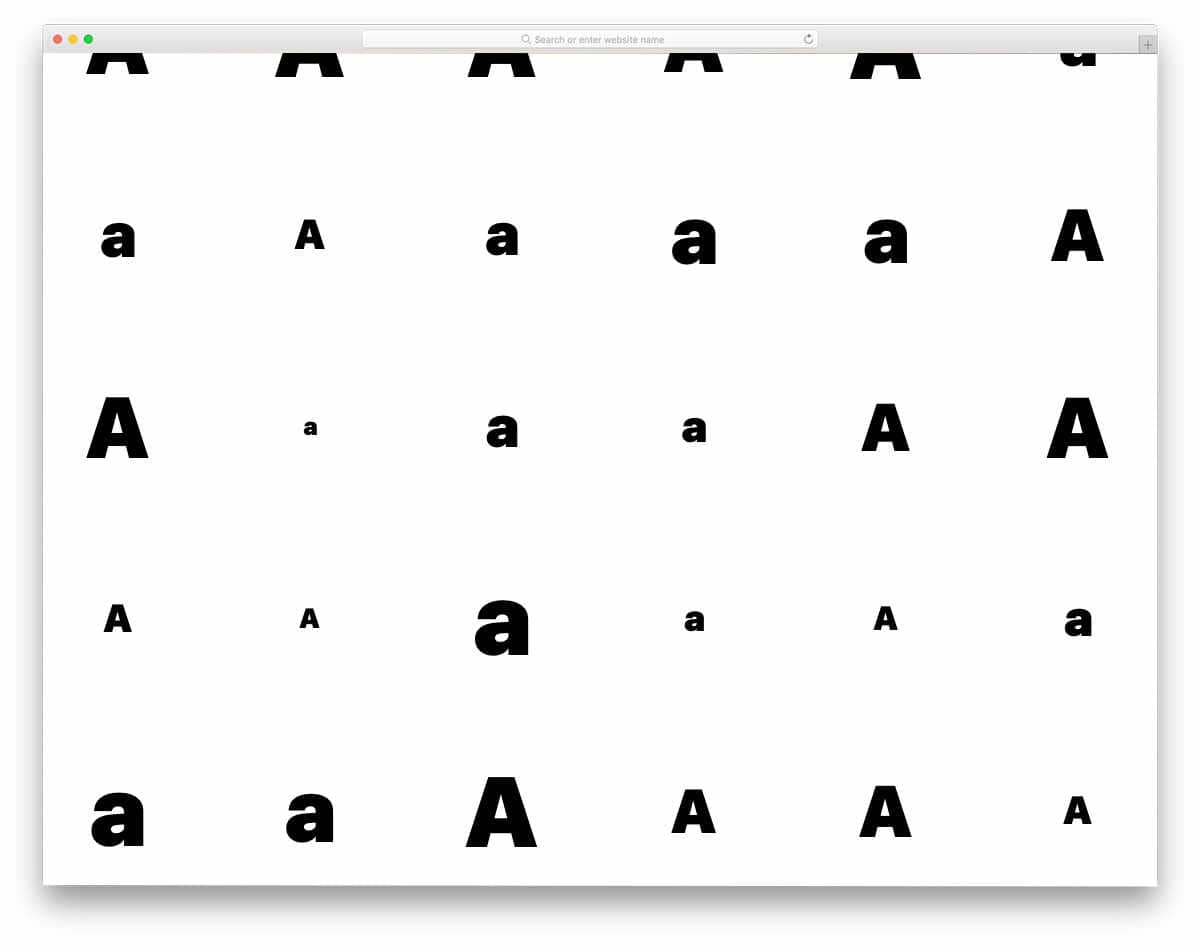
Typographies play a major role in modern web design. If you like to take the typography to the background, this design concept might inspire you. Since it is a concept model, the creator has kept the letters and animations simple. The entire code used to create this design is available in the CodePen editor. Hence, you can edit and visualize the results before using the code on your project. For more animation examples, look at our CSS animation examples collection.
CSS Background Pattern
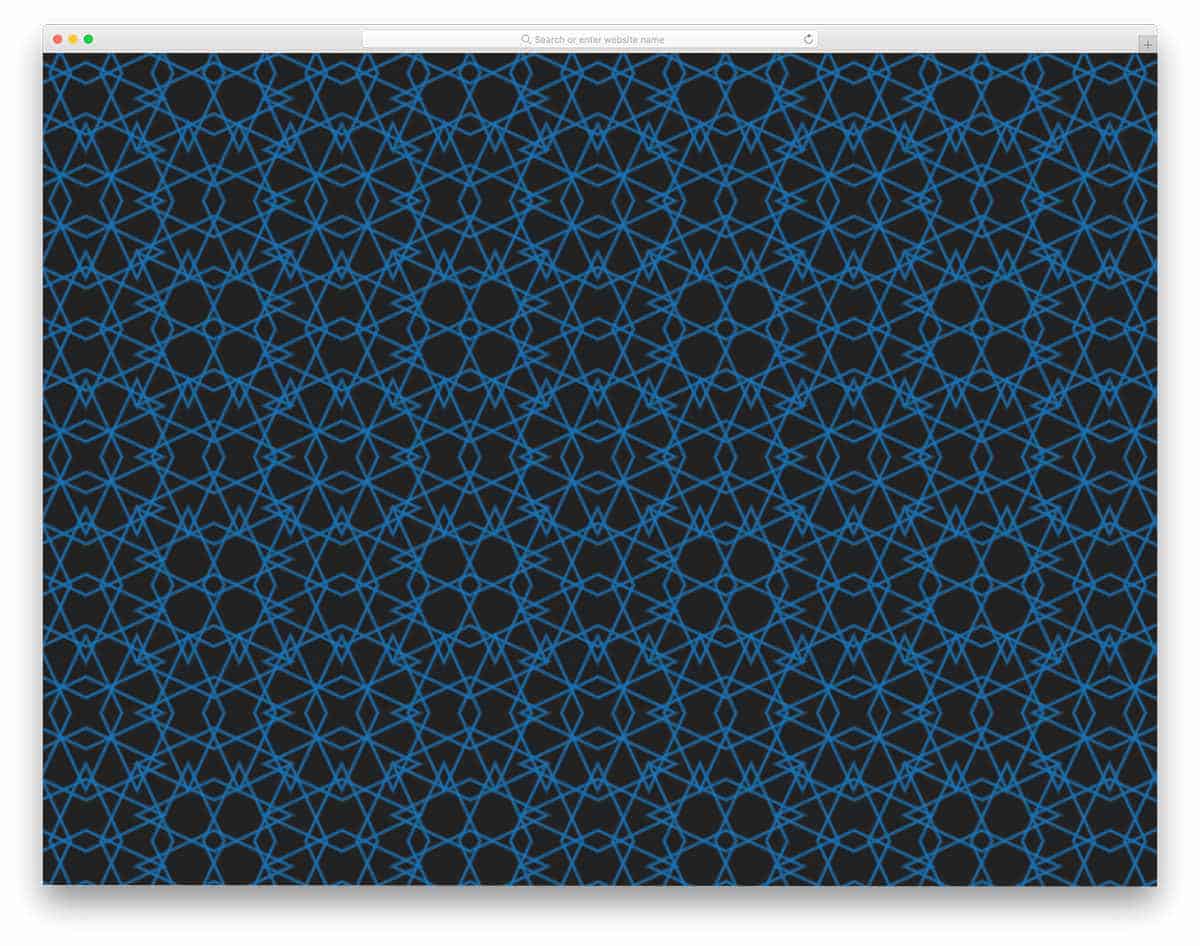
This one is a pure CSS design. The creator used only CSS to create this design. Because of its lightweight code, you can easily use this design on any part of your website. You can even use this design on an existing website. If you like to spice up the design, you can add a little hover animation to this pattern. Since this is a CSS3-based design, it can handle all modern inputs and interactive animations easily. If you are someone who uses hover effects to improve user interaction, take a look at our CSS hover effects design collection.
Pipes
Pipes, as the name implies, use pipes in the pattern. To simplify the job, the creator has used a few lines of JavaScript to generate the pipe pattern. The code structure is kept simple and neat so that even new developers can understand it easily. Plus, you can easily introduce custom designs and features in this design. If you are looking for an easy-to-edit CSS background pattern, this is the best option.
Complex Background Patterns

Just like the background patterns collection mentioned above, this one also has a set or background patterns. In this set, you get only a limited number of patterns, but all of them are properly designed. The developer has mostly used line and dot patterns in this design. Ample spacing and neat color schemes make the patterns look neat. As most of them are simple static patterns, you can handle them easily. The coding structure is also kept simple so that other developers can work with this easily. You can pick any design from these nine patterns and customize it to your need.
The Surface

The Surface is a minimal-looking dynamic background pattern. The pattern changes for each click you make on them. If you are making an interactive website, elements like these will add life to your design. The code is also heavy because it uses a dynamic background pattern. For an interactive design, the heavy code is a small trade-off. But you can still use this concept as inspiration and develop your own code structure based on your project. The developer has shared the code with you in the CodePen editor; you can edit and preview the result before using it on your website or application.
SVG Background Pattern
SVG background Pattern is a simplified version of the Comic Book style layout mentioned above. The creator of this pattern has used circular dots as the background. As it is an SVG element, you can easily scale the dots to the size you want. This one is also done purely using the CSS3 framework. Hence customizing and using it on your website will be an easy job. This simple SVG pattern suits for all types of business and creative websites. Only a few customizations will make it perfectly fit even in your existing website.
Electric Tails
Electric Tails is an interactive background design. As the name implies, an electric tail is formed as the user’s cursor movement on it. To add toppings to the design, you get a small electric pulse moving over the tracks. Since it is a dynamic interactive background pattern, the developer has used both CSS and JavaScript in this design. To help you easily edit and get a better hands-on experience, the entire code structure used for this background is shared with you. Follow the info link below to get a better idea of the code structure. Since it is a simple, subtle effect, you can use it anywhere on your website.
Squiggly Pattern

Squiggly Pattern is a simplified version of the Electric Tails mentioned above. In the above version, you get an interactive effect based on the cursor movement. Well, in this one, you get a simple animated background. Different colors are used for each element, giving the webpage a vibrant look. A colorful, lively background pattern like this will be a good addition to an event website. If you are looking for a feature-rich event website template with cool animations like this, look at our free event website templates. Since this background pattern is made using CSS3 framework, you can easily use this in all modern websites.
CSS Pineapple Fruit Background

CSS Pineapple Fruit Background, the name itself is a self-explanatory one. The creator has given you a pineapple background. It is a simple static background designed entirely with CSS3. Because of the CSS3 framework, you get a more natural-looking color. And you can also add animation effects if you want. A simple code structure for this background pattern will let you easily incorporate it into your existing website. By making a few customizations, you can use this pattern in your responsive designs as well. Or you can use this in your mobile applications as well. Speaking of mobile applications, look at our iPhone mockups to showcase your designs elegantly to your audience.
CSS Pattern Play – 4
CSS Pattern Play – 4 is a simple brick wall style design pattern. The coding of this minimal design is also simple. With only a few lines of CSS, the creator of this pattern has created a natural-looking design. Since it is a lightweight design, this one loads easily. Hence, you can use this design anywhere on the webpage. Though the creator originally kept the design simple in black and white, you can add your own color scheme. As you know, you get plenty of modern colors with the CSS3 script, there is no limit for the color customization.
Silver Scale
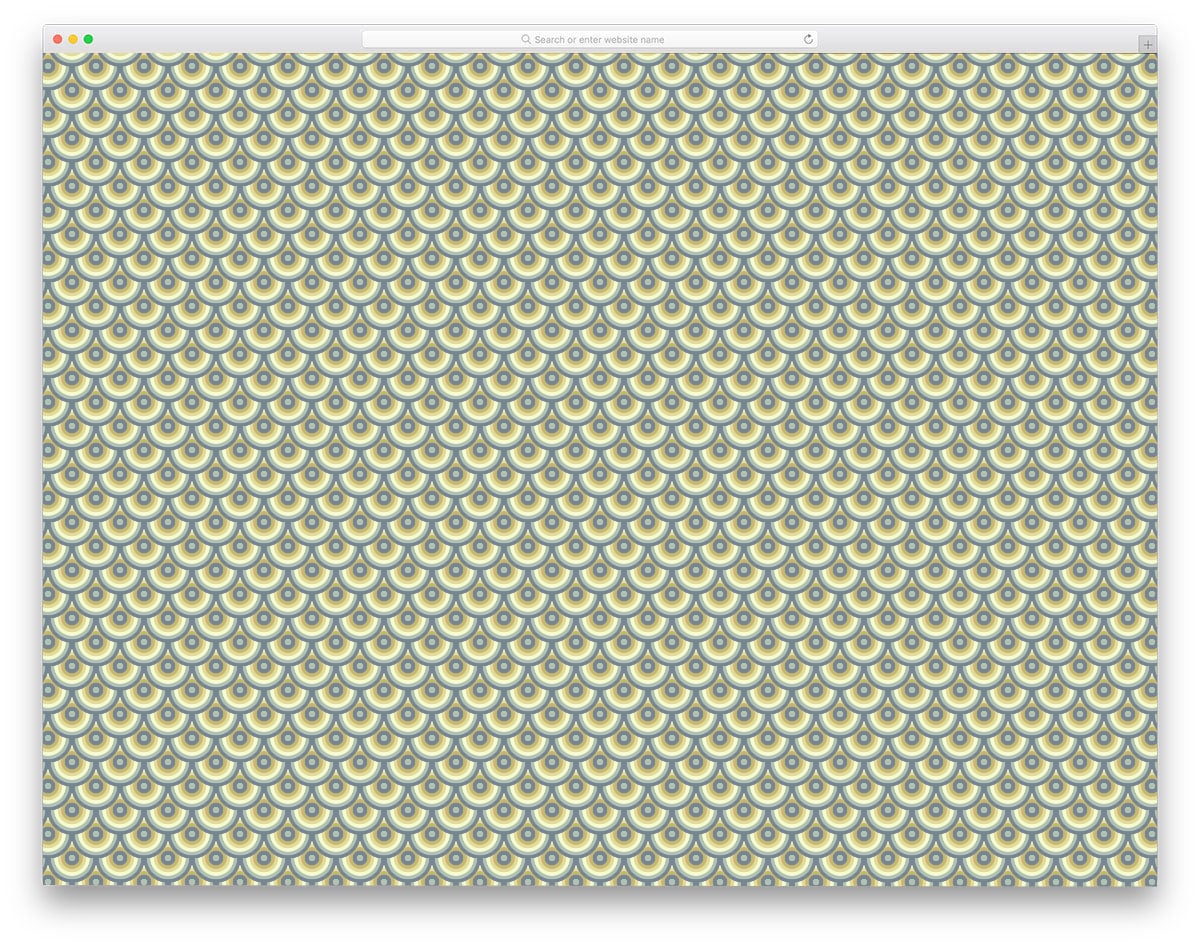
The Silver scale design is also similar to the CSS Pattern play design mentioned above. But this one is a spiral design with more colors. Each spiral is treated as a separate element, allowing the creator to apply a different gradient to it. This is another pure CSS3-based background pattern. The entire CSS used to create this pattern is provided. Since the code is in the CodePen editor, you can visualize the customizations as you make them. You can even add animation effects to the pattern. For more creative CSS animation effects, take a look at our CSS animation examples collections.
Neon Hexagons Pattern

Neon Hexagons Pattern is a live background with animated elements. As the name implies, it is a neon billboard-style pattern that gradually changes color. The color transition is smooth and gentle. HTML5 and CSS3 frameworks are used to create this colorful background pattern. Geometric shapes are used in modern web design. If you are using a different shape in your design, you can use the same design in this pattern to maintain design consistency. Customizing the design won’t be an issue for a developer, as it uses a simple code structure for quick customization.
CSS Pattern By Ee Venn Soh
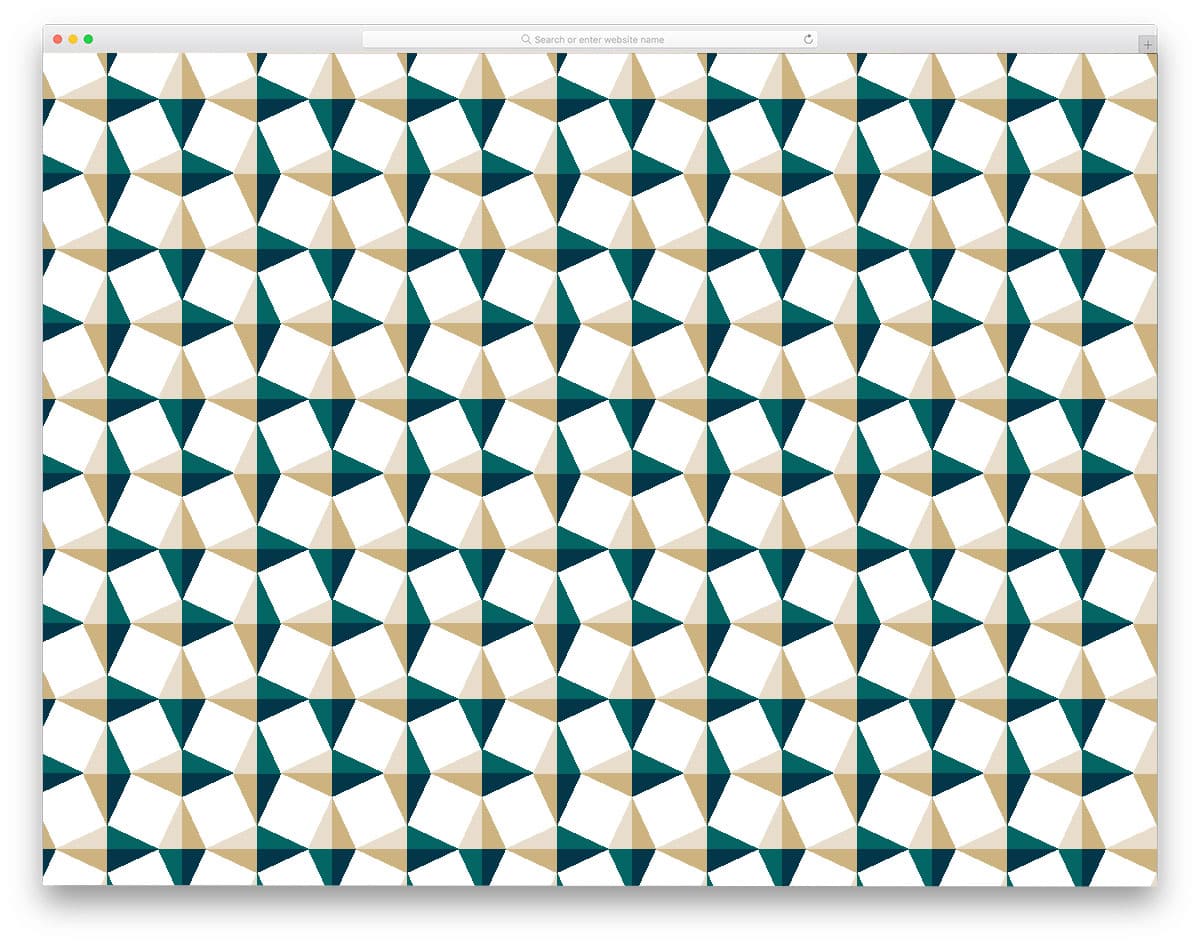
The creator of this background pattern has made a kaleidoscope-style design. But you don’t get an animation effect on this one to feel the kaleidoscope effect. Though it is not given in the default design, you can still add one if you like. A simple CSS3 design gives you plenty of room for improvement. There are limitless customization options with this one, and the simple code structure makes it easy to build on. By adding a scrolling animation to this one, you may even give the user an interactive feel.
Hearts

Hearts, as the name implies this one has a hearts design pattern. This one is almost similar to the pineapple design mentioned above. If your website is related to events, lifestyle, or children, design pattern like this will help you set up a clean theme for your website. Ample space is given between each heart vector so that the pattern doesn’t look clouded. Two colors are used in the default design. Based on the color theme of your website or application, you can adjust the hearts’ colors. The entire code structure is shared with you; check out the info link for a hands-on experience.
Drops

Drops is a similar shape based on a simple background pattern as mentioned above. Since this one is also from the same creator of Hearts, you can expect the same code structure and quality. The CSS code script used is very simple so you can use your shape if you want. Like the previous one, you get plenty of space between each drop shape. If you expect a customizable space and size option, check out the background pattern maker mentioned above. You can develop your design and animation effect by keeping the code script as a base.
CSS Doodle

CSS Doodle is a colorful background static pattern. This is almost similar to the Drops and Hearts designs mentioned above. But the developer has used some cool color schemes to make it more presentable. By default, you get a plus shape design at the background. Based on your design need you can use your own shape. Plus, this design uses the latest CSS3 script so you can use any shape and modern color scheme.
Comic Book Style Layout

Comic Book Style Layout is a unique-looking background pattern. From the name itself you can infer that the creator has followed a comic-style layout. This might inspire you if you are looking for an interactive storytelling layout for your creative website. Since the design is so unique, projects with special requirements can alone use this design. Or you can simply use the colorful dot pattern by ignoring the comic bubbles and boxes. The developer has used only CSS to create this design, so adjusting it won’t be an issue for the developers.
