


Every modern smart device, from smartphones and computers to the latest smart home devices with a screen, has its own calendar. For basic functions, these calendars are good, but when people need something extra, they have to go for other calendar applications. If you make unique calendars with special functionalities, these CSS calendar designs will inspire you with cool designs.
Regarding smartphones, there are only two major platforms: iOS and Android. In iOS, Fantastical calendar is great, and its availability on Apple Watch and Mac makes it easy for users to see their entries across all devices. Calendars are also used in other applications. For example, calendars help you see your workout routine in a workout app and pick a date on a ticket reservation site. No matter what purpose you are making a calendar for, there is inspiration for you in this CSS calendar list.

CSS Calendar Designs To Spark Your Creativity
You can find CSS booking calendars, CSS calendar designs for apps, CSS calendars with time options, and more in this list. CSS calendars with unique animations are also collected in this list to help you make a lively design.
Calendar V19
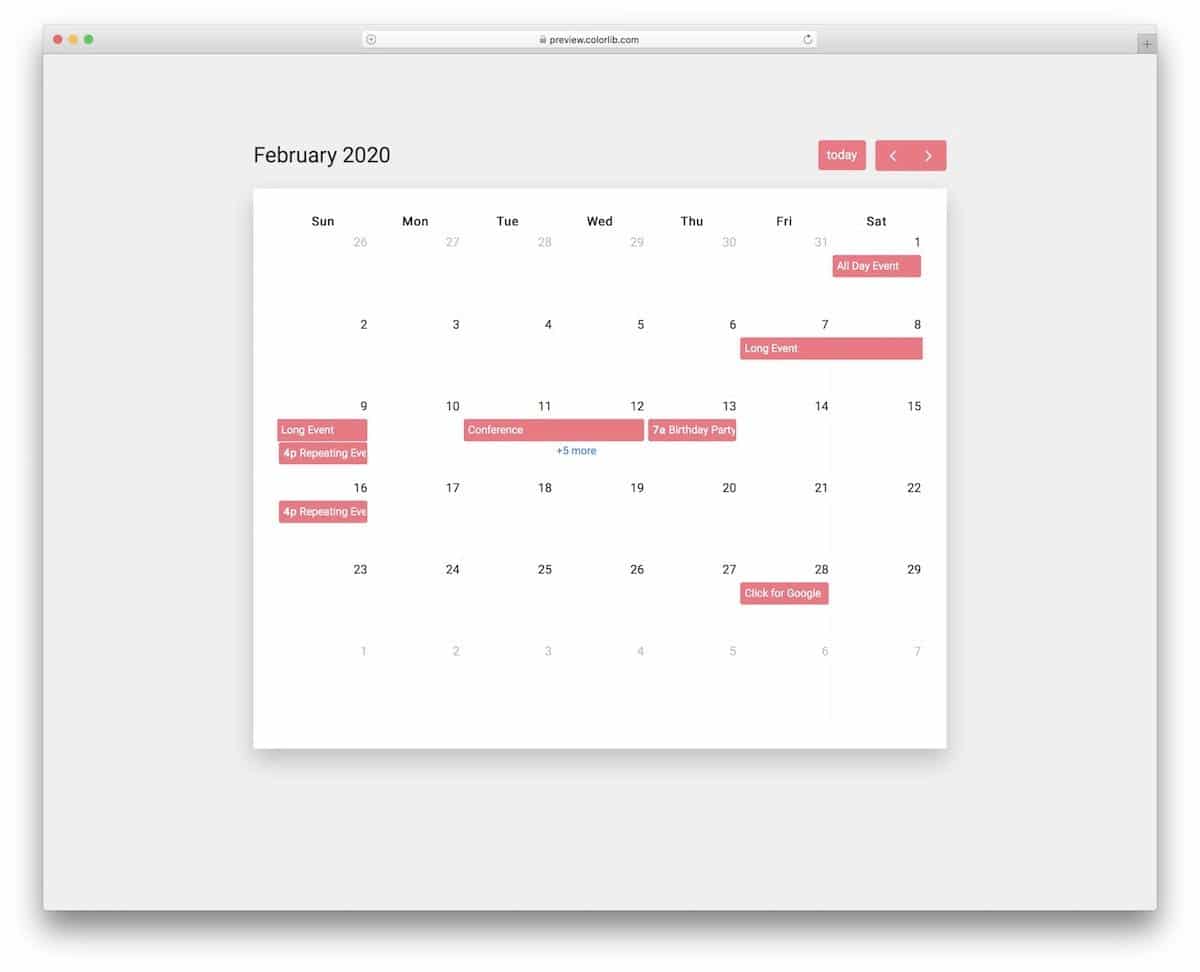
A CSS calendar that neatly displays event entries is included in this V19 template.
If you are making a calendar for productivity purposes, chances are it has to handle multiple entries in a day. This template’s intuitive layout will help you show the event entries clearly to the audience. For example, the event range design shows the start and end date, and the modal window shows the multiple entries in a day with the timestamp so that the audience can see each entry and their time.
Calendar V10
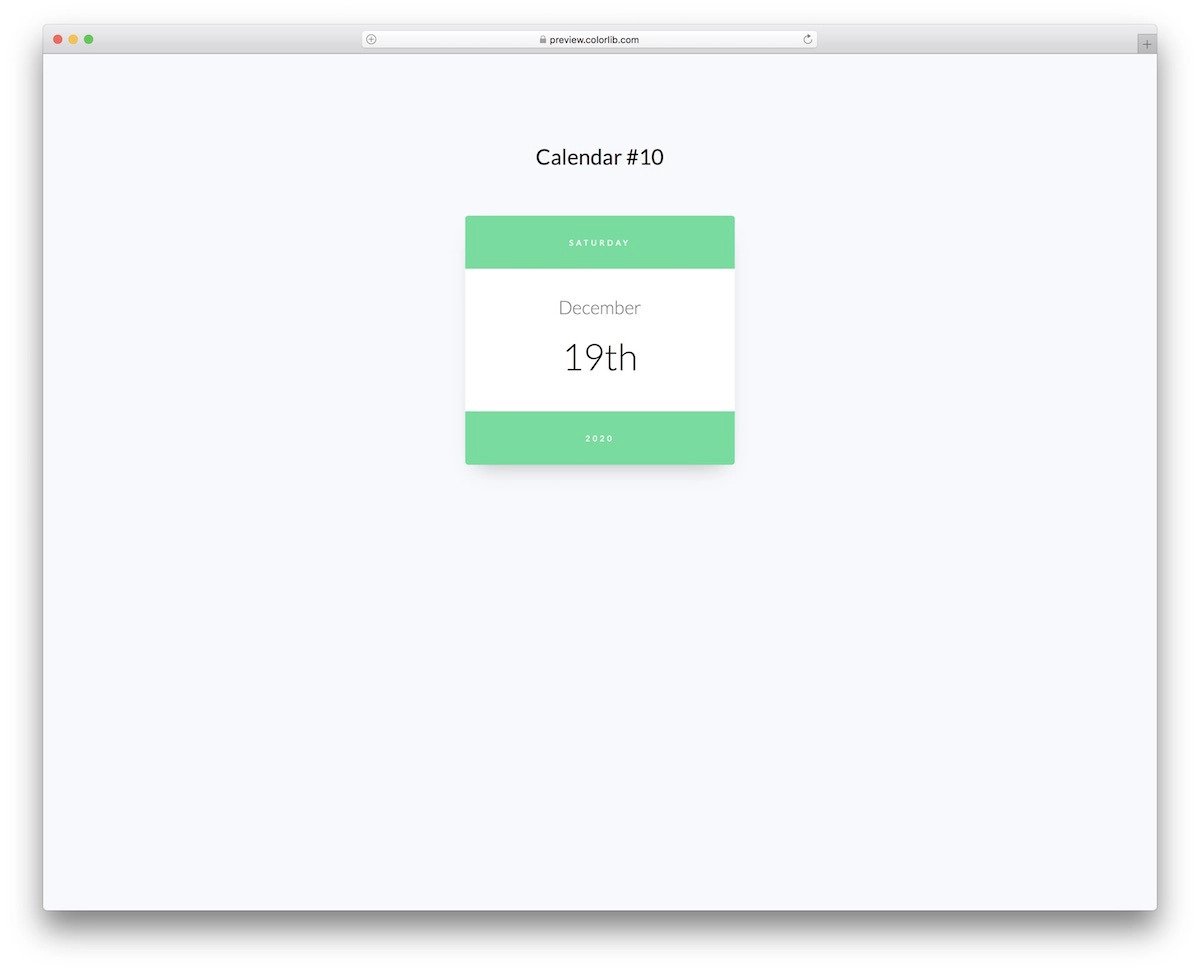
The V10 calendar template has a pure CSS calendar widget design.
Designers/developers looking for a minimal calendar will love this template. Very basic level information is shown in this template’s default design. At the top bar, you can see the day, the bottom tab shows the year, and the center part boldly shows the date. You can add a badge at the top of the date to show the number of entries in the calendar. Since this is an HTML template, you can make as many customizations as you like by editing the code.
Calendar V06
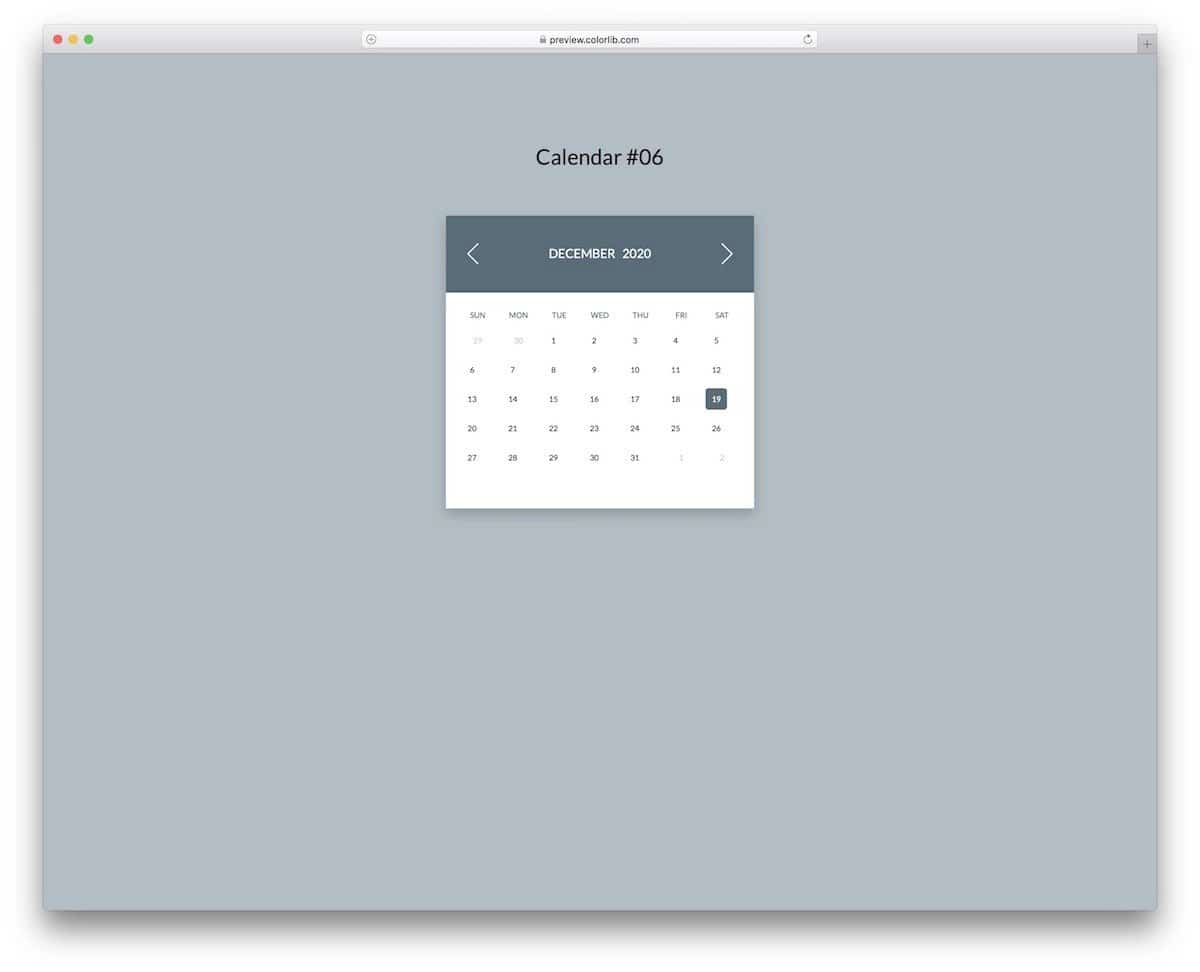
Those who want a colorful and lively CSS calendar will love this V06 template.
The creator has used CSS3’s ability to produce natural-looking colors and smooth animations effectively in this template. As a result, you get an engaging calendar design that is lightweight and easy to use across any part of the website/application. Some might find the numbers on the calendar to be a little smaller than usual, but you can fix it easily by editing the included HTML and CSS script.
Calendar V04
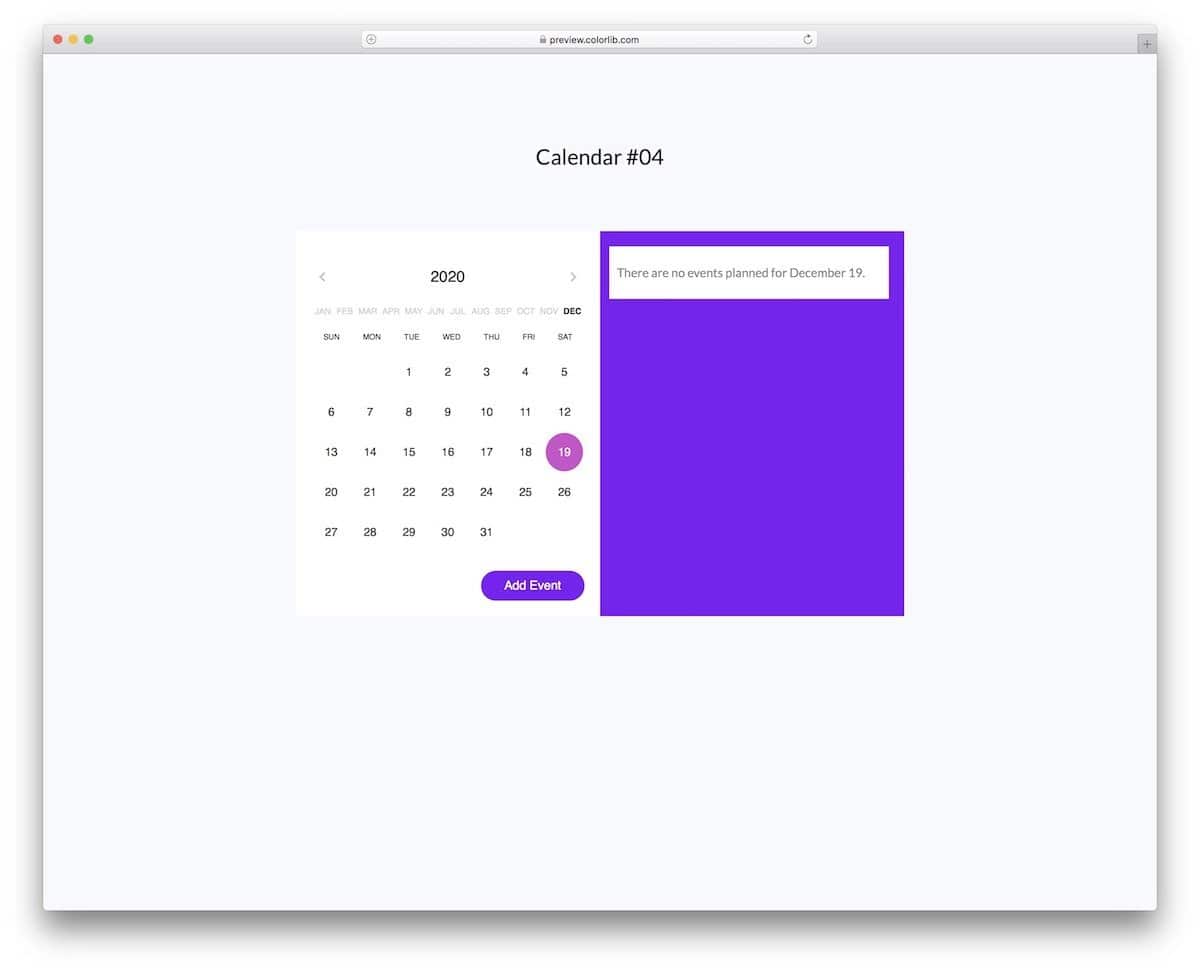
The V04 is an advanced CSS calendar that allows you to add entries.
Since it is an HTML template, the entries are not stored properly, but the creator has given you a clear UX idea of how the calendar works. You can utilize the design and create a complete calendar in no time. The code structure of this template is neat, like its design, which makes it a better option for developers who like to customize a lot and add their own features to an element.
Fluid Booking Form UX/UI
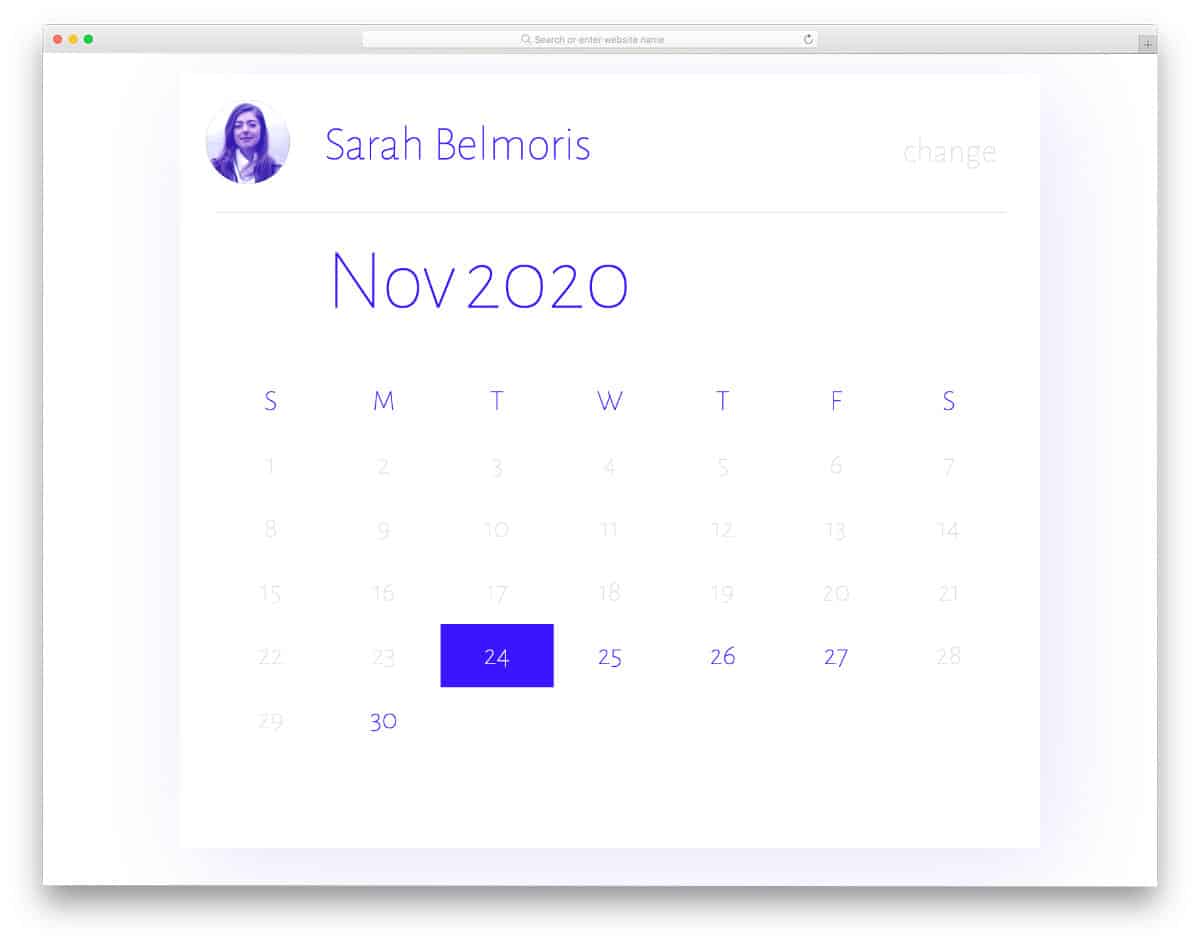
This CSS calendar example will be useful for those looking for a modern, intuitive calendar design for booking purposes. The clean, modern design of this concept first lets the user choose the person they want, then lets them choose the date and time they prefer. Consistent design quality and color patterns are maintained throughout the design, making it one of the best, well-executed CSS calendar concepts on this list. As the name suggests, the whole design is based on Microsoft’s fluid design language. Therefore, designs like this will keep your website or application future-proof.
SVG Season Calendar

In the SVG season calendar, you can infer that this CSS calendar concept uses a season theme from its name. The season animations at the top are short and sweet, so most users will find them attractive. Plus, the animations won’t interfere with the calendar interactions. Since it is a concept model, the creator has focused only on the animation. You can take this concept and use it to make it even more engaging for the users. Because of this calendar’s simple, compact design, fitting it into a widget-sized calendar will be easy.
Date and Time Picker

This one is another booking and registration calendar concept. Though it is a concept model, all basic functions work smoothly, as seen in the final versions. Therefore, you can use this code straightaway in your project, saving you time. As the name suggests, this calendar allows you to pick dates and times. If you like to make the slider even more engaging, take a look at our range slider design collection for fresh ideas. The creator has used the top bar smartly to show the information on the date picked by the user. Overall, this Date and Time Picker is a complete design that you can use on any website and applications.
CSS-only Colorful Calendar Concept
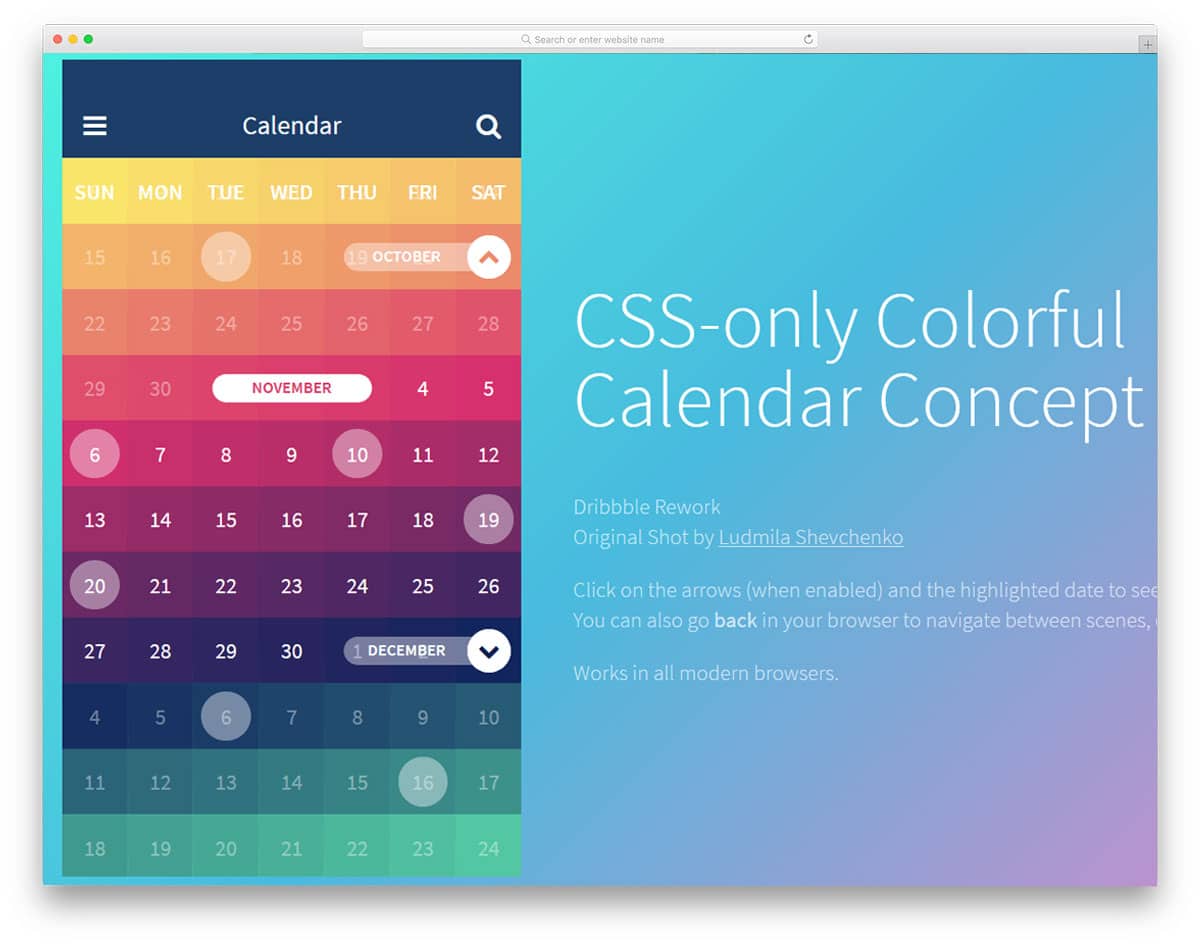
The creator of this calendar has used color palette-like design for the weeks. Smooth animation effects and arrows are used to navigate around the calendar. Since it is a concept design, the creator hasn’t given us effective navigation options. But we can adjust the code to add our own options. The developer has shared the entire code in the CodePen editor so you can visualize the customizations before using it on your design. The day’s entries are shown in a separate screen so you needn’t worry about the space constraints in this calendar design.
Event Calendar Widget

Event Calendar Widget is a dark color simple calendar widget. The functionality of this calendar is simple: it displays entries neatly within the widget and organizes them by color tags. Navigation between date entries is smooth and clean, so the user doesn’t have to wait for entries to appear on the screen. Navigation arrows are placed at the top of the calendar widget for easier navigation. Still, you can’t easily jump between different years and months using the default navigation option. By making a few optimizations, you can use this calendar design for commercial websites and web applications.
Calendar By Alex Oliver
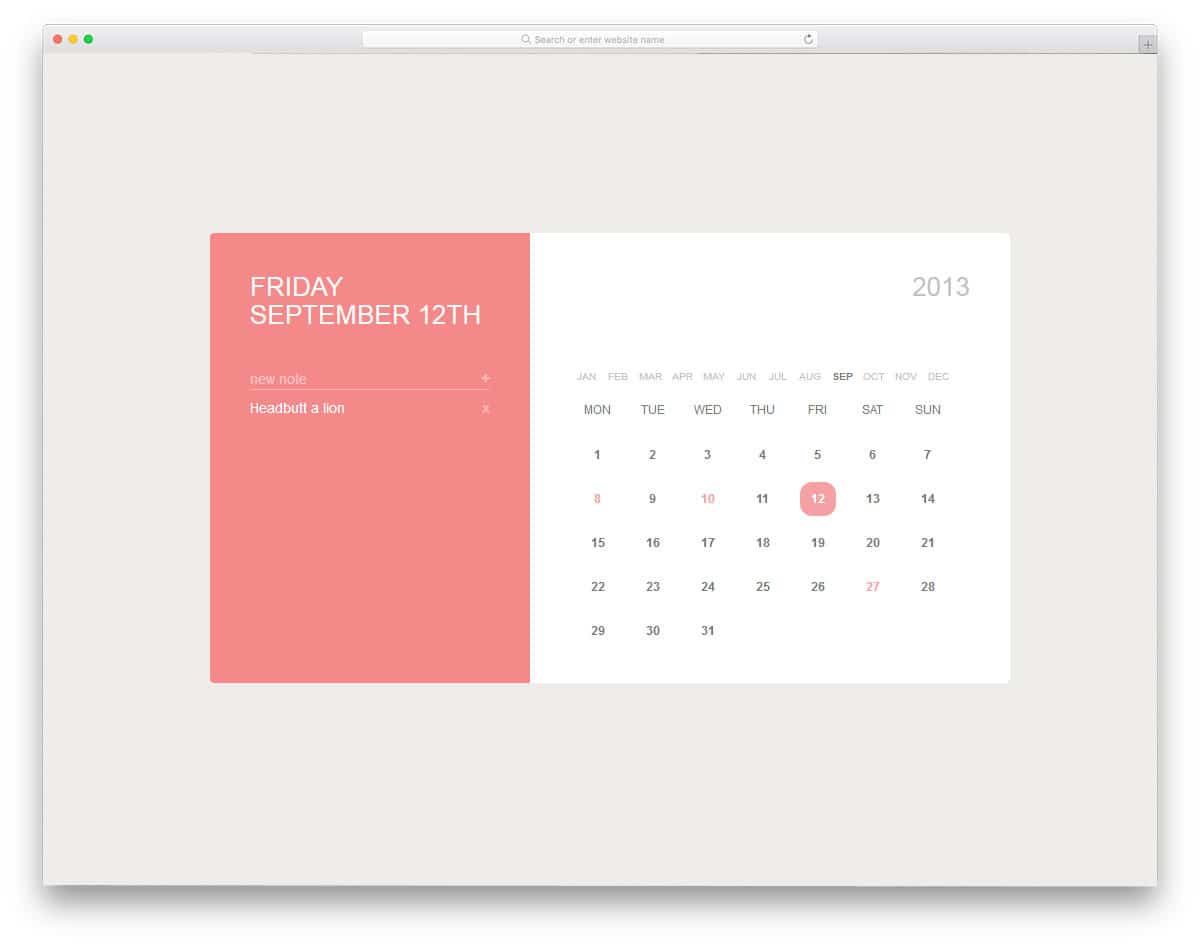
The developer Alex Oliver has given us a beautiful looking calendar that can work practically in daily usage. The calendar entries are displayed in the widget’s left sidebar; the month and weeks are arranged on separate lines, and the year is shown in the top-left corner. As you can see, all the elements are kept on separate lines so the user can easily navigate the calendar. Sadly, the developer didn’t give us a fully functional calendar, but we can work on it to make it complete. You can take this outline and use your own animation effects and features to make the calendar interactive.
Simple Calendar
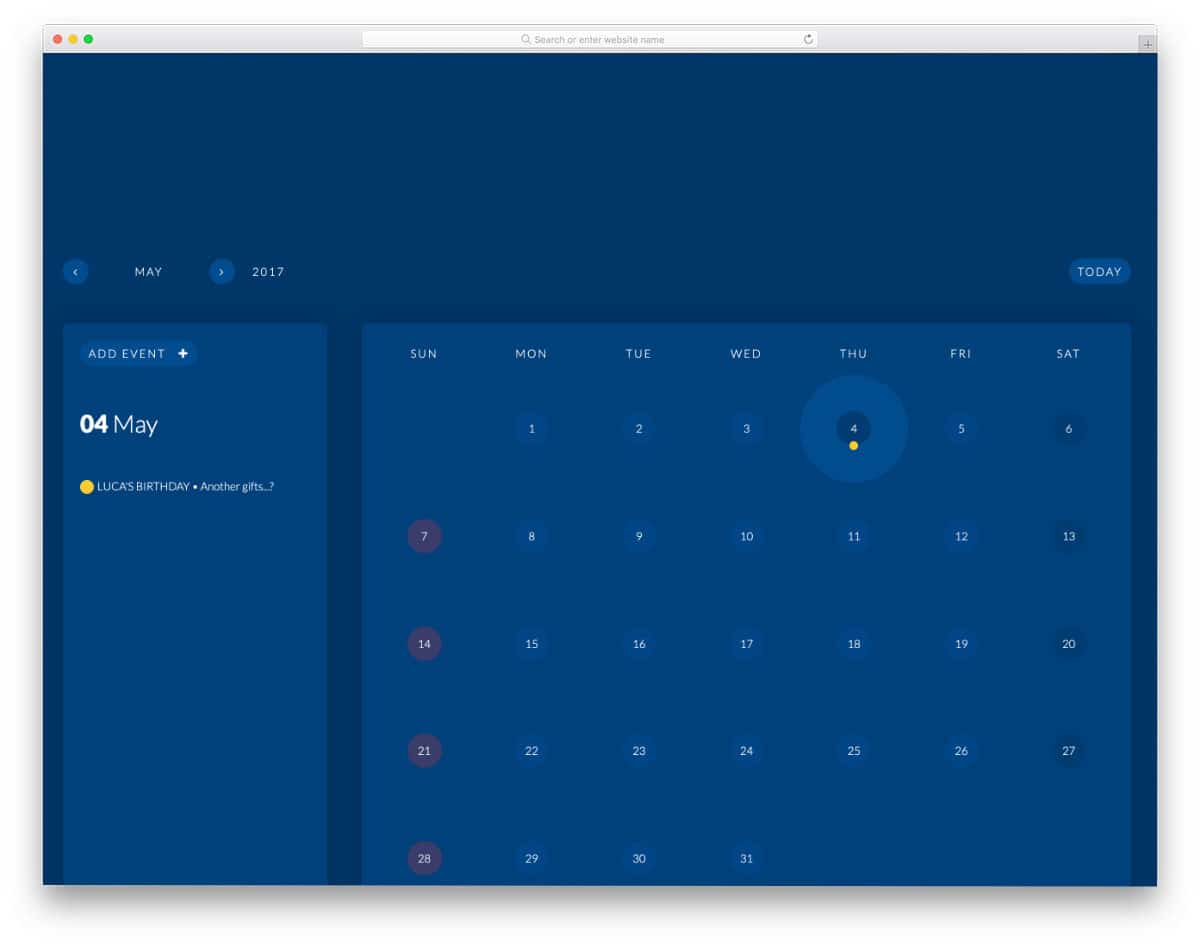
Simple Calendar is almost a fully functional calendar template. You can easily navigate through the months, plus you can also add events to this calendar. The creator has given different colors for the predefined groups, like birthdays, festivals, and important events. Unfortunately, you don’t get the option to set your own custom colors for your event. But you can edit the code and add your own custom features. The overall design of this example is practical and can be applied easily to any website/application. Since this calendar has different functionality, the code is a bit complex. After a few minutes, you can understand the code structure and start playing with it on the CodePen editor.
Round Calendar
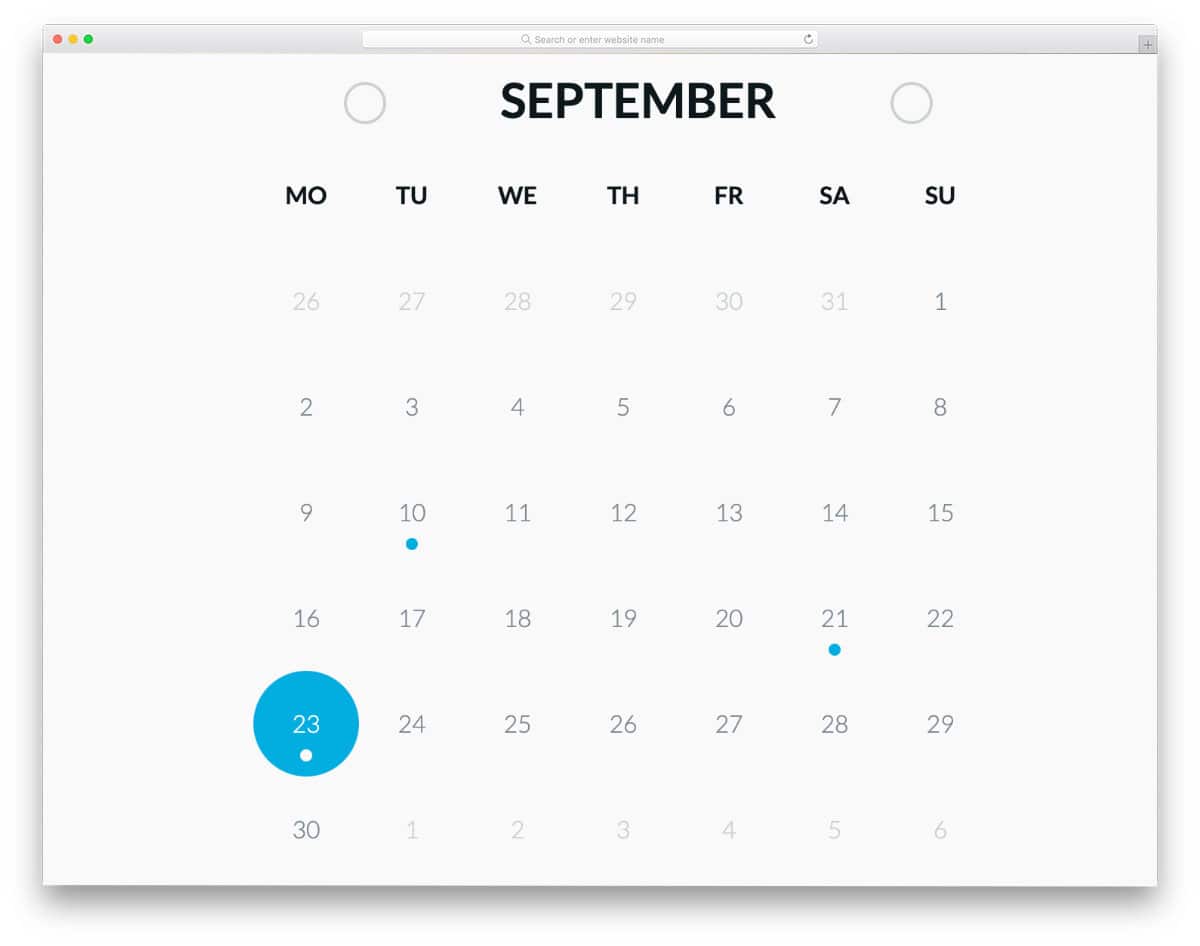
As the name implies, this calendar uses a circular design concept. The circles are used only to highlight the selected dates, so you get a normal clean-looking calendar in this case. The colorful dots used to indicate the events will easily get user attention on the clean white layout. You don’t get the option to add events, as seen in the Simple Calendar concept mentioned above. But, you can edit the code and add the custom features by yourself. The simple & flexible code structure of this design will simplify your customization job.
CSS Grid Calendar
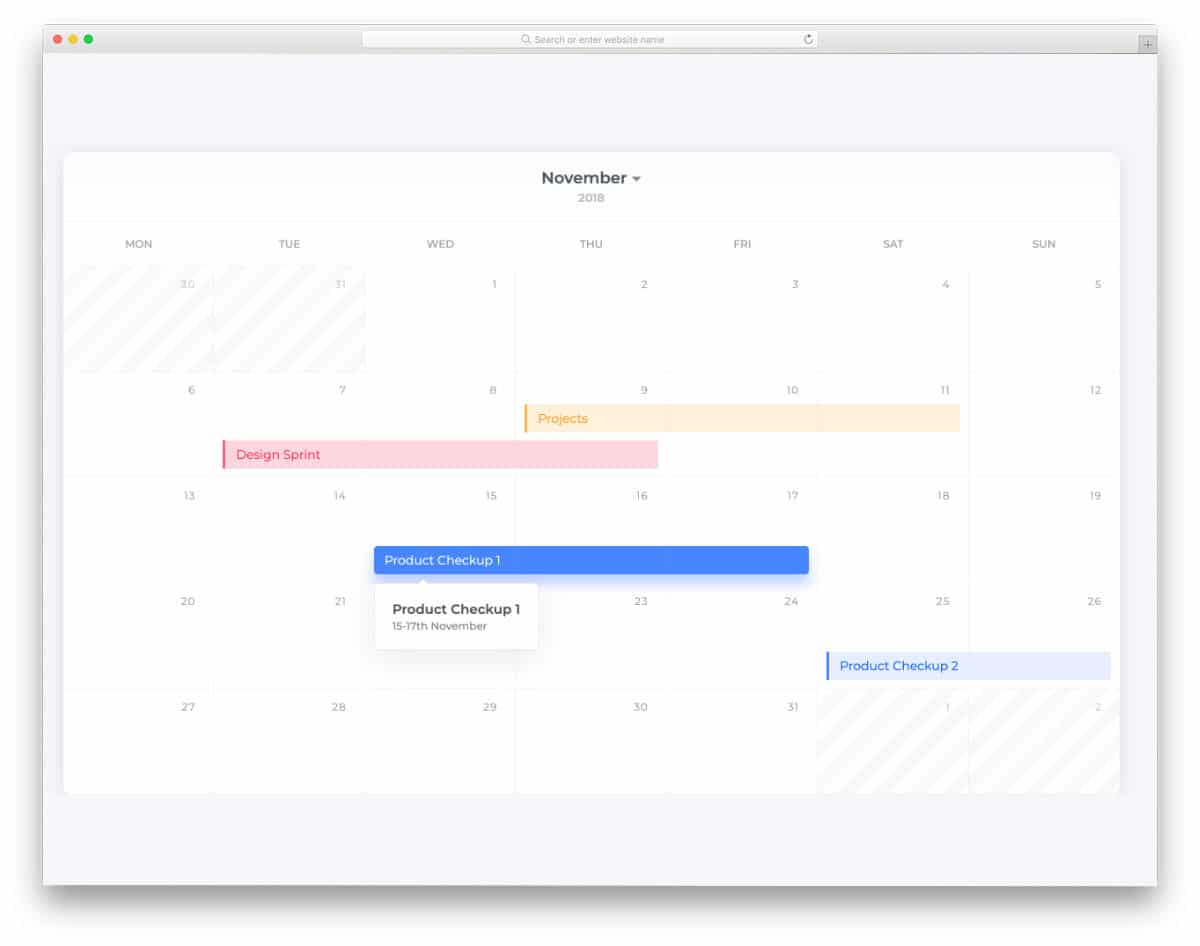
A clean material calendar design is given in this example. The design itself looks very professional, and you can easily implement it on any website or application. Though this calendar doesn’t have any working functions, you can take the concept and improvise it. The creator has used the date-range concept in this calendar, which makes it stand out from other CSS calendar designs in this post. Bright colors are utilized smartly to indicate the start and end dates of different events.
As you can see, a tooltip is also provided to give a quick overview of the event. Again, you must work on the code to make the tooltip work properly. Take a look at our tooltips CSS design collection for more interactive designs.
A Coder’s Advent Calendar
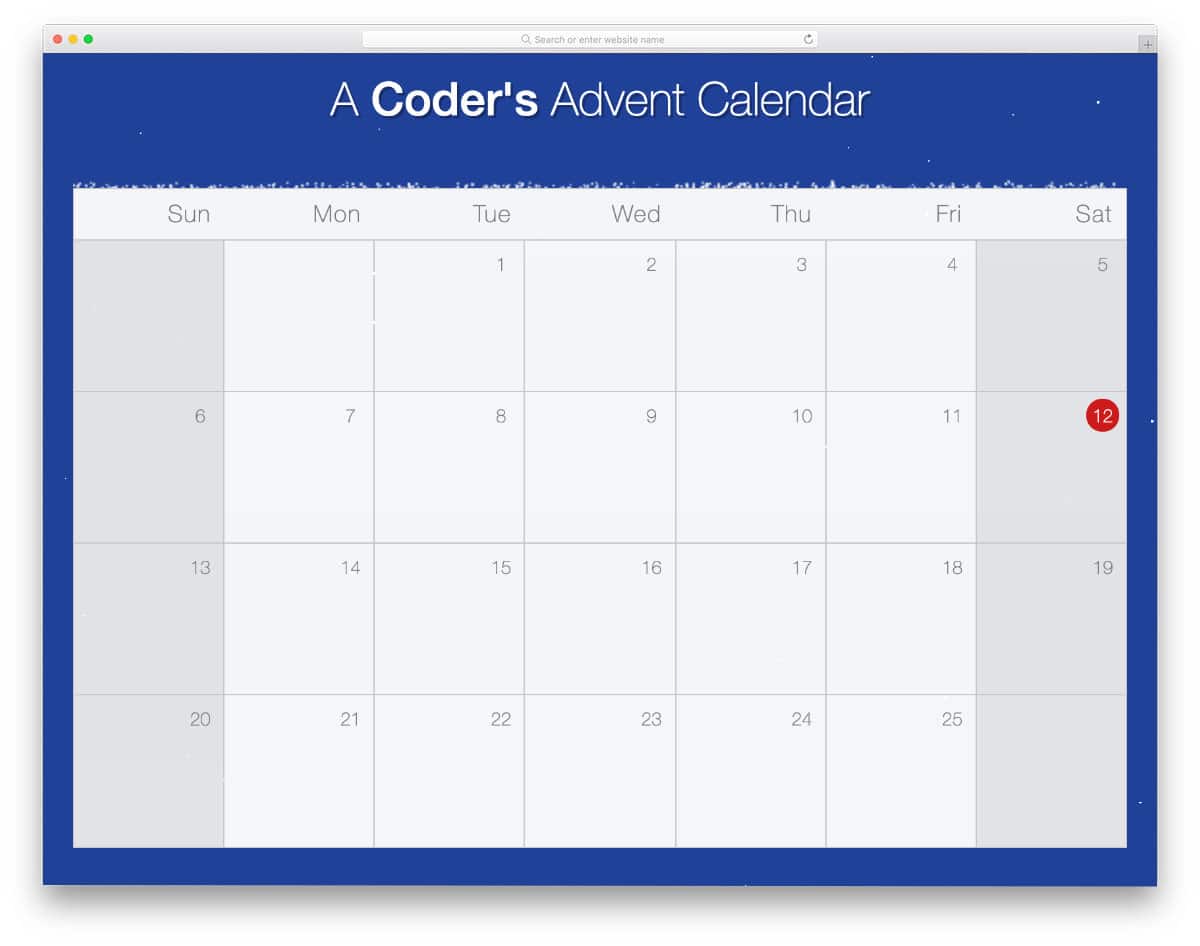
This one is a functional calendar design. Most of the given elements work properly, so you can clearly understand the design. The creator has used a lightbox method to show the calendar entry. Hence, the user can see the calendar entries neatly without leaving the main calendar. Along with the basic calendar design, this one also features a snowy animated background for an authentic experience. If you plan to use a calendar to promote your Christmas holiday sales, this calendar will be handy for you. Speaking of season sales, look at our Shopify landing page themes collection for more interactive designs that could improve your sales.
Calendar
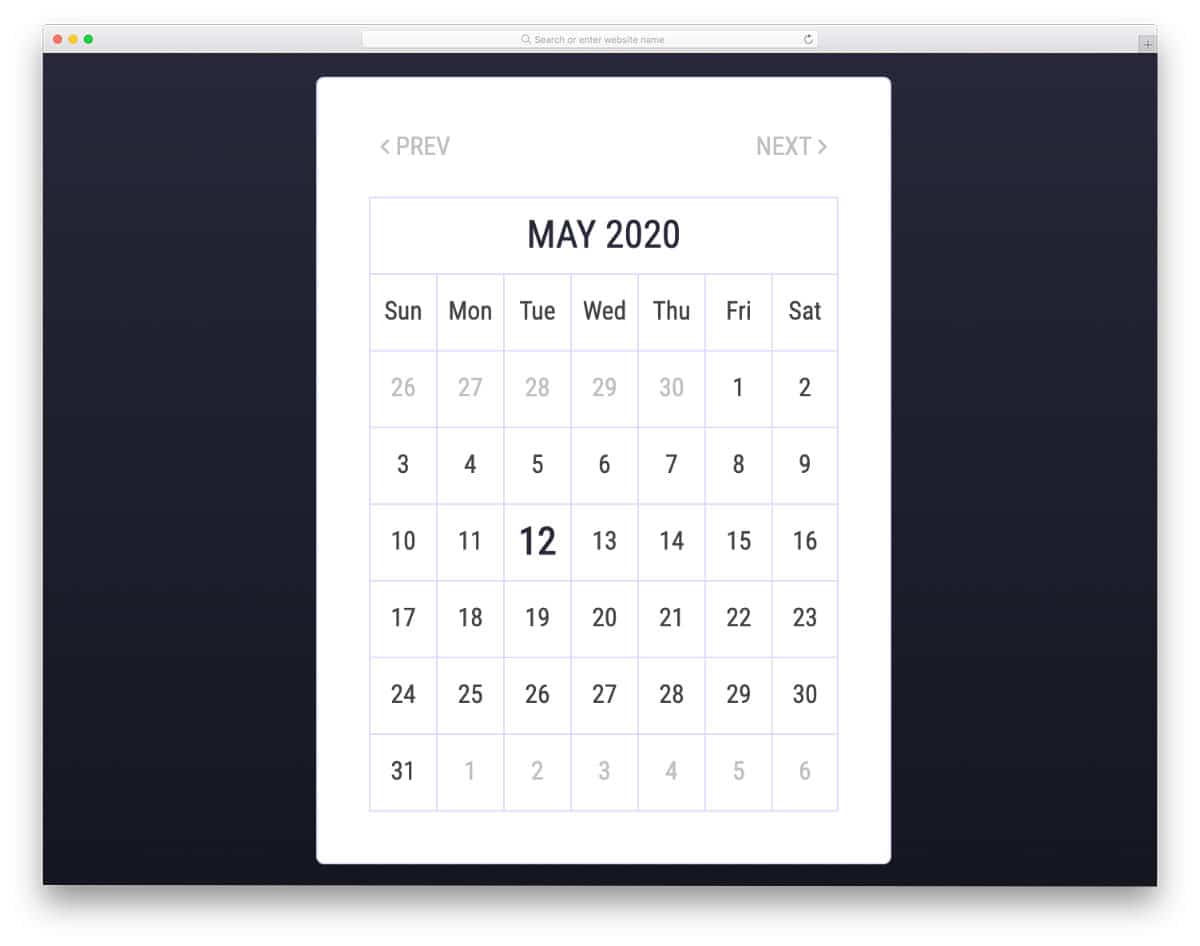
If you are looking for a basic calendar with all the fundamental options in a proper working condition, this code snippet will help you. You can display the dates, and users can navigate to the previous and next months using the navigation arrows. The entire code script is shared with you on the CodePen editor. You can edit the code, add the features you want, and can visualize it on the CodePen editor before taking it to your project — this saves you time and effort.
Circular Calendar Display
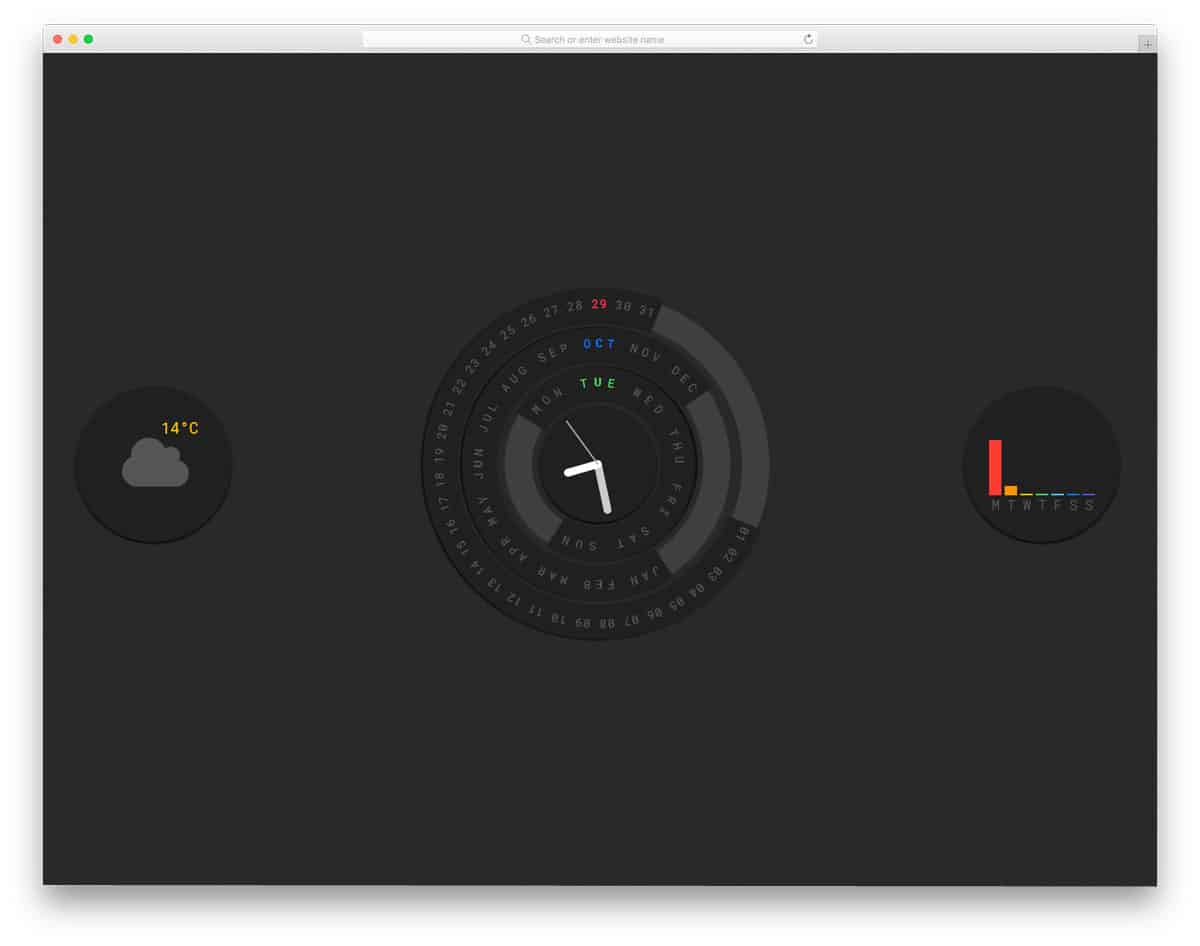
Circular Calendar Display is an intriguing calendar concept that shows time and date. A welcome message is shown before the calendar loads, a thoughtful touch. Since it is a digital calendar, the creator has given you widgets to view the weather and compare it for the whole week. For a concept model, the creator has provided many working functionalities. The code is flexible enough for you to easily edit and add the features you want. The smooth circular rotation motion and separate bright colors for the date, day, and month make this CSS calendar concept easy to use.
Dice Calendar
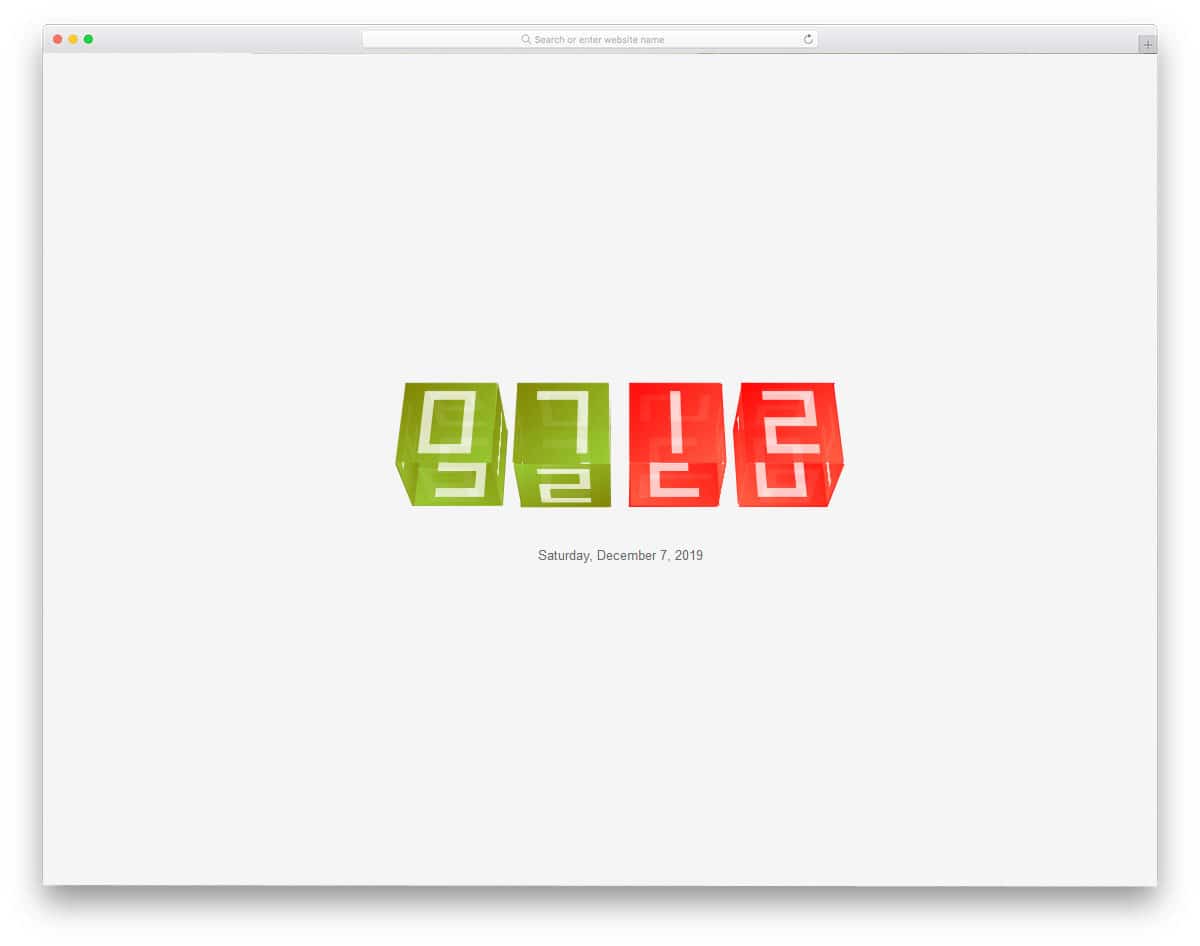
Dice Calendar is another interesting CSS calendar design, like the circular calendar mentioned above. The creator has used a rolling dice concept for this calendar, as the name implies. The only problem with this design is that the rolling-dice animation isn’t often visible to the user. To make the animation effect even more evident, you can add time parameters to this calendar design. So users can see the rolling-dice animation as the time changes. To make this beautifully animated calendar concept, the creator has used both CSS3 and JavaScript frameworks. By making a few design adjustments, you can make this calendar a perfect fit for all modern websites and applications.
Bold Calendar By Sam Breed
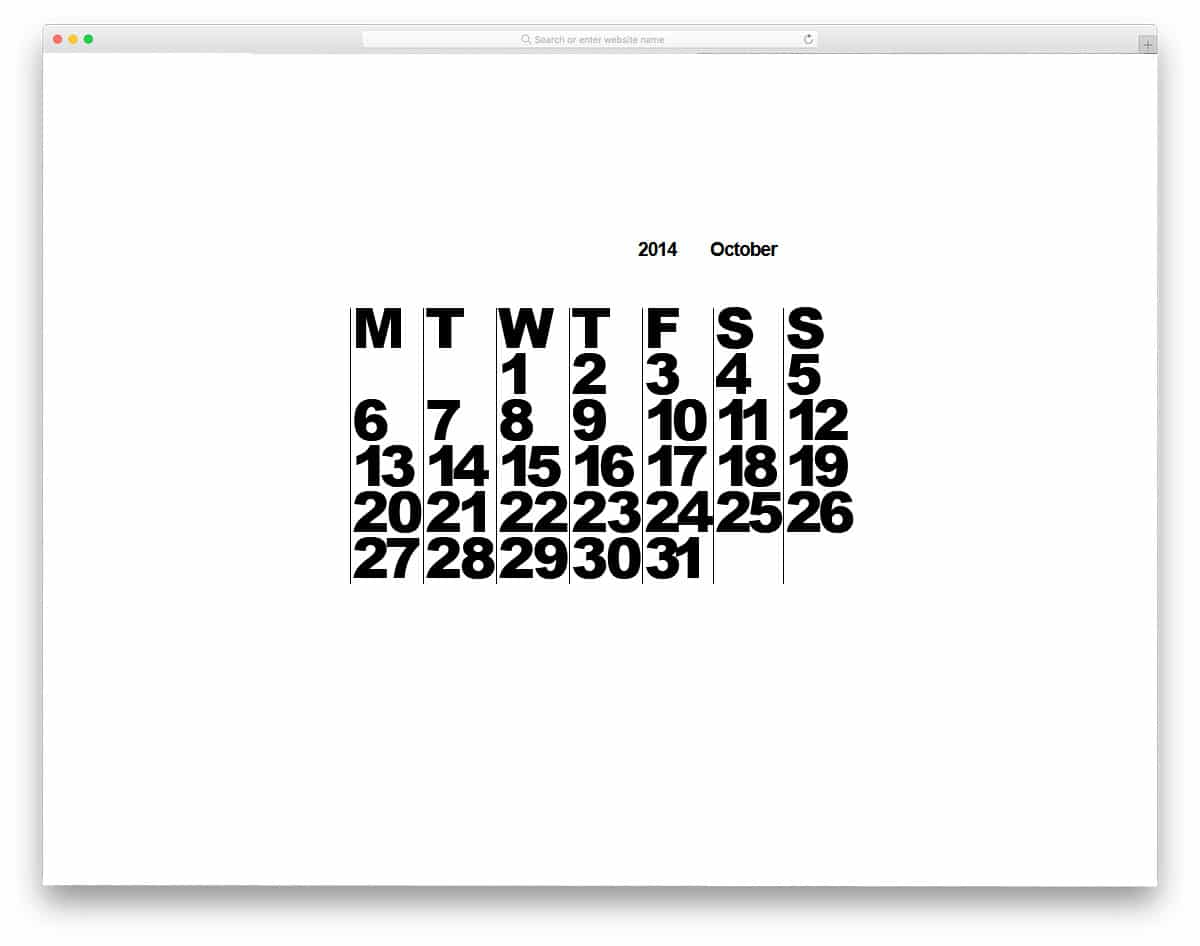
The creator Sam Breed has given a unique and simple looking calendar concept. Bold, tightly spaced letters make this calendar stand out from other professional calendars. To avoid visual complexity, the creator has used column grids. Since it is a concept model, you don’t have the option to navigate the calendar, add reminders, or do that kind of thing. But you can turn night mode on or off. The entire code used to create this design is available in the CodePen editor. Hence, you can edit and visualize the results before using it on your website or application.
Calendar By Abram
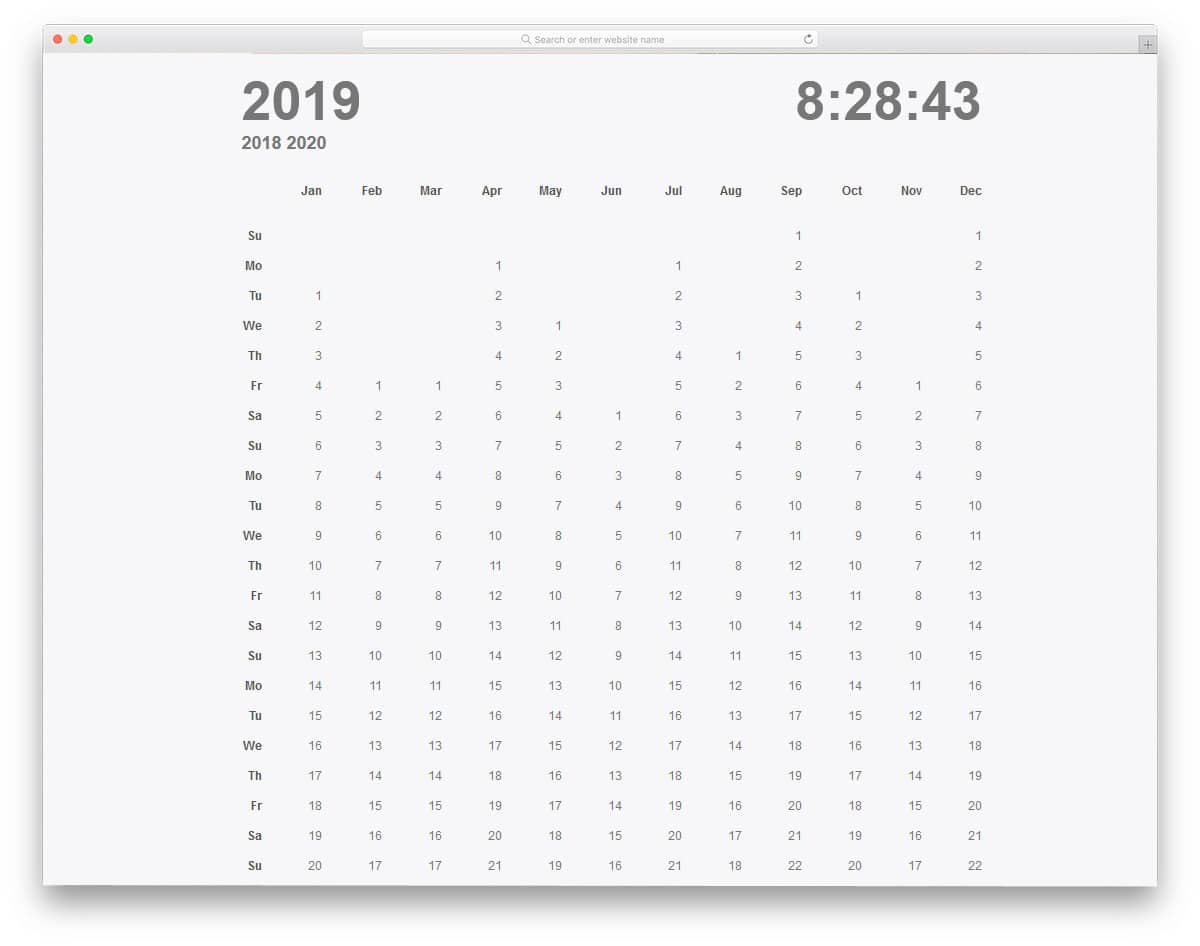
If you want a calendar that shows the date and time, this concept might impress you. This one doesn’t have a creative circular design concept as you have seen before. Instead, the creator has followed a simple design. Because of this straightforward approach, it can be used easily by the user. The only thing you might need to change is the month and week arrangement. In the default design, the entire year is displayed on a single screen. You can easily jump to previous and next years from the navigation option in the top-left corner.
Planner
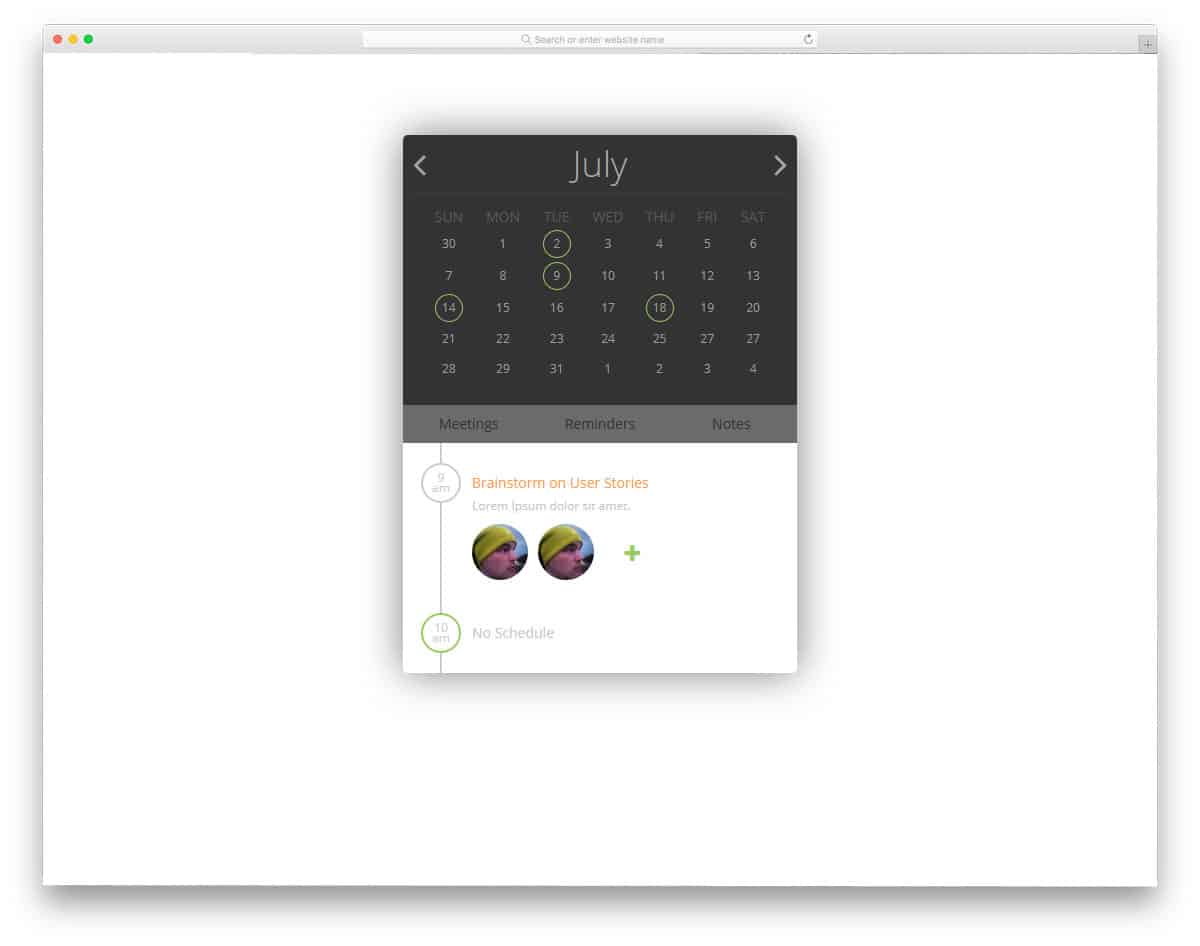
In this CSS calendar example, the creator provided only the front-end design concept for a planner calendar. Since it is a planner, you can add reminders to the calendar. The use of a timeline design in the calendar entry will help the user easily see upcoming events for the day. Since it is a concept model, the creator hasn’t given any working features or elements. By keeping this design as a base you can create your custom calendar design.
Calendar Mobile App UI

As the name implies, this calendar is made for mobile applications. But, you can use this design for website widgets as well. The dates with entries are highlighted using three-dimensional rings. Different color codes are used to group the entries. The creator has used different geometrical shapes to present the calendar entries elegantly to the user. If you wish to give a simple and elegant looking calendar with basic functionalities, this design will work perfectly. To make this front-end outline, the developer has used HTML5 and CSS3 script.
Tasks Events Apps Calendar Plan
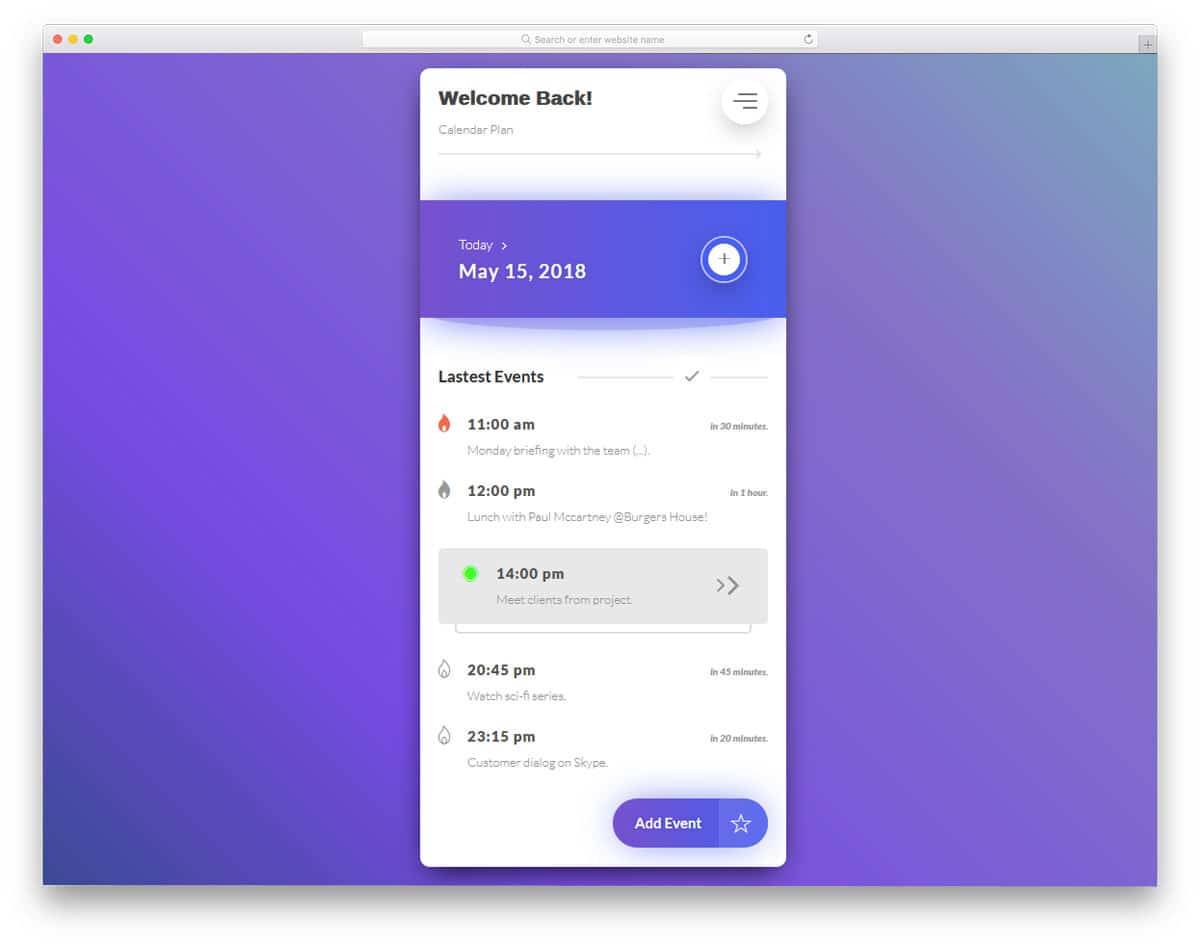
Tasks, Events, Apps, Calendar, and Plan are also mobile application calendars. The creator has used gradient colors and shadow effects to highlight important elements. Hover effects effectively show useful options and add life to the design. This one is also made entirely with CSS3 and HTML5. Hence, you can use any modern colors and animation effects in this calendar.
Calendar Widget II
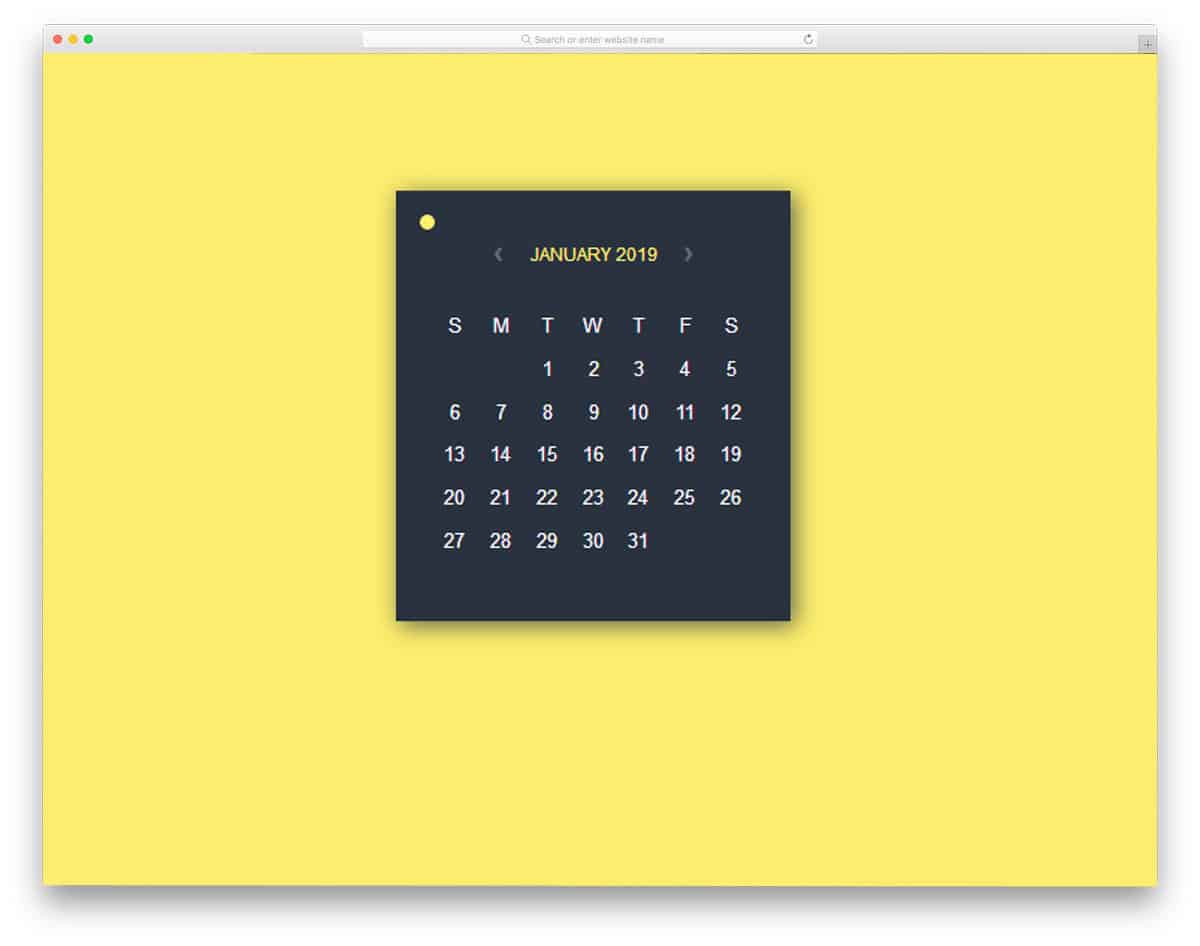
Calendar Widget II is a fully functional colorful calendar. The creator of this calendar has provided you with all options in perfect working order from the front-end. You can use this calendar as a widget in a computer or as a mobile application. The creator of this calendar not only allows you to add and edit events, but also lets you choose a color scheme for your calendar. To add an event to the calendar, click the date and start adding it. Details of the event are shown in a separate window along with weather forecast and location detail. The animation effects in this calendar are smooth and clean, giving your users an interactive feel.
Calendar In ReactJs
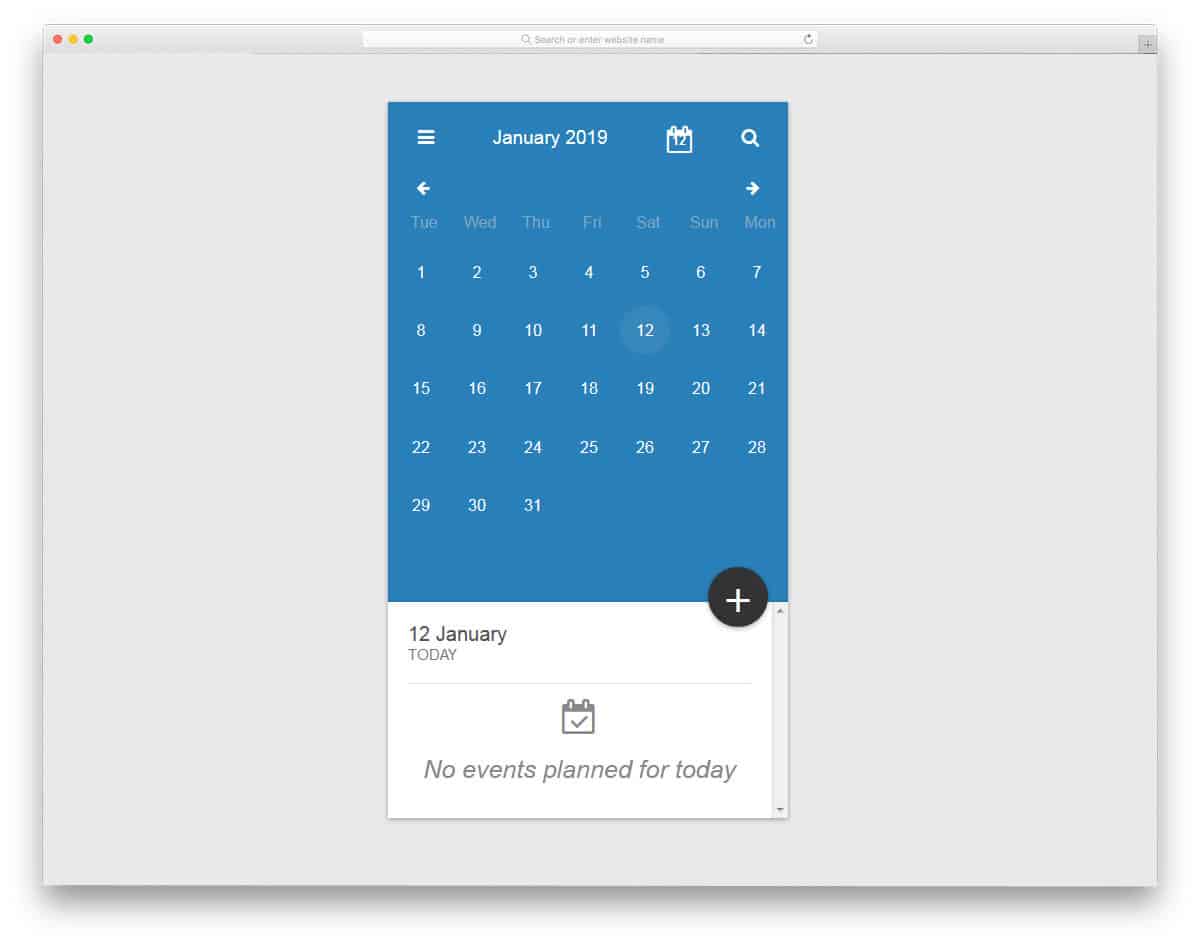
This one might satisfy your needs if you are looking for a calendar application similar to the Google calendar. One of the biggest advantages of Google Calendar is that you can edit several event details and add colors to organize them. For example, you can use the blue color for all your friends’ birthdays, and can even set a reminder based on location, and choose when you need to be notified. Of course, adding all these factors into an application is a big job, but you can use this calendar to reduce your front-end work. All the options in this calendar are in perfect working condition and the visual effects are smooth.
Calendar By Ray
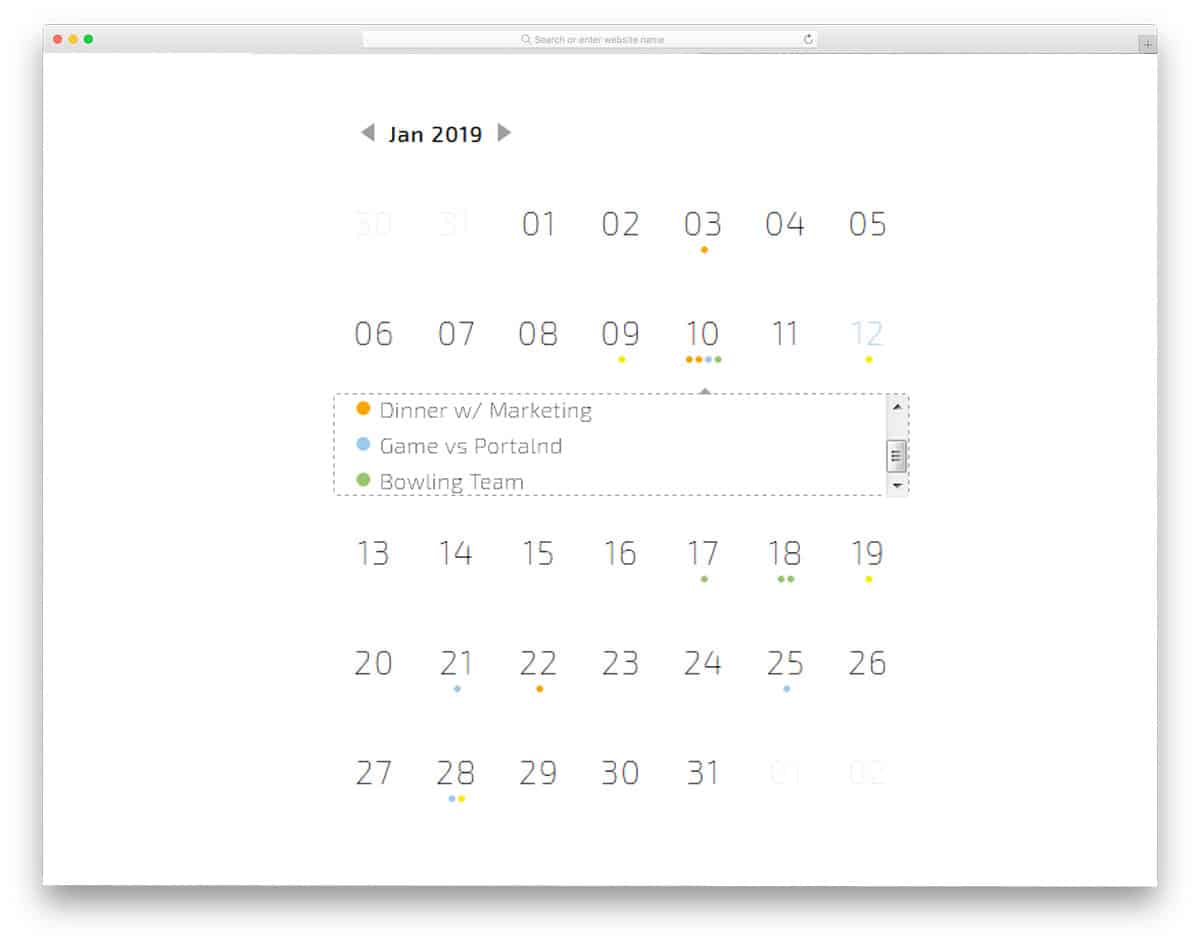
This is a minimalistic calendar with subtle animation effects. Light backgrounds and neat texts make this calendar easy to interact with and read. At the top of the calendar, you have the navigation arrows to jump between different months. This developer has also given you color codes to organize your event entries. The only small bummer with this calendar is that you don’t have the option to jump between years; otherwise, it’s a perfect calendar. The minimal, clean design of this calendar makes it a perfect option for all types of websites and mobile applications.
CSS-only Calendar App Concept

As the name implies, this calendar is a mobile application concept. The idea of this calendar is to let you choose a set of date and a task to it. If you are a marketer, manager or creative people, applications like this will help you clearly organize your goals. You can use different colors for each task. For example, if you are making a website template you can choose the first week for creating a rough layout, the second week for design finalization, and the third week for development. The creator of this calendar has directly shared you the code used to make this calendar. Using the Codepen environment, you can edit and see the results simultaneously.
Day 9 Calendar

Day 9 Calendar is a combination of calendar and an analog clock. This calendar design is a perfect option for your calendar widget design. Fifteen cells are used in this calendar; twelve cells are for the months, one is for the year, another is to show the present-day date, and one is for an analog clock. As smart home devices with screens become more popular, offering widgets and applications like this will make it easy for users to see the date and time at a glance. The only thing this calendar misses is the option to navigate between different years. Since it has a place for that you can add the option if you need.
Calendar Javascript Library
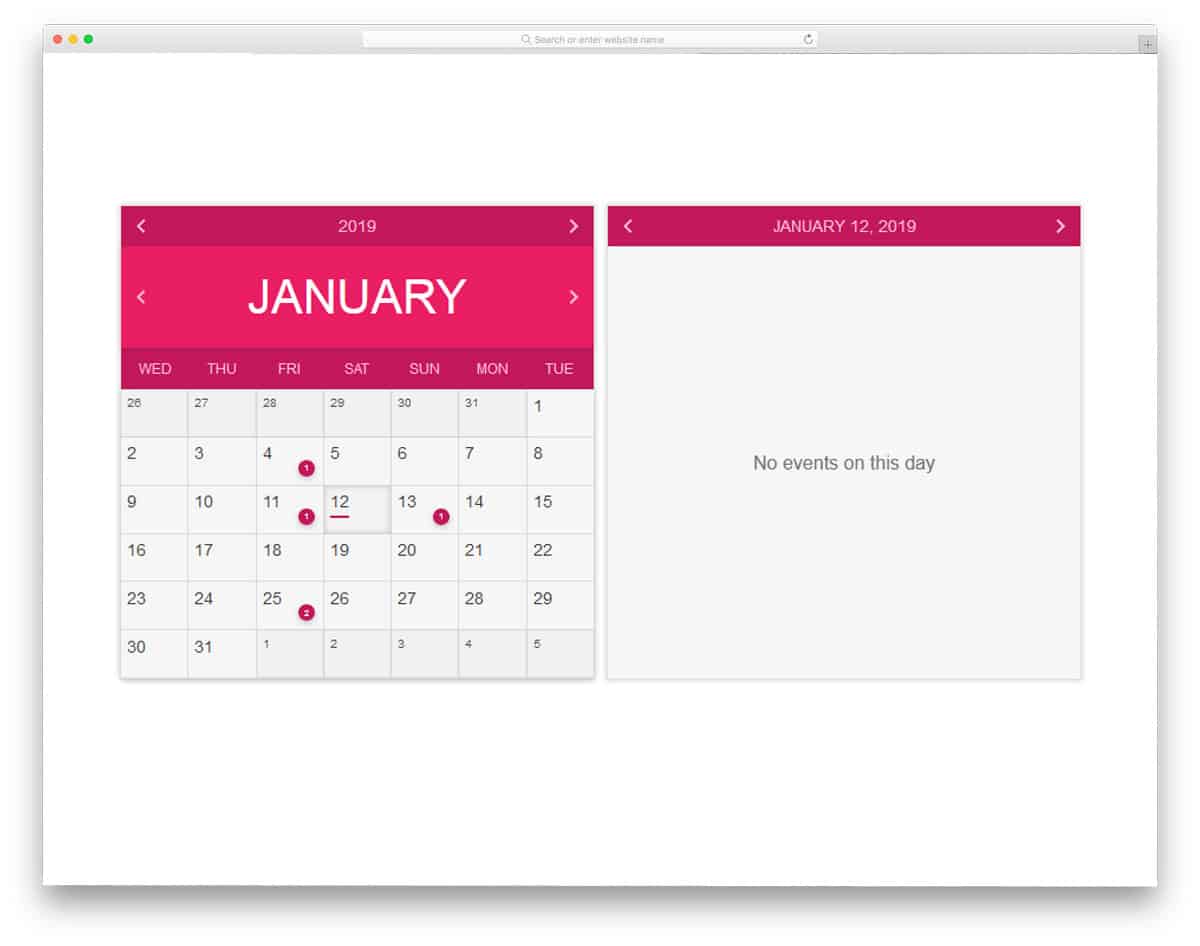
The Calendar JavaScript Library is a very basic calendar with proper navigation. In some of the calendars mentioned above, you will have an impressive animation effect with proper navigation options. You can use this calendar to get some navigation ideas. The month, year, and the main calendar are treated as separate elements. So the user can easily choose the year and the month they need. A separate window on the left shows the calendar entries. This calendar can display events, but can’t add an event; you might need to add this if you wish to use it.
It’s A Calendar Sort Of Thing
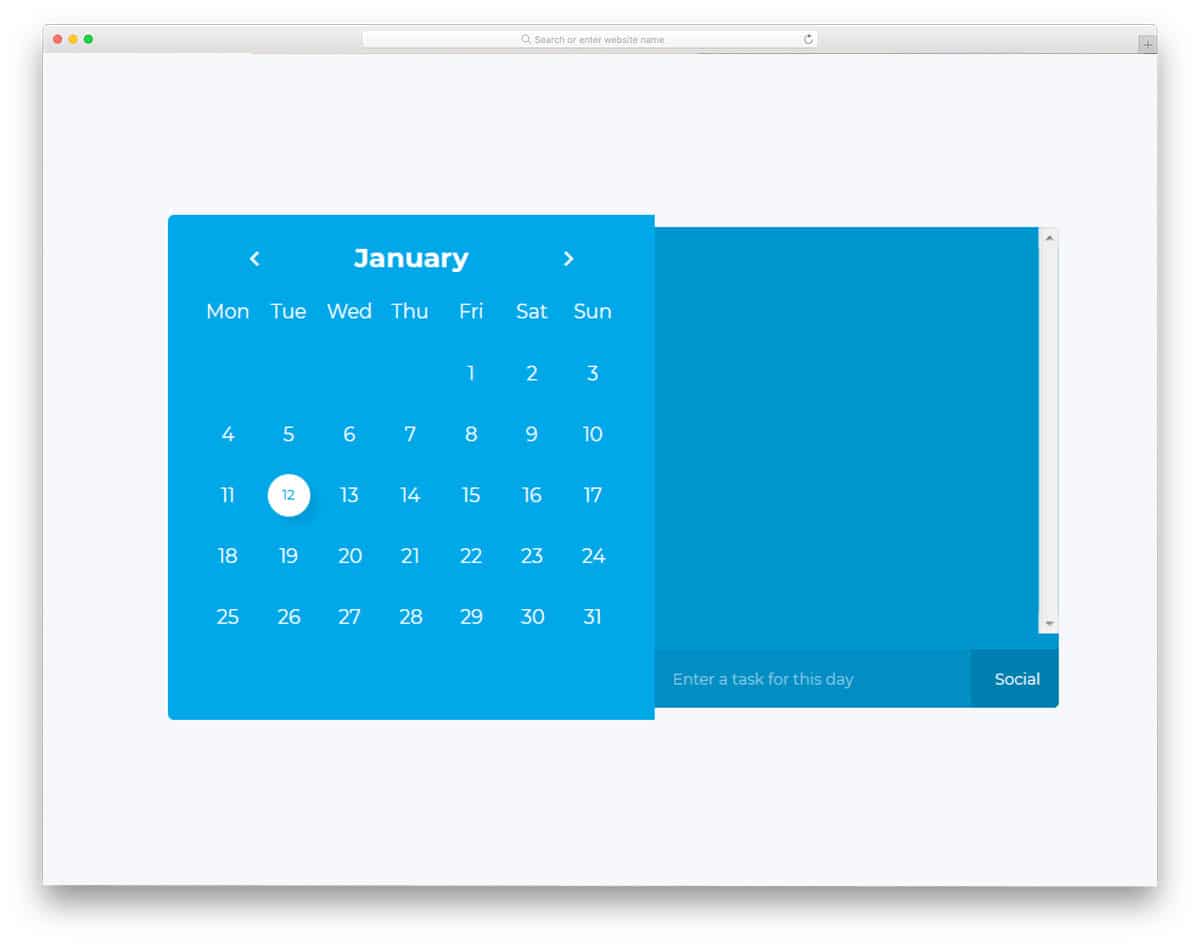
This calendar is almost similar to the Calendar in ReactJS mentioned above. To be more precise, this calendar is a simplified version of the ReactJS calendar. This calendar is treated as a computer application or widget. Two windows are provided in this calendar: one for adding entries, and the other for the monthly calendar. The creator of this calendar has given you two tags to organize your entries. You can add your own tags and color them to easily organize calendar entries. Shadow effects and transition effects are smooth and clean, thanks to the latest HTML5 and CSS3 framework.
Circular Calendar Display

Circular Calendar Display is a unique calendar. If you are looking for a modern Aztec or Mayan type circular calendar, this design will impress you. This calendar design can be used as a widget or a separate application. The creator of this calendar has given a separate element to compare the week’s temperatures. You can add a new widget to add notes and events. The circular design of the calendar gives a futuristic look with cool effects. If you are making calendar skins, this design will impress your users. Since it has a gaming style design, you can even use it on your gaming website template.
Simple Calendar
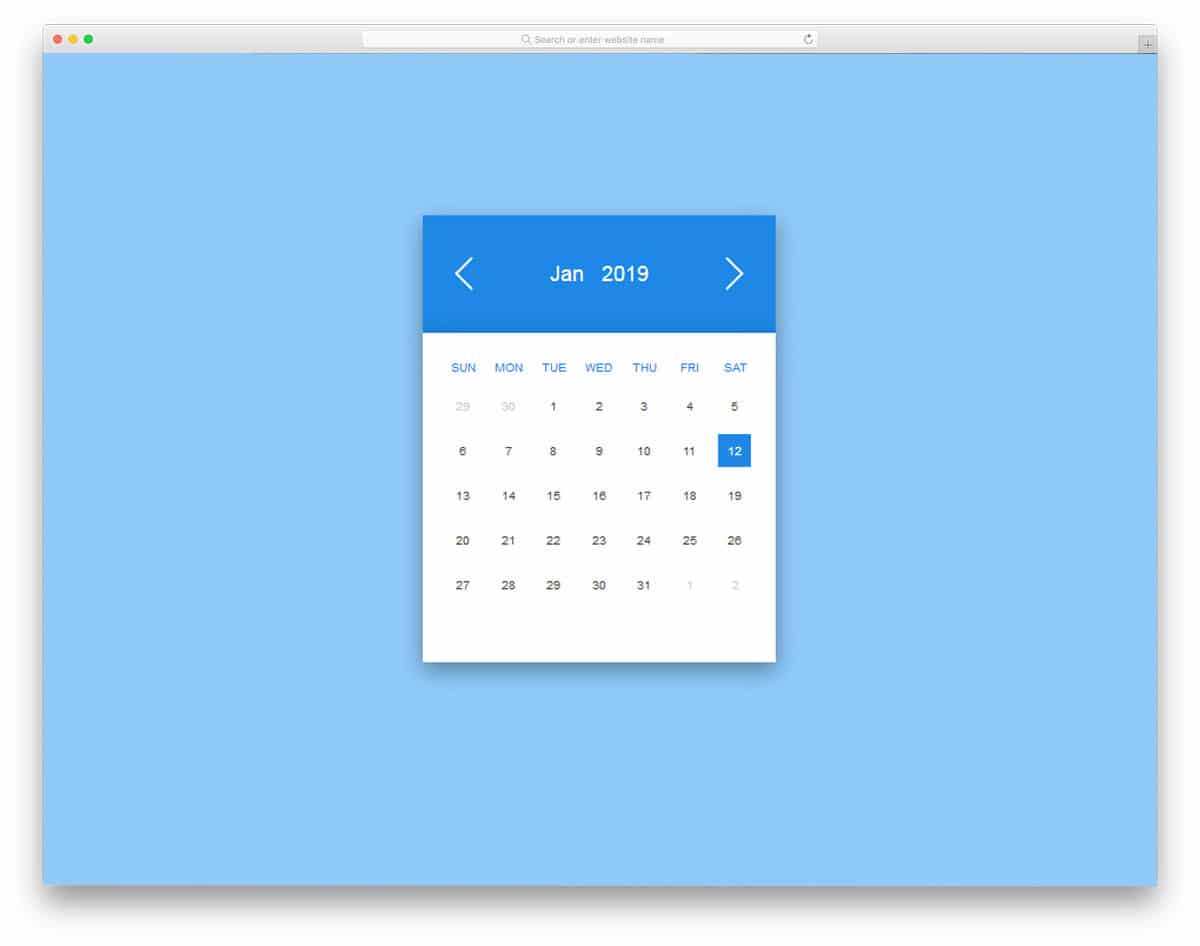
The creator of this calendar has made it a penny plain almanac with a basic design. The calendar’s simple design makes it a perfect option for multipurpose use. This calendar is treated as a mobile application with simple swipe gestures. The material design makes this calendar clean and trendy-looking. This calendar has plenty of space for improvement, based on your needs you can add your features and options. The creator of this calendar has used an HTML and CSS framework, along with a few lines of JavaScript for smooth animation.
D3.js Calendar Heatmap
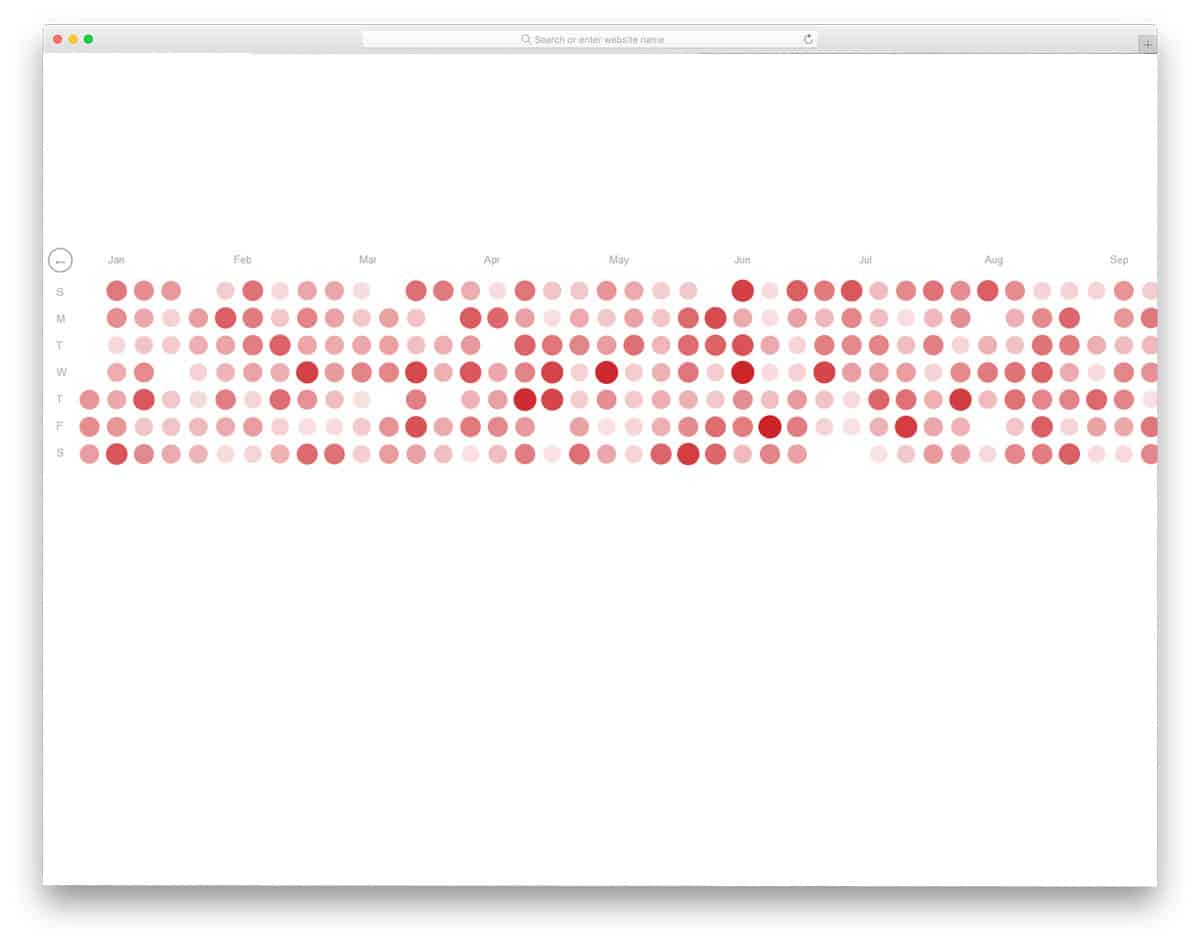
Calendars are not only used for event entries and scheduling, but also for indexing day-to-day statistical data. If you are making any application related to meteorology or weather reports, a calendar like this will come in handy. This calendar is primarily designed for heat maps collected during different years. These time-stamped geospatial data can be used alongside other details to improve data insights. This calendar design can be used as a part of an application or a separate application for people interested in weather and temperatures. The coding for this calendar is kept very simple; you can use this idea to build your custom calendar.
Calendar Flip Animation
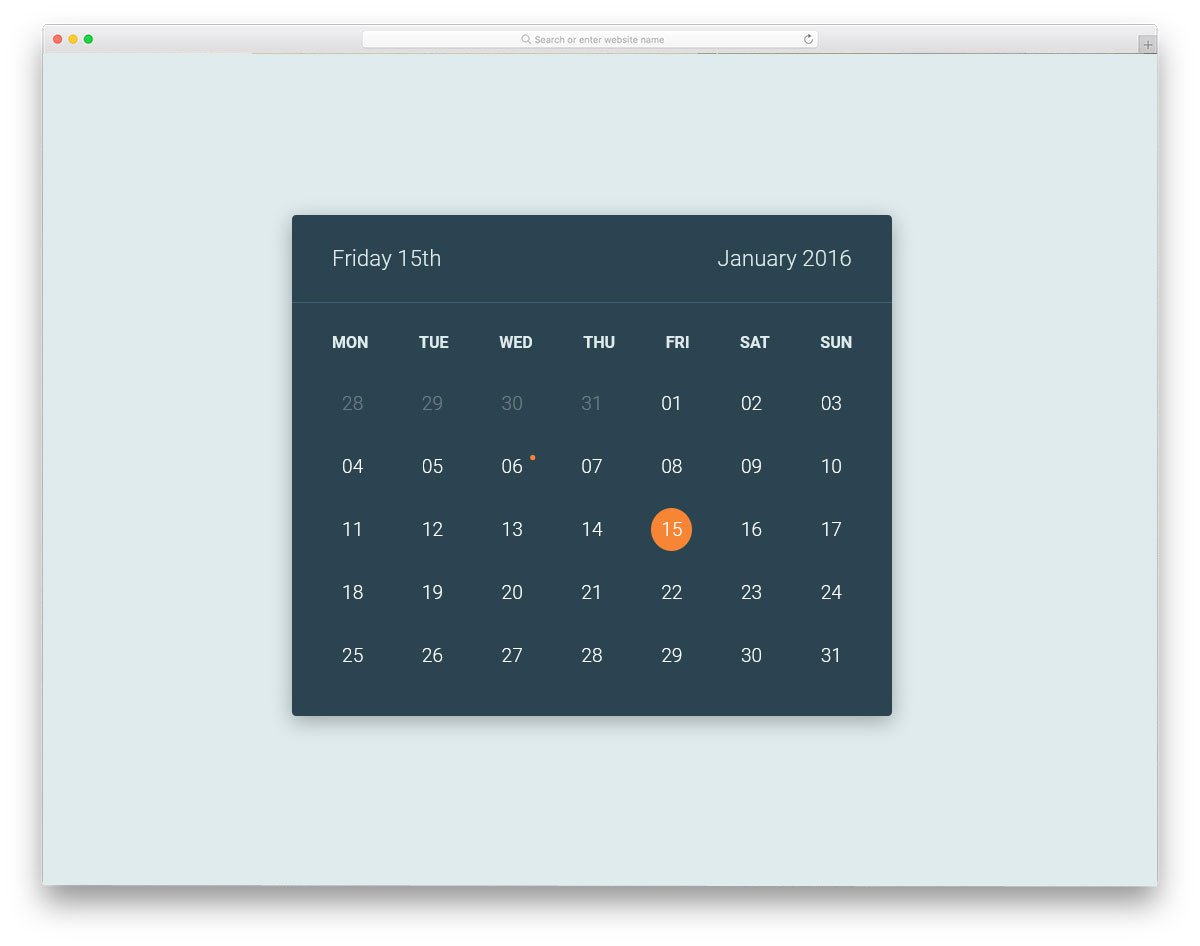
Calendar Flip Animation, as the name suggests, this one has flip-type animation. Instead of a hover window, this calendar flips to show the calendar entry. Dates with entries are noted with a little dot. Dates are bold when you hover over the number to let you know which date you pick. The separate window on the flip side gives complete detail of the event. You can use this type of calendars in your reservation pages of a website like a restaurant website and salon website. This calendar can be used in your existing project by making a few optimizations.
VueJS Calendar Component

This type of calendar can be used in a web application. If you are making a social media scheduling application or email automation schedule tool, calendar like this will be very useful. At a glance, the user can infer their schedule for that day. Regarding email automation, look at our free email template collection to make a stunning email in no time. The calendar creator has given you a basic idea, by keeping this as a base you can start working on other features and components. A minimalist design approach is used in this calendar so the user can easily see its contents.
Light & Dark Calendar
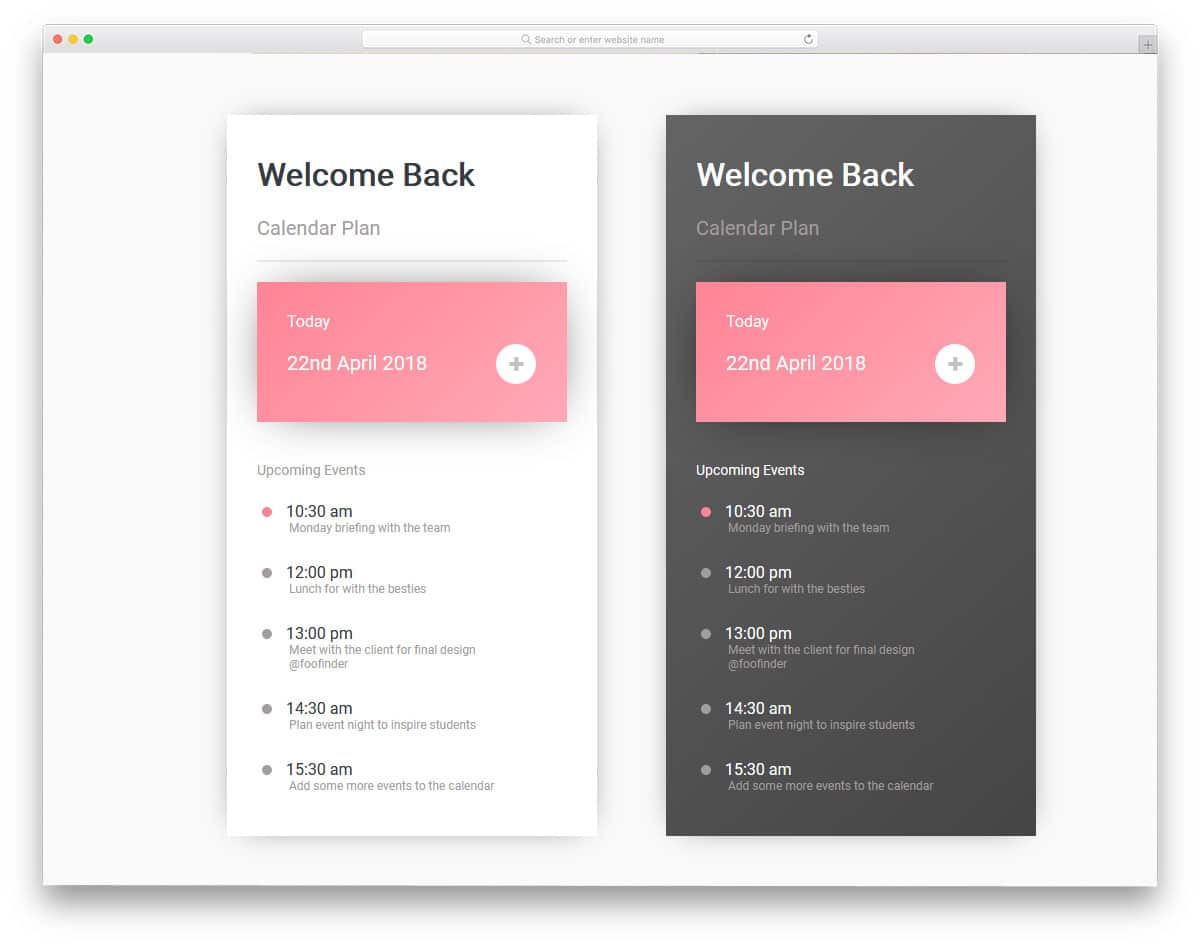
Light & Dark Calendar is an outline of a mobile application. The designer of this calendar has used material design with flat colors. Depth effects and neat fonts make interactions easy on this calendar. You can either use this as a calendar or your existing mobile application. If you are a mobile application designer, look at our iPhone mockups to present your designs engagingly to your audience. The creator of the calendar has given you both light and dark version so that you can have a clear idea before using one in your project or mobile application.
Daily CSS Calendar
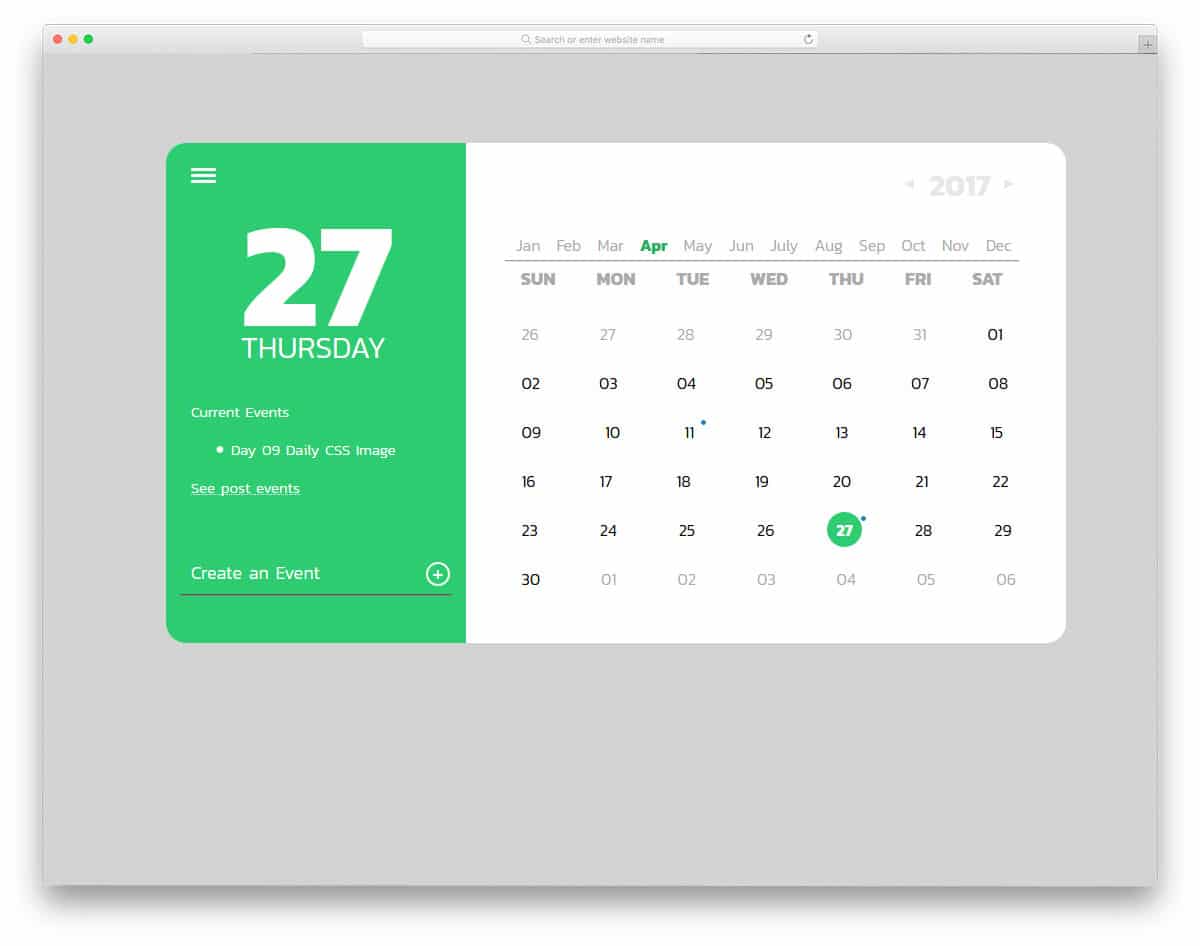
Daily CSS Calendar is a trendy-looking, modern calendar. The designer of this calendar has given you a clear vision of a calendar’s look and the possible options you can add. Trendy bold fonts are used in this calendar which modern users will love. The present-day date and details are shown in the large left-hand window. At the bottom of the left window, you have an option to add an event. The developer of the calendar doesn’t give you any forms to add your event details; this might be one option which you must add. This calendar has plenty of room for improvement and can handle it easily.
Wim Crouwel’s Calendar
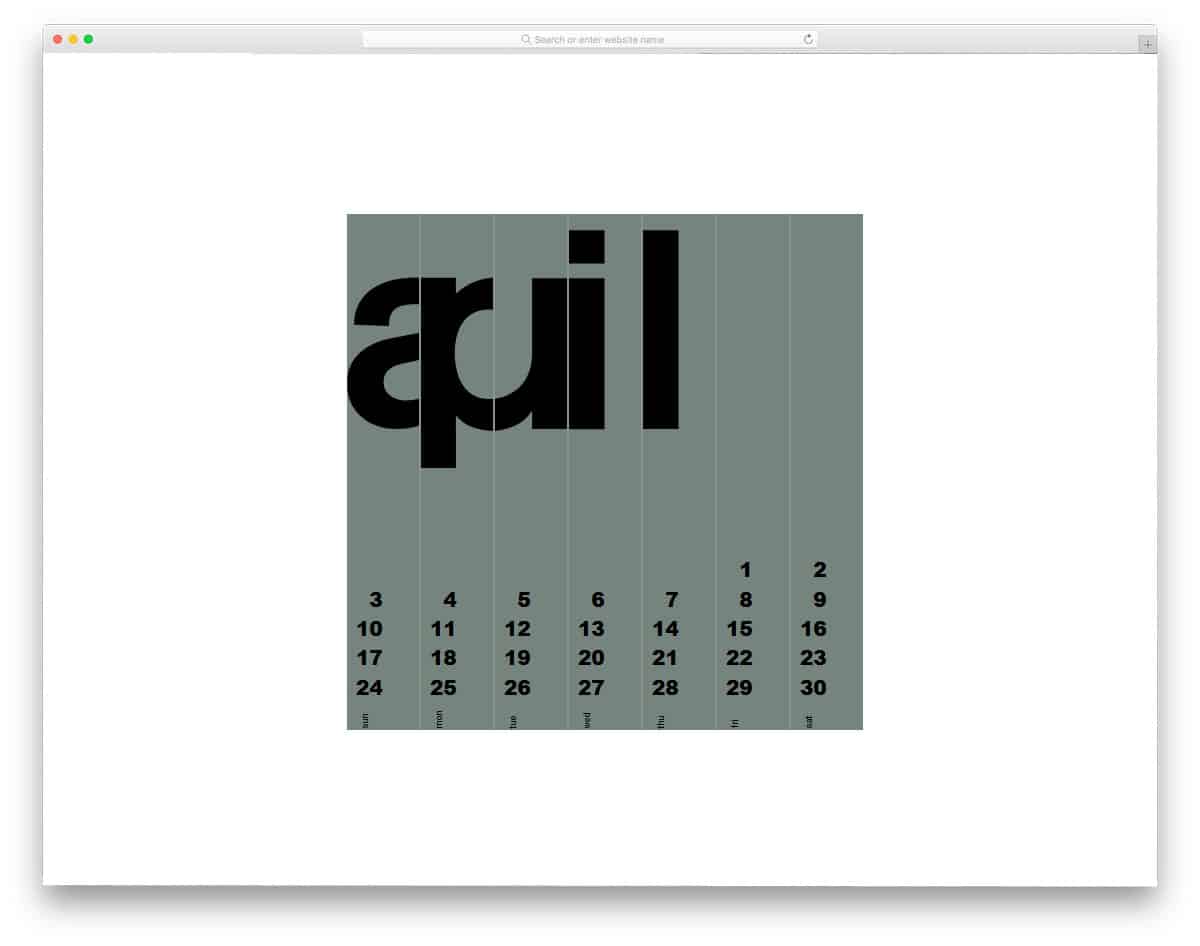
Wim Crouwel is one of the best designers, creating stunning, effective artworks. This calendar is developed based on Wim Crouwel’s design. The billboard-style flipping animation gives an interactive feel when the user hovers over it. As said before, this is an artistic calendar that works. By drawing inspiration from this design, you can develop your calendar with more creative visual effects. To make this beautiful calendar, the developer has used HTML and CSS framework. A few lines of JavaScript are also used in this calendar to achieve smooth, clean animation.
Responsive Flexbox Calendar
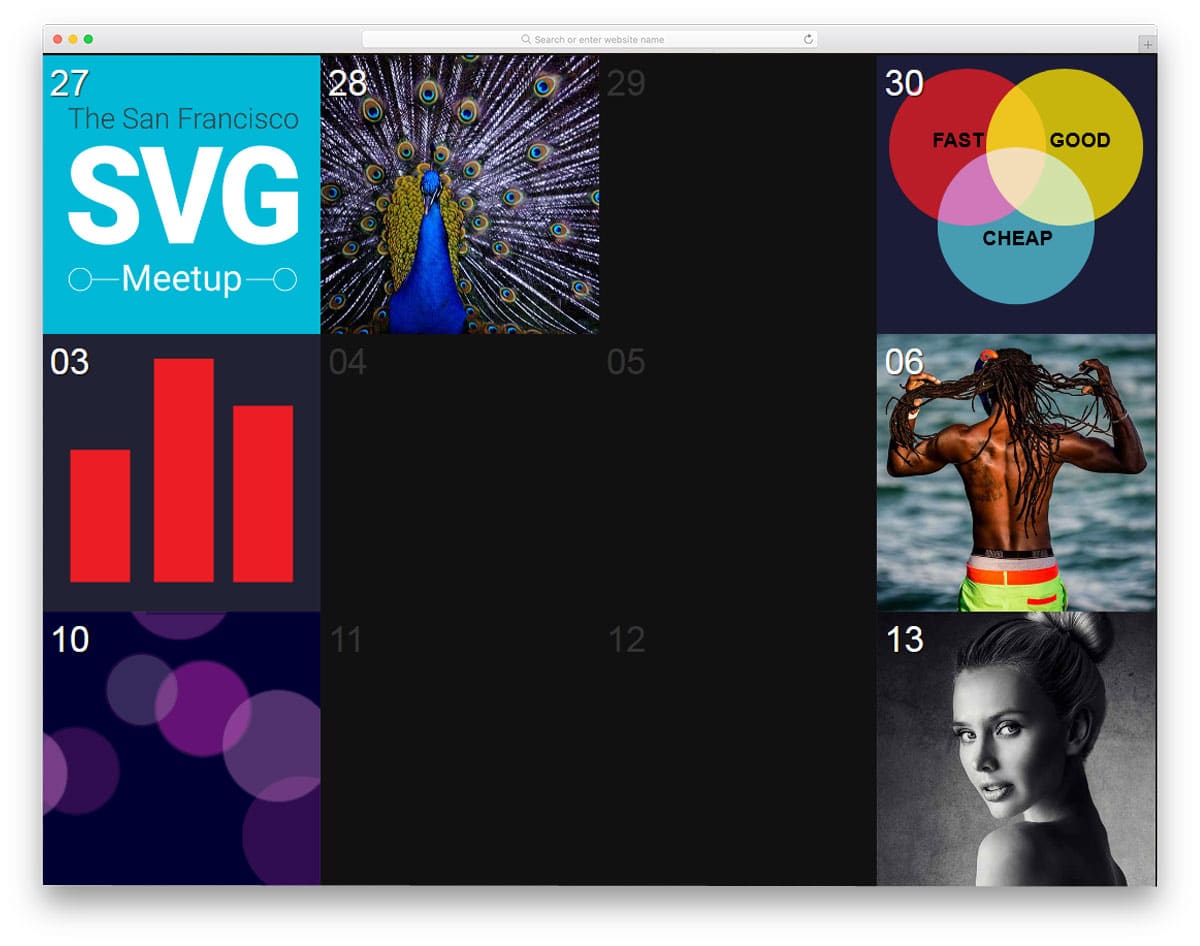
Responsive Flexbox Calendar is the best option for calendars in photography websites and applications. If you run a picture website like Pixabay, giving tools like this will build your audience base. For each day you can show some beautiful images and greet visitors with a surprise. Or you can let the user set an image for a particular day. For example, if there is an upcoming event you can add the company logo on that day. The scope of this calendar design is endless, we can use our creativity and provide a unique experience to the user.
CSS Grid Calendar
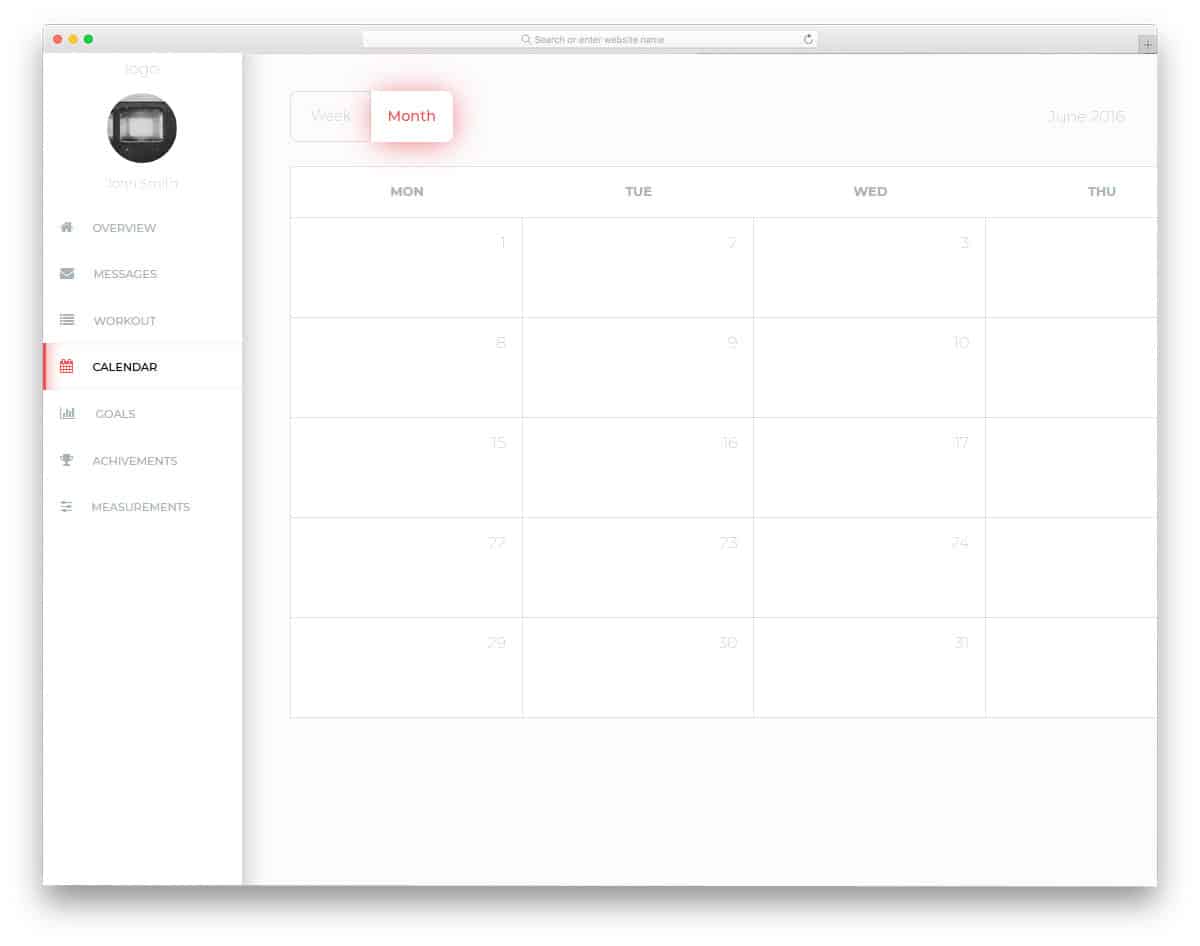
CSS Grid calendar will be a perfect addition to dashboard applications. If you are making web applications for scheduling and managing projects, calendar design like this will be very useful. All navigation options are available in the left sidebar. On the sidebar, you have space to add user profile image and name. Tabs are given in the main calendar to easily switch between month and week views. At the top, you also have a search bar so users can easily find entries. The creator of this calendar has given you a basic structure, from here you have to take it to the destination you like.
Daily CSS Images Calendar
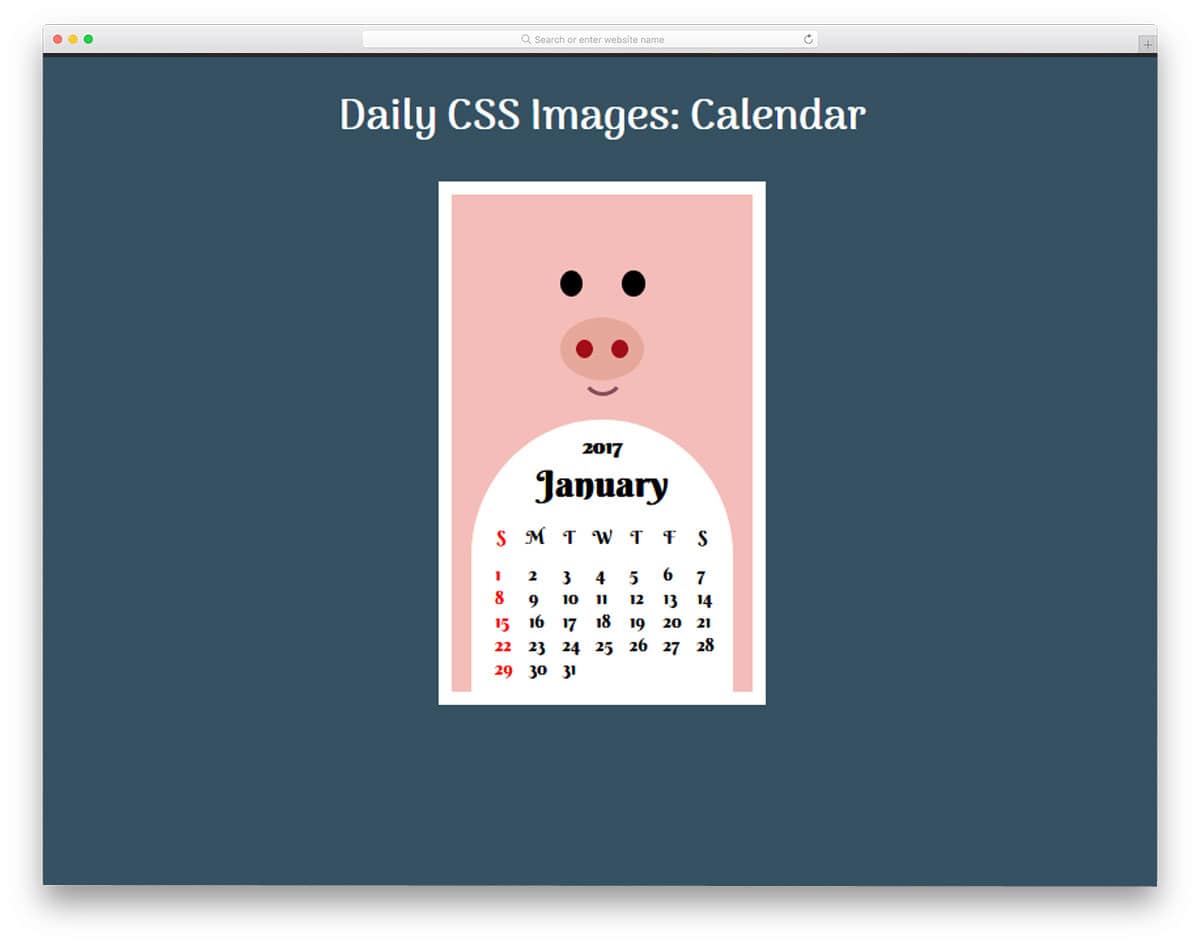
Daily CSS Images Calendar is designed for kids. With cute animal art and stylish fonts, this calendar will get kids attention. If you are making a calendar for play school or other education websites for kids, this calendar design will be a good fit. The designer has given you only a basic design inspiration in this calendar. You have to work on the features you want manually. Default animation effects in this calendar can also be customized per your requirement. The code used in this calendar is shared directly in Codepen environment. So you can easily work and see your results before using it in your project.
Windows Fluent Design Calendar

Fluent design is Microsoft’s design language for its computer, tablet, and Xbox interfaces. There are several elements, effects, and features in Fluent design. The designer of this calendar has used only the visual elements. You have to work on the interactive effects and options on your own. As Microsoft is always known for its professional software, its design is also very professional and clean. Texts are made bold for easier interaction and readability. Elements for navigation are given at appropriate positions, all you have to do is to make it functional. The designer of this calendar has used two sides, one is for the calendar and the other is to show the calendar entries clearly.
Responsive calendar
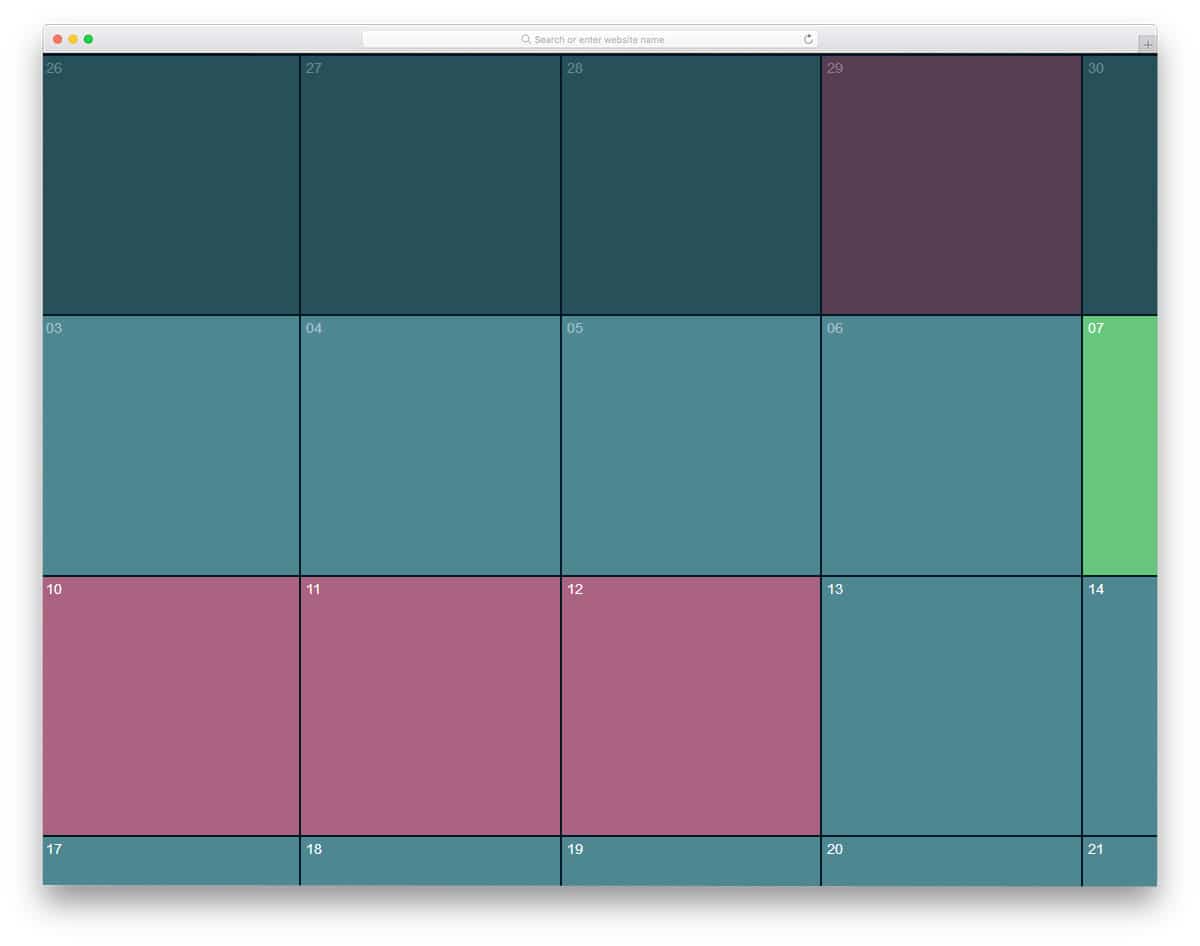
The responsive calendar is colorful and simple. The creator of this calendar used only HTML and CSS. This is a very basic CSS calendar; you’ll need to add your own features and options. Different colors are used in this calendar to indicate the important dates. You can use this calendar as inspiration, since it lacks several features you can use in your project. An ample amount of space is given for each cell so you can show an overview of the calendar entries.
Calendar V09

The V09 is a sensibly designed HTML calendar input template.
This calendar input allows you to pick both the date and time to use this design for registration forms/pages. A clean interface is used for both the calendar and the clock to help the audience easily see the value they pick. Apart from the regular navigation options, this template has a button to reset the values and a button to dismiss the calendar. The creator has thought about all possible scenarios in this template; therefore, the developer’s job is reduced significantly, and they can concentrate on the integration part.
Calendar V07
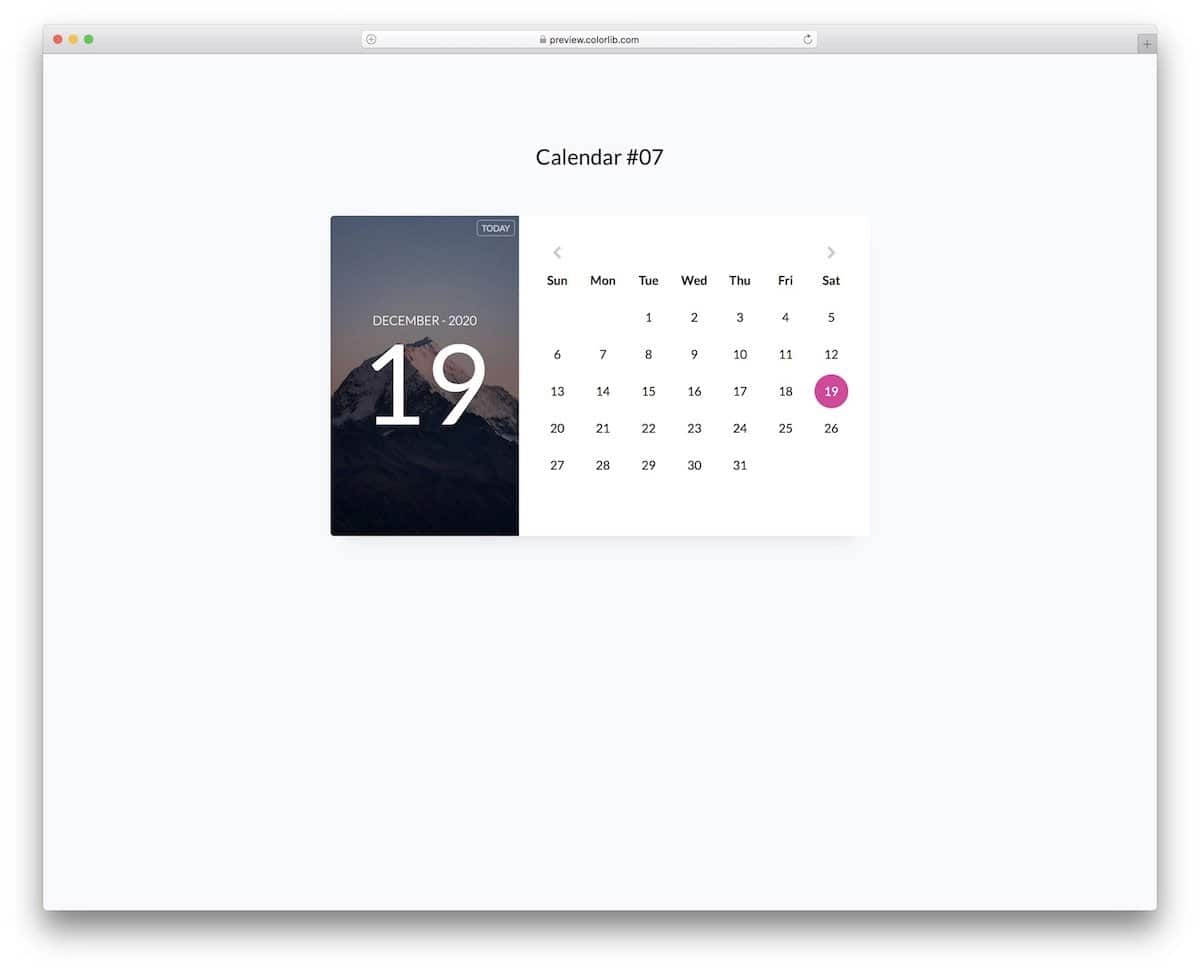
The V07 is the most elegant Bootstrap HTML calendar template on this list.
More than ample space is given between each element, and the colors are utilized smartly to make the interactions easier. Black and pink color schemes are followed in the default design; you can change the color scheme by editing this template’s written CSS script. You have a space to add an image background and a functional button to take the user to the current date on the left side. All elements in this template work flawlessly from the front-end side. Therefore, you can work on the integration part without any worries.
HTML Calendar V04
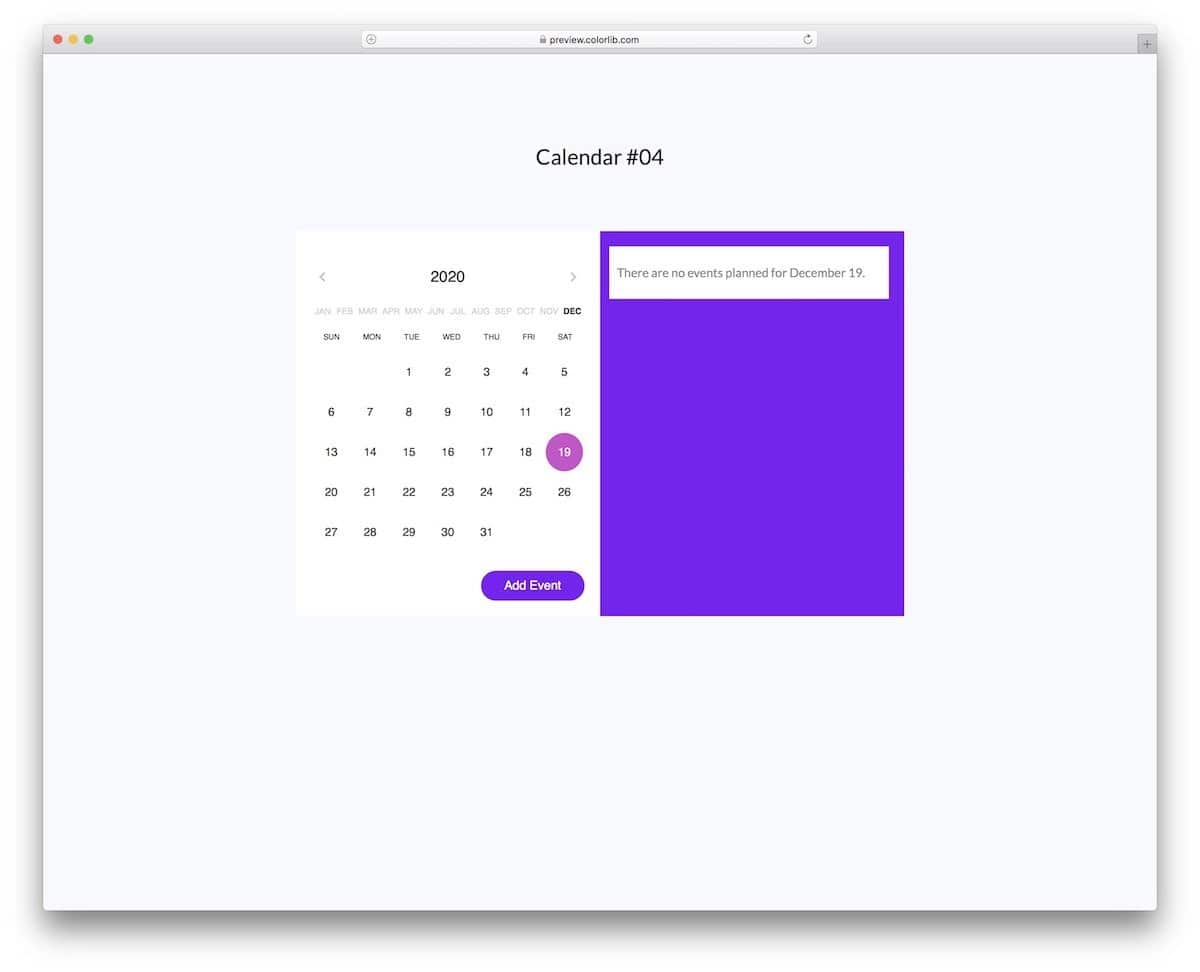
Those who want an HTML calendar with an events option must consider this template.
The V04 template enables users to easily add the events they want and select the number of persons attending each event. A small green dot is displayed directly above the calendar date to indicate the days with entries, a smart design feature. The navigation part is broken into two parts: year and month. Hence, users can jump directly to the desired date without needing to use the navigation arrow. Swift animations enable users to easily understand where they need to provide the information and how to save it. Overall, the V04 is a perfect HTML calendar with event options.
Calendar V20

The V20 is another fully functional Bootstrap HTML calendar template.
This template lets you see the calendar in the week, month, day, and list views, almost like in all famous calendar apps. A bright and trendy color scheme is used in this template, highlighting the important information elegantly to the audience. If you are planning for a full-page calendar app design, this one will be a good choice.
Building a Calendar

The creator of this calendar has given us a colorful HTML calendar concept. Different color schemes are used for each month, allowing users to easily see when the next month begins in this continuous calendar design. The use of today’s date highlighter and dimming the past dates makes the calendar even more user-friendly. There are no interactive functions like selecting a date or adding events in the default design. But, you can edit the code and add custom features as per your requirements.
FlexCalendar
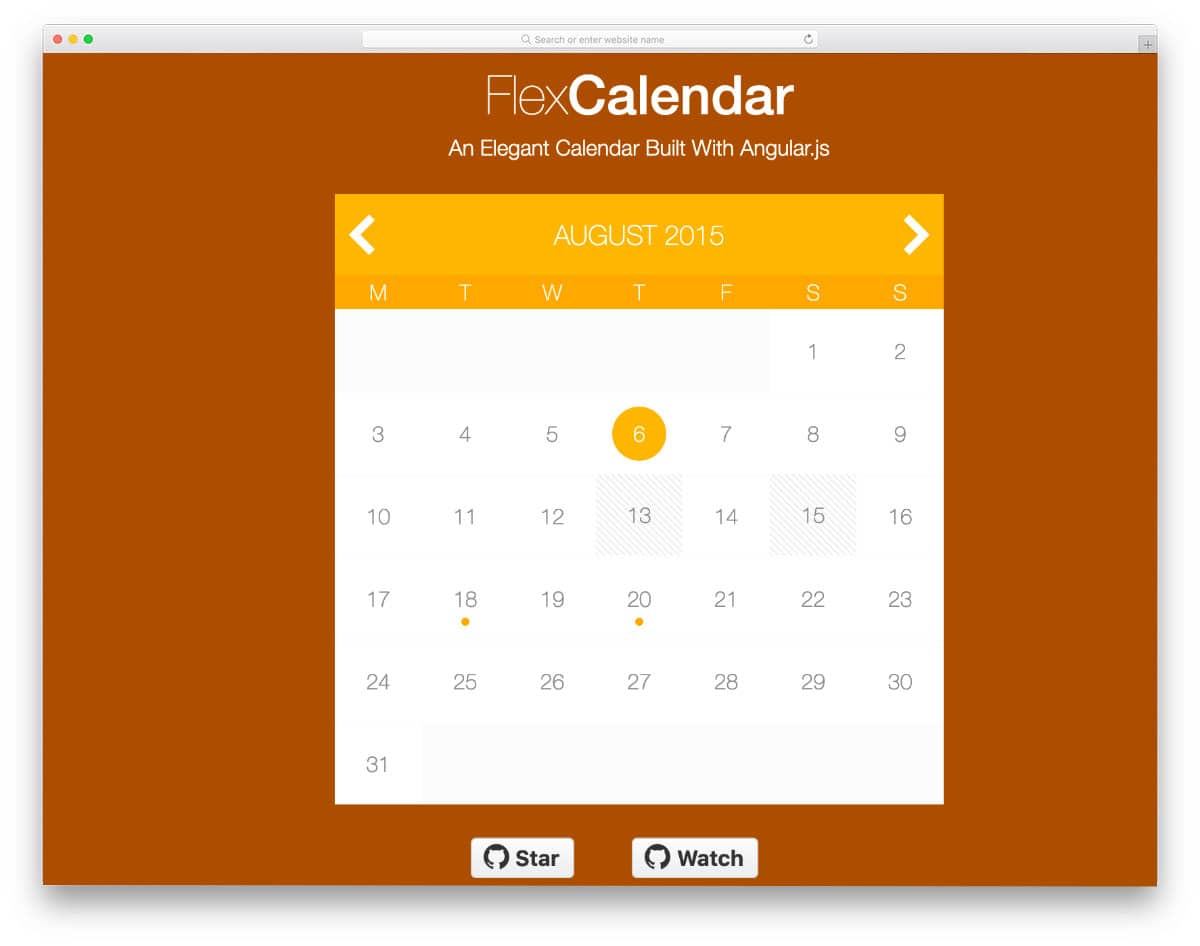
FlexCalendar is a simple HTML calendar design with all the necessary features. For example, you get navigation arrows at the top, options to block a few dates and a neat highlighter that shows the date with entries. The code script of this calendar is clean, just like its design, so developers can use this code easily in their projects. Since this design utilizes the latest CSS script, it can seamlessly handle all modern color schemes and animations.
Calendar by Benjamin

Developer Benjamin has given us a clean calendar design. All fundamental options are given properly in this calendar, making it user-friendly. Arrow navigations are used to jump to the next month. If you like to make the calendar easier to use, try adding options to change the month and the year. You can take the skin concept of this calendar and use it for your calendar widget or application. The code script is shared with you on the CodePen editor to let you easily edit and visualize the results before using the code on your website/application.
Responsive Calendar Pattern

The creator has given a retro-style calendar in this example. Though it has a backward-looking design, it is very practical. The big grid design provides more than enough space to display the entries neatly for users. Like in most HTML calendar designs, light and dark colors show the previous and present months. Since the grid design gives you more space to list all the entries, you can use tooltips to show a quick overview of the entries. For tooltips design ideas, look at our tooltips CSS design collection.

I like them all, but Circular Calendar Display has got to be my favorite one! It reminds me of the Antikythera mechanism.