


Collection of interactive and easy-to-use range slider CSS designs.
Range sliders are widely used in UI design for different purposes. One of the main purposes is to filter and explore all the related content. Nowadays, range sliders are used in the control and settings options. You might have seen many sliders on your smartphone for adjusting brightness and controlling volumes. In iOS, you get big, rounded rectangles in the control panel for adjusting brightness and volume. Whereas in the Android devices, you get thin line sliders to adjust the settings.
Whether you are using the slider to filter data or control settings, there is a range slider CSS design for you on this list. We have collected CSS designs for range sliders for both websites and mobile applications. Speaking of mobile application design, take a look at our UI kit collection to make your app designing work simpler. Without further due, let’s get into the list of range slider CSS designs.

Price Range Slider

As the name implies, this is a price range slider. The creator has used cool color schemes and sensible animations to deliver an immersive user experience. You can see the price/amount value on the right-hand side as you move the slider. Since this CSS range slider uses the latest CSS script, the gradient colors look natural in this design. Plus, you also get the option to try any modern gradient colors on this slider as per your design needs.
Slider with Donut Chart

Those who are looking for a functional Bootstrap range slider to control the chart will love this concept. Range sliders in this design are directly connected to the donut charts so that the chart value changes as you move the slider. The creator has shown the value on both the slider and the chart to help the user easily see the values before setting the final reading. Since this slider needs to handle dynamic inputs, the creator has used a few lines of JavaScript in this design. The code for this Bootstrap slider design is available on CodePen for easy use.
Radial Range Slider

Radial range sliders are unique and can be used easily on both computer and mobile UI designs. You get a nice big space in the center because of the radial design, which the creator has utilized to show the range slider value. The advantage of using well-optimized elements like this is you can fit them on any part of your website. Well-used shadow and depth effects help the user easily distinguish each element. If you want, you can add glow effects to the slider and make it visually appealing to the audience. Take a look at our CSS glow effects collection for fresh ideas.
Pure CSS Range Slider
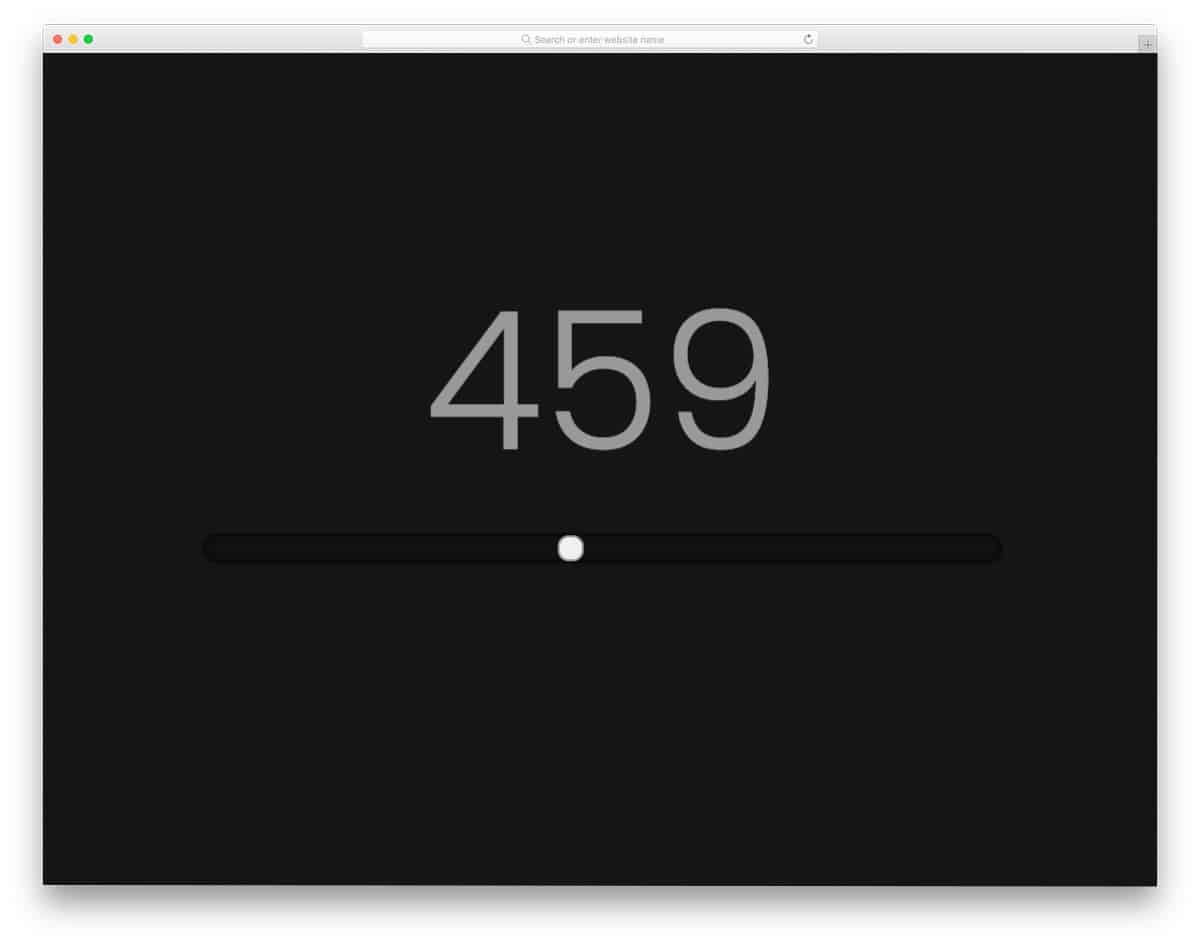
This example has a pure CSS range slider with a simple design. Since the whole design is based on a dark theme, some elements may not be clearly visible to the audience. If you plan to use this CSS range slider, consider using other colors to make it more accessible and friendlier for the audience. This template’s code script is very simple, so you can add custom elements or adjust the design without any issues.
Gear Slider
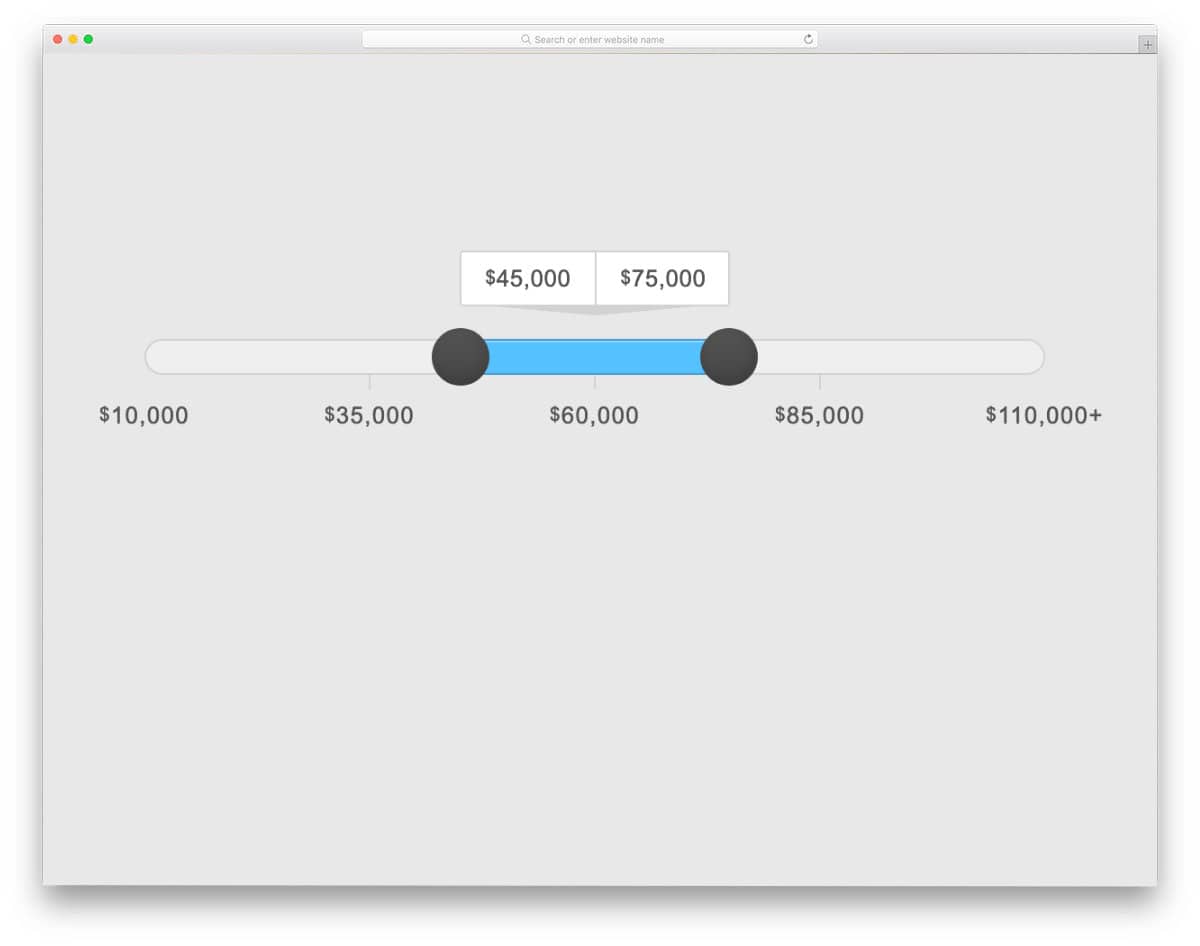
This HTML slider with two handles lets you set both the minimum and maximum values. As the name implies, an animated gear appears when you drag the sliders. The values are clearly shown above the gears; the user can easily see them and drag the sliders to change the values. This range slider CSS design is very clean and has ample space between elements, making it the best option for responsive design. The entire code script is shared with you on the CodePen editor. You can edit the code and make this design fit into your project.
Custom Range Input Slider With Labels
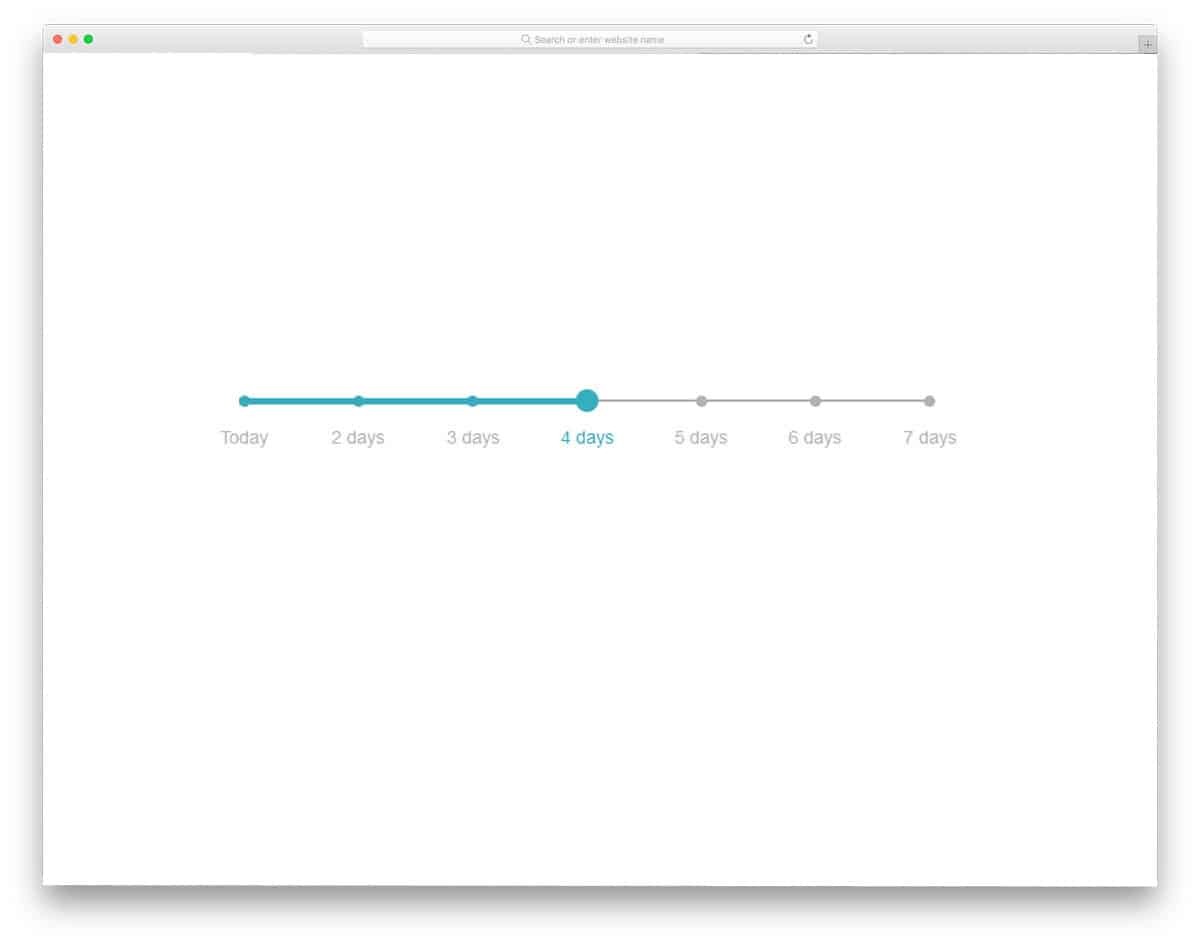
With this HTML range slider with labels design as a base, you can create your own custom range slider. Since it is a concept model, the creator hasn’t used any transition effects or animation effects. Each point on the slider is clearly marked with a small dot, so the user can easily understand the value. Plus, the labels have made the purpose or the value of the point clear to the audience. The entire code script is shared with you directly via the CodePen editor. Hence, you can easily edit and visualize your customization results right in the editor.
Random Password Generator
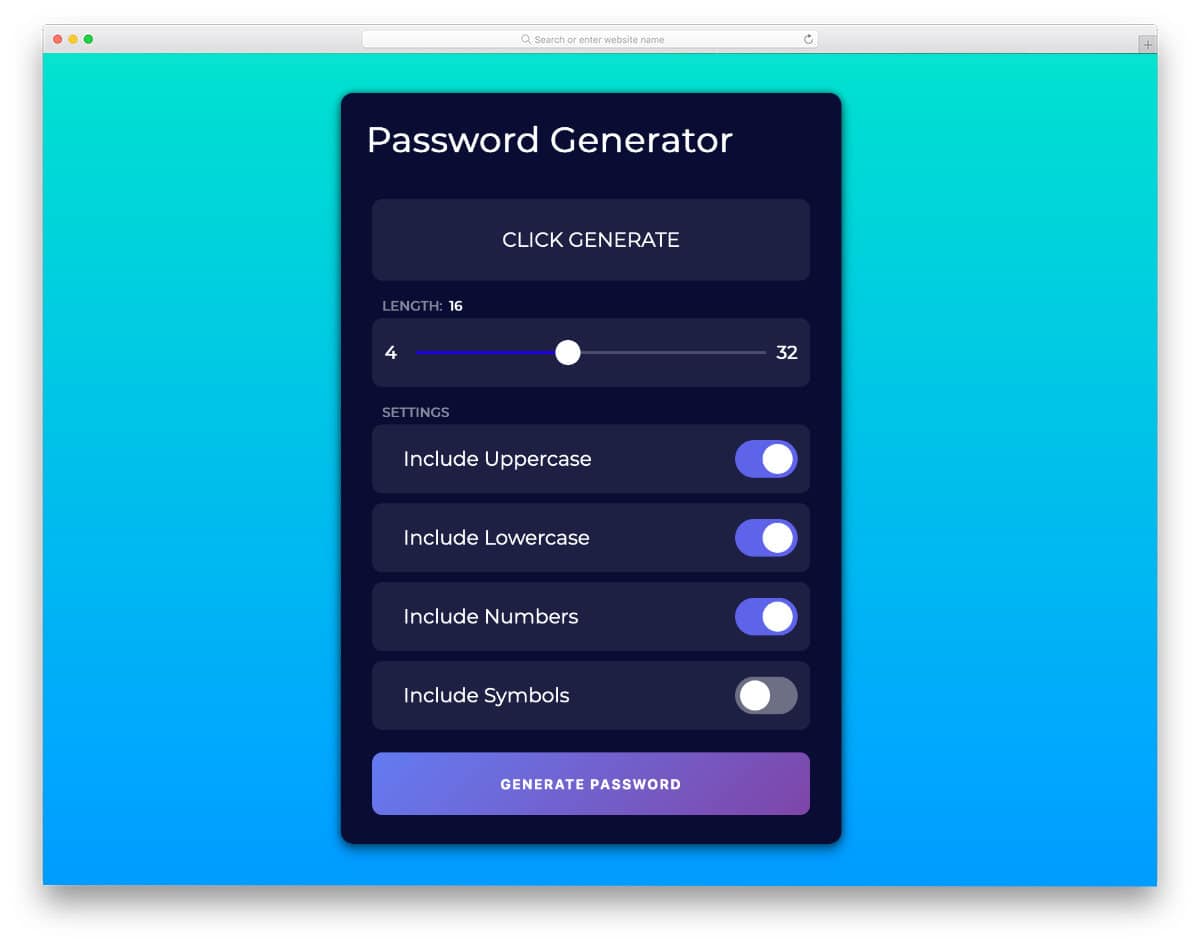
Random Password Generator is a fully functional password generator with a beautiful CSS range slider design. The range slider is used to set the password length. The dynamic slider clearly shows the value at the top, so the user can easily select the length they want. Apart from the slider, this app design also has toggle buttons. Though it is a concept model, the frontend design is perfect and works smoothly, like in a final version. For example, you can easily copy the generated password by clicking anywhere in the password box. Overall, Random Password Generator is a complete package.
The Password Genie

This design is another password generator concept. Instead of using a single range slider for password length alone, the creator has used multiple input sliders. For example, you can set the number of words, numbers, and special characters in your password by simply dragging the corresponding range slider. This one is also a fully functional password generator, like the Rand Password generator tool mentioned above. A password reset option is also available alongside the clipboard copy option, which most users will find useful.
SVG Path Range Slider
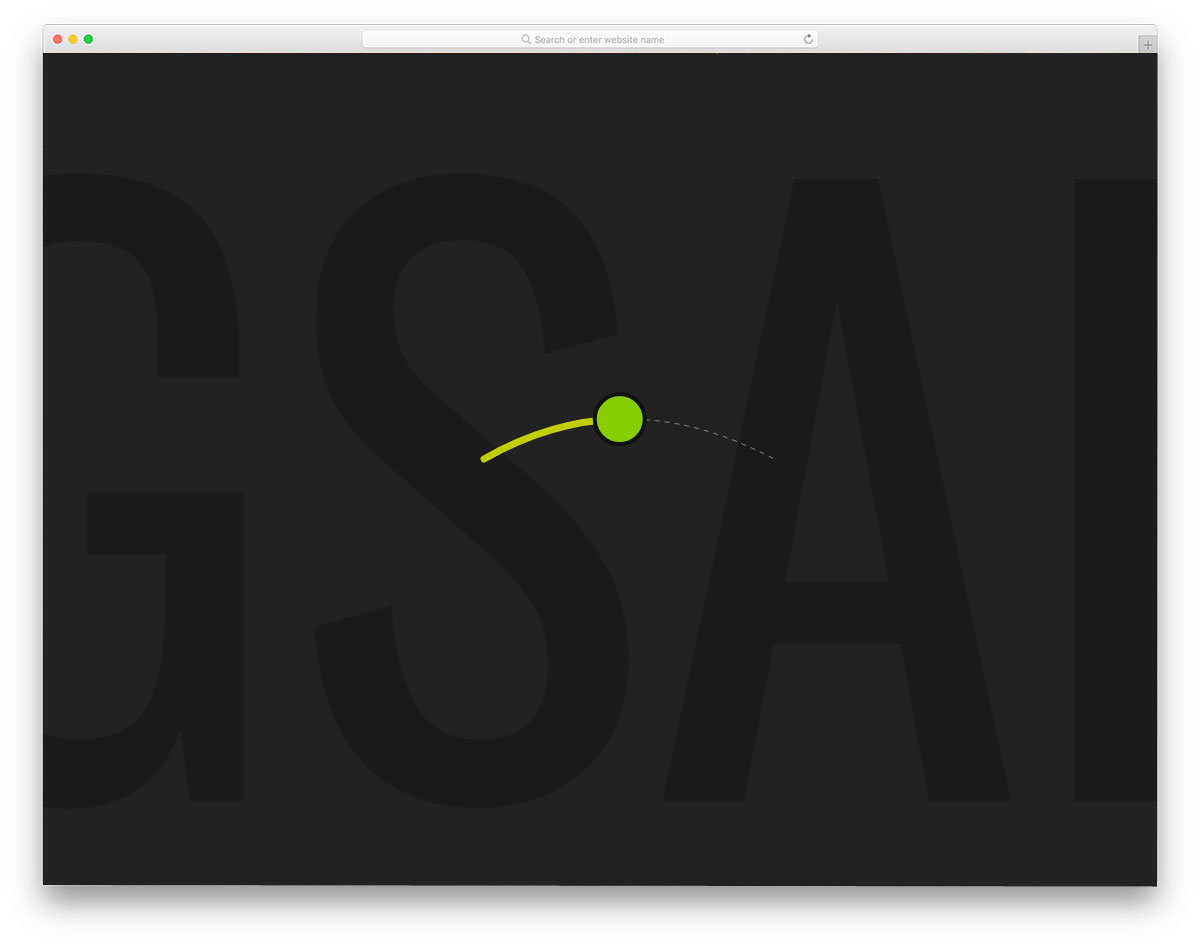
Accessibility is the biggest challenge in modern mobile UI designing. As mobile phone screens grow taller, single-handed use is almost impossible. In iOS, the Reachability feature is enabled by default, so you can swipe down from the bottom to reach the top of the screen. Many applications have moved the important navigation option to the bottom of the screen to make it easier to navigate and integrate with the application. This developer has provided you with an arch-shaped slider that you can use in your mobile application. For example, you can use it in a mobile application to control volume. To achieve a visually pleasing design, a gradient color scheme is used near the edges, and a monochrome scheme is used at the center. Click the info link below to have a hands-on experience with the code.
Rolling Range Slider

Brands are taking different measures to make their websites and applications engaging. One common method is using a brand character. Brand characters can not only make your website/application easily recognizable but also make it more engaging. In this example, the creator has used a penguin on the slider. To make the interactions even more interesting, the creator has applied a subtle animation effect to the penguin. When you hover over the penguin, it wakes up, and when you move away, the penguin closes his eyes and rests cutely. This is just a concept; build your own by using this design as inspiration. For more interactive hover effects, take a look at our CSS hover effects design collection.
Range Slider with Dynamic Icons
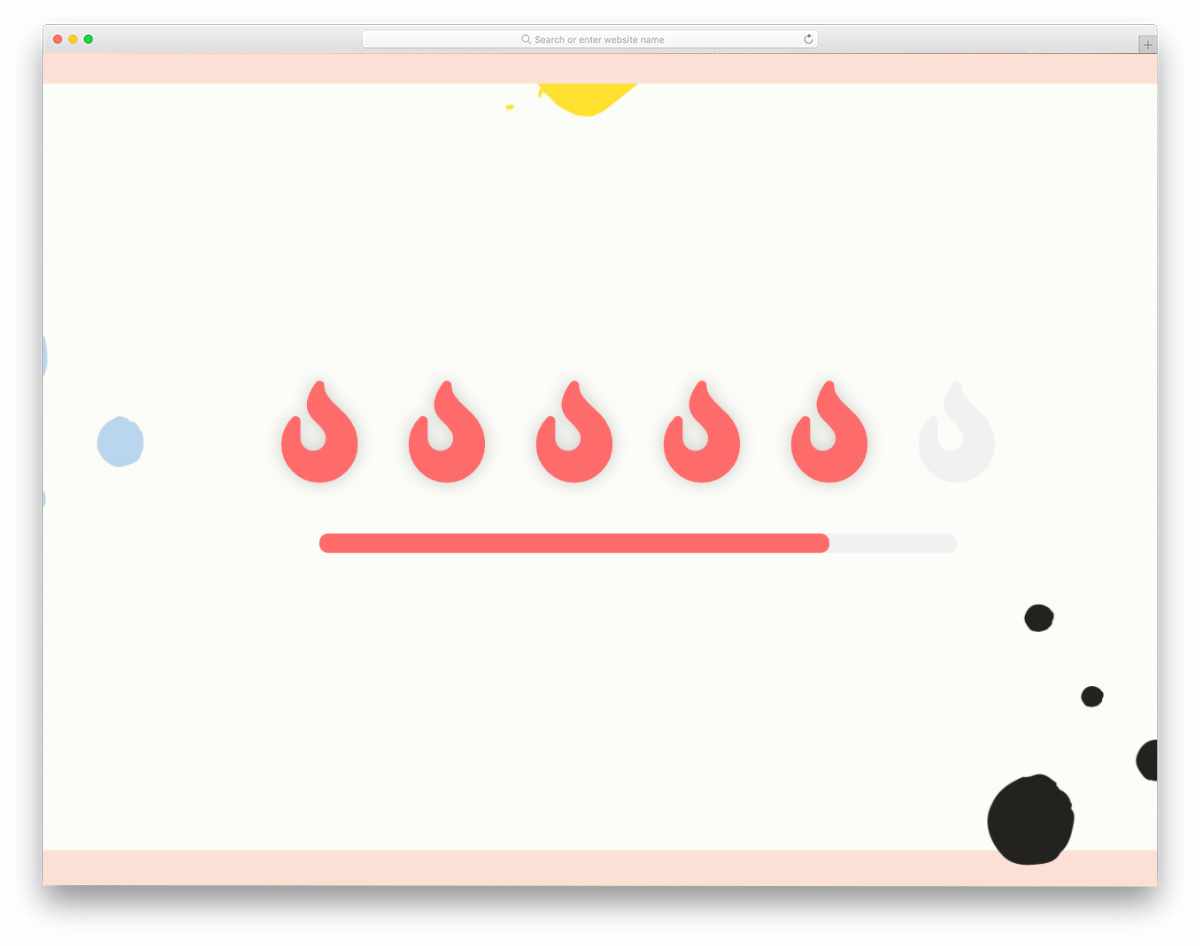
The whole web is revolving around the word “Dynamic.” People want to see the results and options as quickly as possible. UI designers and developers use different techniques to present dynamic content as quickly and elegantly as possible. In this example, the creator has added dynamic color-changing effects as you slide the slider back and forth. The default range slider for the rating system works fine. You can even use the code directly on your website/application by making a few changes to the code. Speaking of the rating system, take a look at our CSS star rating design collection for more expressive design inspirations.
Two Point Range Slider
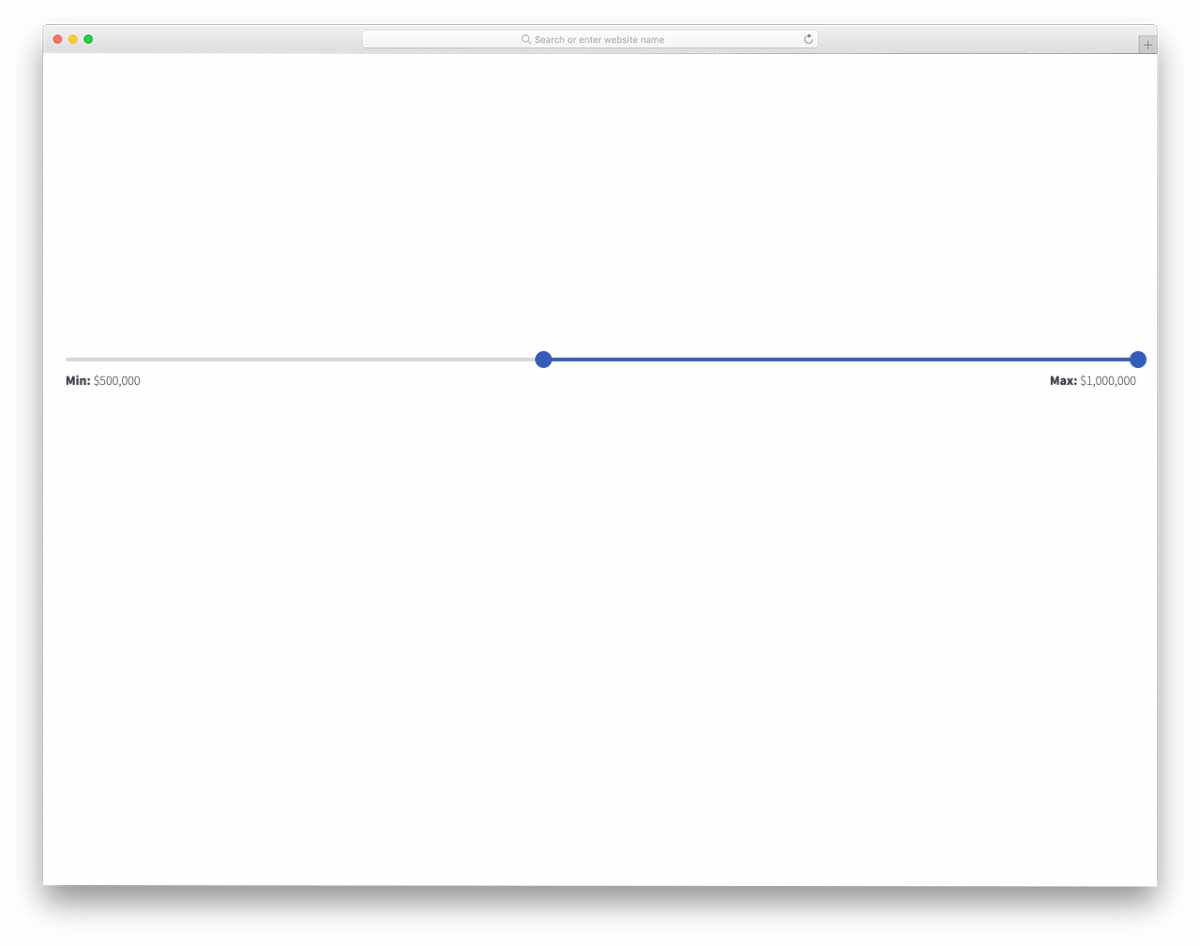
Two-point sliders are among the most commonly used elements in settings and filter options. In this example, the creator has made a two-point slider for the price range. Sliders move fluidly in this range slider so the users won’t have any trouble in setting the range they want. Like in most other range slider CSS designs in this list, this one also uses a few lines of JavaScript to make the animation smooth. The entire code script is shared with you on the CodePen editor. You can trim the code as per your needs and visualize it on the editor before using it on your design.
Unicycle Range Slider

It is a fun concept for a range slider. As the name implies, this one uses a unicycle-range-slider design. A stick man rides the unicycle as you drag him along the slider. To let you clearly show the range value, the stick man holds a board for you. Overall, it is a fun concept, but it needs to be fine-tuned a bit to make it easily applicable to all types of websites. The code script used to make this design is shared with you on the editor. Hence, you can easily edit the code and see the results.
Scalable 3D Range Sliders

Scalable 3D Range Sliders is a fancy range slider design. In this design, the developer has used a 3-dimensional cube-like slider. The glass finish makes this slider unique and might remind you of a kaleidoscope. Anyway, this works perfectly as a slider, and your users will love it. Since it doesn’t have any scales in the default design, bubbles are used to indicate the value. If you are looking for a unique slider for your creative web design template or website, this will inspire you. The developer has also made it responsive, so most of your basic work is reduced in this design.
SVG Balloon Slider

In the previous range-slider CSS design, the transition effect was the weakest point. The creator of this SVG Balloon Slider has used interactive animation effects to enhance the user’s sliding experience. On clicking the slider, a large bubble appears to clearly show the range value. The animation effect is smooth and clean, so the user will enjoy using this slider. Plus, this animated slider will take up only a little bit of screen space, henc,e squeezing it into any webpage will be an easy job for the user. To make the balloon animation effect smoother, the creator has used both CSS3 and JavaScript frameworks.
Verly Range Slider

Verly Range Slider is a funky style range slider CSS design. Instead of using a straight line, the creator has treated the range slider as a rubber band, which stiffens when you stretch it to the rightmost corner and hangs down when you move it towards the left end. The rubber band effect is smooth and easy to feel. Another advantage of this design is that it can be used in the mobile version of your website or landing page as well. If you are looking for a unique and interactive range slider design, this one might inspire you.
Gradient Range Slider
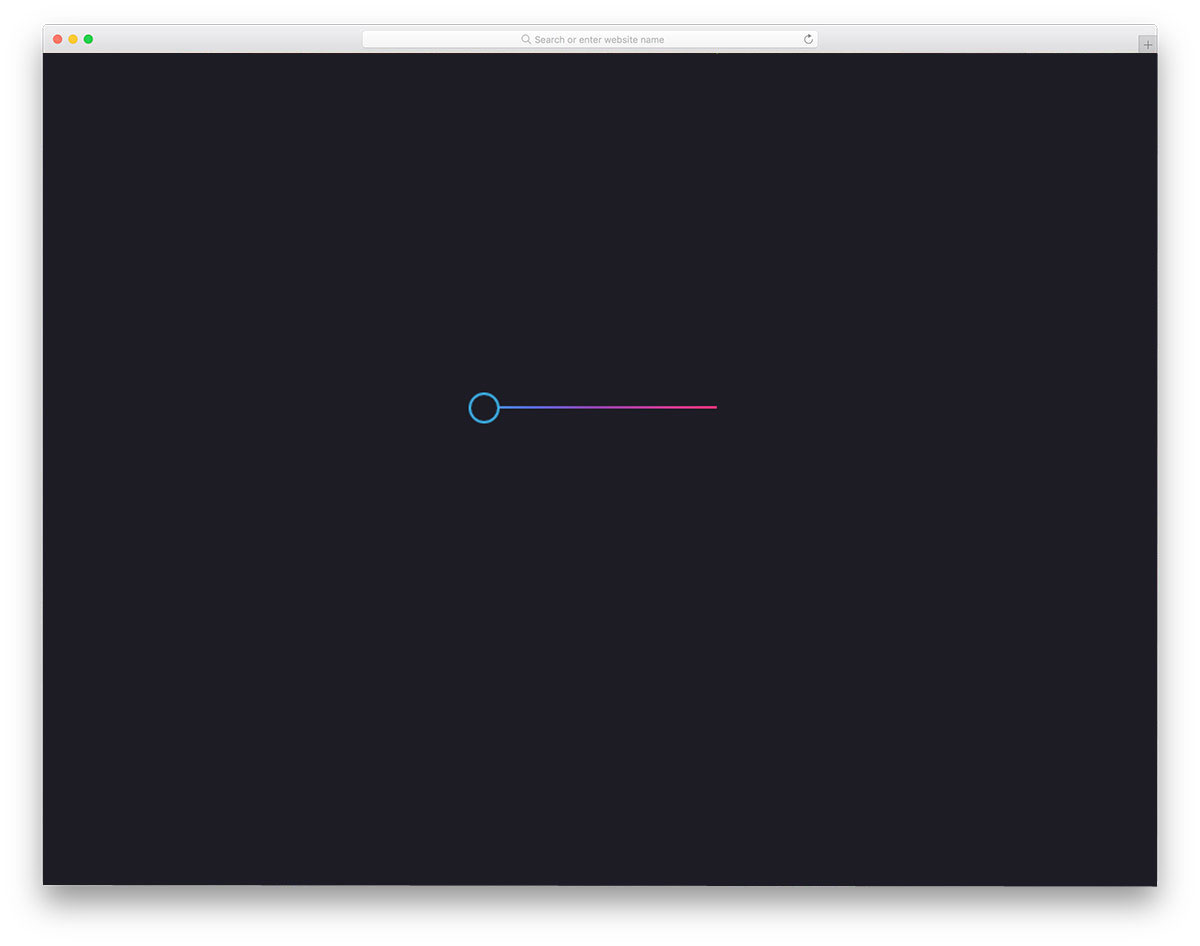
As the name suggests, this slider uses a gradient color scheme. Since the given slider design is simple, you can even use it in your controller settings, such as volume and brightness sliders. The default slider is treated as an on/off switch; you can either push it to the left or pull it to the right. Gradient colors are handled well in this slider, so the color transitions are clearly visible in this design. By adjusting the code, you can use this design for a regular slider design as well.
Flat Range Sliders
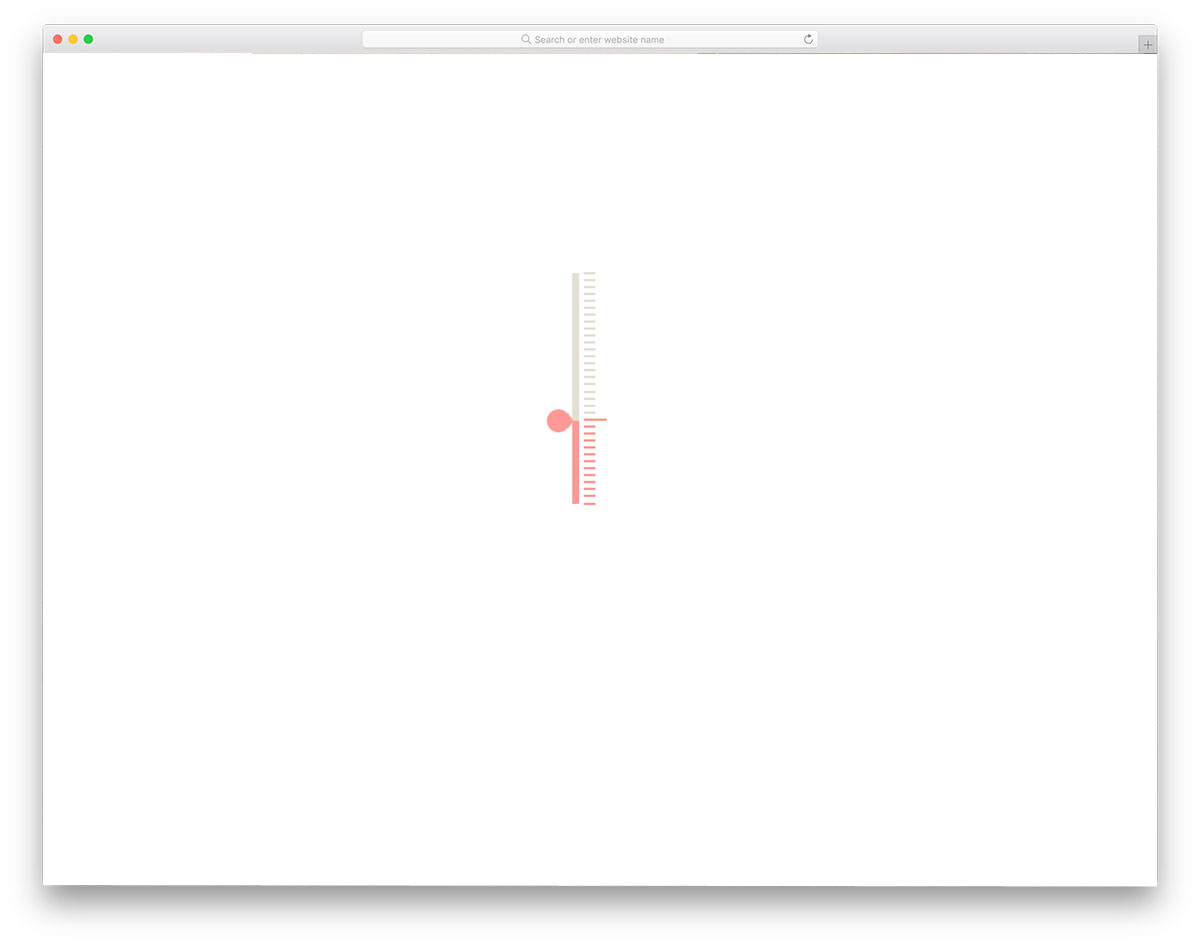
Flat Range Sliders is a simple and elegant looking range slider design. The developer has animated both the scale and the range path to give you an interactive slider. In the default design, there are no values on the scale. But you can tweak the code to add the value or range you want. Mostly, we use horizontal sliders; in this one, you get a vertical slider. Based on your available screen space, you can make it as a horizontal or vertical slider. Not only the design but also the code structure is kept simple for easy and quick customization.
UI Range Slider

The UI Range Slider is a simple, easy-to-use range slider. You can move the slider smoothly from one end to the other and the corresponding values are shown neatly at the bottom of the slider. Though this design uses CSS3, the animation effects are minimal. The creator has shared the code with you on the CodePen editor. Hence, you can edit and customize the code as needed. By fine-tuning the design a bit, you can use this range slider on your website or mobile application.
Price Range Slider
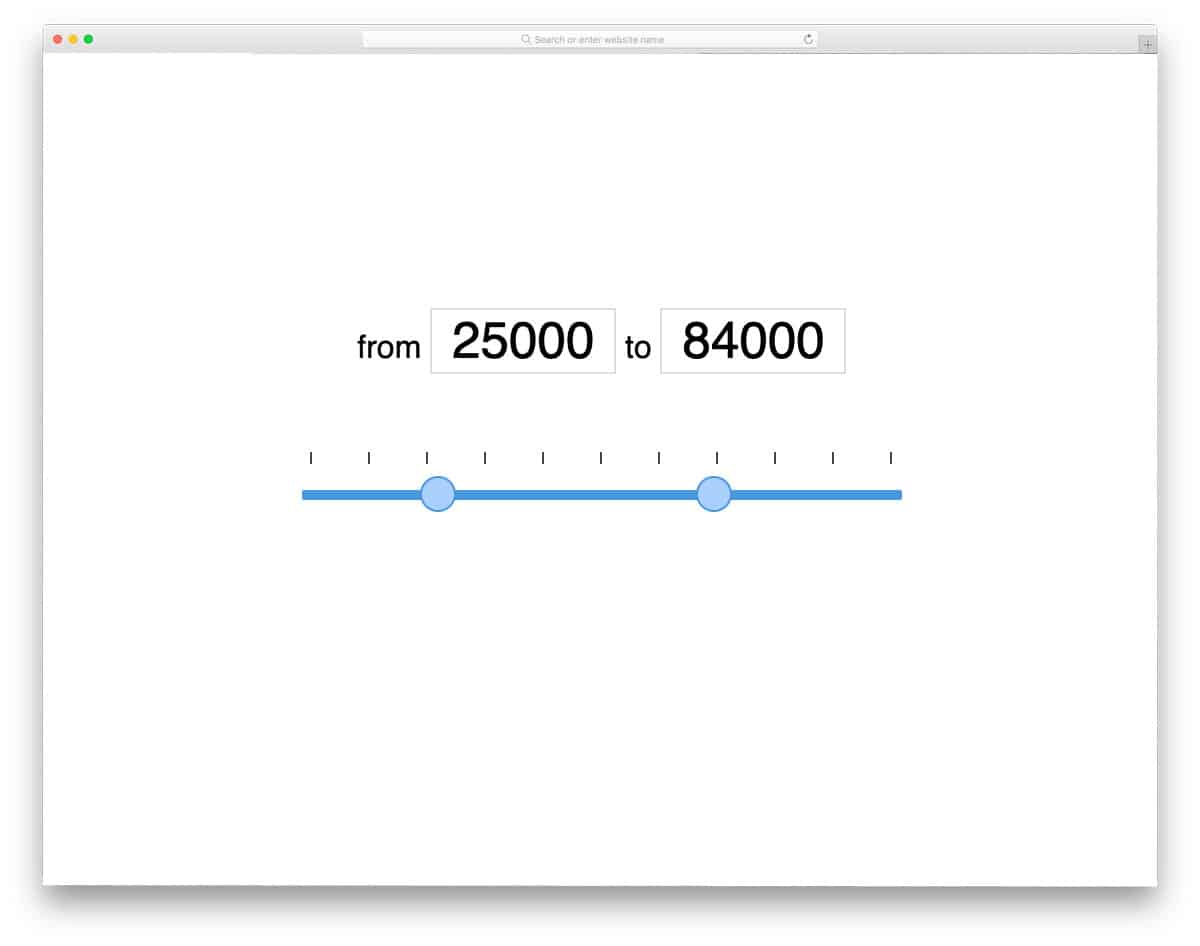
One of the most common uses of sliders is selecting a price range. You can use this price-range slider on your eCommerce website to set product prices. Or you can use it on a finance website to set the loan amount value and interest value. Since it is designed specifically to set price value, you get a clear value at the top text box. The text box is also treated as an input box, so the user can enter their value directly in it. Slider functions are optimized perfectly for day-to-day usage, so you can use them straight away on your website.
RangeSlider By Pedro Martins
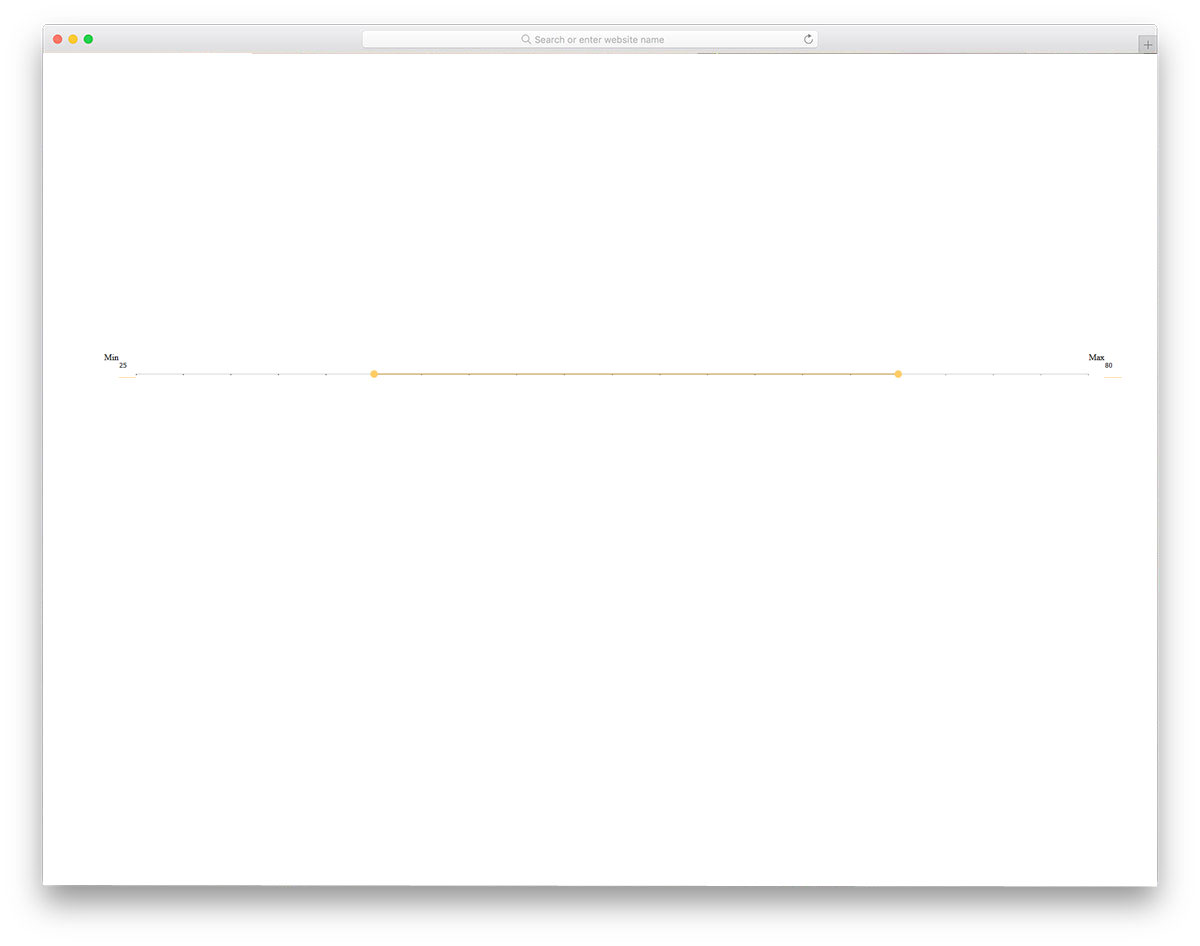
The developer Pedro Martins has given as a practically applicable range slider. You can use this slider for any part of your website. Whether you are using the slider to set a price in an eCommerce store or a distance range in a directory website for places, this slider will be an apt choice. To let users clearly see the range value, a bubble shows the selected range. Since this slider uses the CSS3 script, you can use any modern color or gradient color scheme for this slider. A few optimizations will make this slider a good fit for professional websites.
Modern Usable Responsive Sliders

Modern Usable Responsive Sliders is almost similar to the Flat range sliders mentioned above. In the previous example, we got only one slider design. This developer has given us three types of sliders. All three sliders are similar in design; the only difference is the direction of sliding. Both vertical and horizontal sliders are given in this set. Based on your requirement, pick one and edit it to use it on your website or application. Just like the Flat Range Slider, this one is made with SCSS and JavaScript. Properly used code structure will make your customization job easier.
Input Range Slider CSS Style
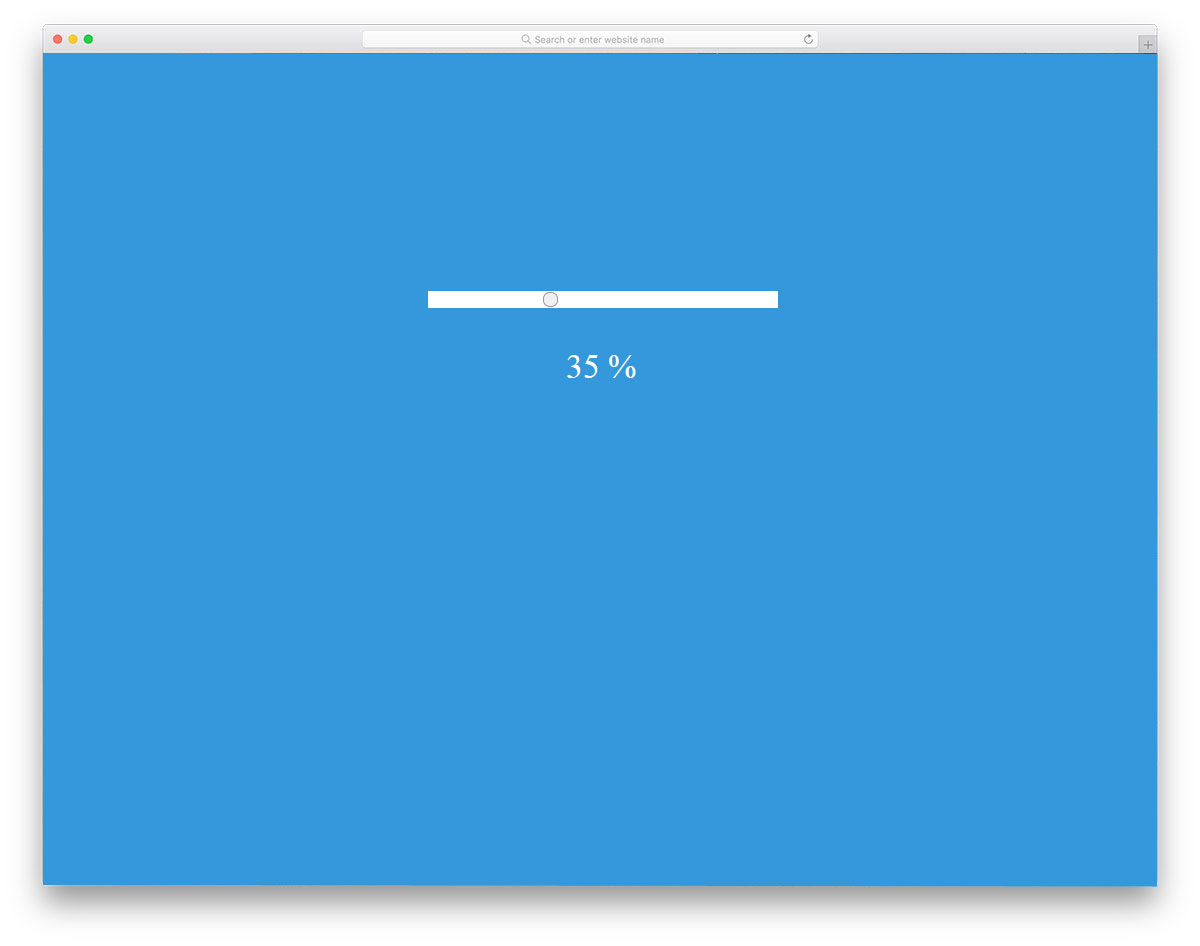
You can either use a bubble to show the min and max rage value or a percentage scale like in this design. If you are using a slider in an application, this design will be a good choice. For example, you can use this slider to zoom in and zoom out of the image or to enlarge the selected area. The slider used in this design is very simple and clean, making it easy to fit into any part of the website. You can even use this in your mobile application design. If you are a mobile app designer, take a look at our UI kit collection to start and finish a project in no time.
Rounded Range Slider

Most of the sliders in this range slider CSS list are horizontal sliders or vertical sliders. If you are looking for something different, this circular slider will impress you. Circular shapes fit into any space and are easy to access. If you have used Amazon Music, you might have noticed that the player controls are housed in a spherical ball at the bottom. The spherical shape lets you easily access all the options. In this example, the developer has used a temperature controller design. The default design fits perfectly for mobile applications. If you are a mobile app developer, take a look at our iPhone mockups to present your app design engagingly to the users.
360deg Circle Range Slider
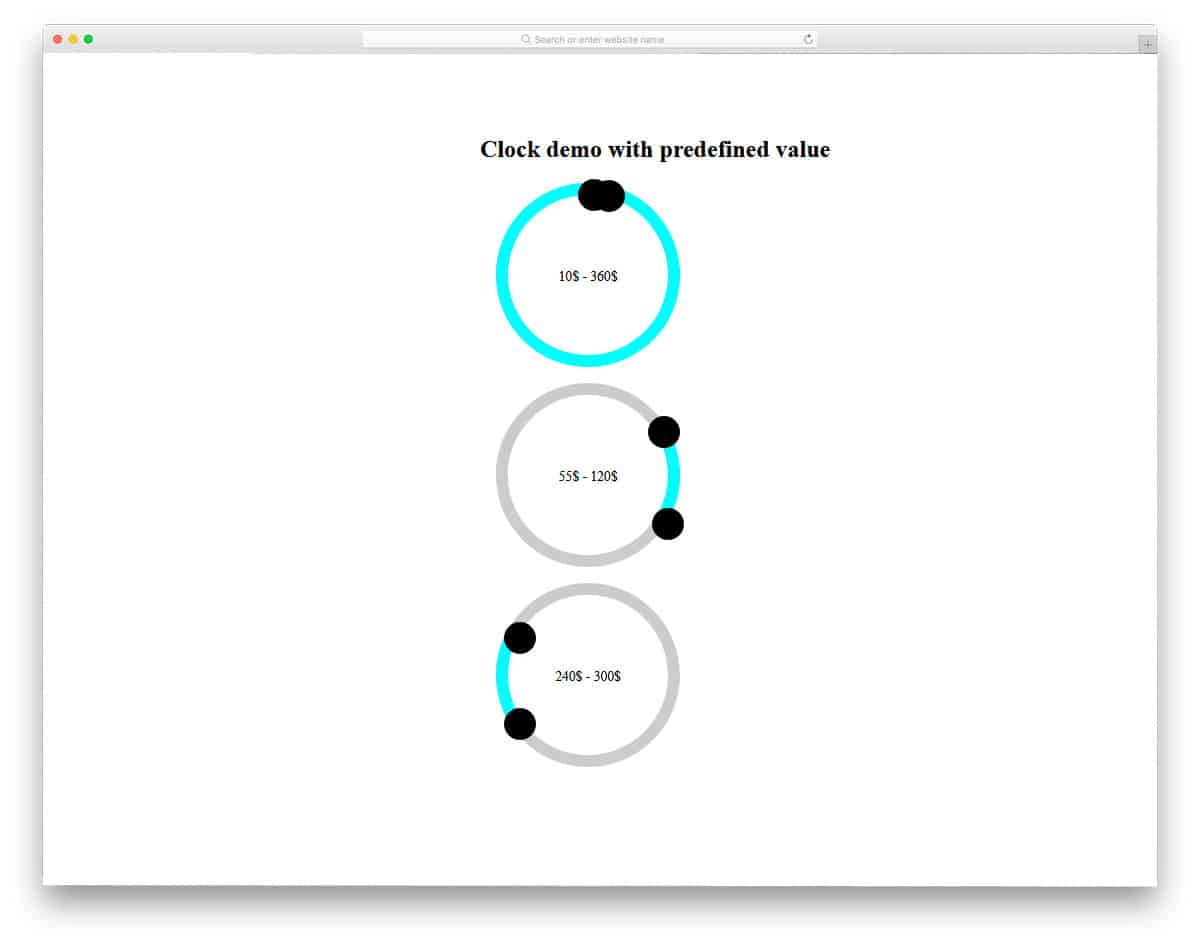
In the previous Rounded Range slider example, we saw only one slider option. The 360deg Circle Range Slider developer has given you two slider options. In the default design, the creator has used a money app concept. But you can use this slider for other purposes as well. Though the design concept is interesting, you have to make fa ew refinements to use it in a professional website or application. Using a spherical slider takes up only a few spaces and lets you add multiple options in a single row. Click the info link below for the code structure used to make this design.
Range Slider Output
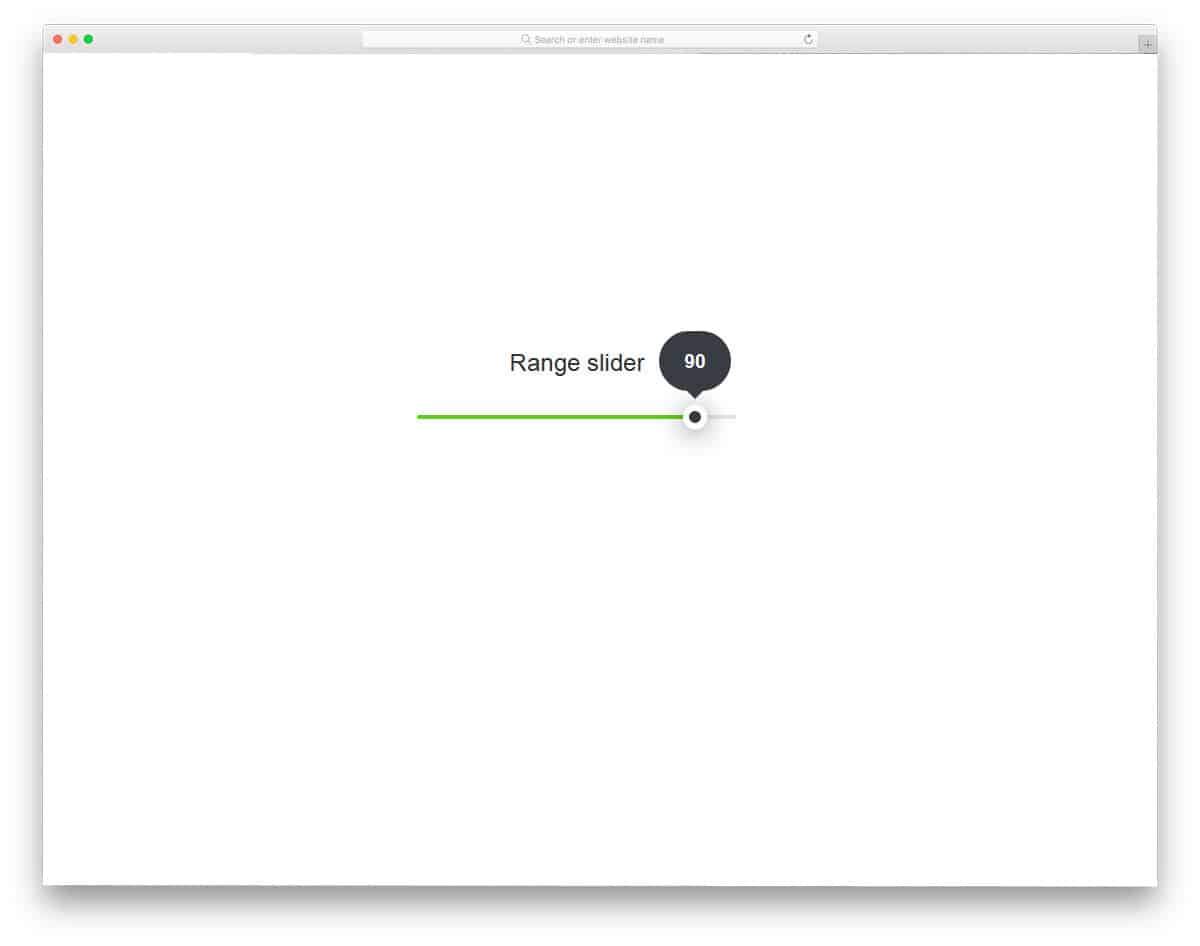
This one is a trendy looking slider, which you can use for both website and mobile application designs. The flat design and trendy color scheme make this slider attractive. There is no range scale in this slider, instead, the developer has used a bubble to show the value. The bubble in the default design hides the content behind it, so make sure you adjust it to the place where you are using it. The developer has used SCSS and JavaScript to make this fully functional range slider design. The color-filling effect is also used to indicate how far you have dragged the slider. Overall, it is a proper, modern multipurpose range slider.
HTML Range Slider
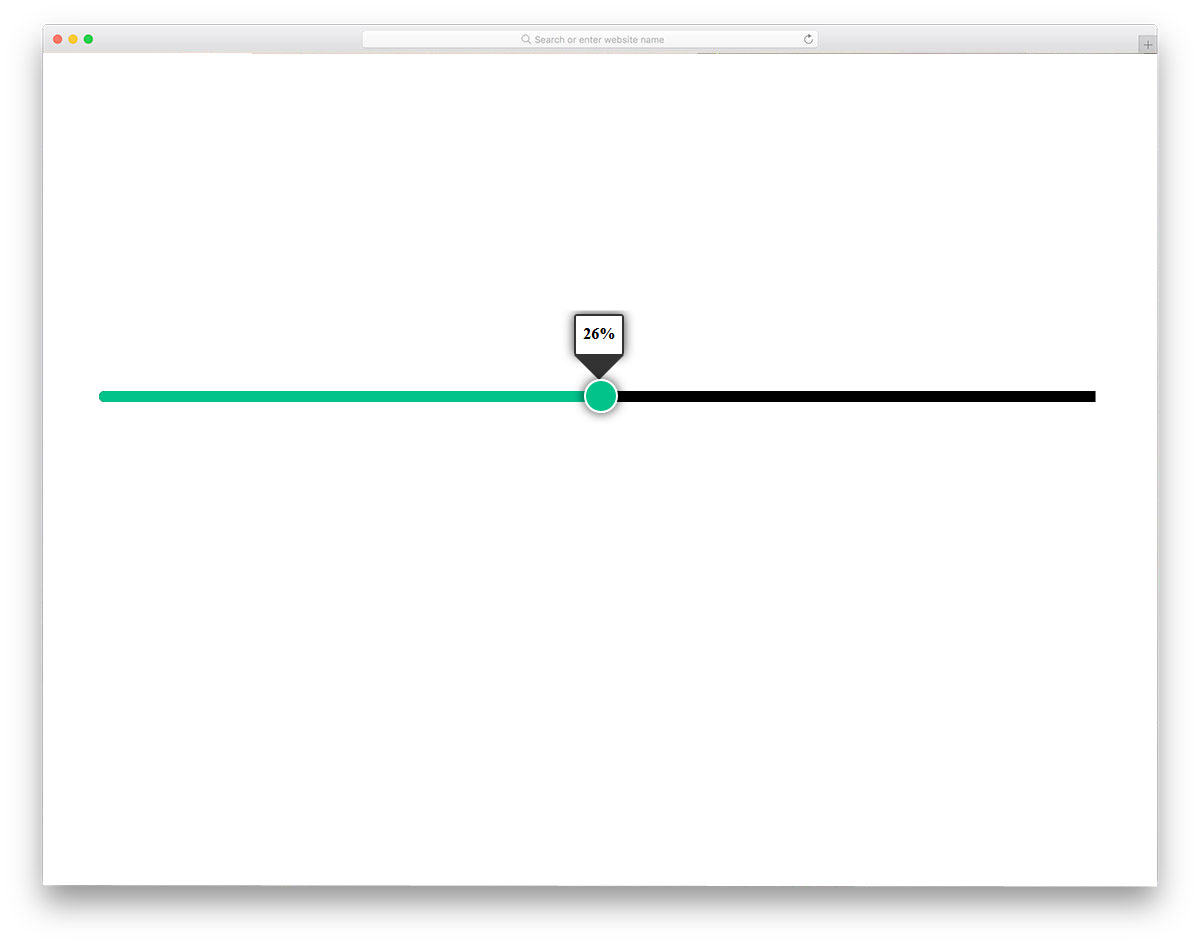
HTML Range Slider is another version of the above Range Slider Output design. This design makes the slider bigger and bolder for desktop usage. To show the values, badges are used in this design as well. Shadow and depth effects are used smartly to differentiate the slider button from the rest of the elements. To make a dynamic slider design, the developer has used CSS3 and JavaScript. The entire code structure is shared with you directly. Based on the code script you prefer, you can trim this code to use it in your design.
Color range slider

One of the biggest advantages of the CSS3 script is its support for natural and gradient colors. If your website uses a trendy gradient color scheme, this slider will be a good addition. As the slider’s name suggests, it uses a gradient color scheme. Aside from the gradient color scheme, this is a standard slider you can use on any website. In the demo, you get a large box to hold the slider. Based on your design, you can edit it since it uses the latest web design framework; working with it will be easy.
Range Slider Styling
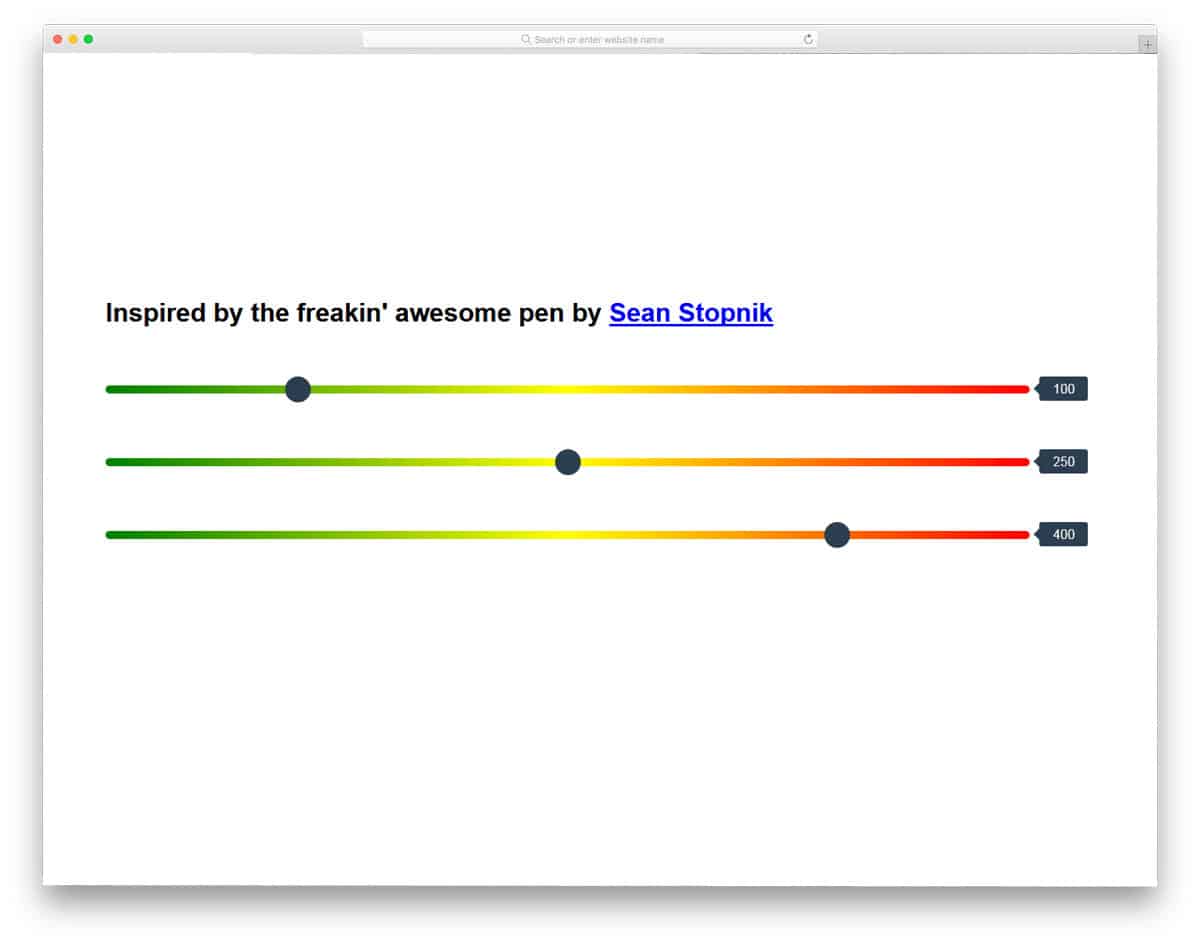
Range Slider Styling design resembles the Color Range slider mentioned above. The only function missing in the previous slider is the value. There is no option to see the value, unless you are using the slider for an option like a brightness controller; you will need a value option. In this design, the developer has provided a value indicator in the top-right corner. Though the given slider has a neat design, it still needs a few tuning before using it on a professional website or application.
Draggable Background
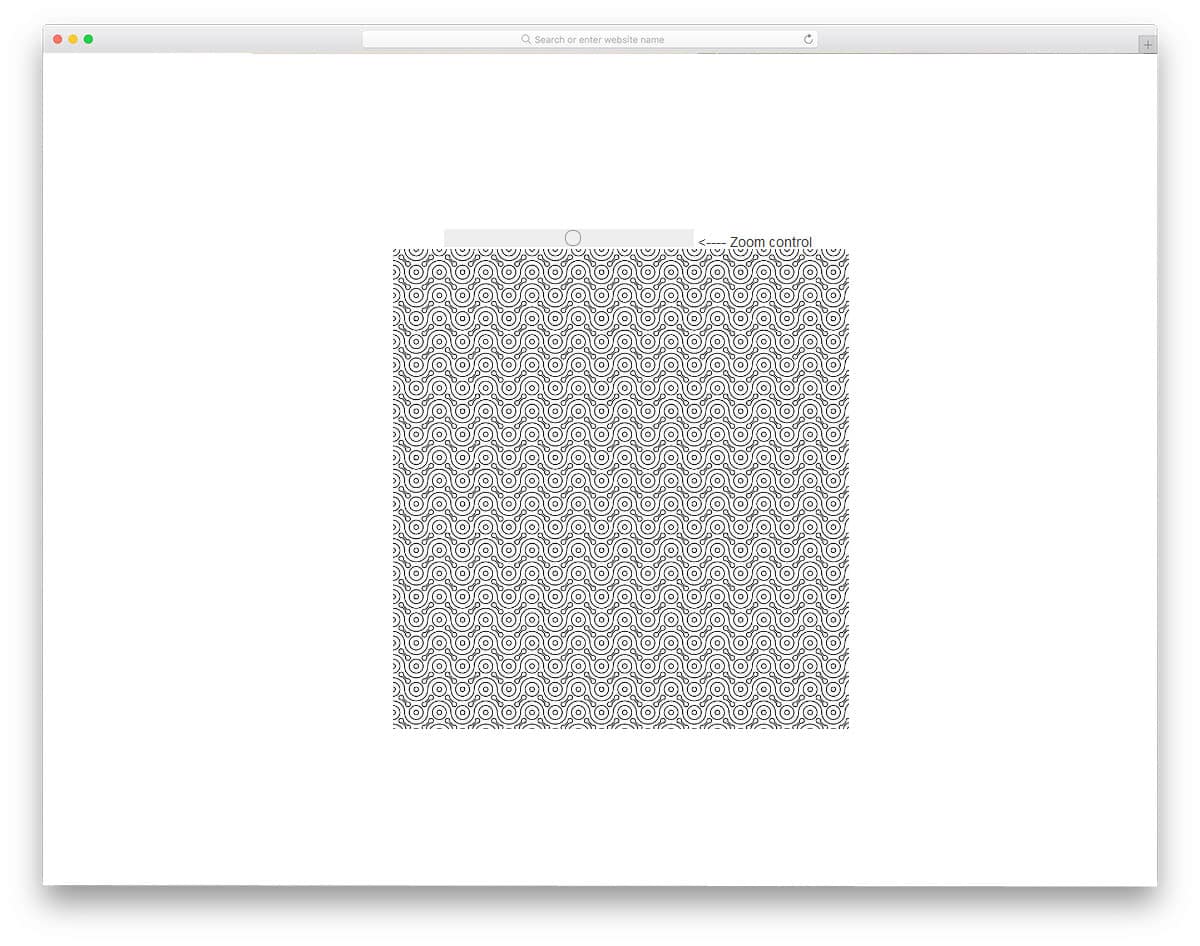
The developer has given you a fully functional design example in this design. The slider in this design zooms in and out on the image. Though the slider is used for zooming purposes, you can change the function of the slider. The developer has shared the entire code structure in the CodePen editor. One of the biggest advantages of the CodePen editor is that you can edit and visualize the result before using it on your website or application. This design keeps the slider very simple, but you can customize it to the color you like.
Prettify

This developer has given us an equalizer in this design. If you are creating a slider for a music or entertainment website, this design is a good choice. The biggest advantage of this equalizer design is it is made purely using CSS3 script. Because of this simple code structure, you can easily add your own feature to this slider. Hover and smooth animation effects make this slider interactive. Dark and light color schemes are used effectively to achieve a realistic button appearance. Since it uses the latest CSS3 script, you can always add your own custom color scheme.
Slider Range Mars Weight Calculator

Another highly user-interactive application is fitness apps. There is at least one fitness-related application on modern smartphones. We have activity trackers and smartwatches to accurately measure our workouts. The funny part of the fitness application is that you can’t give an accurate result. It’s always a range; you have burned 600 to 800 calories or to reduce your weight to run this particular range of miles. Whether you are making a fitness application for a mobile or a smartwatch, this slider will be a friendly design. If you are specifically developing a smartwatch application, you can go with the Rounded range slider mentioned above.
Broken Prettify

Broken Prettify is a slider design for volume controls. Though this design is primarily designed for sound control, you can also use it for other purposes. The developer has kept this design very simple without an animation effect. You can add animation effects, such as a sound bar rising or lowering, when the sound increases or decreases. Since this design uses CSS3 and JavaScript, you have innumerable customization options. You can use any modern effect or color scheme to make this design a perfect fit for your design. The developer has shared the entire code structure with you for quick and easy customization.
Prettify 91

This design is also from the same developer of the Prettify range slider mentioned above. In this design, you can also expect the same level of design and code quality. Three-dimensional cubes are used to indicate the range values. No other metrics or scales are used in this slider; based on your purpose, you can use your own metrics. Since this is a step-by-step slider, you don’t get the smooth sliding option. But you can add a smooth sliding option by adjusting the code. To make this design, the developer has used SCSS and a JavaScript framework.
Date Range Slider tests
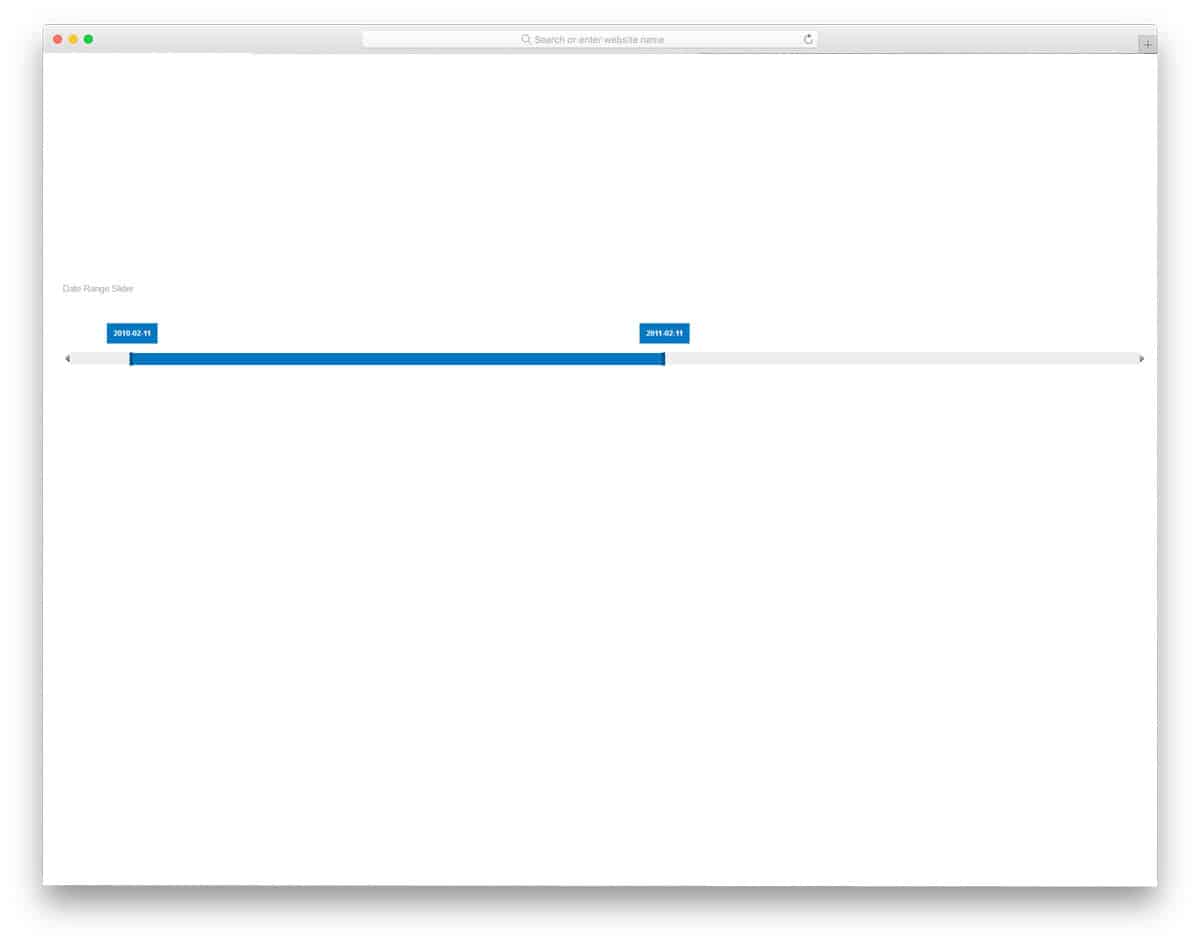
If you are looking for a range slider for your travel website or other registration forms, this is the design for you. As the name implies, this is a date range slider by default. Though it is a concept design, it works perfectly. The only thing you have to change is the year sitting to the current year. Other than the year values, this date-range slider works perfectly. Another advantage of this slider is that it is primarily built with CSS3. Because of the flat style design, this slider blends easily in any part of the website or application.
