


Lighting and glow effects always set the right ambiance for your website or application. You can easily draw user attention to required spots without making the elements look odd. For example, in a wellness website, you get light soothing colors and gently glowing elements to give a relaxed feeling to users. On the other hand, in an event or party website, you have bright glowing elements on a dark background to set the party mood.
From elements on web pages to loading animations, there are plenty of beautiful glowing effects. Many creative minds have used this glowing effect to make their elements and designs unique. In this list, we collected some unique-looking CSS glow effects that will add dimension to your design.

CSS Glow Border Effect
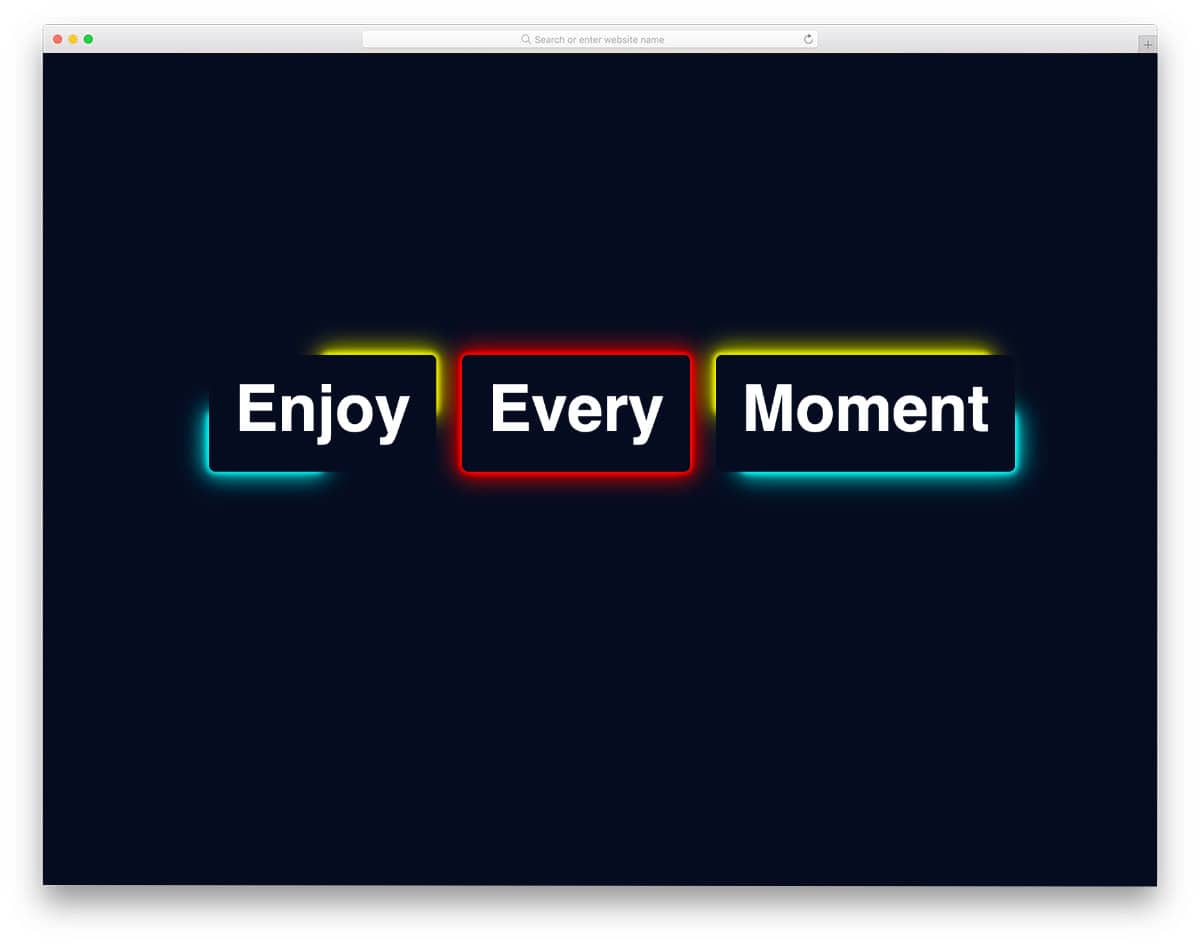
As the name implies, you get CSS glow effects for borders. Three different glow border effects are provided in this pack. The creator has used depth and glow effects smartly in all three concepts to deliver an immersive user experience.
The best part is the whole design is made purely using CSS3 script. Hence, you can try any modern colors and gradient color schemes to make the glow effects fit your designs.
CSS Button Glow Effect

This CSS button glow effect will help you highlight important call-to-action buttons from others. The creator has used radiant green color in the default design, which looks striking and easily manages to get users’ attention.
Glow and blink effects are combined smartly so the end result looks visually appealing to the audience. Three types of buttons and glow effects are provided in this pack – each of them is compact and easy to use.
CSS Glow Effect on Hover

Those who are looking for a CSS glow effect on hover to make your texts stand out from other elements will love this concept. The creator has used the neon glow effect concept to give it a more authentic look, and it works well.
Six glow effect variations are included in this pack, and all of them work properly. Since the whole concept is made using CSS3 and HTML5 scripts, you can utilize this code on any part of your websites and applications.
CSS Text Glow Animation
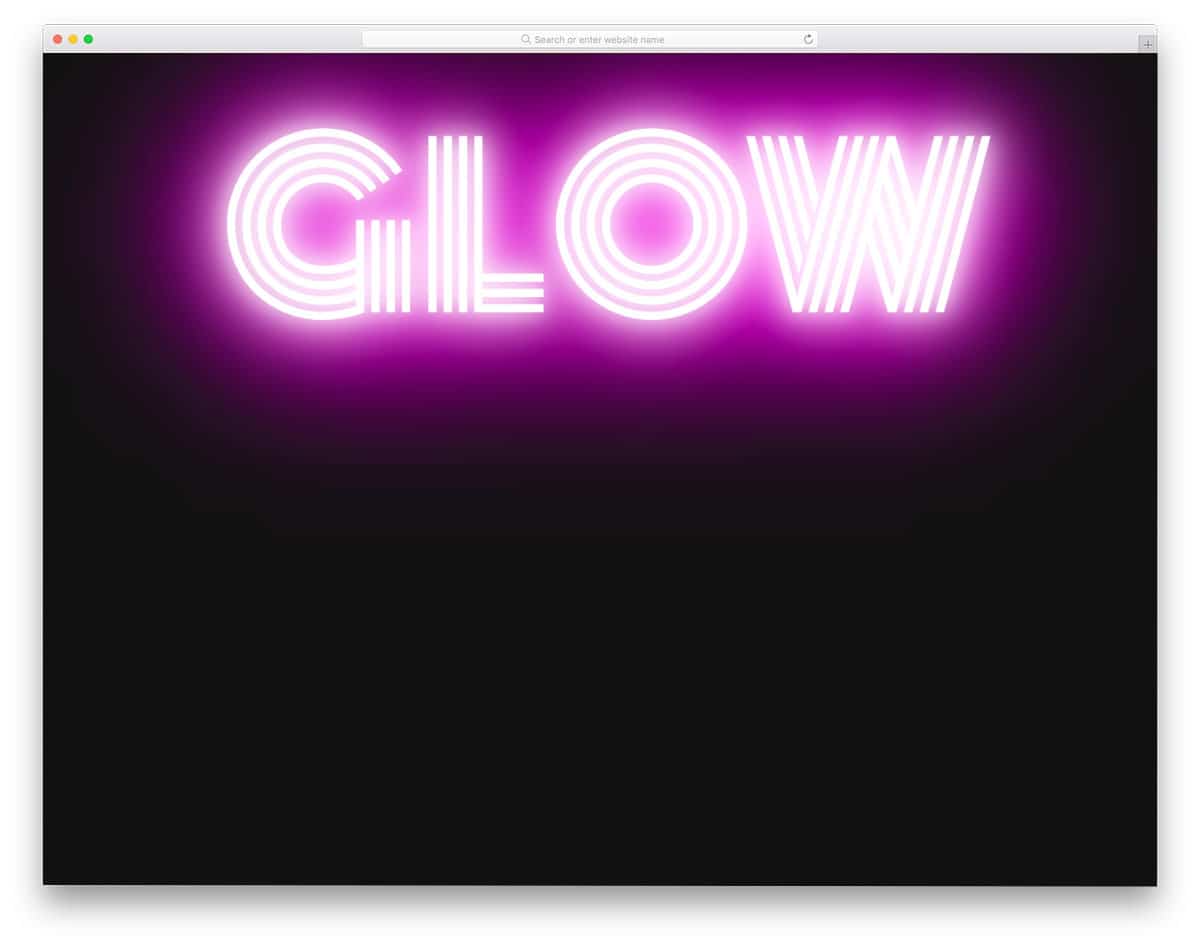
This one is also an example of CSS text glow animation, but this one has a constantly glowing text animation. Modern fonts are more realistic and add a new dimension to the design. When you combine fresh animations to these modern font texts, the end result will be astonishing.
CSS glow effects are one of the best and most commonly used text animations. This example gives you neon-like text animations. The code scripts are shared with you on the CodePen editor so you can clearly understand the code before using it in your project.
Card Outer Glow Effect
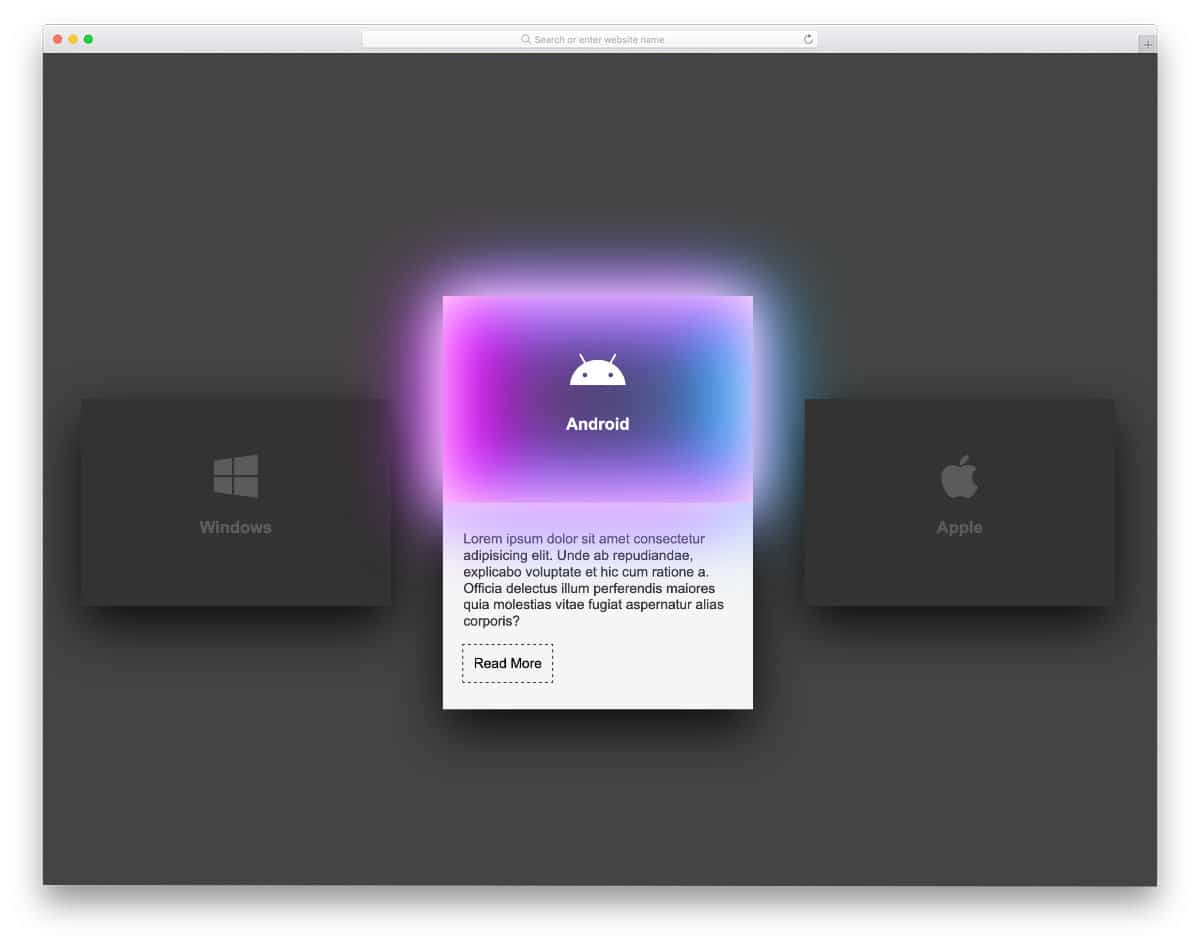
Card elements are always the best options to present content in a bite-sized format that’s easy to digest. If you’re planning to make card elements even more appealing to the audience, you can use glow effects on the cards.
In this example, glow effects are smartly used to highlight selected cards. Gradient colors and glow effects make this design even more attractive. The same gradient color is used for all cards in the default design. You can try different colors if you want.
For example, you can use gradient colors for the Android card. Since the whole design uses CSS script, it can effortlessly handle all modern colors. For more interactive card designs like this, check out our Bootstrap card design collection.
Social Media Icons Neon CSS Glow Effect
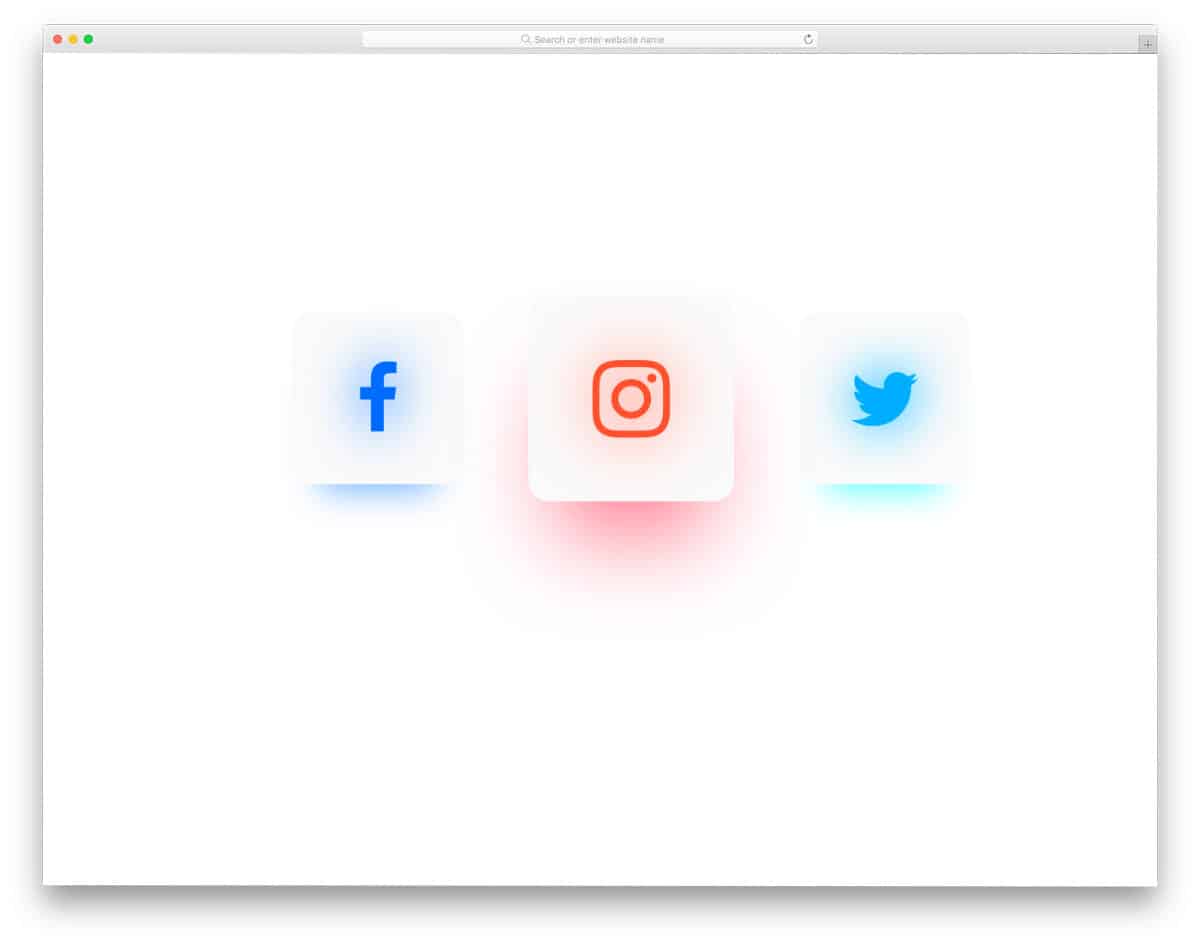
You don’t have to try a totally different design concept to make your design unique. Sometimes adding a few interesting elements will make your design stand out from the crowd. In this example, the creator has used the glow effect to enhance simple social media icons.
Since it’s a concept model, the creator has kept the glow effects simple. You can make the glow effect even more intense and vibrant if you want. For example, you can make the background glow effect rotate or add a color-changing effect when users hover over the social media icons.
Gradient Glow Letter

This glow effect concept can be used as a design element. The two-step progressive glow effects might give a realistic look, but you can make it glow fully as soon as users hover over it.
Though it’s a concept model, the attention to detail in this design is good. For example, the reflections on the virtual background wall also brighten when the letter glows. The creator has provided you with a properly working concept. You can take this design, tweak it according to your needs, and make it even more meaningful.
Glowing Pulse Form
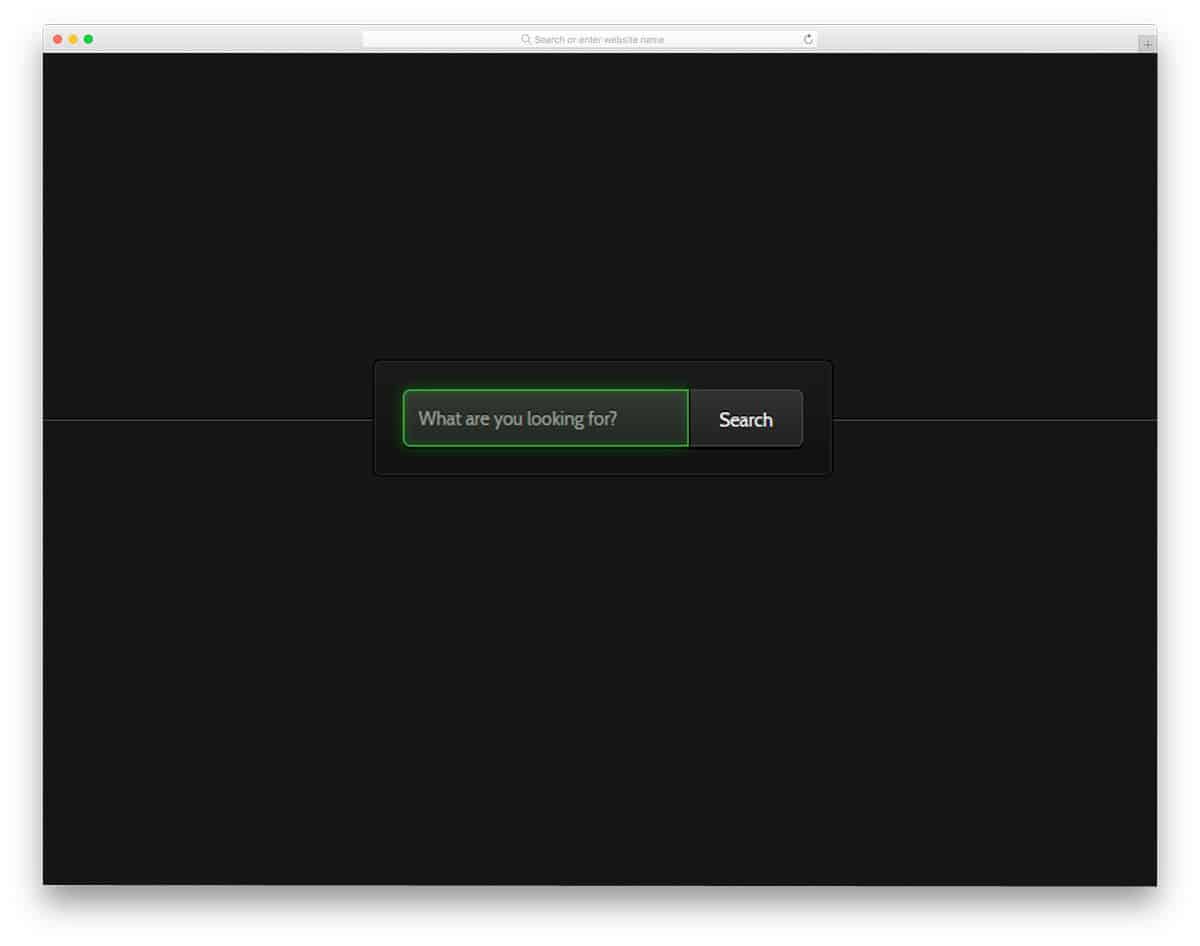
The creator has used the glowing effect for input boxes. We have seen many input box designs and animation effects in a separate post. A glowing effect is one of the most effective ways to notify users which field they are adding their details to.
As you can see, the boxes not only glow but also blink at periodic intervals. This blinking effect will be useful when users resume their work after a break. Another advantage of this design is it’s made purely using CSS3 script.
Hence, you can add your own color scheme and adjust the animation effects according to your design requirements.
Glow Button
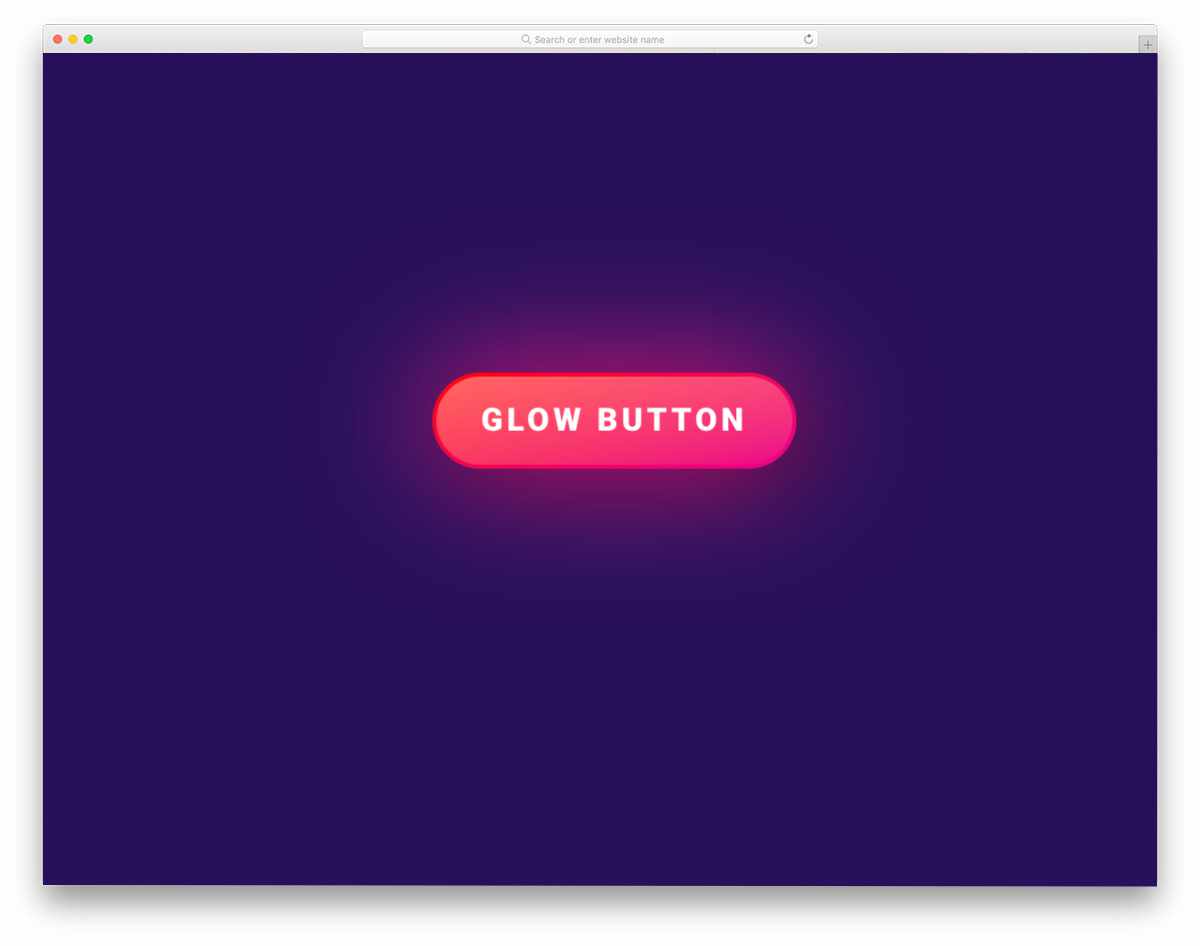
As the name implies, the creator has used the glow effect for call-to-action buttons. The modern CSS script gives a realistic look to the button. Bright material color is used for the button to make the glow effect even more evident and attractive.
Since most designers prefer to use bright-colored buttons for important buttons on landing pages, the default design can be used. The code script is simple – you can edit it on the editor and visualize it before using it on your website or application.
Because of the simple nature of the code, you can easily incorporate the design even on your existing website.
Simple Glow Effect

A radio button uses the glow effect in this example. In our Bootstrap radio button design collection, we have shown different animated radio button designs. This one is very simple, and the creator has easily managed to get user attention using the subtle glow effect.
Because of the radiant green color and the blinking effect, the glow effect in this design looks even more evident. The whole design is made using the latest CSS script, allowing you more freedom to add any custom features or effects you want.
The radio button in this design is very simple and compact, so you can use it on any part of your websites and forms without any issues.
Glow Button

This one is also a button glow effect example, but this one uses a different type of glow effect. Instead of illuminating the entire button, the creator has made some parts of the button glow based on cursor movement.
Because of the dull color scheme, the glow effect is not very noticeable. Once you use contrast colors for the hover effects and the button, the glow effect will look attractive in this concept.
Since this example uses some dynamic actions, the creator has used a few lines of JavaScript. The entire code script is shared with you on the CodePen editor. You can trim the code according to your requirements and visualize the results on the CodePen editor itself.
Glow Flicker

This code snippet will help you create a realistic virtual neon signboard. To make the neon board effect even more appealing, the creator has used a flicker effect along with the glow effect.
The flicker effect is timed perfectly in this design so it’s not obtrusive, and users can see the texts even when they flicker. Like most other CSS glow effects examples on this list, this one is also designed purely using the latest CSS script. You can easily handle the code and tune it according to your design needs.
Neon Text Flicker Glow
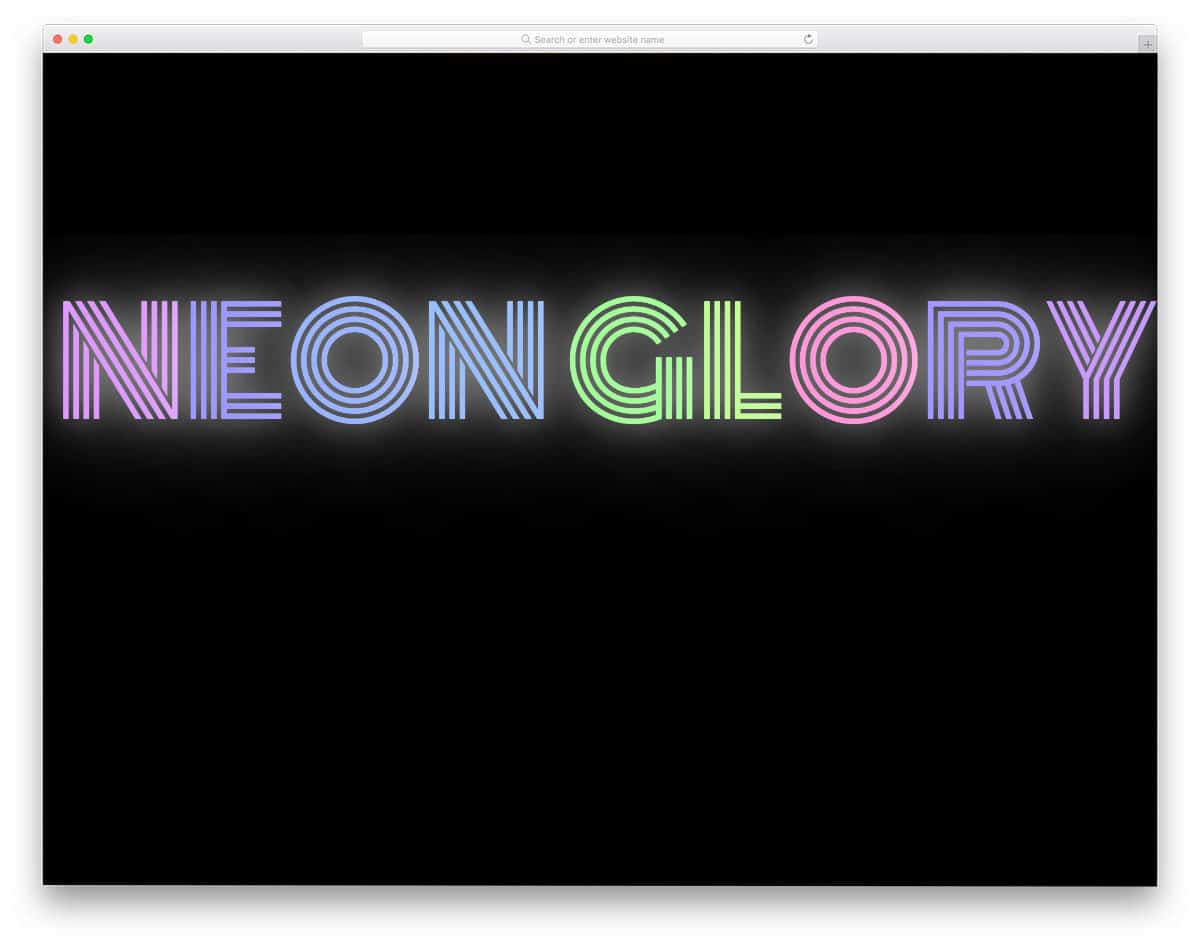
Neon Text Flicker Glow is also another neon board glowing text concept, but this design uses a different flicker effect and glow effect. The flickering happens only once, just like when you switch on lights for the first time, and the text remains undisturbed.
If you want the flicker effect to happen only once during loading, this code script will help you. To make the effect look natural, the creator has used a few lines of JavaScript along with the CSS script.
Hover Glow Effect

One of the most common areas where glow effects are used is hover animations. Even though there are several interactive hover effects, glowing animations are subtle and effective. On dark backgrounds, the glow effect looks very attractive.
The CSS glow effects in this design are solely made using CSS3 script. Hence, you can use this code even on your existing website. The only flaw in this example is the glow effect stops after a few seconds even if you still have your cursor on the element.
Apart from this small issue, which of course can be fixed easily, this design is a good choice.
SVG + GSAP Glowing Jump Loader

The developer has used a glowing effect in the page loader animation. Loading animation is where we can be creative or simply use the old circular loader. The developer has added details to the effect so you will get a surreal experience.
For example, the water ripple effect when the loader jumps. As the name implies, the developer has used SVG elements in this example, which gives you the flexibility to adjust the elements according to your requirements. To give you this smooth glowing loader animation, the developer has used CSS3 and JavaScript frameworks.
Hover Glow Buttons

Buttons are one of the most common places where CSS glow effects are used. It clearly shows that the glowing button is different from other buttons on the web page. In this example, the creator has used a glow effect for the hover action.
Like all other CSS glow effects examples, this one also uses a dark theme to make the glow effect evident for users. In this glow effect, only the icons and button borders are illuminated so users can see what option or icon they’re choosing.
Tapered Glow Progress Bar
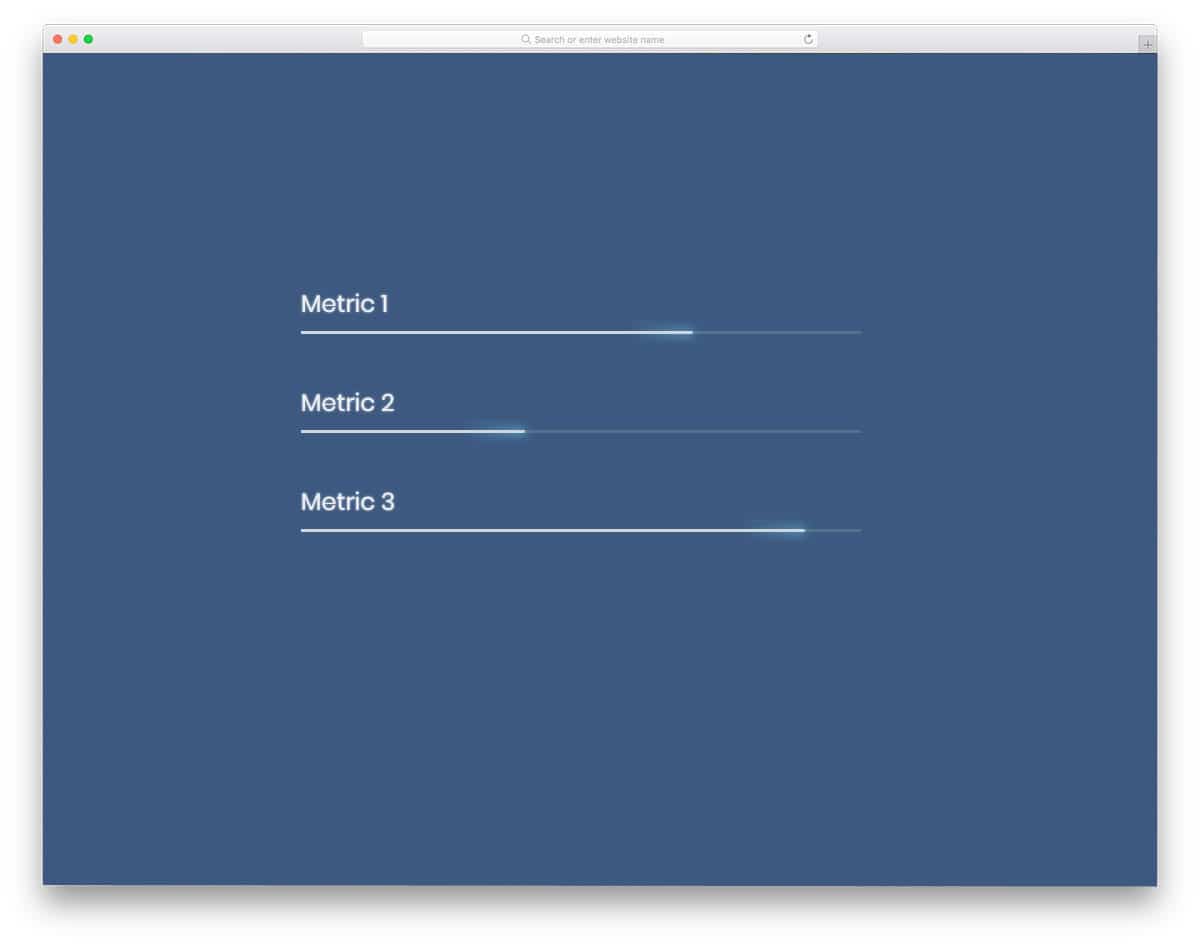
Using glow effects on progress bars is a nice idea. If you plan to make skill sections stand out on your resume page or personal website, design concepts like this will be a good choice.
Since it’s a concept model, the creator has kept the CSS glow effects simple on the progress bar. You can change the progress bar design and the glow effect based on your design needs. Like most other CSS glow effects examples on this list, this one is also made using CSS3 script.
Hence, it can handle modern colors and effects easily.
Gradient Color Button With Hover Glow

Gradient colors themselves make an element unique from others on a web page. But if you’d like to make the element even more special, you can add CSS glow effects. In this example, the creator has used a glow effect on the gradient button when users hover over the button.
The beauty is the gradient color glows perfectly no matter how many colors you use on the button. The entire design is made using CSS3 script, hence you can easily edit the code according to your design needs.
You can edit and visualize the results in the CodePen editor itself, so you can get a clear idea of the design before using it on your website or project.
Neon Glow Letters

Modern web development frameworks help us combine graphical elements and images to give an authentic experience to users. In this CSS glow effects example, the creator has used neon-style glow effects for letters.
If you’re making an interactive restaurant, food truck, or other such websites, elements like this will give a new dimension to your website. Since it’s a concept model, the creator has kept the neon effect simple.
However, you can edit the code to change the font style and the glow effect in the way you want.
Simple Glow Effect
Radio buttons have been in UI design for a very long time. Many modern designers use toggles instead of radio buttons. However, there are still certain places where you need to use radio buttons.
If you’d like to do something different from the usual radio button, this glowing radio button will impress you. The subtle nature of this design makes it fit in any part of the website and forms. Using elements like this in your forms will make your forms interactive for users.
Mostly CSS3 script is used in this design, hence you can use this design easily in your project.
Glow Buttons With CSS

Call-to-action buttons are mostly used to highlight and show important links. Though buttons are different from other CSS links, making them unique will get user attention easily.
This glowing CSS button will help you make your buttons unique from the rest of the web elements. The color used for the glowing effect in the default design is not that evident. However, you can easily change the colors and make the button more attractive.
Since this design uses CSS3 script, you have the option to use gradient colors. Look at our CSS gradient button design collection for more appealing designs.
Infinity Loader Without SVG
This is another loader animation with a glowing effect. You can understand from the name that this one doesn’t use SVG elements. The provided loader animation is simple and can be used for any website or application.
HTML5 and CSS3 scripts are used effectively to make this design. The design and code structure are also made simple for easier customization.
D3 Progress Donut Chart With Glow Effect

Animated charts are used widely among applications and websites to show stats engagingly to users. In many personal websites, you can see animated stats counters to show experience and skill levels.
If you wish to use glow effects for your animated donut chart, this is the best option. In the default design, the developer has shown different values. However, you can change it to a single value and let the chart move gradually.
For a smoother effect, the developer has used CSS3 and JavaScript in this design. Proper handling of code script will make the developer’s job easier.
Glowing Spinner
This is also a glowing spinner animation effect. In this design, you get a glowing line that moves in a square pattern. The default effect is smooth and clean. Though the original design is made for loading animation, you can also use it for other purposes.
Modern web design uses illustrative designs and custom animations to present content engagingly to users. Elements like this will come in handy for you on many occasions.
Another advantage of this design is it’s purely made using CSS3 script. Hence, you can easily adjust and use the code on your website.
Neon Loading Circle

Neon Loading Circle is a dual-purpose glowing element. You can use this design for loaders and for charts. Just like the Donut Chart With Glow Effect mentioned above, you can use this to show the percentage of your skill level.
The developer has mostly used JavaScript to make this design and a few lines of CSS3 code to refine the result. To make the progress bar even more attractive, the creator has used different colors for different percentage ranges.
Elements like this can also be used in test tools to show results.
Glowing Enter Button
Glowing Enter Button is a retro-style glowing button. But don’t worry – you can easily convert it to a modern design. All you have to do is adjust the default color scheme used in this design.
The button’s border continuously glows to get user attention. Many designers use border animation to highlight important elements from the rest of the elements. We have made a separate post for CSS border animation effects – check it out for more design inspirations.
The developer of this design has kept the codebase really simple so you can use other effects on them.
Retro Blink

Retro Blink will be a perfect option for text input design. The developer has used glowing effects for texts and the cursor. Since it’s a concept design, the developer didn’t make it as a dynamic tool.
However, you can work on the code to make it a fully functional tool. From the code script itself, you can understand that the developer has mostly used CSS3 script. Based on the code structure you follow, you can trim the code.
Since the developer has shared the code in the CodePen editor, you can visualize the result before using the code in your project.
Neon Text-Shadow Effect
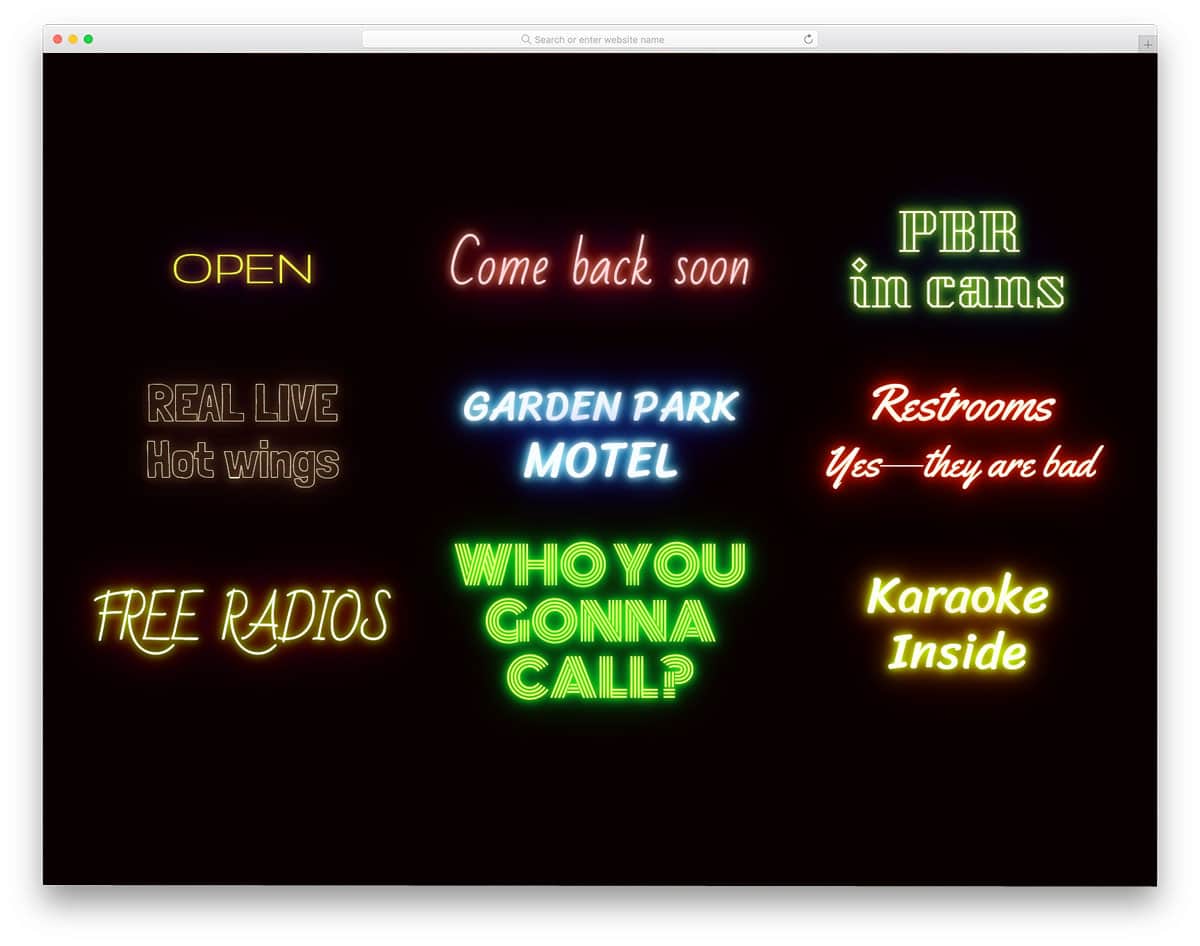
The developer has provided you with a set of glowing digital signboards in this example. If you’d like to add neon light decorative elements to your website, this one will impress you.
The developer has provided you with both blinking and constantly glowing effects in this set. Nearly nine design variants are included in this set. Based on your design needs, pick one and start editing it.
The developer has used CSS3 and JavaScript frameworks to create a realistic effect. Since modern fonts are very expressive, you can use your own fonts to make your own unique digital neon-light signboards.
Pure CSS Button Hover Glow Effect
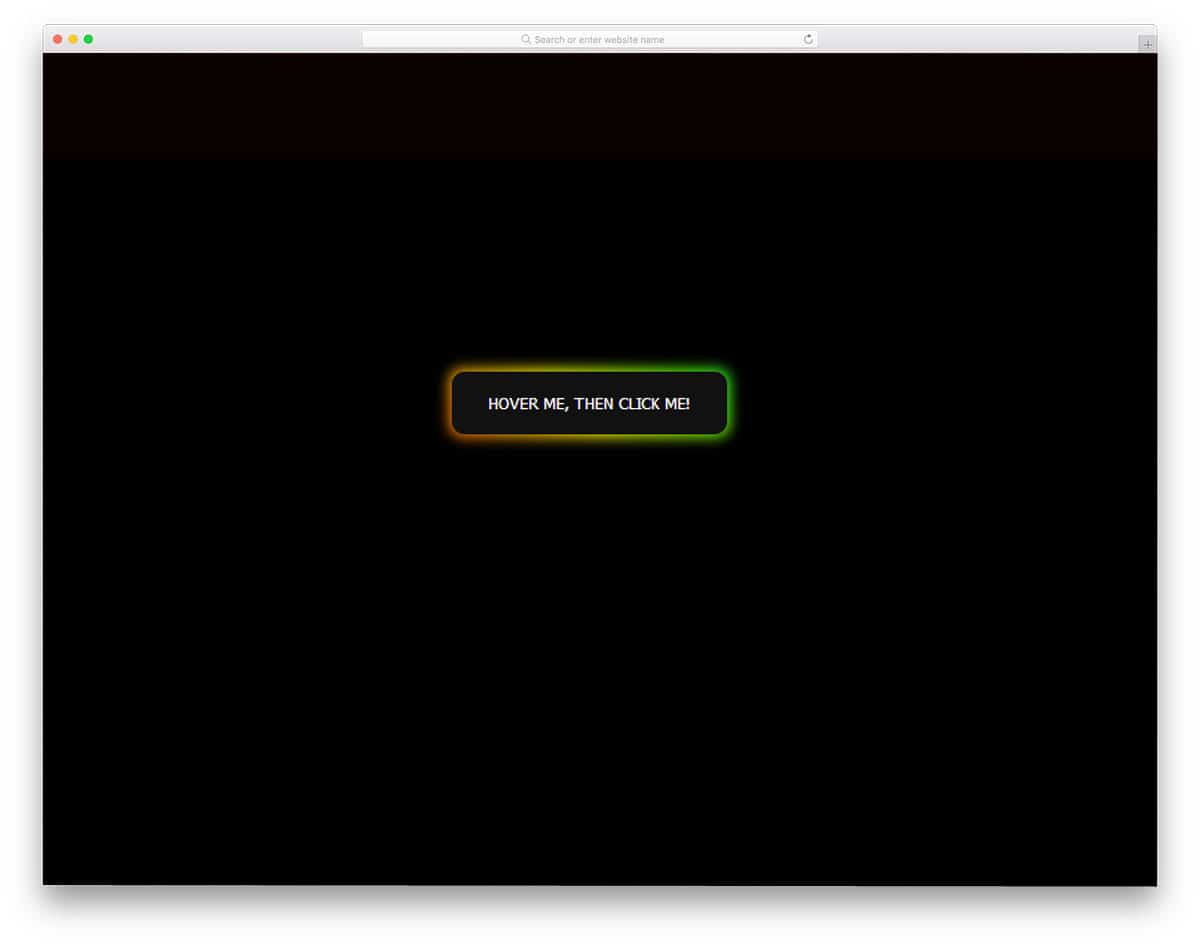
This is another glowing hover effect used for call-to-action buttons. In this design, the developer has used border animation for call-to-action buttons. With gradient colors, the glowing effect looks even more attractive.
If you wish to use surprising elements on your website to impress your visitors, effects like this will come in handy. The whole glow effect is designed purely using CSS3 script, which makes this design easily usable.
Just copy the code and use it on your existing website. Since all the animation happens on the button’s border, you don’t have to adjust other elements on your web page.
Glowing 3D Bars

Range sliders are interactive UI elements that make your website or application easy to use. We have made a separate post for CSS range sliders, which has many interactive designs.
In this example, the developer has provided us with glowing three-dimensional bars. You can see a toggle button at the top of the bars to change the background. On dark backgrounds, the glowing effects can be seen clearly.
To give you a clear idea, the developer has used constantly changing range values in the demo. However, you can easily fix this and make it a dynamic tool to get input details.
G L O W

G L O W is a glowing background design pattern. If you’re bored by using the same old static patterns in your design, this example will impress you.
After developing CSS3 and HTML5, developers are using them to create interactive background patterns. G L O W is one such interactive background pattern. You can zoom in and go inside the glowing atom globe or enjoy the glowing globe as it is.
For more interactive animated characters and elements, look at our Three.js design collection. To make this design, the developer has mostly used JavaScript and a few lines of CSS3 script to refine the design.
Glow Effects By Maryam

The developer Maryam has provided us with a glowing loader effect. We have seen several loading animations before in this list – well, this one is quite simple. It’s very similar to the Google loading animation.
The colorful glowing dots brighten and grow one by one, which gives a neat visual treat. Just like the design, the code script of this example is also kept simple. The developer has only used CSS3 script to make this design.
As a universal code design, other developers can easily work with this design and use it even on their existing websites.
Spinner With Glowing Gooey Effect

In this animation, the developer has used glowing water droplets to move smoothly across circles. The animation is fluid so users will have a great experience with this animation.
In the code script, you can see that the developer has provided proper comments. These notes will help you understand the code better if you’re a beginner. Even in the CSS3 script, the developer has clearly mentioned the classes and elements.
Using this code will be an easy job for all types of developers. You can use this code in your project by making a few adjustments.
Flickering Neon Sign Effect
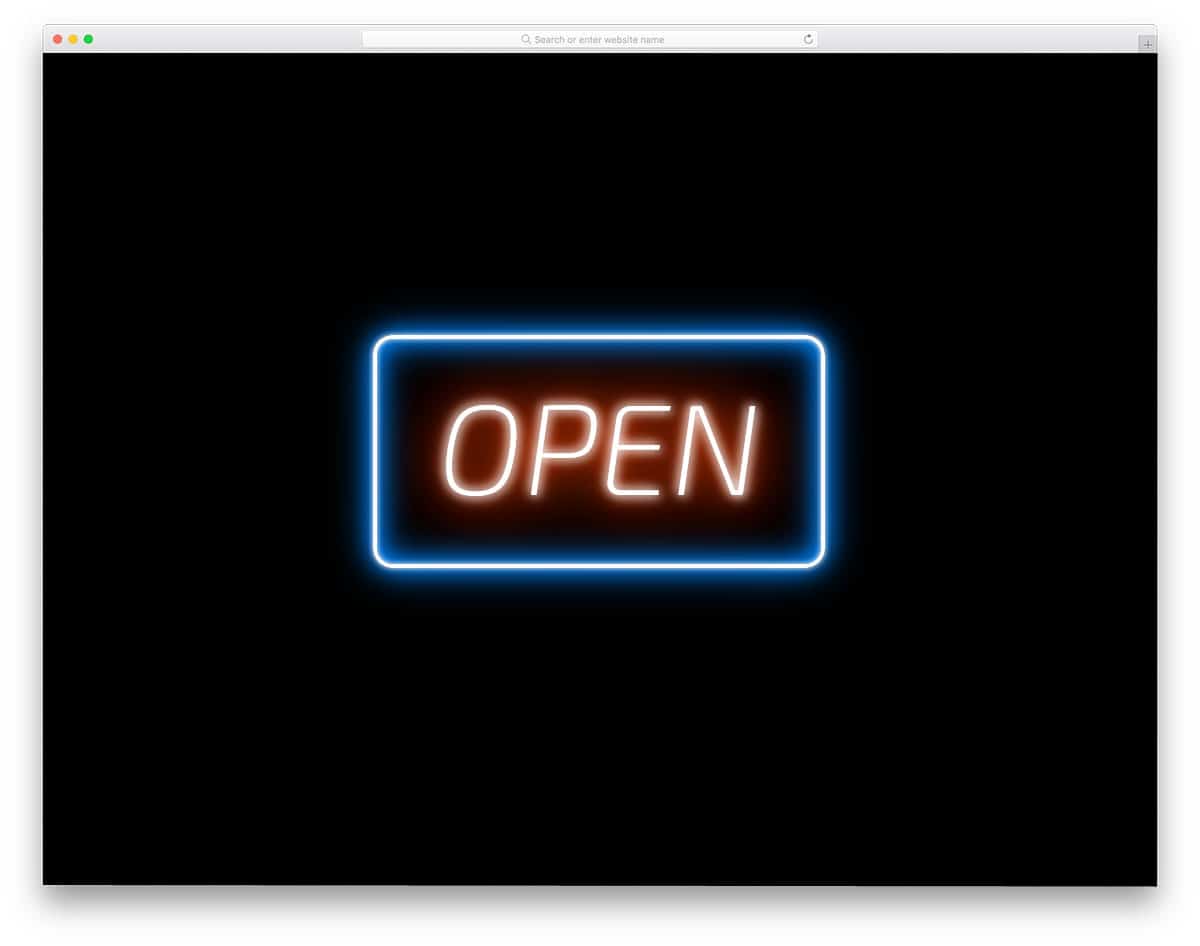
This one is another digital neon signboard that you can use on your websites and applications. The developer has made this flickering neon sign effect purely using CSS3 script.
By properly handling the CSS3 tags, the developer has provided us with a realistic neon signboard experience. If you’re planning a storytelling design for your shop or restaurant, elements like this will come in handy for you.
Neon Flux

Neon Flux is another flashing neon light signboard that gently flashes at periodic intervals. In the default design, the designer has used orange and blue light glow effects. Based on your design, you can easily change the color scheme of this glowing neon signboard.
This template uses the latest CSS3 script and supports all modern colors and gradient color schemes. Just like the Flickering Neon Sign Effect mentioned above, this one is also designed purely using CSS3 script.
Handling this universal code design will be an easy job for developers.
Neon

All the previous neon CSS glow effects are designed like digital signboards, but this one is different. The designer has treated the neon glow effect as a text effect.
If you wish to highlight important text content on your creative website, this design will be a good option. In the default design, you get cursive-style font, but you can use your own fonts.
Customizing this code snippet will be an easy job. Since it’s a CSS3-based design, it supports all modern colors and animation effects.

Can you please teach me how to use this on divi wordpress theme?