

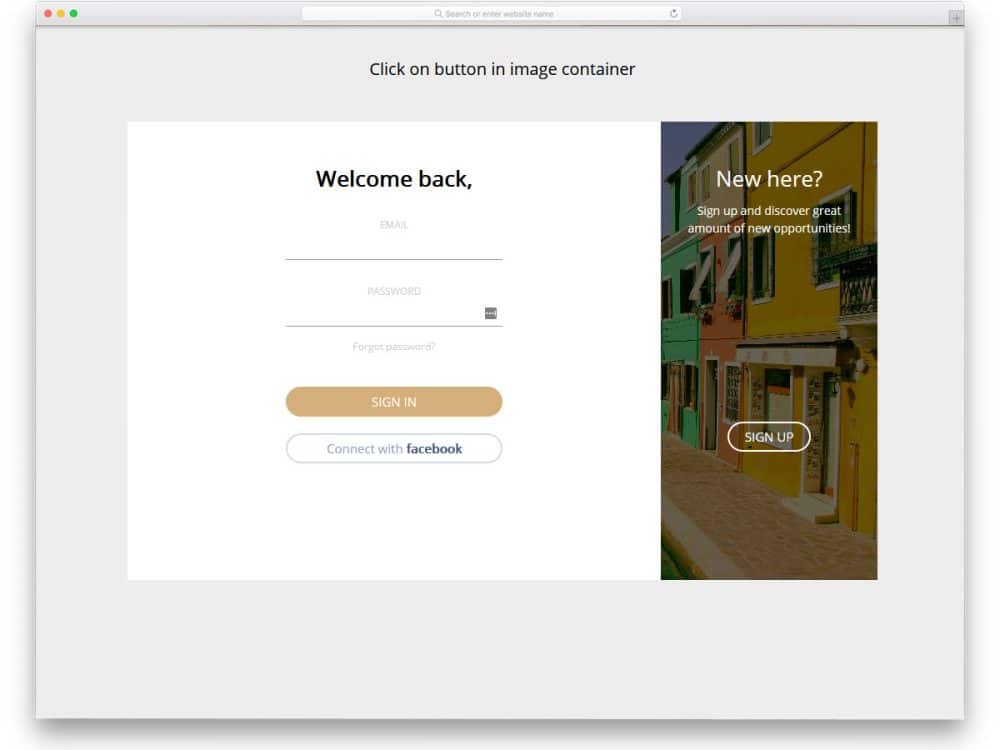
Login forms are the ones your users will see more often than any other pages on your site. We spend several dollars to generate a lead and employ various strategies to convert them into members. The login form we use on our site or app must reflect all these efforts. In this list, we have compiled free login forms with modern designs that you can use for your website and web and mobile-based applications.
Today, several apps and websites allow users to create a free account. Each website recommends making a strong password that includes a mix of characters and symbols. Remembering all the unique passwords is a difficult job for users. As a solution, many applications and websites offer a social media account login option. With the social media account login option, the process has been simplified. In this list of free login forms, we have compiled some templates that offer a social login option. Please note that these are HTML templates only; you are responsible for the backend work.

WordPress Login Customizer
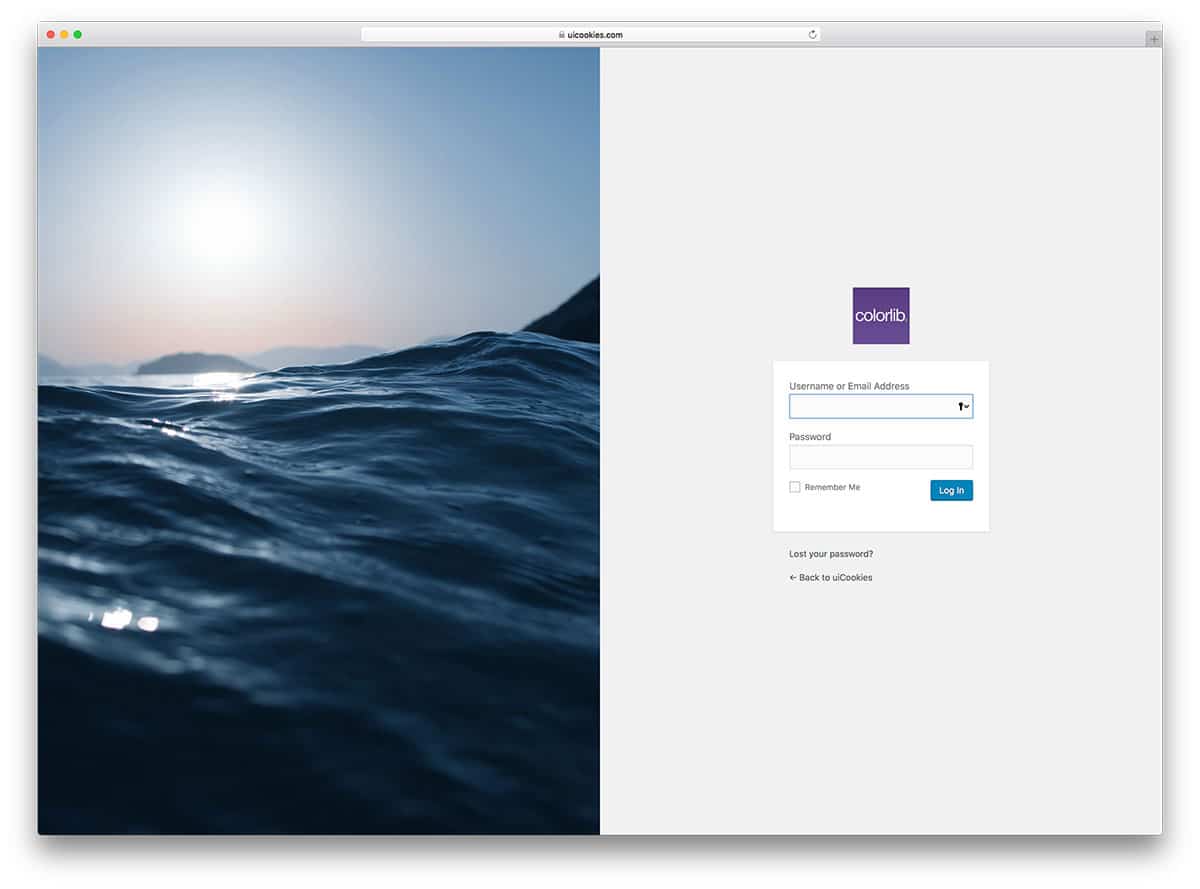
We introduce you to the Login Customizer plugin, designed to make things easier for WordPress users. This plugin lets you change the login screen in a fraction of a second. The creator of this template has made it completely customizable. You can easily edit the logo, background image, and fonts. The remaining login templates listed below are built with HTML and CSS frameworks. You must work on the raw file to integrate it with your website. The WordPress Login customizer already includes pre-made templates to simplify setup. Let’s look at the list of free login form templates.
Login Form HTML Template V06
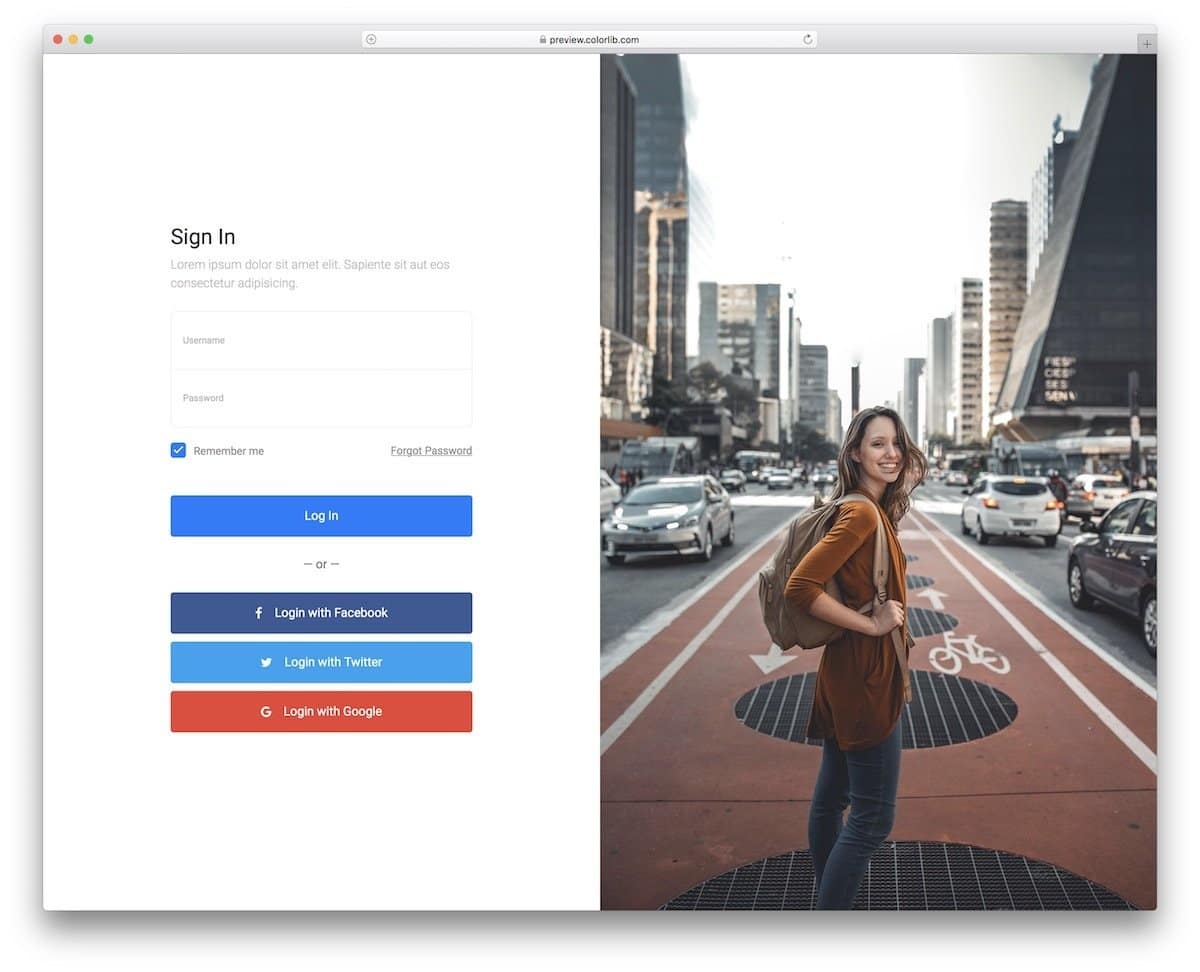
The V06 free login form template has a full-page design. Form elements, buttons, and images are used smartly to deliver a visually pleasing experience. The image covers more than half of the page’s real estate. Whether you are making a business or service website, the image space in this template will help you show relevant photos.
You have social media login options below the standard email login option, which has become the norm in modern web and app design. You can download this free template and use it on your website.
Bootstrap Login Template V08
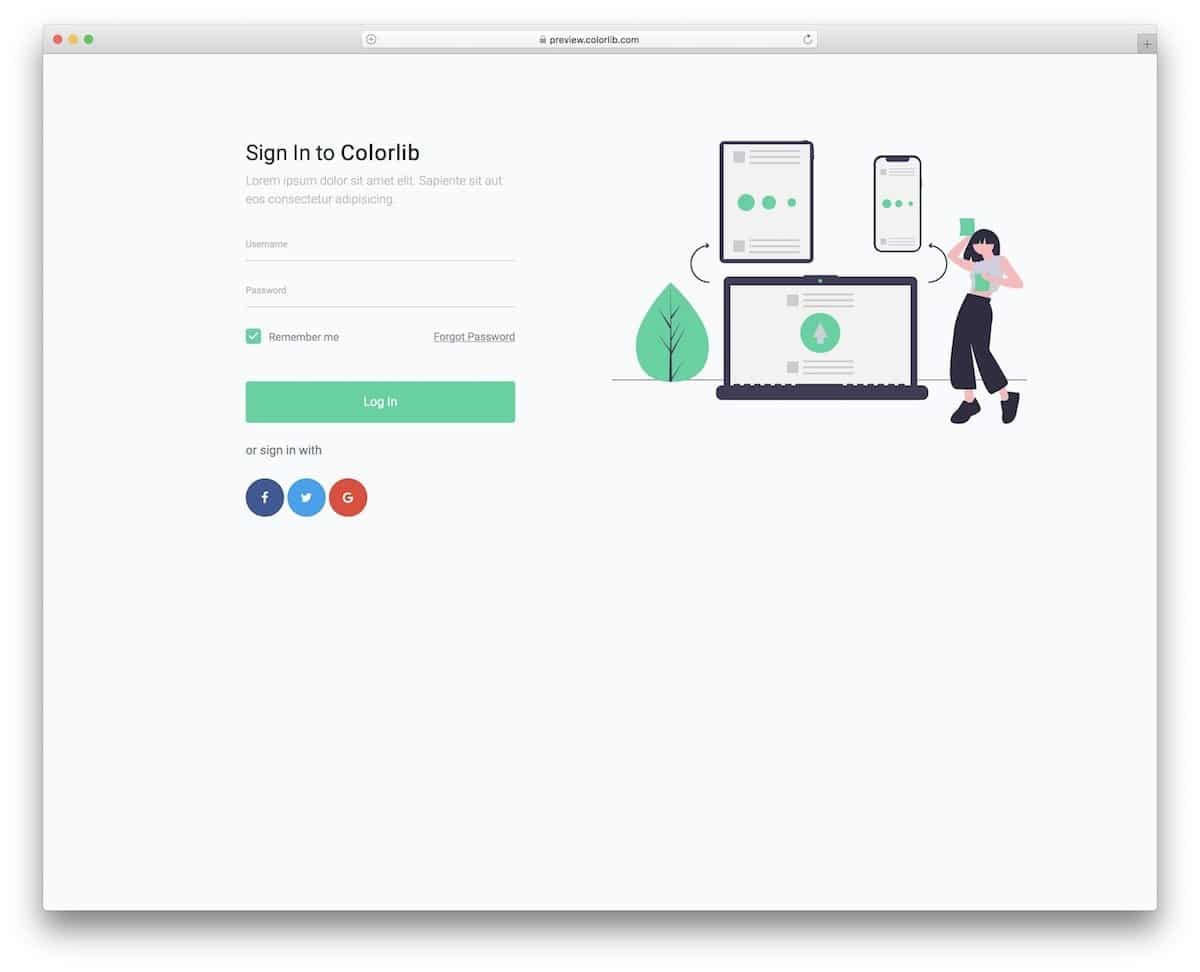
The V08 is a Bootstrap-free login form template. Since it is a Bootstrap template, you can easily integrate this login form into any website or application.
The creator has utilized a full-width layout in the default design, incorporating a vector design and a login form template. The layout features ample white space, making interaction easier on both computers and mobile devices. At the top of the login form, you have a text field that you can use to add friendly UX copy and give the design a human touch.
Responsive Login Form V09
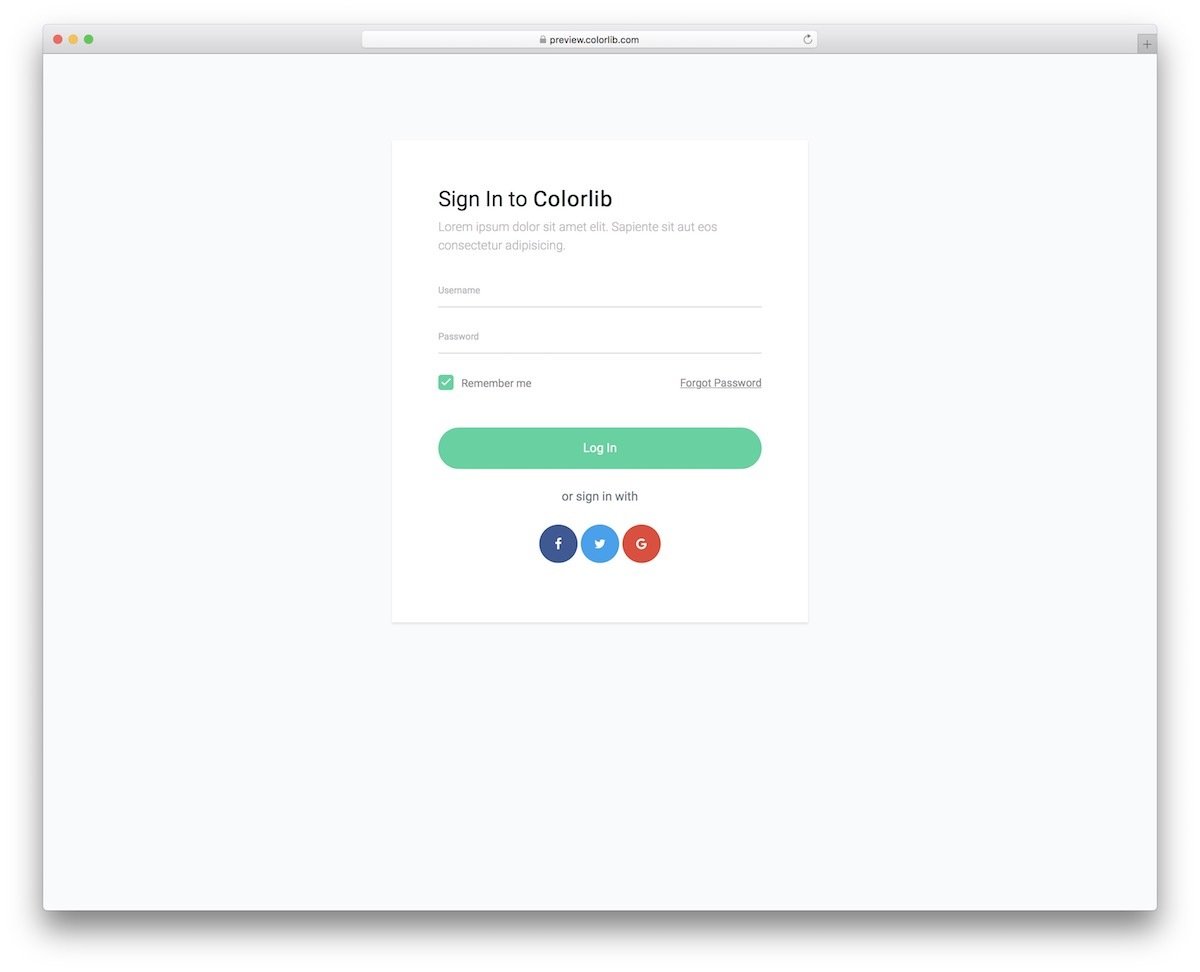
Those seeking a straightforward login form template will appreciate this one. This template’s uncomplicated design ensures the login form delivers a consistent experience across both large and small-screen devices. This free template provides basic hover effects and input text effects to maintain a professional look. You can add custom input text effects and other animation effects to make the user’s login form engaging. Take a look at our CSS input text collection for fresh design ideas.
Free Login Forms V05
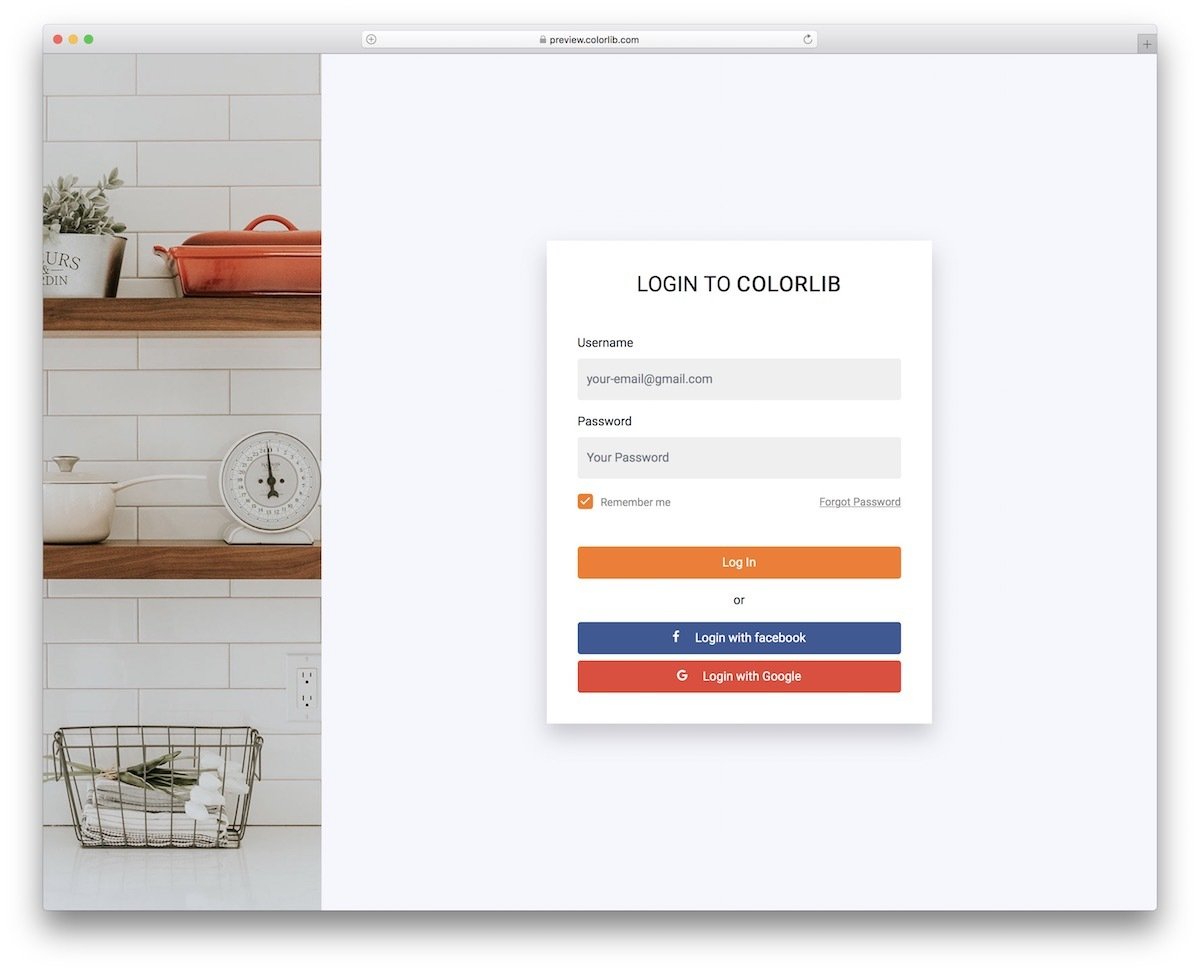
The Login Form V05 has a contemporary design. If you want to create a login page that clearly reflects your brand to the audience, this form template might impress you.
Because of this template’s neat, professional design, you can use it as an employee login template. Bright colors in this template enhance the design’s visual appeal and draw the user’s attention to the most essential options. Overall, the V05 is a sensibly designed login form.
Flat HTML5/CSS3 Login Form
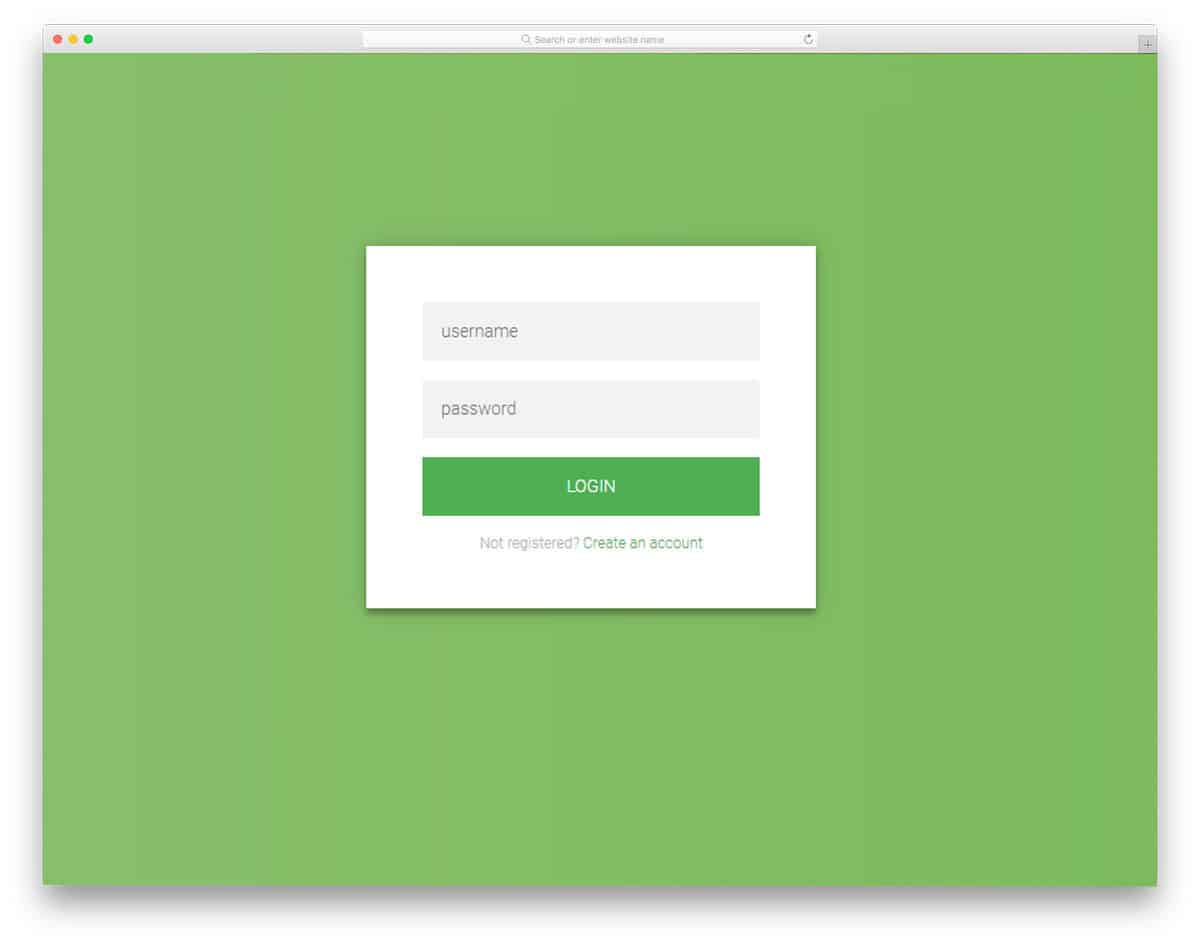
If you are looking for a login form that works across all types of websites and mobile applications, this is the best option. The login form created here is ideal, with sleek animations, and the necessary options are presented directly to users. This template includes both the login and registration forms. The layout automatically adjusts based on the number of fields, making it easy for mobile users to interact with the form. You only need to add field validation to the registration forms in this template. Additionally, this form is an ideal option for websites and mobile applications.
Login Form 1
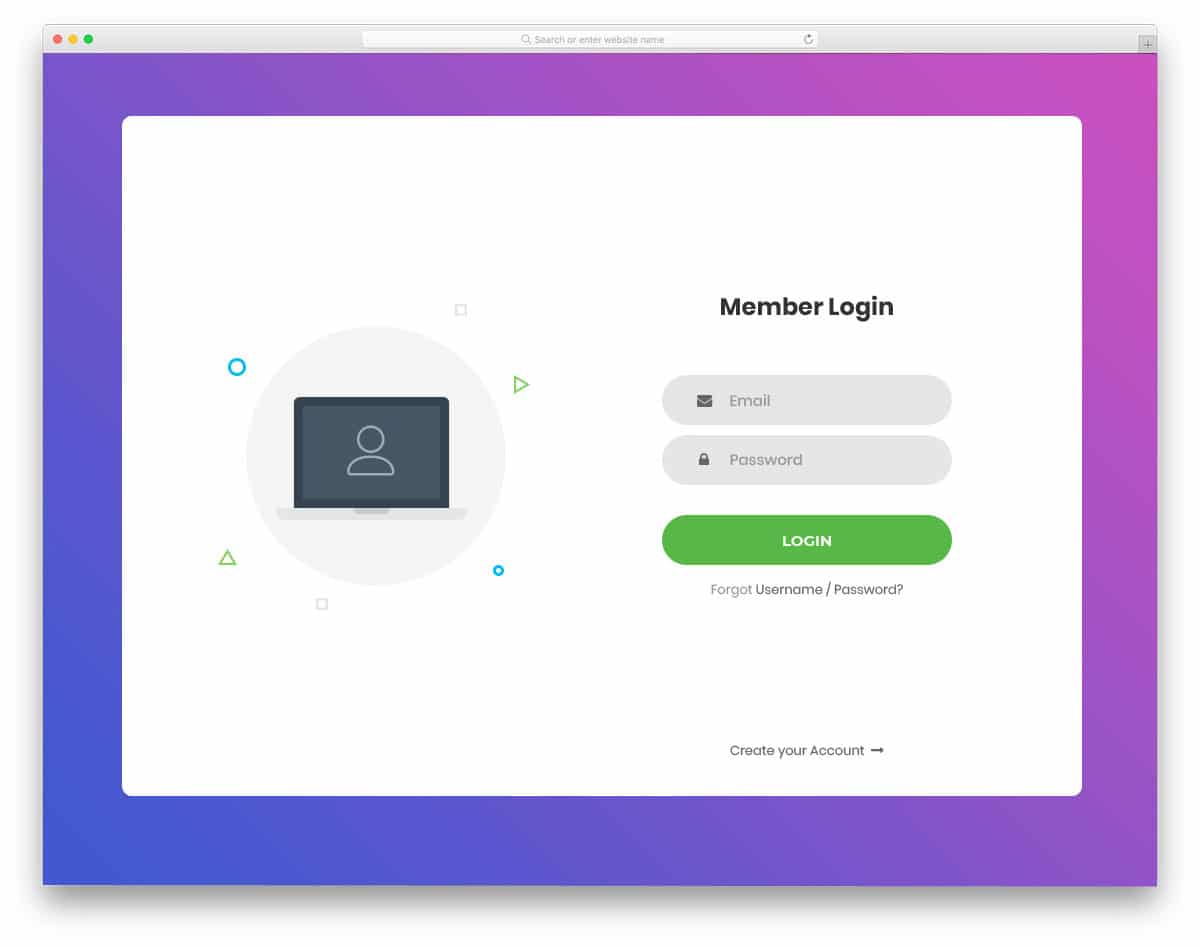
Login form 1 is the best login form built with the latest HTML5 and CSS3 standards. In this form template, you can display a user login image or your website logo here. The logo part has a small gimmick in this template; it moves according to your mouse movement. The account recovery option is located below the call-to-action button. At the bottom, you can take the user to the account signup form. This is the best option if you are looking for a creative login form for a modern website template.
Login Form 2
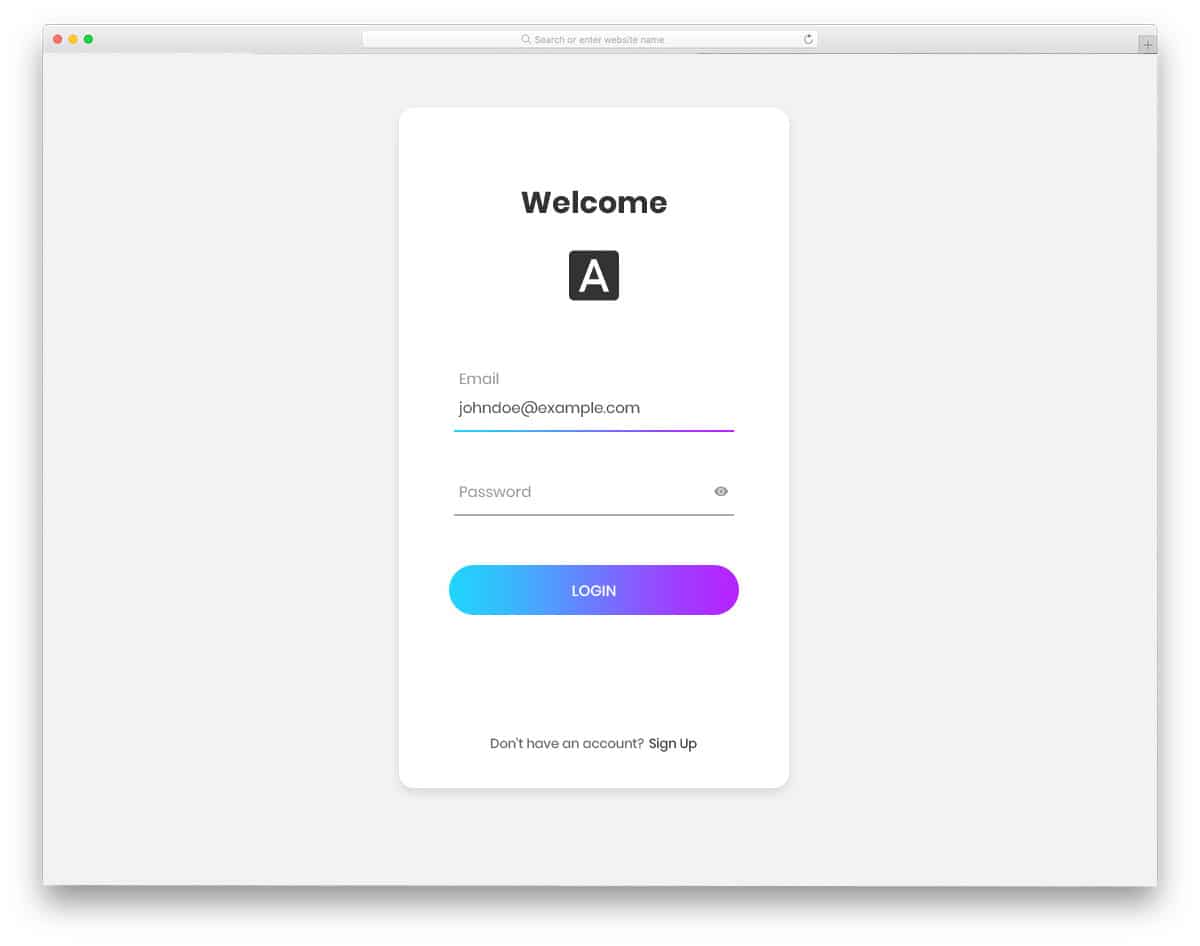
The second version of the login form is designed to resemble a mobile app login form. Although this template appears simple, the minute detailing achieved through visual effects makes it unique. On a clean, white background, the text is visible to users. Most free login forms won’t allow you to see the password, but with this template, you can see and hide the input password. The developer of this template effectively utilizes the gradient color.
Login Form 3
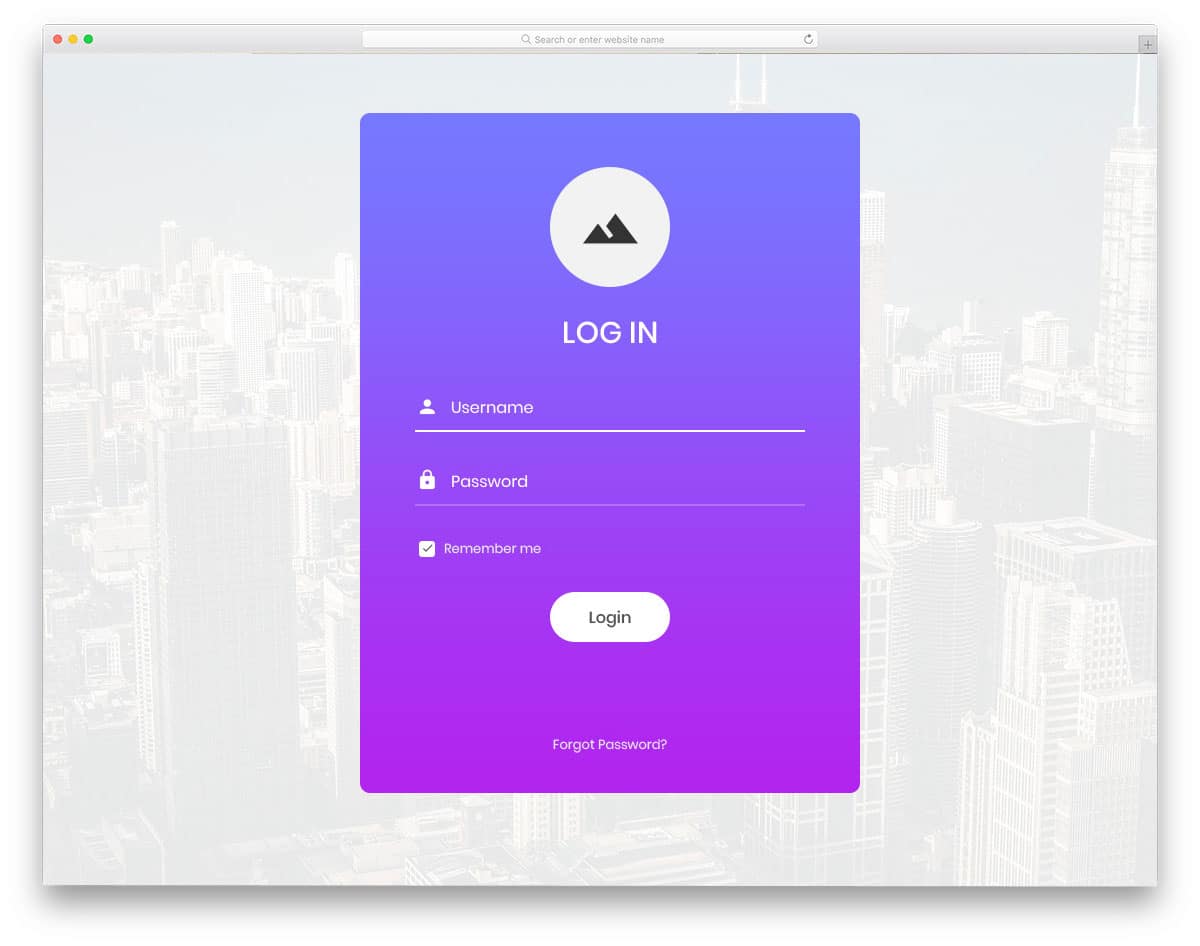
Login form 3 is quite the opposite of the second version mentioned above. This template uses a gradient background for the form and features white animation effects on the form fields. You can change the background image or use the form on your site. This login form provides space to add a “remember me” option at the bottom. Although many of us use password management tools, this option remains handy for many users. At the top, you have a big space to add your logo. These small details will help you maintain consistency throughout the website template design when creating a brand-focused site.
Login Form 4
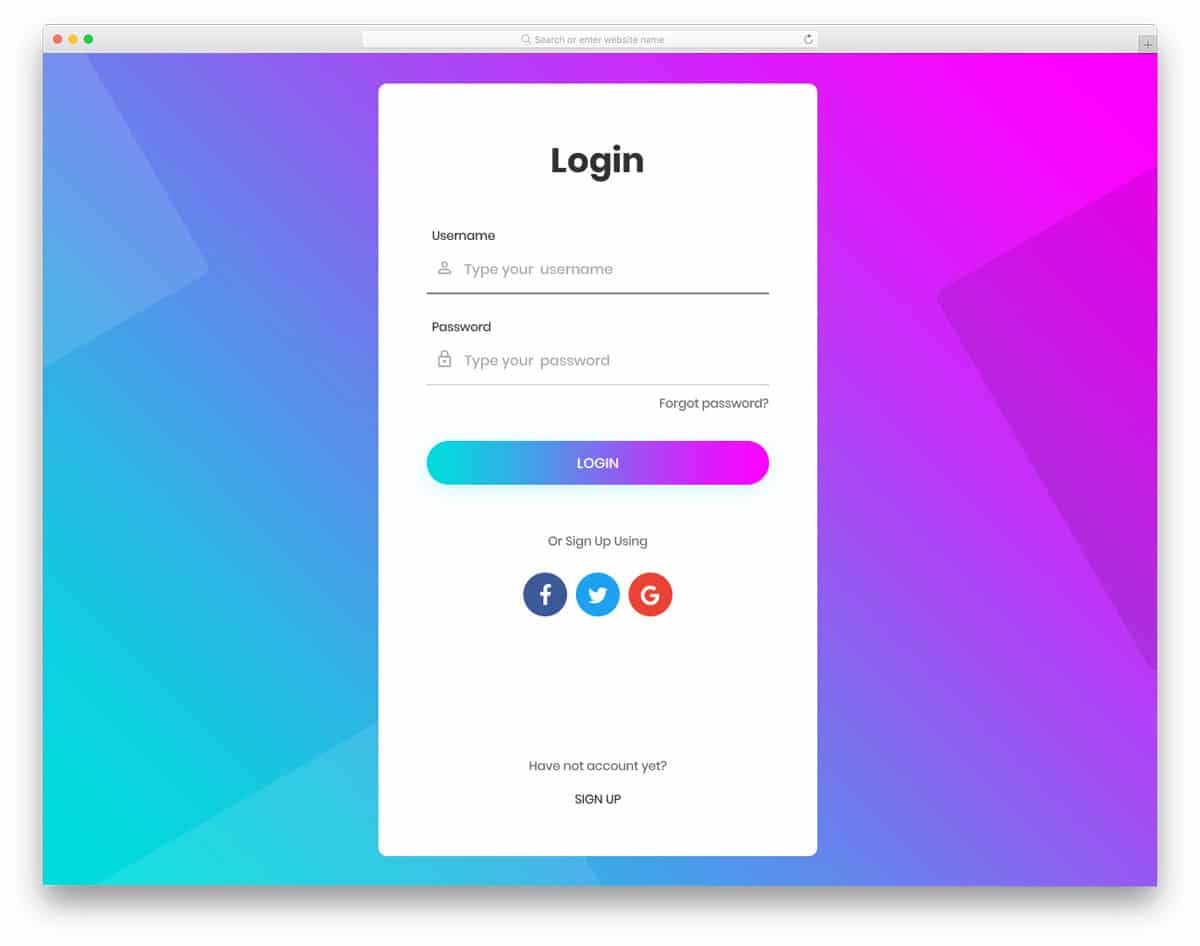
This long login form template gives you more than enough space to add all the form fields, social media profile links and signup link at the bottom. Using the latest HTML5 coding, this template provides web elements with rounded edges, matching modern HTML5 website templates. Colors also look more natural with the help of latest CSS3 files. The text and web elements appear cleaner on the login form against a clean white background. This form also supports mobile devices, making it an ideal choice for a login form on your responsive website template.
Login Form 5
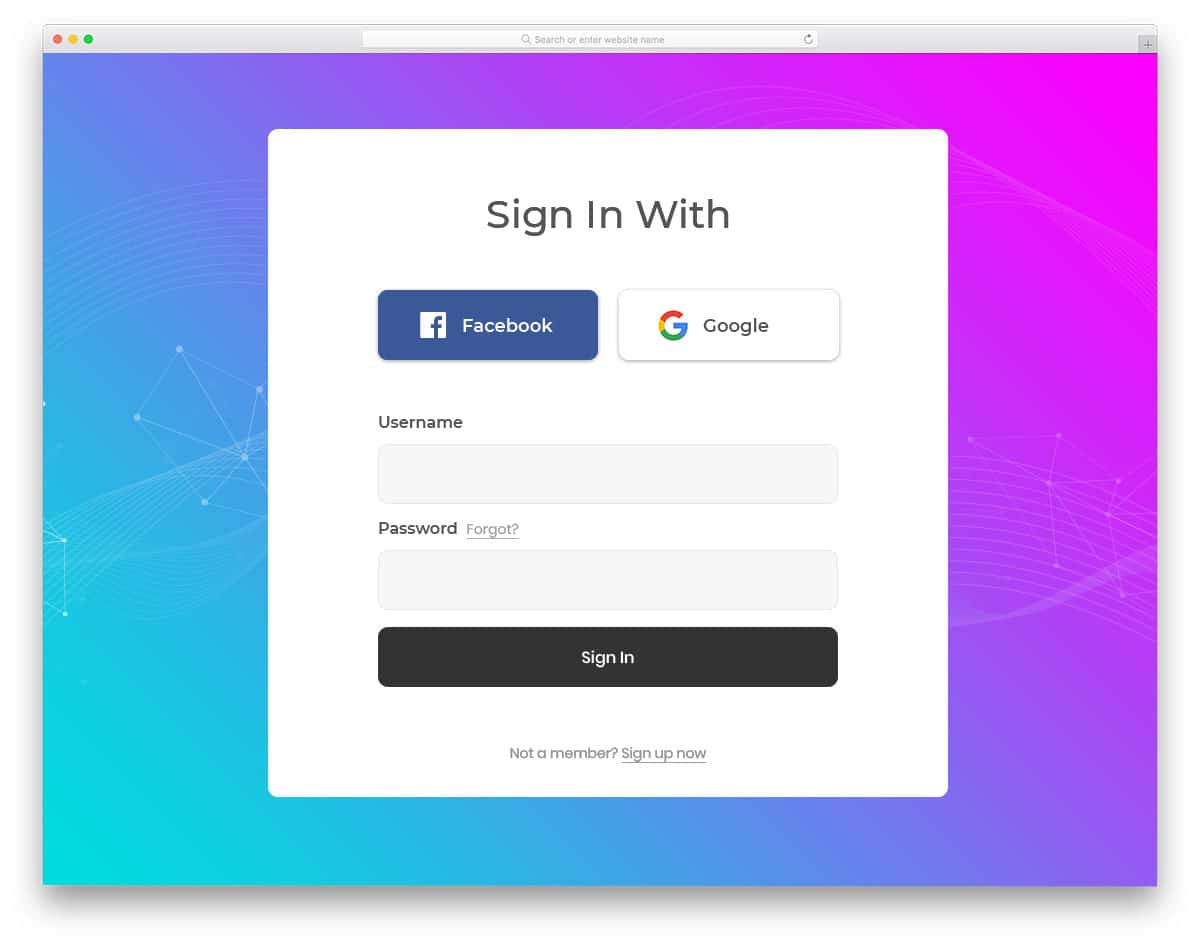
Login Form 5 is not only trendy-looking but also features modern design elements. Most sites support social login methods to simplify the login process for users. Remembering passwords for each website can be challenging; offering a social login option will save users significant time. This template allows you to add a social login option for Facebook and Google. Remember, this is just a template with front-end functionality; you will need to manually work with the social media platform APIs to make it a complete form. The bold text and significant web elements make interaction with this template easier, even on small-screen devices.
Login Form 6
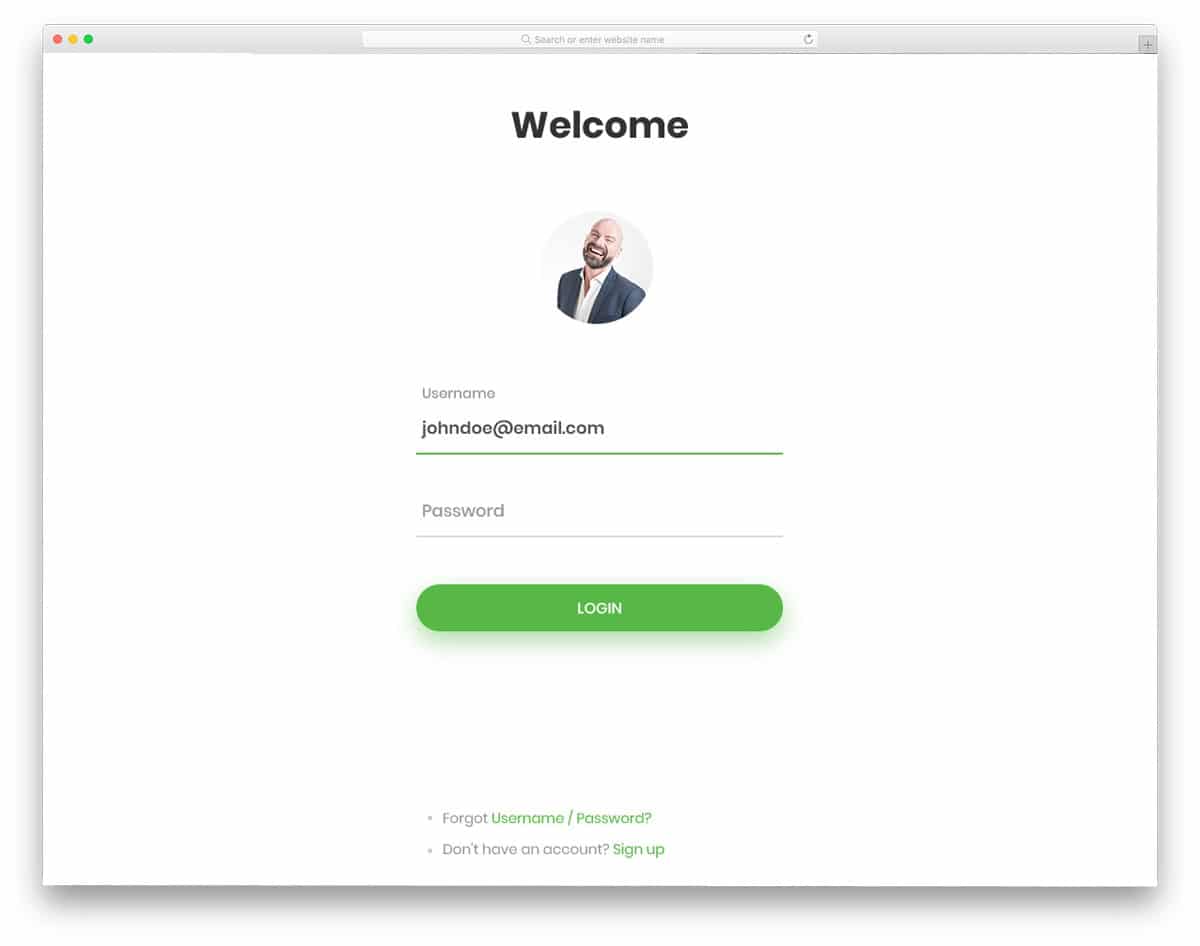
Login Form 6 is minimal-looking. With its borderless design, this template effectively uses all available space. Another advantage of this borderless design is that the template adapts easily to small-screen devices. Hence, the user will experience a uniform interface design across all devices. This form allows you to add profile image, username, and password fields. Shadow effects distinguish the call-to-action button from the clean white background. In the demo version, this form uses a green color scheme, if you follow a different color scheme in your website template, you can customize it easily. This form is a perfect choice for minimal design website templates.
Login Form 7
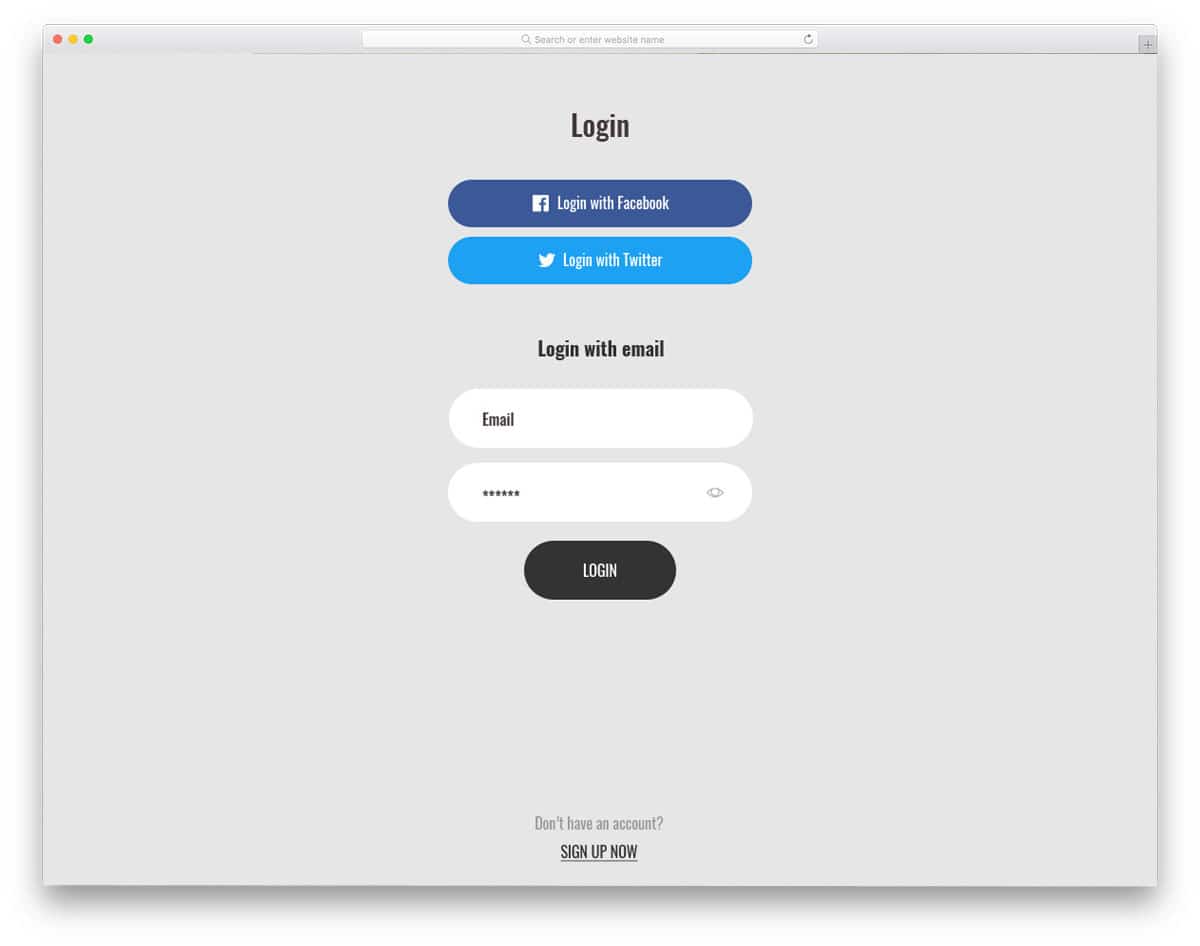
Login Form 7 is a classy-looking, bold login form template. With this form, you get both social login and password visibility controls. To match the template’s minimalist design, the visual effects are simple. This form also uses a borderless design and features a floating layout. The rounded corners help users quickly identify that this template is built on the HTML5 framework. This form design complements creative and news website templates with bold typography. The only change you might consider is moving the signup option slightly higher; it is placed in the footer by default. Moving it marginally higher will improve the visibility of the signup option.
Login Form 8
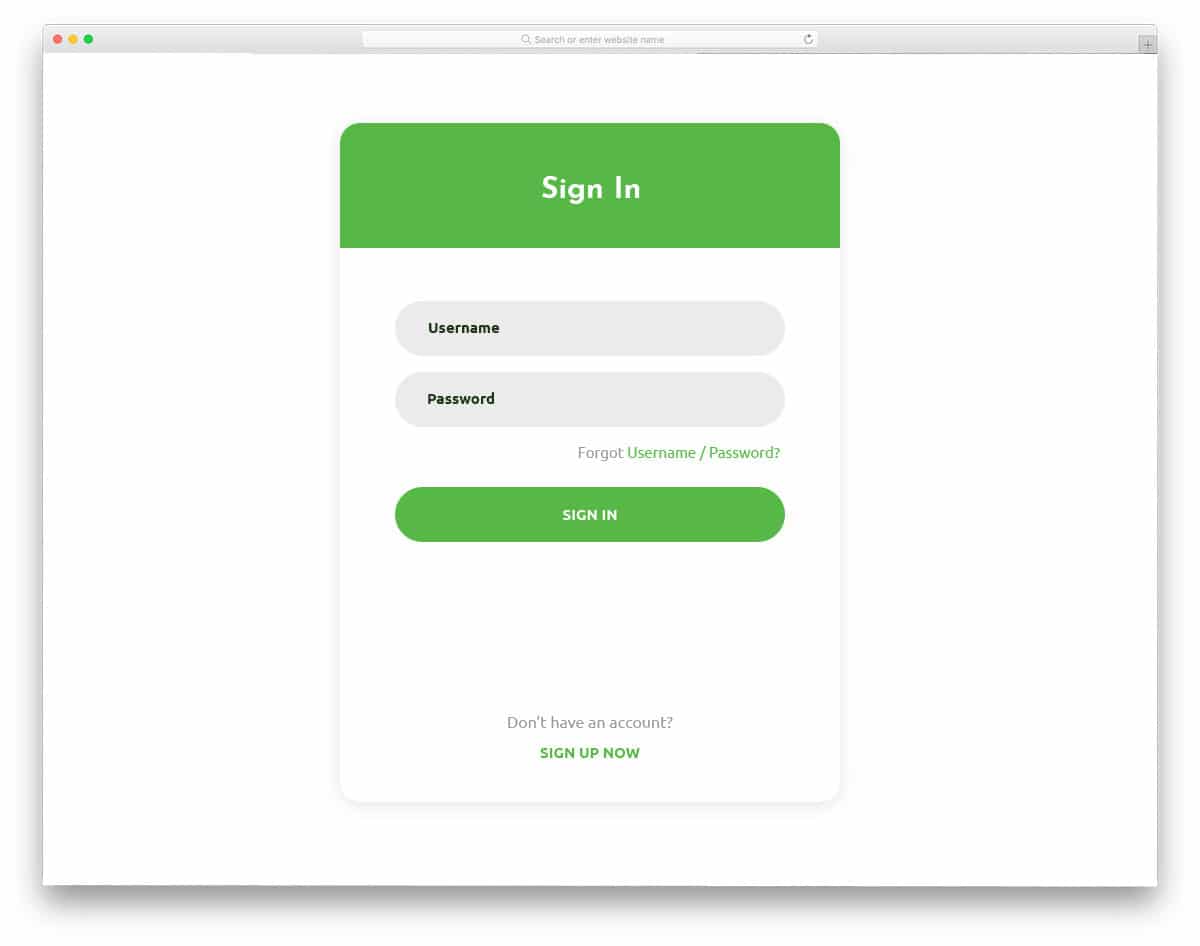
Login Form 8 is an elegant-looking, simple login form. With its simple, neat design, the template creator has provided a professional-looking form. Use of shadow effects and natural-looking web elements. This login form is the best example of using the latest HTML5 and CSS3 frameworks. All options are placed in a hard-to-reach position, making them difficult for the user to locate. You have space to add an account recovery option below the password form field.
Login Form 9
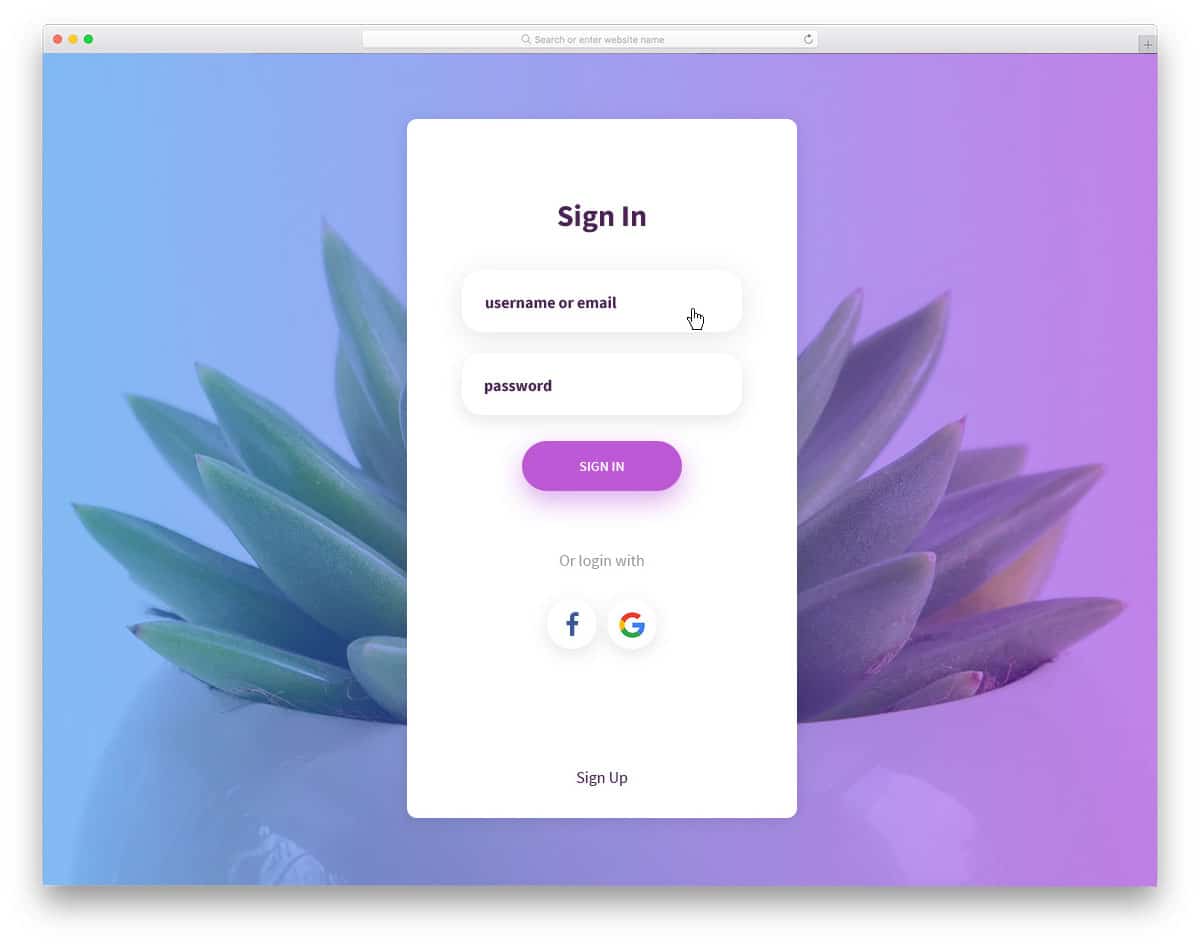
If you are looking for a modern login form for your mobile or web application, Login Form 9 is the best option. This form is also lengthy, similar to version four mentioned above. Login Form 9 adheres to the latest application UI/UX design standards. Hence, it will easily fit modern web design and app design. Since the background and form fields share the same white background, shadow effects help differentiate them. The social media login option is displayed just below the login form fields.
Login Form 10
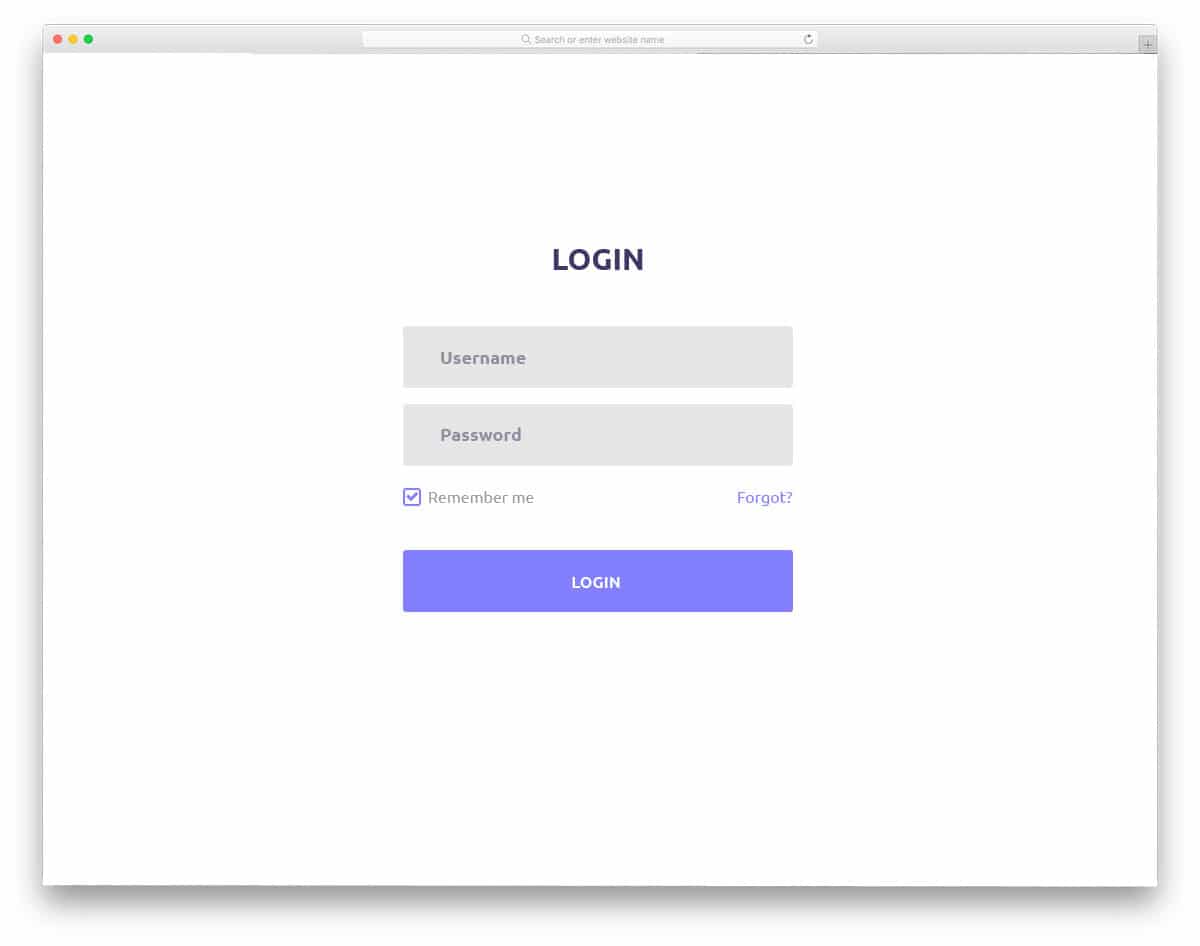
Login Form 10 is professional-looking. This form would be the best addition to business sites and application-based membership sites. The web elements used in this form are boxier, the edges are not rounded as you see in other free login forms in this list. Text labels indicate to the user which details are required in the respective form fields. This template also gives you the space to add a ” remember me option, this is just a framework. To make this template fully functional, you will need to perform the backend work manually. Since all the front-end works are done perfectly, you needn’t worry about it unless you customize the form template.
Login Form 11
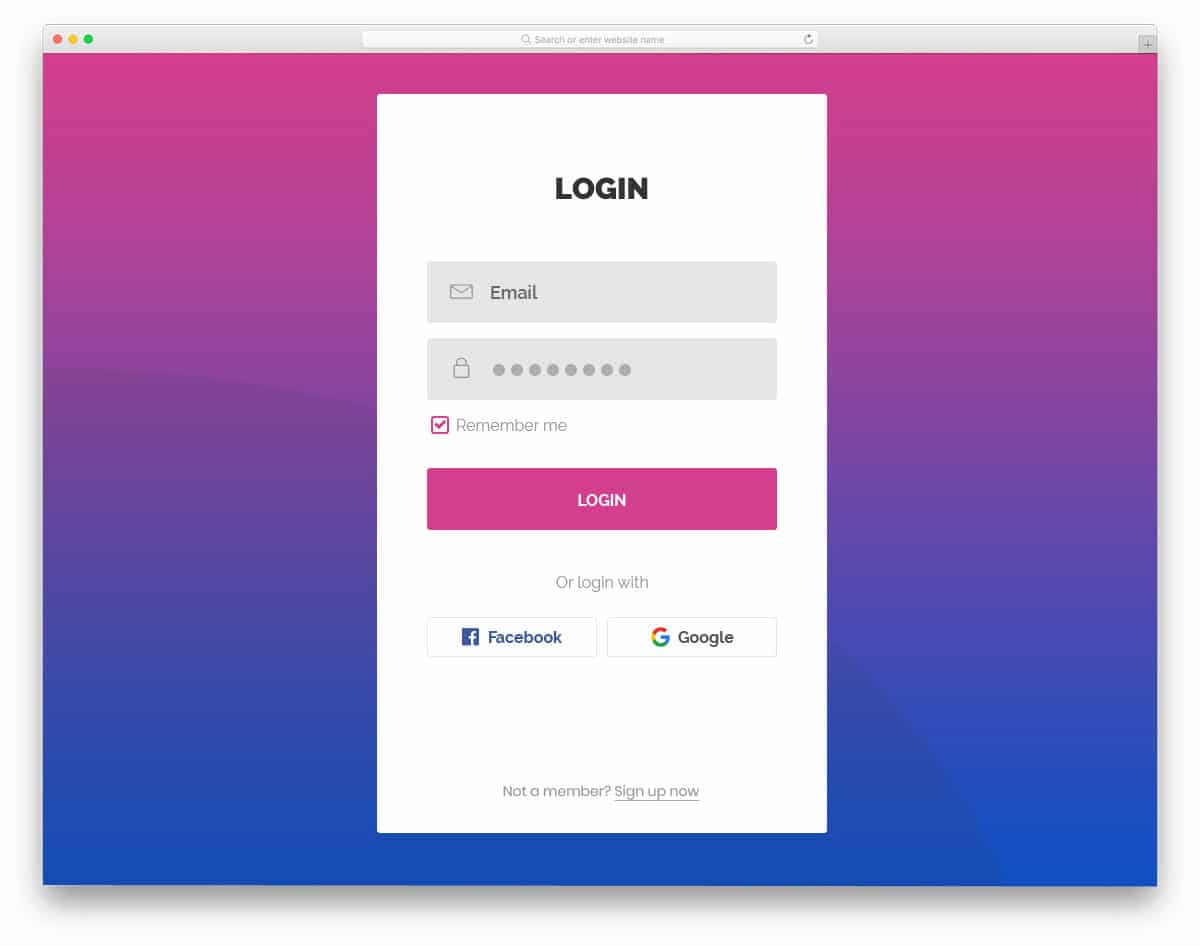
Login Form 11 is a hybrid of Form 4 and Version 10 mentioned above. It is a long-form design with boxy, rectangular web elements. With this form, you can both keep users logged in and offer a social media login option. Since it is a full-page login form, the designer used a gradient background to make the white login form more visually appealing. The white background of the form also improves readability across all devices. Like most modern website templates, this form is optimized for mobile views and major browsers.
Login Form 12

Login Form 12 is a perfect login form template for listing website templates and other community websites. To fill the full-page design of this template, image background is used with bright color overlay. Since this form uses a borderless design, an image background will make it look cluttered. Hence, the use of blue color overlay is a wise design idea. You can add profile image, username, and password fields to this login form. This login form uses blue as the default color scheme for hover and other animation effects. If your website template uses different color schemes, you can easily change it because it uses the latest CSS3 framework.
Login Form 13
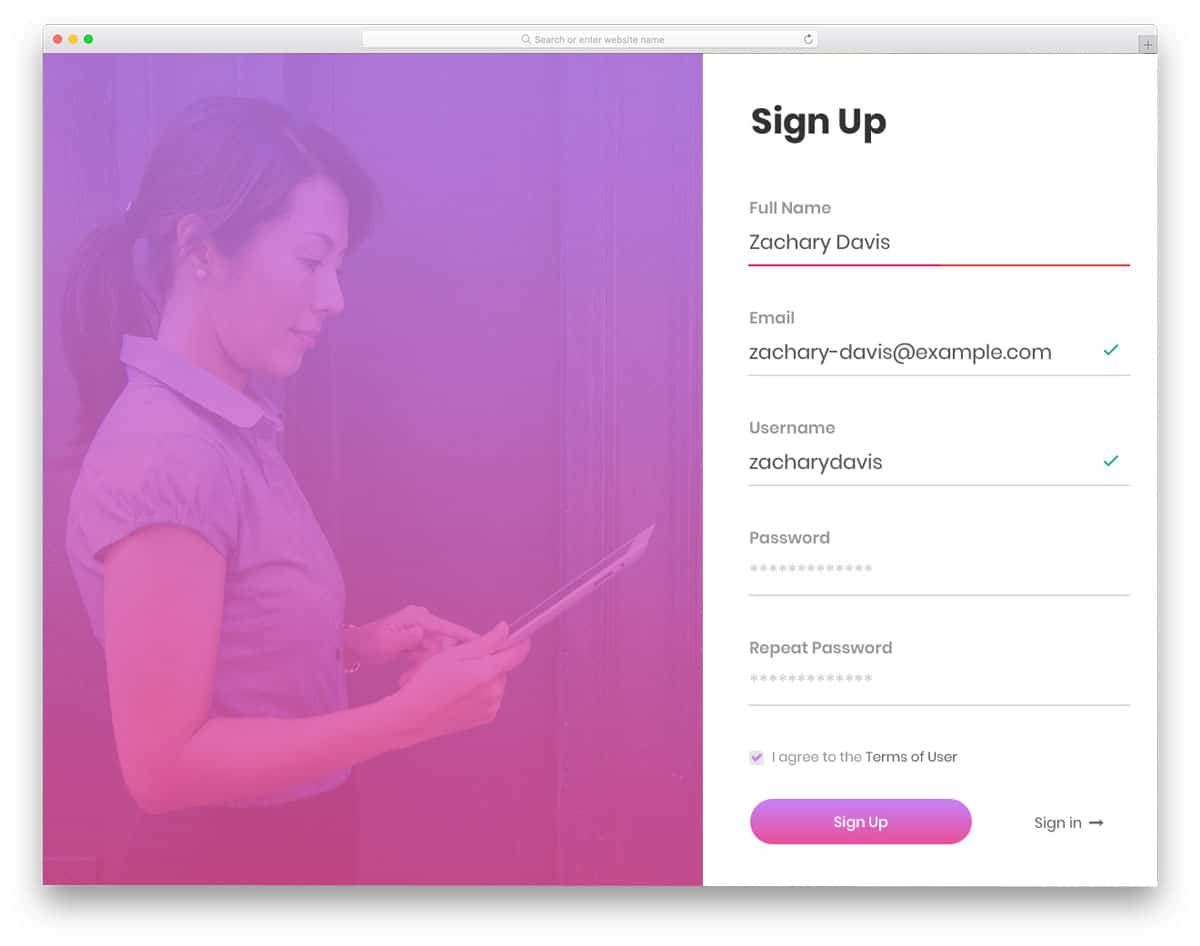
Login Form 13 is a perfect login form for business website templates and other consultancy-related templates. Instead of a full-image background, this template uses a split-screen layout to fill the entire page. The left central portion is reserved for adding images that highlight your organization or the latest news. To the right, you have the user sign-up option, and at the bottom, you can switch the form to the user login form. The signup form supports field validation to ensure all critical fields are completed. This template enhances readability on small, high-resolution screens with extensive, bold text.
Login Form 14
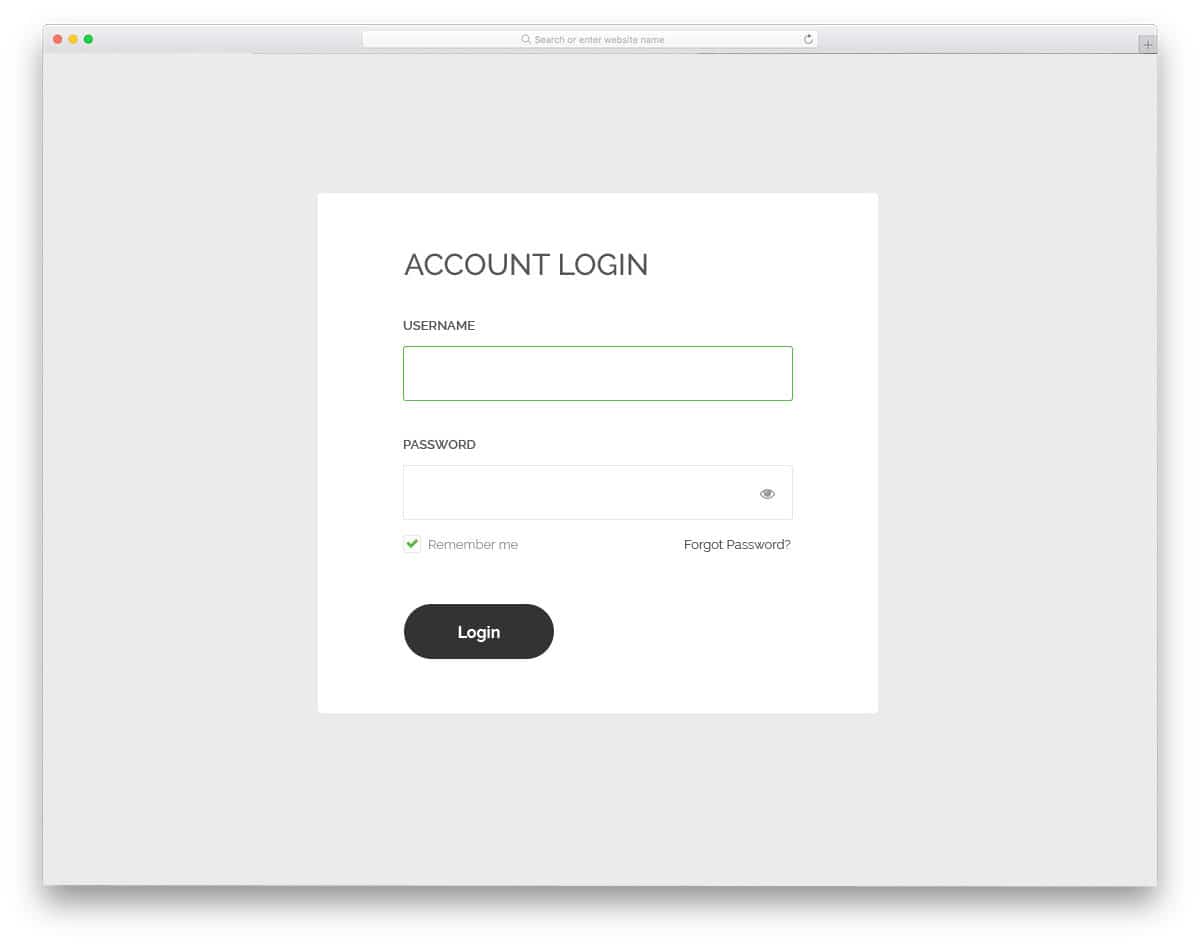
Login Form 14 is a simple, minimalist login form. With a black-and-white color scheme, this form template uses a standard minimalist website template design. If you wish to use this template as is, it is a perfect option for minimal websites. This form allows users to display or hide input password characters. Login Form 14 is fully functional from the front end, so you don’t need to make any basic development work again. All you have to do is handle the backend work and complete the other integrations.
Login Form 15

Form 15 is a revised version of Form 14 mentioned above. This form uses green color as the primary color scheme. This form also features a clean, greyish background and a neat contact form positioned at the center. A small portion is reserved at the top to show images and bold “Sign In” text. This template does not utilize attention-grabbing animation effects; however, the visual effects are sleek and clean. You can also add a ‘keep the user logged in’ option just below the password field.
Login Form 16
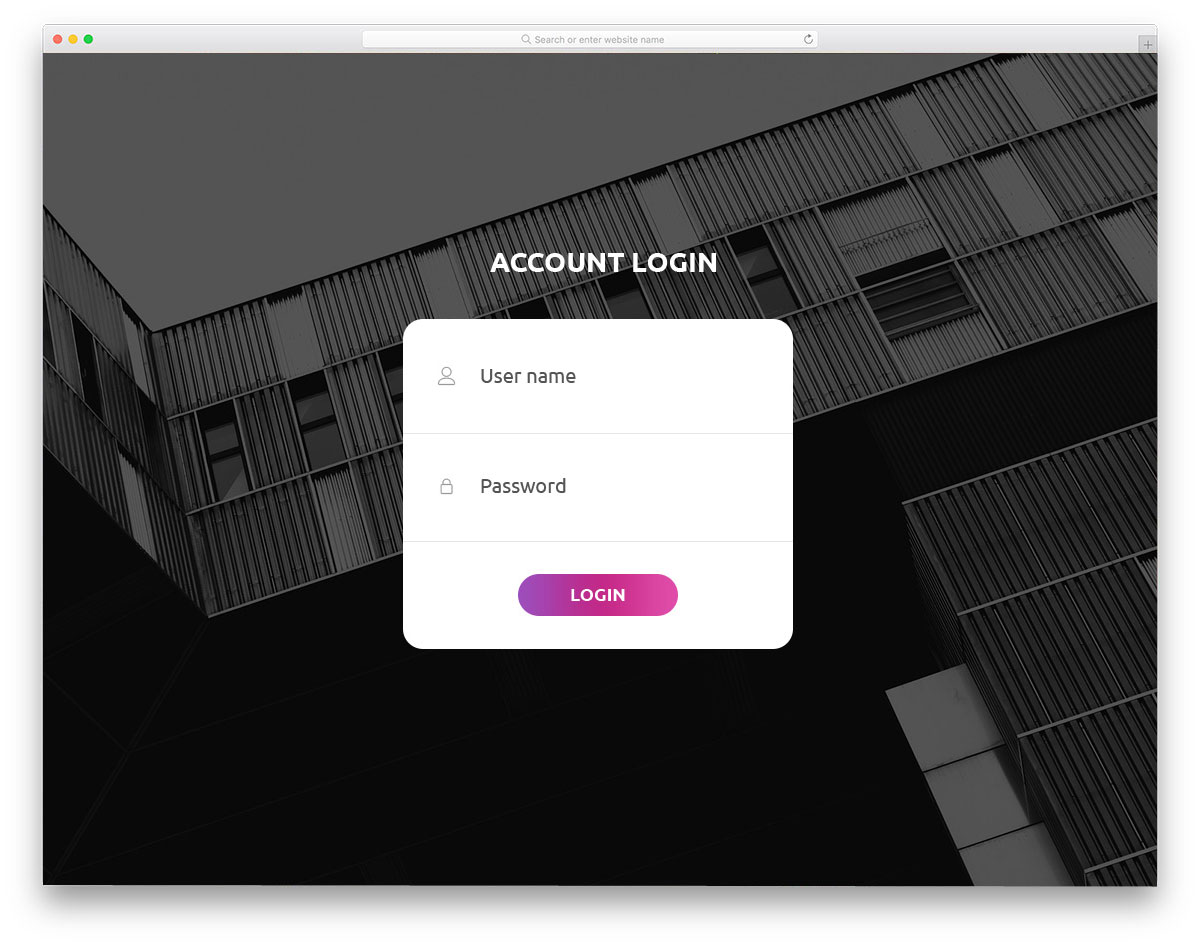
Login Form 16 can be used for construction website templates without any changes. Form labels and line icons indicate the information to be filled in the form field. Visual effects are used intuitively to make the most of the available space. The default form is compact, allowing you to use it anywhere on your website. But the demo version displays the form as a full-page form with an image background. Since this form is fully contained within a white box, a clean background image is used without any color overlay.
Login Form 17
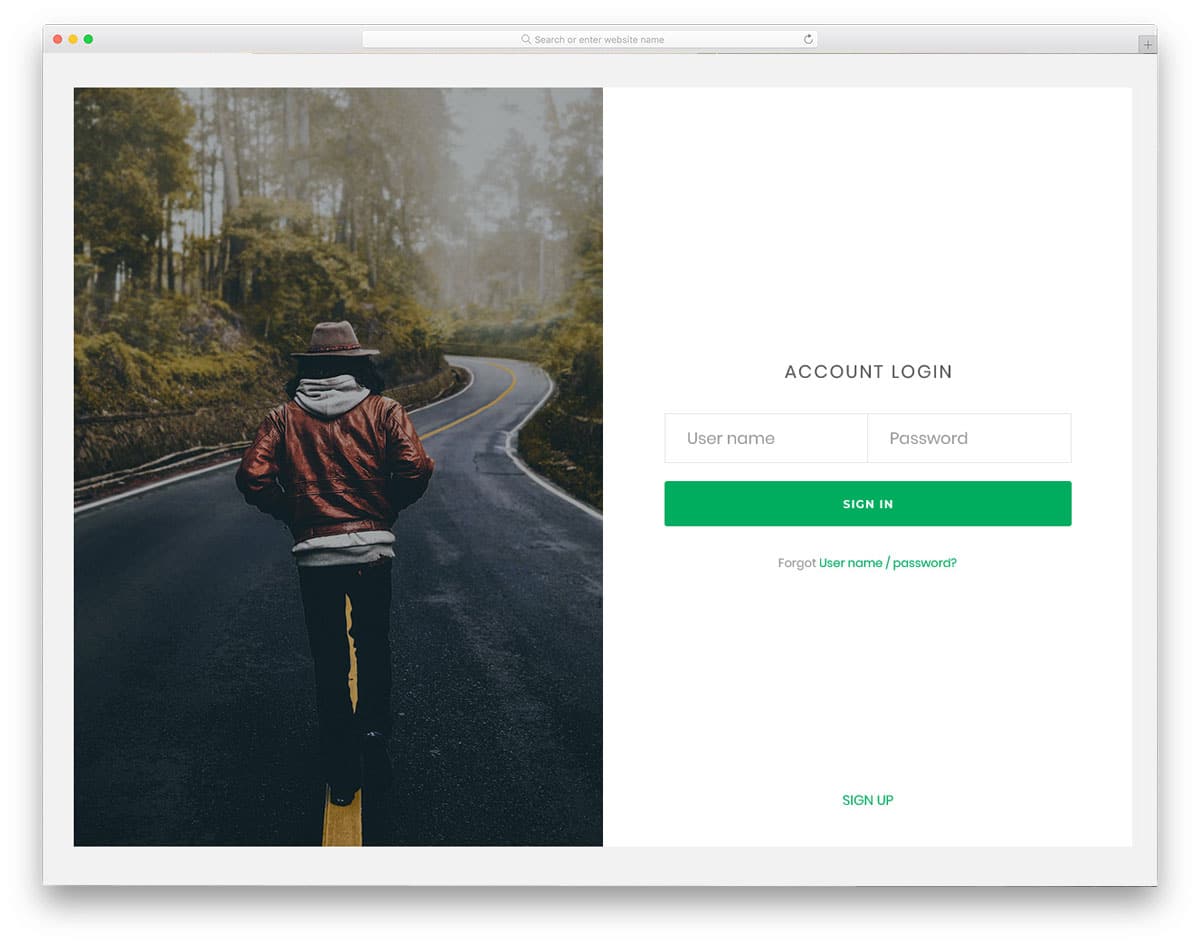
Login Form 17 is a split-screen style login form template, similar to Form 13 mentioned above. Instead of using the entire page this template uses a boxed-width style. The screen is divided equally, allowing images and contact forms to be added freely. The image on the left side can also be used as an image slider, If you are looking for a login form for a photography website template, this style would fit perfectly. On the right side, the login form works well in a single line, visual effects are used to highlight the current field.
Login Form 18

Login Form 18 is a corporate style form. With its neat design and professional color scheme, this template perfectly suits modern corporate website templates. The full-page design of the template is handled effectively through the use of a split-screen layout. Boxy form fields give you more than enough space to display bold text to users neatly and clearly. Animation effects are used effectively to optimize the use of space. Below the login call-to-action buttons, you can add social media login and sign-up options. This well-coded form template can easily be added to a website template or integrated with any other platform.
Login Form 19
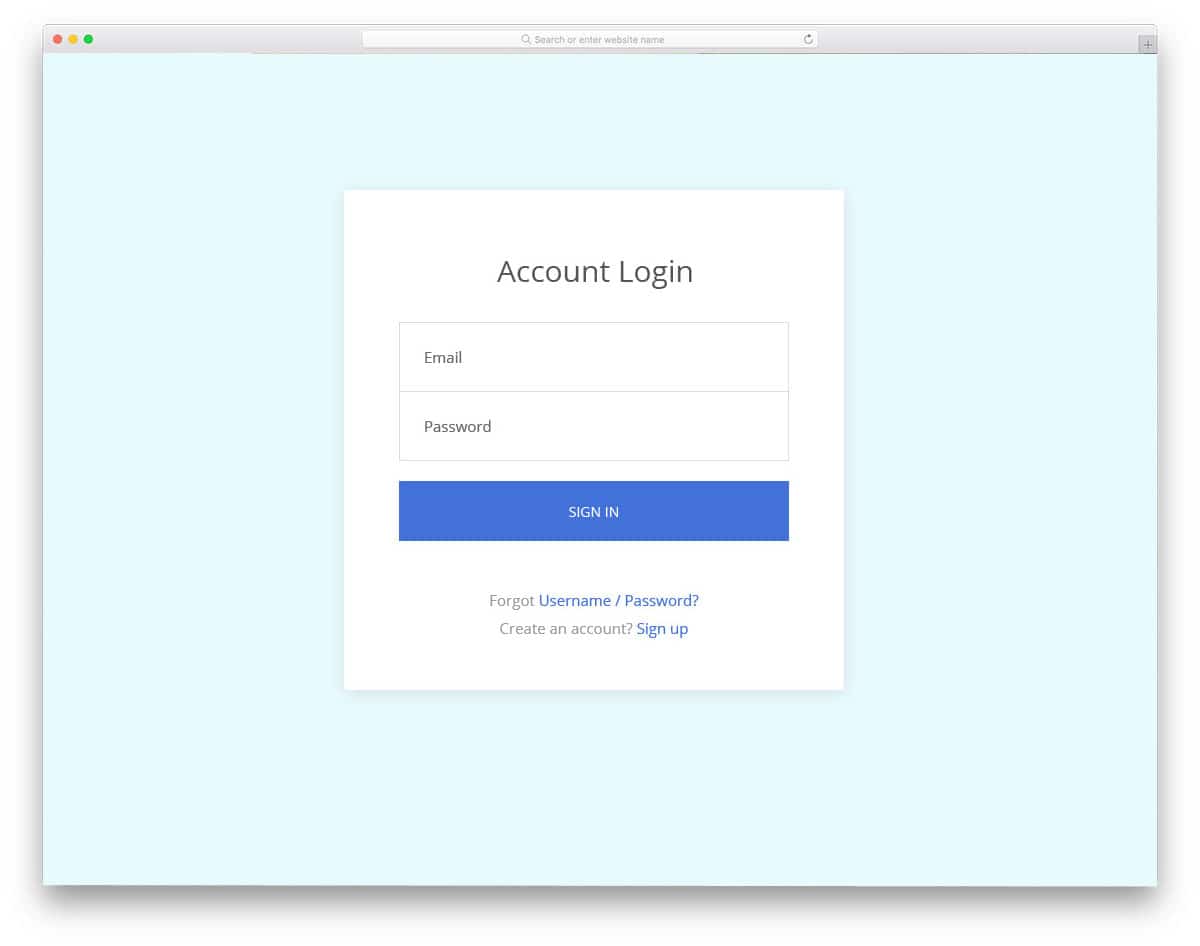
Login Form 19 is a standard login form template featuring all the typical designs and features you would expect in a login form. With a large rectangular form field, this template provides ample space to display text neatly for users. The clockwise field indication animation is smooth and lag-free. Equal space is allocated to texts and fields to create a clean appearance. This form uses the latest HTML5 and CSS3 frameworks, hence developers will find it easy to work with this template.
Login Form 20

Login Form 20 is neat. With this straightforward template, you get a neat-looking form. The username and password fields are placed side by side to fit the form within a single line. If you are using a one-page template you can use this form on your site. The hover effect uses gradient color, similar to the background color scheme. Since this template utilizes the latest CSS3 framework, editing it will be easy. You can include the account recovery feature just below the sign-in form, along with a call-to-action button.
Login Modal
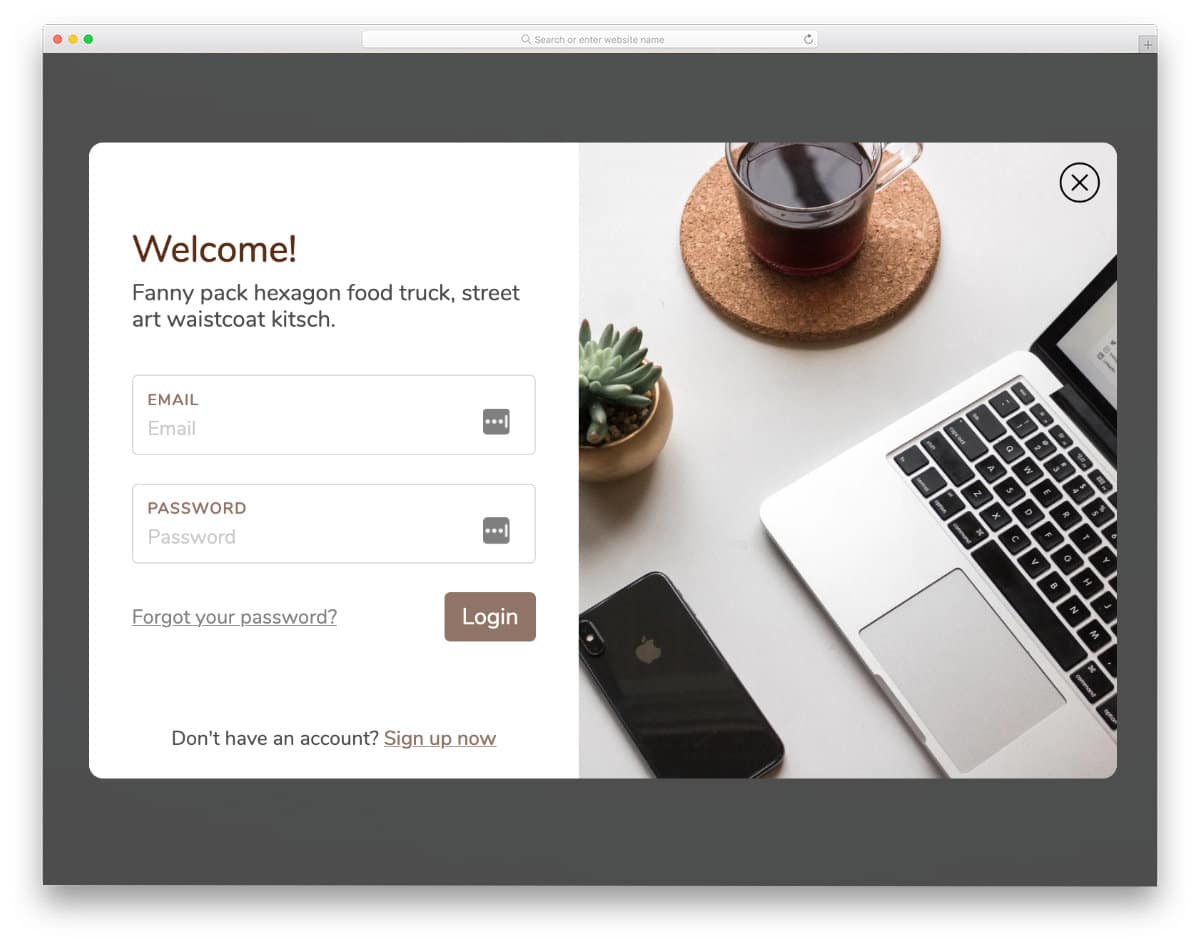
Login Modal is an animated login form design. For the first time, you have to scroll down to access the login form, and after that, you can easily access the login form by clicking a button. The login form entry and exit animations are kept smooth so that the users won’t have any problem accessing the login form. Apart from the animation, the login form is neat and simple. The split-screen design provides ample space to add login forms and images. This code snippet will be handy if you are looking for interactive Bootstrap4 free login forms.
Login Form by Tony Banik

This is an interactive login form design concept. The creator has played with hover effects in this design. Smooth and swift animation effects deliver the surprise element perfectly to users. Since the whole design is based on the desktop interface, you must recalibrate the mobile device design. The creator has primarily used CSS3 in this design; therefore, you can easily apply this concept to your existing design. Plus, handling this lightweight code will be easy for the developers.
Snake Highlight
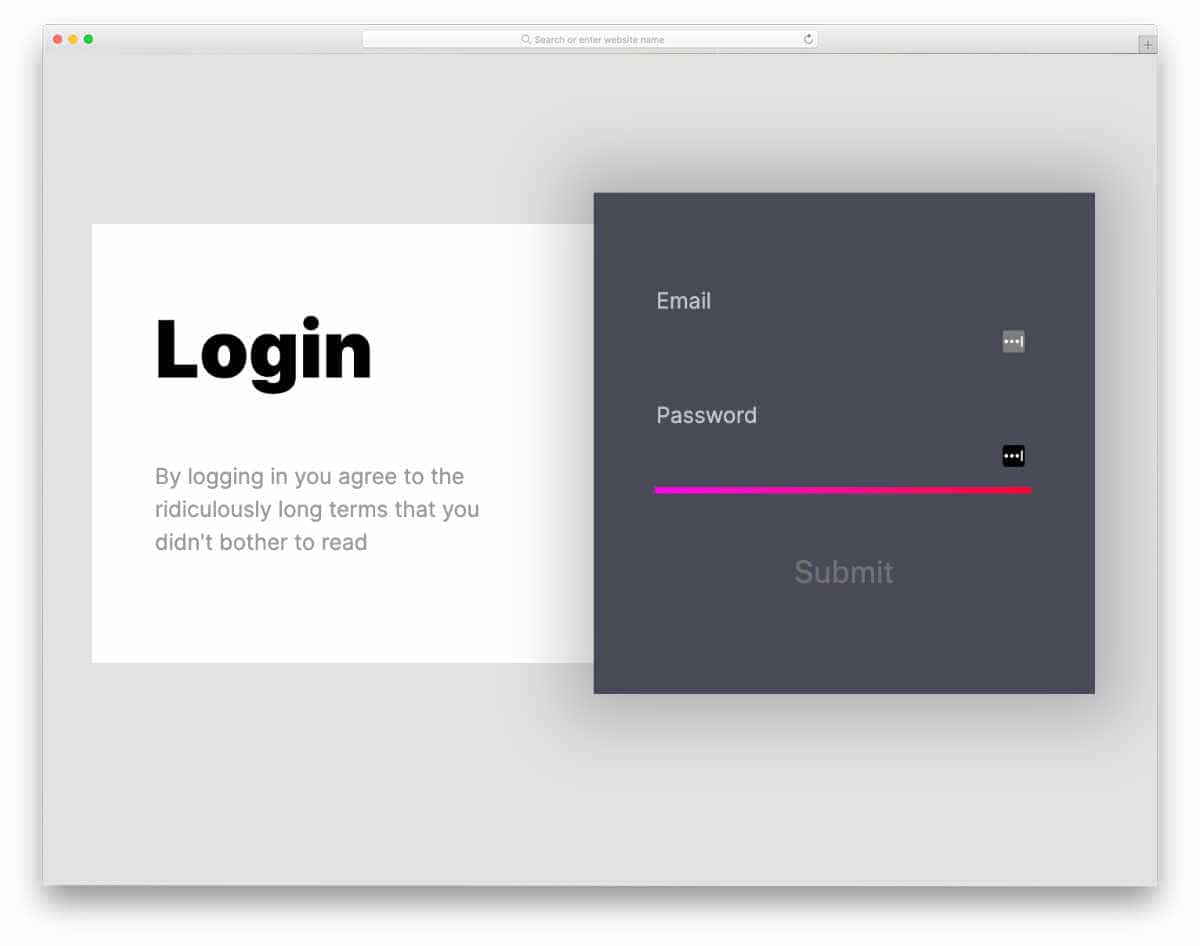
Snake highlight design is another concept in interactive login form design. In this example, the creator has used animation effects on the form fields. As the name implies, the retro snake game-like concept highlights the form fields. Due to its simple and neat design, this login form can be used on all websites. Plus, you don’t have to calibrate the entire design for the mobile version. Since this template uses the latest web development script, incorporating the code in your design and fine-tuning will be easy.
Responsive Signup/Login form
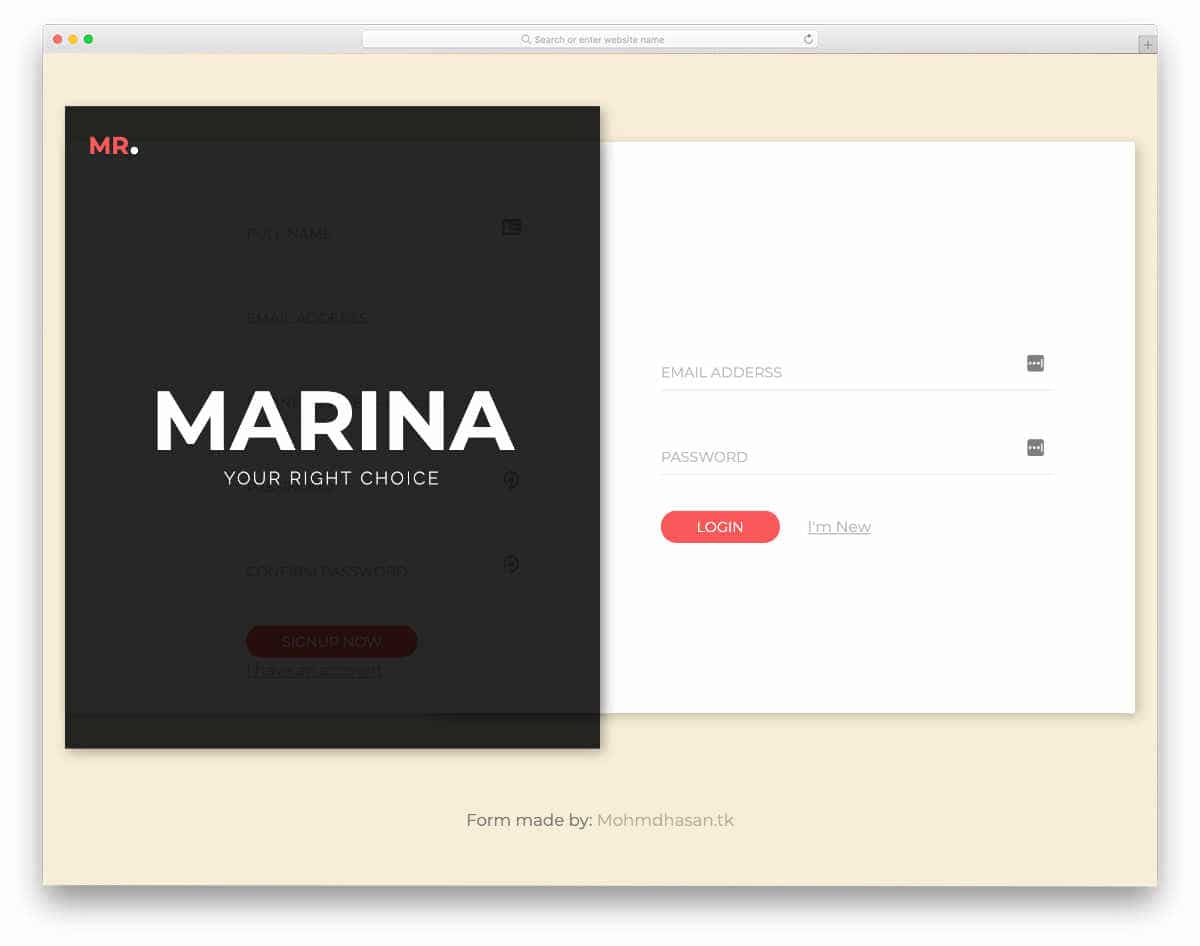
Like a few other free login forms in this collection, this one also has logins and sign up forms. The creator has used an elastic car-switching animation when you switch between the forms. Smartly calibrated animation effects allow the user to fully appreciate the flexible nature of the card-switching animation. The entire code script for this design is shared with the CodePen editor. Hence, you can easily edit and visualize the results before using it on your projects.
Material Design Login Form

This material design login form is a mobile-first interface concept. The creator has used simple animation effects to give an engaging user experience. Like the design, the code script is also kept neat and simple. Only a few lines of JavaScript are used in this design, so you needn’t worry about loading issues. Although all elements work perfectly as expected, you should fine-tune the design for even better results. The code script used to make this design is shared with you directly. Hence, it will be easy for the developers to work with this design and customize it.
DailyUI 1 Login Form
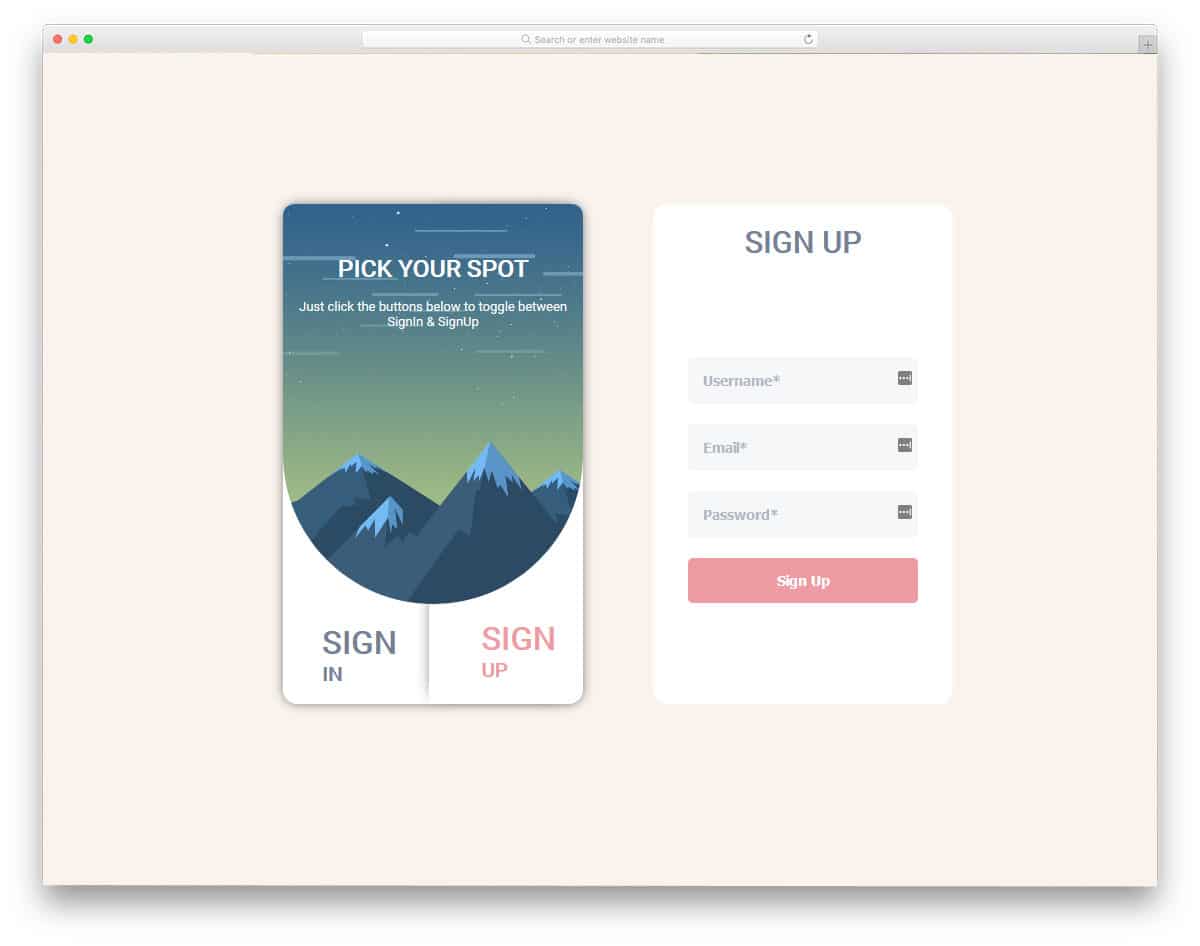
If you search for free login forms with an interactive design for your mobile application, this design might inspire you. Since it is a concept demo, the creator has displayed the selection form and login screen on separate pages. By keeping this concept as a base, you can create a proper login/signup screen for your mobile application. Shadow and depth effects are used effectively to show the selected button. On the welcome screen, you have space to add an image background and text space to clearly instruct the user on what they need to do. The entire code structure used to create this design is shared with you directly to work with this form easily. Apart from a few ergonomic quirks, this login form is one of the best free forms on this list.
Log in/Sign up screen animation

This is a professional-looking login and signup mobile application screen. The long screen design gives ample space to neatly list all form fields and other elements within the given space. Instead of using a checkbox for the “keep me logged in” option, the creator has used a toggle button, which offers a more natural feel than a checkbox. This login/signup form becomes one of the best free login forms for mobile applications and websites with attention to detail. For more interactive toggle animation, look at our CSS toggle design collection.
In the default design, you can see that the creator has used a slide-in animation when switching between the sign-in and registration forms. Since this design uses the CSS3 script, the animations are sleek, and the user doesn’t have to wait for the next form to appear. Like most free login forms in this list, this one also shares the entire code script with you.
Log in / Sign up

If you like the previous sign-in and registration form design but want more aggressive animation, this login form might impress you. The roll-over animation is sleek, and the contents on the form appear quickly, so the users won’t face any issue in using this form. The developer used HTML, CSS3, and a few lines of JavaScript to make this interactive design. Like most free login forms, this one also uses the latest web development framework. As the entire code structure is shared in the CodePen editor, we can trim the code as per our need and visualize it easily. Glow effects are used effectively to differentiate important call-to-action buttons from others. For more eye-catching glow effects, look at our CSS glow effects collection.
Login/Registration Form Transition
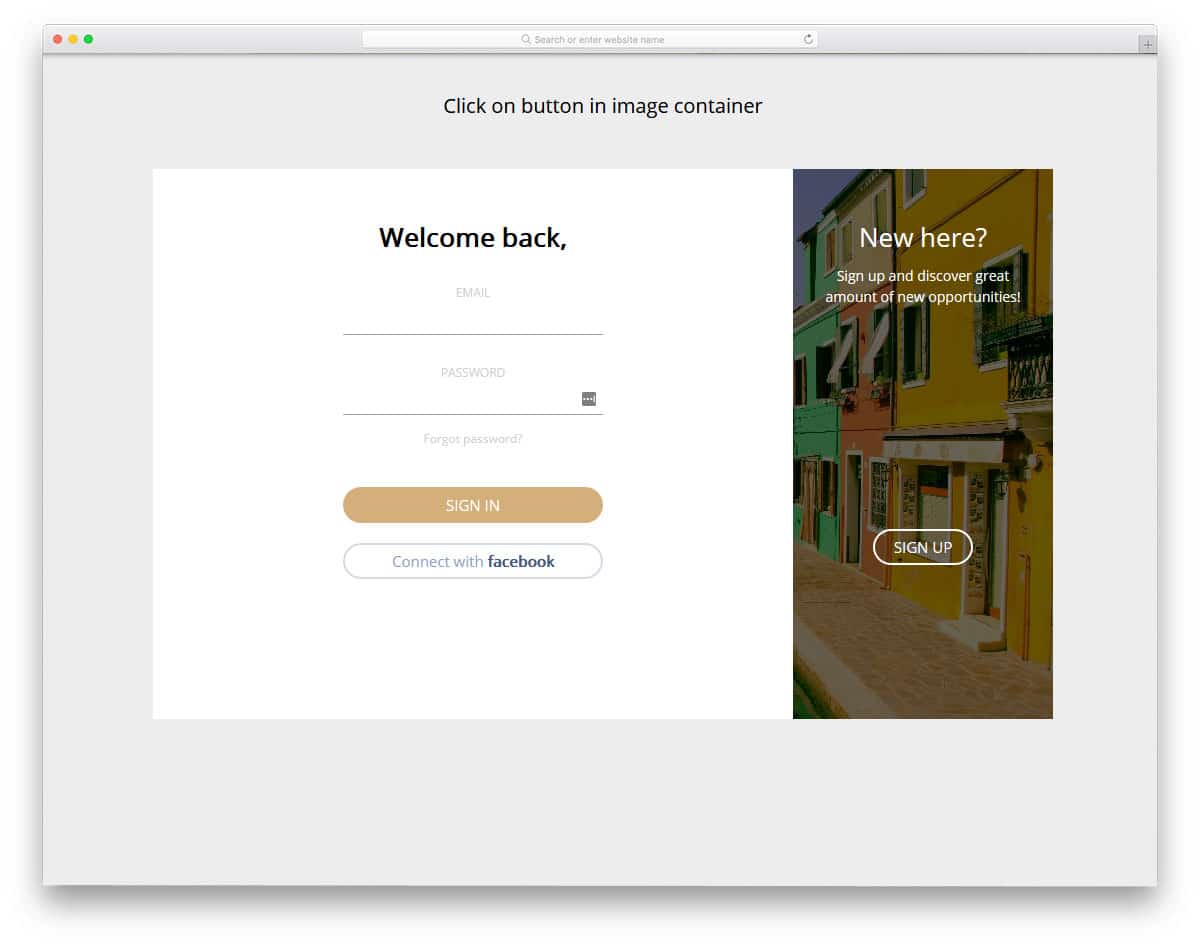
If you’re logging in for a creative startup or a new brand, free login forms like this will be a good choice. The creator has provided you with ample space to add both form and text content using the split-screen style design. The split-screen format is effectively paired with a smooth transition effect, allowing for easy switching between the login and signup forms. Though it is a concept design, this template has a professional look. If you’re looking for free login forms with a pixel-perfect design, this template will impress you. You can use this form directly on your website by making cosmetic changes.
Day 001 Login Form
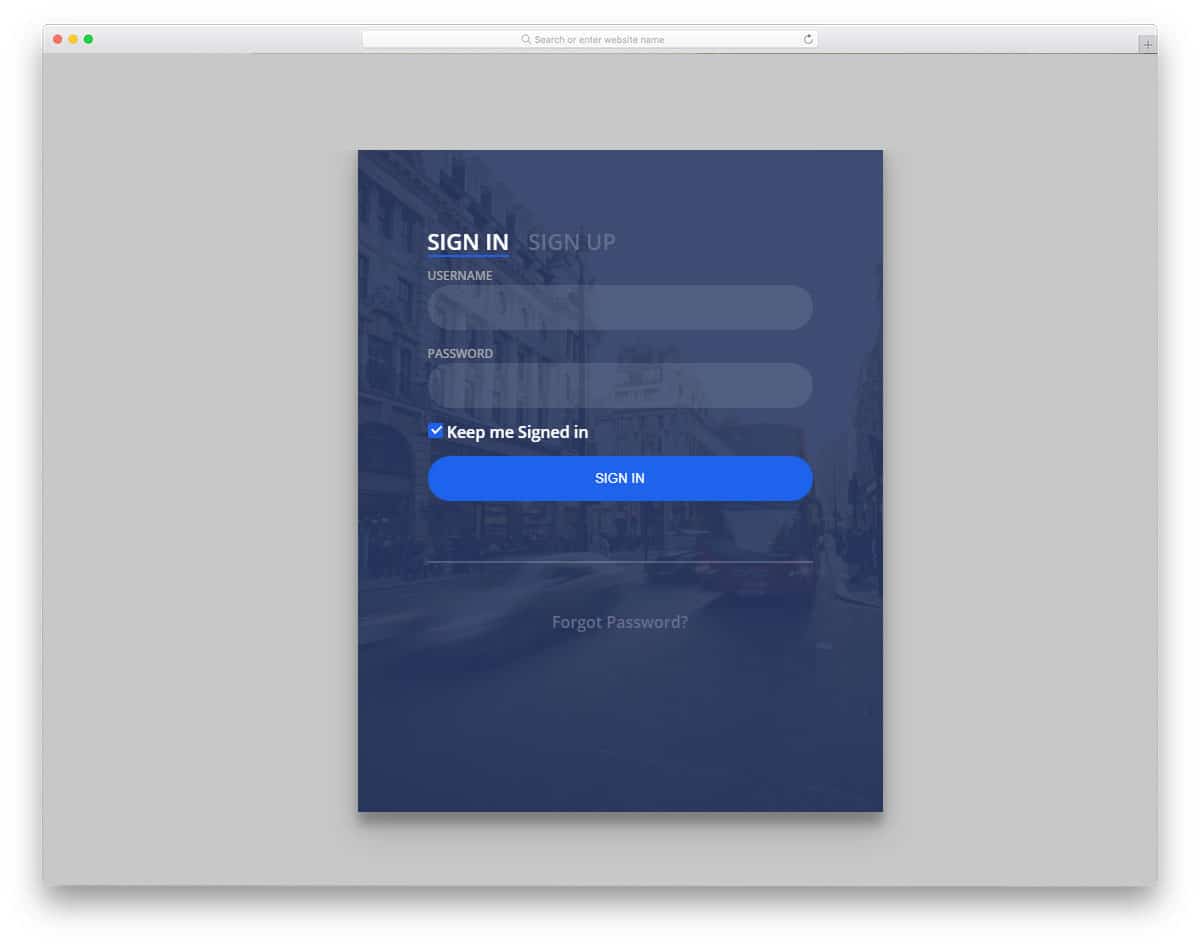
Day 001 login form is designed for travel agencies and hotels. As most users prefer online registration, allowing them to maintain an account in your service will enable them to easily book a ticket or reserve a table. Another biggest advantage of this method is giving special offers to your loyal customers. Inform users about the latest plans and offers available to them. This login form gives you the option to add an image background. This option will be useful, as images are used extensively in hotels and travel agencies to let users feel the places. They sign in, and signup options are shown directly at the top, allowing them to switch between the forms as needed. Flipping animations are sleek and quick, so users won’t lag using the form.
Modal Login Form
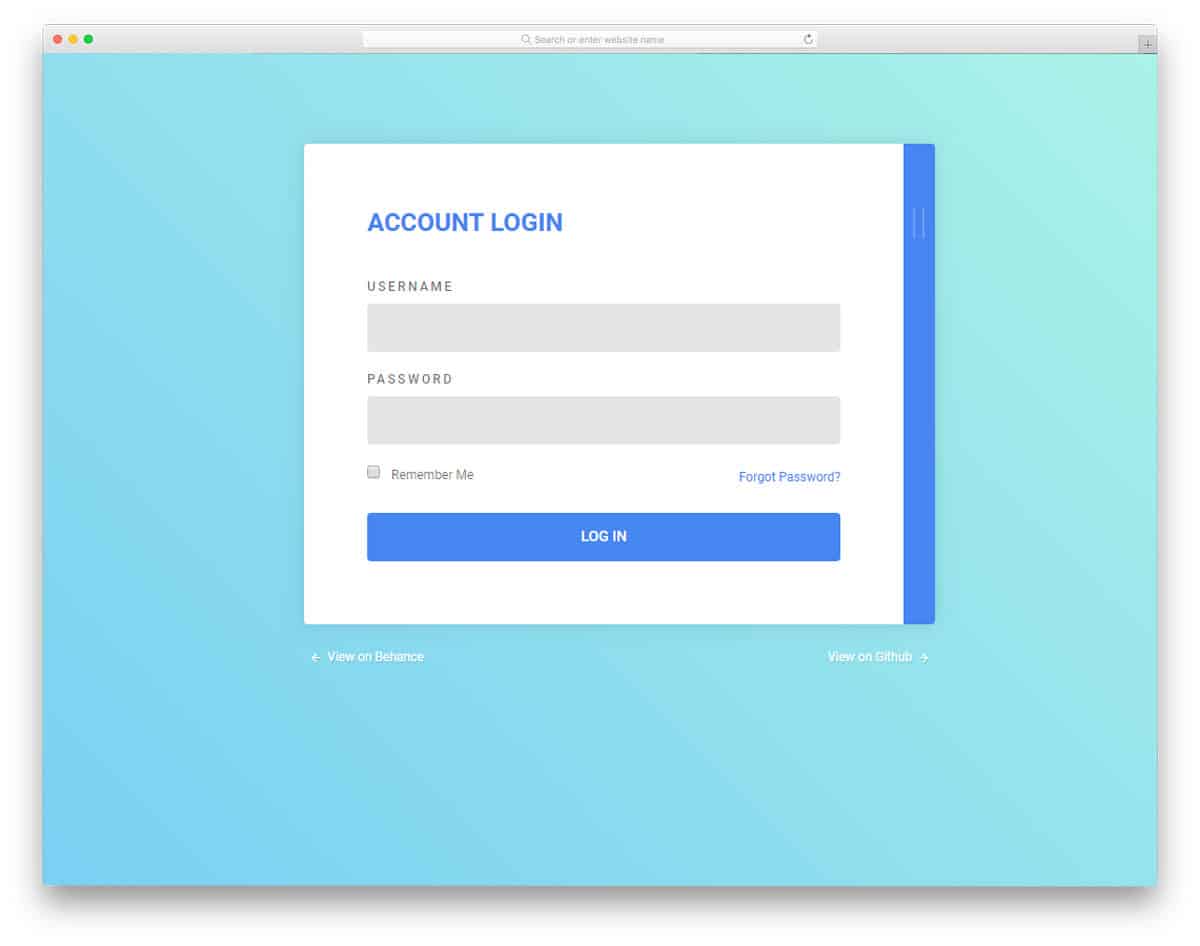
Material Design provides us with numerous creative ideas, and most importantly, the fluid, interactive feel remains consistent across all types of devices. The designer of this template has used a horizontal animation effect to bundle both the sign-in and registration form. This innovative form will easily integrate if you create a form for a photography or other creative website. Due to the polished and smooth animation effects, this form can be effectively used in mobile applications. As the registration form cue and the default color scheme are the same, some users may not find the form correctly. Use a sign or words to inform the user about the registration form.
Material Login Form

This inspiring login form template is also from the creator of the Modal login form mentioned above. The bright red color scheme and artistic elements make this form perfect for fast food-related websites and mobile applications. The bouncing animation effects are swift so that the user does not need to wait long for the effect to complete. This template is designed for inspiration, so you don’t have proper fields in the registration form. You can change the form fields in the registration form based on your requirements. Texts are made more prominent, allowing users to easily read the input data. This template uses HTML5, CSS3, and a few lines of JavaScript. As the coding is shared directly with you can easily edit this template.
Signup/Login Form
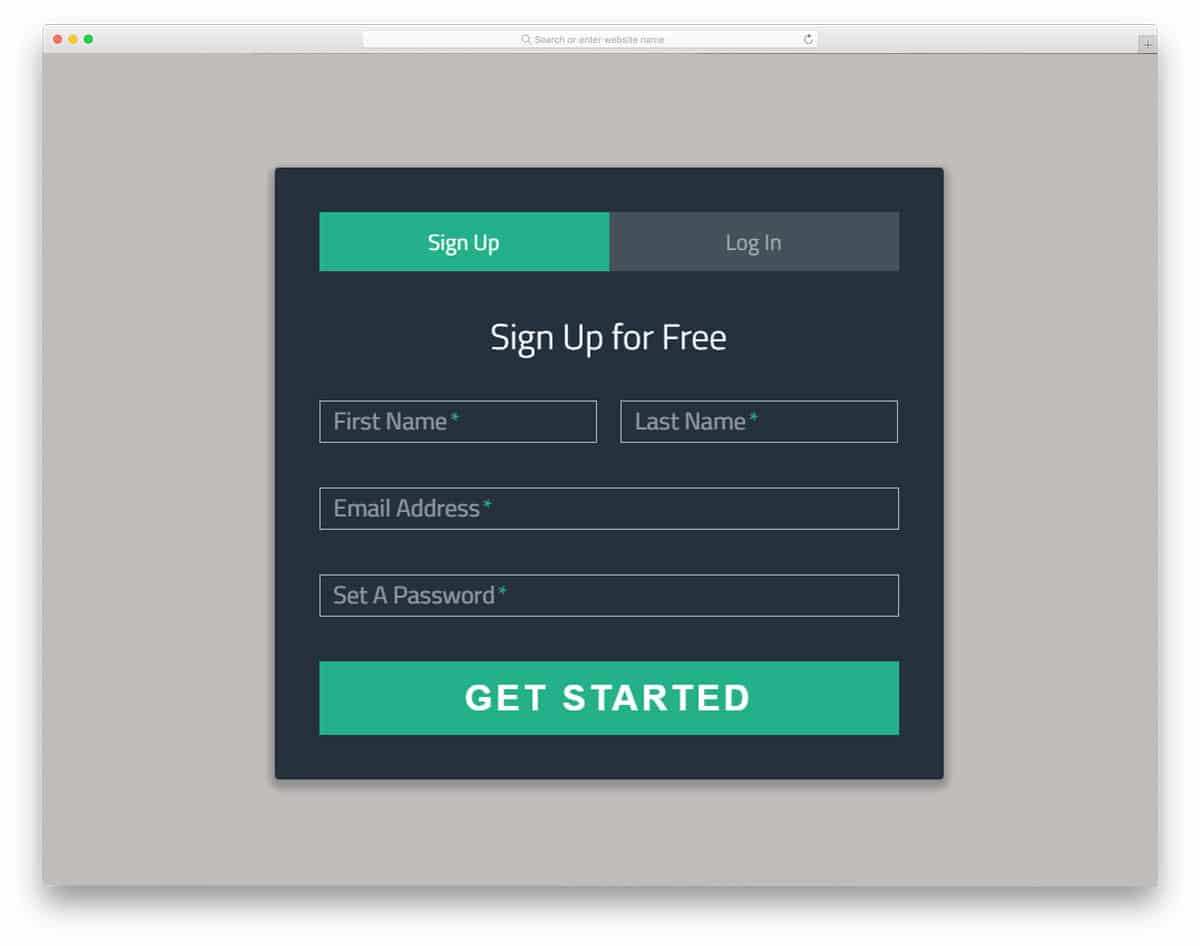
The Signup/Login Form is a professional template that you can use on any business website. The creator of this template has ensured that the primary functions of a form are addressed. So most of your job is reduced with this form. All you have to do is take care of the integration part. Since this template is designed for business purposes, all the visual effects are minimal. The effects are buttery smooth with almost zero lag. Regardless of the device the user is using, this form can be easily interacted with. The form fields are enlarged with bold text to clearly display their input data. Field validation and error notification options are also provided to inform users of any missing information.
Login/Signup Form Animation

If you’re looking for a user-friendly login form for your mobile application, this one will impress you. The designer of this form has given you both login and signup forms. The login and signup forms are placed on the same page. Without taking up much space, you can display both forms on the same page. The animation effect is smooth and fluid, so the user won’t feel any lag. In the demo, you get only a basic outline. You have to work on the feature you want by keeping this as a base. As the developer has shared the entire code with you, customizing it won’t be an issue for a developer.
CSS-Only Accessible Floating Labels

CSS-Only Accessible Floating Labels is a straightforward, colorful login form. You can add text at the top of the login form to include a personalized message. Icons and form field labels indicate the details required in each field. Subtle animation effects are applied to the text fields and call-to-action buttons to enhance the form’s engagement. All effects are implemented entirely using CSS3. Hence, the form won’t be heavy and will perform better on both small-screen devices and computers.
Bootstrap Login Form V10

Most modern login forms allow users to sign in with their email ID or use social media profiles. This free Bootstrap login form clearly shows that users can easily log in using their profiles by placing the supported login options on one side. You can even add an Apple login option by editing the code. Since it is an HTML login form, you can customize the template as required and integrate it into your system without any issues.
Free Bootstrap Login Form V08

The V8 is a trendy-looking free Bootstrap login form. White spaces are used to create a visually appealing experience. Important web elements capture the user’s attention as soon as they land on the site. Therefore, all users will find this login form extremely easy to use on both computers and mobile devices. This login form template uses the modern Bootstrap version, allowing you to easily integrate it into any modern mobile-responsive websites and applications. All elements work smoothly from the front-end side; the only thing you have to do is concentrate on the backend part.
Free Bootstrap Login Form V07
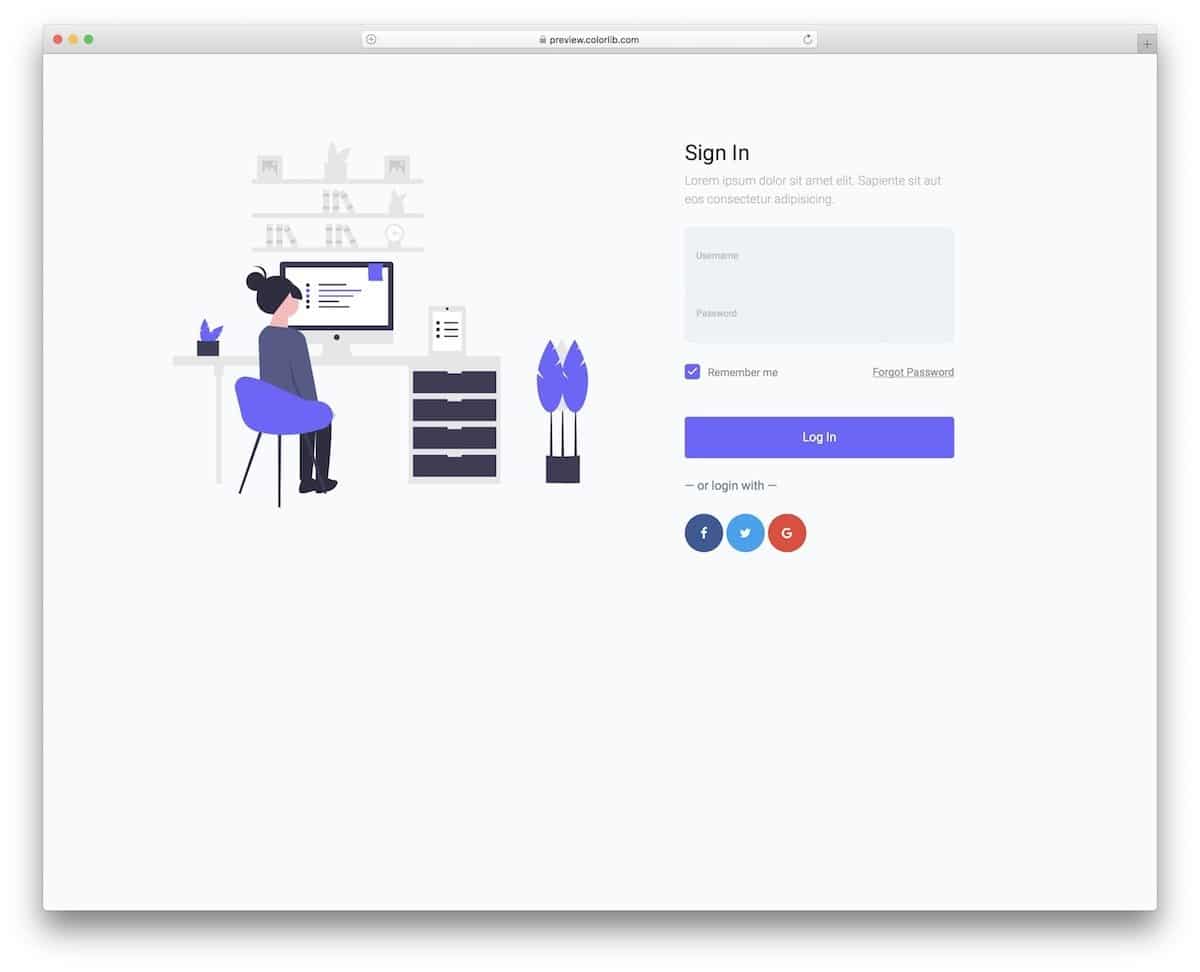
The V7 free bootstrap login form is also from the creators of the V8 template mentioned above. But, you can see that the form design is different from the v8. The single-piece structure enhances the design’s visual aesthetic, allowing users to quickly grasp that this is the area where they want to enter information. A vector graphic is there on the default design; you can add animation to it if you want, or add related images to give a personal touch to the login form.
Sign Up Form (Complementary)

In the above-mentioned free Bootstrap login forms, you can see that many templates give you the option to add a signup link at the bottom. By making a few changes to the same login form design, you can make a registration form. But if you need an instant solution, this signup form template will be very helpful. The form fields in this sign-up form are fully functional. Form field validations are also used in this template to reduce the faulty details. At the bottom, you can switch between the login and sign-up forms.
Login Form with Materializecss
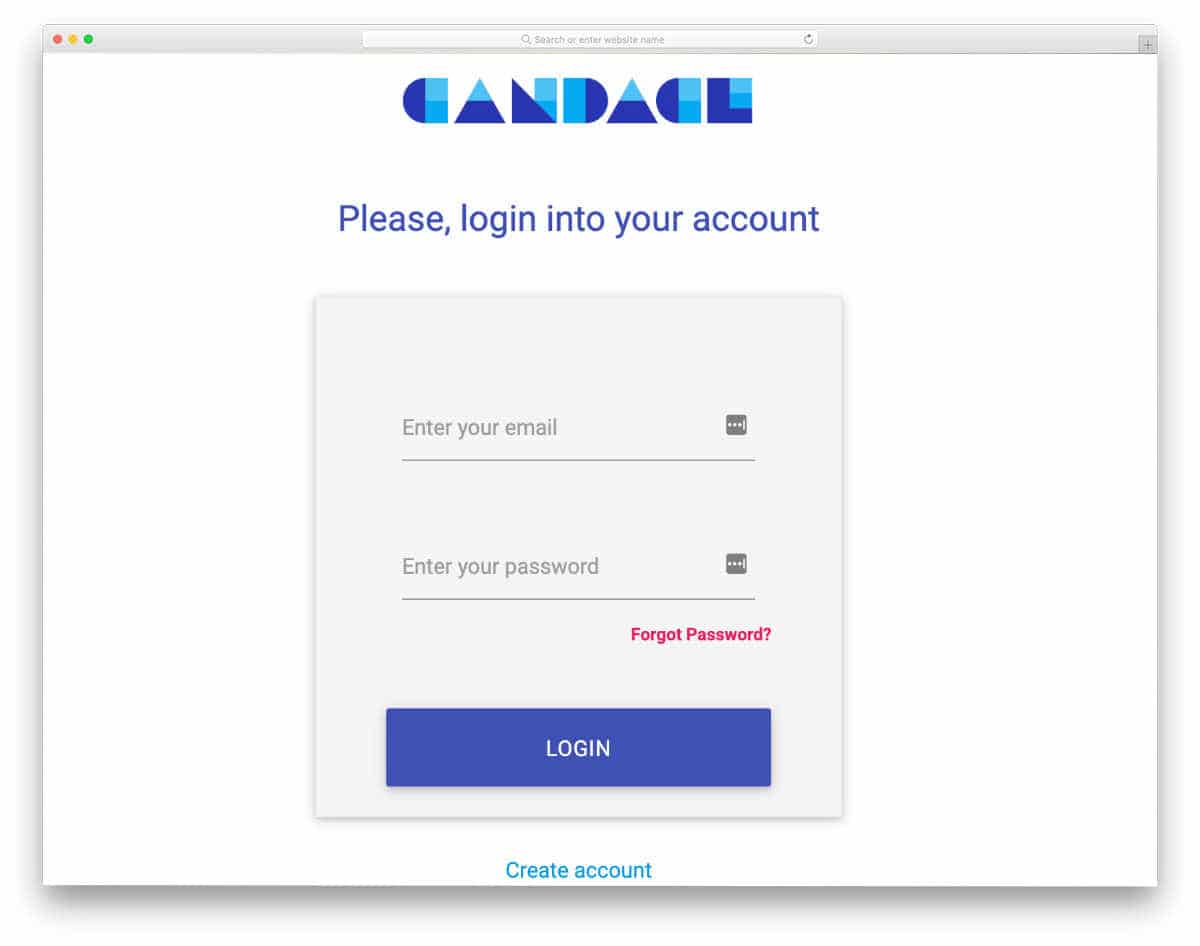
In this example, the creator has also used the material design. The latest HTML5 script effectively gives the form a natural look. Apart from the looks, this template provides form validation for the email address field. A clear message about the error is shown when the user makes a mistake. An ample amount of space is given for improvement. You can add the elements and functions you want. The code structure is also kept simple enough for easier customization. Hence, adding a custom feature will be an easy job for you.
Log In Form CSS 2017
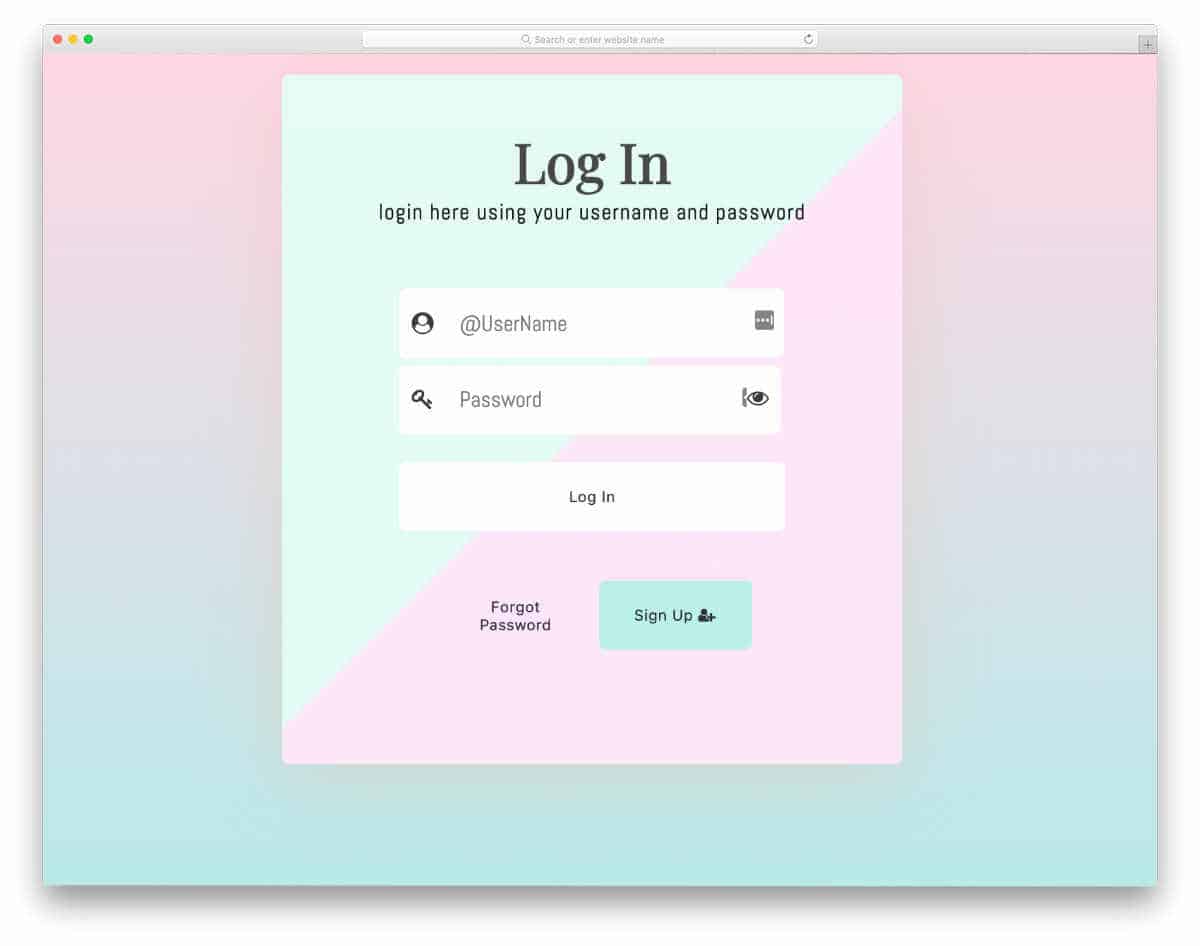
The creator has designed a colorful and elegant-looking login form in this example. Very subtle and neat animation effects are used. Hence, you can fit this design on any part of your website. The call to action buttons are kept very simple, but you can change its design to get user attention. If you want to differentiate the button from others, explore our CSS button design collection. Since this form uses the latest CSS3 script, it can easily handle all modern design elements and animation effects. If you are looking for simple and flexible free Bootstrap login forms, this one might help you.
Animated Login Form
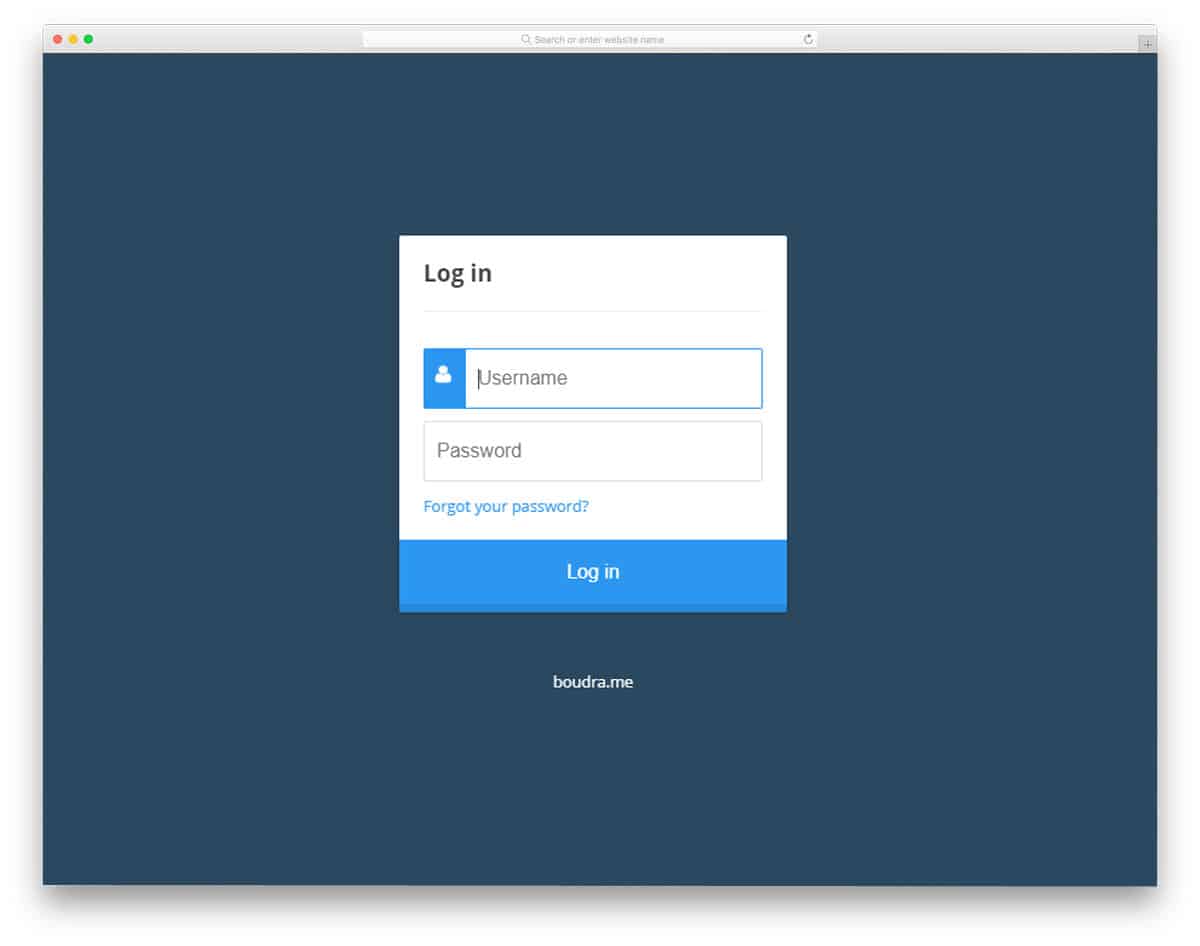
Animated Login form is full of cool effects. If you have only limited space on your website, using forms like this will be effective. Another advantage of using this type of form is that you do not need to leave any features, which makes the user experience much easier. One thing we have to keep in mind while making these types of animation elements is that they shouldn’t take mup uch of the user’s time. In this form itself, you can see the authentication circle loading for more than two seconds, which might be a bit annoying for the users. By making a few customizations, these forms can be used for all types of websites and applications.
Day 1 Login Form
Day 1 login form is the best option for hotel websites and travel websites. This template lets you add a background image to the form. Sign-in and registration forms are presented as tabs. The flipping animation is sleek and quick, so users won’t experience any lag. All the important options for a login form, such as keep signed in and forget password, are included in this template. This beautiful template only misses the field validation feature in the registration form. But it is a small issue, you can fix it yourself. The best thing about this template is that the designer made it purely using HTML5 and CSS3, so you won’t have trouble editing and integrating it into your existing project.
Che Login Form
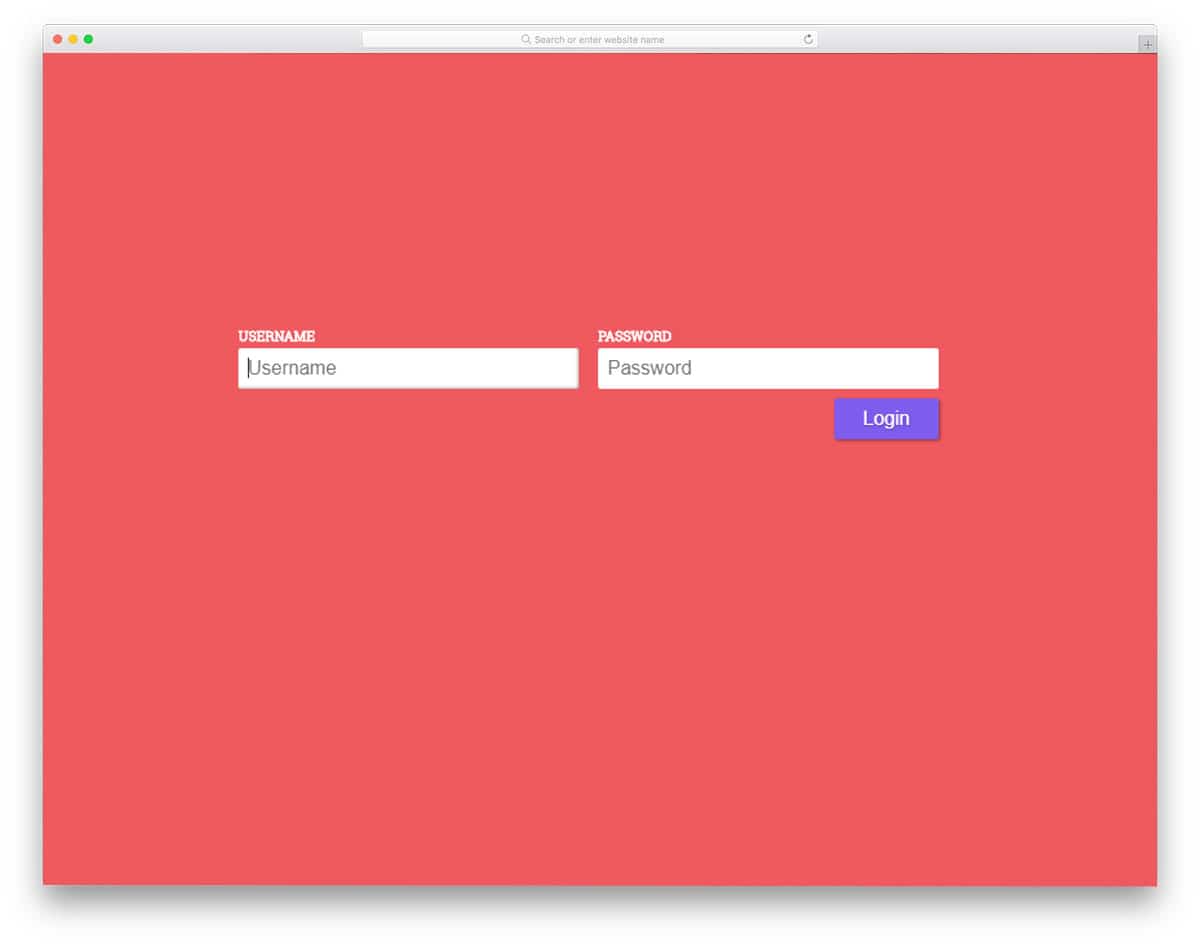
Che is another inspirational login form. Feature- and concept-wise, this template is simple. What makes this form special is the animation effect. Texts are treated as a part of the design in modern web design. If you are making a typography-rich website with creative design, this form design fits in correctly. The demo presents the form on a full page, wasting a lot of screen space. However, you can easily customize it to suit your needs. The code for this form is shared with you directly. Use it however you want based on your project.
