
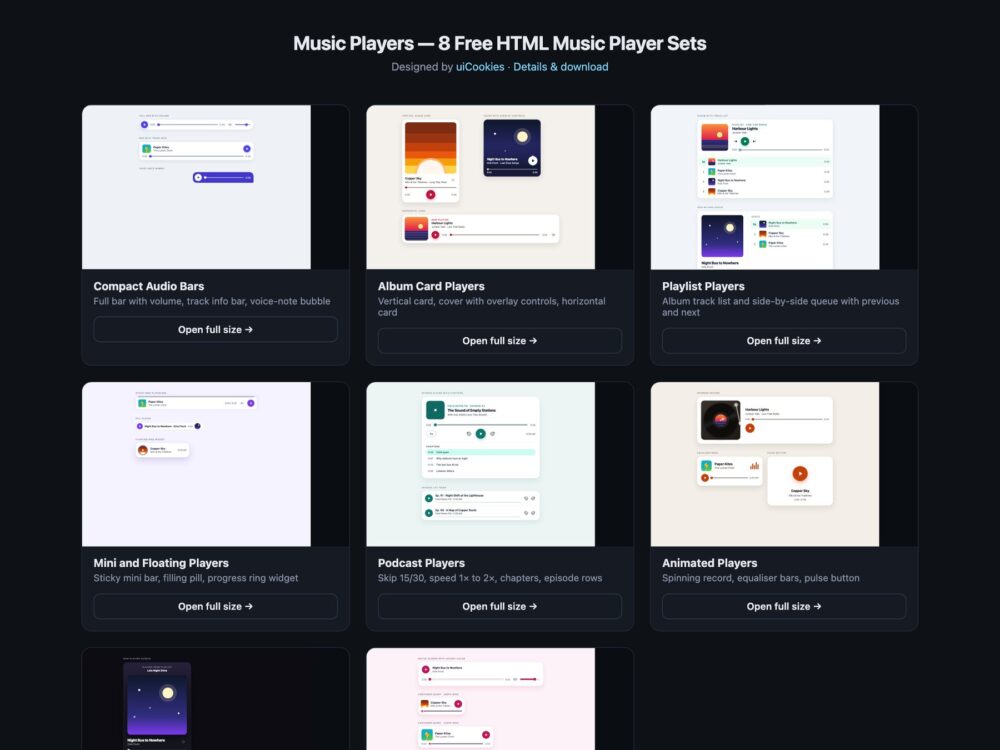
Music Players is a pack of eight sets of HTML audio players, designed and maintained in-house by uiCookies. Every player drives a native audio element with real buttons and range inputs and a few lines of vanilla JavaScript, and every set comes in three versions that look the same: plain CSS, Bootstrap 5 on top of .btn, .card, .form-range and .list-group, and Tailwind CSS 4. The sets run from compact audio bars and album cards to playlists, sticky mini players, a podcast player with chapters and speed control, animated players, a dark streaming-style screen and a set built on container queries. The demos play original audio loops made for the pack, and the cover art is drawn in CSS.
A good music player starts from the audio element, so the browser keeps doing the decoding, buffering and media keys, and only the controls are custom. Play and pause is a real button whose label says what it will do next, the seek bar is a range input that reports its position as text such as 1:05 of 2:30 rather than a bare number, and mute is a toggle with aria-pressed. The seek bar should follow playback smoothly and still answer the arrow keys, only one track should play at a time, and decorative motion such as a turning record or bouncing bars should stop when the sound stops and when the visitor has asked for reduced motion.
Free download Browse live demos All snippets
The sets
1. Compact Audio Player Bars
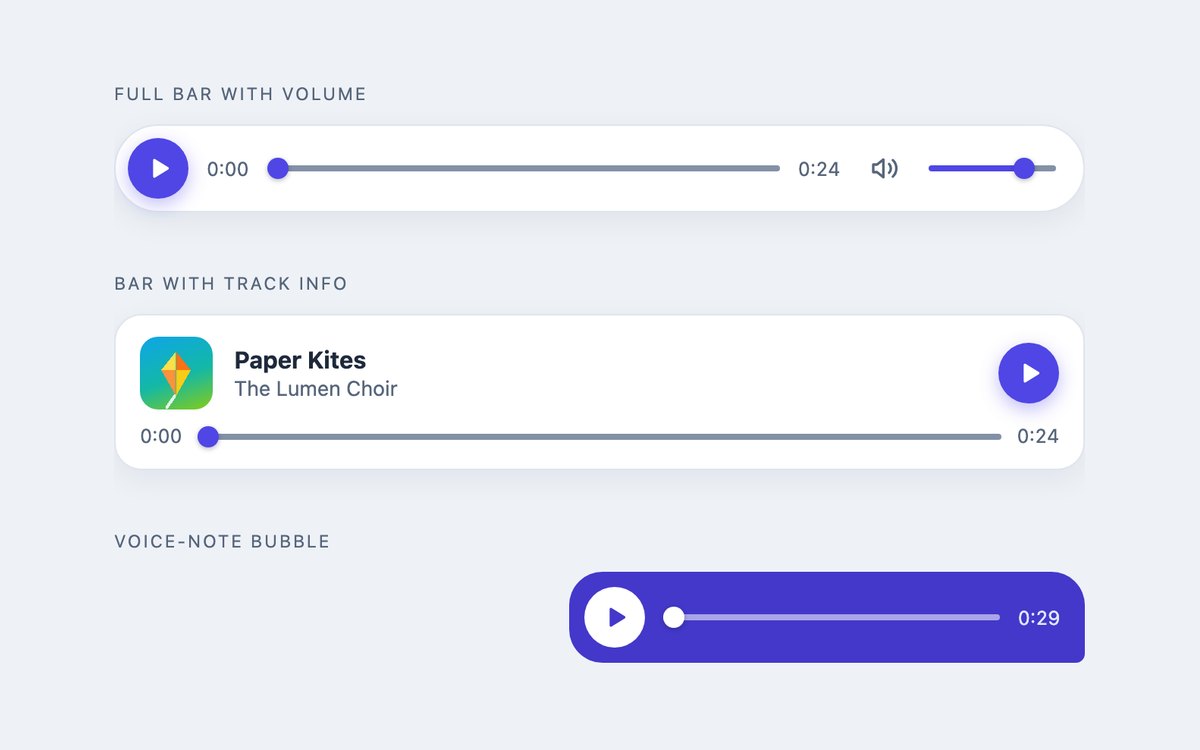
A full audio bar with mute and volume, a bar with cover art and track info, and a chat-style voice-note bubble.
Use them where one track sits inside an article, a product page or a message thread. A –p custom property written by the script paints the seek bar fill.
Live Demo CSS, Bootstrap & Tailwind code
2. Album Card Music Players
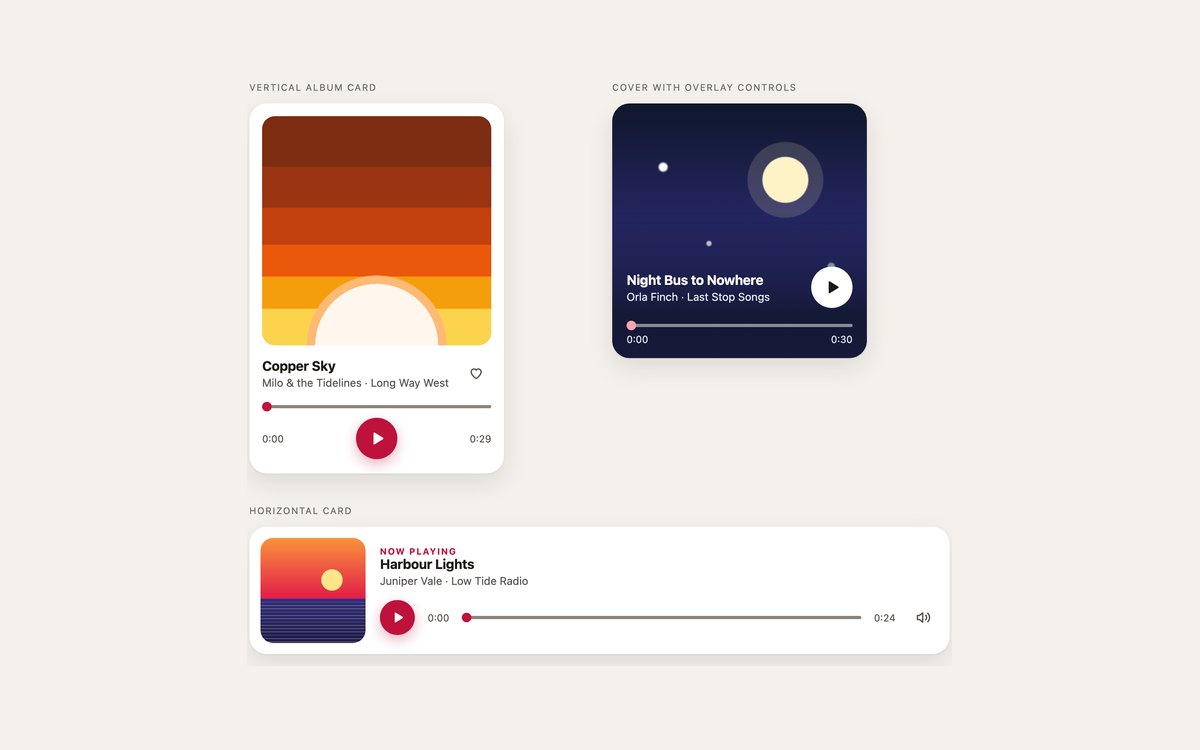
A vertical album card with a like button, a full-bleed cover with overlay controls and a horizontal now-playing card.
Pick these when the artwork matters. The covers are CSS gradients, so swapping in your own art is one background declaration.
Live Demo CSS, Bootstrap & Tailwind code
3. Playlist Music Players
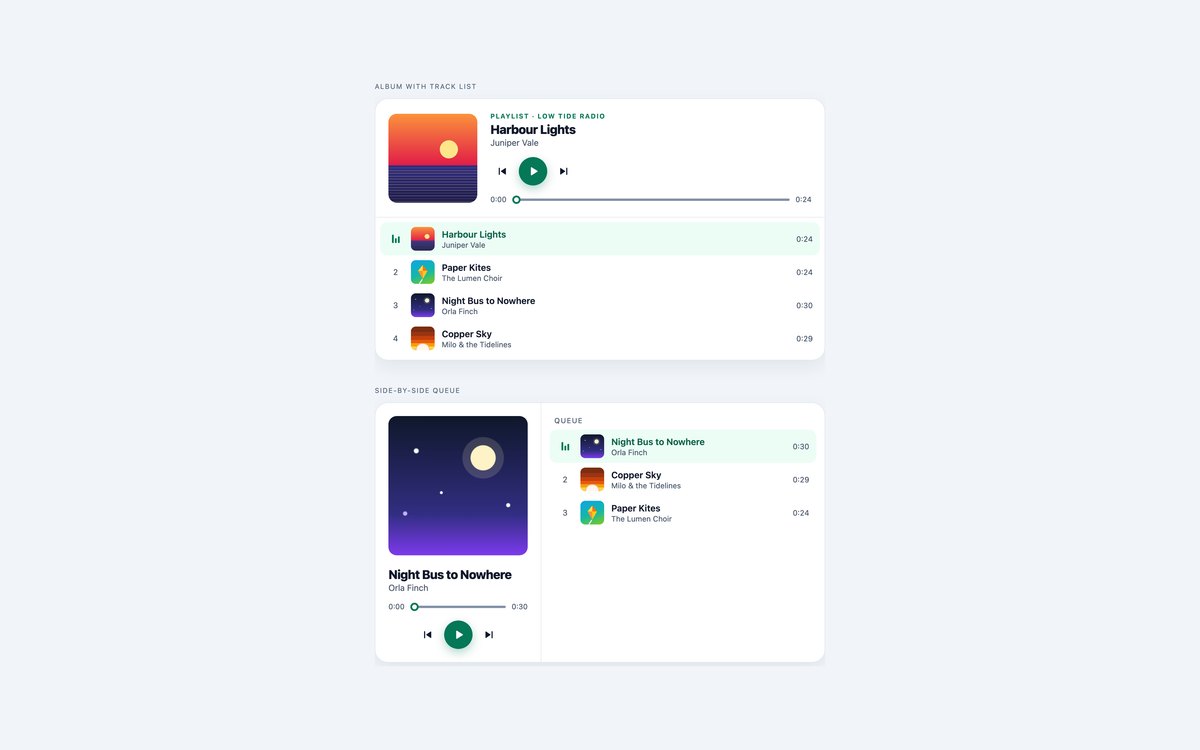
An album player with a numbered track list and a player with a side-by-side queue, both with previous and next buttons.
Each track row is a button with data-src, data-name and data-artist; the current one carries aria-current and the next track starts when one ends.
Live Demo CSS, Bootstrap & Tailwind code
4. Mini and Floating Music Players
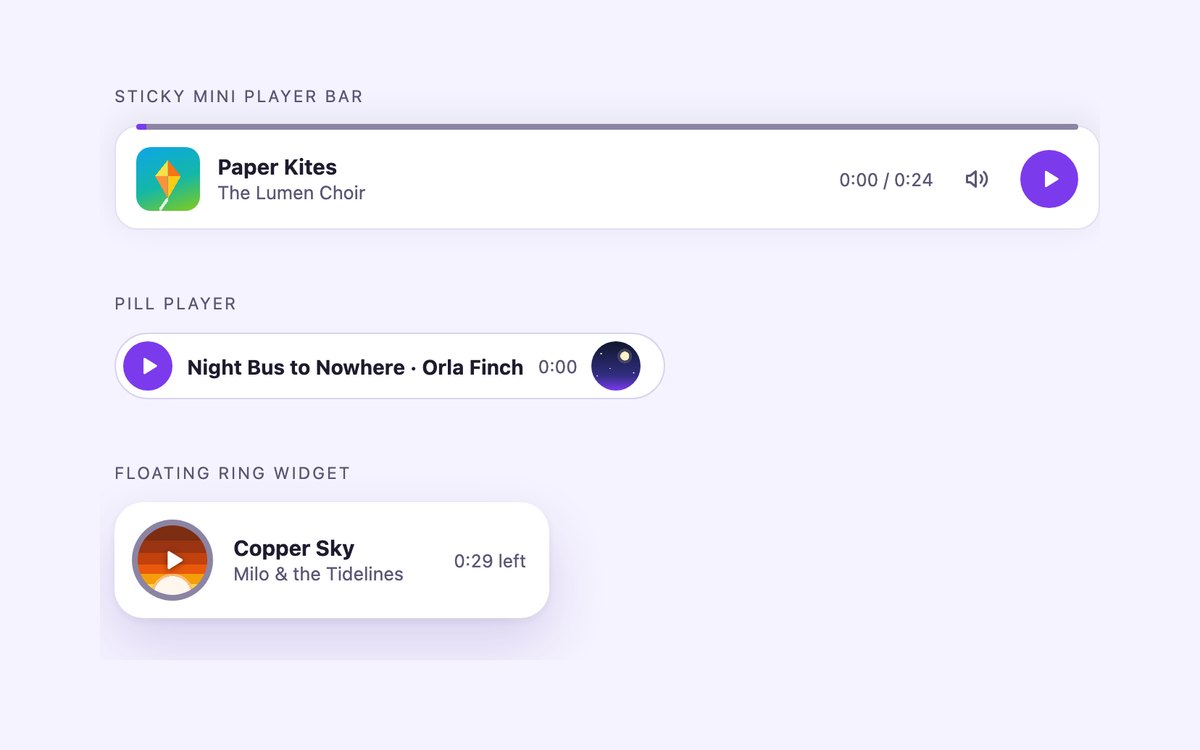
A sticky mini player bar, a pill player whose background fills as it plays and a floating widget with a progress ring.
Use them to keep audio available while people read or browse. The sticky bar docks to the bottom of the viewport with position: sticky.
Live Demo CSS, Bootstrap & Tailwind code
5. Podcast Audio Players
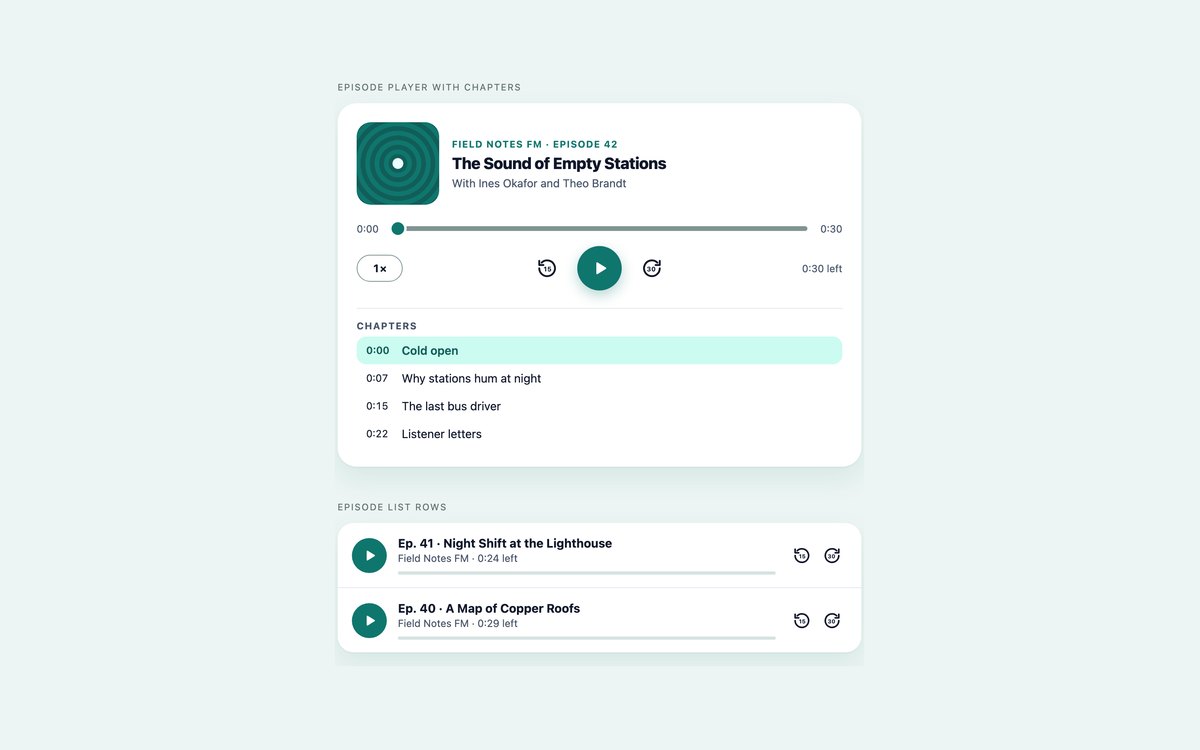
An episode player with skip back 15 seconds, forward 30 seconds, a 1x to 2x speed button and a chapter list, plus episode list rows.
Chapters are buttons with a time in seconds; clicking one seeks there, and the current chapter is marked as playback moves.
Live Demo CSS, Bootstrap & Tailwind code
6. Animated Music Players
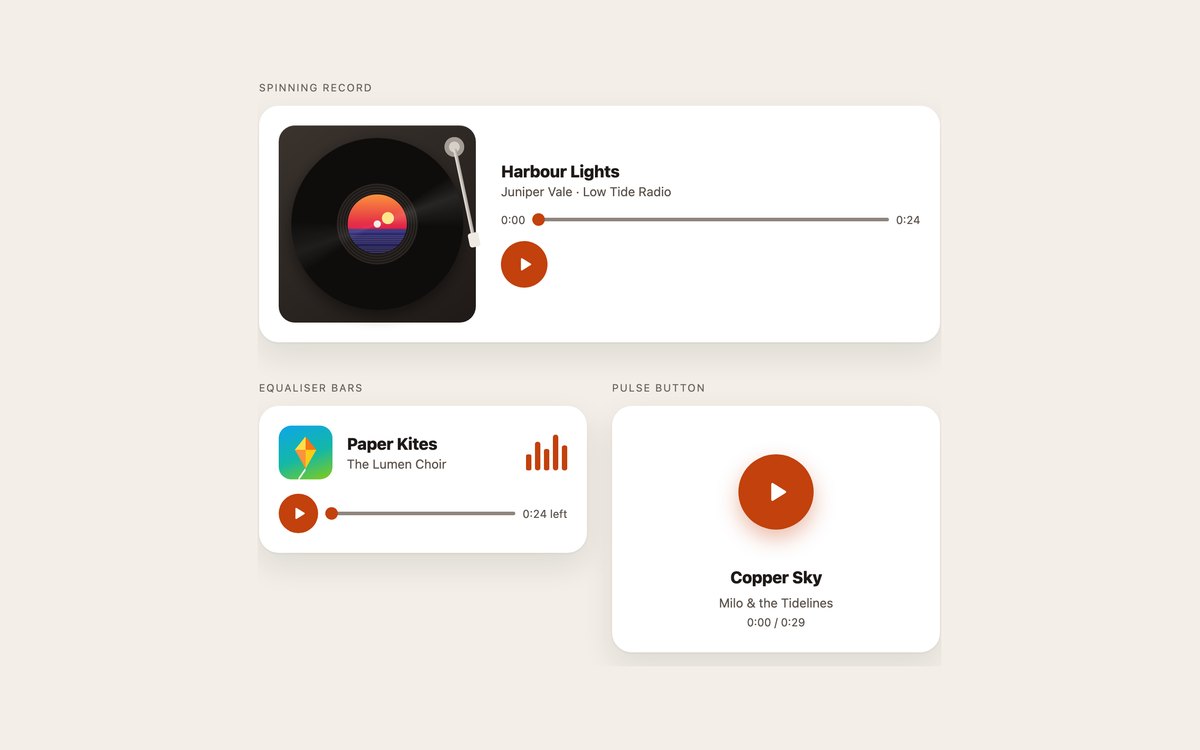
A turntable whose record turns and tonearm swings in, a card with equaliser bars and a play button with rippling rings.
Every animation is tied to playback through a data-playing attribute and is switched off under prefers-reduced-motion.
Live Demo CSS, Bootstrap & Tailwind code
7. Dark Now Playing Players
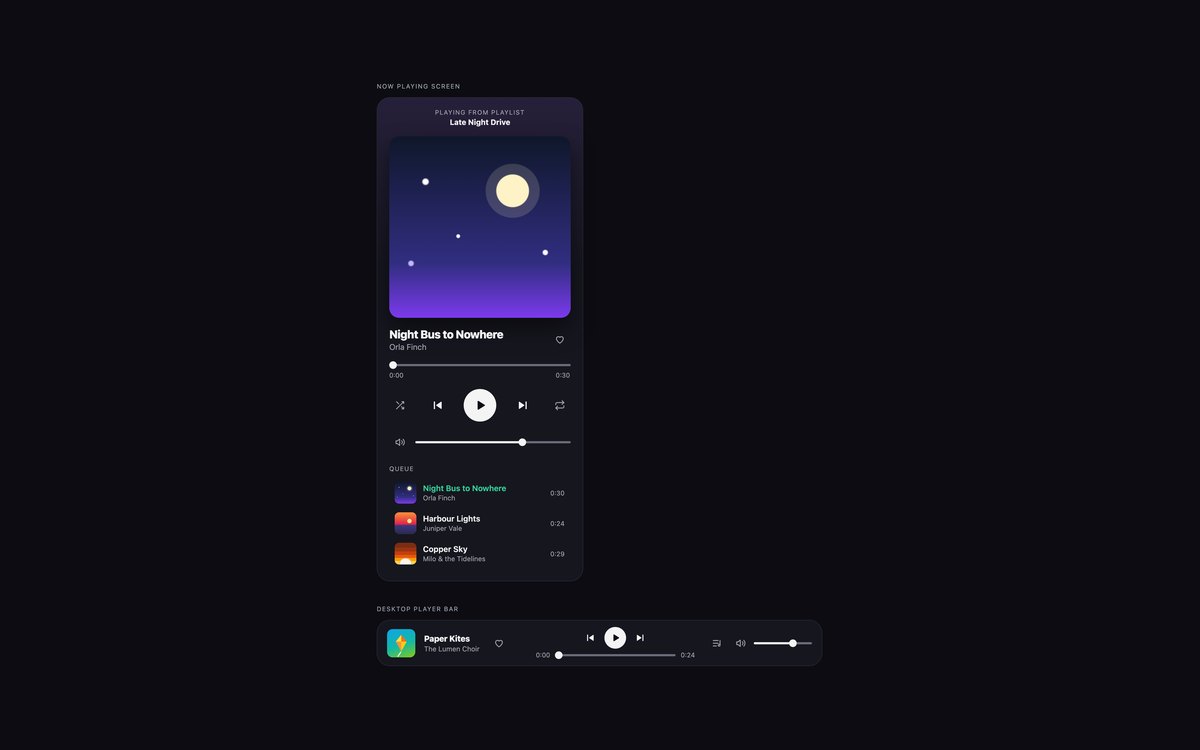
A phone-style now playing screen with shuffle, repeat, volume and a queue, and a desktop player bar with a queue that opens below it.
Built for dark interfaces, with muted text near 7:1 and slider tracks above 3:1 on the card. The Bootstrap version runs under data-bs-theme="dark".
Live Demo CSS, Bootstrap & Tailwind code
8. Modern CSS Music Players
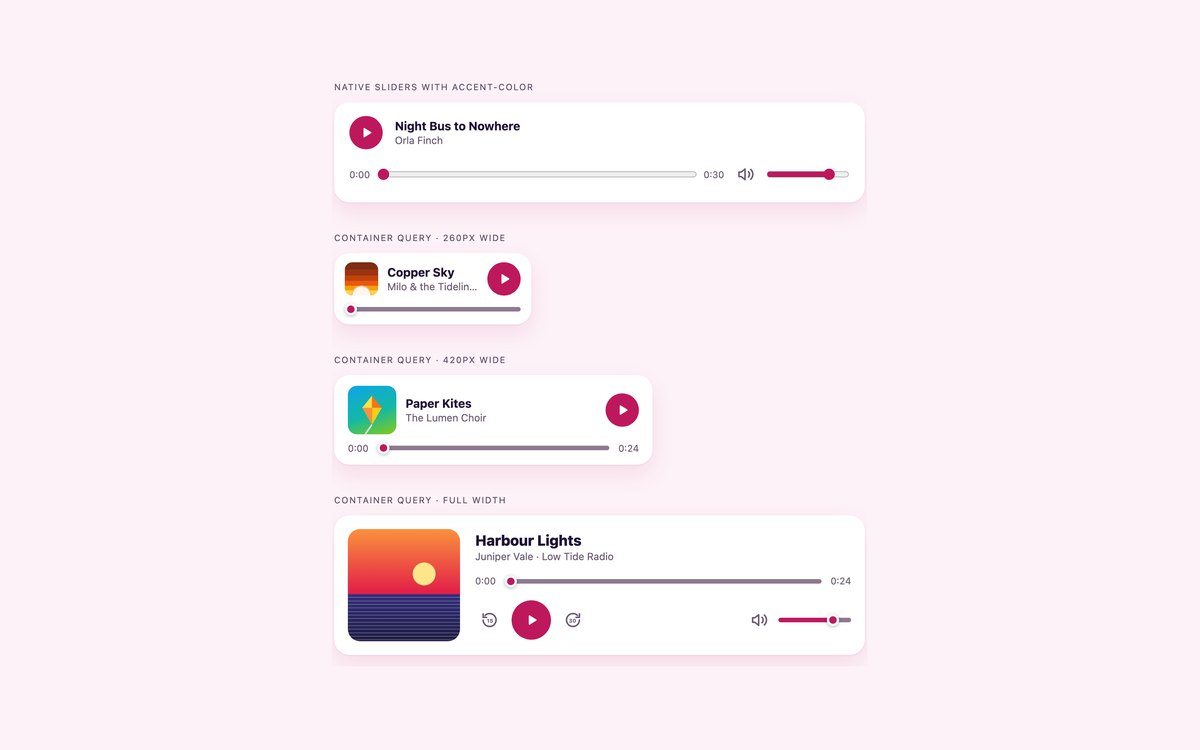
Native sliders coloured with accent-color only, and one player markup that changes layout at three container widths.
The adaptive player uses container queries rather than media queries, so it fits a sidebar, a card or a full-width section without extra classes.
Live Demo CSS, Bootstrap & Tailwind code
Frequently asked questions
Are these music players free to use?
Yes. All eight sets are free for personal and commercial projects under the uiCookies licence. Attribution is optional but always welcome. The demo audio loops were made for the pack, so replace them with your own tracks.
Do the music players need JavaScript?
Yes, a little. The sound comes from a native audio element, but custom play buttons, seek bars and time readouts need a short vanilla JavaScript block to connect them to it. Each set has its own script with no libraries and no dependencies, scoped to that set’s markup so several sets can share a page.
Are the players accessible?
Every control is a real button or range input, so it works with Tab, Enter, Space and the arrow keys. Play buttons change their label between Play and Pause, seek sliders announce text such as 0:05 of 0:24, toggles use aria-pressed and the current track or chapter carries aria-current. Focus is visible on every control, colours meet WCAG 2.1 AA contrast, and animations stop under prefers-reduced-motion.
Which frameworks are covered?
Every set comes as plain HTML and CSS, as Bootstrap 5.3 using .btn, .card, .form-range, .list-group, .btn-group and .progress with a small stylesheet for the rest, and as Tailwind CSS 4 with utility classes and arbitrary variants for the slider parts. The three versions share the same script and look the same.
How do I use my own audio files?
Change the src of the audio element, or the data-src of a track button in the playlist sets, and update the title, artist and the max of the seek slider to match. The real duration replaces the placeholder as soon as the file’s metadata loads, so a slightly wrong placeholder corrects itself. MP3 plays in every current browser.
More music players from the community
Examples by other designers and developers, collected before we built our own set. Each links to its original source.
HTML Audio Player
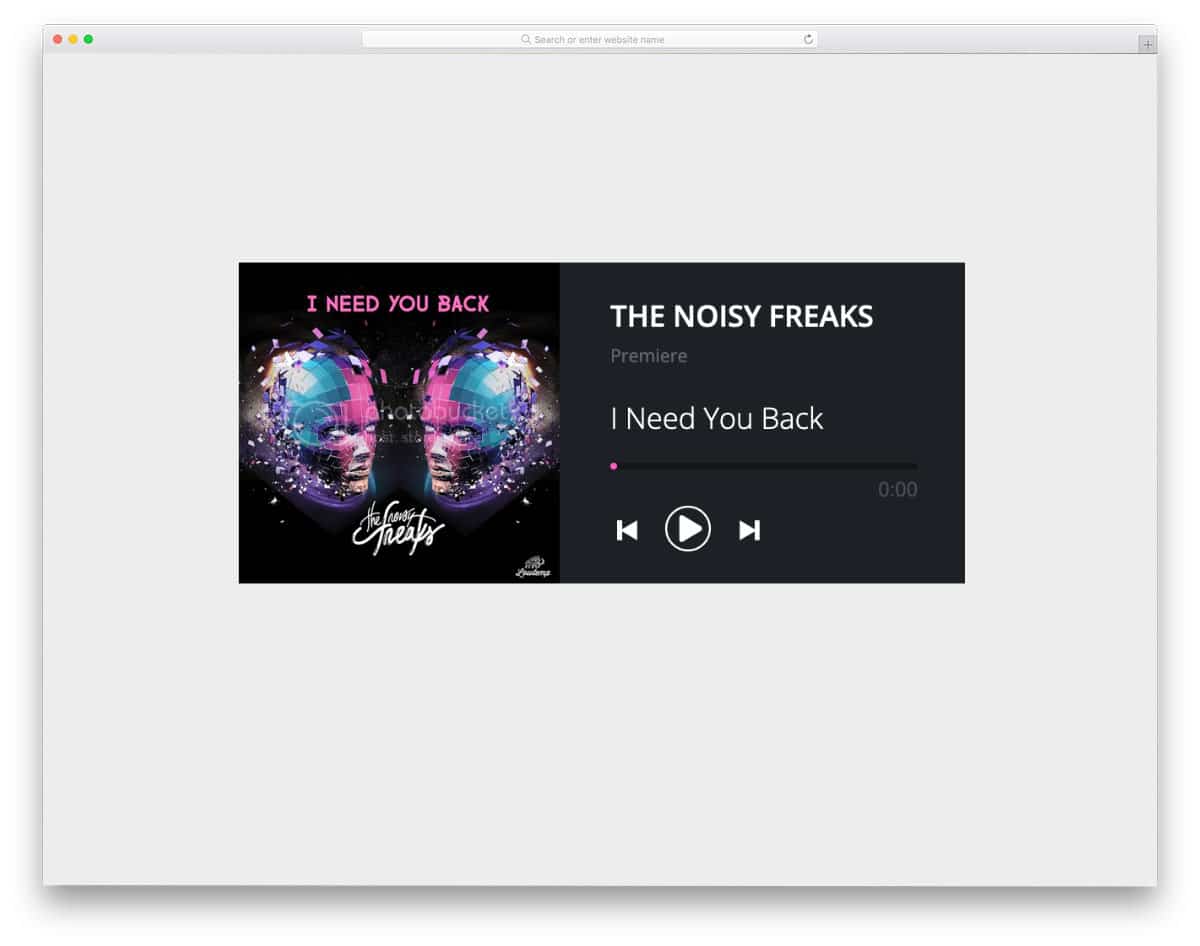
This HTML audio player uses a simple, compact design. You get basic music player functions like the next, previous, and play/pause buttons. The creator has fit the album art smartly inside the audio player using the split design. Users can easily interact with this player because of its familiar layout and straightforward controls. A pink color scheme is used for the buttons and hover actions; you can change it as per your requirements and make it fit neatly into your design. Since this player uses the latest CSS script, it can handle all modern colors without issues.
CSS Record Player

For those looking for a fancy HTML music player design, this example might catch your eye. As the name implies, this one uses a record player design. Buttons and controls are provided, as in a record player, to provide an authentic user experience. Even when you click the play button, the needle drops on the disc and then plays the song. Volume buttons are in the default design, but you have to tweak them to work properly. Another option you must consider before implementing this HTML music player design is the next and previous track option. The CSS Record Player is a fancy concept, and you can create your custom design by keeping it as a base.
Music Player 5
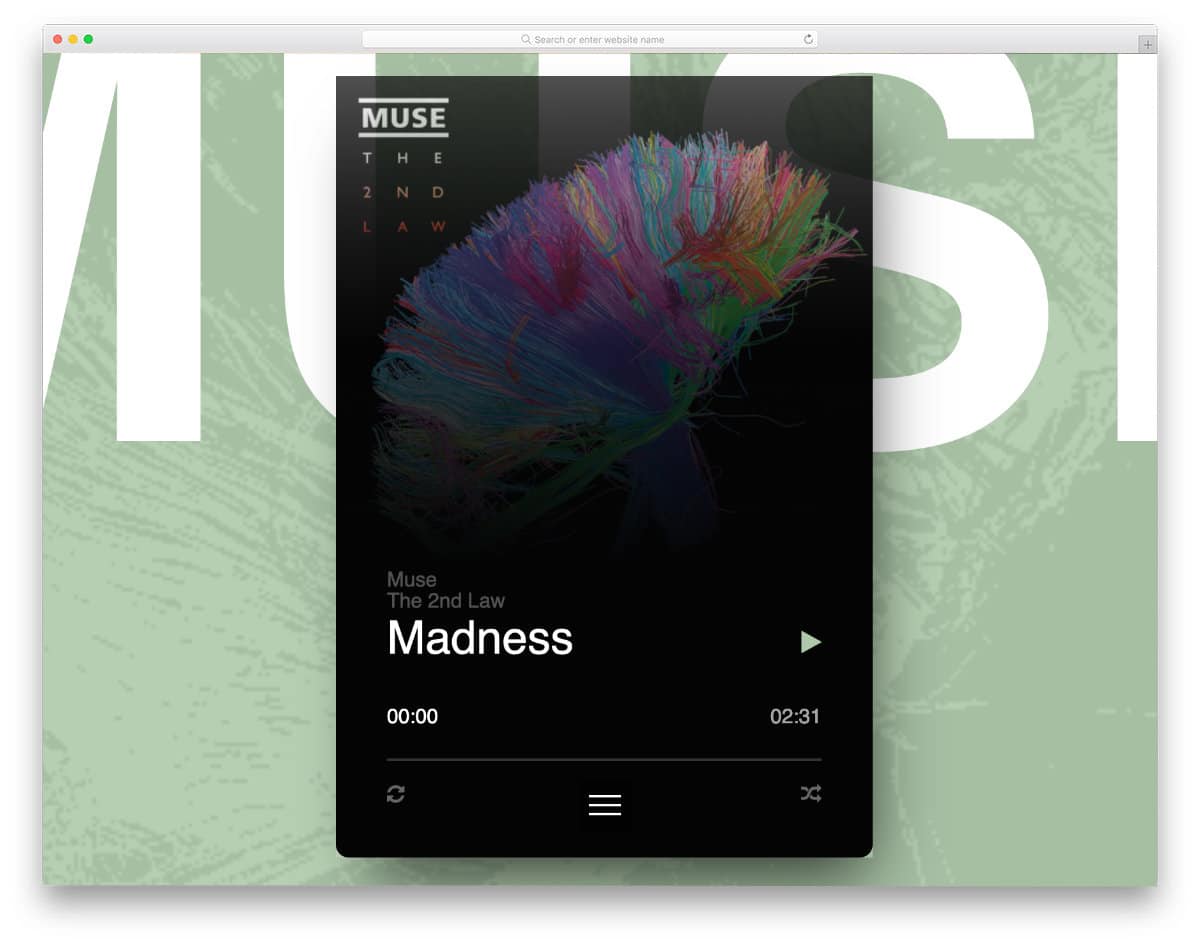
This smart design makes this music player the best option for mobile and computer applications. The album art is treated as part of the design so the user has a more personalized look when they change the song. Users must access the toggle menu at the bottom of the player to change the track. Since it is a concept model, there might be few navigation problems, but you can fix them easily and make a proper music player using this design’s code script.
Music Player

The creator has given us a fully functional music player design. By default, this is a mini-player design so you get a compact design. Using the album art as a background image is a clever design that most users will love. Though it is a mini-player, the creator has given ample space between elements, so interactions will be easy. If you are looking for a fully functional HTML music player code script, this example will be helpful. All the basic options are working in this design, so you can concentrate on the custom features you want and other missing functions.
Mini Music Player

As the name implies, it is also a mini HTML music player design. The creator has aligned all the elements vertically. Shadow and depth effects are used smartly to distinguish important features from the others. In this design, the album art is clearly visible compared to the Music player design mentioned above. This HTML music player also works perfectly, so you can use the code script directly in your design. The entire code script is shared with you in the CodePen editor, so you can easily edit and visualize the results there.
SomaFM Music Player
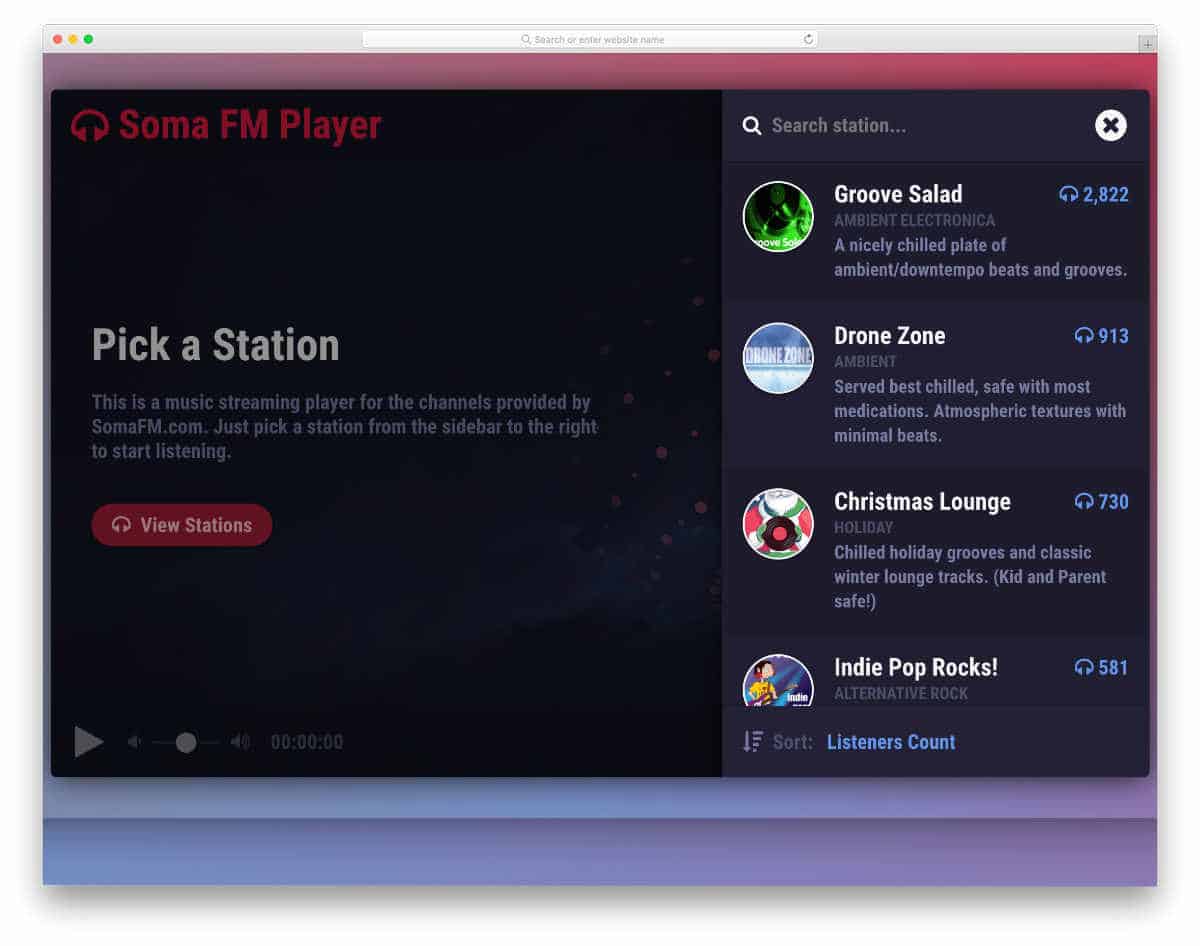
This music player is designed with lots of useful features. In addition to basic music player controls, this HTML music player also features a visualizer animation. Since this player is also designed to listen to FM stations, you can search for and select the station you want. Texts are made bigger and bold so that the audience can easily read the information on it. If you want to give a user-friendly search bar to your users, take a look at our bootstrap search bar example collection.
Interface Animation – Music Player
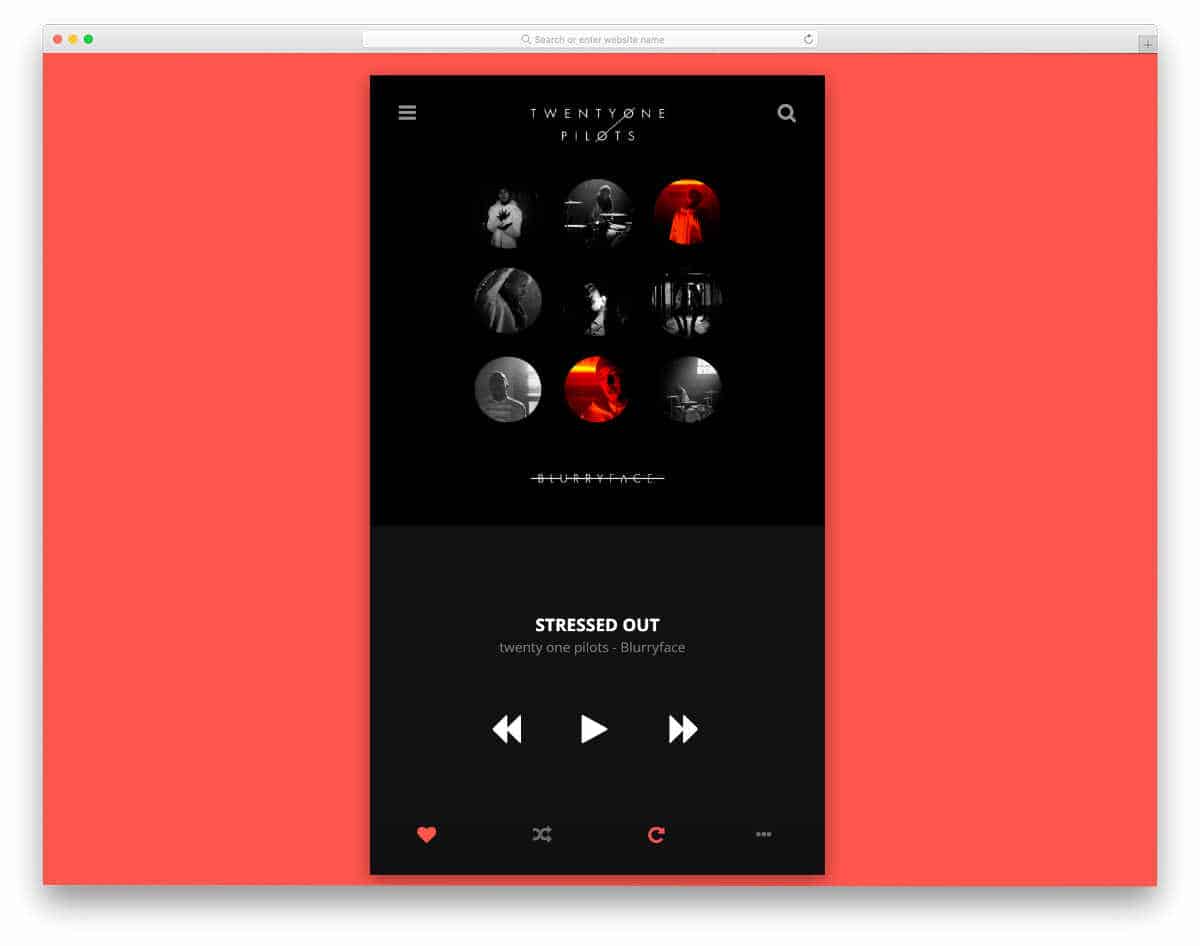
In this example, you get animation effects you can use in a music player. Apart from the animated album art, this music player lets you toggle animation effects. The creator could have added small animation effects for the element click actions. For example, a bouncy effect could have been used for the favorite button. Since this design uses the latest HTML5 and CSS3 script, it can handle all modern effects. For more small interactive animation effect inspirations, look at our bootstrap radio button design collection.
DailyUI Music Player 9
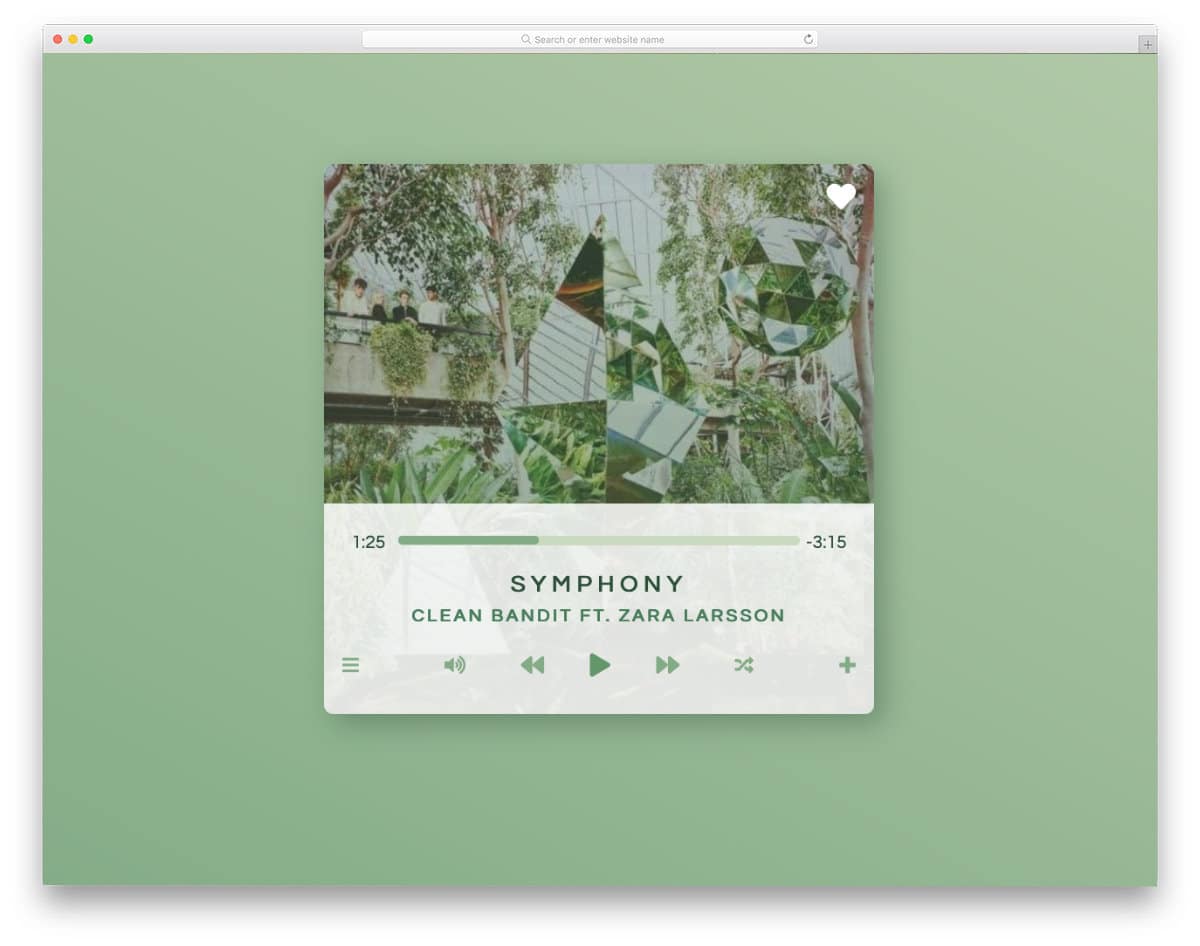
The creator has provided us with a simple, interactive music player design in this template. Because of this player’s compact design, you can use it as a widget and easily fit it on any part of your website. Hover-activated animations bring the player to life when the user decides to interact with it. Design-wise, this is a perfect music player. Once you have taken care of the backend work and the functions of the elements, this music player will help you make a proper player. The entire code script is shared with you so you can easily use this design in your project.
Phish Music Player
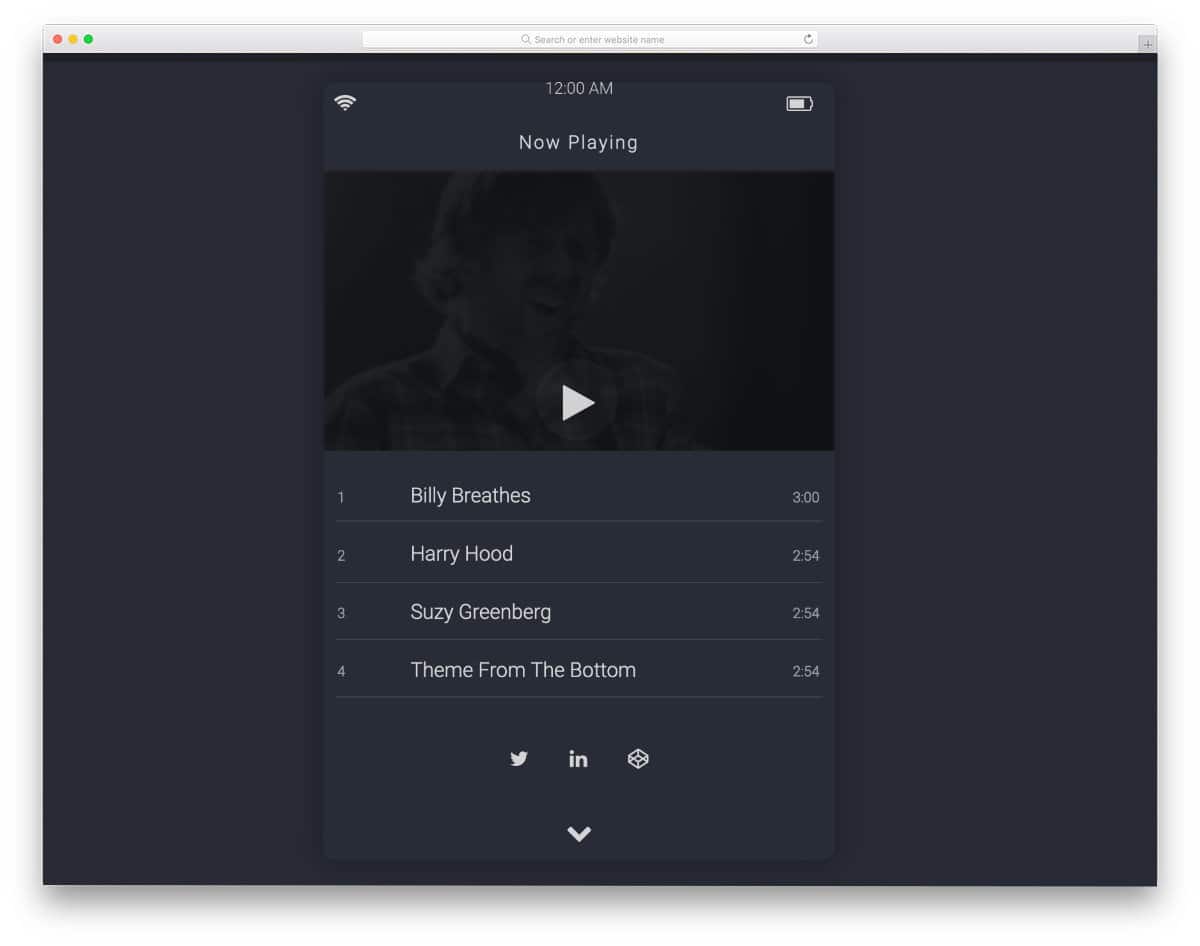
Phish Music Player is another compact music player design. The creator has given you access to this design’s upcoming song queue or song history. You can easily show or hide the details with a single click. The transition effects in this example are very fluid, which most users will love. You can create a proper music player using this code snippet by making a few changes. Click the info link below to know more about the code.
Card Music Player
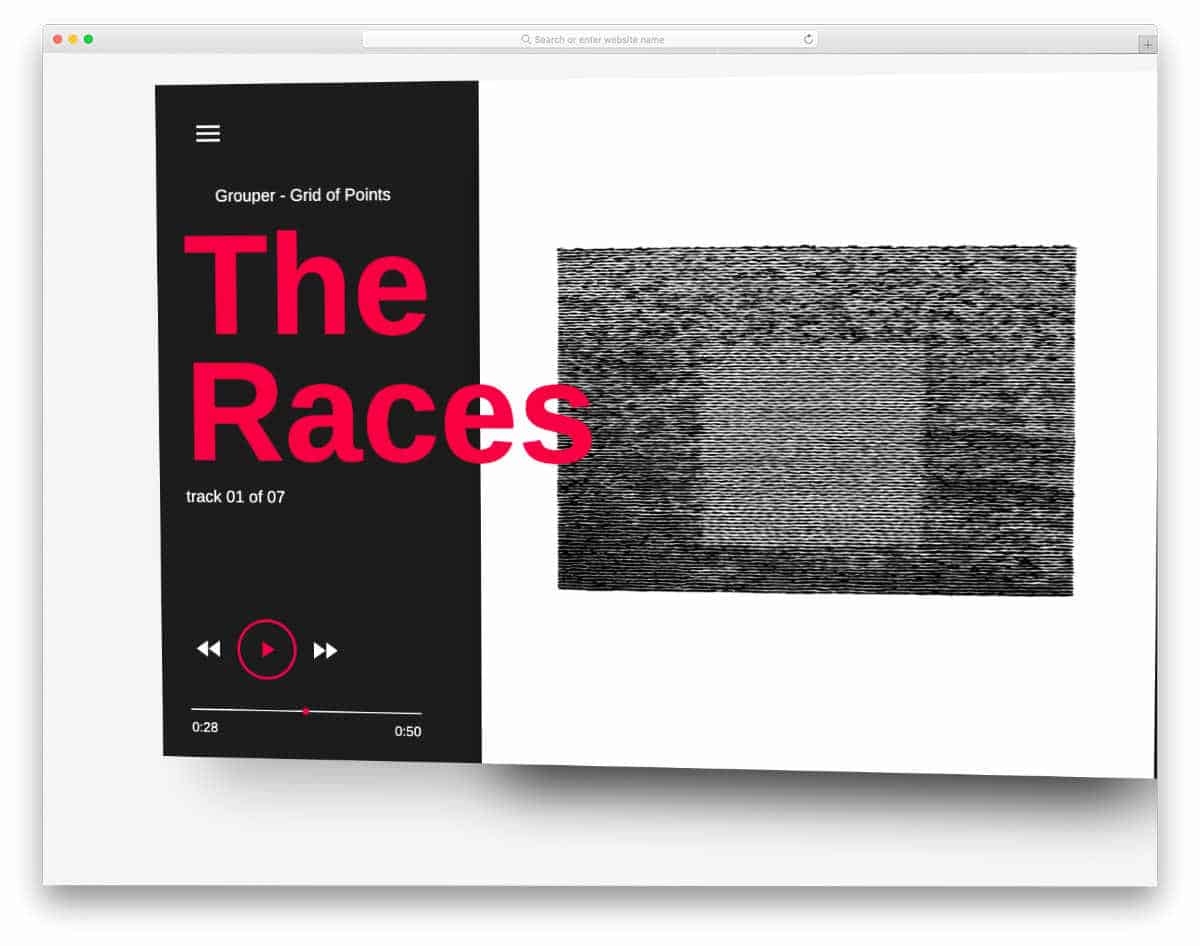
This design might impress you if you like to add an interactive hover effect for your HTML music player. In the default design, the creator has used the hover effect for the entire music player, but you limit the effect to certain elements. The entire code script used to make this design is shared with you on the CodePen editor, hence you can easily the code and visualize the results on the editor. If you are into card designs, then take a look at our bootstrap card design collection for more inspirations.
Music Player / Audio Player
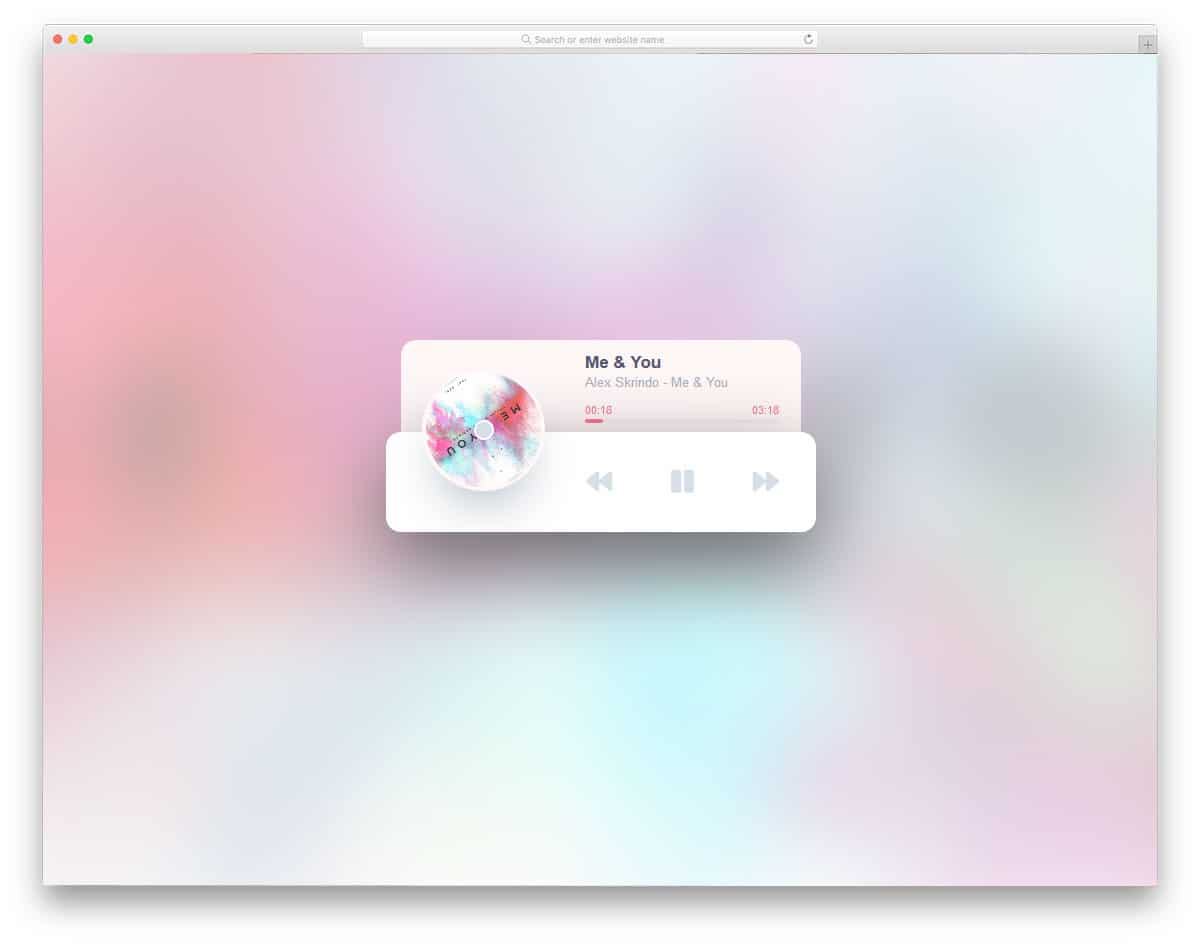
This is a minimalistic music player design that is fully functional. Like the luxury car music systems, the album details and timeline pop up as you play. Since the demo shows a full-page design, a blurry image of the album art appears in the background. Disc plating, like animation, will remind one of the early 2000s music players. The shadow effect is used to clearly distinguish the music player from the background. The next, previous, and play/pause buttons work perfectly in the demo. All you have to do is modify the code to your needs before using it in your project.
Music Player 2.0
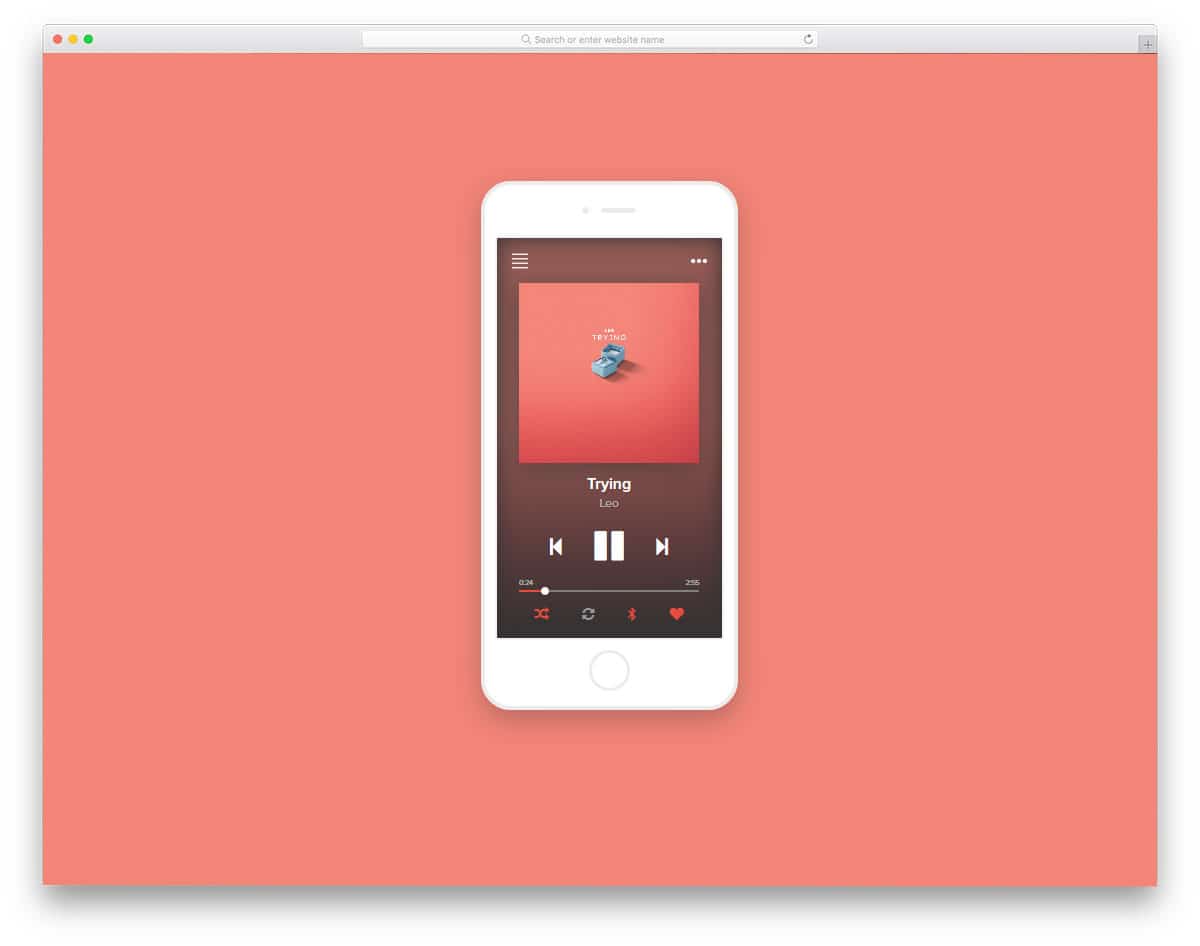
Music Player 2.0 is a properly designed music player for mobile applications. The strong multi-tasking capability of smartphones lets users enjoy music on the go. Sometimes the default player won’t satisfy the user’s needs. This design will inspire you if you plan to build a mobile music player app. It has shuffle, repeat, and favorite options at the bottom for better accessibility. The only flaw with this design it the music stops every time you hit the next or previous button. But it isn’t a big issue; you can fix it easily. As the developer of this music player has shared the code with you directly, you can get a better hands-on experience before using it. For a better presentation, the developer has used the iPhone design. Take a look at our iPhone mockup collection for the latest model iPhones.
Player
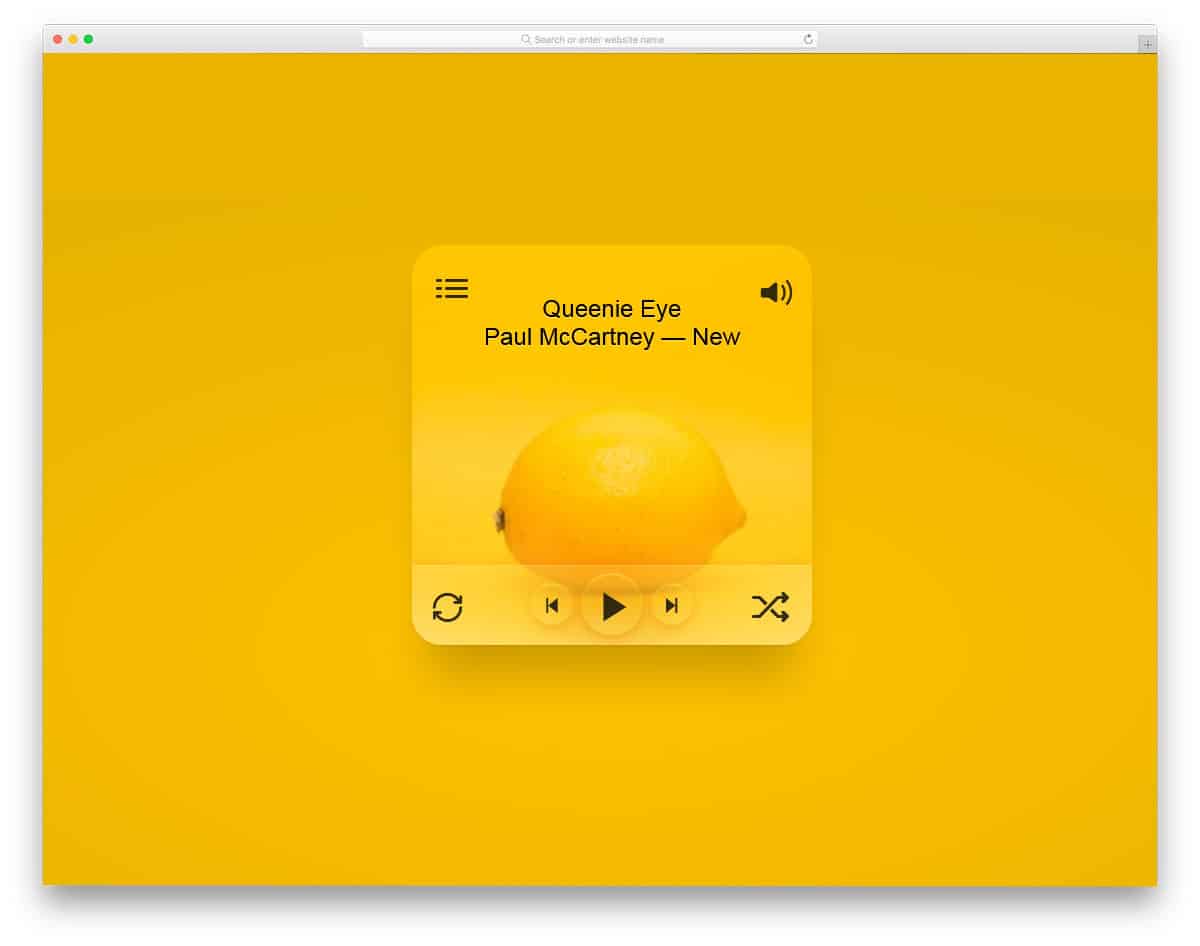
Player is a colorful music player design concept. This one isn’t as functional as the music players mentioned above. The creator of this player has provided you with a basic structure for a modern music player. Transparent parts of the music players blend easily with the background and the album art. Shadow and depth effects differentiate the control panel from the main player. The text is large enough for the user to see on the music player. Adding a few text effects lets you make big titles fit perfectly within the given space. You have a hamburger menu icon in the top-left corner to list all other options. If you are making a responsive music player, this design might help you.
3D Cube Media Player
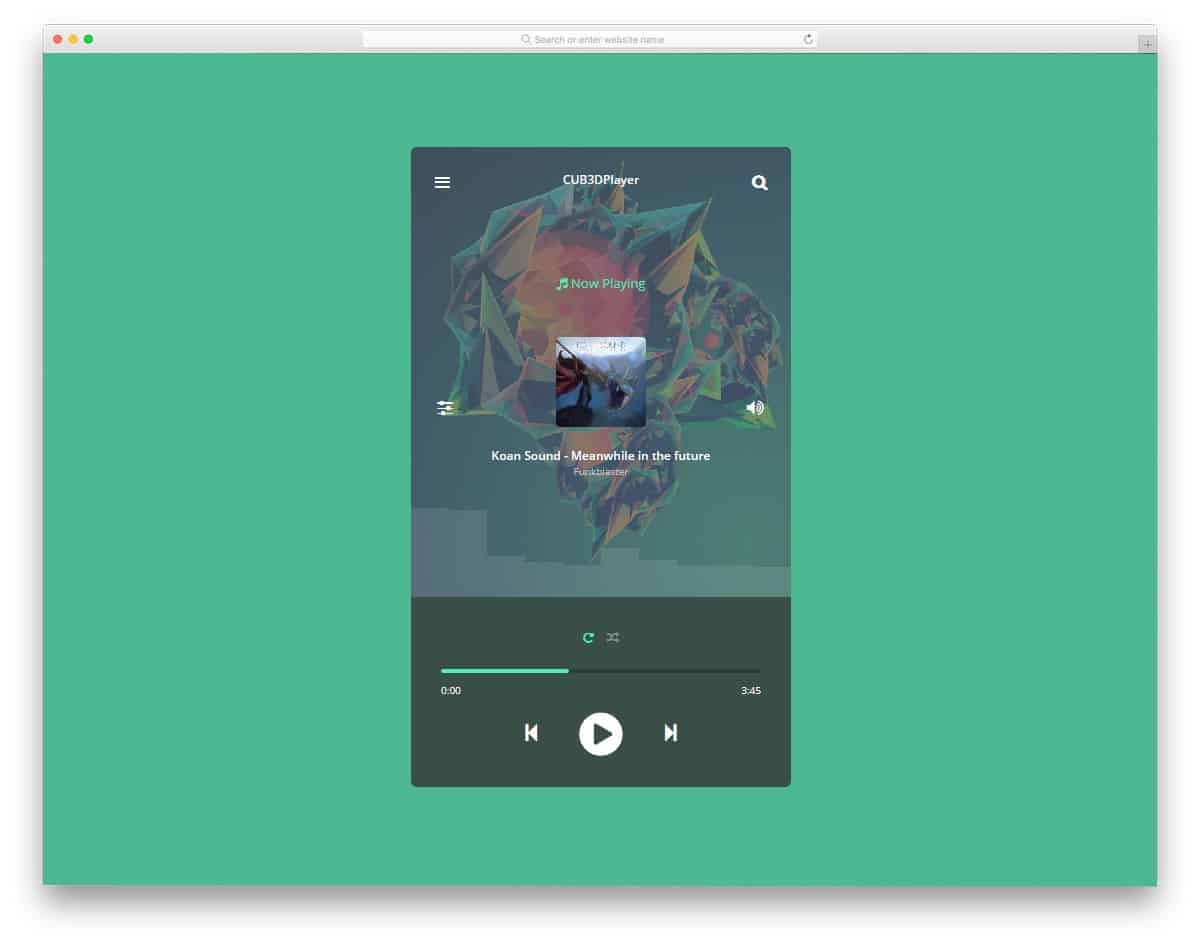
This is also a music player concept like the Player design mentioned above. It is designed solely using HTML and CSS. The animated audio bar will give the music player a lively effect as it plays. The volume controls and equalizer settings are given on either side of the music player. 3D cube-like animation makes the player look cool and puts all the necessary options in one place without taking up much space. Another advantage of this player is that all its lively animations are implemented purely with CSS3 and HTML5. So using it on your web application won’t be an issue.
Lyrics Player
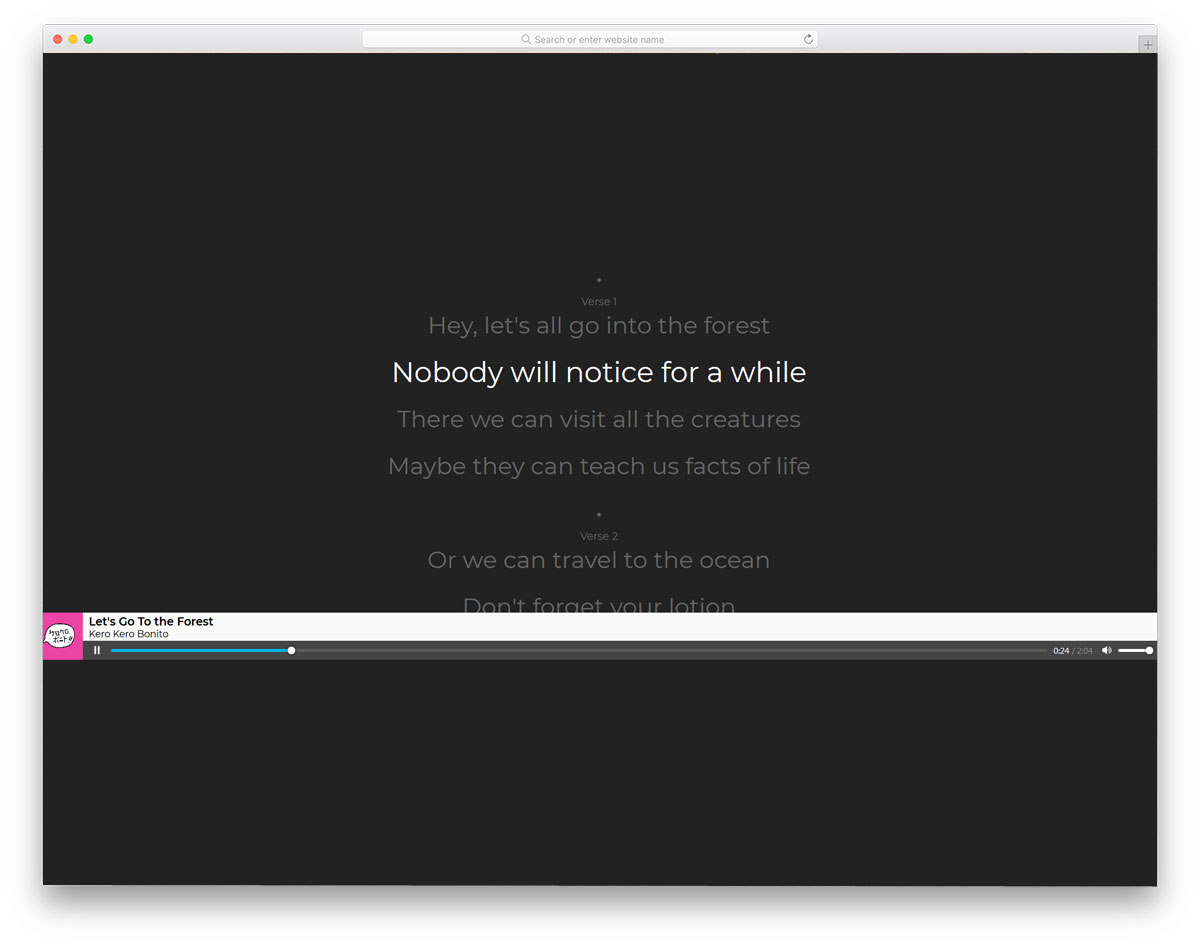
If you are planning to make a beautiful karaoke app, this Lyrics player might give you some design inspiration. As the name implies, you get the lyrics line shown on the music player. Fonts used for the text is bigger and bolder so the user can easily read the content on it. Plus, the currently playing phrases are highlighted using subtle text effects. It is a fully functional karaoke player, so you can use it and see before using it on your application or website. Other than the lyrics effect, the music player has a basic design. If you want, you can use another HTML music player design mentioned in this list to make your player look unique.
Music Player By Quin Li

This is a simple yet elegant music player design. Though the default design lacks few controls, the concept is very interesting. The creator has used a gramophone-like icon instead of the play and pause buttons. A pop-up animation is used to display the play and pause message. If you are using audio content on your website, designs like this can make it more interesting. This music player design can be used publicly with a few customizations. The entire code structure for this music player design is available in the CodePen editor. Customize and see the results before using it on your website.
Material Music Player
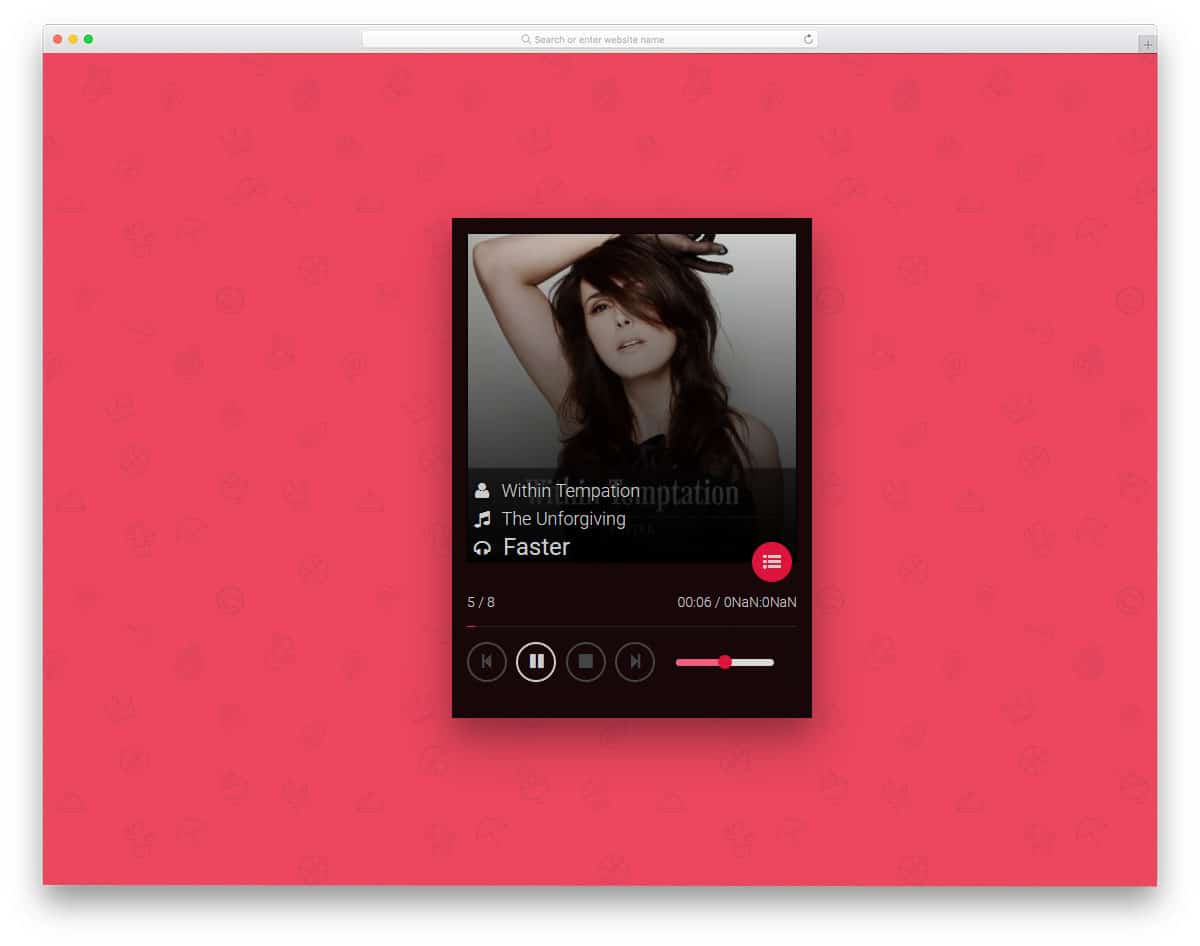
Material Music Player is a cool-looking, colorful music player. You can infer from the name that this player uses Material Design. Since this music player is originally designed for mobile phones, all the options are placed in easily accessible positions. Icons are used to display song details and control options. Volume control options are also given in the default design. The user can see the entire upcoming song queue with a single click. A pink color scheme is followed for all the elements and options. You can use the color scheme you want.
Flat Music Player

In the previous example, we see a circular music player widget. Well, in this one, we see a proper rectangular widget like the one you get in iTunes. In this one, you get limited controls like a play/pause option, volume control, and album art. Big, bold text is used to display the title of the track playing. Flash news can show the big titles within the given space. Shadow and depth effects differentiate the widget from the background. The developer has used HTML, CSS, and a few lines of JavaScript to make this beautiful widget.
Music Player DailyUI

This is a light skin version of the Flat music player mentioned above. This one is more responsive than the one Flat music player. This responsive design will be useful if you build a web application. The animation effect on this music player is pretty bold. But the effects are sleek and quick, so the users don’t have to wait for the animation to complete. Mostyle hover effects are used to show the related options and labels. This is a concept design, so you don’t get a fully functional version in the demo. But you can still use this codebase to create your custom music player.
Music App – TweenMax

Music app – TweenMax is a design for a music community website. If you are planning to let users interact with each other and discover the music others love, this design might help you come up with some bright ideas. The majority of the screen area is reserved for the visualizer. All the music player control options are added to the top right corner. The user can also see other members who are interested in that song in the visualizer area. Website navigation options are added to the left sidebar and the music player options are added on the right sidebar. Look at our free dashboard template collection to manage your users easily.
Audio Player By Alex Permyakov
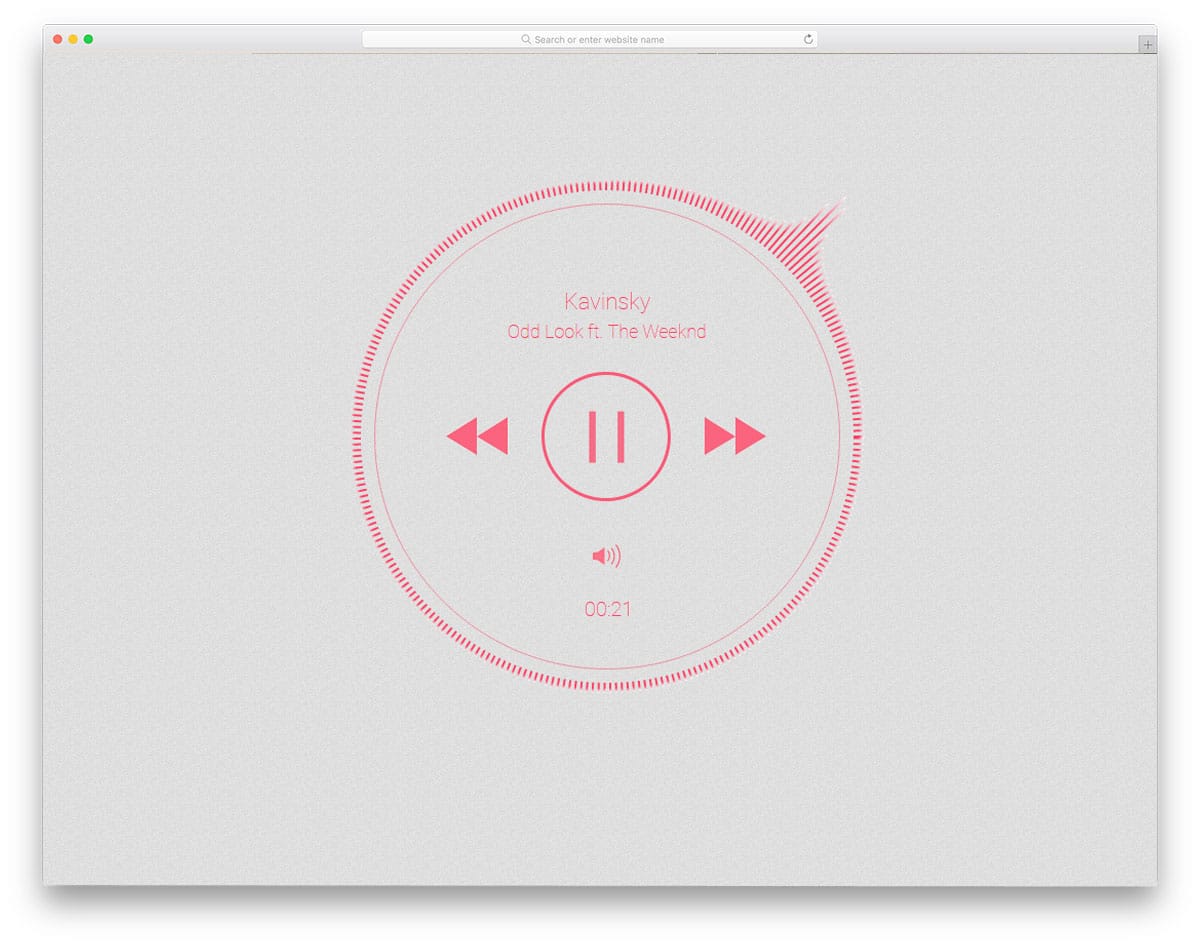
This is a simple and elegant looking music player. It is a fully functional music player, which you can use to play music in the demo itself. Sensitive bars around the music players move dynamically as you play. Animation effects give the music player a lively feel. Plus, the animation effects make the circular music player look more elegant. All the control options are given at the center. The only thing this music player misses is the space for album art. Apart from that, this music player has all the features of a proper music player.
Better Audio Player
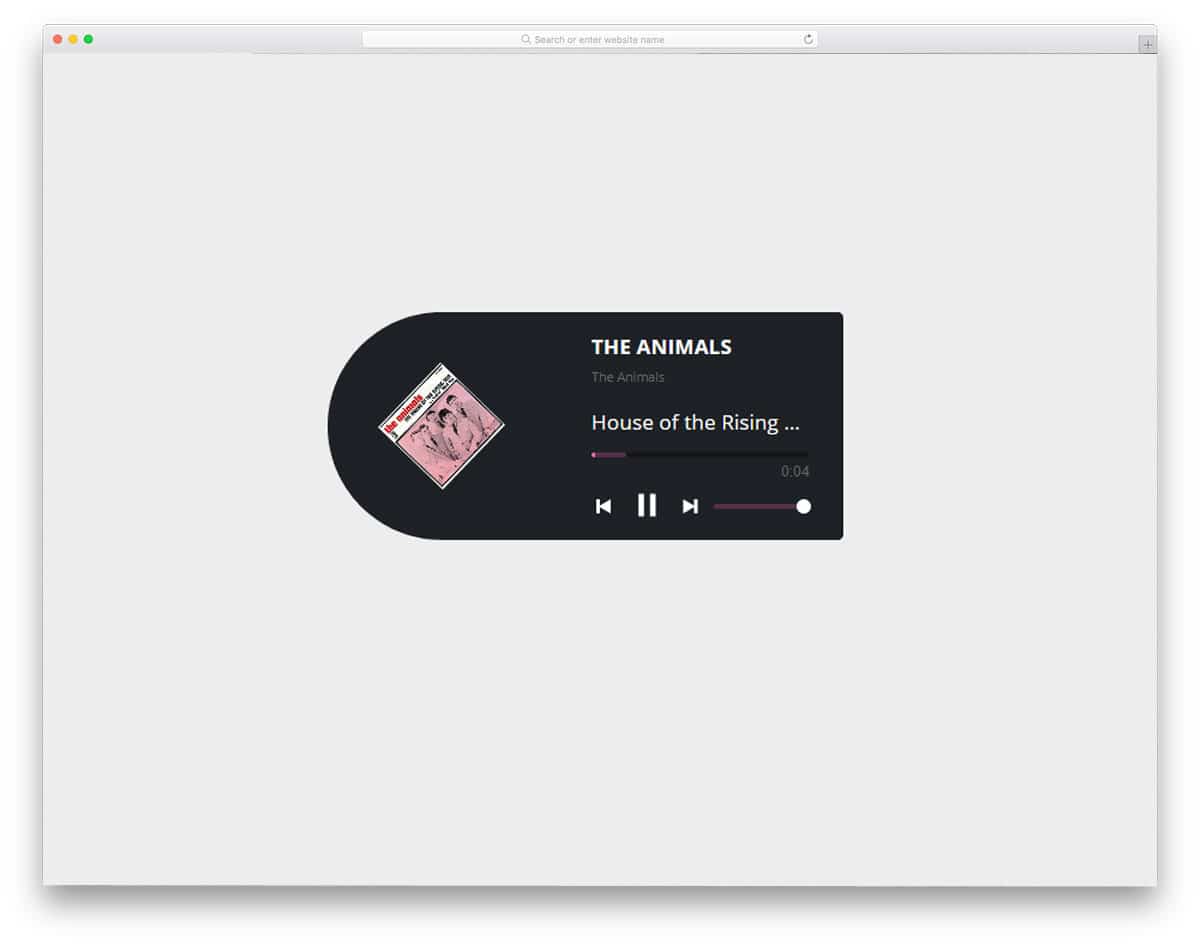
Better Audio Player is a mini audio player you can easily embed anywhere on your website. If you are designing a music website, widgets like this will be useful. This audio player is designed using HTML5 and CSS3 frameworks. So you can adjust the shape of the music player to fit your design needs. Since it is a mini music player, you get only limited controls. The album art on the left-hand side rotates to give a disc-rotating effect. Basic music and volume control options are also provided. Based on your need you can add extra controls like shuffling options.
Audio Player By Matt Stvartak
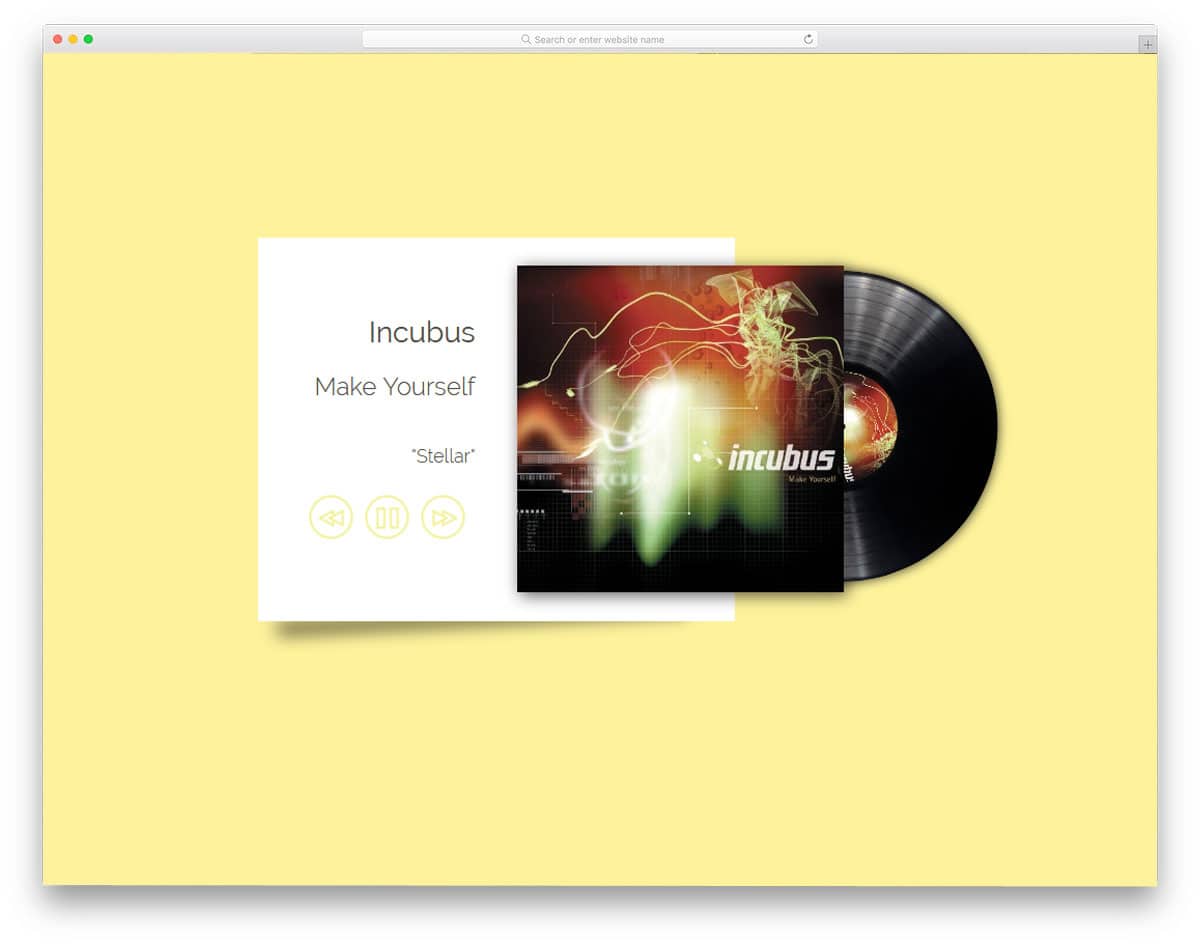
The music player by Matt Stvartak can be used as the full version of the mini music player mentioned above. This one also has the disc-rotating animation to display the album art. The disc goes inside the music cover or envelope when you pause the music. A single color scheme is followed throughout the player to maintain design consistency. Shadow and depth effects are used to differentiate and show the elements. Most of the elements on this music player are designed using the HTML and CSS script. So you won’t have any issues in using it on your website. Regarding envelopes, take a look at our envelope mockup collection for cards, letters, and discs like this.
Material Music Player 2

This one is another colorful material music player. In the previous version, you had a single color theme, but in this one, you have multiple colors. For each subsequent song, the background color of the music player changes. Split screen design is followed in this music player. On the left, you have space to add album art; to the right, you have all the music control options. Transition effects are fluid and smooth so the music player easily adapts to the screen. This music player can be used in mobile applications and website widgets with a few customizations.
Music Player With Hidden Controls
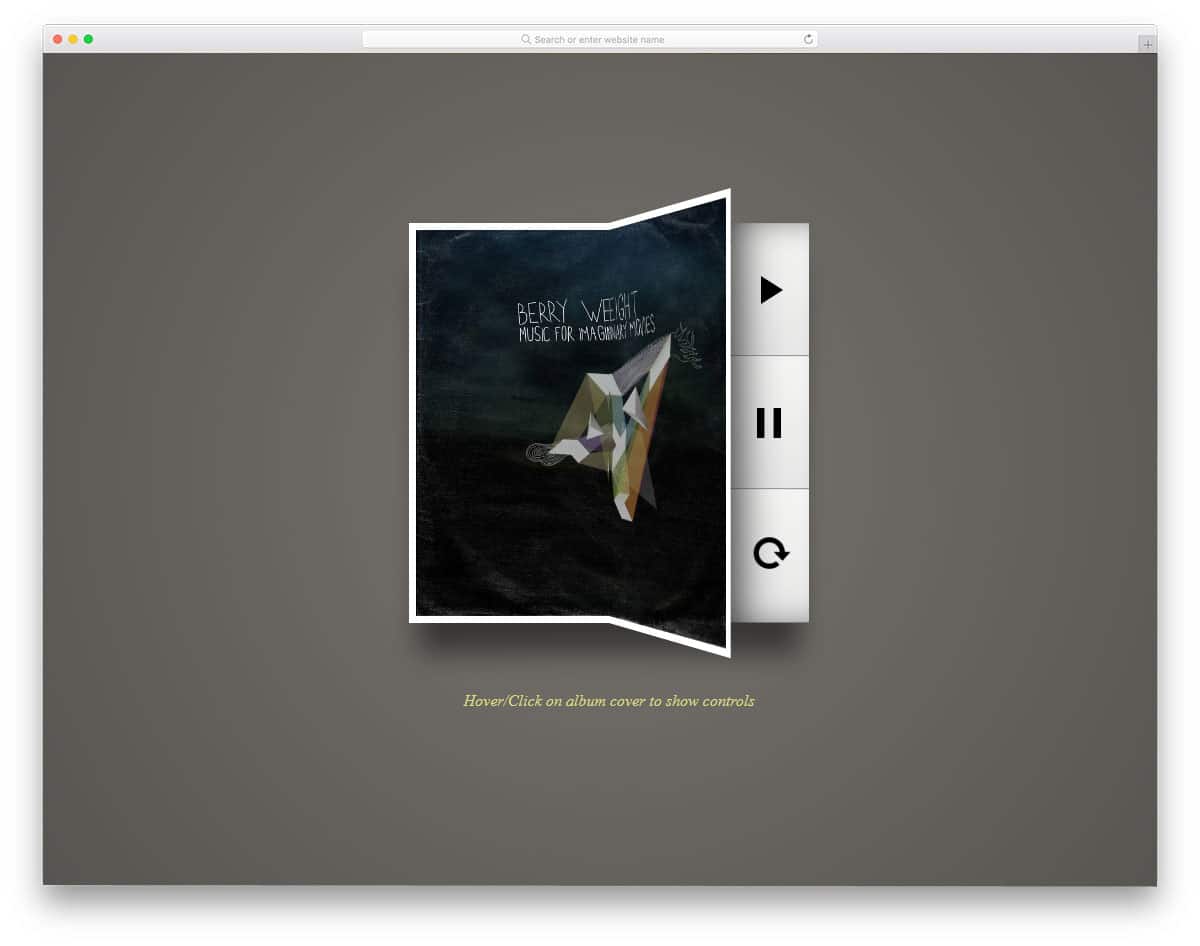
A music player with hidden controls is a responsive design. As the name implies, all the options are hidden behind the album art. This unique design limits it to the desktop version. You need to tweak the mobile design a bit for a better user experience. The page-flipping animation is smooth and clean thanks to the SCSS framework. Basic music control options, such as play, pause, and loop mode, are provided. Shadow and depth effects are used to give the music player a floating appearance. By making a few customizations, you can add the features you want.
Mini Music Player
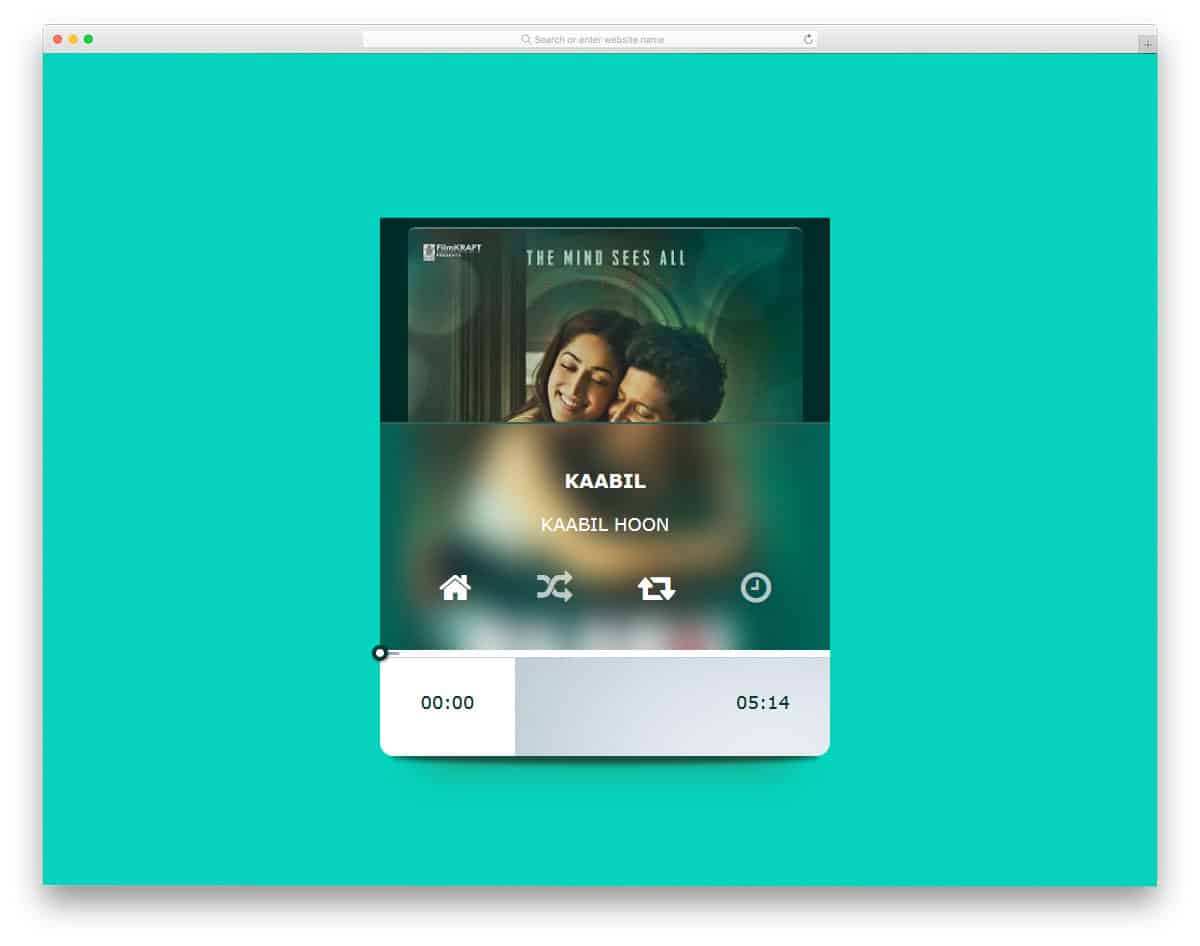
Mini Music Player is another fully functional website. All the options given on the demo are fully functional, so you can get a basic idea before using them on your website or application. A transparent design element is used in this player, which gives a glass-like finish. However, it needs a few adjustments to make it a proper music player. The entire code structure for this mini music player is shared with you. You can use this code as a base to create your custom player with the options you want.
Music Player By Asfo Zavala
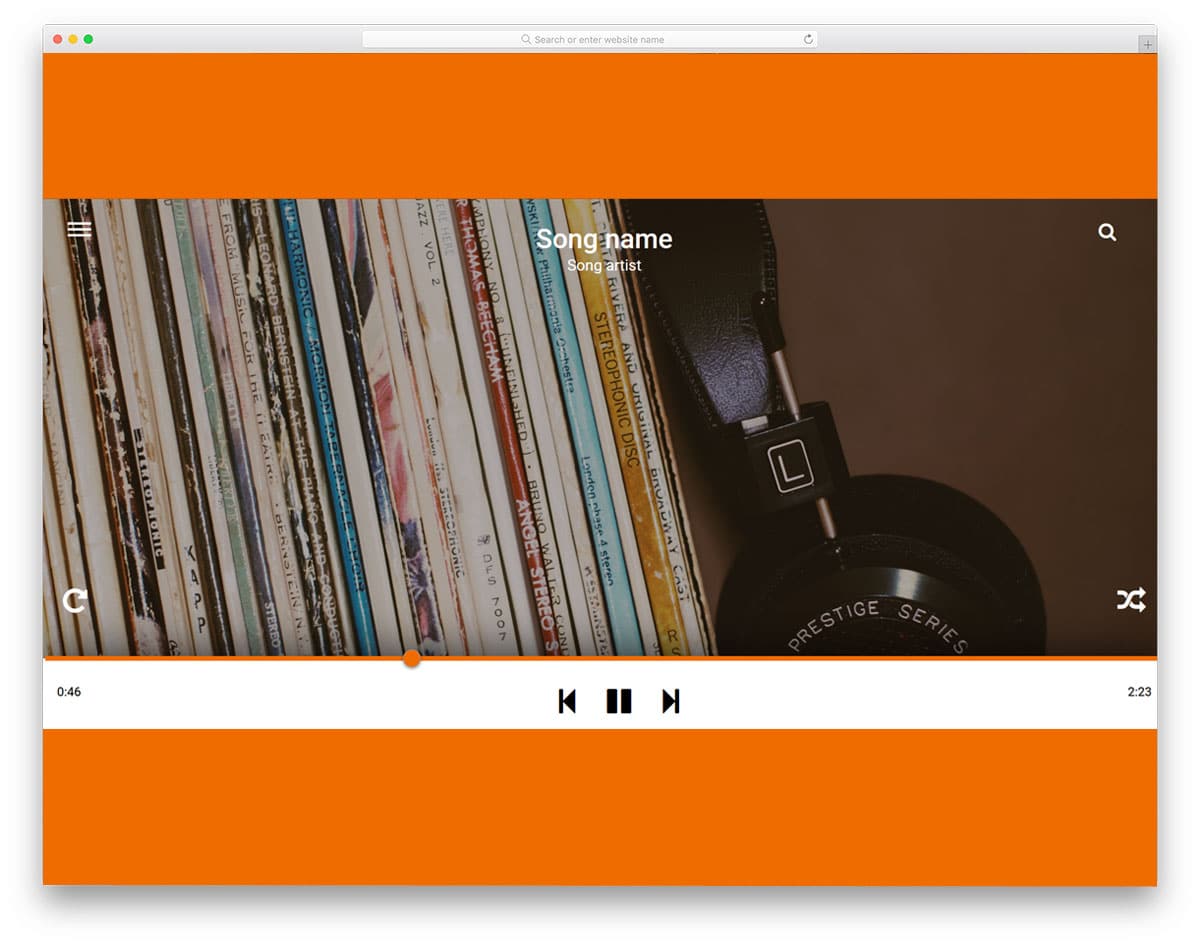
This music player is a desktop version of Google Play Music. You get the same bold icons and orange color scheme. The minimalist design shows only the essential information, so the player won’t be confused. Still, the design given in this example is a base design. You have to manually work on it to make the player fully functional. This design has much room for improvement, and you can fill it with your creativity. The code scripts used to make this player is given to you directly. So you can have a better hands-on experience before using it on your project or design.
Abbey Music Player

Abbey Music Player is another functional mobile music player. The design might jog some people’s memories about their Xperia mobile devices. Neat, simple yet functional design with all the options placed at the most accessible positions. The creator of this music player has given you a basic design. You have to manually work on the back-end functionality. All the music control options are placed behind the hamburger icon. A small bug in the default player is that the music plays only when you hover over the album art. This might need to be fixed before you use it. Other than that, all the other features are properly designed.
Music Player UI
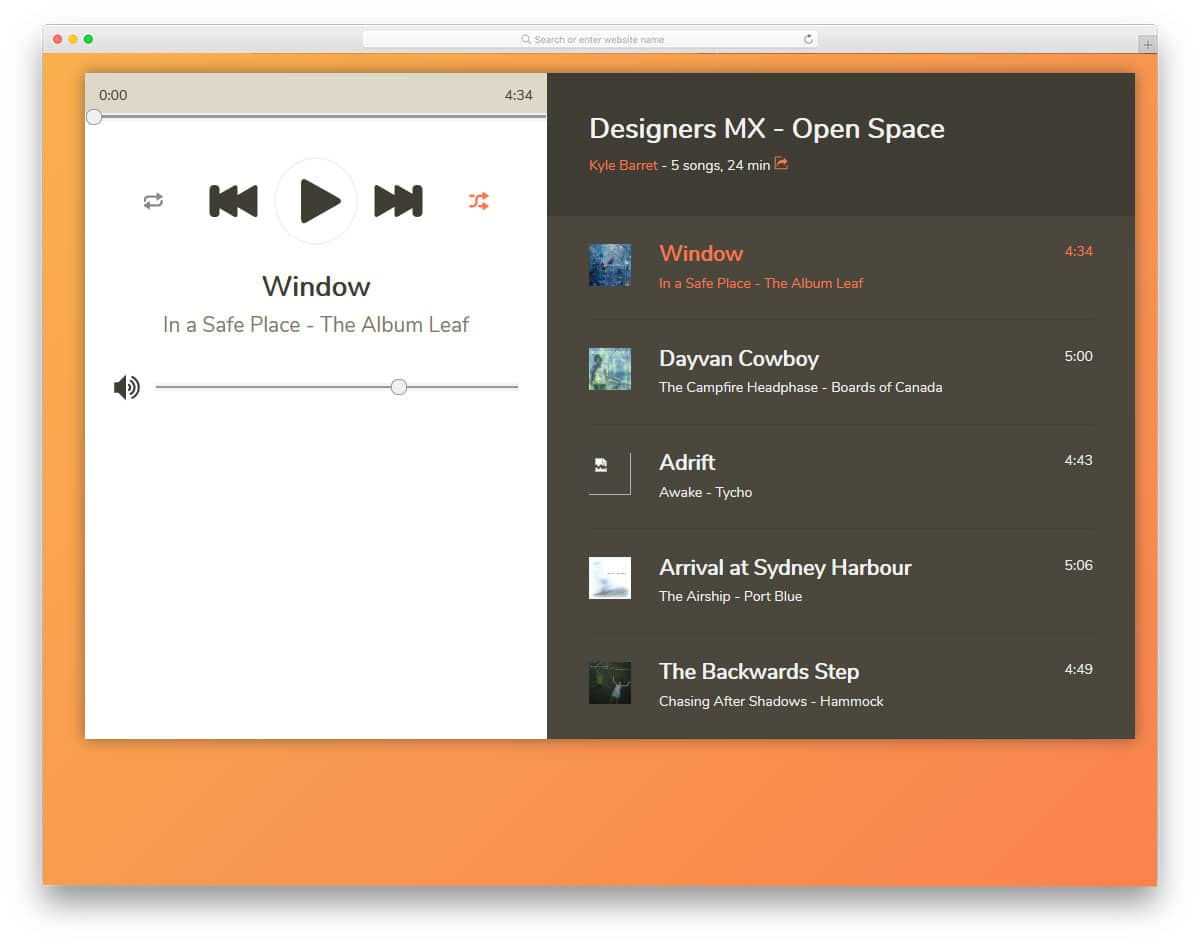
Music Player UI is another concept design. This music player lets the user see the complete album list on one side and music controls on the other. Icons and text are made larger so the user can easily see the content on the screen. Plus, the split-screen design gives you ample space to add related controls and options. Again, this is a concept model, so you can use it as an inspiration. By making a few code adjustments, you can use this music player as a widget on your website or in a mobile application.

These are fantastic. I was curious to know could these be sampled first before installing on a website first to see which ones would stand out to my liking more than others, or just download the codes for each one, one at a time to give it a whirl.
My website is in the middle of being designed. I’ve received one preview of my website, but the designers are tweaking corrections and I should receive a second preview of the design within a few days. The designers will also be embedding codes for my player. So, the website will not be published until probably a few more weeks. But the basic player that they have codes for, will not be sufficient for me and that why I’m seeking a third-party Player.